Devices are in the classroom- how to make the
technology work for you
Cramlington Learning Village
Phil Spoors, Assistant Head Teacher
Graham Quince, VLE Co-ordinator
The Mountbatten School
Chris Goodrich
Director of IT Services
Frog
Chris Pates, Head of Solutions
Technical Talk
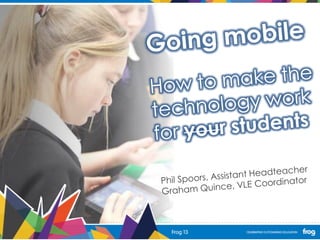
Phil Spoors, Assistant Headteacher
Graham Quince, VLE Coordinator
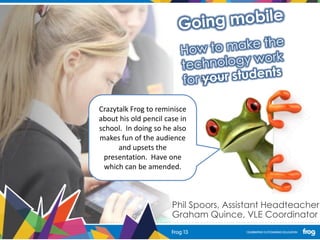
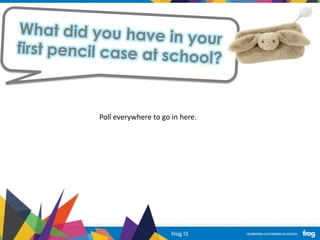
Crazytalk Frog to reminisce
about his old pencil case in
school. In doing so he also
makes fun of the audience
and upsets the
presentation. Have one
which can be amended.
Poll everywhere to go in here.
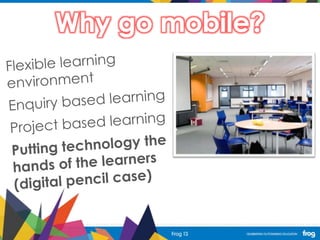
Why go mobile?
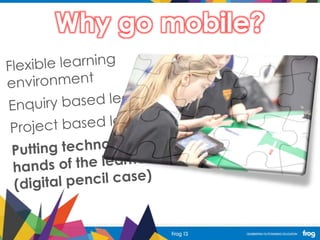
Why go mobile?
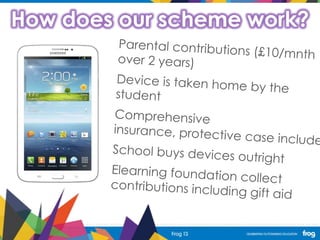
How does our scheme work?
Why Android?
BECAUSE
WE HATE
APPLE!!
Why Android?
What impact do we hope the
tablets will have?
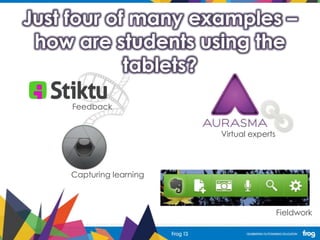
Just four of many examples –
how are students using the
tablets?
Feedback
Virtual experts
Capturing learning
Fieldwork
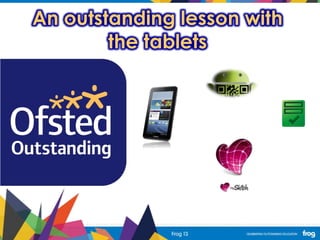
An outstanding lesson with
the tablets
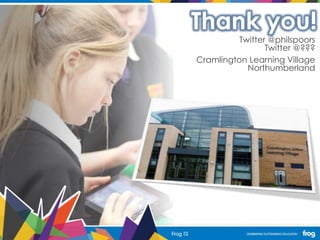
Thank you!
Twitter @philspoors
Twitter @???
Cramlington Learning Village
Northumberland
Devices in the Classroom
• Chris Goodrich – Director of IT Services
• The Mountbatten School
• Twitter - @cgood77
Infrastructure
• Massively important!
• Needs to be reliable
• If you have problems with devices on your
wired network fix them first!
• Get the basics right first!
Wireless
• Enterprise wireless solution
– Meru, Meraki, Ruckus, and more
• Does your wireless cover the whole site?
• Is it easy to make changes to?
• Needs to support a high density of devices
The Mountbatten School
• Romsey, Hampshire
• Converter Academy (April 2011)
• 1420 students
• 800 computers and laptops
• 150 iPads
iPad Management
• Apple Volume Purchase Program (VPP)
• Apple Configurator
• Meraki – www.meraki.com
– Free Mobile Device Management (MDM)
system
– Can be used to manage iPads, Andriod devices,
Windows and Macs
Apple Volume Purchase Program
• Buy multiple copies of apps
• When purchasing more than 20 copies
usually receive 50% discount
• Receive redemption codes to distribute
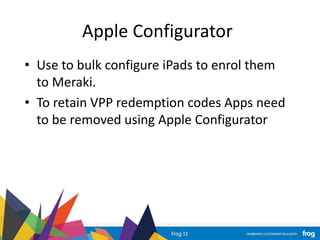
Apple Configurator
• Use to bulk configure iPads to enrol them
to Meraki.
• To retain VPP redemption codes Apps need
to be removed using Apple Configurator
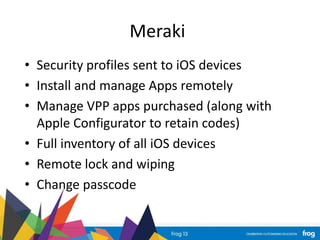
Meraki
• Security profiles sent to iOS devices
• Install and manage Apps remotely
• Manage VPP apps purchased (along with
Apple Configurator to retain codes)
• Full inventory of all iOS devices
• Remote lock and wiping
• Change passcode
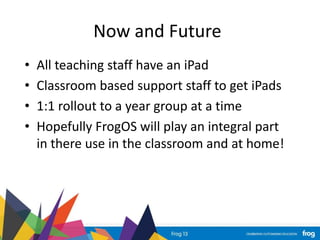
Now and Future
• All teaching staff have an iPad
• Classroom based support staff to get iPads
• 1:1 rollout to a year group at a time
• Hopefully FrogOS will play an integral part
in there use in the classroom and at home!
Any Questions?
Technical Talk

Technical Workshop: Devices in the classroom - how to make technology work for you

  • 1.
    Devices are inthe classroom- how to make the technology work for you Cramlington Learning Village Phil Spoors, Assistant Head Teacher Graham Quince, VLE Co-ordinator The Mountbatten School Chris Goodrich Director of IT Services Frog Chris Pates, Head of Solutions Technical Talk
  • 3.
    Phil Spoors, AssistantHeadteacher Graham Quince, VLE Coordinator Crazytalk Frog to reminisce about his old pencil case in school. In doing so he also makes fun of the audience and upsets the presentation. Have one which can be amended.
  • 4.
    Poll everywhere togo in here.
  • 5.
  • 6.
  • 7.
    How does ourscheme work?
  • 8.
  • 9.
  • 10.
    What impact dowe hope the tablets will have?
  • 11.
    Just four ofmany examples – how are students using the tablets? Feedback Virtual experts Capturing learning Fieldwork
  • 12.
    An outstanding lessonwith the tablets
  • 13.
    Thank you! Twitter @philspoors Twitter@??? Cramlington Learning Village Northumberland
  • 14.
    Devices in theClassroom • Chris Goodrich – Director of IT Services • The Mountbatten School • Twitter - @cgood77
  • 15.
    Infrastructure • Massively important! •Needs to be reliable • If you have problems with devices on your wired network fix them first! • Get the basics right first!
  • 16.
    Wireless • Enterprise wirelesssolution – Meru, Meraki, Ruckus, and more • Does your wireless cover the whole site? • Is it easy to make changes to? • Needs to support a high density of devices
  • 17.
    The Mountbatten School •Romsey, Hampshire • Converter Academy (April 2011) • 1420 students • 800 computers and laptops • 150 iPads
  • 18.
    iPad Management • AppleVolume Purchase Program (VPP) • Apple Configurator • Meraki – www.meraki.com – Free Mobile Device Management (MDM) system – Can be used to manage iPads, Andriod devices, Windows and Macs
  • 19.
    Apple Volume PurchaseProgram • Buy multiple copies of apps • When purchasing more than 20 copies usually receive 50% discount • Receive redemption codes to distribute
  • 20.
    Apple Configurator • Useto bulk configure iPads to enrol them to Meraki. • To retain VPP redemption codes Apps need to be removed using Apple Configurator
  • 21.
    Meraki • Security profilessent to iOS devices • Install and manage Apps remotely • Manage VPP apps purchased (along with Apple Configurator to retain codes) • Full inventory of all iOS devices • Remote lock and wiping • Change passcode
  • 22.
    Now and Future •All teaching staff have an iPad • Classroom based support staff to get iPads • 1:1 rollout to a year group at a time • Hopefully FrogOS will play an integral part in there use in the classroom and at home!
  • 23.

Editor's Notes

  • #16 I cant emphasize enough the importance of having a good solid infrastructure in place before even thinking about getting mobile tablet devices in the classroom. The foundations are so important unless they are correct everything you put on top will fail.
  • #17 You need to have an enterprise level wireless system in place which is able to handle a high density of devices in a small space, for example in one classroom you may have 32 devices all connecting via a single access point, is your wireless system capable of this? A wireless system designed for home use is not good enough.
  • #18 You need to have an enterprise level wireless system in place which is able to handle a high density of devices in a small space, for example in one classroom you may have 32 devices all connecting via a single access point, is your wireless system capable of this? A wireless system designed for home use is not good enough.
  • #19 You need to have an enterprise level wireless system in place which is able to handle a high density of devices in a small space, for example in one classroom you may have 32 devices all connecting via a single access point, is your wireless system capable of this? A wireless system designed for home use is not good enough.
  • #20 You need to have an enterprise level wireless system in place which is able to handle a high density of devices in a small space, for example in one classroom you may have 32 devices all connecting via a single access point, is your wireless system capable of this? A wireless system designed for home use is not good enough.
  • #21 You need to have an enterprise level wireless system in place which is able to handle a high density of devices in a small space, for example in one classroom you may have 32 devices all connecting via a single access point, is your wireless system capable of this? A wireless system designed for home use is not good enough.
  • #22 You need to have an enterprise level wireless system in place which is able to handle a high density of devices in a small space, for example in one classroom you may have 32 devices all connecting via a single access point, is your wireless system capable of this? A wireless system designed for home use is not good enough.
  • #23 You need to have an enterprise level wireless system in place which is able to handle a high density of devices in a small space, for example in one classroom you may have 32 devices all connecting via a single access point, is your wireless system capable of this? A wireless system designed for home use is not good enough.