iOS device deployment example
  2012 – Hospitality Students
          Pete Stockley
     Mobile Learning Systems
            Specialist
              2012
Contents
1.   Define project requirements
2.   Set up devices, settings and other services
3.   Device acquaintance and training
4.   Updates and maintenance
5.   Upon return
6.   Feedback
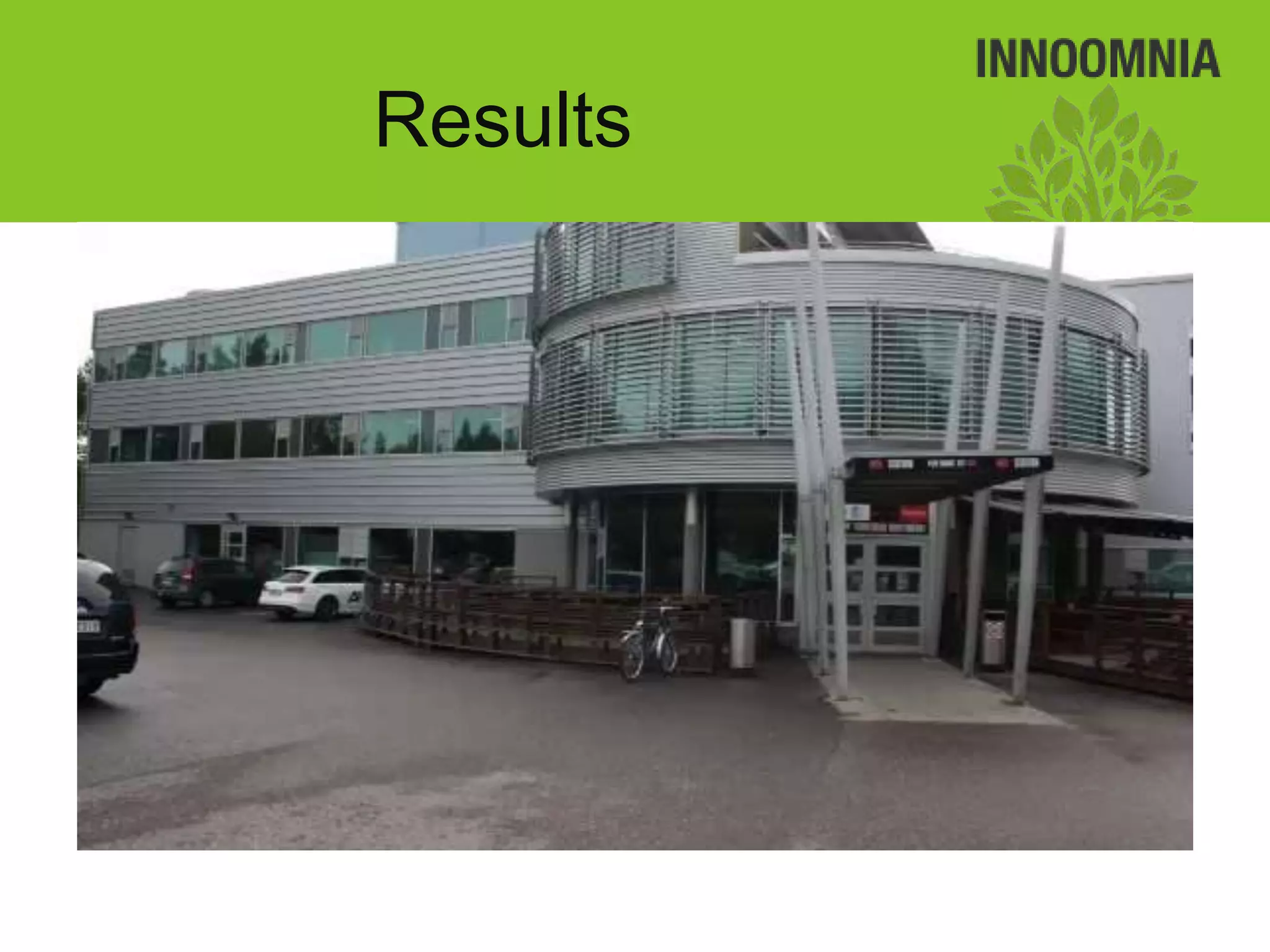
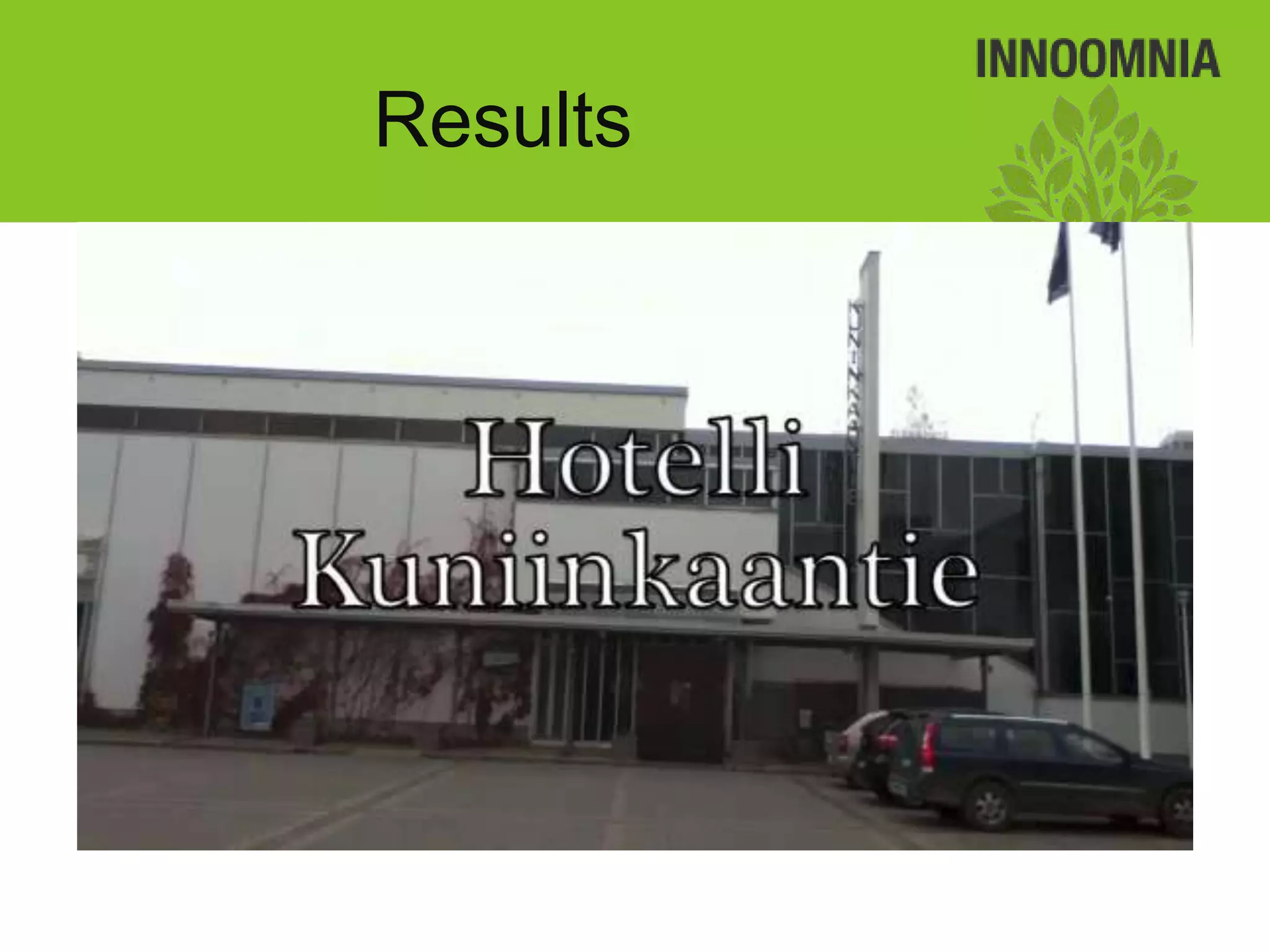
7.   Results
Define project
          requirements
• 2012 Hospitality           • Goals:
  Students                      – Project management
• 1 Teacher: Kaisa Jussila      – Teamwork
• 18 Students                   – Hands-on work
• 1 period(10 weeks)            – Action planning
                                – Problem solving
                                – Reflection of learning
                                – Device usage
                                – Mobile learning
Define project
           requirements
• Tasks:
  – Research event management companies and
    conference services
  – Interview employees
  – Publish and share findings
Define project
requirements
    Meet with the teacher
Define project
                requirements
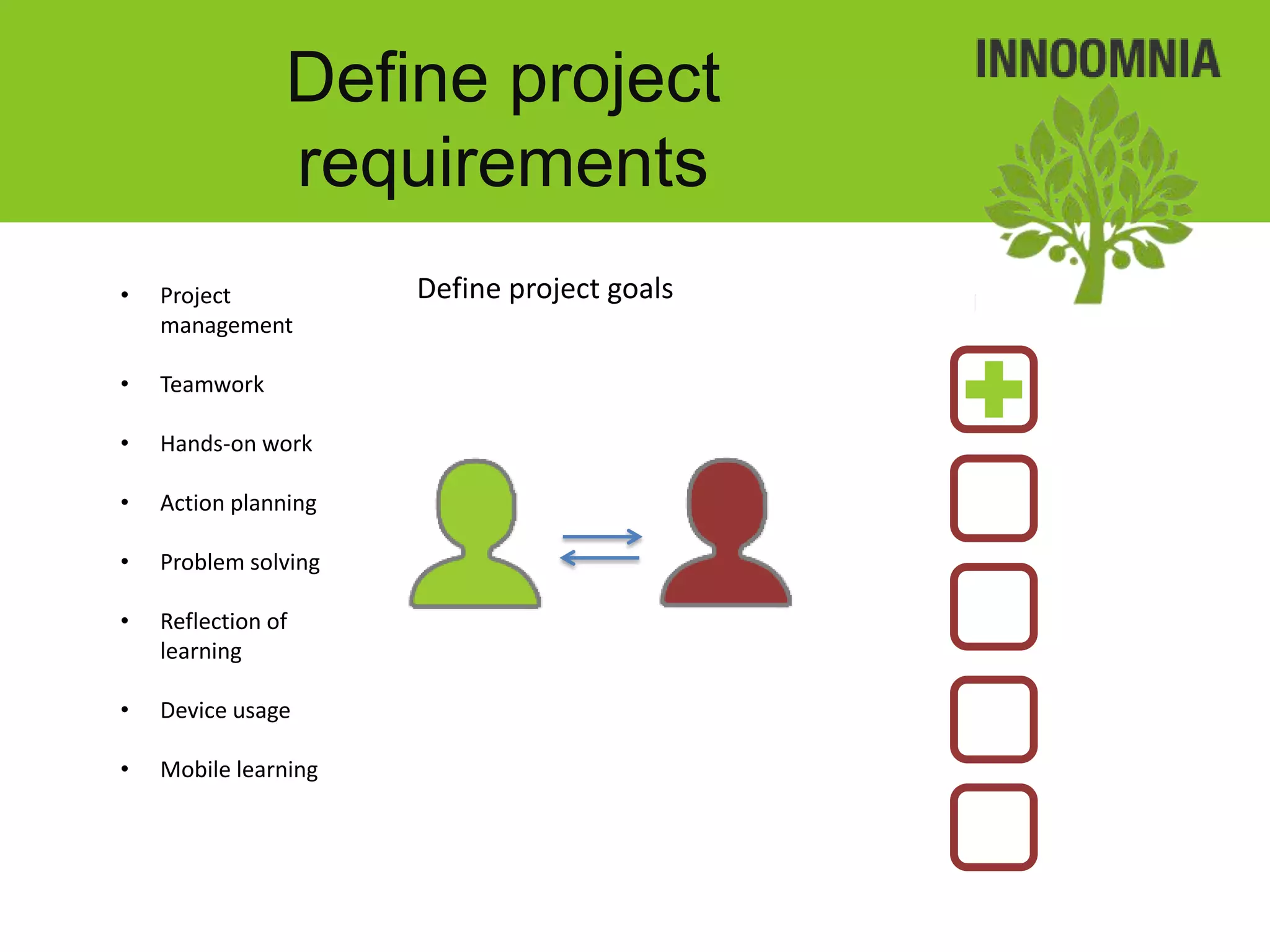
•   Project           Define project goals
    management

•   Teamwork

•   Hands-on work

•   Action planning

•   Problem solving

•   Reflection of
    learning

•   Device usage

•   Mobile learning
Define project
              requirements
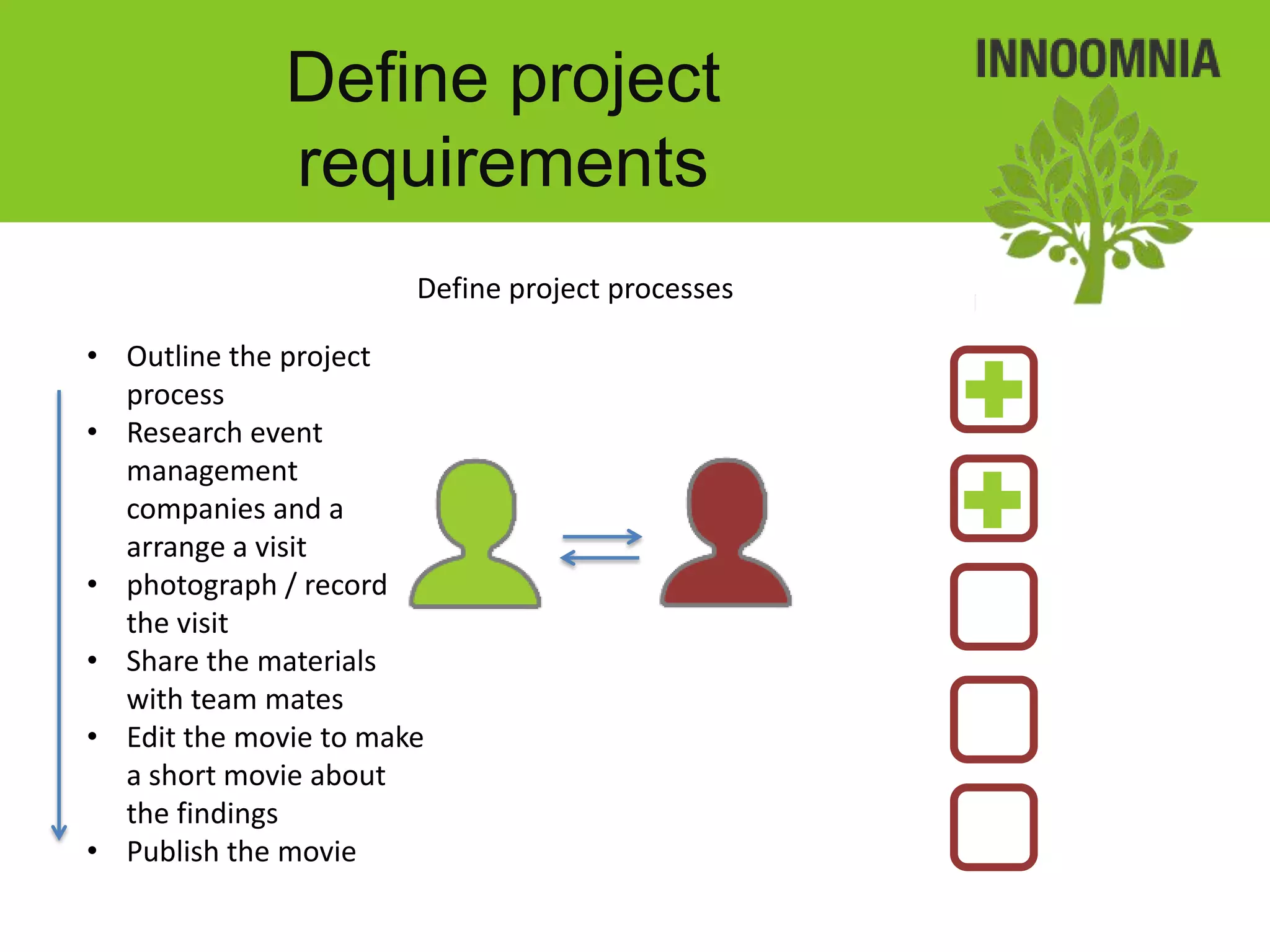
                       Define project processes

• Outline the project
  process
• Research event
  management
  companies and a
  arrange a visit
• photograph / record
  the visit
• Share the materials
  with team mates
• Edit the movie to make
  a short movie about
  the findings
• Publish the movie
Define project
requirements
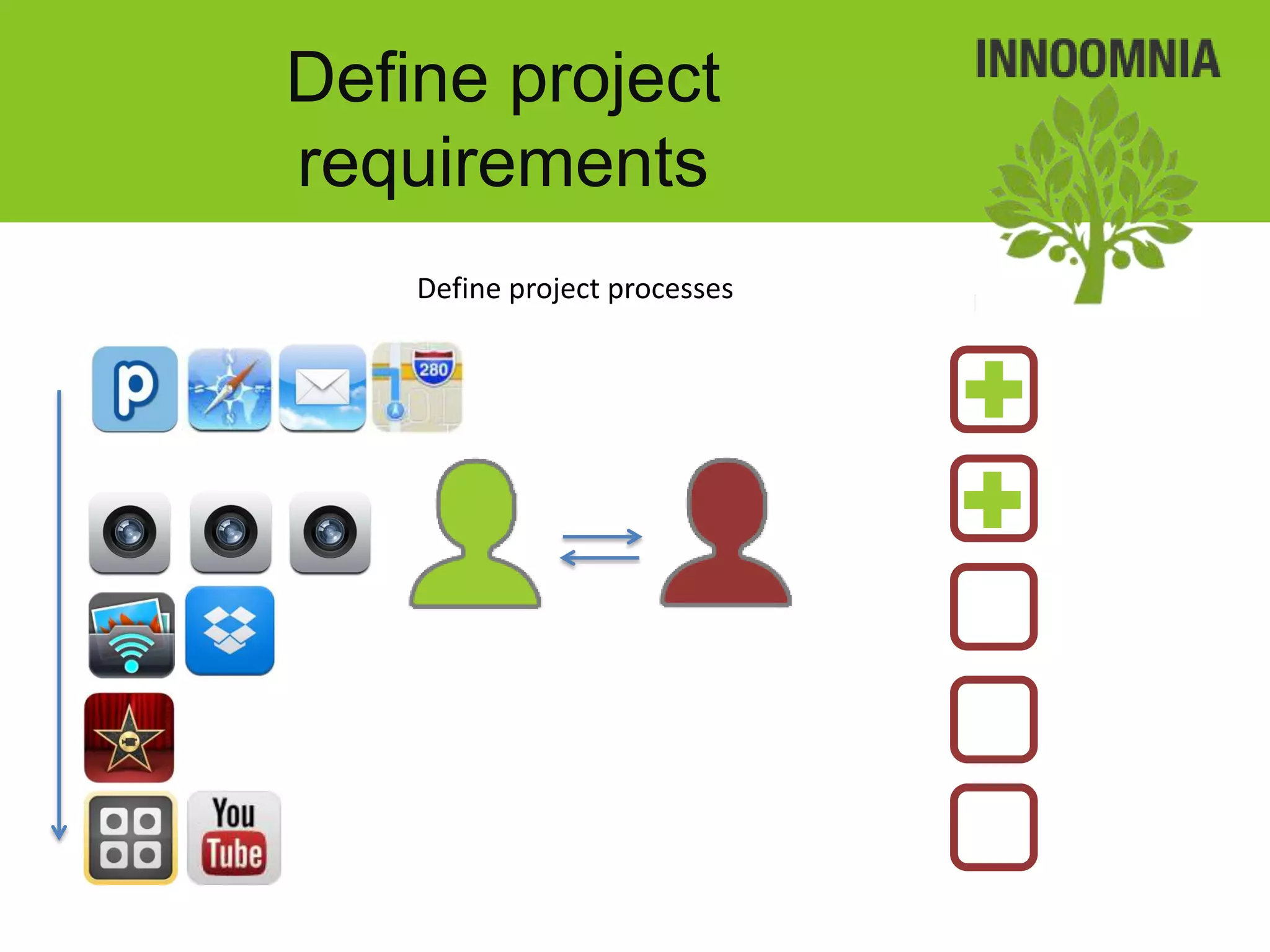
    Define project processes
Define project
requirements
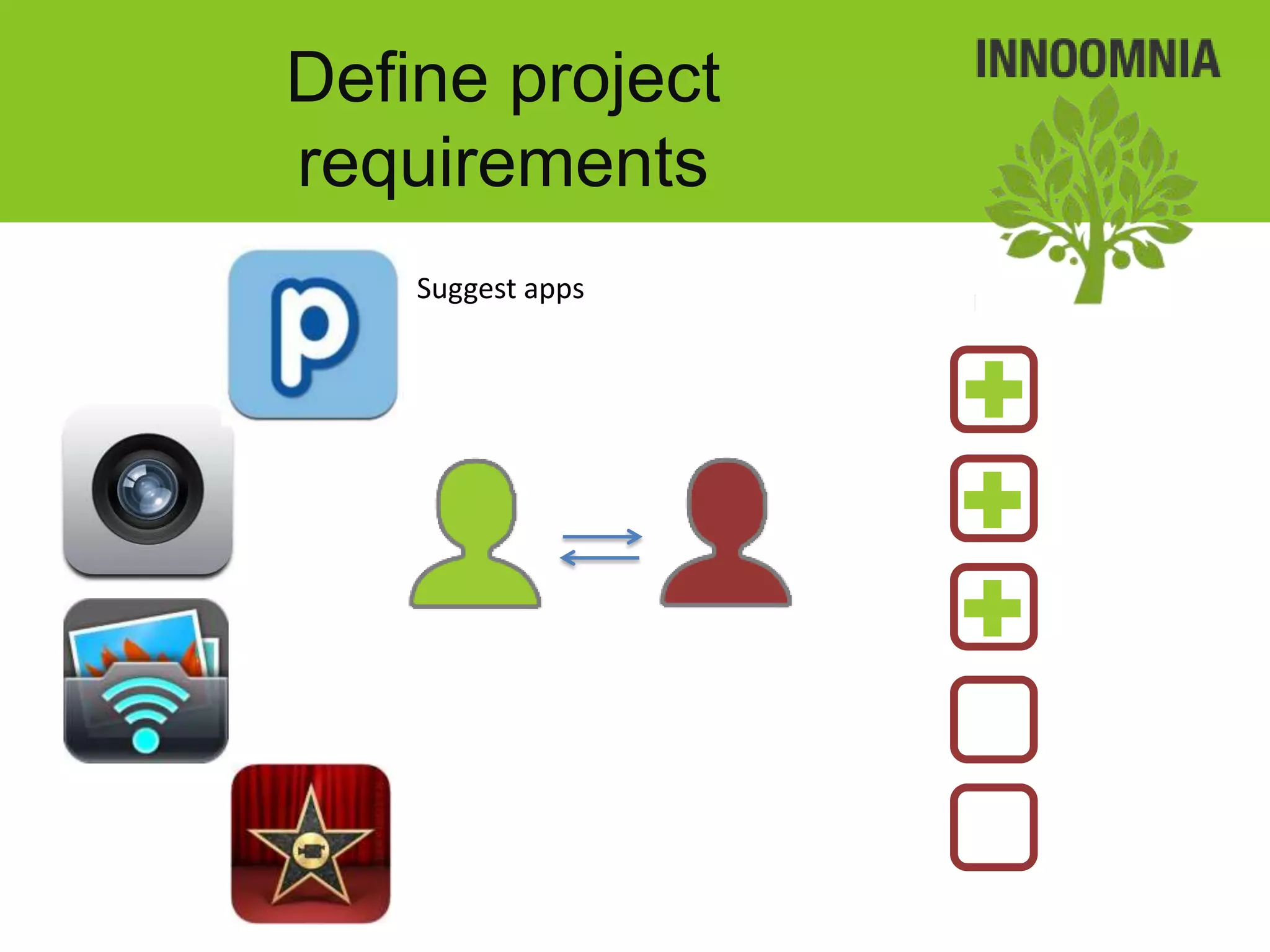
    Suggest apps
Define project
requirements
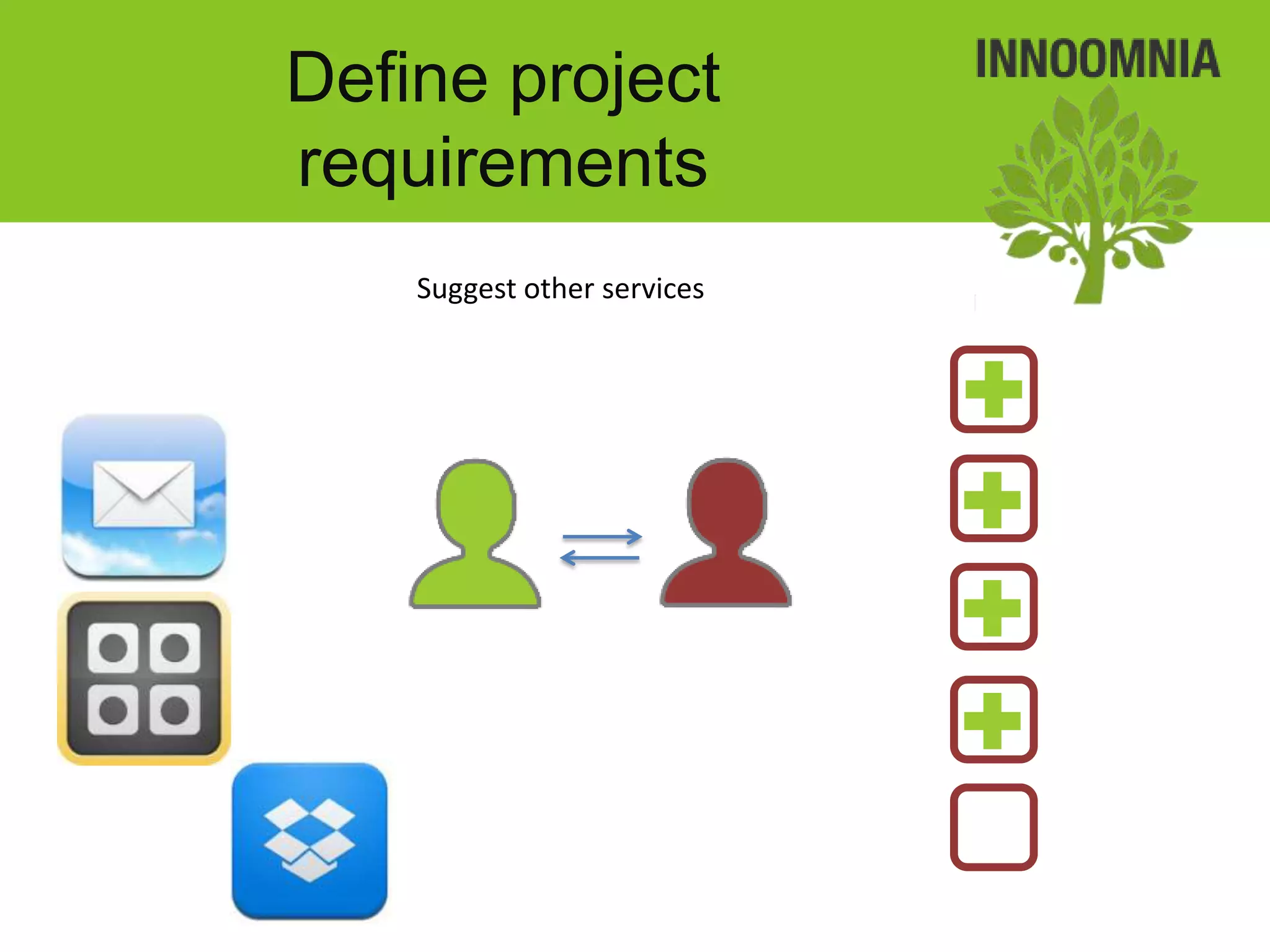
    Suggest other services
Define project
requirements
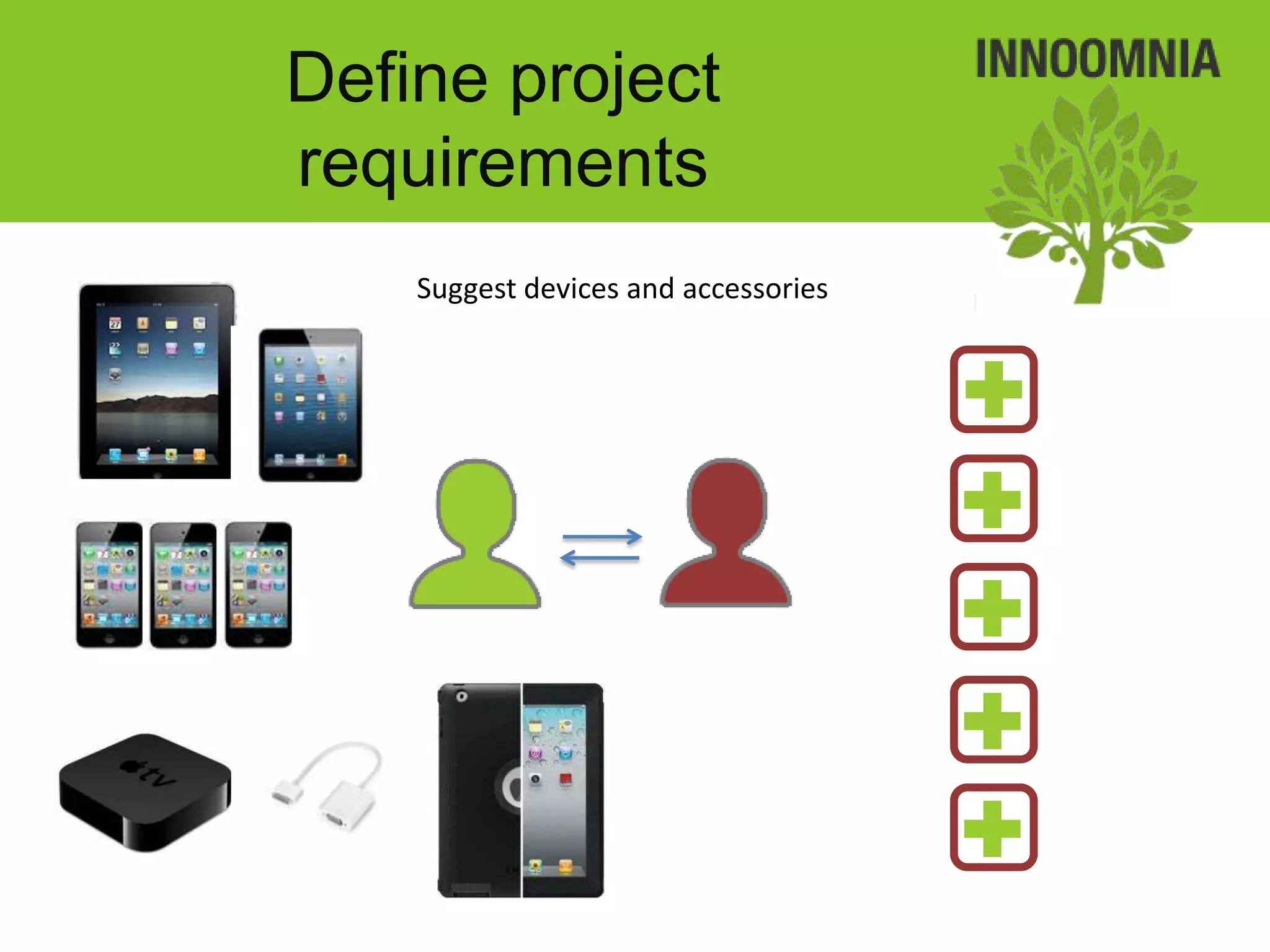
    Suggest devices and accessories
Set up devices

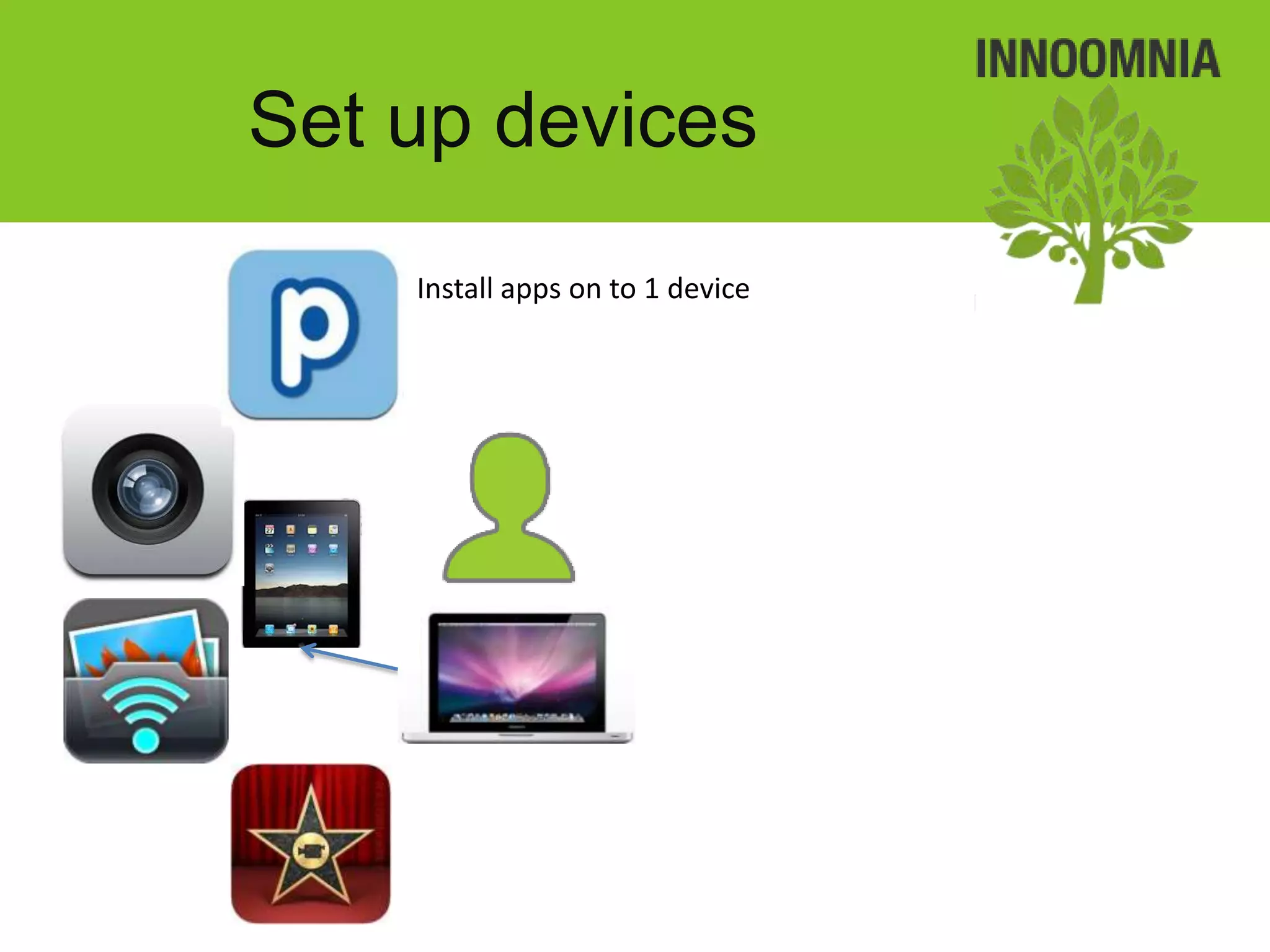
• Set up an initial device
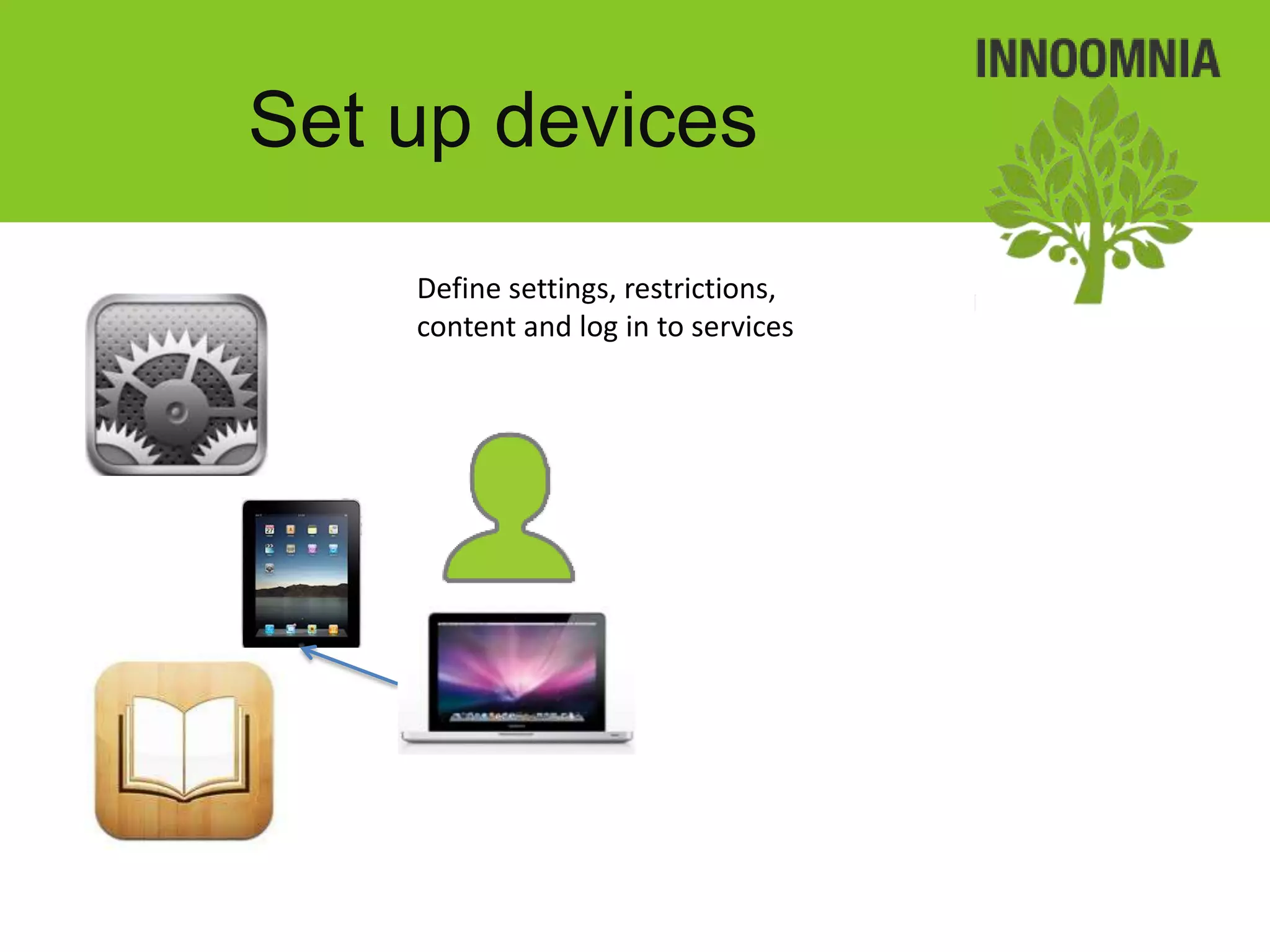
     – apps, app settings, IAPs, eBooks, device settings, device restrictions
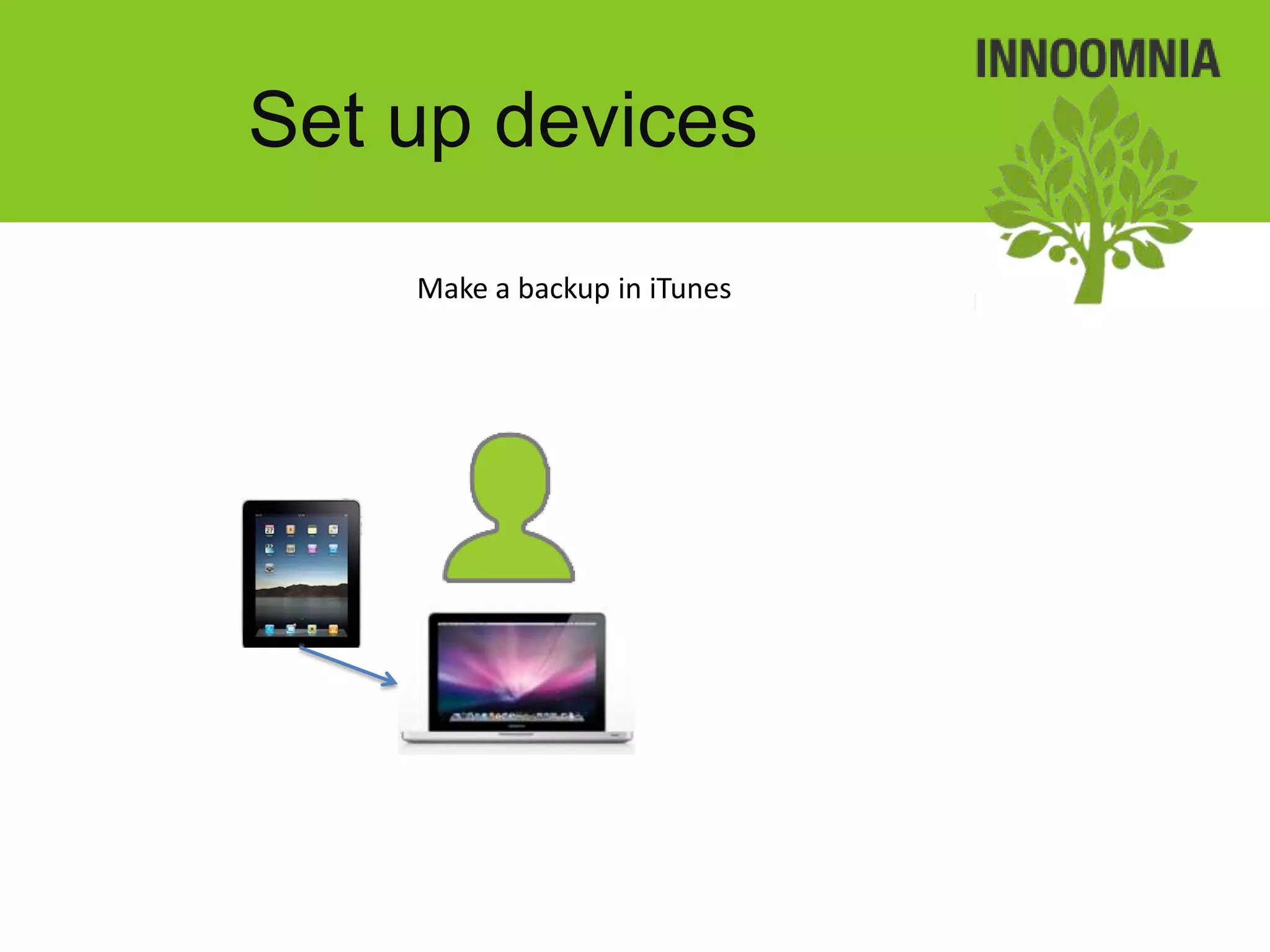
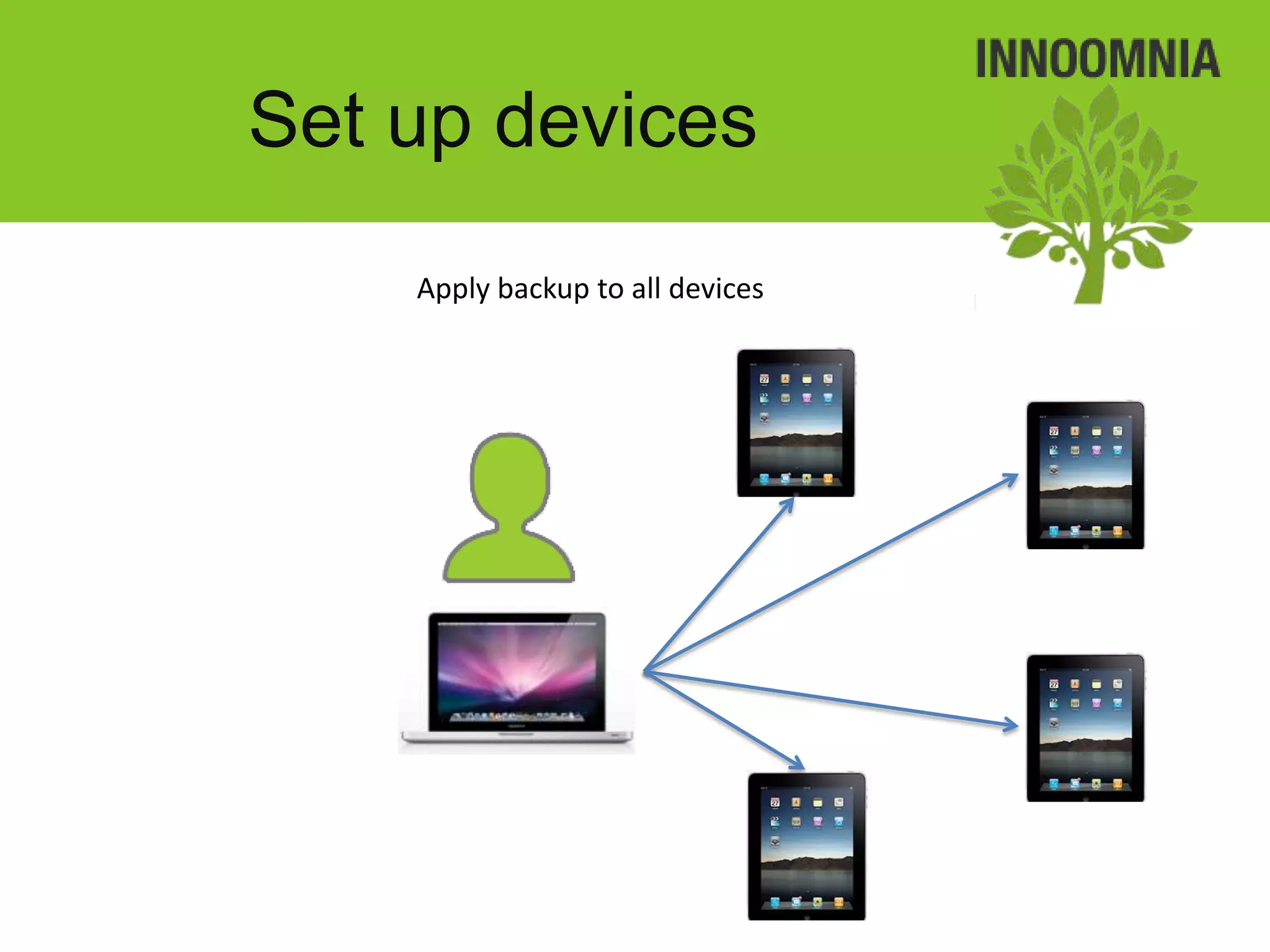
•   The device profile backed up and copied to all the other devices
•   The device is registered in Excel and MDM
•   Batteries are fully charged
•   Protective cases

! No volume purchase programme (VPP) or gifting methods available.
! 1 device : many users ratio
Set up devices
    Install apps on to 1 device
Set up devices
    Define settings, restrictions,
    content and log in to services
Set up devices
    Make a backup in iTunes
Set up devices
    Apply backup to all devices
Set up devices
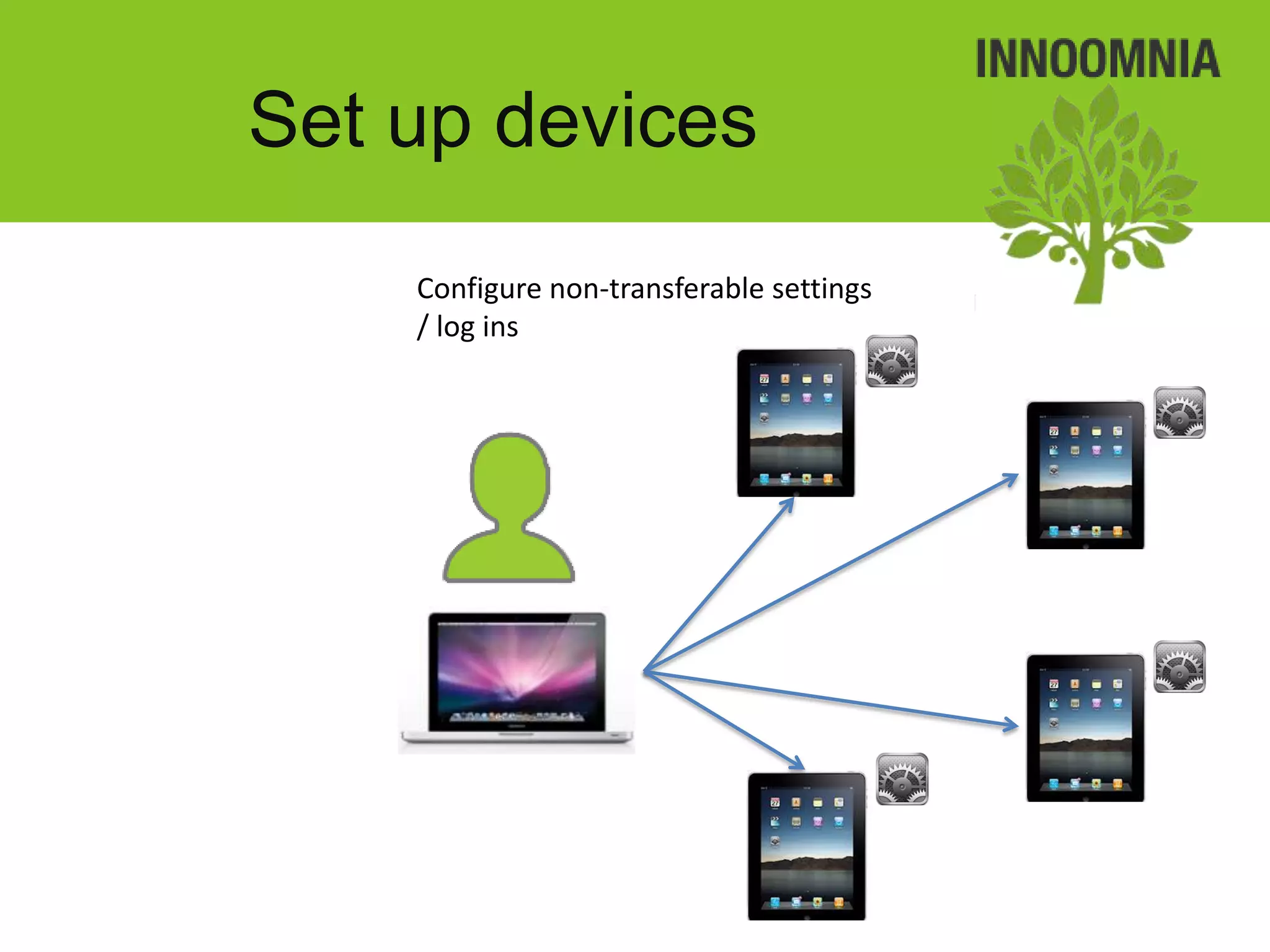
    Configure non-transferable settings
    / log ins
Set up devices
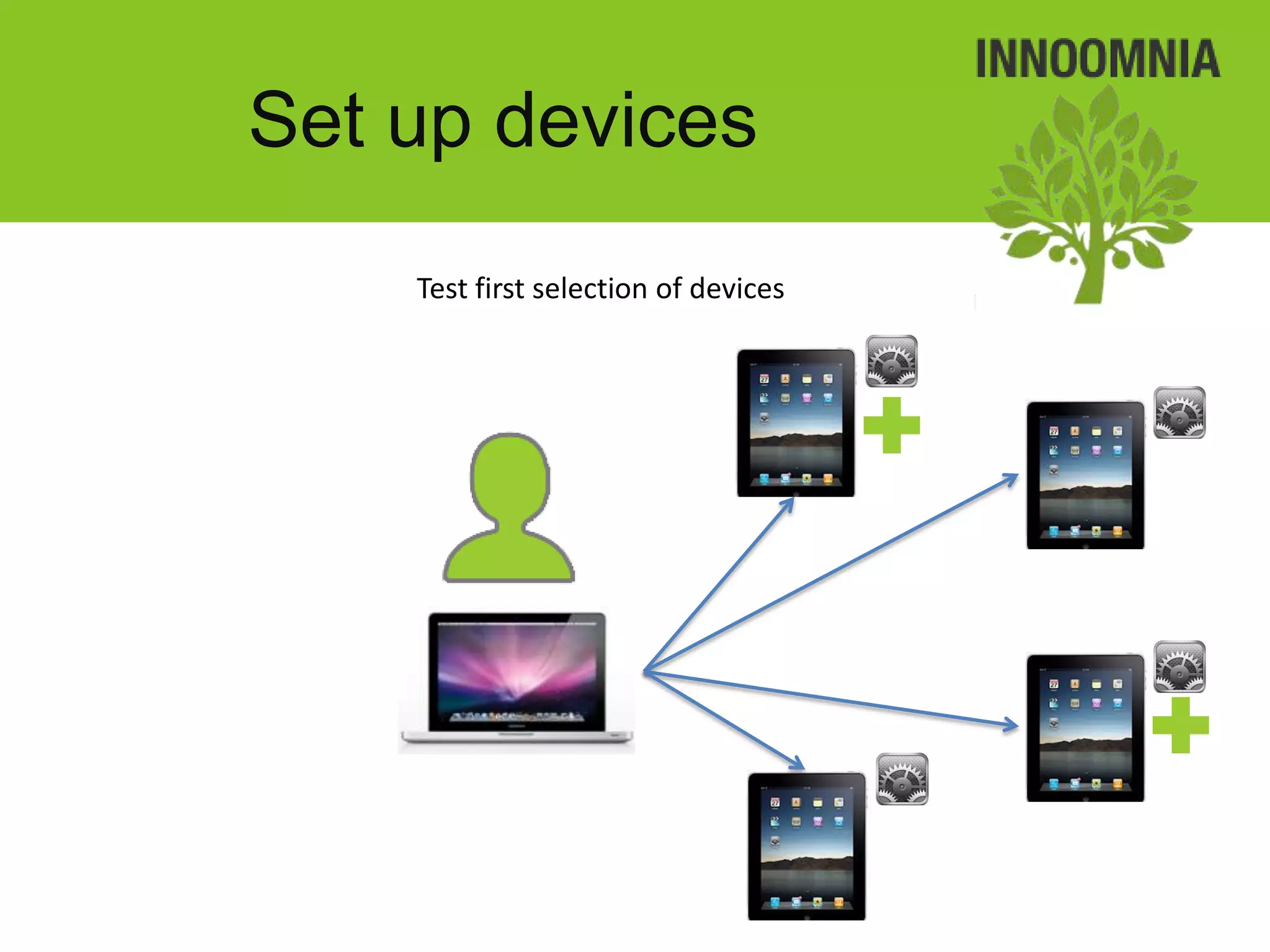
    Test first selection of devices
Set up devices
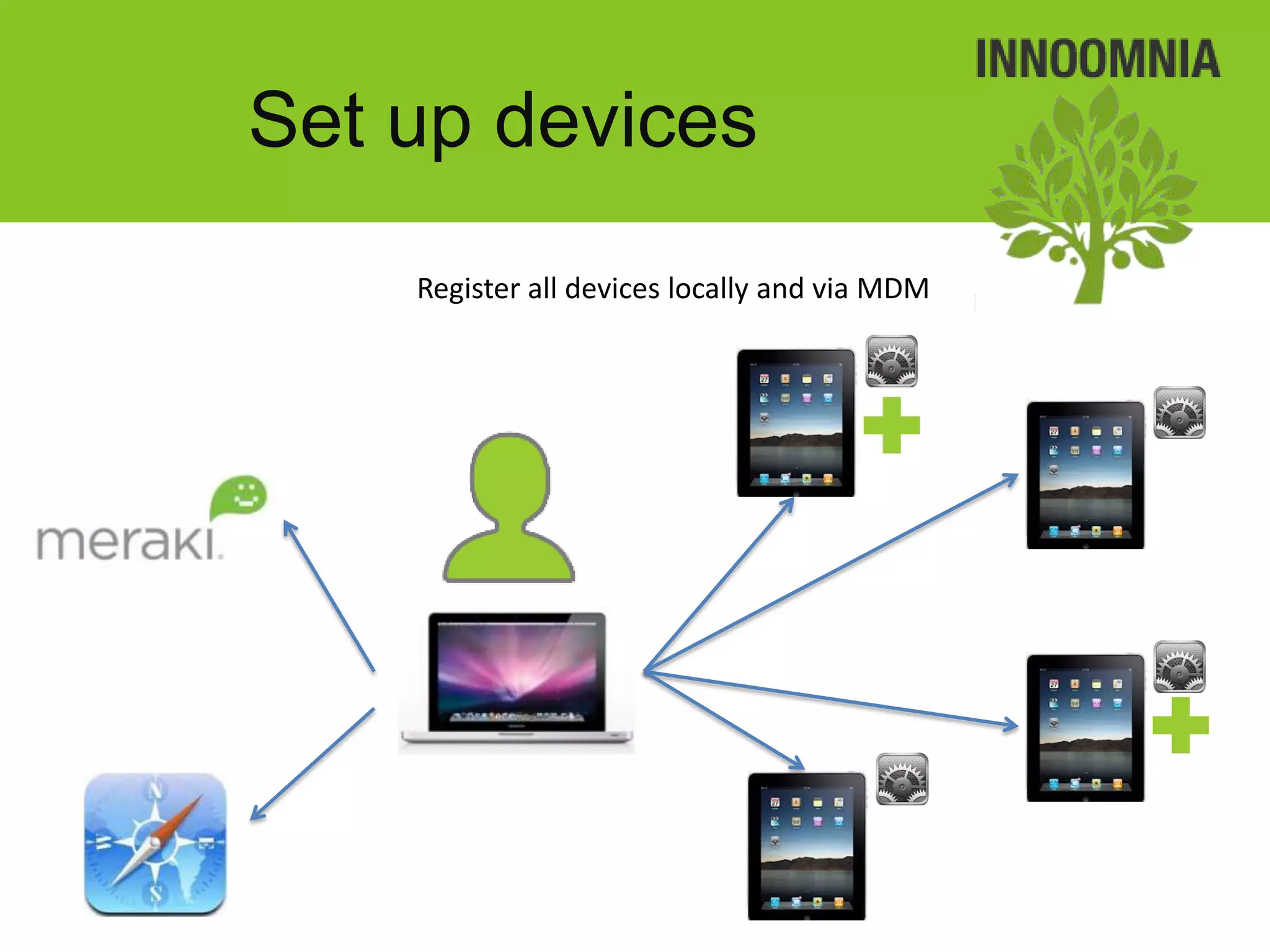
    Register all devices locally and via MDM
Set up devices
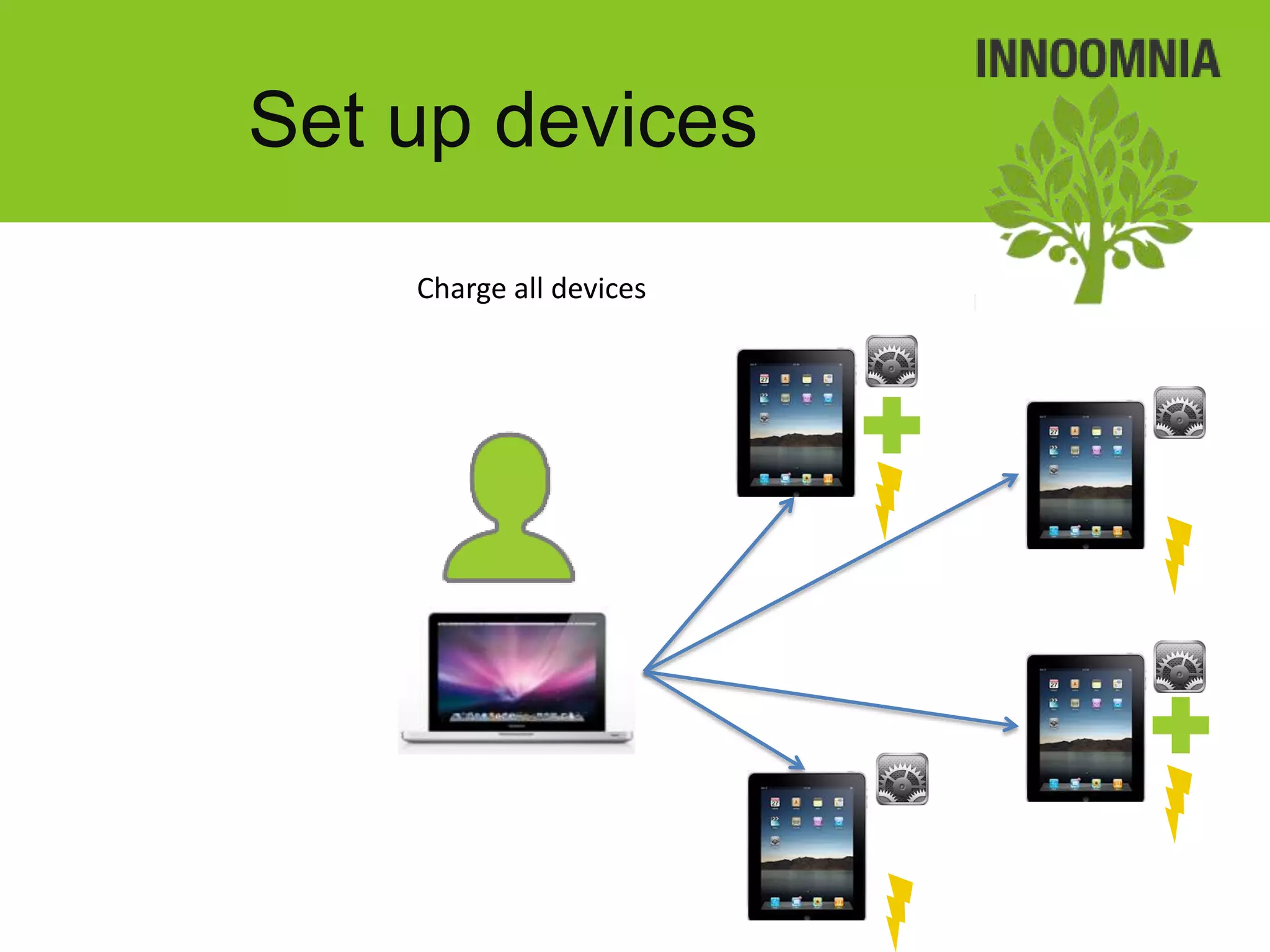
    Charge all devices
Device acquaintance and
         training
• Where possible, users are given time to use the device
  without any specific goals
• Where possible, the teacher is taught how to use the
  apps and the teacher relays this information to the
  students
• Obtain photographing and publish permissions from
  students
• Obtain permission from younger students’ parents so
  they are aware
• Obtain lending agreements from students outlining
  do’s and don’t’s
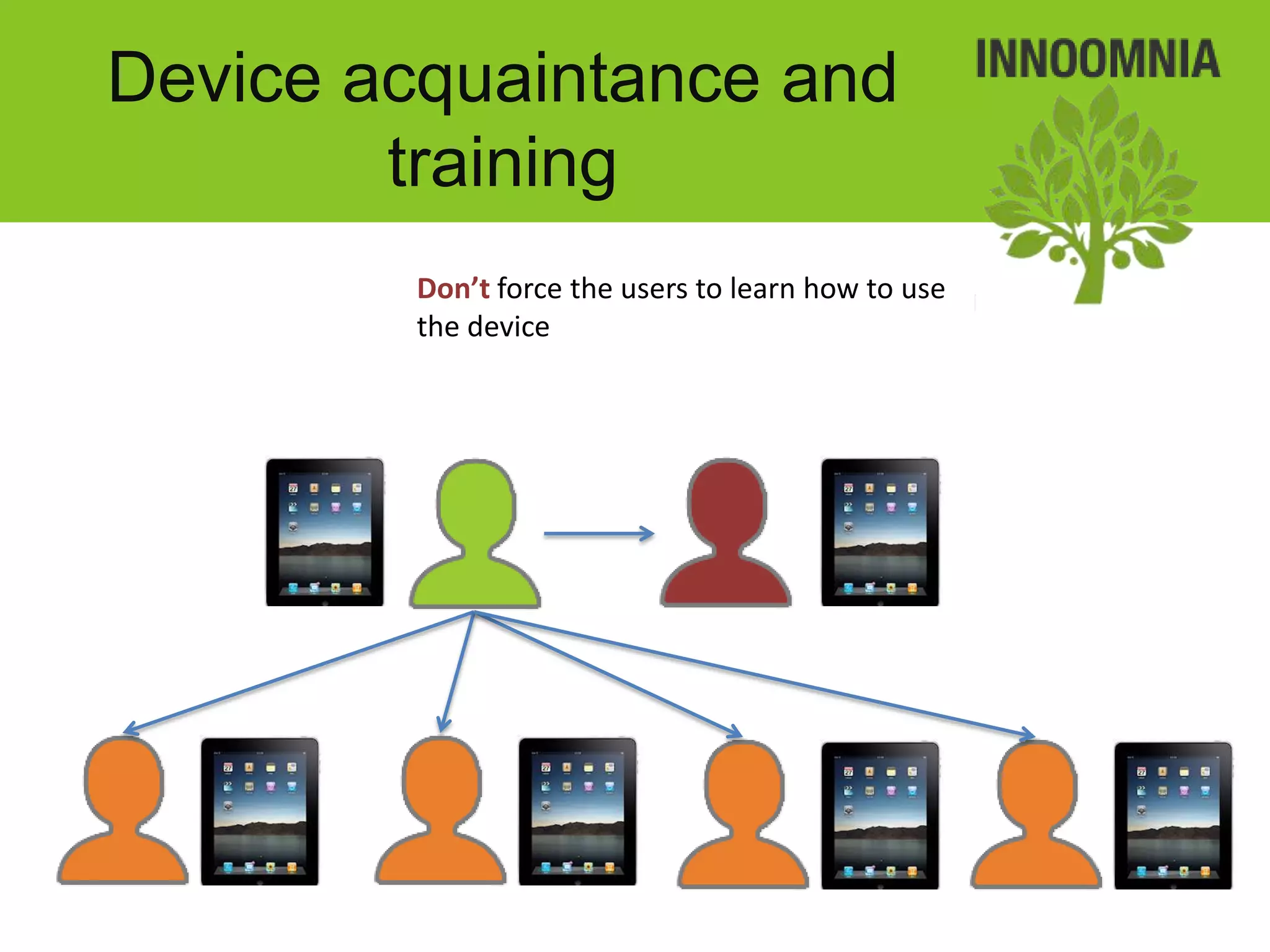
Device acquaintance and
        training
         Don’t force the users to learn how to use
         the device
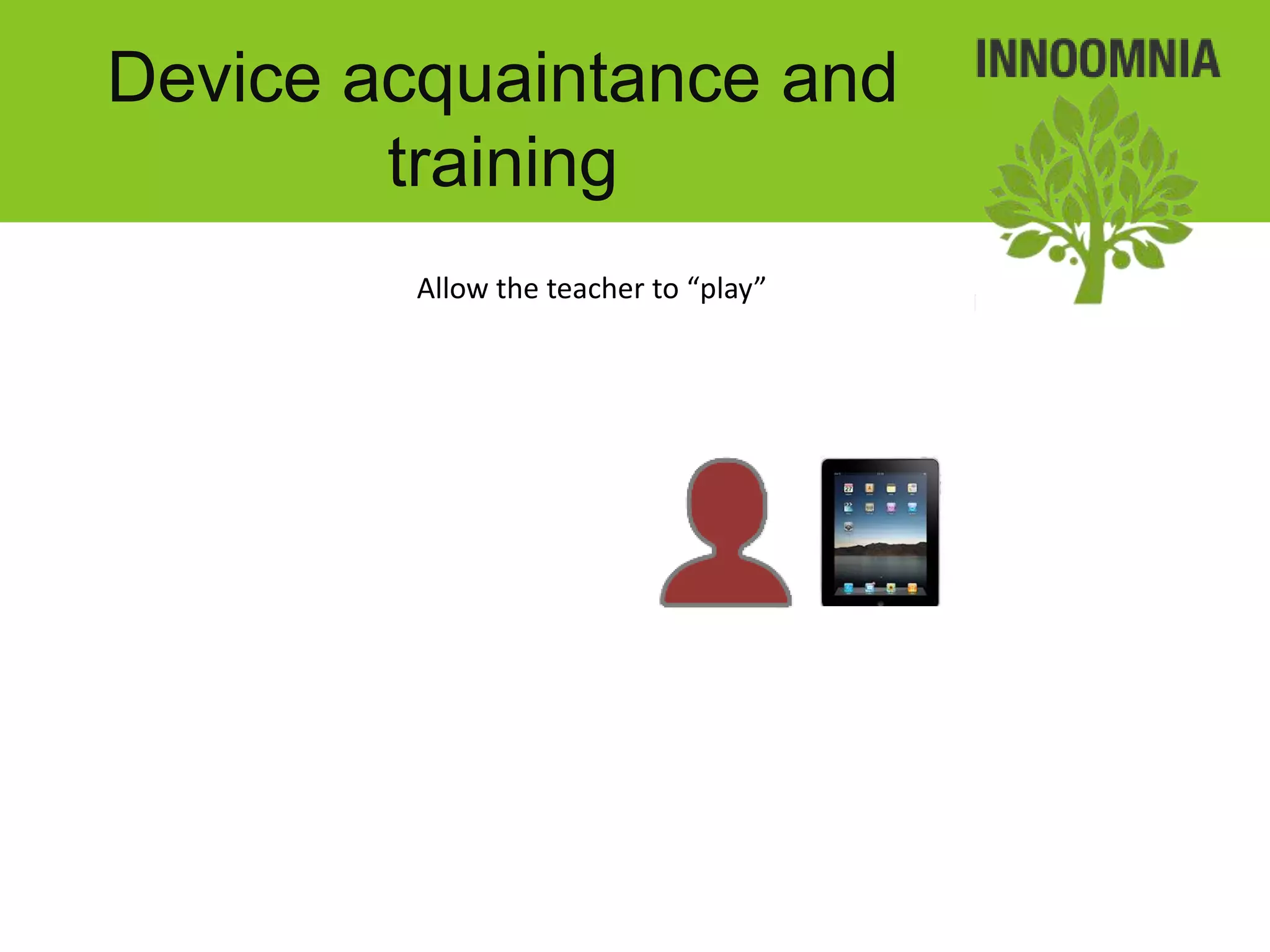
Device acquaintance and
        training
         Allow the teacher to “play”
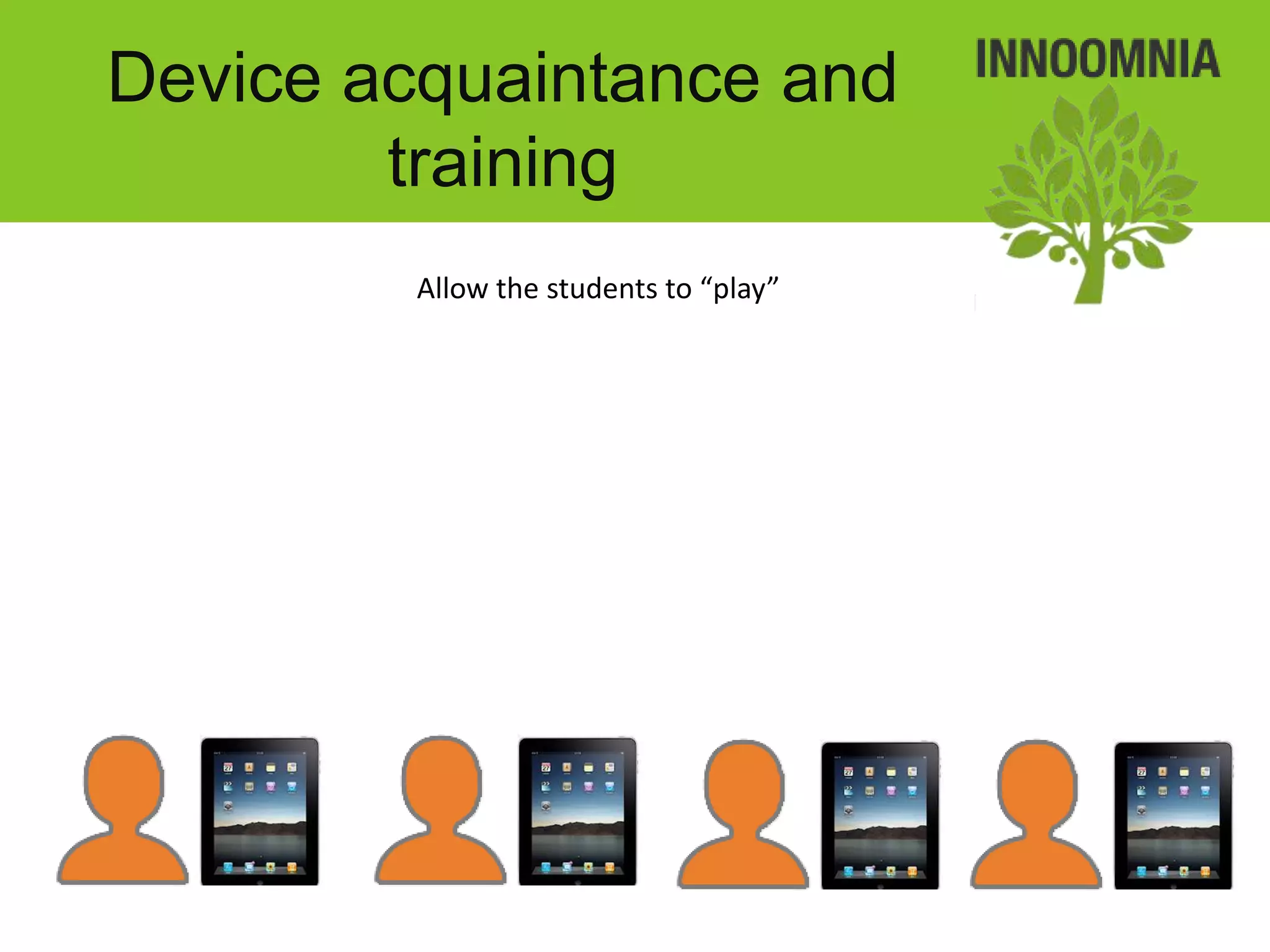
Device acquaintance and
        training
         Allow the students to “play”
Device acquaintance and
        training
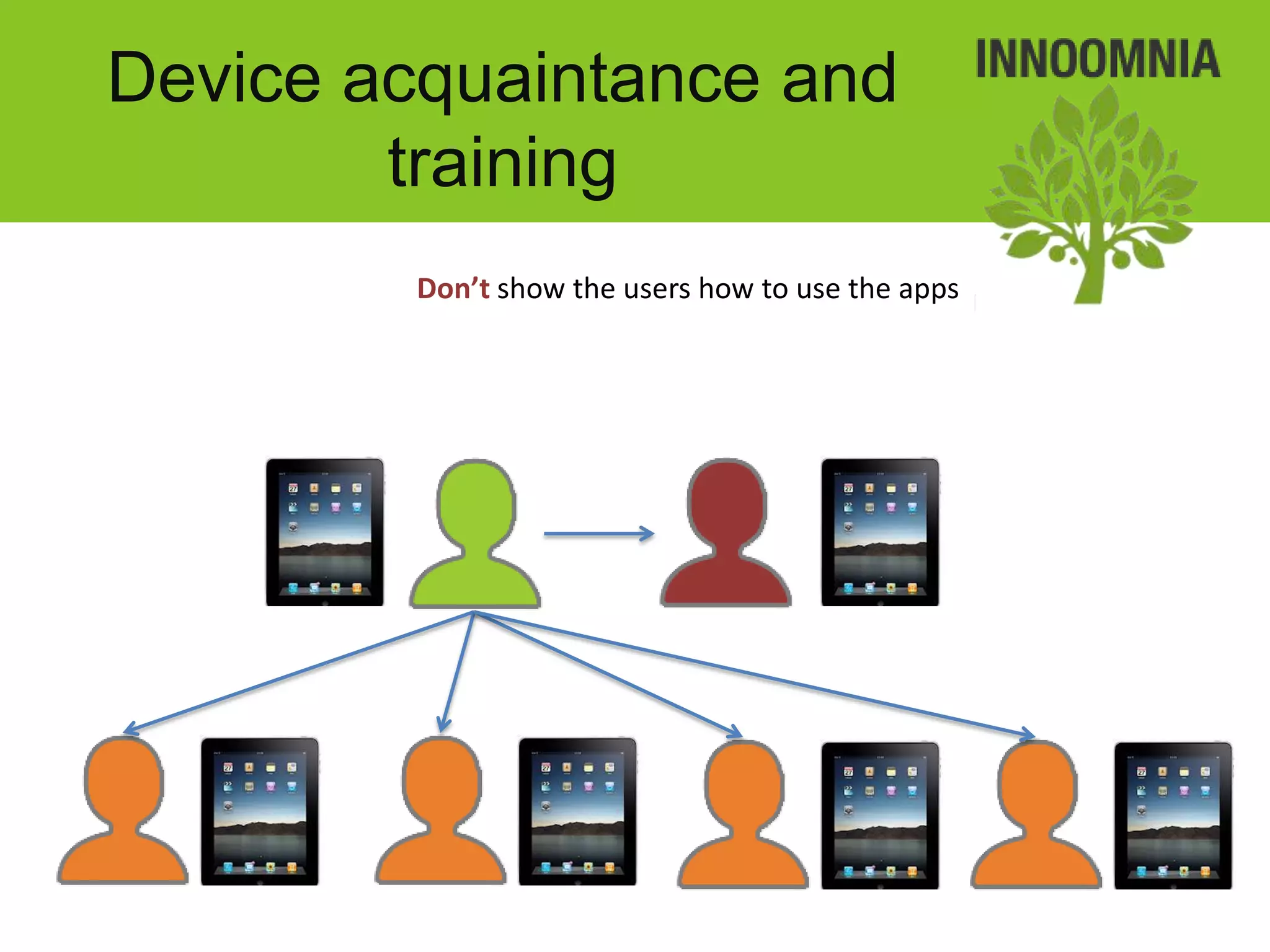
         Don’t show the users how to use the apps
Device acquaintance and
        training
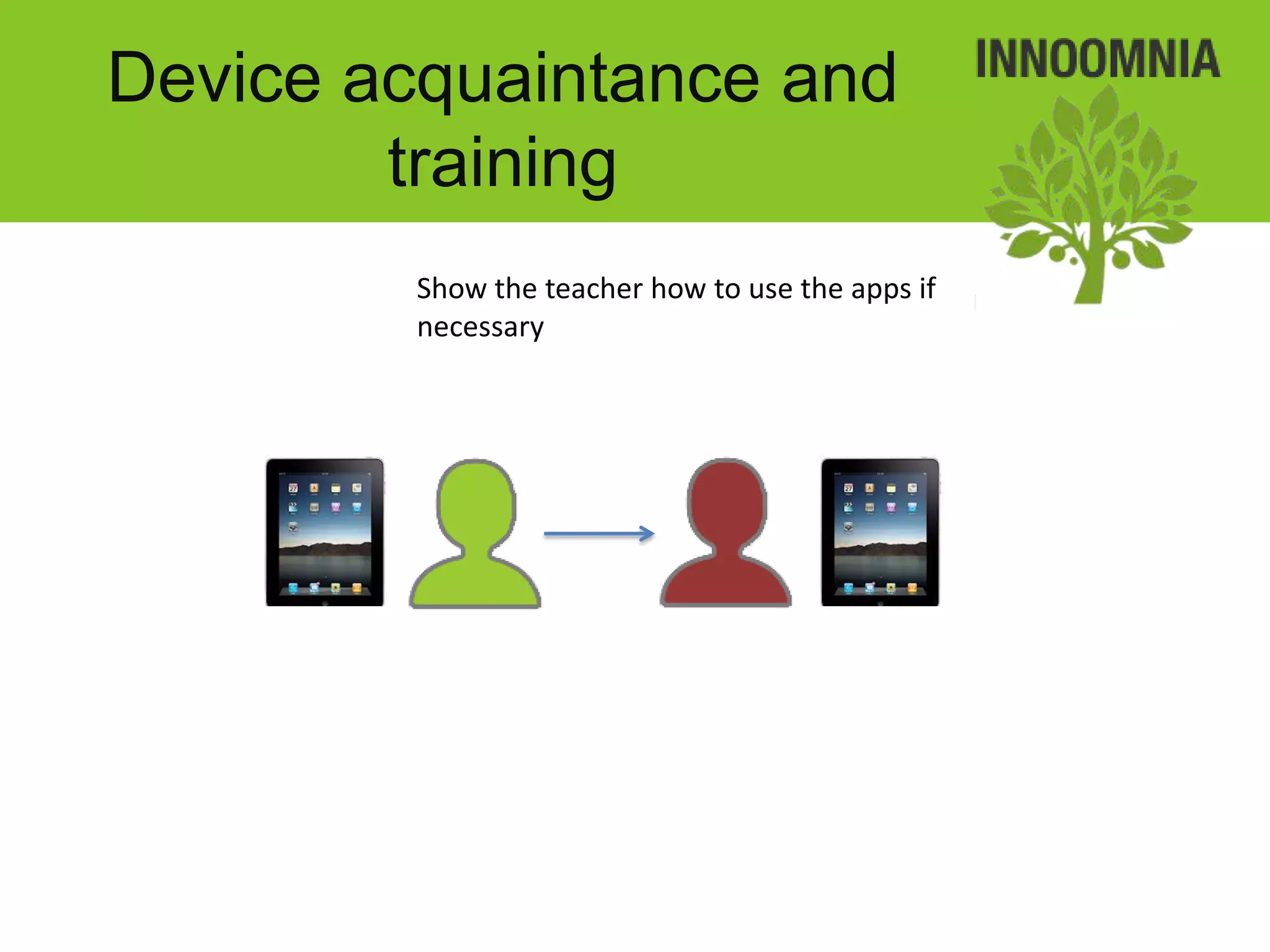
         Show the teacher how to use the apps if
         necessary
Device acquaintance and
        training
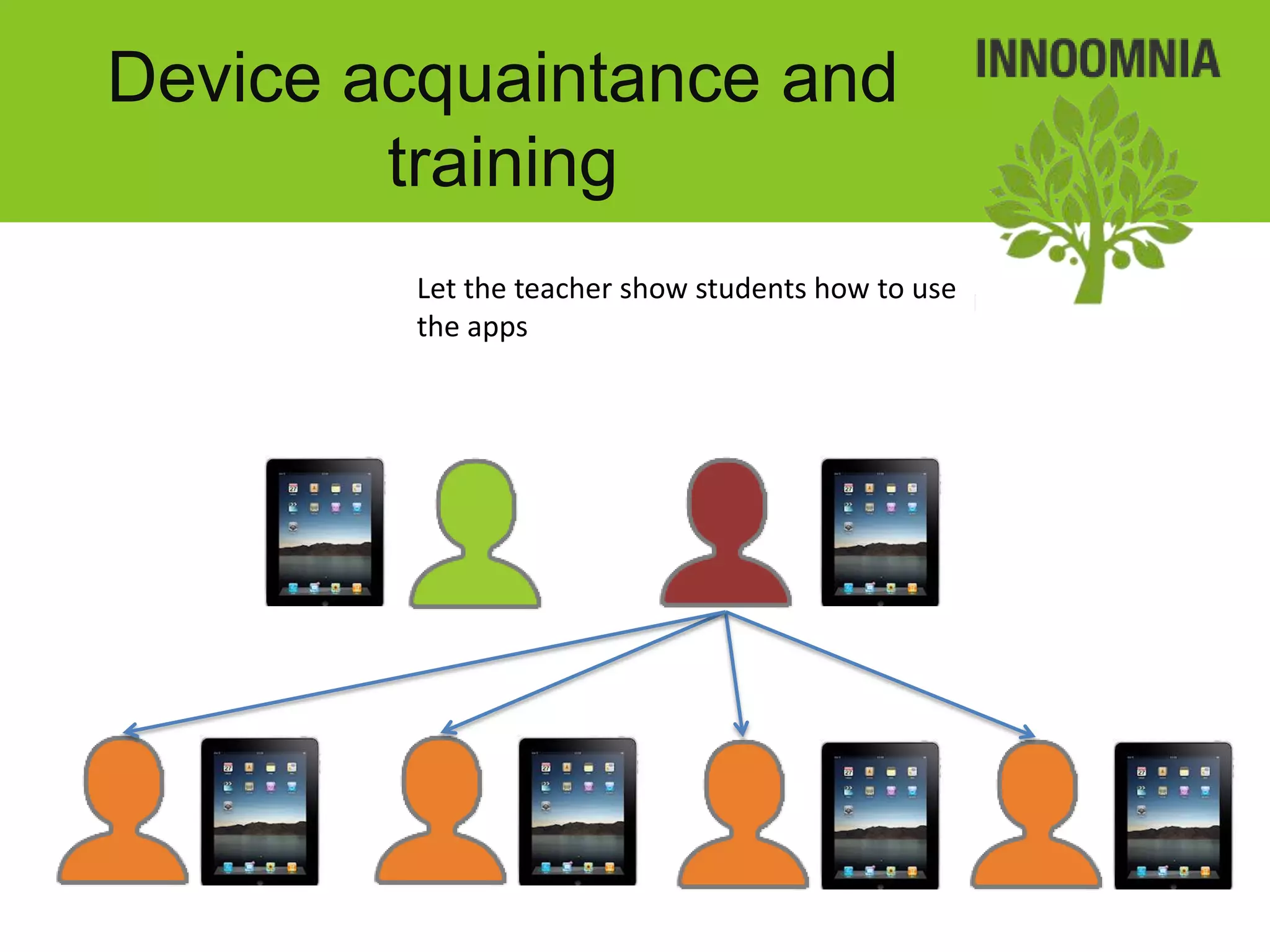
         Let the teacher show students how to use
         the apps
Device acquaintance and
        training
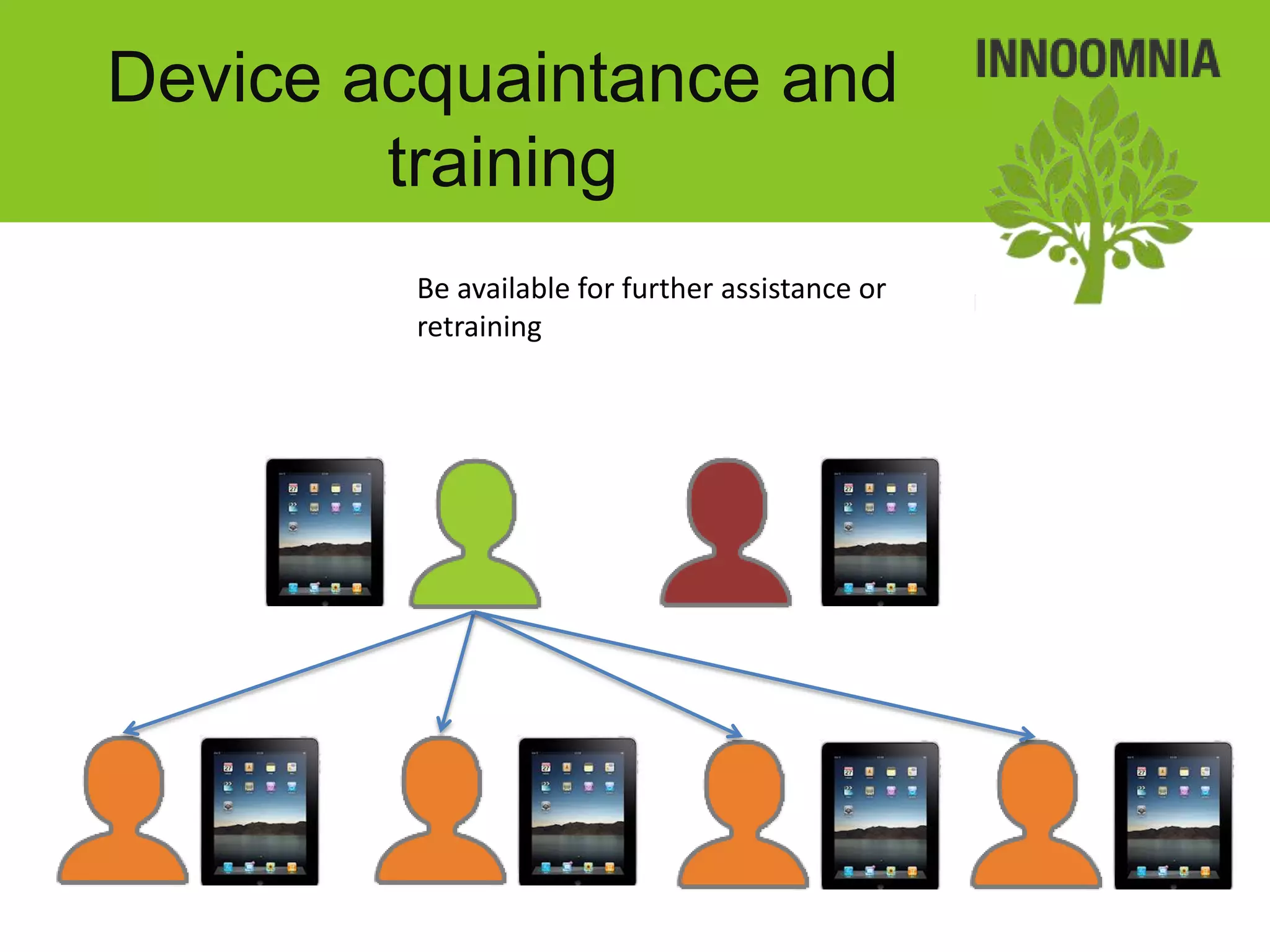
         Be available for further assistance or
         retraining
Updates and
        maintenance

• Updates and maintenance are performed as
  needed locally (partial maintenance remotely)
Updates and
maintenance
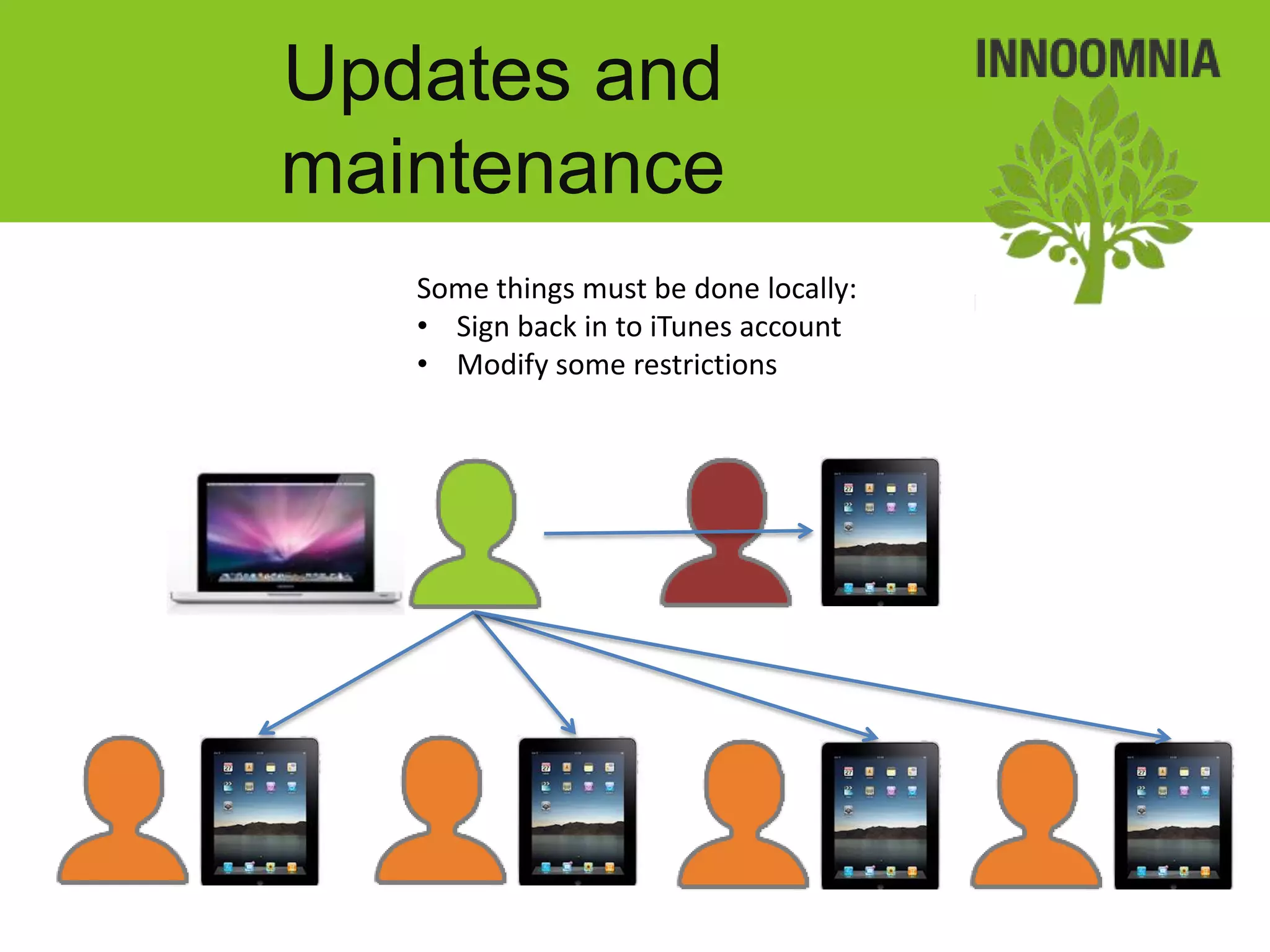
   Some things must be done locally:
   • Sign back in to iTunes account
   • Modify some restrictions
Updates and
maintenance
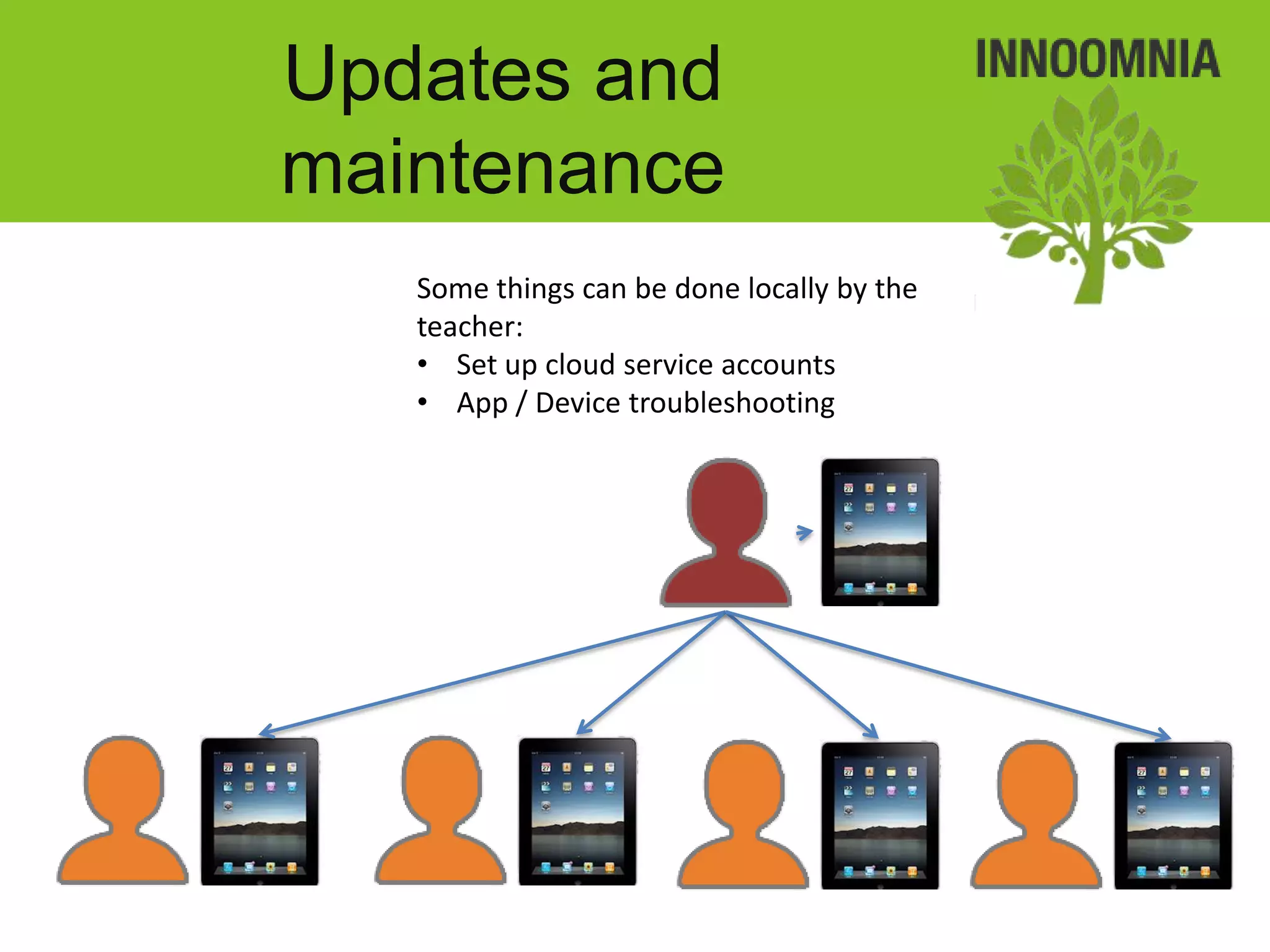
   Some things can be done locally by the
   teacher:
   • Set up cloud service accounts
   • App / Device troubleshooting
Updates and
maintenance
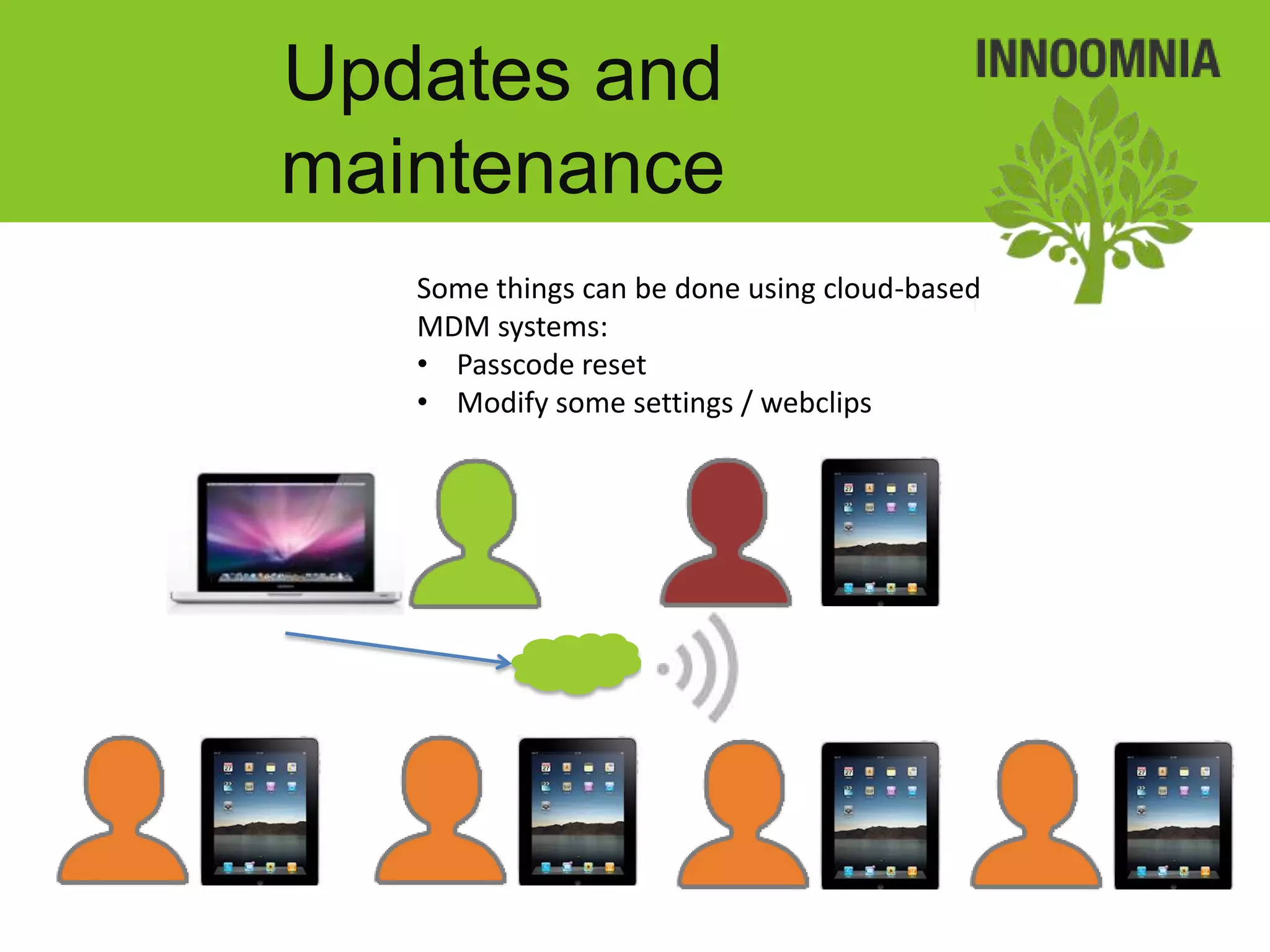
   Some things can be done using cloud-based
   MDM systems:
   • Passcode reset
   • Modify some settings / webclips
Upon return

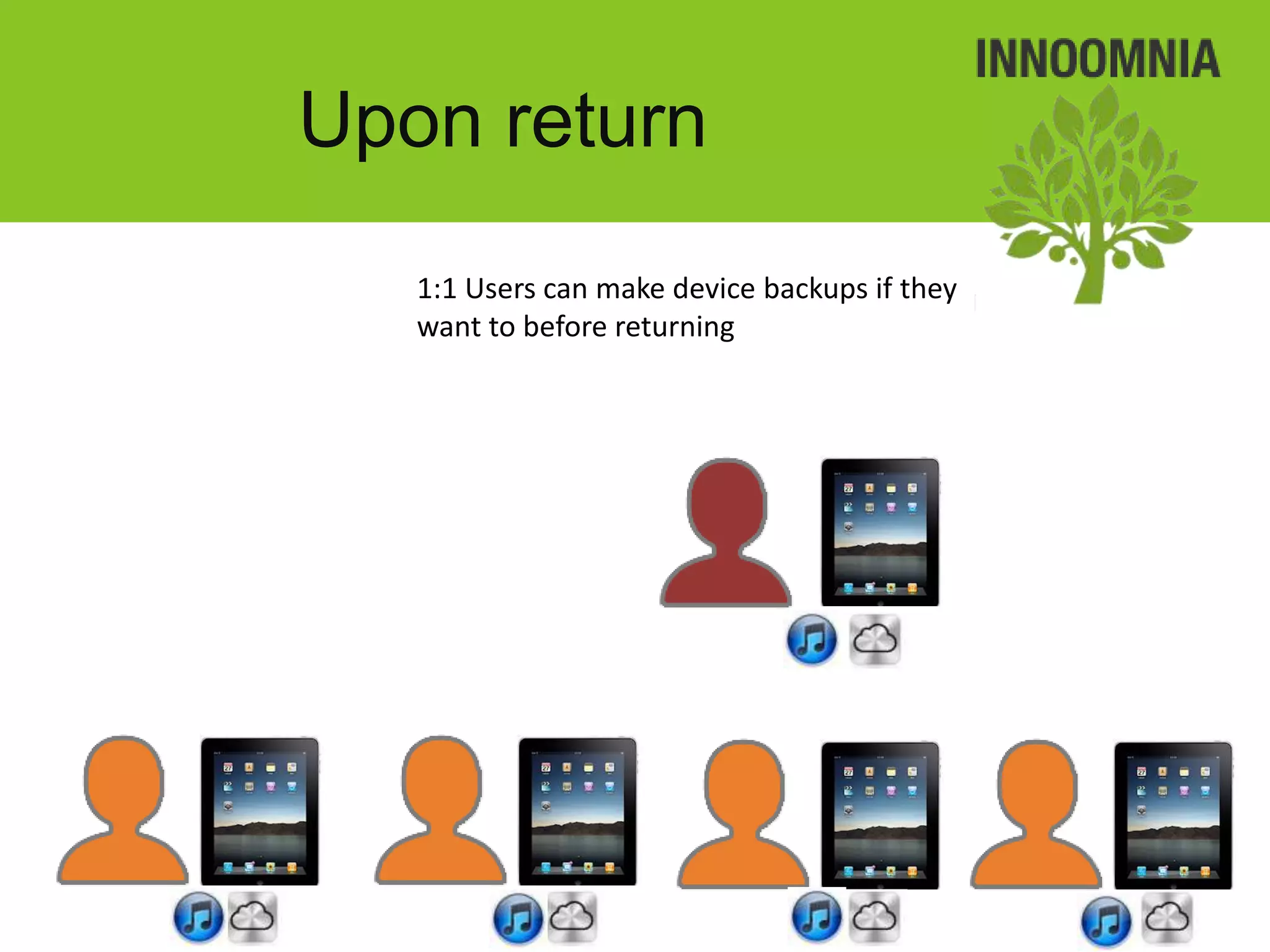
• 1 to 1 devices can be backed up locally if
  necessary
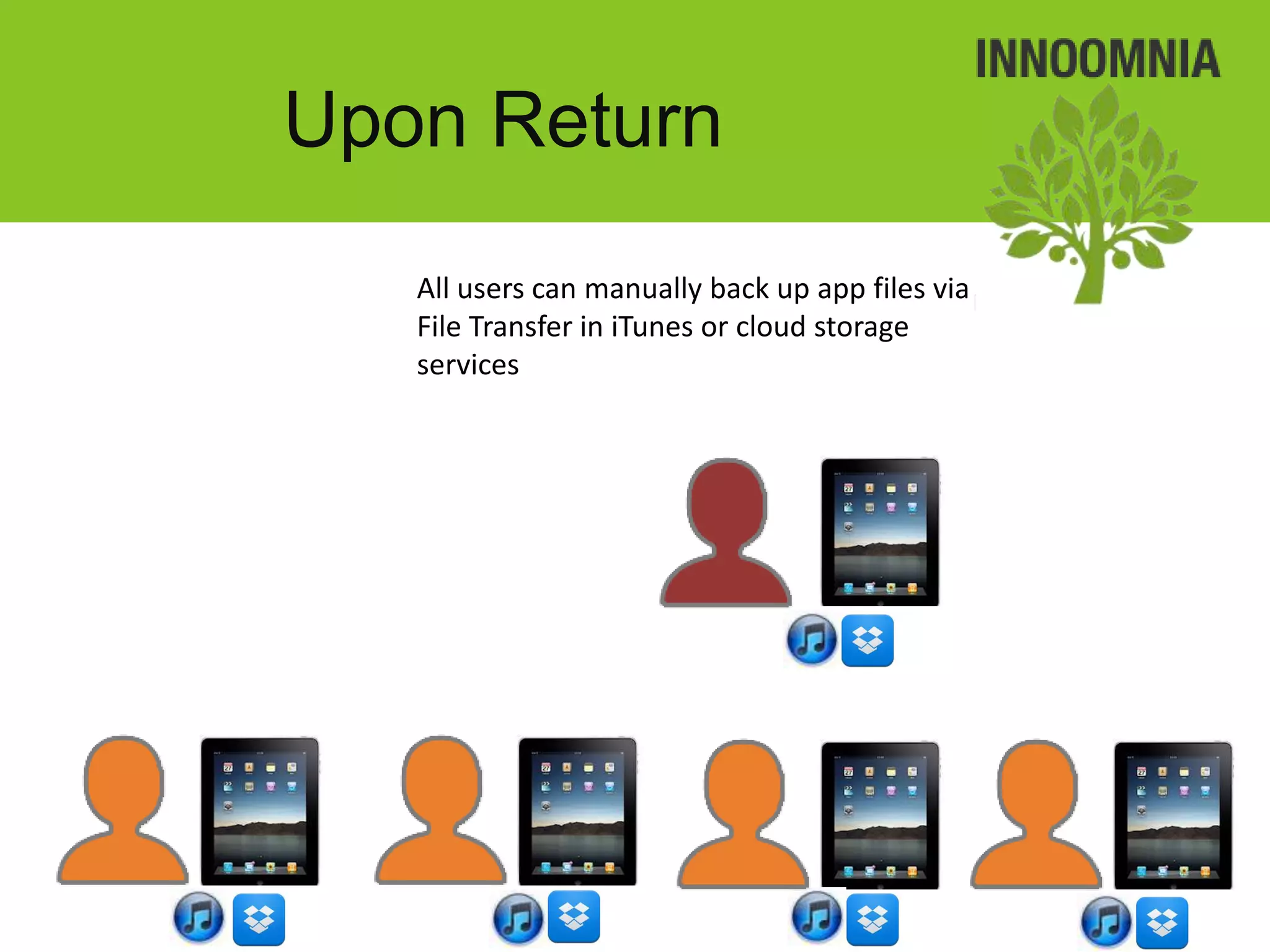
• Many individual apps support file transfer to
  make copies of app files to PC / Mac
• Devices are completely wiped to remove data
  privacy concerns
Upon return
   1:1 Users can make device backups if they
   want to before returning
Upon Return
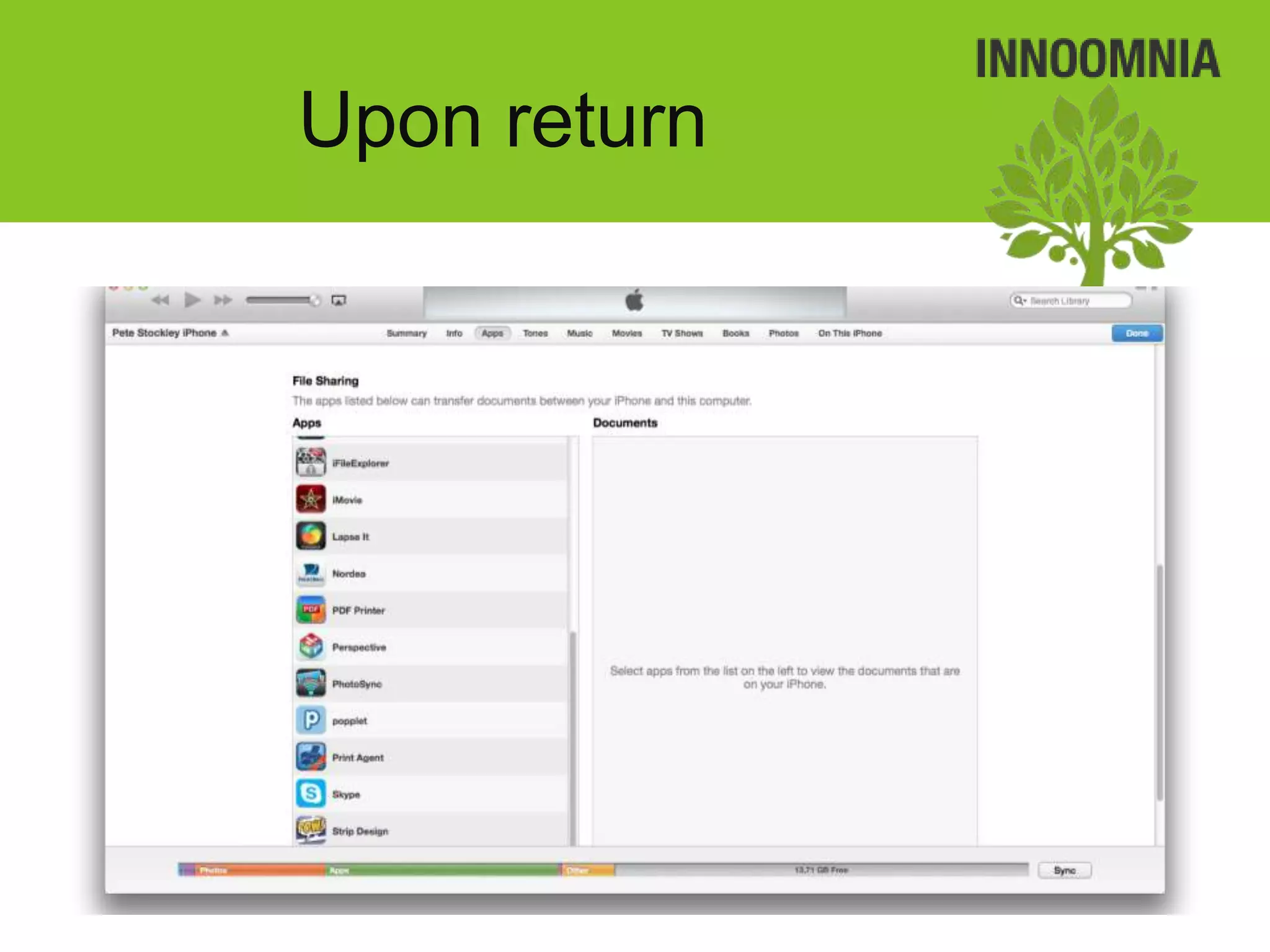
   All users can manually back up app files via
   File Transfer in iTunes or cloud storage
   services
Upon return
Upon return
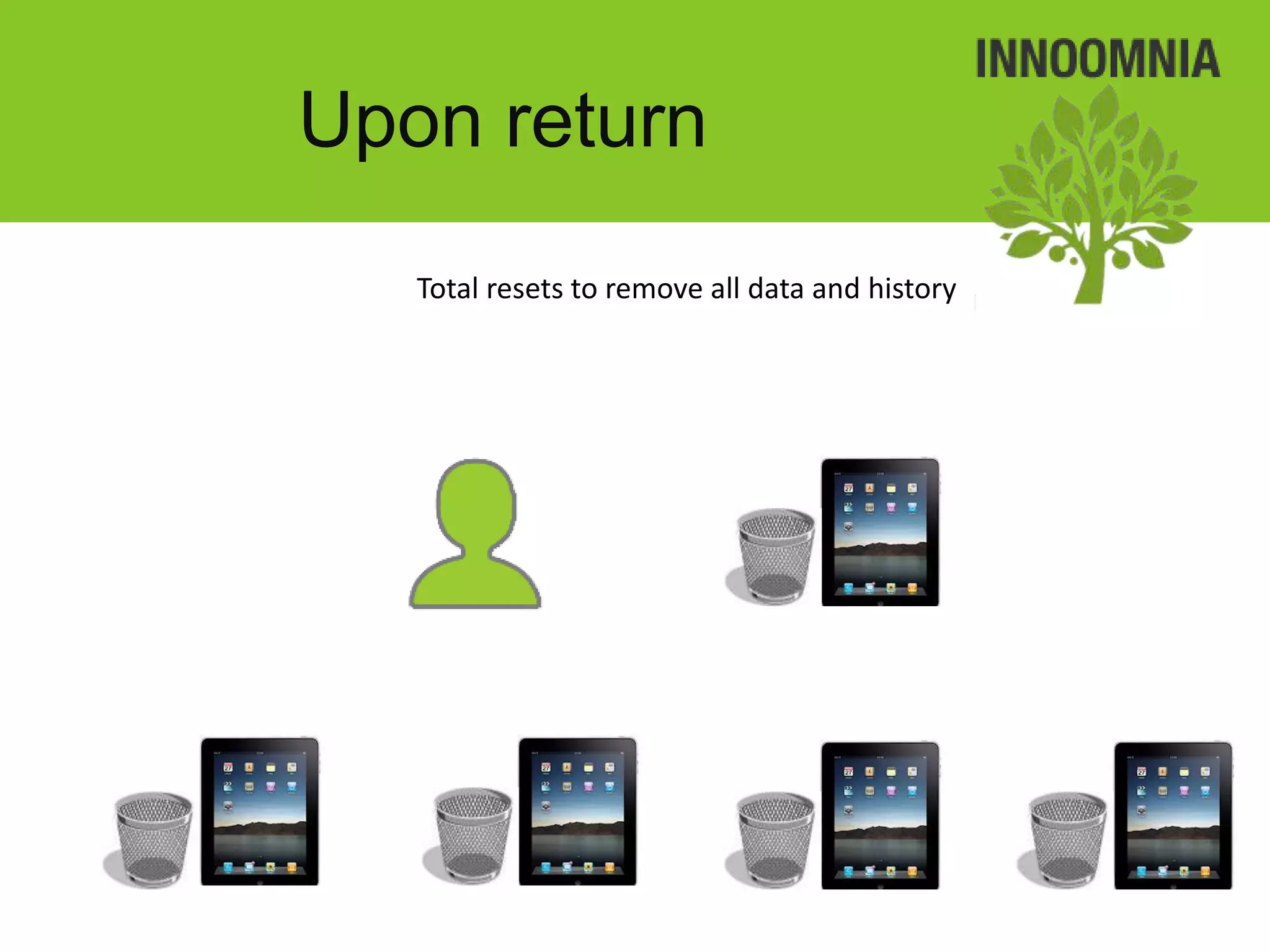
   Total resets to remove all data and history
Feedback and
        Development

• Get feedback from teachers and students,
  directly and indirectly.
Feedback and
Development
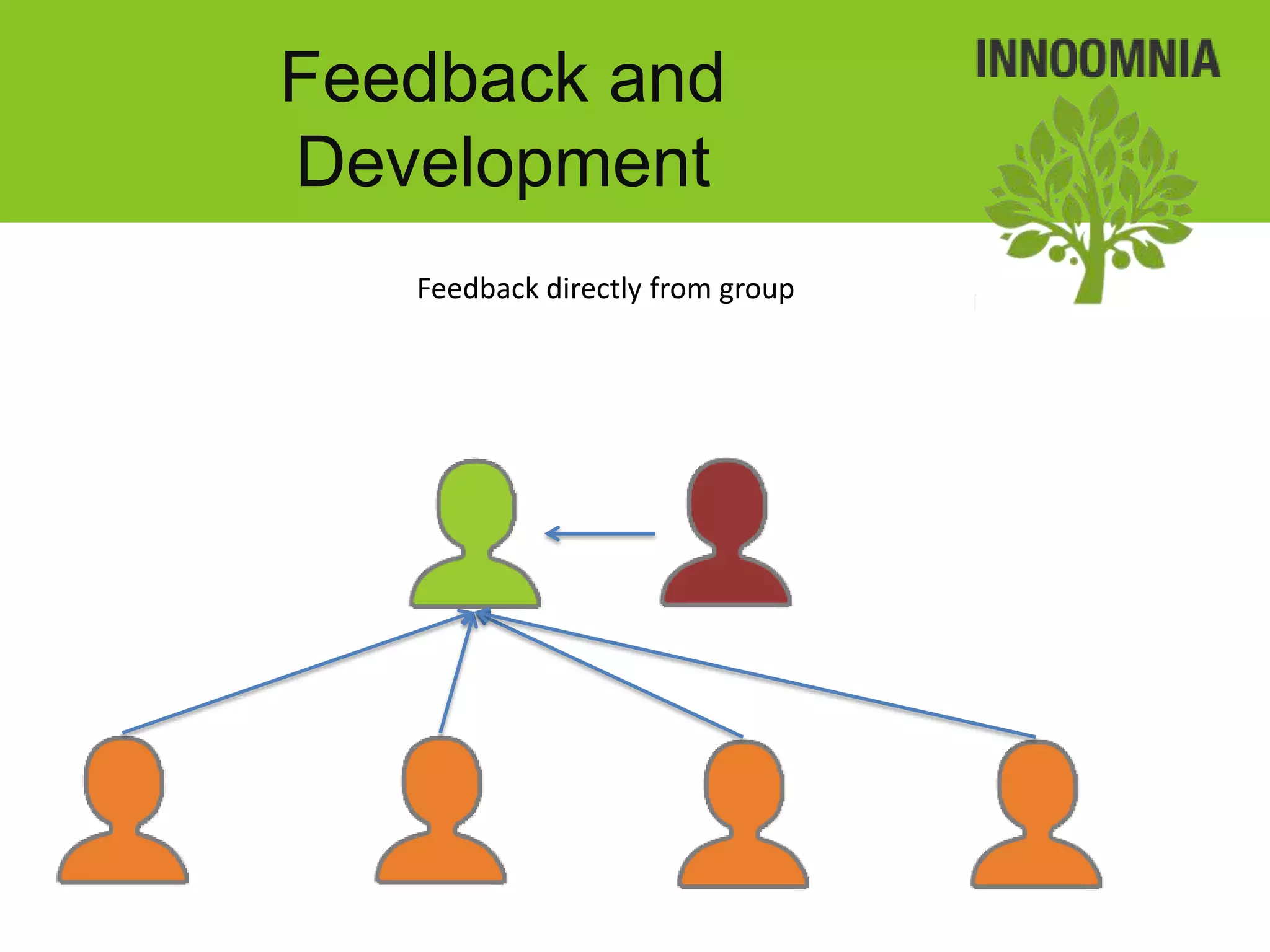
   Feedback directly from group
Feedback and
Development
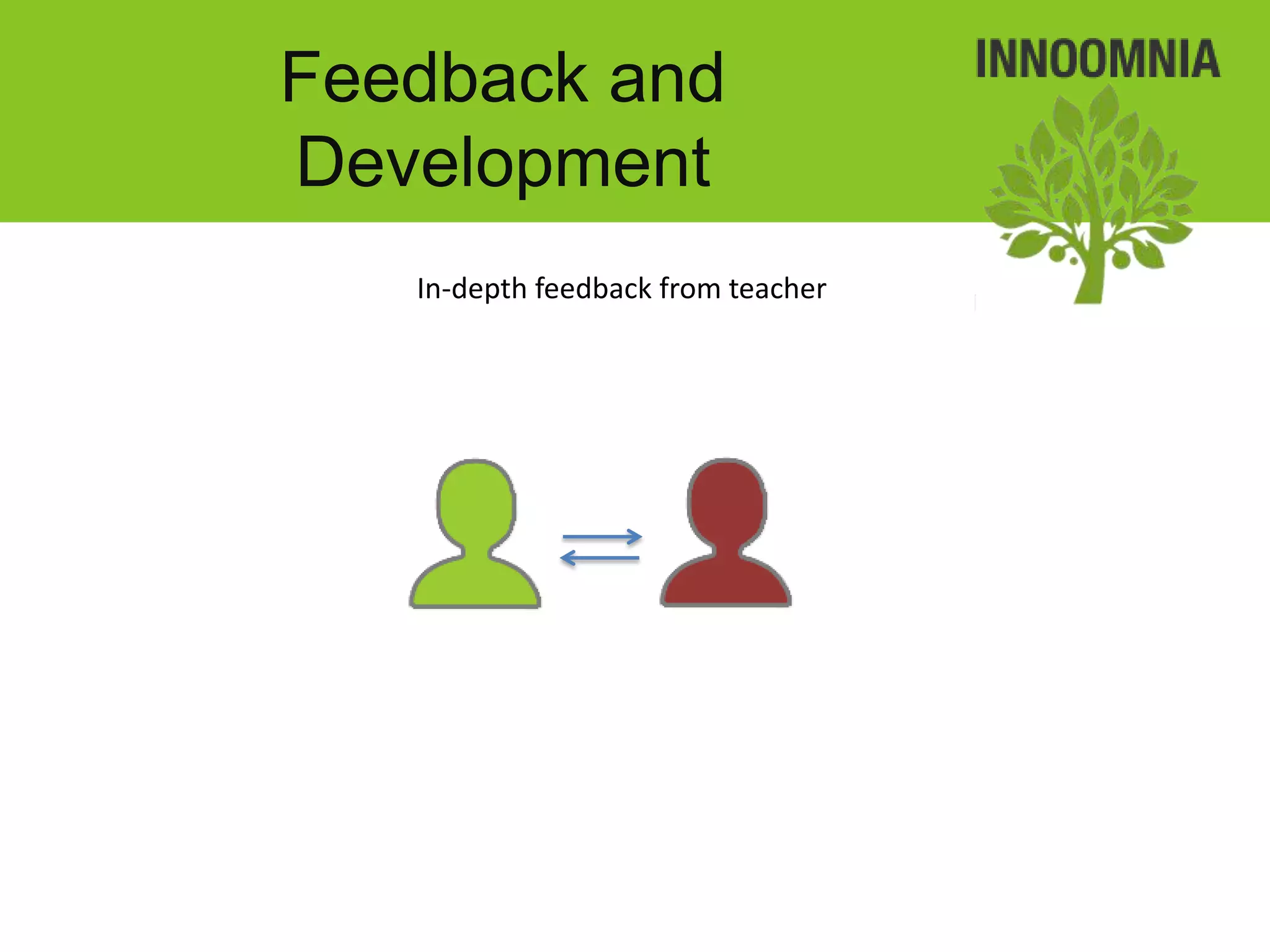
   In-depth feedback from teacher
Feedback and
Development
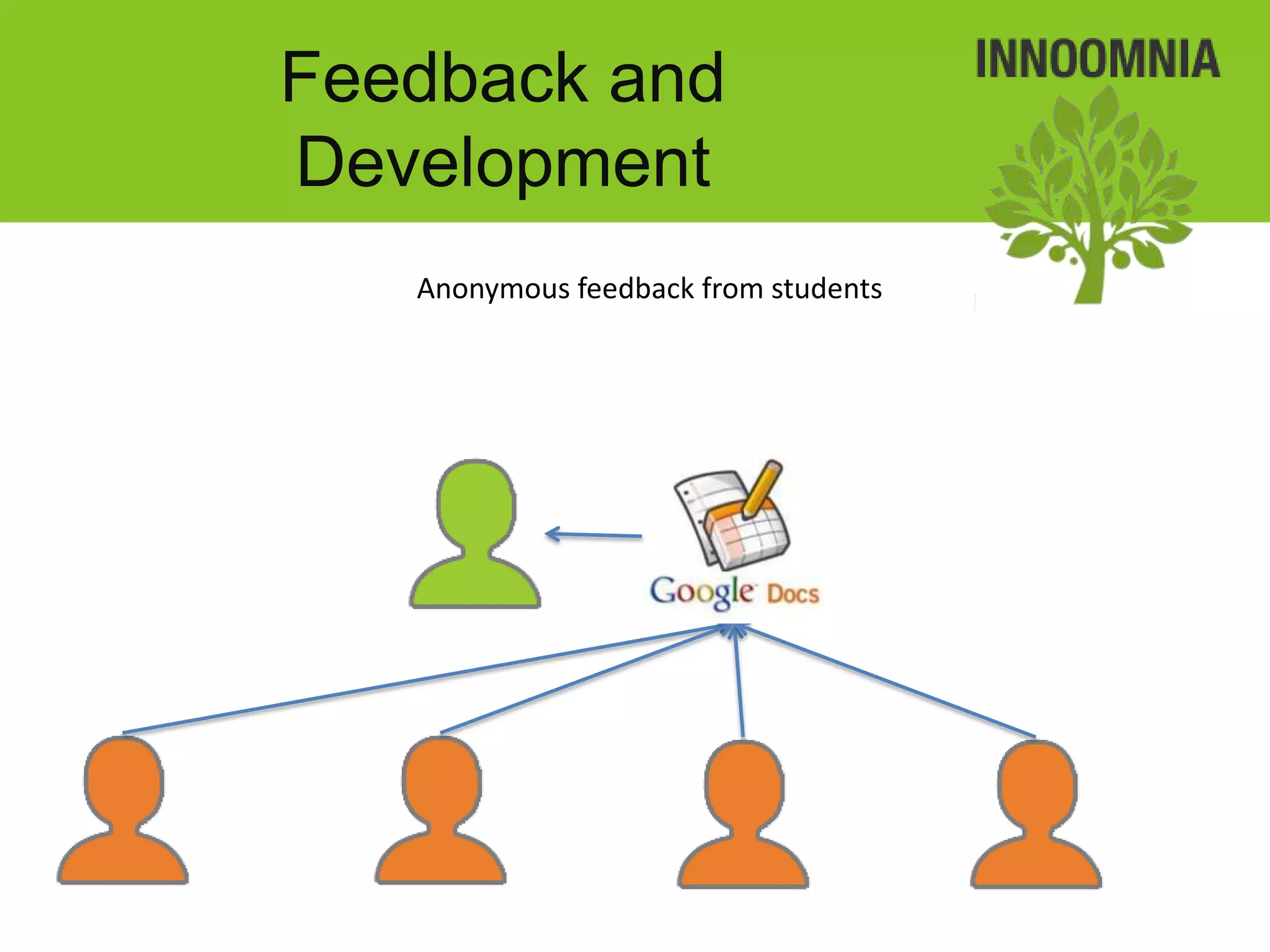
   Anonymous feedback from students
Feedback and
Development
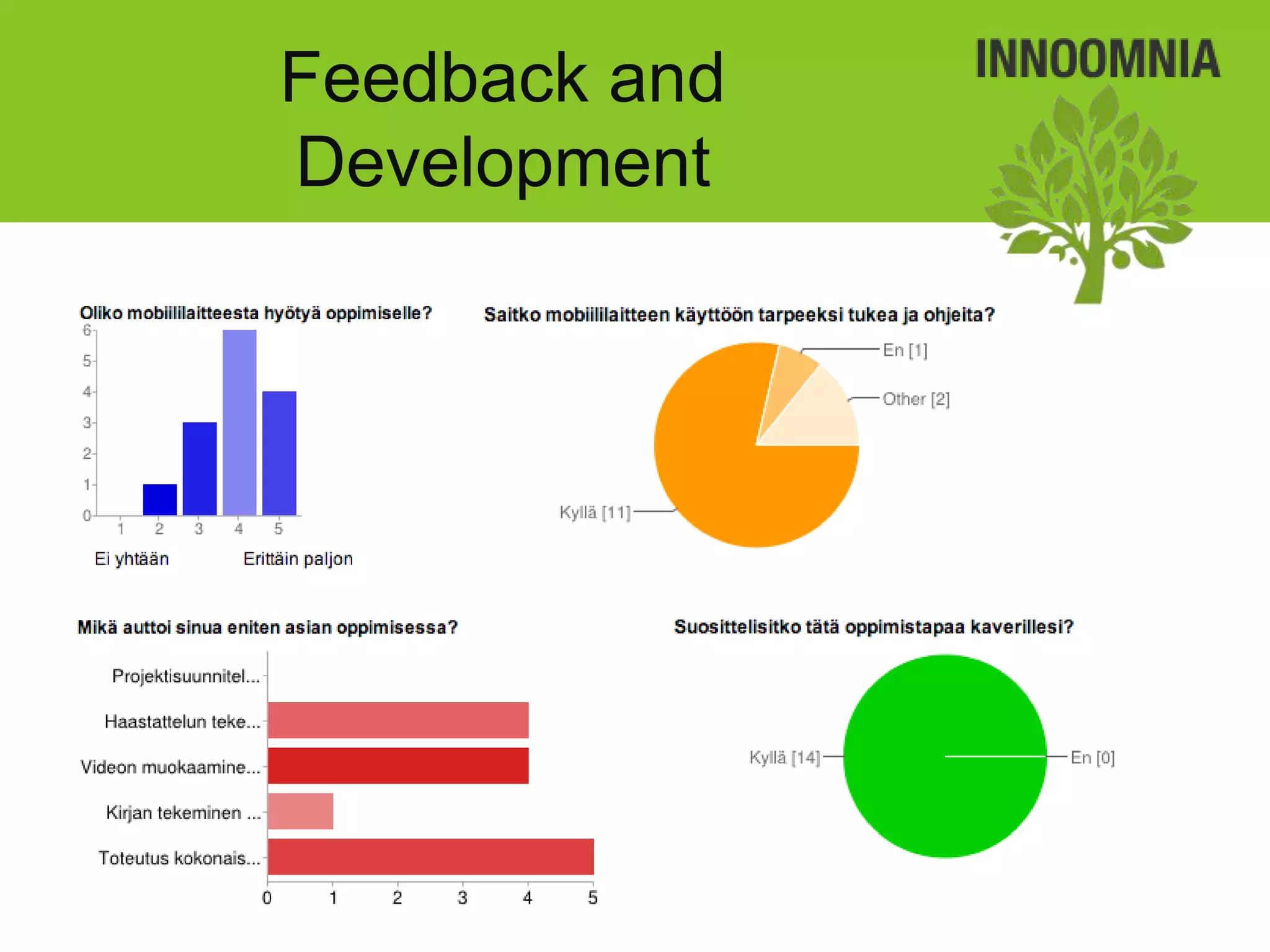
Feedback and
                 Development
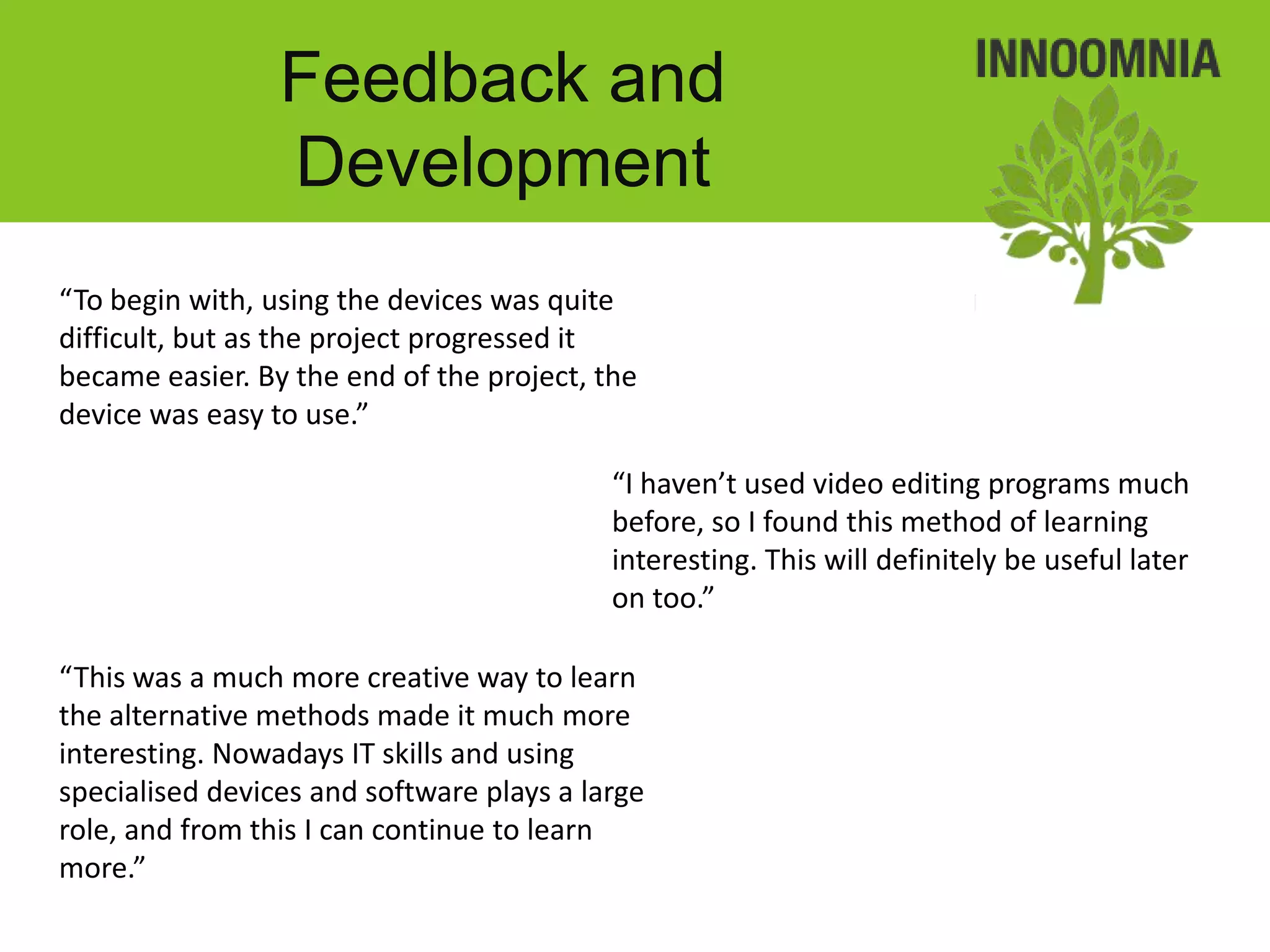
“To begin with, using the devices was quite
difficult, but as the project progressed it
became easier. By the end of the project, the
device was easy to use.”

                                           “I haven’t used video editing programs much
                                           before, so I found this method of learning
                                           interesting. This will definitely be useful later
                                           on too.”

“This was a much more creative way to learn
the alternative methods made it much more
interesting. Nowadays IT skills and using
specialised devices and software plays a large
role, and from this I can continue to learn
more.”
Results
• Planning popplets
• Posterous blog
• Video presentations and interviews:
Results
Results

I os device deployment example english

  • 1.
    iOS device deploymentexample 2012 – Hospitality Students Pete Stockley Mobile Learning Systems Specialist 2012
  • 2.
    Contents 1. Define project requirements 2. Set up devices, settings and other services 3. Device acquaintance and training 4. Updates and maintenance 5. Upon return 6. Feedback 7. Results
  • 3.
    Define project requirements • 2012 Hospitality • Goals: Students – Project management • 1 Teacher: Kaisa Jussila – Teamwork • 18 Students – Hands-on work • 1 period(10 weeks) – Action planning – Problem solving – Reflection of learning – Device usage – Mobile learning
  • 4.
    Define project requirements • Tasks: – Research event management companies and conference services – Interview employees – Publish and share findings
  • 5.
    Define project requirements Meet with the teacher
  • 6.
    Define project requirements • Project Define project goals management • Teamwork • Hands-on work • Action planning • Problem solving • Reflection of learning • Device usage • Mobile learning
  • 7.
    Define project requirements Define project processes • Outline the project process • Research event management companies and a arrange a visit • photograph / record the visit • Share the materials with team mates • Edit the movie to make a short movie about the findings • Publish the movie
  • 8.
    Define project requirements Define project processes
  • 9.
  • 10.
    Define project requirements Suggest other services
  • 11.
    Define project requirements Suggest devices and accessories
  • 12.
    Set up devices •Set up an initial device – apps, app settings, IAPs, eBooks, device settings, device restrictions • The device profile backed up and copied to all the other devices • The device is registered in Excel and MDM • Batteries are fully charged • Protective cases ! No volume purchase programme (VPP) or gifting methods available. ! 1 device : many users ratio
  • 13.
    Set up devices Install apps on to 1 device
  • 14.
    Set up devices Define settings, restrictions, content and log in to services
  • 15.
    Set up devices Make a backup in iTunes
  • 16.
    Set up devices Apply backup to all devices
  • 17.
    Set up devices Configure non-transferable settings / log ins
  • 18.
    Set up devices Test first selection of devices
  • 19.
    Set up devices Register all devices locally and via MDM
  • 20.
    Set up devices Charge all devices
  • 21.
    Device acquaintance and training • Where possible, users are given time to use the device without any specific goals • Where possible, the teacher is taught how to use the apps and the teacher relays this information to the students • Obtain photographing and publish permissions from students • Obtain permission from younger students’ parents so they are aware • Obtain lending agreements from students outlining do’s and don’t’s
  • 22.
    Device acquaintance and training Don’t force the users to learn how to use the device
  • 23.
    Device acquaintance and training Allow the teacher to “play”
  • 24.
    Device acquaintance and training Allow the students to “play”
  • 25.
    Device acquaintance and training Don’t show the users how to use the apps
  • 26.
    Device acquaintance and training Show the teacher how to use the apps if necessary
  • 27.
    Device acquaintance and training Let the teacher show students how to use the apps
  • 28.
    Device acquaintance and training Be available for further assistance or retraining
  • 29.
    Updates and maintenance • Updates and maintenance are performed as needed locally (partial maintenance remotely)
  • 30.
    Updates and maintenance Some things must be done locally: • Sign back in to iTunes account • Modify some restrictions
  • 31.
    Updates and maintenance Some things can be done locally by the teacher: • Set up cloud service accounts • App / Device troubleshooting
  • 32.
    Updates and maintenance Some things can be done using cloud-based MDM systems: • Passcode reset • Modify some settings / webclips
  • 33.
    Upon return • 1to 1 devices can be backed up locally if necessary • Many individual apps support file transfer to make copies of app files to PC / Mac • Devices are completely wiped to remove data privacy concerns
  • 34.
    Upon return 1:1 Users can make device backups if they want to before returning
  • 35.
    Upon Return All users can manually back up app files via File Transfer in iTunes or cloud storage services
  • 36.
  • 37.
    Upon return Total resets to remove all data and history
  • 38.
    Feedback and Development • Get feedback from teachers and students, directly and indirectly.
  • 39.
    Feedback and Development Feedback directly from group
  • 40.
    Feedback and Development In-depth feedback from teacher
  • 41.
    Feedback and Development Anonymous feedback from students
  • 42.
  • 43.
    Feedback and Development “To begin with, using the devices was quite difficult, but as the project progressed it became easier. By the end of the project, the device was easy to use.” “I haven’t used video editing programs much before, so I found this method of learning interesting. This will definitely be useful later on too.” “This was a much more creative way to learn the alternative methods made it much more interesting. Nowadays IT skills and using specialised devices and software plays a large role, and from this I can continue to learn more.”
  • 44.
    Results • Planning popplets •Posterous blog • Video presentations and interviews:
  • 45.
  • 46.