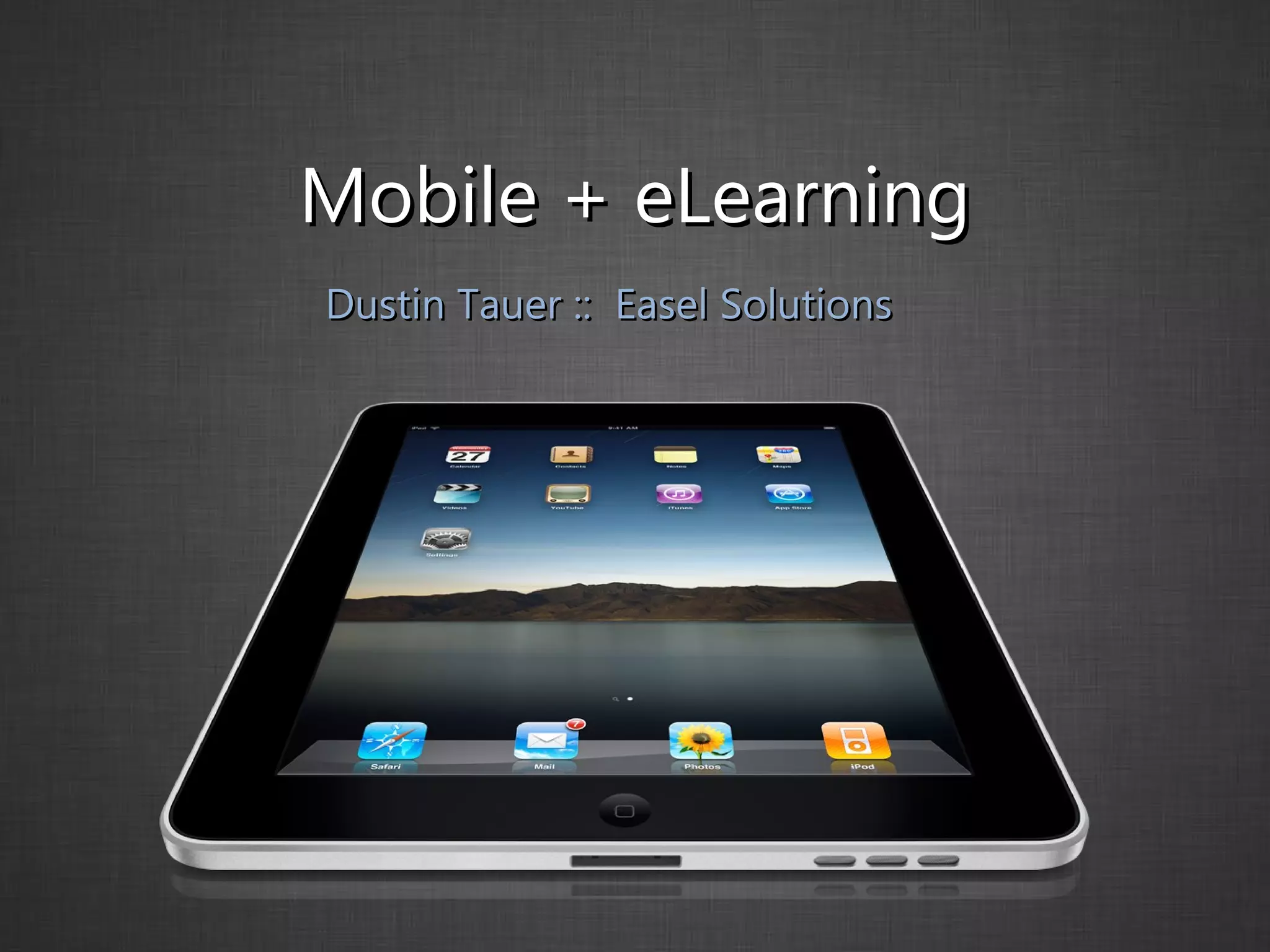
Mobile + eLearning Dustin Tauer ::  Easel Solutions
Hi, I’m Dustin I Teach Flash Flex jQuery Captivate Presenter Adobe Connect I Develop Web Desktop Mobile eLearning @dtauer
Easel Solutions Adobe Authorized Training Industry Experts  |  Expert Instructors Solutions Provider Don’t have time to learn? We’ll do it for you Custom Training We’ll figure it out, then teach you how @easelsolutions
mLearning eLearning gone  mobile
The Problem Users want  eLearning  on a   mobile device
The  Real  Problem Users want eLearning on a mobile device that  does not  support  Flash
The Solution(s) Publish content targeting  specific  devices - or - Publish content that will work  everywhere
Let’s talk about  Flash
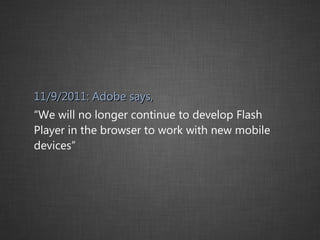
11/9/2011: Adobe says, “ We will no longer continue to develop Flash Player in the browser to work with new mobile devices”
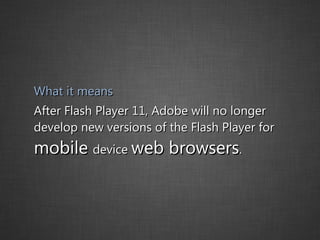
What it means After Flash Player 11, Adobe will no longer develop new versions of the Flash Player for  mobile  device  web browsers .
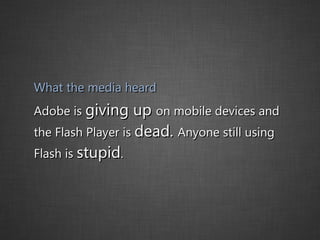
What the media heard Adobe is  giving up  on mobile devices and the Flash Player is  dead.  Anyone still using Flash is  stupid .
The Truth? Nothing is going to change  |  Here’s why
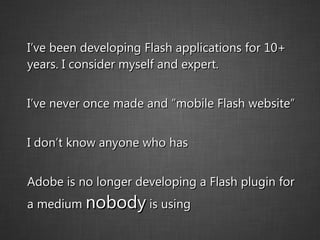
I’ve been developing Flash applications for 10+ years. I consider myself and expert. I’ve never once made and “mobile Flash website” I don’t know anyone who has Adobe is no longer developing a Flash plugin for a medium  nobody  is using
Flash and eLearning The eLearning field is heavily reliant on Flash.  Do we have to learn new tools?  Abandon our existing courses?  Where do I start? No No Right Here
Disclaimer I’m talking about techniques that work  today
Disclaimer Tools will  evolve . Better techniques will emerge.
Stay Current @dtauer @easelsolutions http://blog.easelsolutions.com
Two Approaches for Mobile Web Course  on your website or in an Learning Management System - or - Mobile App  that will be installed on the devices of your users or added to an app store
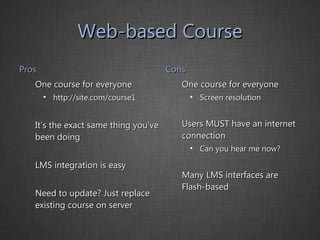
Web-based Course Pros One course for everyone http://site.com/course1 It’s the exact same thing you’ve been doing LMS integration is easy Need to update? Just replace existing course on server Cons One course for everyone Screen resolution Users MUST have an internet connection Can you hear me now? Many LMS interfaces are Flash-based
Web-based Course Best Use Cases You’re creating non-Flash content that needs to communicate with an LMS You want to create an online repository of instructional material Video
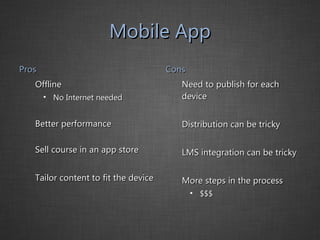
Mobile App Pros Offline No Internet needed Better performance Sell course in an app store Tailor content to fit the device Cons Need to publish for each device Distribution can be tricky LMS integration can be tricky More steps in the process $$$
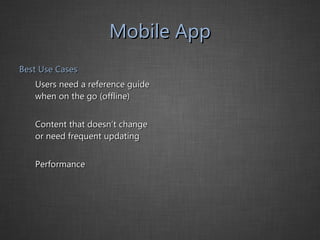
Mobile App Best Use Cases Users need a reference guide when on the go (offline) Content that doesn’t change or need frequent updating Performance
Choose the right tool Even if you aren’t ready for mobile yet, be thinking about it.  Choose a tool that’s thinking about it too.
The Process I’m using Captivate
The Process I’ll publish a Flash file
The Process I’ll convert the Flash file to HTML/CSS/JavaScript http://labs.adobe.com/technologies/captivate_html5/
You now have an iPad-compatible course for your LMS or website
What about a mobile app? Create a native application by packaging your course with PhoneGap http://www.phonegap.com
Screen Size It might be easiest to make it  perfect  on one device and just  OK  on the rest
{  iPad:  1024 x 768 }
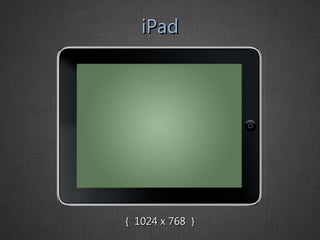
iPad {  1024 x 768  }
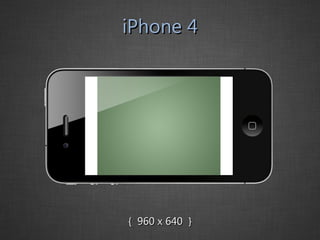
iPhone 4 {  960 x 640  }
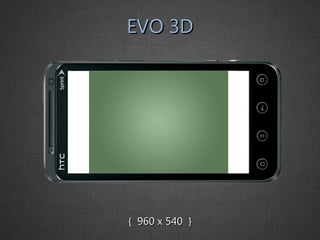
EVO 3D {  960 x 540  }
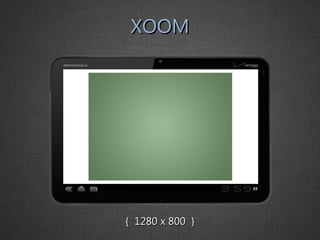
XOOM {  1280 x 800  }
{  Demo  }
{  Thank you  }

eLearning and Mobile

  • 1.
    Mobile + eLearningDustin Tauer :: Easel Solutions
  • 2.
    Hi, I’m DustinI Teach Flash Flex jQuery Captivate Presenter Adobe Connect I Develop Web Desktop Mobile eLearning @dtauer
  • 3.
    Easel Solutions AdobeAuthorized Training Industry Experts | Expert Instructors Solutions Provider Don’t have time to learn? We’ll do it for you Custom Training We’ll figure it out, then teach you how @easelsolutions
  • 4.
  • 5.
    The Problem Userswant eLearning on a mobile device
  • 6.
    The Real Problem Users want eLearning on a mobile device that does not support Flash
  • 7.
    The Solution(s) Publishcontent targeting specific devices - or - Publish content that will work everywhere
  • 8.
  • 9.
    11/9/2011: Adobe says,“ We will no longer continue to develop Flash Player in the browser to work with new mobile devices”
  • 10.
    What it meansAfter Flash Player 11, Adobe will no longer develop new versions of the Flash Player for mobile device web browsers .
  • 11.
    What the mediaheard Adobe is giving up on mobile devices and the Flash Player is dead. Anyone still using Flash is stupid .
  • 12.
    The Truth? Nothingis going to change | Here’s why
  • 13.
    I’ve been developingFlash applications for 10+ years. I consider myself and expert. I’ve never once made and “mobile Flash website” I don’t know anyone who has Adobe is no longer developing a Flash plugin for a medium nobody is using
  • 14.
    Flash and eLearningThe eLearning field is heavily reliant on Flash. Do we have to learn new tools? Abandon our existing courses? Where do I start? No No Right Here
  • 15.
    Disclaimer I’m talkingabout techniques that work today
  • 16.
    Disclaimer Tools will evolve . Better techniques will emerge.
  • 17.
    Stay Current @dtauer@easelsolutions http://blog.easelsolutions.com
  • 18.
    Two Approaches forMobile Web Course on your website or in an Learning Management System - or - Mobile App that will be installed on the devices of your users or added to an app store
  • 19.
    Web-based Course ProsOne course for everyone http://site.com/course1 It’s the exact same thing you’ve been doing LMS integration is easy Need to update? Just replace existing course on server Cons One course for everyone Screen resolution Users MUST have an internet connection Can you hear me now? Many LMS interfaces are Flash-based
  • 20.
    Web-based Course BestUse Cases You’re creating non-Flash content that needs to communicate with an LMS You want to create an online repository of instructional material Video
  • 21.
    Mobile App ProsOffline No Internet needed Better performance Sell course in an app store Tailor content to fit the device Cons Need to publish for each device Distribution can be tricky LMS integration can be tricky More steps in the process $$$
  • 22.
    Mobile App BestUse Cases Users need a reference guide when on the go (offline) Content that doesn’t change or need frequent updating Performance
  • 23.
    Choose the righttool Even if you aren’t ready for mobile yet, be thinking about it. Choose a tool that’s thinking about it too.
  • 24.
    The Process I’musing Captivate
  • 25.
    The Process I’llpublish a Flash file
  • 26.
    The Process I’llconvert the Flash file to HTML/CSS/JavaScript http://labs.adobe.com/technologies/captivate_html5/
  • 27.
    You now havean iPad-compatible course for your LMS or website
  • 28.
    What about amobile app? Create a native application by packaging your course with PhoneGap http://www.phonegap.com
  • 29.
    Screen Size Itmight be easiest to make it perfect on one device and just OK on the rest
  • 30.
    { iPad: 1024 x 768 }
  • 31.
    iPad { 1024 x 768 }
  • 32.
    iPhone 4 { 960 x 640 }
  • 33.
    EVO 3D { 960 x 540 }
  • 34.
    XOOM { 1280 x 800 }
  • 35.
  • 36.
    { Thankyou }