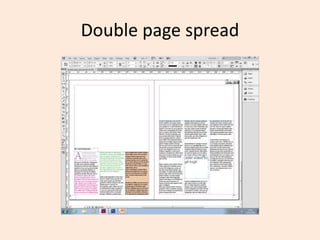
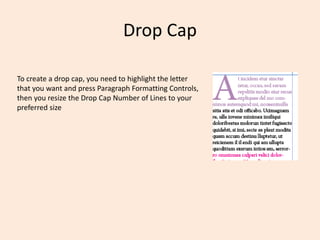
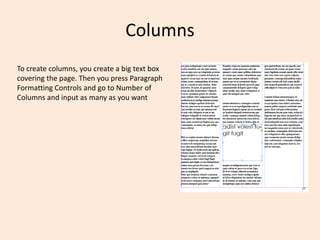
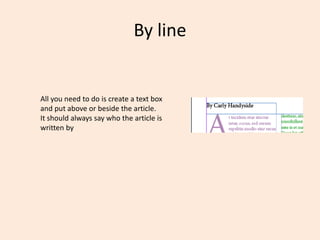
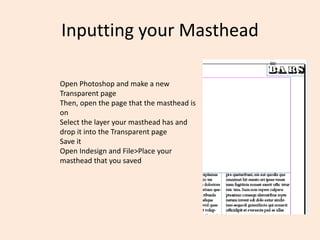
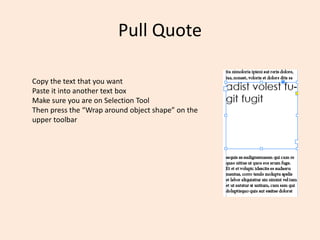
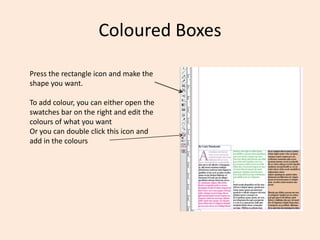
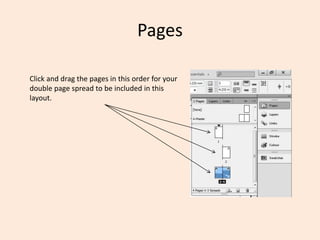
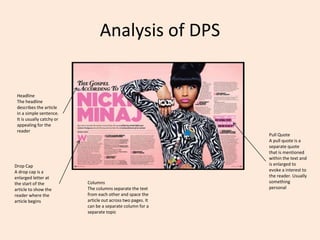
The document provides instructions for formatting various design elements in a double page spread layout in InDesign, including how to create a drop cap, columns, a byline, input a masthead, pull quotes, colored boxes, and arrange pages. To create a drop cap, the user selects and resizes the first letter. To make columns, the user draws a text box and sets the number of columns. A byline is placed above or beside the article. The masthead is placed by selecting it in Photoshop and placing it in InDesign. Pull quotes are copied text placed in separate text boxes. Colored boxes are drawn and customized. Pages are dragged to set the order in the double page spread.