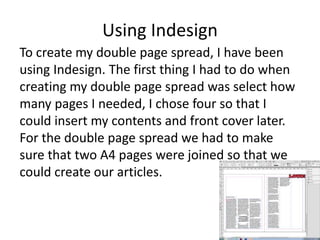
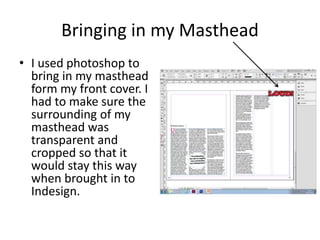
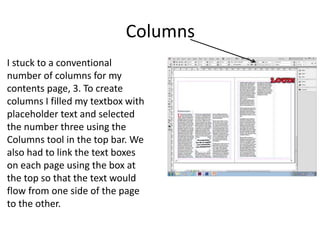
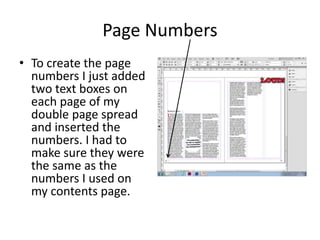
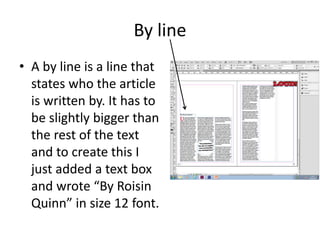
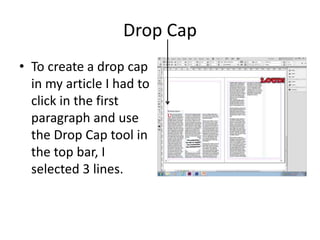
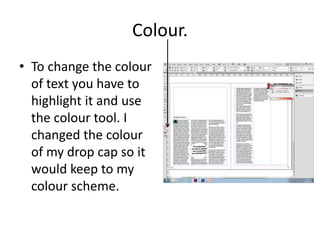
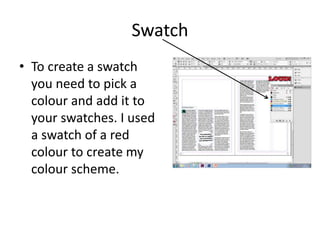
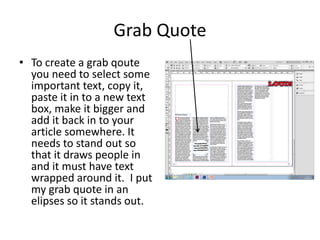
The document discusses how to create a double page spread in InDesign. The author first selects four pages to join two pages together for the spread. Columns are added using the Columns tool, and text boxes are linked between pages so the text flows continuously. Page numbers, a byline, drop cap, color changes, swatches, and grab quotes are added to style and draw attention to parts of the article. Elements like the headline, byline, stand first paragraph, drop cap, caption, and illustrations are analyzed on the finished double page spread.