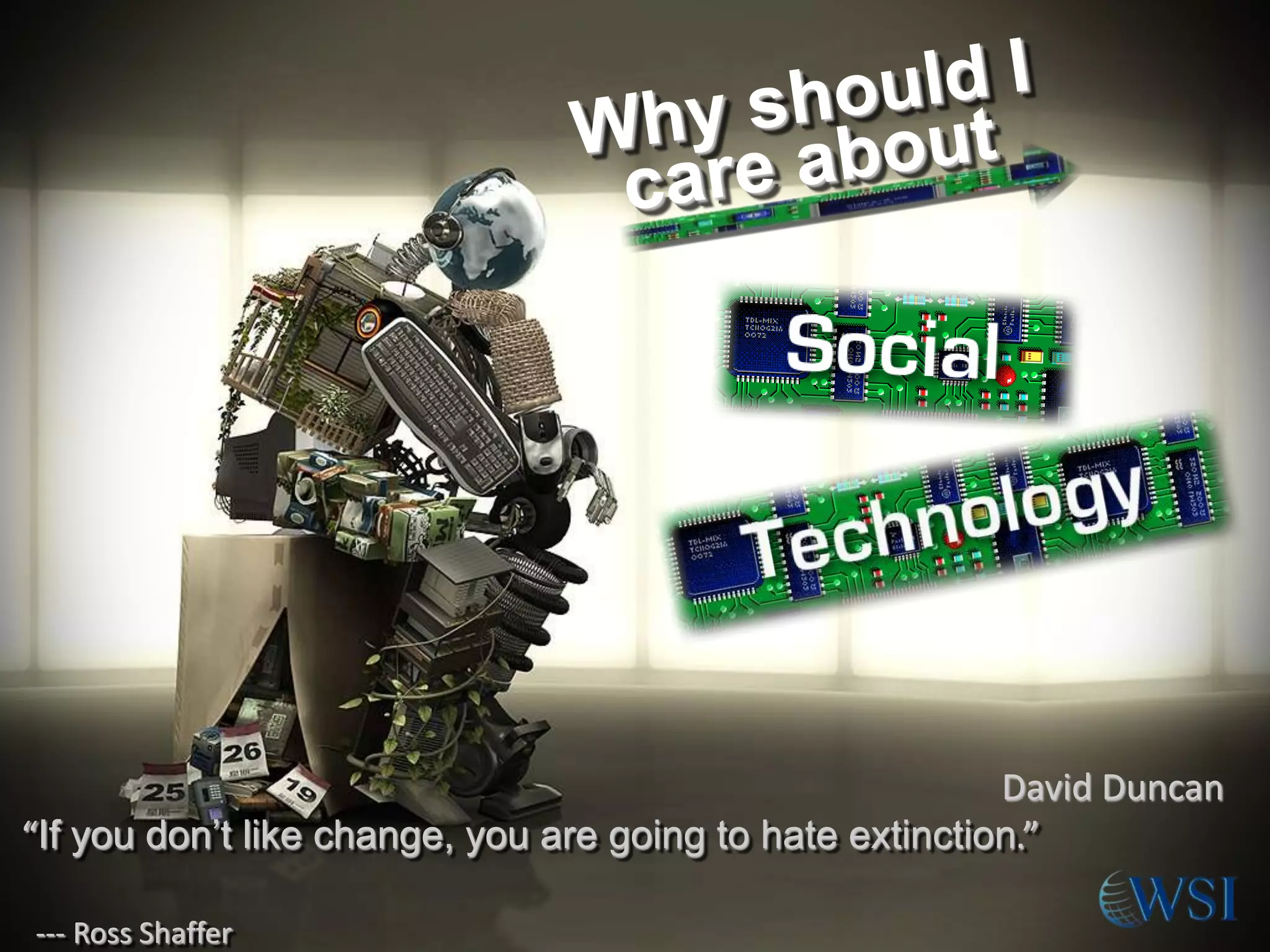
David Duncan
“If you don’t like change, you are going to hate extinction.”
-­­ Ross Shaffer
Our Objectives
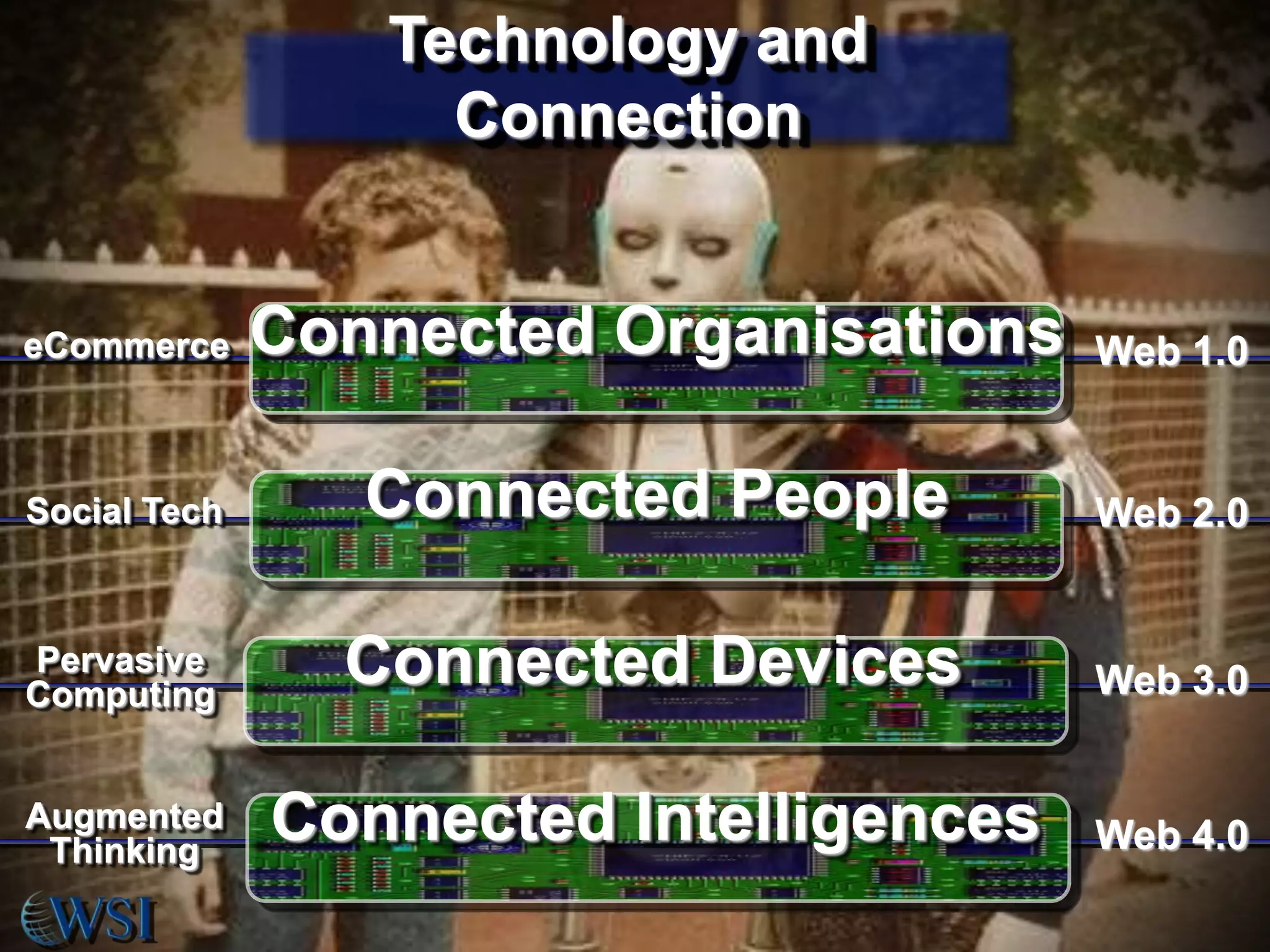
Technology and
Connection

eCommerce

Connected Organisations

Web 1.0

Social Tech

Connected People

Web 2.0

Pervasive
Computing

Connected Devices

Web 3.0

Augmented
Thinking

Connected Intelligences

Web 4.0
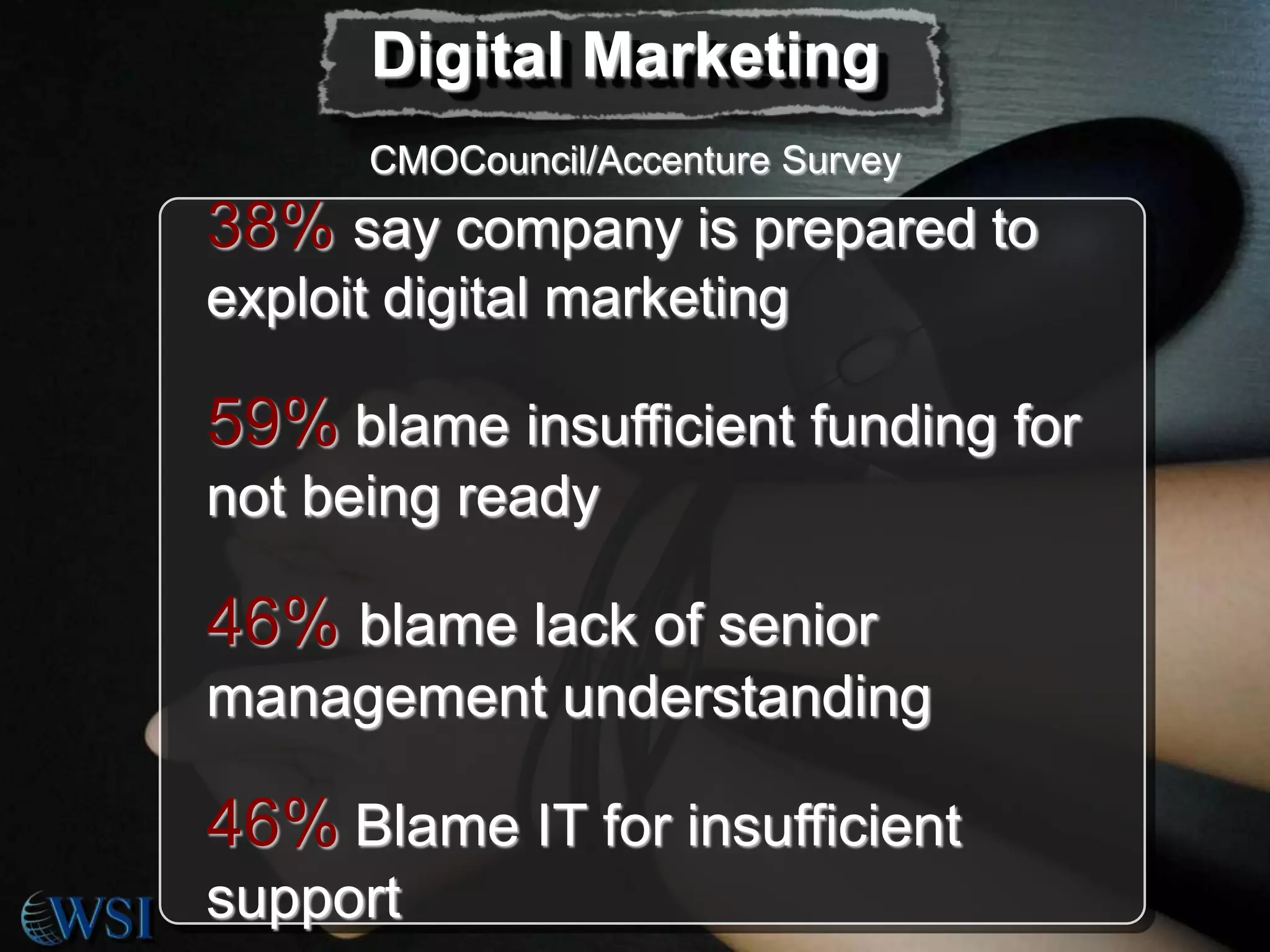
Digital Marketing
CMOCouncil/Accenture Survey

38% say company is prepared to
exploit digital marketing

59% blame insufficient funding for
not being ready

46% blame lack of senior
management understanding

46% Blame IT for insufficient
support
Underlying Costs are
Minimal

• Software applications are free, or at
most, inexpensive

• New social tech tasks can be
distributed to current staff and teams

• Employees will create part of the
value on their own time

• Scalability is irrelevant to costs
• Return on Investment is easily
measurable
Levels the Playing
Field

• Small companies can better compete
financially, geographically,
knowledgeably

• Any person with an internet
connection can find work by
crowdsourcing, and build connections
through social networking

• Any entity can create and distribute
content for a minimal price

• Organisations that provide poor
service will be exposed
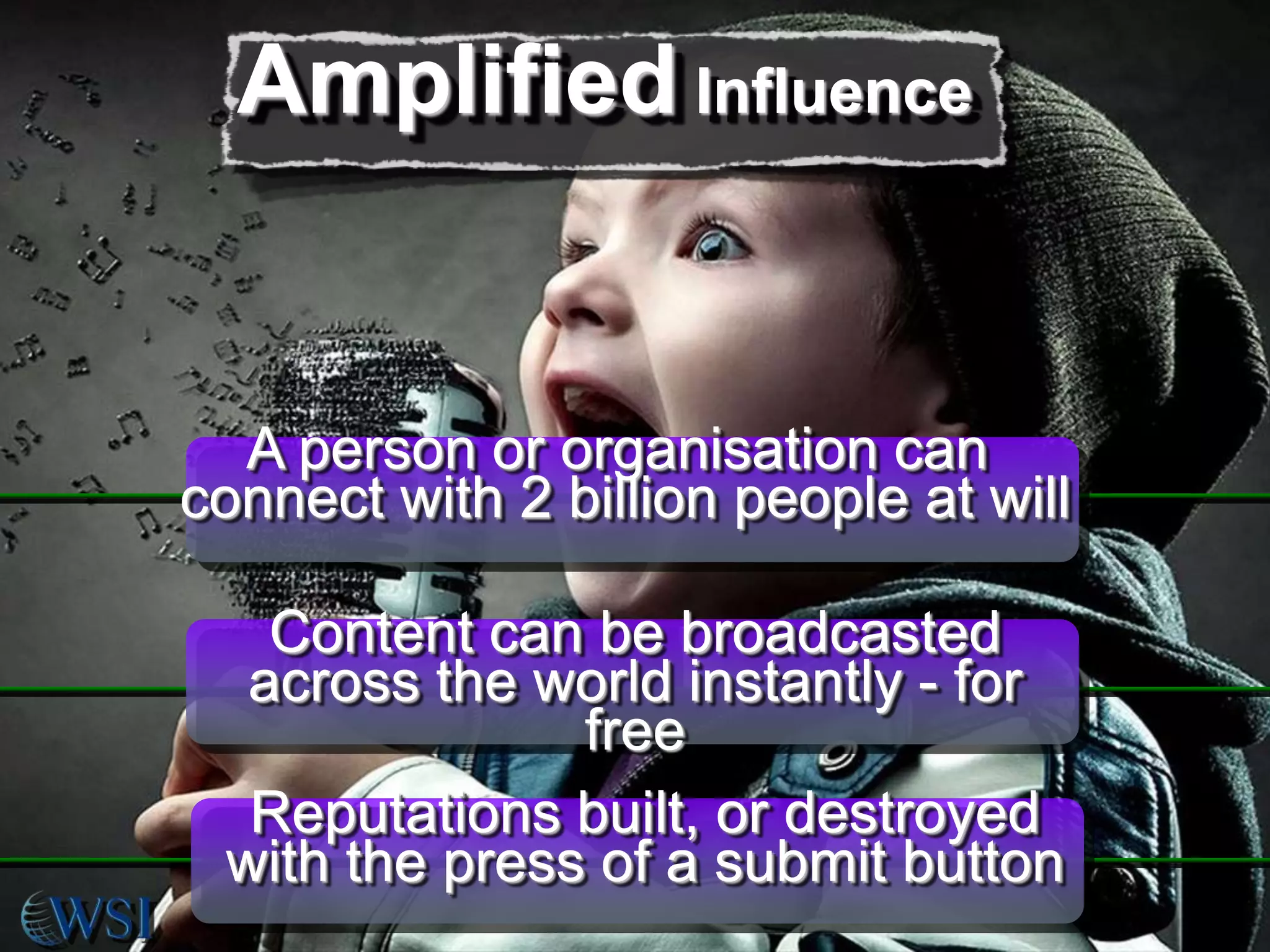
Amplified Influence

A person or organisation can
connect with 2 billion people at will
Content can be broadcasted
across the world instantly - for
free
Reputations built, or destroyed
with the press of a submit button
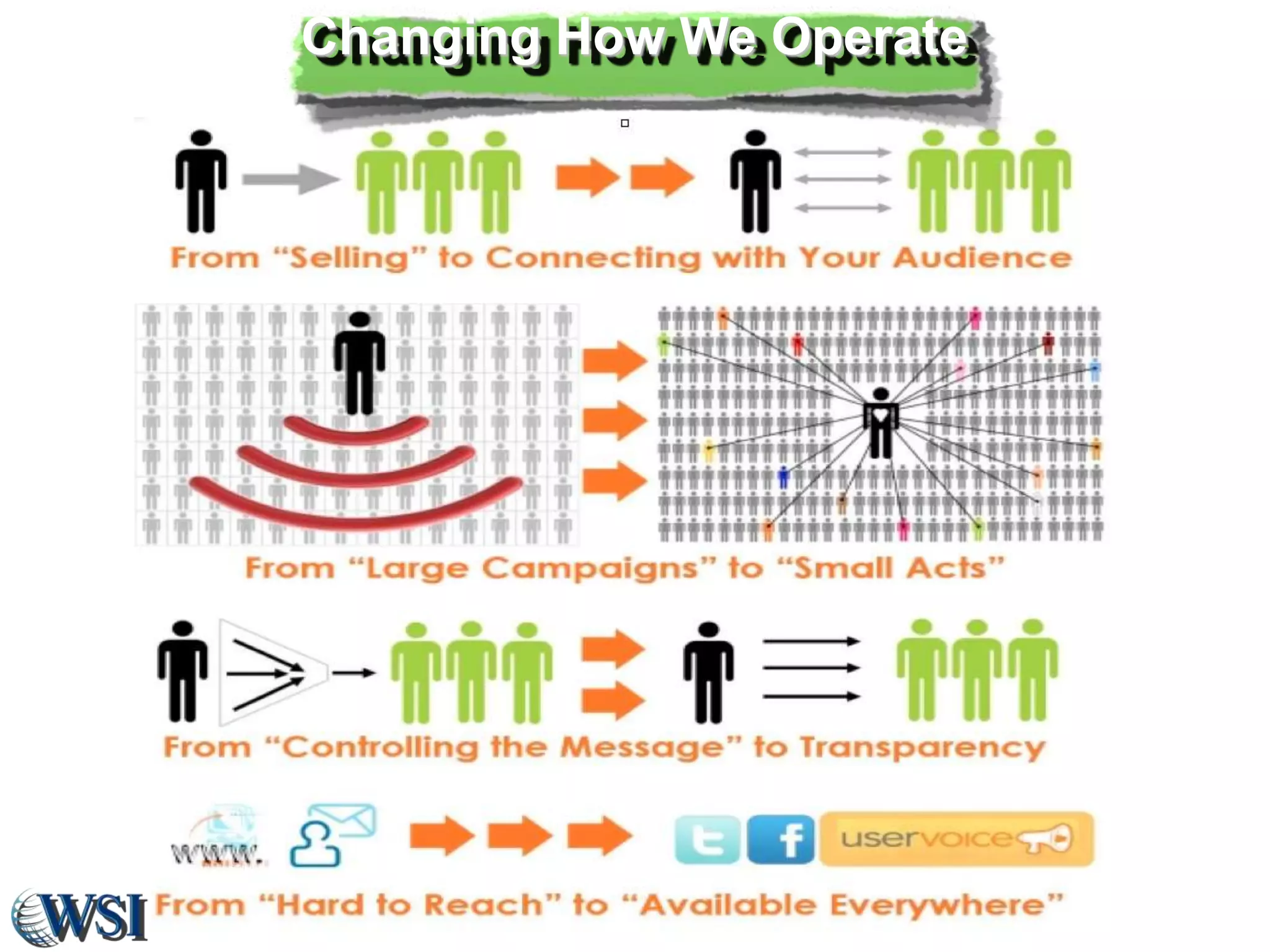
Changing How We Operate
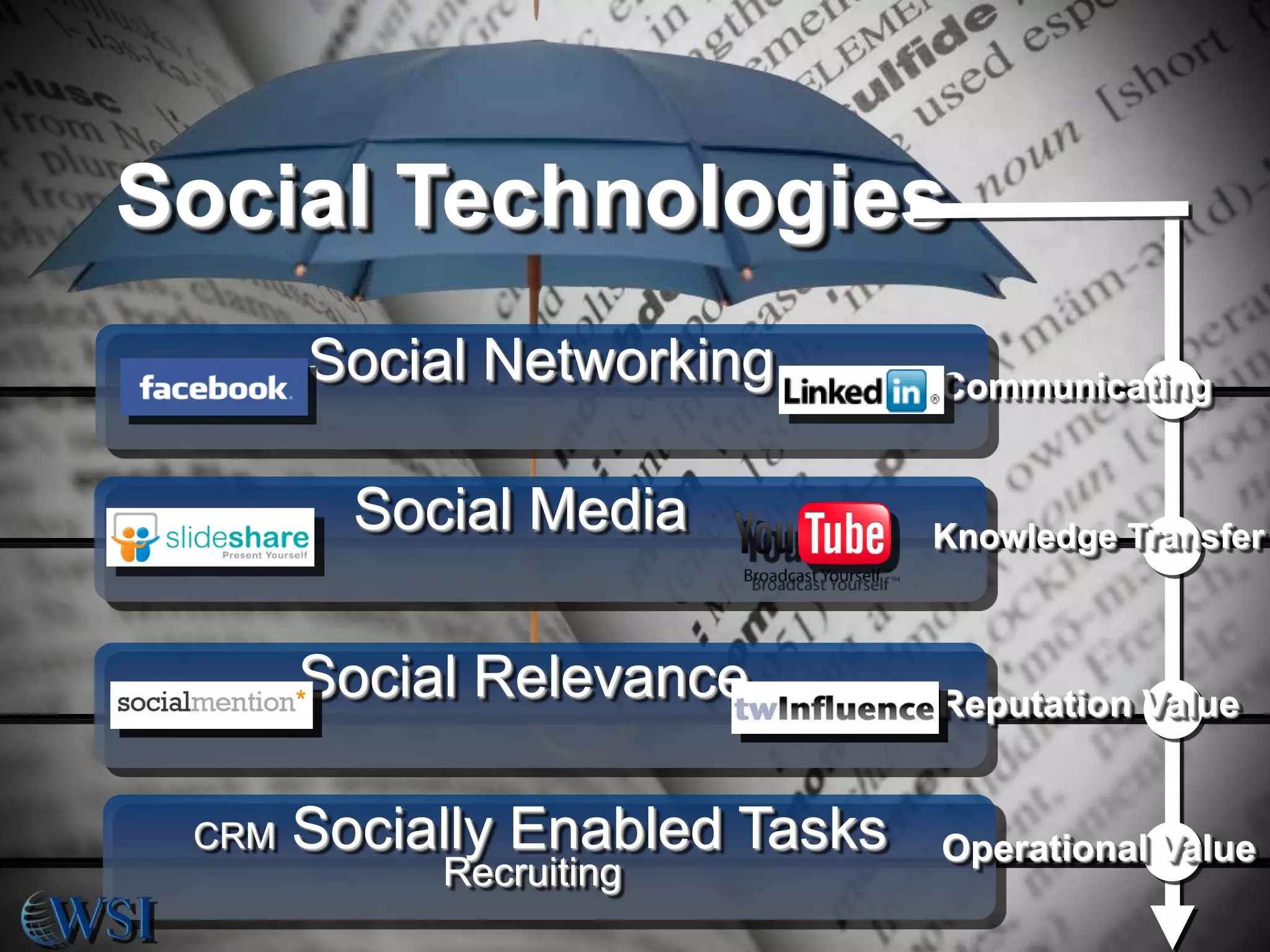
Social Technologies
Social Networking

Communicating

Social Media
Social Relevance
CRM

Knowledge Transfer

Reputation Value

Socially Enabled Tasks

Operational Value

Recruiting
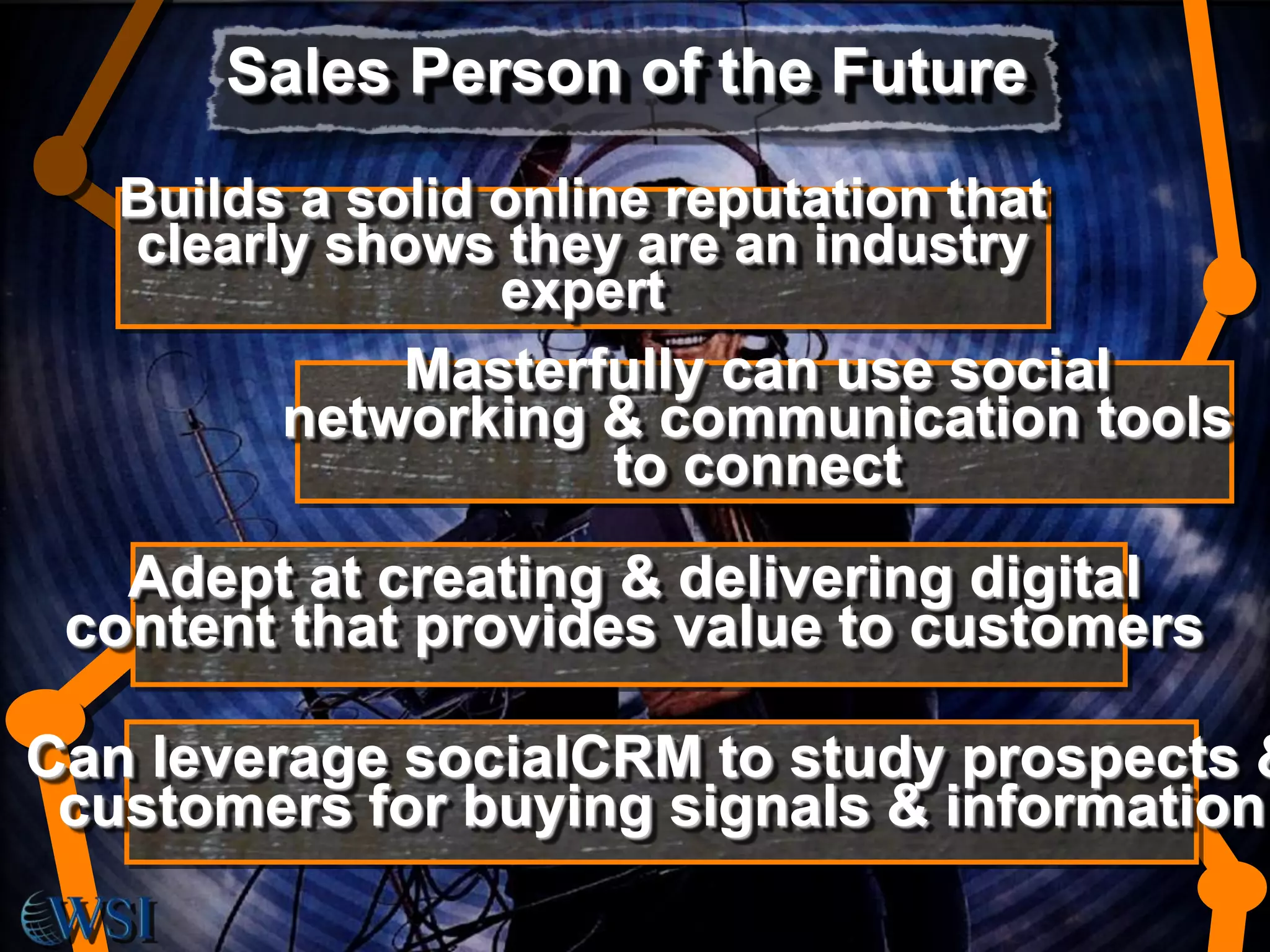
Sales Person of the Future
Builds a solid online reputation that
clearly shows they are an industry
expert
Masterfully can use social
networking & communication tools
to connect

Adept at creating & delivering digital
content that provides value to customers

Can leverage socialCRM to study prospects &
customers for buying signals & information
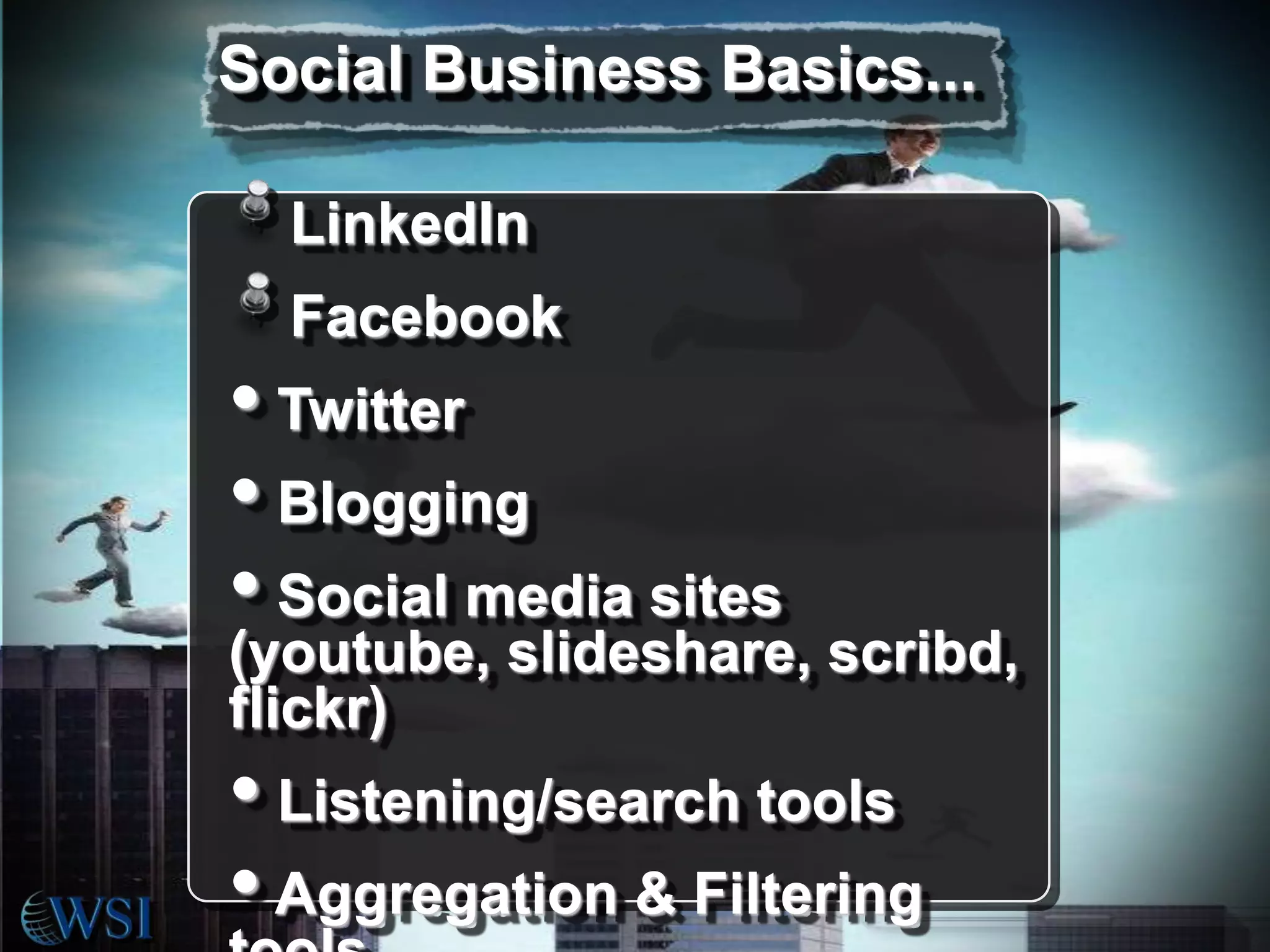
Social Business Basics...
LinkedIn
Facebook

• Twitter
• Blogging
• Social media sites

(youtube, slideshare, scribd,
flickr)

• Listening/search tools
• Aggregation & Filtering
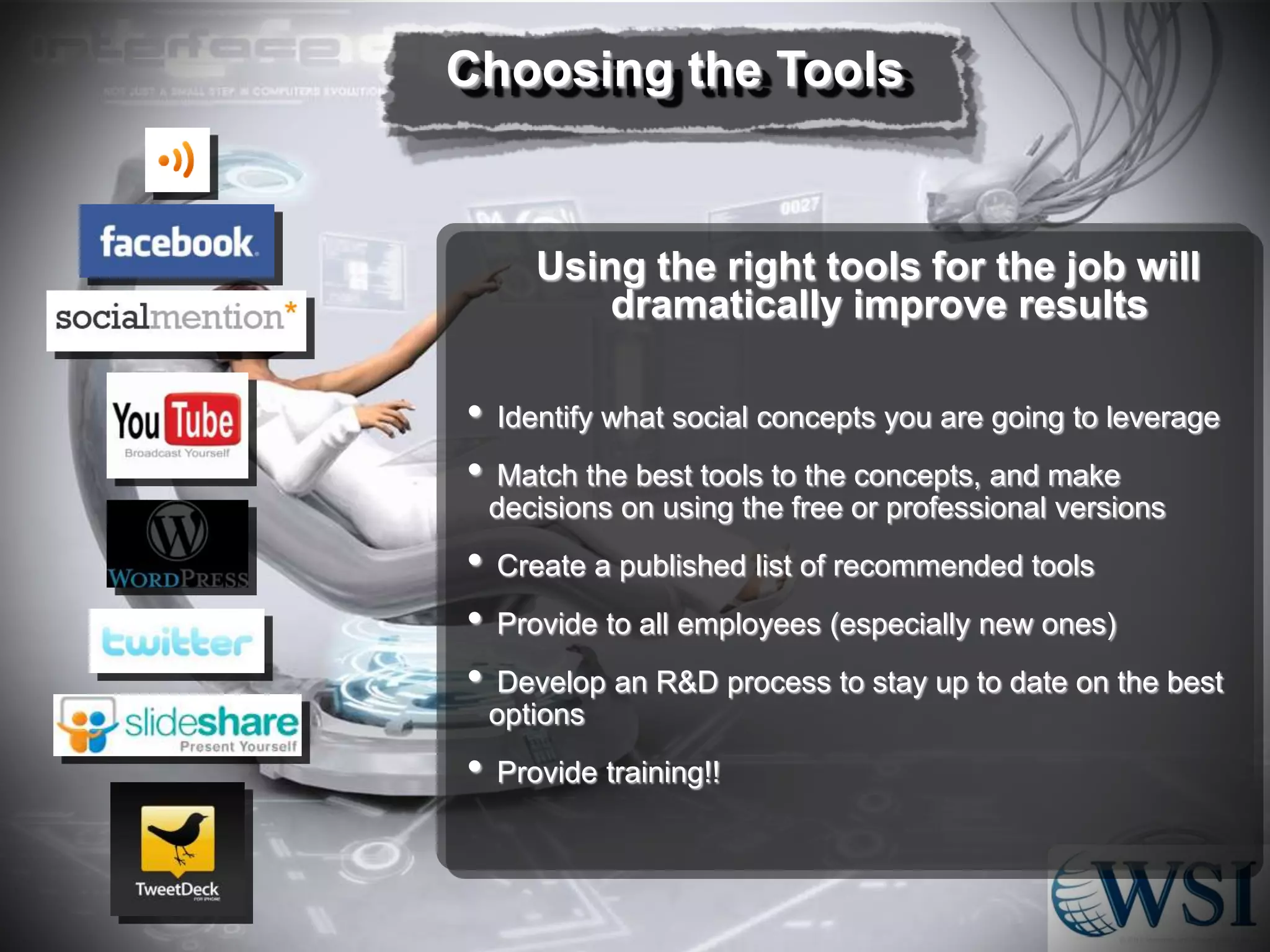
Choosing the Tools

Using the right tools for the job will
dramatically improve results

•
•
•
•
•
•

Identify what social concepts you are going to leverage
Match the best tools to the concepts, and make
decisions on using the free or professional versions
Create a published list of recommended tools
Provide to all employees (especially new ones)
Develop an R&D process to stay up to date on the best
options
Provide training!!
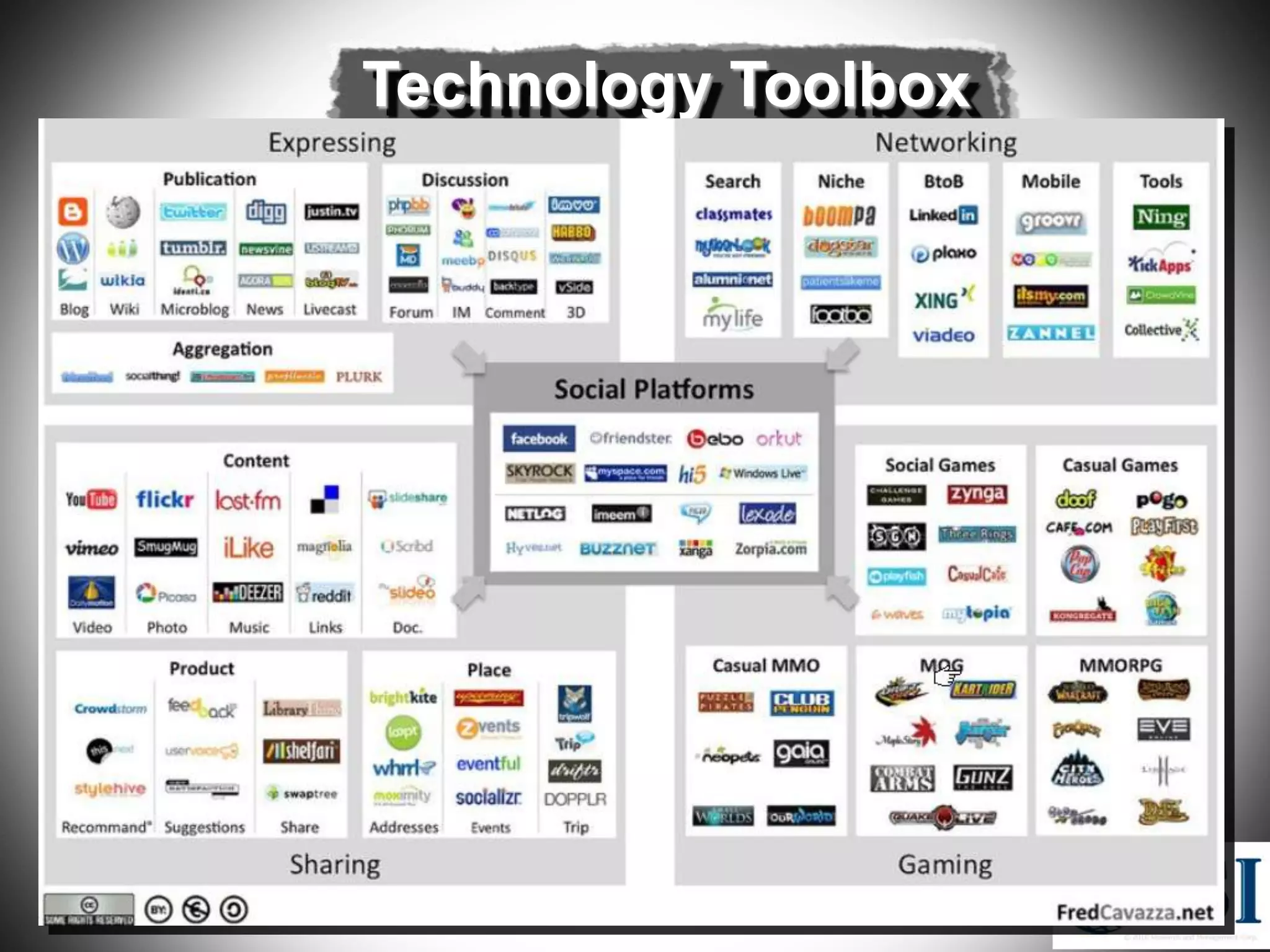
Technology Toolbox
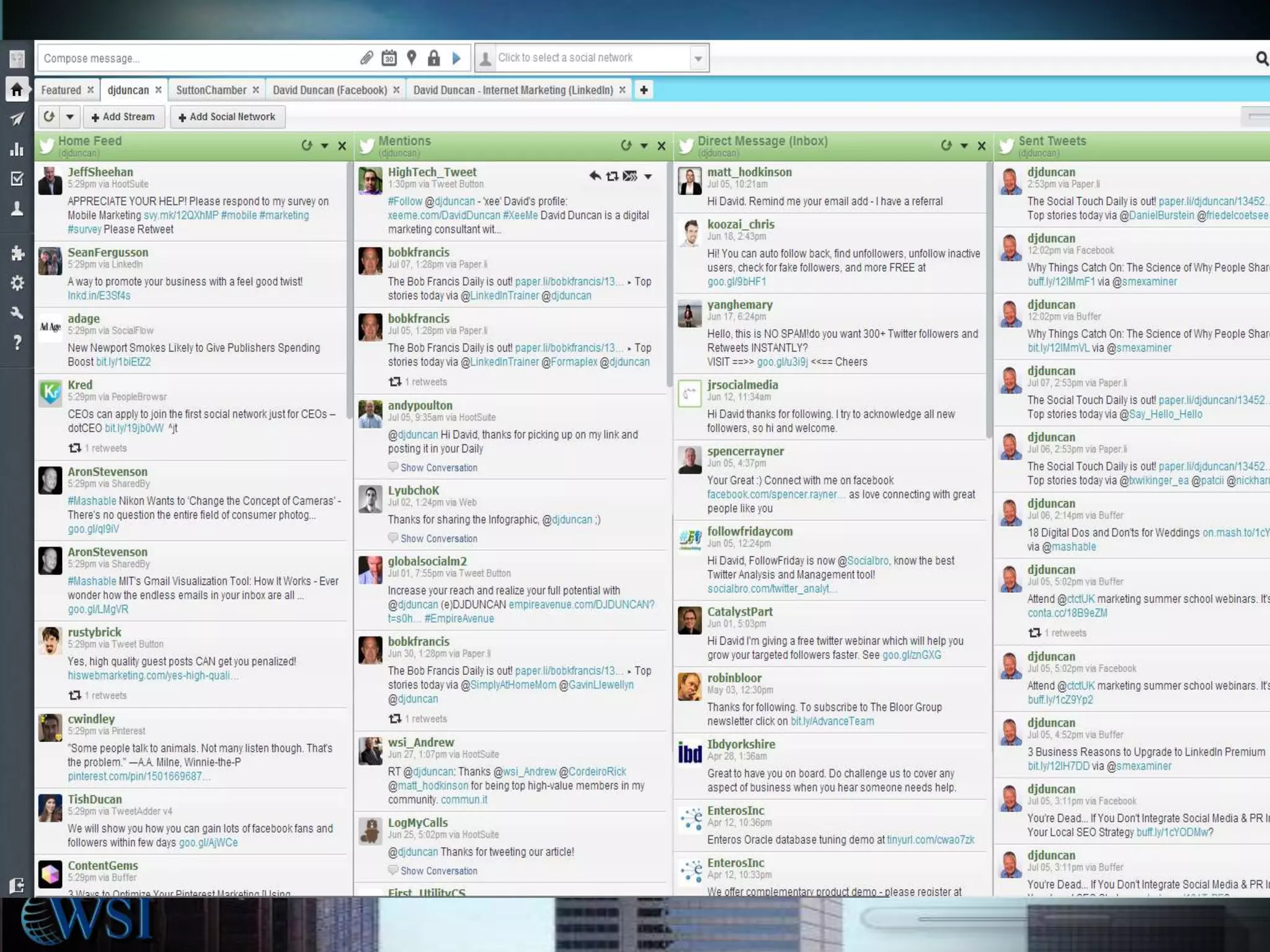
Platform

Research

Engage

Measure
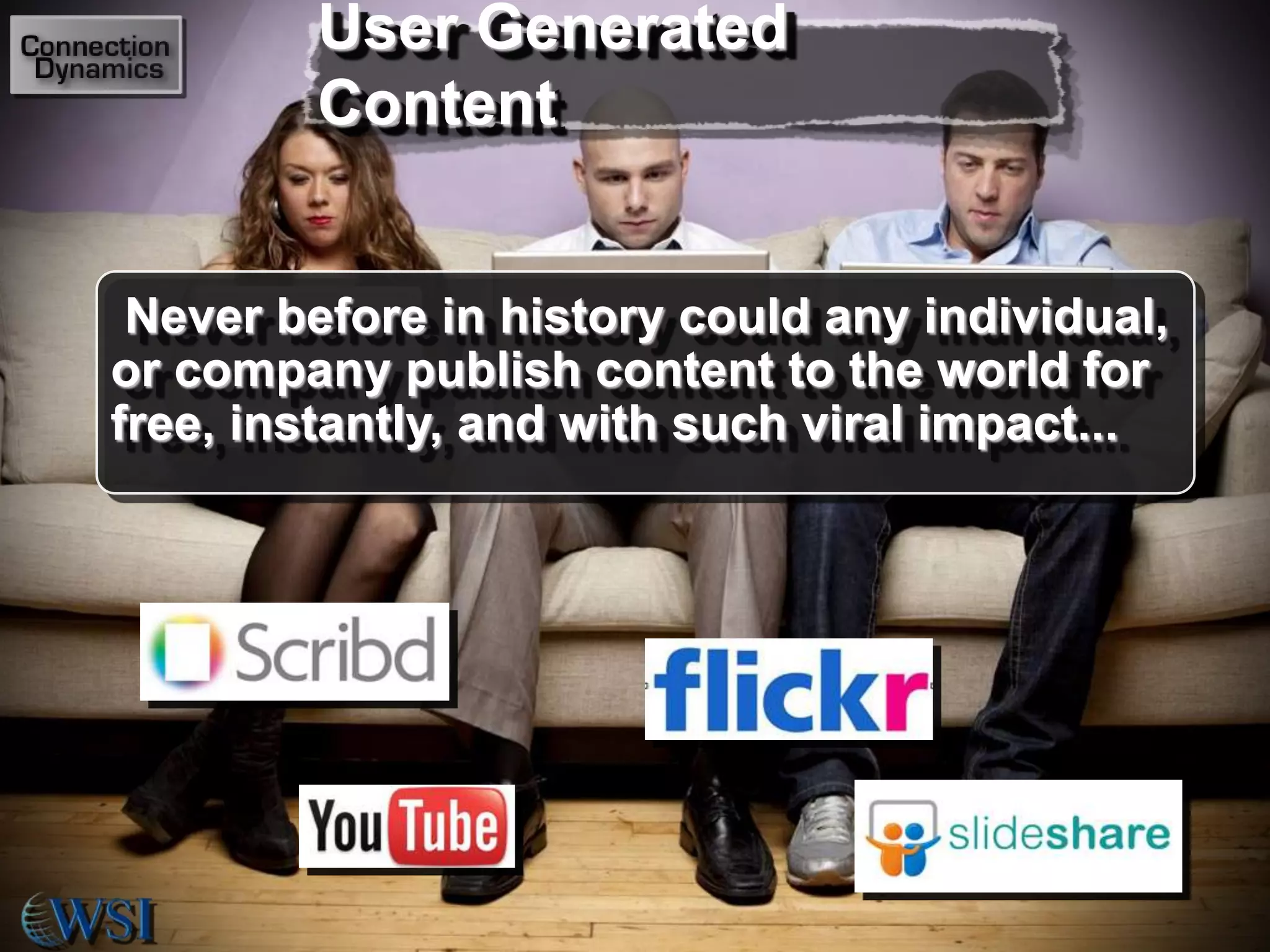
User Generated
Content

Never before in history could any individual,
or company publish content to the world for
free, instantly, and with such viral impact...
Citizen Journalism
Reporting is now done by anyone with
a mobile device
Everyone has a voice and distribution
is not filtered by any entity
Reporting is now almost real time
We choose what we like by sending
links to our friends
Traditional media now filters social
technologies to find or augment their
stories
A Technology
Perspective
First time adults must ask children for help with
something as critical to their careers as
technology
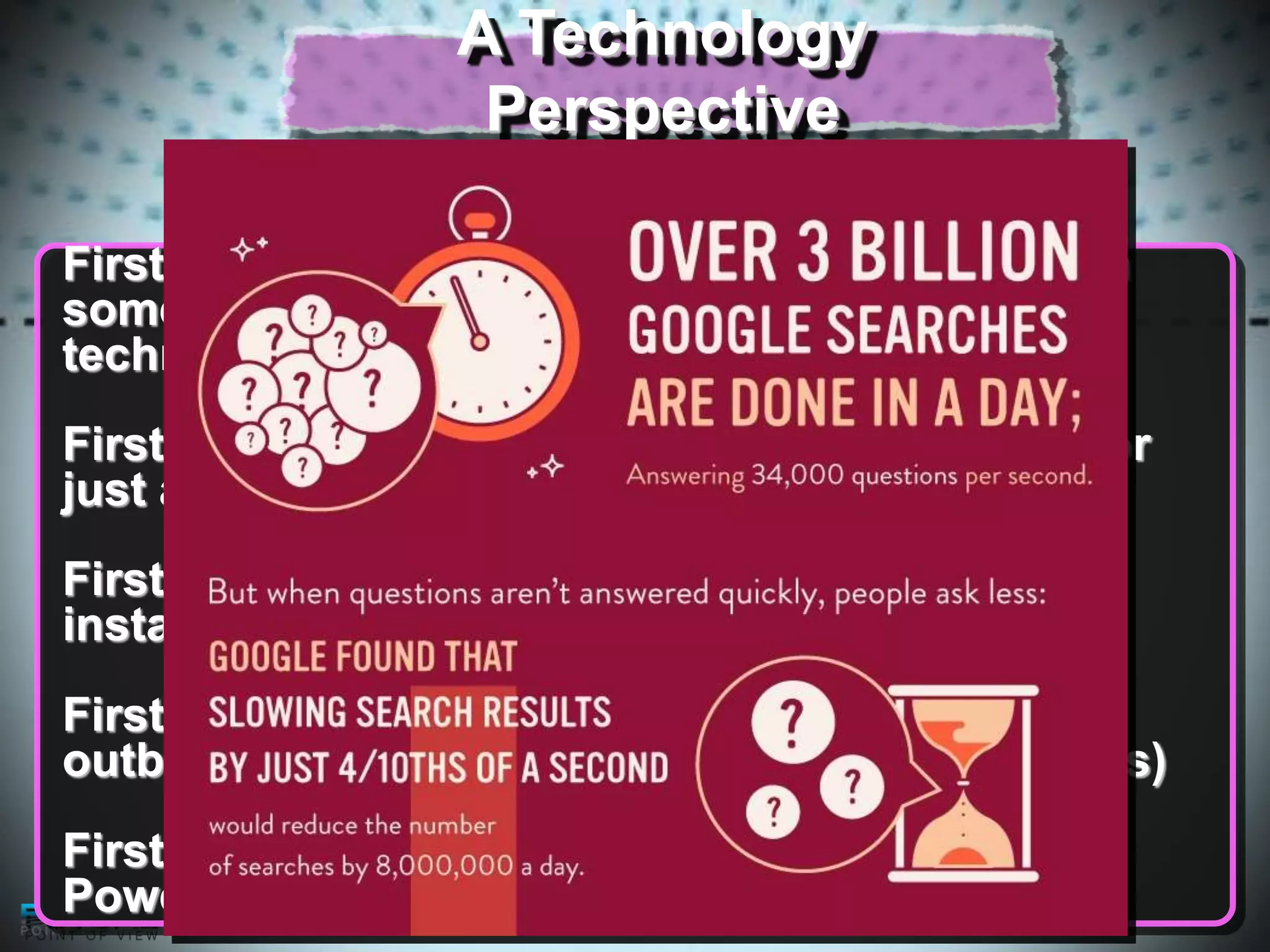
First time we can find information in seconds for
just about any question we ask
First time anyone can have a voice - worldwide,
instantly, and for free
First time we have a device that acts as an
outboard brain (augmenting what our brain does)
First time we have seen a toolbox like this one:
Powerful, addictive, growing daily...
Summary
Social Technologies will have
more impact on the world than
people now realise

It takes great leadership to
drive the changes necessary to
implement social tools
Social tech is one element in a
complete digital marketing
strategy
There is an advantage in
learning to utilise social tools
before your competition
Find Internal and External Uses

Prospecting new Students
Talk about successes and
External
improvements
Customer Service
Classroom blog controlled by
teacher
Teacher Twitter accounts
In Class Create historical Facebook
accounts
How to Leverage
Acquiring Knowledge

•
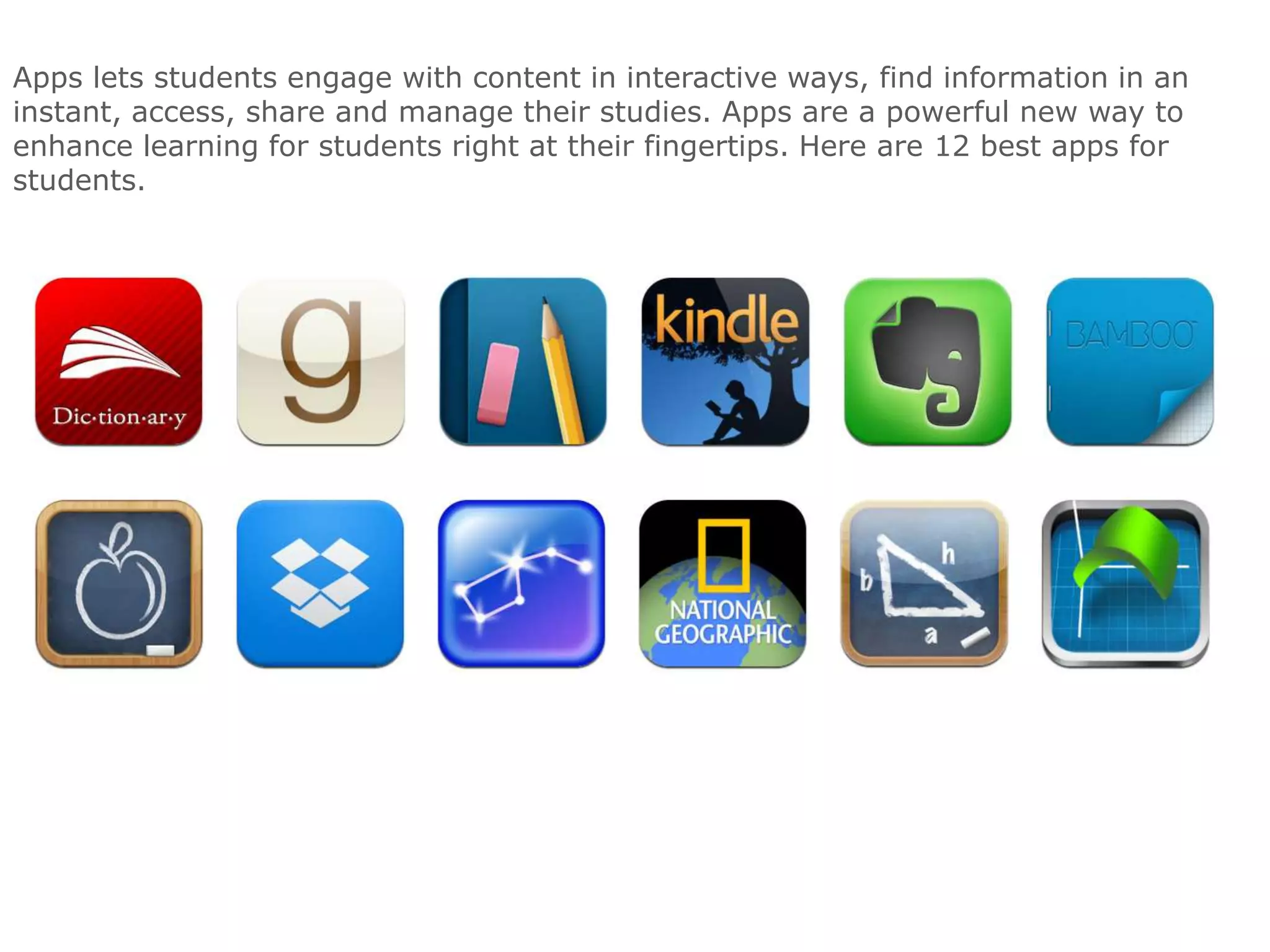
Apps lets students engage with content in interactive ways, find information in an
instant, access, share and manage their studies. Apps are a powerful new way to
enhance learning for students right at their fingertips. Here are 12 best apps for
students.
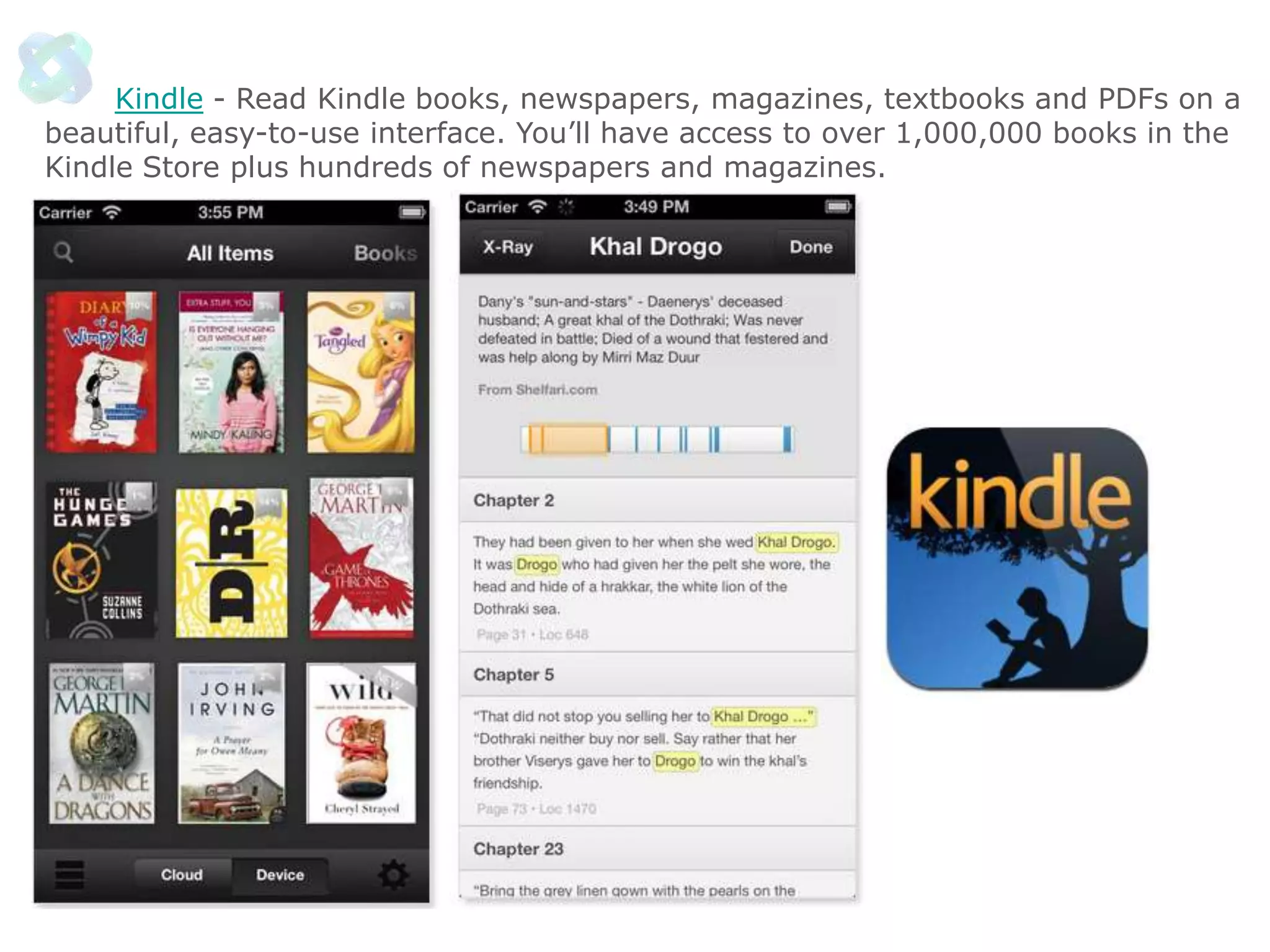
Kindle - Read Kindle books, newspapers, magazines, textbooks and PDFs on a
beautiful, easy-to-use interface. You’ll have access to over 1,000,000 books in the
Kindle Store plus hundreds of newspapers and magazines.
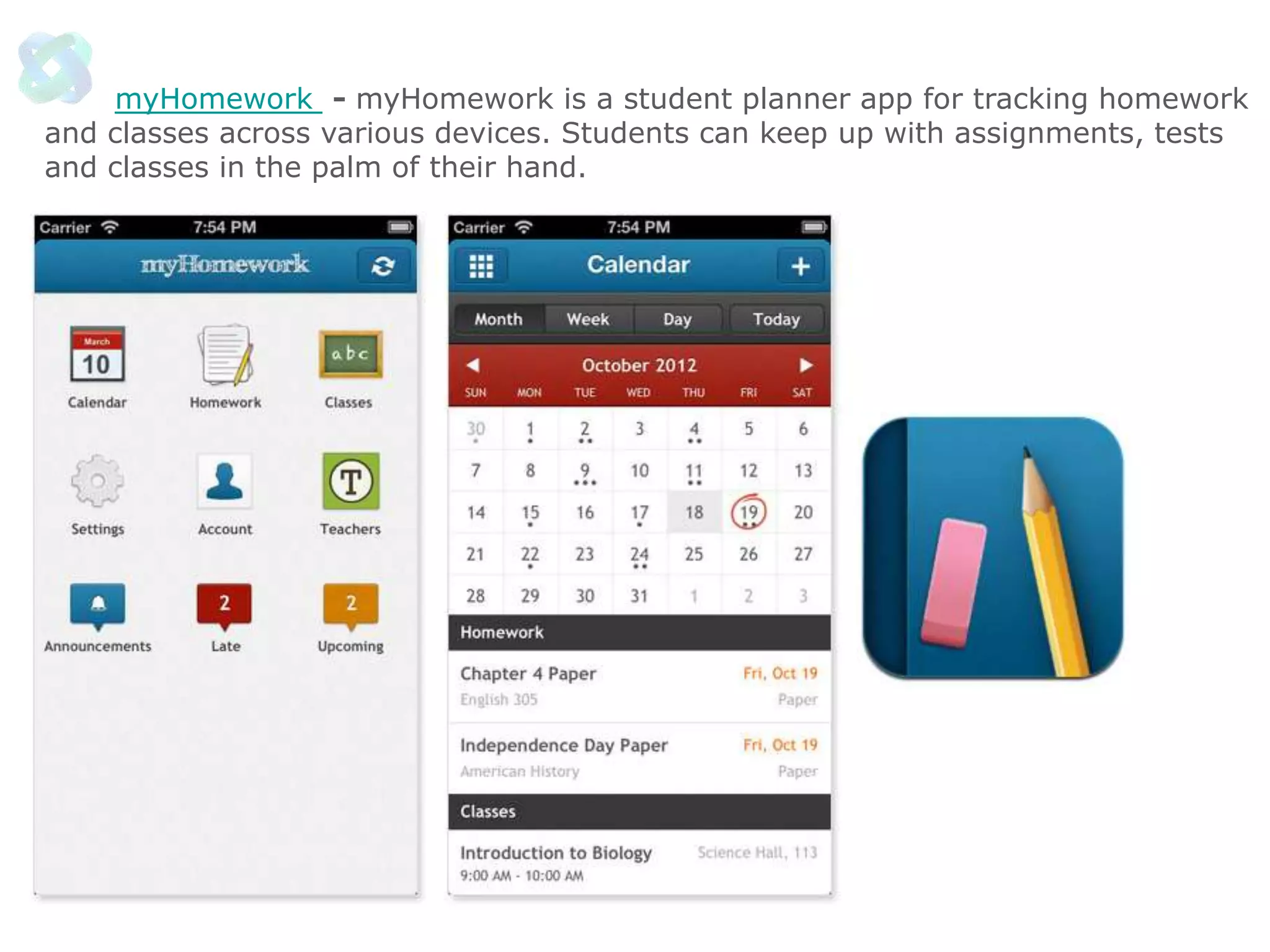
myHomework - myHomework is a student planner app for tracking homework
and classes across various devices. Students can keep up with assignments, tests
and classes in the palm of their hand.
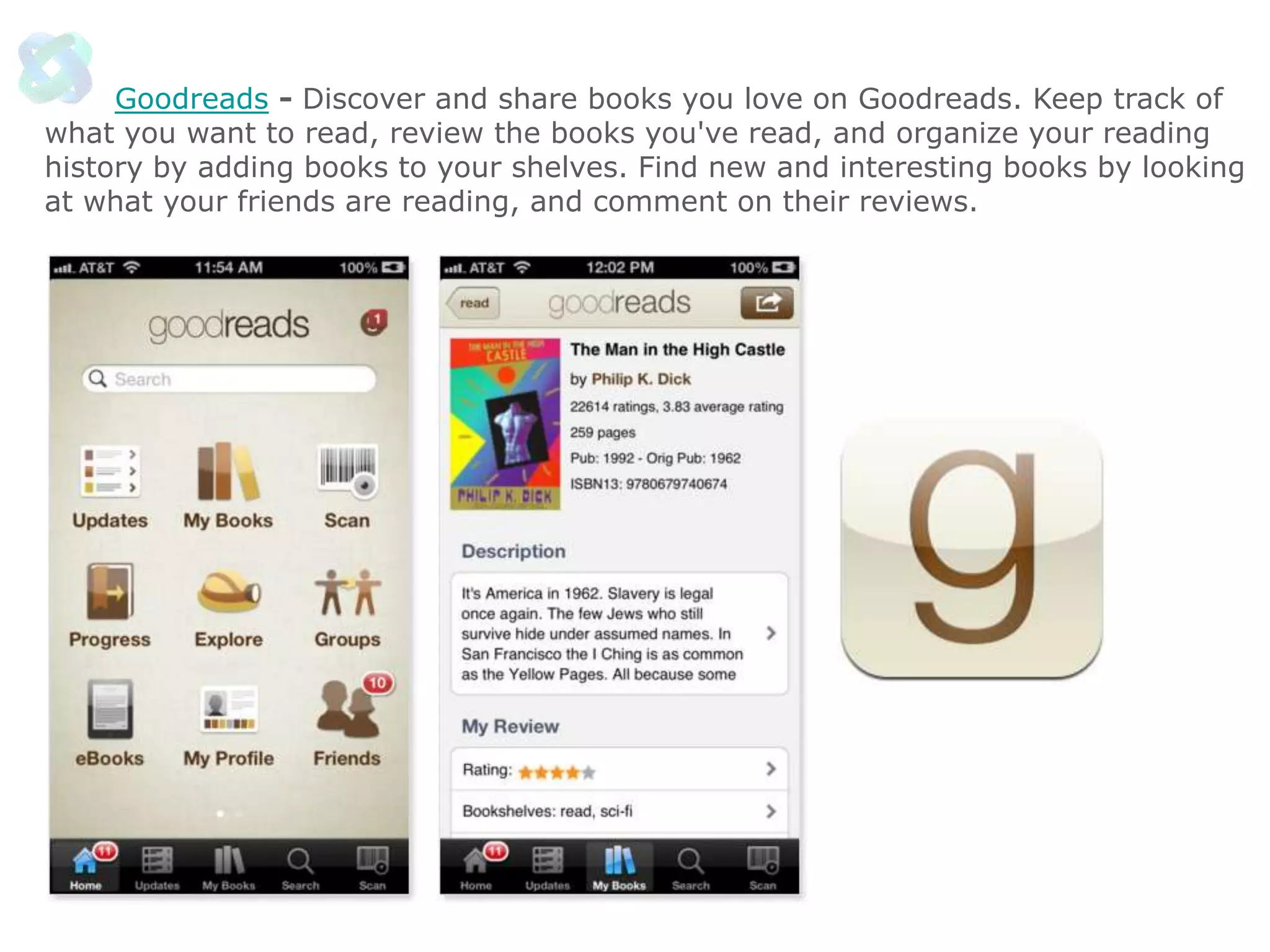
Goodreads - Discover and share books you love on Goodreads. Keep track of
what you want to read, review the books you've read, and organize your reading
history by adding books to your shelves. Find new and interesting books by looking
at what your friends are reading, and comment on their reviews.
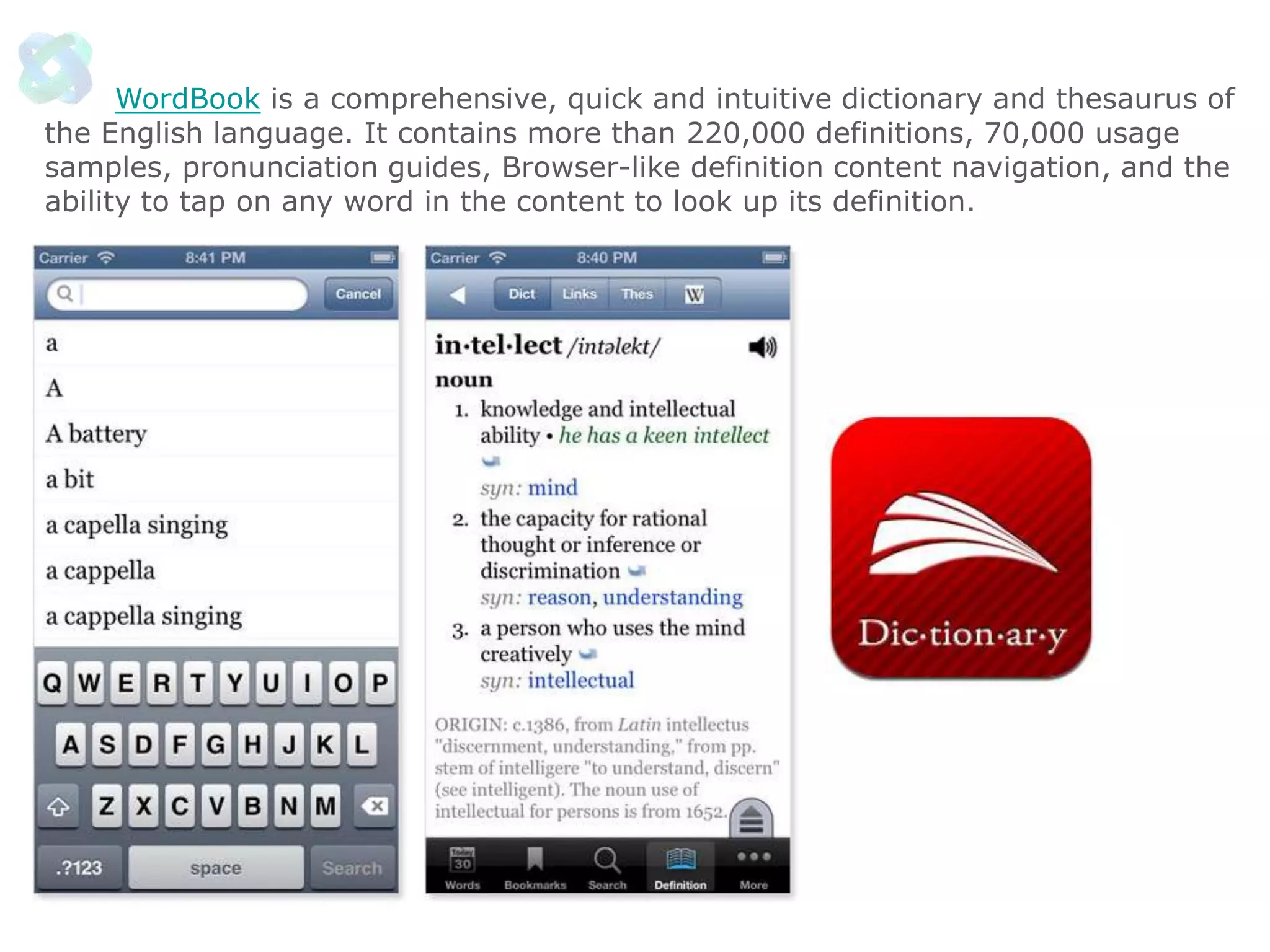
WordBook is a comprehensive, quick and intuitive dictionary and thesaurus of
the English language. It contains more than 220,000 definitions, 70,000 usage
samples, pronunciation guides, Browser-like definition content navigation, and the
ability to tap on any word in the content to look up its definition.
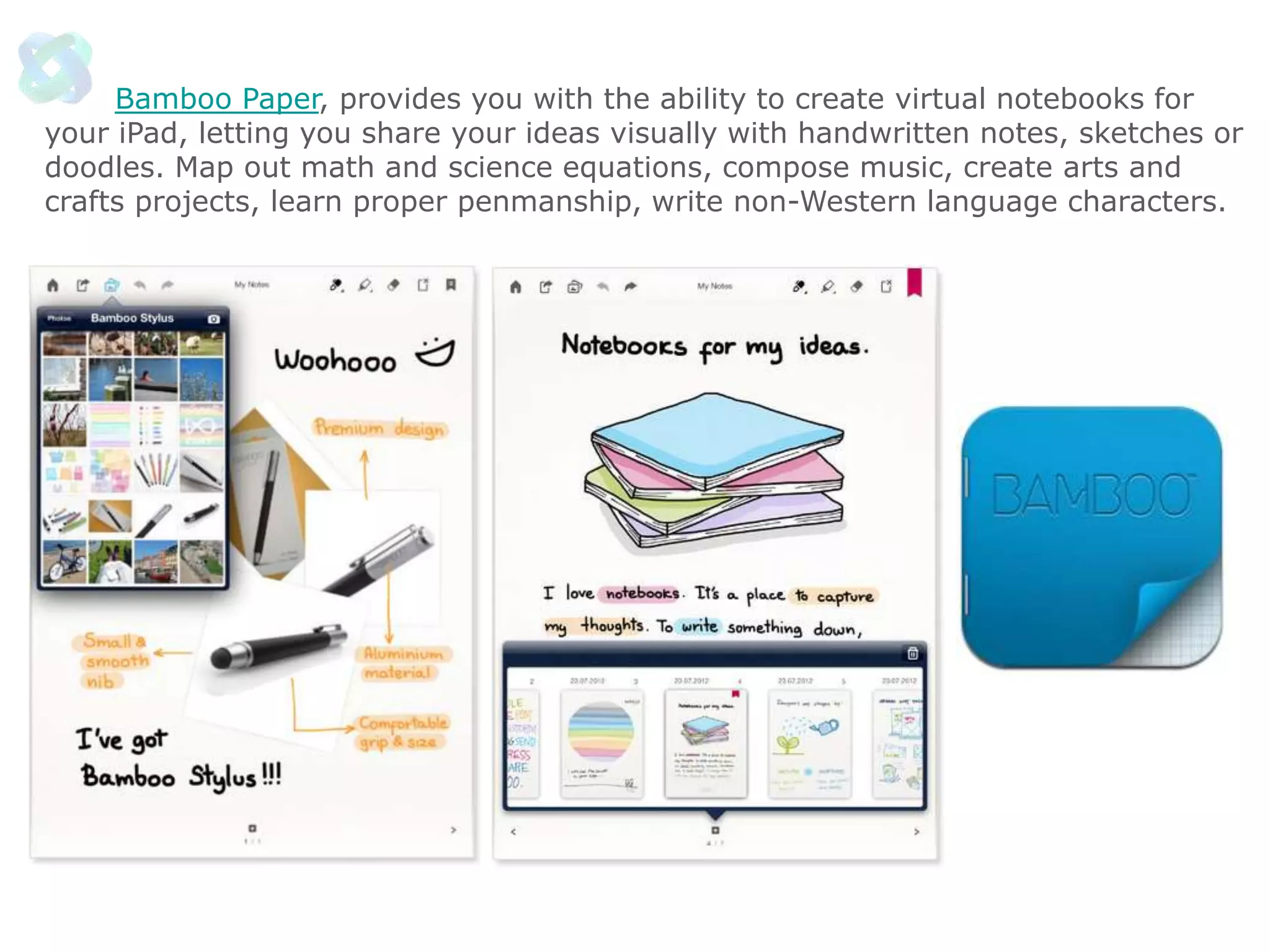
Bamboo Paper, provides you with the ability to create virtual notebooks for
your iPad, letting you share your ideas visually with handwritten notes, sketches or
doodles. Map out math and science equations, compose music, create arts and
crafts projects, learn proper penmanship, write non-Western language characters.
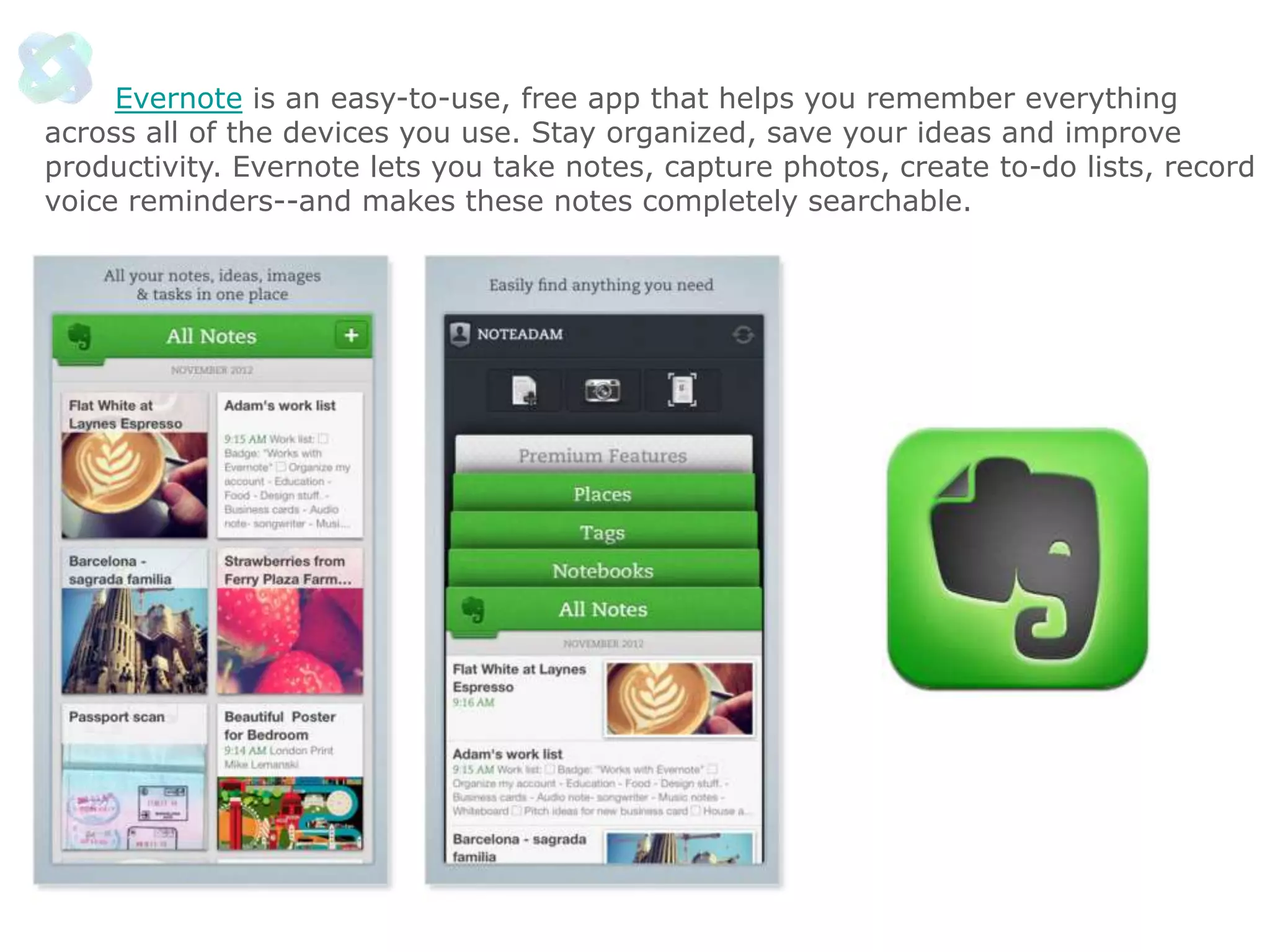
Evernote is an easy-to-use, free app that helps you remember everything
across all of the devices you use. Stay organized, save your ideas and improve
productivity. Evernote lets you take notes, capture photos, create to-do lists, record
voice reminders--and makes these notes completely searchable.
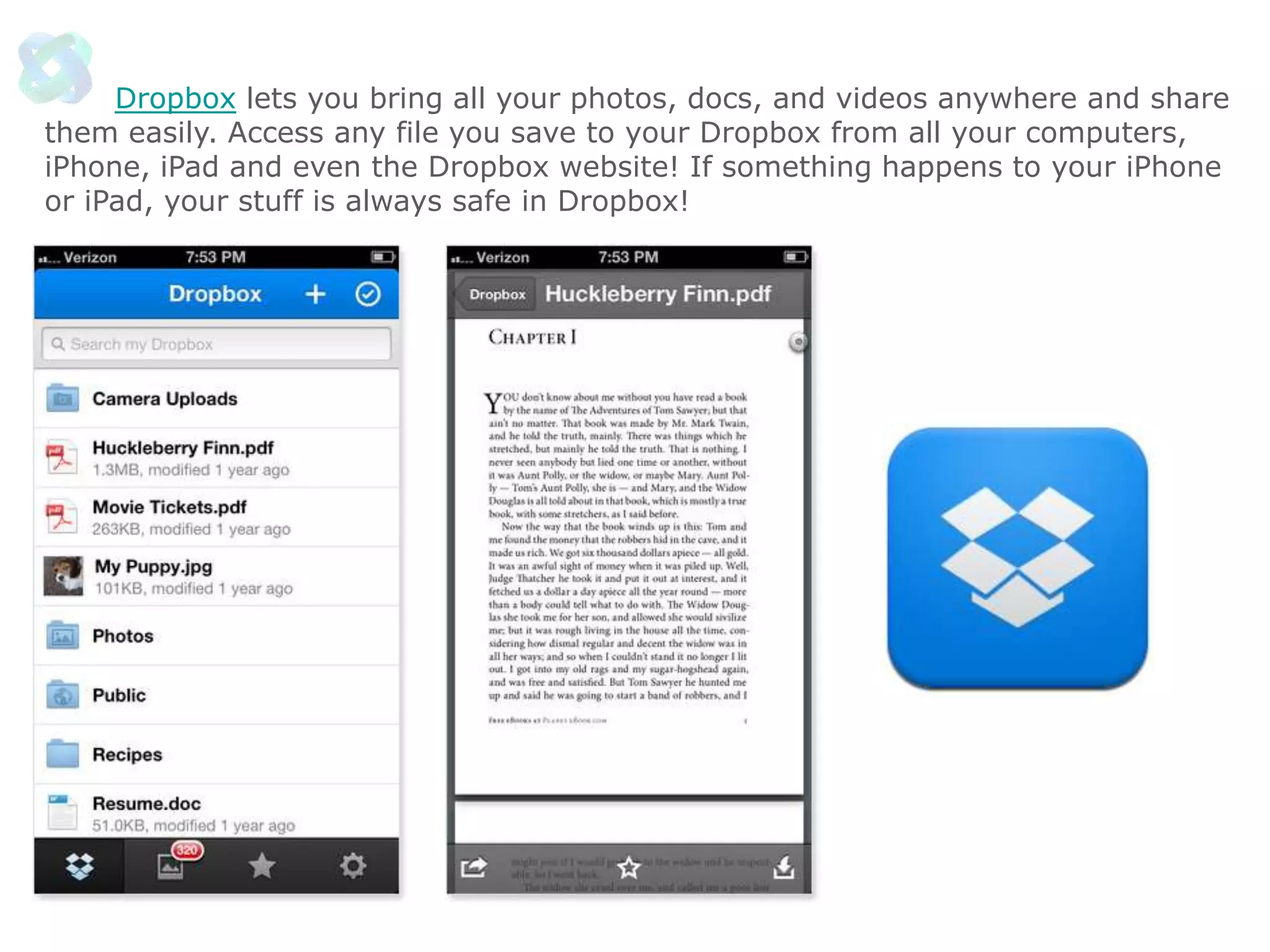
Dropbox lets you bring all your photos, docs, and videos anywhere and share
them easily. Access any file you save to your Dropbox from all your computers,
iPhone, iPad and even the Dropbox website! If something happens to your iPhone
or iPad, your stuff is always safe in Dropbox!
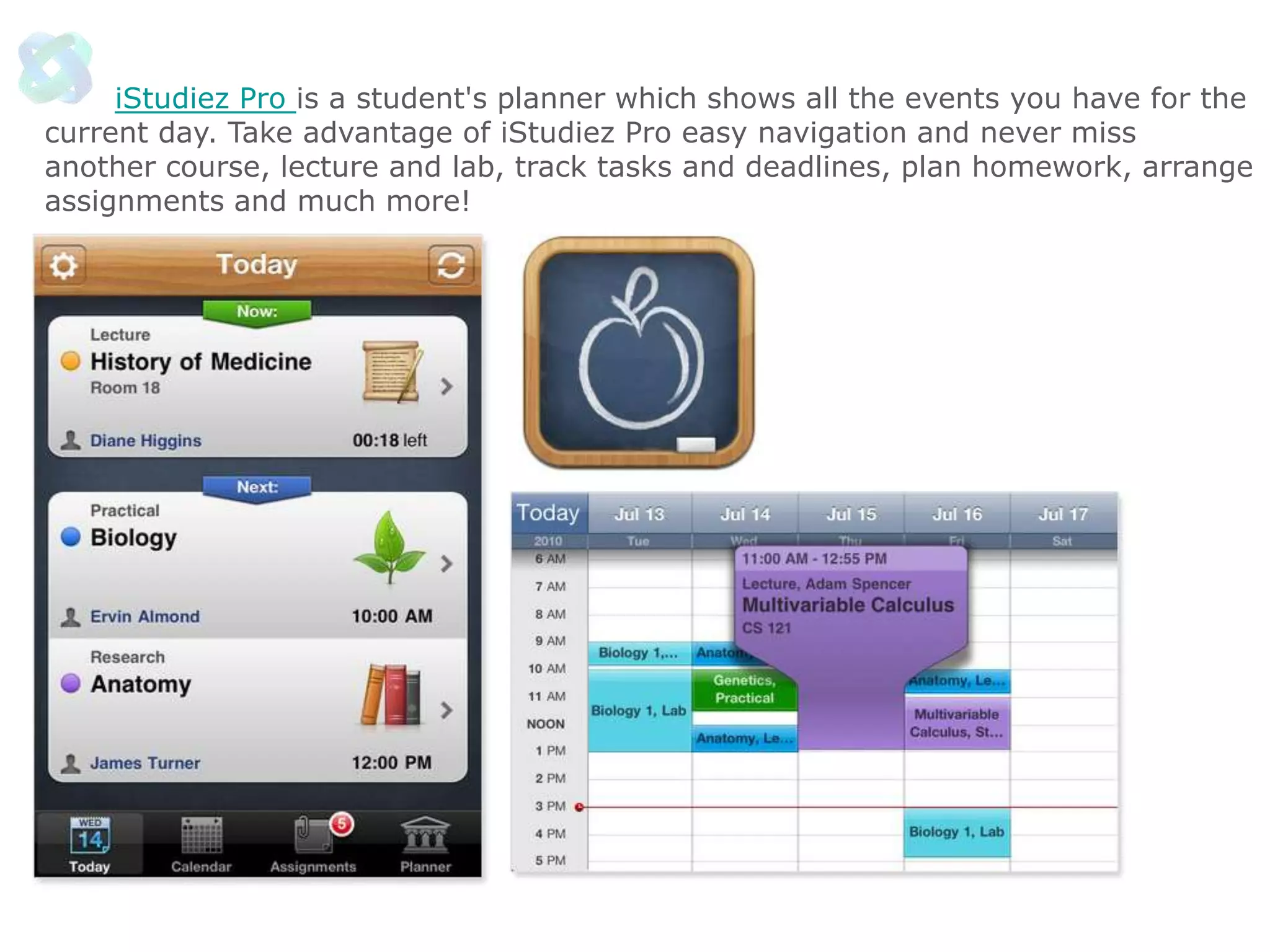
iStudiez Pro is a student's planner which shows all the events you have for the
current day. Take advantage of iStudiez Pro easy navigation and never miss
another course, lecture and lab, track tasks and deadlines, plan homework, arrange
assignments and much more!
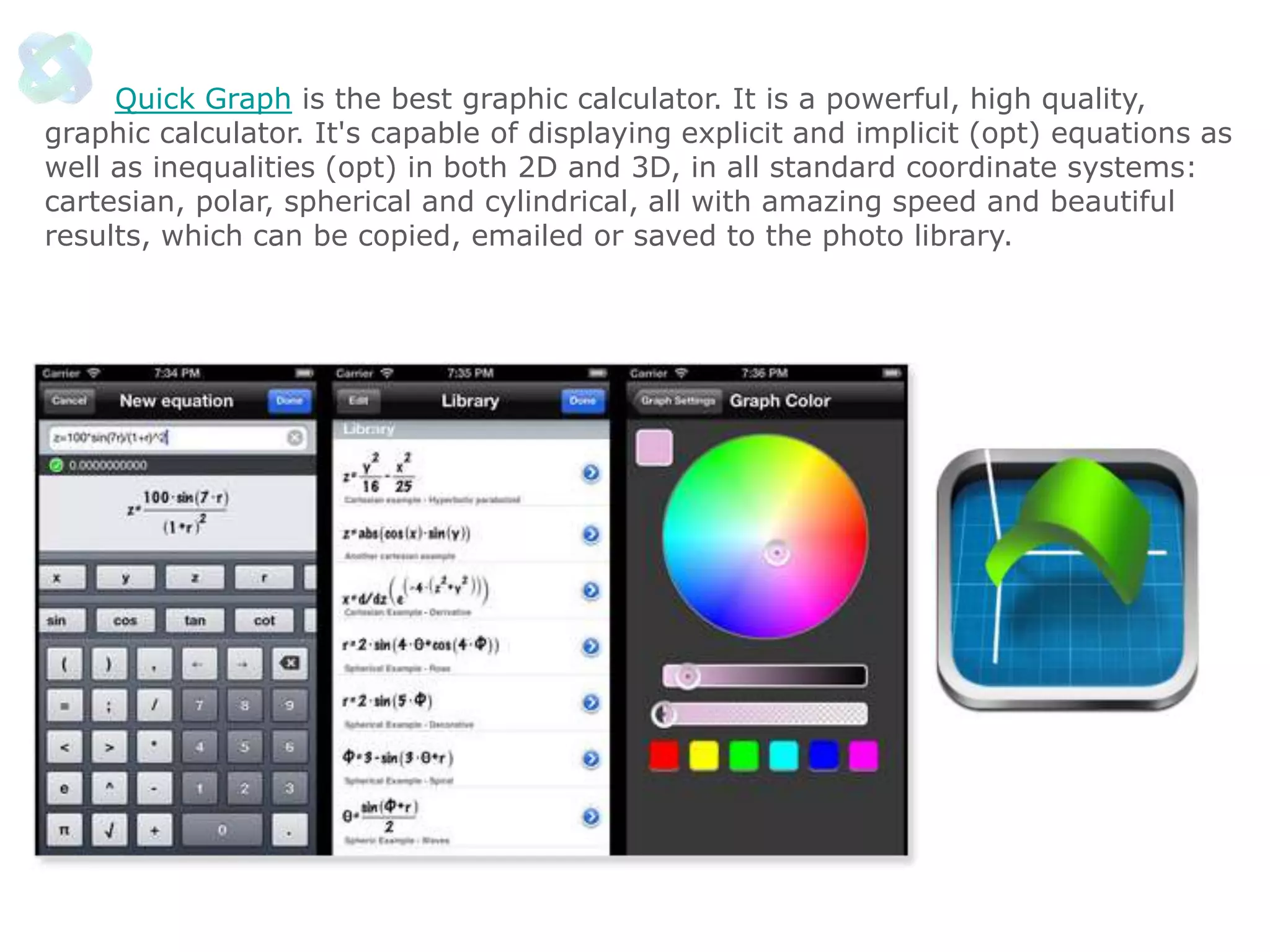
Quick Graph is the best graphic calculator. It is a powerful, high quality,
graphic calculator. It's capable of displaying explicit and implicit (opt) equations as
well as inequalities (opt) in both 2D and 3D, in all standard coordinate systems:
cartesian, polar, spherical and cylindrical, all with amazing speed and beautiful
results, which can be copied, emailed or saved to the photo library.
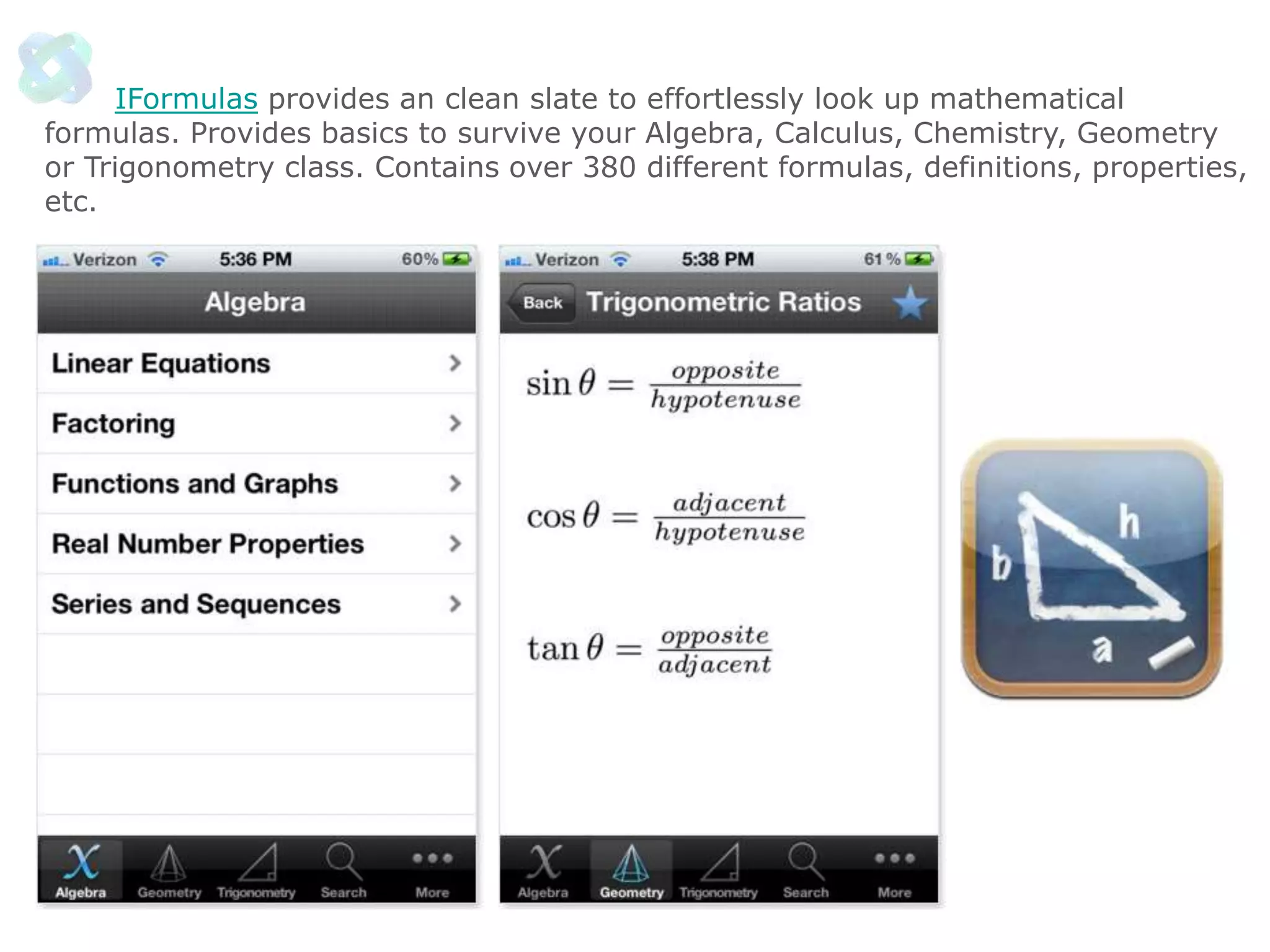
IFormulas provides an clean slate to effortlessly look up mathematical
formulas. Provides basics to survive your Algebra, Calculus, Chemistry, Geometry
or Trigonometry class. Contains over 380 different formulas, definitions, properties,
etc.
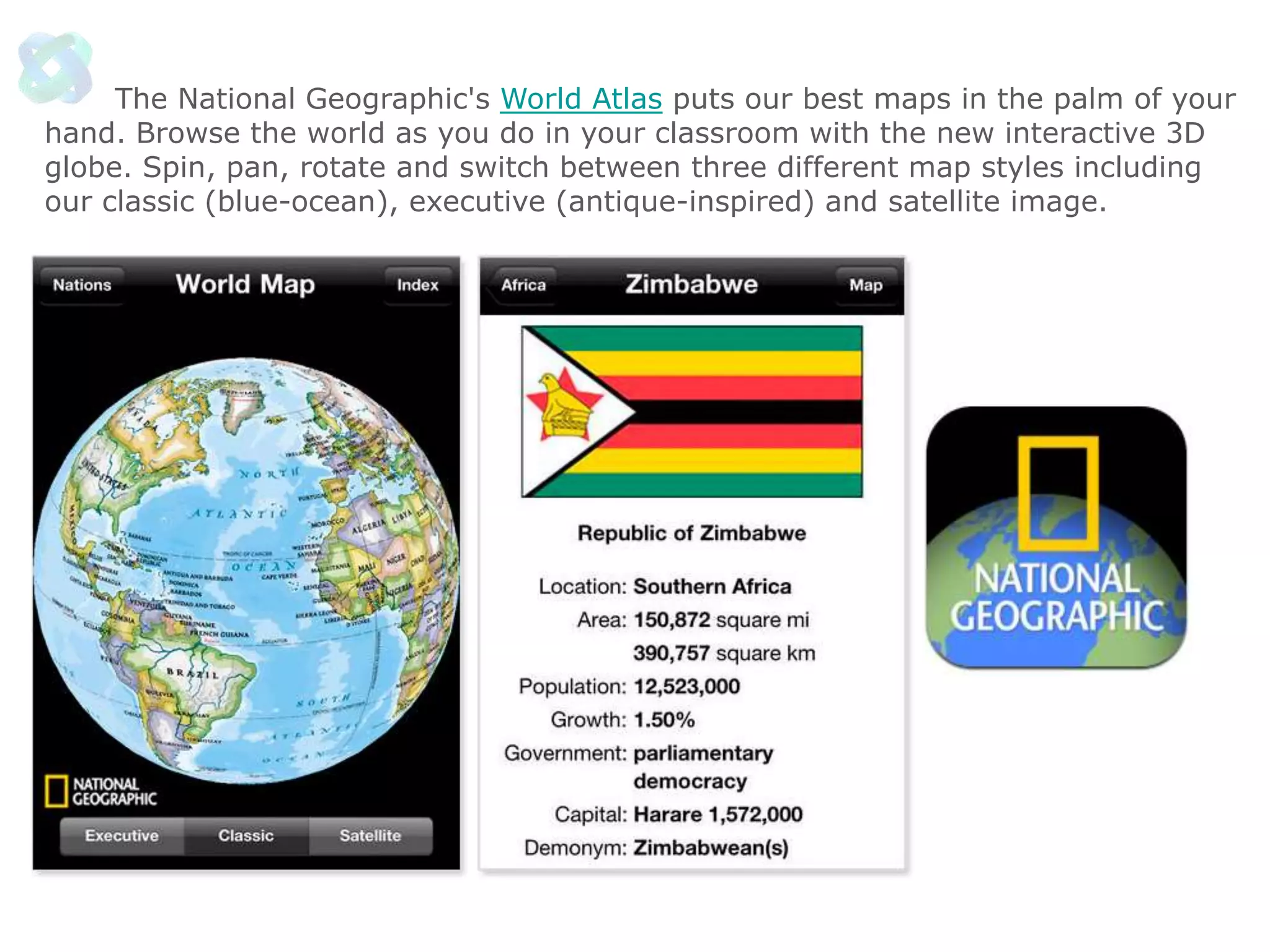
The National Geographic's World Atlas puts our best maps in the palm of your
hand. Browse the world as you do in your classroom with the new interactive 3D
globe. Spin, pan, rotate and switch between three different map styles including
our classic (blue-ocean), executive (antique-inspired) and satellite image.
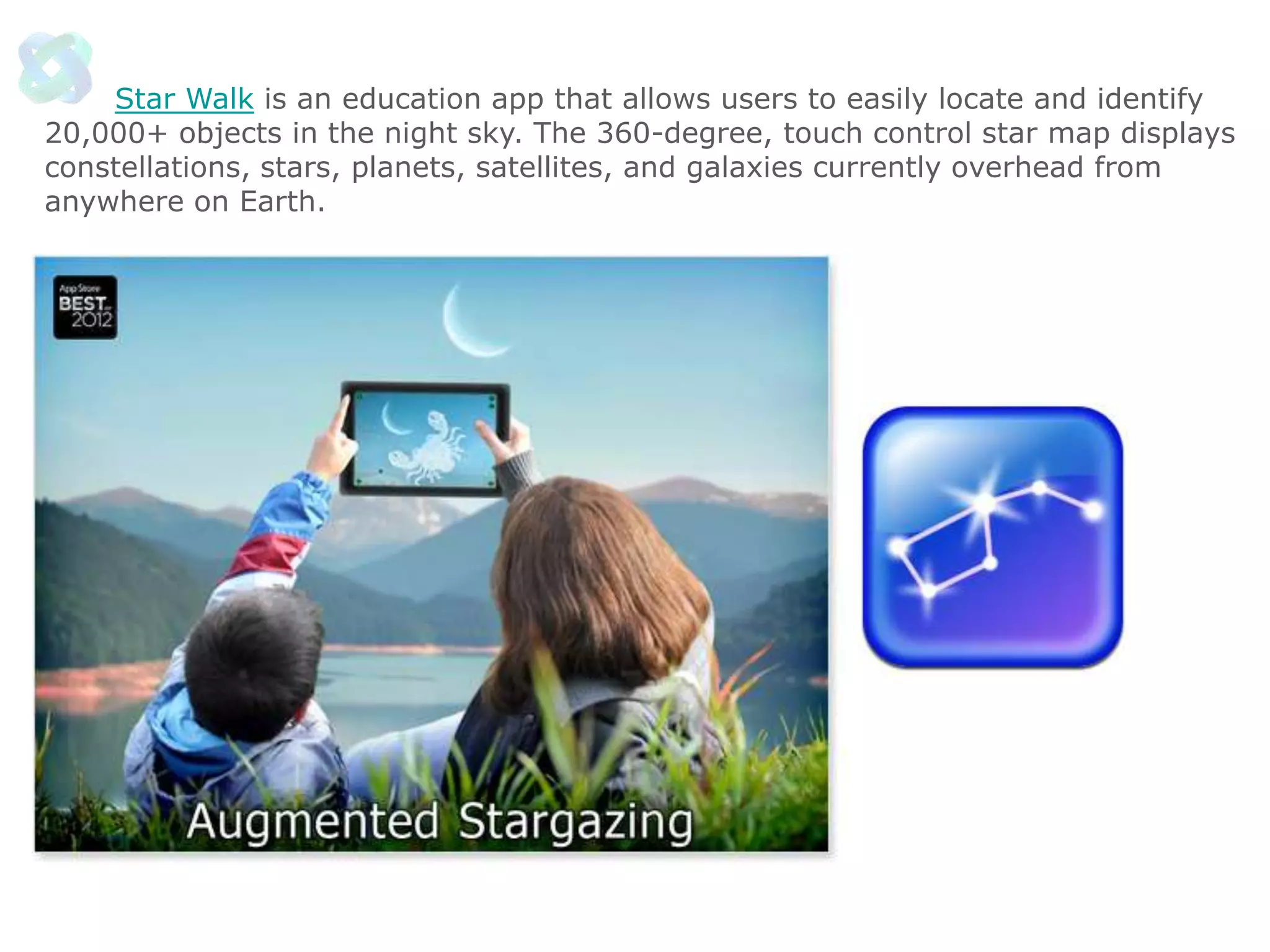
Star Walk is an education app that allows users to easily locate and identify
20,000+ objects in the night sky. The 360-degree, touch control star map displays
constellations, stars, planets, satellites, and galaxies currently overhead from
anywhere on Earth.
A
For

David Duncan
David@WSIgotWebSolutions.c
om

Social Tech Intro 2013 David Duncan

  • 1.
    David Duncan “If youdon’t like change, you are going to hate extinction.” -­­ Ross Shaffer
  • 2.
  • 3.
    Technology and Connection eCommerce Connected Organisations Web1.0 Social Tech Connected People Web 2.0 Pervasive Computing Connected Devices Web 3.0 Augmented Thinking Connected Intelligences Web 4.0
  • 4.
    Digital Marketing CMOCouncil/Accenture Survey 38%say company is prepared to exploit digital marketing 59% blame insufficient funding for not being ready 46% blame lack of senior management understanding 46% Blame IT for insufficient support
  • 5.
    Underlying Costs are Minimal •Software applications are free, or at most, inexpensive • New social tech tasks can be distributed to current staff and teams • Employees will create part of the value on their own time • Scalability is irrelevant to costs • Return on Investment is easily measurable
  • 6.
    Levels the Playing Field •Small companies can better compete financially, geographically, knowledgeably • Any person with an internet connection can find work by crowdsourcing, and build connections through social networking • Any entity can create and distribute content for a minimal price • Organisations that provide poor service will be exposed
  • 7.
    Amplified Influence A personor organisation can connect with 2 billion people at will Content can be broadcasted across the world instantly - for free Reputations built, or destroyed with the press of a submit button
  • 8.
  • 9.
    Social Technologies Social Networking Communicating SocialMedia Social Relevance CRM Knowledge Transfer Reputation Value Socially Enabled Tasks Operational Value Recruiting
  • 10.
    Sales Person ofthe Future Builds a solid online reputation that clearly shows they are an industry expert Masterfully can use social networking & communication tools to connect Adept at creating & delivering digital content that provides value to customers Can leverage socialCRM to study prospects & customers for buying signals & information
  • 11.
    Social Business Basics... LinkedIn Facebook •Twitter • Blogging • Social media sites (youtube, slideshare, scribd, flickr) • Listening/search tools • Aggregation & Filtering
  • 12.
    Choosing the Tools Usingthe right tools for the job will dramatically improve results • • • • • • Identify what social concepts you are going to leverage Match the best tools to the concepts, and make decisions on using the free or professional versions Create a published list of recommended tools Provide to all employees (especially new ones) Develop an R&D process to stay up to date on the best options Provide training!!
  • 13.
  • 15.
    User Generated Content Never beforein history could any individual, or company publish content to the world for free, instantly, and with such viral impact...
  • 16.
    Citizen Journalism Reporting isnow done by anyone with a mobile device Everyone has a voice and distribution is not filtered by any entity Reporting is now almost real time We choose what we like by sending links to our friends Traditional media now filters social technologies to find or augment their stories
  • 17.
    A Technology Perspective First timeadults must ask children for help with something as critical to their careers as technology First time we can find information in seconds for just about any question we ask First time anyone can have a voice - worldwide, instantly, and for free First time we have a device that acts as an outboard brain (augmenting what our brain does) First time we have seen a toolbox like this one: Powerful, addictive, growing daily...
  • 18.
    Summary Social Technologies willhave more impact on the world than people now realise It takes great leadership to drive the changes necessary to implement social tools Social tech is one element in a complete digital marketing strategy There is an advantage in learning to utilise social tools before your competition
  • 19.
    Find Internal andExternal Uses Prospecting new Students Talk about successes and External improvements Customer Service Classroom blog controlled by teacher Teacher Twitter accounts In Class Create historical Facebook accounts How to Leverage Acquiring Knowledge •
  • 20.
    Apps lets studentsengage with content in interactive ways, find information in an instant, access, share and manage their studies. Apps are a powerful new way to enhance learning for students right at their fingertips. Here are 12 best apps for students.
  • 21.
    Kindle - ReadKindle books, newspapers, magazines, textbooks and PDFs on a beautiful, easy-to-use interface. You’ll have access to over 1,000,000 books in the Kindle Store plus hundreds of newspapers and magazines.
  • 22.
    myHomework - myHomeworkis a student planner app for tracking homework and classes across various devices. Students can keep up with assignments, tests and classes in the palm of their hand.
  • 23.
    Goodreads - Discoverand share books you love on Goodreads. Keep track of what you want to read, review the books you've read, and organize your reading history by adding books to your shelves. Find new and interesting books by looking at what your friends are reading, and comment on their reviews.
  • 24.
    WordBook is acomprehensive, quick and intuitive dictionary and thesaurus of the English language. It contains more than 220,000 definitions, 70,000 usage samples, pronunciation guides, Browser-like definition content navigation, and the ability to tap on any word in the content to look up its definition.
  • 25.
    Bamboo Paper, providesyou with the ability to create virtual notebooks for your iPad, letting you share your ideas visually with handwritten notes, sketches or doodles. Map out math and science equations, compose music, create arts and crafts projects, learn proper penmanship, write non-Western language characters.
  • 26.
    Evernote is aneasy-to-use, free app that helps you remember everything across all of the devices you use. Stay organized, save your ideas and improve productivity. Evernote lets you take notes, capture photos, create to-do lists, record voice reminders--and makes these notes completely searchable.
  • 27.
    Dropbox lets youbring all your photos, docs, and videos anywhere and share them easily. Access any file you save to your Dropbox from all your computers, iPhone, iPad and even the Dropbox website! If something happens to your iPhone or iPad, your stuff is always safe in Dropbox!
  • 28.
    iStudiez Pro isa student's planner which shows all the events you have for the current day. Take advantage of iStudiez Pro easy navigation and never miss another course, lecture and lab, track tasks and deadlines, plan homework, arrange assignments and much more!
  • 29.
    Quick Graph isthe best graphic calculator. It is a powerful, high quality, graphic calculator. It's capable of displaying explicit and implicit (opt) equations as well as inequalities (opt) in both 2D and 3D, in all standard coordinate systems: cartesian, polar, spherical and cylindrical, all with amazing speed and beautiful results, which can be copied, emailed or saved to the photo library.
  • 30.
    IFormulas provides anclean slate to effortlessly look up mathematical formulas. Provides basics to survive your Algebra, Calculus, Chemistry, Geometry or Trigonometry class. Contains over 380 different formulas, definitions, properties, etc.
  • 31.
    The National Geographic'sWorld Atlas puts our best maps in the palm of your hand. Browse the world as you do in your classroom with the new interactive 3D globe. Spin, pan, rotate and switch between three different map styles including our classic (blue-ocean), executive (antique-inspired) and satellite image.
  • 32.
    Star Walk isan education app that allows users to easily locate and identify 20,000+ objects in the night sky. The 360-degree, touch control star map displays constellations, stars, planets, satellites, and galaxies currently overhead from anywhere on Earth.
  • 33.