SQUID
Squid – A HTTP 1.0 Proxy Server
                
                    Squid is a web based
                    proxy server based on
                    harvest cache demon ,
                    built in 1990`s.
                
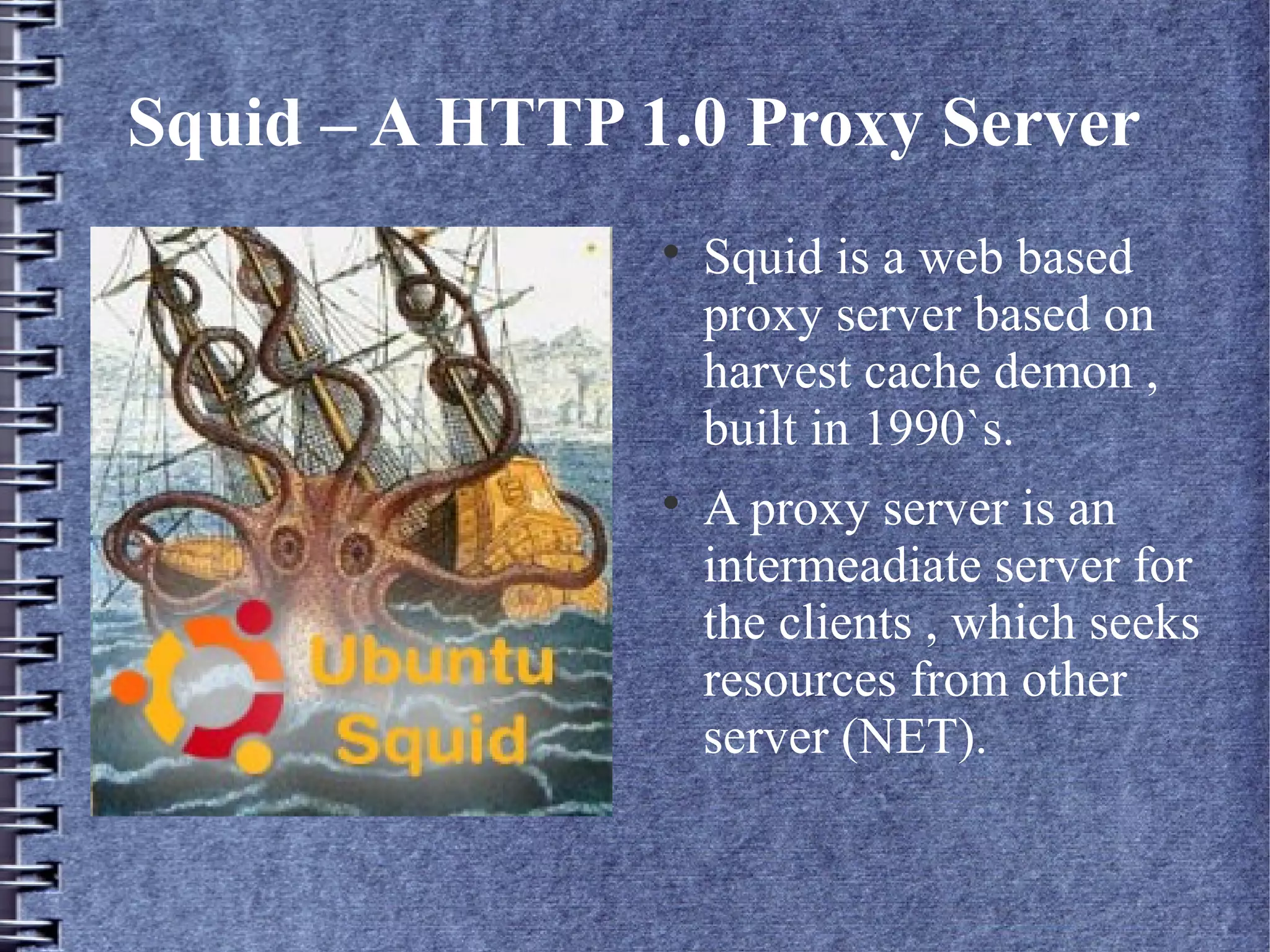
                    A proxy server is an
                    intermeadiate server for
                    the clients , which seeks
                    resources from other
                    server (NET).
Why Web proxy ....?

    The developers of the HTTP protocol and the web
    analyst envisioned that , there would be an
    exponential growth in web content.

    There was a need of efficient distribution
    mechanism and powerfull caching primitives as well
    as not comprimising the security of the network.

    In the pursuit of developing content distribution and
    at the same time securing the web server , SQUID
    was evolved.
Web Filtering using SQUID

    SQUID works on content catching mechanism , by
    cached content the information will be fetched
    locally thus saving the bandwidth for ISP (internet
    service providers).

    SQUID filters the request from the users and
    fetched the desired outcome.

    The constraints on filtering and access permissions
    will be set by the network administrator .

    Filtering conditions is set using Regular
    Expressions.
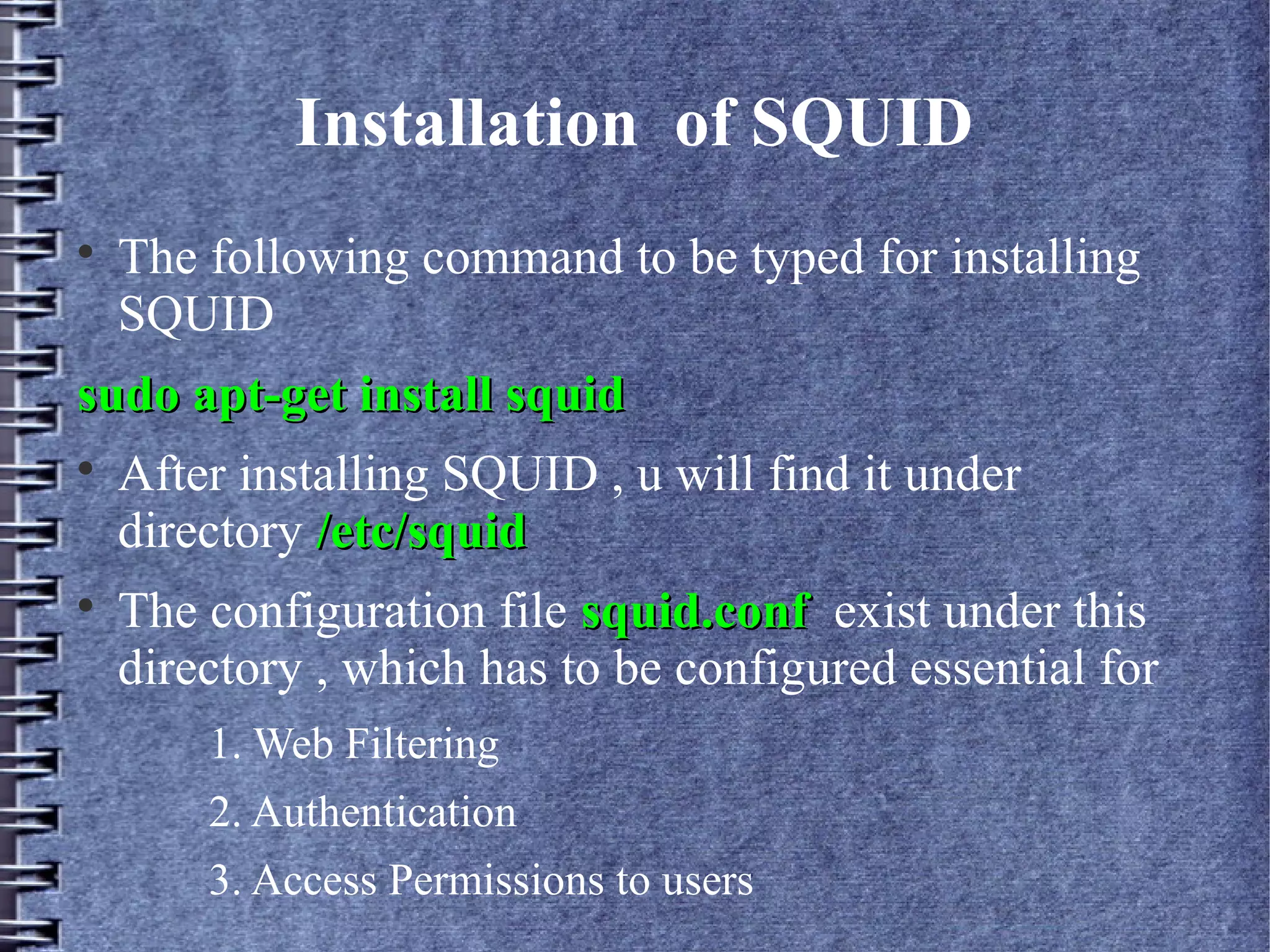
Installation of SQUID

    The following command to be typed for installing
    SQUID
sudo apt-get install squid

    After installing SQUID , u will find it under
    directory /etc/squid

    The configuration file squid.conf exist under this
    directory , which has to be configured essential for
        1. Web Filtering
        2. Authentication
        3. Access Permissions to users
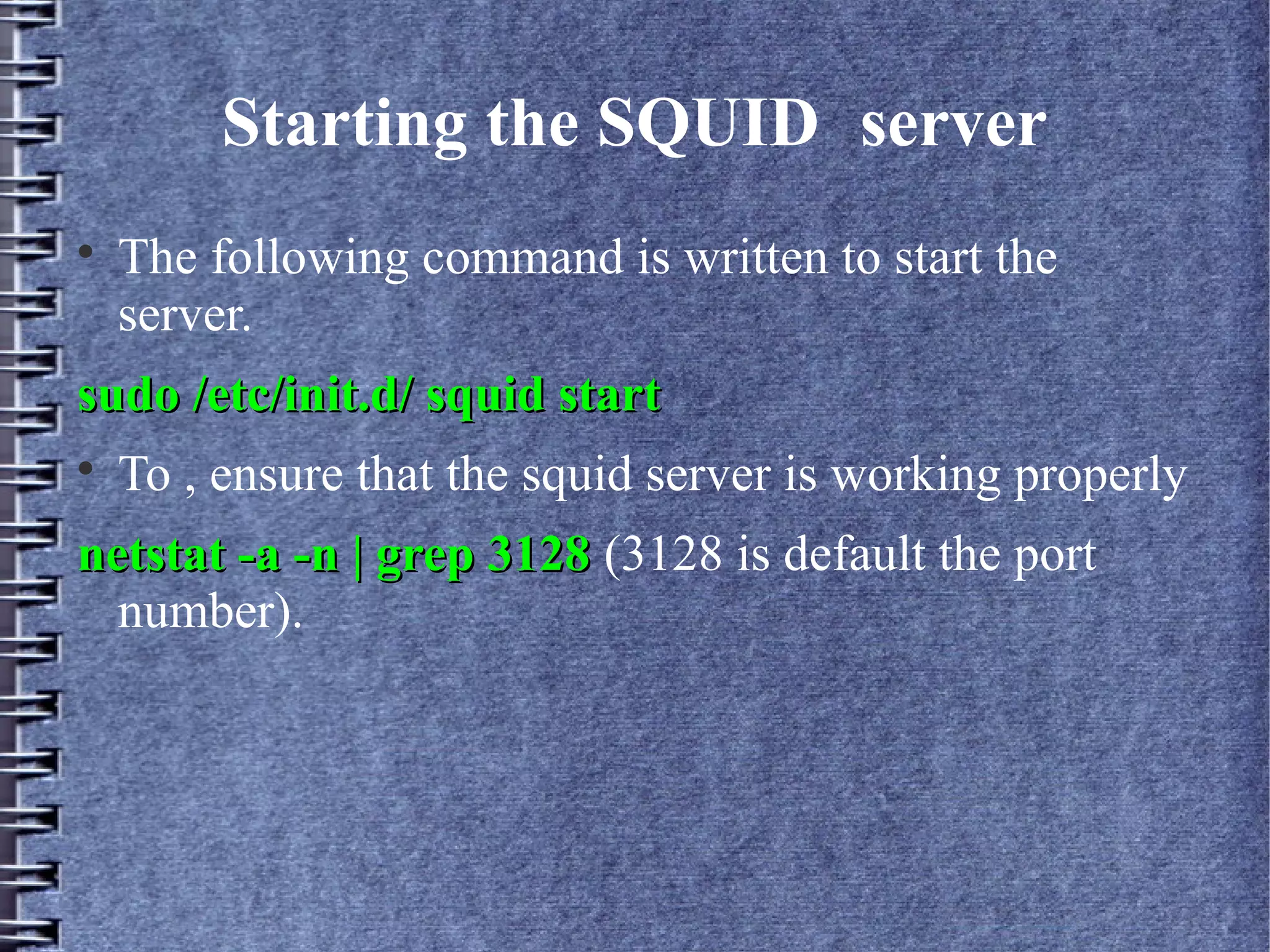
Starting the SQUID server

    The following command is written to start the
    server.
sudo /etc/init.d/ squid start

    To , ensure that the squid server is working properly
netstat -a -n | grep 3128 (3128 is default the port
  number).
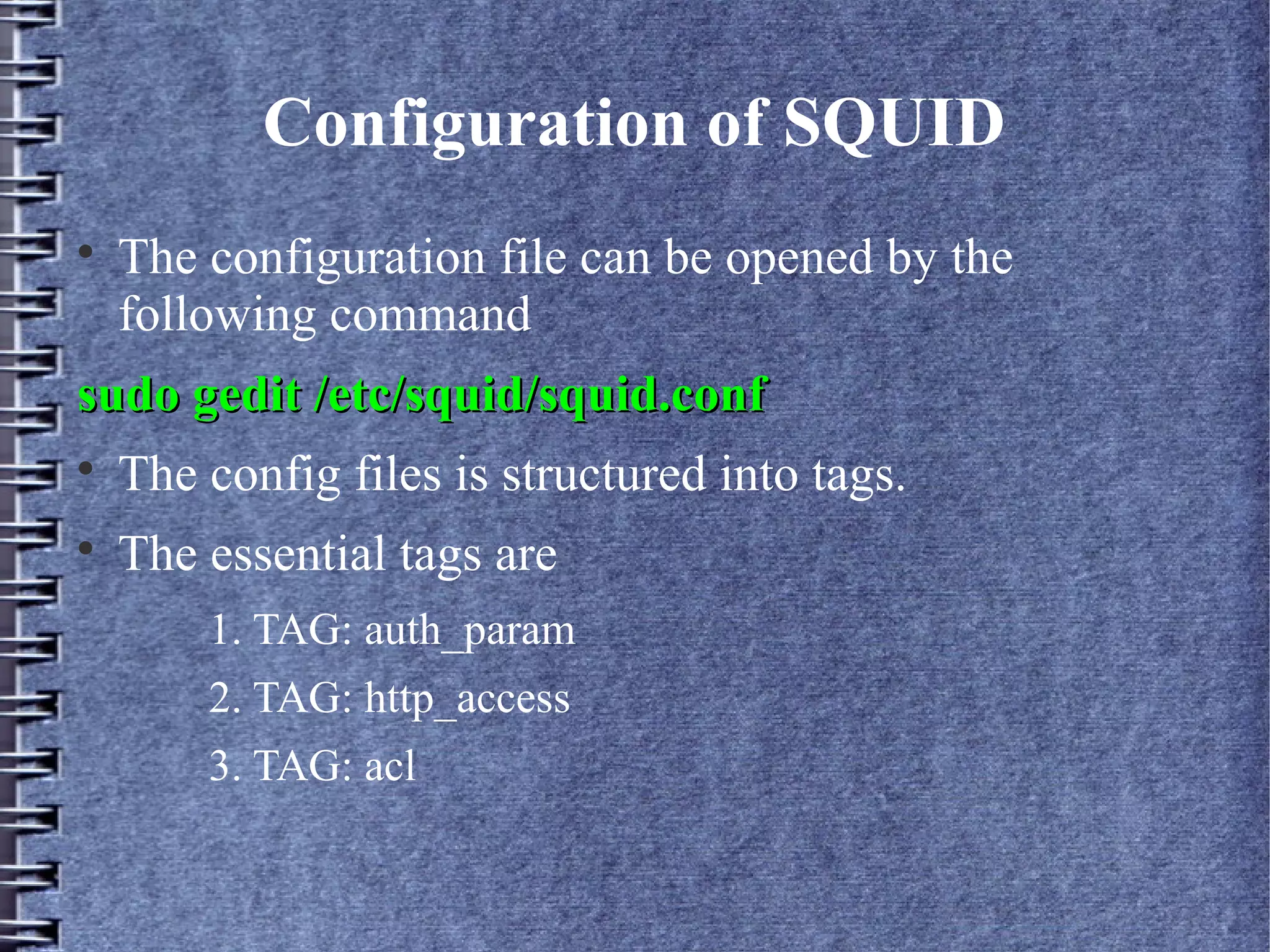
Configuration of SQUID

    The configuration file can be opened by the
    following command
sudo gedit /etc/squid/squid.conf

    The config files is structured into tags.

    The essential tags are
        1. TAG: auth_param
        2. TAG: http_access
        3. TAG: acl
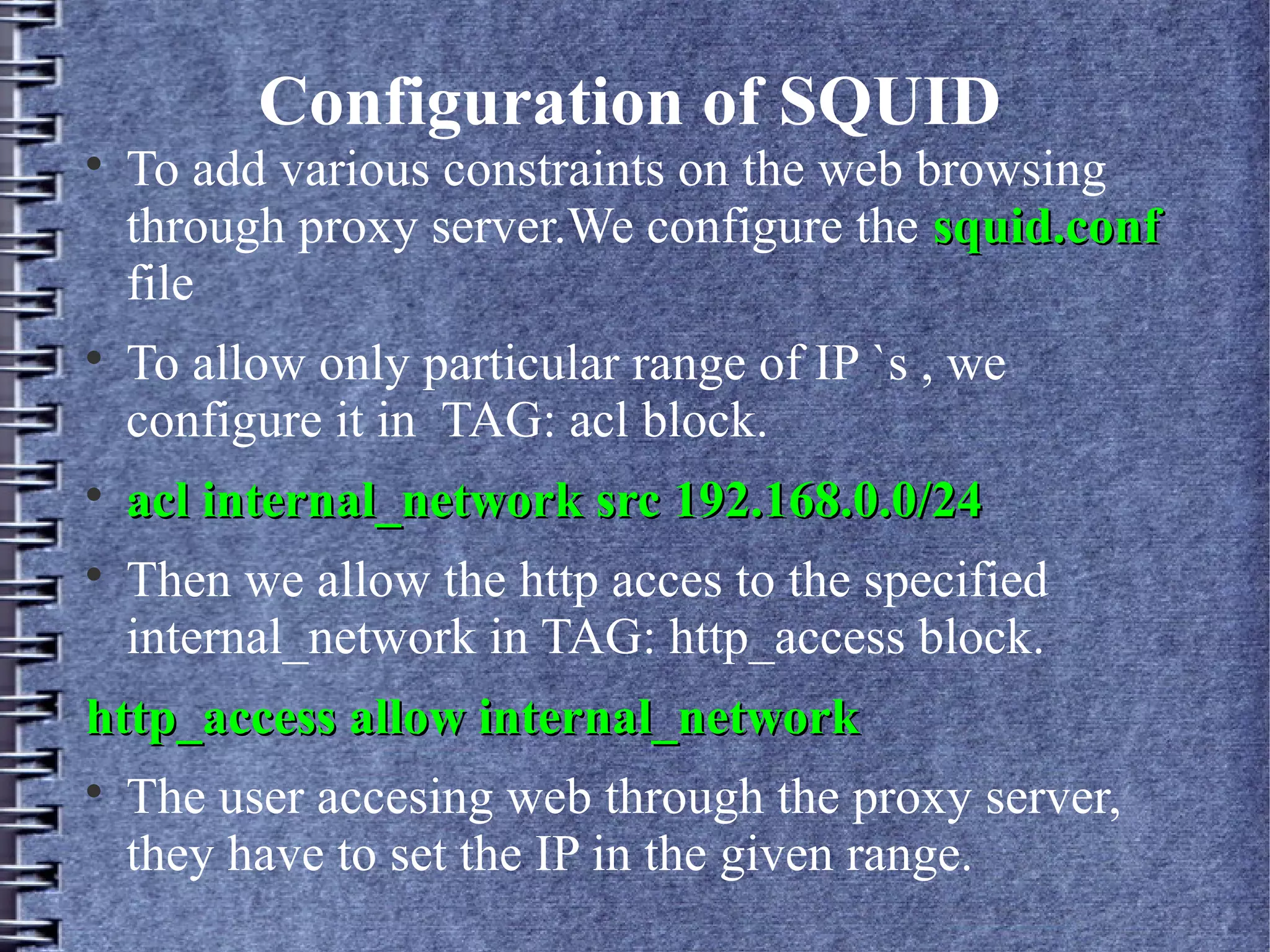
Configuration of SQUID

    To add various constraints on the web browsing
    through proxy server.We configure the squid.conf
    file

    To allow only particular range of IP `s , we
    configure it in TAG: acl block.

    acl internal_network src 192.168.0.0/24

    Then we allow the http acces to the specified
    internal_network in TAG: http_access block.
http_access allow internal_network

    The user accesing web through the proxy server,
    they have to set the IP in the given range.
Configuration of SQUID

    To filter the web content and not allow the users of
    the proxy server to access the web pages , A file has
    to be created in the SQUID folder and the list of
    websites to be blocked is added .

    In the TAG: http_access we deny the access.
http_access deny blacklist

    Since specifying the list of websites is a
    cumbersome process, the SQUID server is powered
    with regular expression to define a general pattern .
Configuration of SQUID

    The Regular Expression are specified in the file
    named blocks.file.acl .
.[Ee][Xx][Ee]$
.[Aa][Vv][Ii]$
.[Mm][Pp][Gg]$
.[Mm][Pp][Ee][Gg]$
.[Mm][Pp]3$

    In the TAG: http_access we deny the access.
    http_access deny blocks.file.acl
Web Page Authentication
    
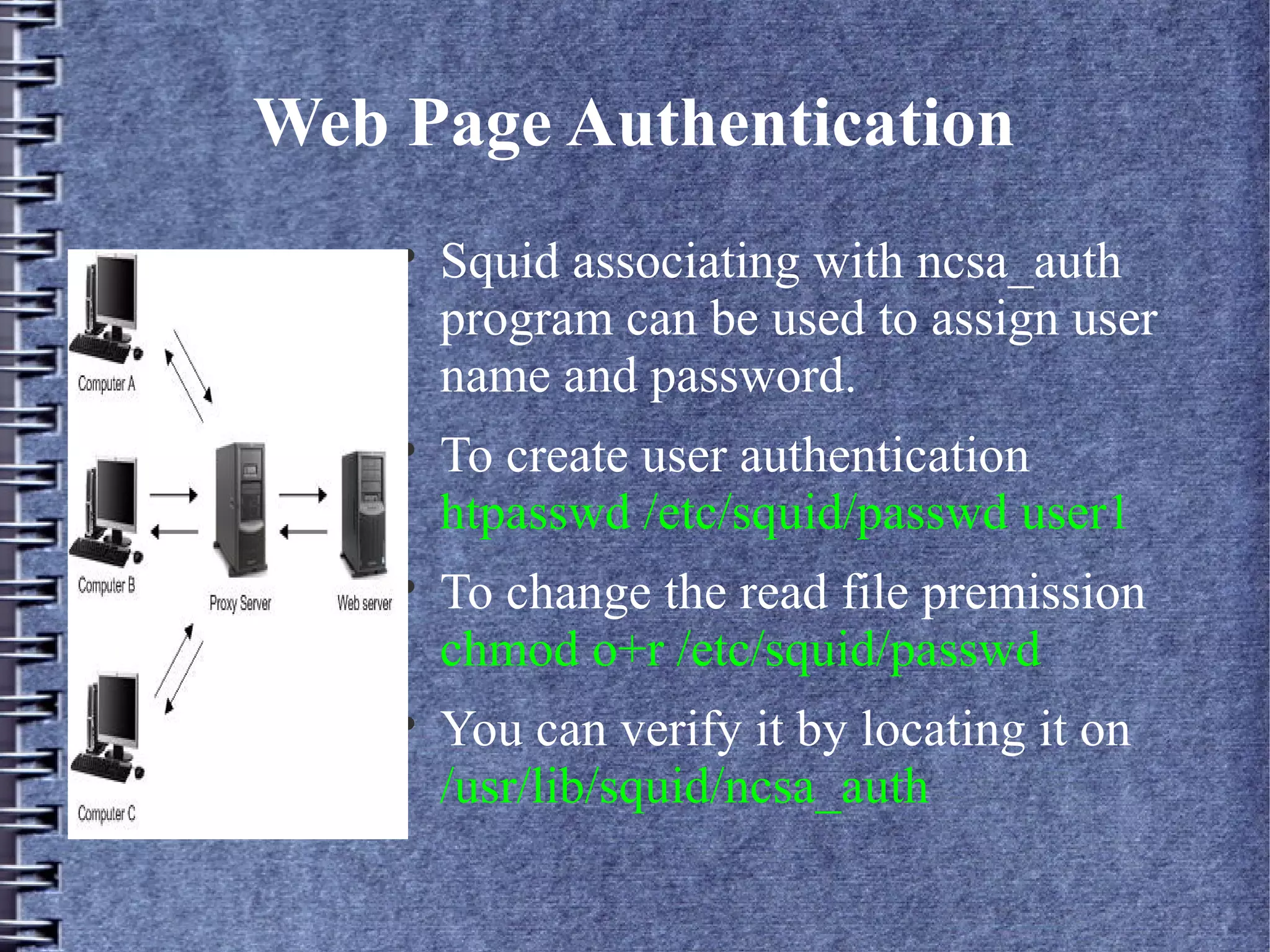
        Squid associating with ncsa_auth
        program can be used to assign user
        name and password.
    
        To create user authentication
        htpasswd /etc/squid/passwd user1
    
        To change the read file premission
        chmod o+r /etc/squid/passwd
    
        You can verify it by locating it on
        /usr/lib/squid/ncsa_auth
NCSA Configuration

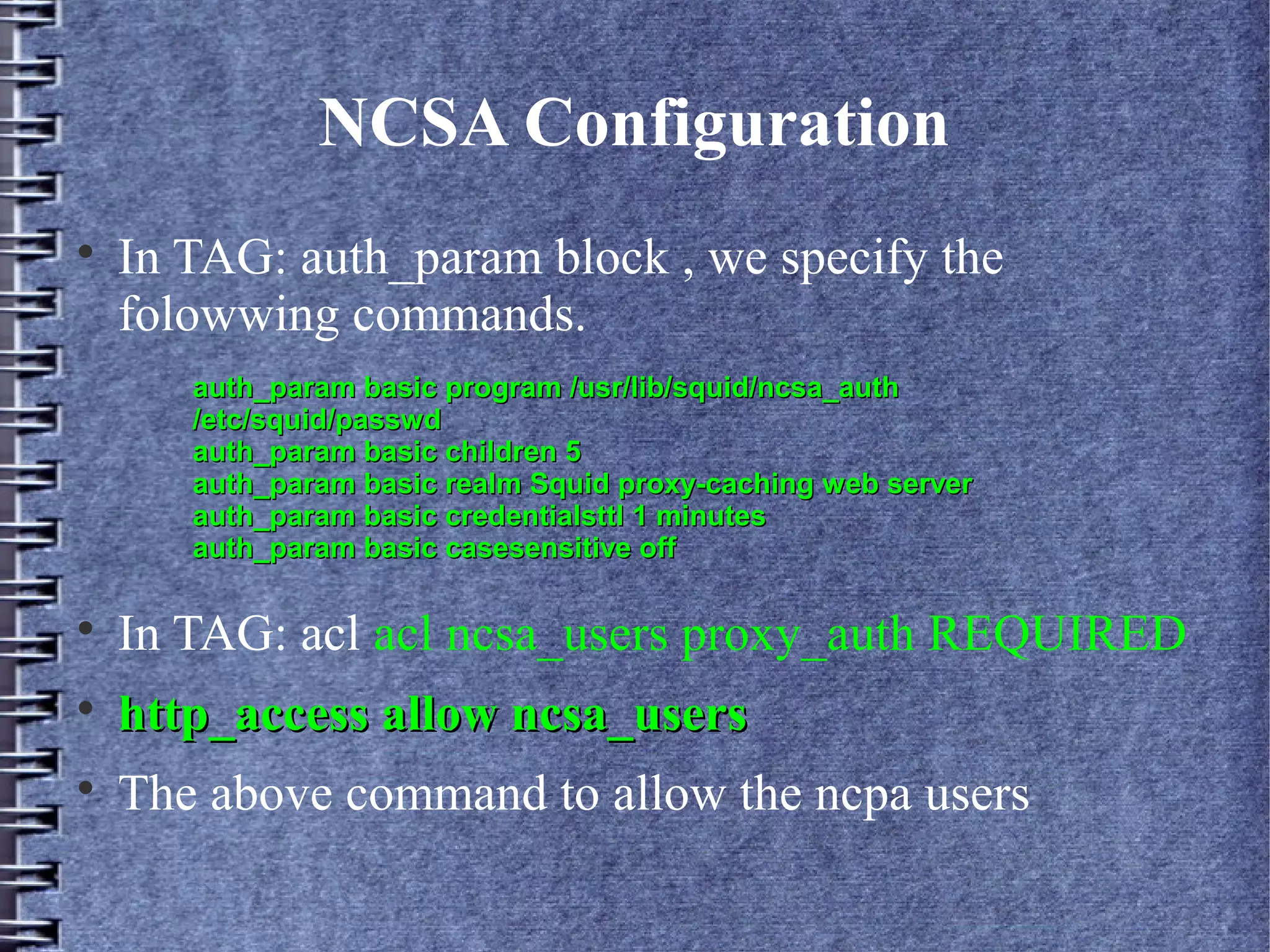
    In TAG: auth_param block , we specify the
    folowwing commands.
       auth_param basic program /usr/lib/squid/ncsa_auth
       /etc/squid/passwd
       auth_param basic children 5
       auth_param basic realm Squid proxy-caching web server
       auth_param basic credentialsttl 1 minutes
       auth_param basic casesensitive off


    In TAG: acl acl ncsa_users proxy_auth REQUIRED

    http_access allow ncsa_users

    The above command to allow the ncpa users
What not to Expect from SQUID..?

    SQUID is not a NIDS/NIPS (Network Intrusion
    Detection/Prevention System).

     You cannot monitor live network packets. Although
     there are other network tools which can be
    associated with them.
Which Section of people does squid
            appeal to....?

    In colleges and schools.

    In Small IT industries where network security is not
    their prime prioriy.

    Other organizations where hardware firewalls like
    CISCO is not feasible and they look forward for a
    simple solution.

    Parental Control.
Thank YOU...!

    This is not the end ........ There are other programs to
    enhance network security like

    1.SNORT
2. BASE (Basic analysis and Security Engine)
3. Honeyd Admin Interface.


    For further queries u can contact us

    mailme@himanshuarora@co.cc (Himanshu)

    rahul8590 @ gmail.com (Rahul)

Squid Caching for Web Content Accerlation

  • 1.
  • 2.
    Squid – AHTTP 1.0 Proxy Server  Squid is a web based proxy server based on harvest cache demon , built in 1990`s.  A proxy server is an intermeadiate server for the clients , which seeks resources from other server (NET).
  • 3.
    Why Web proxy....?  The developers of the HTTP protocol and the web analyst envisioned that , there would be an exponential growth in web content.  There was a need of efficient distribution mechanism and powerfull caching primitives as well as not comprimising the security of the network.  In the pursuit of developing content distribution and at the same time securing the web server , SQUID was evolved.
  • 4.
    Web Filtering usingSQUID  SQUID works on content catching mechanism , by cached content the information will be fetched locally thus saving the bandwidth for ISP (internet service providers).  SQUID filters the request from the users and fetched the desired outcome.  The constraints on filtering and access permissions will be set by the network administrator .  Filtering conditions is set using Regular Expressions.
  • 5.
    Installation of SQUID  The following command to be typed for installing SQUID sudo apt-get install squid  After installing SQUID , u will find it under directory /etc/squid  The configuration file squid.conf exist under this directory , which has to be configured essential for 1. Web Filtering 2. Authentication 3. Access Permissions to users
  • 6.
    Starting the SQUIDserver  The following command is written to start the server. sudo /etc/init.d/ squid start  To , ensure that the squid server is working properly netstat -a -n | grep 3128 (3128 is default the port number).
  • 7.
    Configuration of SQUID  The configuration file can be opened by the following command sudo gedit /etc/squid/squid.conf  The config files is structured into tags.  The essential tags are 1. TAG: auth_param 2. TAG: http_access 3. TAG: acl
  • 8.
    Configuration of SQUID  To add various constraints on the web browsing through proxy server.We configure the squid.conf file  To allow only particular range of IP `s , we configure it in TAG: acl block.  acl internal_network src 192.168.0.0/24  Then we allow the http acces to the specified internal_network in TAG: http_access block. http_access allow internal_network  The user accesing web through the proxy server, they have to set the IP in the given range.
  • 9.
    Configuration of SQUID  To filter the web content and not allow the users of the proxy server to access the web pages , A file has to be created in the SQUID folder and the list of websites to be blocked is added .  In the TAG: http_access we deny the access. http_access deny blacklist  Since specifying the list of websites is a cumbersome process, the SQUID server is powered with regular expression to define a general pattern .
  • 10.
    Configuration of SQUID  The Regular Expression are specified in the file named blocks.file.acl . .[Ee][Xx][Ee]$ .[Aa][Vv][Ii]$ .[Mm][Pp][Gg]$ .[Mm][Pp][Ee][Gg]$ .[Mm][Pp]3$  In the TAG: http_access we deny the access. http_access deny blocks.file.acl
  • 11.
    Web Page Authentication  Squid associating with ncsa_auth program can be used to assign user name and password.  To create user authentication htpasswd /etc/squid/passwd user1  To change the read file premission chmod o+r /etc/squid/passwd  You can verify it by locating it on /usr/lib/squid/ncsa_auth
  • 12.
    NCSA Configuration  In TAG: auth_param block , we specify the folowwing commands. auth_param basic program /usr/lib/squid/ncsa_auth /etc/squid/passwd auth_param basic children 5 auth_param basic realm Squid proxy-caching web server auth_param basic credentialsttl 1 minutes auth_param basic casesensitive off  In TAG: acl acl ncsa_users proxy_auth REQUIRED  http_access allow ncsa_users  The above command to allow the ncpa users
  • 13.
    What not toExpect from SQUID..?  SQUID is not a NIDS/NIPS (Network Intrusion Detection/Prevention System).  You cannot monitor live network packets. Although there are other network tools which can be associated with them.
  • 14.
    Which Section ofpeople does squid appeal to....?  In colleges and schools.  In Small IT industries where network security is not their prime prioriy.  Other organizations where hardware firewalls like CISCO is not feasible and they look forward for a simple solution.  Parental Control.
  • 15.
    Thank YOU...!  This is not the end ........ There are other programs to enhance network security like  1.SNORT 2. BASE (Basic analysis and Security Engine) 3. Honeyd Admin Interface.  For further queries u can contact us  mailme@himanshuarora@co.cc (Himanshu)  rahul8590 @ gmail.com (Rahul)