Providing SharePoint Solutions in 
an FDA Regulated Environment 
Deb Walther 
IT Consultant 
IT Validation and Compliance 
ARIAD Pharmaceuticals
About Me 
• BS Biochemistry, MS from a Molecular 
Pharmacology program 
– Stony Brook University 
• > 25 years in Biotech 
• 2 Patents 
• Start up to Large Pharma 
• Recently moved to IT 
• Goal: Make work life easier 
• Volunteer Ski Coach/ Volunteer Tutor
Goals 
• Explain what the FDA is and how they affect 
software development in Biotechs/Pharma 
• Requirements for working in a validated 
environment 
• How this works with SharePoint 
– Strategies for using it with GxP systems 
– Setting it up as a GxP system
Vocabulary 
• GxP 
– Good x Practices 
– X= Manufacturing, Clinical, Laboratory 
• cGxP= Current practices 
– Tricky: need to know what your competitors are 
doing 
• API= Active Pharmaceutical Ingredient
Background 
BIOTECHS AND DRUGS
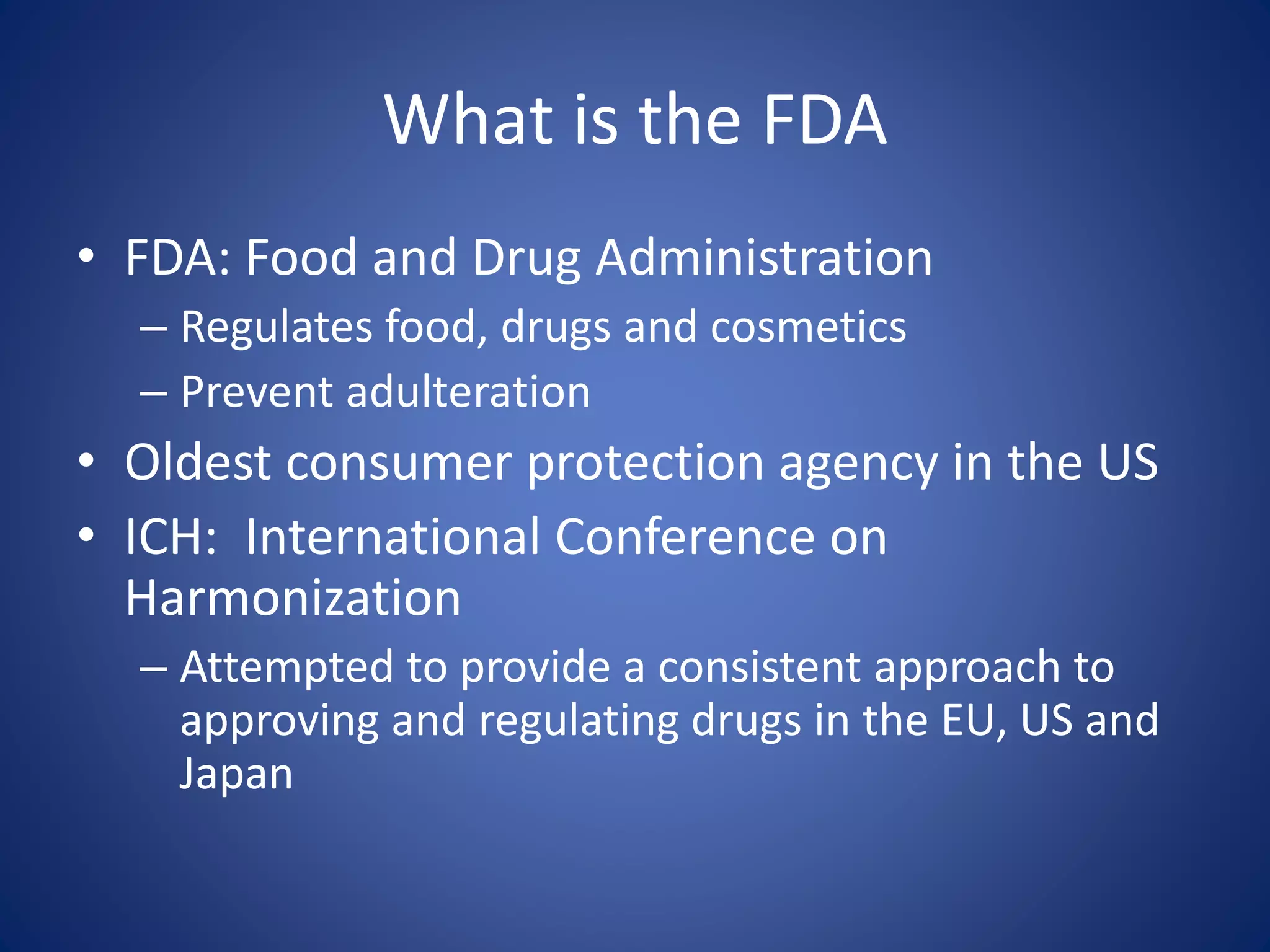
What is the FDA 
• FDA: Food and Drug Administration 
– Regulates food, drugs and cosmetics 
– Prevent adulteration 
• Oldest consumer protection agency in the US 
• ICH: International Conference on 
Harmonization 
– Attempted to provide a consistent approach to 
approving and regulating drugs in the EU, US and 
Japan
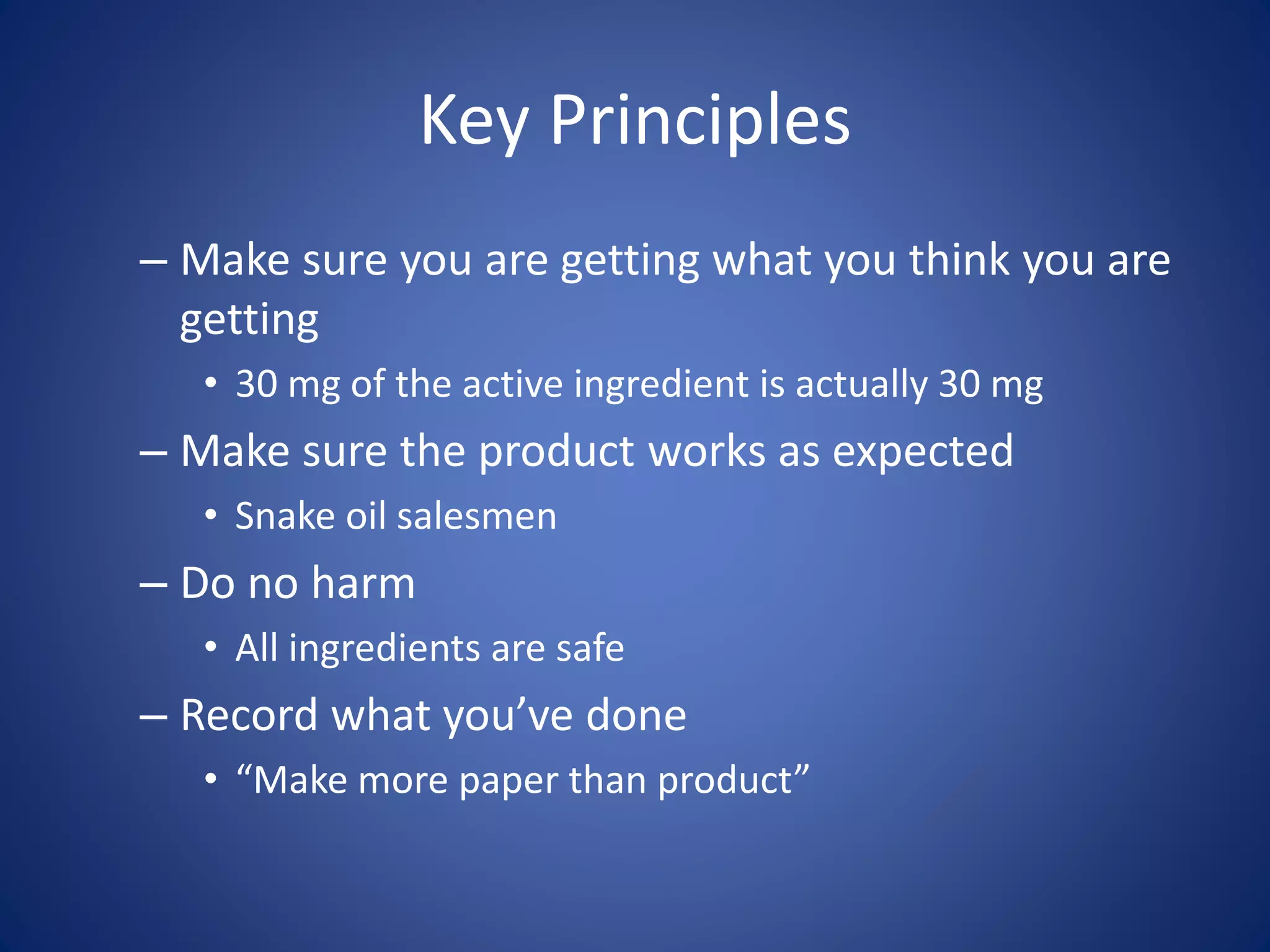
Key Principles 
– Make sure you are getting what you think you are 
getting 
• 30 mg of the active ingredient is actually 30 mg 
– Make sure the product works as expected 
• Snake oil salesmen 
– Do no harm 
• All ingredients are safe 
– Record what you’ve done 
• “Make more paper than product”
Background 
DRUG TRIAL PHASES
Drug Approval Process 
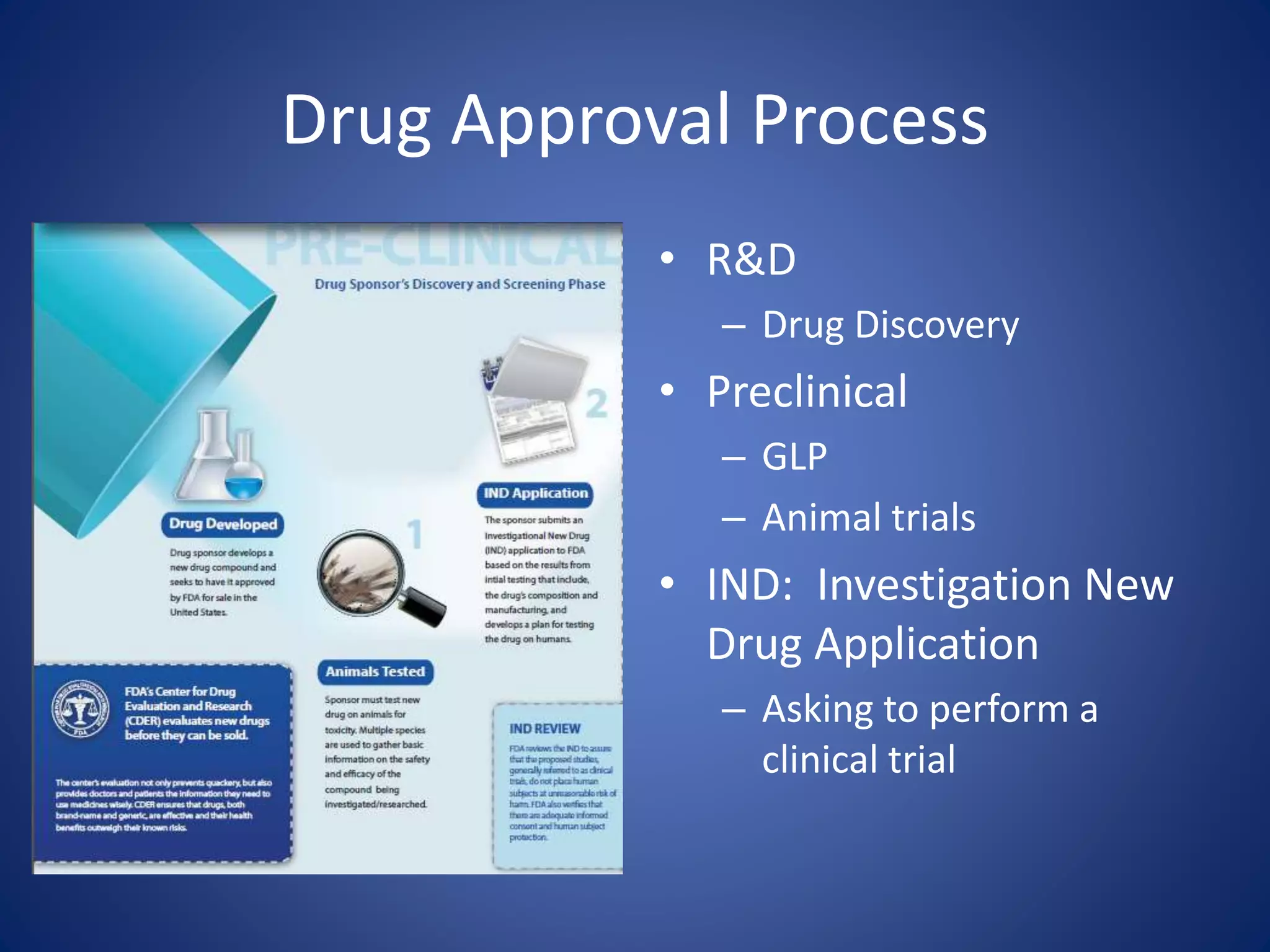
• R&D 
– Drug Discovery 
• Preclinical 
– GLP 
– Animal trials 
• IND: Investigation New 
Drug Application 
– Asking to perform a 
clinical trial
Drug Approval Process 
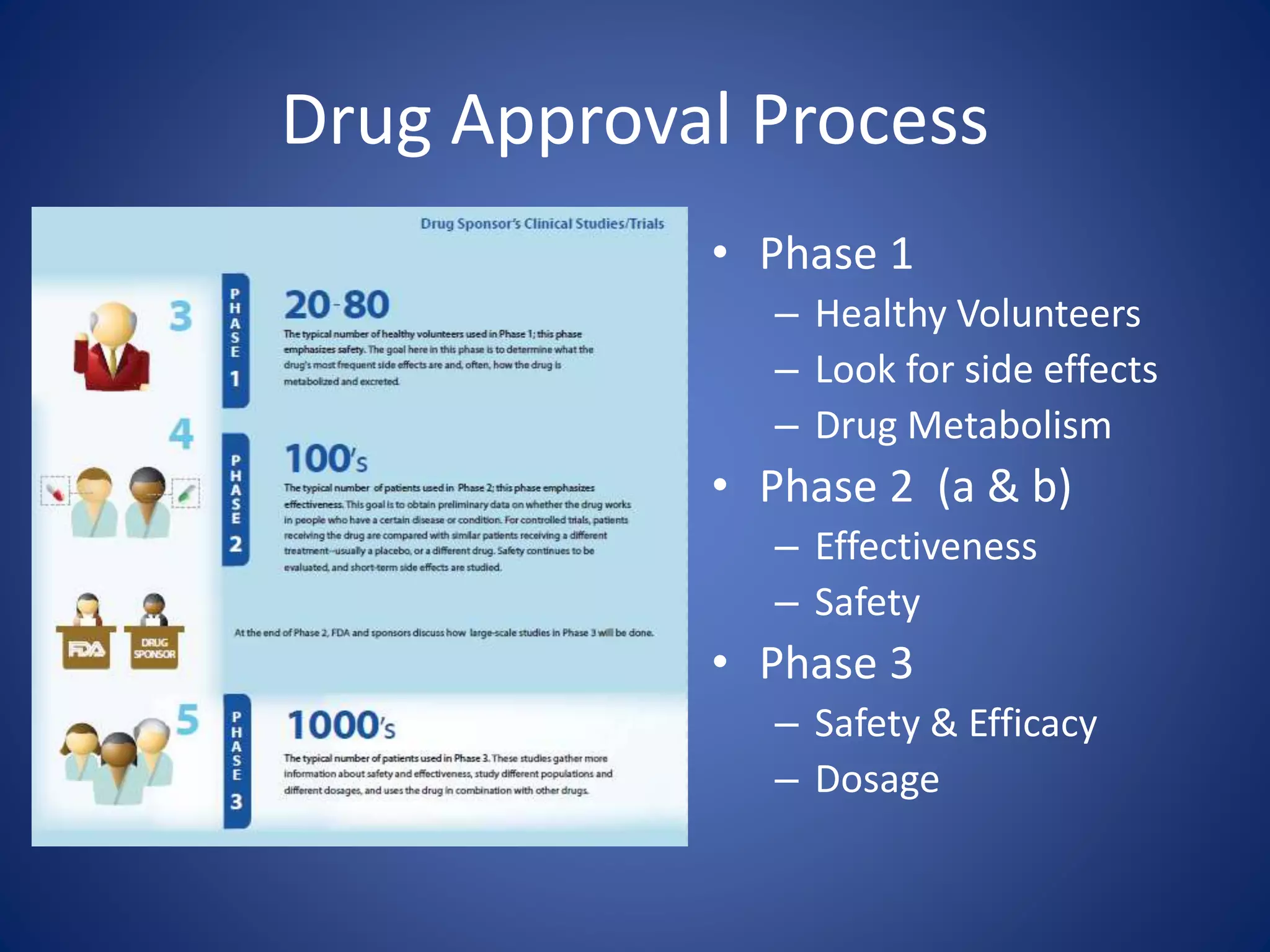
• Phase 1 
– Healthy Volunteers 
– Look for side effects 
– Drug Metabolism 
• Phase 2 (a & b) 
– Effectiveness 
– Safety 
• Phase 3 
– Safety & Efficacy 
– Dosage
Drug Approval Process 
• NDA: New Drug Application 
– Inspections 
– Approval= launch to market 
• Post Approval 
– Adverse Effects 
– Regulatory Control 
• Marketing Materials 
• Labeling
Drug Approval Process 
• All these steps after NDA must be performed 
in a regulated environment 
– Electronic records 
– Software 
– Hardware (not covered today)
Background 
HOW DID WE GET HERE?
History of the FDA 
• 19th Century 
– Drugs compounded by local pharmacies 
– Inconsistent 
– Efficacy not proven 
• 1820 Creation of the U.S. Pharmacopoeia 
(USP) 
– Standards of composition, strength and purity 
– Provide consistency across the country
History of the FDA 
• 1848 Analysis of chemical compounds & Drug 
importation act 
– Chemical analyses of agricultural products as part of 
the Patent Office 
– US Customs starts inspections to prevent entry of 
“adulterated substances” from overseas 
• 1906 Pure Food and Drugs Act 
– Prevented interstate commerce of adulterated and 
misbranded foods and drugs 
– First modern regulation of medications
History of the FDA 
• 1911/1912 Food and drug act did not prohibit 
the false therapeutic claims, but only 
misleading statements regarding ingredients 
– Shirley Amendment dealt with intended false 
claims 
• Mrs Winslow’s Soothing Syrup contained morphine had 
fatal events
History of the FDA 
• 1938 FDA Act passed by Congress 
– Major overhaul of regulations 
• Added Cosmetics and devices 
• Required drugs be shown to be safe/ approval 
• Safe Tolerance levels 
• Factory Inspections (strengthened in 1958 with written 
reports) 
– Allow Court injunctions along with penalties/seizures 
• Wheeler act added advertising
History of the FDA 
• 1943 Corporate officers may be prosecuted for 
violations 
– Even without intention 
• 1949 First Guidances 
• 1951 Defined prescription drugs 
• 1962 Must prove drug efficacy 
• 1970 First paper package insert with 
risks/benefits 
• 1972 Regulation of biologics
History of the FDA 
• 1976 Medical Devices must prove safety and 
effectiveness 
• 1988 FDA Act, Generic Drug Act & the 
Prescription Drug Marketing Act 
– Allows generics to be manufactured 
• 1997 FDA Modernization Act 
– 21 CFR part 11 introduced 
– Updated in 2003 
– Finalized in 2007
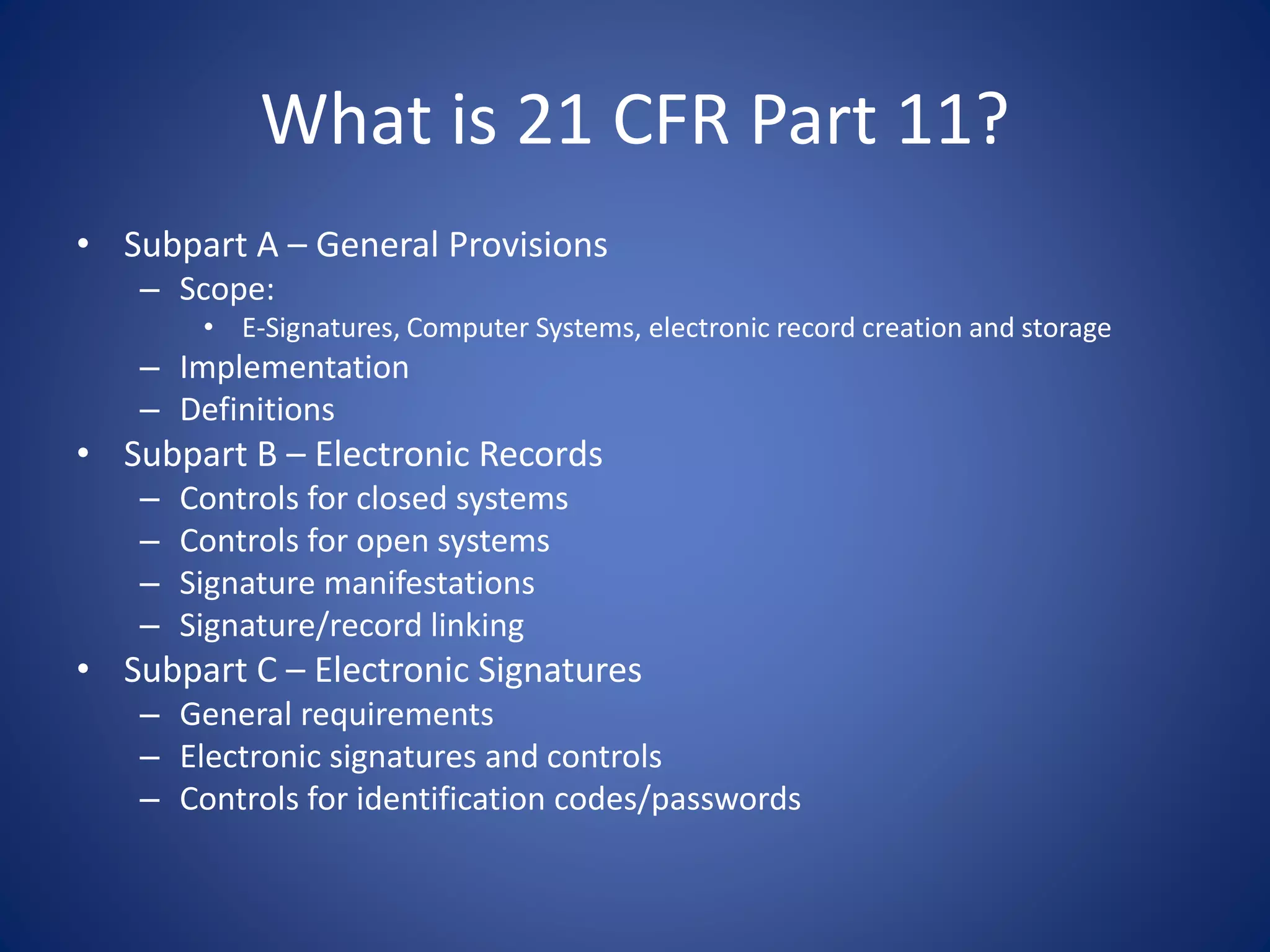
What is 21 CFR Part 11? 
• Subpart A – General Provisions 
– Scope: 
• E-Signatures, Computer Systems, electronic record creation and storage 
– Implementation 
– Definitions 
• Subpart B – Electronic Records 
– Controls for closed systems 
– Controls for open systems 
– Signature manifestations 
– Signature/record linking 
• Subpart C – Electronic Signatures 
– General requirements 
– Electronic signatures and controls 
– Controls for identification codes/passwords
Welcome to the confusion 
REGULATIONS VS. GUIDANCES
Remember 
Software is being used 
to make decisions that 
may affect a person’s 
life or death
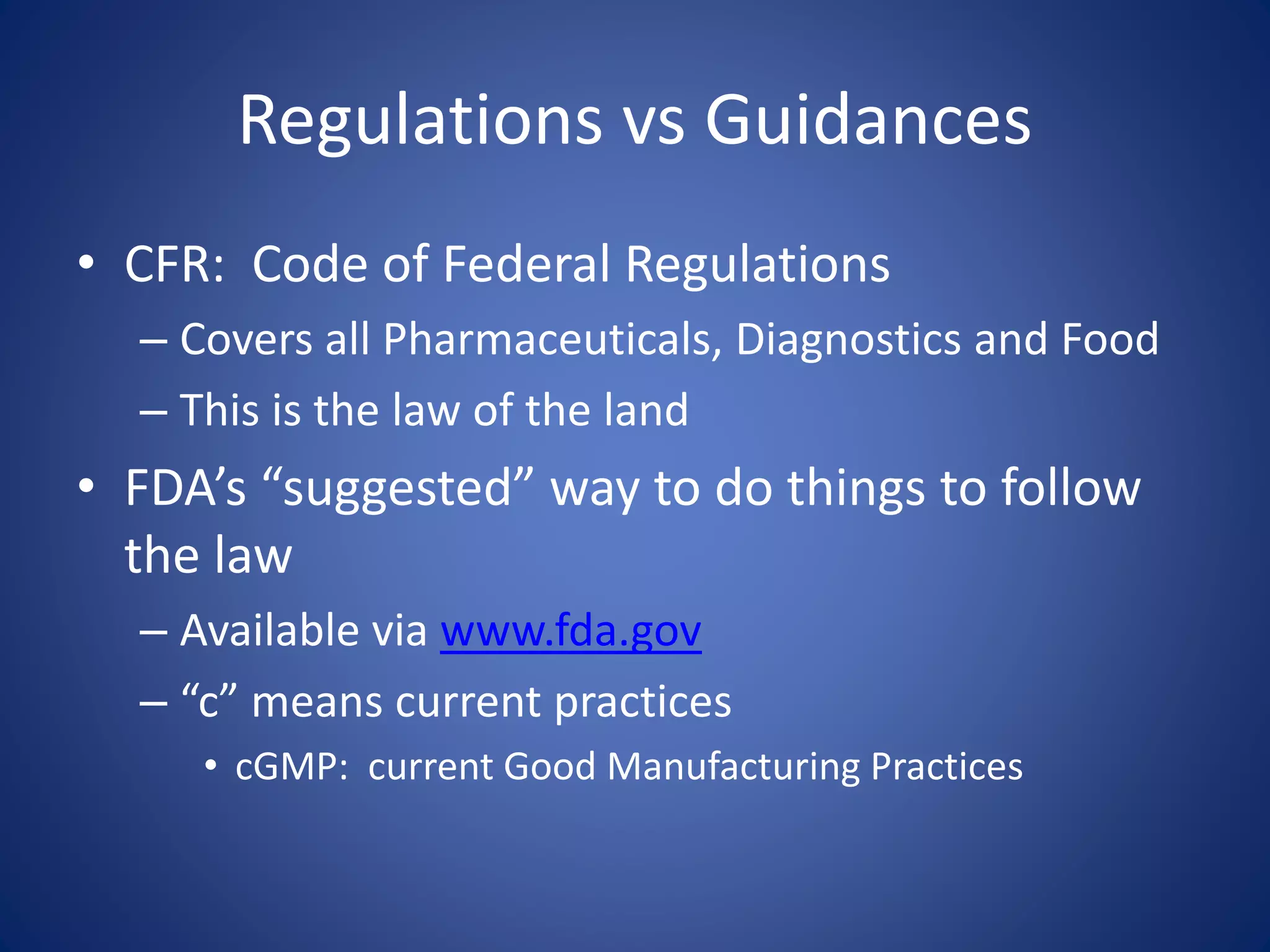
Regulations vs Guidances 
• CFR: Code of Federal Regulations 
– Covers all Pharmaceuticals, Diagnostics and Food 
– This is the law of the land 
• FDA’s “suggested” way to do things to follow 
the law 
– Available via www.fda.gov 
– “c” means current practices 
• cGMP: current Good Manufacturing Practices
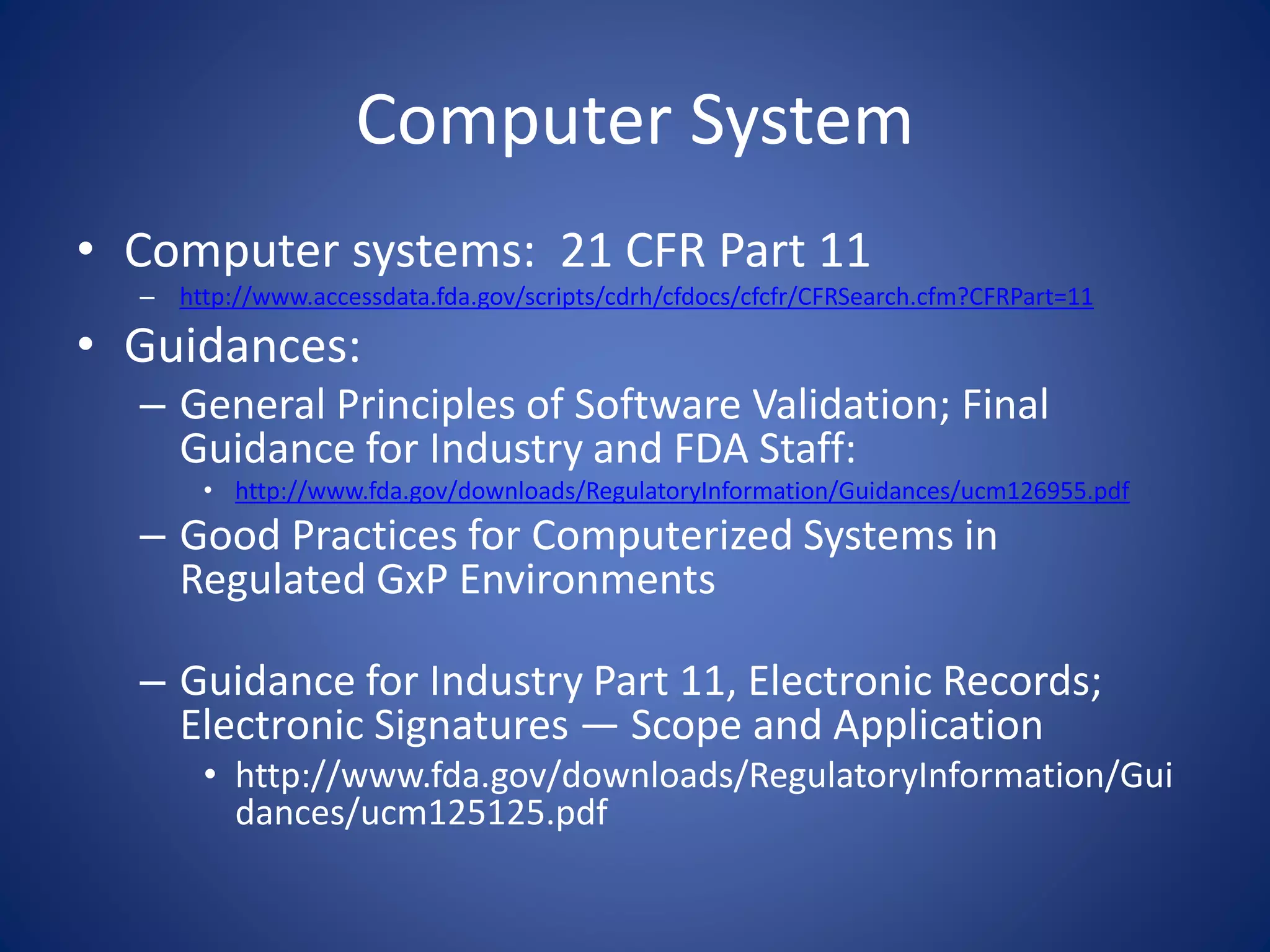
Computer System 
• Computer systems: 21 CFR Part 11 
– http://www.accessdata.fda.gov/scripts/cdrh/cfdocs/cfcfr/CFRSearch.cfm?CFRPart=11 
• Guidances: 
– General Principles of Software Validation; Final 
Guidance for Industry and FDA Staff: 
• http://www.fda.gov/downloads/RegulatoryInformation/Guidances/ucm126955.pdf 
– Good Practices for Computerized Systems in 
Regulated GxP Environments 
– Guidance for Industry Part 11, Electronic Records; 
Electronic Signatures — Scope and Application 
• http://www.fda.gov/downloads/RegulatoryInformation/Gui 
dances/ucm125125.pdf
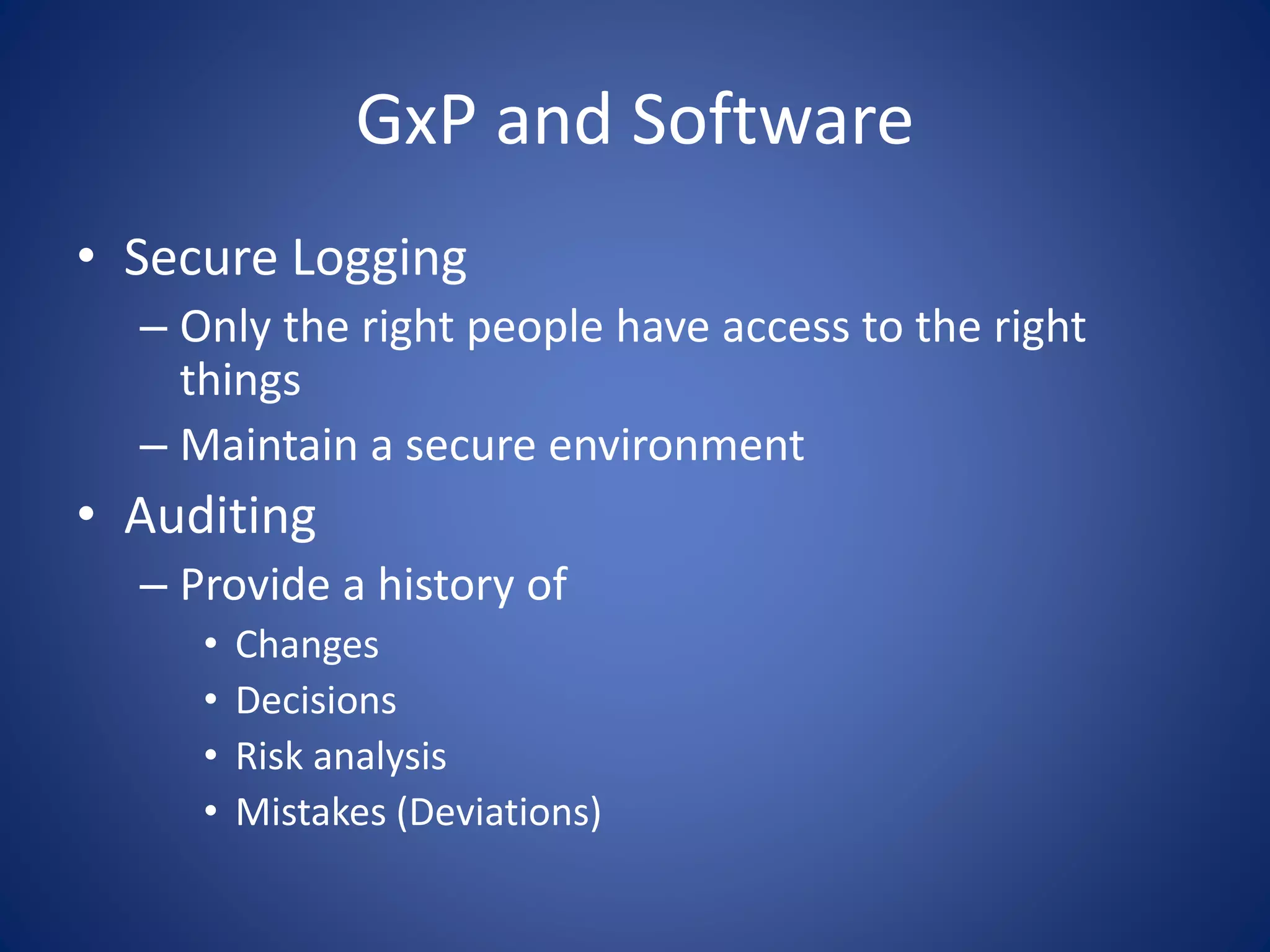
GxP and Software 
• Secure Logging 
– Only the right people have access to the right 
things 
– Maintain a secure environment 
• Auditing 
– Provide a history of 
• Changes 
• Decisions 
• Risk analysis 
• Mistakes (Deviations)
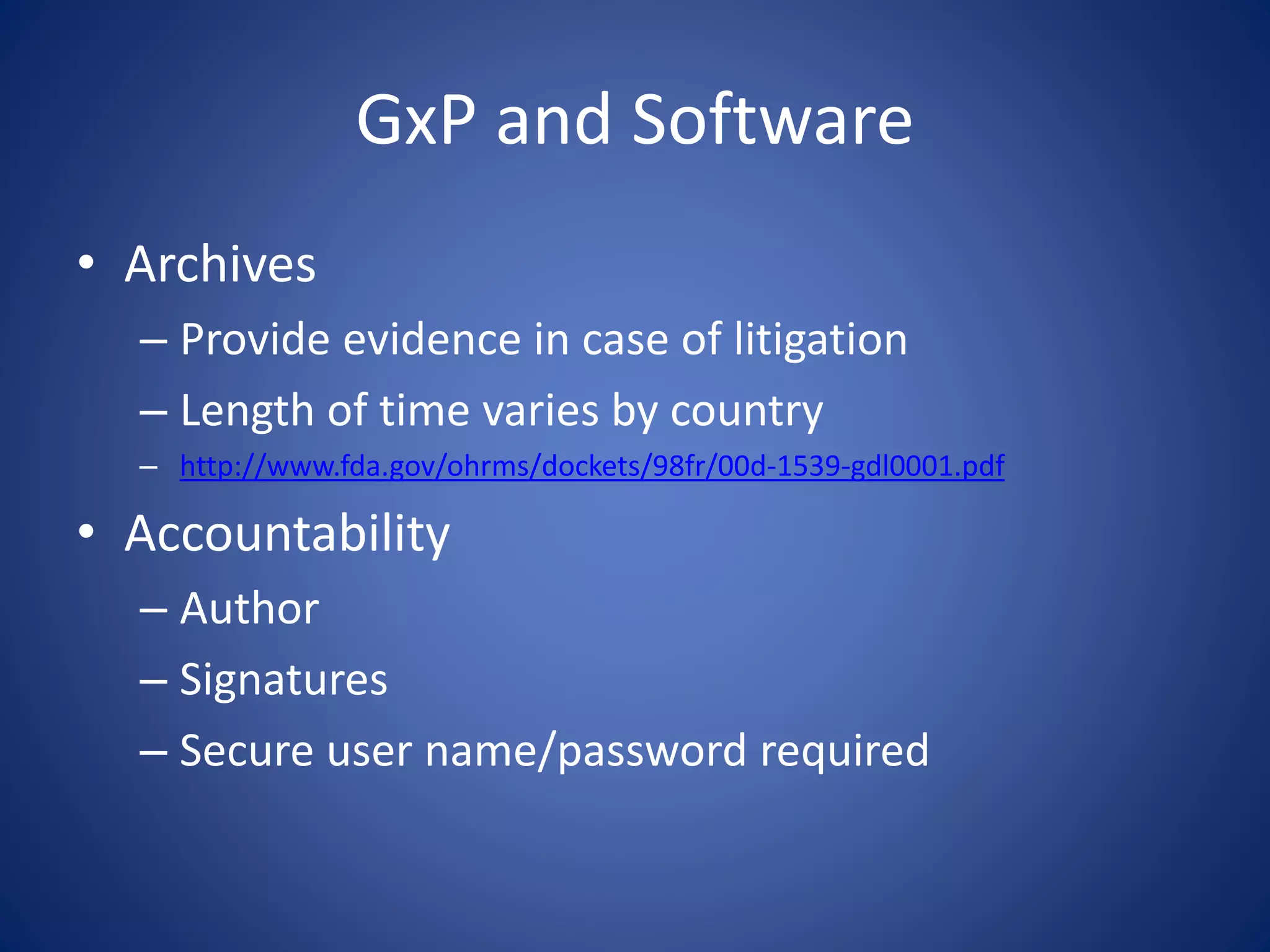
GxP and Software 
• Archives 
– Provide evidence in case of litigation 
– Length of time varies by country 
– http://www.fda.gov/ohrms/dockets/98fr/00d-1539-gdl0001.pdf 
• Accountability 
– Author 
– Signatures 
– Secure user name/password required
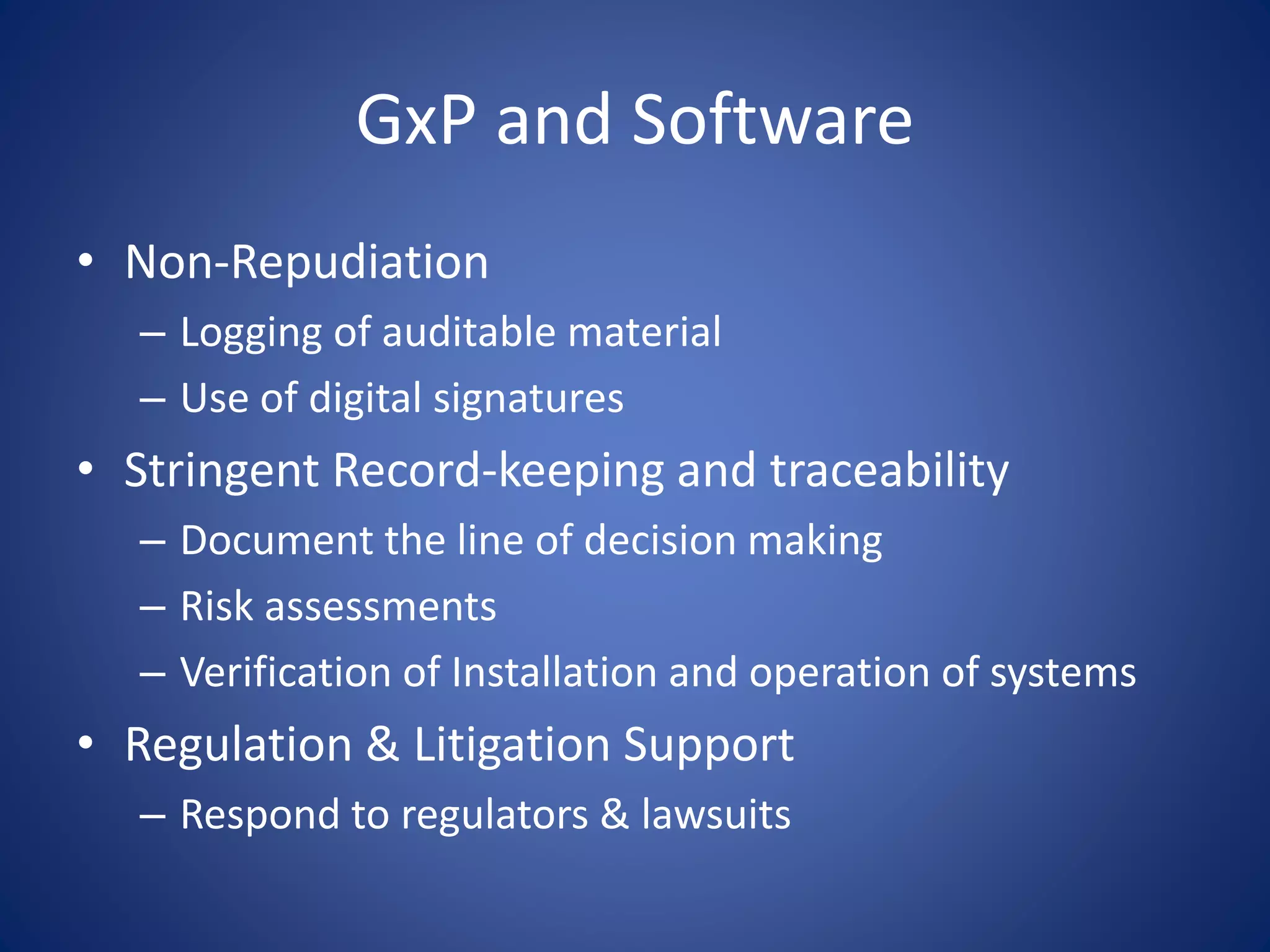
GxP and Software 
• Non-Repudiation 
– Logging of auditable material 
– Use of digital signatures 
• Stringent Record-keeping and traceability 
– Document the line of decision making 
– Risk assessments 
– Verification of Installation and operation of systems 
• Regulation & Litigation Support 
– Respond to regulators & lawsuits
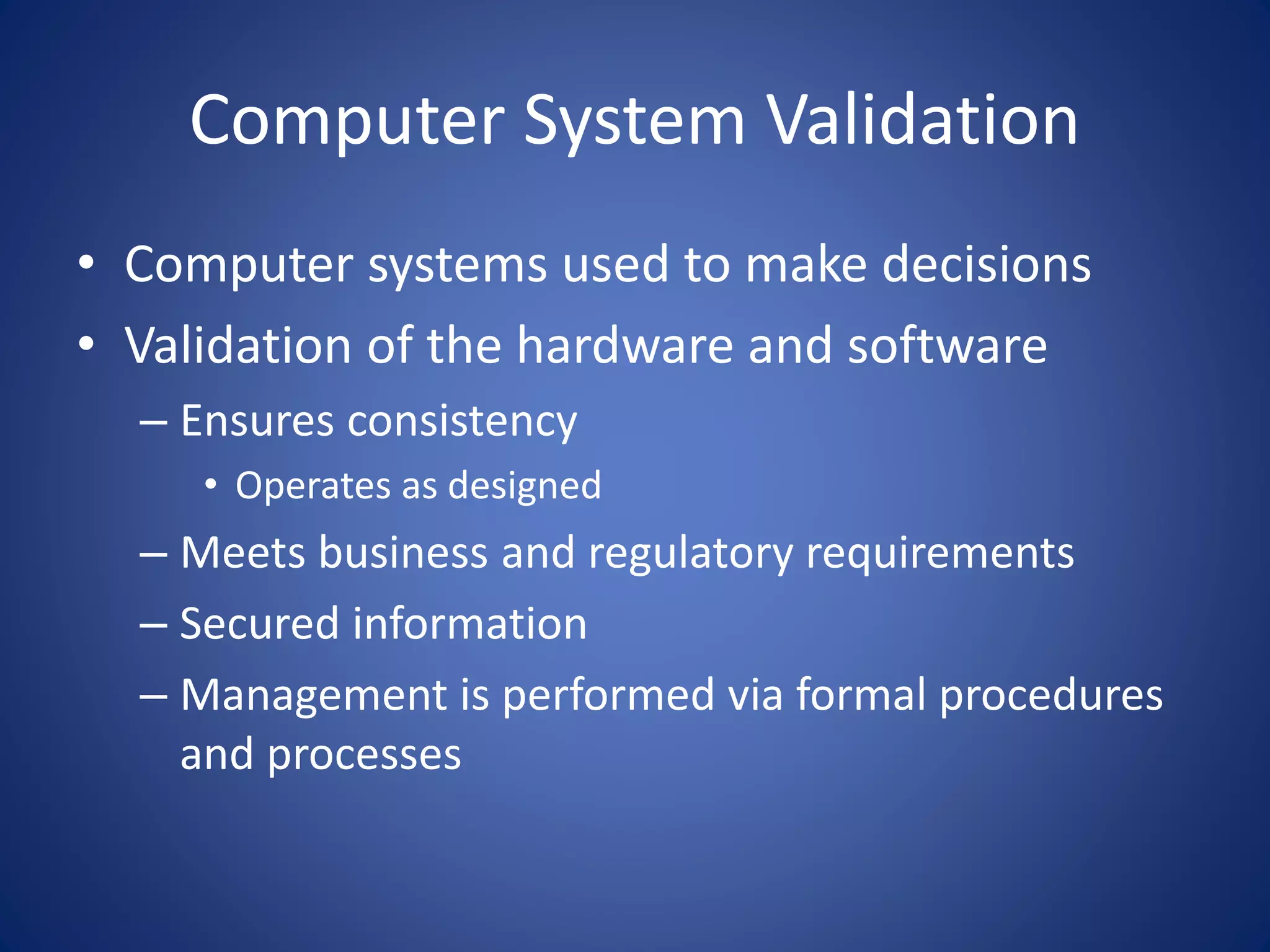
Computer System Validation 
• Computer systems used to make decisions 
• Validation of the hardware and software 
– Ensures consistency 
• Operates as designed 
– Meets business and regulatory requirements 
– Secured information 
– Management is performed via formal procedures 
and processes
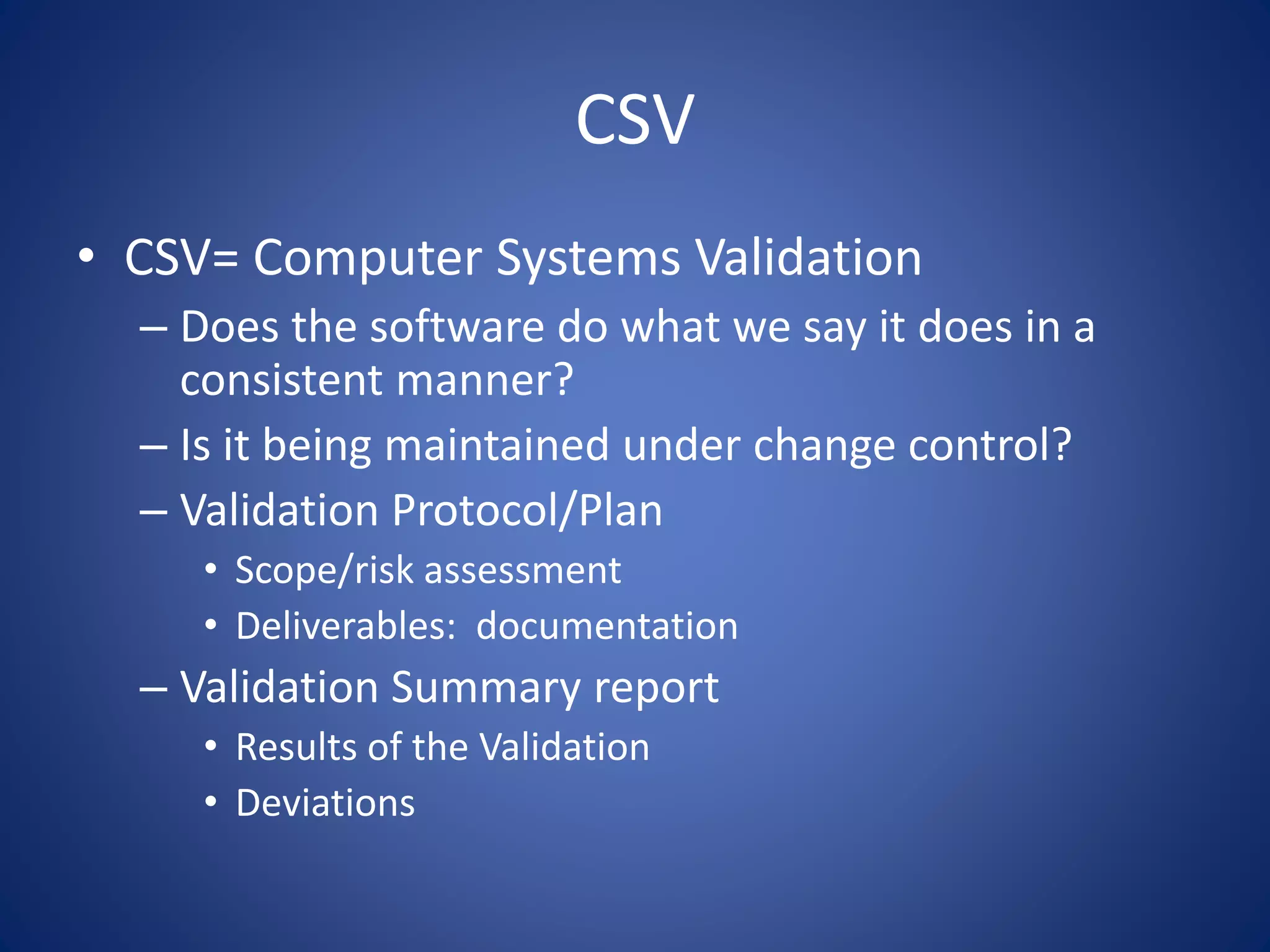
CSV 
• CSV= Computer Systems Validation 
– Does the software do what we say it does in a 
consistent manner? 
– Is it being maintained under change control? 
– Validation Protocol/Plan 
• Scope/risk assessment 
• Deliverables: documentation 
– Validation Summary report 
• Results of the Validation 
• Deviations
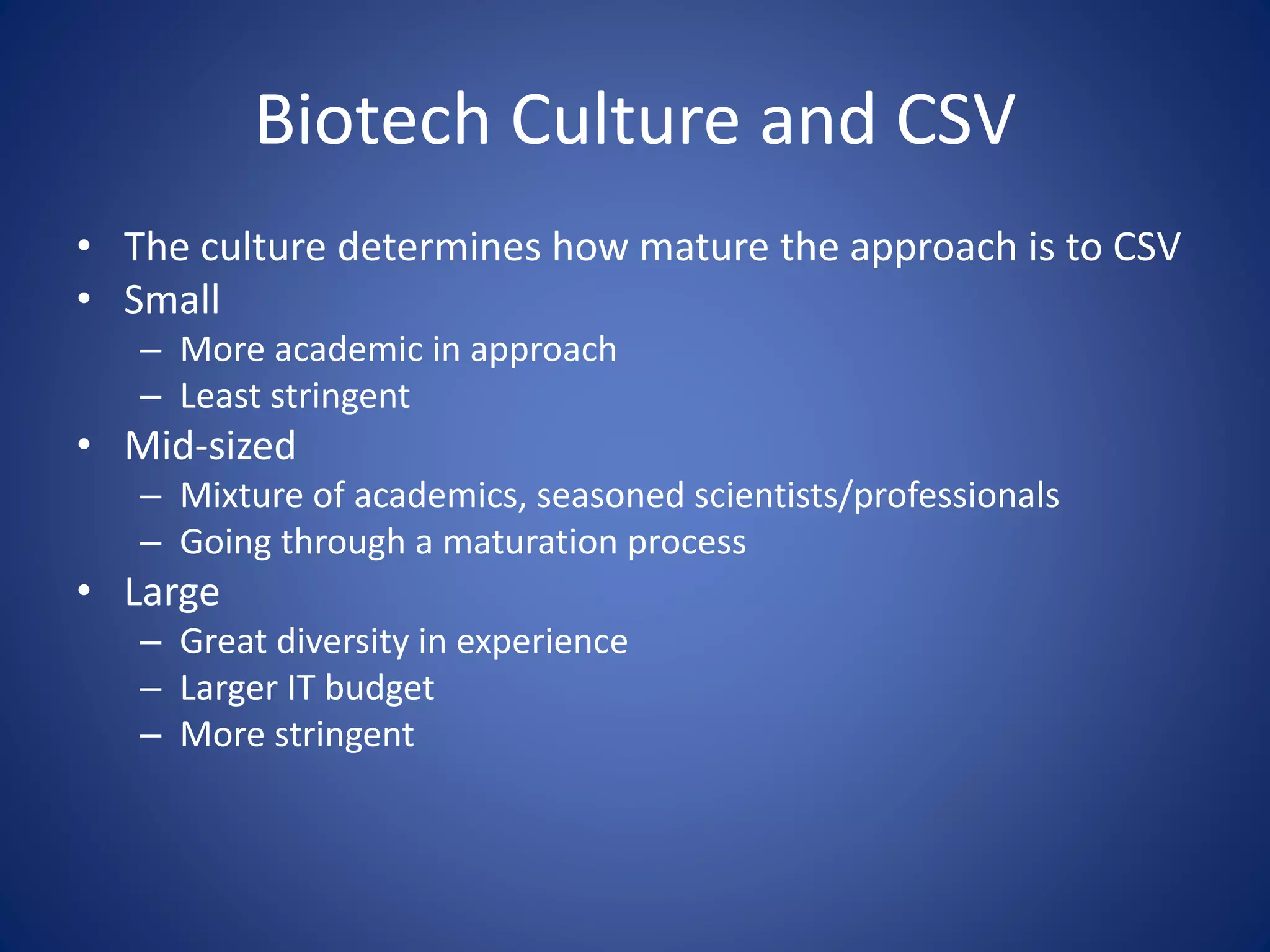
Biotech Culture and CSV 
• The culture determines how mature the approach is to CSV 
• Small 
– More academic in approach 
– Least stringent 
• Mid-sized 
– Mixture of academics, seasoned scientists/professionals 
– Going through a maturation process 
• Large 
– Great diversity in experience 
– Larger IT budget 
– More stringent
Documentation 
• Vendor is responsible for keeping their 
documentation up to date 
– Updates 
– Changes 
• Documentation available for audits
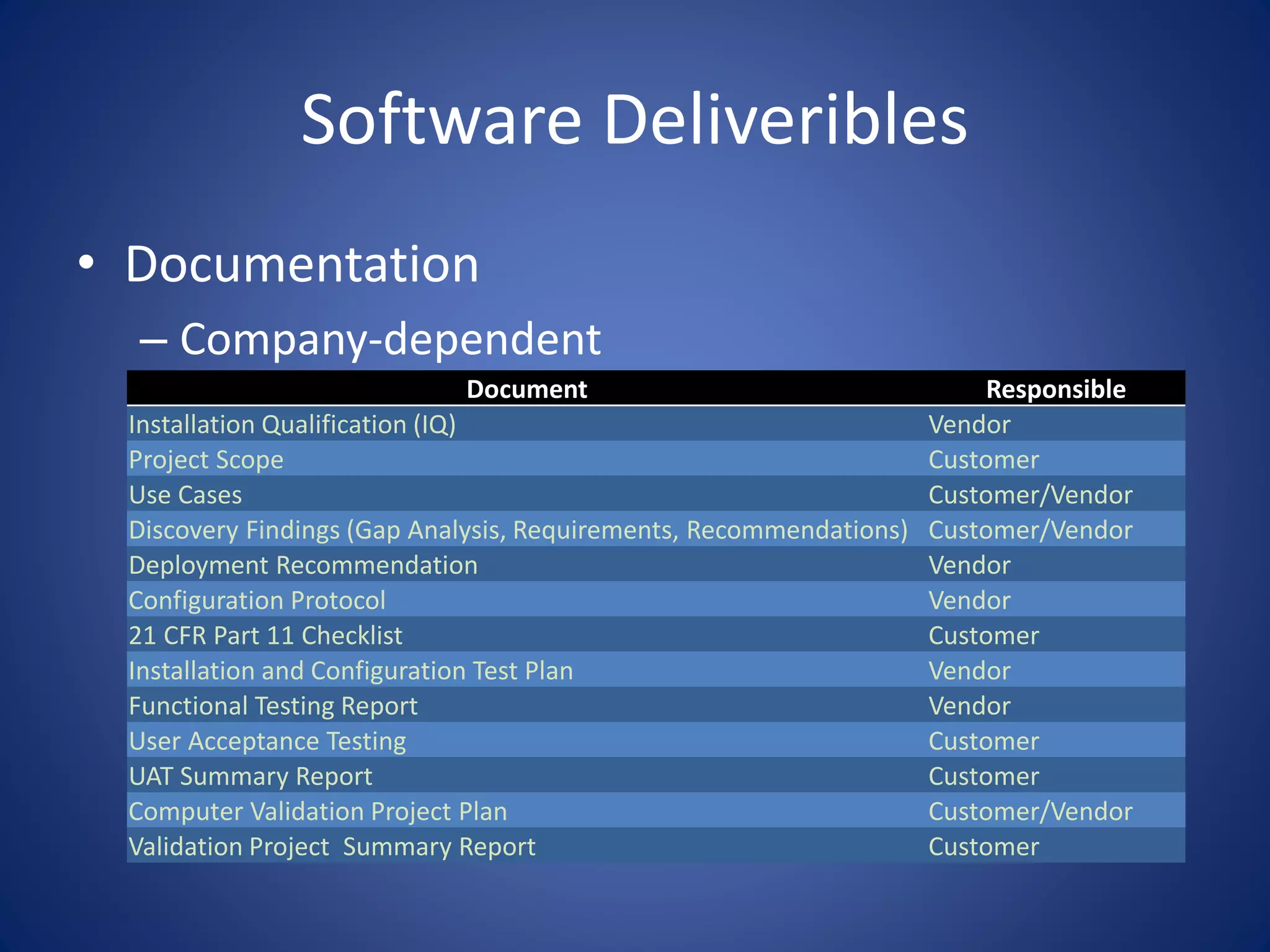
Software Deliveribles 
• Documentation 
– Company-dependent 
Document Responsible 
Installation Qualification (IQ) Vendor 
Project Scope Customer 
Use Cases Customer/Vendor 
Discovery Findings (Gap Analysis, Requirements, Recommendations) Customer/Vendor 
Deployment Recommendation Vendor 
Configuration Protocol Vendor 
21 CFR Part 11 Checklist Customer 
Installation and Configuration Test Plan Vendor 
Functional Testing Report Vendor 
User Acceptance Testing Customer 
UAT Summary Report Customer 
Computer Validation Project Plan Customer/Vendor 
Validation Project Summary Report Customer
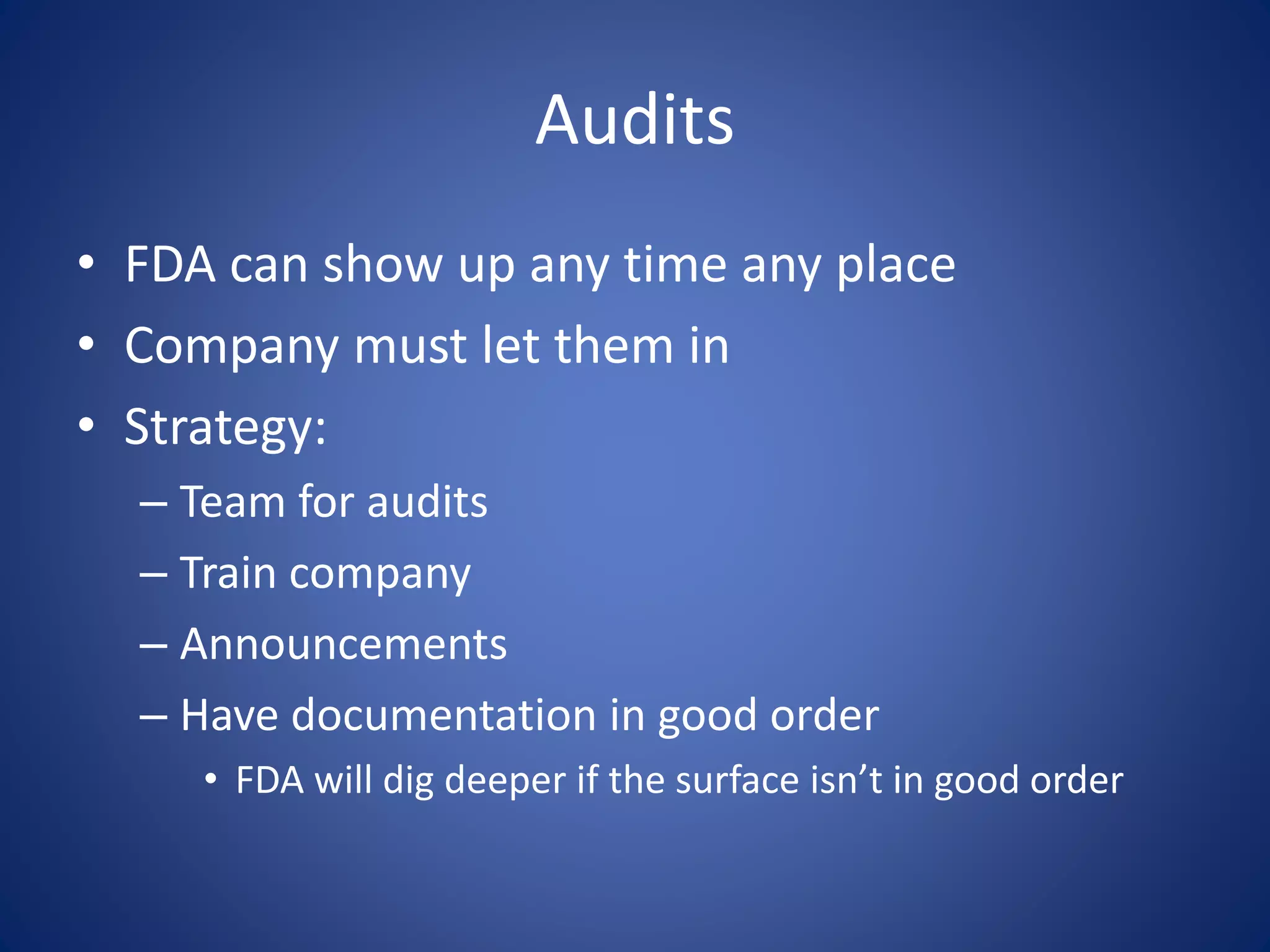
Audits 
• FDA can show up any time any place 
• Company must let them in 
• Strategy: 
– Team for audits 
– Train company 
– Announcements 
– Have documentation in good order 
• FDA will dig deeper if the surface isn’t in good order
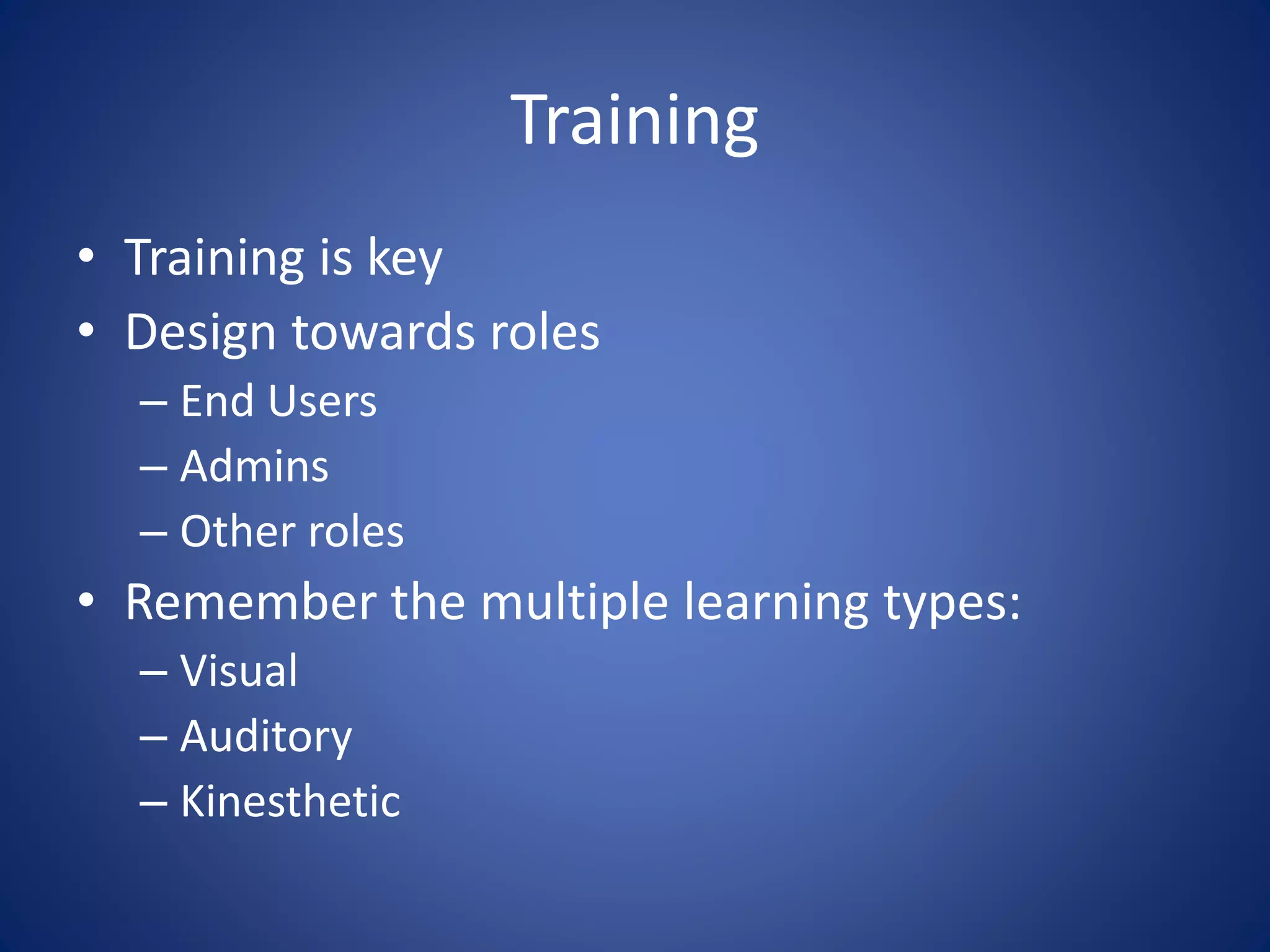
Training 
• Training is key 
• Design towards roles 
– End Users 
– Admins 
– Other roles 
• Remember the multiple learning types: 
– Visual 
– Auditory 
– Kinesthetic
CSV 
USING SHAREPOINT
SharePoint 
• Separate farm (on prem) or tenant (O365) 
– Isolated to make the system closed and separate 
from non-GxP part of the business 
– Plan the environment to ensure scalability 
– Perform a Risk analysis: Regulatory and business 
• Track who has access 
– Compliance 
• Track changes to the environment via 
formalized Change Control
Change Management 
• Identify and justify changes 
• Risk assessment: Show the changes have no 
adverse impact on 
– SharePoint 
– Other software (if data connections are made) 
– Processes 
• Update SOP’s
SharePoint 
• Electronic Records in SharePoint may be 
– Documents 
– Metadata 
– Forms (InfoPath, .aspx, third party) 
• Approval workflows must end in Electronic 
signatures 
• Must have an audit trail 
– Created, edited, approved
Considerations 
• Configured “off the shelf” systems require less 
validation efforts than customized ones 
– SharePoint is considered “Configured off the 
shelf” systems 
– Can the work be done via a third party “industry 
standard” system?
Do I need to Validate? 
• Validation Assessment: 
– Is the record an electronic copy of a paper record? 
• Driving a regulated process? 
– Does the record exist in electronic format? 
• No paper record 
– Is the record required by predicate Rule (any 
requirement by the FDA)
Installing 
• IQ (Installation) 
– Setting up SharePoint 
– Configuration 
– Show evidence 
• OQ 
– Functional testing 
• PQ (Requirements Testing) 
– Test Scripts 
– UAT summary report 
– Not required for initial SharePoint validation as there 
is nothing for a user to test yet
Completing and beyond 
• Final Validation Summary reports 
– Show evidence 
• 3rd party: Vendor must maintain their 
documentation 
• Significant changes require re-validation 
– Risk assessment 
– Very costly
References 
• History of the FDA 
– http://www.fdareview.org/history.shtm 
– http://www.fda.gov/AboutFDA/WhatWeDo/History/Overviews/ucm056044.html 
– http://www.fda.gov/AboutFDA/WhatWeDo/History/Milestones/ucm128305.htm 
– http://www.fda.gov/aboutfda/whatwedo/history/default.htm 
– http://www.manhattan-institute.org/html/fda_05.htm 
• Guidances 
– http://21cfrpart11.com/pages/fda_docs/ 
– ICH: http://www.picscheme.org/pdf/27_pi-011-3-recommendation-on-computerised- 
systems.pdf
Thank You 
• Erik Osterlund & Joe George (ARIAD) 
• My Contact info: 
– debwalther@outlook.com 
– www.linkedin.com/in/debwalther 
– Twitter: debwalther1 
– Blog: SharePoint for Blondes

Providing SharePoint Solutions in an FDA Regulated Environment

  • 1.
    Providing SharePoint Solutionsin an FDA Regulated Environment Deb Walther IT Consultant IT Validation and Compliance ARIAD Pharmaceuticals
  • 2.
    About Me •BS Biochemistry, MS from a Molecular Pharmacology program – Stony Brook University • > 25 years in Biotech • 2 Patents • Start up to Large Pharma • Recently moved to IT • Goal: Make work life easier • Volunteer Ski Coach/ Volunteer Tutor
  • 3.
    Goals • Explainwhat the FDA is and how they affect software development in Biotechs/Pharma • Requirements for working in a validated environment • How this works with SharePoint – Strategies for using it with GxP systems – Setting it up as a GxP system
  • 4.
    Vocabulary • GxP – Good x Practices – X= Manufacturing, Clinical, Laboratory • cGxP= Current practices – Tricky: need to know what your competitors are doing • API= Active Pharmaceutical Ingredient
  • 5.
  • 6.
    What is theFDA • FDA: Food and Drug Administration – Regulates food, drugs and cosmetics – Prevent adulteration • Oldest consumer protection agency in the US • ICH: International Conference on Harmonization – Attempted to provide a consistent approach to approving and regulating drugs in the EU, US and Japan
  • 7.
    Key Principles –Make sure you are getting what you think you are getting • 30 mg of the active ingredient is actually 30 mg – Make sure the product works as expected • Snake oil salesmen – Do no harm • All ingredients are safe – Record what you’ve done • “Make more paper than product”
  • 8.
  • 9.
    Drug Approval Process • R&D – Drug Discovery • Preclinical – GLP – Animal trials • IND: Investigation New Drug Application – Asking to perform a clinical trial
  • 10.
    Drug Approval Process • Phase 1 – Healthy Volunteers – Look for side effects – Drug Metabolism • Phase 2 (a & b) – Effectiveness – Safety • Phase 3 – Safety & Efficacy – Dosage
  • 11.
    Drug Approval Process • NDA: New Drug Application – Inspections – Approval= launch to market • Post Approval – Adverse Effects – Regulatory Control • Marketing Materials • Labeling
  • 12.
    Drug Approval Process • All these steps after NDA must be performed in a regulated environment – Electronic records – Software – Hardware (not covered today)
  • 13.
    Background HOW DIDWE GET HERE?
  • 14.
    History of theFDA • 19th Century – Drugs compounded by local pharmacies – Inconsistent – Efficacy not proven • 1820 Creation of the U.S. Pharmacopoeia (USP) – Standards of composition, strength and purity – Provide consistency across the country
  • 15.
    History of theFDA • 1848 Analysis of chemical compounds & Drug importation act – Chemical analyses of agricultural products as part of the Patent Office – US Customs starts inspections to prevent entry of “adulterated substances” from overseas • 1906 Pure Food and Drugs Act – Prevented interstate commerce of adulterated and misbranded foods and drugs – First modern regulation of medications
  • 16.
    History of theFDA • 1911/1912 Food and drug act did not prohibit the false therapeutic claims, but only misleading statements regarding ingredients – Shirley Amendment dealt with intended false claims • Mrs Winslow’s Soothing Syrup contained morphine had fatal events
  • 17.
    History of theFDA • 1938 FDA Act passed by Congress – Major overhaul of regulations • Added Cosmetics and devices • Required drugs be shown to be safe/ approval • Safe Tolerance levels • Factory Inspections (strengthened in 1958 with written reports) – Allow Court injunctions along with penalties/seizures • Wheeler act added advertising
  • 18.
    History of theFDA • 1943 Corporate officers may be prosecuted for violations – Even without intention • 1949 First Guidances • 1951 Defined prescription drugs • 1962 Must prove drug efficacy • 1970 First paper package insert with risks/benefits • 1972 Regulation of biologics
  • 19.
    History of theFDA • 1976 Medical Devices must prove safety and effectiveness • 1988 FDA Act, Generic Drug Act & the Prescription Drug Marketing Act – Allows generics to be manufactured • 1997 FDA Modernization Act – 21 CFR part 11 introduced – Updated in 2003 – Finalized in 2007
  • 20.
    What is 21CFR Part 11? • Subpart A – General Provisions – Scope: • E-Signatures, Computer Systems, electronic record creation and storage – Implementation – Definitions • Subpart B – Electronic Records – Controls for closed systems – Controls for open systems – Signature manifestations – Signature/record linking • Subpart C – Electronic Signatures – General requirements – Electronic signatures and controls – Controls for identification codes/passwords
  • 21.
    Welcome to theconfusion REGULATIONS VS. GUIDANCES
  • 22.
    Remember Software isbeing used to make decisions that may affect a person’s life or death
  • 23.
    Regulations vs Guidances • CFR: Code of Federal Regulations – Covers all Pharmaceuticals, Diagnostics and Food – This is the law of the land • FDA’s “suggested” way to do things to follow the law – Available via www.fda.gov – “c” means current practices • cGMP: current Good Manufacturing Practices
  • 24.
    Computer System •Computer systems: 21 CFR Part 11 – http://www.accessdata.fda.gov/scripts/cdrh/cfdocs/cfcfr/CFRSearch.cfm?CFRPart=11 • Guidances: – General Principles of Software Validation; Final Guidance for Industry and FDA Staff: • http://www.fda.gov/downloads/RegulatoryInformation/Guidances/ucm126955.pdf – Good Practices for Computerized Systems in Regulated GxP Environments – Guidance for Industry Part 11, Electronic Records; Electronic Signatures — Scope and Application • http://www.fda.gov/downloads/RegulatoryInformation/Gui dances/ucm125125.pdf
  • 25.
    GxP and Software • Secure Logging – Only the right people have access to the right things – Maintain a secure environment • Auditing – Provide a history of • Changes • Decisions • Risk analysis • Mistakes (Deviations)
  • 26.
    GxP and Software • Archives – Provide evidence in case of litigation – Length of time varies by country – http://www.fda.gov/ohrms/dockets/98fr/00d-1539-gdl0001.pdf • Accountability – Author – Signatures – Secure user name/password required
  • 27.
    GxP and Software • Non-Repudiation – Logging of auditable material – Use of digital signatures • Stringent Record-keeping and traceability – Document the line of decision making – Risk assessments – Verification of Installation and operation of systems • Regulation & Litigation Support – Respond to regulators & lawsuits
  • 28.
    Computer System Validation • Computer systems used to make decisions • Validation of the hardware and software – Ensures consistency • Operates as designed – Meets business and regulatory requirements – Secured information – Management is performed via formal procedures and processes
  • 29.
    CSV • CSV=Computer Systems Validation – Does the software do what we say it does in a consistent manner? – Is it being maintained under change control? – Validation Protocol/Plan • Scope/risk assessment • Deliverables: documentation – Validation Summary report • Results of the Validation • Deviations
  • 30.
    Biotech Culture andCSV • The culture determines how mature the approach is to CSV • Small – More academic in approach – Least stringent • Mid-sized – Mixture of academics, seasoned scientists/professionals – Going through a maturation process • Large – Great diversity in experience – Larger IT budget – More stringent
  • 31.
    Documentation • Vendoris responsible for keeping their documentation up to date – Updates – Changes • Documentation available for audits
  • 32.
    Software Deliveribles •Documentation – Company-dependent Document Responsible Installation Qualification (IQ) Vendor Project Scope Customer Use Cases Customer/Vendor Discovery Findings (Gap Analysis, Requirements, Recommendations) Customer/Vendor Deployment Recommendation Vendor Configuration Protocol Vendor 21 CFR Part 11 Checklist Customer Installation and Configuration Test Plan Vendor Functional Testing Report Vendor User Acceptance Testing Customer UAT Summary Report Customer Computer Validation Project Plan Customer/Vendor Validation Project Summary Report Customer
  • 33.
    Audits • FDAcan show up any time any place • Company must let them in • Strategy: – Team for audits – Train company – Announcements – Have documentation in good order • FDA will dig deeper if the surface isn’t in good order
  • 34.
    Training • Trainingis key • Design towards roles – End Users – Admins – Other roles • Remember the multiple learning types: – Visual – Auditory – Kinesthetic
  • 35.
  • 36.
    SharePoint • Separatefarm (on prem) or tenant (O365) – Isolated to make the system closed and separate from non-GxP part of the business – Plan the environment to ensure scalability – Perform a Risk analysis: Regulatory and business • Track who has access – Compliance • Track changes to the environment via formalized Change Control
  • 37.
    Change Management •Identify and justify changes • Risk assessment: Show the changes have no adverse impact on – SharePoint – Other software (if data connections are made) – Processes • Update SOP’s
  • 38.
    SharePoint • ElectronicRecords in SharePoint may be – Documents – Metadata – Forms (InfoPath, .aspx, third party) • Approval workflows must end in Electronic signatures • Must have an audit trail – Created, edited, approved
  • 39.
    Considerations • Configured“off the shelf” systems require less validation efforts than customized ones – SharePoint is considered “Configured off the shelf” systems – Can the work be done via a third party “industry standard” system?
  • 40.
    Do I needto Validate? • Validation Assessment: – Is the record an electronic copy of a paper record? • Driving a regulated process? – Does the record exist in electronic format? • No paper record – Is the record required by predicate Rule (any requirement by the FDA)
  • 41.
    Installing • IQ(Installation) – Setting up SharePoint – Configuration – Show evidence • OQ – Functional testing • PQ (Requirements Testing) – Test Scripts – UAT summary report – Not required for initial SharePoint validation as there is nothing for a user to test yet
  • 42.
    Completing and beyond • Final Validation Summary reports – Show evidence • 3rd party: Vendor must maintain their documentation • Significant changes require re-validation – Risk assessment – Very costly
  • 43.
    References • Historyof the FDA – http://www.fdareview.org/history.shtm – http://www.fda.gov/AboutFDA/WhatWeDo/History/Overviews/ucm056044.html – http://www.fda.gov/AboutFDA/WhatWeDo/History/Milestones/ucm128305.htm – http://www.fda.gov/aboutfda/whatwedo/history/default.htm – http://www.manhattan-institute.org/html/fda_05.htm • Guidances – http://21cfrpart11.com/pages/fda_docs/ – ICH: http://www.picscheme.org/pdf/27_pi-011-3-recommendation-on-computerised- systems.pdf
  • 44.
    Thank You •Erik Osterlund & Joe George (ARIAD) • My Contact info: – debwalther@outlook.com – www.linkedin.com/in/debwalther – Twitter: debwalther1 – Blog: SharePoint for Blondes