SPREADSHEETS AND DATABASES
Spreadsheet basics
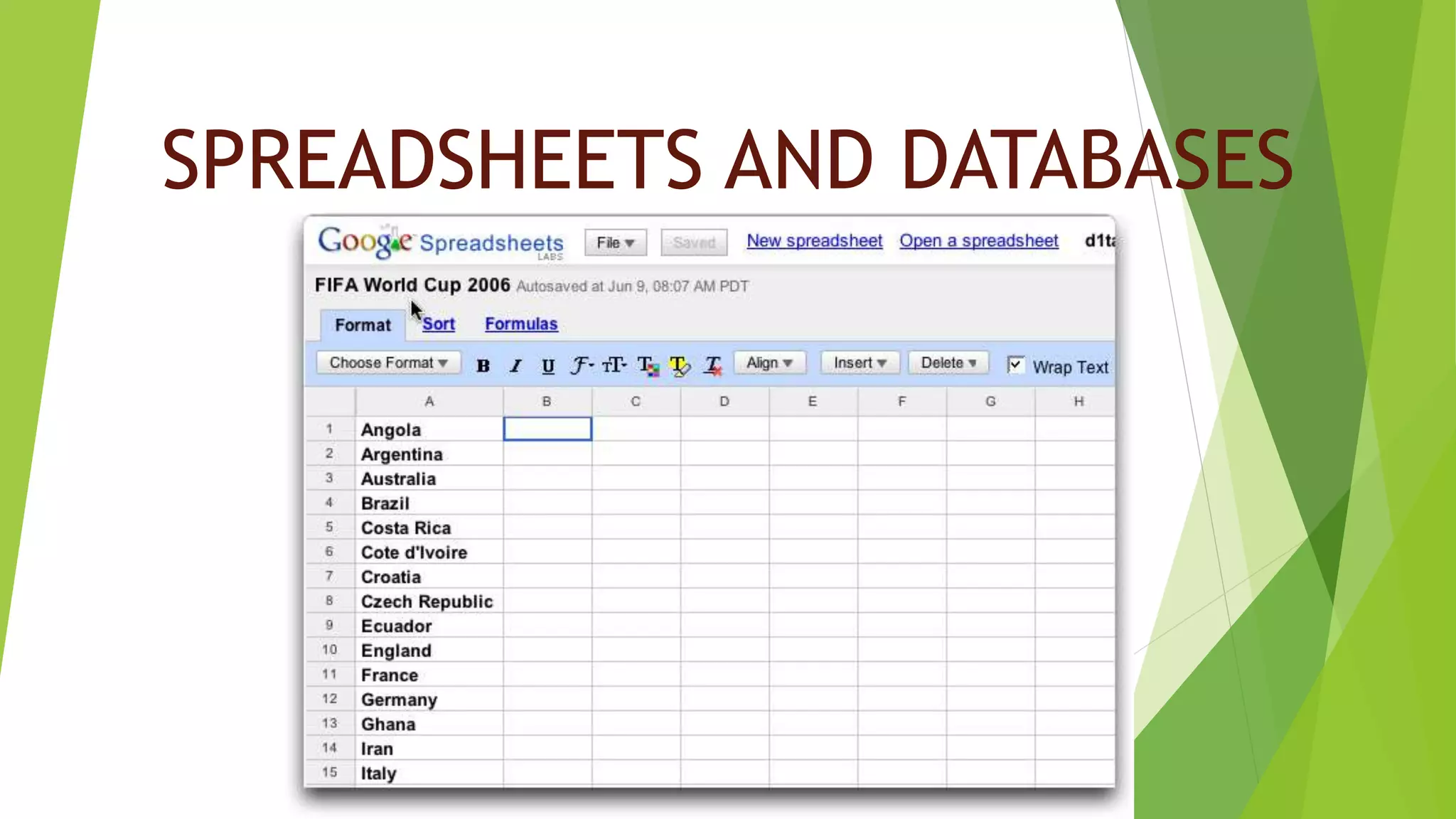
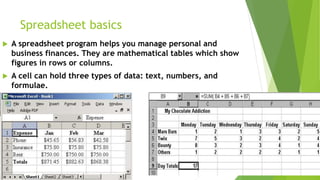
 A spreadsheet program helps you manage personal and
business finances. They are mathematical tables which show
figures in rows or columns.
 A cell can hold three types of data: text, numbers, and
formulae.
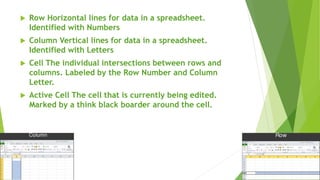
 Row Horizontal lines for data in a spreadsheet.
Identified with Numbers
 Column Vertical lines for data in a spreadsheet.
Identified with Letters
 Cell The individual intersections between rows and
columns. Labeled by the Row Number and Column
Letter.
 Active Cell The cell that is currently being edited.
Marked by a think black boarder around the cell.
Uses for databases
1.Prepare budgets
2.Maintain students grades
3.Prepare financial statements
4.Analyze numbers
5.Manage inventory
6.Make forecasts
PARTS OF A DATABASE
 A data base is a computerized record-keeping system. It is
a system designed to store information in a way that
makes it easy to locate later. A database software allows
users to store, organize, and manipulate information
including both text and numerical data.
 Each unit of information you create is called a record and each
record is made up of a collection of fields.
 There are different data types:
 Text: hold letters and numbers not used in calculations.
 Number: can only hold numbers used in calculations and reports.
 Memo: can store long texts
 Data/Time: a date or time or combination of both.
 Auto Number: assigns a number to each record.
 OLE Object: holds sounds and pictures.
 Yes/No: for alternative values like/true false, yes/no, on/off, etc.
 Hyperlink: adds a link to a website.
 Once you have added data to a set of records, indexes must be created to
help the database find specific records and classify records faster.
 Relational Databases:
 Two databases files can be related as long as they hold a piece of data in
common.
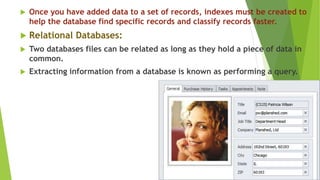
 Extracting information from a database is known as performing a query.
GRAPHICS AND DESIGN
 Types of graphics software
 Computer graphics are pictures created, changed or processed by
computers.
 There are two categories:
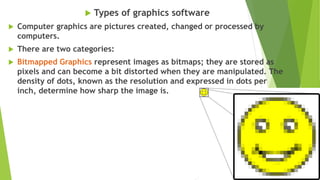
 Bitmapped Graphics represent images as bitmaps; they are stored as
pixels and can become a bit distorted when they are manipulated. The
density of dots, known as the resolution and expressed in dots per
inch, determine how sharp the image is.
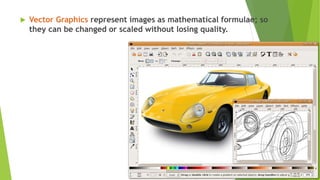
 Vector Graphics represent images as mathematical formulae; so
they can be changed or scaled without losing quality.
 There are different types of graphics software
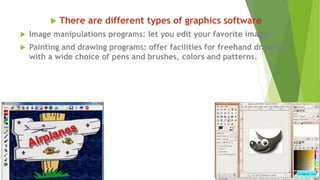
 Image manipulations programs: let you edit your favorite images.
 Painting and drawing programs: offer facilities for freehand drawing,
with a wide choice of pens and brushes, colors and patterns.
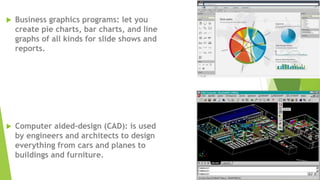
 Business graphics programs: let you
create pie charts, bar charts, and line
graphs of all kinds for slide shows and
reports.
 Computer aided-design (CAD): is used
by engineers and architects to design
everything from cars and planes to
buildings and furniture.
 There are different types
of graphics software
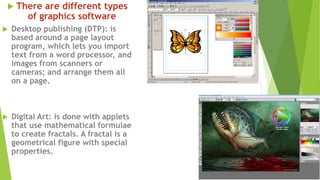
 Desktop publishing (DTP): is
based around a page layout
program, which lets you import
text from a word processor, and
images from scanners or
cameras; and arrange them all
on a page.
 Digital Art: is done with applets
that use mathematical formulae
to create fractals. A fractal is a
geometrical figure with special
properties.
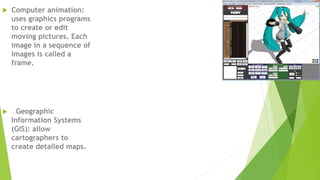
 Computer animation:
uses graphics programs
to create or edit
moving pictures. Each
image in a sequence of
images is called a
frame.
 Geographic
Information Systems
(GIS): allow
cartographers to
create detailed maps.

Spreadsheets and databases

  • 1.
  • 2.
    Spreadsheet basics  Aspreadsheet program helps you manage personal and business finances. They are mathematical tables which show figures in rows or columns.  A cell can hold three types of data: text, numbers, and formulae.
  • 3.
     Row Horizontallines for data in a spreadsheet. Identified with Numbers  Column Vertical lines for data in a spreadsheet. Identified with Letters  Cell The individual intersections between rows and columns. Labeled by the Row Number and Column Letter.  Active Cell The cell that is currently being edited. Marked by a think black boarder around the cell.
  • 4.
    Uses for databases 1.Preparebudgets 2.Maintain students grades 3.Prepare financial statements 4.Analyze numbers 5.Manage inventory 6.Make forecasts
  • 5.
    PARTS OF ADATABASE  A data base is a computerized record-keeping system. It is a system designed to store information in a way that makes it easy to locate later. A database software allows users to store, organize, and manipulate information including both text and numerical data.
  • 6.
     Each unitof information you create is called a record and each record is made up of a collection of fields.  There are different data types:  Text: hold letters and numbers not used in calculations.  Number: can only hold numbers used in calculations and reports.  Memo: can store long texts  Data/Time: a date or time or combination of both.  Auto Number: assigns a number to each record.  OLE Object: holds sounds and pictures.  Yes/No: for alternative values like/true false, yes/no, on/off, etc.  Hyperlink: adds a link to a website.
  • 7.
     Once youhave added data to a set of records, indexes must be created to help the database find specific records and classify records faster.  Relational Databases:  Two databases files can be related as long as they hold a piece of data in common.  Extracting information from a database is known as performing a query.
  • 8.
  • 9.
     Types ofgraphics software  Computer graphics are pictures created, changed or processed by computers.  There are two categories:  Bitmapped Graphics represent images as bitmaps; they are stored as pixels and can become a bit distorted when they are manipulated. The density of dots, known as the resolution and expressed in dots per inch, determine how sharp the image is.
  • 10.
     Vector Graphicsrepresent images as mathematical formulae; so they can be changed or scaled without losing quality.
  • 11.
     There aredifferent types of graphics software  Image manipulations programs: let you edit your favorite images.  Painting and drawing programs: offer facilities for freehand drawing, with a wide choice of pens and brushes, colors and patterns.
  • 12.
     Business graphicsprograms: let you create pie charts, bar charts, and line graphs of all kinds for slide shows and reports.  Computer aided-design (CAD): is used by engineers and architects to design everything from cars and planes to buildings and furniture.
  • 13.
     There aredifferent types of graphics software  Desktop publishing (DTP): is based around a page layout program, which lets you import text from a word processor, and images from scanners or cameras; and arrange them all on a page.  Digital Art: is done with applets that use mathematical formulae to create fractals. A fractal is a geometrical figure with special properties.
  • 14.
     Computer animation: usesgraphics programs to create or edit moving pictures. Each image in a sequence of images is called a frame.  Geographic Information Systems (GIS): allow cartographers to create detailed maps.