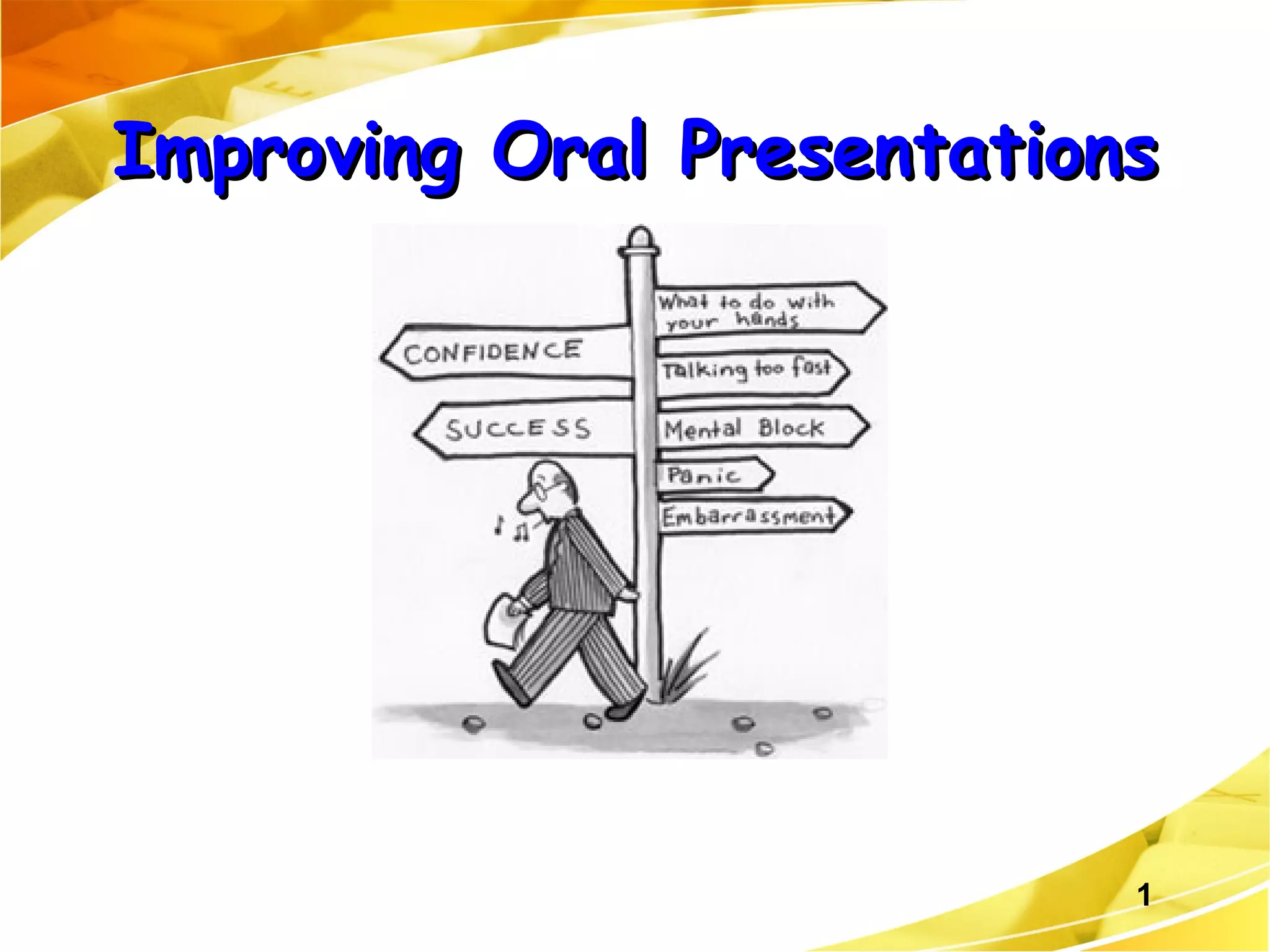
Improving Oral Presentations
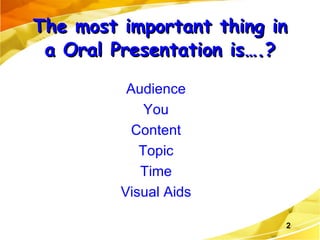
The most important thing in a Oral Presentation is….? Audience You Content Topic Time Visual Aids
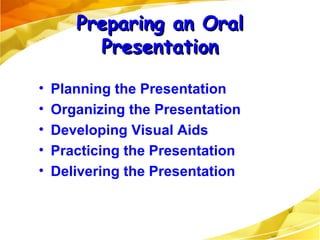
Planning the Presentation Organizing the Presentation Developing Visual Aids Practicing the Presentation Delivering the Presentation Preparing an Oral Presentation
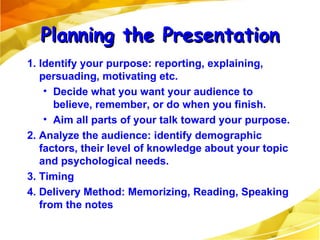
1. Identify your purpose: reporting, explaining, persuading, motivating etc. Decide what you want your audience to believe, remember, or do when you finish. Aim all parts of your talk toward your purpose. 2. Analyze the audience: identify demographic factors, their level of knowledge about your topic and psychological needs. 3. Timing 4. Delivery Method: Memorizing, Reading, Speaking from the notes Planning the Presentation
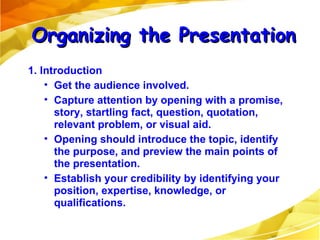
1. Introduction Get the audience involved. Capture attention by opening with a promise, story, startling fact, question, quotation, relevant problem, or visual aid.  Opening should introduce the topic, identify the purpose, and preview the main points of the presentation. Establish your credibility by identifying your position, expertise, knowledge, or qualifications. Organizing the Presentation
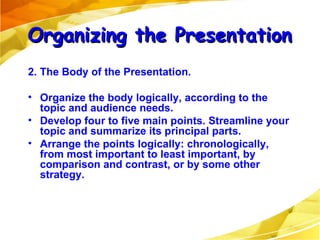
2. The Body of the Presentation. Organize the body logically, according to the topic and audience needs. Develop four to five main points. Streamline your topic and summarize its principal parts. Arrange the points logically: chronologically, from most important to least important, by comparison and contrast, or by some other strategy. Organizing the Presentation
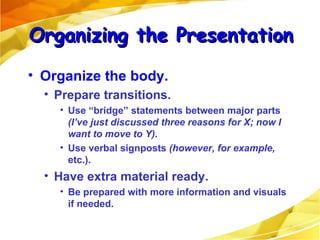
Organize the body. Prepare transitions.  Use “bridge” statements between major parts  (I’ve just discussed three reasons for X; now I want to move to Y). Use verbal signposts  (however,   for example,  etc.). Have extra material ready.  Be prepared with more information and visuals if needed. Organizing the Presentation
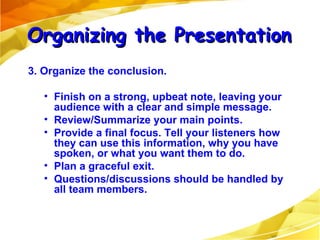
3. Organize the conclusion. Finish on a strong, upbeat note, leaving your audience with a clear and simple message. Review/Summarize your main points. Provide a final focus. Tell your listeners how they can use this information, why you have spoken, or what you want them to do. Plan a graceful exit. Questions/discussions should be handled by all team members. Organizing the Presentation
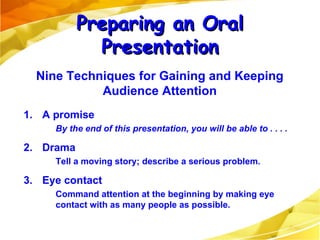
1. A promise By the end of this presentation, you will be able to . . . . 2. Drama Tell a moving story; describe a serious problem. 3. Eye contact Command attention at the beginning by making eye contact with as many people as possible. Preparing an Oral Presentation Nine Techniques for Gaining and Keeping Audience Attention
4.  Movement Leave the lectern area. Move toward the audience. 5. Questions Ask for a show of hands. Use rhetorical questions. 6. Demonstrations Include a member of the audience. Preparing an Oral Presentation Nine Techniques for Gaining and Keeping Audience Attention
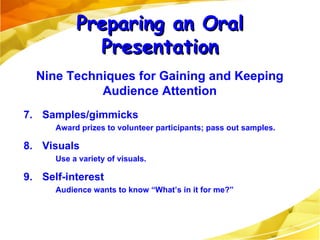
7. Samples/gimmicks Award prizes to volunteer participants; pass out samples. 8. Visuals Use a variety of visuals. 9. Self-interest Audience wants to know “What’s in it for me?” Preparing an Oral Presentation Nine Techniques for Gaining and Keeping Audience Attention
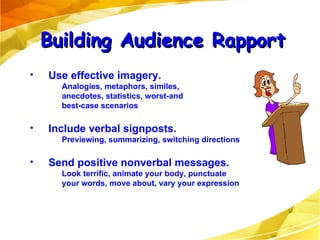
Building Audience Rapport Use effective imagery. Analogies, metaphors, similes,  anecdotes, statistics, worst-and  best-case scenarios Include verbal signposts. Previewing, summarizing, switching directions Send positive nonverbal messages. Look terrific, animate your body, punctuate  your words, move about, vary your expression
Select the medium. Consider the size of the audience and the degree of formality desired. Consider cost, ease of preparation, and potential effectiveness. Highlight the main ideas. Focus on major concepts only. Avoid overkill. Showing too many graphics reduces effectiveness. Keep all visuals simple. Designing and Using Graphics
Ensure visibility. Use large type for transparencies and slides. Position the screen high enough to be seen. Be sure all audience members can see. Enhance comprehension. Give the audience a moment to study a visual before discussing it. Paraphrase its verbal message; don’t read it. Designing and Using Graphics
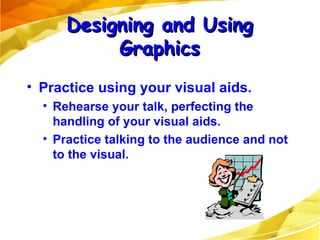
Practice using your visual aids. Rehearse your talk, perfecting the handling of your visual aids. Practice talking to the audience and not to the visual. Designing and Using Graphics
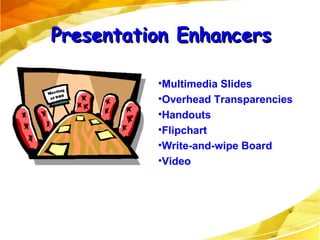
Presentation Enhancers Multimedia Slides Overhead Transparencies Handouts Flipchart Write-and-wipe Board Video
Use slides only to summarize major points. Explain what each point means. Allow time for audience to absorb meaning. Using PowerPoint Effectively
Keep the lights as bright as possible. Don’t rely totally on PowerPoint. Prepare for the worst; have transparencies or alternate media ready. Don’t let your slides upstage you! Using PowerPoint Effectively
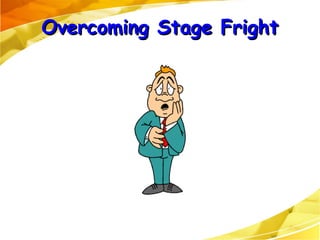
Overcoming Stage Fright
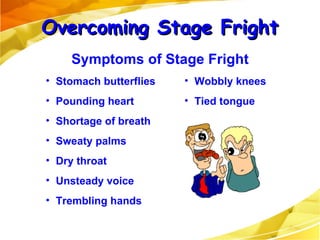
Stomach butterflies  Pounding heart Shortage of breath Sweaty palms Dry throat Unsteady voice Trembling hands Wobbly knees Tied tongue Overcoming Stage Fright Symptoms of Stage Fright
Select a familiar, relevant topic. Prepare 150 percent. Use positive self-talk. Convert your fear into anticipation and enthusiasm and positive eneegy. Shift the focus from yourself to your visuals. Focus on familiar faces. Overcoming Stage Fright Ways to Overcome Stage Fright
Give yourself permission to make an occasional mistake. Ignore stumbles; keep going. Don’t apologize. Make the listeners your partners. Get them involved. Use natural gestures. Just before you speak, practice deep breathing. Overcoming Stage Fright Ways to Overcome Stage Fright
Reading from the slides Eye Contact/Posture Hand in the pockets Speed/Tone Highlight on main issues and not on unimportant ones. A group presentation should reflect good teamwork. Strong Introduction with the agenda for the presentation. Consistency in the information presented by all members. Inadequate rehearsal time Enforce time limits strictly Observations
How can internet be used to find a job? How can your organization or institution improve its image?  Why should people invest in a company or scheme? Should employees be able to use computers in a work environment for anything other than work-related business? What are the pros and cons of videoconferencing for an organization? What is your opinion of the statement, “Advertising steals our time, defaces the landscape, and degrades the dignity of public institutions”? Read chapter 15. for the next class.

Speaking Skills

  • 1.
  • 2.
    The most importantthing in a Oral Presentation is….? Audience You Content Topic Time Visual Aids
  • 3.
    Planning the PresentationOrganizing the Presentation Developing Visual Aids Practicing the Presentation Delivering the Presentation Preparing an Oral Presentation
  • 4.
    1. Identify yourpurpose: reporting, explaining, persuading, motivating etc. Decide what you want your audience to believe, remember, or do when you finish. Aim all parts of your talk toward your purpose. 2. Analyze the audience: identify demographic factors, their level of knowledge about your topic and psychological needs. 3. Timing 4. Delivery Method: Memorizing, Reading, Speaking from the notes Planning the Presentation
  • 5.
    1. Introduction Getthe audience involved. Capture attention by opening with a promise, story, startling fact, question, quotation, relevant problem, or visual aid. Opening should introduce the topic, identify the purpose, and preview the main points of the presentation. Establish your credibility by identifying your position, expertise, knowledge, or qualifications. Organizing the Presentation
  • 6.
    2. The Bodyof the Presentation. Organize the body logically, according to the topic and audience needs. Develop four to five main points. Streamline your topic and summarize its principal parts. Arrange the points logically: chronologically, from most important to least important, by comparison and contrast, or by some other strategy. Organizing the Presentation
  • 7.
    Organize the body.Prepare transitions. Use “bridge” statements between major parts (I’ve just discussed three reasons for X; now I want to move to Y). Use verbal signposts (however, for example, etc.). Have extra material ready. Be prepared with more information and visuals if needed. Organizing the Presentation
  • 8.
    3. Organize theconclusion. Finish on a strong, upbeat note, leaving your audience with a clear and simple message. Review/Summarize your main points. Provide a final focus. Tell your listeners how they can use this information, why you have spoken, or what you want them to do. Plan a graceful exit. Questions/discussions should be handled by all team members. Organizing the Presentation
  • 9.
    1. A promiseBy the end of this presentation, you will be able to . . . . 2. Drama Tell a moving story; describe a serious problem. 3. Eye contact Command attention at the beginning by making eye contact with as many people as possible. Preparing an Oral Presentation Nine Techniques for Gaining and Keeping Audience Attention
  • 10.
    4. MovementLeave the lectern area. Move toward the audience. 5. Questions Ask for a show of hands. Use rhetorical questions. 6. Demonstrations Include a member of the audience. Preparing an Oral Presentation Nine Techniques for Gaining and Keeping Audience Attention
  • 11.
    7. Samples/gimmicks Awardprizes to volunteer participants; pass out samples. 8. Visuals Use a variety of visuals. 9. Self-interest Audience wants to know “What’s in it for me?” Preparing an Oral Presentation Nine Techniques for Gaining and Keeping Audience Attention
  • 12.
    Building Audience RapportUse effective imagery. Analogies, metaphors, similes, anecdotes, statistics, worst-and best-case scenarios Include verbal signposts. Previewing, summarizing, switching directions Send positive nonverbal messages. Look terrific, animate your body, punctuate your words, move about, vary your expression
  • 13.
    Select the medium.Consider the size of the audience and the degree of formality desired. Consider cost, ease of preparation, and potential effectiveness. Highlight the main ideas. Focus on major concepts only. Avoid overkill. Showing too many graphics reduces effectiveness. Keep all visuals simple. Designing and Using Graphics
  • 14.
    Ensure visibility. Uselarge type for transparencies and slides. Position the screen high enough to be seen. Be sure all audience members can see. Enhance comprehension. Give the audience a moment to study a visual before discussing it. Paraphrase its verbal message; don’t read it. Designing and Using Graphics
  • 15.
    Practice using yourvisual aids. Rehearse your talk, perfecting the handling of your visual aids. Practice talking to the audience and not to the visual. Designing and Using Graphics
  • 16.
    Presentation Enhancers MultimediaSlides Overhead Transparencies Handouts Flipchart Write-and-wipe Board Video
  • 17.
    Use slides onlyto summarize major points. Explain what each point means. Allow time for audience to absorb meaning. Using PowerPoint Effectively
  • 18.
    Keep the lightsas bright as possible. Don’t rely totally on PowerPoint. Prepare for the worst; have transparencies or alternate media ready. Don’t let your slides upstage you! Using PowerPoint Effectively
  • 19.
  • 20.
    Stomach butterflies Pounding heart Shortage of breath Sweaty palms Dry throat Unsteady voice Trembling hands Wobbly knees Tied tongue Overcoming Stage Fright Symptoms of Stage Fright
  • 21.
    Select a familiar,relevant topic. Prepare 150 percent. Use positive self-talk. Convert your fear into anticipation and enthusiasm and positive eneegy. Shift the focus from yourself to your visuals. Focus on familiar faces. Overcoming Stage Fright Ways to Overcome Stage Fright
  • 22.
    Give yourself permissionto make an occasional mistake. Ignore stumbles; keep going. Don’t apologize. Make the listeners your partners. Get them involved. Use natural gestures. Just before you speak, practice deep breathing. Overcoming Stage Fright Ways to Overcome Stage Fright
  • 23.
    Reading from theslides Eye Contact/Posture Hand in the pockets Speed/Tone Highlight on main issues and not on unimportant ones. A group presentation should reflect good teamwork. Strong Introduction with the agenda for the presentation. Consistency in the information presented by all members. Inadequate rehearsal time Enforce time limits strictly Observations
  • 24.
    How can internetbe used to find a job? How can your organization or institution improve its image? Why should people invest in a company or scheme? Should employees be able to use computers in a work environment for anything other than work-related business? What are the pros and cons of videoconferencing for an organization? What is your opinion of the statement, “Advertising steals our time, defaces the landscape, and degrades the dignity of public institutions”? Read chapter 15. for the next class.