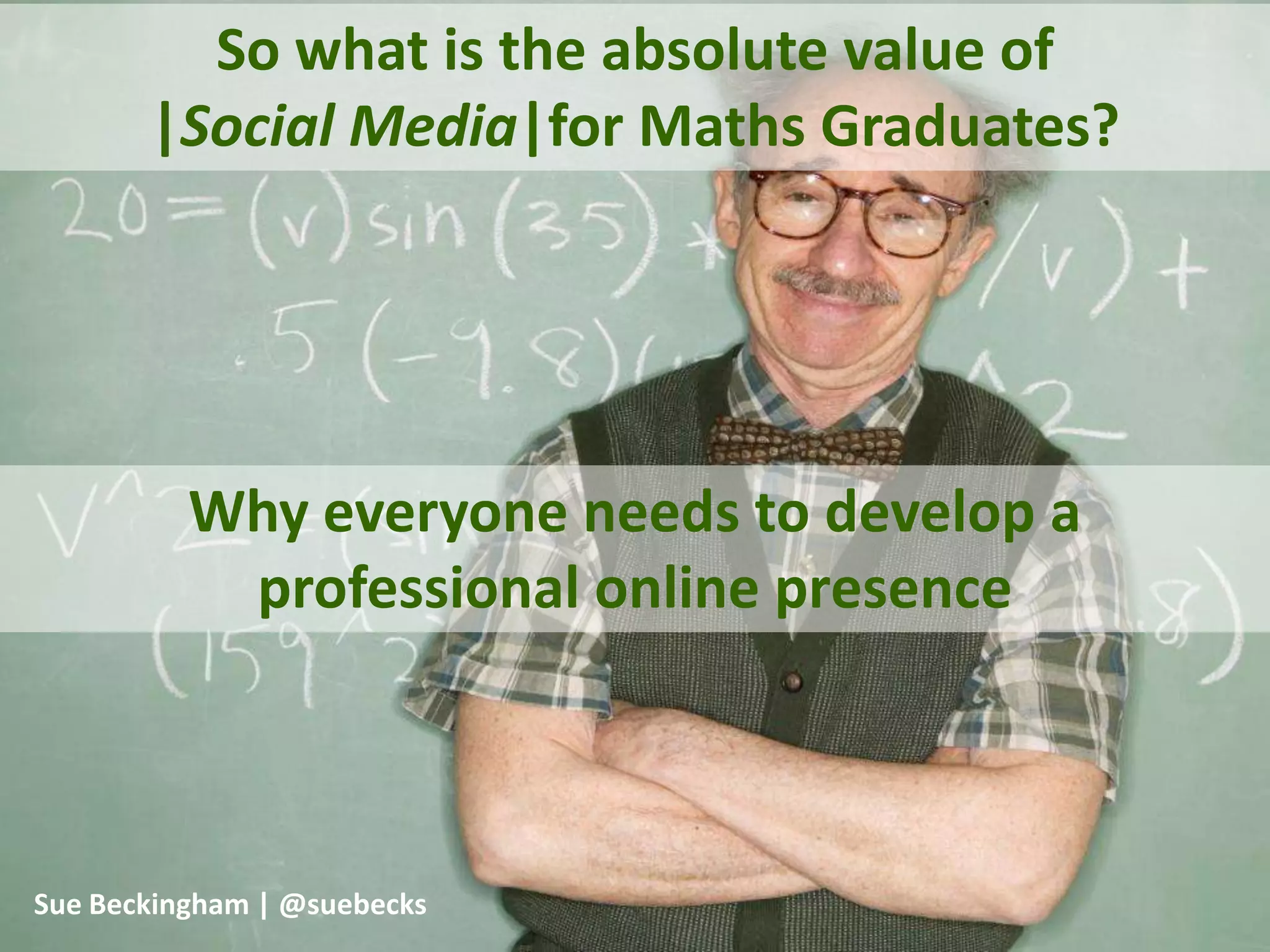
So what is the absolute value of
|Social Media|for Maths Graduates?

Why everyone needs to develop a
professional online presence
Sue Beckingham | @suebecks
Key objectives

Taking ownership of YOUR professional online presence
Building valuable networks

Developing confident digital skills
Standing out from the crowd
Think for a moment about
• your online connections
• what you share with others
• and why....

Hold those thoughts
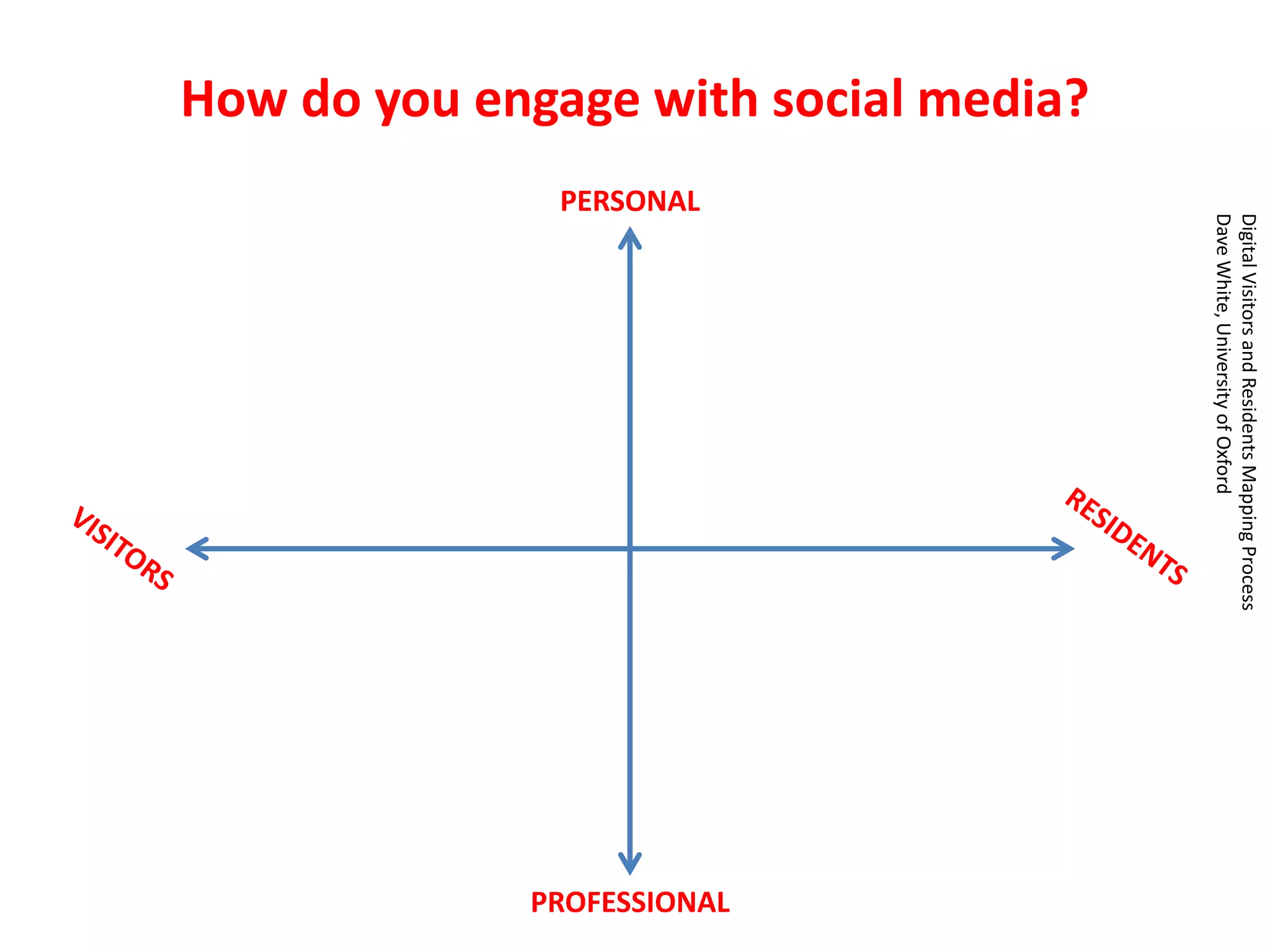
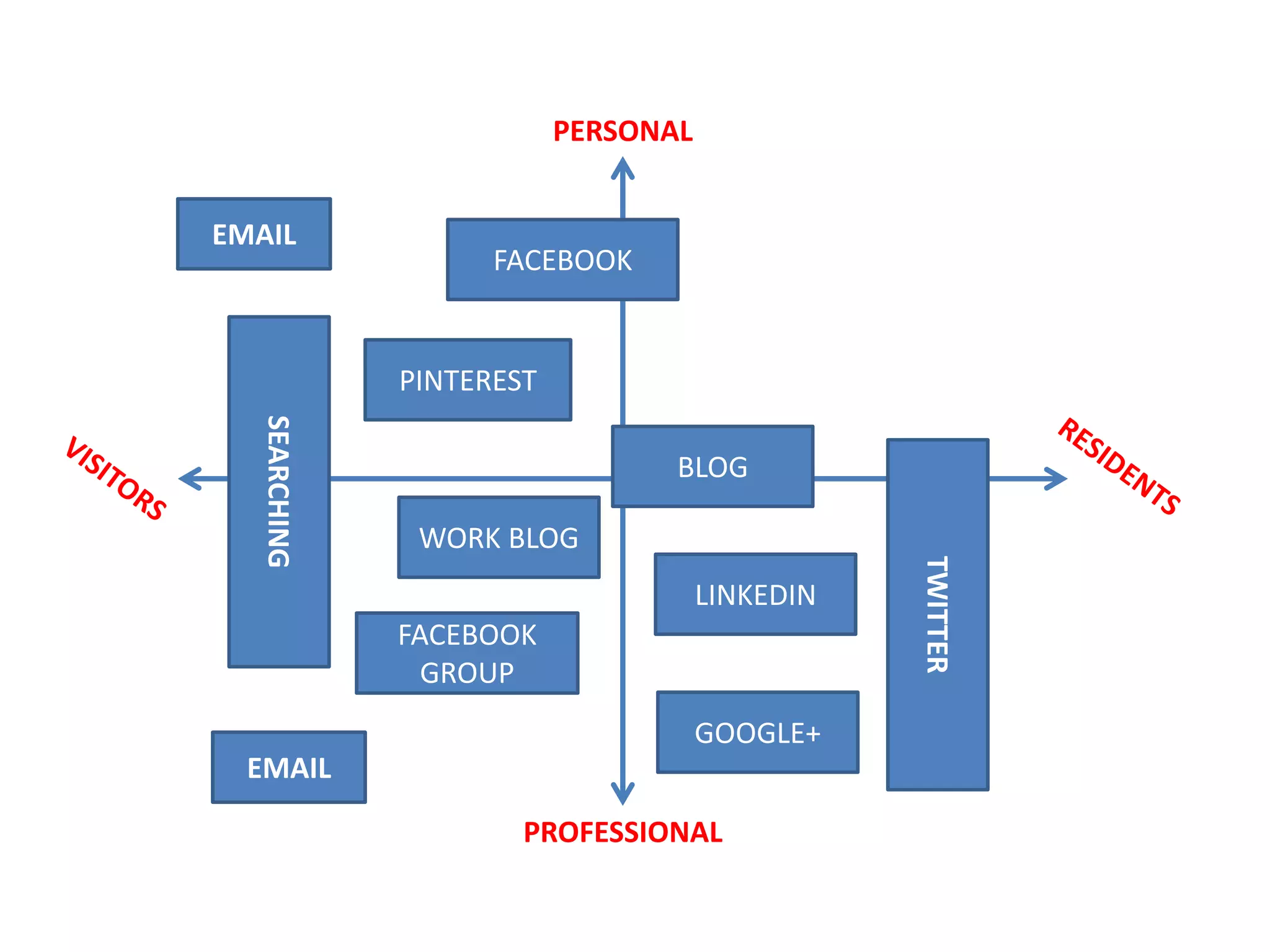
How do you engage with social media?

PROFESSIONAL

Digital Visitors and Residents Mapping Process
Dave White, University of Oxford

PERSONAL
PERSONAL
EMAIL

FACEBOOK

PINTEREST

WORK BLOG
LINKEDIN
FACEBOOK
GROUP
GOOGLE+

EMAIL
PROFESSIONAL

TWITTER

SEARCHING

BLOG
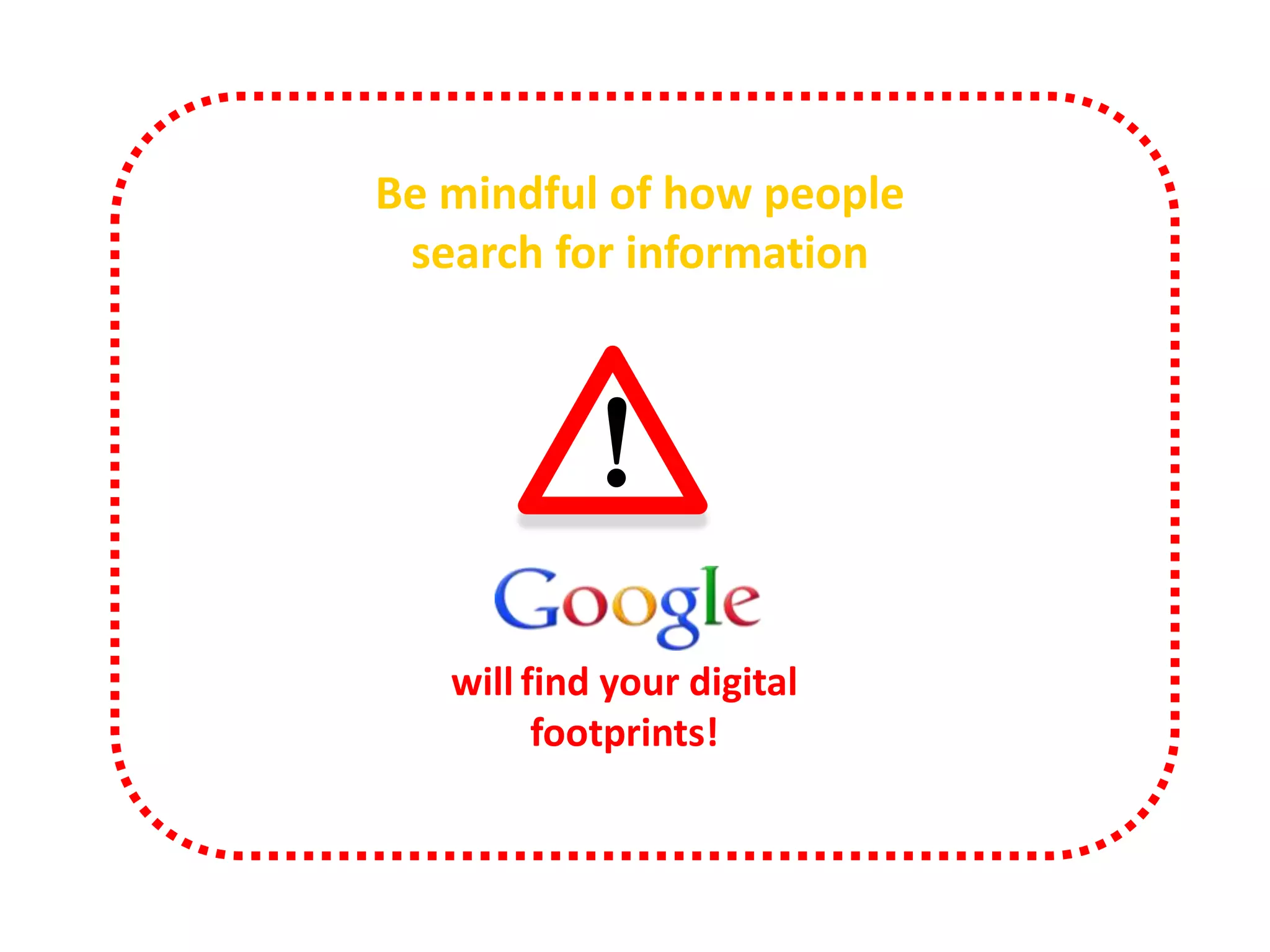
Be mindful of how people
search for information

!

http://www.alexa.com/topsites/global

will find your digital
footprints!
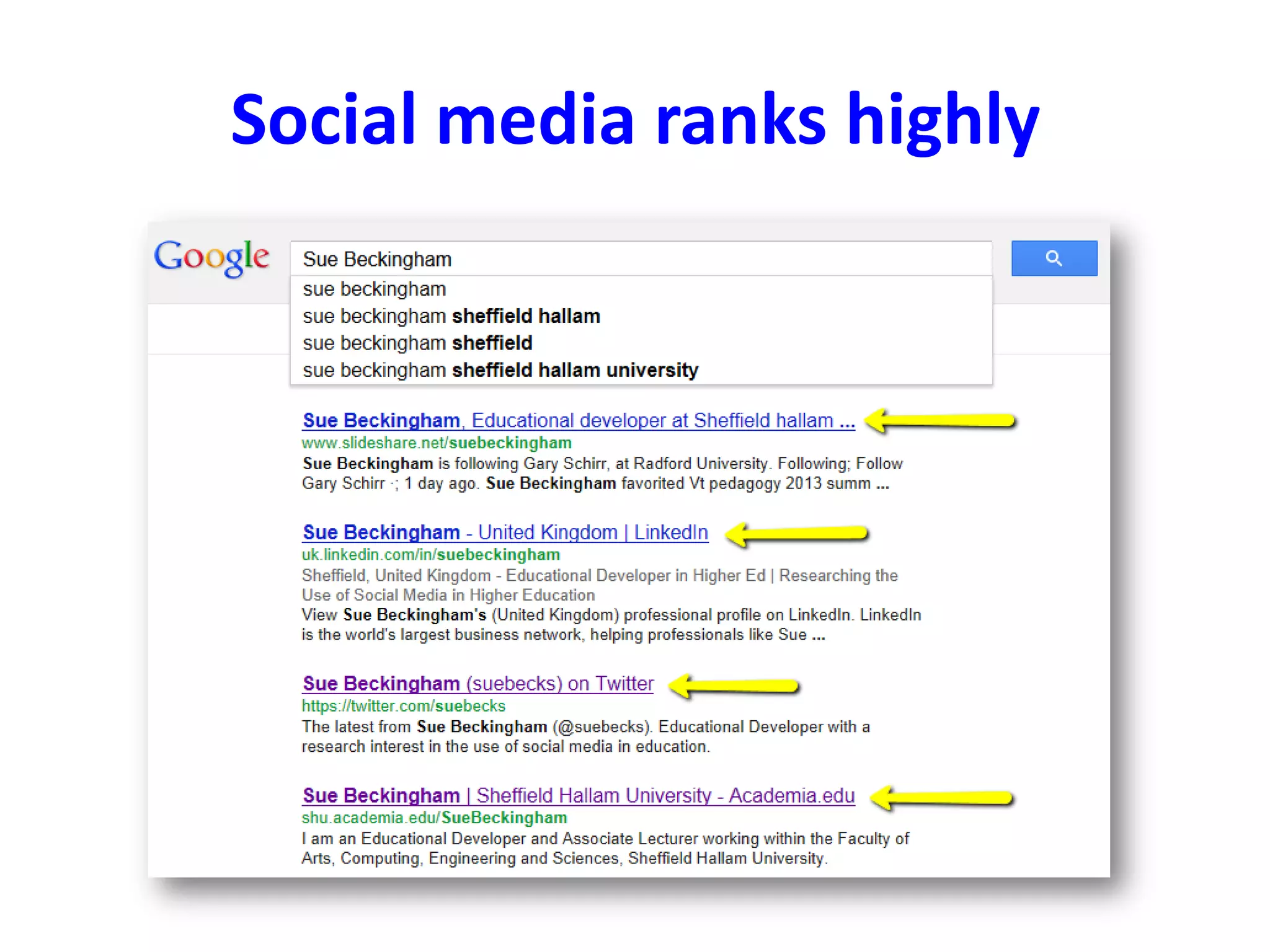
Social media ranks highly
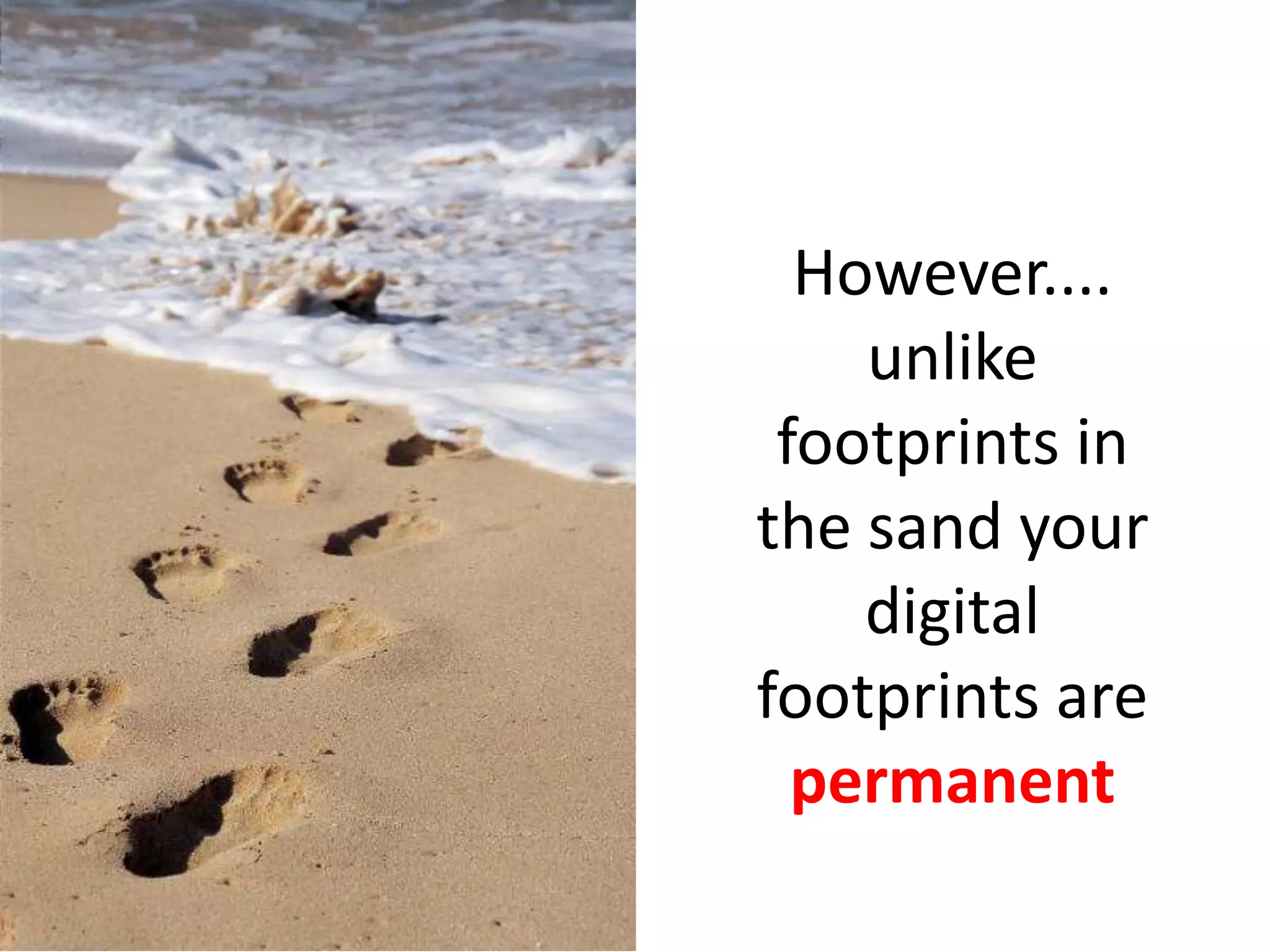
However....
unlike
footprints in
the sand your
digital
footprints are
permanent
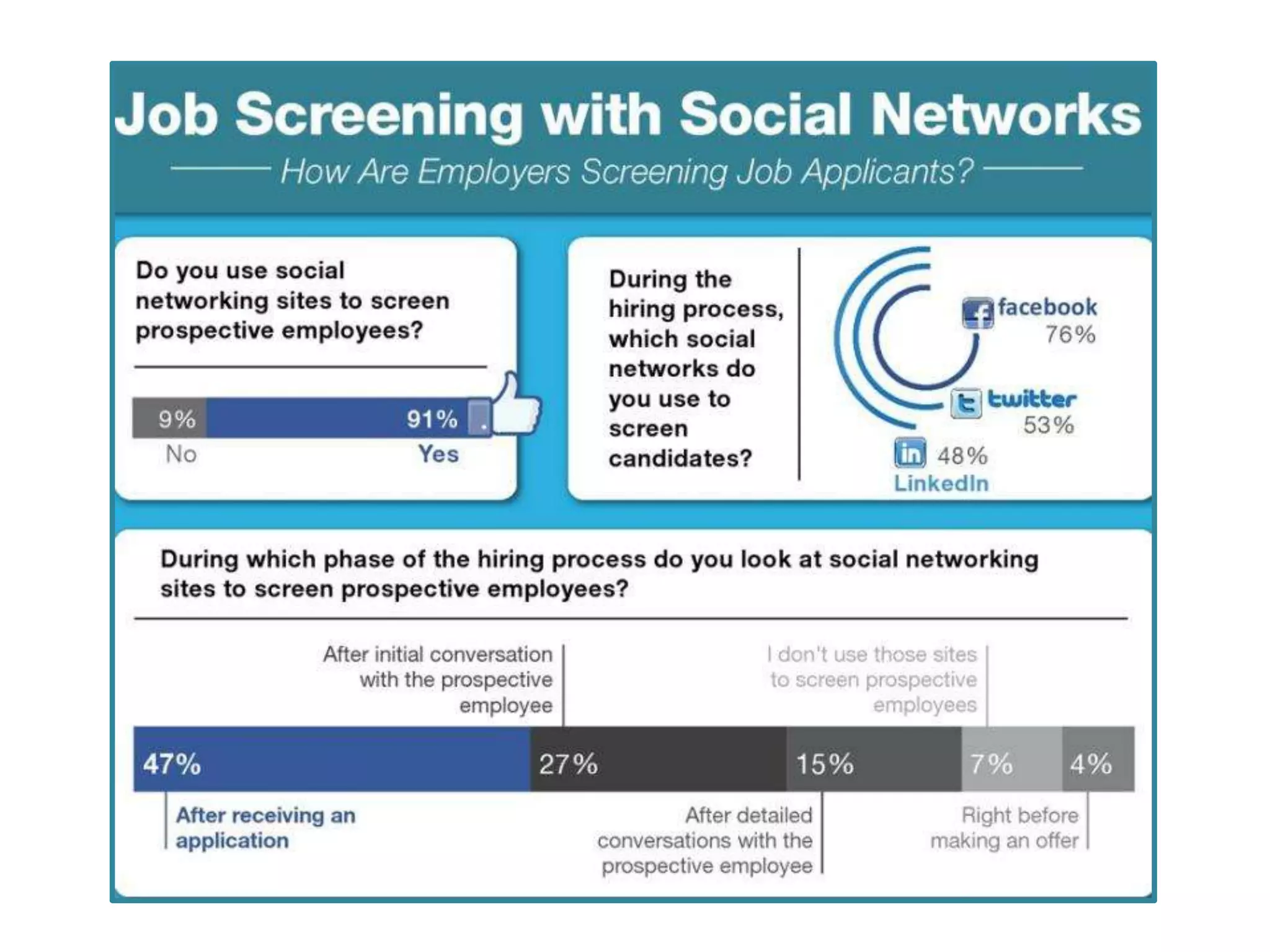
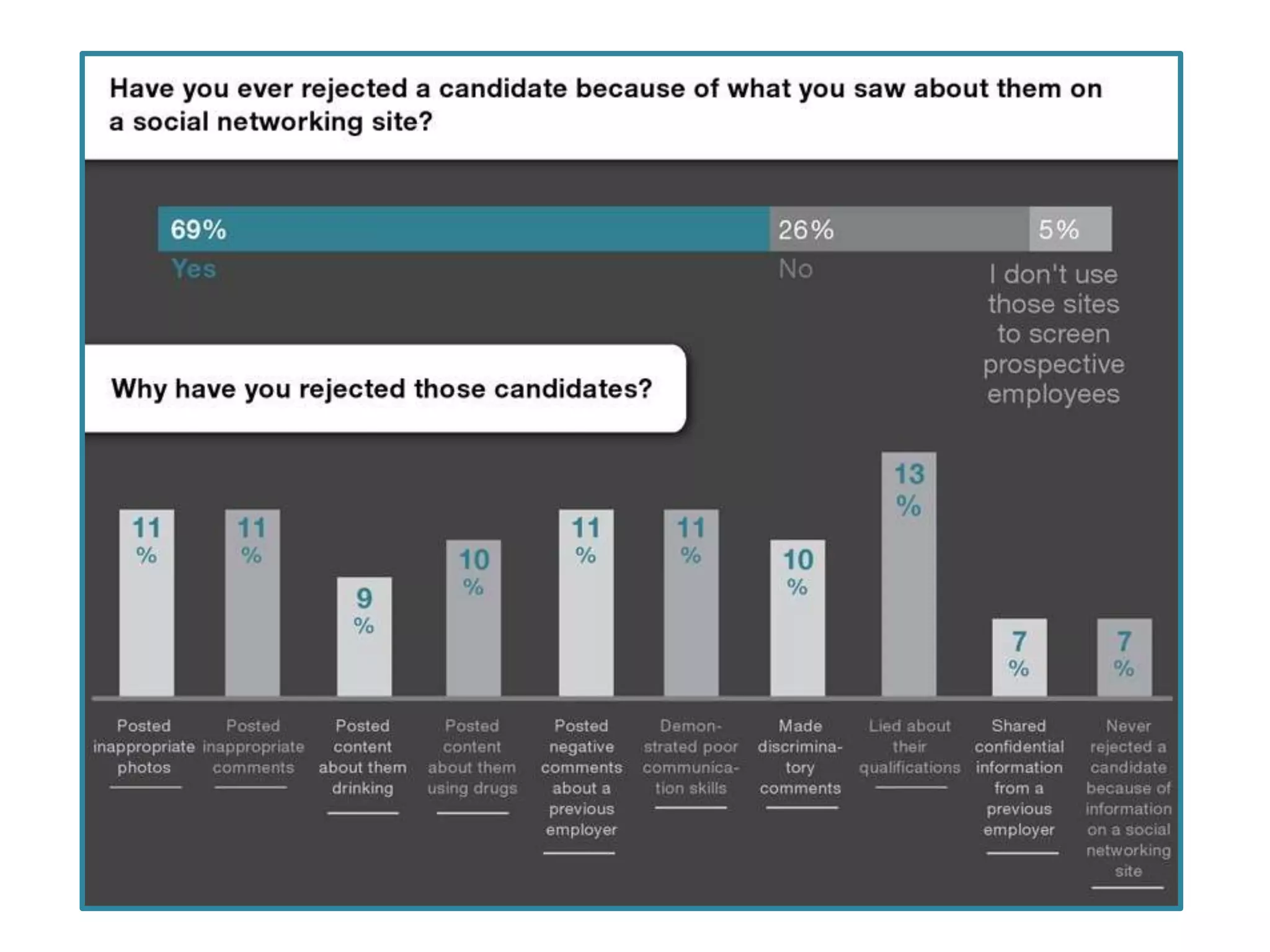
How will your digital shadows from your past
impact on your future?
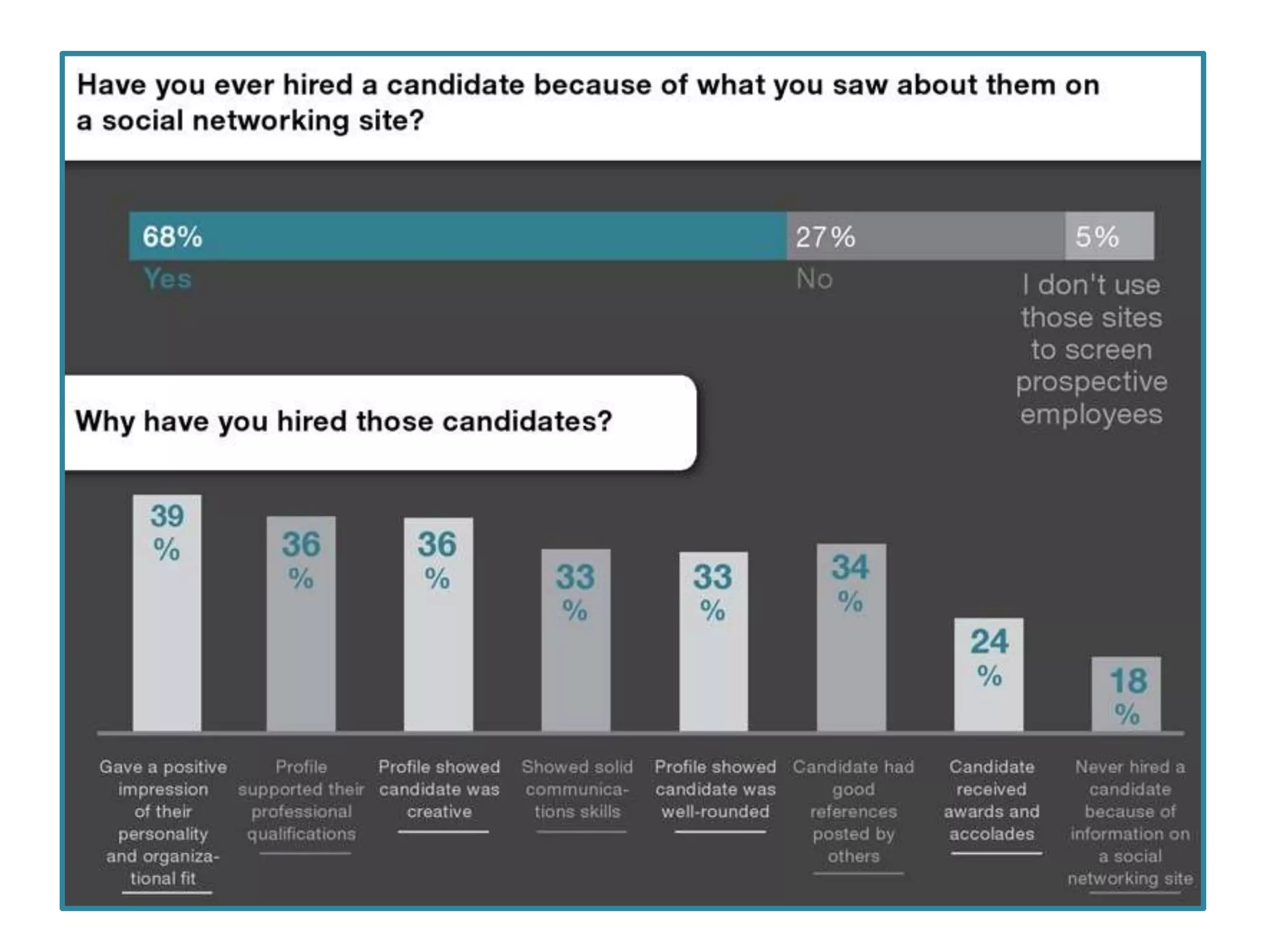
Make sure you
are in the YES
pile of job
applications!
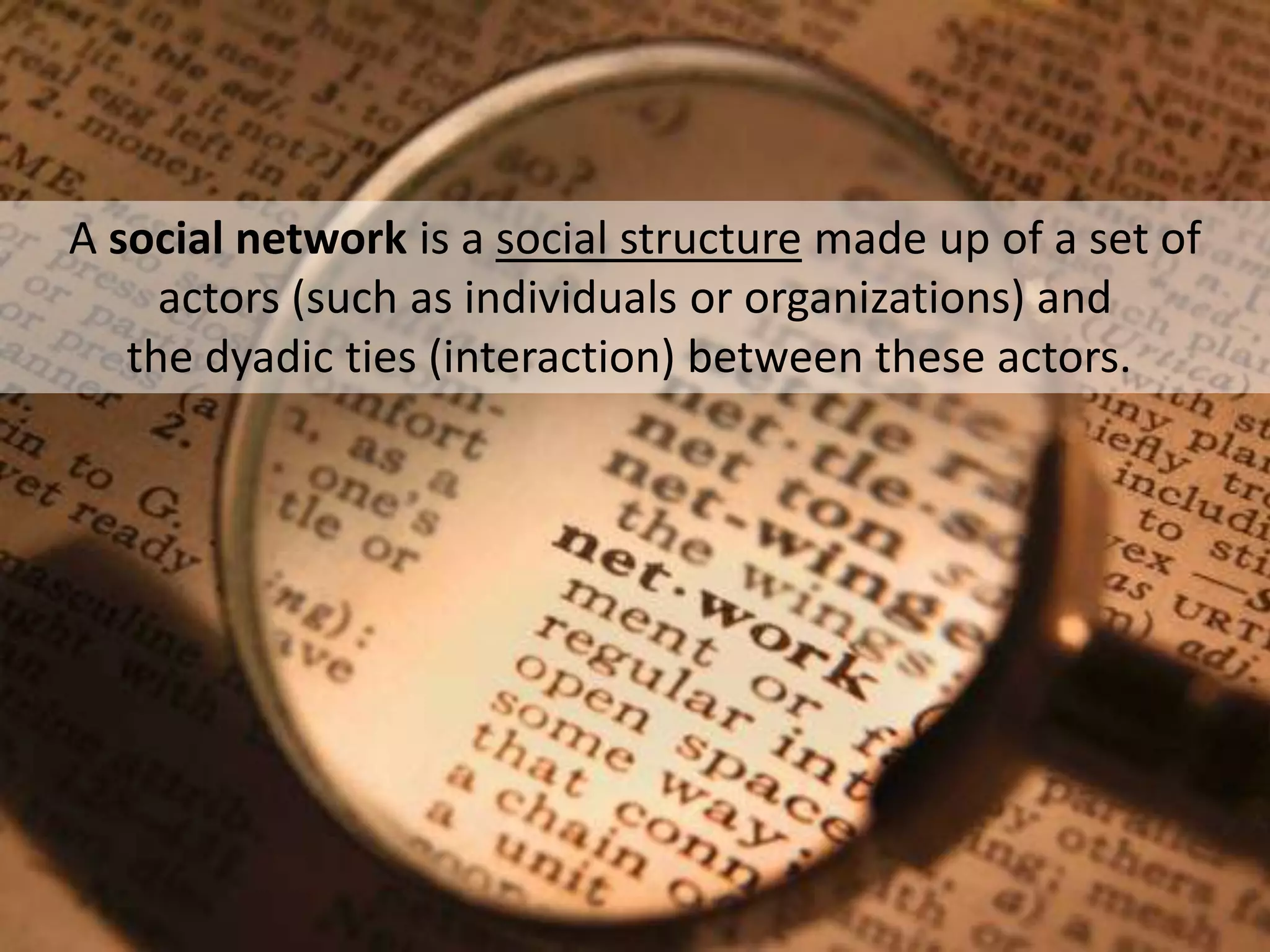
A social network is a social structure made up of a set of
actors (such as individuals or organizations) and
the dyadic ties (interaction) between these actors.
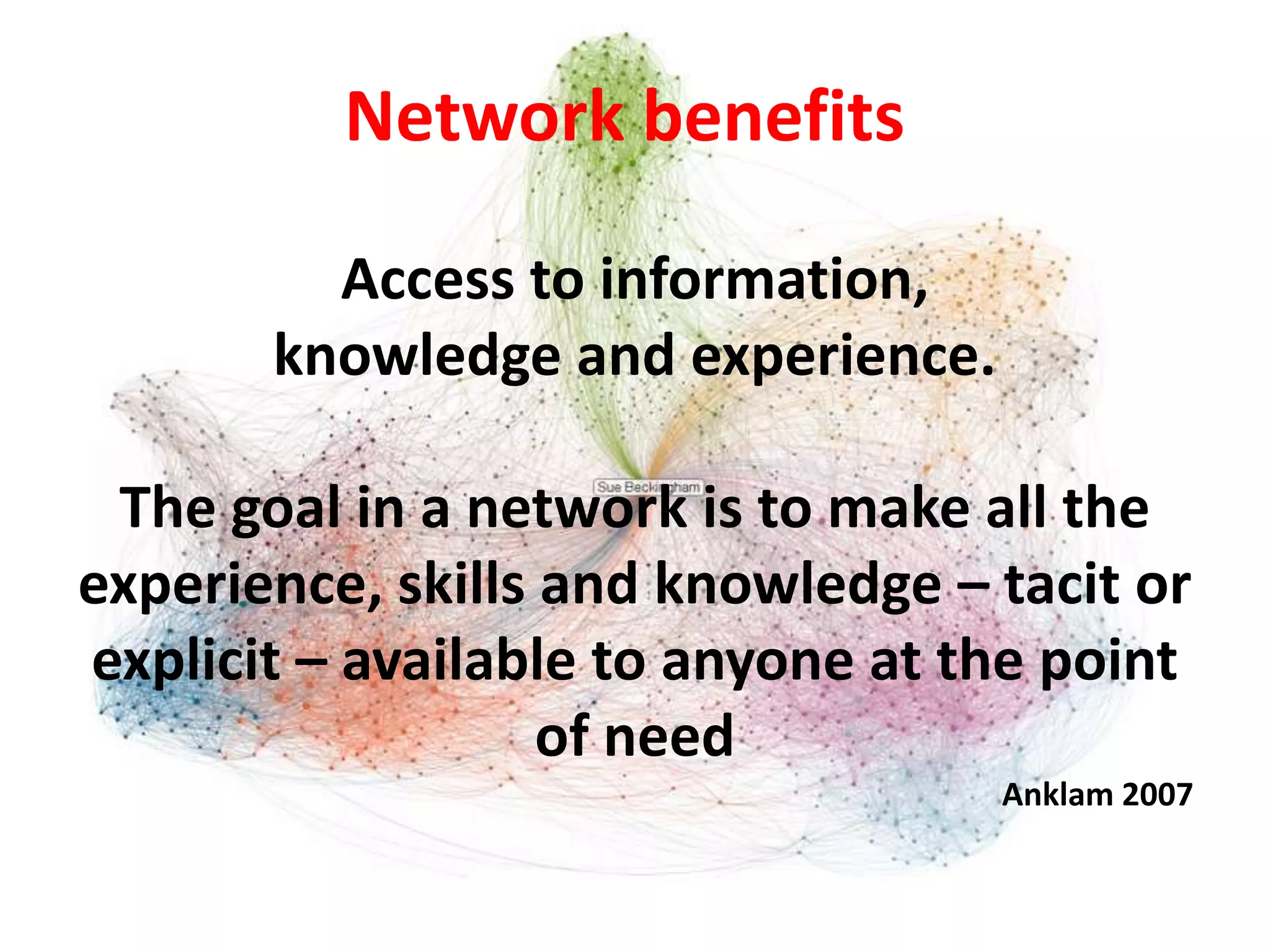
Network benefits
Access to information,
knowledge and experience.
The goal in a network is to make all the
experience, skills and knowledge – tacit or
explicit – available to anyone at the point
of need
Anklam 2007
Online connectedness
•
•
•
•

Enables and provides support for learning
Can increase the effectiveness of learning
Can increase access to learning.
Allows people to connect with each other in
spite of geographical distances
• Provides a forum and permission to participate
• Complements face to face communication
Adapted from George Siemens
http://www.elearnspace.org
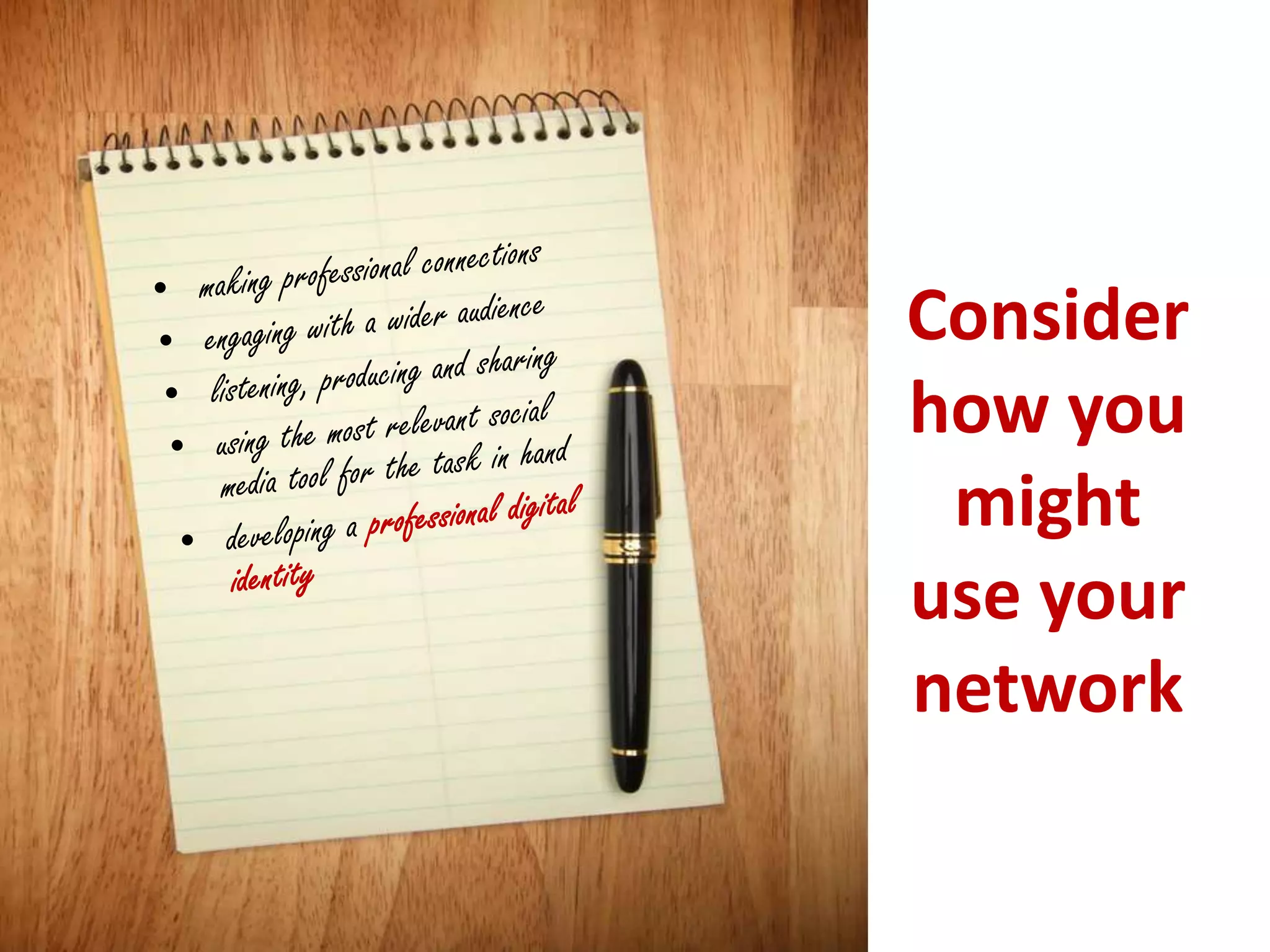
Consider
how you
might
use your
network
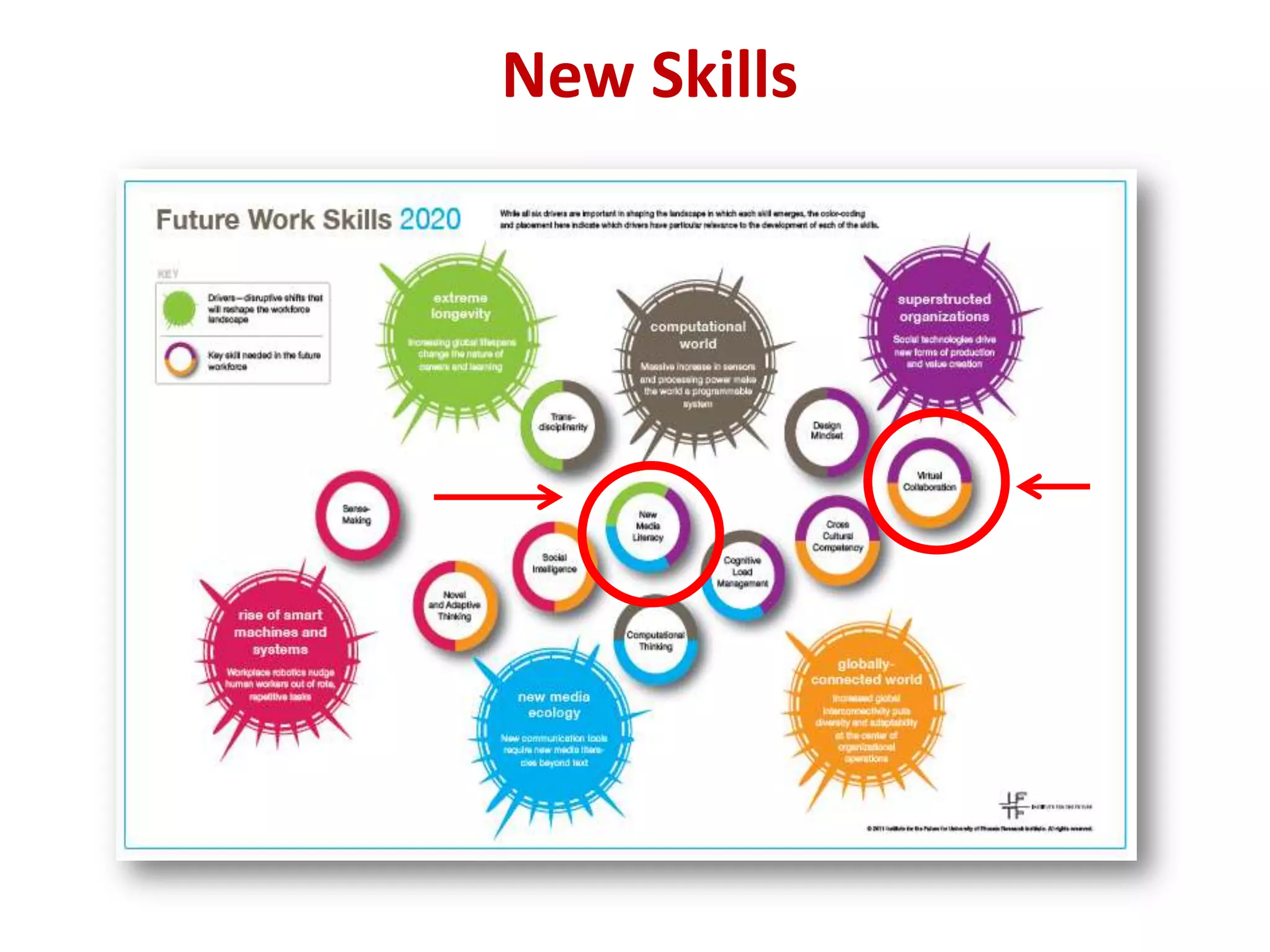
New Skills
Future Work Skills 2020
Virtual collaboration - Ability to
work productively, drive
engagement and demonstrate
presence as a member of a virtual
team.

New-media literacy - Ability to
critically assess and develop
content that uses new media
forms, and to leverage these
media for persuasive
communications.
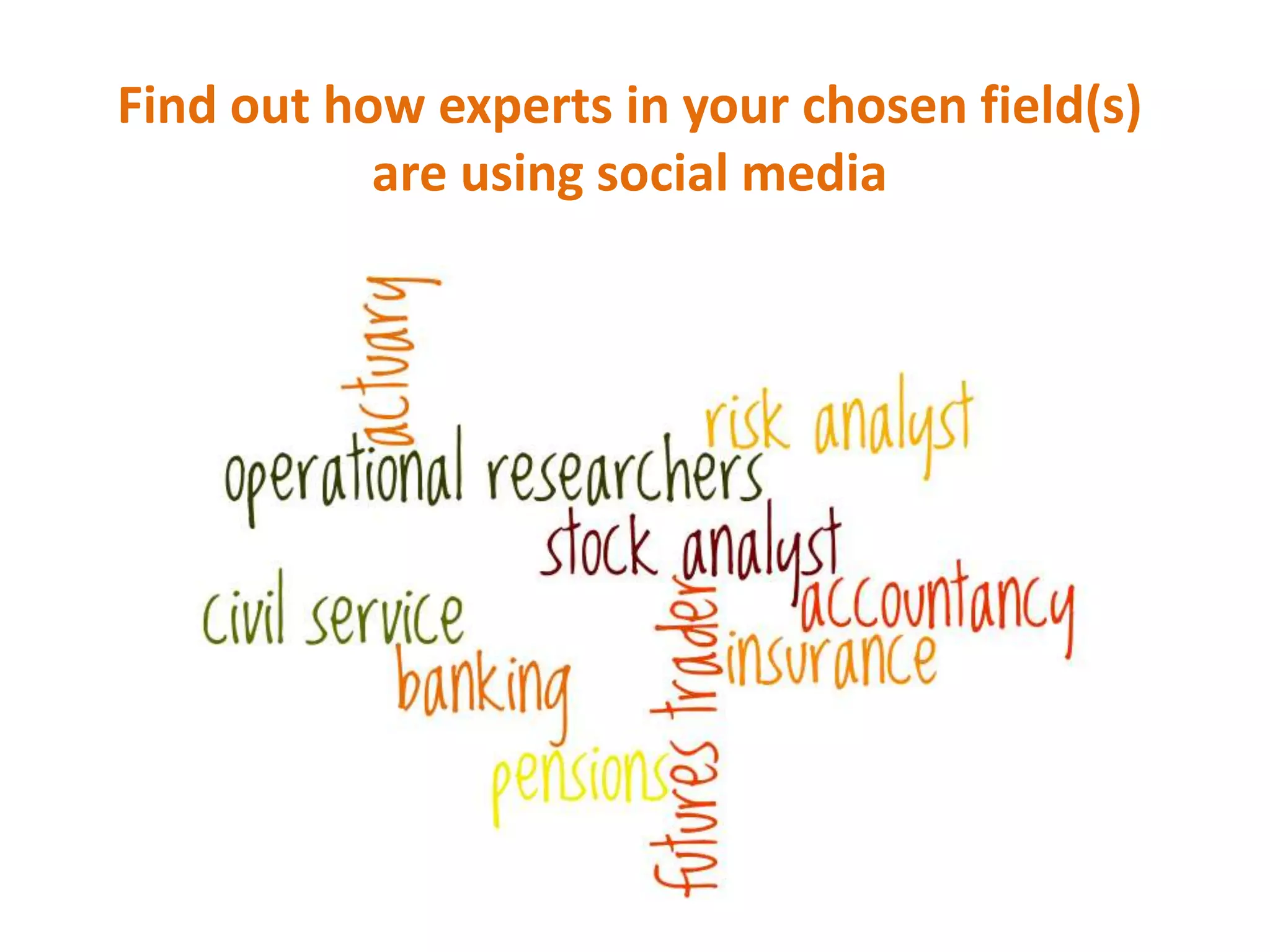
Find out how experts in your chosen field(s)
are using social media
Why would you want to use
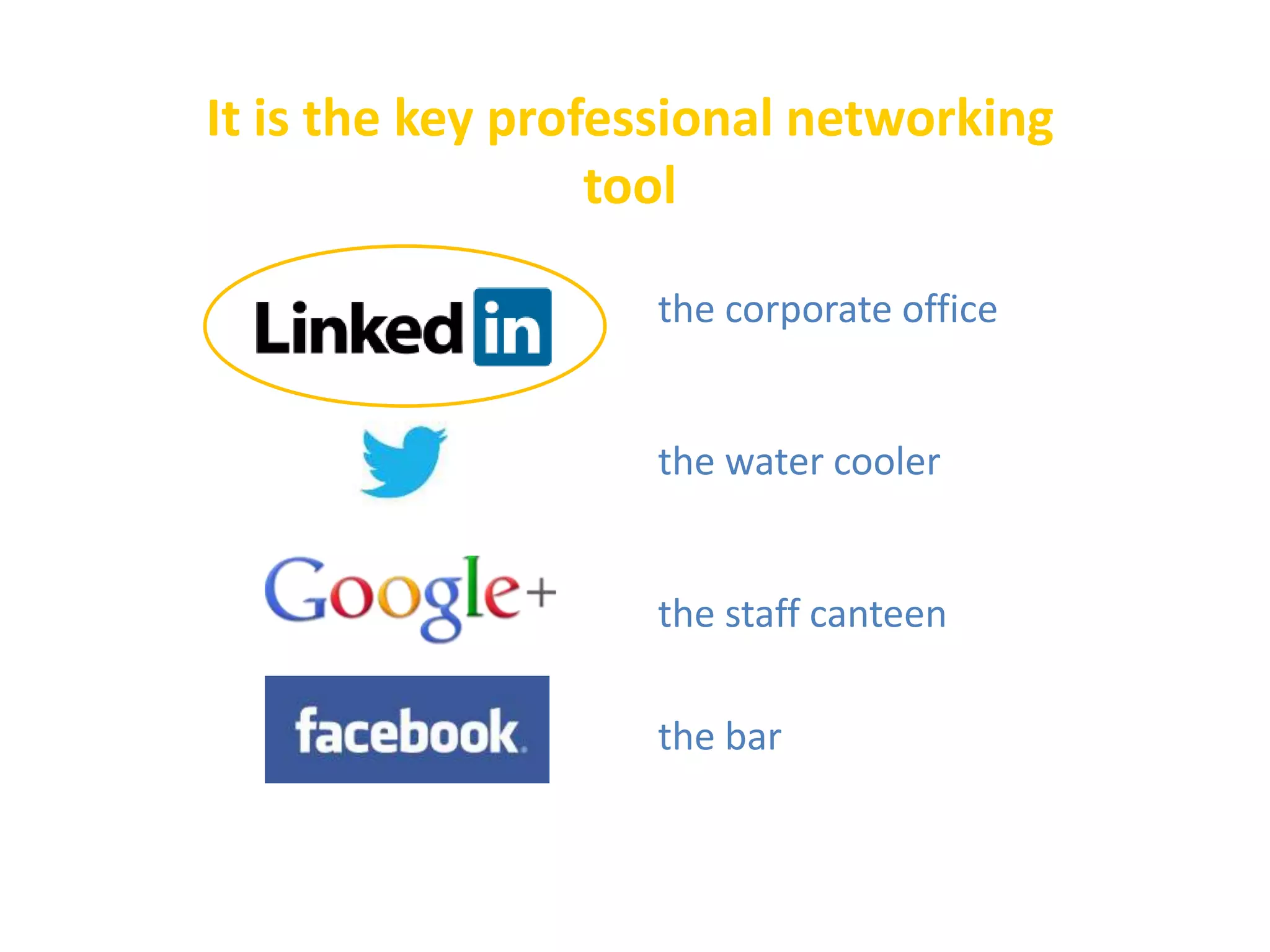
It is the key professional networking
tool
the corporate office

the water cooler

the staff canteen

the bar
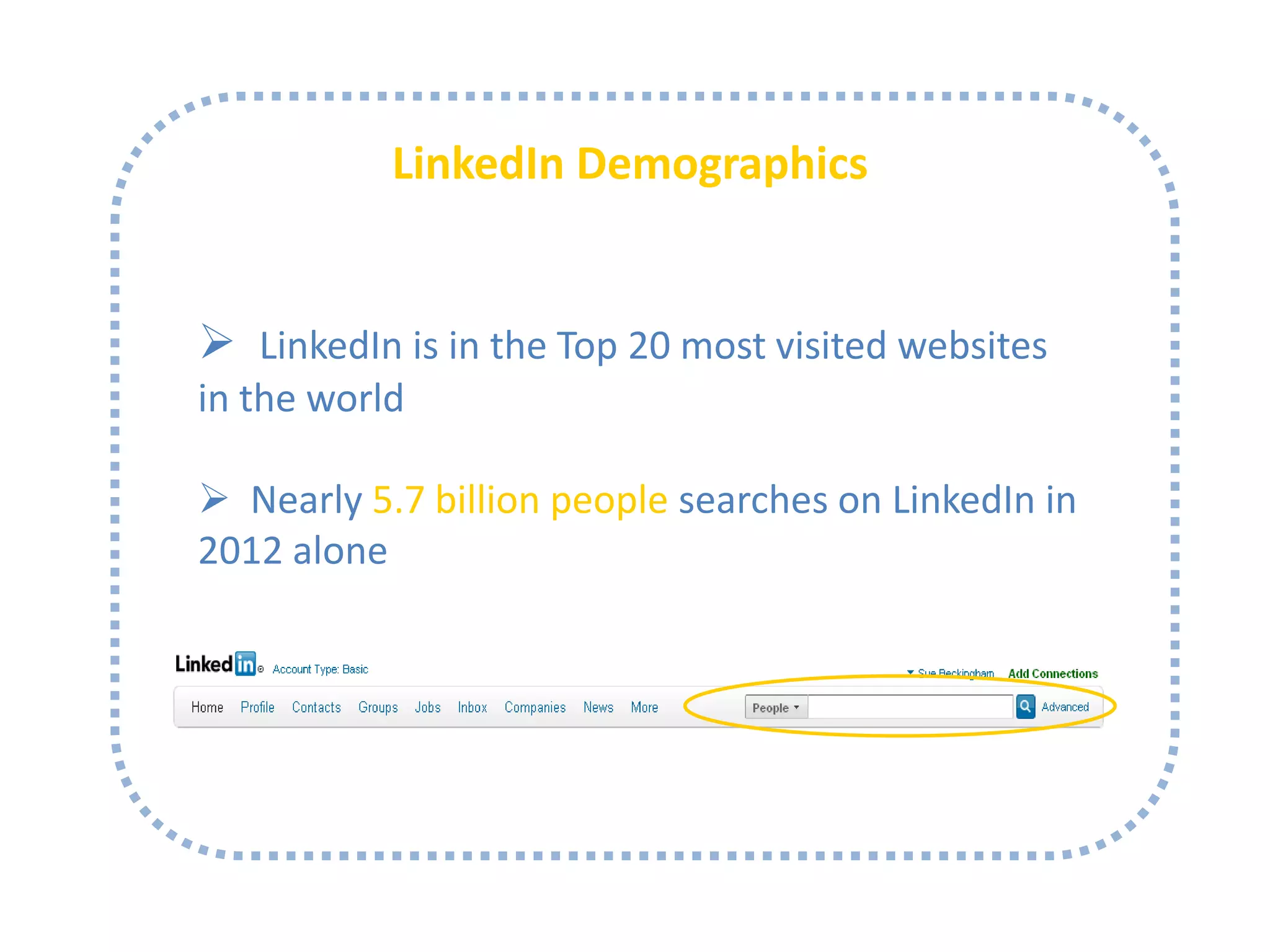
LinkedIn Demographics

 LinkedIn is in the Top 20 most visited websites
in the world
http://www.alexa.com/topsites/global

 Nearly 5.7 billion people searches on LinkedIn in
2012 alone
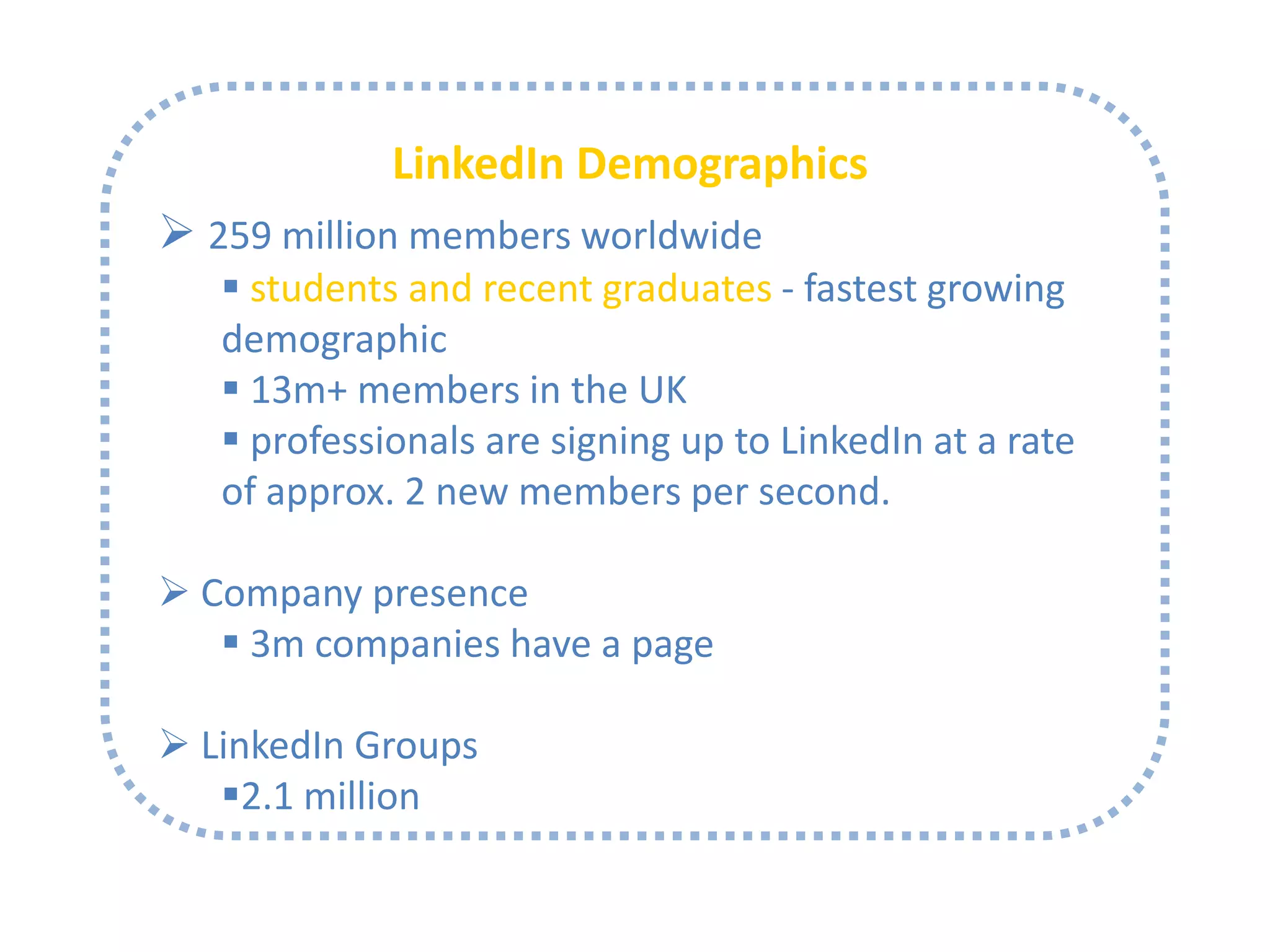
LinkedIn Demographics
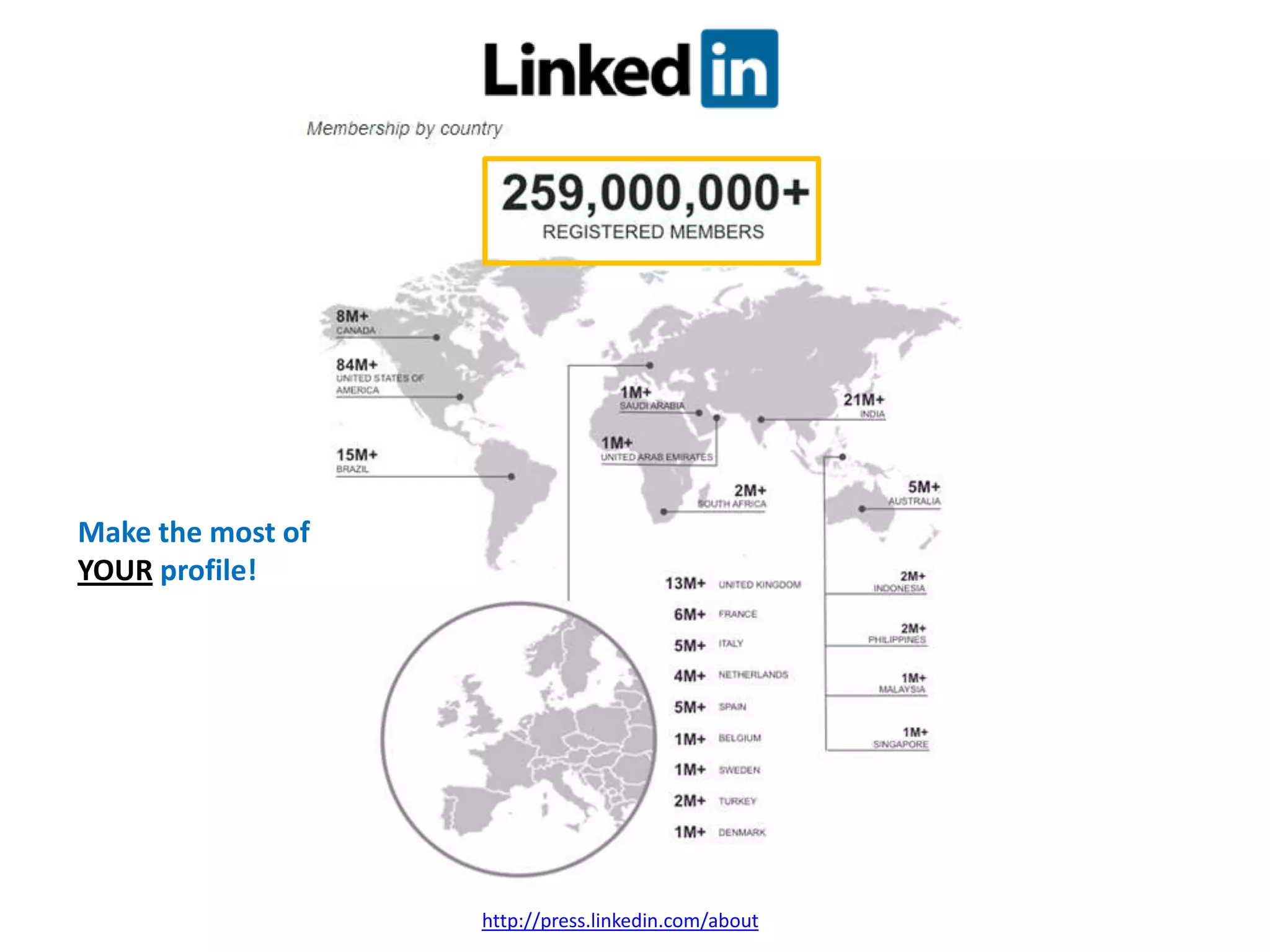
 259 million members worldwide
 students and recent graduates - fastest growing
demographic
 13m+ members in the UK
 professionals are signing up to LinkedIn at a rate
of approx. 2 new members per second.
 Company presence
 3m companies have a page

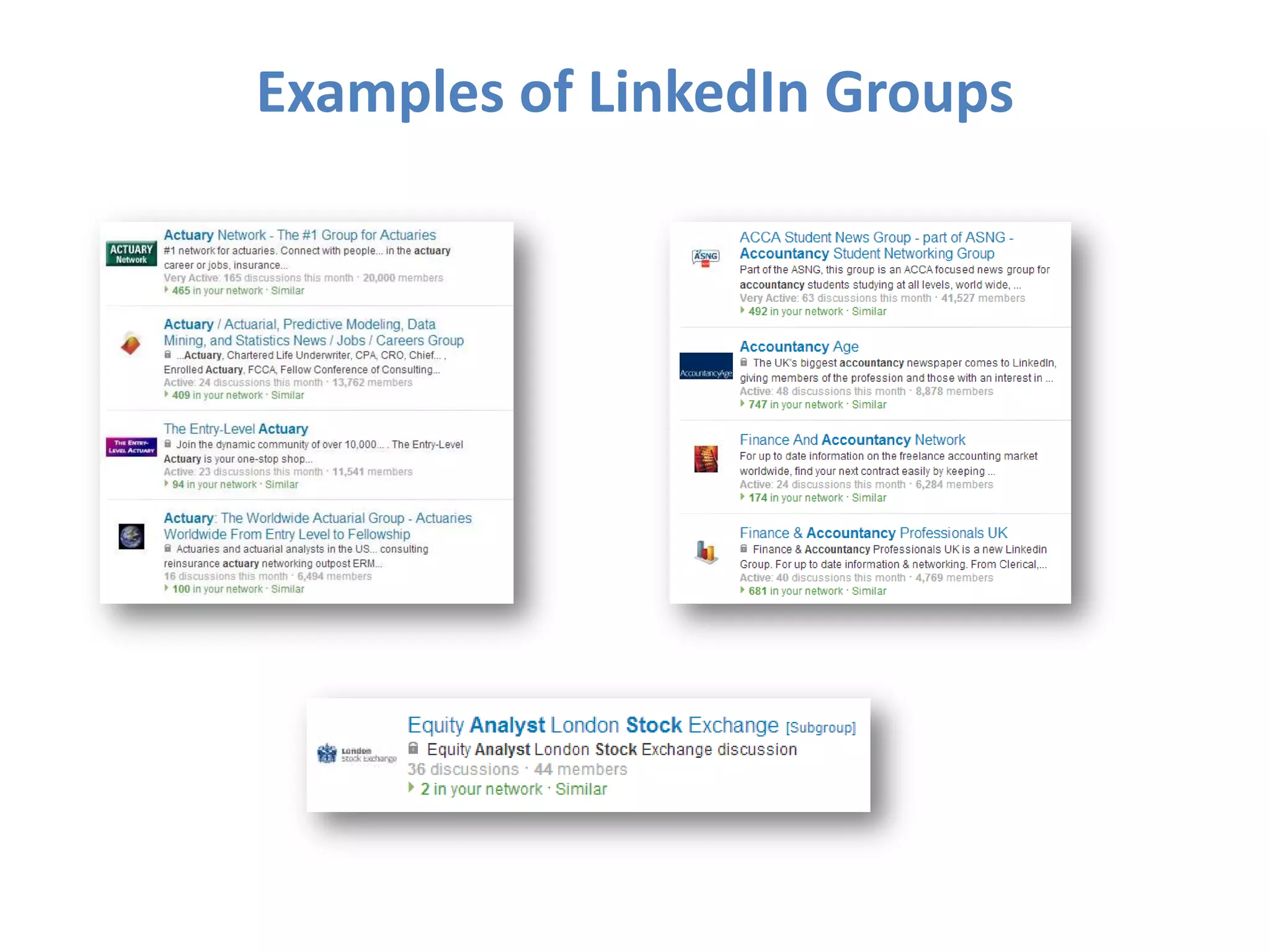
 LinkedIn Groups
2.1 million
Make the most of
YOUR profile!

http://press.linkedin.com/about
Examples of LinkedIn Groups
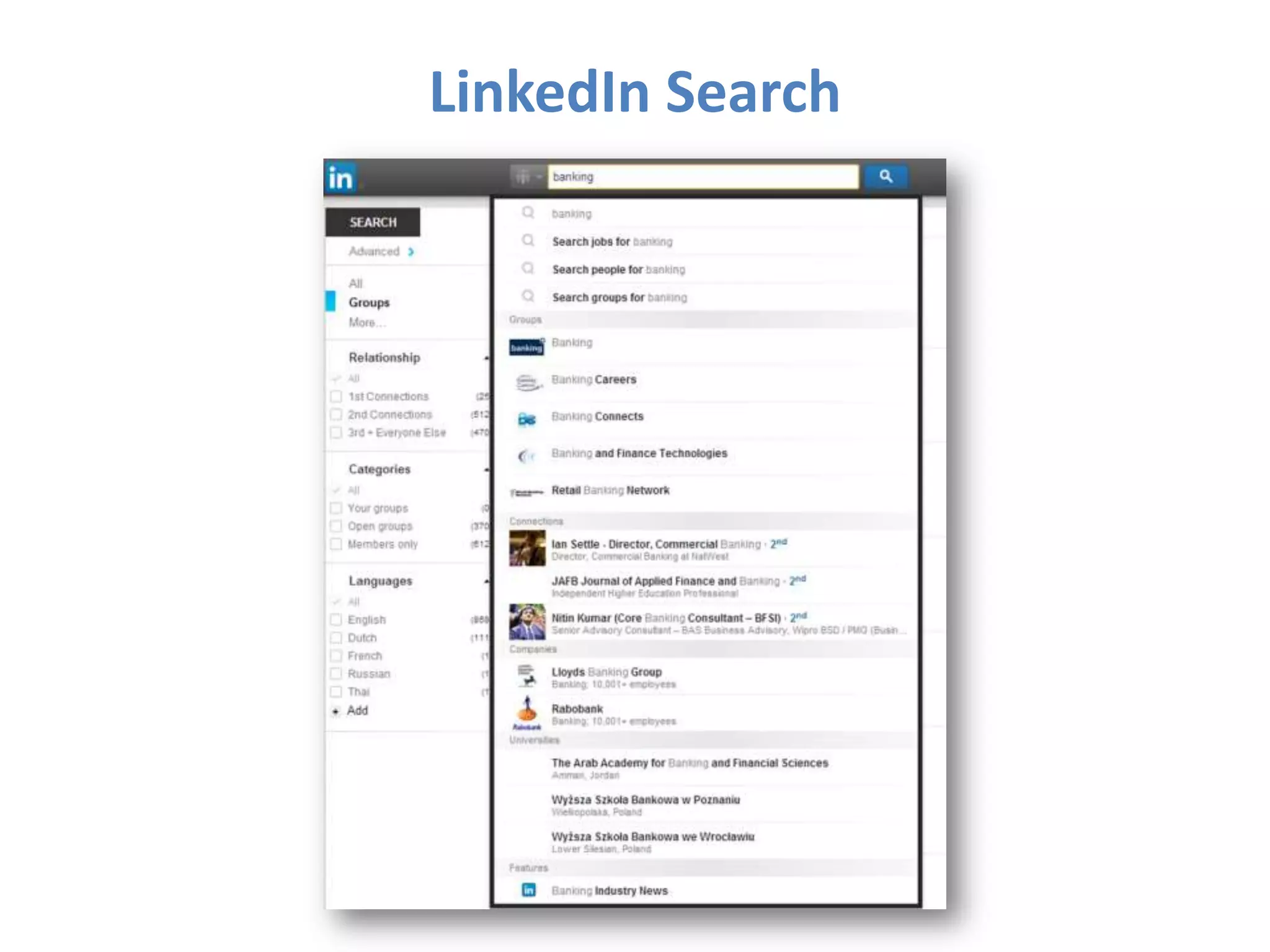
LinkedIn Search
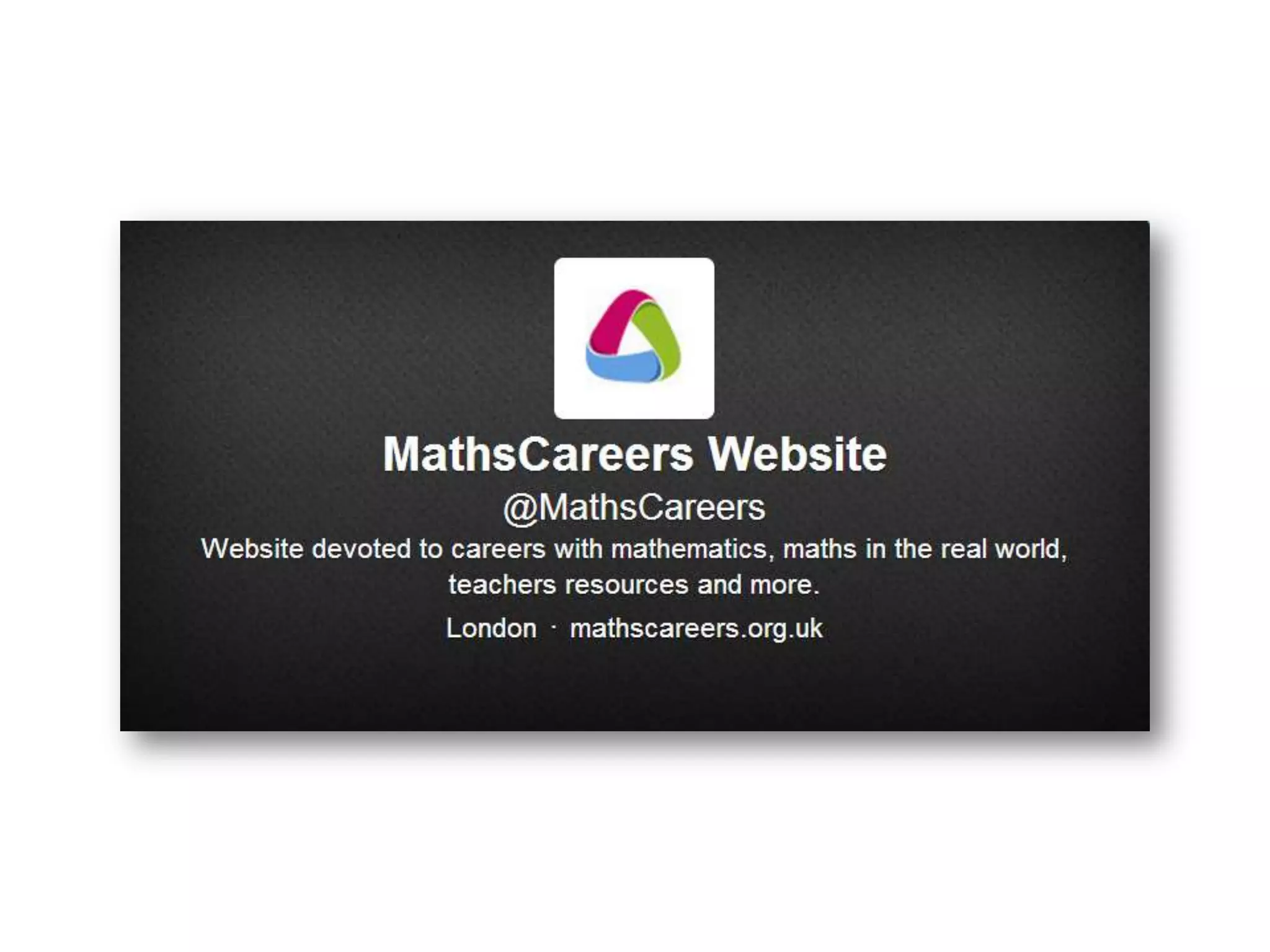
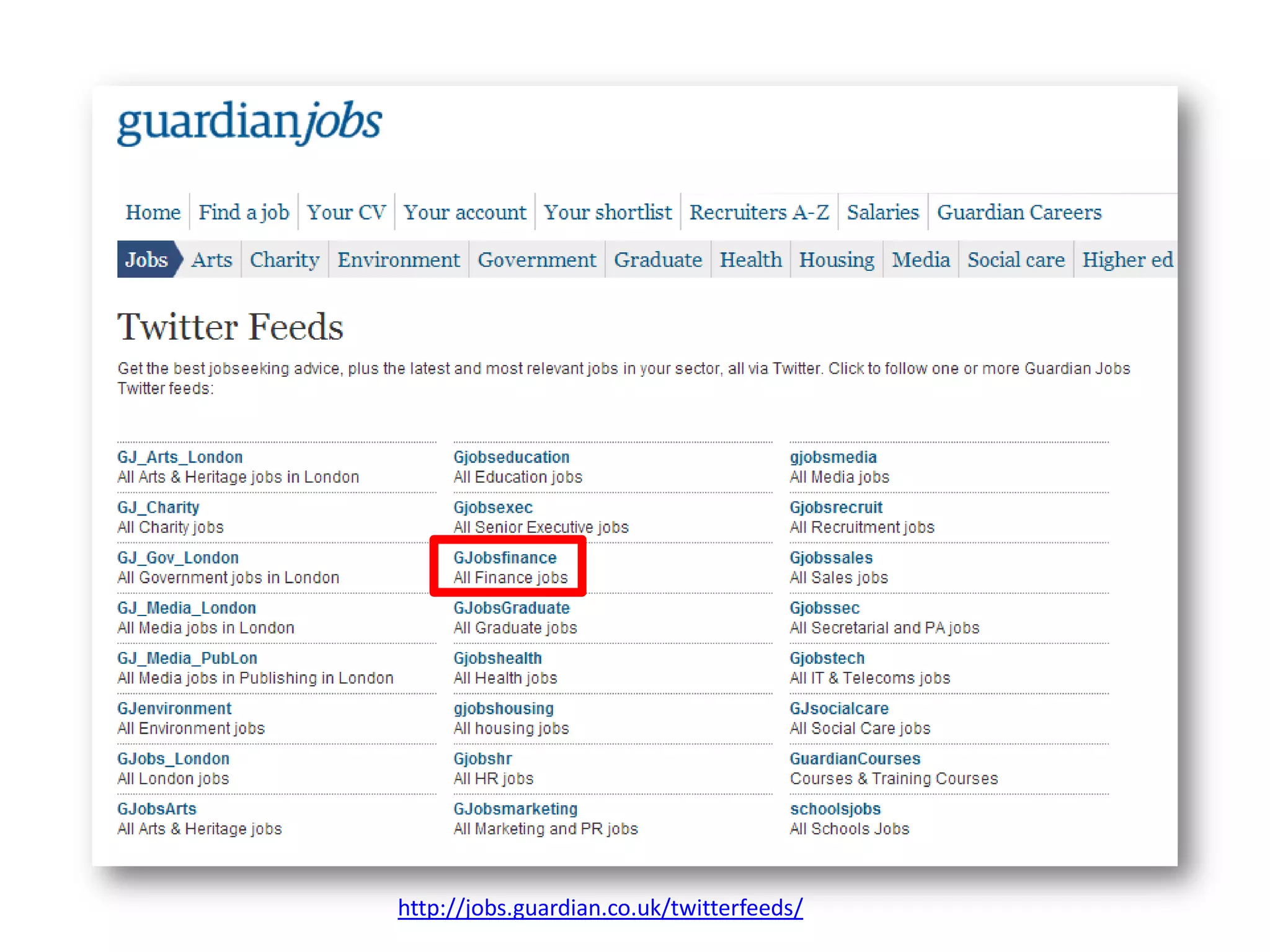
Why would you want to use
Twitter?
http://jobs.guardian.co.uk/twitterfeeds/
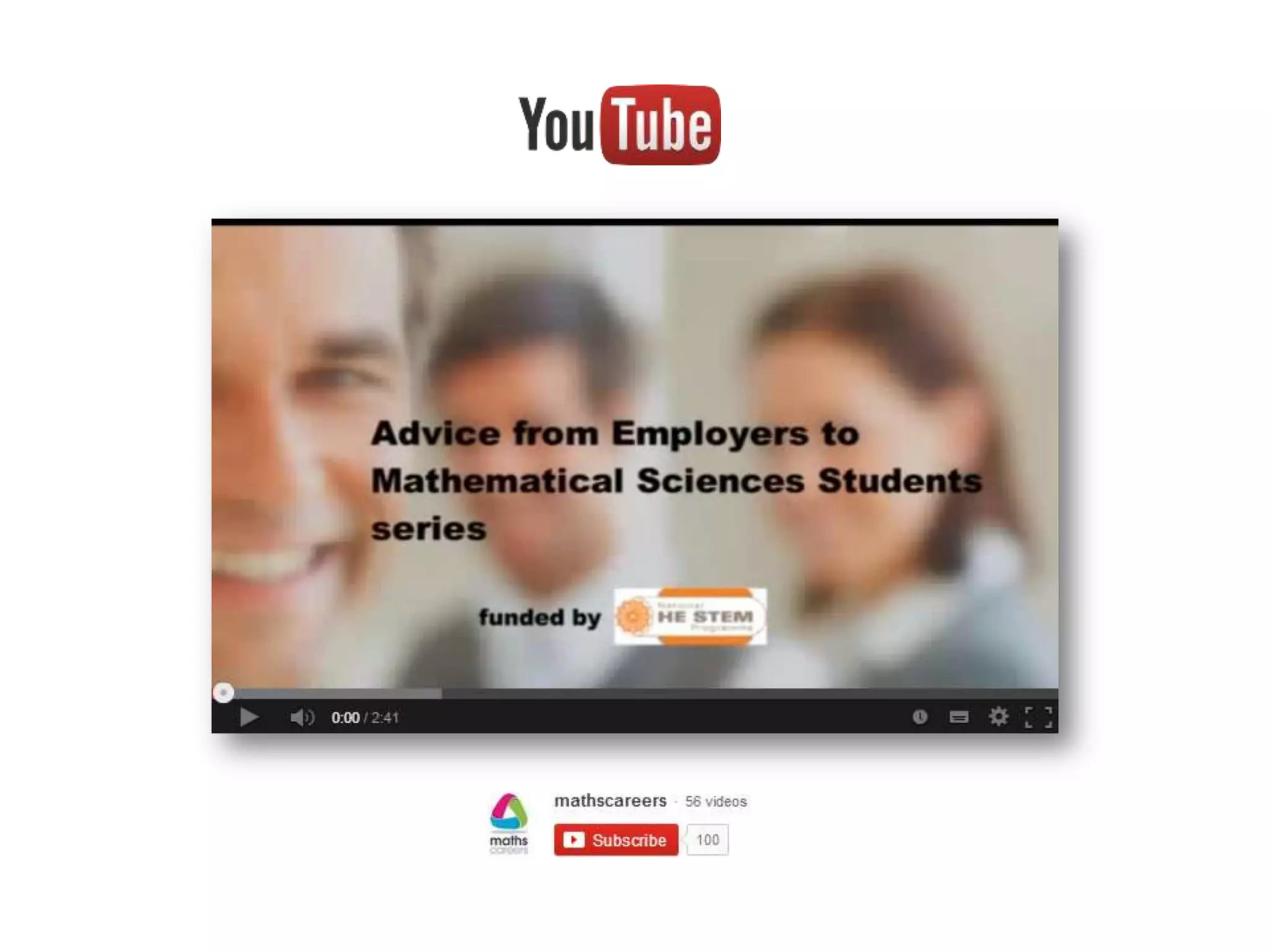
Why would you want to use
YouTube?
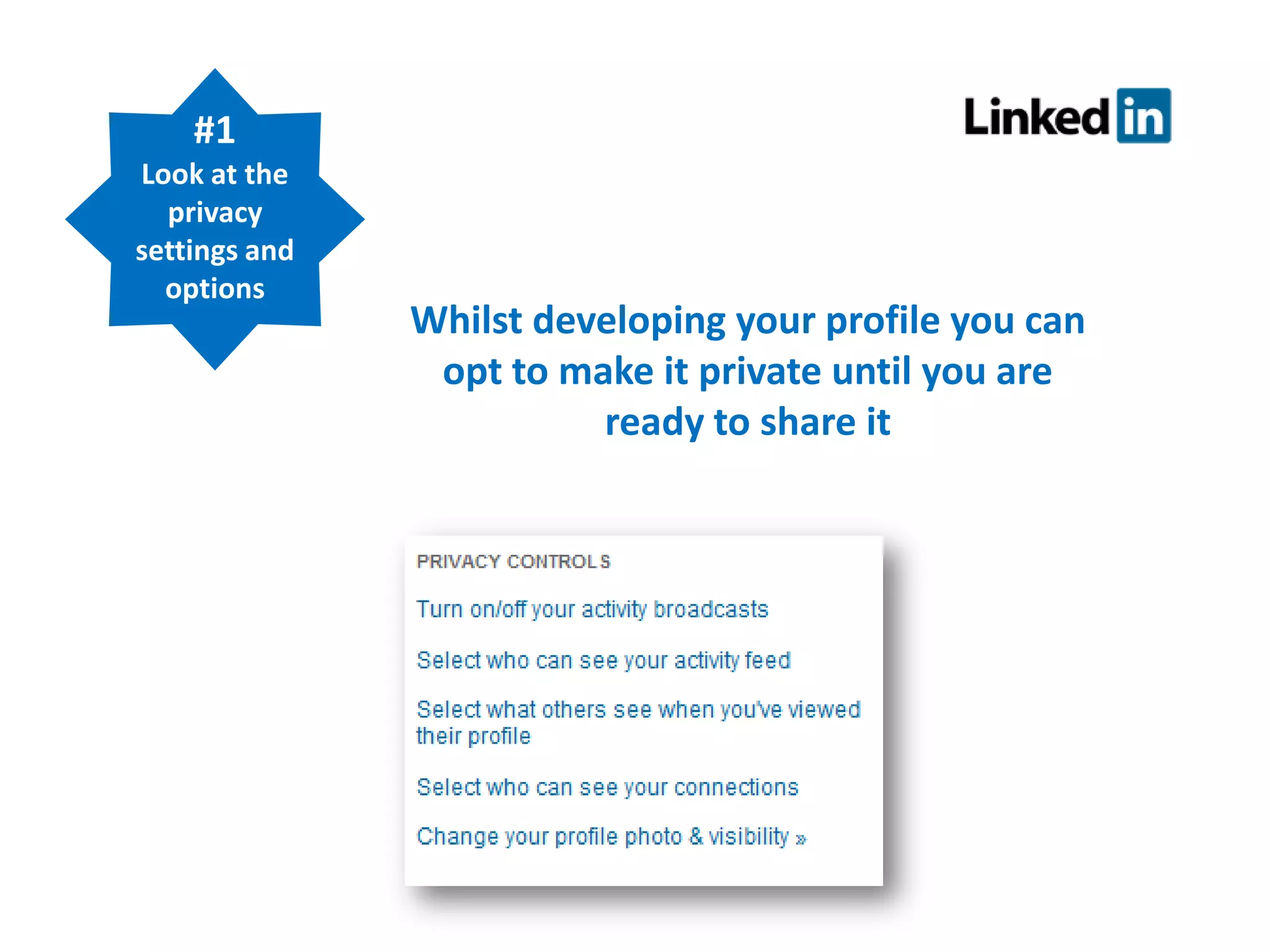
Profile Tips
#1
Look at the
privacy
settings and
options

Whilst developing your profile you can
opt to make it private until you are
ready to share it
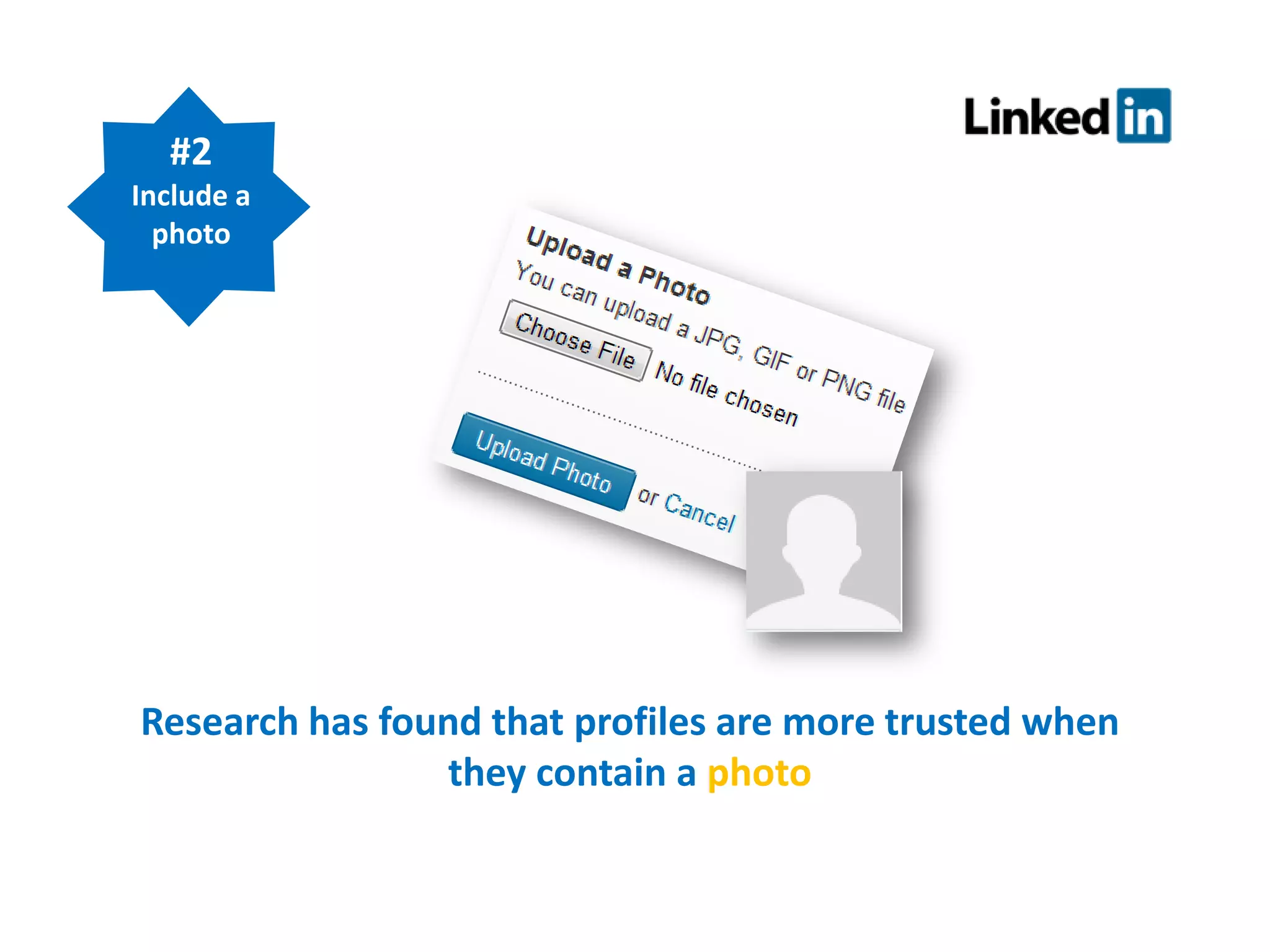
#2
Include a
photo

Research has found that profiles are more trusted when
they contain a photo
#3
Complete your
whole profile

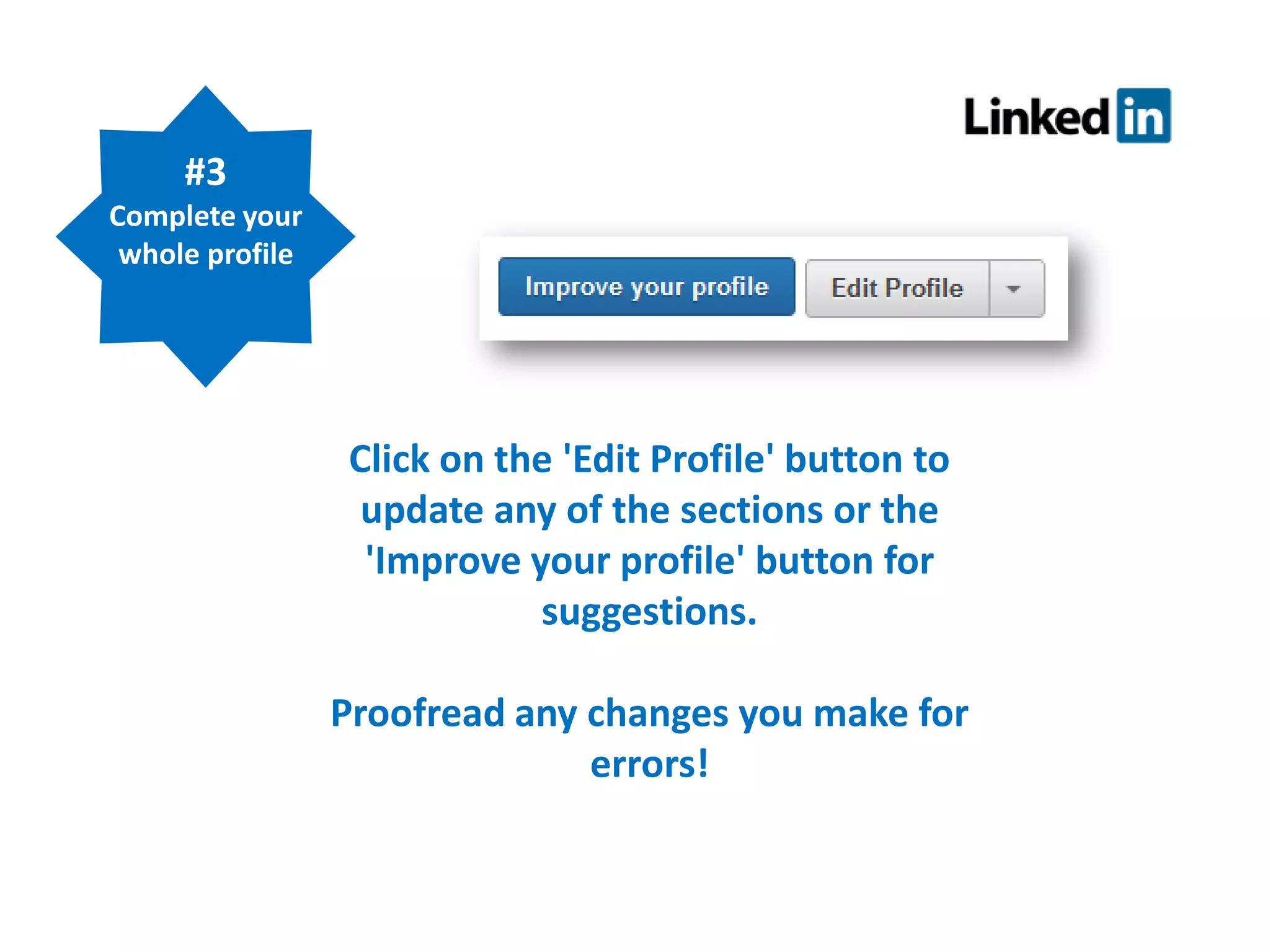
Click on the 'Edit Profile' button to
update any of the sections or the
'Improve your profile' button for
suggestions.
Proofread any changes you make for
errors!
#4
Include
relevant
keywords

Think about the key search words employers
would use if they were:
 looking for people with skills in your field
 looking for graduates, interns or students for
work placements
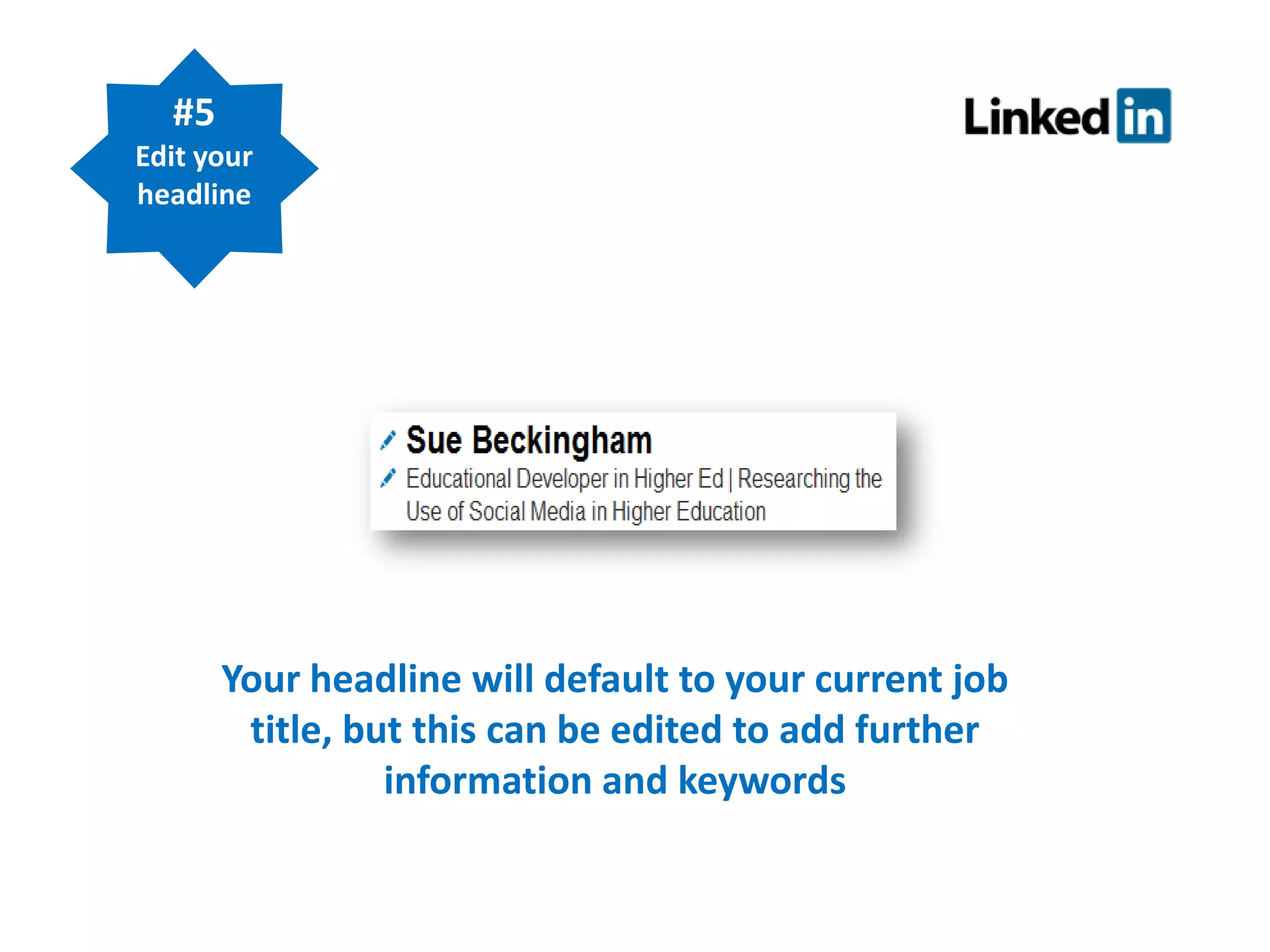
#5
Edit your
headline

Your headline will default to your current job
title, but this can be edited to add further
information and keywords
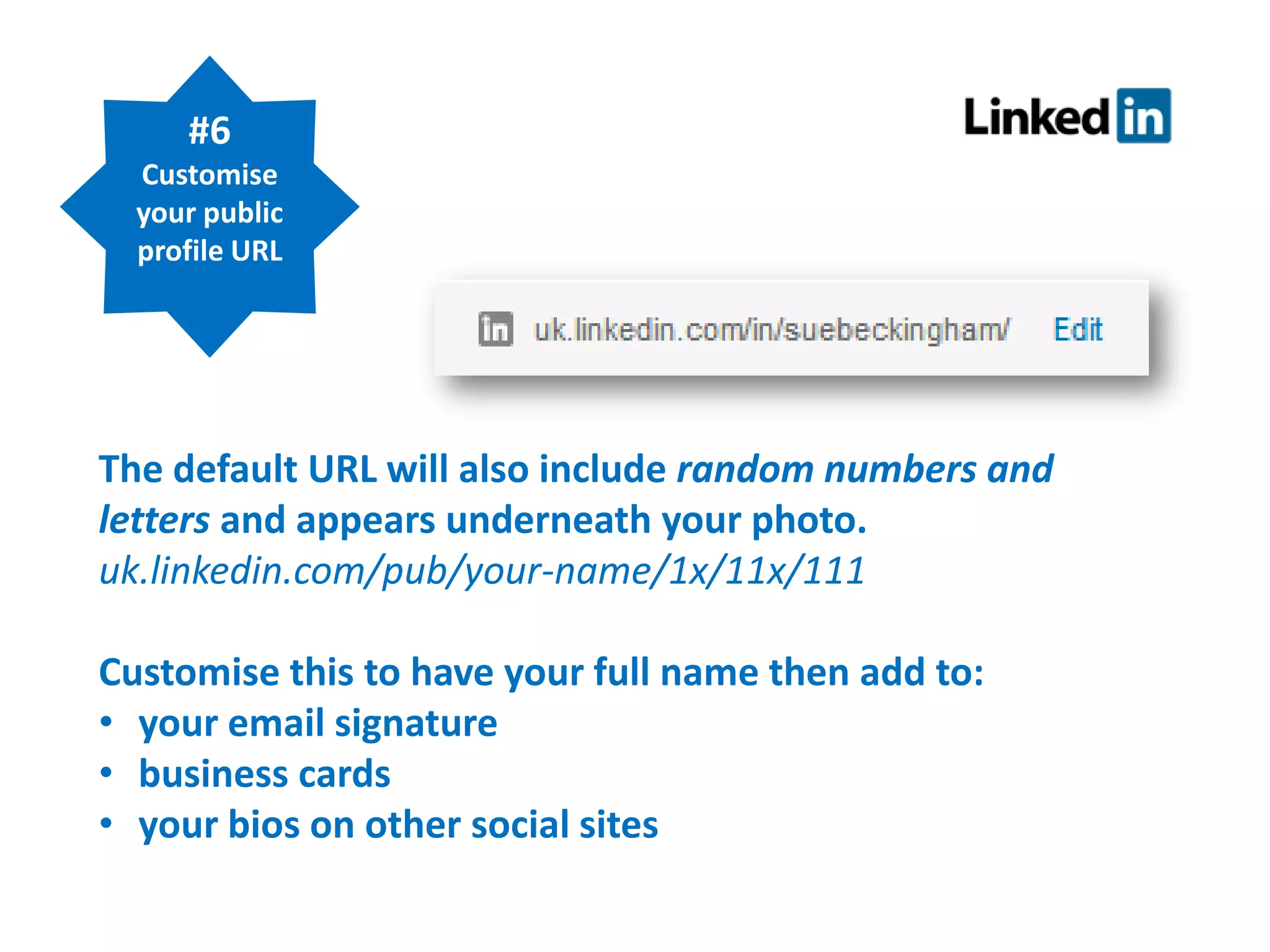
#6
Customise
your public
profile URL

The default URL will also include random numbers and
letters and appears underneath your photo.
uk.linkedin.com/pub/your-name/1x/11x/111
Customise this to have your full name then add to:
• your email signature
• business cards
• your bios on other social sites
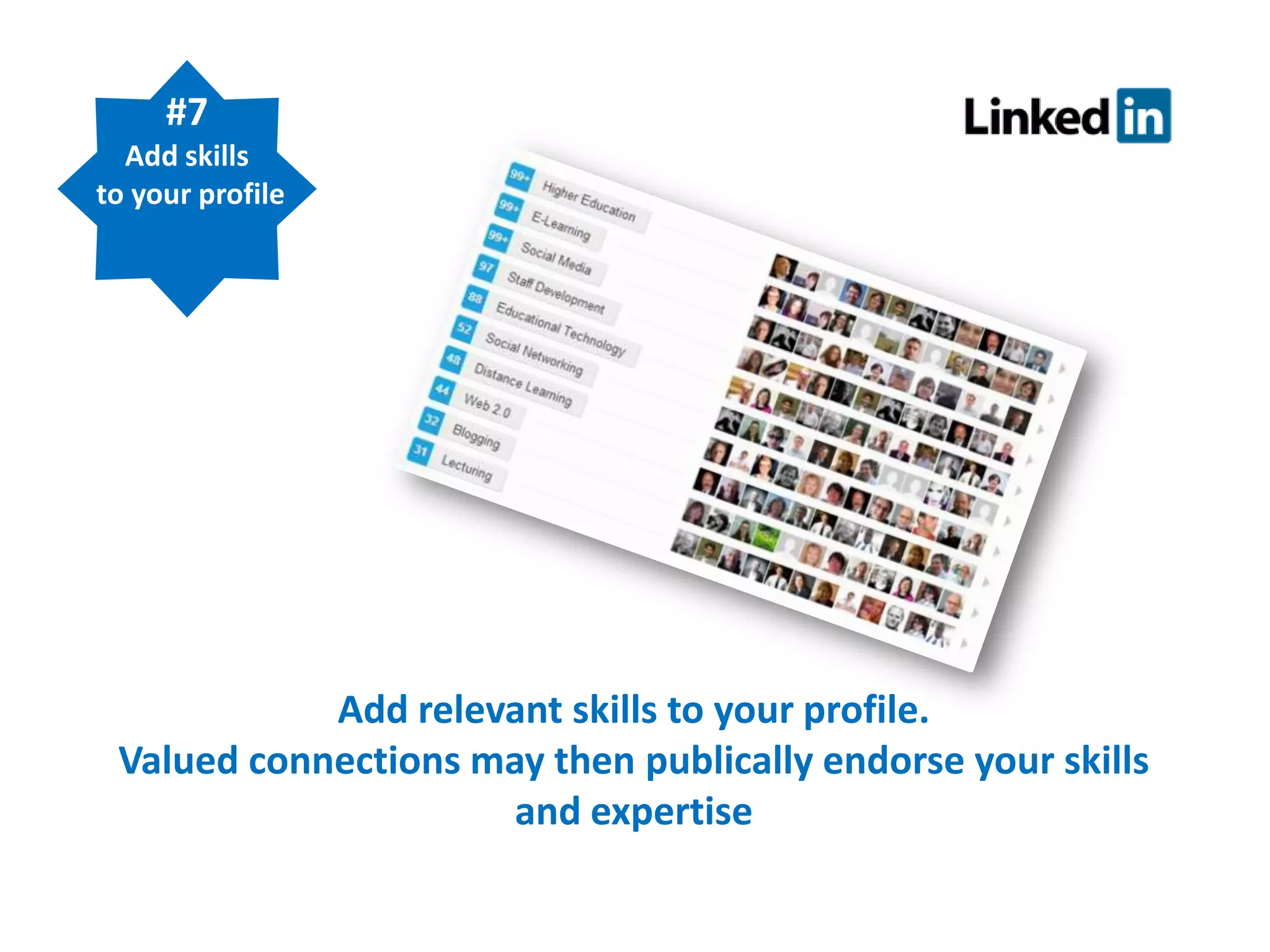
#7
Add skills
to your profile

Add relevant skills to your profile.
Valued connections may then publically endorse your skills
and expertise
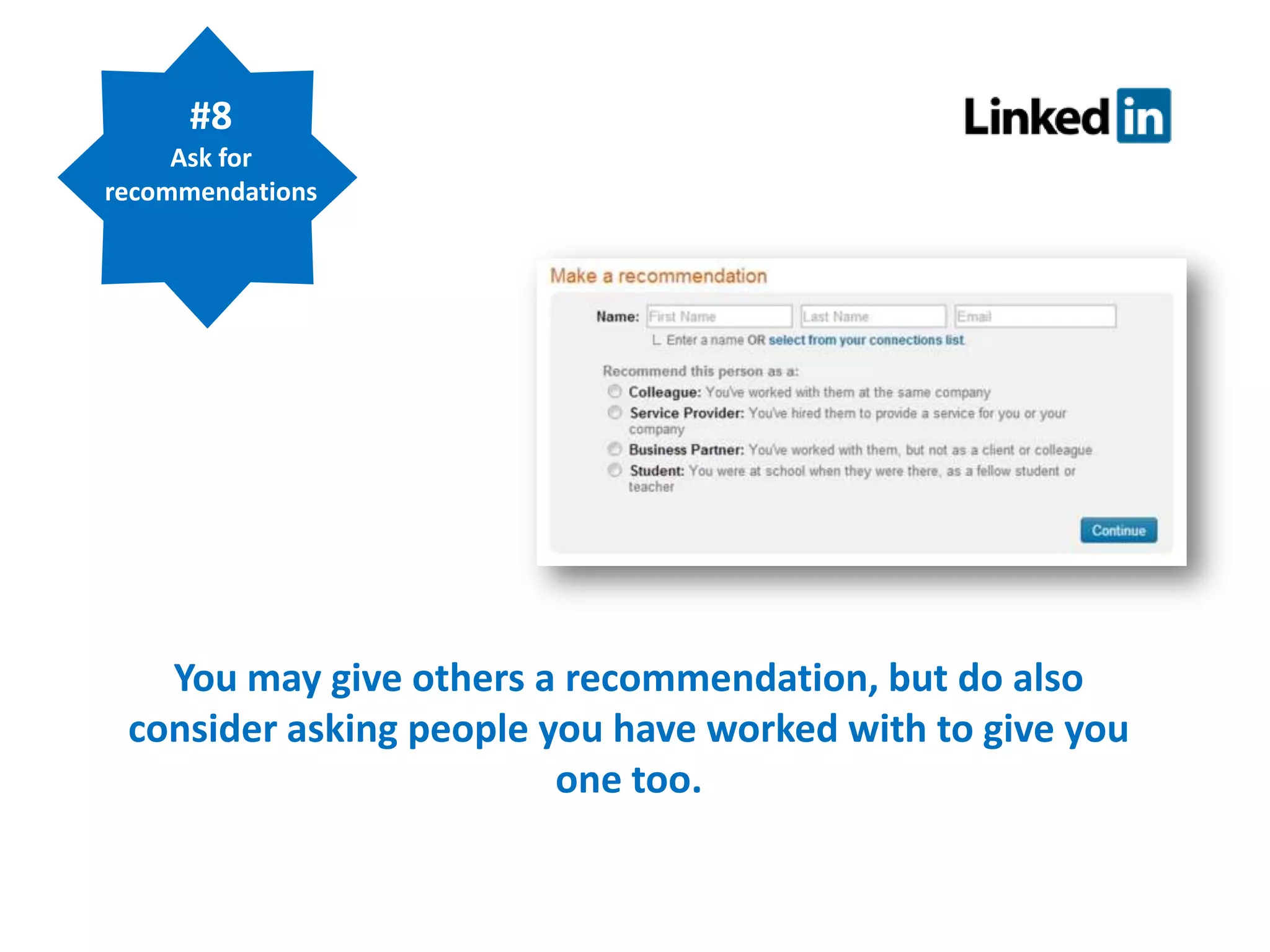
#8
Ask for
recommendations

You may give others a recommendation, but do also
consider asking people you have worked with to give you
one too.
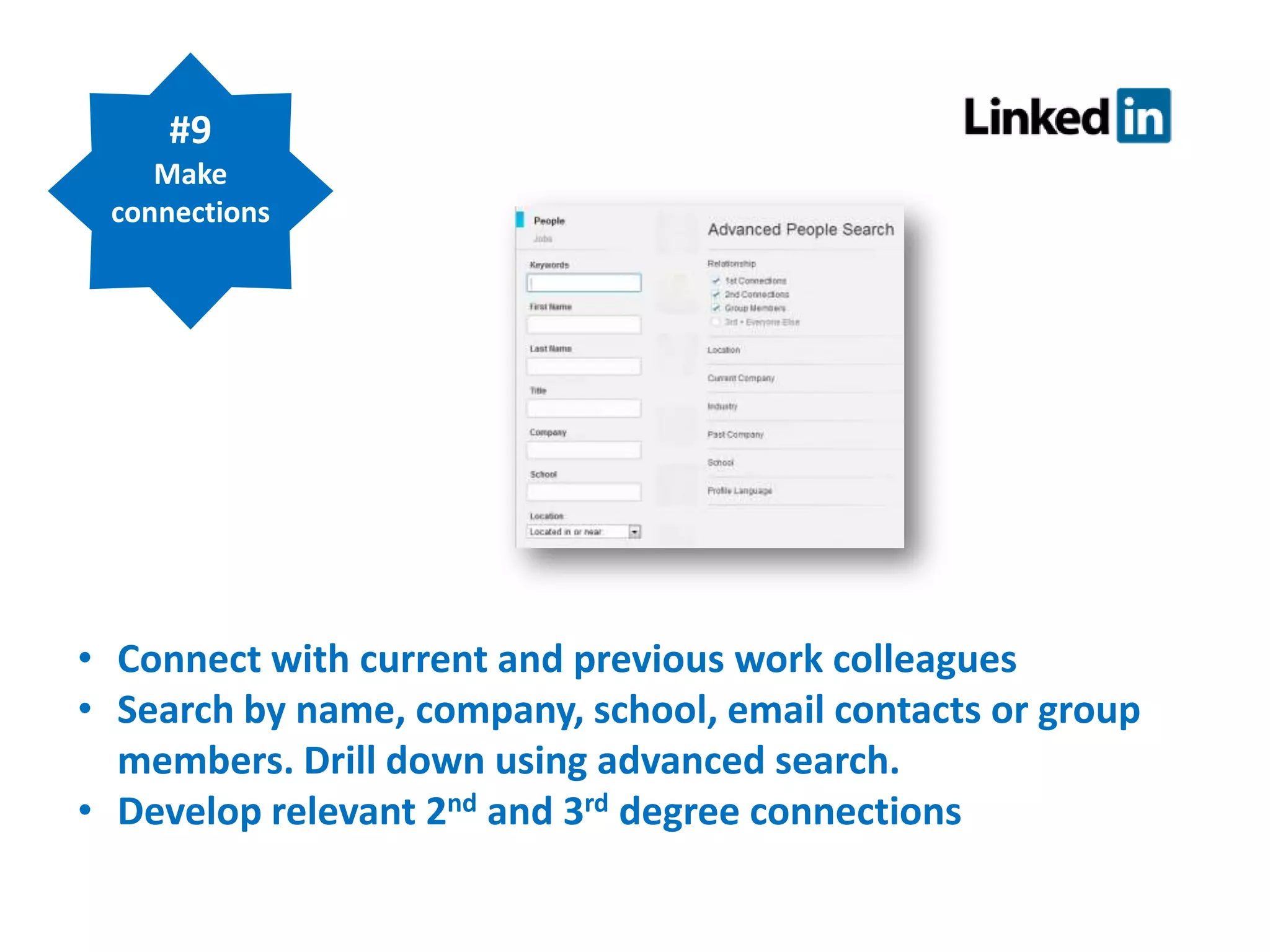
#9
Make
connections

• Connect with current and previous work colleagues
• Search by name, company, school, email contacts or group
members. Drill down using advanced search.
• Develop relevant 2nd and 3rd degree connections
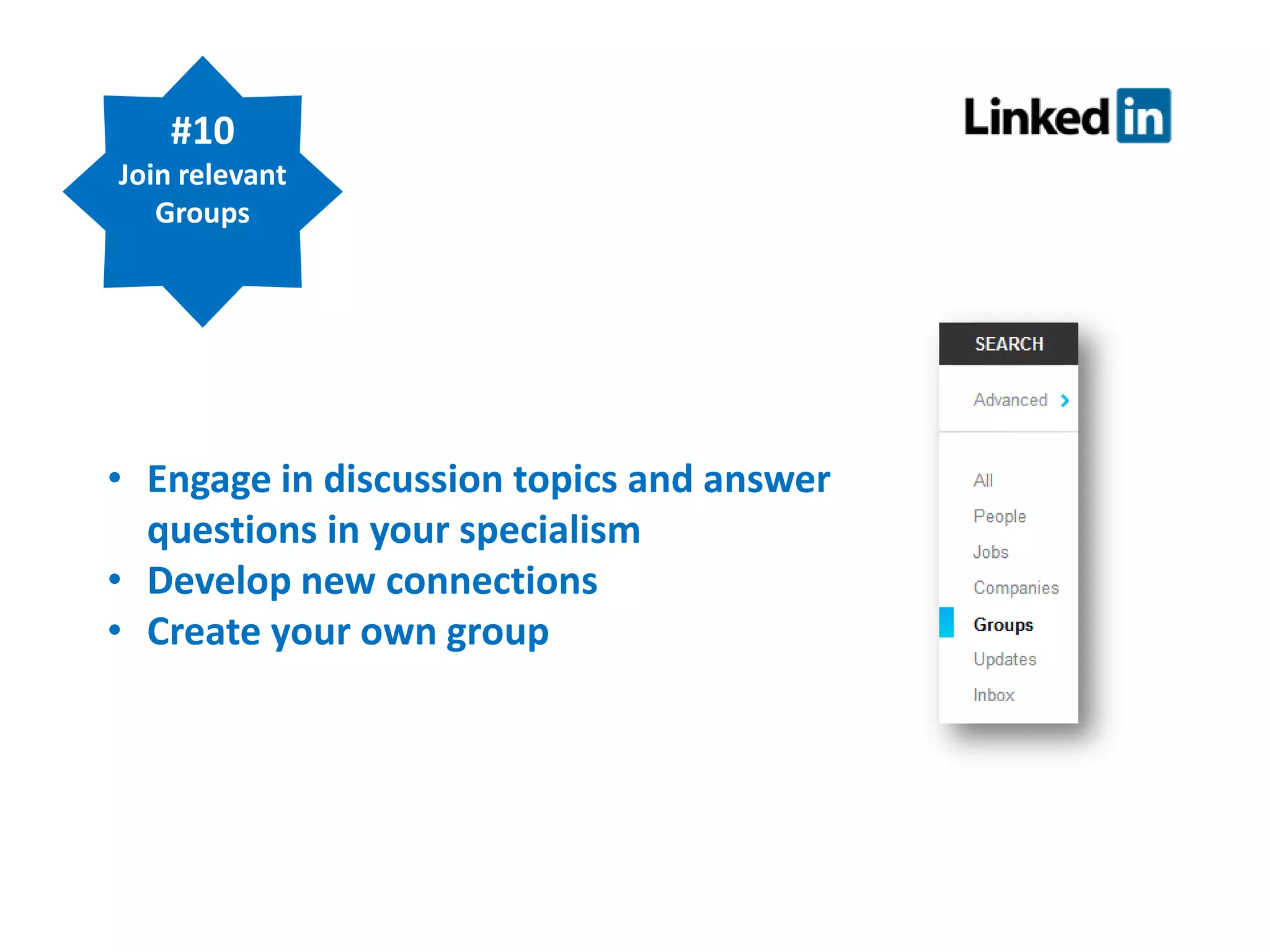
#10
Join relevant
Groups

• Engage in discussion topics and answer
questions in your specialism
• Develop new connections
• Create your own group
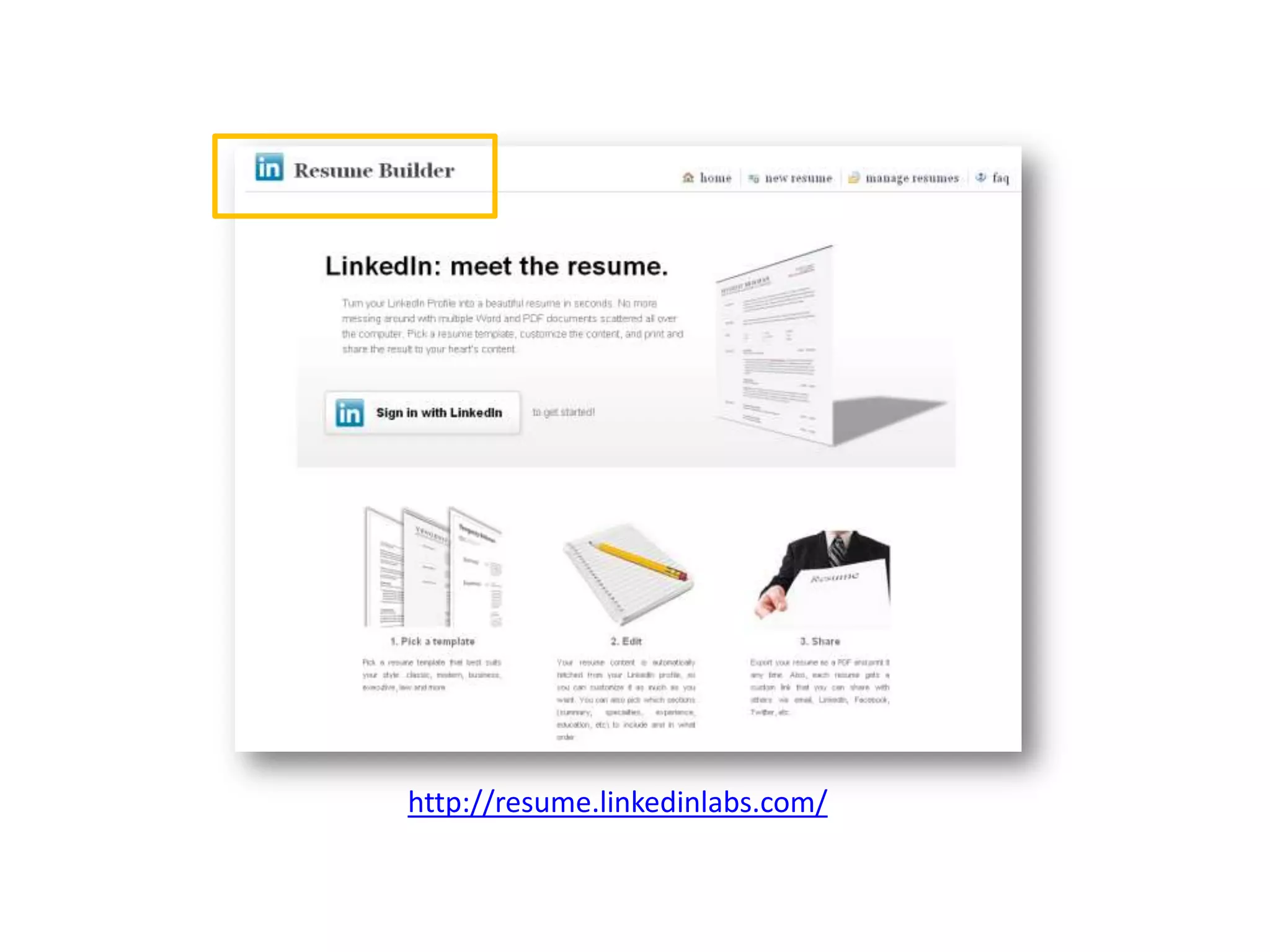
http://resume.linkedinlabs.com/
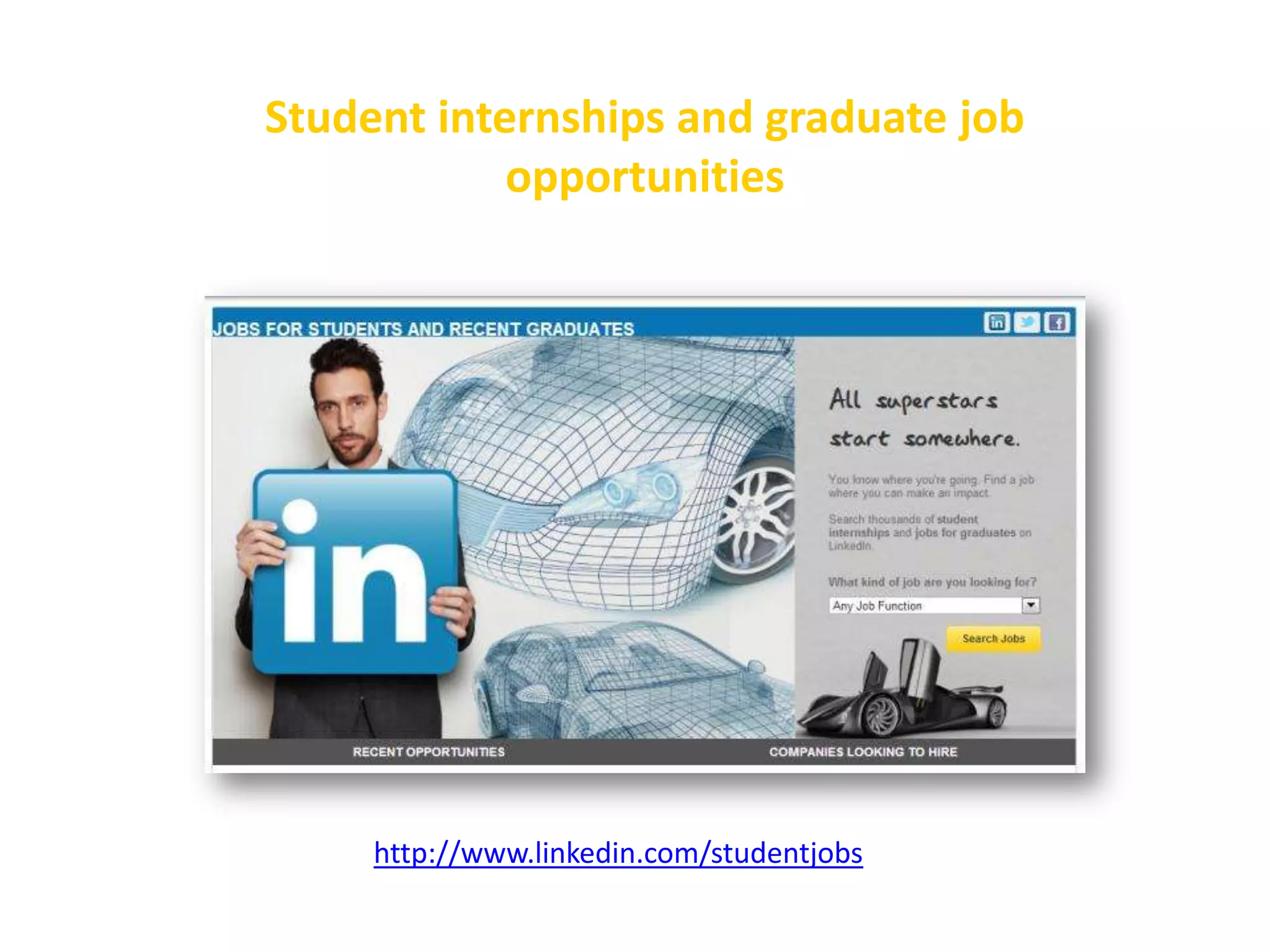
Student internships and graduate job
opportunities

http://www.linkedin.com/studentjobs
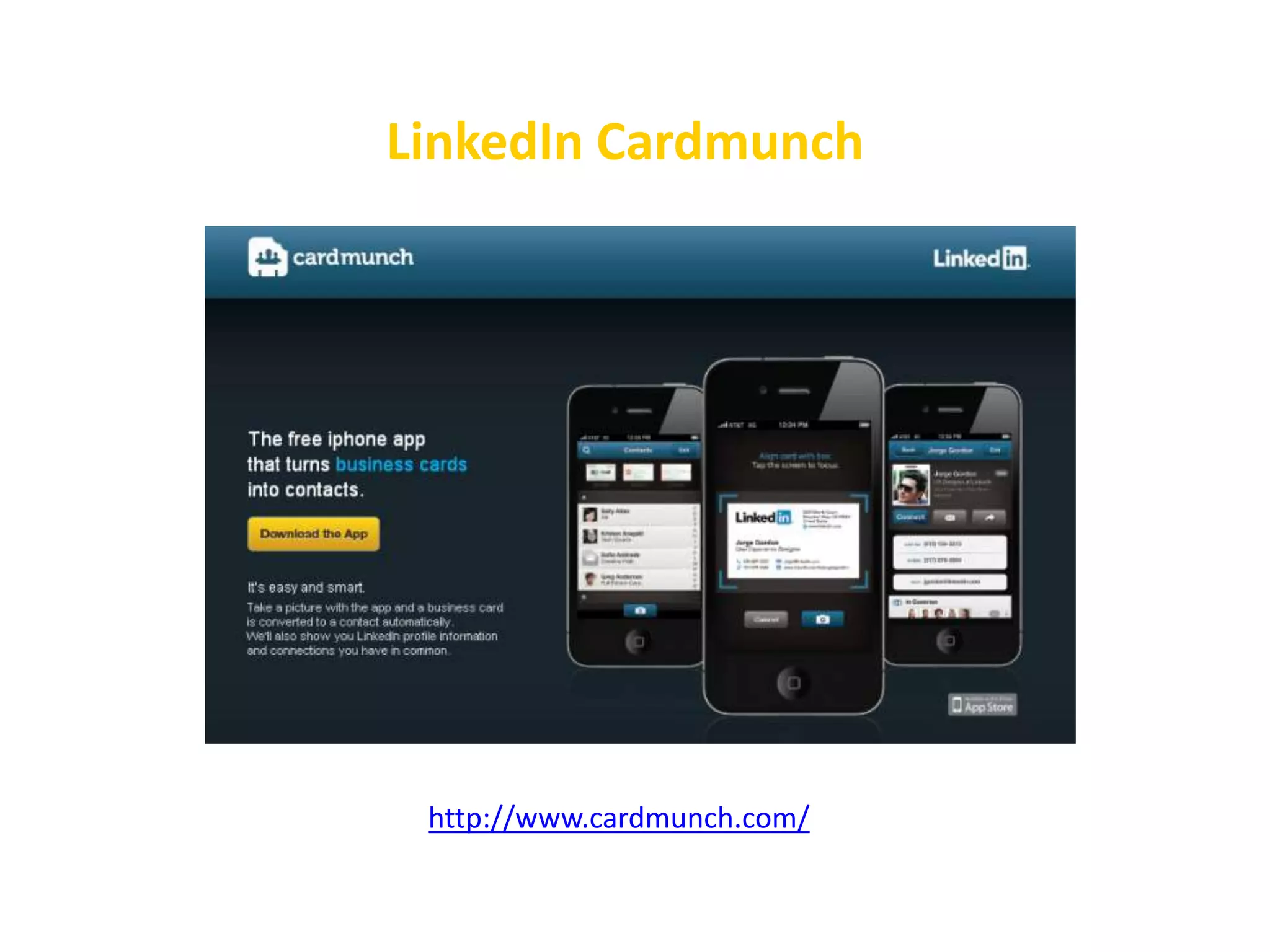
LinkedIn Cardmunch

http://www.cardmunch.com/
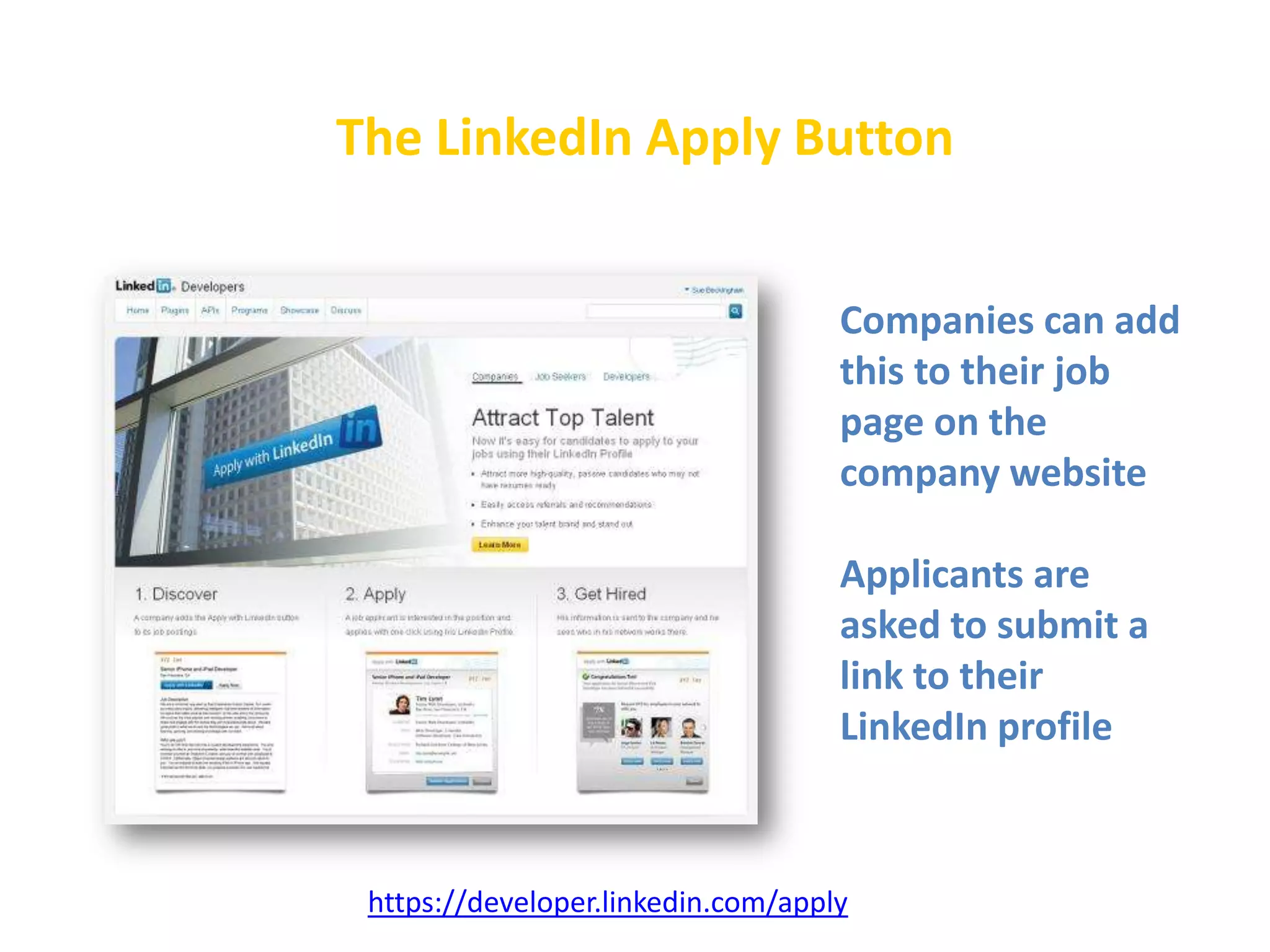
The LinkedIn Apply Button
Companies can add
this to their job
page on the
company website
Applicants are
asked to submit a
link to their
LinkedIn profile

https://developer.linkedin.com/apply
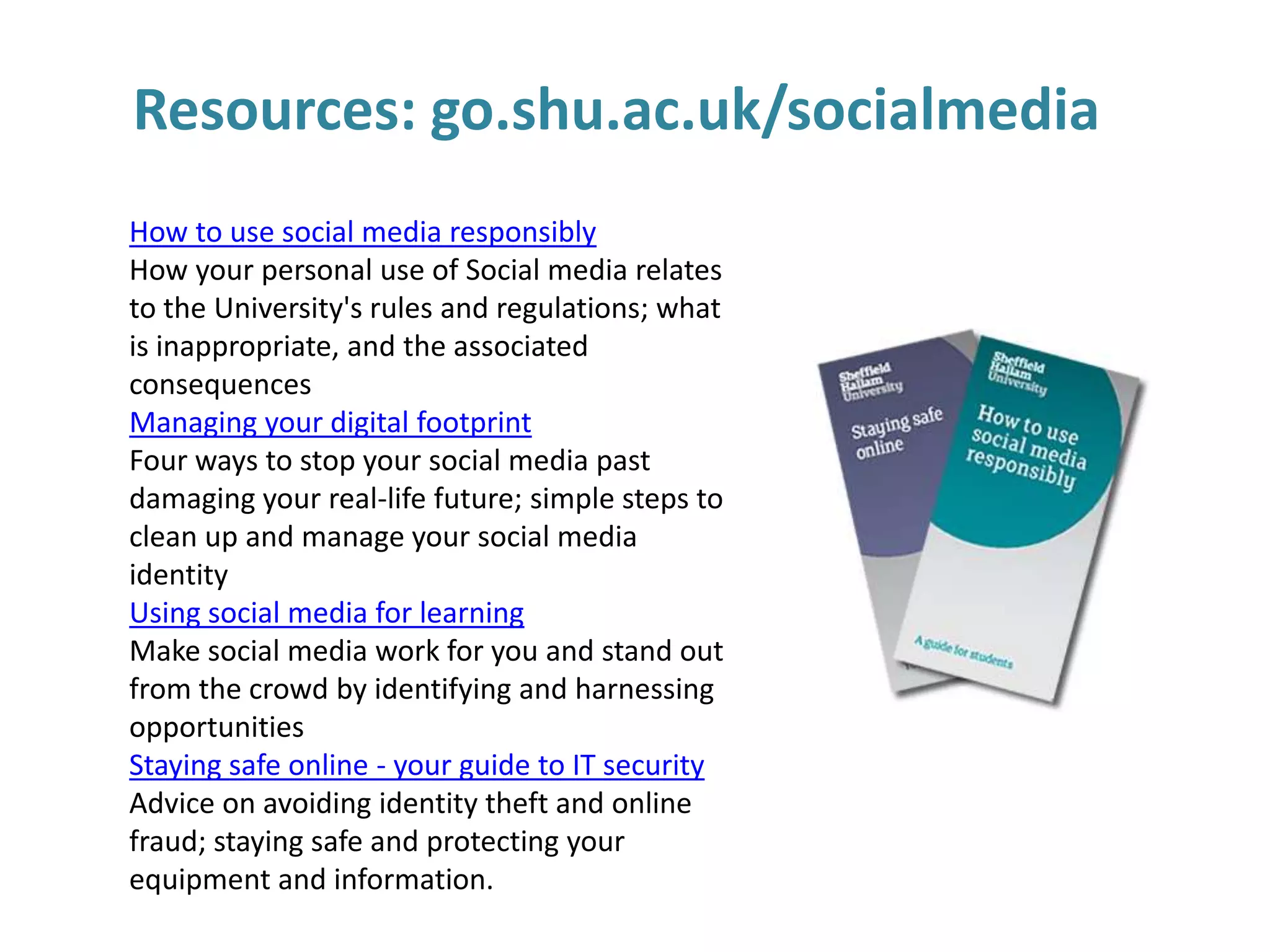
Resources: go.shu.ac.uk/socialmedia
How to use social media responsibly
How your personal use of Social media relates
to the University's rules and regulations; what
is inappropriate, and the associated
consequences
Managing your digital footprint
Four ways to stop your social media past
damaging your real-life future; simple steps to
clean up and manage your social media
identity
Using social media for learning
Make social media work for you and stand out
from the crowd by identifying and harnessing
opportunities
Staying safe online - your guide to IT security
Advice on avoiding identity theft and online
fraud; staying safe and protecting your
equipment and information.
Sue Beckingham
Educational Developer and Associate Lecturer
Sheffield Hallam University

@suebecks
http://uk.linkedin.com/in/suebeckingham
http://gplus.to/suebecks
http://socialmedia4us.wordpress.com/

So what is the absolute value of social media for maths graduates?

  • 1.
    So what isthe absolute value of |Social Media|for Maths Graduates? Why everyone needs to develop a professional online presence Sue Beckingham | @suebecks
  • 2.
    Key objectives Taking ownershipof YOUR professional online presence Building valuable networks Developing confident digital skills Standing out from the crowd
  • 3.
    Think for amoment about • your online connections • what you share with others • and why.... Hold those thoughts
  • 4.
    How do youengage with social media? PROFESSIONAL Digital Visitors and Residents Mapping Process Dave White, University of Oxford PERSONAL
  • 5.
  • 6.
    Be mindful ofhow people search for information ! http://www.alexa.com/topsites/global will find your digital footprints!
  • 7.
  • 8.
    However.... unlike footprints in the sandyour digital footprints are permanent
  • 9.
    How will yourdigital shadows from your past impact on your future?
  • 13.
    Make sure you arein the YES pile of job applications!
  • 15.
    A social networkis a social structure made up of a set of actors (such as individuals or organizations) and the dyadic ties (interaction) between these actors.
  • 16.
    Network benefits Access toinformation, knowledge and experience. The goal in a network is to make all the experience, skills and knowledge – tacit or explicit – available to anyone at the point of need Anklam 2007
  • 17.
    Online connectedness • • • • Enables andprovides support for learning Can increase the effectiveness of learning Can increase access to learning. Allows people to connect with each other in spite of geographical distances • Provides a forum and permission to participate • Complements face to face communication Adapted from George Siemens http://www.elearnspace.org
  • 18.
  • 19.
  • 20.
    Future Work Skills2020 Virtual collaboration - Ability to work productively, drive engagement and demonstrate presence as a member of a virtual team. New-media literacy - Ability to critically assess and develop content that uses new media forms, and to leverage these media for persuasive communications.
  • 21.
    Find out howexperts in your chosen field(s) are using social media
  • 22.
    Why would youwant to use
  • 23.
    It is thekey professional networking tool the corporate office the water cooler the staff canteen the bar
  • 24.
    LinkedIn Demographics  LinkedInis in the Top 20 most visited websites in the world http://www.alexa.com/topsites/global  Nearly 5.7 billion people searches on LinkedIn in 2012 alone
  • 25.
    LinkedIn Demographics  259million members worldwide  students and recent graduates - fastest growing demographic  13m+ members in the UK  professionals are signing up to LinkedIn at a rate of approx. 2 new members per second.  Company presence  3m companies have a page  LinkedIn Groups 2.1 million
  • 26.
    Make the mostof YOUR profile! http://press.linkedin.com/about
  • 27.
  • 28.
  • 29.
    Why would youwant to use Twitter?
  • 31.
  • 32.
    Why would youwant to use YouTube?
  • 35.
  • 36.
    #1 Look at the privacy settingsand options Whilst developing your profile you can opt to make it private until you are ready to share it
  • 37.
    #2 Include a photo Research hasfound that profiles are more trusted when they contain a photo
  • 38.
    #3 Complete your whole profile Clickon the 'Edit Profile' button to update any of the sections or the 'Improve your profile' button for suggestions. Proofread any changes you make for errors!
  • 39.
    #4 Include relevant keywords Think about thekey search words employers would use if they were:  looking for people with skills in your field  looking for graduates, interns or students for work placements
  • 40.
    #5 Edit your headline Your headlinewill default to your current job title, but this can be edited to add further information and keywords
  • 41.
    #6 Customise your public profile URL Thedefault URL will also include random numbers and letters and appears underneath your photo. uk.linkedin.com/pub/your-name/1x/11x/111 Customise this to have your full name then add to: • your email signature • business cards • your bios on other social sites
  • 42.
    #7 Add skills to yourprofile Add relevant skills to your profile. Valued connections may then publically endorse your skills and expertise
  • 43.
    #8 Ask for recommendations You maygive others a recommendation, but do also consider asking people you have worked with to give you one too.
  • 44.
    #9 Make connections • Connect withcurrent and previous work colleagues • Search by name, company, school, email contacts or group members. Drill down using advanced search. • Develop relevant 2nd and 3rd degree connections
  • 45.
    #10 Join relevant Groups • Engagein discussion topics and answer questions in your specialism • Develop new connections • Create your own group
  • 46.
  • 47.
    Student internships andgraduate job opportunities http://www.linkedin.com/studentjobs
  • 48.
  • 49.
    The LinkedIn ApplyButton Companies can add this to their job page on the company website Applicants are asked to submit a link to their LinkedIn profile https://developer.linkedin.com/apply
  • 50.
    Resources: go.shu.ac.uk/socialmedia How touse social media responsibly How your personal use of Social media relates to the University's rules and regulations; what is inappropriate, and the associated consequences Managing your digital footprint Four ways to stop your social media past damaging your real-life future; simple steps to clean up and manage your social media identity Using social media for learning Make social media work for you and stand out from the crowd by identifying and harnessing opportunities Staying safe online - your guide to IT security Advice on avoiding identity theft and online fraud; staying safe and protecting your equipment and information.
  • 51.
    Sue Beckingham Educational Developerand Associate Lecturer Sheffield Hallam University @suebecks http://uk.linkedin.com/in/suebeckingham http://gplus.to/suebecks http://socialmedia4us.wordpress.com/

Editor's Notes

  • #6 Where you visit or reside online
  • #11 http://mashable.com/2011/10/23/how-recruiters-use-social-networks-to-screen-candidates-infographic/
  • #17 The Net Work, Patti Anklam
  • #18 George Siemens (2003)http://www.elearnspace.org/Articles/wholepicture.htm
  • #20 http://apolloresearchinstitute.com/research-studies/workforce-preparedness/future-work-skills-2020
  • #21 http://apolloresearchinstitute.com/research-studies/workforce-preparedness/future-work-skills-2020
  • #24 John Hill - Michigan State University Alumni Association Director of Alumni Career Services  http://www.youtube.com/watch?v=4KyzfAz365w
  • #25 http://www.alexa.com/topsites/globalhttp://press.linkedin.com/about
  • #26 http://press.linkedin.com/about
  • #31 http://www.mathscareers.org.uk
  • #34 http://www.youtube.com/user/mathscareers?feature=watch
  • #40 http://press.linkedin.com/about
  • #47 http://resume.linkedinlabs.com/
  • #48 http://www.linkedin.com/studentjobs
  • #49 http://www.cardmunch.com/
  • #50 https://developer.linkedin.com/apply