Enhancing your Academic online presence
using
SueBeckingham @suebecks
“Social Media gives more
people a voice and provides
a powerful tool for value
creation and competitive
differentiation”
Advanced Human Technologies 2010
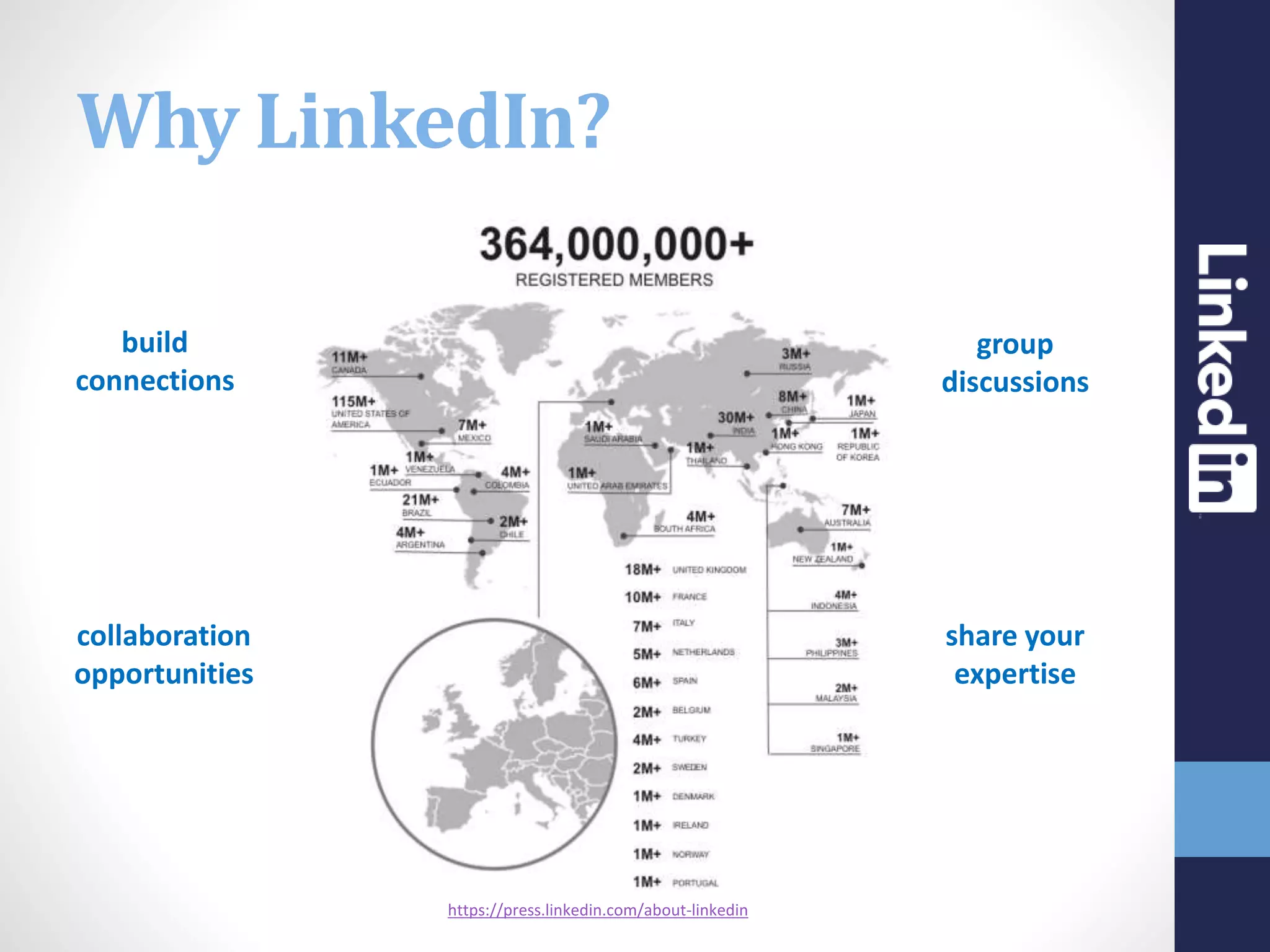
https://press.linkedin.com/about-linkedin
build
connections
group
discussions
collaboration
opportunities
share your
expertise
Why LinkedIn?
The interface keeps changing so do
refer to the up to date resources
provided by LinkedIn
https://help.linkedin.com/app/home
LinkedIn Help
Questions to consider
Who will look at your online profile?
 What do people want to know about you?
 Where will they use this information?
 Why is your profile important?
 When and how often do you update it?
 How will you use your profile to your advantage?
Shining the spotlight
on LinkedIn
MAKING
CONNECTIONS
SKILLS AND
ENDORSEMENTS
RECOMMENDATIONS
SEARCH GROUPS
DIGITAL
SCHOLARSHIP
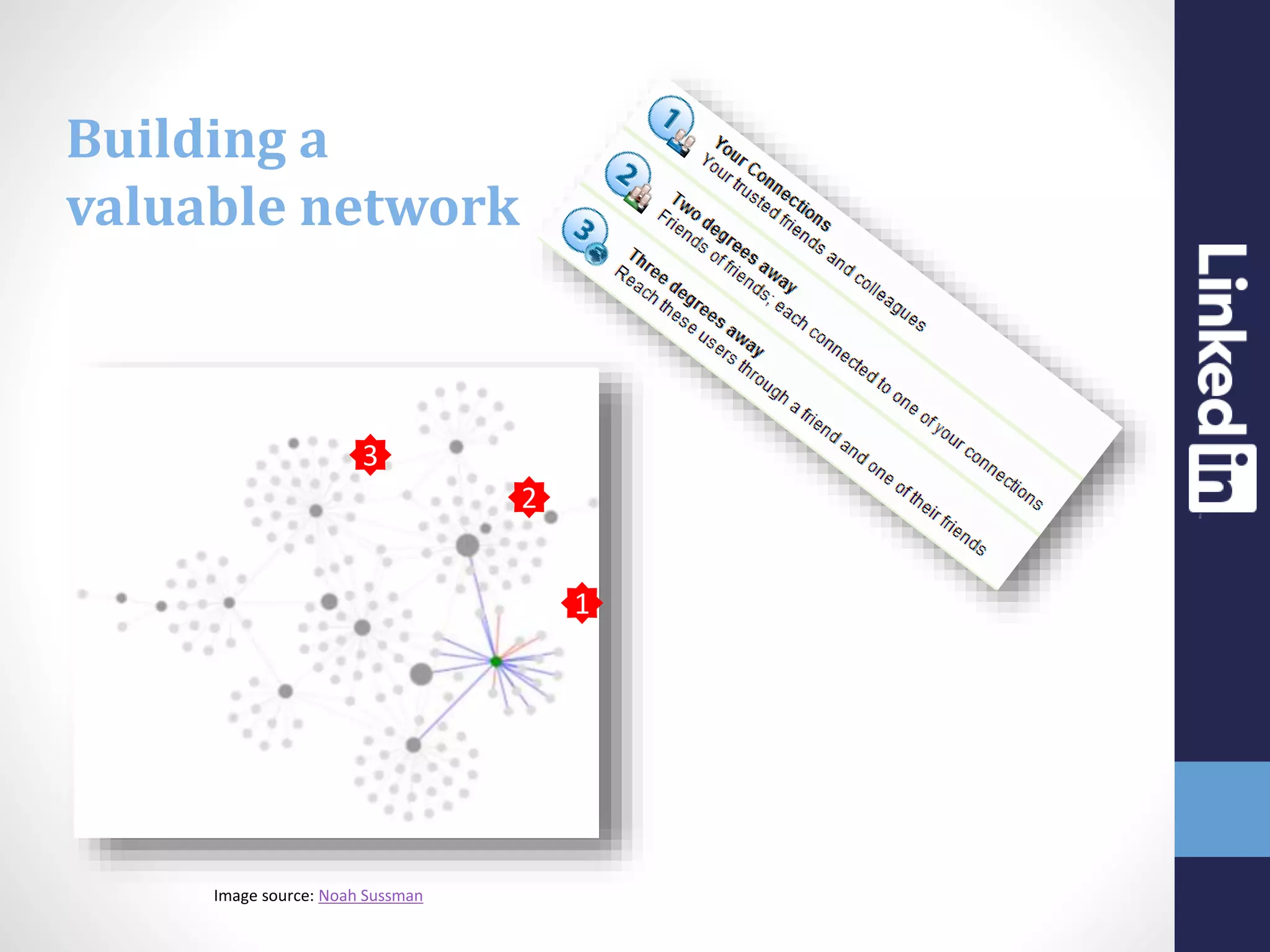
Image source: Noah Sussman
3
1
2
Building a
valuable network
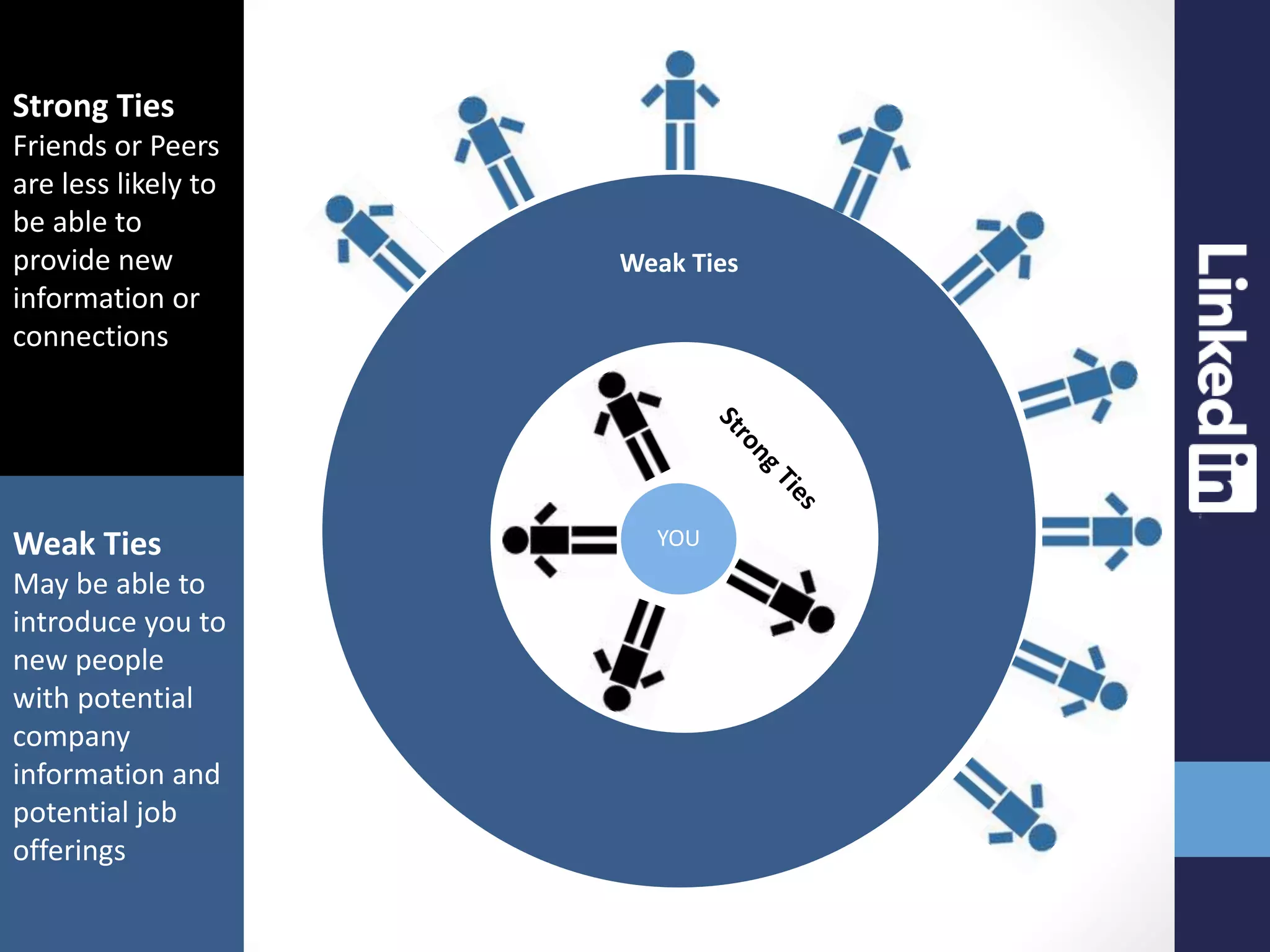
Weak Ties
Strong Ties
YOU
Strong Ties
Friends or Peers
are less likely to
be able to
provide new
information or
connections
Weak Ties
May be able to
introduce you to
new people
with potential
company
information and
potential job
offerings
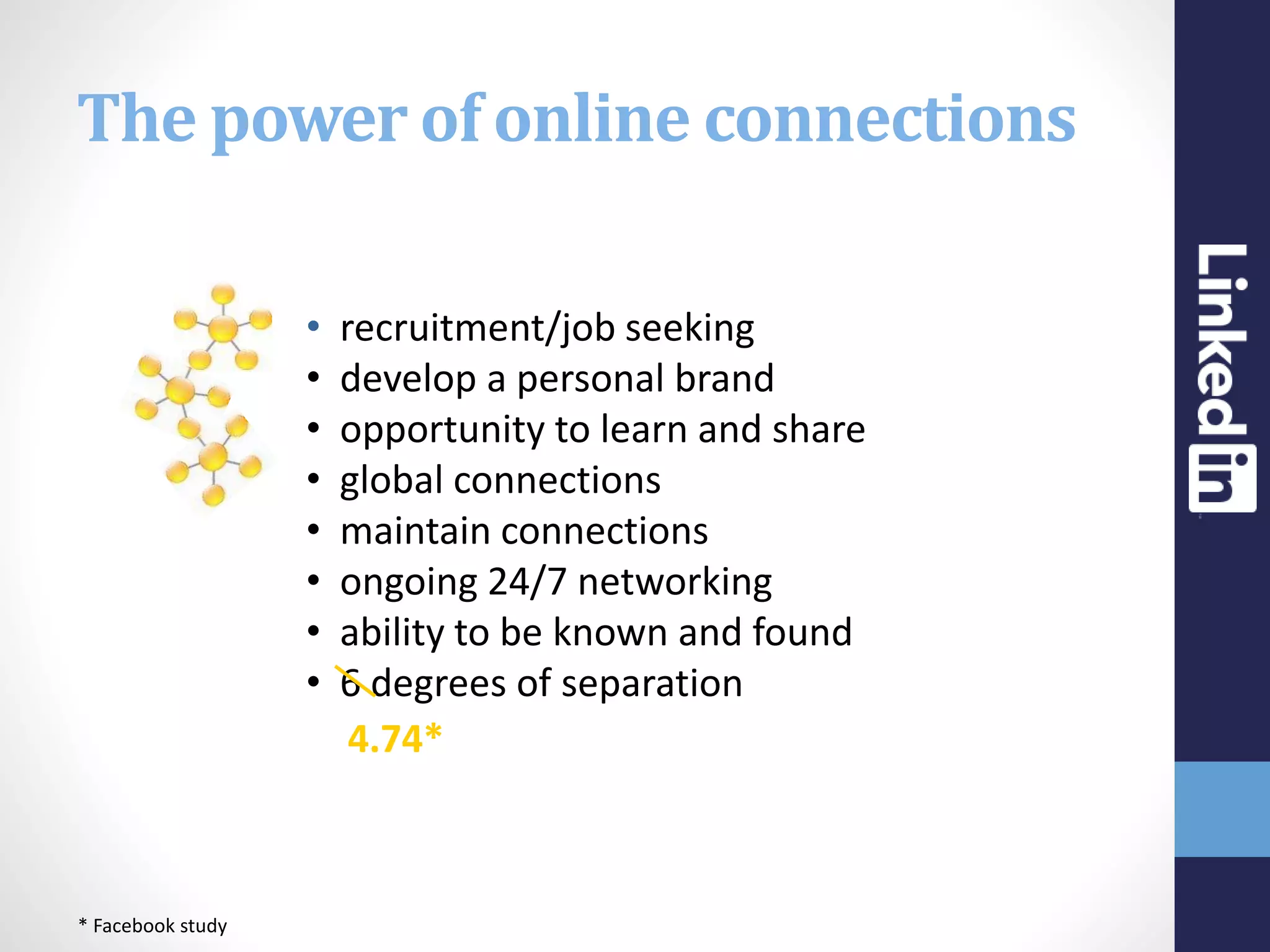
The power of online connections
• recruitment/job seeking
• develop a personal brand
• opportunity to learn and share
• global connections
• maintain connections
• ongoing 24/7 networking
• ability to be known and found
• 6 degrees of separation
4.74*
* Facebook study
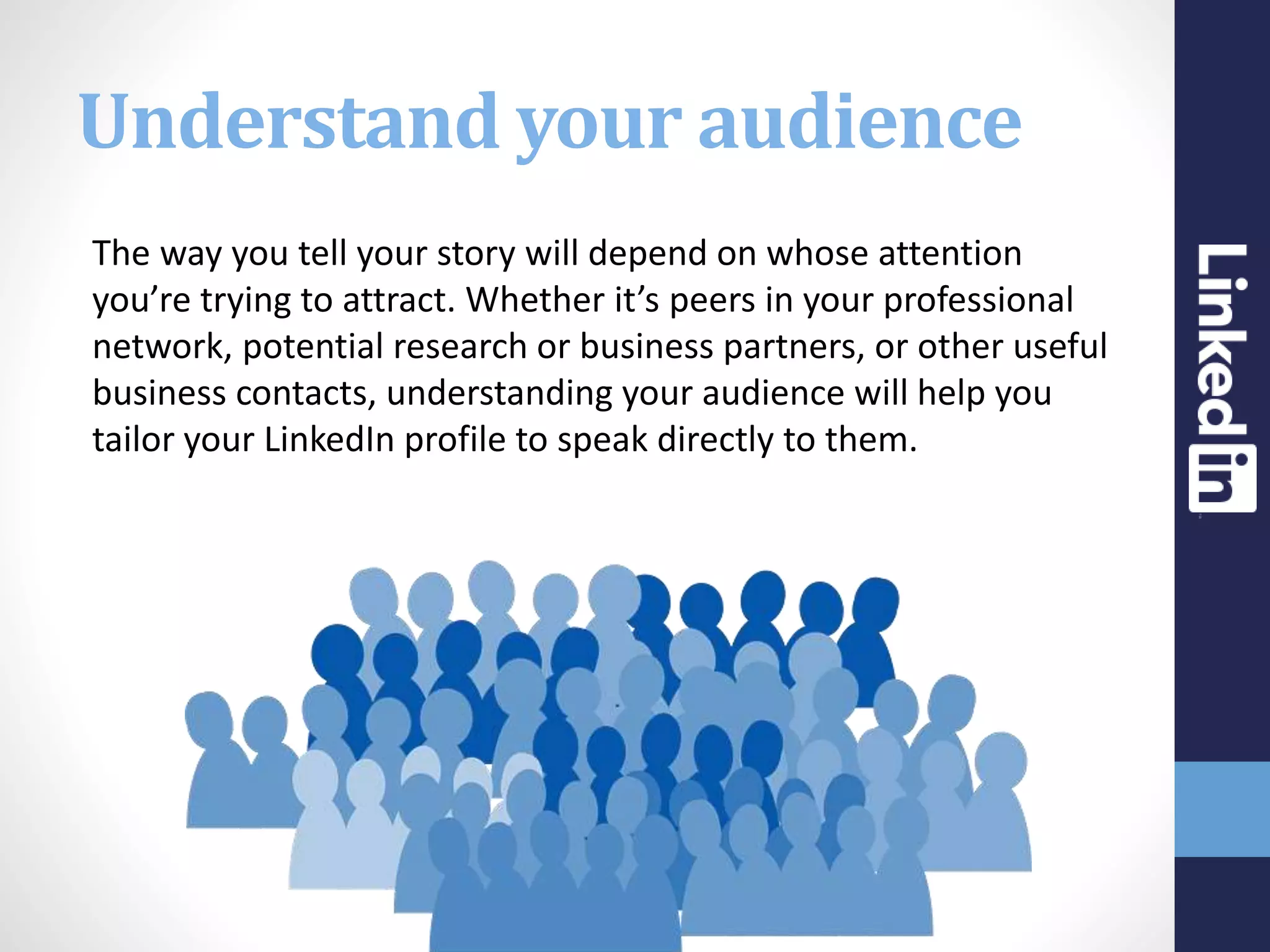
Understand your audience
The way you tell your story will depend on whose attention
you’re trying to attract. Whether it’s peers in your professional
network, potential research or business partners, or other useful
business contacts, understanding your audience will help you
tailor your LinkedIn profile to speak directly to them.
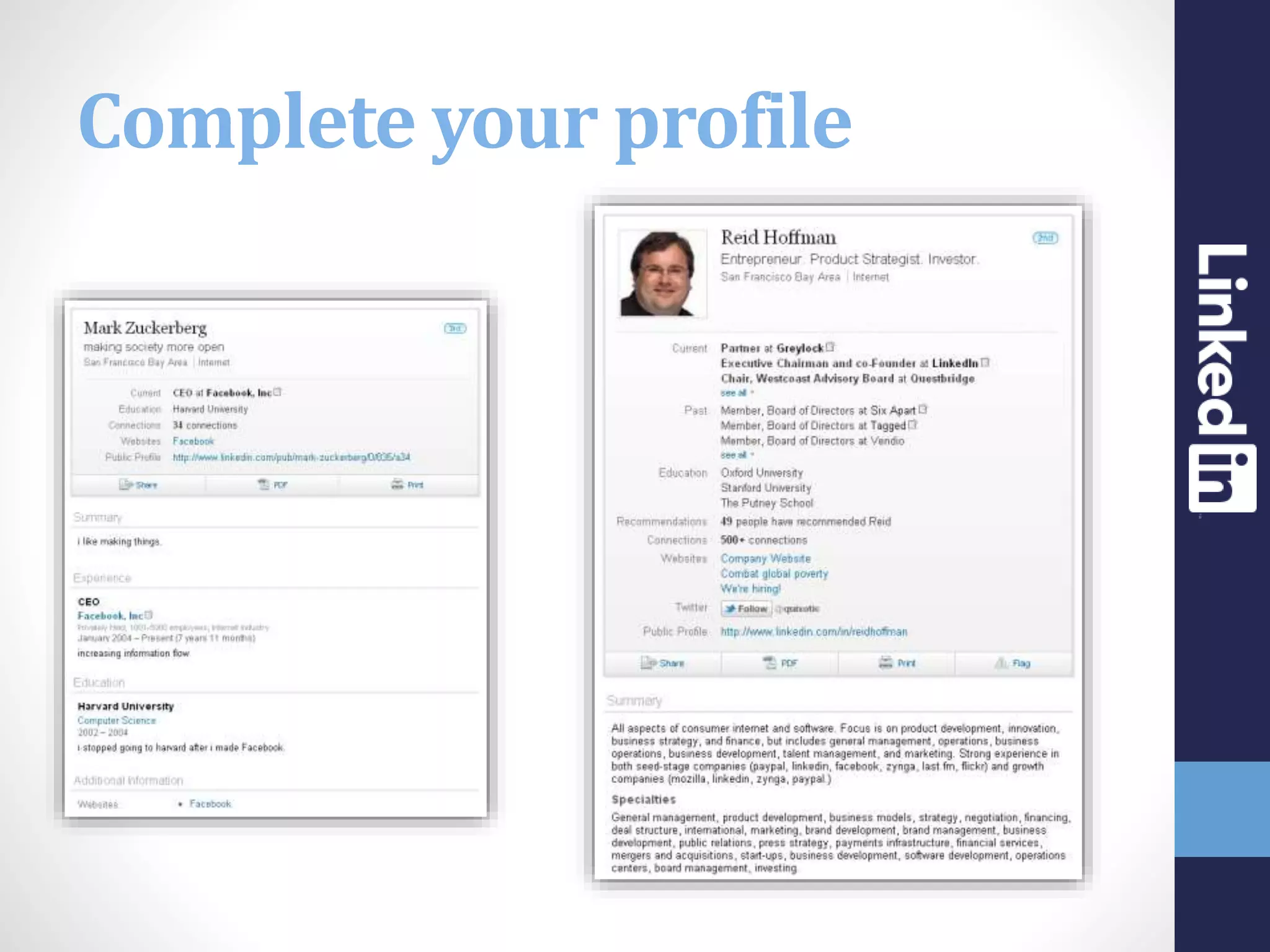
Complete your profile
Put a face to your name
First impressions count. Including a professional photo in your
profile brings your story to life and attracts more attention on
LinkedIn. LinkedIn state that members with profile photos
receive 14x more profile views than those without.
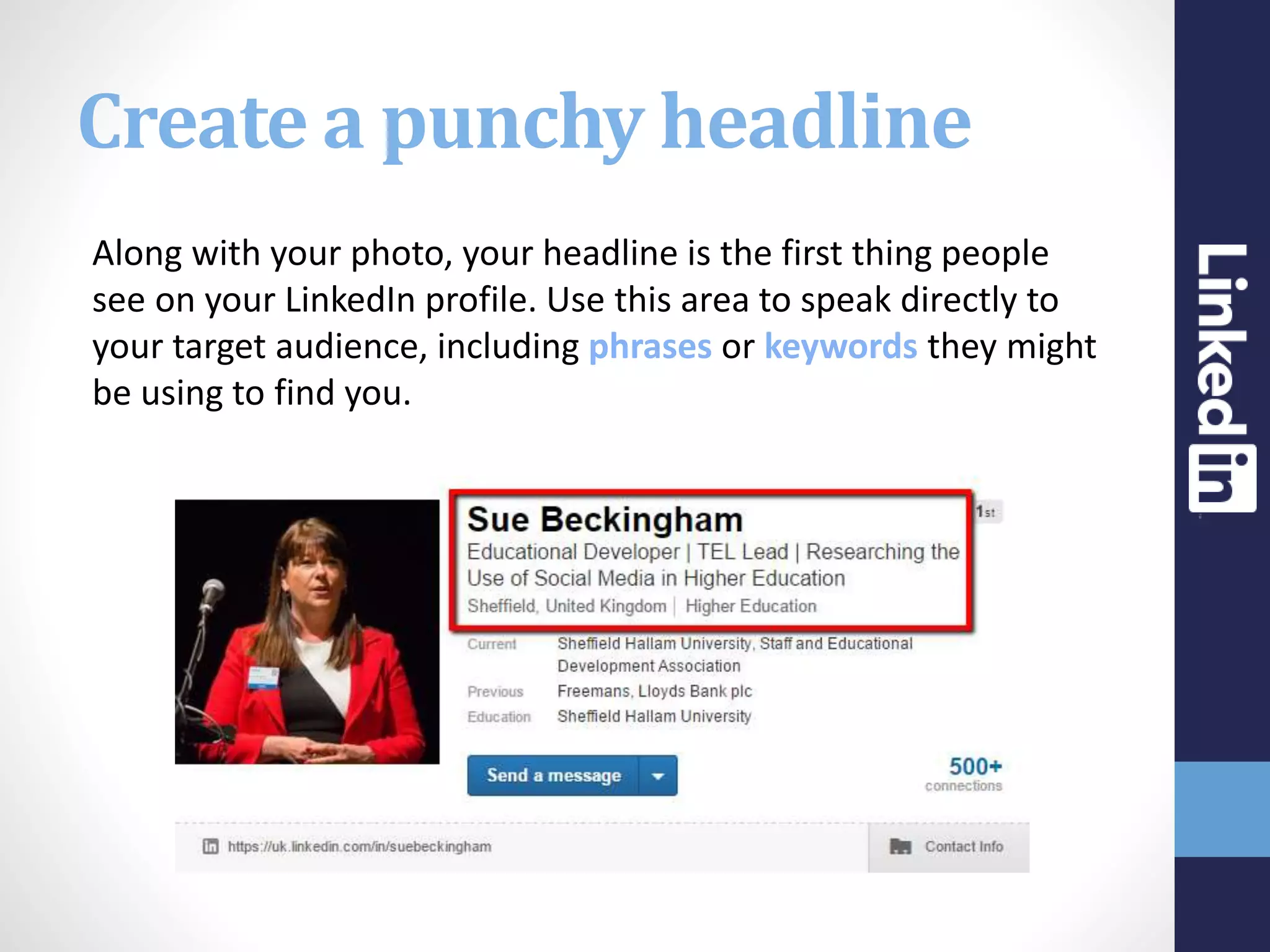
Create a punchy headline
Along with your photo, your headline is the first thing people
see on your LinkedIn profile. Use this area to speak directly to
your target audience, including phrases or keywords they might
be using to find you.
Tell your professional story
Demonstrate your expertise.
Use the Summary and Experience sections of your profile to
showcase your career and experience – and show others why
you’re someone worth knowing.
Be sure to include keywords and phrases that highlight your
best skills and improve your visibility in LinkedIn and Google
search results.
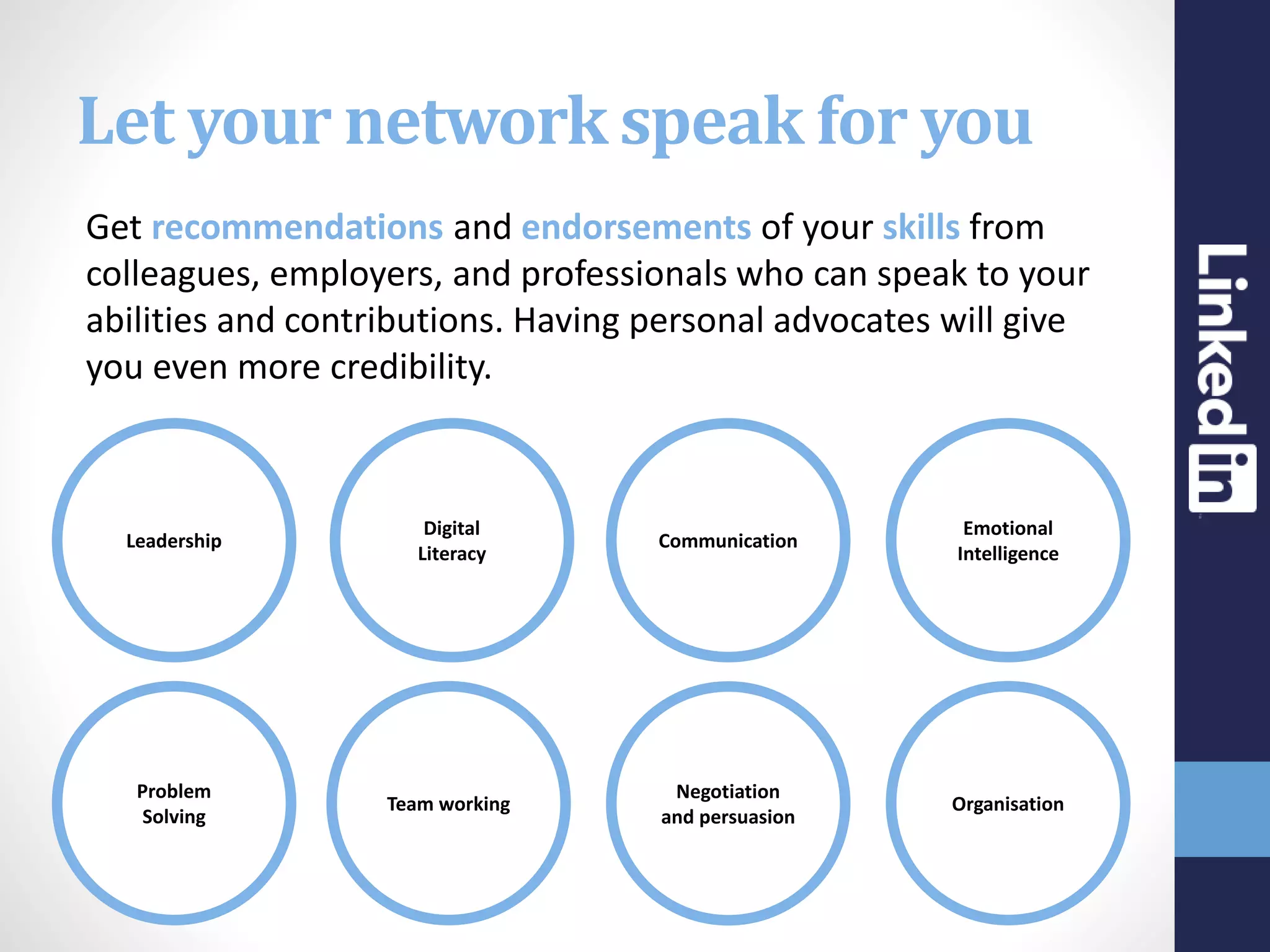
Let your network speak for you
Get recommendations and endorsements of your skills from
colleagues, employers, and professionals who can speak to your
abilities and contributions. Having personal advocates will give
you even more credibility.
Leadership
Team working
Digital
Literacy
Problem
Solving
Negotiation
and persuasion
Communication
Organisation
Emotional
Intelligence
Showcase your work
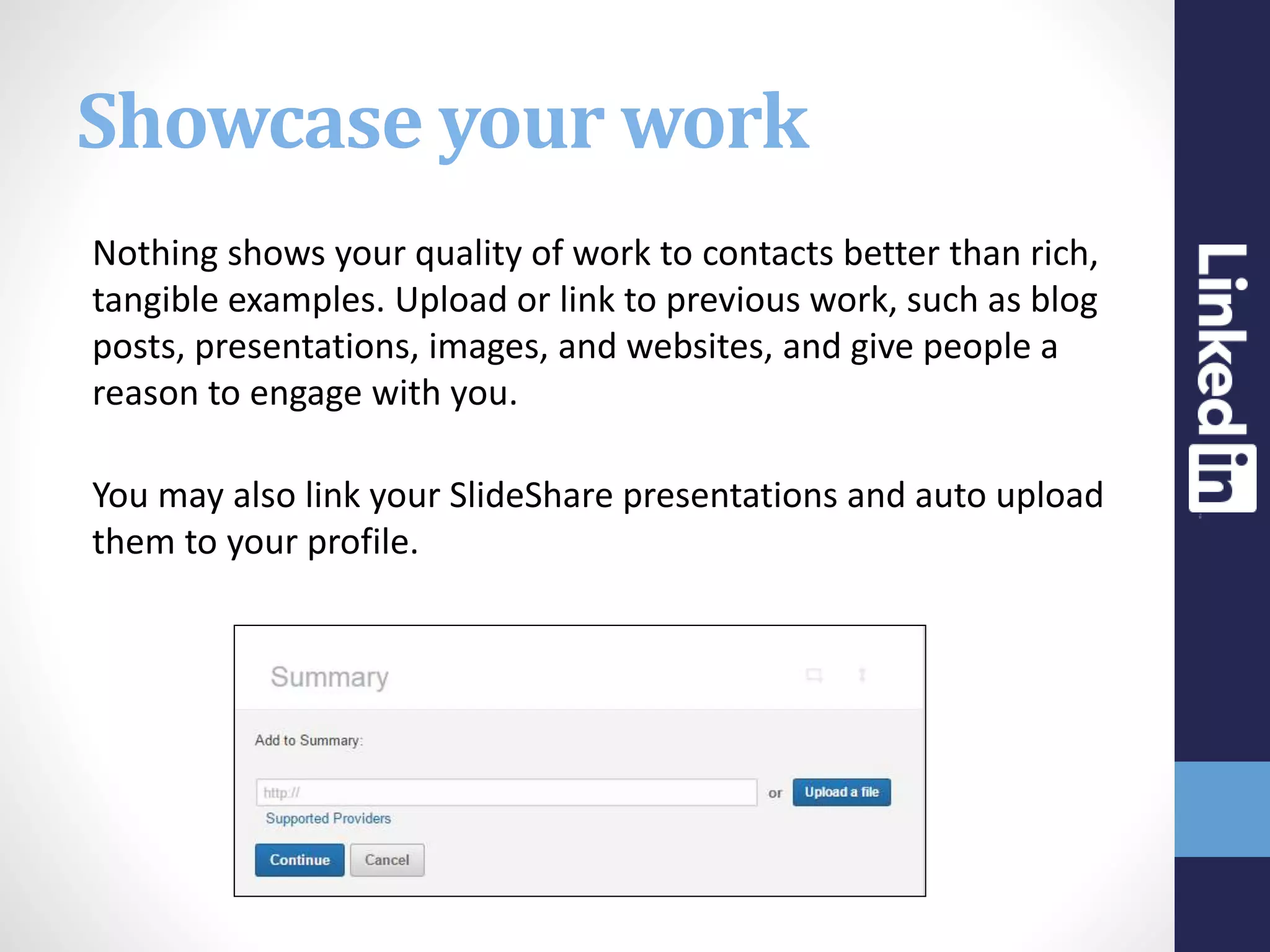
Nothing shows your quality of work to contacts better than rich,
tangible examples. Upload or link to previous work, such as blog
posts, presentations, images, and websites, and give people a
reason to engage with you.
You may also link your SlideShare presentations and auto upload
them to your profile.
Make yourself easy to find
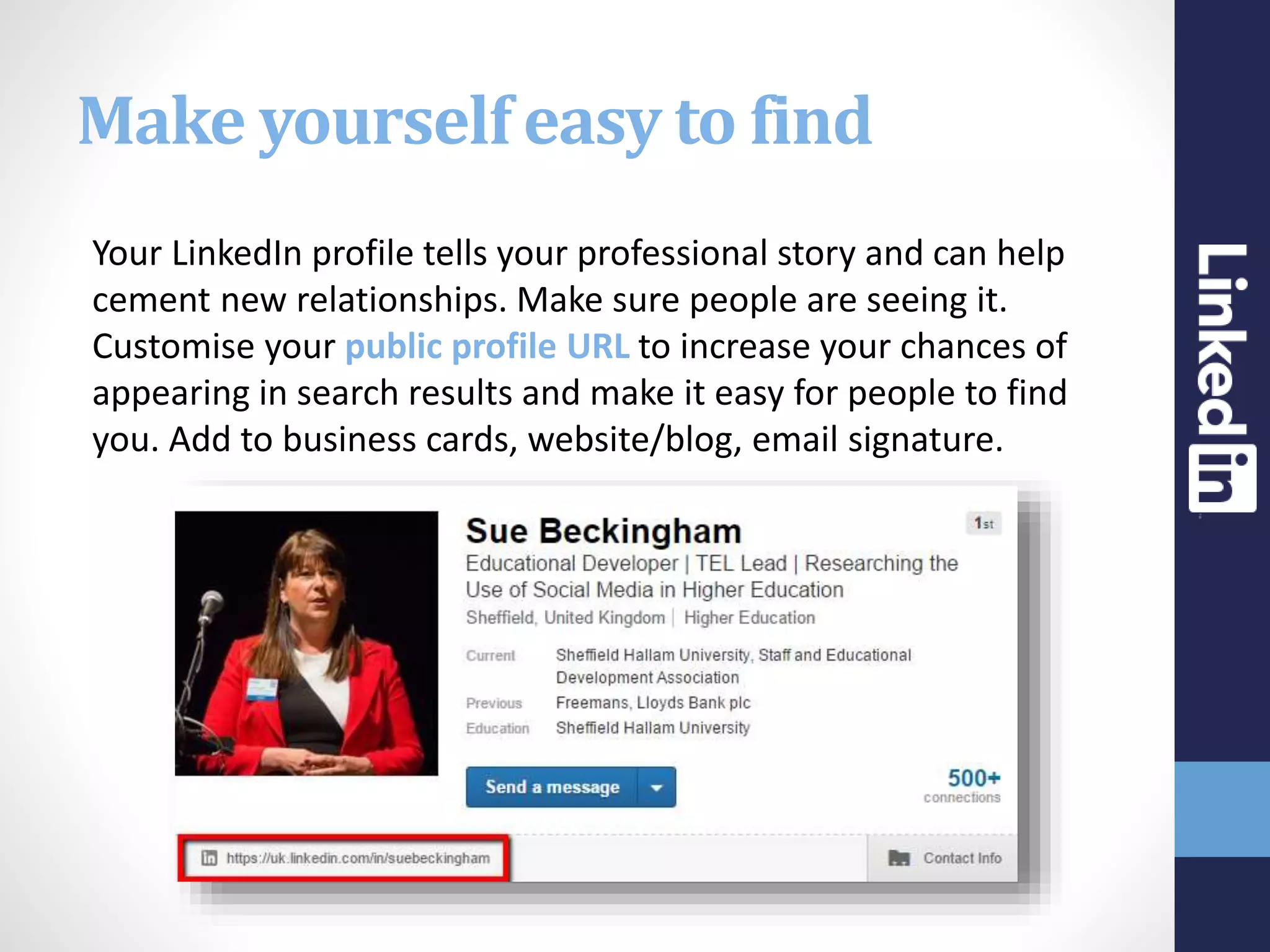
Your LinkedIn profile tells your professional story and can help
cement new relationships. Make sure people are seeing it.
Customise your public profile URL to increase your chances of
appearing in search results and make it easy for people to find
you. Add to business cards, website/blog, email signature.
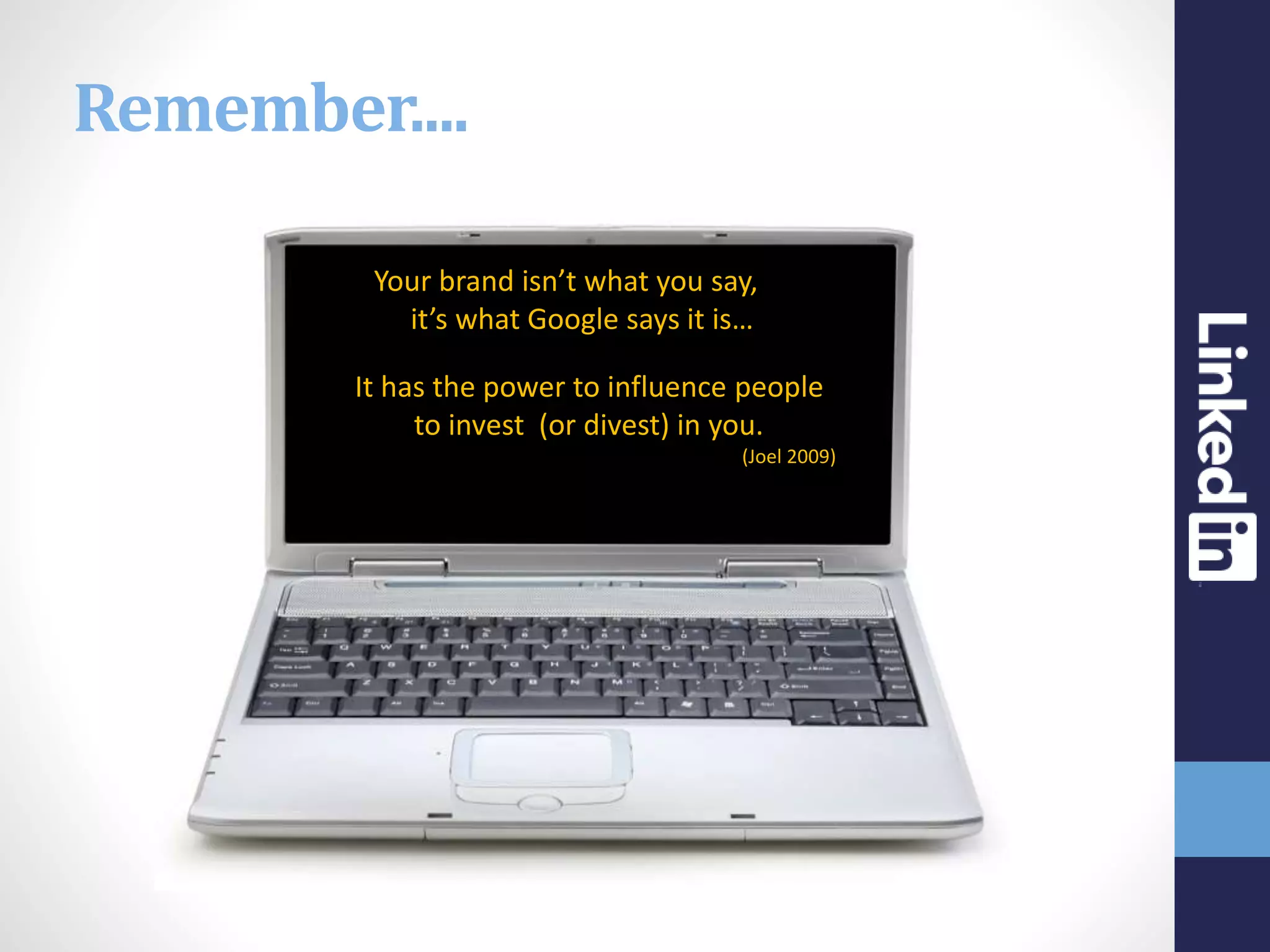
“Your brand isn’t what you say, it is,
it’s what Google says it is…”
It has the power to influence people
to invest (or divest) in you.
(Joel 2009)
Remember....
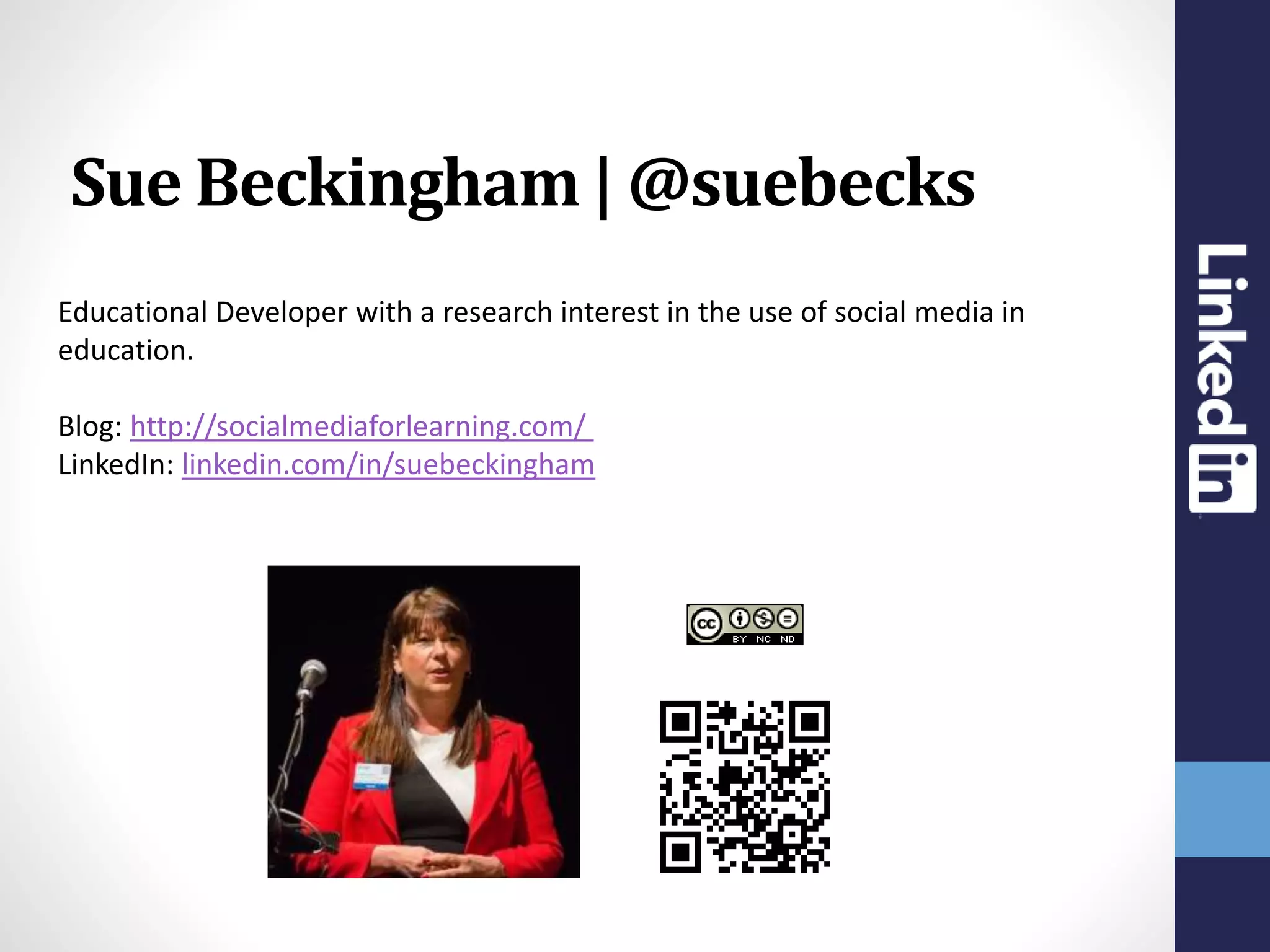
Educational Developer with a research interest in the use of social media in
education.
Blog: http://socialmediaforlearning.com/
LinkedIn: linkedin.com/in/suebeckingham
Sue Beckingham | @suebecks

Enhancing your Academic online presence using LinkedIn

  • 1.
    Enhancing your Academiconline presence using SueBeckingham @suebecks
  • 2.
    “Social Media givesmore people a voice and provides a powerful tool for value creation and competitive differentiation” Advanced Human Technologies 2010
  • 3.
  • 4.
    The interface keepschanging so do refer to the up to date resources provided by LinkedIn https://help.linkedin.com/app/home LinkedIn Help
  • 5.
    Questions to consider Whowill look at your online profile?  What do people want to know about you?  Where will they use this information?  Why is your profile important?  When and how often do you update it?  How will you use your profile to your advantage?
  • 6.
    Shining the spotlight onLinkedIn MAKING CONNECTIONS SKILLS AND ENDORSEMENTS RECOMMENDATIONS SEARCH GROUPS DIGITAL SCHOLARSHIP
  • 8.
    Image source: NoahSussman 3 1 2 Building a valuable network
  • 9.
    Weak Ties Strong Ties YOU StrongTies Friends or Peers are less likely to be able to provide new information or connections Weak Ties May be able to introduce you to new people with potential company information and potential job offerings
  • 10.
    The power ofonline connections • recruitment/job seeking • develop a personal brand • opportunity to learn and share • global connections • maintain connections • ongoing 24/7 networking • ability to be known and found • 6 degrees of separation 4.74* * Facebook study
  • 11.
    Understand your audience Theway you tell your story will depend on whose attention you’re trying to attract. Whether it’s peers in your professional network, potential research or business partners, or other useful business contacts, understanding your audience will help you tailor your LinkedIn profile to speak directly to them.
  • 12.
  • 13.
    Put a faceto your name First impressions count. Including a professional photo in your profile brings your story to life and attracts more attention on LinkedIn. LinkedIn state that members with profile photos receive 14x more profile views than those without.
  • 14.
    Create a punchyheadline Along with your photo, your headline is the first thing people see on your LinkedIn profile. Use this area to speak directly to your target audience, including phrases or keywords they might be using to find you.
  • 15.
    Tell your professionalstory Demonstrate your expertise. Use the Summary and Experience sections of your profile to showcase your career and experience – and show others why you’re someone worth knowing. Be sure to include keywords and phrases that highlight your best skills and improve your visibility in LinkedIn and Google search results.
  • 16.
    Let your networkspeak for you Get recommendations and endorsements of your skills from colleagues, employers, and professionals who can speak to your abilities and contributions. Having personal advocates will give you even more credibility. Leadership Team working Digital Literacy Problem Solving Negotiation and persuasion Communication Organisation Emotional Intelligence
  • 17.
    Showcase your work Nothingshows your quality of work to contacts better than rich, tangible examples. Upload or link to previous work, such as blog posts, presentations, images, and websites, and give people a reason to engage with you. You may also link your SlideShare presentations and auto upload them to your profile.
  • 18.
    Make yourself easyto find Your LinkedIn profile tells your professional story and can help cement new relationships. Make sure people are seeing it. Customise your public profile URL to increase your chances of appearing in search results and make it easy for people to find you. Add to business cards, website/blog, email signature.
  • 19.
    “Your brand isn’twhat you say, it is, it’s what Google says it is…” It has the power to influence people to invest (or divest) in you. (Joel 2009) Remember....
  • 20.
    Educational Developer witha research interest in the use of social media in education. Blog: http://socialmediaforlearning.com/ LinkedIn: linkedin.com/in/suebeckingham Sue Beckingham | @suebecks

Editor's Notes

  • #2 http://pixabay.com/en/people-character-faces-real-305836/
  • #3 http://ahtgroup.com/services/social-media-strategies
  • #4 https://press.linkedin.com/about-linkedin
  • #6 https://press.linkedin.com/about-linkedin
  • #7 http://pixabay.com/en/bulb-light-blue-idea-sketch-305162/
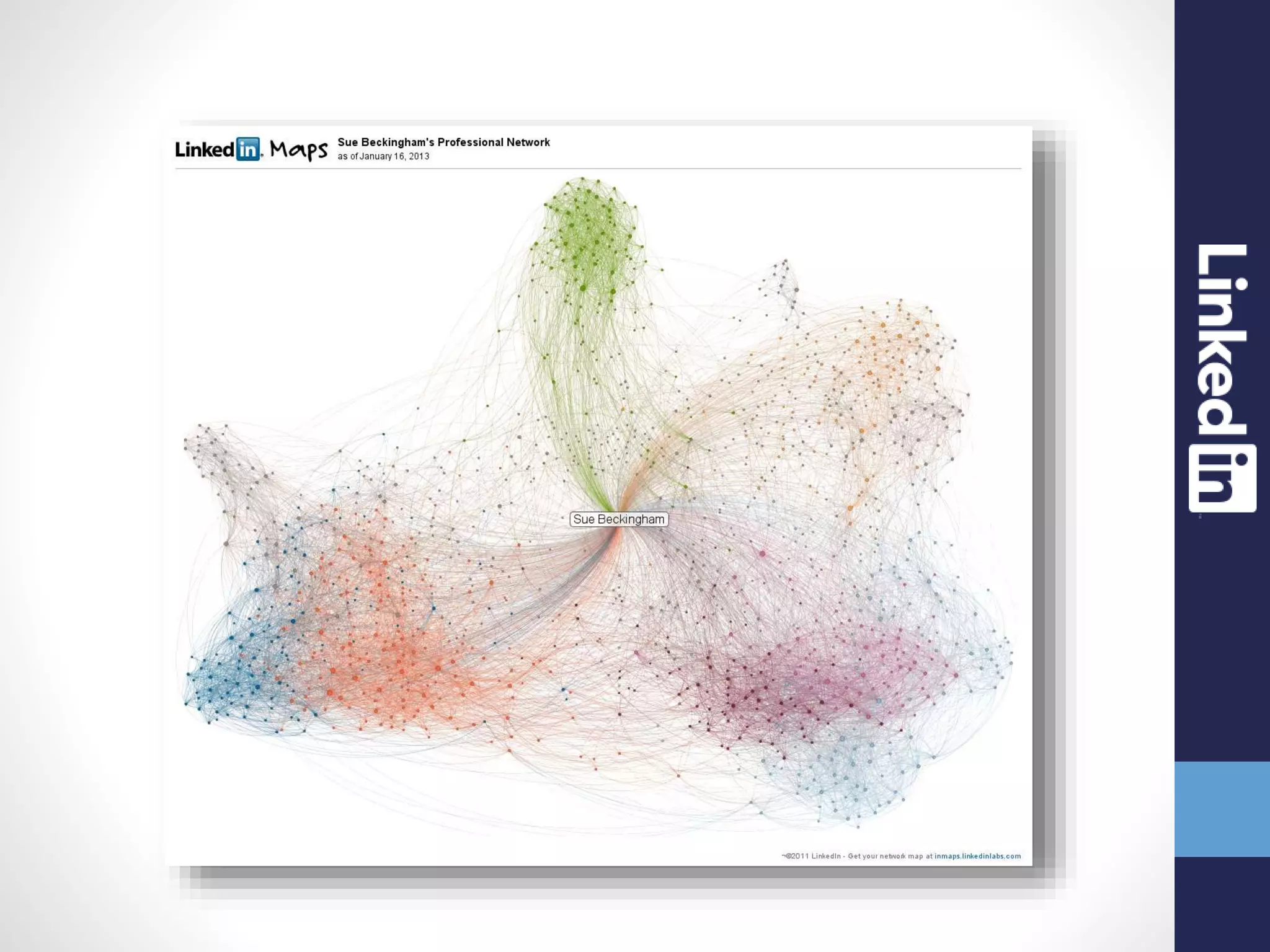
  • #8 Sadly LinkedIn maps are no longer available
  • #9 http://www.flickr.com/photos/thefangmonster/352439602/sizes/o/in/set-72157615109132005/
  • #11 Six degrees of separation - Stanley Milgram 1967 http://www.facebook.com/notes/facebook-data-team/anatomy-of-facebook/10150388519243859 http://www.nytimes.com/2011/11/22/technology/between-you-and-me-4-74-degrees.html?_r=2
  • #14 http://pixabay.com/en/female-portrait-avatar-face-head-306407/ http://pixabay.com/en/male-portrait-avatar-face-head-306408/
  • #20 Six Pixels of Separation - Mitch Joel