The document provides instructions for several activities using a SMART Board:
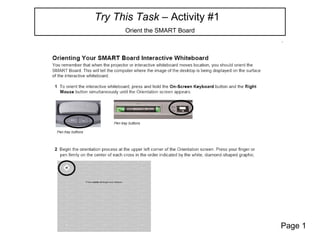
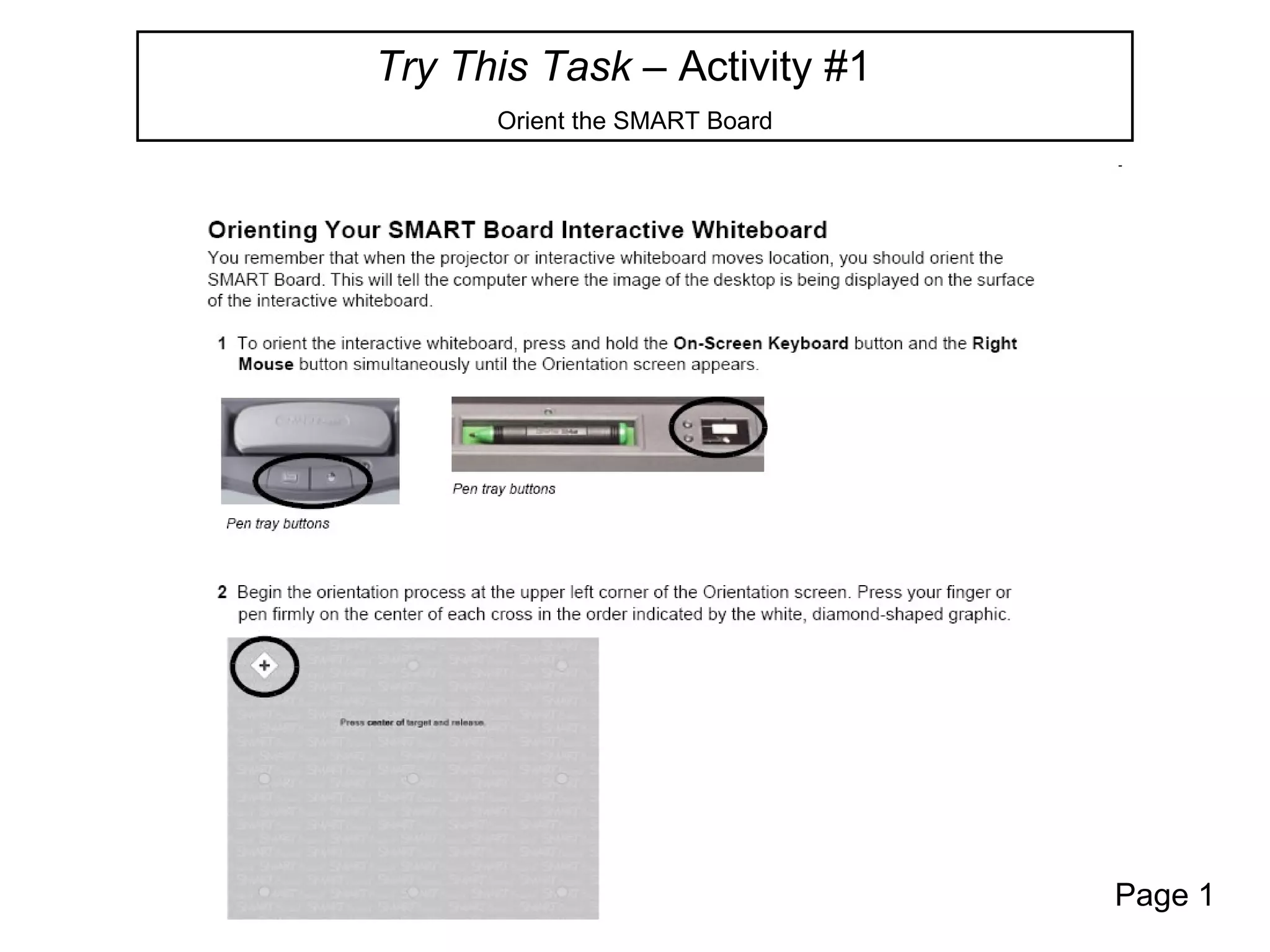
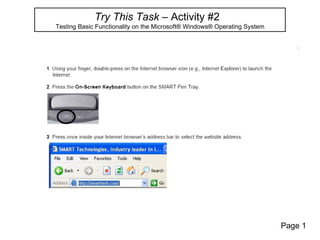
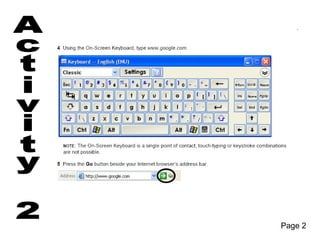
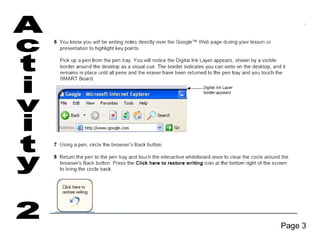
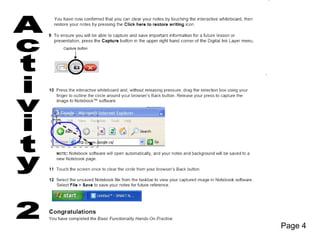
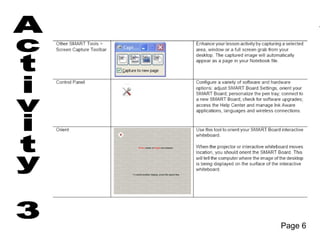
1) Orienting the SMART Board and testing basic functionality in the Windows operating system.
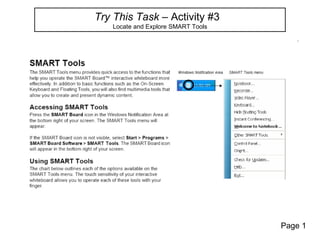
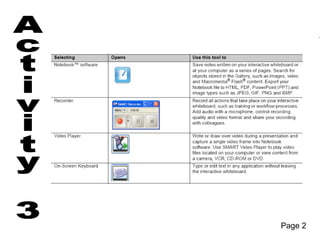
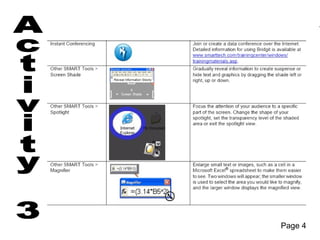
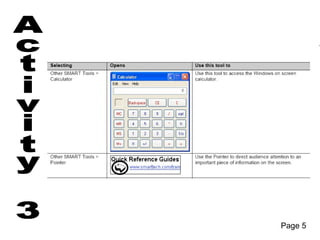
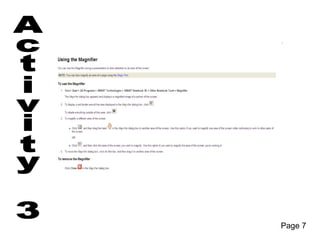
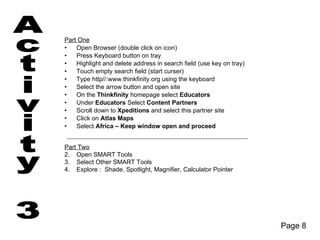
2) Locating and exploring SMART tools, including the shade, spotlight, magnifier, and calculator pointer.
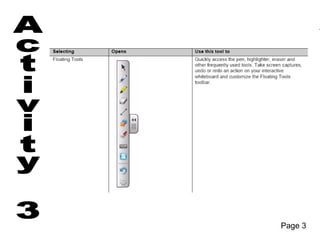
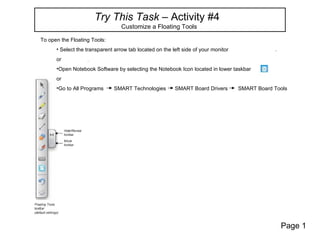
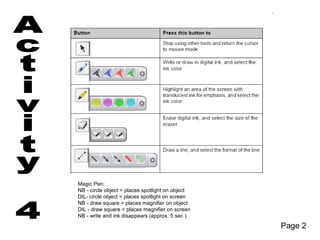
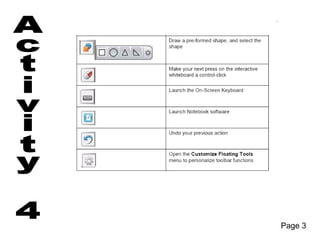
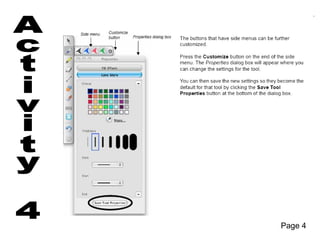
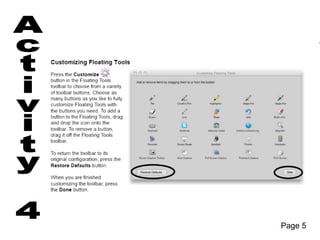
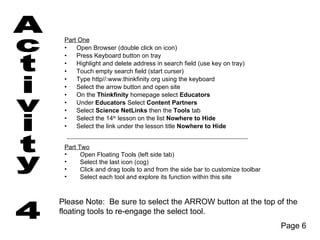
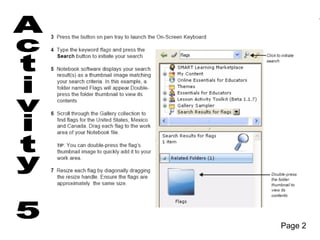
3) Customizing a floating tools bar by adding and removing tools and exploring each tool's function on an educational website.
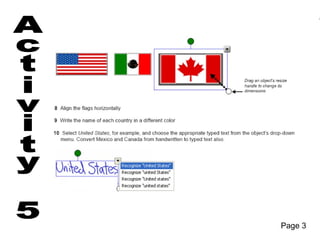
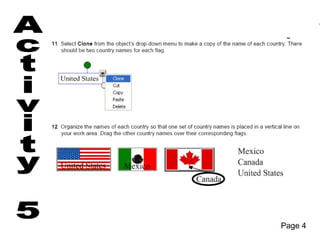
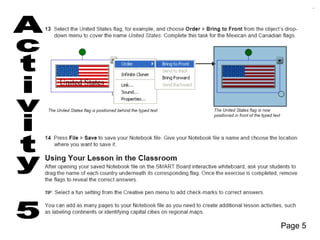
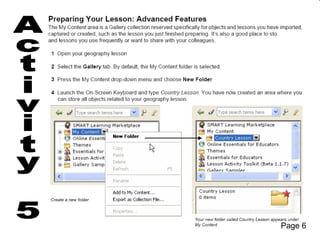
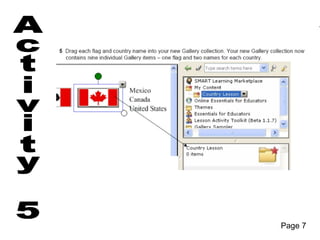
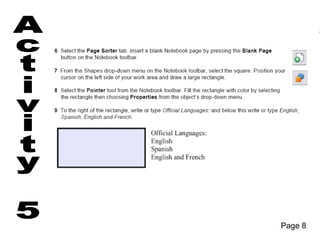
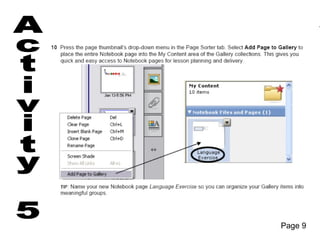
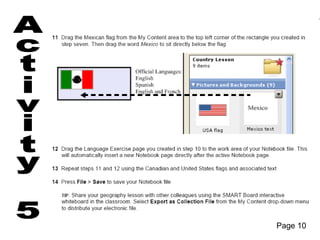
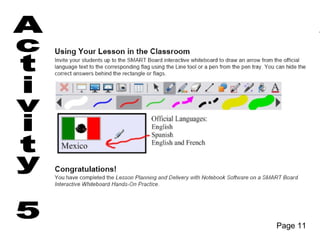
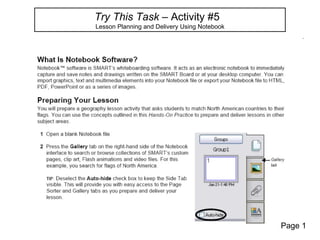
4) Lesson planning and delivery using Notebook software.


![The game dragon quest[1]](https://cdn.slidesharecdn.com/ss_thumbnails/thegamedragonquest1-101028132359-phpapp02-thumbnail.jpg?width=640&height=640&fit=bounds)


