Skype for the classroom
The Education Group @ W.R. Berkley Innovation Lab
New York University Stern School of Business
iLabEd
The Education Group @ The
W.R. Berkley Innovation Lab
partners with the Stern faculty and
academic groups in the exploration
of new models of teaching and
learning.
iLabEd
Education @ W.R. Berkley Innovation Lab
• Workshops
• Grants
• Consulting
Skype
For The
Classroom
DESIGN: Build in Interaction, Preparation
PEOPLE: Guests(s), Students, and Professor
TECH: Skype, Camera, Audio
Skype — An Educational Tool
Bring new perspectives into
the classroom.
• Competing theories
• Experts from outside of field
• Practitioners
Skype/Web Video
Conference
• Expose students to professionals
• Students interact with experts.
• Add diversity to the class
discussion and dialogue.
• Avoid the time and expense of
travel.
• Consider the roles of the guest
speaker, students, and
professor.
Skype Examples
Guest Speakers
• Skype in guest speakers from
across the country for easy
communication
Experts and mentors
• Students can directly Skype in
with experts or mentors and
share files/documents
zDESIGN+PEOPLE
Good Use Cases
Individual students asking questions
Student-centered interaction; Peer observation
Professor engages Guest - Interview
Opportunity to explore expertise
Multiple Guests
Variety, contrast
Individual Student
Questions
• In class Q&A
• Individual mentorship
• How would you have
students prepare?
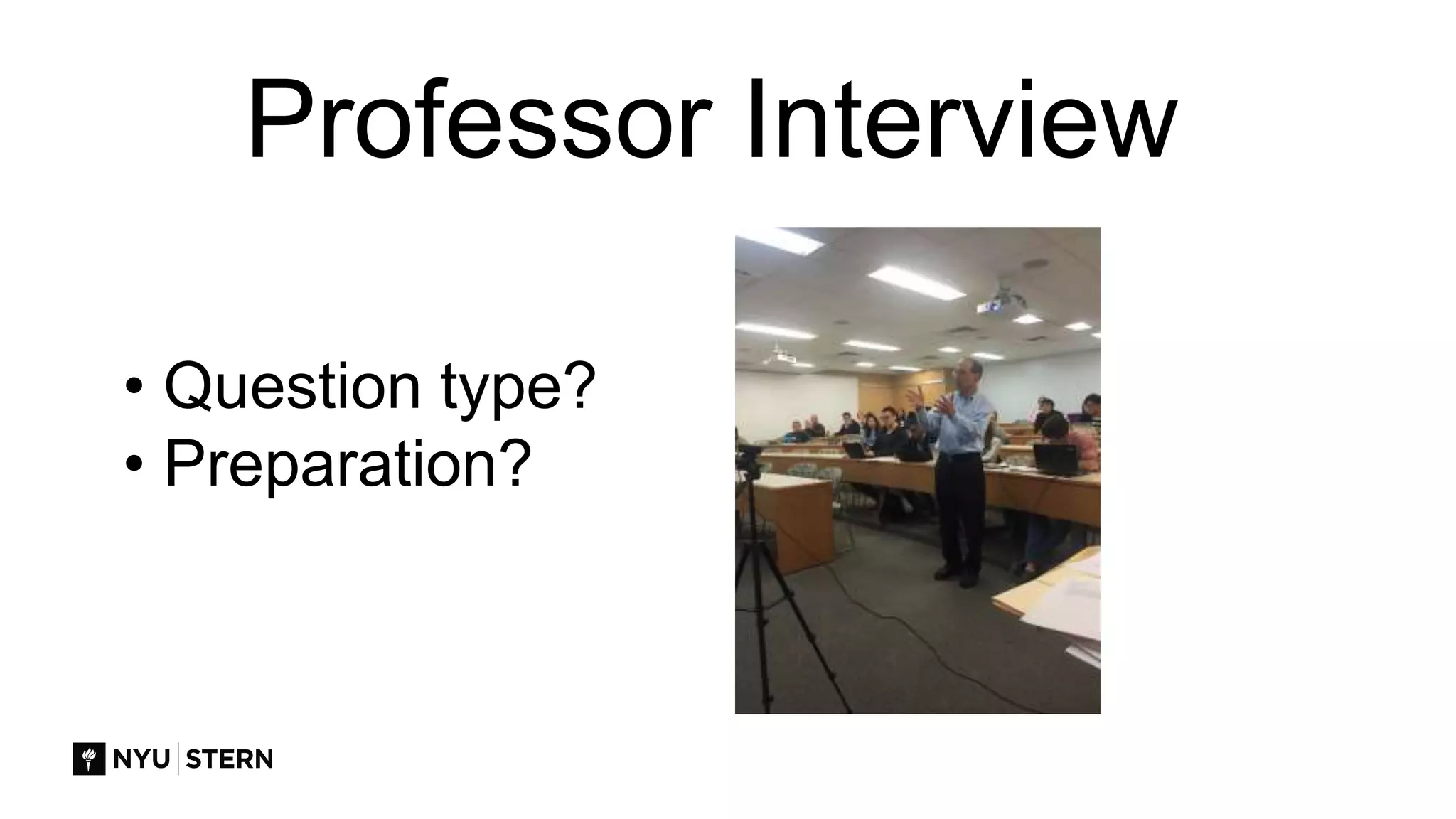
Professor Interview
• Question type?
• Preparation?
Multiple Guests
• Experts
• Colleagues
• Former students
• Possible uses?
Poor Use Cases
One- way communication
Long Lectures
No interaction
Guests who are not engaging
Where to look?
Conferences, Online Video Presence
Colleagues
zTHE TECH
Connecting
Video
Audio
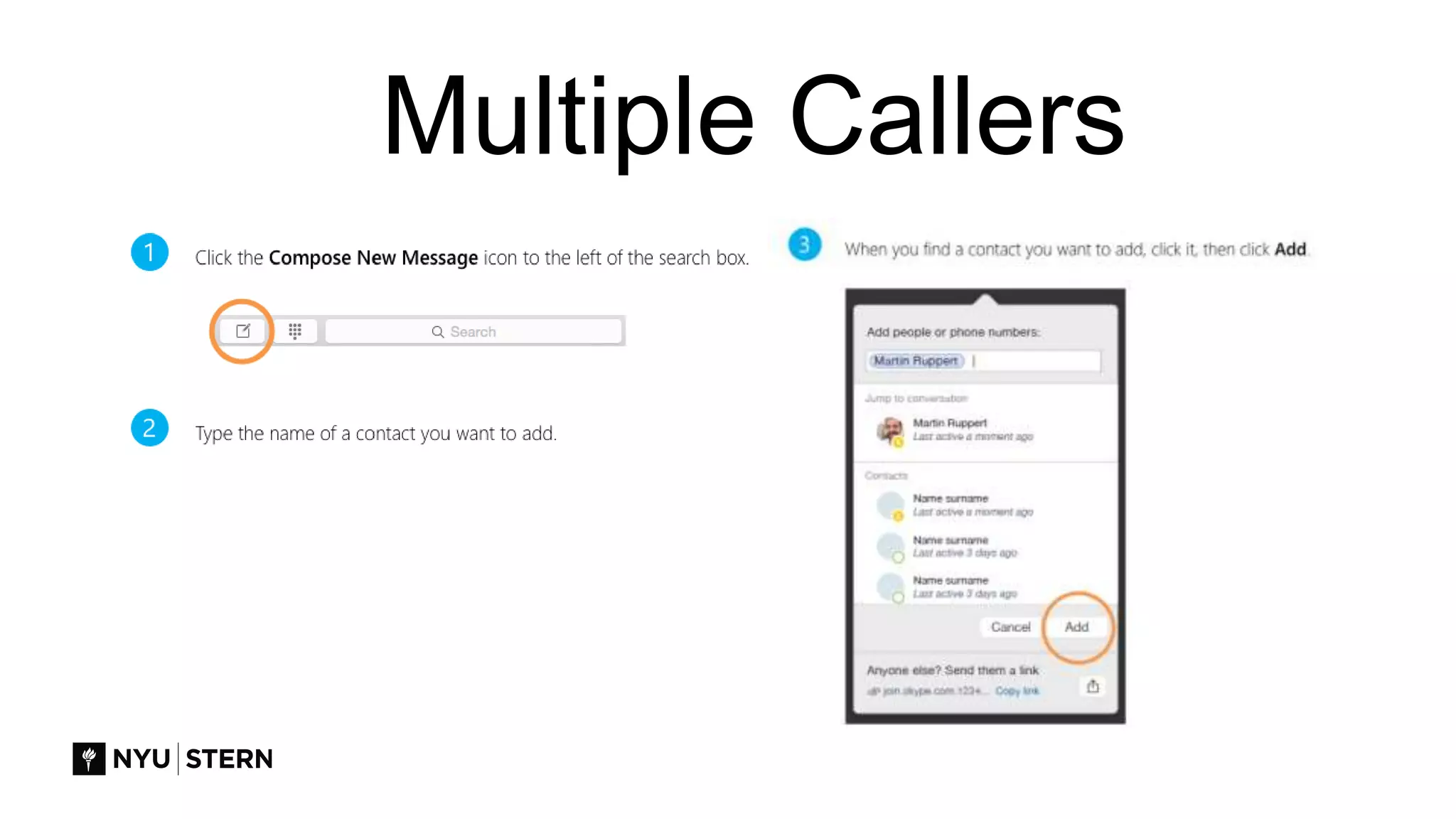
Multiple Callers
Screen - Presentation
Common Pitfalls
Technology
• Can’t connect
• Skype updates
• No Skype name
• Video not working
• Audio not working
• Operating system updates
Common Pitfalls
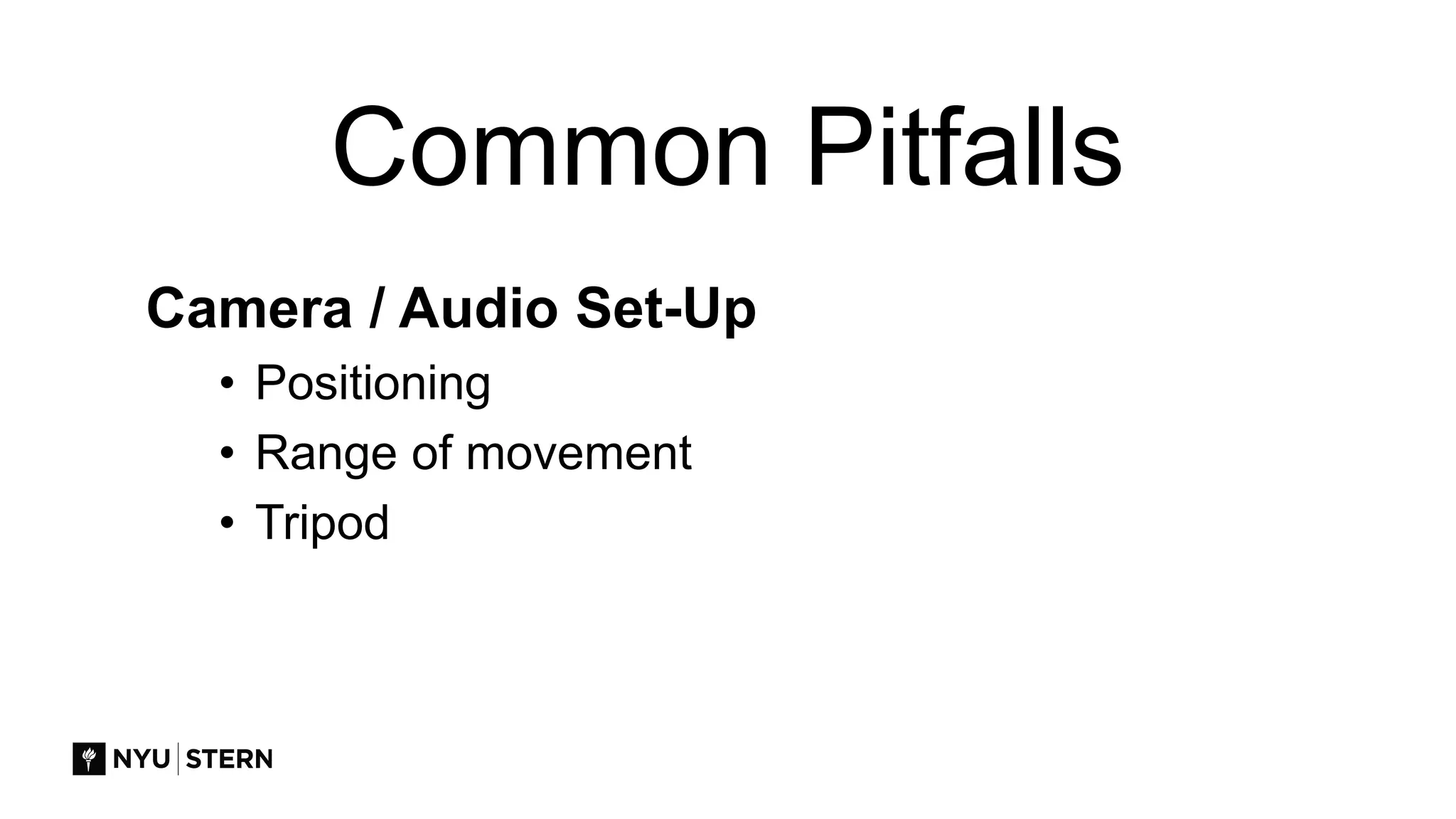
Camera / Audio Set-Up
• Positioning
• Range of movement
• Tripod
Common Pitfalls
Preparation
• Management of the experience
• Roles not defined
z
EDUCATION
GROUP
Planning and Execution
• Consult on Design
• Advise on Planning
• Assist with Tech Prep
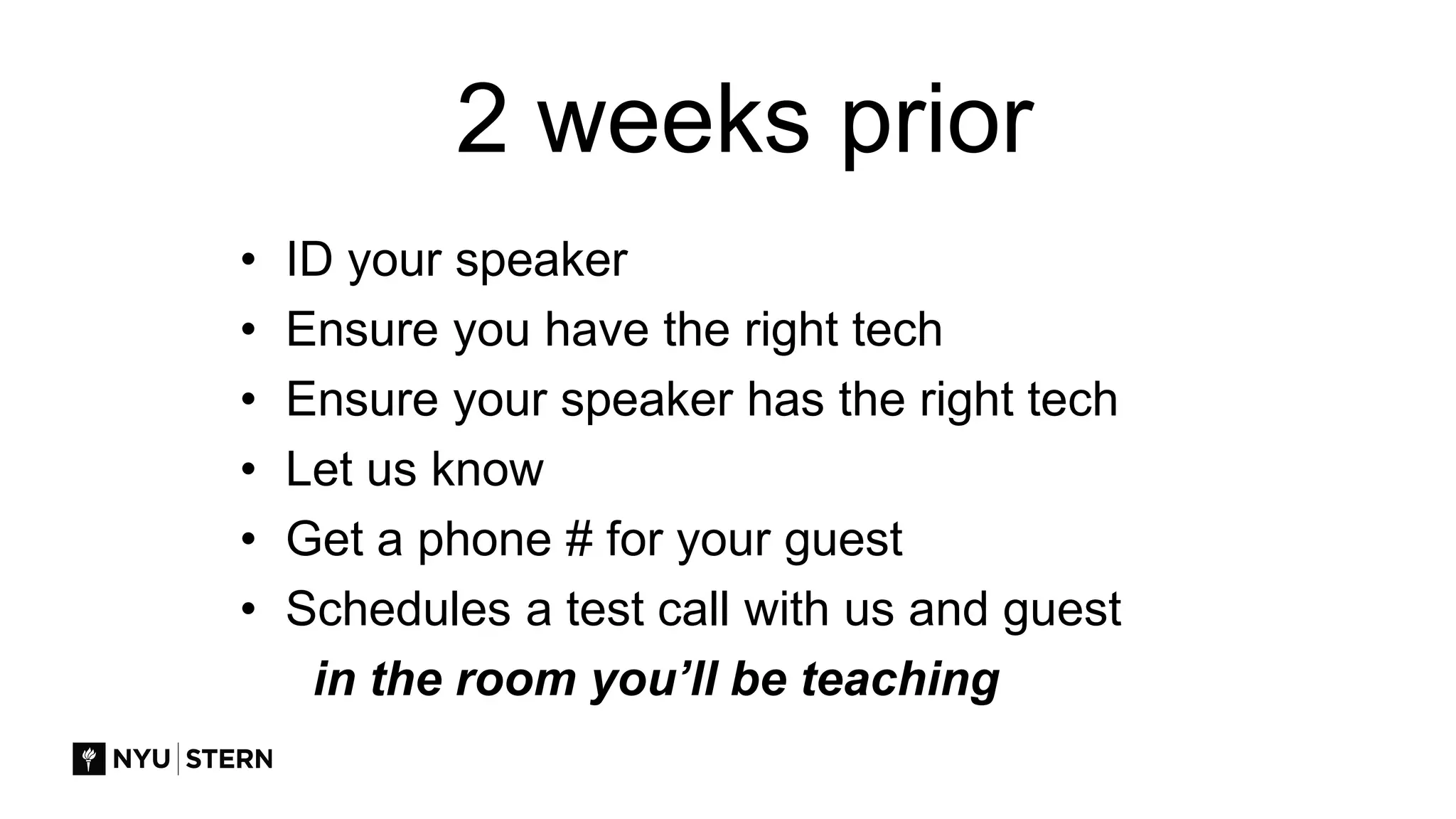
2 weeks prior
• ID your speaker
• Ensure you have the right tech
• Ensure your speaker has the right tech
• Let us know
• Get a phone # for your guest
• Schedules a test call with us and guest
in the room you’ll be teaching
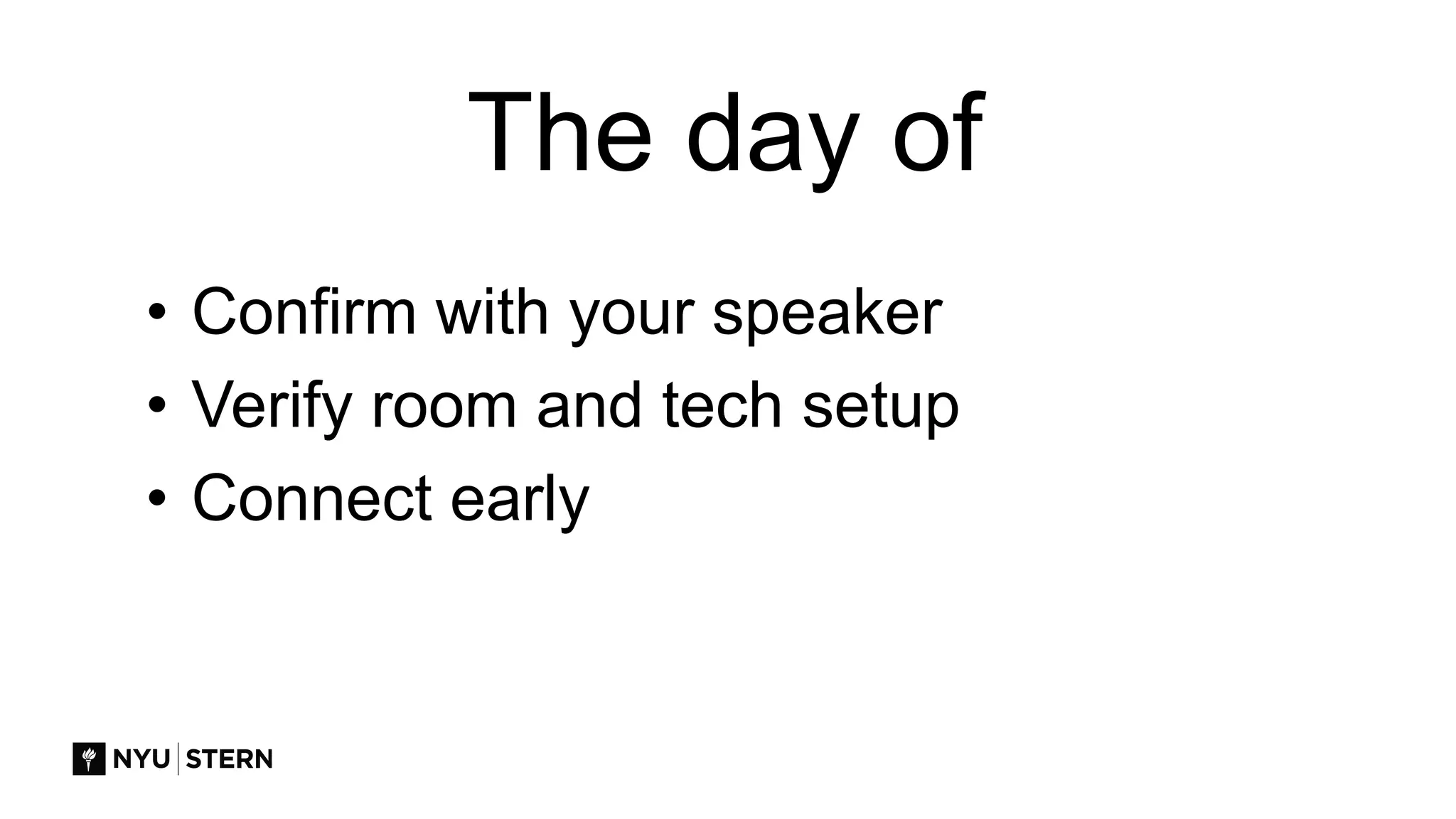
The day of
• Confirm with your speaker
• Verify room and tech setup
• Connect early
DESIGN: Student Centered, Interaction, Planning
PEOPLE: Experts, Questioners, and Guides
TECH: Equipment, Software, Video, Sound
Review: Skype as Teaching Tool
Phone: (212) 998-0070
Email: ilabed@stern.nyu.edu
Website: stern.nyu.edu/citl

Skype for the Classroom

Editor's Notes

  • #2 In this session you will learn strategies for telling a story using data. Emphasis will be placed on creating readable and interpretable presentations.
  • #8 For example, when introducing students to the topic of data visualization, I share with them the voices of data scientists, artists, and information designers. Each voice adds a new view of data visualization and the benefits of the medium.
  • #12 Alternative slide to the previous one
  • #13 Alternative slide to the previous one
  • #14 Alternative slide to the previous one
  • #18 Alternative slide to the previous one