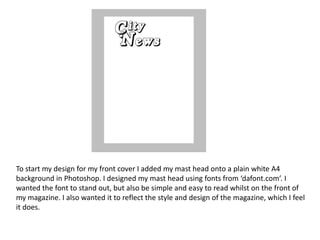
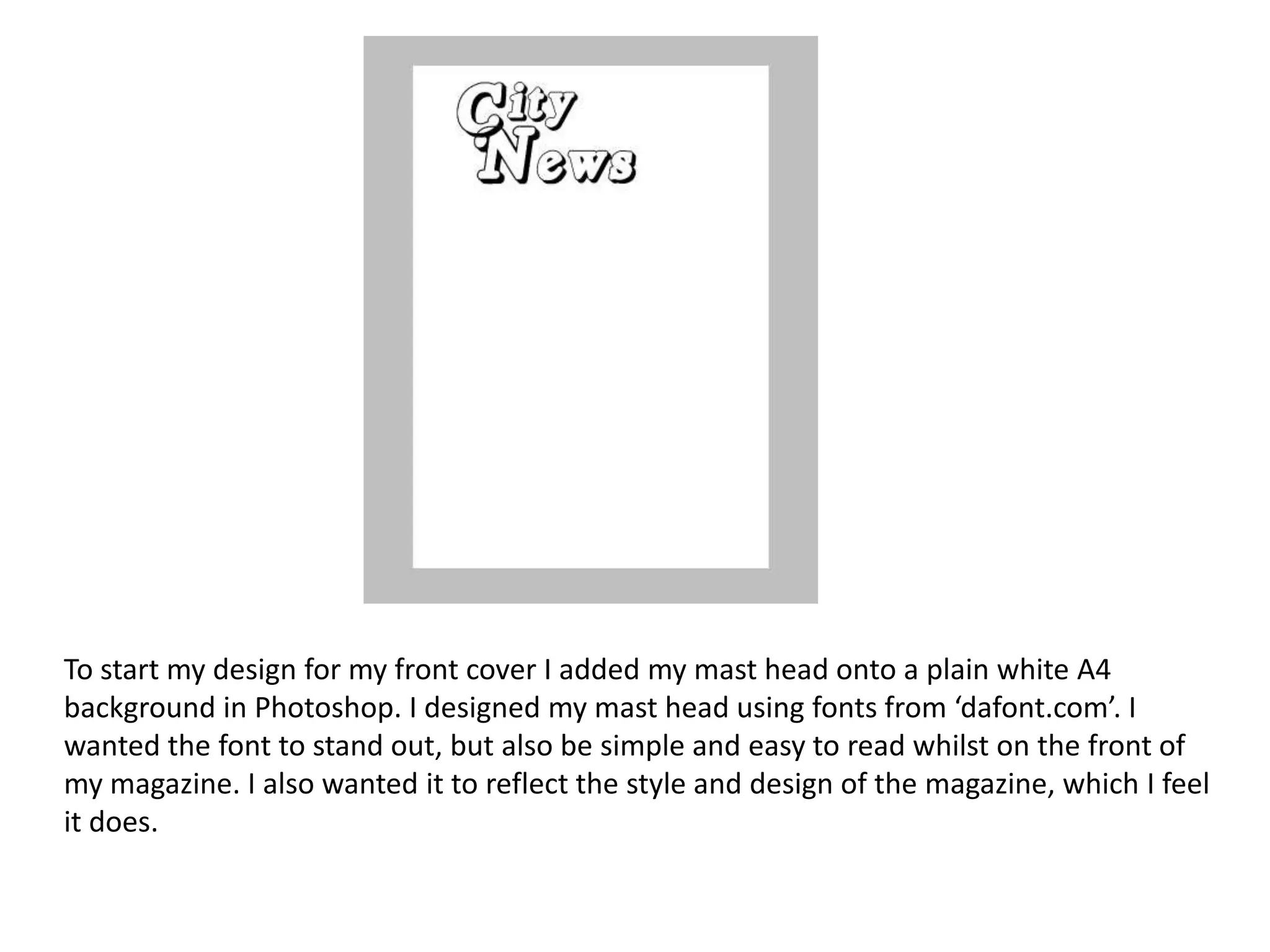
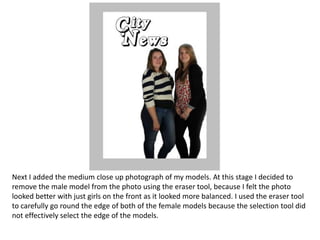
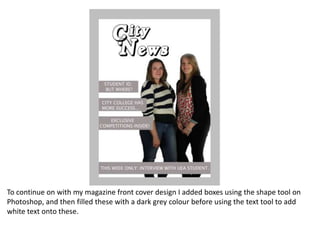
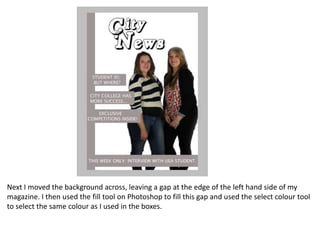
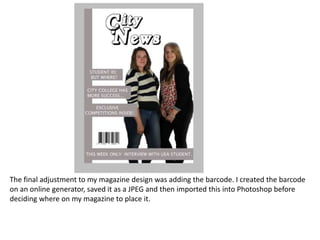
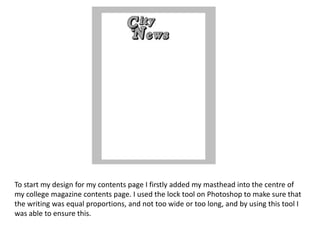
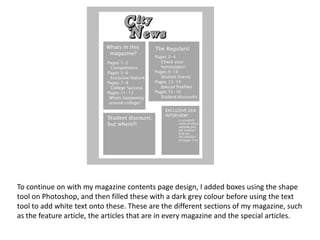
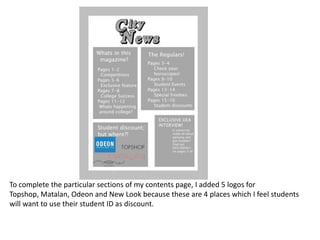
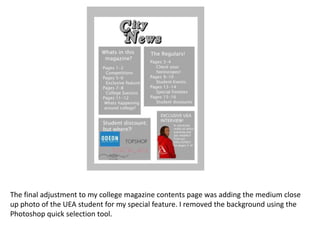
The document describes the process of designing a magazine cover and contents page in Photoshop. For the cover, the designer added a masthead, removed a male model from a photo using the eraser tool, added boxes with text to describe sections, filled a gap on the left with color, and added a barcode. For the contents page, the designer centered the masthead, added boxes with section names, and included logos and a photo with the background removed.