The document describes the process of designing a magazine cover and contents page in Photoshop. Key steps include:
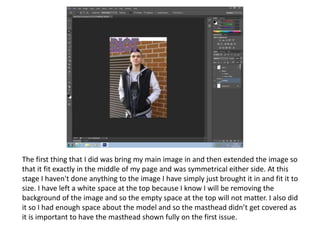
1) Importing the main cover image and resizing it to fit centered on the page.
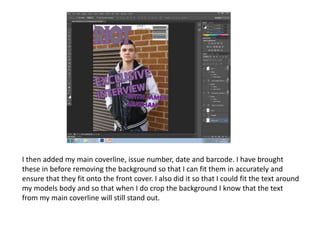
2) Adding coverlines, issue details, and a barcode before removing the background to ensure accurate positioning.
3) Removing the background using the magic wand tool to avoid clashing colors and allow coverlines to stand out.
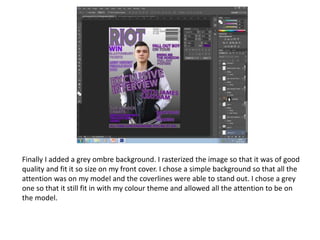
4) Adding a simple grey background for focus on the model and coverlines while maintaining the color theme.