




SharePoint High Availability, Backup/Restore and Disaster Recovery Joel Oleson Sr. Technical Product Manager/Sr. Consultant Session Code:
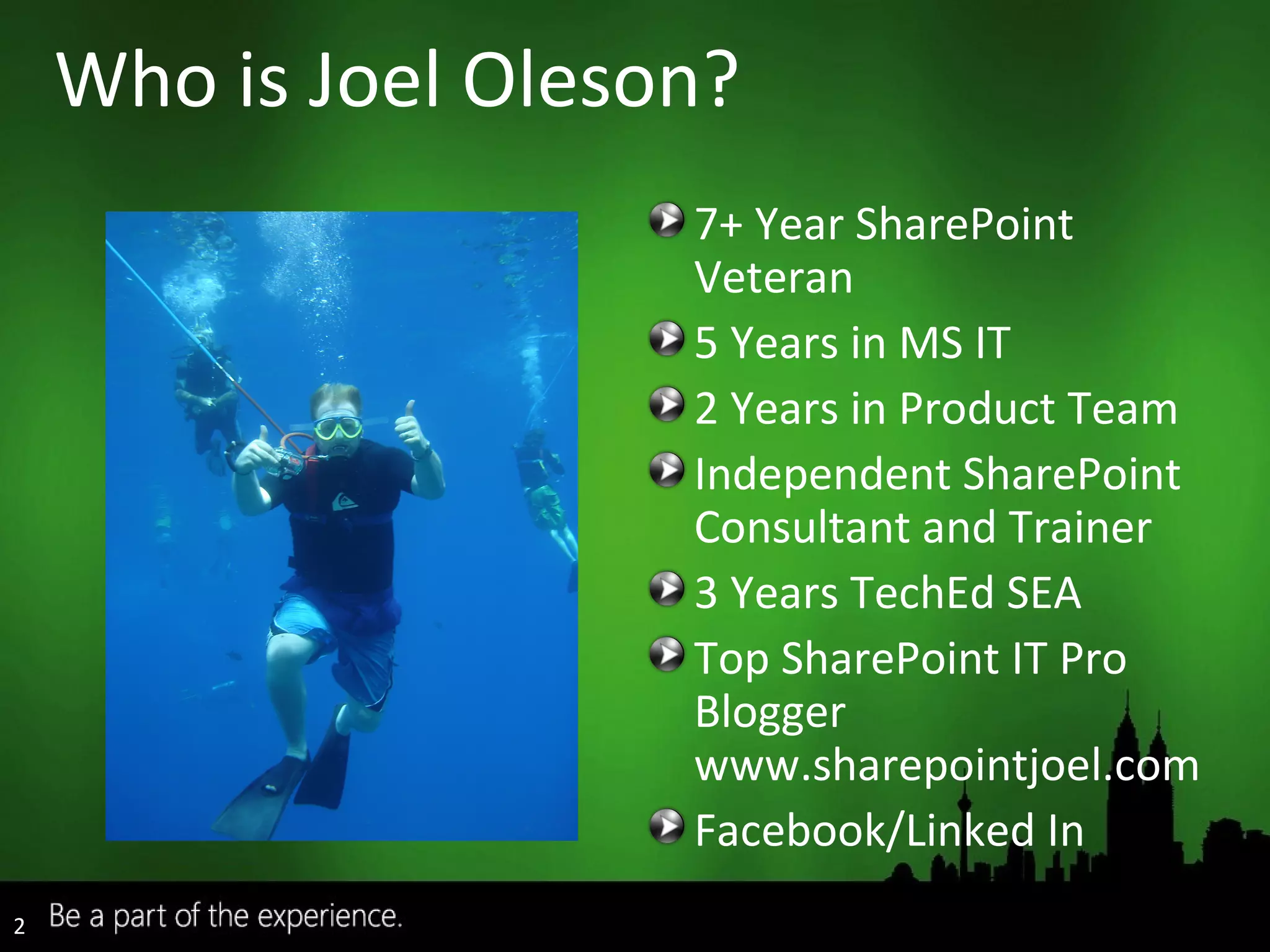
Who is Joel Oleson? 7+ Year SharePoint Veteran 5 Years in MS IT 2 Years in Product Team Independent SharePoint Consultant and Trainer 3 Years TechEd SEA Top SharePoint IT Pro Blogger www.sharepointjoel.com Facebook/Linked In
Backup/Restore Options Disaster recovery methods High Availability Options Third Party Backup & High Availability Products
Related Sessions DAT432: Database Recovery for the Paranoid – Edwin Sarmiento (SQL Mirroring/Log Shipping) SVR327: Bringing Clustering to the Masses – Justin Frances (Windows 2008 Clustering) MGT334: Continuous Data Protection for your Microsoft Infrastructure – David Foo (DPM) Related Content does NOT cover
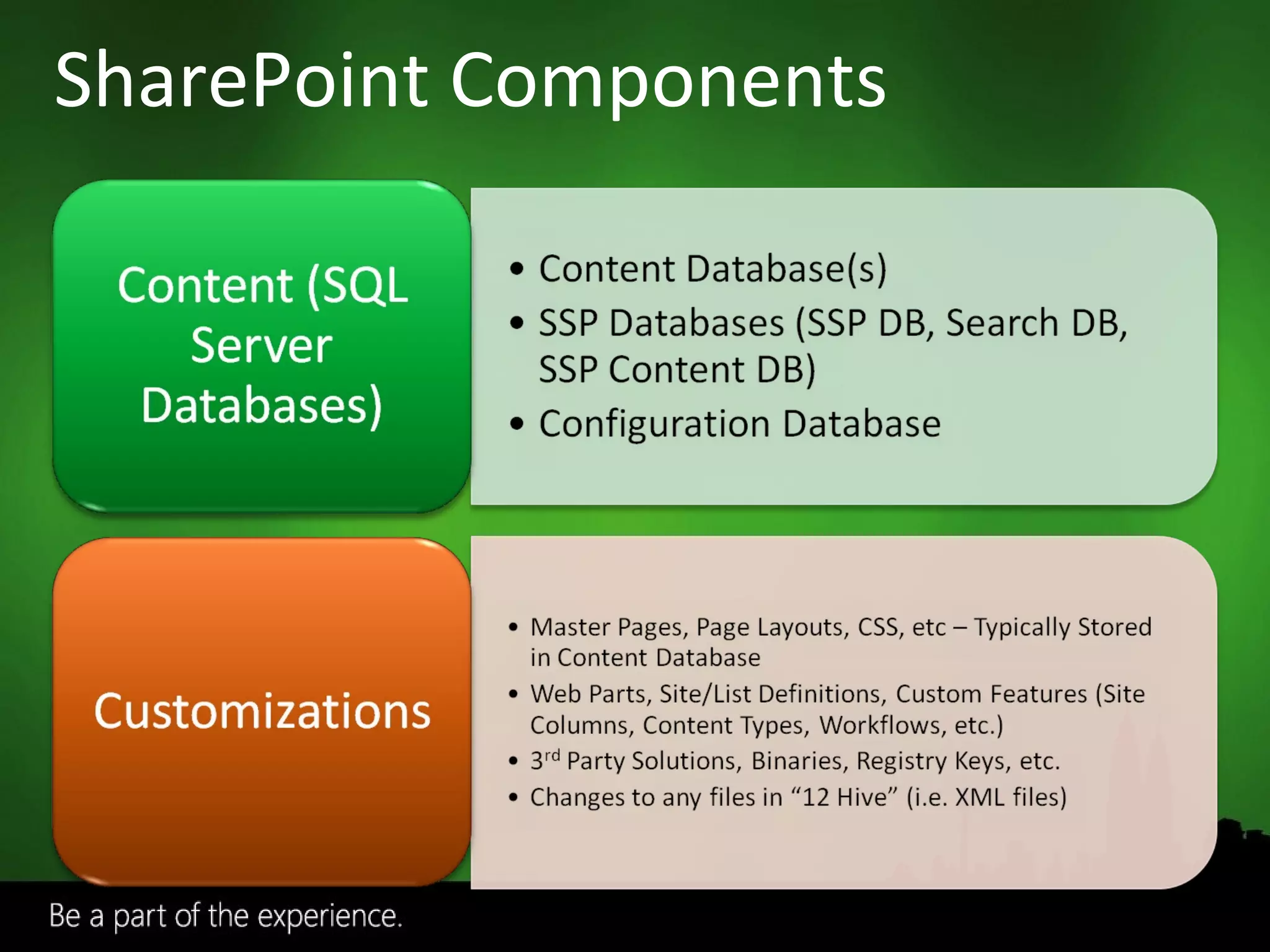
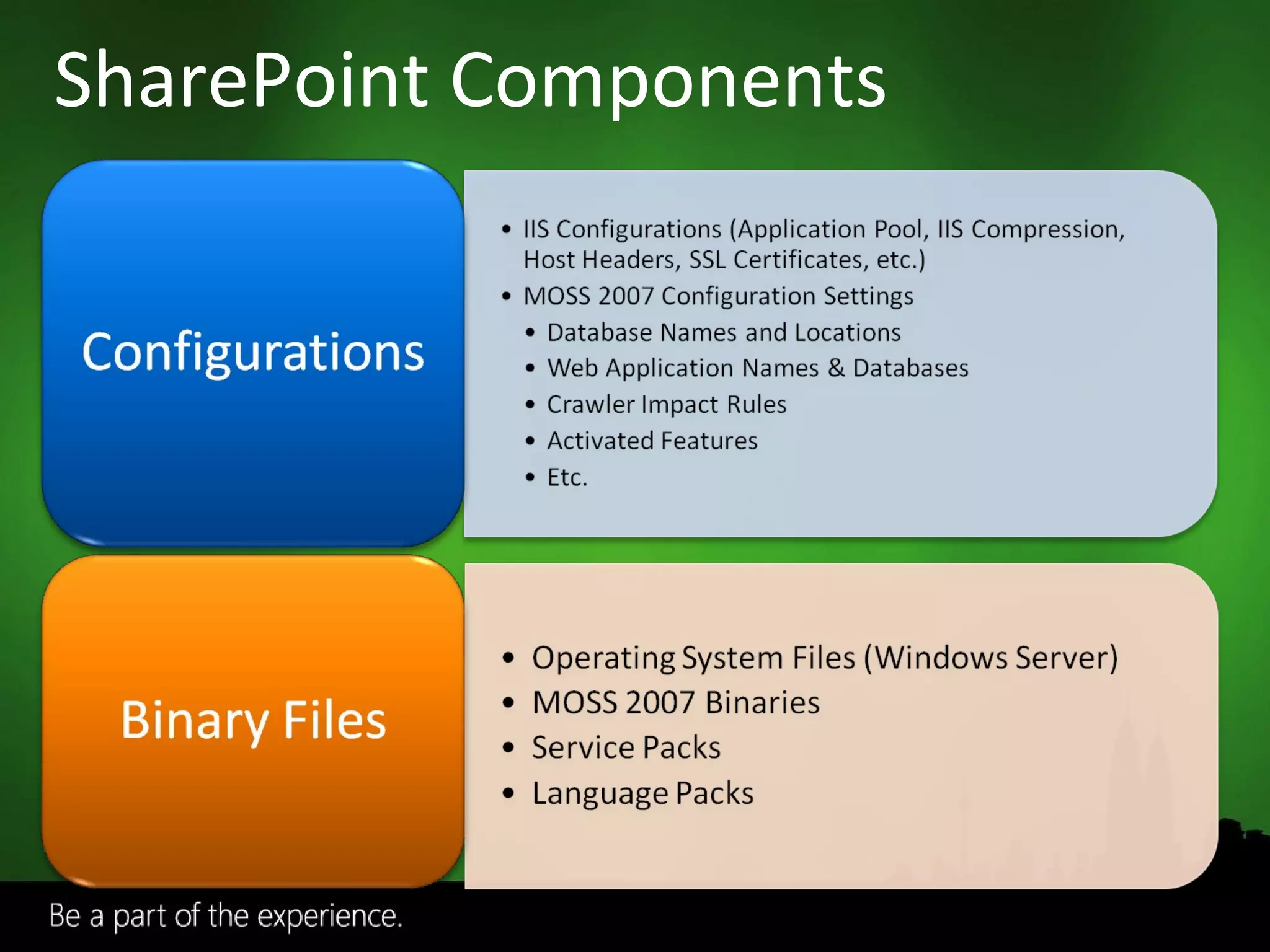
SharePoint Components
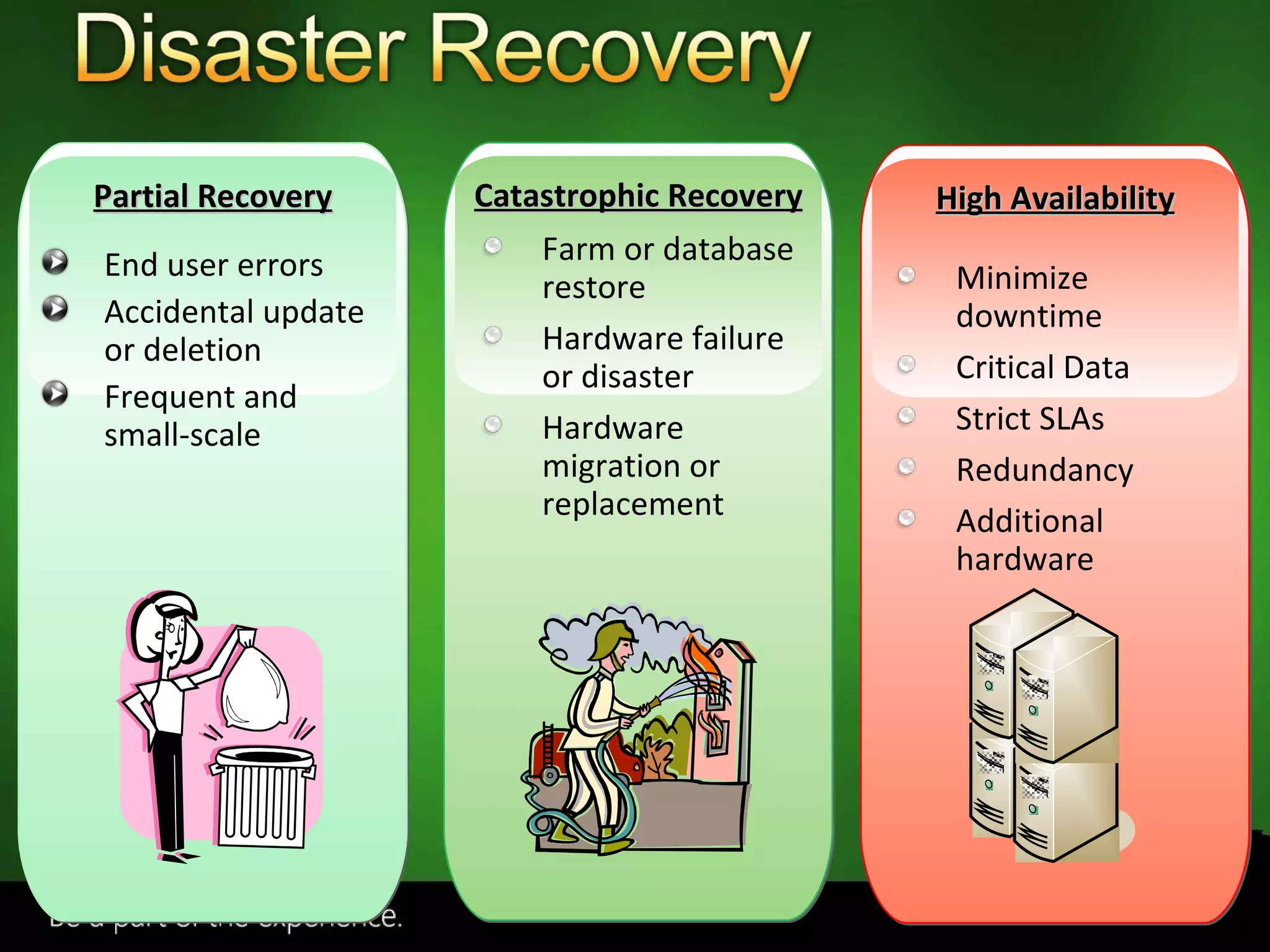
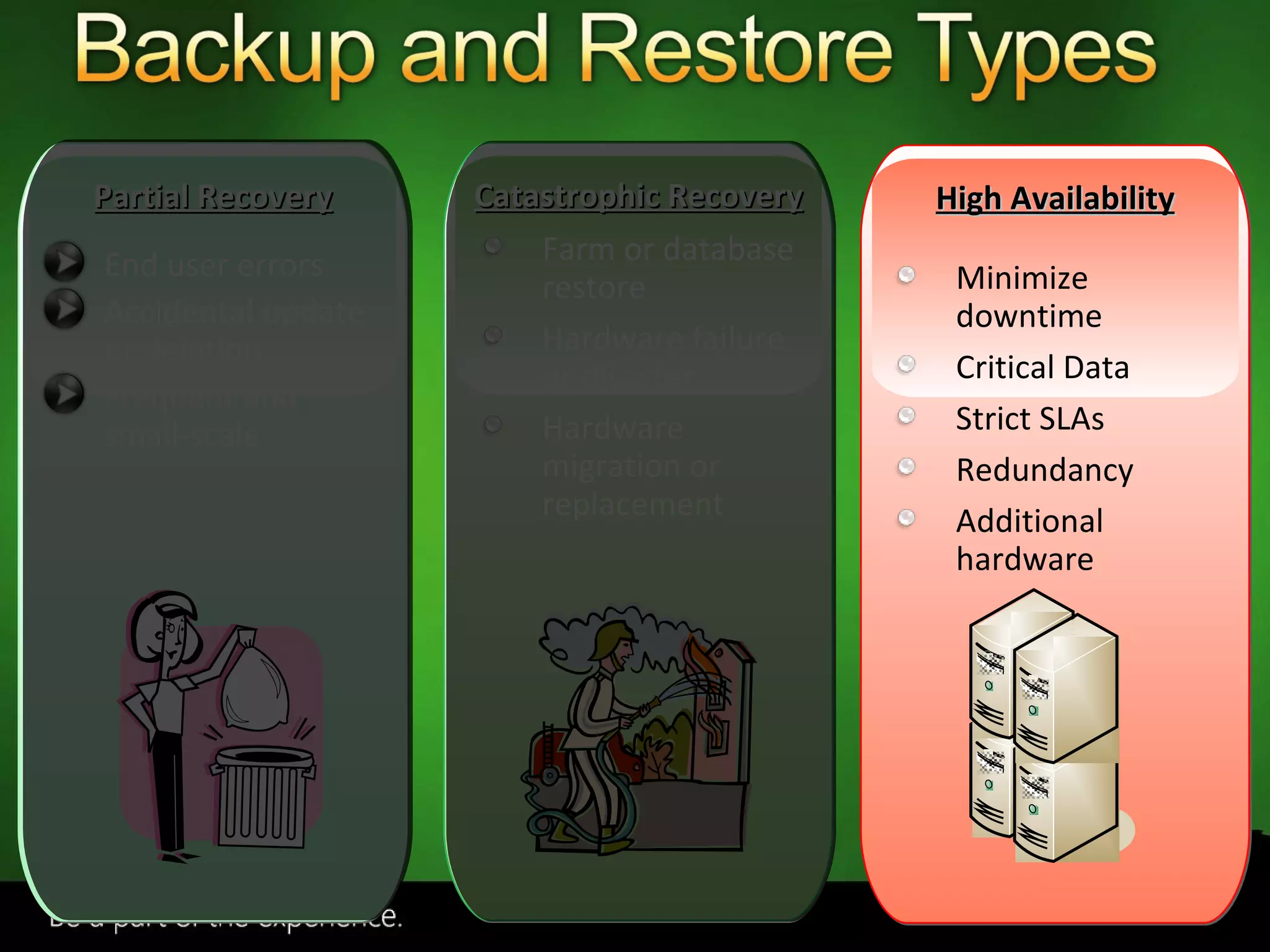
End user errors Accidental update or deletion Frequent and small-scale Farm or database restore Hardware failure or disaster Hardware migration or replacement Minimize downtime Critical Data Strict SLAs Redundancy Additional hardware Partial Recovery Catastrophic Recovery High Availability
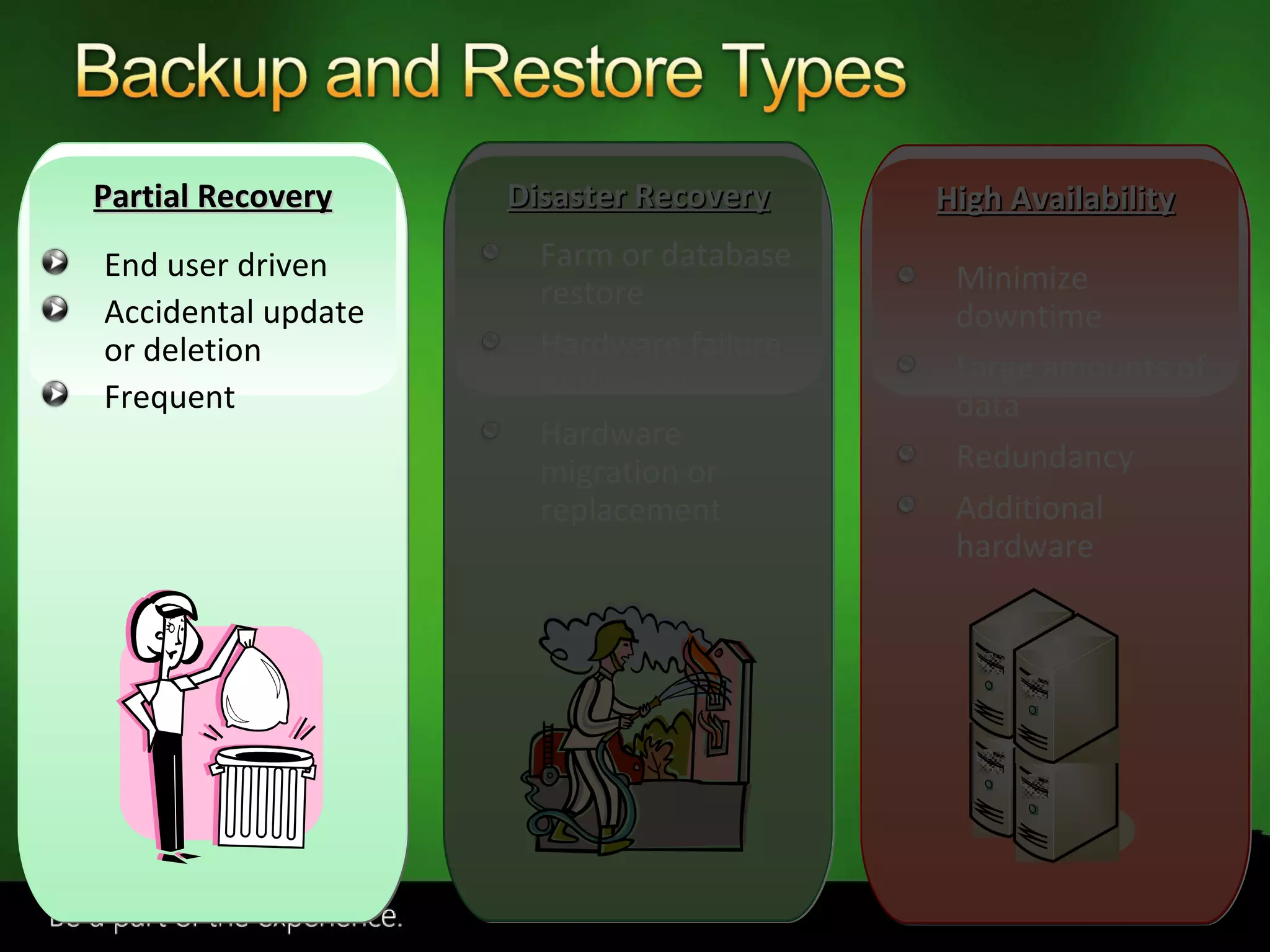
End user driven Accidental update or deletion Frequent Farm or database restore Hardware failure or disaster Hardware migration or replacement Minimize downtime Large amounts of data Redundancy Additional hardware Partial Recovery Disaster Recovery High Availability
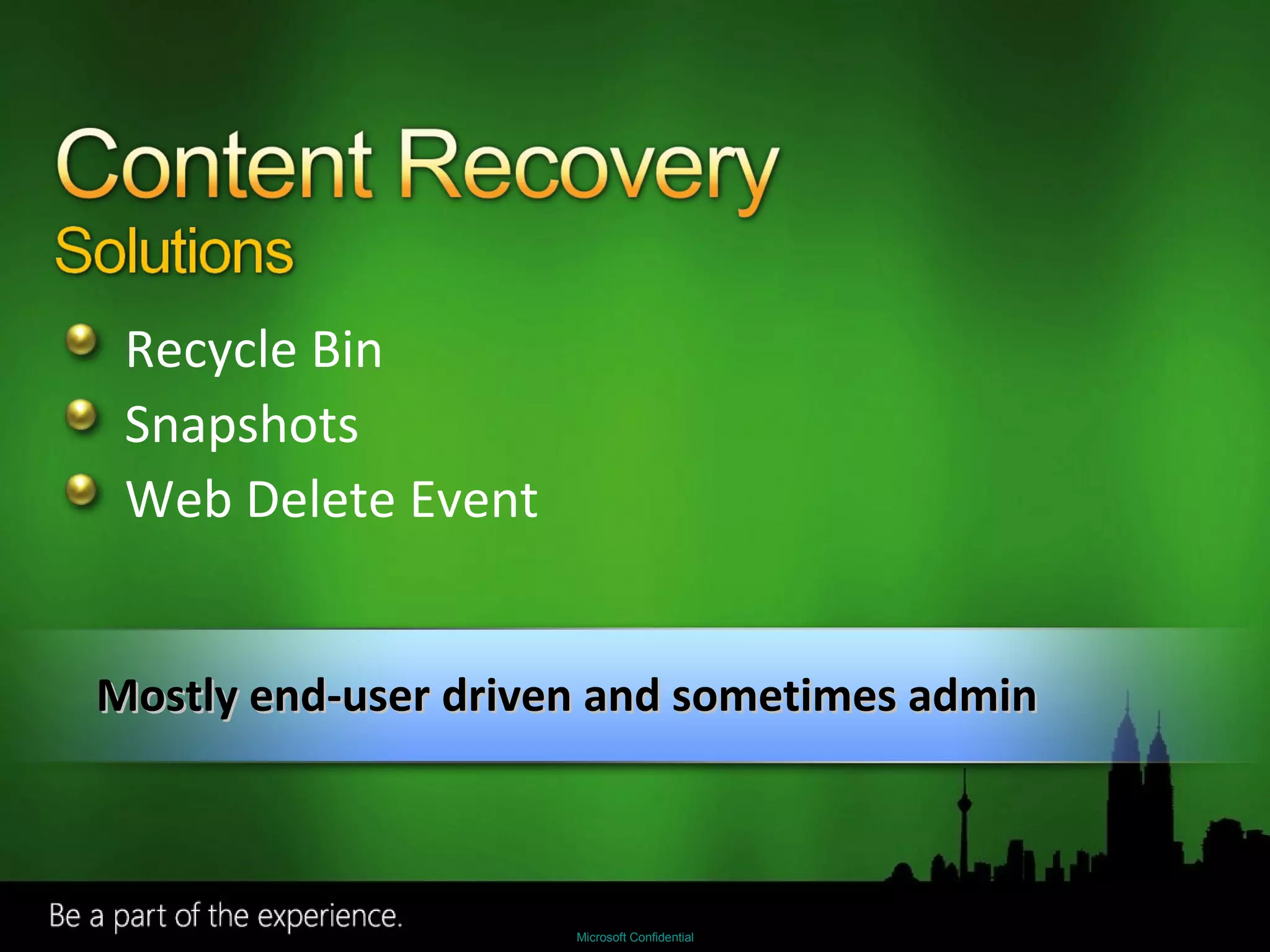
Recycle Bin Snapshots Web Delete Event Mostly end-user driven and sometimes admin
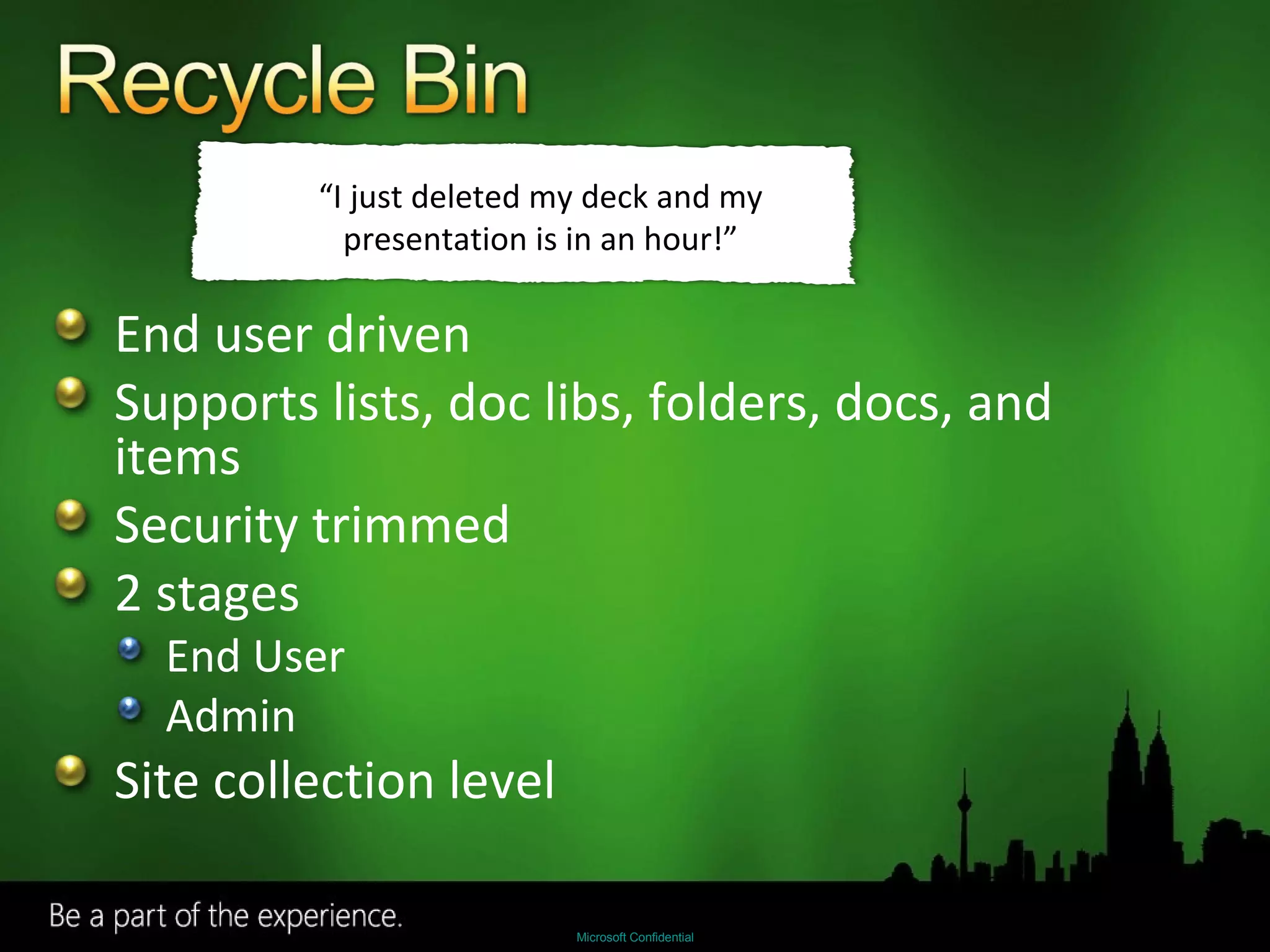
End user driven Supports lists, doc libs, folders, docs, and items Security trimmed 2 stages End User Admin Site collection level “ I just deleted my deck and my presentation is in an hour!”
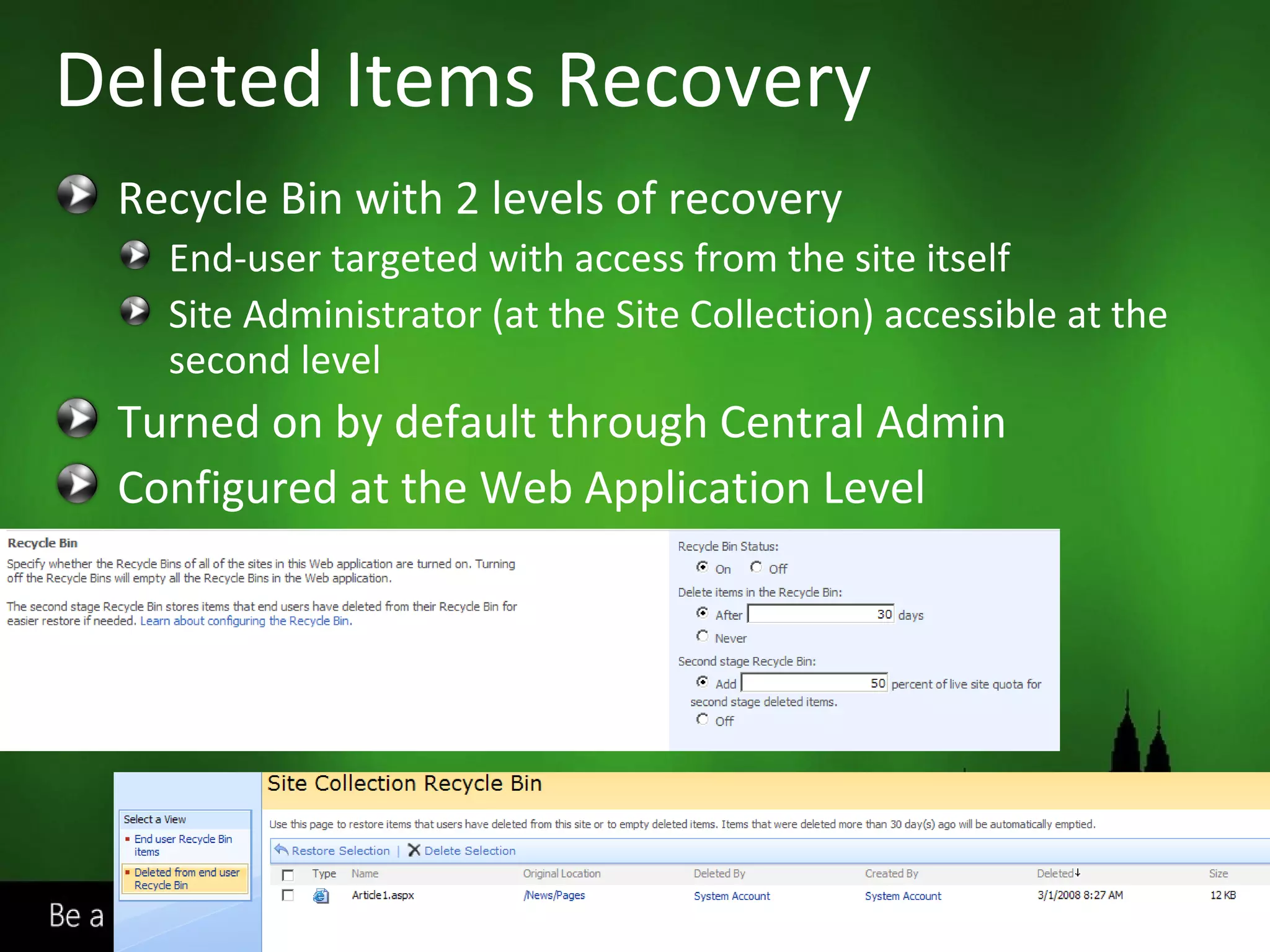
Recycle Bin with 2 levels of recovery End-user targeted with access from the site itself Site Administrator (at the Site Collection) accessible at the second level Turned on by default through Central Admin Configured at the Web Application Level Deleted Items Recovery
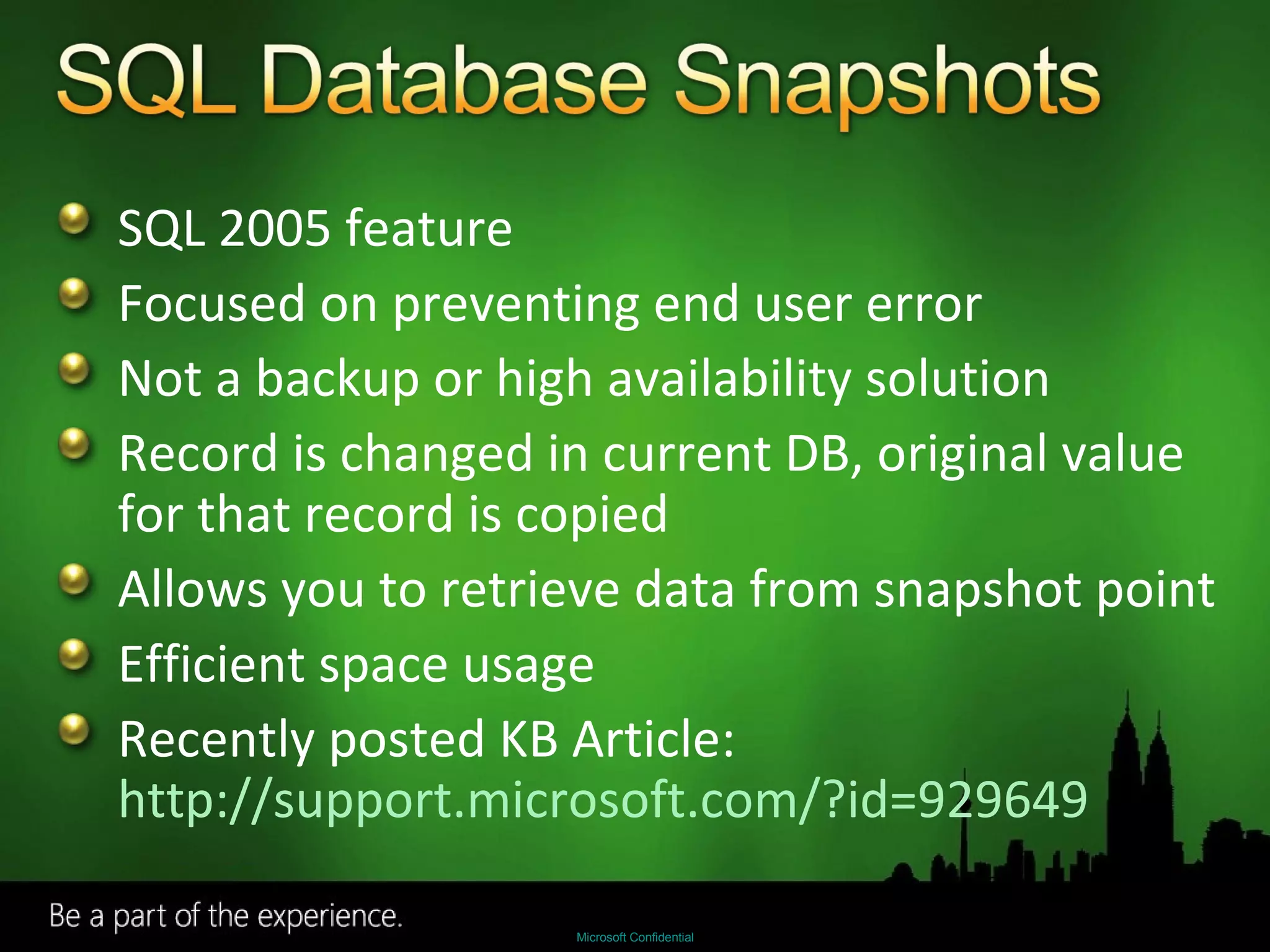
SQL 2005 feature Focused on preventing end user error Not a backup or high availability solution Record is changed in current DB, original value for that record is copied Allows you to retrieve data from snapshot point Efficient space usage Recently posted KB Article:  http://support.microsoft.com/?id=929649
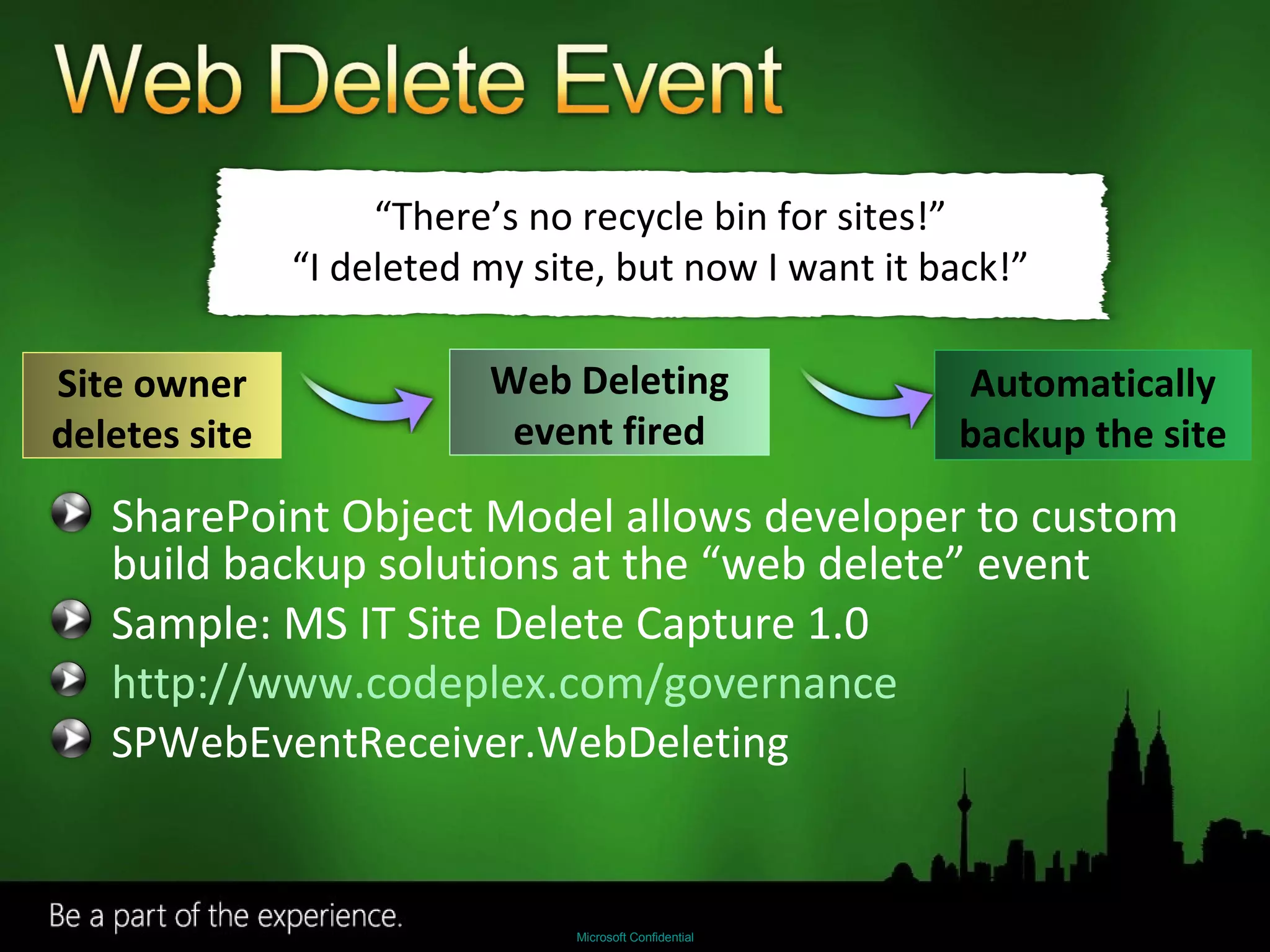
SharePoint Object Model allows developer to custom build backup solutions at the “web delete” event  Sample: MS IT Site Delete Capture 1.0 http://www.codeplex.com/governance SPWebEventReceiver.WebDeleting “ There’s no recycle bin for sites!” “ I deleted my site, but now I want it back!” Site owner deletes site Web Deleting event fired Automatically backup the site
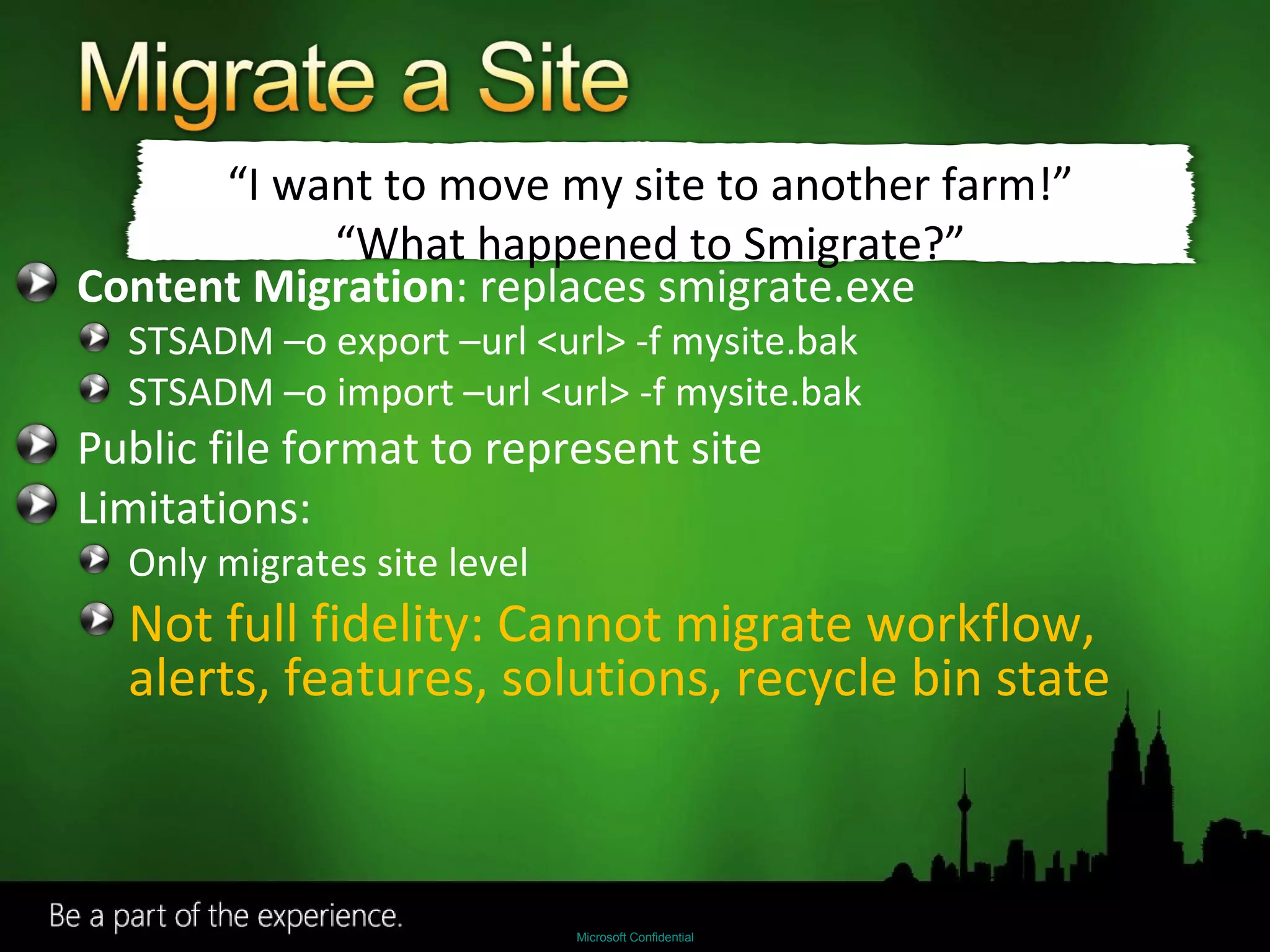
Content Migration : replaces smigrate.exe STSADM –o export –url <url> -f mysite.bak STSADM –o import –url <url> -f mysite.bak Public file format to represent site Limitations: Only migrates site level Not full fidelity: Cannot migrate workflow, alerts, features, solutions, recycle bin state “ I want to move my site to another farm!” “ What happened to Smigrate?”
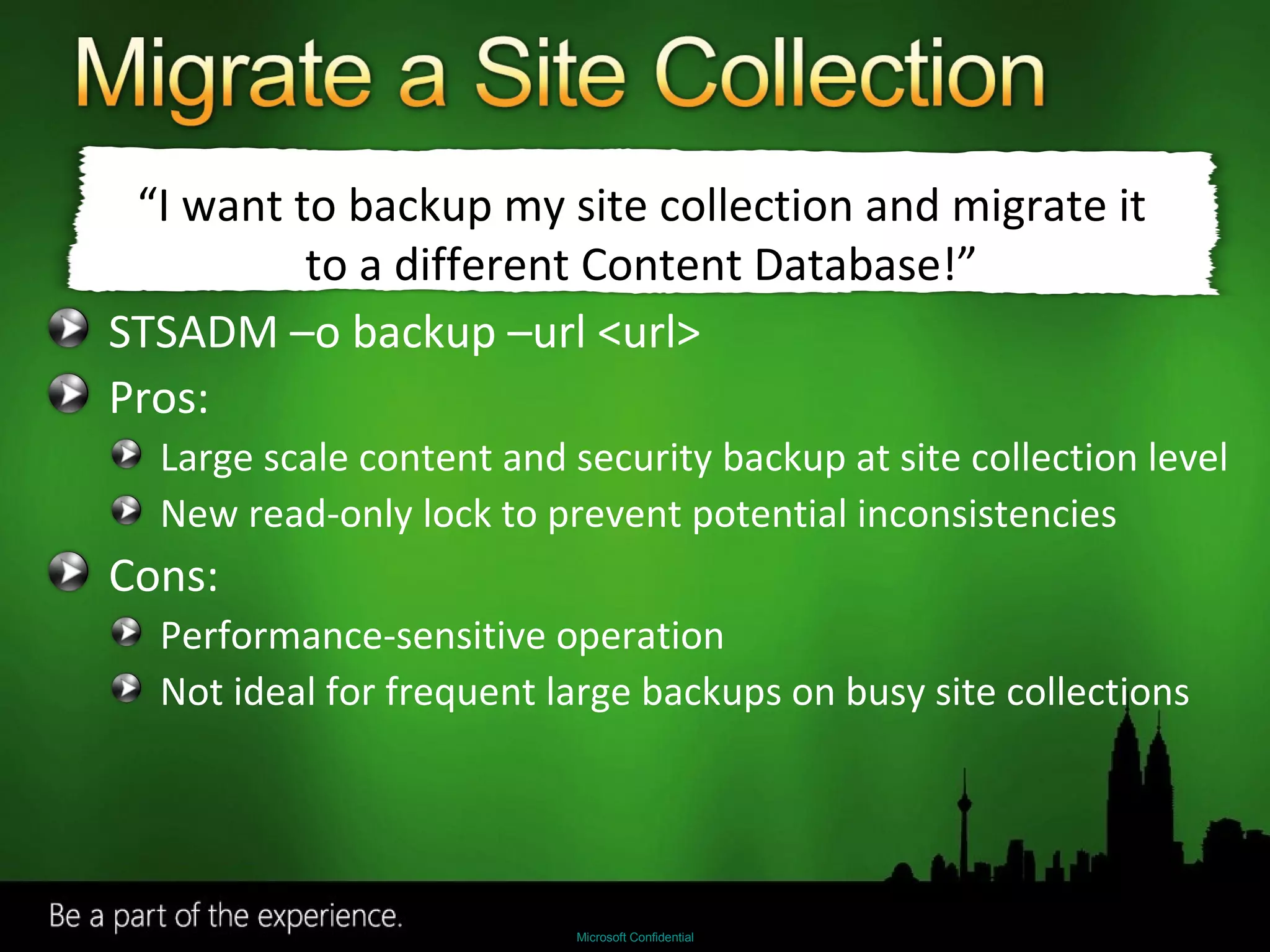
STSADM –o backup –url <url> Pros: Large scale content and security backup at site collection level New read-only lock to prevent potential inconsistencies Cons: Performance-sensitive operation Not ideal for frequent large backups on busy site collections “ I want to backup my site collection and migrate it to a different Content Database!”
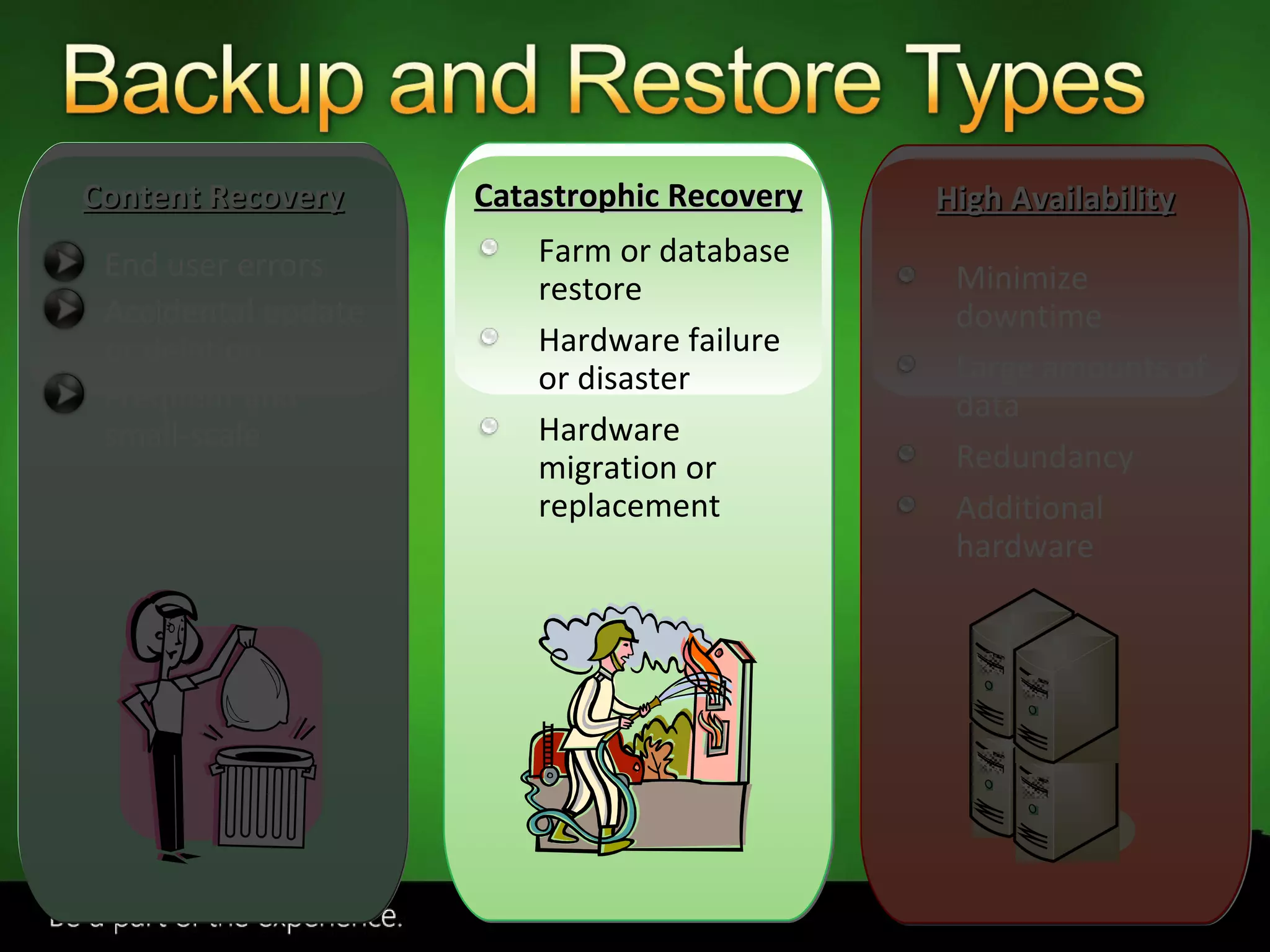
End user errors Accidental update or deletion Frequent and small-scale Farm or database restore Hardware failure or disaster Hardware migration or replacement Minimize downtime Large amounts of data Redundancy Additional hardware Content Recovery Catastrophic Recovery High Availability
SharePoint Backup/Restore SQL backup and restore 3 rd  party solutions Use when hardware fails, and as a last resort for service level agreement.
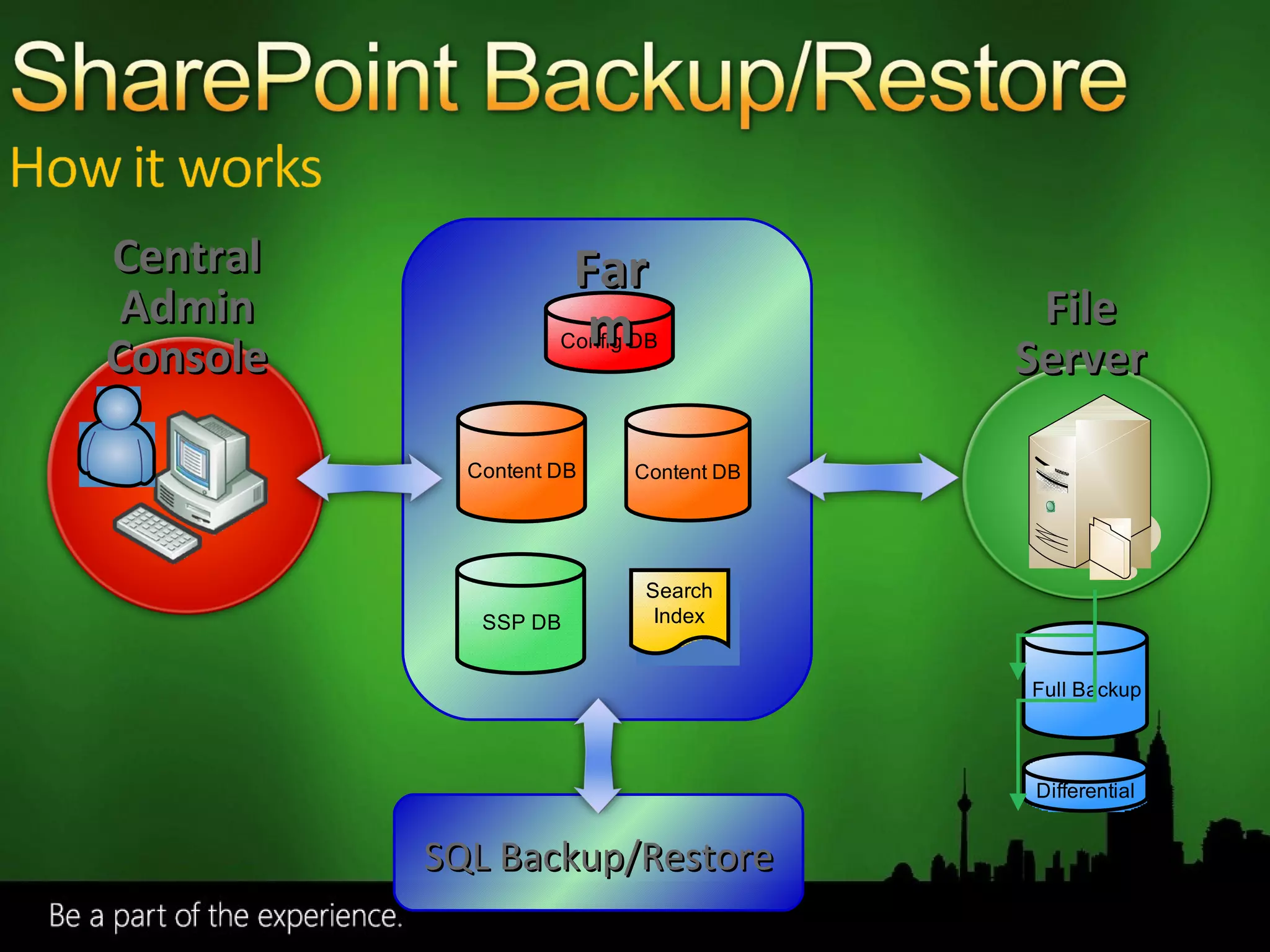
File Server Farm Central Admin Console SQL Backup/Restore
Out of the Box UI and command line access for Central Administrator ‘ Hooks up’ SharePoint databases and search index on Restore Supports Full and Differential backup Backs up the search index Extensible framework for 3 rd  party applications
Use the command line with Windows Task Scheduler for scheduled backups Backs up content databases and search index You must manually backup front end files We recommend you keep images of your web front ends High restore time    Low availability
SharePoint Backup/Restore
Pros: Reuse existing technology and processes Non-application specific Cons: Post-restore reattachment and clean up Search index must be backed up separately via SharePoint backup “ My SQL servers are managed by a separate organization or data center from my SharePoint installations.”
For Disaster Recovery: To create a mirror farm: Use stsadm –o backup/restore To migrate a site collection: Use stsadm –o backup http://server/site To migrate a site: Use stsadm –o export/import for sites
AvePoint – DocAve 4.5 Enterprise Backup – data compression, item level restore Content Manager – copy live contents across sites, servers, and farms Quest LiteSpeed and Site Administrator Fast compressed backup Settings Management
Uses SharePoint VSS writer, Import/Export  to backup and restore SharePoint  http://www.microsoft.com/systemcenter/dpm/default.mspx
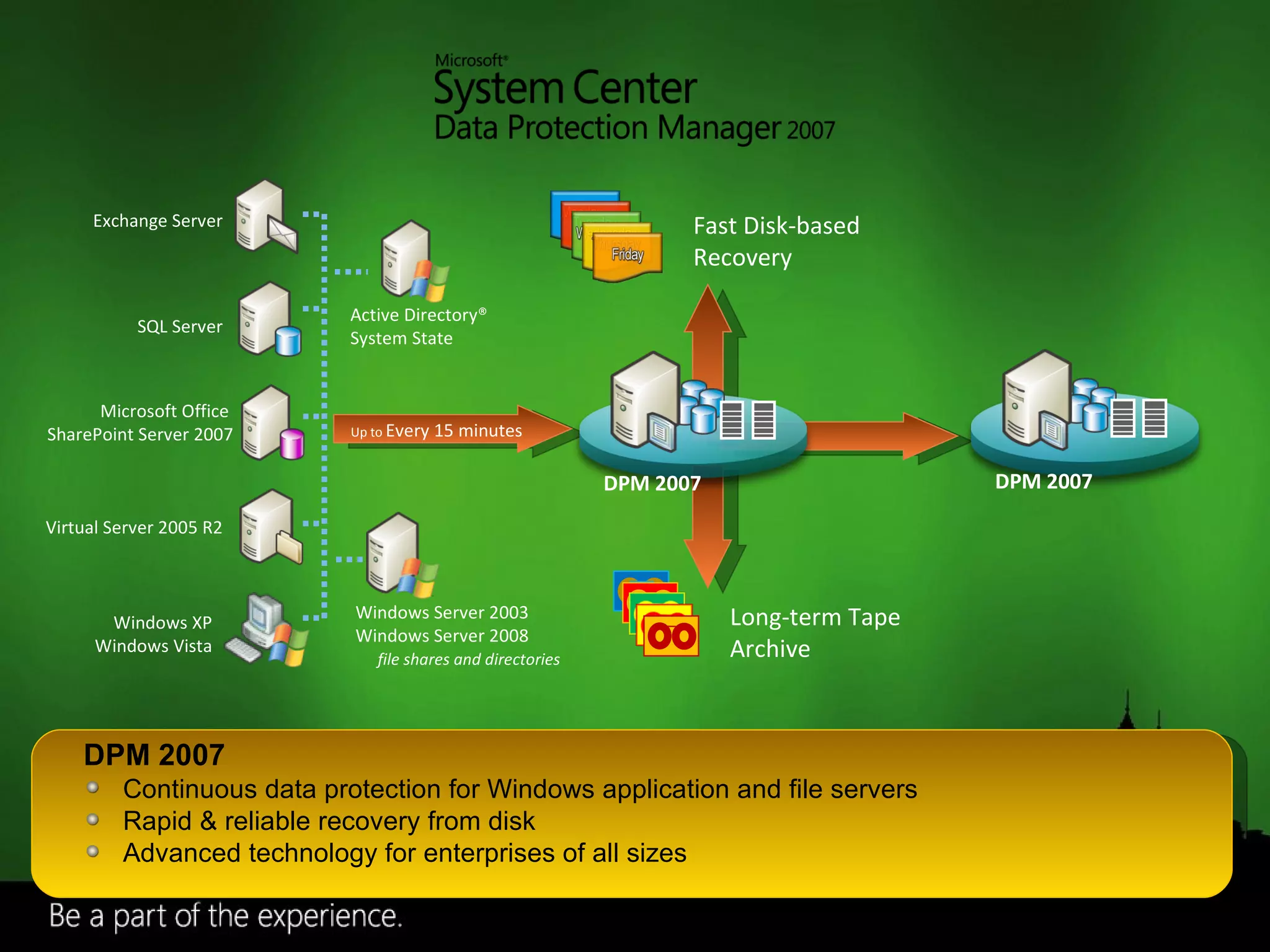
Up to  Every 15 minutes Fast Disk-based  Recovery Long-term Tape Archive Active Directory® System State Windows Server 2003 Windows Server 2008 file shares and directories Exchange Server SQL Server Microsoft Office  SharePoint Server 2007 Virtual Server 2005 R2 DPM 2007 Continuous data protection for Windows application and file servers Rapid & reliable recovery from disk Advanced technology for enterprises of all sizes Windows XP Windows Vista DPM 2007 DPM 2007
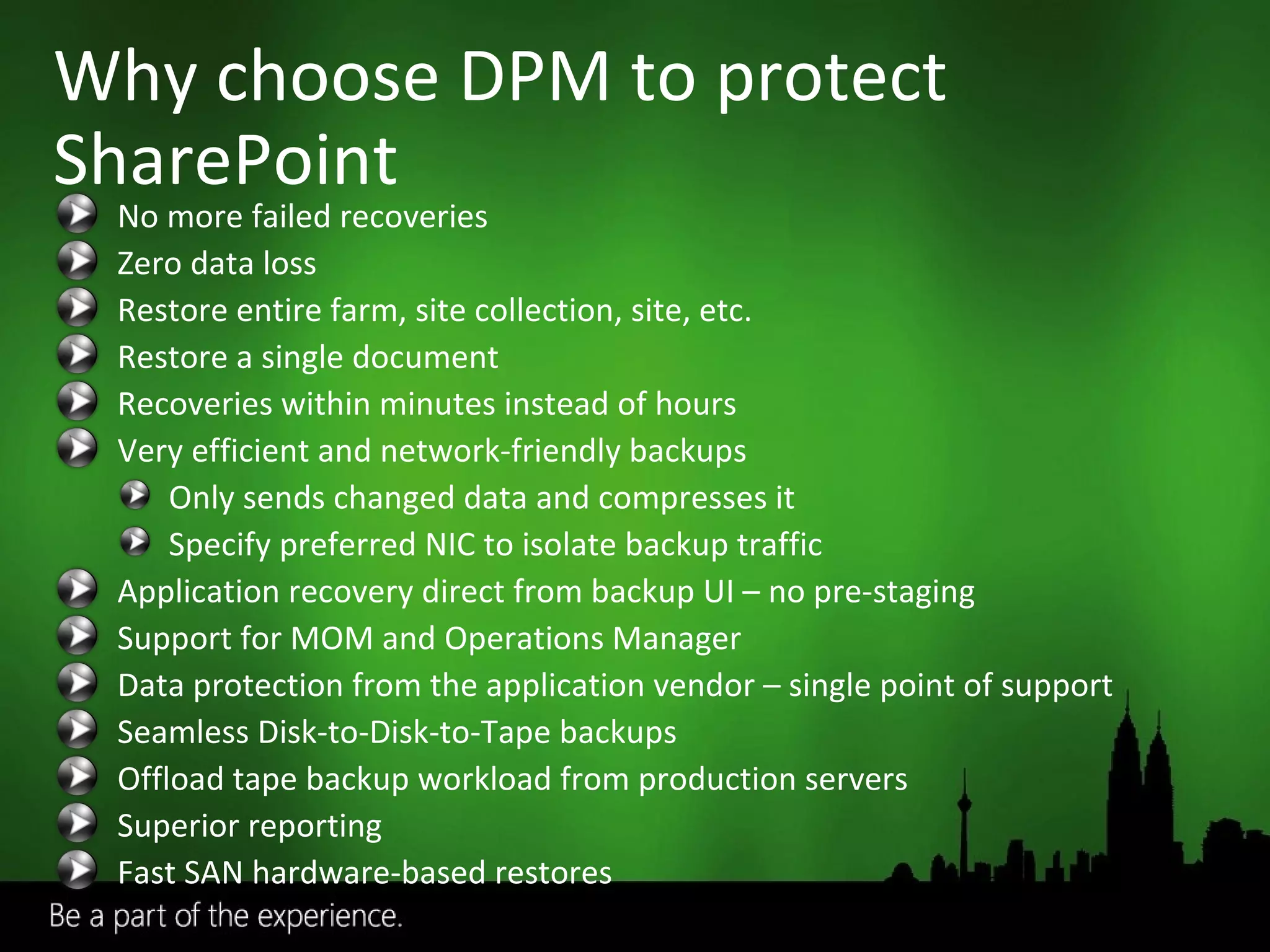
Why choose DPM to protect SharePoint No more failed recoveries Zero data loss Restore entire farm, site collection, site, etc. Restore a single document Recoveries within minutes instead of hours Very efficient and network-friendly backups Only sends changed data and compresses it Specify preferred NIC to isolate backup traffic Application recovery direct from backup UI – no pre-staging  Support for MOM and Operations Manager Data protection from the application vendor – single point of support Seamless Disk-to-Disk-to-Tape backups  Offload tape backup workload from production servers Superior reporting Fast SAN hardware-based restores
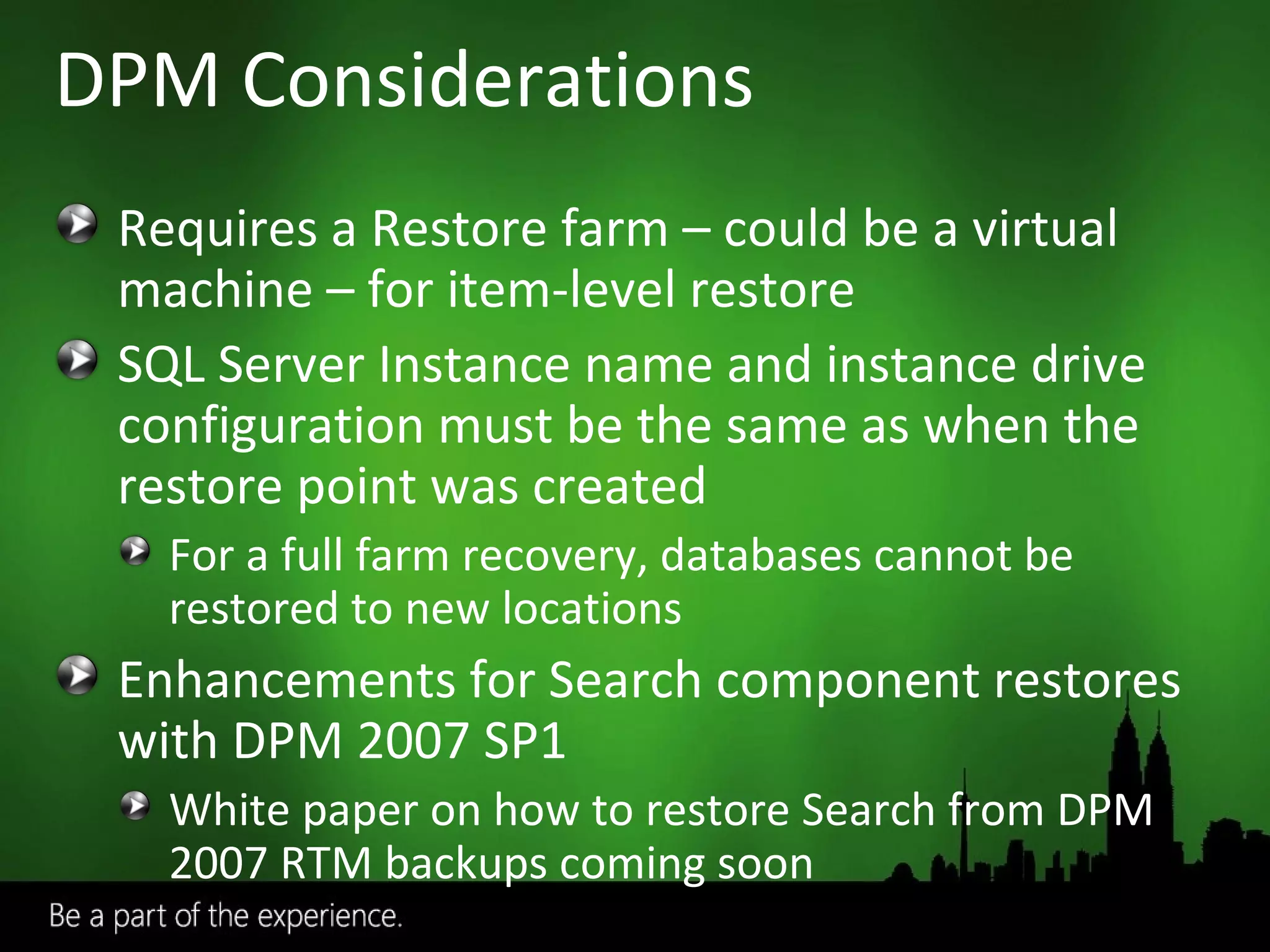
DPM Considerations Requires a Restore farm – could be a virtual machine – for item-level restore SQL Server Instance name and instance drive configuration must be the same as when the restore point was created For a full farm recovery, databases cannot be restored to new locations Enhancements for Search component restores with DPM 2007 SP1 White paper on how to restore Search from DPM 2007 RTM backups coming soon
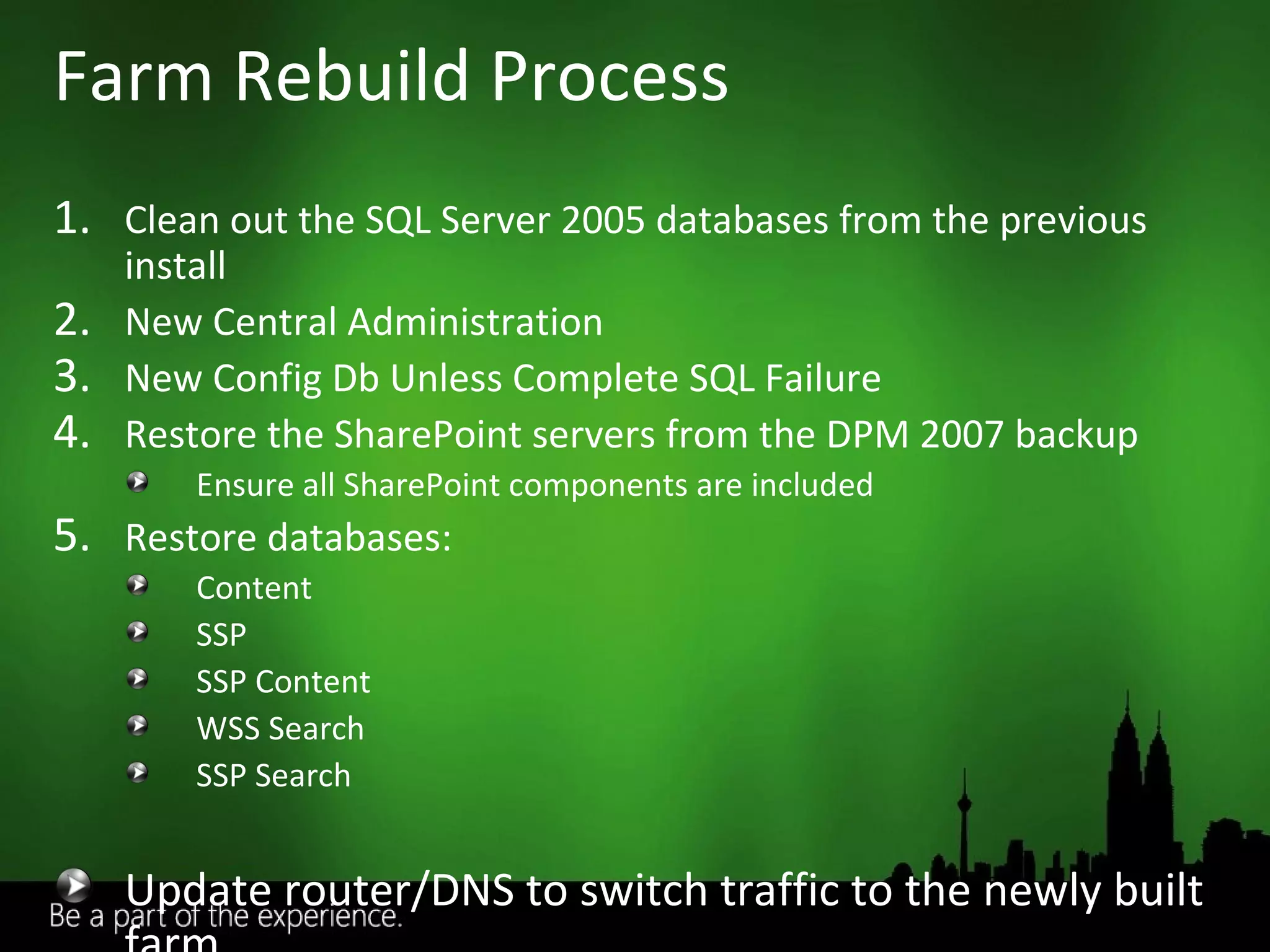
Clean out the SQL Server 2005 databases from the previous install New Central Administration New Config Db Unless Complete SQL Failure Restore the SharePoint servers from the DPM 2007 backup Ensure all SharePoint components are included Restore databases: Content SSP SSP Content WSS Search SSP Search Update router/DNS to switch traffic to the newly built farm Farm Rebuild Process
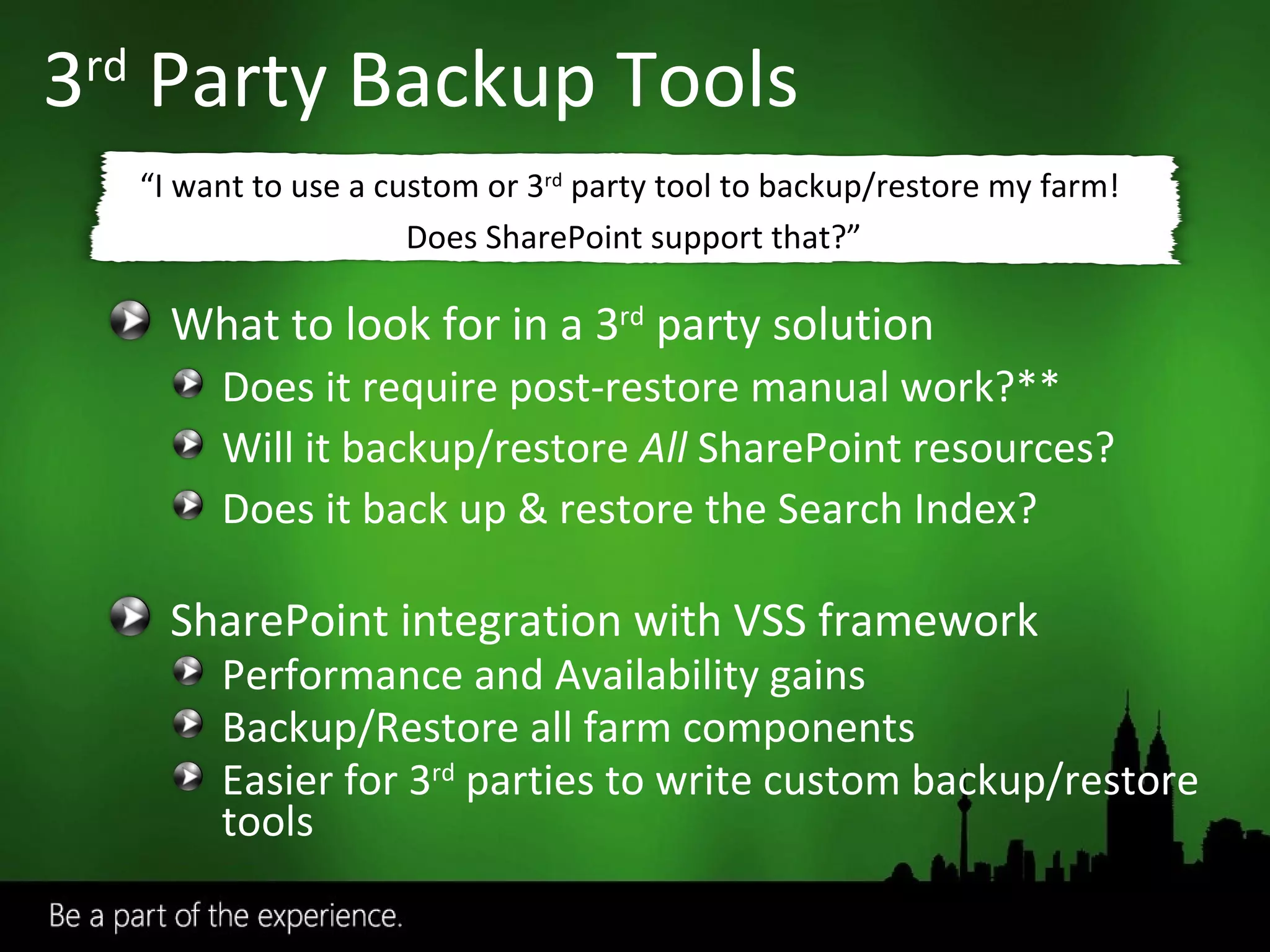
3 rd  Party Backup Tools What to look for in a 3 rd  party solution Does it require post-restore manual work?** Will it backup/restore  All  SharePoint resources? Does it back up & restore the Search Index? SharePoint integration with VSS framework Performance and Availability gains Backup/Restore all farm components Easier for 3 rd  parties to write custom backup/restore tools “ I want to use a custom or 3 rd  party tool to backup/restore my farm!  Does SharePoint support that?”
3 rd  Party Backup Tools AvePoint  ( http://www.avepoint.com/products ) Quest: ( http://www.quest.com/documents/landing.aspx?id=5153 ) Commvault  ( http://www.commvault.com/solutions/sharepoint ) Neverfail  ( http://www.neverfailgroup.com/products/app-modules/sharepoint.aspx )
End user errors Accidental update or deletion Frequent and small-scale Farm or database restore Hardware failure or disaster Hardware migration or replacement Minimize downtime Critical Data Strict SLAs Redundancy Additional hardware Partial Recovery Catastrophic Recovery High Availability
High Availability Solutions SQL 2005/2008 SQL Database Mirroring SQL Log Shipping SQL Clustering Database Recovery for the Paranoid – Edwin Sarmiento - Wed at 11:30am Clustering for the Masses
Built on long time validated MSCS (Windows Server 2003 or Windows Server 2008) SQL is Clustering Aware Active/Passive SQL Clusters are common Easiest HA Solution to Administer Automatic Failover Multi Instance is “Ok” Downsides LAN only Includes Single Points of Failure
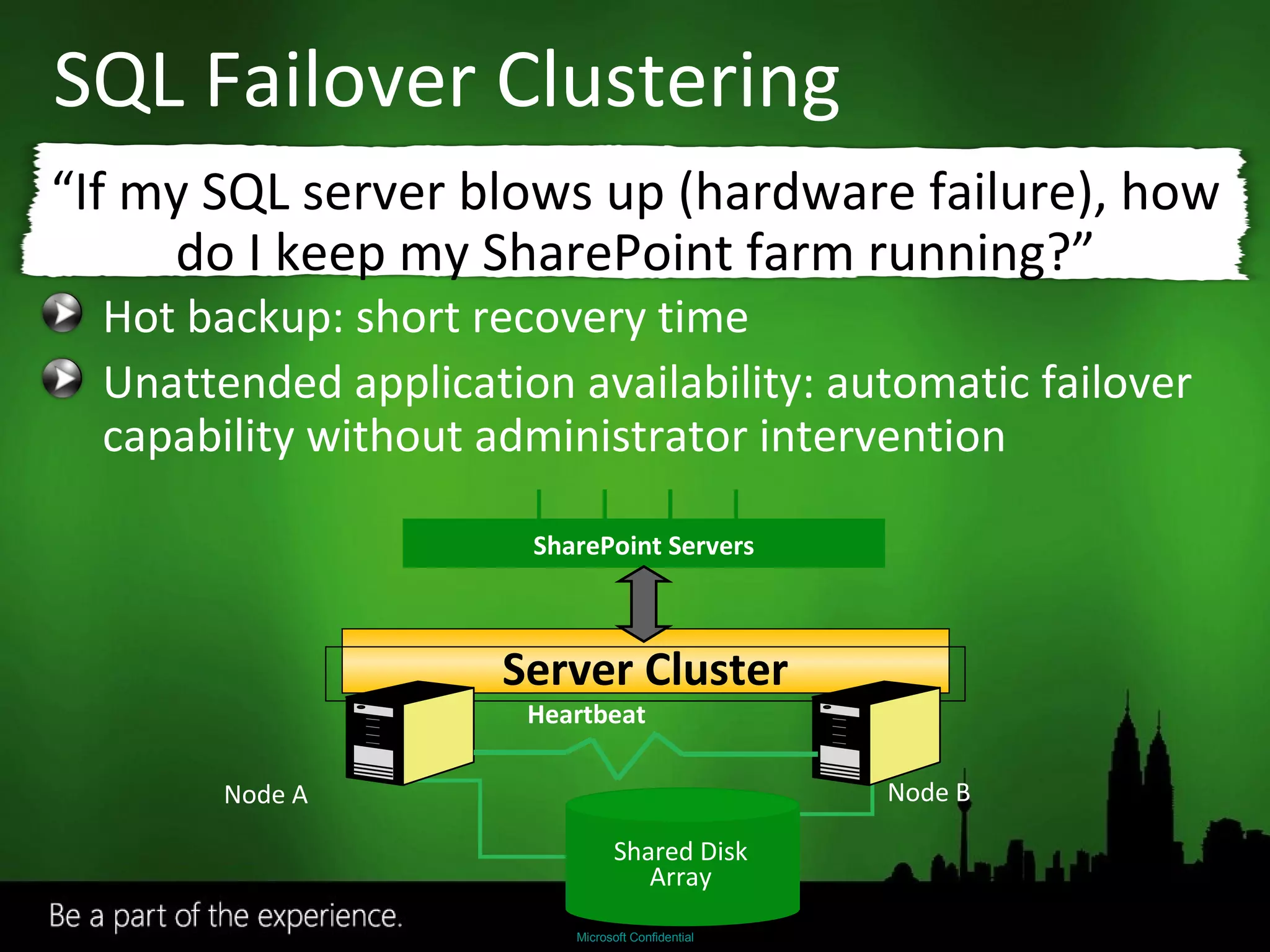
SQL Failover Clustering Hot backup: short recovery time Unattended application availability: automatic failover capability without administrator intervention “ If my SQL server blows up (hardware failure), how do I keep my SharePoint farm running?” Server Cluster SharePoint Servers Shared Disk Array Node A Node B Heartbeat
Backup/Restore based technology that relies on transaction log files Need to have a shared folder that contains the log file backups  Configure the frequency of backups and shipping No automatic failover Allows you to replicate data to several databases (one to many)
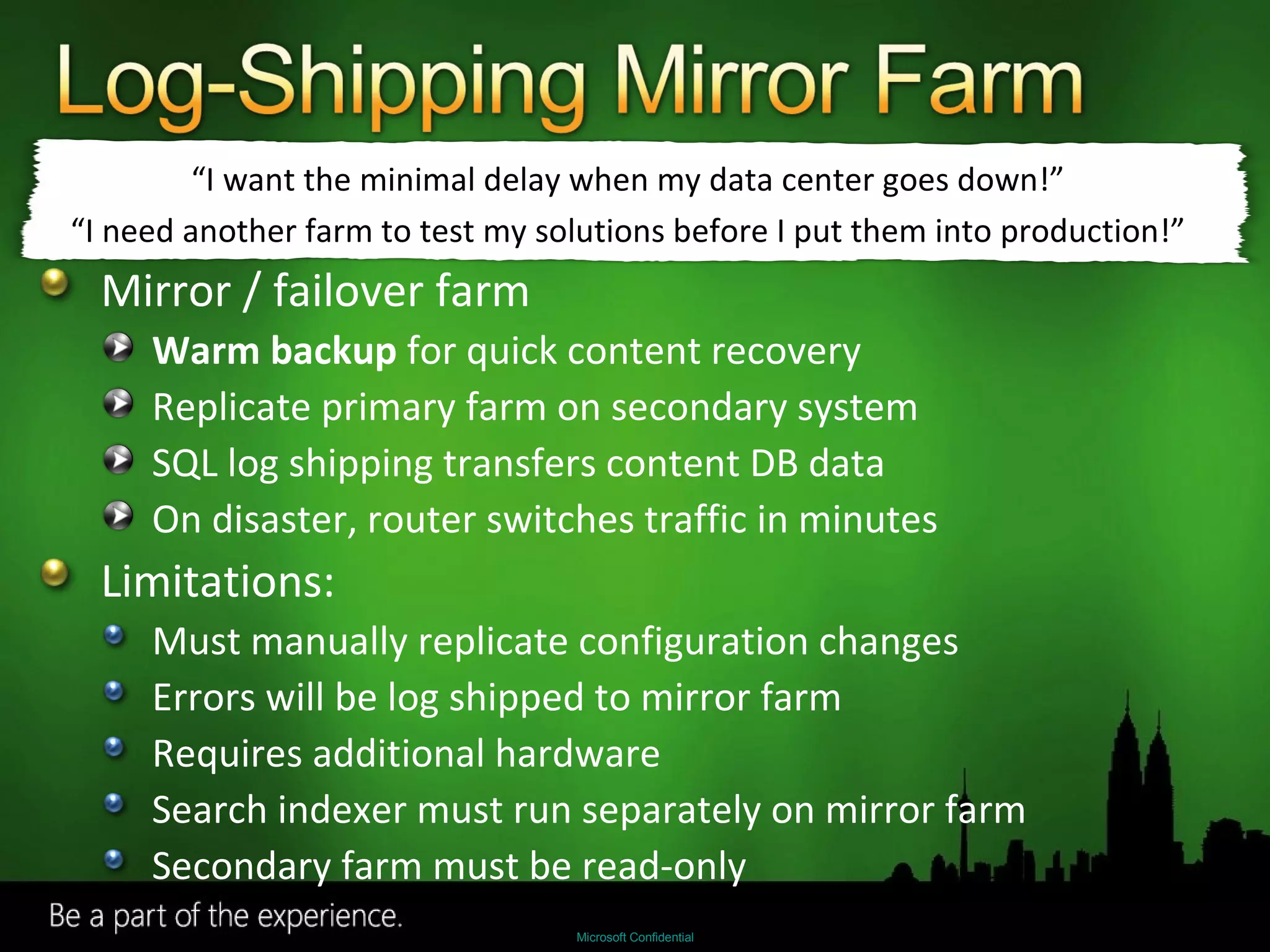
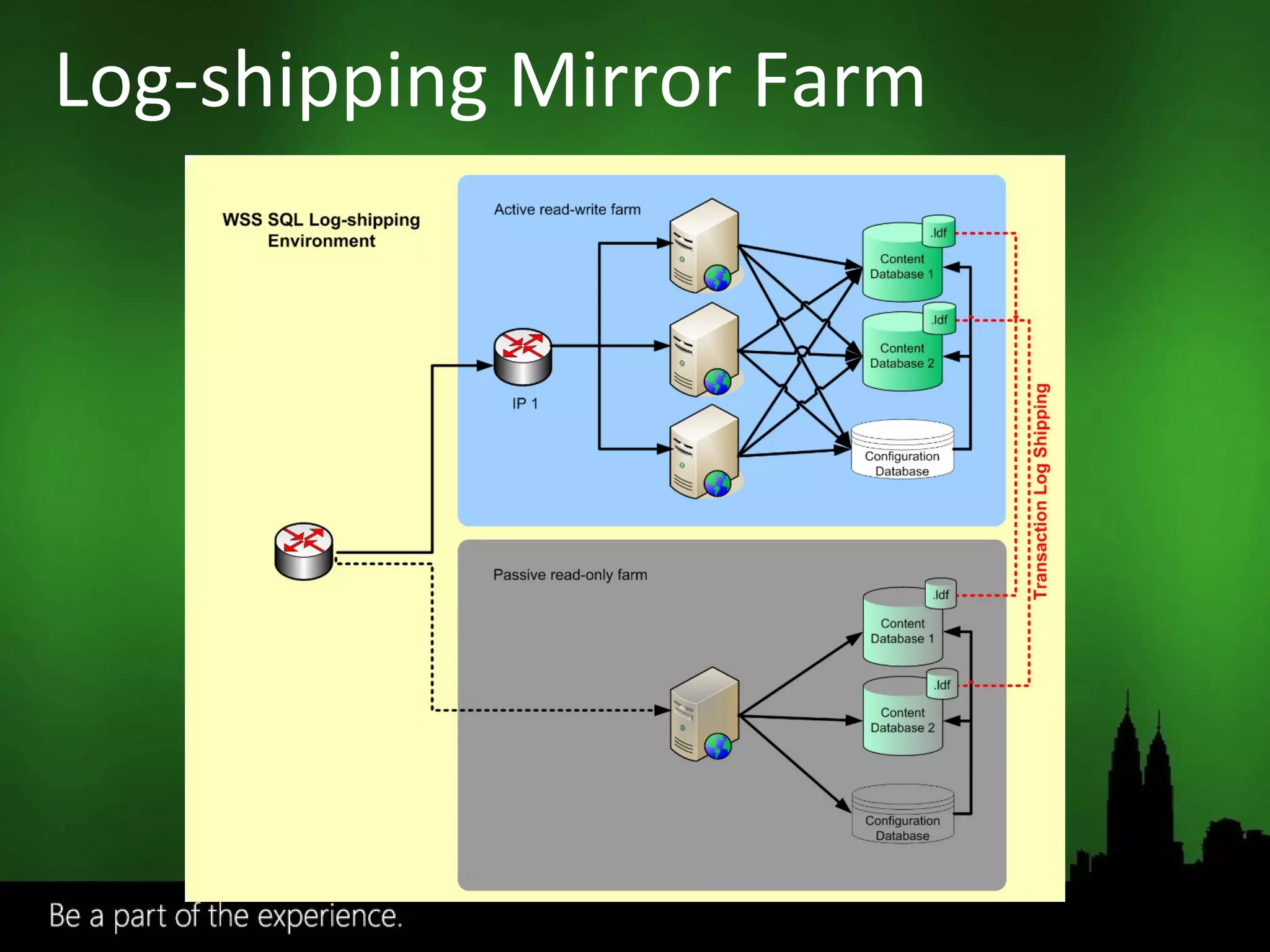
Mirror / failover farm Warm backup  for quick content recovery Replicate primary farm on secondary system SQL log shipping transfers content DB data On disaster, router switches traffic in minutes Limitations: Must manually replicate configuration changes Errors will be log shipped to mirror farm Requires additional hardware Search indexer must run separately on mirror farm Secondary farm must be read-only “ I want the minimal delay when my data center goes down!” “ I need another farm to test my solutions before I put them into production!”
Log-shipping Mirror Farm
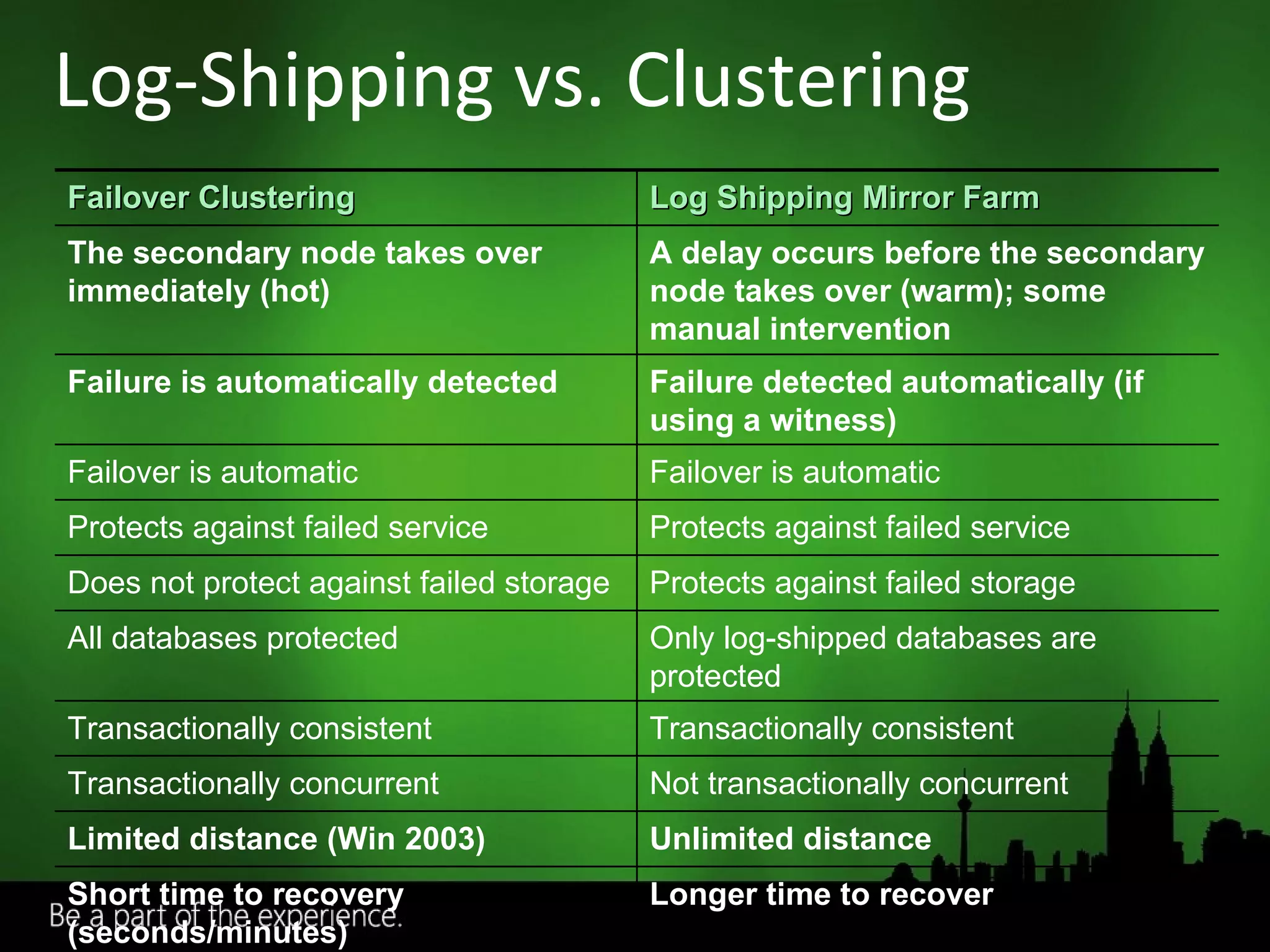
Log-Shipping vs. Clustering Failover Clustering Log Shipping Mirror Farm The secondary node takes over immediately (hot) A delay occurs before the secondary node takes over (warm); some manual intervention Failure is automatically detected Failure detected automatically (if using a witness) Failover is automatic Failover is automatic Protects against failed service Protects against failed service Does not protect against failed storage  Protects against failed storage All databases protected Only log-shipped databases are protected Transactionally consistent Transactionally consistent Transactionally concurrent Not transactionally concurrent Limited distance (Win 2003) Unlimited distance Short time to recovery (seconds/minutes) Longer time to recover
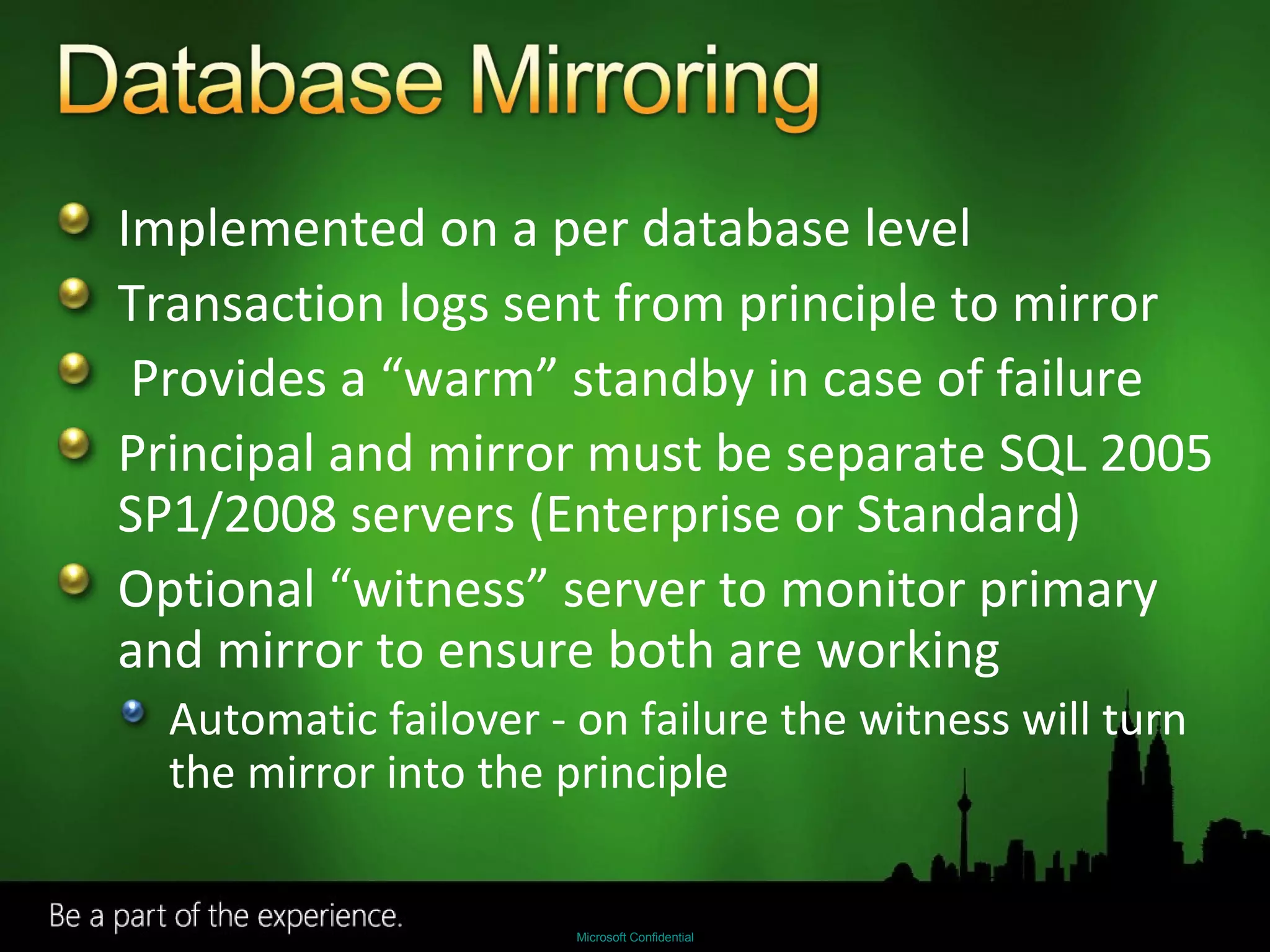
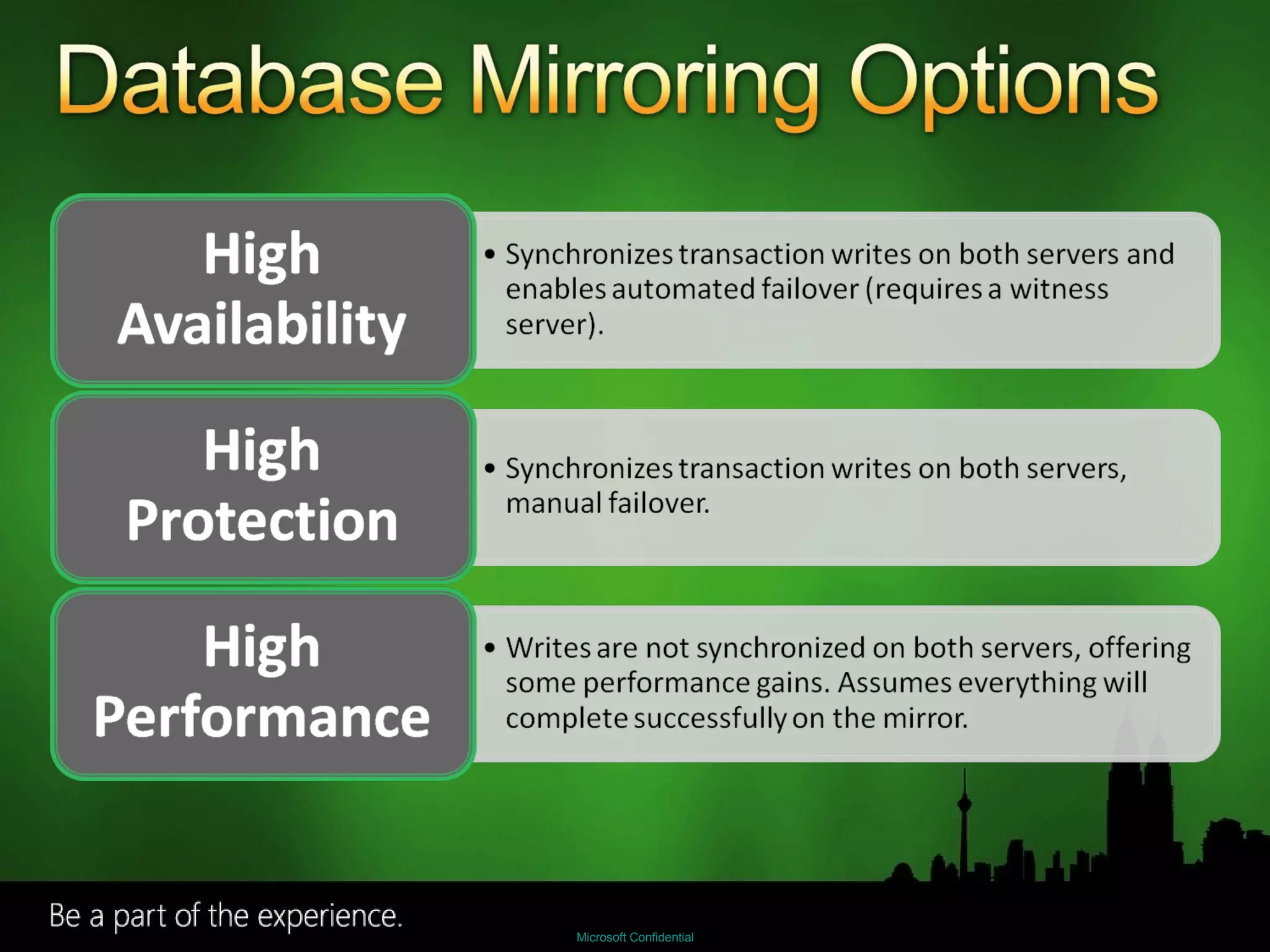
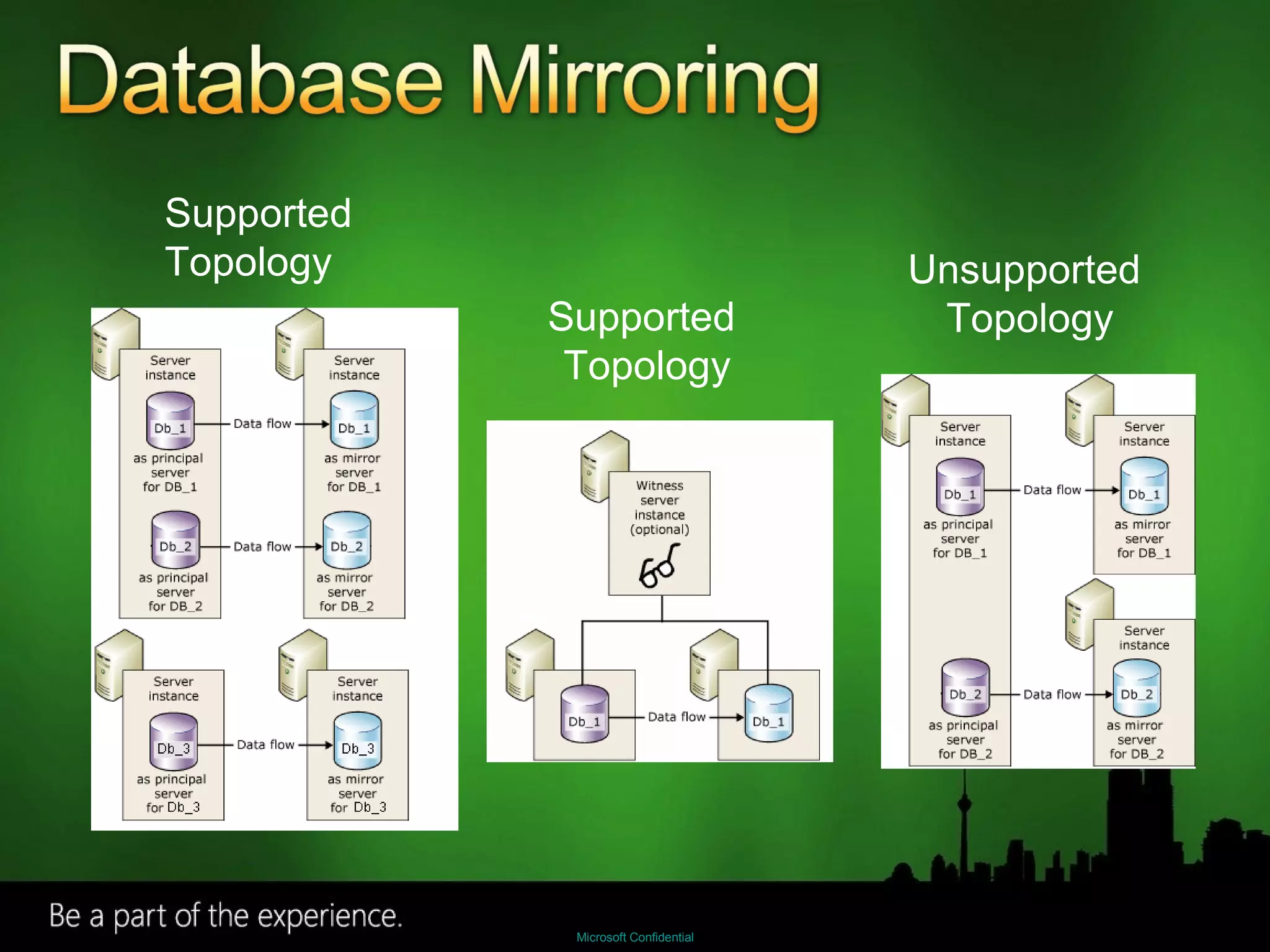
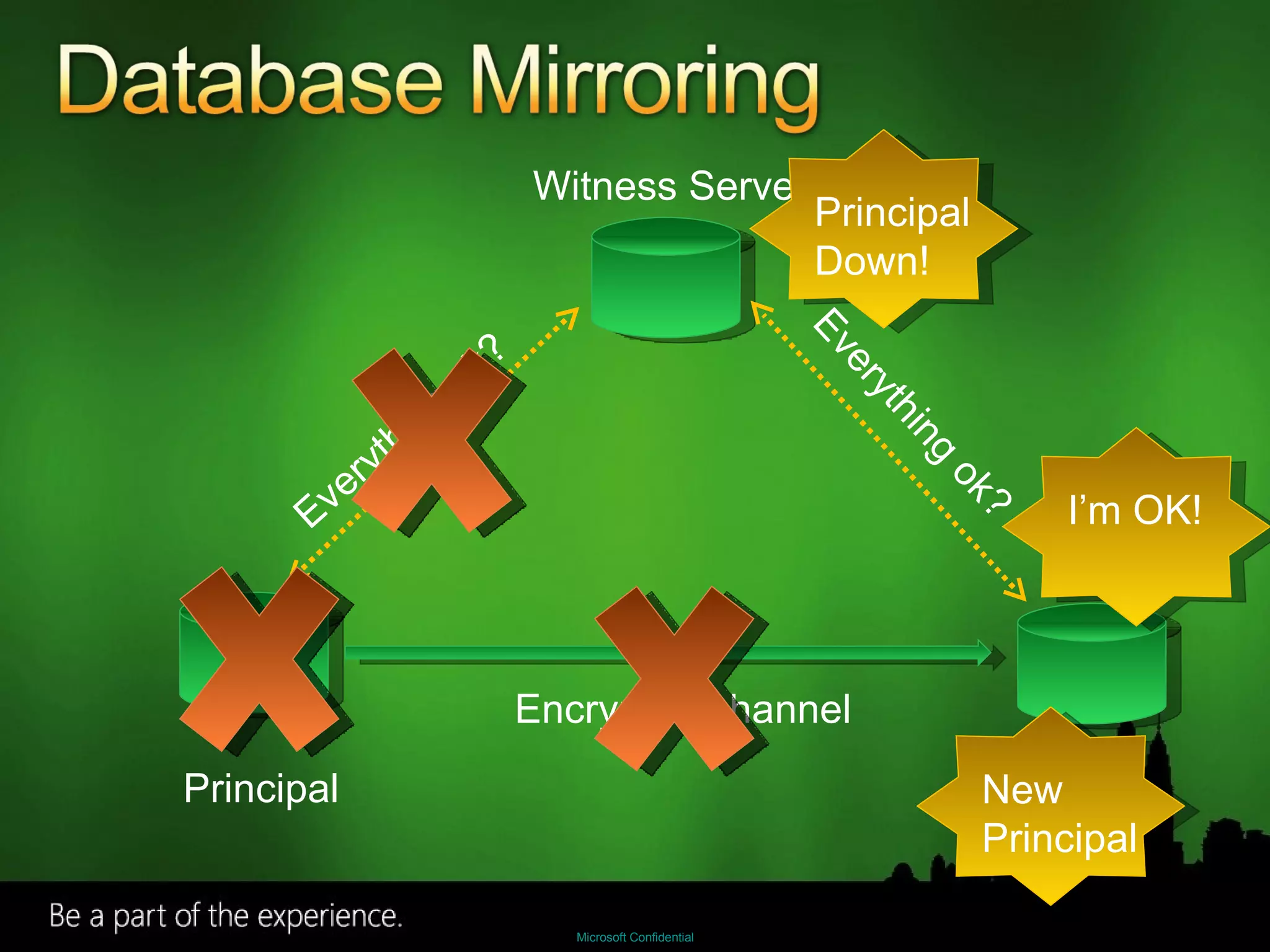
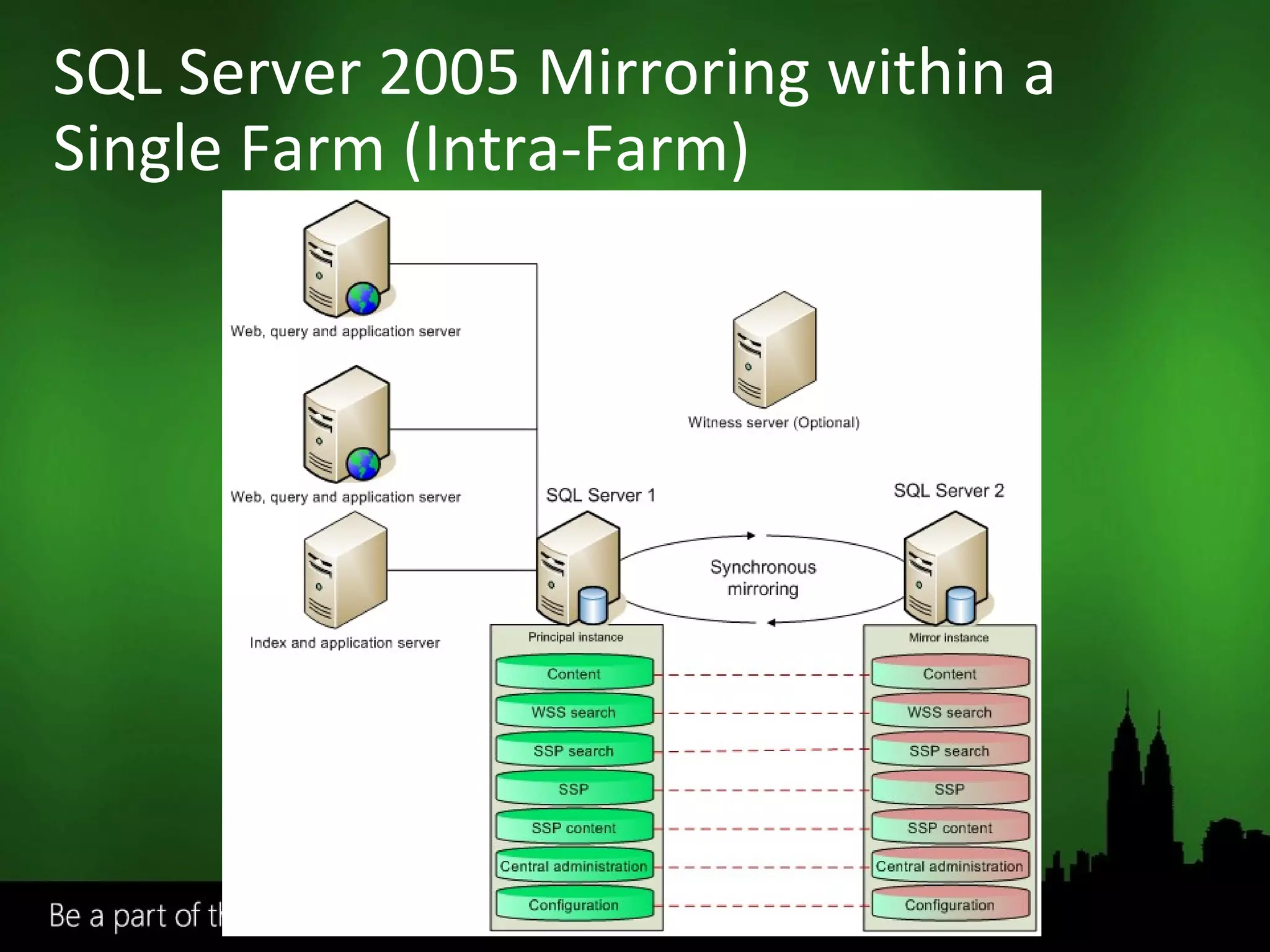
Implemented on a per database level Transaction logs sent from principle to mirror Provides a “warm” standby in case of failure Principal and mirror must be separate SQL 2005 SP1/2008 servers (Enterprise or Standard) Optional “witness” server to monitor primary and mirror to ensure both are working Automatic failover - on failure the witness will turn the mirror into the principle
 
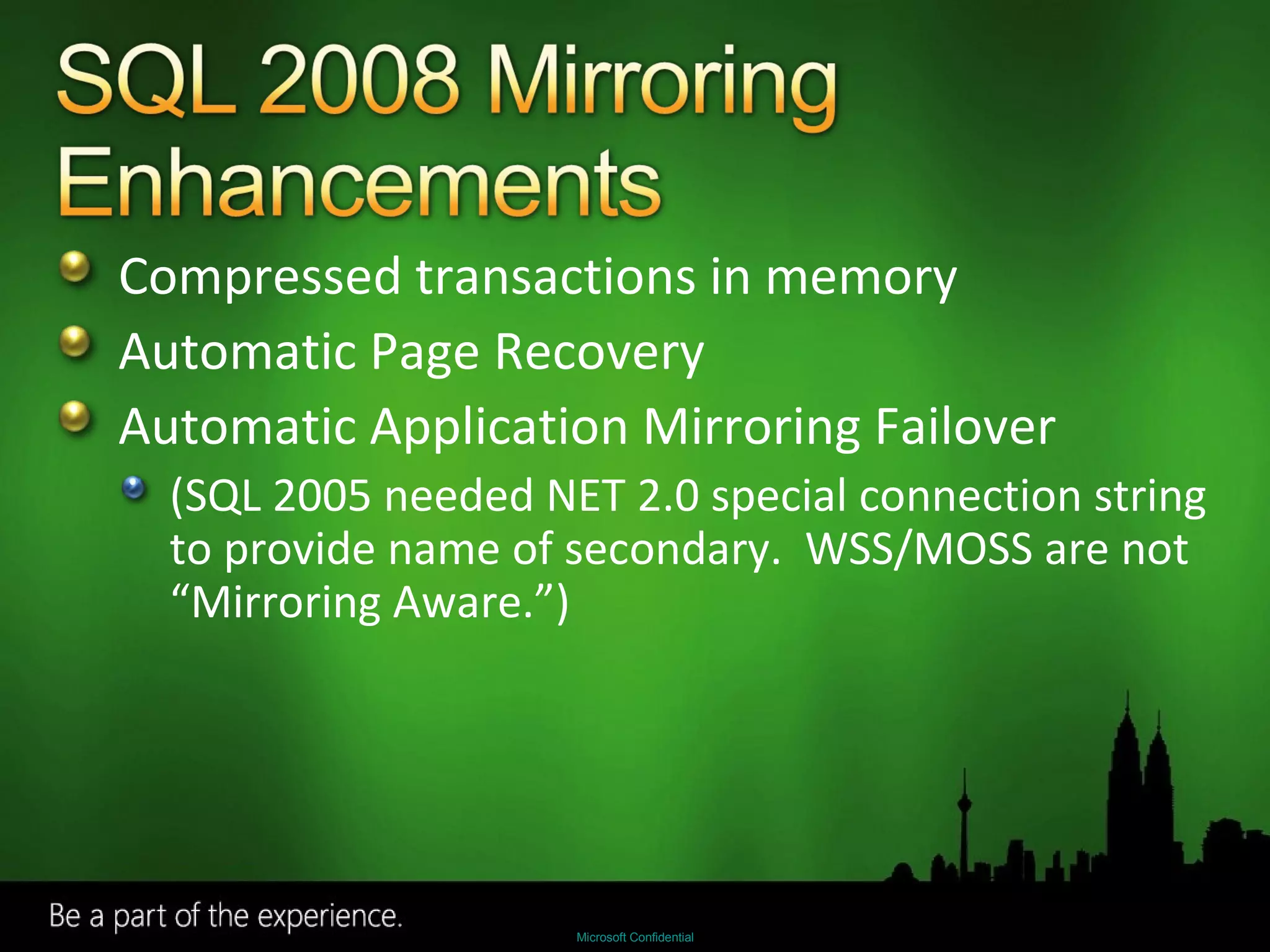
Compressed transactions in memory Automatic Page Recovery Automatic Application Mirroring Failover (SQL 2005 needed NET 2.0 special connection string to provide name of secondary.  WSS/MOSS are not “Mirroring Aware.”)
Supported  Topology Supported  Topology Unsupported  Topology
Witness Server Principal Mirror Encrypted channel Everything ok? Everything ok? Principal  Down! I’m OK! New  Principal
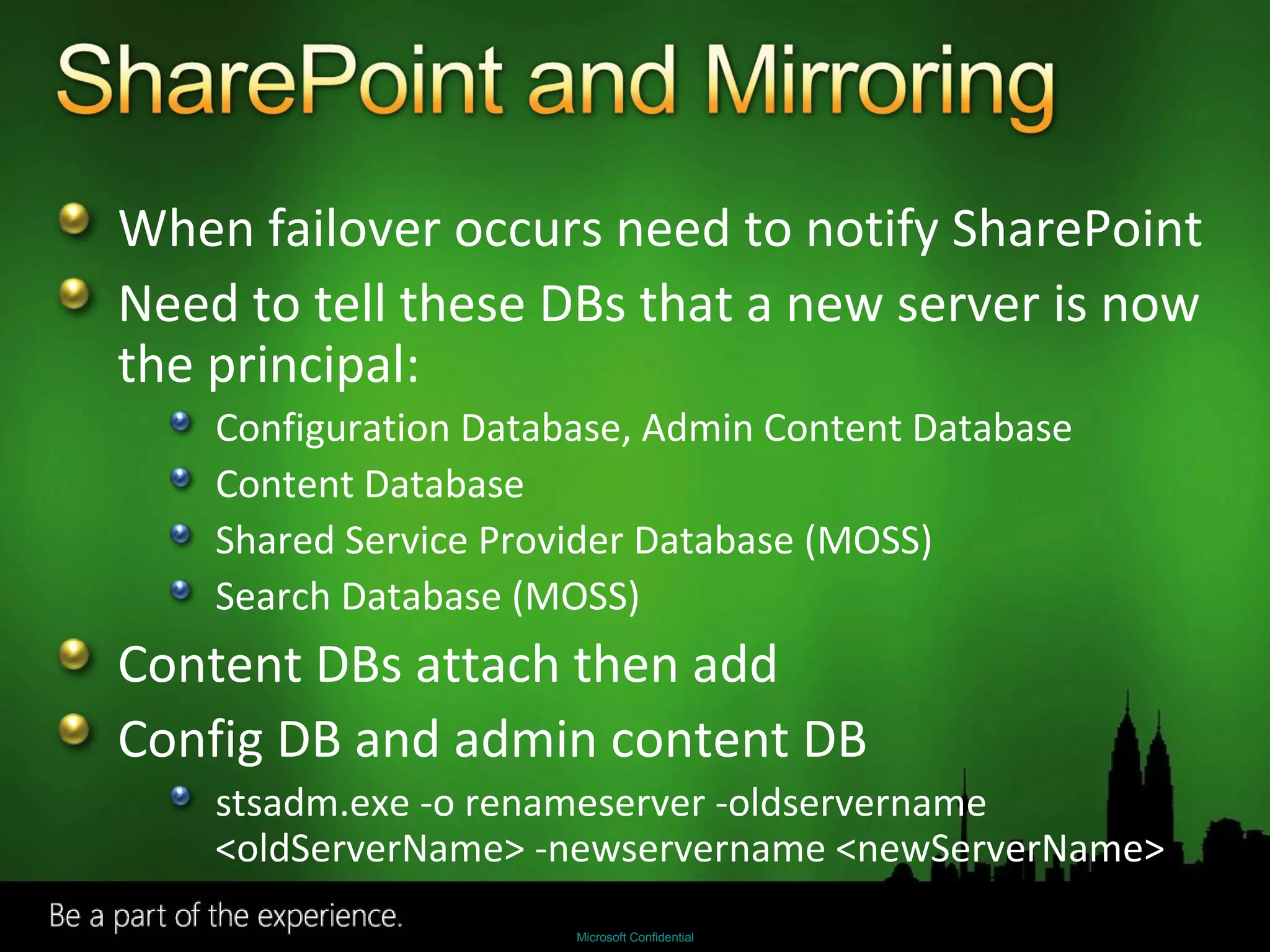
When failover occurs need to notify SharePoint Need to tell these DBs that a new server is now the principal: Configuration Database, Admin Content Database Content Database Shared Service Provider Database (MOSS) Search Database (MOSS) Content DBs attach then add Config DB and admin content DB stsadm.exe -o renameserver -oldservername <oldServerName> -newservername <newServerName>
Advanced Disaster Recovery Drill Down
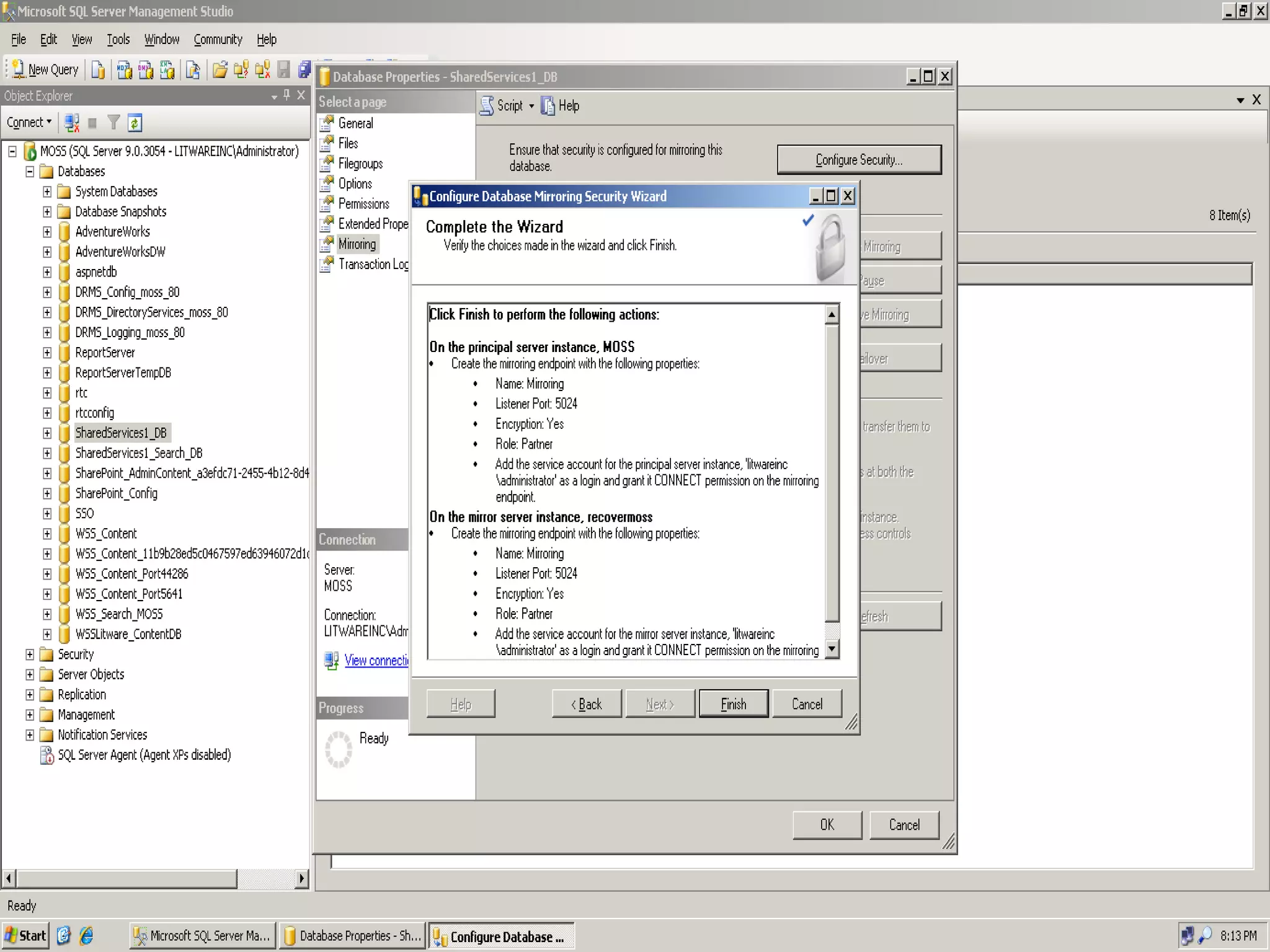
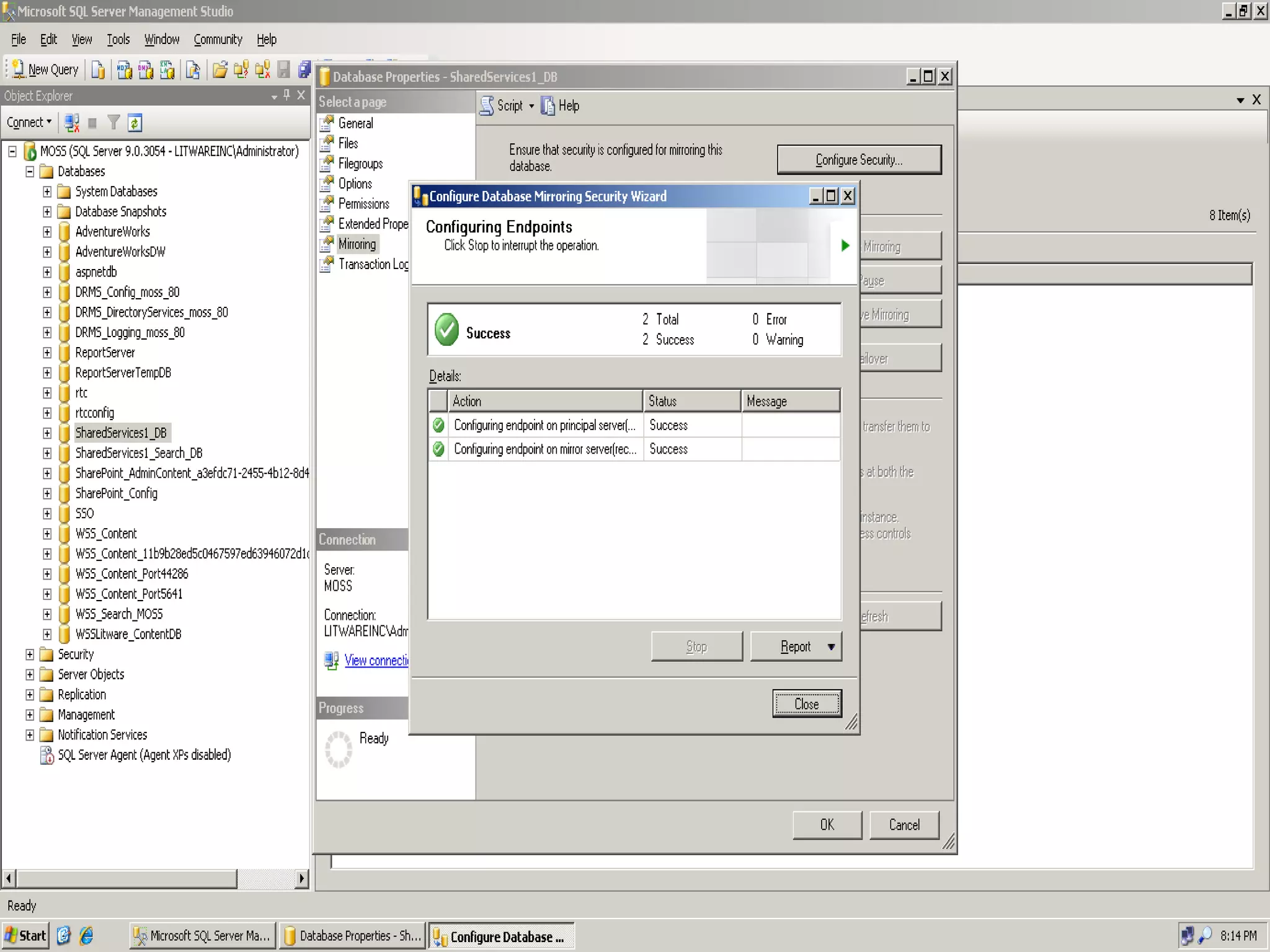
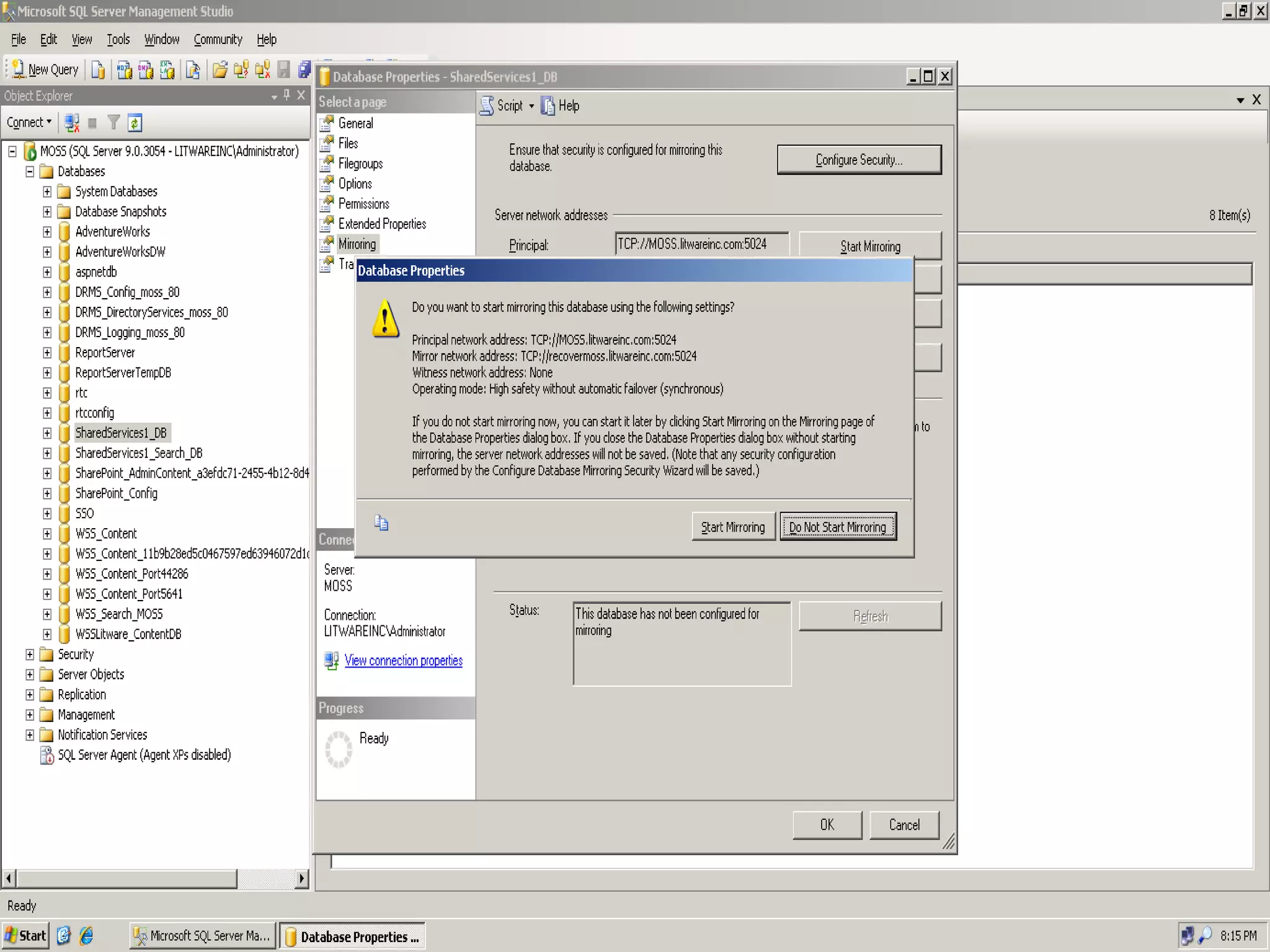
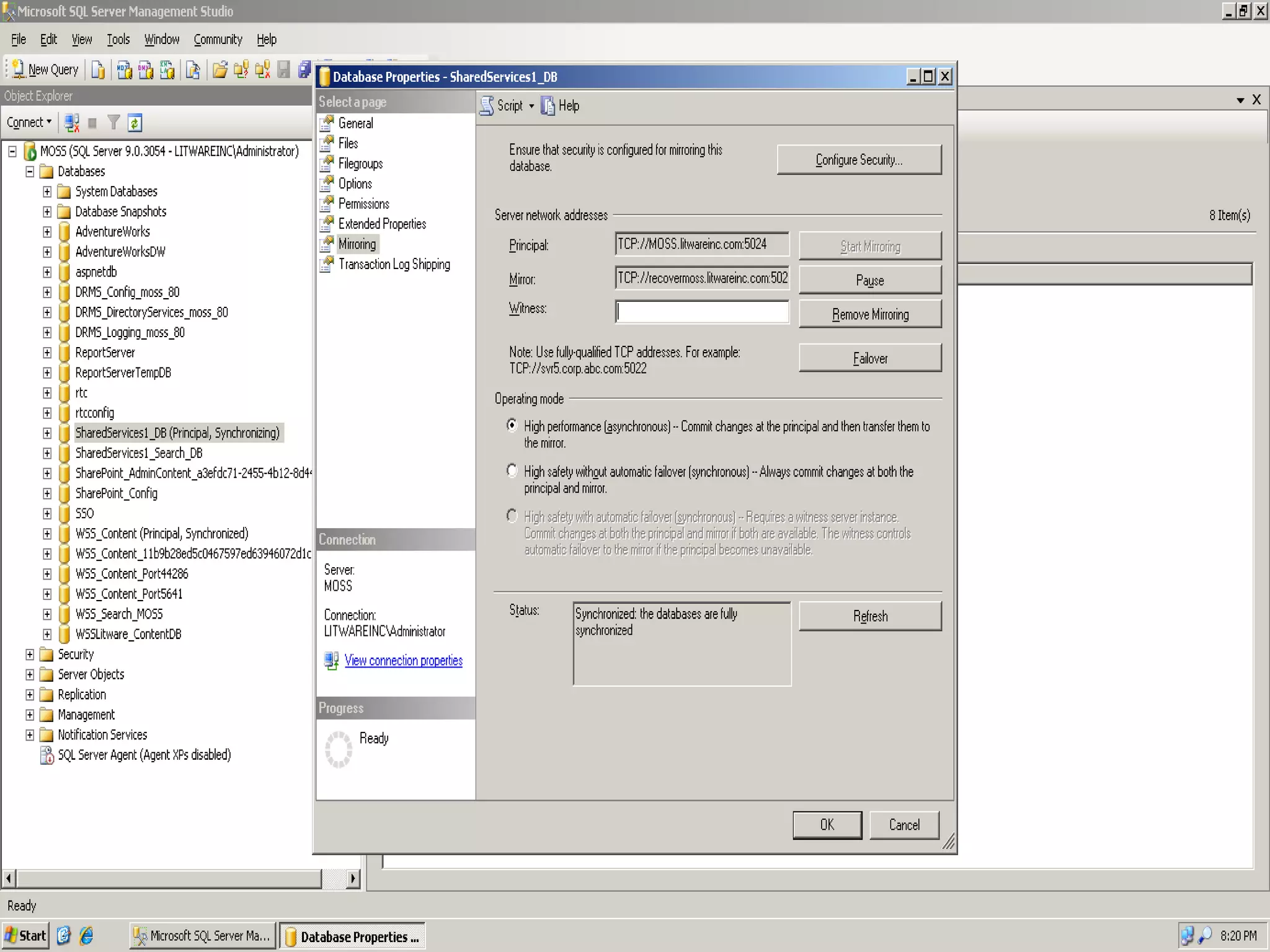
SQL Server 2005 Mirroring within a Single Farm (Intra-Farm)
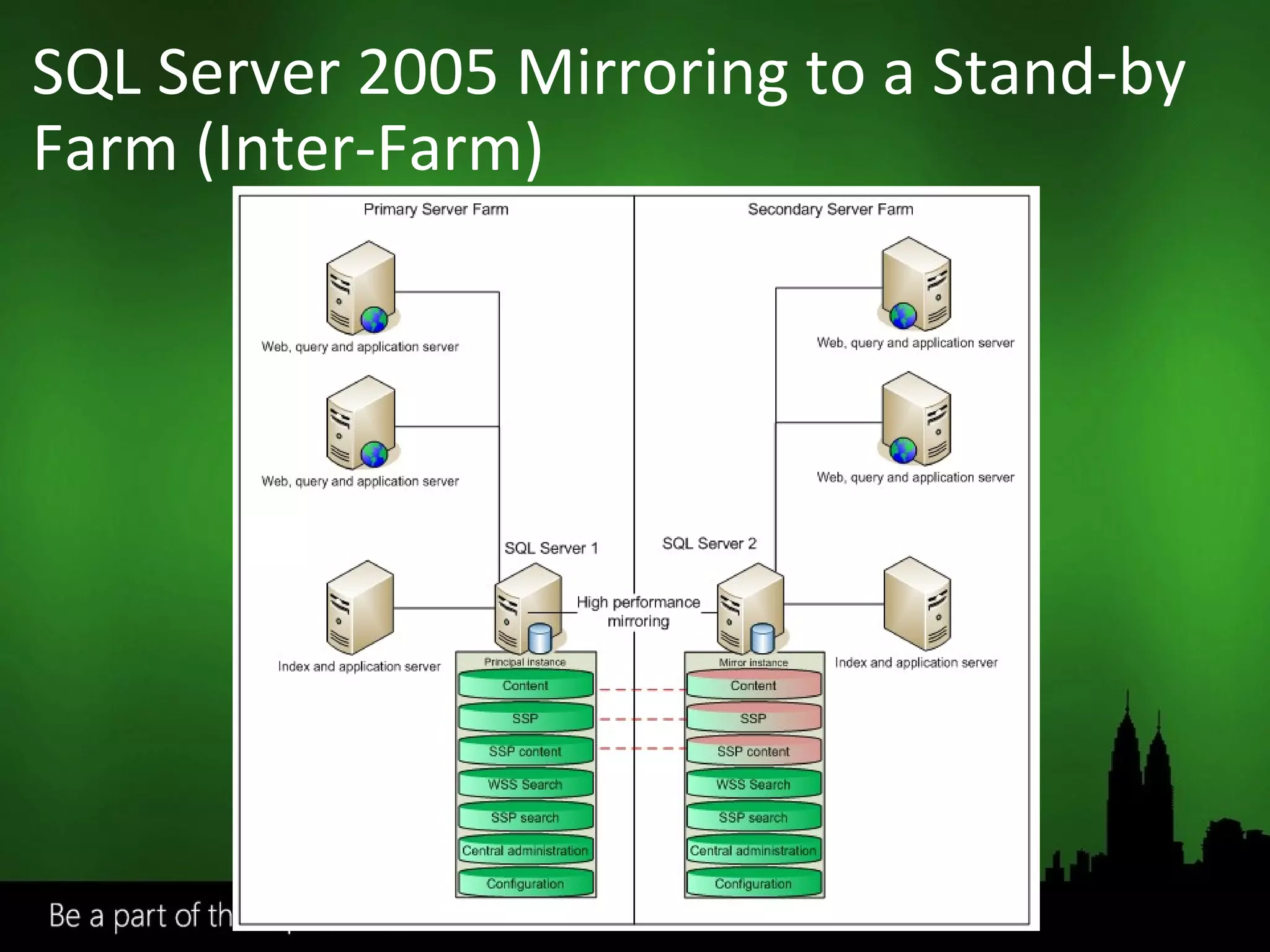
SQL Server 2005 Mirroring to a Stand-by Farm (Inter-Farm)
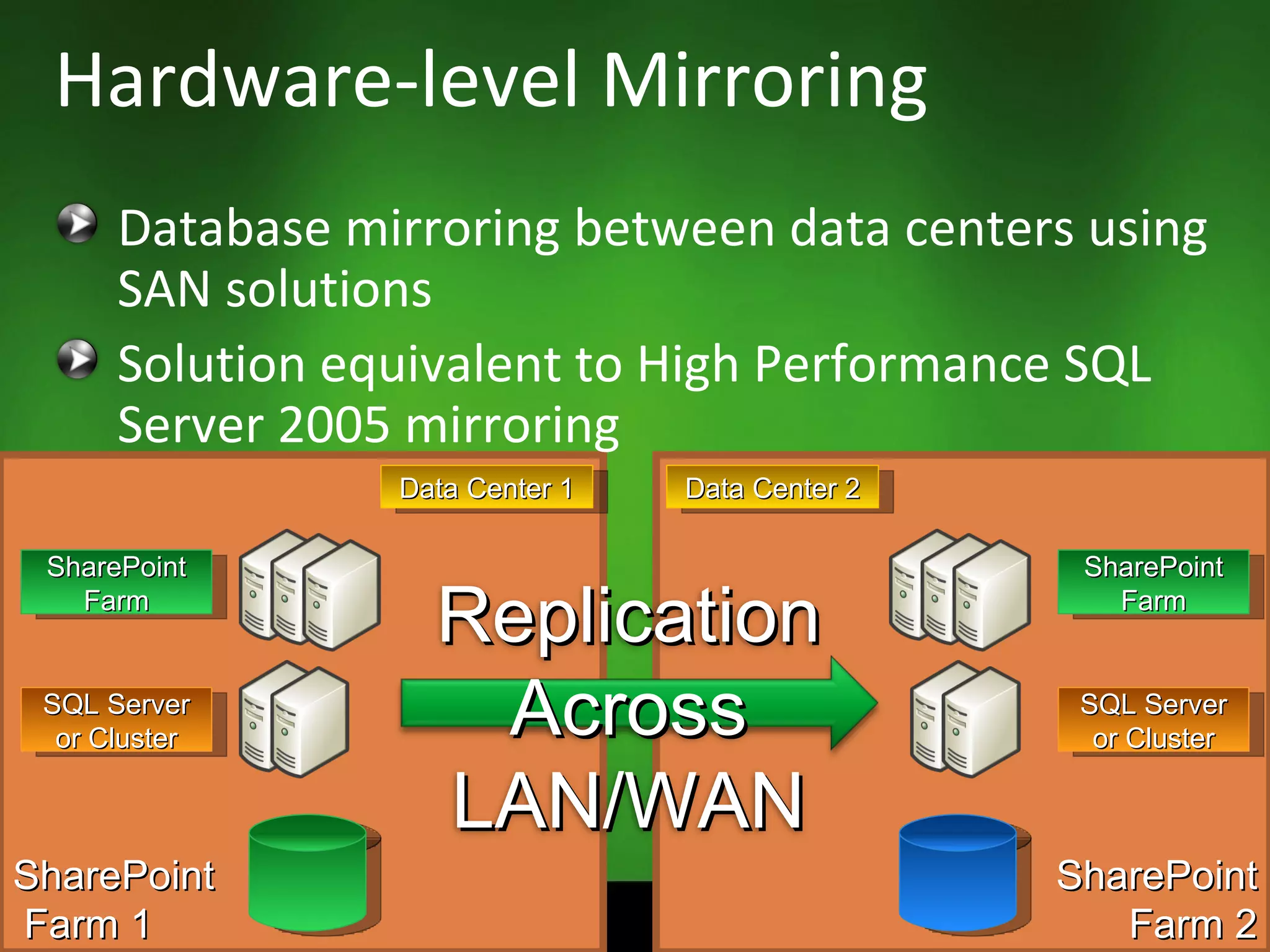
Database mirroring between data centers using SAN solutions Solution equivalent to High Performance SQL Server 2005 mirroring Hardware-level Mirroring SharePoint Farm 2 SharePoint Farm 1 SharePoint Farm Data Center 1 Data Center 2 SQL Server or Cluster SharePoint Farm SQL Server or Cluster Replication Across LAN/WAN
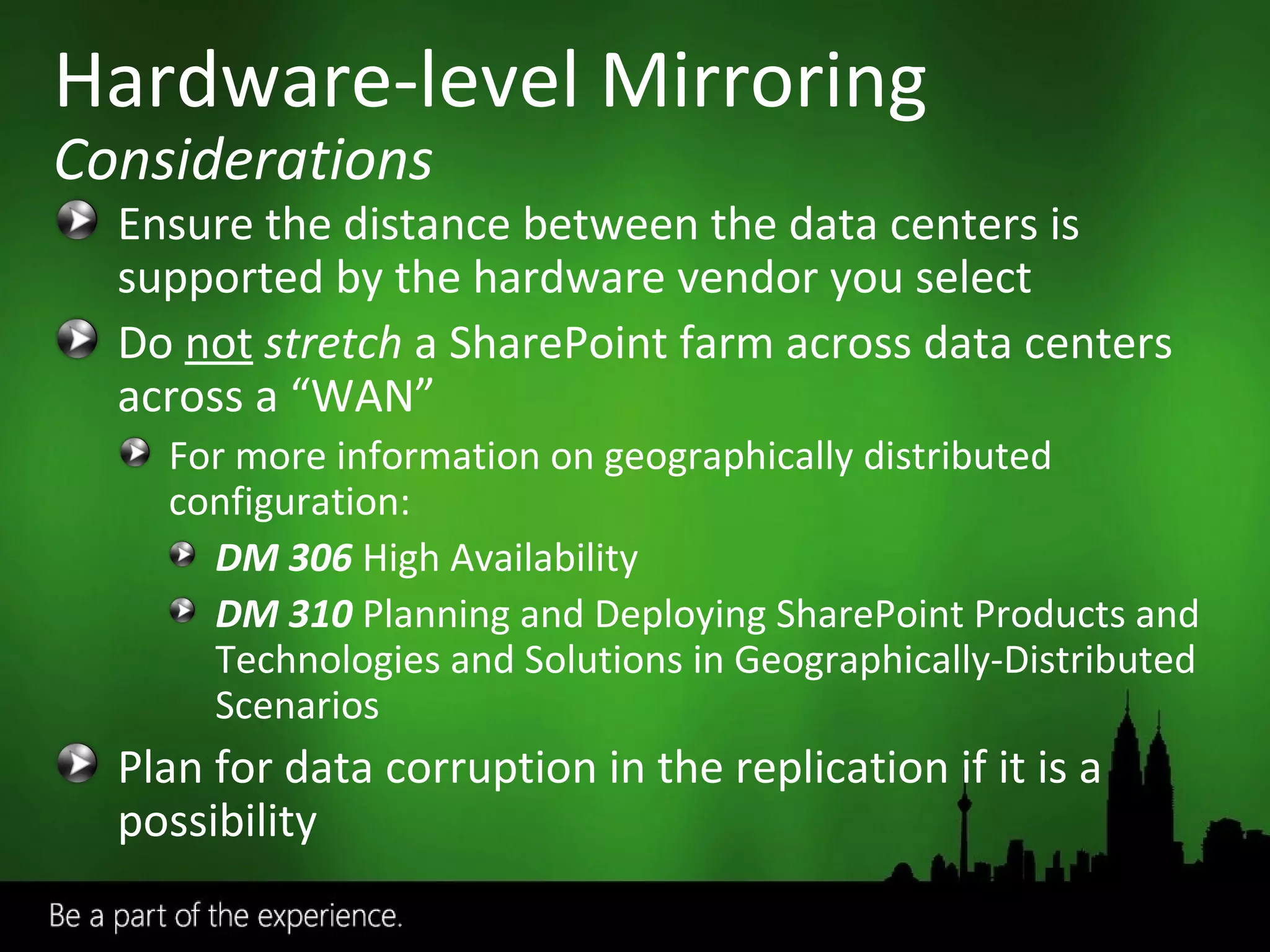
Ensure the distance between the data centers is supported by the hardware vendor you select Do  not   stretch  a SharePoint farm across data centers across a “WAN” For more information on geographically distributed configuration:  DM 306   High Availability DM 310  Planning and Deploying SharePoint Products and Technologies and Solutions in Geographically-Distributed Scenarios Plan for data corruption in the replication if it is a possibility Hardware-level Mirroring Considerations
Disaster Recovery Architectures
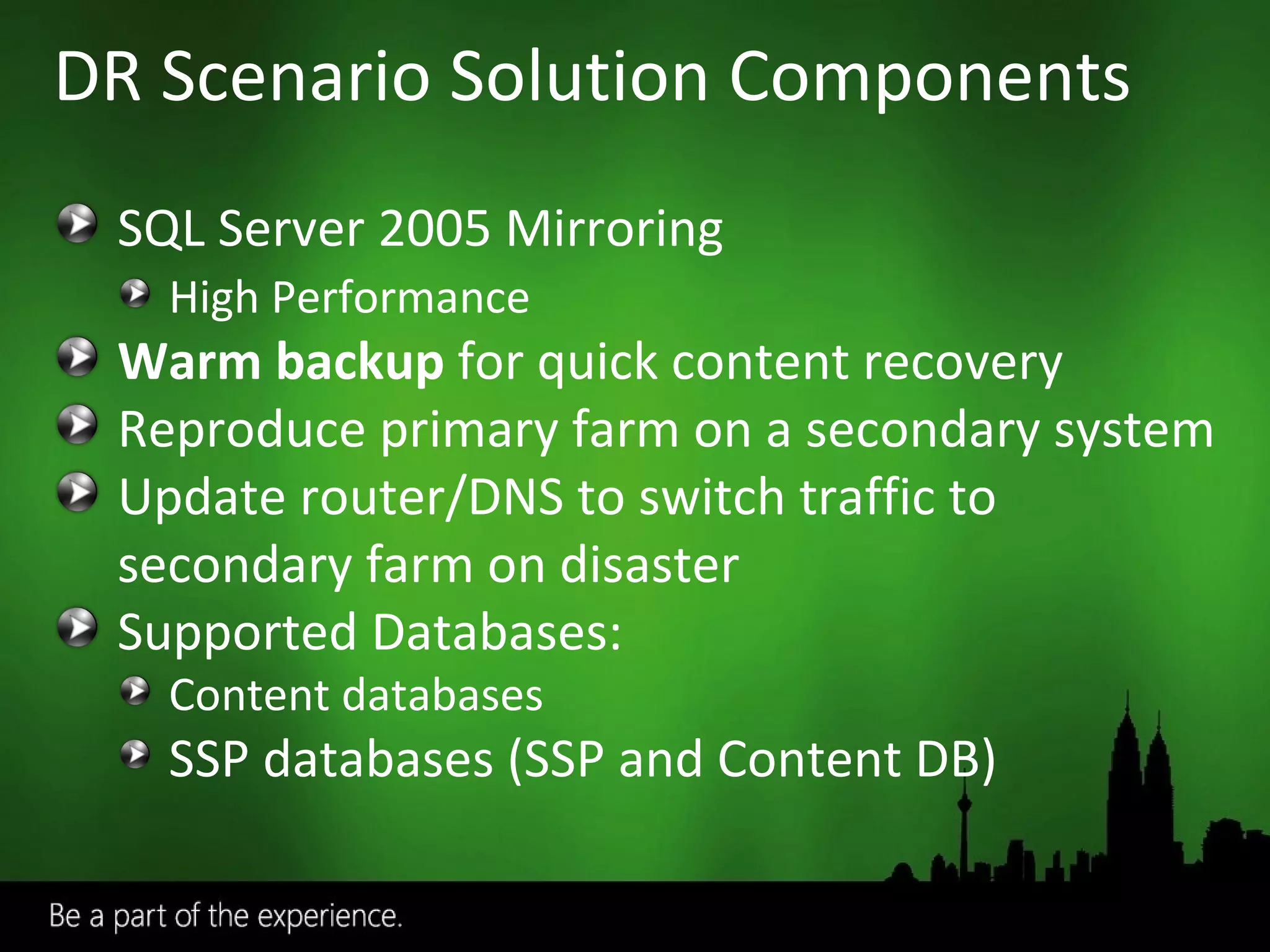
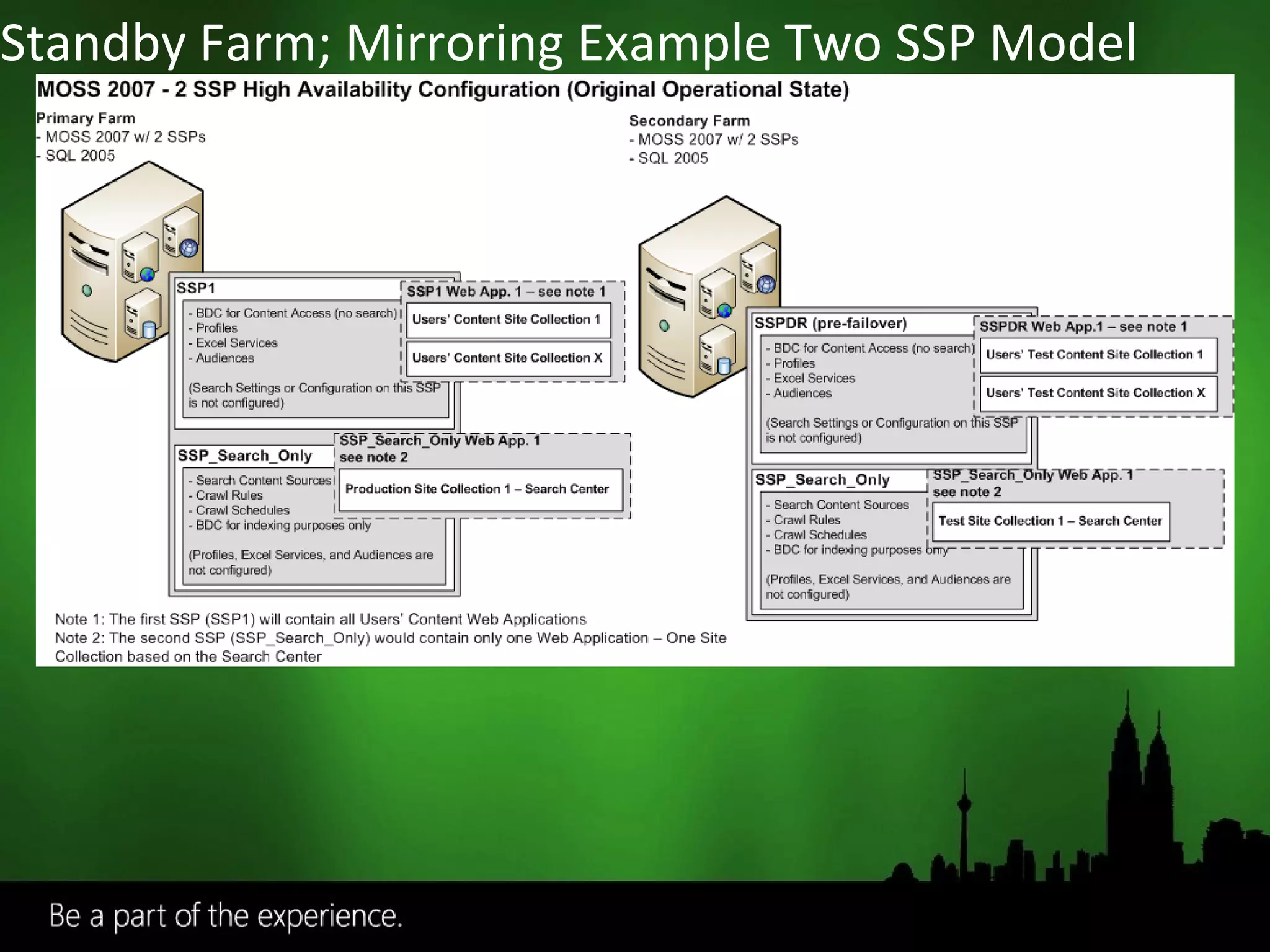
DR Scenario Solution Components SQL Server 2005 Mirroring High Performance Warm backup  for quick content recovery Reproduce primary farm on a secondary system Update router/DNS to switch traffic to secondary farm on disaster Supported Databases: Content databases SSP databases (SSP and Content DB)
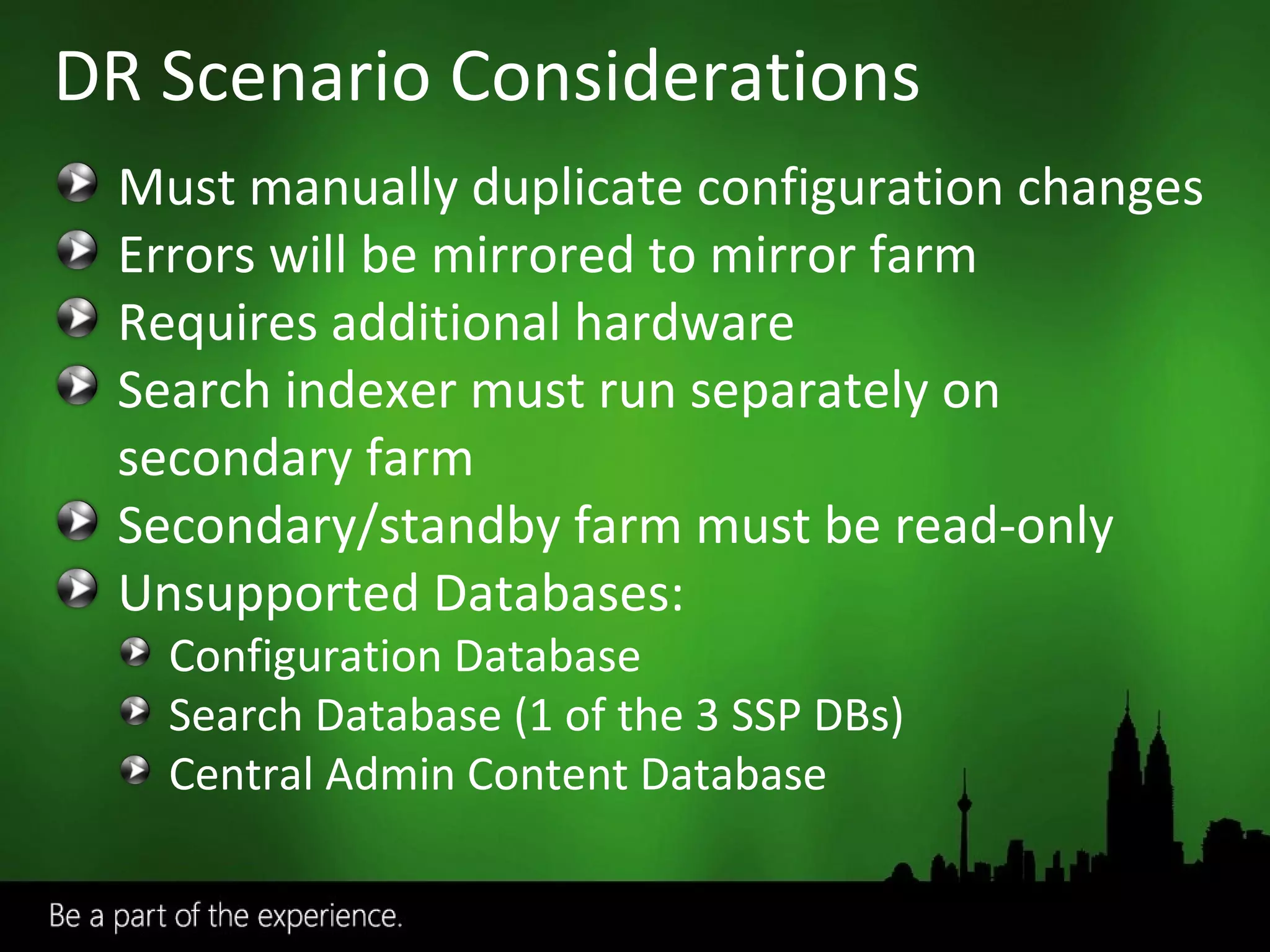
DR Scenario Considerations Must manually duplicate configuration changes Errors will be mirrored to mirror farm Requires additional hardware Search indexer must run separately on secondary farm Secondary/standby farm must be read-only Unsupported Databases: Configuration Database Search Database (1 of the 3 SSP DBs) Central Admin Content Database
Standby Farm; Mirroring Example Two SSP Model
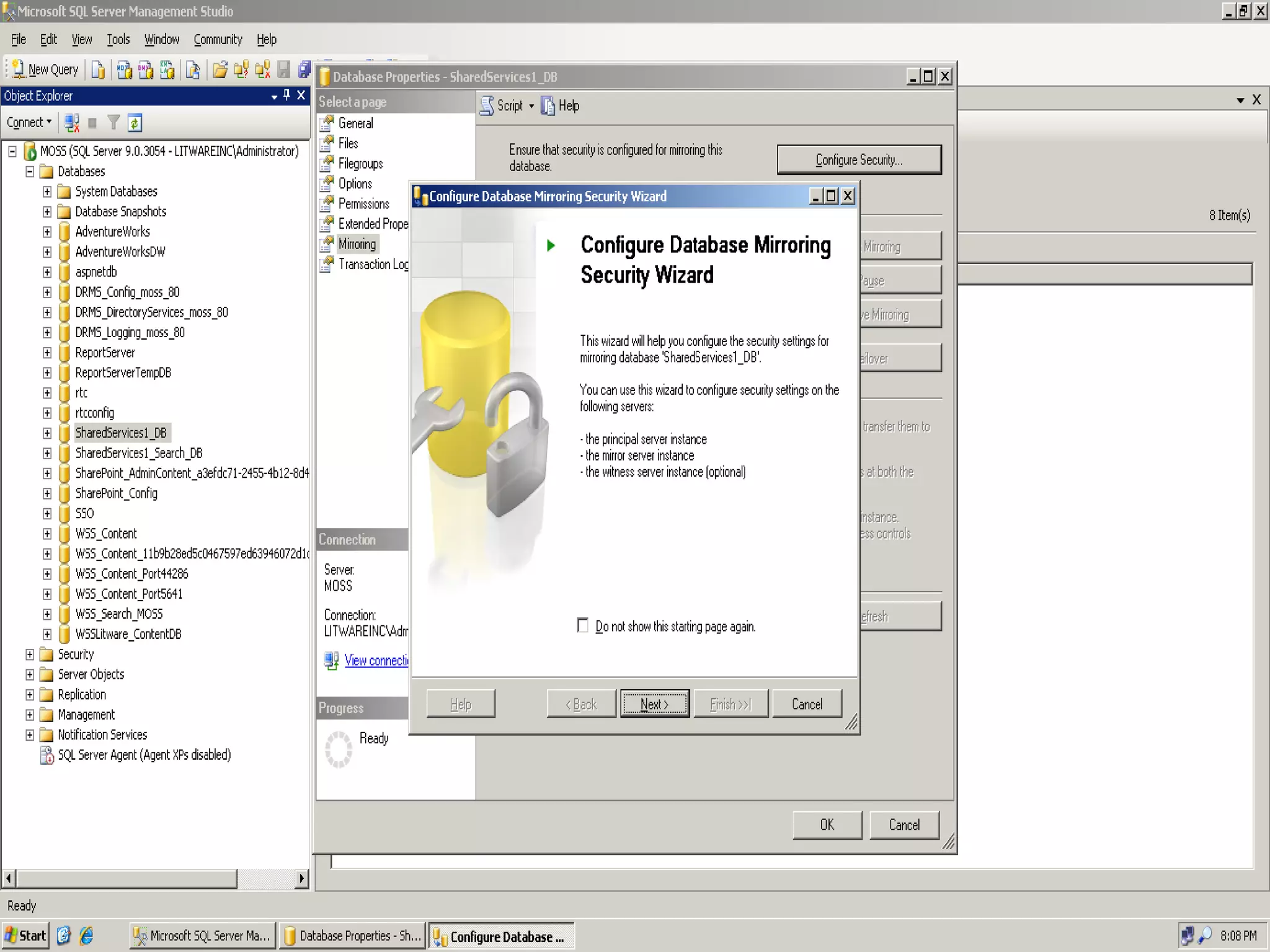
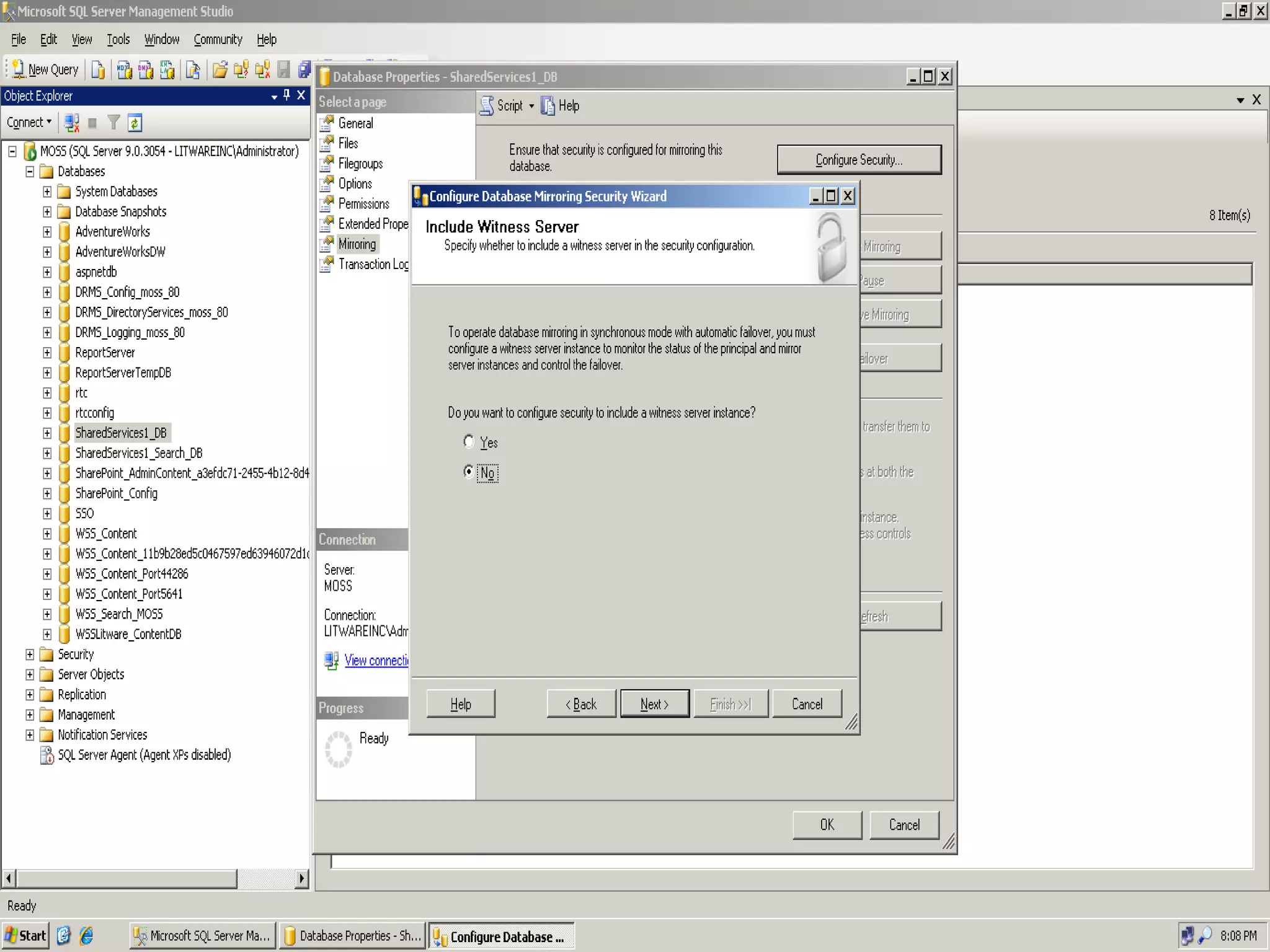
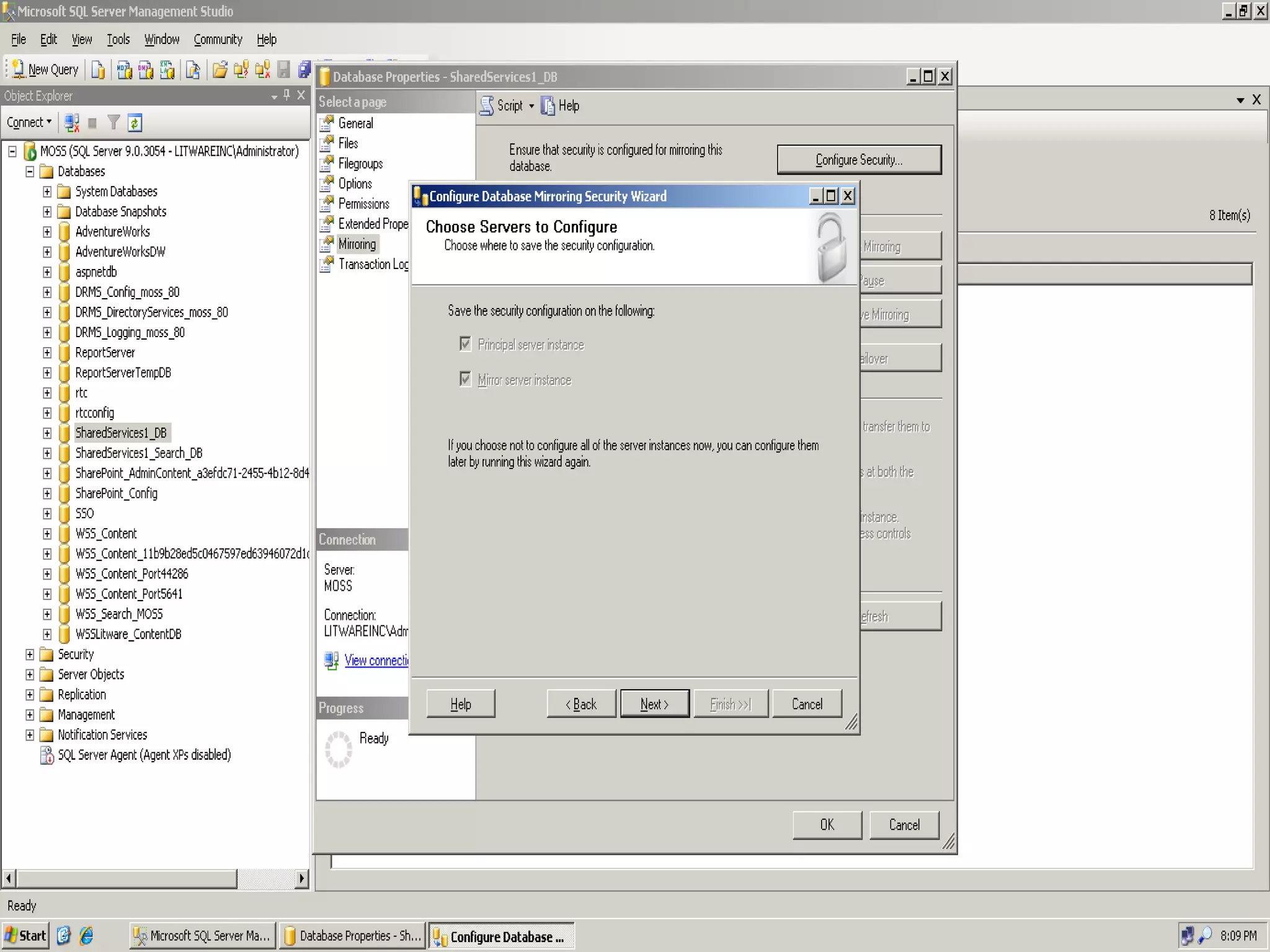
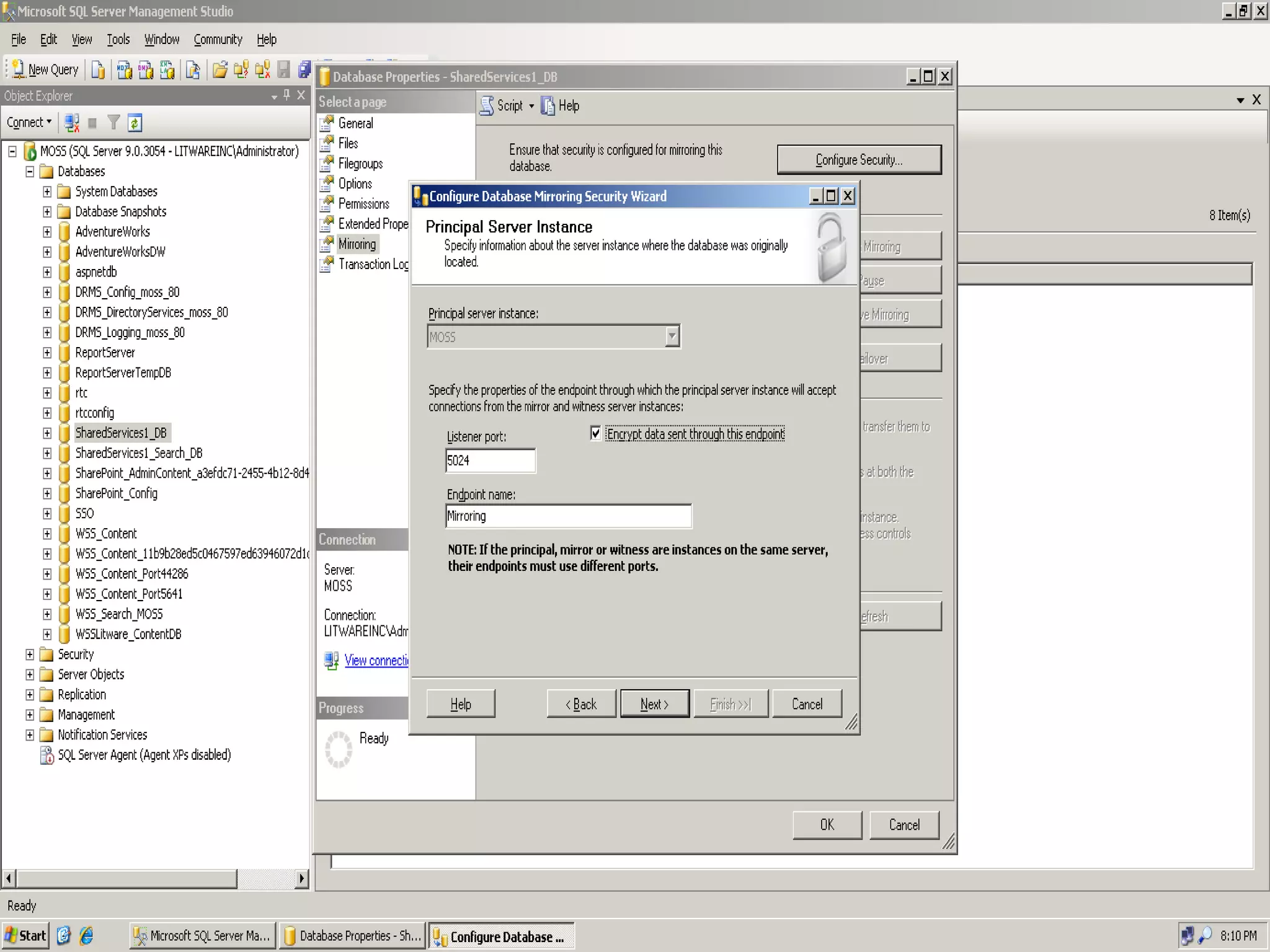
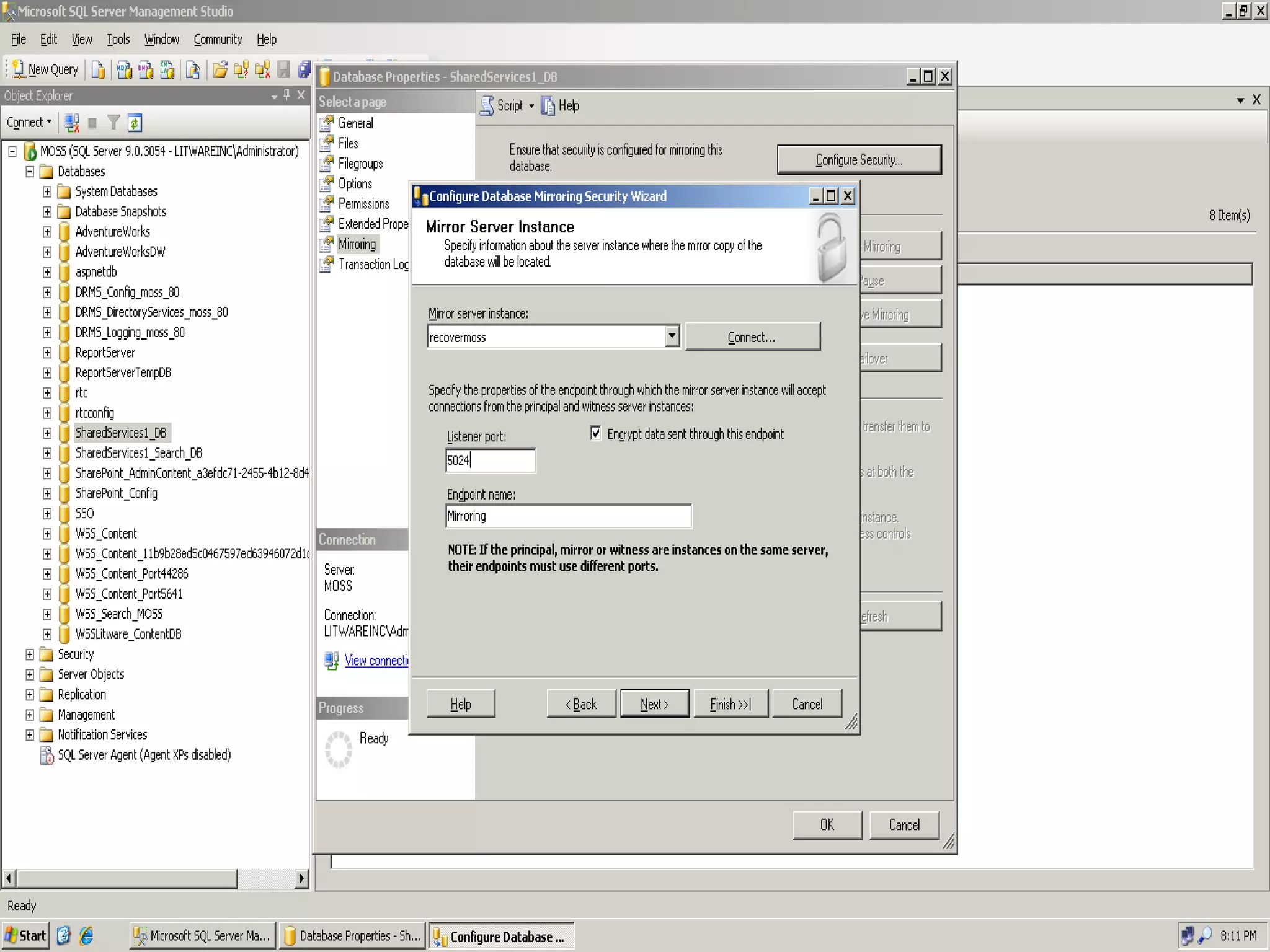
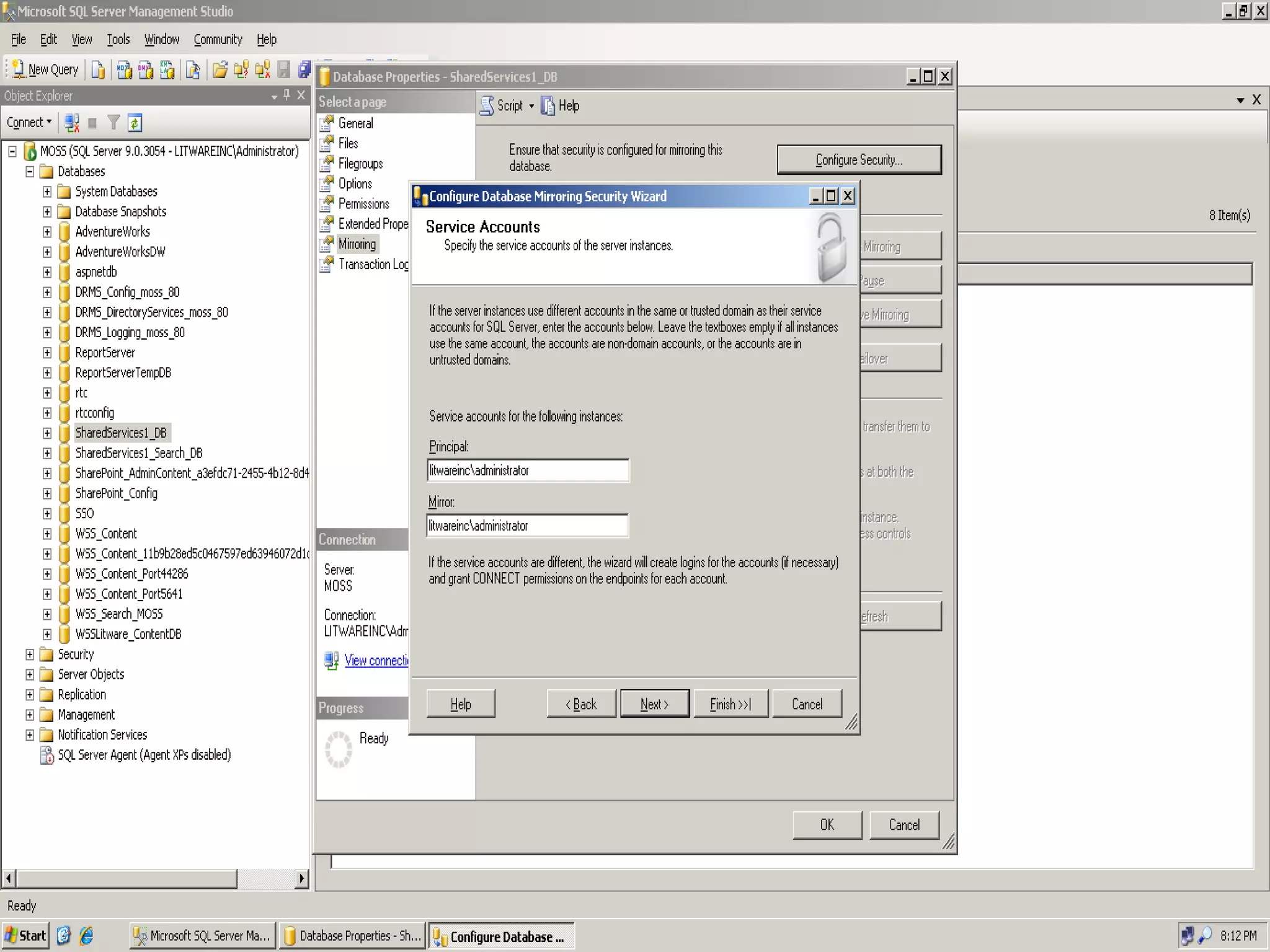
Configuring Mirroring  –   SQL Steps


Resources TechNet – Backup and Restore an Entire Farm With Built in SharePoint Tools With SQL Server With DPM http://technet.microsoft.com/en-us/library/cc262412.aspx Way more resources than I could put on one slide: http://www.sharepointjoel.com/Lists/Posts/Post.aspx?ID=74
Thank YOU!!!
Q & A
Notes In addition to the Walk-in and Title slides, the following slides are  required Please add to your content and include these in your final presentation NEXT: <next slide title>
Resources www.techedsea.com   Event photos, presentation slides http://www.microsoft.com/ malaysia/technet/   Evaluation licenses, pre-released products, and MORE! http://www.microsoft.com/malaysia/msdn/ Developer’s Kit, Licenses,  and MORE! http://blogs.msdn.com/malaysia MSDN Malaysia Blog http://blogs.msdn.com/tolong Blog about all things .NET Required slide
Participating Microsoft Certified Partners for Learning Solutions  VISIT  the MS Learning Pavilion & MS Press booth for great Training & Certification offers SIGN-UP  for Training, MS Press & Certification offers and enjoy the following Check-out the MS Learning Offer Pack in your event kit for  EXCLUSIVE  offers FREE MeasureUp Practice Test worth US$50 each Daily lucky draws of prizes worth RM2,000 ATTEND  Microsoft Learning sessions and win mystery prizes : “ New Generation of Certification Track” @ 2:15 – 3:00pm | 12 August | Room 302-303 “ Light & Easy” with Microsoft Learning on 11-13 August | Tech•Ed After Hours
Download presentation slides Required slide Presentation slides will be available for download at the Tech · Ed Internet Café or after the event at: www.techedsea.com
Did you like this session? Required slide Please complete the track evaluation form and return it to the track managers on your way out… You may be a lucky winner of some cool prizes!
We value your feedback! Required slide Please remember to complete the overall conference evaluation form (in your bag) and return it to the Handout Counter on the last day in return for: Windows Server 2008 Evaluation kit  Visual Studio 2008 Evaluation kit ** Evaluation kits will be given out on a first-come-first-serve basis, while supplies last
© 2008 Microsoft Corporation. All rights reserved. Microsoft, Windows, Windows Vista and other product names are or may be registered trademarks and/or trademarks in the U.S. and/or other countries. The information herein is for informational purposes only and represents the current view of Microsoft Corporation as of the date of this presentation.  Because Microsoft must respond to changing market conditions, it should not be interpreted to be a commitment on the part of Microsoft, and Microsoft cannot guarantee the accuracy of any information provided after the date of this presentation.  MICROSOFT MAKES NO WARRANTIES, EXPRESS, IMPLIED OR STATUTORY, AS TO THE INFORMATION IN THIS PRESENTATION.
Demo Title Name Title Company demo
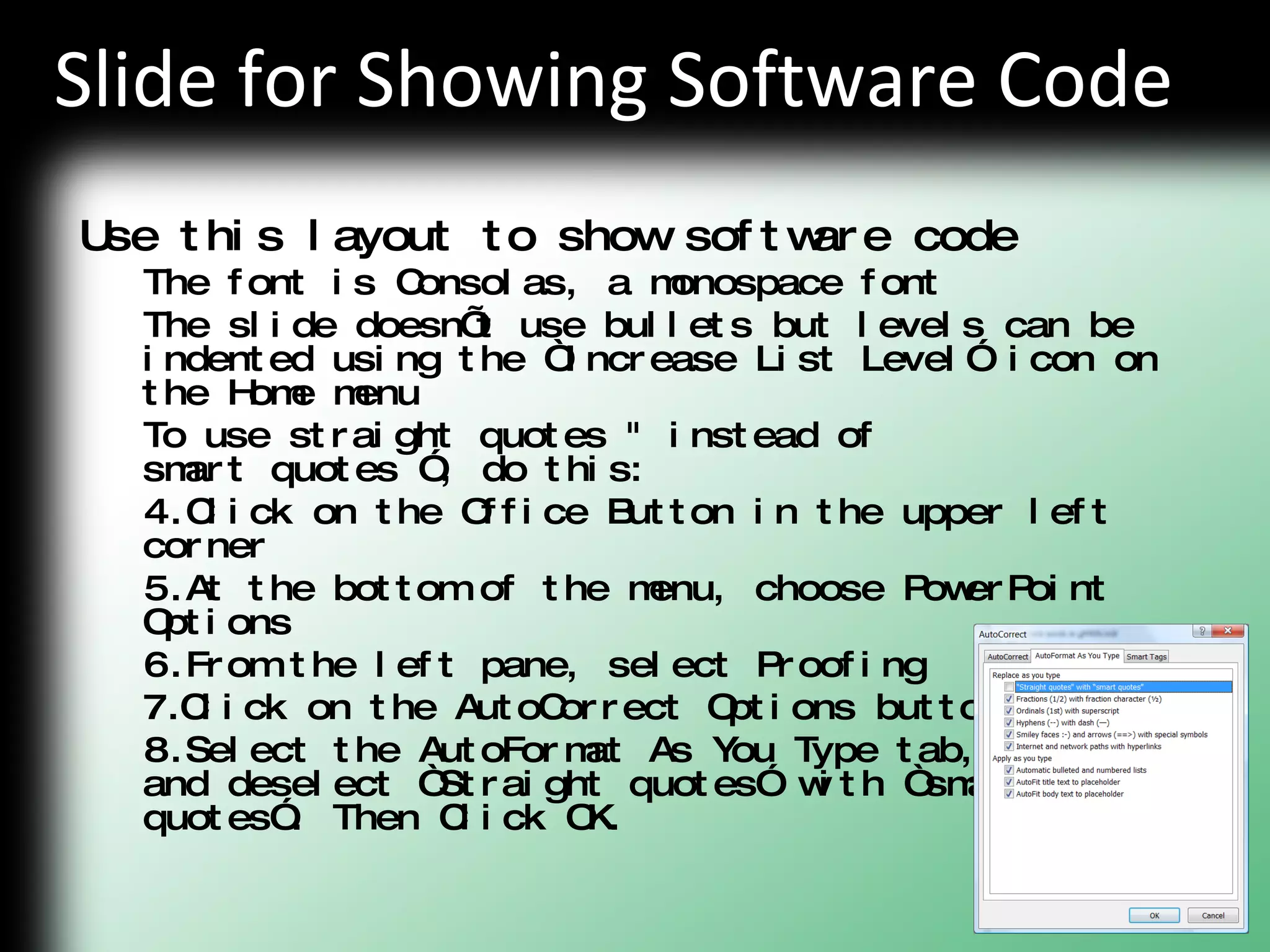
Slide for Showing Software Code Use this layout to show software code The font is Consolas, a monospace font The slide doesn’t use bullets but levels can be indented using the “Increase List Level” icon on the Home menu To use straight quotes &quot; instead of  smart quotes ”, do this: Click on the Office Button in the upper left corner At the bottom of the menu, choose PowerPoint Options From the left pane, select Proofing Click on the AutoCorrect Options button Select the AutoFormat As You Type tab,  and deselect “Straight quotes” with “smart  quotes”. Then Click OK.
Table Format Table Title Column 1 Column 2 Column 3 Column 4 Column 5
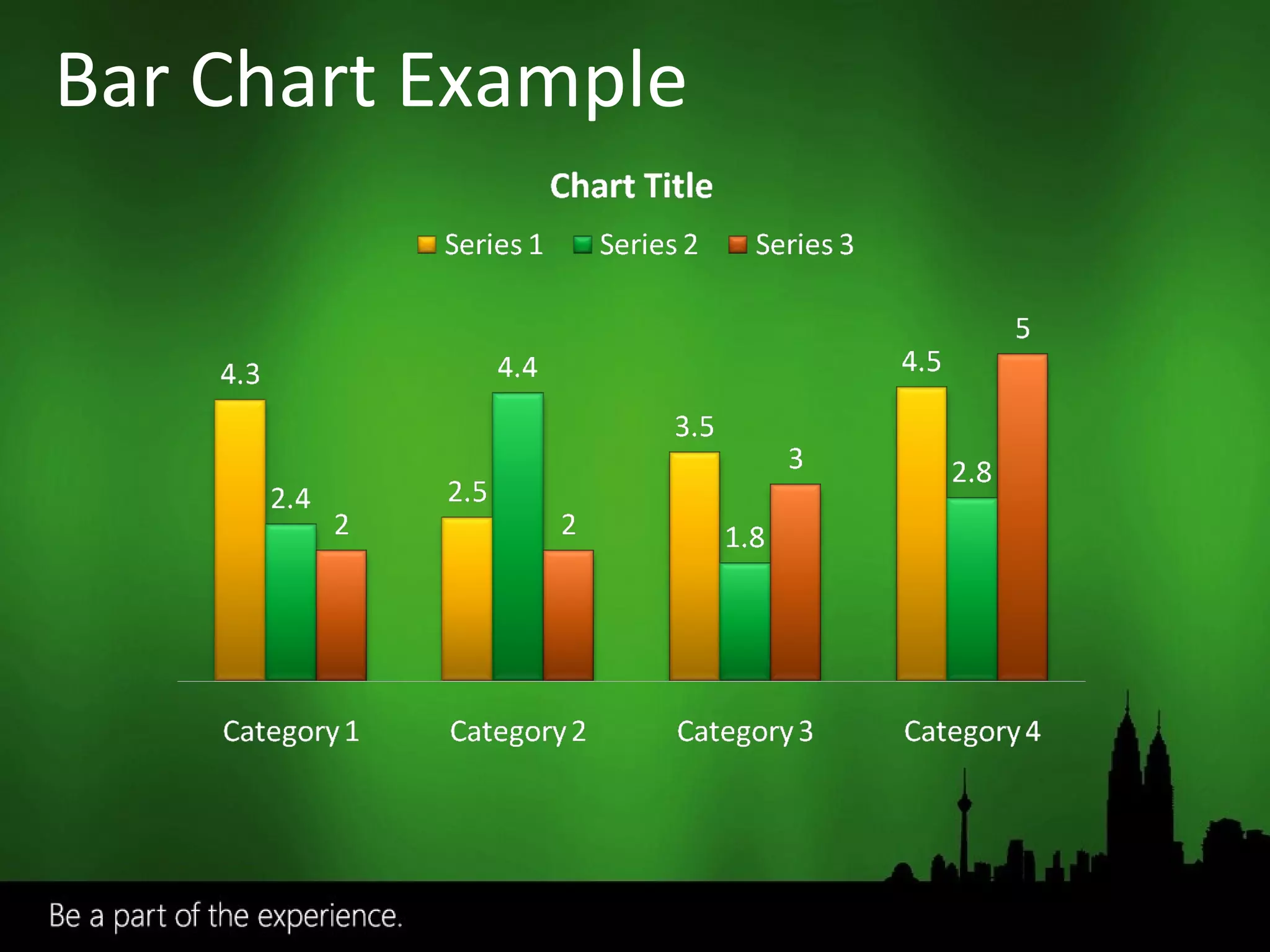
Bar Chart Example
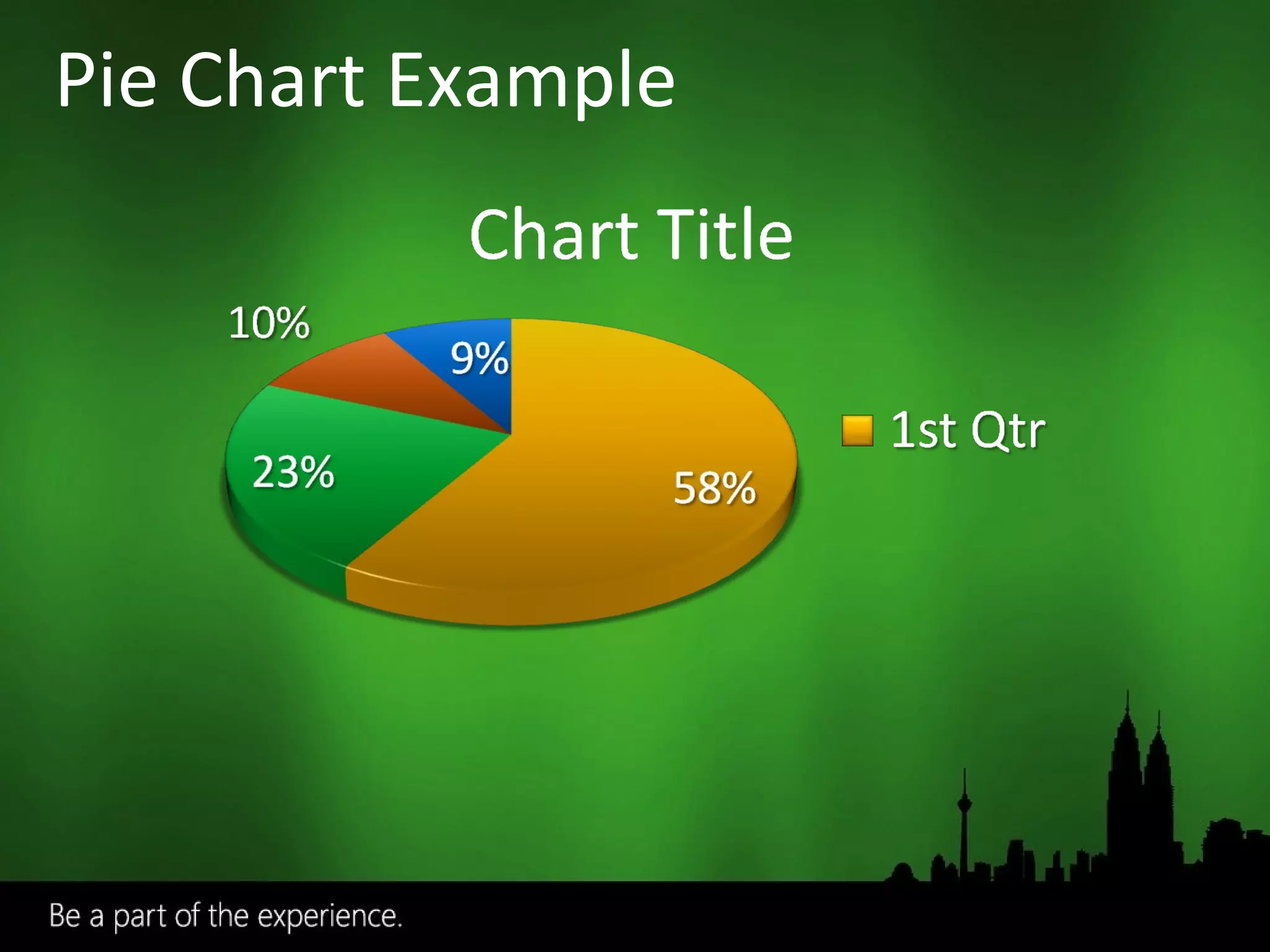
Pie Chart Example

SharePoint Backup And Disaster Recovery with Joel Oleson

  • 1.
    SharePoint High Availability,Backup/Restore and Disaster Recovery Joel Oleson Sr. Technical Product Manager/Sr. Consultant Session Code:
  • 2.
    Who is JoelOleson? 7+ Year SharePoint Veteran 5 Years in MS IT 2 Years in Product Team Independent SharePoint Consultant and Trainer 3 Years TechEd SEA Top SharePoint IT Pro Blogger www.sharepointjoel.com Facebook/Linked In
  • 3.
    Backup/Restore Options Disasterrecovery methods High Availability Options Third Party Backup & High Availability Products
  • 4.
    Related Sessions DAT432:Database Recovery for the Paranoid – Edwin Sarmiento (SQL Mirroring/Log Shipping) SVR327: Bringing Clustering to the Masses – Justin Frances (Windows 2008 Clustering) MGT334: Continuous Data Protection for your Microsoft Infrastructure – David Foo (DPM) Related Content does NOT cover
  • 5.
  • 6.
  • 7.
    End user errorsAccidental update or deletion Frequent and small-scale Farm or database restore Hardware failure or disaster Hardware migration or replacement Minimize downtime Critical Data Strict SLAs Redundancy Additional hardware Partial Recovery Catastrophic Recovery High Availability
  • 8.
    End user drivenAccidental update or deletion Frequent Farm or database restore Hardware failure or disaster Hardware migration or replacement Minimize downtime Large amounts of data Redundancy Additional hardware Partial Recovery Disaster Recovery High Availability
  • 9.
    Recycle Bin SnapshotsWeb Delete Event Mostly end-user driven and sometimes admin
  • 10.
    End user drivenSupports lists, doc libs, folders, docs, and items Security trimmed 2 stages End User Admin Site collection level “ I just deleted my deck and my presentation is in an hour!”
  • 11.
    Recycle Bin with2 levels of recovery End-user targeted with access from the site itself Site Administrator (at the Site Collection) accessible at the second level Turned on by default through Central Admin Configured at the Web Application Level Deleted Items Recovery
  • 12.
    SQL 2005 featureFocused on preventing end user error Not a backup or high availability solution Record is changed in current DB, original value for that record is copied Allows you to retrieve data from snapshot point Efficient space usage Recently posted KB Article: http://support.microsoft.com/?id=929649
  • 13.
    SharePoint Object Modelallows developer to custom build backup solutions at the “web delete” event Sample: MS IT Site Delete Capture 1.0 http://www.codeplex.com/governance SPWebEventReceiver.WebDeleting “ There’s no recycle bin for sites!” “ I deleted my site, but now I want it back!” Site owner deletes site Web Deleting event fired Automatically backup the site
  • 14.
    Content Migration :replaces smigrate.exe STSADM –o export –url <url> -f mysite.bak STSADM –o import –url <url> -f mysite.bak Public file format to represent site Limitations: Only migrates site level Not full fidelity: Cannot migrate workflow, alerts, features, solutions, recycle bin state “ I want to move my site to another farm!” “ What happened to Smigrate?”
  • 15.
    STSADM –o backup–url <url> Pros: Large scale content and security backup at site collection level New read-only lock to prevent potential inconsistencies Cons: Performance-sensitive operation Not ideal for frequent large backups on busy site collections “ I want to backup my site collection and migrate it to a different Content Database!”
  • 16.
    End user errorsAccidental update or deletion Frequent and small-scale Farm or database restore Hardware failure or disaster Hardware migration or replacement Minimize downtime Large amounts of data Redundancy Additional hardware Content Recovery Catastrophic Recovery High Availability
  • 17.
    SharePoint Backup/Restore SQLbackup and restore 3 rd party solutions Use when hardware fails, and as a last resort for service level agreement.
  • 18.
    File Server FarmCentral Admin Console SQL Backup/Restore
  • 19.
    Out of theBox UI and command line access for Central Administrator ‘ Hooks up’ SharePoint databases and search index on Restore Supports Full and Differential backup Backs up the search index Extensible framework for 3 rd party applications
  • 20.
    Use the commandline with Windows Task Scheduler for scheduled backups Backs up content databases and search index You must manually backup front end files We recommend you keep images of your web front ends High restore time  Low availability
  • 21.
  • 22.
    Pros: Reuse existingtechnology and processes Non-application specific Cons: Post-restore reattachment and clean up Search index must be backed up separately via SharePoint backup “ My SQL servers are managed by a separate organization or data center from my SharePoint installations.”
  • 23.
    For Disaster Recovery:To create a mirror farm: Use stsadm –o backup/restore To migrate a site collection: Use stsadm –o backup http://server/site To migrate a site: Use stsadm –o export/import for sites
  • 24.
    AvePoint – DocAve4.5 Enterprise Backup – data compression, item level restore Content Manager – copy live contents across sites, servers, and farms Quest LiteSpeed and Site Administrator Fast compressed backup Settings Management
  • 25.
    Uses SharePoint VSSwriter, Import/Export to backup and restore SharePoint http://www.microsoft.com/systemcenter/dpm/default.mspx
  • 26.
    Up to Every 15 minutes Fast Disk-based Recovery Long-term Tape Archive Active Directory® System State Windows Server 2003 Windows Server 2008 file shares and directories Exchange Server SQL Server Microsoft Office SharePoint Server 2007 Virtual Server 2005 R2 DPM 2007 Continuous data protection for Windows application and file servers Rapid & reliable recovery from disk Advanced technology for enterprises of all sizes Windows XP Windows Vista DPM 2007 DPM 2007
  • 27.
    Why choose DPMto protect SharePoint No more failed recoveries Zero data loss Restore entire farm, site collection, site, etc. Restore a single document Recoveries within minutes instead of hours Very efficient and network-friendly backups Only sends changed data and compresses it Specify preferred NIC to isolate backup traffic Application recovery direct from backup UI – no pre-staging Support for MOM and Operations Manager Data protection from the application vendor – single point of support Seamless Disk-to-Disk-to-Tape backups Offload tape backup workload from production servers Superior reporting Fast SAN hardware-based restores
  • 28.
    DPM Considerations Requiresa Restore farm – could be a virtual machine – for item-level restore SQL Server Instance name and instance drive configuration must be the same as when the restore point was created For a full farm recovery, databases cannot be restored to new locations Enhancements for Search component restores with DPM 2007 SP1 White paper on how to restore Search from DPM 2007 RTM backups coming soon
  • 29.
    Clean out theSQL Server 2005 databases from the previous install New Central Administration New Config Db Unless Complete SQL Failure Restore the SharePoint servers from the DPM 2007 backup Ensure all SharePoint components are included Restore databases: Content SSP SSP Content WSS Search SSP Search Update router/DNS to switch traffic to the newly built farm Farm Rebuild Process
  • 30.
    3 rd Party Backup Tools What to look for in a 3 rd party solution Does it require post-restore manual work?** Will it backup/restore All SharePoint resources? Does it back up & restore the Search Index? SharePoint integration with VSS framework Performance and Availability gains Backup/Restore all farm components Easier for 3 rd parties to write custom backup/restore tools “ I want to use a custom or 3 rd party tool to backup/restore my farm! Does SharePoint support that?”
  • 31.
    3 rd Party Backup Tools AvePoint ( http://www.avepoint.com/products ) Quest: ( http://www.quest.com/documents/landing.aspx?id=5153 ) Commvault ( http://www.commvault.com/solutions/sharepoint ) Neverfail ( http://www.neverfailgroup.com/products/app-modules/sharepoint.aspx )
  • 32.
    End user errorsAccidental update or deletion Frequent and small-scale Farm or database restore Hardware failure or disaster Hardware migration or replacement Minimize downtime Critical Data Strict SLAs Redundancy Additional hardware Partial Recovery Catastrophic Recovery High Availability
  • 33.
    High Availability SolutionsSQL 2005/2008 SQL Database Mirroring SQL Log Shipping SQL Clustering Database Recovery for the Paranoid – Edwin Sarmiento - Wed at 11:30am Clustering for the Masses
  • 34.
    Built on longtime validated MSCS (Windows Server 2003 or Windows Server 2008) SQL is Clustering Aware Active/Passive SQL Clusters are common Easiest HA Solution to Administer Automatic Failover Multi Instance is “Ok” Downsides LAN only Includes Single Points of Failure
  • 35.
    SQL Failover ClusteringHot backup: short recovery time Unattended application availability: automatic failover capability without administrator intervention “ If my SQL server blows up (hardware failure), how do I keep my SharePoint farm running?” Server Cluster SharePoint Servers Shared Disk Array Node A Node B Heartbeat
  • 36.
    Backup/Restore based technologythat relies on transaction log files Need to have a shared folder that contains the log file backups Configure the frequency of backups and shipping No automatic failover Allows you to replicate data to several databases (one to many)
  • 37.
    Mirror / failoverfarm Warm backup for quick content recovery Replicate primary farm on secondary system SQL log shipping transfers content DB data On disaster, router switches traffic in minutes Limitations: Must manually replicate configuration changes Errors will be log shipped to mirror farm Requires additional hardware Search indexer must run separately on mirror farm Secondary farm must be read-only “ I want the minimal delay when my data center goes down!” “ I need another farm to test my solutions before I put them into production!”
  • 38.
  • 39.
    Log-Shipping vs. ClusteringFailover Clustering Log Shipping Mirror Farm The secondary node takes over immediately (hot) A delay occurs before the secondary node takes over (warm); some manual intervention Failure is automatically detected Failure detected automatically (if using a witness) Failover is automatic Failover is automatic Protects against failed service Protects against failed service Does not protect against failed storage Protects against failed storage All databases protected Only log-shipped databases are protected Transactionally consistent Transactionally consistent Transactionally concurrent Not transactionally concurrent Limited distance (Win 2003) Unlimited distance Short time to recovery (seconds/minutes) Longer time to recover
  • 40.
    Implemented on aper database level Transaction logs sent from principle to mirror Provides a “warm” standby in case of failure Principal and mirror must be separate SQL 2005 SP1/2008 servers (Enterprise or Standard) Optional “witness” server to monitor primary and mirror to ensure both are working Automatic failover - on failure the witness will turn the mirror into the principle
  • 41.
  • 42.
    Compressed transactions inmemory Automatic Page Recovery Automatic Application Mirroring Failover (SQL 2005 needed NET 2.0 special connection string to provide name of secondary. WSS/MOSS are not “Mirroring Aware.”)
  • 43.
    Supported TopologySupported Topology Unsupported Topology
  • 44.
    Witness Server PrincipalMirror Encrypted channel Everything ok? Everything ok? Principal Down! I’m OK! New Principal
  • 45.
    When failover occursneed to notify SharePoint Need to tell these DBs that a new server is now the principal: Configuration Database, Admin Content Database Content Database Shared Service Provider Database (MOSS) Search Database (MOSS) Content DBs attach then add Config DB and admin content DB stsadm.exe -o renameserver -oldservername <oldServerName> -newservername <newServerName>
  • 46.
  • 47.
    SQL Server 2005Mirroring within a Single Farm (Intra-Farm)
  • 48.
    SQL Server 2005Mirroring to a Stand-by Farm (Inter-Farm)
  • 49.
    Database mirroring betweendata centers using SAN solutions Solution equivalent to High Performance SQL Server 2005 mirroring Hardware-level Mirroring SharePoint Farm 2 SharePoint Farm 1 SharePoint Farm Data Center 1 Data Center 2 SQL Server or Cluster SharePoint Farm SQL Server or Cluster Replication Across LAN/WAN
  • 50.
    Ensure the distancebetween the data centers is supported by the hardware vendor you select Do not stretch a SharePoint farm across data centers across a “WAN” For more information on geographically distributed configuration: DM 306 High Availability DM 310 Planning and Deploying SharePoint Products and Technologies and Solutions in Geographically-Distributed Scenarios Plan for data corruption in the replication if it is a possibility Hardware-level Mirroring Considerations
  • 51.
  • 52.
    DR Scenario SolutionComponents SQL Server 2005 Mirroring High Performance Warm backup for quick content recovery Reproduce primary farm on a secondary system Update router/DNS to switch traffic to secondary farm on disaster Supported Databases: Content databases SSP databases (SSP and Content DB)
  • 53.
    DR Scenario ConsiderationsMust manually duplicate configuration changes Errors will be mirrored to mirror farm Requires additional hardware Search indexer must run separately on secondary farm Secondary/standby farm must be read-only Unsupported Databases: Configuration Database Search Database (1 of the 3 SSP DBs) Central Admin Content Database
  • 54.
    Standby Farm; MirroringExample Two SSP Model
  • 55.
  • 56.
  • 57.
  • 58.
  • 59.
  • 60.
  • 61.
  • 62.
  • 63.
  • 64.
  • 65.
  • 66.
    Resources TechNet –Backup and Restore an Entire Farm With Built in SharePoint Tools With SQL Server With DPM http://technet.microsoft.com/en-us/library/cc262412.aspx Way more resources than I could put on one slide: http://www.sharepointjoel.com/Lists/Posts/Post.aspx?ID=74
  • 67.
  • 68.
  • 69.
    Notes In additionto the Walk-in and Title slides, the following slides are required Please add to your content and include these in your final presentation NEXT: <next slide title>
  • 70.
    Resources www.techedsea.com Event photos, presentation slides http://www.microsoft.com/ malaysia/technet/ Evaluation licenses, pre-released products, and MORE! http://www.microsoft.com/malaysia/msdn/ Developer’s Kit, Licenses, and MORE! http://blogs.msdn.com/malaysia MSDN Malaysia Blog http://blogs.msdn.com/tolong Blog about all things .NET Required slide
  • 71.
    Participating Microsoft CertifiedPartners for Learning Solutions VISIT the MS Learning Pavilion & MS Press booth for great Training & Certification offers SIGN-UP for Training, MS Press & Certification offers and enjoy the following Check-out the MS Learning Offer Pack in your event kit for EXCLUSIVE offers FREE MeasureUp Practice Test worth US$50 each Daily lucky draws of prizes worth RM2,000 ATTEND Microsoft Learning sessions and win mystery prizes : “ New Generation of Certification Track” @ 2:15 – 3:00pm | 12 August | Room 302-303 “ Light & Easy” with Microsoft Learning on 11-13 August | Tech•Ed After Hours
  • 72.
    Download presentation slidesRequired slide Presentation slides will be available for download at the Tech · Ed Internet Café or after the event at: www.techedsea.com
  • 73.
    Did you likethis session? Required slide Please complete the track evaluation form and return it to the track managers on your way out… You may be a lucky winner of some cool prizes!
  • 74.
    We value yourfeedback! Required slide Please remember to complete the overall conference evaluation form (in your bag) and return it to the Handout Counter on the last day in return for: Windows Server 2008 Evaluation kit Visual Studio 2008 Evaluation kit ** Evaluation kits will be given out on a first-come-first-serve basis, while supplies last
  • 75.
    © 2008 MicrosoftCorporation. All rights reserved. Microsoft, Windows, Windows Vista and other product names are or may be registered trademarks and/or trademarks in the U.S. and/or other countries. The information herein is for informational purposes only and represents the current view of Microsoft Corporation as of the date of this presentation. Because Microsoft must respond to changing market conditions, it should not be interpreted to be a commitment on the part of Microsoft, and Microsoft cannot guarantee the accuracy of any information provided after the date of this presentation. MICROSOFT MAKES NO WARRANTIES, EXPRESS, IMPLIED OR STATUTORY, AS TO THE INFORMATION IN THIS PRESENTATION.
  • 76.
    Demo Title NameTitle Company demo
  • 77.
    Slide for ShowingSoftware Code Use this layout to show software code The font is Consolas, a monospace font The slide doesn’t use bullets but levels can be indented using the “Increase List Level” icon on the Home menu To use straight quotes &quot; instead of smart quotes ”, do this: Click on the Office Button in the upper left corner At the bottom of the menu, choose PowerPoint Options From the left pane, select Proofing Click on the AutoCorrect Options button Select the AutoFormat As You Type tab, and deselect “Straight quotes” with “smart quotes”. Then Click OK.
  • 78.
    Table Format TableTitle Column 1 Column 2 Column 3 Column 4 Column 5
  • 79.
  • 80.

Editor's Notes

  • #2 06/06/09 16:31 © 2007 Microsoft Corporation. All rights reserved. Microsoft, Windows, Windows Vista and other product names are or may be registered trademarks and/or trademarks in the U.S. and/or other countries. The information herein is for informational purposes only and represents the current view of Microsoft Corporation as of the date of this presentation. Because Microsoft must respond to changing market conditions, it should not be interpreted to be a commitment on the part of Microsoft, and Microsoft cannot guarantee the accuracy of any information provided after the date of this presentation. MICROSOFT MAKES NO WARRANTIES, EXPRESS, IMPLIED OR STATUTORY, AS TO THE INFORMATION IN THIS PRESENTATION.