SharePoint Backup and Restore – Prepare for the worst … Marc Pollentier, Phoenix Solutions Joris Poelmans, Dolmen
Agenda Backup, Restore Demo Document, attachment recovery Undelete – different options Resources
What Gets Backed Up? All SQL databases Index files and sps.edb  SSODB (Single Sign-on Database) Selected virtual servers/site collections
What Should Be Backed Up Separately? All customizations such as templates, web part Files, and other file-based information Operating system and binaries System State Data IIS, Virtual Servers and Metabase
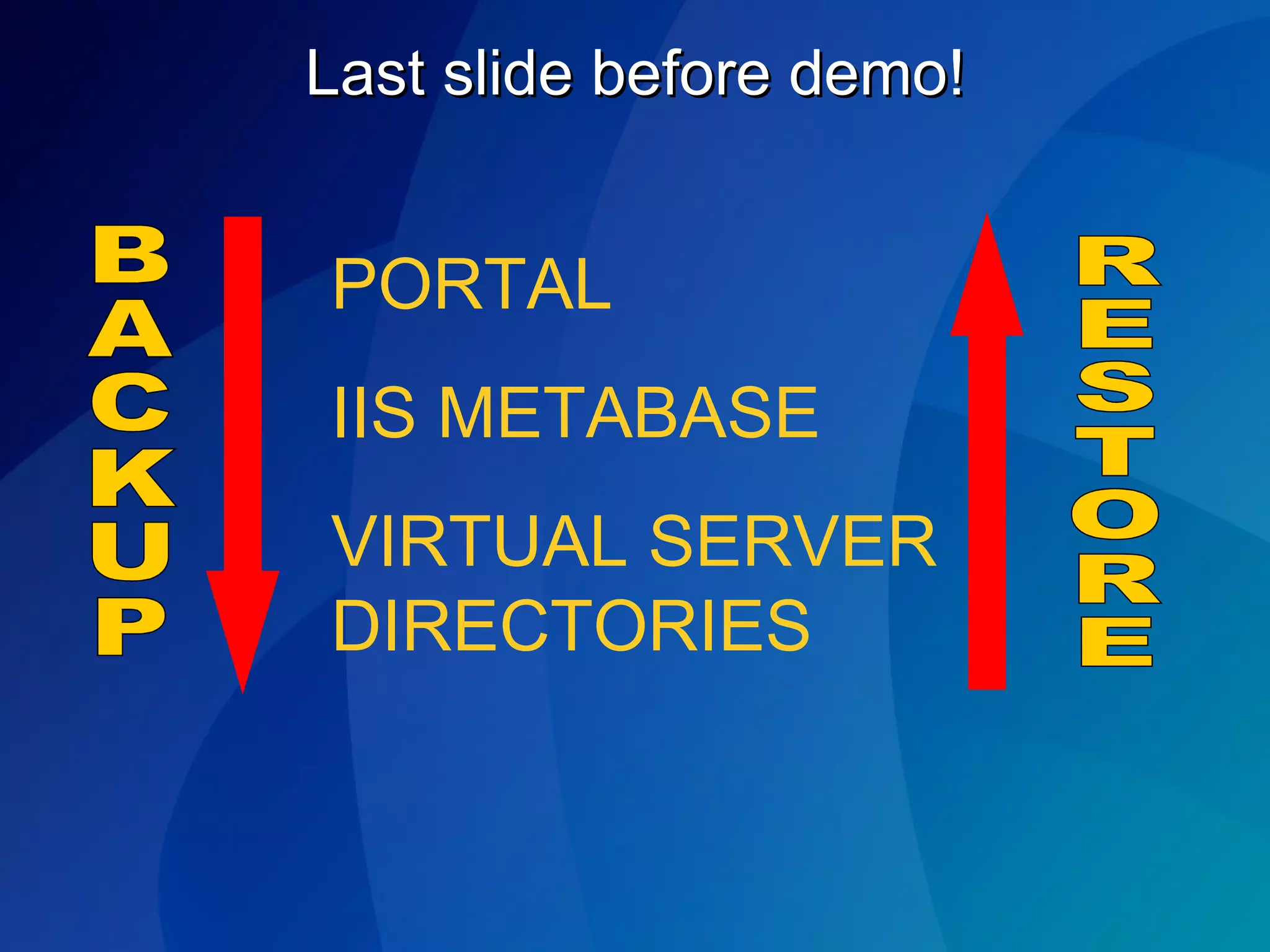
Three Steps to a Full Farm Backup First, backup your portals, including the Index Using SQL Server + File System will not adequately backup the index due to the index files’ connection to sps.edb Second, backup the IIS Metabase on each Web Server Third, backup the virtual server files for each virtual server
Last slide before demo! PORTAL IIS METABASE VIRTUAL SERVER DIRECTORIES BACKUP RESTORE
Portal Restore Demo
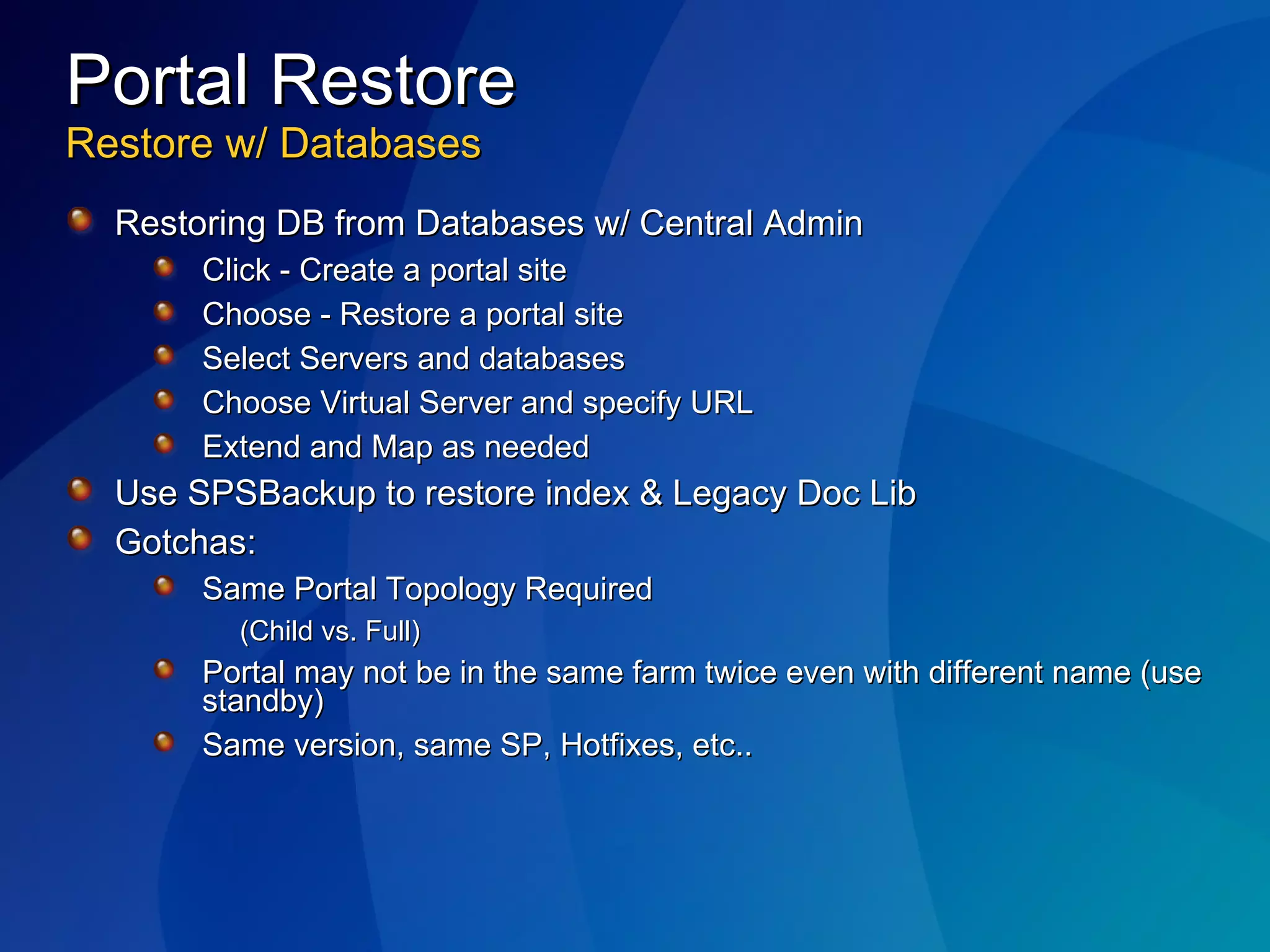
Portal Restore Restore w/ Databases Restoring DB from Databases w/ Central Admin Click - Create a portal site Choose - Restore a portal site Select Servers and databases Choose Virtual Server and specify URL Extend and Map as needed Use SPSBackup to restore index & Legacy Doc Lib Gotchas: Same Portal Topology Required  (Child vs. Full) Portal may not be in the same farm twice even with different name (use standby) Same version, same SP, Hotfixes, etc..
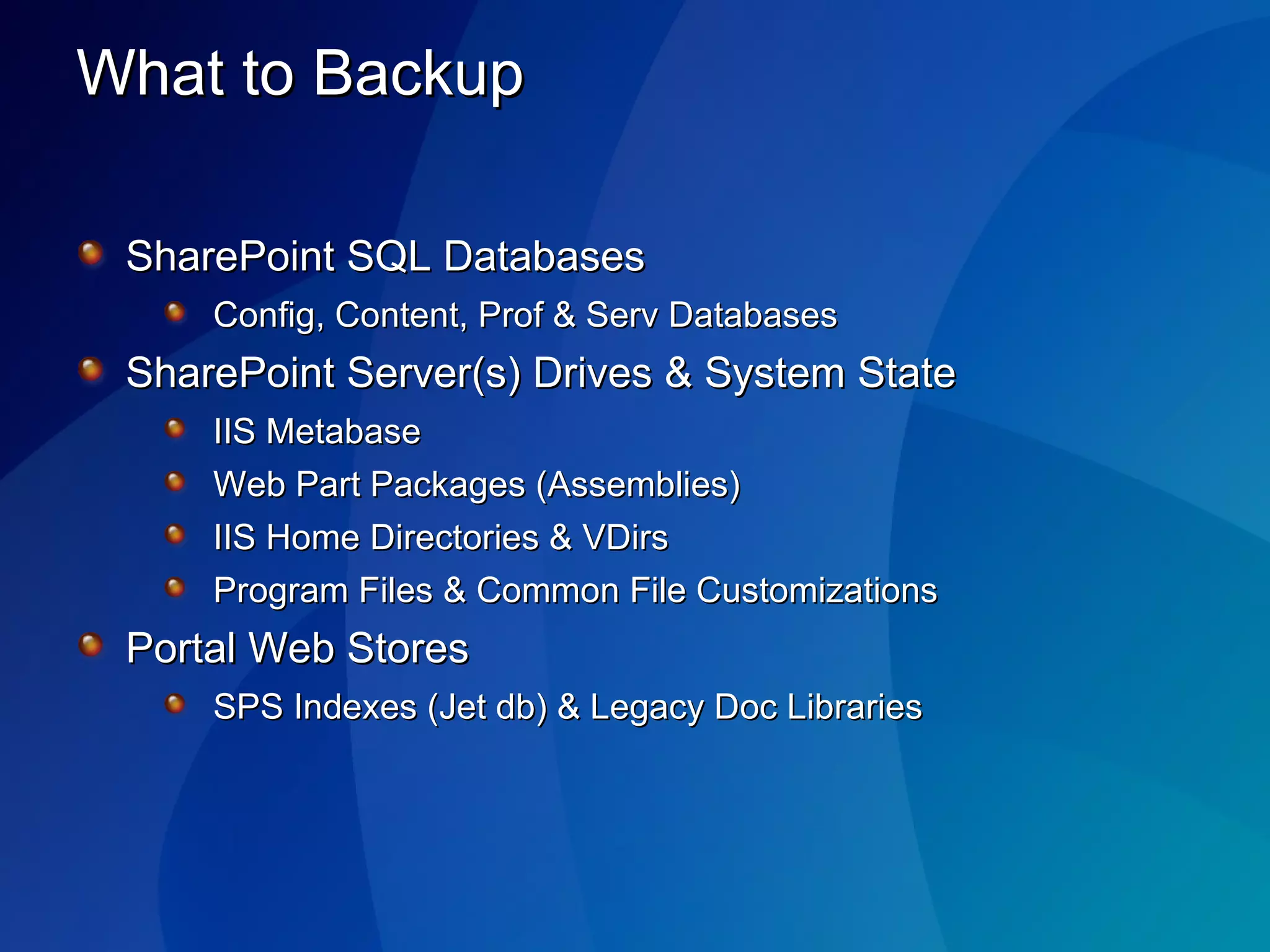
What to Backup SharePoint SQL Databases Config, Content, Prof & Serv Databases SharePoint Server(s) Drives & System State IIS Metabase Web Part Packages (Assemblies) IIS Home Directories & VDirs Program Files & Common File Customizations  Portal Web Stores SPS Indexes (Jet db) & Legacy Doc Libraries
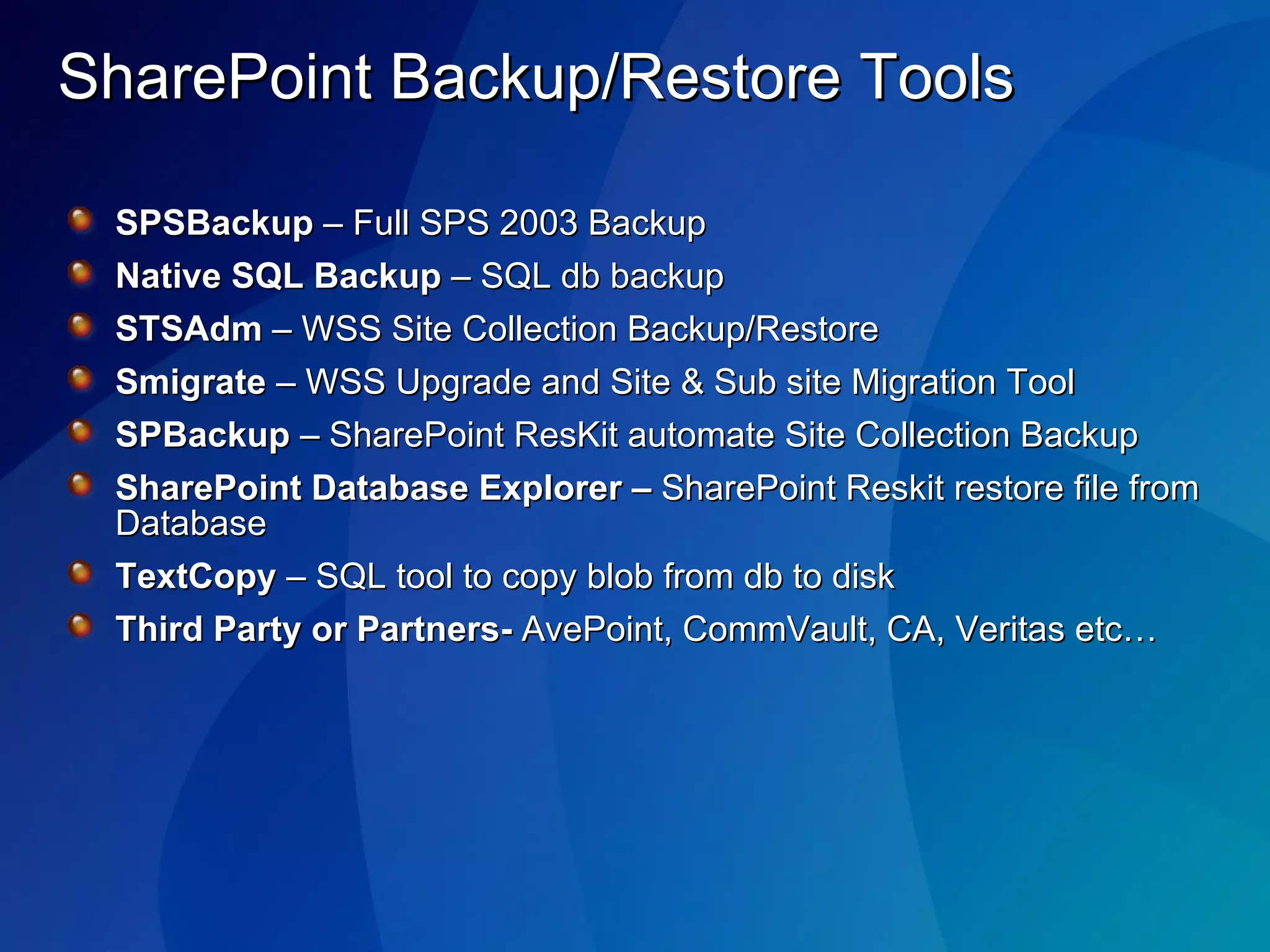
SharePoint Backup/Restore Tools SPSBackup  – Full SPS 2003 Backup Native SQL Backup  – SQL db backup STSAdm  – WSS Site Collection Backup/Restore Smigrate  – WSS Upgrade and Site & Sub site Migration Tool SPBackup  – SharePoint ResKit automate Site Collection Backup SharePoint Database Explorer –  SharePoint Reskit restore file from Database TextCopy  – SQL tool to copy blob from db to disk Third Party or Partners-  AvePoint, CommVault, CA, Veritas etc…
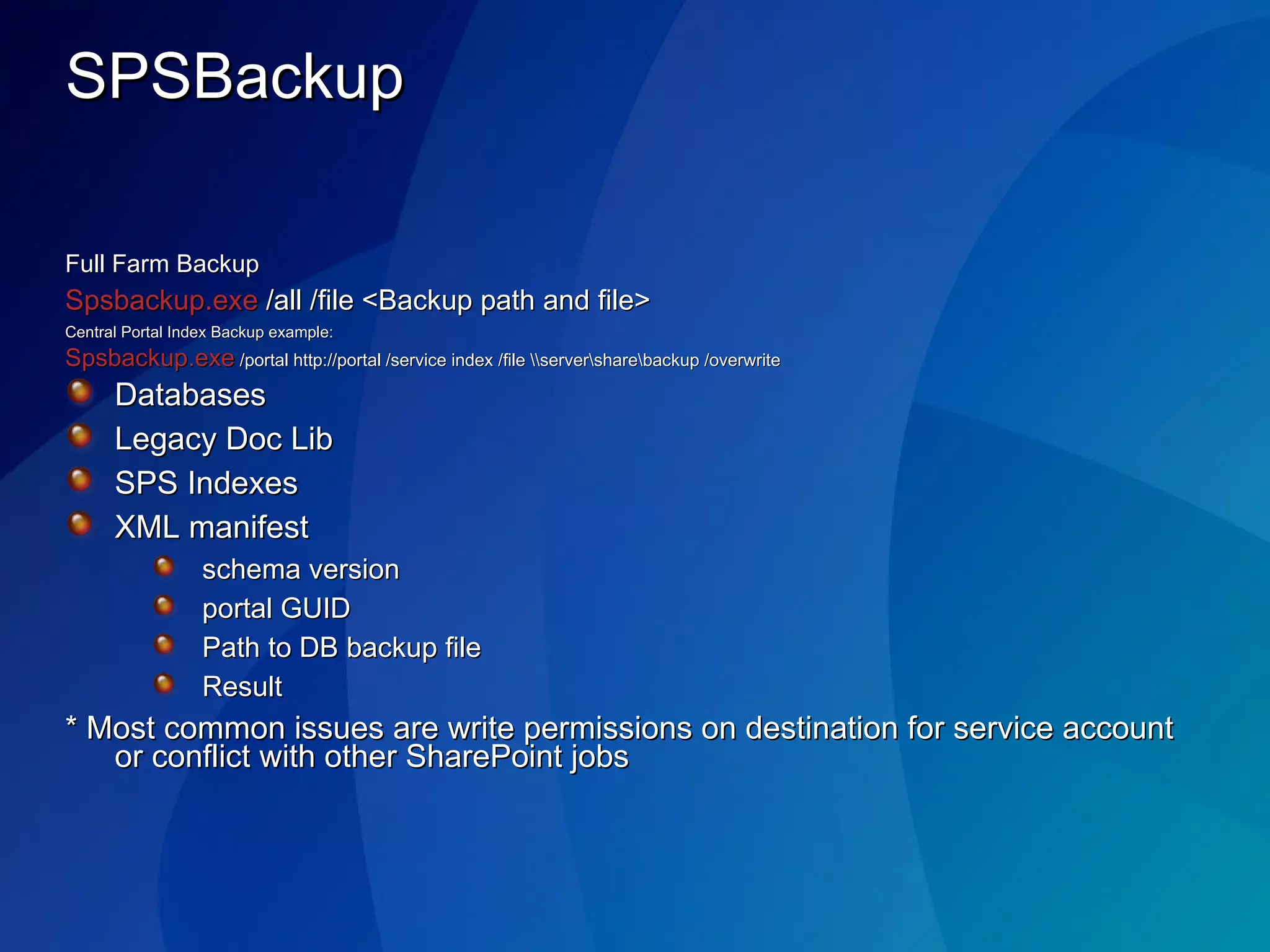
SPSBackup Full Farm Backup Spsbackup.exe  /all /file <Backup path and file> Central Portal Index Backup example: Spsbackup.exe  /portal http://portal /service index /file \\server\share\backup /overwrite Databases Legacy Doc Lib SPS Indexes XML manifest schema version portal GUID  Path to DB backup file Result * Most common issues are write permissions on destination for service account or conflict with other SharePoint jobs
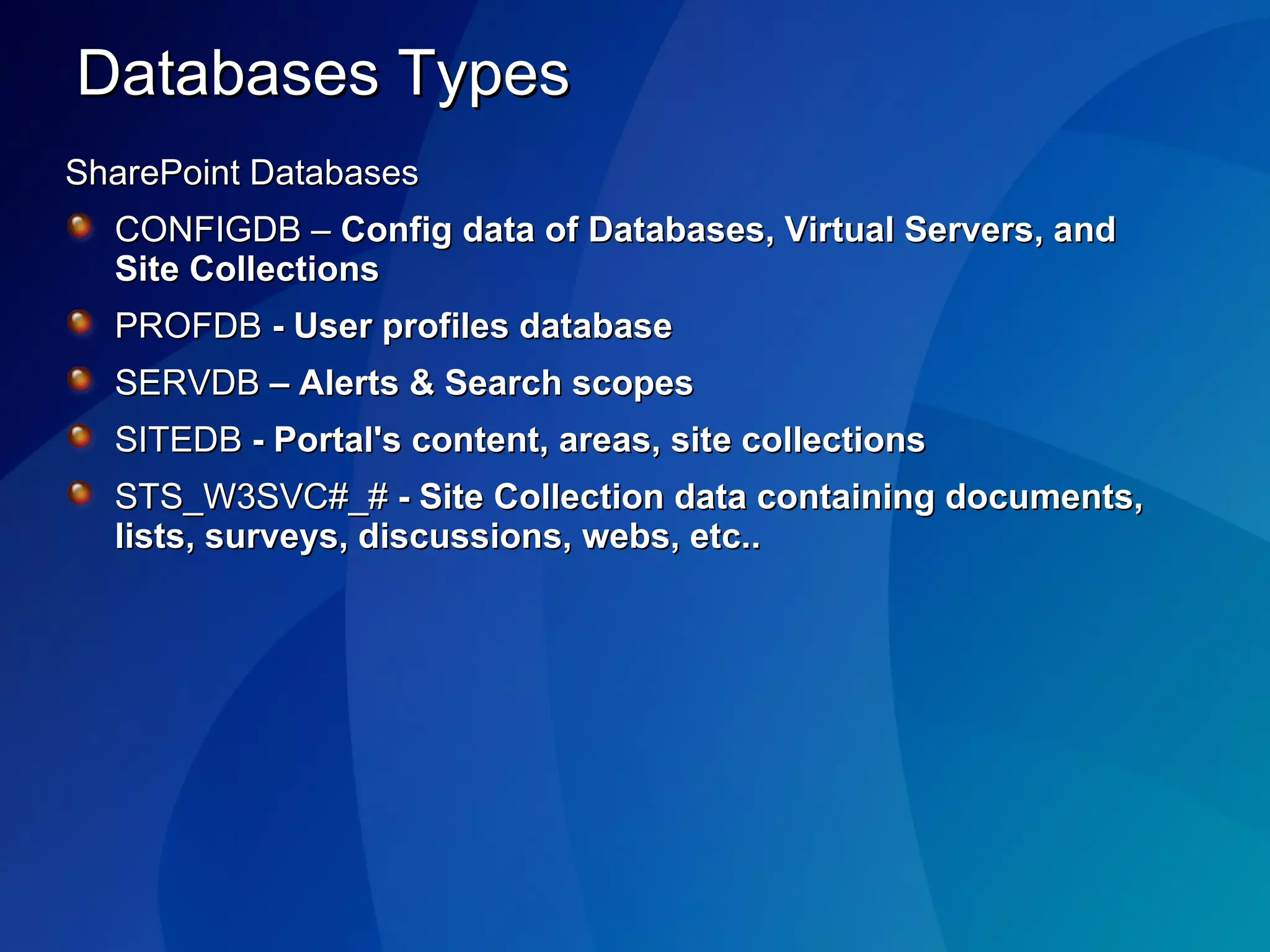
Databases Types SharePoint Databases CONFIGDB –  Config data of Databases, Virtual Servers, and Site Collections  PROFDB  -   User profiles database SERVDB  – Alerts & Search scopes SITEDB  - Portal's content, areas, site collections STS_W3SVC#_#  - Site Collection data containing documents, lists, surveys, discussions, webs, etc..
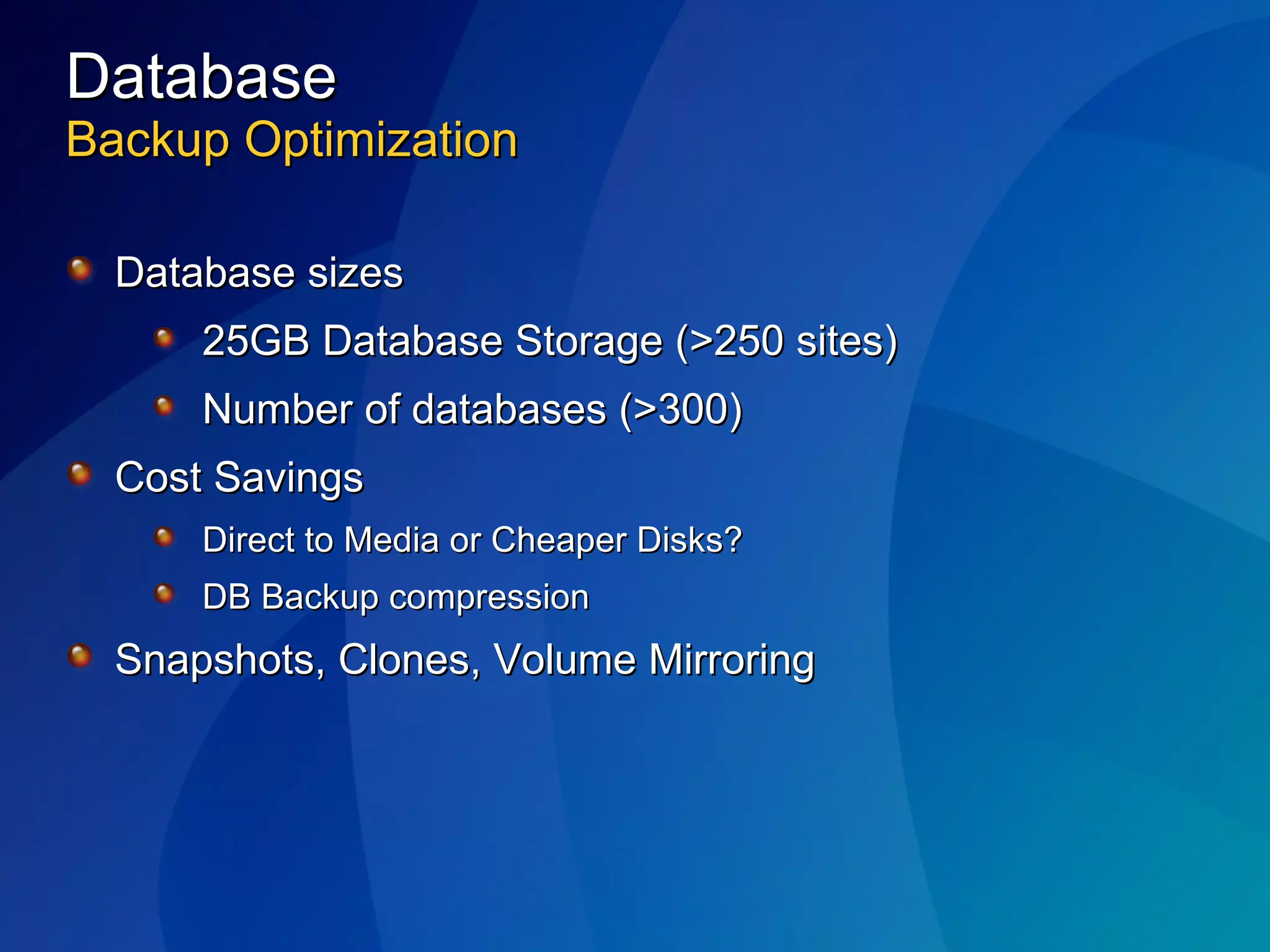
Database Backup Optimization Database sizes 25GB Database Storage (>250 sites) Number of databases (>300) Cost Savings Direct to Media or Cheaper Disks? DB Backup compression Snapshots, Clones, Volume Mirroring
Undelete options Add a recycle bin to Windows SharePoint Services http://msdn.microsoft.com/msdnmag/issues/05/02/RecycleBinforWSS/   Deleted items document library http://mindsharpblogs.com/todd/archive/2005/10/06/719.aspx   SharePoint Recycle Bin http:// www.gotdotnet.com/Workspaces/Workspace.aspx?id =8437a203-f377-401c-b23d-ae59e6f05b80
Backup your frontend webservers IIS metabase Root directories of WSS-extended virtual servers Custom web part assemblies Custom templates Addin software
Resources Be Prepared a guide to SharePoint Disaster Prevention and Recovery  http ://www.microsoft.com/technet/technetmag/issues/2005/11/BePrepared/default.aspx Backup and Restore Options for Windows SharePoint Services http ://www.microsoft.com/resources/documentation/wss/2/all/adminguide/en-us/stsf20.mspx SharePoint Resource Kit – Chapter 28 : Disaster Recovery in SharePoint Products and technologies MSD2D: Backing up Sharepoint Portal Server 2 (by James Edelen). (5/2/2003) http://www.msd2d.com/Content/Tip_viewitem.aspx?section=Sharepoint&category=Administration&id=425b6c89-886e-4f94-98ee-2a90d57cfdf7

BIWUG 20/02/2006 Backup & Restore with SharePoint 2003

  • 1.
    SharePoint Backup andRestore – Prepare for the worst … Marc Pollentier, Phoenix Solutions Joris Poelmans, Dolmen
  • 2.
    Agenda Backup, RestoreDemo Document, attachment recovery Undelete – different options Resources
  • 3.
    What Gets BackedUp? All SQL databases Index files and sps.edb SSODB (Single Sign-on Database) Selected virtual servers/site collections
  • 4.
    What Should BeBacked Up Separately? All customizations such as templates, web part Files, and other file-based information Operating system and binaries System State Data IIS, Virtual Servers and Metabase
  • 5.
    Three Steps toa Full Farm Backup First, backup your portals, including the Index Using SQL Server + File System will not adequately backup the index due to the index files’ connection to sps.edb Second, backup the IIS Metabase on each Web Server Third, backup the virtual server files for each virtual server
  • 6.
    Last slide beforedemo! PORTAL IIS METABASE VIRTUAL SERVER DIRECTORIES BACKUP RESTORE
  • 7.
  • 8.
    Portal Restore Restorew/ Databases Restoring DB from Databases w/ Central Admin Click - Create a portal site Choose - Restore a portal site Select Servers and databases Choose Virtual Server and specify URL Extend and Map as needed Use SPSBackup to restore index & Legacy Doc Lib Gotchas: Same Portal Topology Required (Child vs. Full) Portal may not be in the same farm twice even with different name (use standby) Same version, same SP, Hotfixes, etc..
  • 9.
    What to BackupSharePoint SQL Databases Config, Content, Prof & Serv Databases SharePoint Server(s) Drives & System State IIS Metabase Web Part Packages (Assemblies) IIS Home Directories & VDirs Program Files & Common File Customizations Portal Web Stores SPS Indexes (Jet db) & Legacy Doc Libraries
  • 10.
    SharePoint Backup/Restore ToolsSPSBackup – Full SPS 2003 Backup Native SQL Backup – SQL db backup STSAdm – WSS Site Collection Backup/Restore Smigrate – WSS Upgrade and Site & Sub site Migration Tool SPBackup – SharePoint ResKit automate Site Collection Backup SharePoint Database Explorer – SharePoint Reskit restore file from Database TextCopy – SQL tool to copy blob from db to disk Third Party or Partners- AvePoint, CommVault, CA, Veritas etc…
  • 11.
    SPSBackup Full FarmBackup Spsbackup.exe /all /file <Backup path and file> Central Portal Index Backup example: Spsbackup.exe /portal http://portal /service index /file \\server\share\backup /overwrite Databases Legacy Doc Lib SPS Indexes XML manifest schema version portal GUID Path to DB backup file Result * Most common issues are write permissions on destination for service account or conflict with other SharePoint jobs
  • 12.
    Databases Types SharePointDatabases CONFIGDB – Config data of Databases, Virtual Servers, and Site Collections PROFDB - User profiles database SERVDB – Alerts & Search scopes SITEDB - Portal's content, areas, site collections STS_W3SVC#_# - Site Collection data containing documents, lists, surveys, discussions, webs, etc..
  • 13.
    Database Backup OptimizationDatabase sizes 25GB Database Storage (>250 sites) Number of databases (>300) Cost Savings Direct to Media or Cheaper Disks? DB Backup compression Snapshots, Clones, Volume Mirroring
  • 14.
    Undelete options Adda recycle bin to Windows SharePoint Services http://msdn.microsoft.com/msdnmag/issues/05/02/RecycleBinforWSS/ Deleted items document library http://mindsharpblogs.com/todd/archive/2005/10/06/719.aspx SharePoint Recycle Bin http:// www.gotdotnet.com/Workspaces/Workspace.aspx?id =8437a203-f377-401c-b23d-ae59e6f05b80
  • 15.
    Backup your frontendwebservers IIS metabase Root directories of WSS-extended virtual servers Custom web part assemblies Custom templates Addin software
  • 16.
    Resources Be Prepareda guide to SharePoint Disaster Prevention and Recovery http ://www.microsoft.com/technet/technetmag/issues/2005/11/BePrepared/default.aspx Backup and Restore Options for Windows SharePoint Services http ://www.microsoft.com/resources/documentation/wss/2/all/adminguide/en-us/stsf20.mspx SharePoint Resource Kit – Chapter 28 : Disaster Recovery in SharePoint Products and technologies MSD2D: Backing up Sharepoint Portal Server 2 (by James Edelen). (5/2/2003) http://www.msd2d.com/Content/Tip_viewitem.aspx?section=Sharepoint&category=Administration&id=425b6c89-886e-4f94-98ee-2a90d57cfdf7