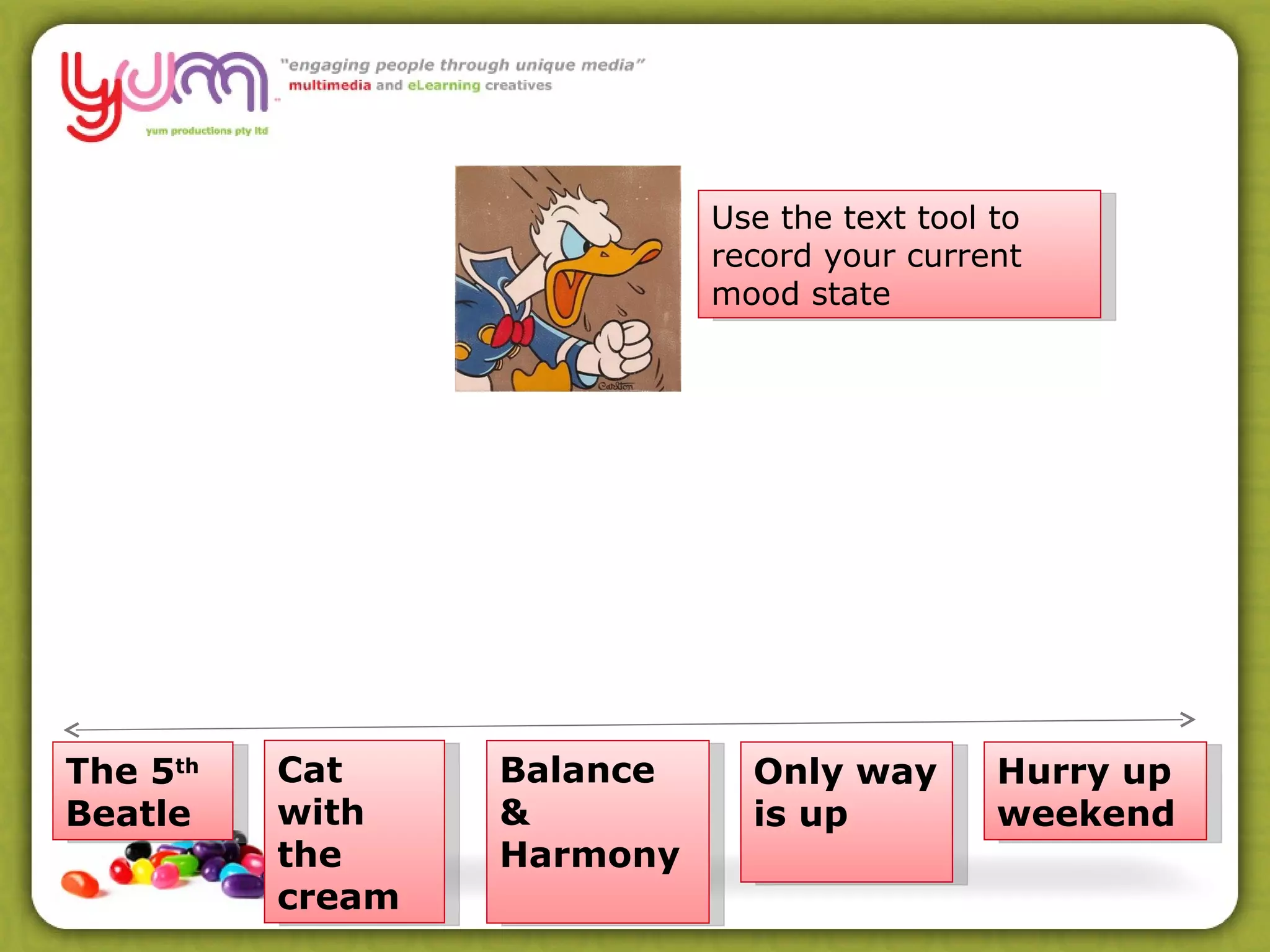
The 5 th  Beatle Hurry up weekend Balance & Harmony Cat with the cream Only way is up Use the text tool to record your current mood state
Welcome  –  Week 4 Assessment 4 The Interview The Pitch Images - Picassa Rapid e Learning applications
Assessment Task 4 All about getting to the bottom of what you will do for your final assessment Deliver to your learners OR to us (May 11 th ) Present short activity in Elluminate Background info/activities in week prior Survey Sorting it out
Interview What will you deliver? eLearning Project Definition Proposed eLearning Resource Post Interview Design Concept Assessment Task 4 Interviews next week!
Assessment Task 4 During the Interview we record: What will you deliver? eLearning Project Definition Proposed eLearning Resource Post Interview  you create: Design Concept Sort out what u will do
Assessment Task 4 The Pitch!!
Assessment Task 4 Tell Us in up to a minute: 1.  What is the Learning activity you will present live to the rest of our Group? What Elluminate Tools will you use? ( PowerPoint, Whiteboard, WebTours, Polling etc ) 2. What other content/tools/activities will you prepare for us?  What will you use for this?  ( A LMS, Wiki, Blog, Social Network etc ) Pitch your idea
Assessment Task 4 Use the text box to provide suggestions to help with the idea being pitched. Suggest Resources Suggest Tools Suggest ways of making the activities Give Hints Throw in ideas for activities Anything to make a better learning experience Peer Support
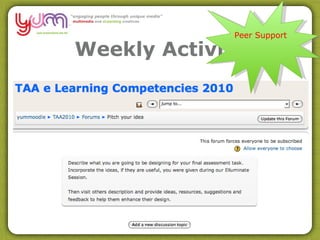
Weekly Activity Peer Support
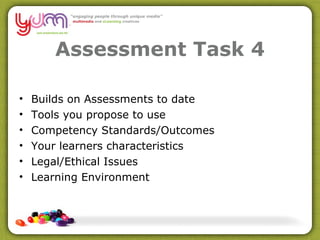
Assessment Task 4 Builds on Assessments to date Tools you propose to use Competency Standards/Outcomes Your learners characteristics Legal/Ethical Issues Learning Environment
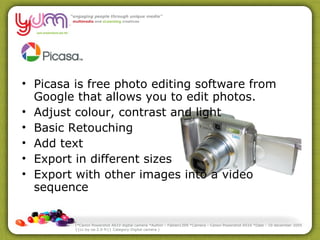
Picasa is free photo editing software from Google that allows you to edit photos. Adjust colour, contrast and light Basic Retouching Add text Export in different sizes Export with other images into a video sequence (*Canon Powershot A610 digital camera *Author : Fabien1309 *Camera : Canon Powershot A510 *Date : 10 december 2005 {{cc-by-sa-2.0-fr}} Category:Digital camera )
http://picasa.google.com.au /
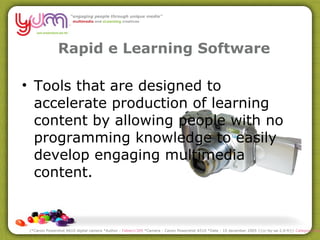
Rapid e Learning Software Tools that are designed to accelerate production of learning content by allowing people with no programming knowledge to easily develop engaging multimedia content. (*Canon Powershot A610 digital camera *Author :  Fabien1309  *Camera : Canon Powershot A510 *Date : 10 december 2005 {{cc-by-sa-2.0-fr}}  Category:Digital camera  )
Rapid e Learning Software Import PowerPoint's for content Add quizzes, decision making trees, scenarios with conditions Import audio, video, flash, images Export as SCORM http://commons.wikimedia.org/wiki/File:Rabbit1.jpg
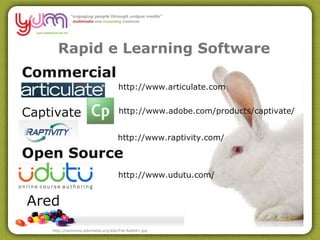
Rapid e Learning Software Commercial Captivate Open Source http://commons.wikimedia.org/wiki/File:Rabbit1.jpg http://www.udutu.com/ http://www.articulate.com http://www.raptivity.com/ http://www.adobe.com/products/captivate/ Ared
ARED
The Parting Glass

Session5

  • 1.
    The 5 th Beatle Hurry up weekend Balance & Harmony Cat with the cream Only way is up Use the text tool to record your current mood state
  • 2.
    Welcome – Week 4 Assessment 4 The Interview The Pitch Images - Picassa Rapid e Learning applications
  • 3.
    Assessment Task 4All about getting to the bottom of what you will do for your final assessment Deliver to your learners OR to us (May 11 th ) Present short activity in Elluminate Background info/activities in week prior Survey Sorting it out
  • 4.
    Interview What willyou deliver? eLearning Project Definition Proposed eLearning Resource Post Interview Design Concept Assessment Task 4 Interviews next week!
  • 5.
    Assessment Task 4During the Interview we record: What will you deliver? eLearning Project Definition Proposed eLearning Resource Post Interview you create: Design Concept Sort out what u will do
  • 6.
    Assessment Task 4The Pitch!!
  • 7.
    Assessment Task 4Tell Us in up to a minute: 1. What is the Learning activity you will present live to the rest of our Group? What Elluminate Tools will you use? ( PowerPoint, Whiteboard, WebTours, Polling etc ) 2. What other content/tools/activities will you prepare for us? What will you use for this? ( A LMS, Wiki, Blog, Social Network etc ) Pitch your idea
  • 8.
    Assessment Task 4Use the text box to provide suggestions to help with the idea being pitched. Suggest Resources Suggest Tools Suggest ways of making the activities Give Hints Throw in ideas for activities Anything to make a better learning experience Peer Support
  • 9.
  • 10.
    Assessment Task 4Builds on Assessments to date Tools you propose to use Competency Standards/Outcomes Your learners characteristics Legal/Ethical Issues Learning Environment
  • 11.
    Picasa is freephoto editing software from Google that allows you to edit photos. Adjust colour, contrast and light Basic Retouching Add text Export in different sizes Export with other images into a video sequence (*Canon Powershot A610 digital camera *Author : Fabien1309 *Camera : Canon Powershot A510 *Date : 10 december 2005 {{cc-by-sa-2.0-fr}} Category:Digital camera )
  • 12.
  • 13.
    Rapid e LearningSoftware Tools that are designed to accelerate production of learning content by allowing people with no programming knowledge to easily develop engaging multimedia content. (*Canon Powershot A610 digital camera *Author : Fabien1309 *Camera : Canon Powershot A510 *Date : 10 december 2005 {{cc-by-sa-2.0-fr}} Category:Digital camera )
  • 14.
    Rapid e LearningSoftware Import PowerPoint's for content Add quizzes, decision making trees, scenarios with conditions Import audio, video, flash, images Export as SCORM http://commons.wikimedia.org/wiki/File:Rabbit1.jpg
  • 15.
    Rapid e LearningSoftware Commercial Captivate Open Source http://commons.wikimedia.org/wiki/File:Rabbit1.jpg http://www.udutu.com/ http://www.articulate.com http://www.raptivity.com/ http://www.adobe.com/products/captivate/ Ared
  • 16.
  • 17.