ACFE - Vic Government  e-mentor Program 2011 Online Session 1
Programme Using Blackboard Collaborate Clarifying the project Getting to know you
Peer Review Up to 3 minutes per ACE Provider to talk about Describe: Your experience with e things How you’d like to do with the project What you would really like to learn Anthing else to help get to know you
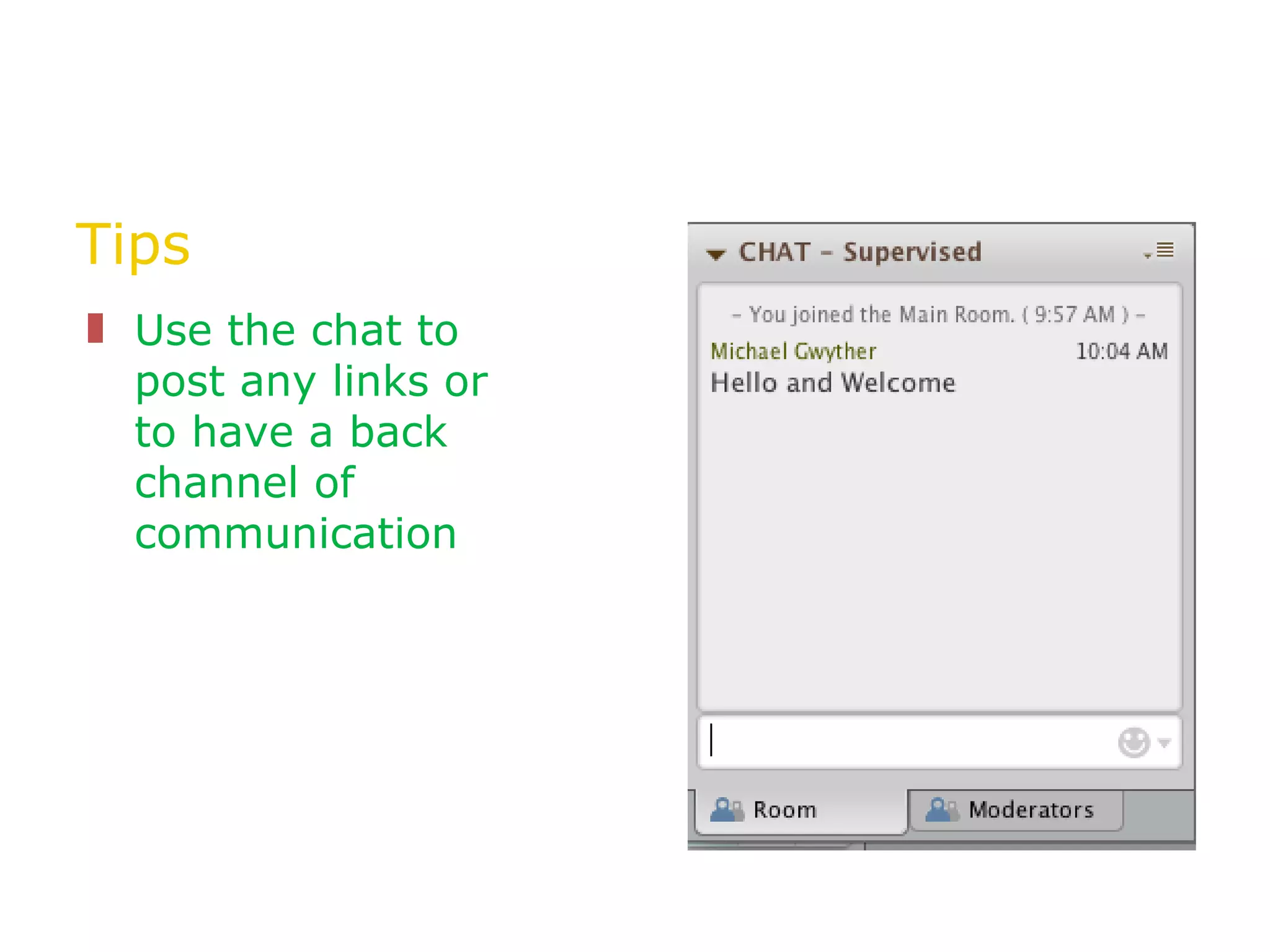
Tips Use the chat to post any links or to have a back channel of communication
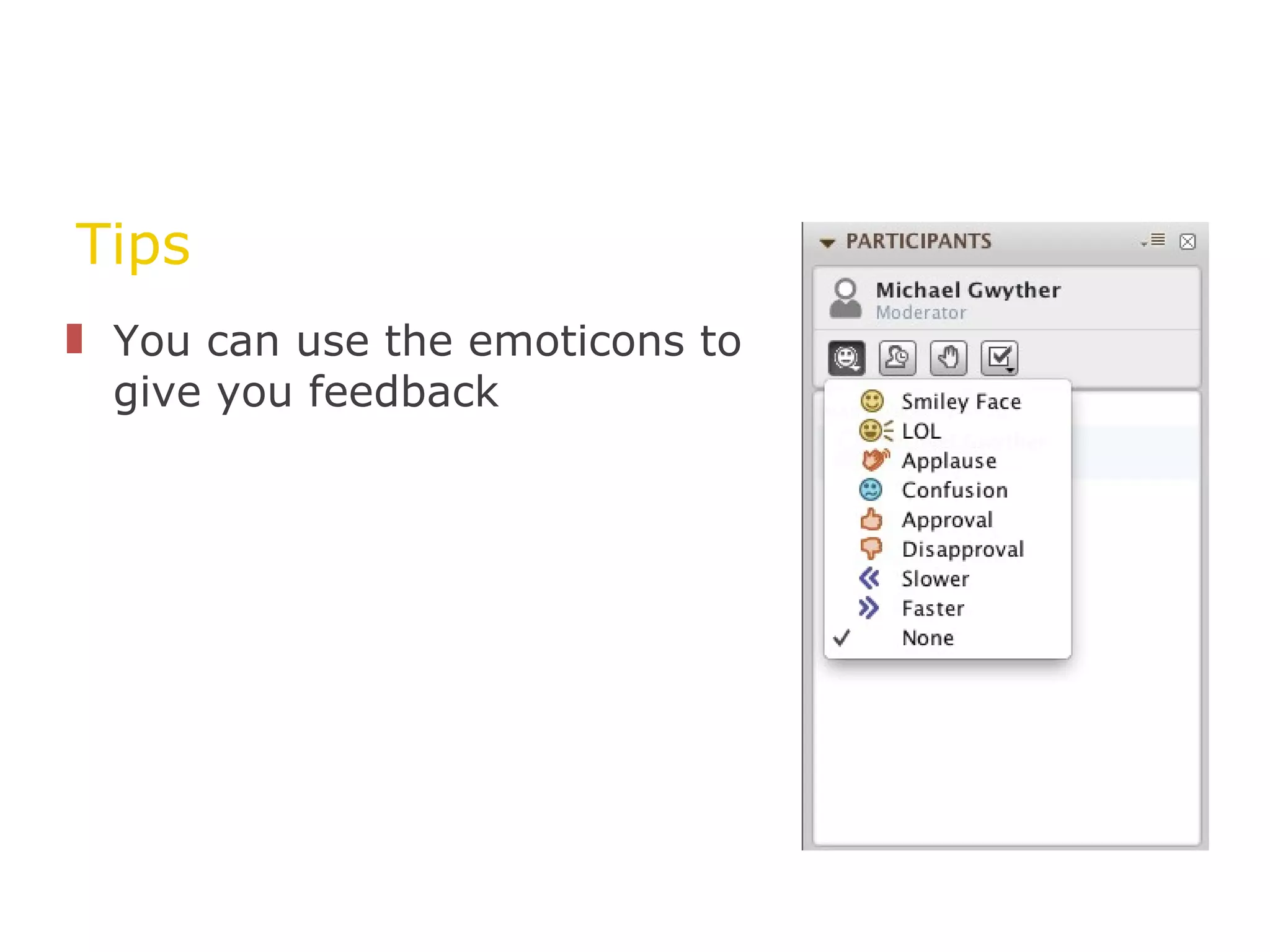
Tips You can use the emoticons to give you feedback
Tips Raise your hand if you have a question
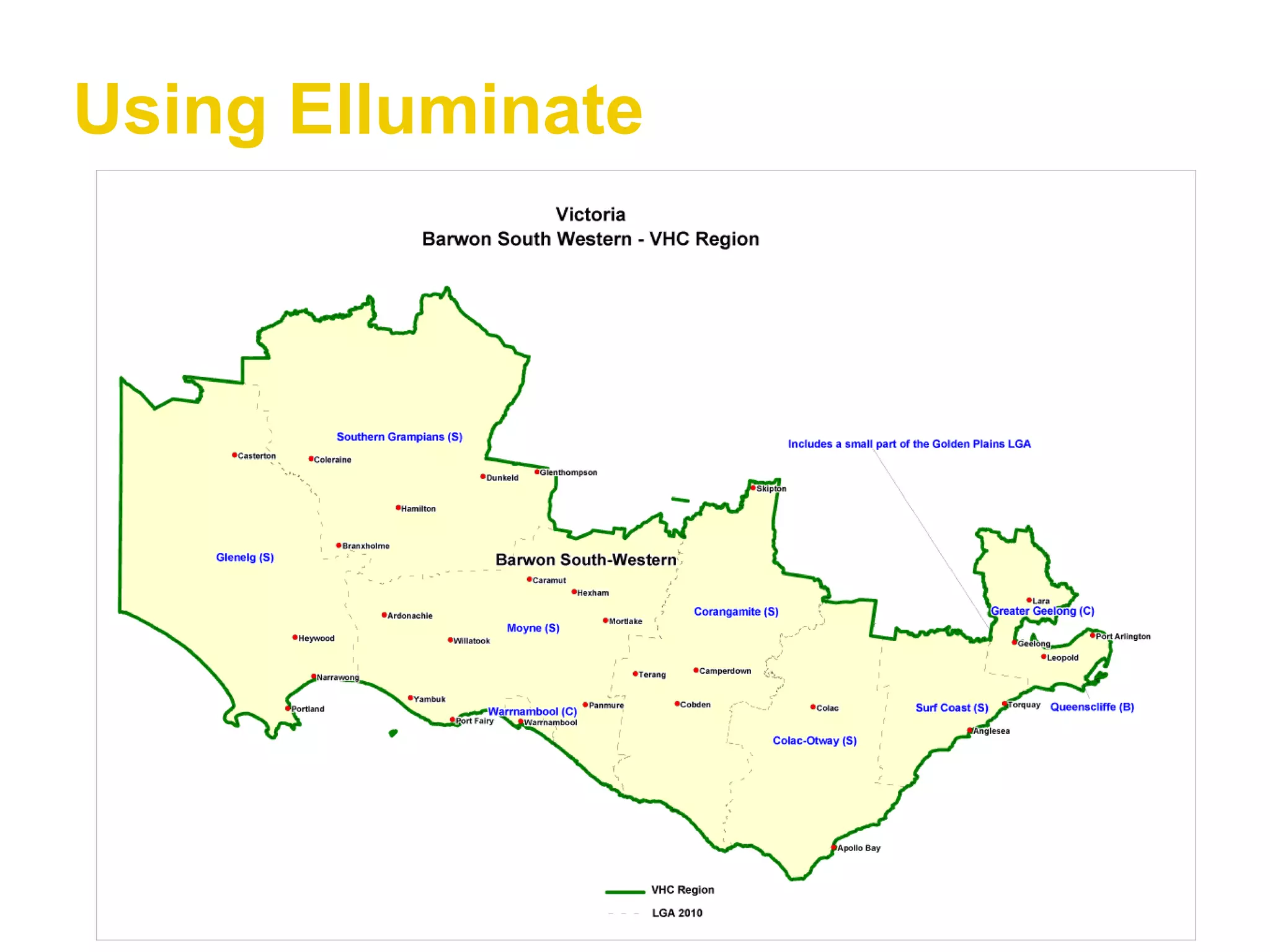
Using Elluminate
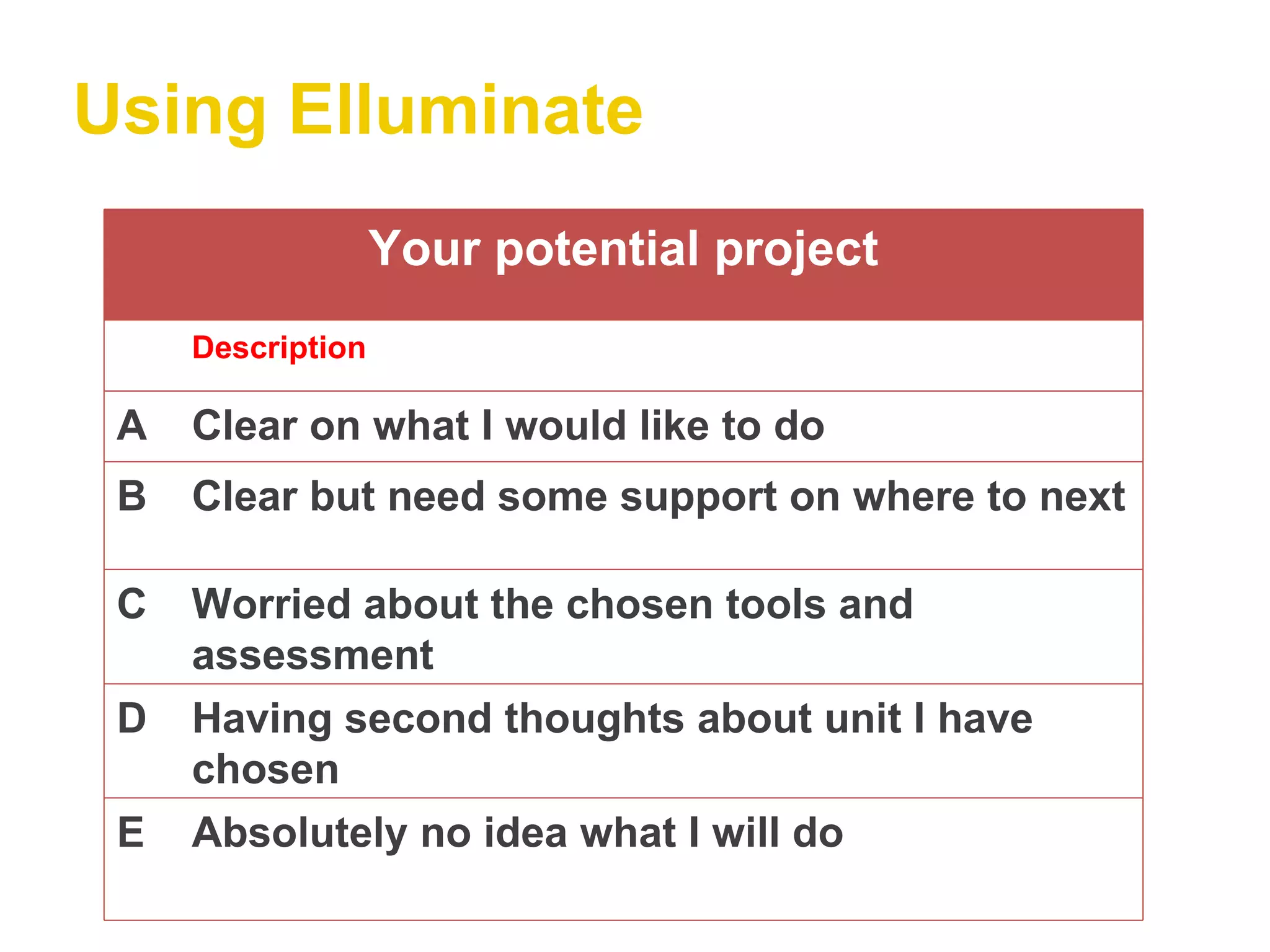
Using Elluminate Your potential project Description A Clear on what I would like to do B Clear but need some support on where to next C Worried about the chosen tools and assessment D Having second thoughts about unit I have chosen E Absolutely no idea what I will do
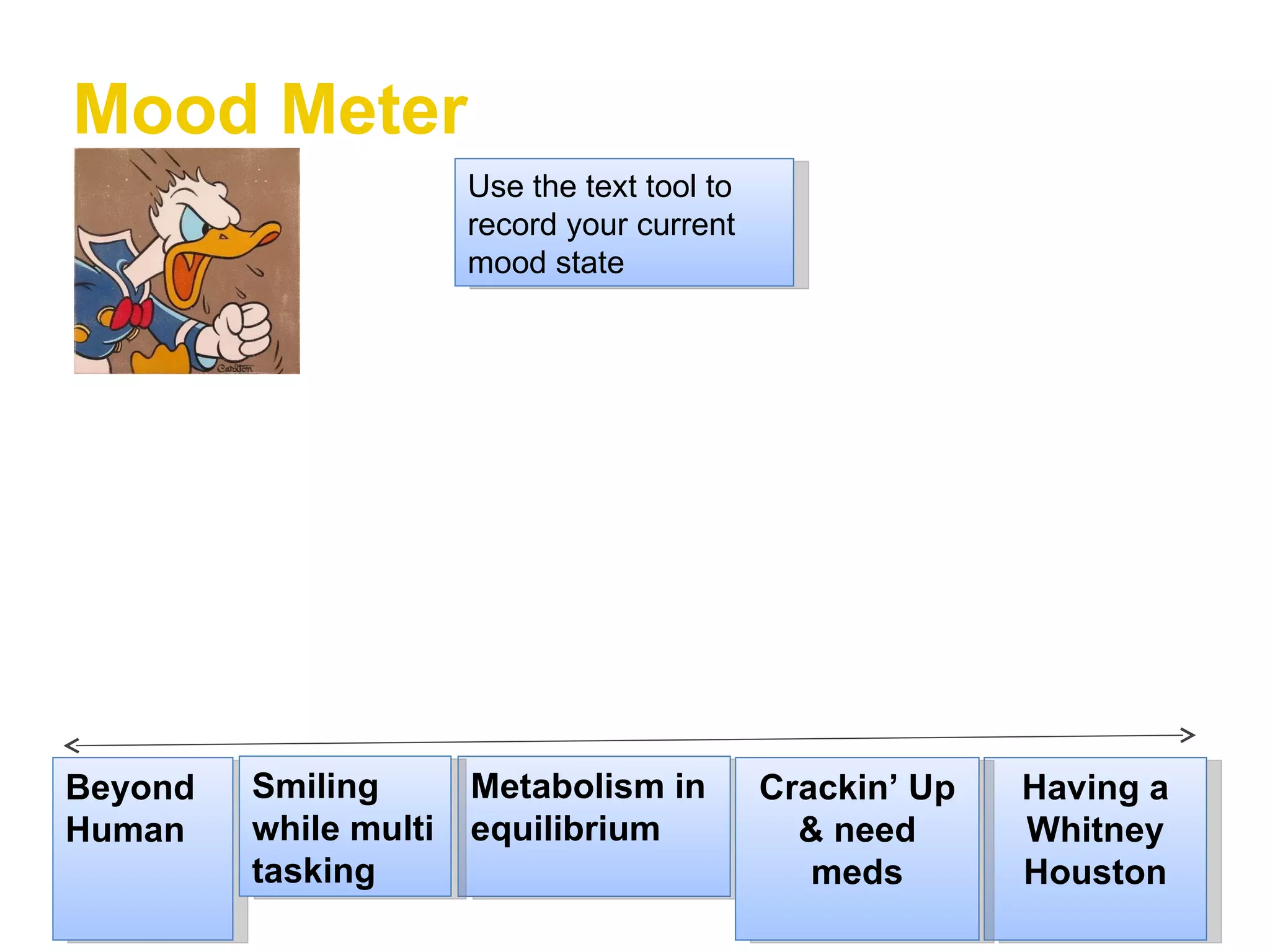
Mood Meter Beyond Human Having a Whitney Houston Metabolism in equilibrium Smiling while multi tasking Crackin’ Up & need meds Use the text tool to record your current mood state
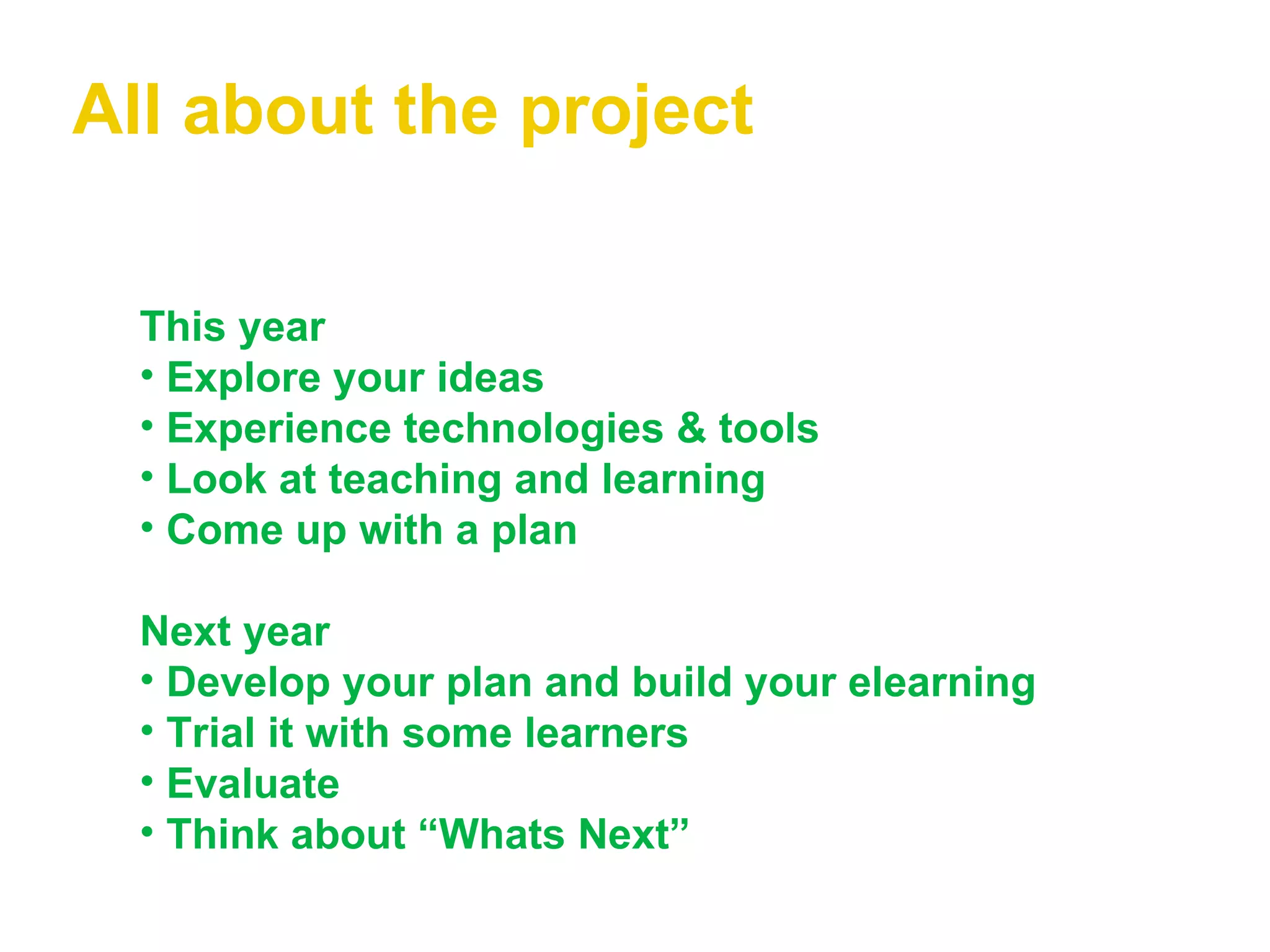
All about the project This year Explore your ideas Experience technologies & tools   Look at teaching and learning   Come up with a plan Next year   Develop your plan and build your elearning   Trial it with some learners   Evaluate Think about “Whats Next”
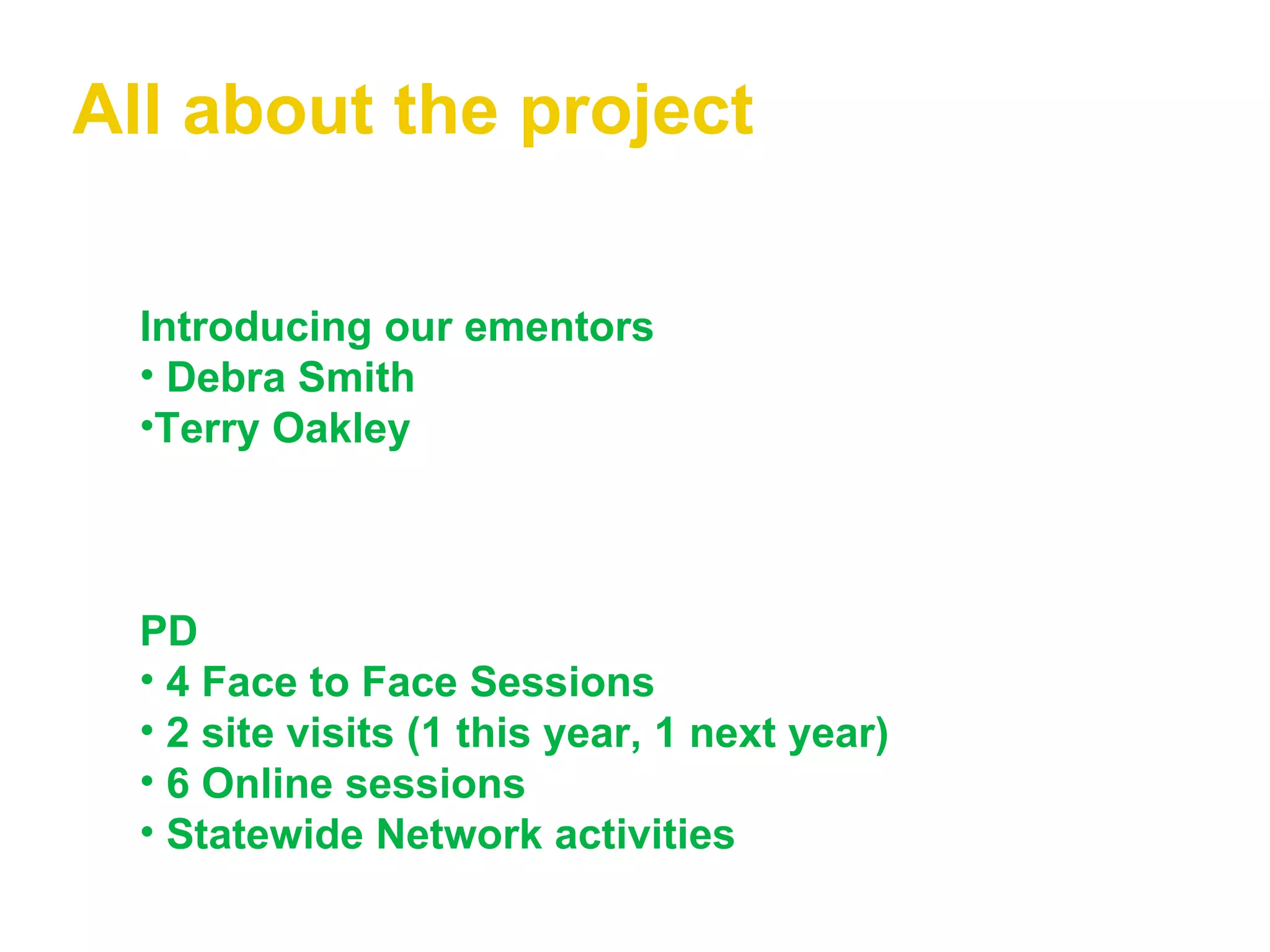
All about the project Introducing our ementors Debra Smith Terry Oakley PD   4 Face to Face Sessions 2 site visits (1 this year, 1 next year) 6 Online sessions Statewide Network activities
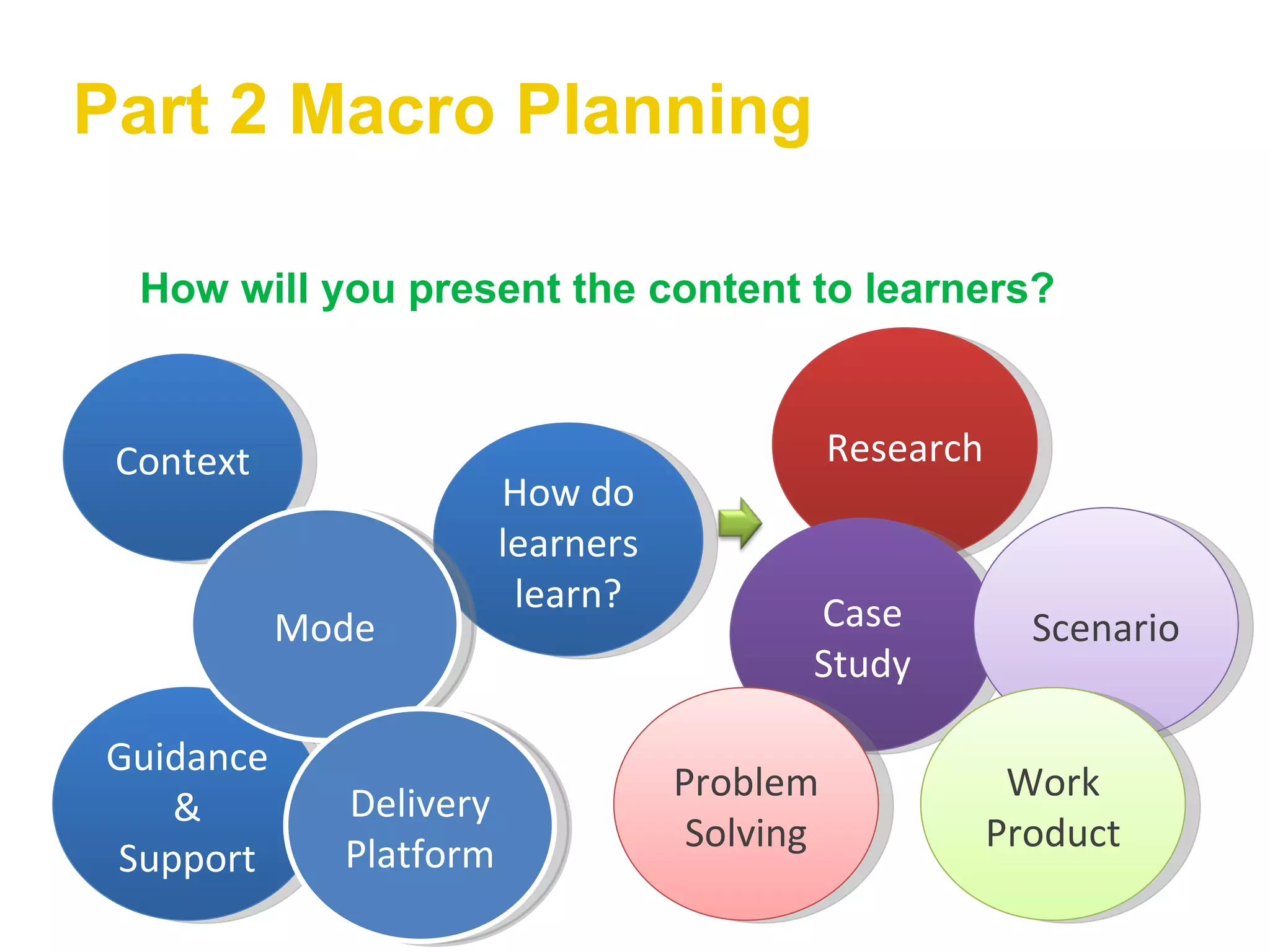
Part 2 Macro Planning How will you present the content to learners? Context Guidance & Support How do learners learn? Research Case Study Scenario Problem Solving Work Product Mode Delivery Platform
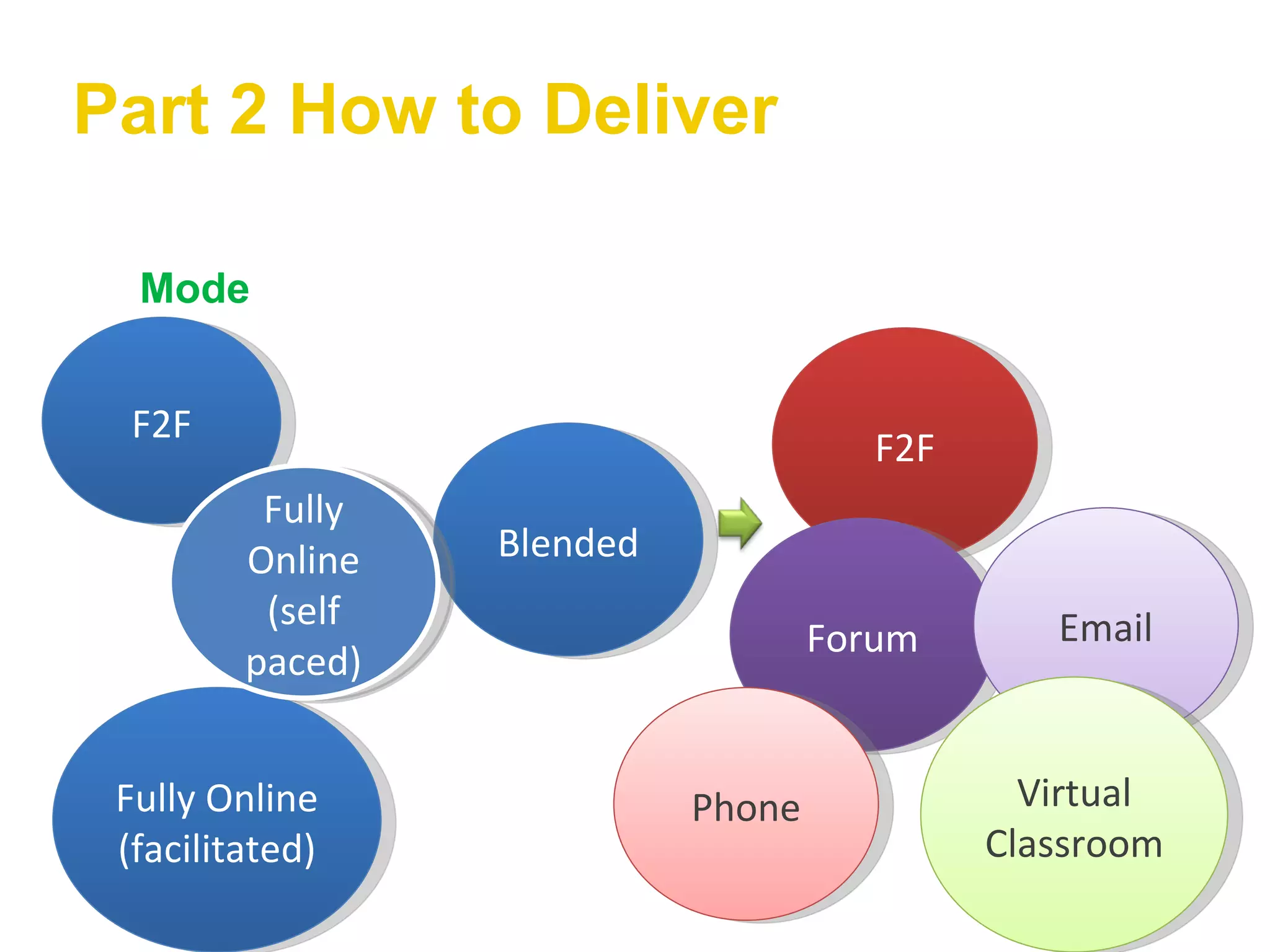
Part 2 How to Deliver Mode F2F Fully Online (facilitated) Blended F2F Forum Email Phone Virtual Classroom Fully Online (self paced)
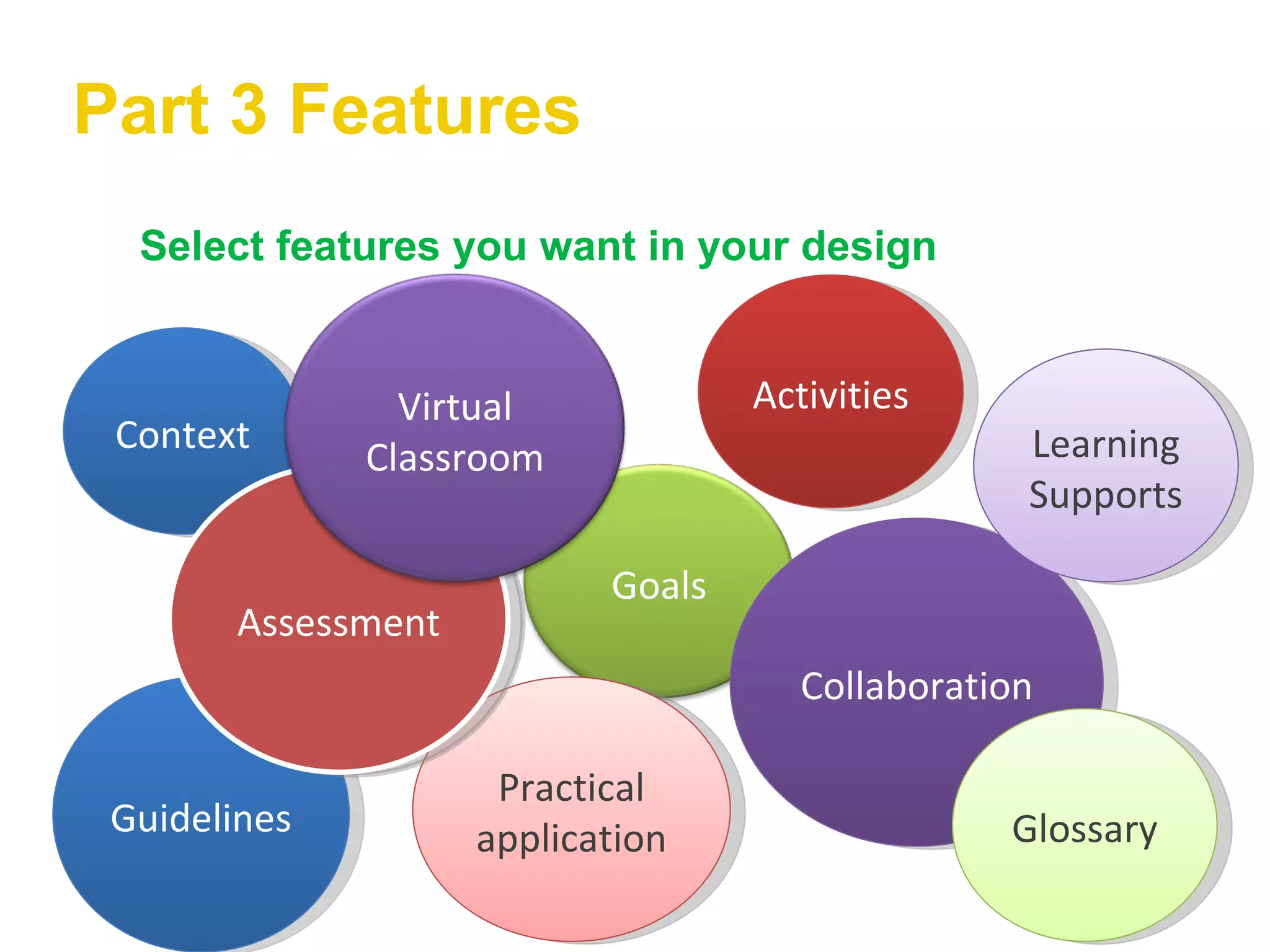
Part 3 Features Select features you want in your design Context Guidelines Activities Collaboration Learning Supports Practical application Glossary Assessment Goals Virtual Classroom
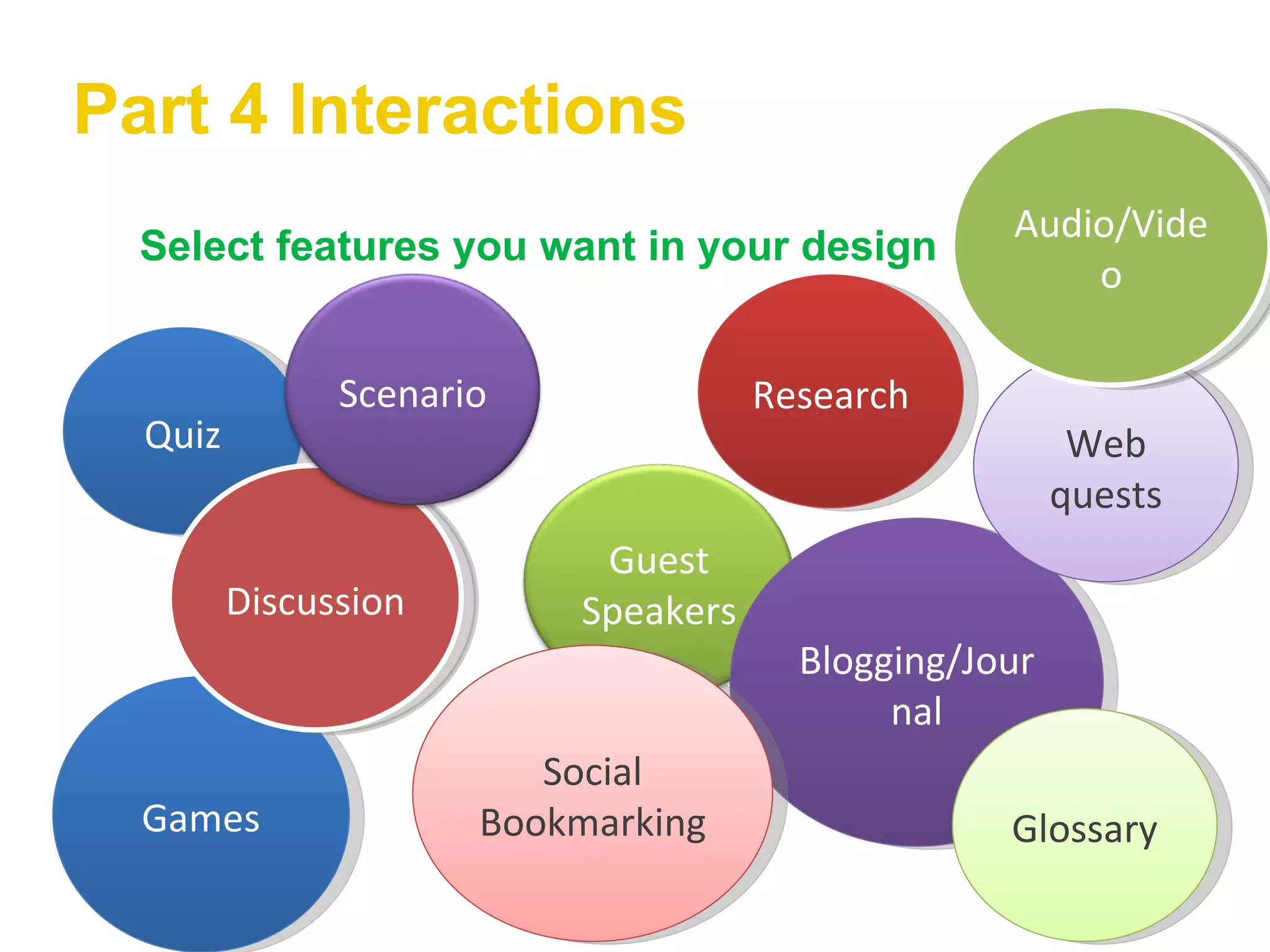
Part 4 Interactions Select features you want in your design Quiz Games Research Blogging/Journal Web quests Social Bookmarking Glossary Discussion Audio/Video Guest Speakers Scenario
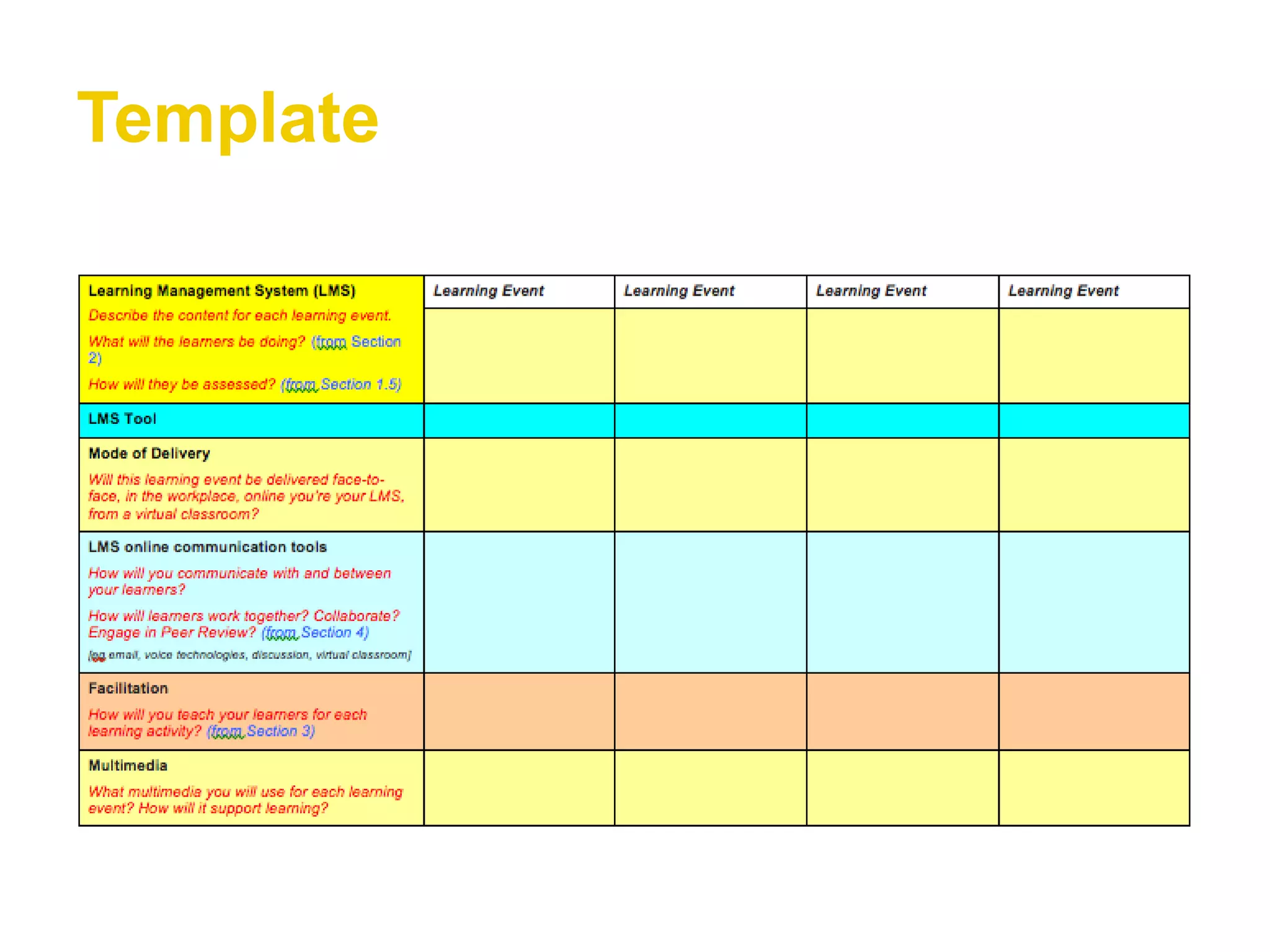
Template Document: Learning Events for your  trial What will learners be doing? Mode Communication Facilitation (Teach/Training) Multimedia
Template
Next Workshop Dates Workshop 1 Oct 10 th  10.30 – 2.30 (Clovedale) Workshop 2 Nov 7 th  10.30-2.30 TCB
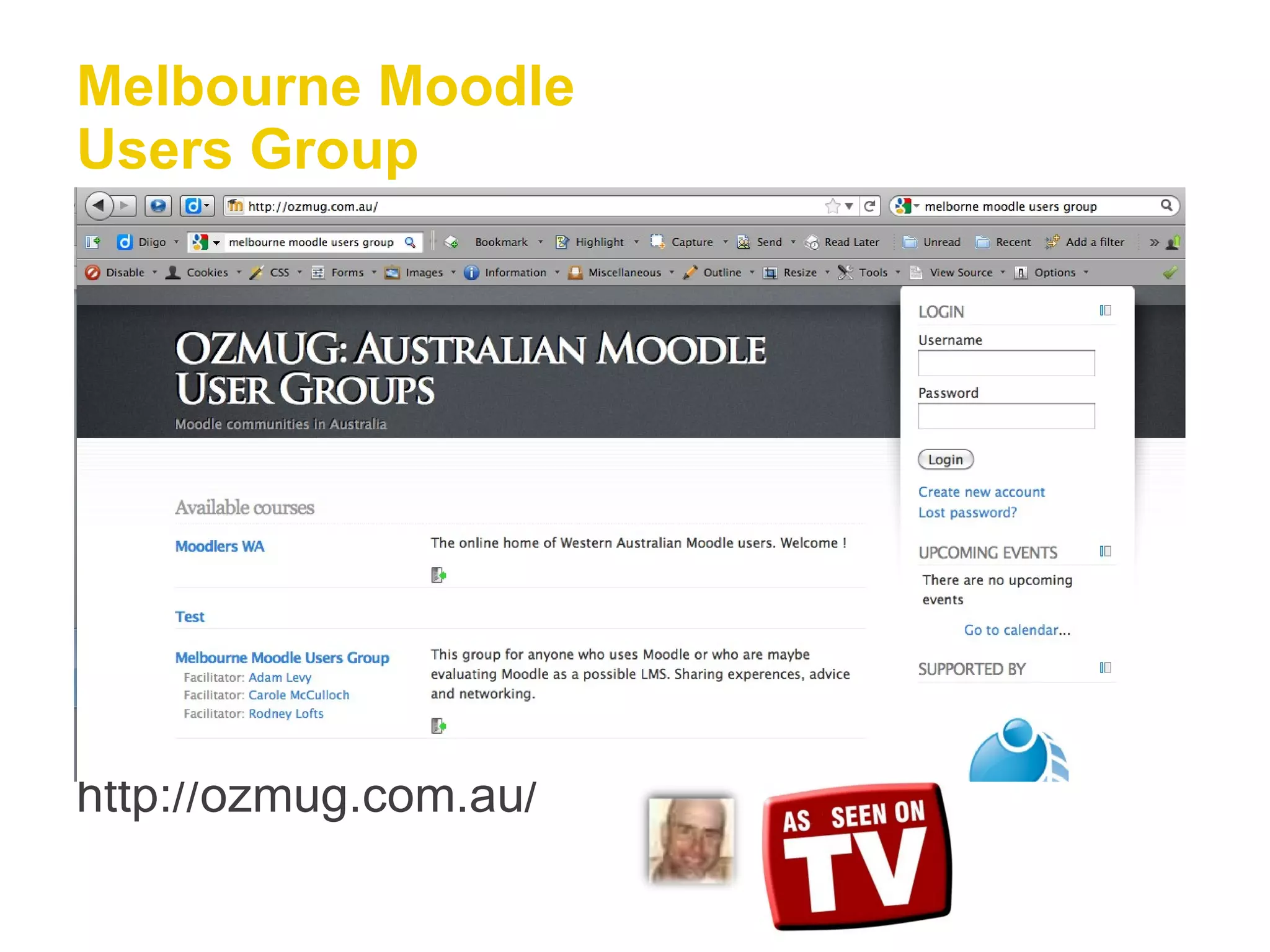
Melbourne Moodle Users Group http://ozmug.com.au/
Thank you for  playing

Barwon SW Online Session 1

  • 1.
    ACFE - VicGovernment e-mentor Program 2011 Online Session 1
  • 2.
    Programme Using BlackboardCollaborate Clarifying the project Getting to know you
  • 3.
    Peer Review Upto 3 minutes per ACE Provider to talk about Describe: Your experience with e things How you’d like to do with the project What you would really like to learn Anthing else to help get to know you
  • 4.
    Tips Use thechat to post any links or to have a back channel of communication
  • 5.
    Tips You canuse the emoticons to give you feedback
  • 6.
    Tips Raise yourhand if you have a question
  • 7.
  • 8.
    Using Elluminate Yourpotential project Description A Clear on what I would like to do B Clear but need some support on where to next C Worried about the chosen tools and assessment D Having second thoughts about unit I have chosen E Absolutely no idea what I will do
  • 9.
    Mood Meter BeyondHuman Having a Whitney Houston Metabolism in equilibrium Smiling while multi tasking Crackin’ Up & need meds Use the text tool to record your current mood state
  • 10.
    All about theproject This year Explore your ideas Experience technologies & tools   Look at teaching and learning   Come up with a plan Next year   Develop your plan and build your elearning   Trial it with some learners   Evaluate Think about “Whats Next”
  • 11.
    All about theproject Introducing our ementors Debra Smith Terry Oakley PD   4 Face to Face Sessions 2 site visits (1 this year, 1 next year) 6 Online sessions Statewide Network activities
  • 12.
    Part 2 MacroPlanning How will you present the content to learners? Context Guidance & Support How do learners learn? Research Case Study Scenario Problem Solving Work Product Mode Delivery Platform
  • 13.
    Part 2 Howto Deliver Mode F2F Fully Online (facilitated) Blended F2F Forum Email Phone Virtual Classroom Fully Online (self paced)
  • 14.
    Part 3 FeaturesSelect features you want in your design Context Guidelines Activities Collaboration Learning Supports Practical application Glossary Assessment Goals Virtual Classroom
  • 15.
    Part 4 InteractionsSelect features you want in your design Quiz Games Research Blogging/Journal Web quests Social Bookmarking Glossary Discussion Audio/Video Guest Speakers Scenario
  • 16.
    Template Document: LearningEvents for your trial What will learners be doing? Mode Communication Facilitation (Teach/Training) Multimedia
  • 17.
  • 18.
    Next Workshop DatesWorkshop 1 Oct 10 th 10.30 – 2.30 (Clovedale) Workshop 2 Nov 7 th 10.30-2.30 TCB
  • 19.
    Melbourne Moodle UsersGroup http://ozmug.com.au/
  • 20.
    Thank you for playing