L2B Linux First Course


S ession2


             Please visit our Facebook Group
L2B First Linux Course
L2B Linux course


     Session Outlines:
      Linux principles
      Bash Basics
      Users, Groups and Permissions
      Introduction to Bash Scripts
L2B First Linux Course
L2B Linux course


     Linux Principles
        Every thing is a file including hardware
        Small, single-purpose programs
        Ability to chain programs together to perform
         complex tasks
        Avoid captive user interfaces
        Configuration data stored in text
L2B First Linux Course
L2B Linux course


    Bash Basics
      Shell or bash is an interface between the user
       and the kernel
      Accepts the commands that a user enters,
       interprets these commands, and passes them
       to the kernel
L2B First Linux Course
L2B Linux course


     Bash Basics
       Command format:
           command [option] [argument]
       Option
         • Preceded by - if single character
         • Preceded by - - if more than one character
       Arguments are file names or other data
        needed by the command
L2B First Linux Course
L2B Linux course


     Bash Basics
       Full Path
         • Begins with a forward slash
         • Ends with the file location
       Relative path
         • Begins with your location
         • Ends with the file location
L2B First Linux Course
L2B Linux course


     Bash Basics
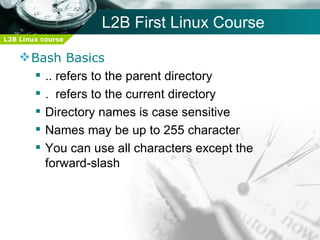
       .. refers to the parent directory
       . refers to the current directory
       Directory names is case sensitive
       Names may be up to 255 character
       You can use all characters except the
        forward-slash
L2B First Linux Course
L2B Linux course


     Bash Basics
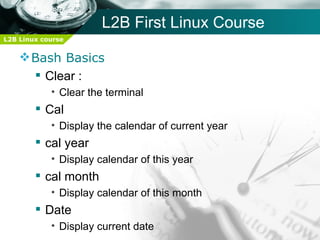
       Clear :
            • Clear the terminal
         Cal
            • Display the calendar of current year
         cal year
            • Display calendar of this year
         cal month
            • Display calendar of this month
         Date
            • Display current date
L2B First Linux Course
L2B Linux course


     Bash Basics
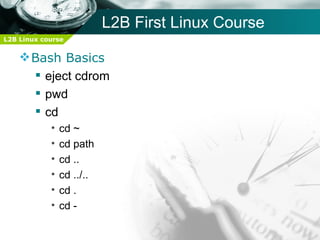
       eject cdrom
       pwd
       cd
            •   cd ~
            •   cd path
            •   cd ..
            •   cd ../..
            •   cd .
            •   cd -
L2B First Linux Course
L2B Linux course


     Bash Basics
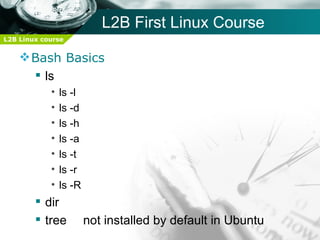
       ls
            •   ls -l
            •   ls -d
            •   ls -h
            •   ls -a
            •   ls -t
            •   ls -r
            •   ls -R
         dir
         tree          not installed by default in Ubuntu
L2B First Linux Course
L2B Linux course

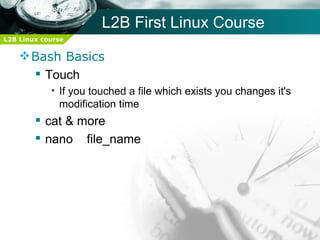
     Bash Basics
       Touch
            • If you touched a file which exists you changes it's
              modification time
         cat & more
         nano file_name
L2B First Linux Course
L2B Linux course


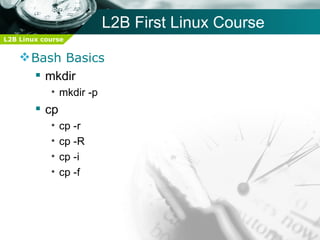
     Bash Basics
       mkdir
            • mkdir -p
         cp
            •   cp -r
            •   cp -R
            •   cp -i
            •   cp -f
L2B First Linux Course
L2B Linux course


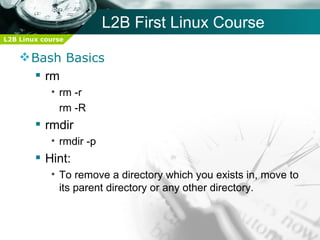
     Bash Basics
       rm
            • rm -r
              rm -R
         rmdir
            • rmdir -p
         Hint:
            • To remove a directory which you exists in, move to
              its parent directory or any other directory.
L2B First Linux Course
L2B Linux course


     Bash Basics
       cal
       Switching between users
            • su
            • su -
            • sudo
         Changing password
            • passwd [user_name]
L2B First Linux Course
L2B Linux course


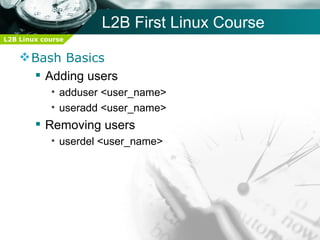
     Bash Basics
       Adding users
            • adduser <user_name>
            • useradd <user_name>
         Removing users
            • userdel <user_name>
L2B First Linux Course
L2B Linux course


     Bash Basics
       Getting help
            •   command --help
            •   whatis    <command>
            •   man     <command>
            •   info   <command>
L2B First Linux Course
L2B Linux course


     Bash Basics
       Getting help
            • --help:
                   – Most commands have the options --help
                   – It prints a usage statement and list of options and
                     what they do
                   – [ any_thing ]    >>> It is optional
                   –       ......     >>> It is list of that thing
                   – < any_thing > >>> It is not optioinal
                   – { x,y,z } >>> At least one of the these things
                   – Options separated by | >>> one of them can be
                     used “or"
L2B First Linux Course
L2B Linux course


     Bash Basics
       Getting help
            • whatis
                   – Short description about the command
                   – Update it's database daily
                      » makewhatis as root
L2B First Linux Course
L2B Linux course


     Bash Basics
       Getting help
            •   man -f
            •   man -k &   apropos
            •   man -w
            •   manpath
L2B First Linux Course
L2B Linux course

     Bash Basics
       Getting help
            • man page format and how to use it
            • man [chapter_number] command
            • man sections/chapters
                   1- user commands
                   2- system calls / functions provided by the kernel
                   3- Library calls
                   4- special files
                   5- configuration files formats
                   6- games
                   7- packages
                   8- administrative commands
L2B First Linux Course
L2B Linux course


     Bash Basics
       Getting help
            • info pages
                   –   More details than man
                   –   Like a web site
                   –   Divided into nodes (*)
                   –   Try >>> (info ls)
L2B First Linux Course
L2B Linux course


     Bash Basics
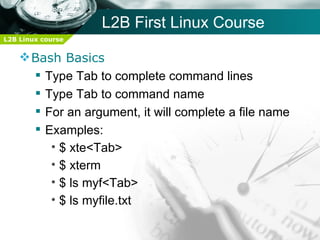
       Type Tab to complete command lines
       Type Tab to command name
       For an argument, it will complete a file name
       Examples:
         • $ xte<Tab>
         • $ xterm
         • $ ls myf<Tab>
         • $ ls myfile.txt
L2B First Linux Course
L2B Linux course


     Bash Basics
       echo command
       file command
       Virtual consoles
L2B First Linux Course
L2B Linux course


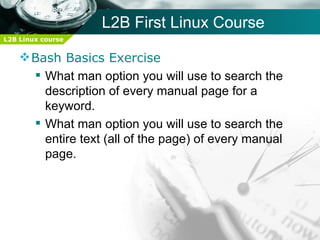
     Bash Basics Exercise
       What man option you will use to search the
        description of every manual page for a
        keyword.
       What man option you will use to search the
        entire text (all of the page) of every manual
        page.
L2B First Linux Course
L2B Linux course


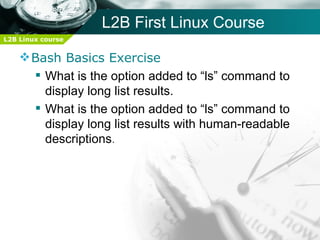
     Bash Basics Exercise
       What is the option added to “ls” command to
        display long list results.
       What is the option added to “ls” command to
        display long list results with human-readable
        descriptions.
L2B First Linux Course
L2B Linux course


     Bash Basics Exercise
       Given the following:
                foo -x | -y [-abcde]      FILENAME
                Which one is right?
            •   foo    -x -y -a file.txt
            •   foo
            •   foo   -y     -abc      file1.txt      file2.txt
            •   foo      -abc file1.txt      file2.txt       file3.txt
L2B First Linux Course
L2B Linux course


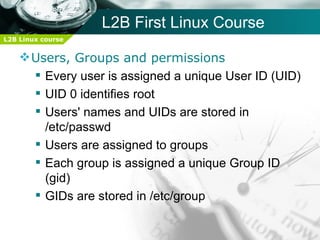
     Users, Groups and permissions
       Every user is assigned a unique User ID (UID)
       UID 0 identifies root
       Users' names and UIDs are stored in
        /etc/passwd
       Users are assigned to groups
       Each group is assigned a unique Group ID
        (gid)
       GIDs are stored in /etc/group
L2B First Linux Course
L2B Linux course


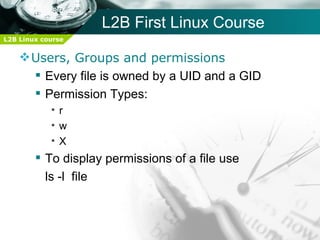
     Users, Groups and permissions
       Every file is owned by a UID and a GID
       Permission Types:
            •r
            •w
            •X
         To display permissions of a file use
          ls -l file
L2B First Linux Course
L2B Linux course


     Users, Groups and permissions
       To change access modes:
       chmod [-R] mode file
       Where mode is:
       u,g or o for user, group and other
       + or - for grant or deny
       r, w or x for read, write and execute
       Examples:
            • ugo+r: Grant read access to all
            • o-wx: Deny write and execute to others
L2B First Linux Course
L2B Linux course


     Users, Groups and permissions
       To change access modes:
            • chmod [-R] mode file
         Where mode is:
            • u,g or o for user, group and other
            • + or - for grant or deny
            • r, w or x for read, write and execute
         Examples:
            • ugo+r: Grant read access to all
            • o-wx: Deny write and execute to others
L2B First Linux Course
L2B Linux course


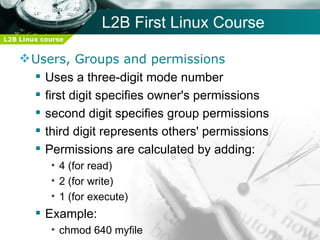
     Users, Groups and permissions
       Uses a three-digit mode number
       first digit specifies owner's permissions
       second digit specifies group permissions
       third digit represents others' permissions
       Permissions are calculated by adding:
            • 4 (for read)
            • 2 (for write)
            • 1 (for execute)
         Example:
            • chmod 640 myfile
L2B First Linux Course
L2B Linux course

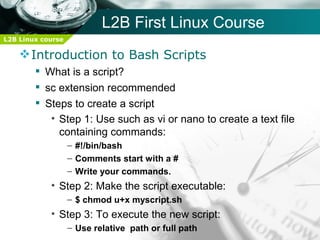
     Introduction to Bash Scripts
         What is a script?
         sc extension recommended
         Steps to create a script
           • Step 1: Use such as vi or nano to create a text file
             containing commands:
                   – #!/bin/bash
                   – Comments start with a #
                   – Write your commands.
            • Step 2: Make the script executable:
                   – $ chmod u+x myscript.sh
            • Step 3: To execute the new script:
                   – Use relative path or full path
For More info Please Visit Our Facebook Group

Session2

  • 1.
    L2B Linux FirstCourse S ession2 Please visit our Facebook Group
  • 2.
    L2B First LinuxCourse L2B Linux course Session Outlines:  Linux principles  Bash Basics  Users, Groups and Permissions  Introduction to Bash Scripts
  • 3.
    L2B First LinuxCourse L2B Linux course  Linux Principles  Every thing is a file including hardware  Small, single-purpose programs  Ability to chain programs together to perform complex tasks  Avoid captive user interfaces  Configuration data stored in text
  • 4.
    L2B First LinuxCourse L2B Linux course  Bash Basics  Shell or bash is an interface between the user and the kernel  Accepts the commands that a user enters, interprets these commands, and passes them to the kernel
  • 5.
    L2B First LinuxCourse L2B Linux course  Bash Basics  Command format: command [option] [argument]  Option • Preceded by - if single character • Preceded by - - if more than one character  Arguments are file names or other data needed by the command
  • 6.
    L2B First LinuxCourse L2B Linux course  Bash Basics  Full Path • Begins with a forward slash • Ends with the file location  Relative path • Begins with your location • Ends with the file location
  • 7.
    L2B First LinuxCourse L2B Linux course  Bash Basics  .. refers to the parent directory  . refers to the current directory  Directory names is case sensitive  Names may be up to 255 character  You can use all characters except the forward-slash
  • 8.
    L2B First LinuxCourse L2B Linux course  Bash Basics  Clear : • Clear the terminal  Cal • Display the calendar of current year  cal year • Display calendar of this year  cal month • Display calendar of this month  Date • Display current date
  • 9.
    L2B First LinuxCourse L2B Linux course  Bash Basics  eject cdrom  pwd  cd • cd ~ • cd path • cd .. • cd ../.. • cd . • cd -
  • 10.
    L2B First LinuxCourse L2B Linux course  Bash Basics  ls • ls -l • ls -d • ls -h • ls -a • ls -t • ls -r • ls -R  dir  tree not installed by default in Ubuntu
  • 11.
    L2B First LinuxCourse L2B Linux course  Bash Basics  Touch • If you touched a file which exists you changes it's modification time  cat & more  nano file_name
  • 12.
    L2B First LinuxCourse L2B Linux course  Bash Basics  mkdir • mkdir -p  cp • cp -r • cp -R • cp -i • cp -f
  • 13.
    L2B First LinuxCourse L2B Linux course  Bash Basics  rm • rm -r rm -R  rmdir • rmdir -p  Hint: • To remove a directory which you exists in, move to its parent directory or any other directory.
  • 14.
    L2B First LinuxCourse L2B Linux course  Bash Basics  cal  Switching between users • su • su - • sudo  Changing password • passwd [user_name]
  • 15.
    L2B First LinuxCourse L2B Linux course  Bash Basics  Adding users • adduser <user_name> • useradd <user_name>  Removing users • userdel <user_name>
  • 16.
    L2B First LinuxCourse L2B Linux course  Bash Basics  Getting help • command --help • whatis <command> • man <command> • info <command>
  • 17.
    L2B First LinuxCourse L2B Linux course  Bash Basics  Getting help • --help: – Most commands have the options --help – It prints a usage statement and list of options and what they do – [ any_thing ] >>> It is optional – ...... >>> It is list of that thing – < any_thing > >>> It is not optioinal – { x,y,z } >>> At least one of the these things – Options separated by | >>> one of them can be used “or"
  • 18.
    L2B First LinuxCourse L2B Linux course  Bash Basics  Getting help • whatis – Short description about the command – Update it's database daily » makewhatis as root
  • 19.
    L2B First LinuxCourse L2B Linux course  Bash Basics  Getting help • man -f • man -k & apropos • man -w • manpath
  • 20.
    L2B First LinuxCourse L2B Linux course  Bash Basics  Getting help • man page format and how to use it • man [chapter_number] command • man sections/chapters 1- user commands 2- system calls / functions provided by the kernel 3- Library calls 4- special files 5- configuration files formats 6- games 7- packages 8- administrative commands
  • 21.
    L2B First LinuxCourse L2B Linux course  Bash Basics  Getting help • info pages – More details than man – Like a web site – Divided into nodes (*) – Try >>> (info ls)
  • 22.
    L2B First LinuxCourse L2B Linux course  Bash Basics  Type Tab to complete command lines  Type Tab to command name  For an argument, it will complete a file name  Examples: • $ xte<Tab> • $ xterm • $ ls myf<Tab> • $ ls myfile.txt
  • 23.
    L2B First LinuxCourse L2B Linux course  Bash Basics  echo command  file command  Virtual consoles
  • 24.
    L2B First LinuxCourse L2B Linux course  Bash Basics Exercise  What man option you will use to search the description of every manual page for a keyword.  What man option you will use to search the entire text (all of the page) of every manual page.
  • 25.
    L2B First LinuxCourse L2B Linux course  Bash Basics Exercise  What is the option added to “ls” command to display long list results.  What is the option added to “ls” command to display long list results with human-readable descriptions.
  • 26.
    L2B First LinuxCourse L2B Linux course  Bash Basics Exercise  Given the following: foo -x | -y [-abcde] FILENAME Which one is right? • foo -x -y -a file.txt • foo • foo -y -abc file1.txt file2.txt • foo -abc file1.txt file2.txt file3.txt
  • 27.
    L2B First LinuxCourse L2B Linux course  Users, Groups and permissions  Every user is assigned a unique User ID (UID)  UID 0 identifies root  Users' names and UIDs are stored in /etc/passwd  Users are assigned to groups  Each group is assigned a unique Group ID (gid)  GIDs are stored in /etc/group
  • 28.
    L2B First LinuxCourse L2B Linux course  Users, Groups and permissions  Every file is owned by a UID and a GID  Permission Types: •r •w •X  To display permissions of a file use ls -l file
  • 29.
    L2B First LinuxCourse L2B Linux course  Users, Groups and permissions  To change access modes:  chmod [-R] mode file  Where mode is:  u,g or o for user, group and other  + or - for grant or deny  r, w or x for read, write and execute  Examples: • ugo+r: Grant read access to all • o-wx: Deny write and execute to others
  • 30.
    L2B First LinuxCourse L2B Linux course  Users, Groups and permissions  To change access modes: • chmod [-R] mode file  Where mode is: • u,g or o for user, group and other • + or - for grant or deny • r, w or x for read, write and execute  Examples: • ugo+r: Grant read access to all • o-wx: Deny write and execute to others
  • 31.
    L2B First LinuxCourse L2B Linux course  Users, Groups and permissions  Uses a three-digit mode number  first digit specifies owner's permissions  second digit specifies group permissions  third digit represents others' permissions  Permissions are calculated by adding: • 4 (for read) • 2 (for write) • 1 (for execute)  Example: • chmod 640 myfile
  • 32.
    L2B First LinuxCourse L2B Linux course  Introduction to Bash Scripts  What is a script?  sc extension recommended  Steps to create a script • Step 1: Use such as vi or nano to create a text file containing commands: – #!/bin/bash – Comments start with a # – Write your commands. • Step 2: Make the script executable: – $ chmod u+x myscript.sh • Step 3: To execute the new script: – Use relative path or full path
  • 33.
    For More infoPlease Visit Our Facebook Group