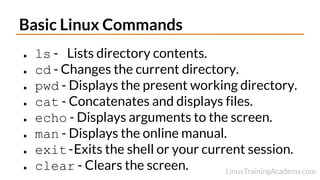
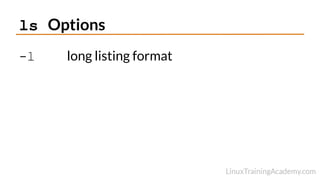
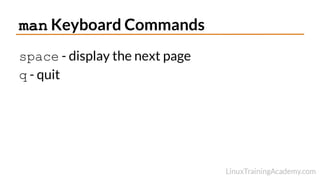
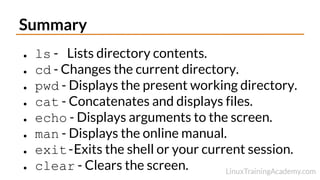
This document provides an overview of basic Linux commands including ls to list directory contents, cd to change directories, pwd to show the current working directory, cat to display files, echo to display text, man to view manuals, exit to quit sessions, and clear to clear the screen. It also lists the ls -l option for a long listing format and encourages users to practice the commands, experiment, and view the man page for ls with the man ls command.