Secure Web Transactions
Overview

 Electronic Commerce
 Underlying Technologies
  – Cryptography
  – Network Security Protocols
 Electronic Payment Systems
  – Credit card-based methods
  – Electronic Cheques
  – Anonymous payment
  – Micropayments
  – SmartCards
Commerce
   Commerce: Exchange of Goods / Services
   Contracting parties: Buyer and Seller
   Fundamental principles: Trust and Security
   Intermediaries:
       • Direct (Distributors, Retailers)
       • Indirect (Banks, Regulators)
 Money is a medium to facilitate transactions
 Attributes of money:
    – Acceptability, Portability, Divisibility
    – Security, Anonymity
    – Durability, Interoperability
E-Commerce
 Automation of commercial transactions using
  computer and communication technologies
 Facilitated by Internet and WWW
 Business-to-Business: EDI
 Business-to-Consumer: WWW retailing
 Some features:
  – Easy, global access, 24 hour availability
  – Customized products and services
  – Back Office integration
  – Additional revenue stream
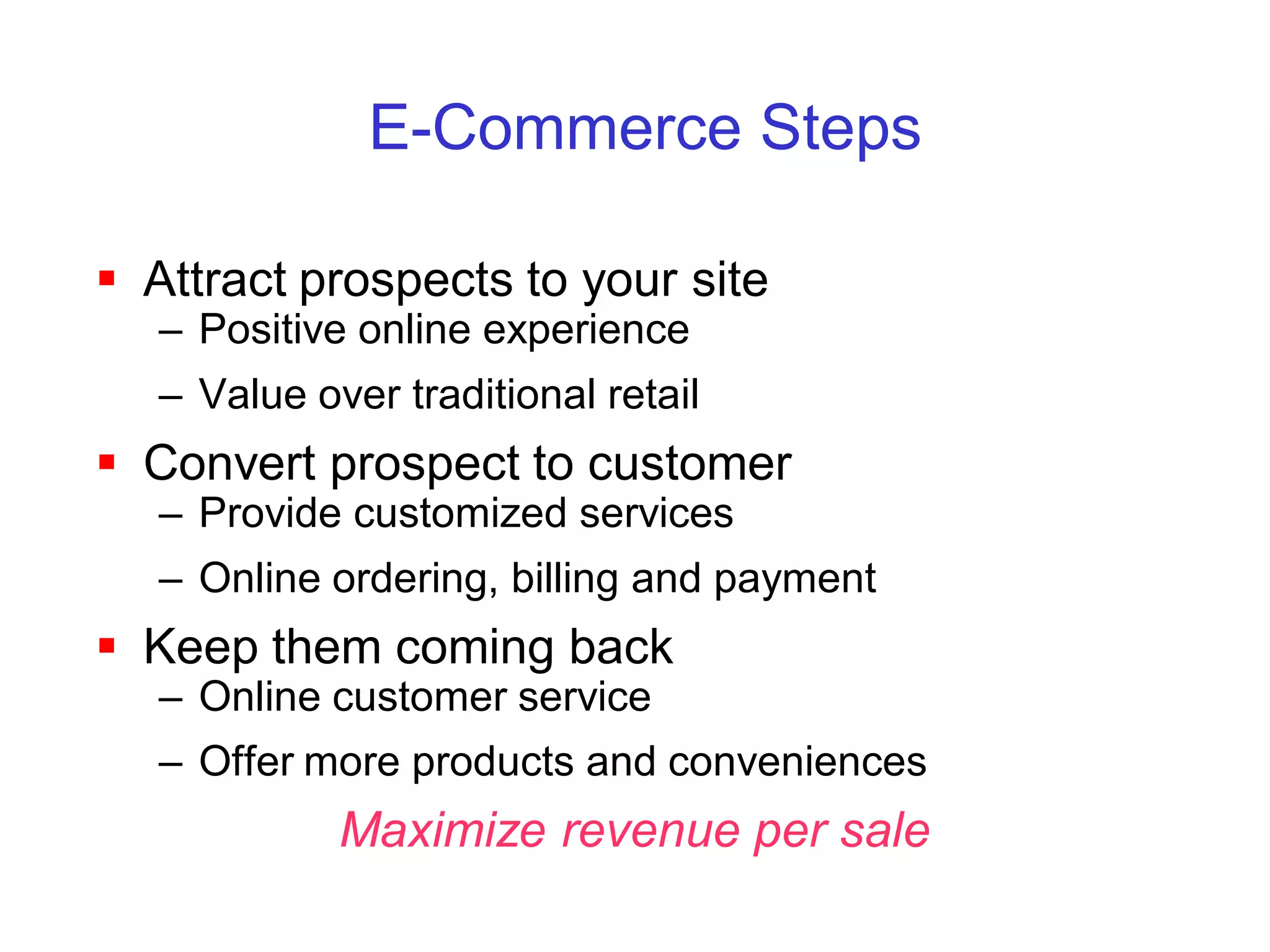
E-Commerce Steps

 Attract prospects to your site
   – Positive online experience
   – Value over traditional retail
 Convert prospect to customer
   – Provide customized services
   – Online ordering, billing and payment
 Keep them coming back
   – Online customer service
   – Offer more products and conveniences
             Maximize revenue per sale
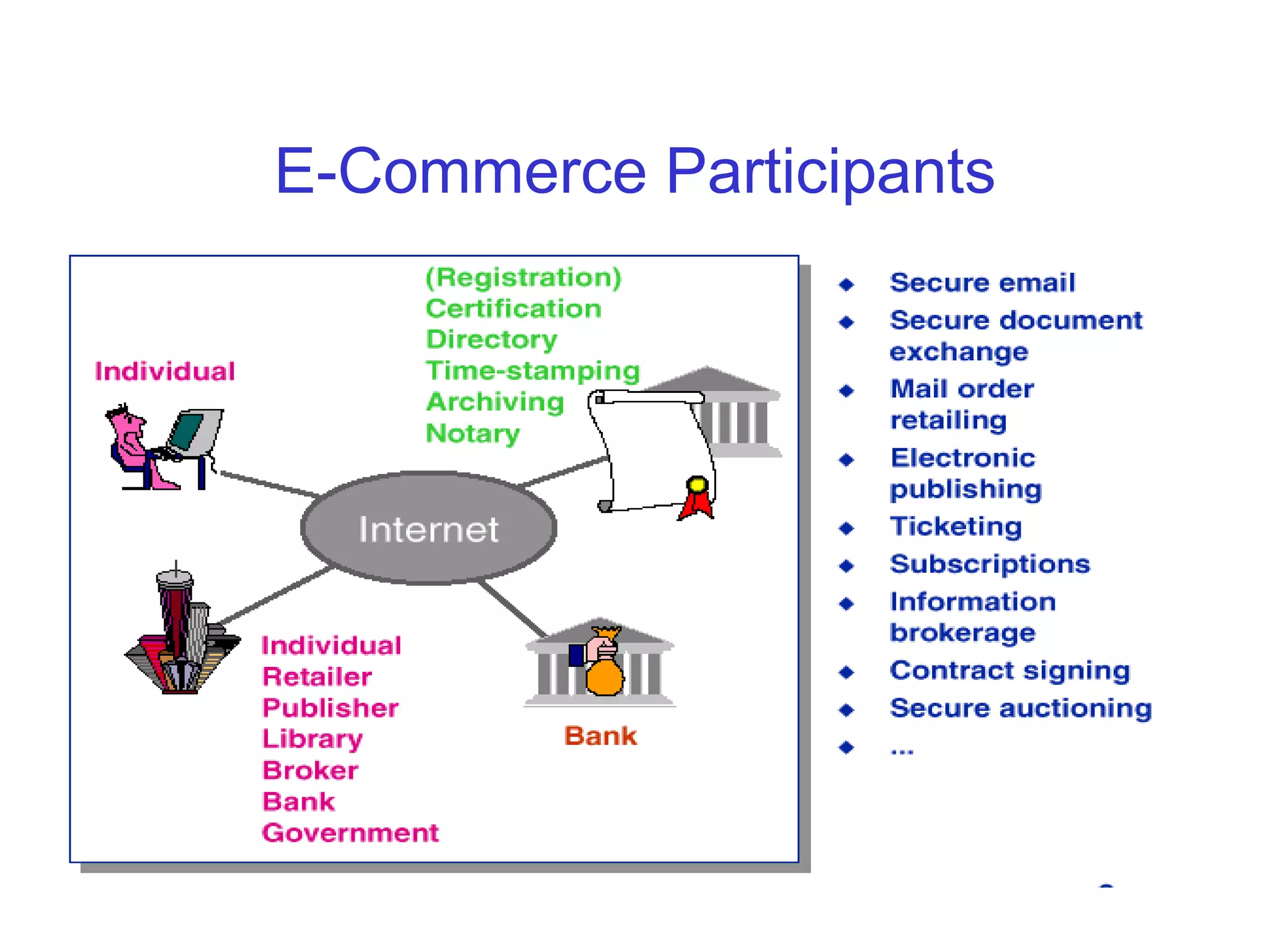
E-Commerce Participants
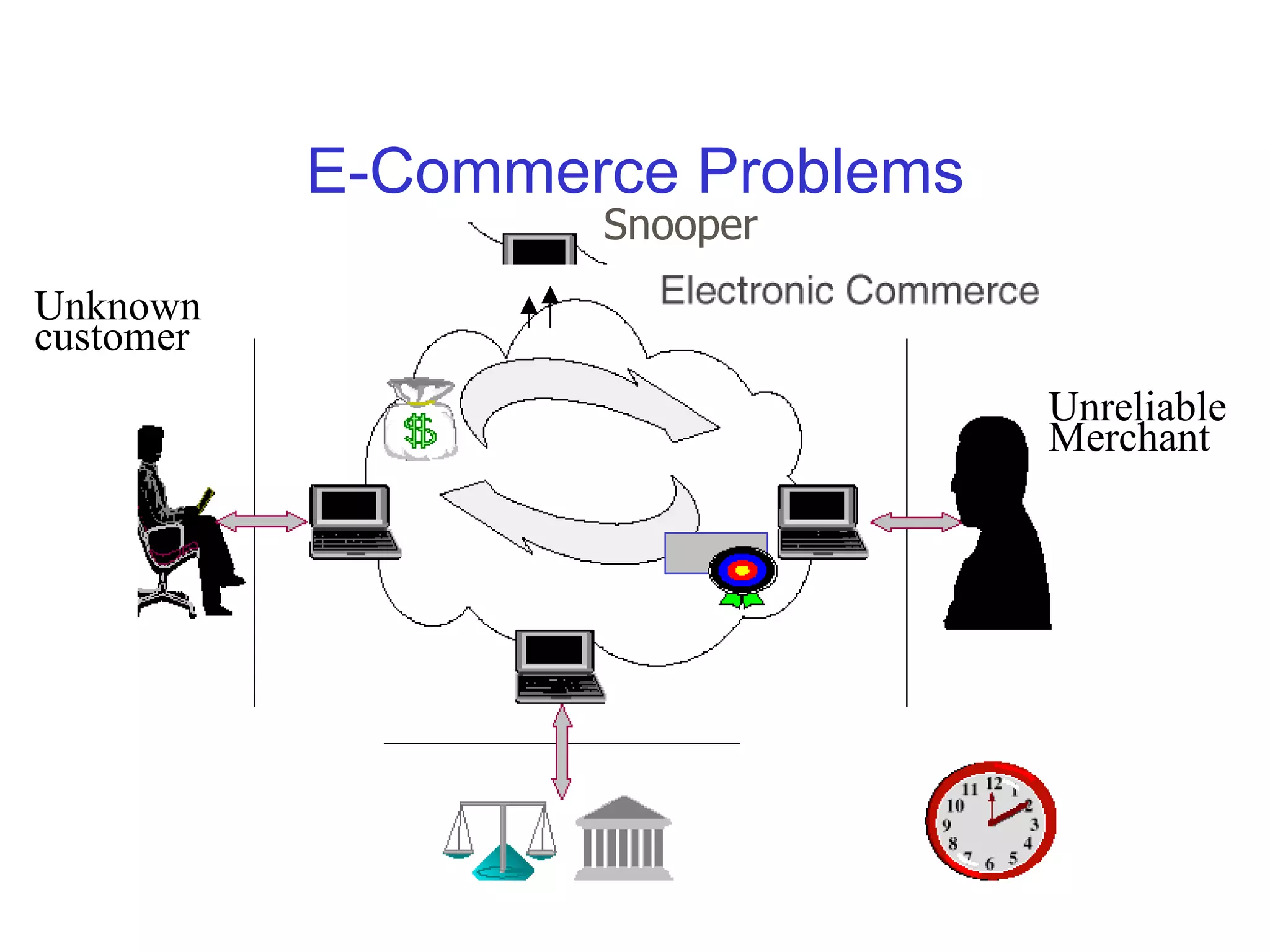
E-Commerce Problems
                   Snooper
Unknown
customer
                                 Unreliable
                                 Merchant
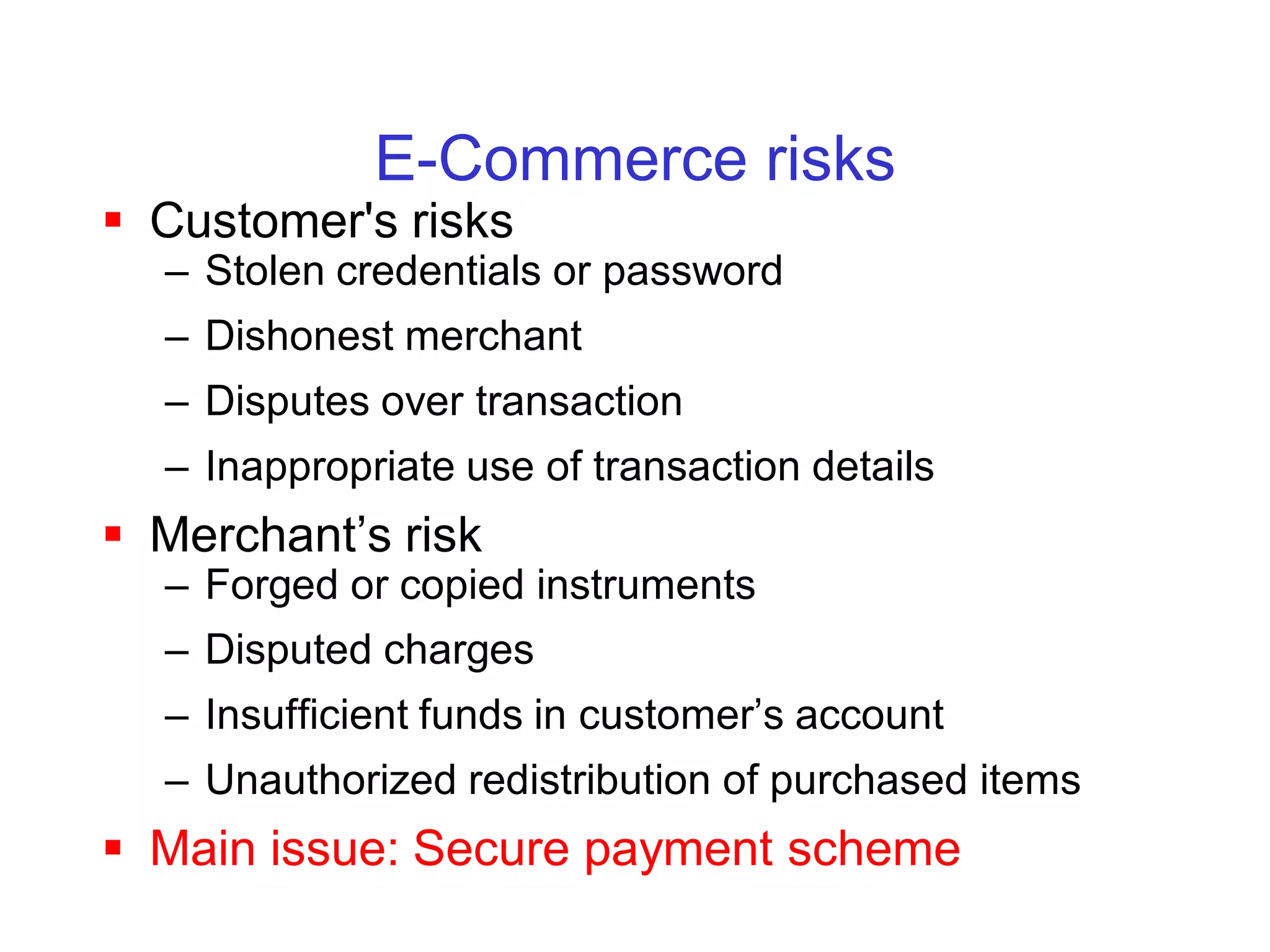
E-Commerce risks
 Customer's risks
  – Stolen credentials or password
  – Dishonest merchant
  – Disputes over transaction
  – Inappropriate use of transaction details
 Merchant’s risk
  – Forged or copied instruments
  – Disputed charges
  – Insufficient funds in customer’s account
  – Unauthorized redistribution of purchased items
 Main issue: Secure payment scheme
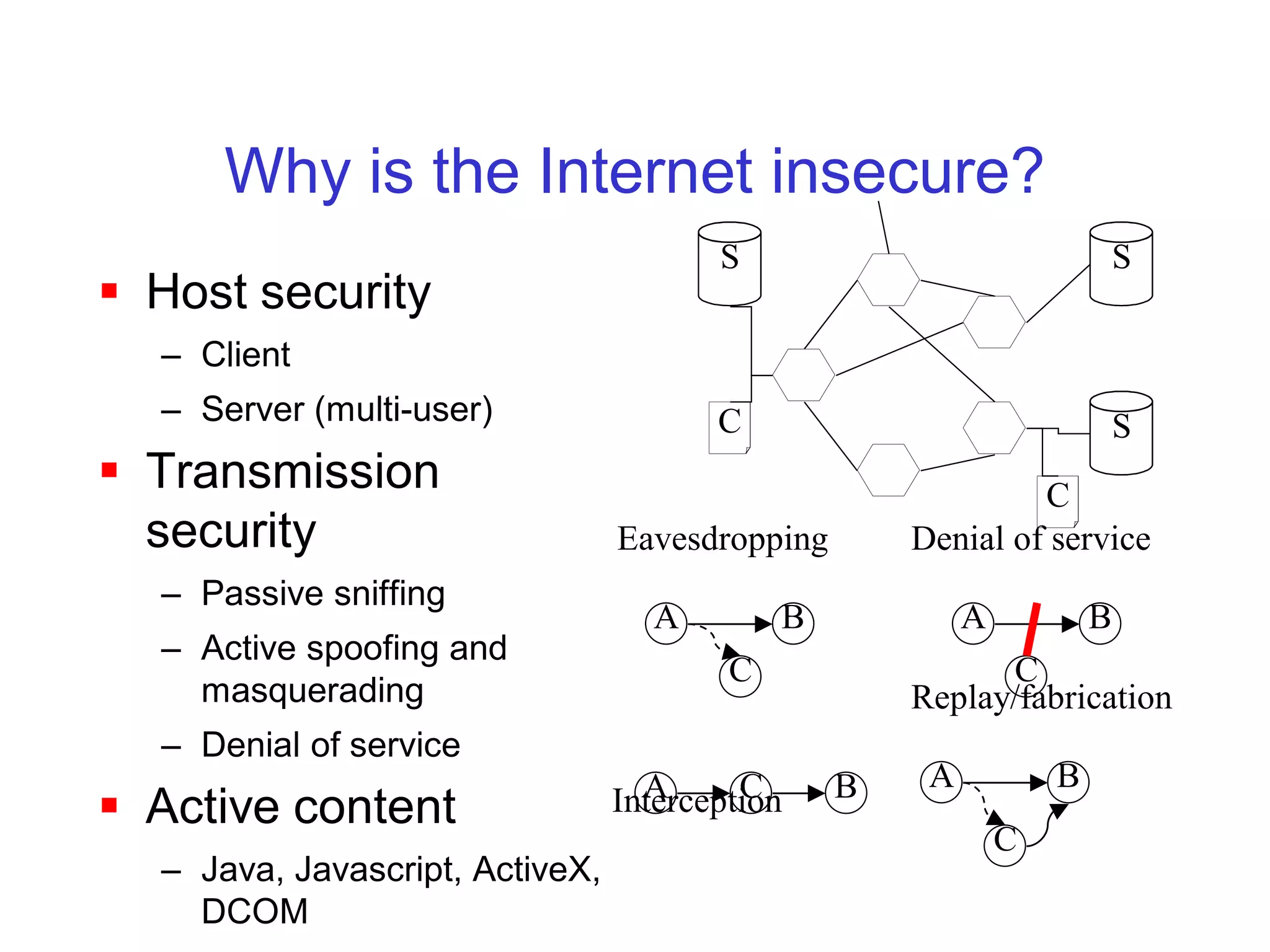
Why is the Internet insecure?
                                        S                                 S
 Host security
  – Client
  – Server (multi-user)                 C                                 S
 Transmission                                                C
  security                       Eavesdropping       Denial of service
  – Passive sniffing
                                   A         B            A           B
  – Active spoofing and
                                         C                 C
    masquerading                                     Replay/fabrication
  – Denial of service
                                   A      C      B    A           B
 Active content                 Interception
                                                              C
  – Java, Javascript, ActiveX,
    DCOM
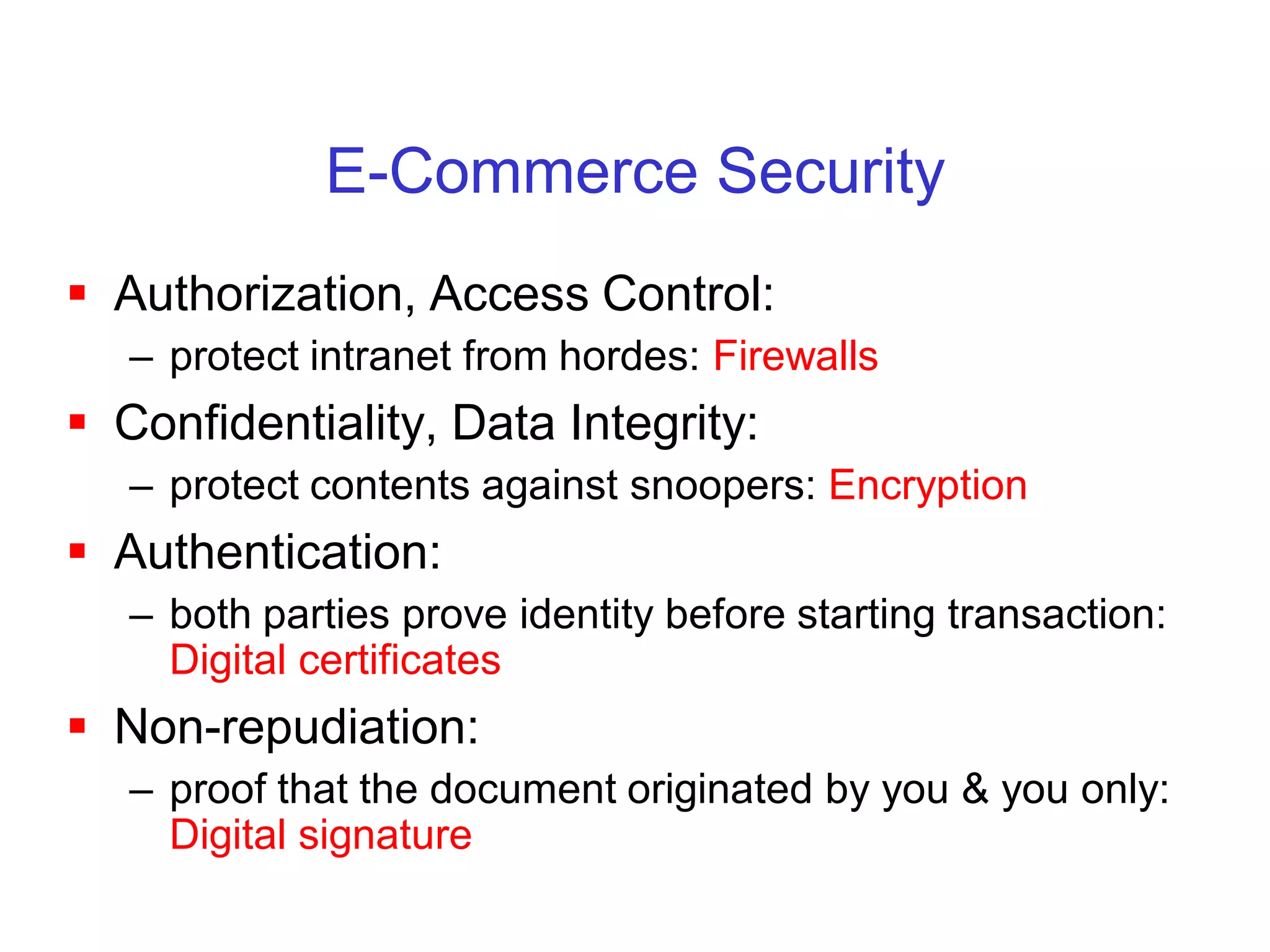
E-Commerce Security
 Authorization, Access Control:
   – protect intranet from hordes: Firewalls
 Confidentiality, Data Integrity:
   – protect contents against snoopers: Encryption
 Authentication:
   – both parties prove identity before starting transaction:
     Digital certificates
 Non-repudiation:
   – proof that the document originated by you & you only:
     Digital signature
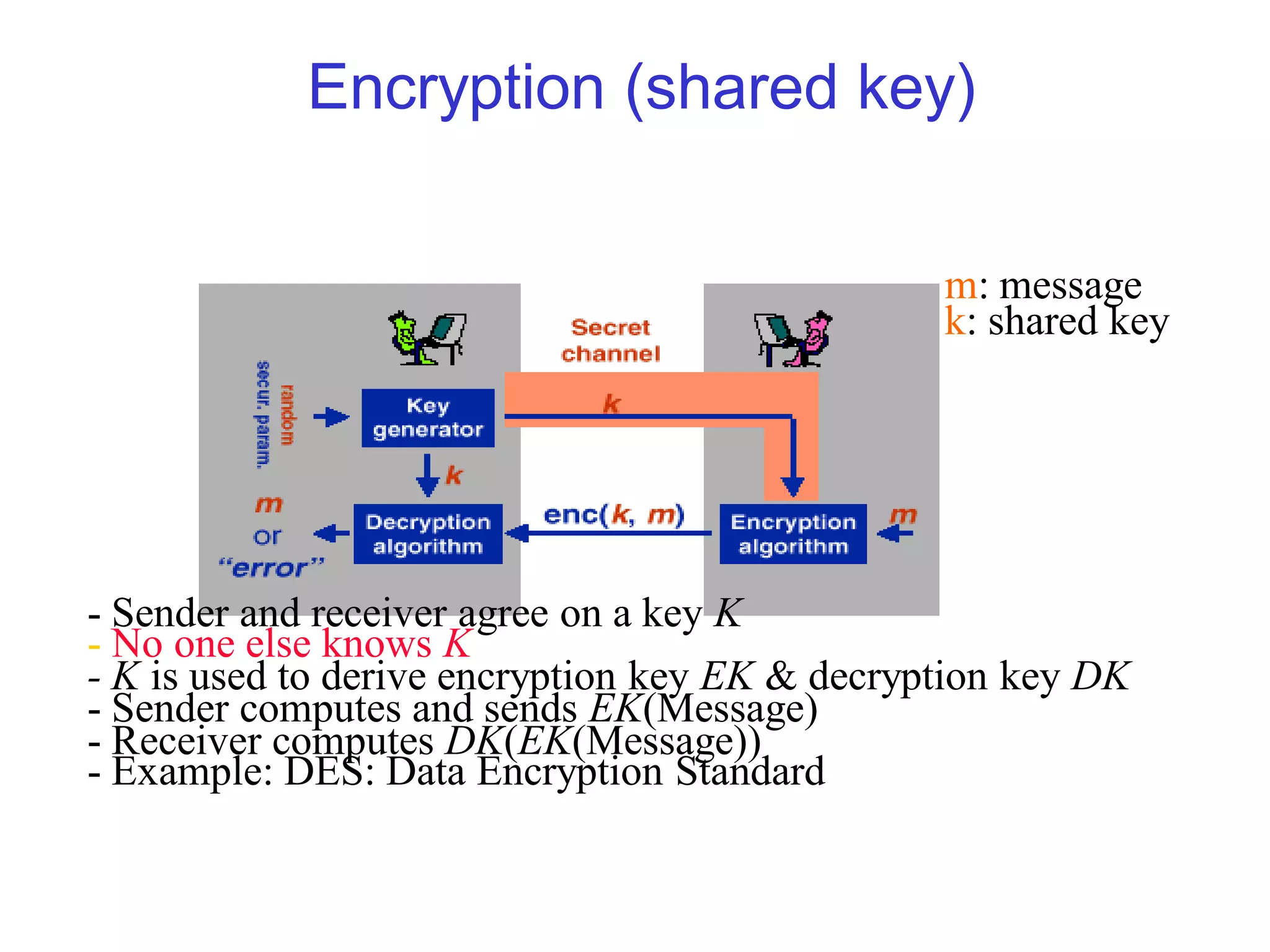
Encryption (shared key)

                                                m: message
                                                k: shared key


- Sender and receiver agree on a key K
- No one else knows K
- K is used to derive encryption key EK & decryption key DK
- Sender computes and sends EK(Message)
- Receiver computes DK(EK(Message))
- Example: DES: Data Encryption Standard
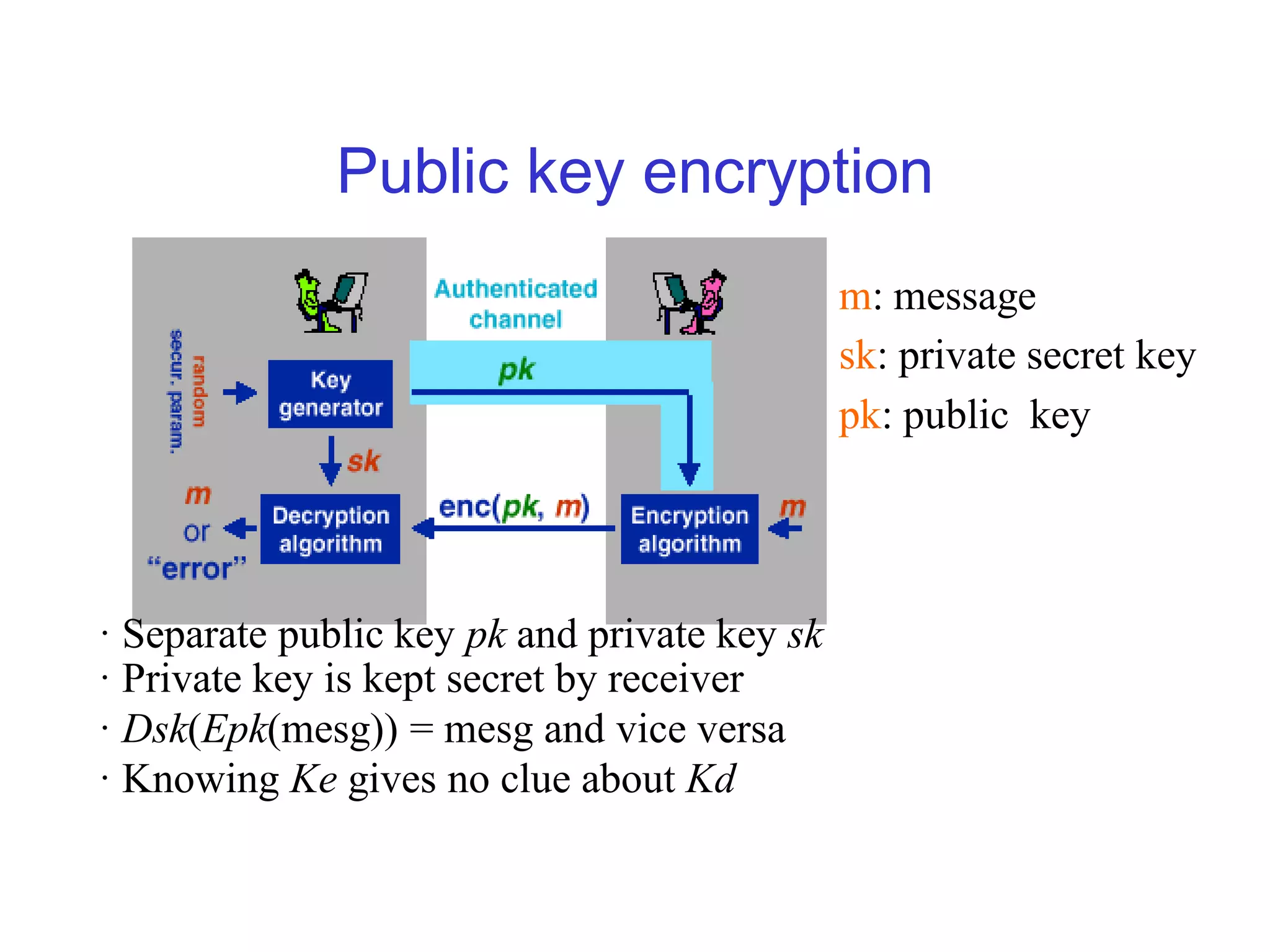
Public key encryption
                                              m: message
                                              sk: private secret key
                                              pk: public key


· Separate public key pk and private key sk
· Private key is kept secret by receiver
· Dsk(Epk(mesg)) = mesg and vice versa
· Knowing Ke gives no clue about Kd
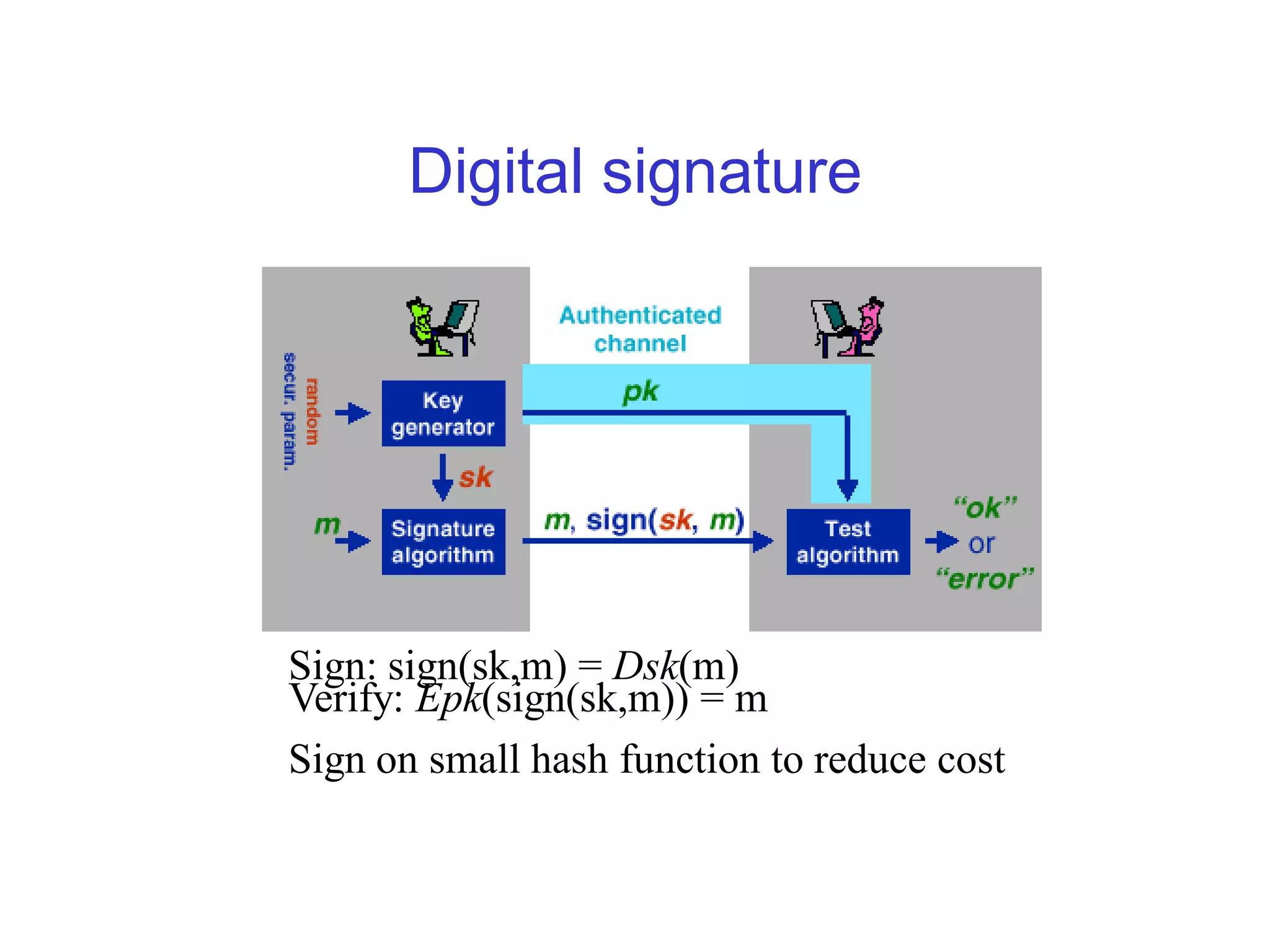
Digital signature


Sign: sign(sk,m) = Dsk(m)
Verify: Epk(sign(sk,m)) = m
Sign on small hash function to reduce cost
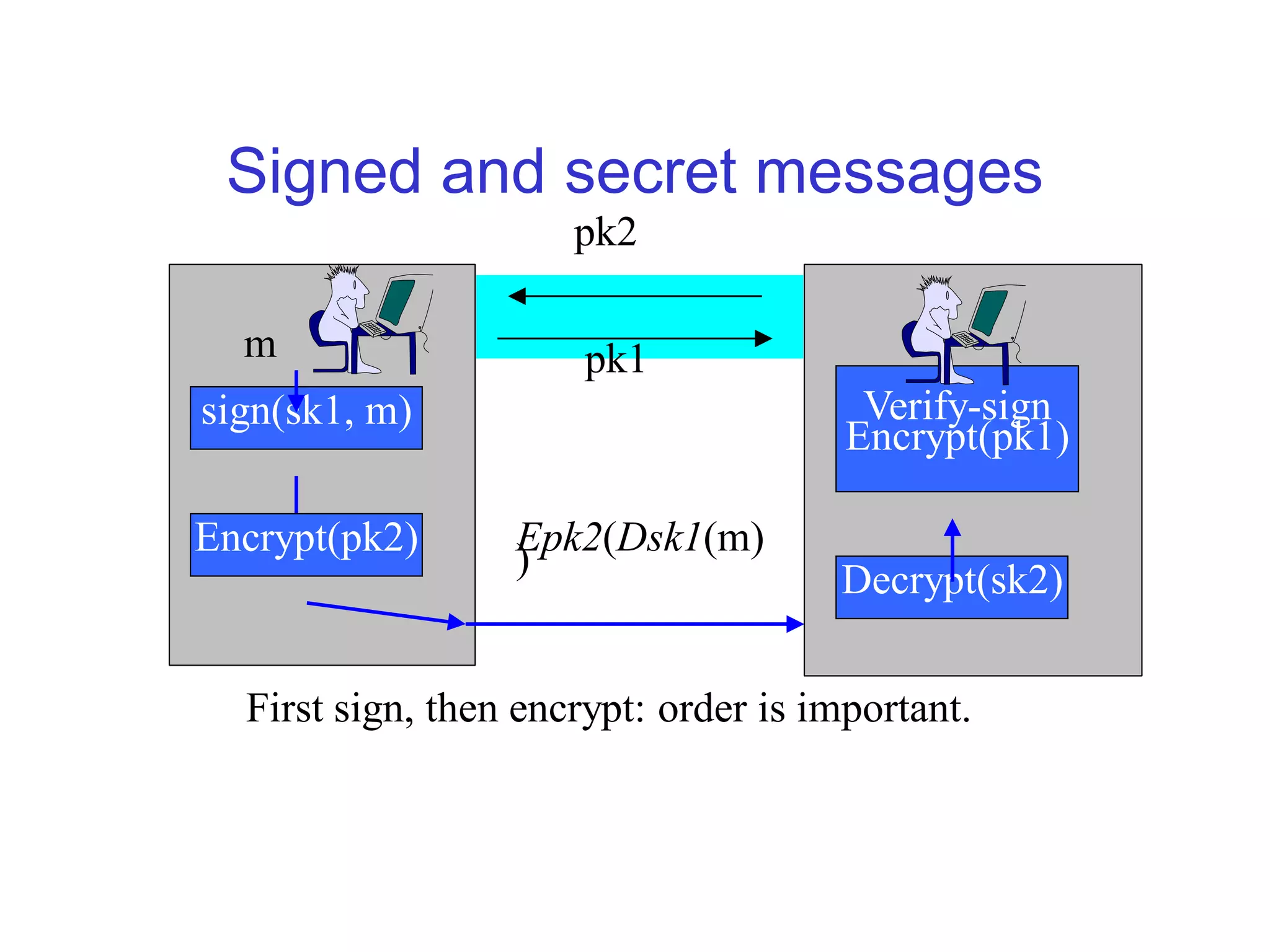
Signed and secret messages
                      pk2

  m                    pk1
sign(sk1, m)                            Verify-sign
                                       Encrypt(pk1)

Encrypt(pk2)      Epk2(Dsk1(m)
                  )                   Decrypt(sk2)


  First sign, then encrypt: order is important.
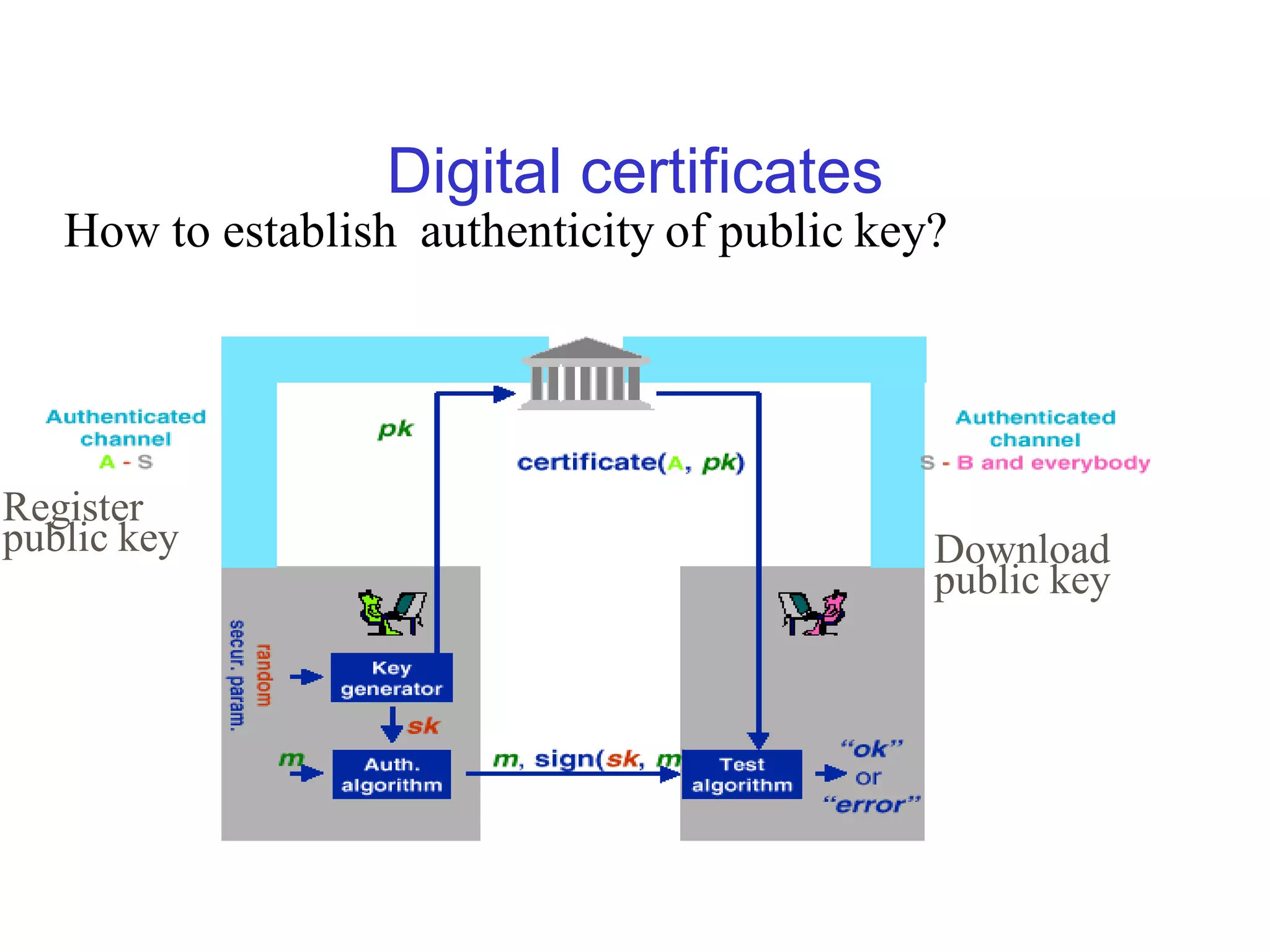
Digital certificates
   How to establish authenticity of public key?


Register
public key                                    Download
                                              public key
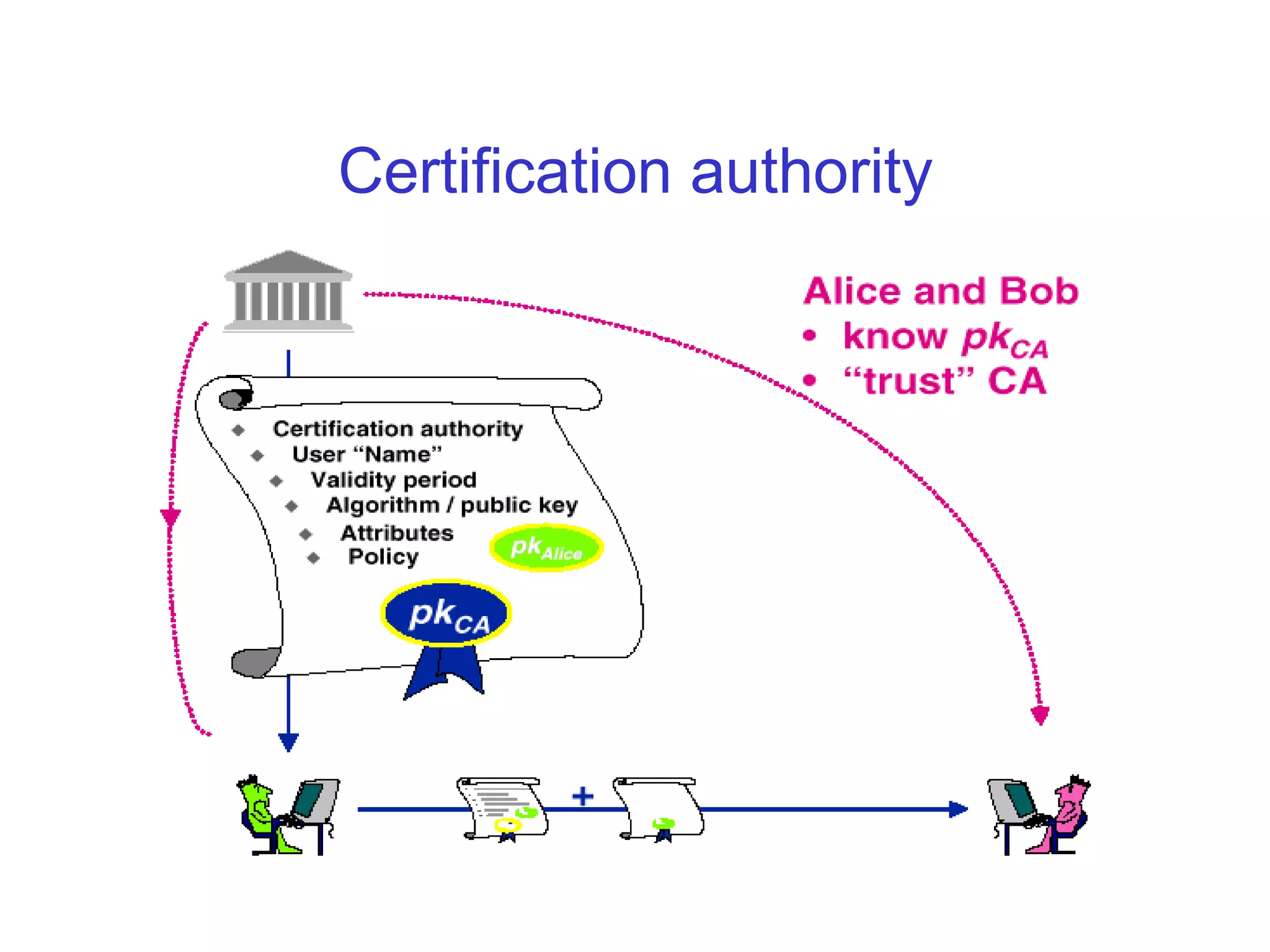
Certification authority
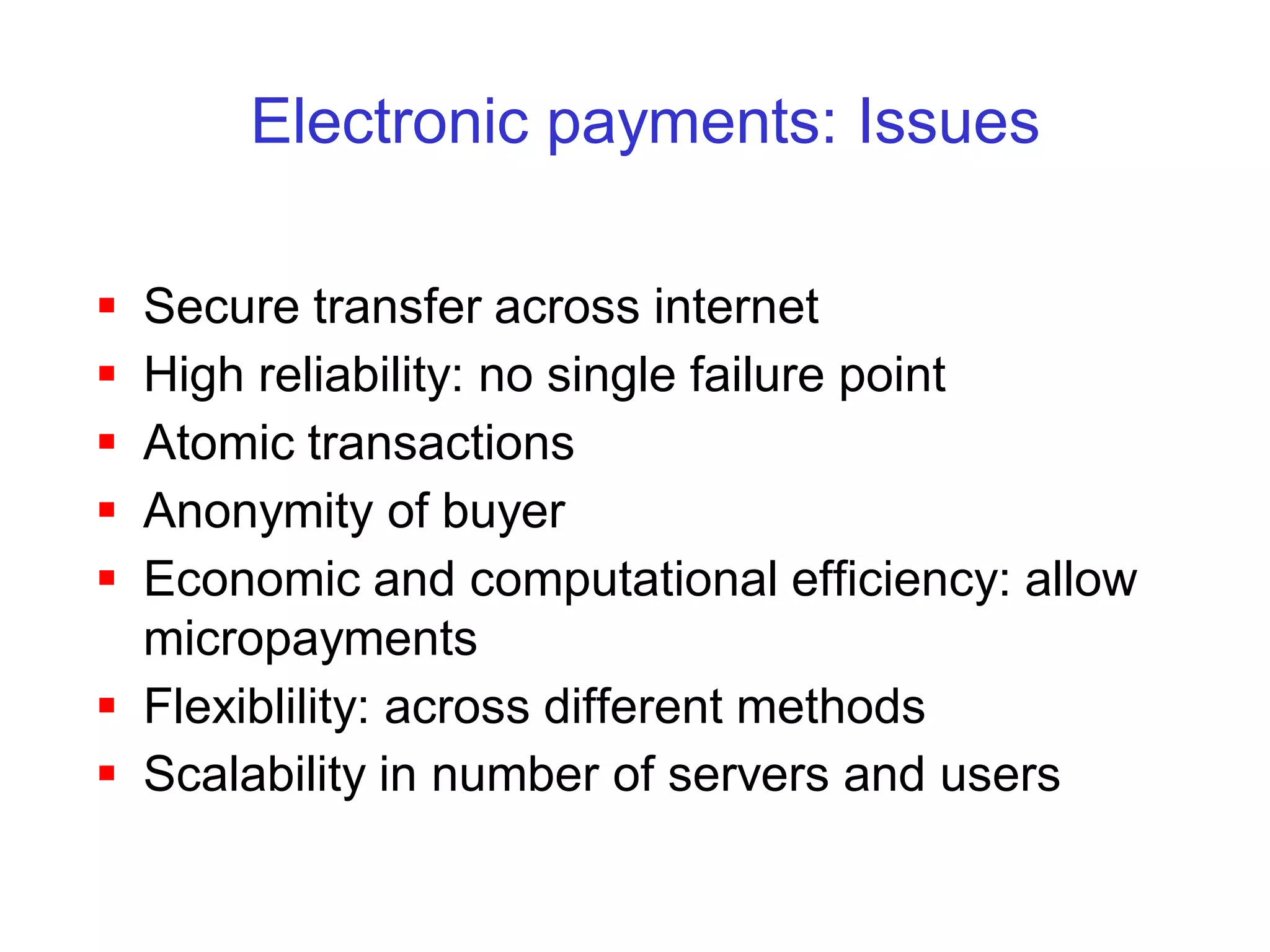
Electronic payments: Issues

 Secure transfer across internet
 High reliability: no single failure point
 Atomic transactions
 Anonymity of buyer
 Economic and computational efficiency: allow
  micropayments
 Flexiblility: across different methods
 Scalability in number of servers and users
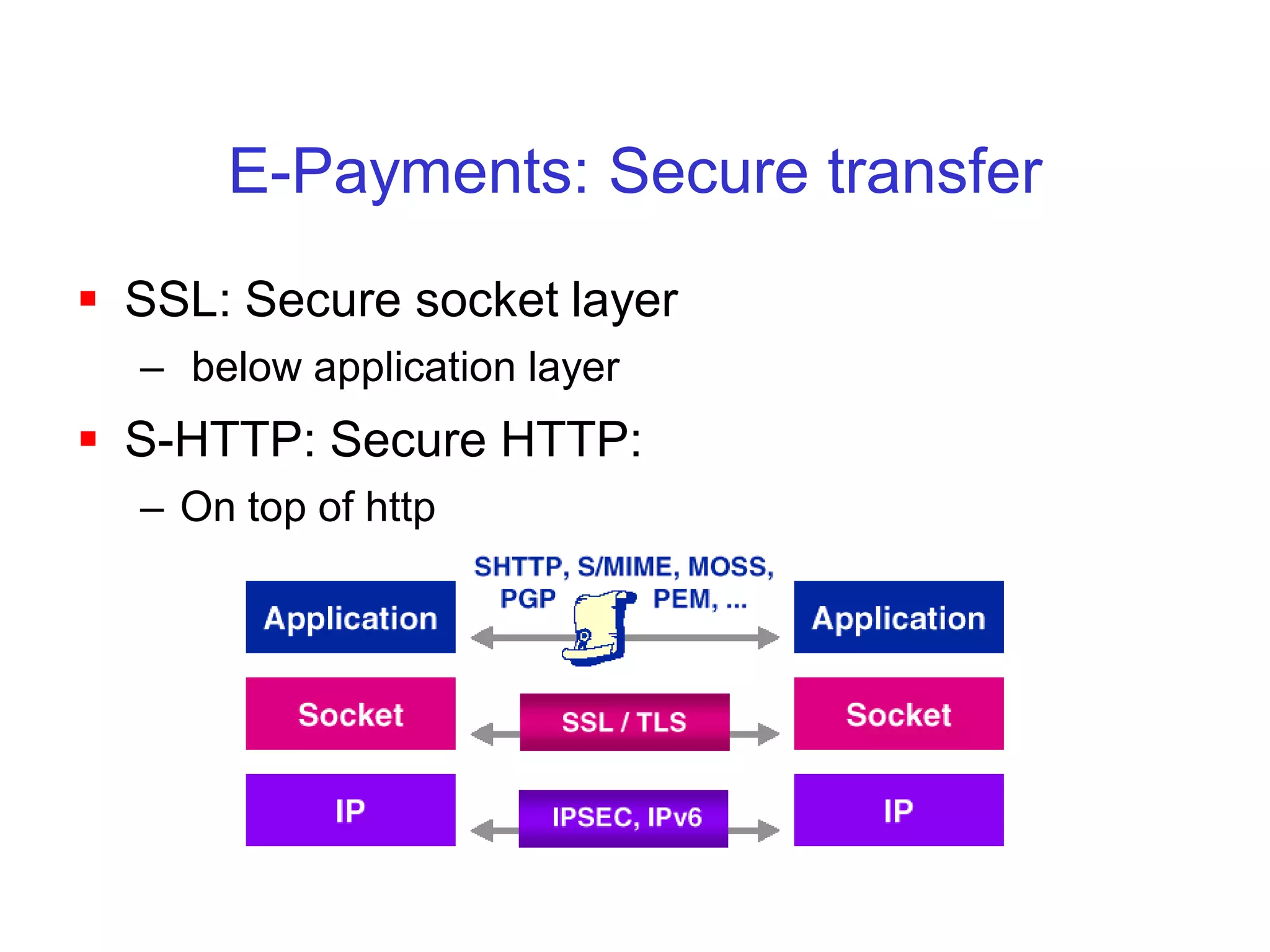
E-Payments: Secure transfer
 SSL: Secure socket layer
  – below application layer
 S-HTTP: Secure HTTP:
  – On top of http
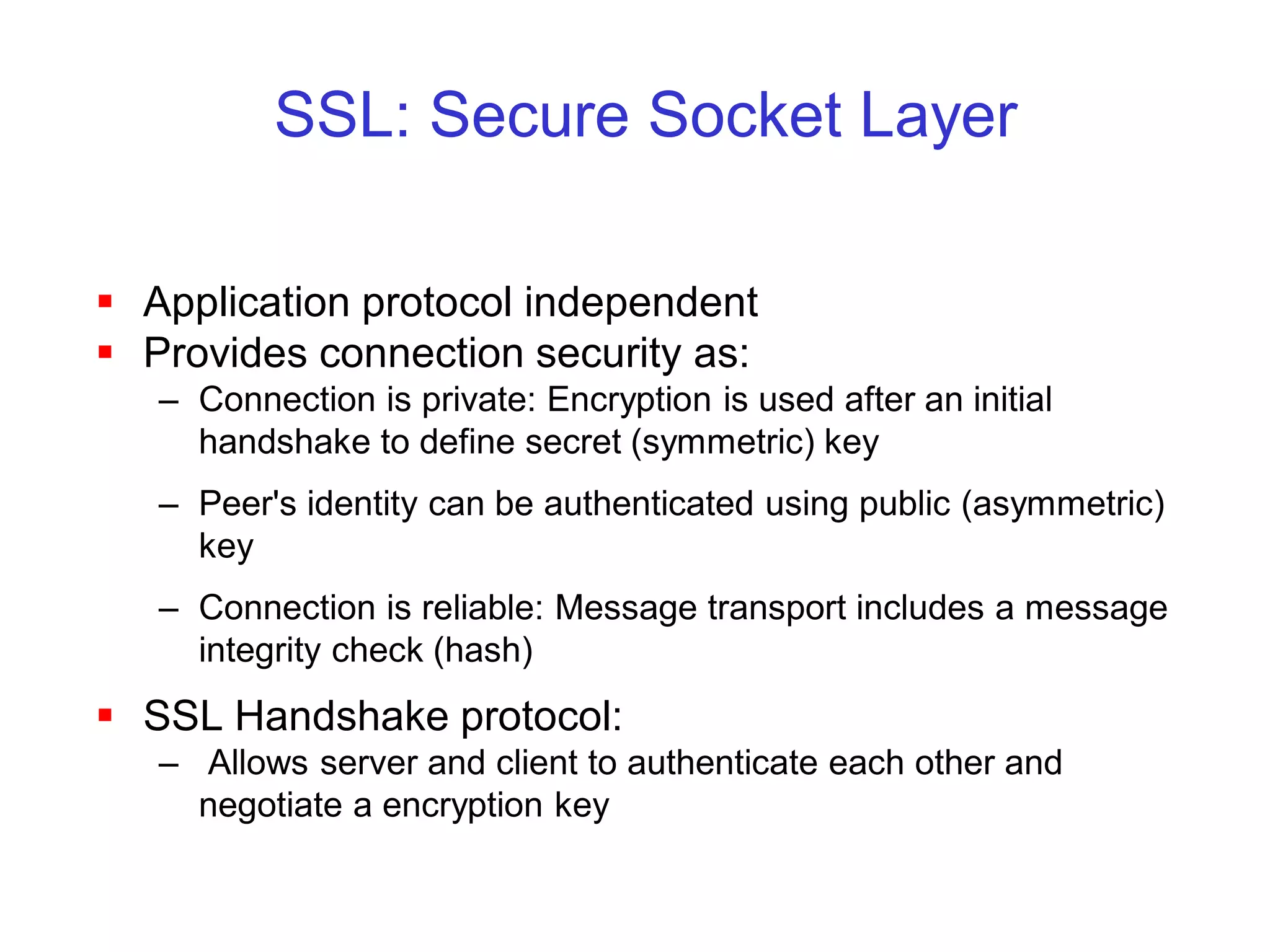
SSL: Secure Socket Layer

 Application protocol independent
 Provides connection security as:
   – Connection is private: Encryption is used after an initial
     handshake to define secret (symmetric) key
   – Peer's identity can be authenticated using public (asymmetric)
     key
   – Connection is reliable: Message transport includes a message
     integrity check (hash)
 SSL Handshake protocol:
   – Allows server and client to authenticate each other and
     negotiate a encryption key
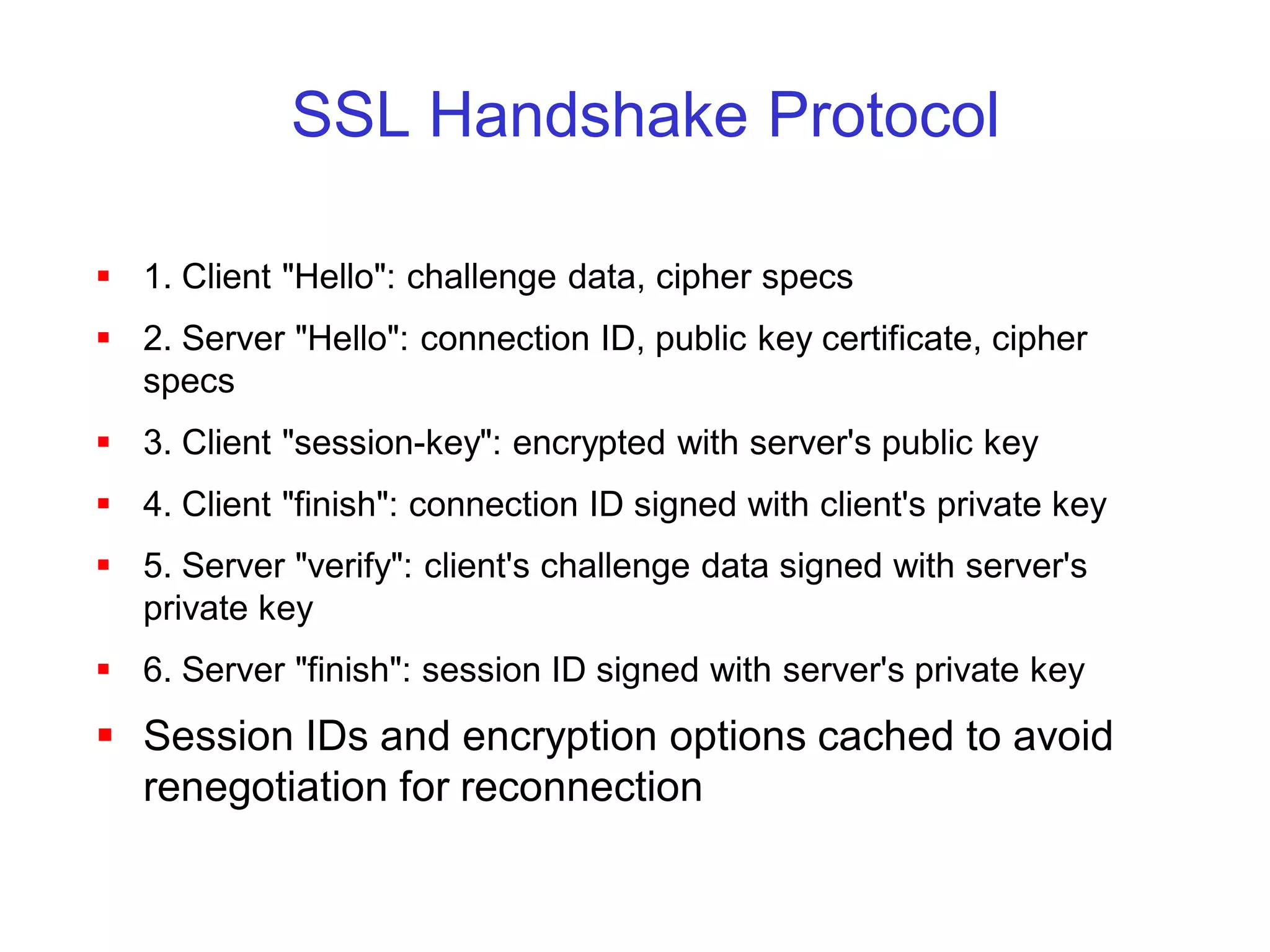
SSL Handshake Protocol

 1. Client "Hello": challenge data, cipher specs
 2. Server "Hello": connection ID, public key certificate, cipher
  specs
 3. Client "session-key": encrypted with server's public key
 4. Client "finish": connection ID signed with client's private key
 5. Server "verify": client's challenge data signed with server's
  private key
 6. Server "finish": session ID signed with server's private key
 Session IDs and encryption options cached to avoid
  renegotiation for reconnection
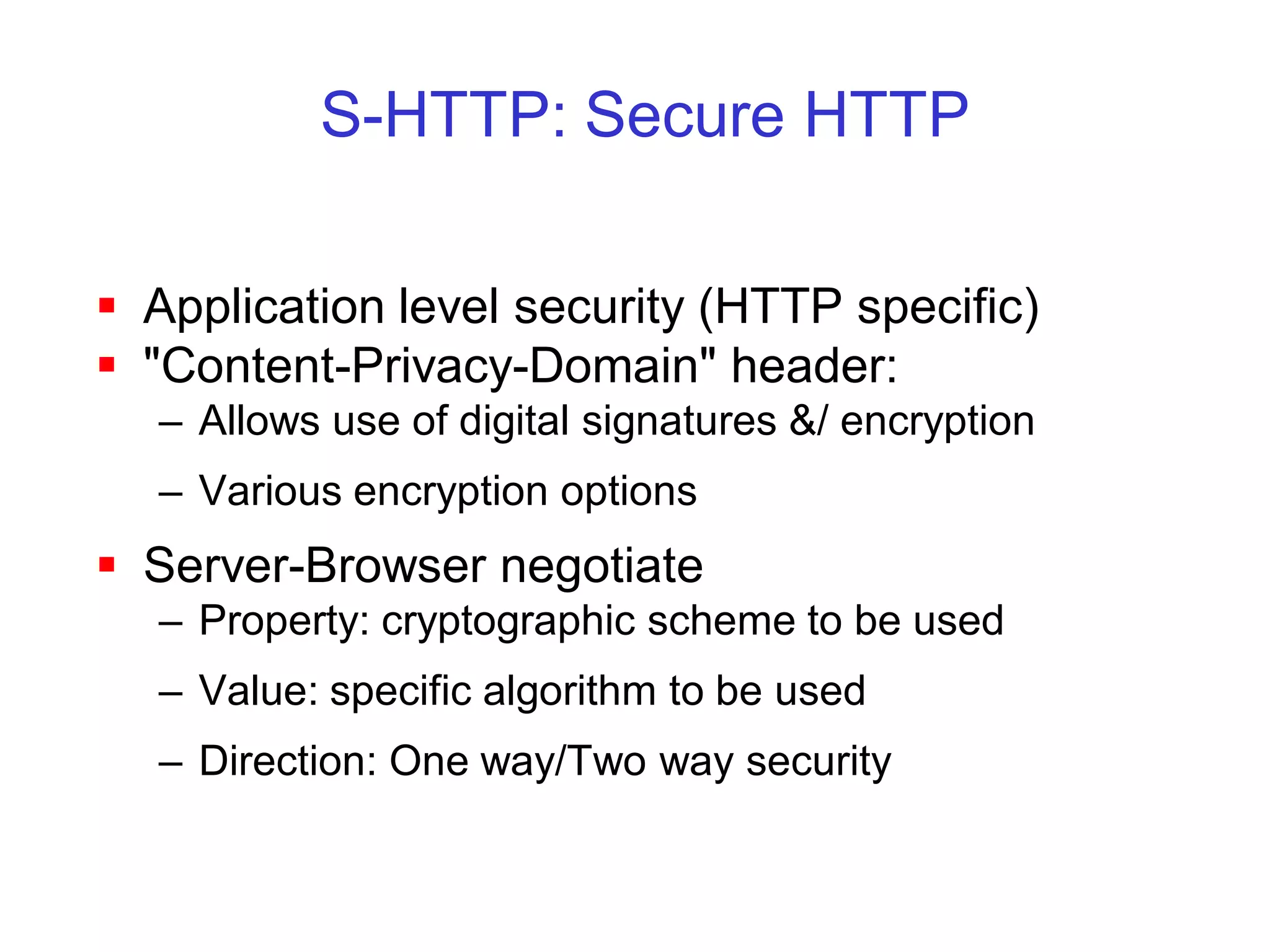
S-HTTP: Secure HTTP

 Application level security (HTTP specific)
 "Content-Privacy-Domain" header:
  – Allows use of digital signatures &/ encryption
  – Various encryption options
 Server-Browser negotiate
  – Property: cryptographic scheme to be used
  – Value: specific algorithm to be used
  – Direction: One way/Two way security
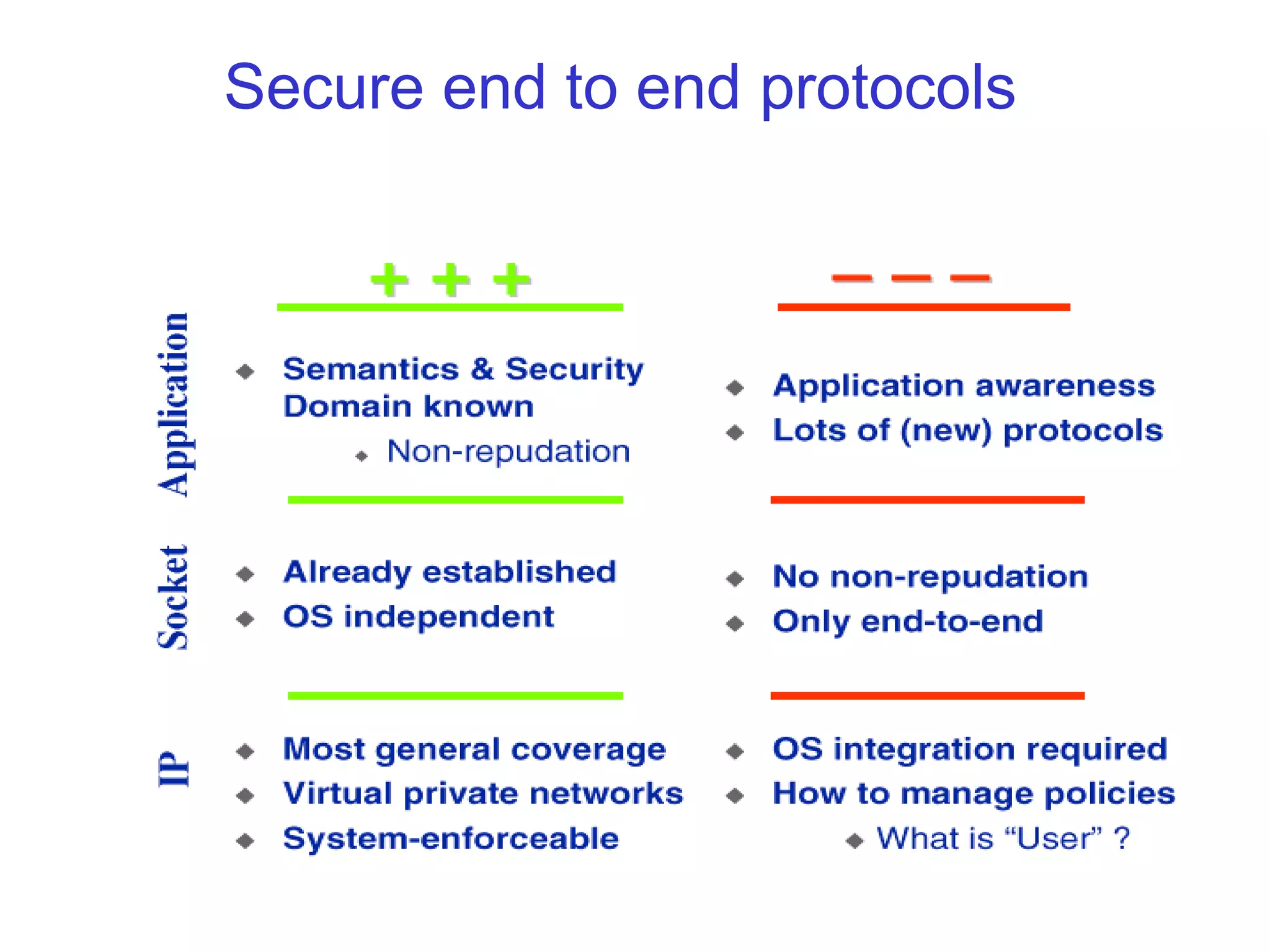
Secure end to end protocols
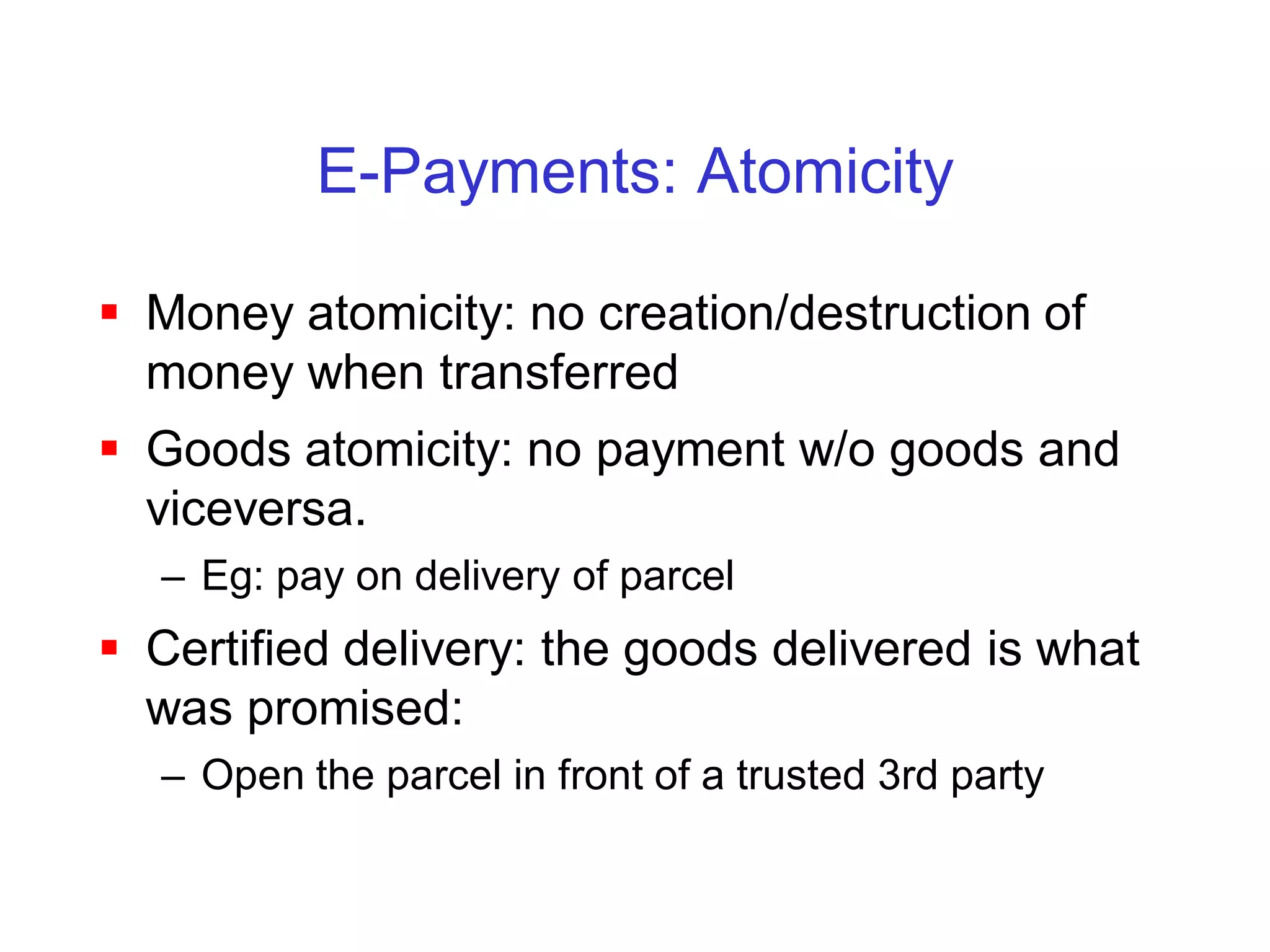
E-Payments: Atomicity

 Money atomicity: no creation/destruction of
  money when transferred
 Goods atomicity: no payment w/o goods and
  viceversa.
  – Eg: pay on delivery of parcel
 Certified delivery: the goods delivered is what
  was promised:
  – Open the parcel in front of a trusted 3rd party
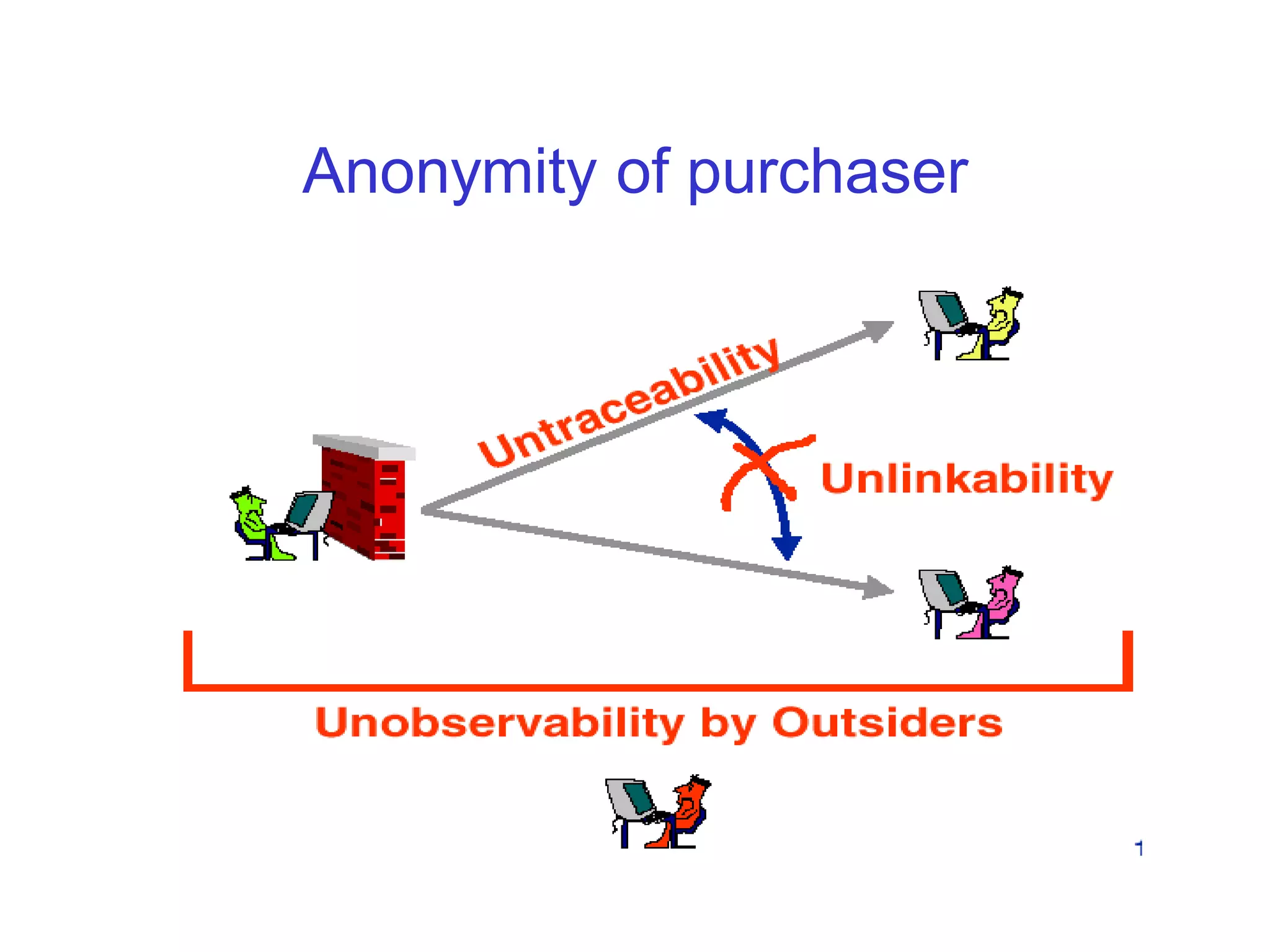
Anonymity of purchaser
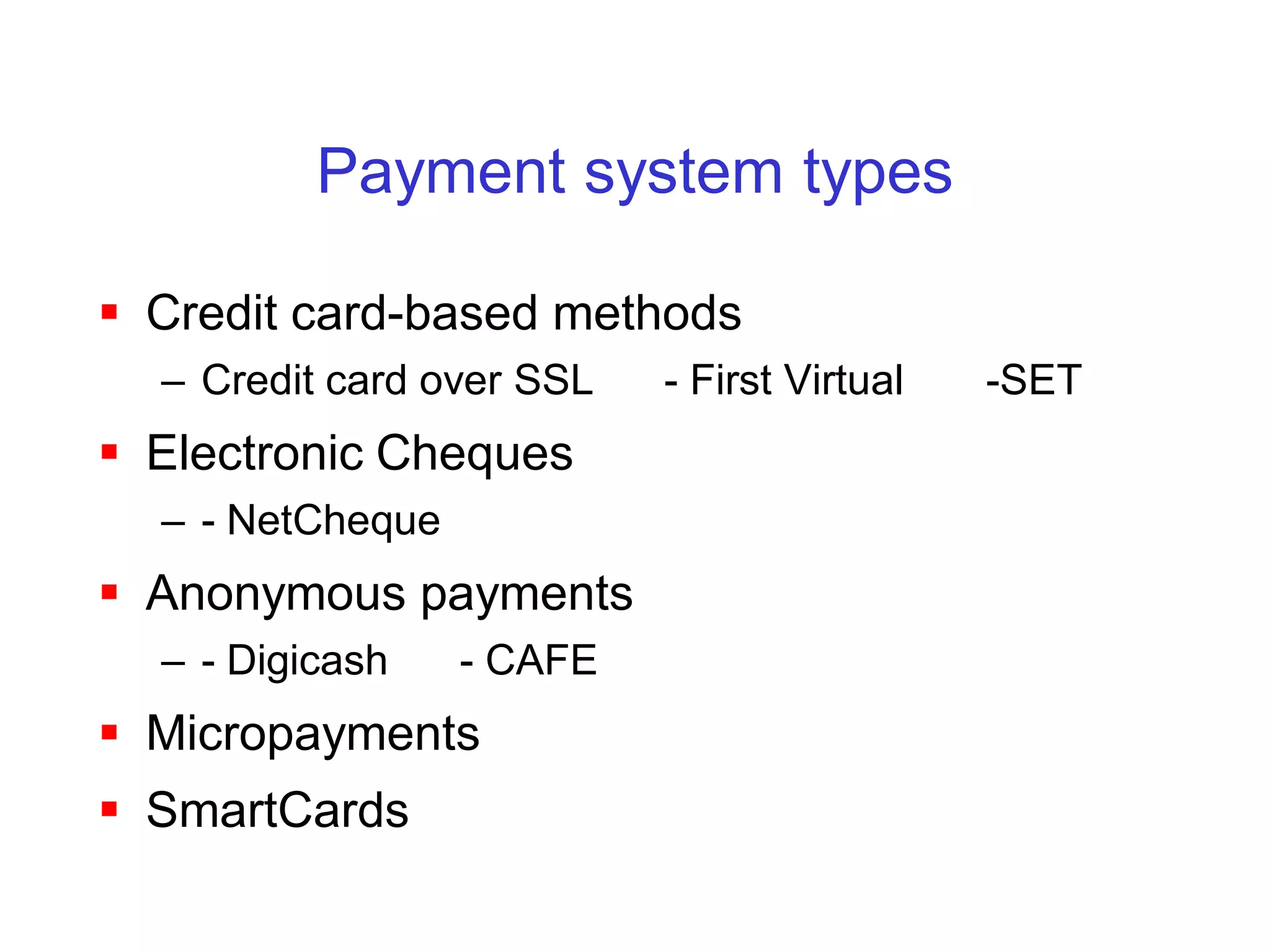
Payment system types

 Credit card-based methods
  – Credit card over SSL   - First Virtual   -SET
 Electronic Cheques
  – - NetCheque
 Anonymous payments
  – - Digicash    - CAFE
 Micropayments
 SmartCards
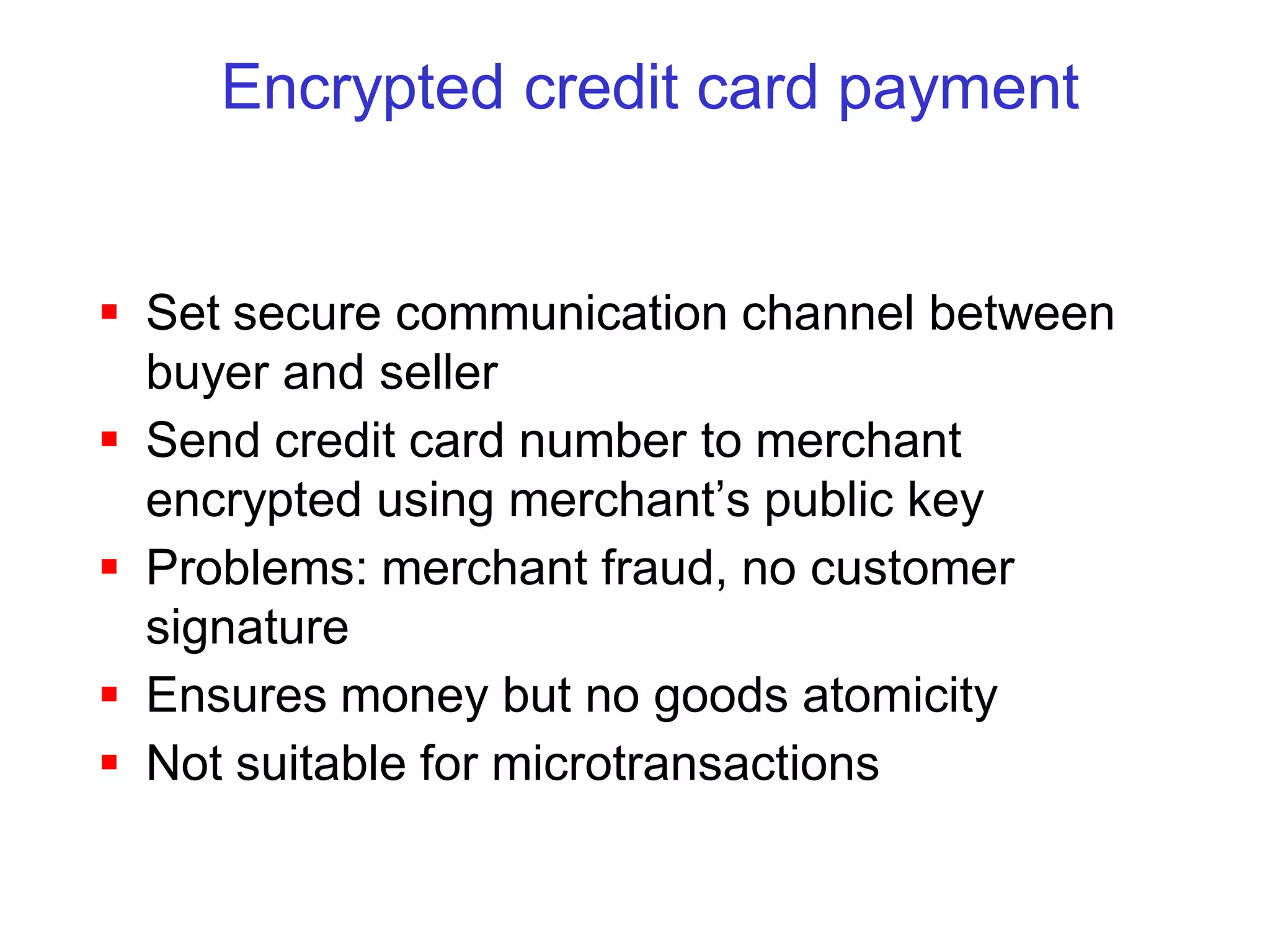
Encrypted credit card payment


 Set secure communication channel between
  buyer and seller
 Send credit card number to merchant
  encrypted using merchant’s public key
 Problems: merchant fraud, no customer
  signature
 Ensures money but no goods atomicity
 Not suitable for microtransactions
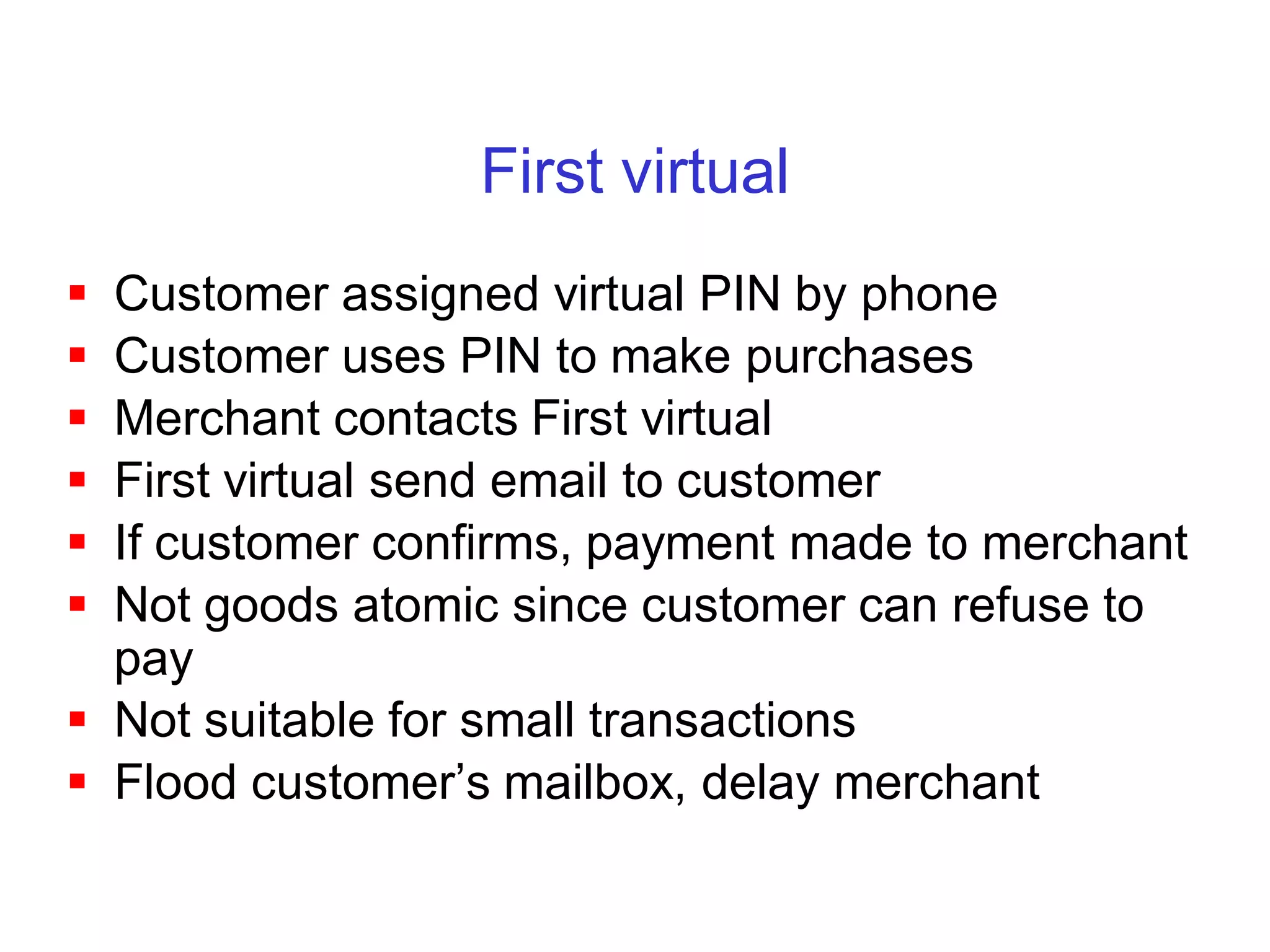
First virtual
 Customer assigned virtual PIN by phone
 Customer uses PIN to make purchases
 Merchant contacts First virtual
 First virtual send email to customer
 If customer confirms, payment made to merchant
 Not goods atomic since customer can refuse to
  pay
 Not suitable for small transactions
 Flood customer’s mailbox, delay merchant
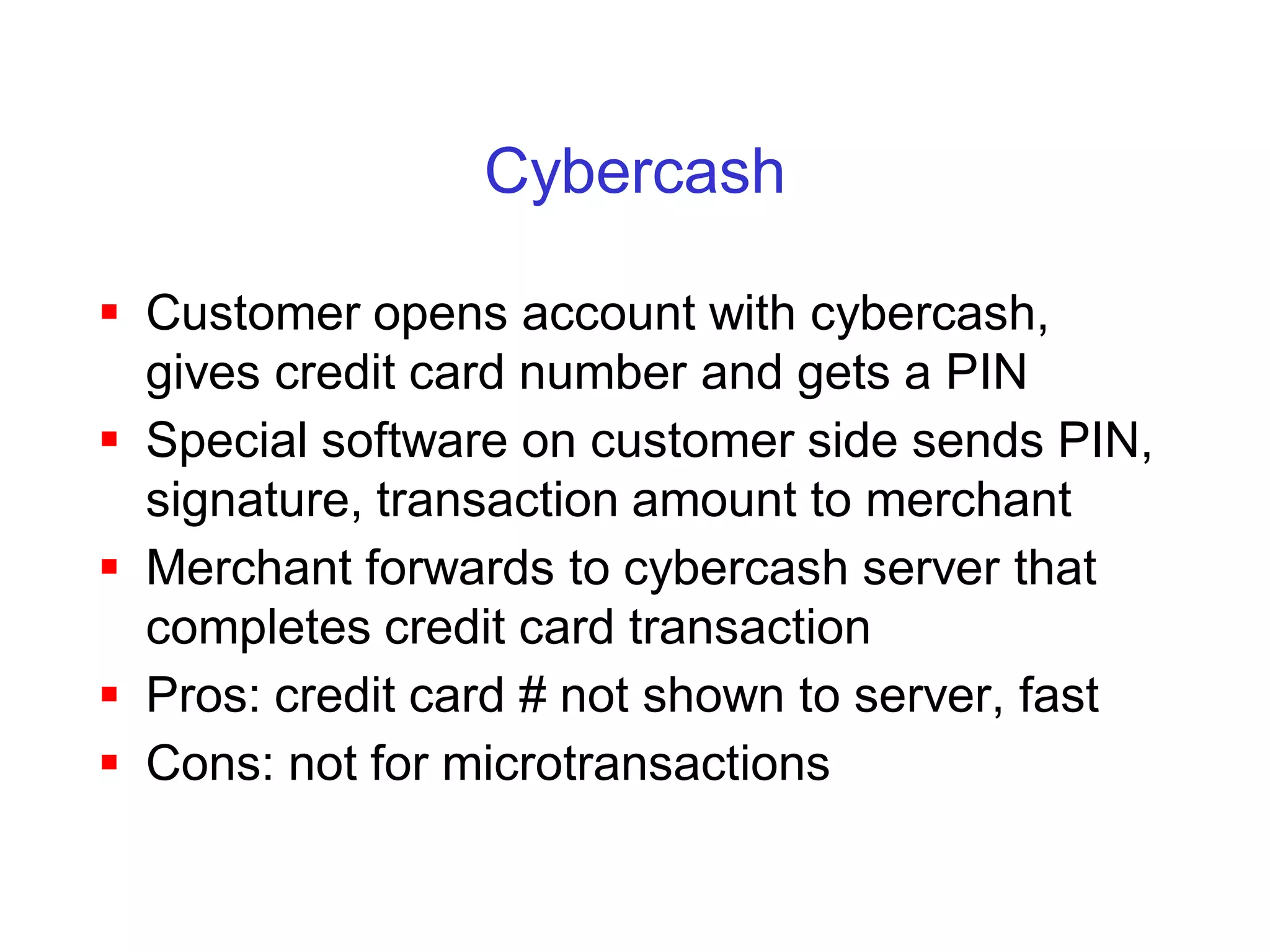
Cybercash

 Customer opens account with cybercash,
  gives credit card number and gets a PIN
 Special software on customer side sends PIN,
  signature, transaction amount to merchant
 Merchant forwards to cybercash server that
  completes credit card transaction
 Pros: credit card # not shown to server, fast
 Cons: not for microtransactions
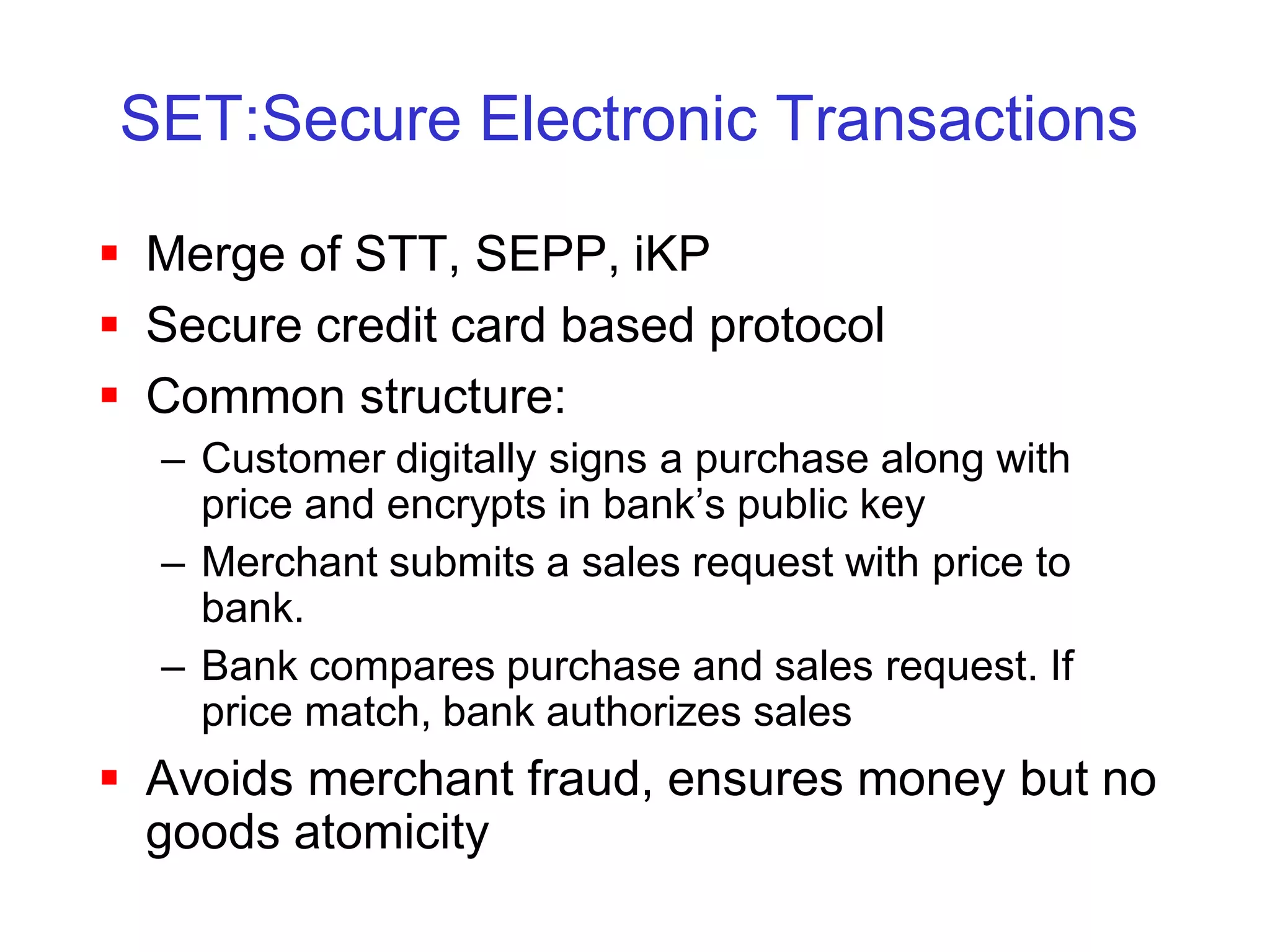
SET:Secure Electronic Transactions

 Merge of STT, SEPP, iKP
 Secure credit card based protocol
 Common structure:
  – Customer digitally signs a purchase along with
    price and encrypts in bank’s public key
  – Merchant submits a sales request with price to
    bank.
  – Bank compares purchase and sales request. If
    price match, bank authorizes sales
 Avoids merchant fraud, ensures money but no
  goods atomicity
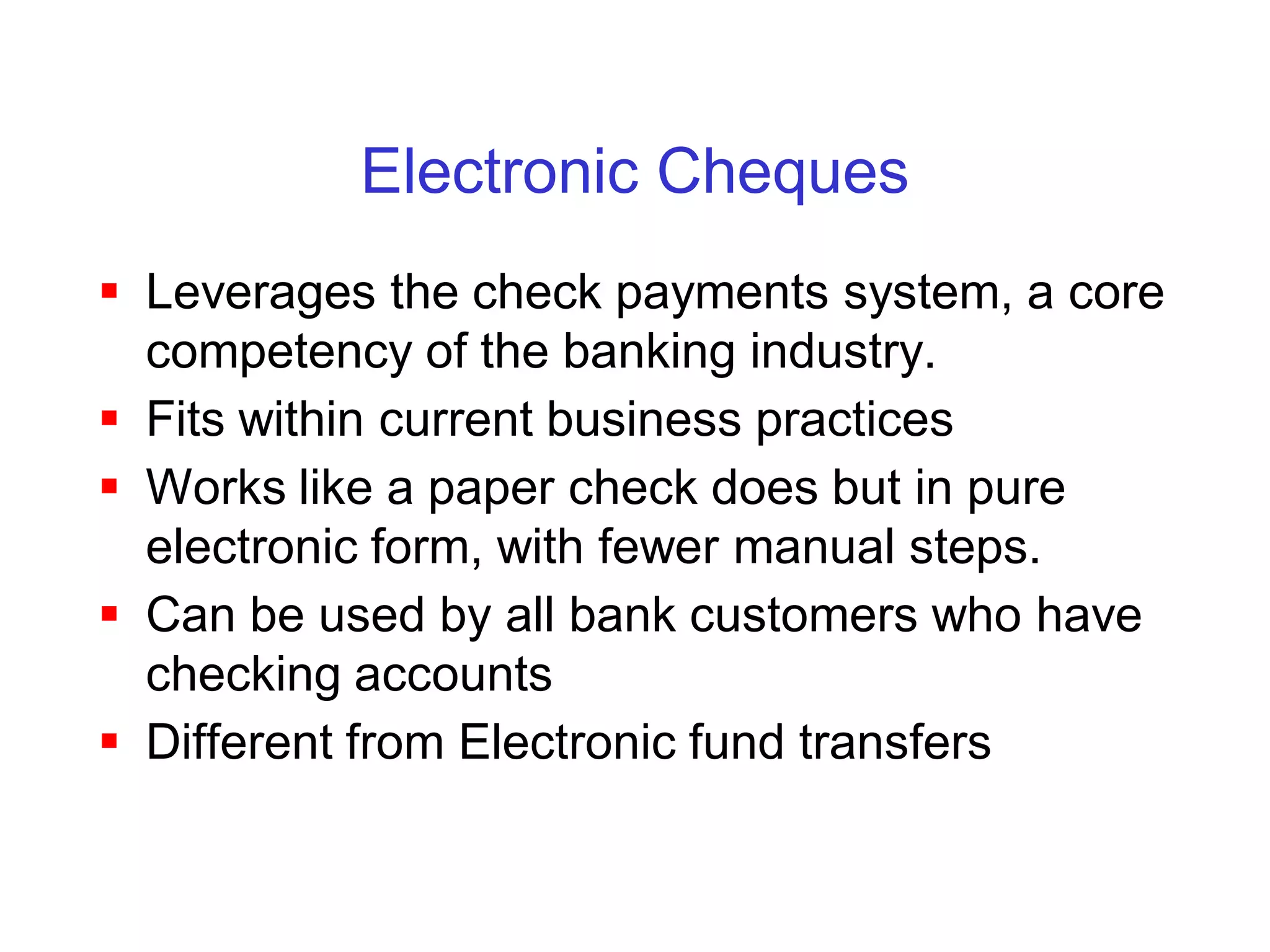
Electronic Cheques
 Leverages the check payments system, a core
  competency of the banking industry.
 Fits within current business practices
 Works like a paper check does but in pure
  electronic form, with fewer manual steps.
 Can be used by all bank customers who have
  checking accounts
 Different from Electronic fund transfers
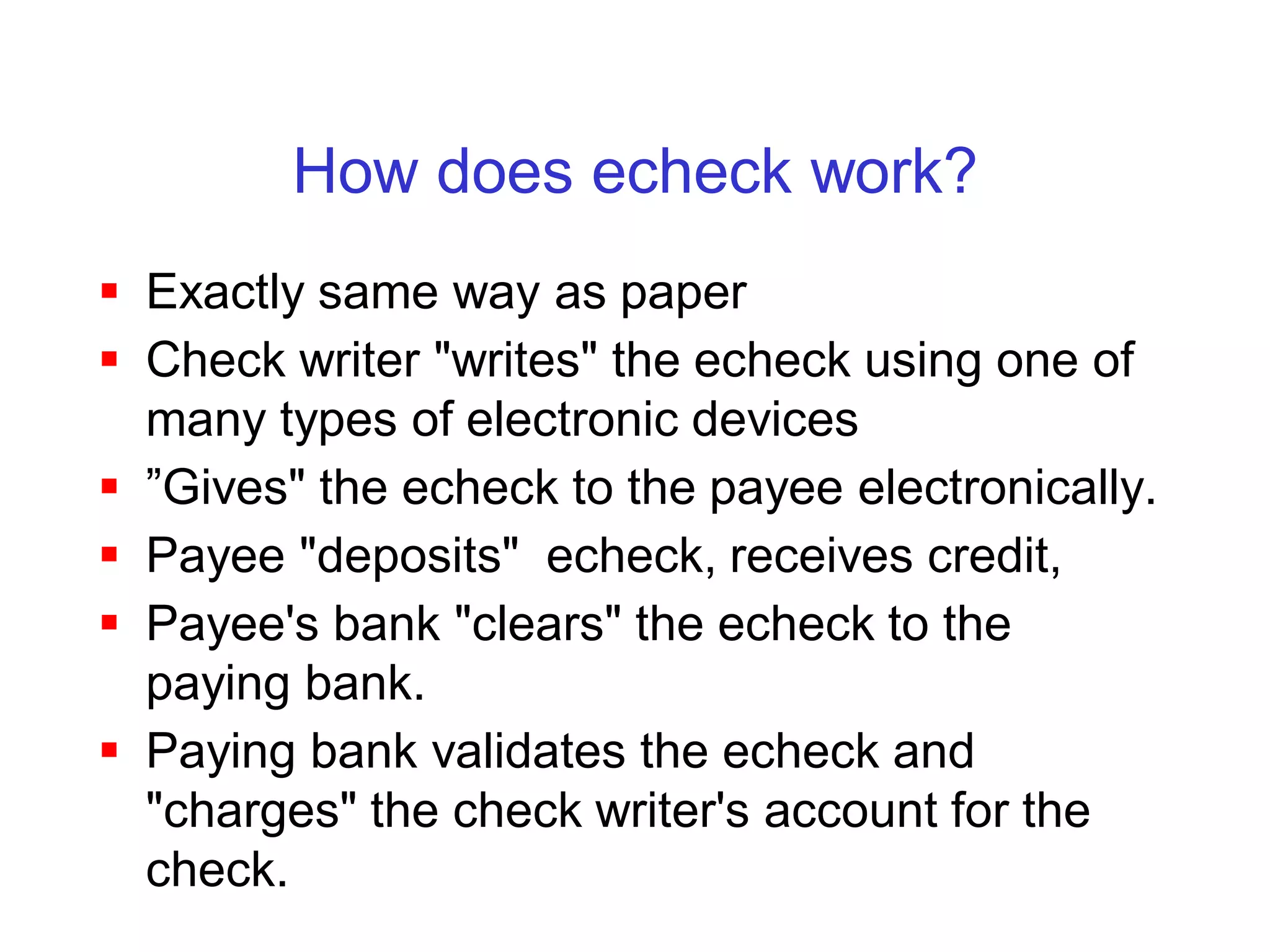
How does echeck work?
 Exactly same way as paper
 Check writer "writes" the echeck using one of
  many types of electronic devices
 ”Gives" the echeck to the payee electronically.
 Payee "deposits" echeck, receives credit,
 Payee's bank "clears" the echeck to the
  paying bank.
 Paying bank validates the echeck and
  "charges" the check writer's account for the
  check.
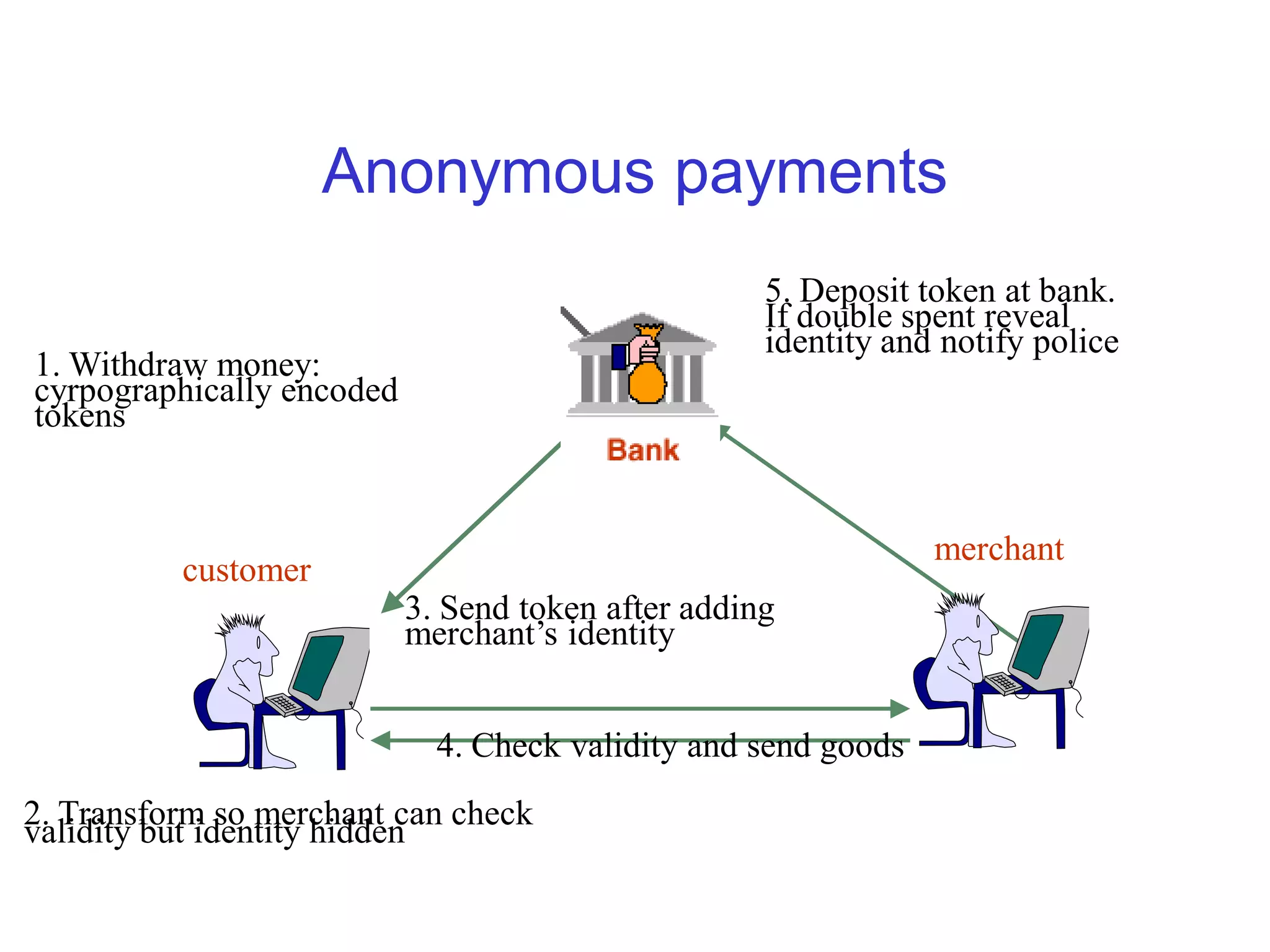
Anonymous payments
                                                    5. Deposit token at bank.
                                                    If double spent reveal
                                                    identity and notify police
1. Withdraw money:
cyrpographically encoded
tokens


                                                                merchant
          customer
                           3. Send token after adding
                           merchant’s identity


                             4. Check validity and send goods
2. Transform so merchant can check
validity but identity hidden
Problems with the protocol

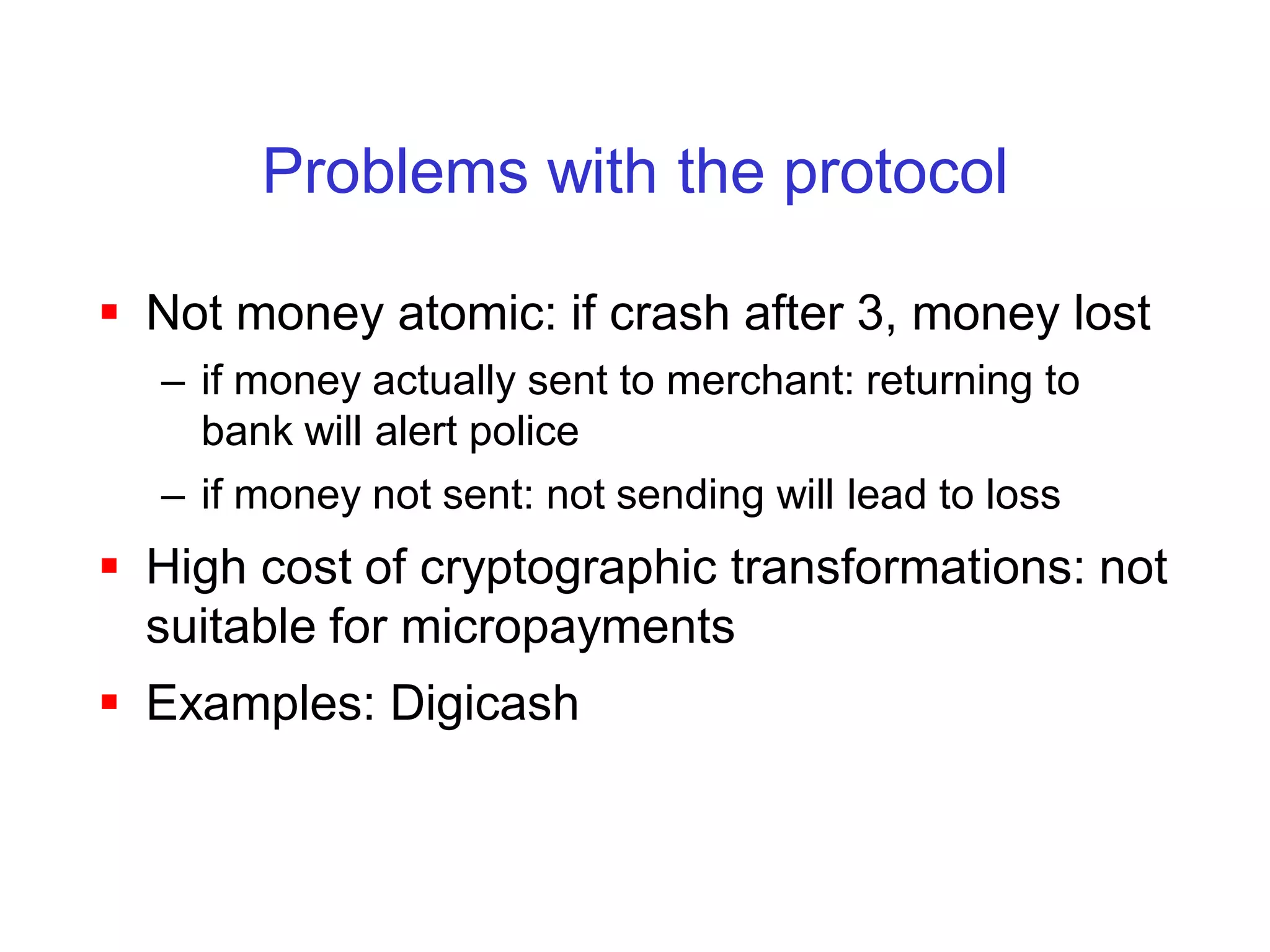
 Not money atomic: if crash after 3, money lost
  – if money actually sent to merchant: returning to
    bank will alert police
  – if money not sent: not sending will lead to loss
 High cost of cryptographic transformations: not
  suitable for micropayments
 Examples: Digicash
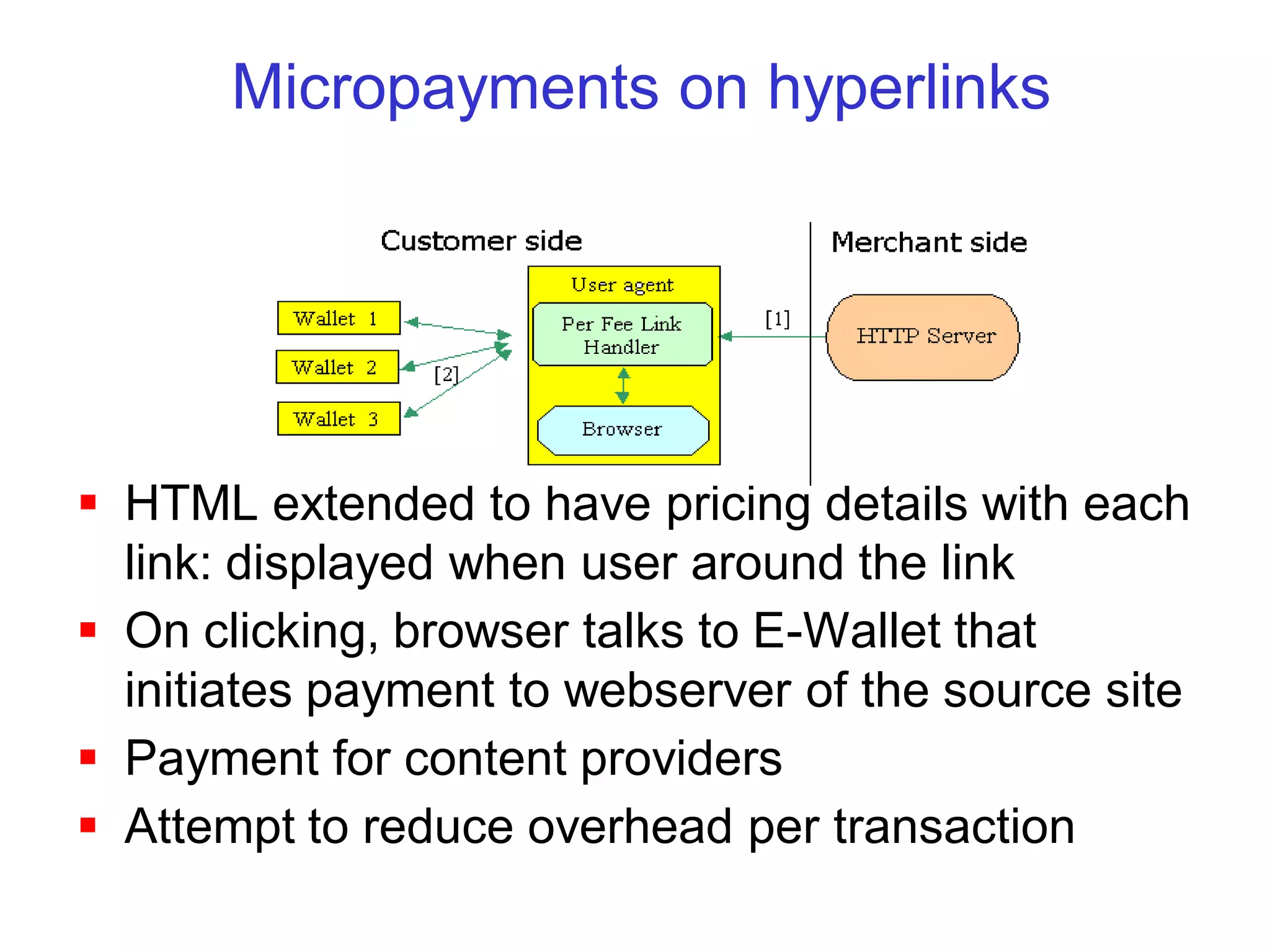
Micropayments on hyperlinks


 HTML extended to have pricing details with each
  link: displayed when user around the link
 On clicking, browser talks to E-Wallet that
  initiates payment to webserver of the source site
 Payment for content providers
 Attempt to reduce overhead per transaction
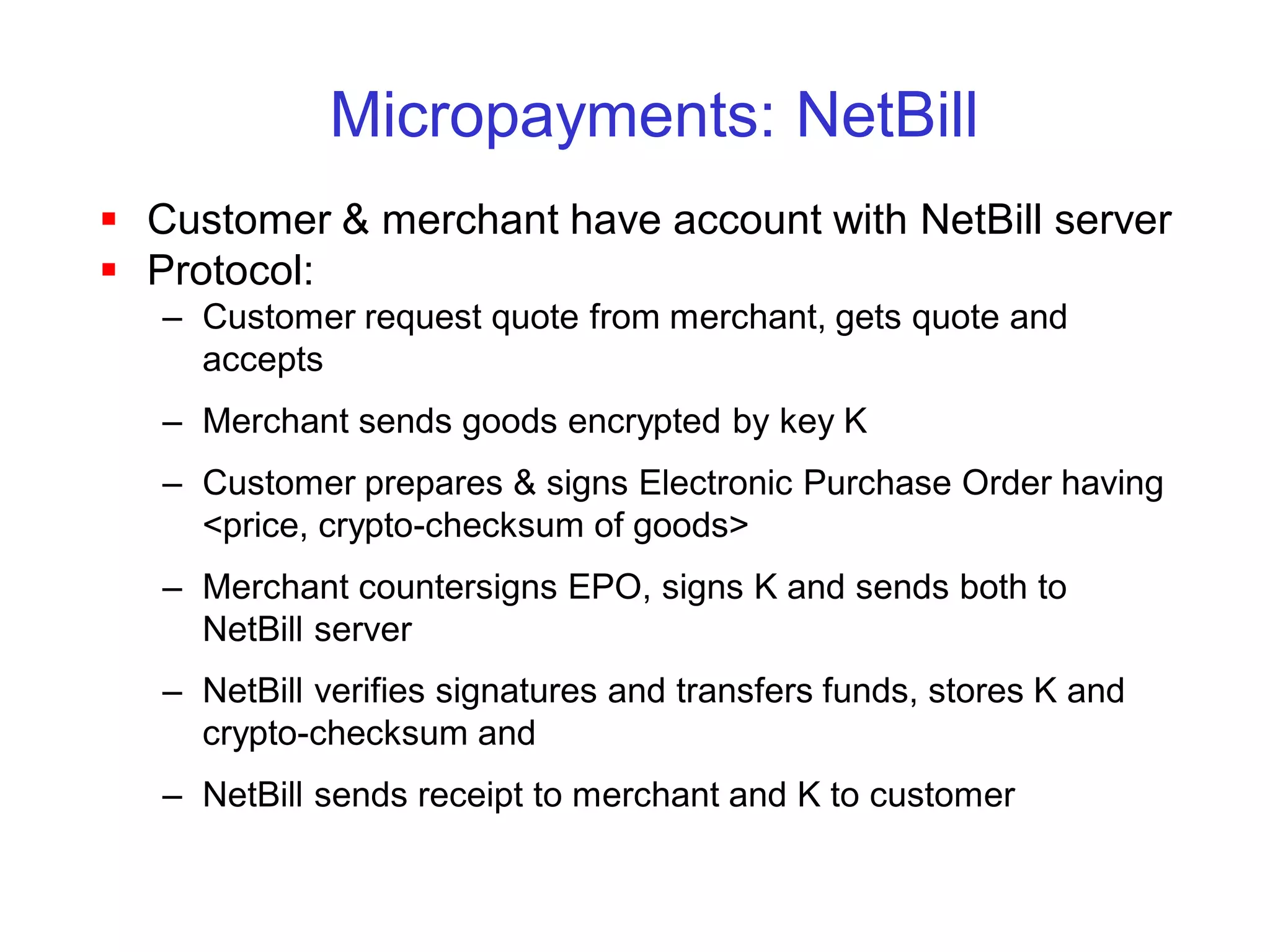
Micropayments: NetBill
 Customer & merchant have account with NetBill server
 Protocol:
   – Customer request quote from merchant, gets quote and
     accepts
   – Merchant sends goods encrypted by key K
   – Customer prepares & signs Electronic Purchase Order having
     <price, crypto-checksum of goods>
   – Merchant countersigns EPO, signs K and sends both to
     NetBill server
   – NetBill verifies signatures and transfers funds, stores K and
     crypto-checksum and
   – NetBill sends receipt to merchant and K to customer
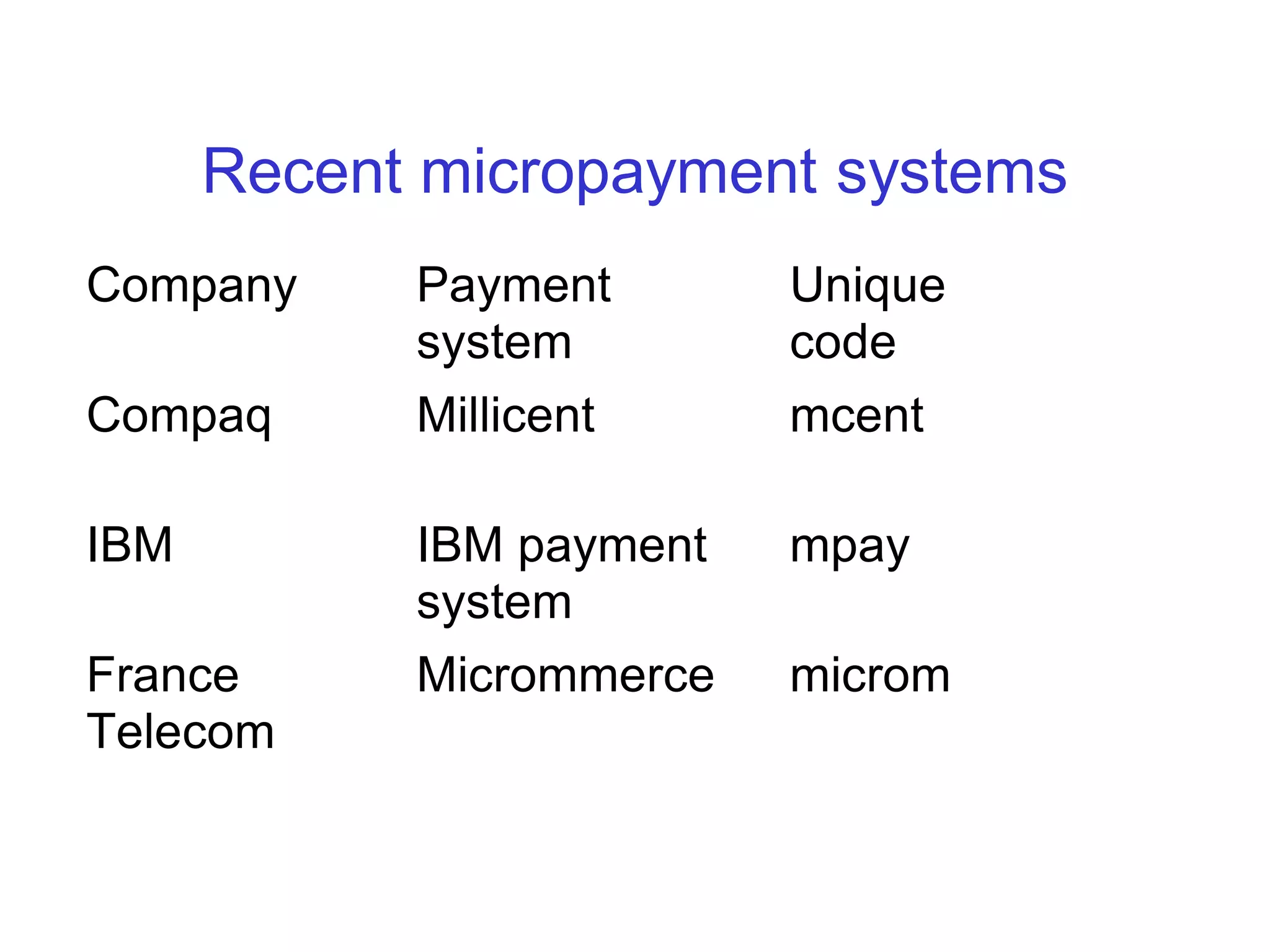
Recent micropayment systems
Company     Payment       Unique
            system        code
Compaq      Millicent     mcent

IBM         IBM payment   mpay
            system
France      Micrommerce   microm
Telecom
Smartcards

 8-bit micro, < 5MHz, < 2k RAM, 20k ROM
 Download electronic money on a card: wallet on a
  card
 Efficient, secure, paperless, intuitive and speedy
 Real and virtual stores accept them
 Less susceptible to net attacks since disconnected
 Has other uses spanning many industries, from
  banking to health care
Mondex

 Smart card based sales and card to card
  transfers
 Money is secured through a password and
  transactions are logged on the card
 Other operation and features similar to
  traditional debit cards
 Card signs transaction: so no anonymity
 Need card reader everywhere
 Available only in prototypes
Summary
 Various protocols and software infrastructure
  for ecommerce
 Today: credit card over SSL or S-HTTP
 Getting there:
  – smart cards,
  – digital certificates
 Need:
  – legal base for the entire ecommerce business
  – global market place for ecommerce

Secure Web Transaction

  • 1.
  • 2.
    Overview  Electronic Commerce Underlying Technologies – Cryptography – Network Security Protocols  Electronic Payment Systems – Credit card-based methods – Electronic Cheques – Anonymous payment – Micropayments – SmartCards
  • 3.
    Commerce  Commerce: Exchange of Goods / Services  Contracting parties: Buyer and Seller  Fundamental principles: Trust and Security  Intermediaries: • Direct (Distributors, Retailers) • Indirect (Banks, Regulators)  Money is a medium to facilitate transactions  Attributes of money: – Acceptability, Portability, Divisibility – Security, Anonymity – Durability, Interoperability
  • 4.
    E-Commerce  Automation ofcommercial transactions using computer and communication technologies  Facilitated by Internet and WWW  Business-to-Business: EDI  Business-to-Consumer: WWW retailing  Some features: – Easy, global access, 24 hour availability – Customized products and services – Back Office integration – Additional revenue stream
  • 5.
    E-Commerce Steps  Attractprospects to your site – Positive online experience – Value over traditional retail  Convert prospect to customer – Provide customized services – Online ordering, billing and payment  Keep them coming back – Online customer service – Offer more products and conveniences Maximize revenue per sale
  • 6.
  • 7.
    E-Commerce Problems Snooper Unknown customer Unreliable Merchant
  • 8.
    E-Commerce risks  Customer'srisks – Stolen credentials or password – Dishonest merchant – Disputes over transaction – Inappropriate use of transaction details  Merchant’s risk – Forged or copied instruments – Disputed charges – Insufficient funds in customer’s account – Unauthorized redistribution of purchased items  Main issue: Secure payment scheme
  • 9.
    Why is theInternet insecure? S S  Host security – Client – Server (multi-user) C S  Transmission C security Eavesdropping Denial of service – Passive sniffing A B A B – Active spoofing and C C masquerading Replay/fabrication – Denial of service A C B A B  Active content Interception C – Java, Javascript, ActiveX, DCOM
  • 10.
    E-Commerce Security  Authorization,Access Control: – protect intranet from hordes: Firewalls  Confidentiality, Data Integrity: – protect contents against snoopers: Encryption  Authentication: – both parties prove identity before starting transaction: Digital certificates  Non-repudiation: – proof that the document originated by you & you only: Digital signature
  • 11.
    Encryption (shared key) m: message k: shared key - Sender and receiver agree on a key K - No one else knows K - K is used to derive encryption key EK & decryption key DK - Sender computes and sends EK(Message) - Receiver computes DK(EK(Message)) - Example: DES: Data Encryption Standard
  • 12.
    Public key encryption m: message sk: private secret key pk: public key · Separate public key pk and private key sk · Private key is kept secret by receiver · Dsk(Epk(mesg)) = mesg and vice versa · Knowing Ke gives no clue about Kd
  • 13.
    Digital signature Sign: sign(sk,m)= Dsk(m) Verify: Epk(sign(sk,m)) = m Sign on small hash function to reduce cost
  • 14.
    Signed and secretmessages pk2 m pk1 sign(sk1, m) Verify-sign Encrypt(pk1) Encrypt(pk2) Epk2(Dsk1(m) ) Decrypt(sk2) First sign, then encrypt: order is important.
  • 15.
    Digital certificates How to establish authenticity of public key? Register public key Download public key
  • 16.
  • 17.
    Electronic payments: Issues Secure transfer across internet  High reliability: no single failure point  Atomic transactions  Anonymity of buyer  Economic and computational efficiency: allow micropayments  Flexiblility: across different methods  Scalability in number of servers and users
  • 18.
    E-Payments: Secure transfer SSL: Secure socket layer – below application layer  S-HTTP: Secure HTTP: – On top of http
  • 19.
    SSL: Secure SocketLayer  Application protocol independent  Provides connection security as: – Connection is private: Encryption is used after an initial handshake to define secret (symmetric) key – Peer's identity can be authenticated using public (asymmetric) key – Connection is reliable: Message transport includes a message integrity check (hash)  SSL Handshake protocol: – Allows server and client to authenticate each other and negotiate a encryption key
  • 20.
    SSL Handshake Protocol 1. Client "Hello": challenge data, cipher specs  2. Server "Hello": connection ID, public key certificate, cipher specs  3. Client "session-key": encrypted with server's public key  4. Client "finish": connection ID signed with client's private key  5. Server "verify": client's challenge data signed with server's private key  6. Server "finish": session ID signed with server's private key  Session IDs and encryption options cached to avoid renegotiation for reconnection
  • 21.
    S-HTTP: Secure HTTP Application level security (HTTP specific)  "Content-Privacy-Domain" header: – Allows use of digital signatures &/ encryption – Various encryption options  Server-Browser negotiate – Property: cryptographic scheme to be used – Value: specific algorithm to be used – Direction: One way/Two way security
  • 22.
    Secure end toend protocols
  • 23.
    E-Payments: Atomicity  Moneyatomicity: no creation/destruction of money when transferred  Goods atomicity: no payment w/o goods and viceversa. – Eg: pay on delivery of parcel  Certified delivery: the goods delivered is what was promised: – Open the parcel in front of a trusted 3rd party
  • 24.
  • 25.
    Payment system types Credit card-based methods – Credit card over SSL - First Virtual -SET  Electronic Cheques – - NetCheque  Anonymous payments – - Digicash - CAFE  Micropayments  SmartCards
  • 26.
    Encrypted credit cardpayment  Set secure communication channel between buyer and seller  Send credit card number to merchant encrypted using merchant’s public key  Problems: merchant fraud, no customer signature  Ensures money but no goods atomicity  Not suitable for microtransactions
  • 27.
    First virtual  Customerassigned virtual PIN by phone  Customer uses PIN to make purchases  Merchant contacts First virtual  First virtual send email to customer  If customer confirms, payment made to merchant  Not goods atomic since customer can refuse to pay  Not suitable for small transactions  Flood customer’s mailbox, delay merchant
  • 28.
    Cybercash  Customer opensaccount with cybercash, gives credit card number and gets a PIN  Special software on customer side sends PIN, signature, transaction amount to merchant  Merchant forwards to cybercash server that completes credit card transaction  Pros: credit card # not shown to server, fast  Cons: not for microtransactions
  • 29.
    SET:Secure Electronic Transactions Merge of STT, SEPP, iKP  Secure credit card based protocol  Common structure: – Customer digitally signs a purchase along with price and encrypts in bank’s public key – Merchant submits a sales request with price to bank. – Bank compares purchase and sales request. If price match, bank authorizes sales  Avoids merchant fraud, ensures money but no goods atomicity
  • 30.
    Electronic Cheques  Leveragesthe check payments system, a core competency of the banking industry.  Fits within current business practices  Works like a paper check does but in pure electronic form, with fewer manual steps.  Can be used by all bank customers who have checking accounts  Different from Electronic fund transfers
  • 31.
    How does echeckwork?  Exactly same way as paper  Check writer "writes" the echeck using one of many types of electronic devices  ”Gives" the echeck to the payee electronically.  Payee "deposits" echeck, receives credit,  Payee's bank "clears" the echeck to the paying bank.  Paying bank validates the echeck and "charges" the check writer's account for the check.
  • 32.
    Anonymous payments 5. Deposit token at bank. If double spent reveal identity and notify police 1. Withdraw money: cyrpographically encoded tokens merchant customer 3. Send token after adding merchant’s identity 4. Check validity and send goods 2. Transform so merchant can check validity but identity hidden
  • 33.
    Problems with theprotocol  Not money atomic: if crash after 3, money lost – if money actually sent to merchant: returning to bank will alert police – if money not sent: not sending will lead to loss  High cost of cryptographic transformations: not suitable for micropayments  Examples: Digicash
  • 34.
    Micropayments on hyperlinks HTML extended to have pricing details with each link: displayed when user around the link  On clicking, browser talks to E-Wallet that initiates payment to webserver of the source site  Payment for content providers  Attempt to reduce overhead per transaction
  • 35.
    Micropayments: NetBill  Customer& merchant have account with NetBill server  Protocol: – Customer request quote from merchant, gets quote and accepts – Merchant sends goods encrypted by key K – Customer prepares & signs Electronic Purchase Order having <price, crypto-checksum of goods> – Merchant countersigns EPO, signs K and sends both to NetBill server – NetBill verifies signatures and transfers funds, stores K and crypto-checksum and – NetBill sends receipt to merchant and K to customer
  • 36.
    Recent micropayment systems Company Payment Unique system code Compaq Millicent mcent IBM IBM payment mpay system France Micrommerce microm Telecom
  • 37.
    Smartcards  8-bit micro,< 5MHz, < 2k RAM, 20k ROM  Download electronic money on a card: wallet on a card  Efficient, secure, paperless, intuitive and speedy  Real and virtual stores accept them  Less susceptible to net attacks since disconnected  Has other uses spanning many industries, from banking to health care
  • 38.
    Mondex  Smart cardbased sales and card to card transfers  Money is secured through a password and transactions are logged on the card  Other operation and features similar to traditional debit cards  Card signs transaction: so no anonymity  Need card reader everywhere  Available only in prototypes
  • 39.
    Summary  Various protocolsand software infrastructure for ecommerce  Today: credit card over SSL or S-HTTP  Getting there: – smart cards, – digital certificates  Need: – legal base for the entire ecommerce business – global market place for ecommerce