OpenDaylight, FloodLight stallation, and Example with Mininet

OpenDaylight-Installation + Example with Mininet
https://wiki.opendaylight.org/view/OpenDaylight_Controller:Installation

Download VM with both OpenDayLight, FloodLight and Mininet
http://yuba.stanford.edu/~srini/tutorial/SDN_tutorial_VM_64bit.ova
user: ubuntu

password: ubuntu

Edit /etc/bash.bashrc
Add the following line:
PATH=$PATH:/var/lib/gems/1.8/gems/trema-0.3.19/objects/openvswitch/bin

Mininet Sample Virtual Network
Start Minit with this topology
su sudo mn --topo=tree,3 --mac --switch=ovsk --controller=remote,ip=a.b.c.d
where IP is the address of your VM (Remote OpenDayLight Controller VM/Server)

OpenDaylight Example
Start OpenDayLight
cd opendaylight/opendaylight/distribution/opendaylight/target/distribution.opendaylightosgipackage/opendaylight
sudo ./run.sh
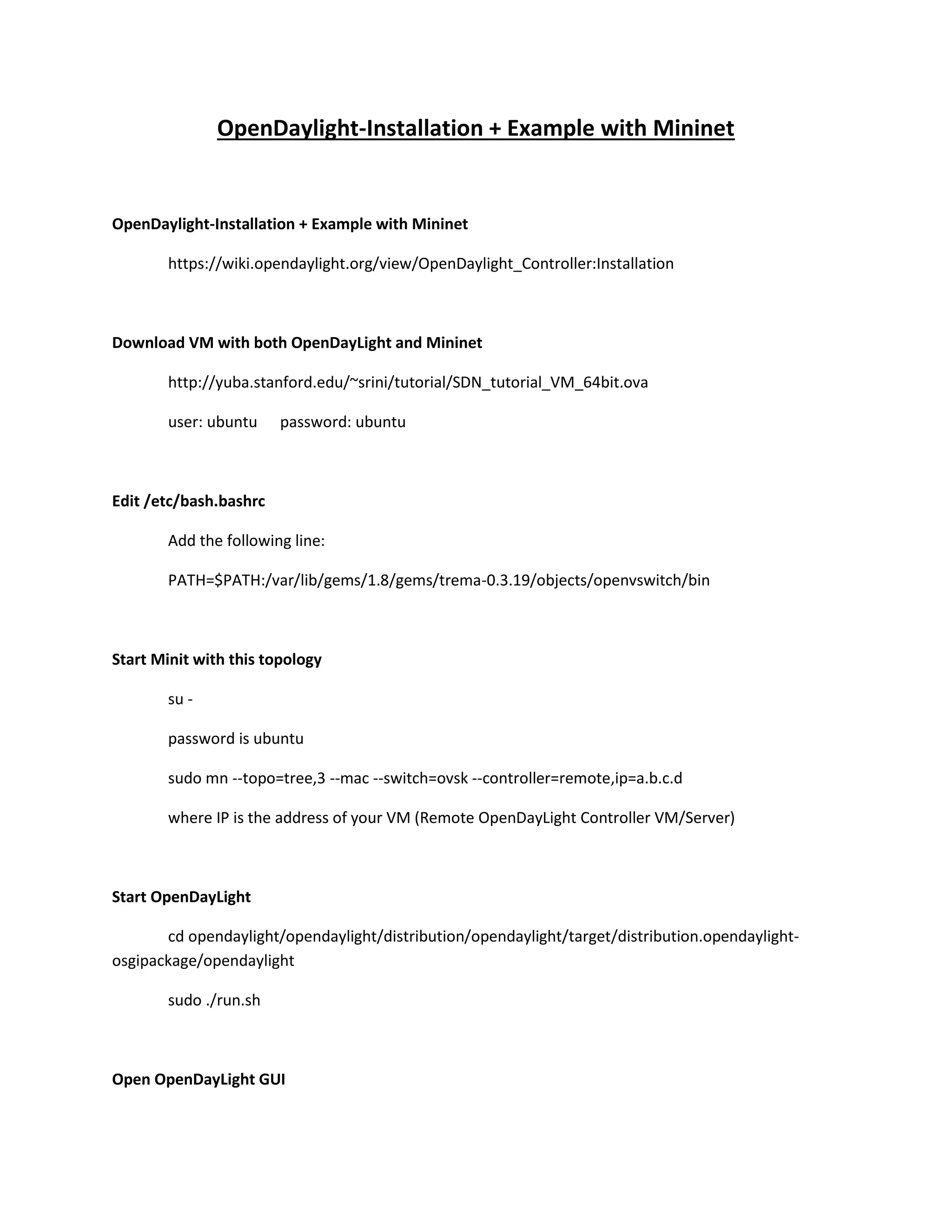
Open OpenDayLight GUI
localhost:8080
user: admin

password: admin

Using the Simple Forwarding Application
The OpenDaylight Controller includes an application called Simple Forwarding that lets you use
the basic services for making forwarding decisions and install flows across all devices on the
Openflow network. This application discovers the presence of a host via ARP message and
installs dest-only /32 entries across all switches in the network, with the corresponding output
ports toward the host.
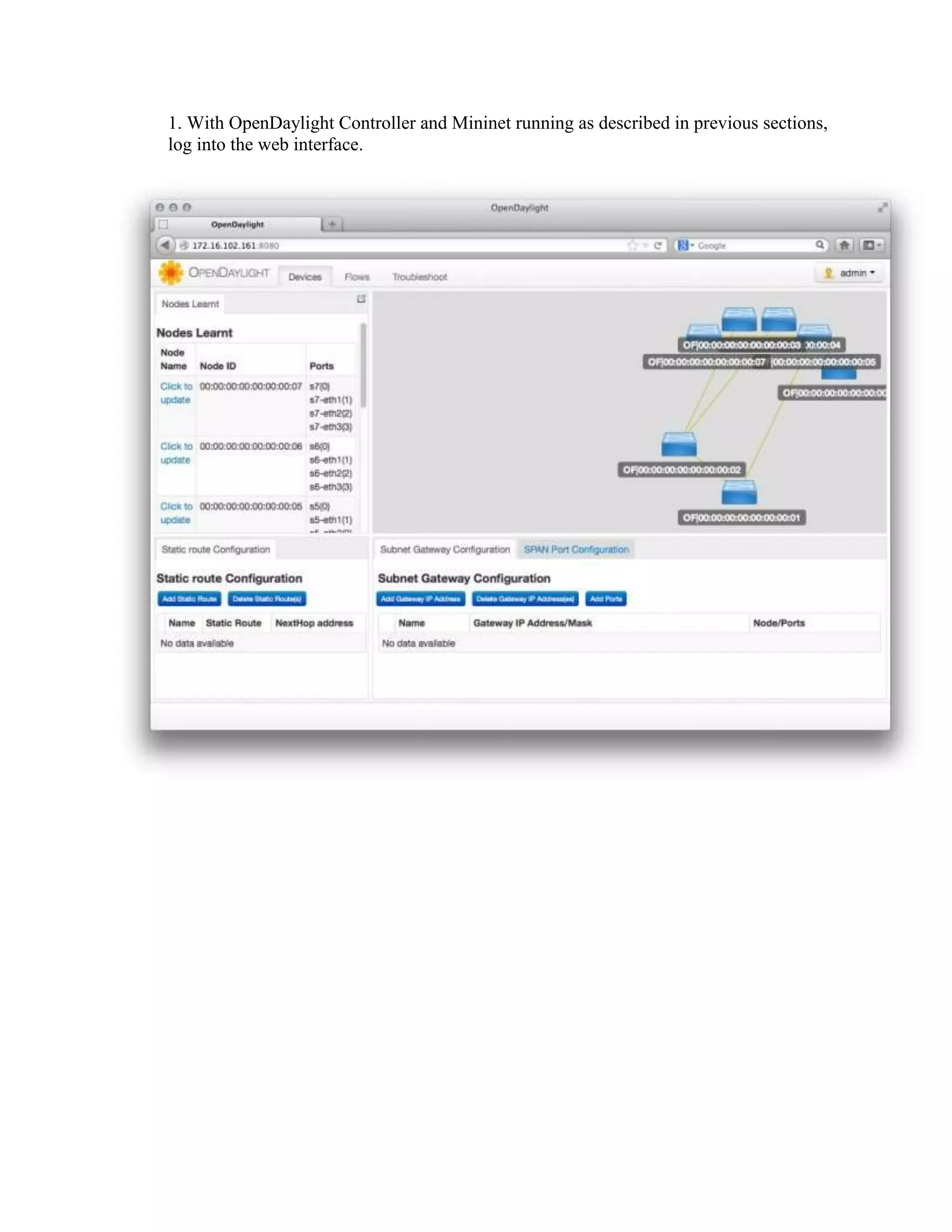
1. With OpenDaylight Controller and Mininet running as described in previous sections,
log into the web interface.
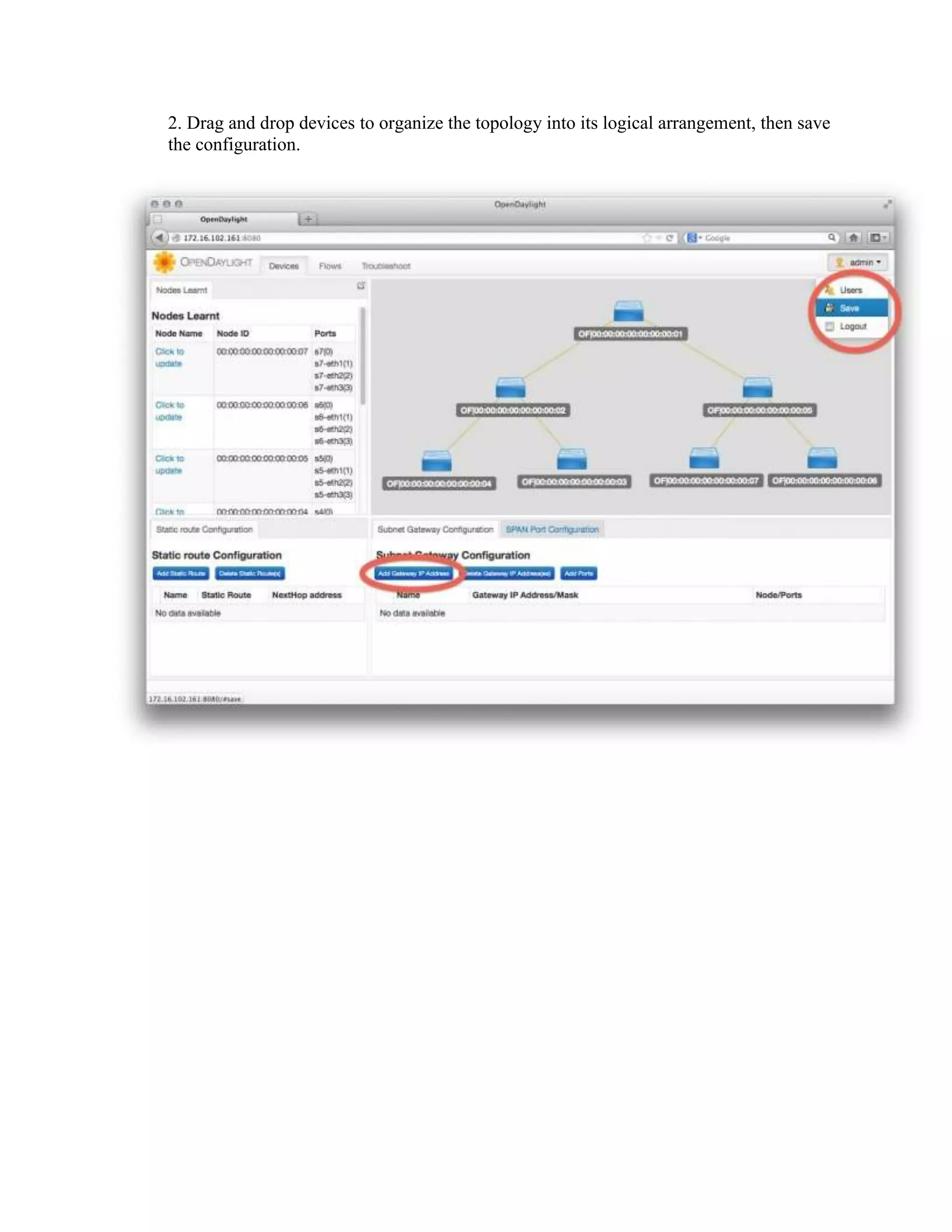
2. Drag and drop devices to organize the topology into its logical arrangement, then save
the configuration.
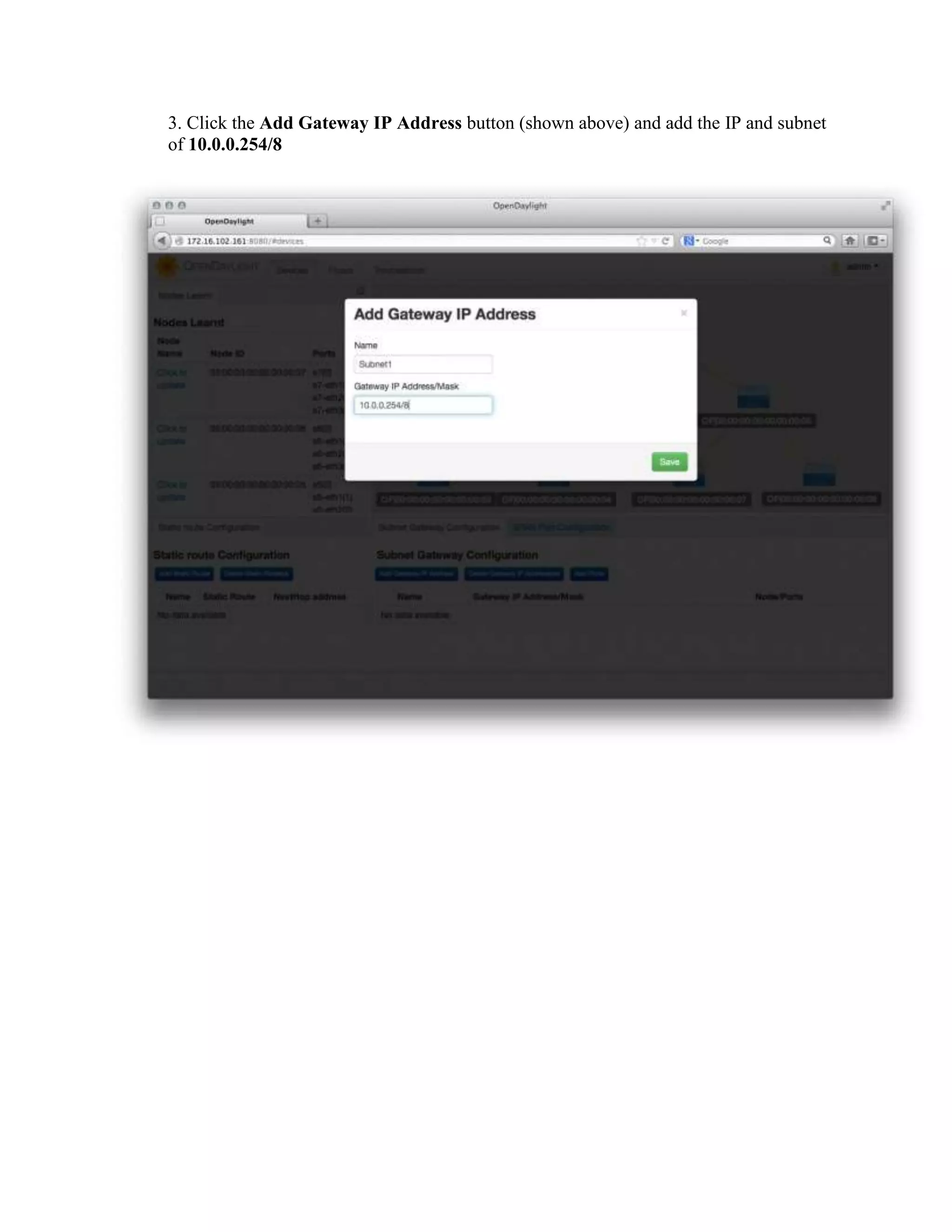
3. Click the Add Gateway IP Address button (shown above) and add the IP and subnet
of 10.0.0.254/8

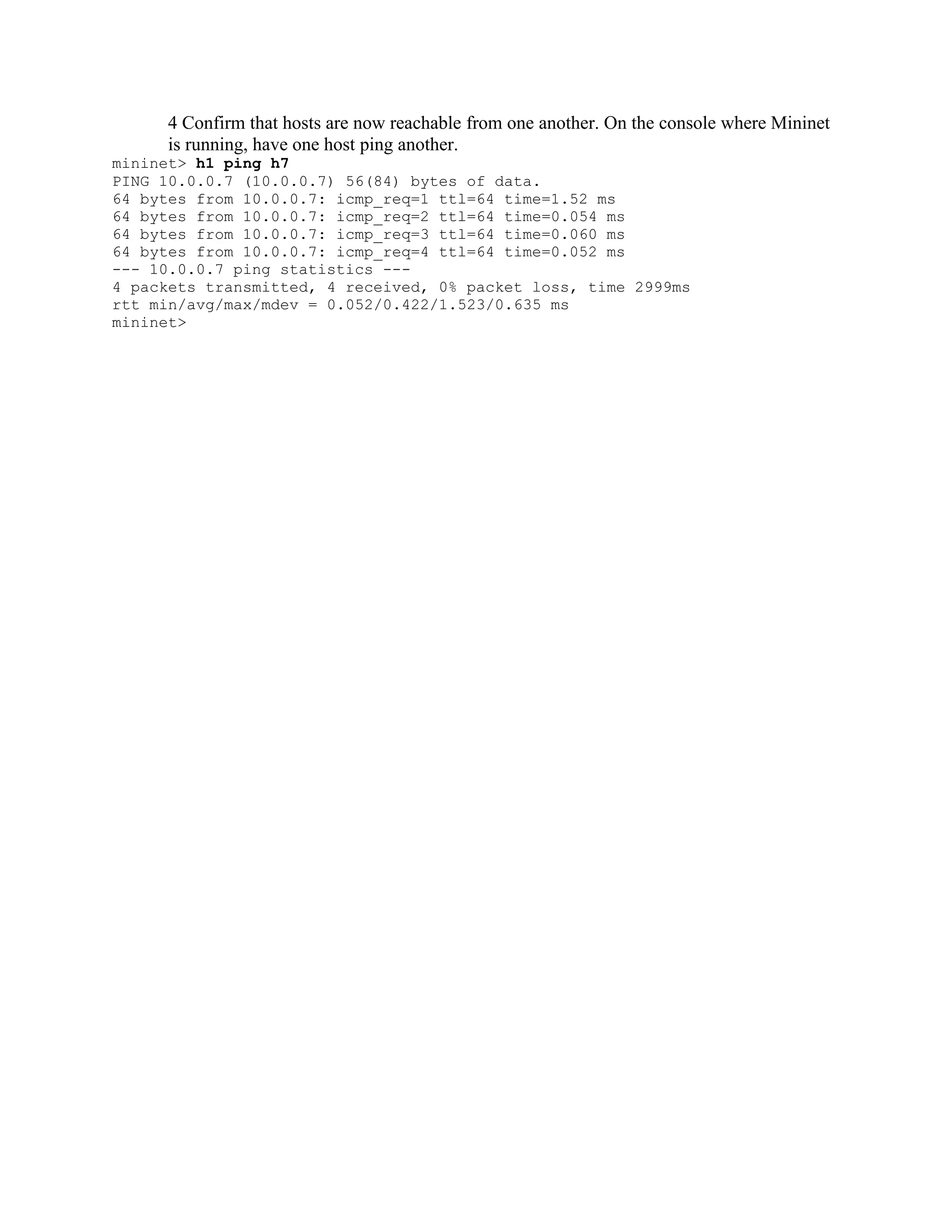
4 Confirm that hosts are now reachable from one another. On the console where Mininet
is running, have one host ping another.
mininet> h1 ping h7
PING 10.0.0.7 (10.0.0.7) 56(84) bytes of data.
64 bytes from 10.0.0.7: icmp_req=1 ttl=64 time=1.52 ms
64 bytes from 10.0.0.7: icmp_req=2 ttl=64 time=0.054 ms
64 bytes from 10.0.0.7: icmp_req=3 ttl=64 time=0.060 ms
64 bytes from 10.0.0.7: icmp_req=4 ttl=64 time=0.052 ms
--- 10.0.0.7 ping statistics --4 packets transmitted, 4 received, 0% packet loss, time 2999ms
rtt min/avg/max/mdev = 0.052/0.422/1.523/0.635 ms
mininet>
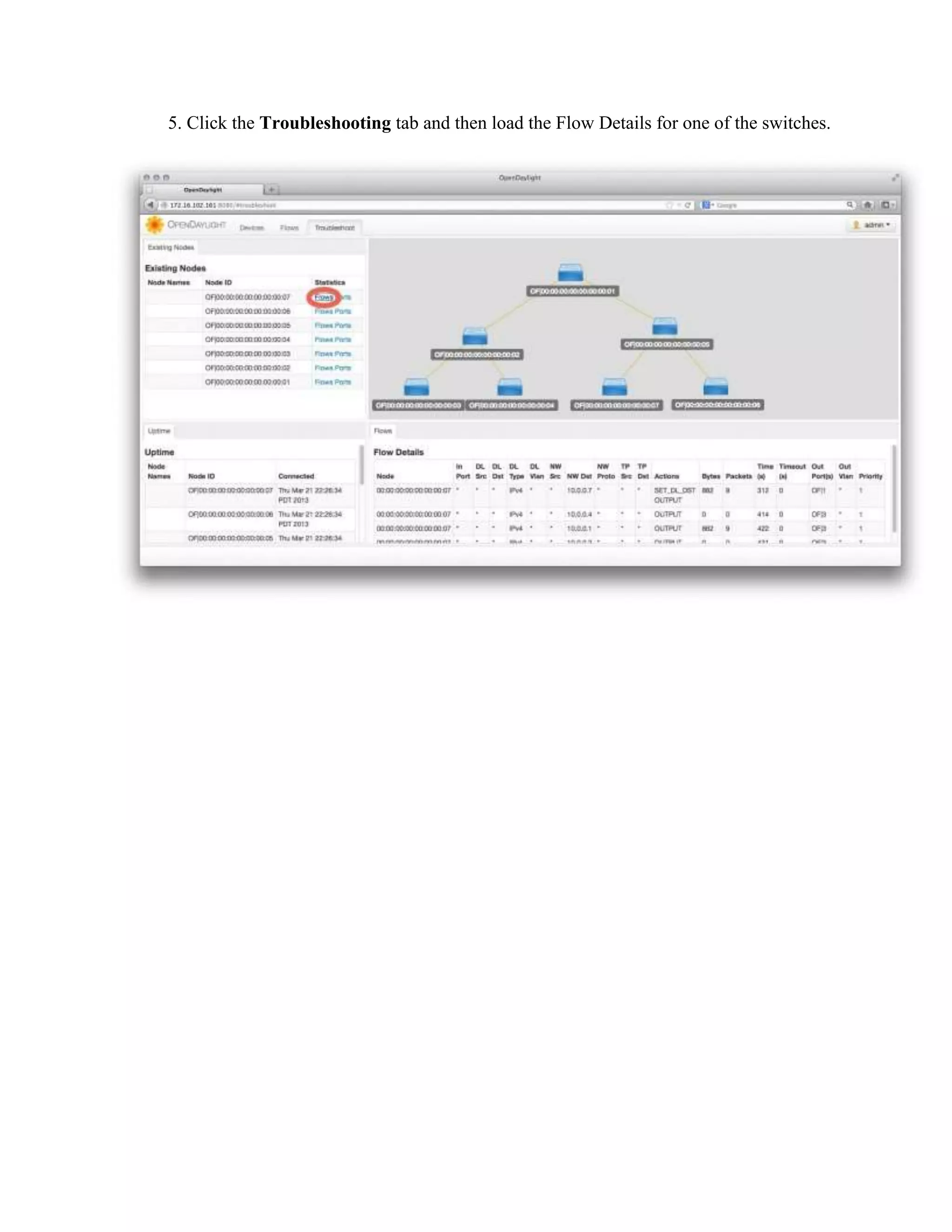
5. Click the Troubleshooting tab and then load the Flow Details for one of the switches.
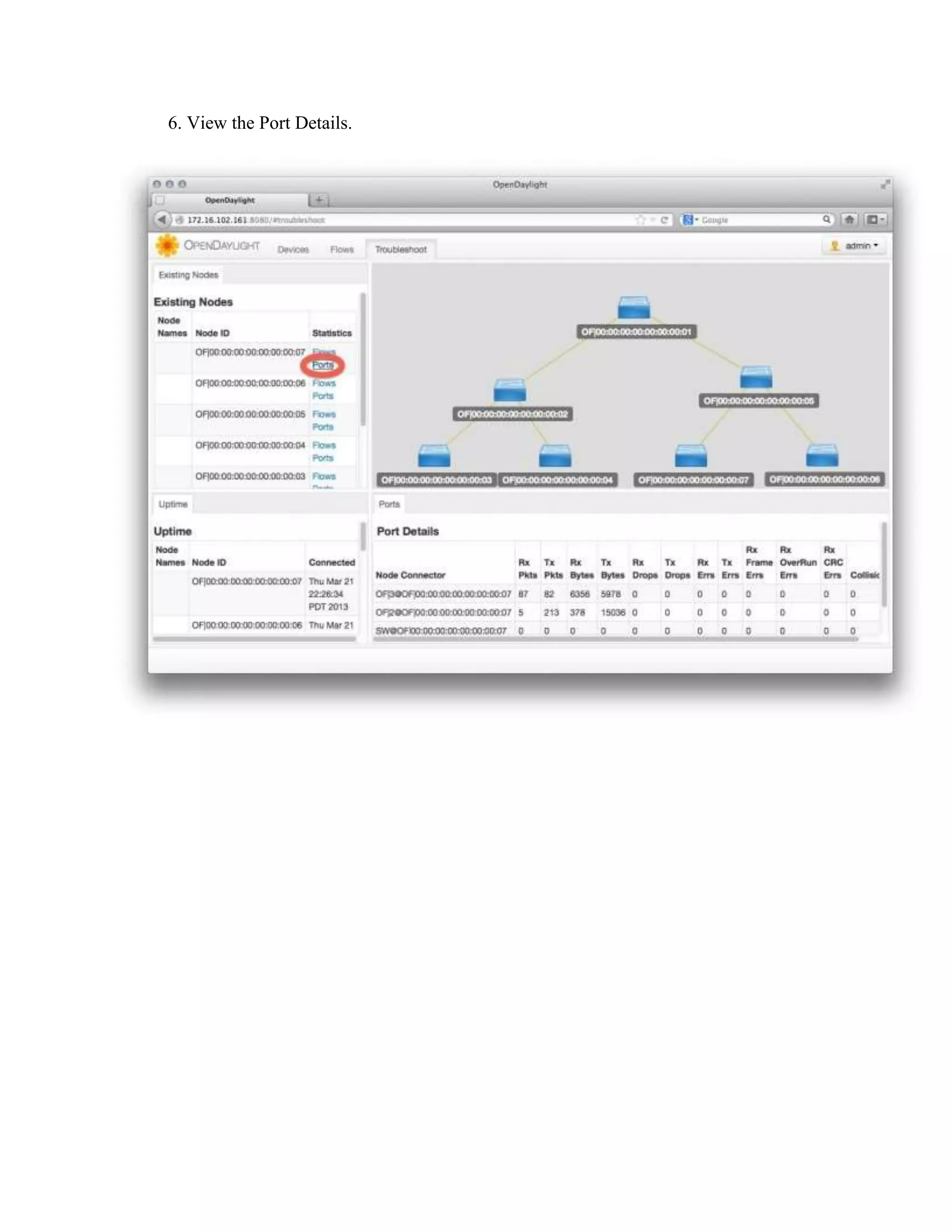
6. View the Port Details.
FloodLight Example
Start FloodLight
cd floodlight
./floodlight.sh

Note: use the same previous Mininet Virtual network
sudo mn --topo=tree,3 --mac --switch=ovsk --controller=remote,ip=a.b.c.d

Open OpenDayLight GUI
localhost:8080/ui/index.html
Sample FloodLight Java Application
Avior is an application built outside of floodlight that gives network administrators a graphical user
interface to support their needs. Avior eliminates dependency on using python scripts or viewing the
restAPI in order to monitor or manipulate the network.

Download from: http://openflow.marist.edu/avior

Enter IP of the remote controller (i.e. machine running FloodLight).
Controller Information

Switch Information
Hosts/Servers Information

Flow Manager Sample Application
Firewall Sample Application

Also available, a QoS Java Application: https://github.com/wallnerryan/floodlight-qos-beta

SDN Training - Open daylight installation + example with mininet

  • 1.
    OpenDaylight, FloodLight stallation,and Example with Mininet OpenDaylight-Installation + Example with Mininet https://wiki.opendaylight.org/view/OpenDaylight_Controller:Installation Download VM with both OpenDayLight, FloodLight and Mininet http://yuba.stanford.edu/~srini/tutorial/SDN_tutorial_VM_64bit.ova user: ubuntu password: ubuntu Edit /etc/bash.bashrc Add the following line: PATH=$PATH:/var/lib/gems/1.8/gems/trema-0.3.19/objects/openvswitch/bin Mininet Sample Virtual Network Start Minit with this topology su sudo mn --topo=tree,3 --mac --switch=ovsk --controller=remote,ip=a.b.c.d where IP is the address of your VM (Remote OpenDayLight Controller VM/Server) OpenDaylight Example Start OpenDayLight cd opendaylight/opendaylight/distribution/opendaylight/target/distribution.opendaylightosgipackage/opendaylight sudo ./run.sh
  • 2.
    Open OpenDayLight GUI localhost:8080 user:admin password: admin Using the Simple Forwarding Application The OpenDaylight Controller includes an application called Simple Forwarding that lets you use the basic services for making forwarding decisions and install flows across all devices on the Openflow network. This application discovers the presence of a host via ARP message and installs dest-only /32 entries across all switches in the network, with the corresponding output ports toward the host.
  • 3.
    1. With OpenDaylightController and Mininet running as described in previous sections, log into the web interface.
  • 4.
    2. Drag anddrop devices to organize the topology into its logical arrangement, then save the configuration.
  • 5.
    3. Click theAdd Gateway IP Address button (shown above) and add the IP and subnet of 10.0.0.254/8 4 Confirm that hosts are now reachable from one another. On the console where Mininet is running, have one host ping another. mininet> h1 ping h7 PING 10.0.0.7 (10.0.0.7) 56(84) bytes of data. 64 bytes from 10.0.0.7: icmp_req=1 ttl=64 time=1.52 ms 64 bytes from 10.0.0.7: icmp_req=2 ttl=64 time=0.054 ms 64 bytes from 10.0.0.7: icmp_req=3 ttl=64 time=0.060 ms 64 bytes from 10.0.0.7: icmp_req=4 ttl=64 time=0.052 ms --- 10.0.0.7 ping statistics --4 packets transmitted, 4 received, 0% packet loss, time 2999ms rtt min/avg/max/mdev = 0.052/0.422/1.523/0.635 ms mininet>
  • 6.
    5. Click theTroubleshooting tab and then load the Flow Details for one of the switches.
  • 7.
    6. View thePort Details.
  • 8.
    FloodLight Example Start FloodLight cdfloodlight ./floodlight.sh Note: use the same previous Mininet Virtual network sudo mn --topo=tree,3 --mac --switch=ovsk --controller=remote,ip=a.b.c.d Open OpenDayLight GUI localhost:8080/ui/index.html
  • 10.
    Sample FloodLight JavaApplication Avior is an application built outside of floodlight that gives network administrators a graphical user interface to support their needs. Avior eliminates dependency on using python scripts or viewing the restAPI in order to monitor or manipulate the network. Download from: http://openflow.marist.edu/avior Enter IP of the remote controller (i.e. machine running FloodLight).
  • 11.
  • 12.
  • 13.
    Firewall Sample Application Alsoavailable, a QoS Java Application: https://github.com/wallnerryan/floodlight-qos-beta