SCEWe s tN et

Overview of social media as a tool
  for building and maintaining a
  community of practice
 
Groups of people who share a concern
                           or a passion for something they do
Community of Practice      and learn how to do it better as they
                           interact regularly.
T h ou gh t lead er s h i p

• Slideshare.net


• Voicethread.com


• Mind mapping


• Blogging
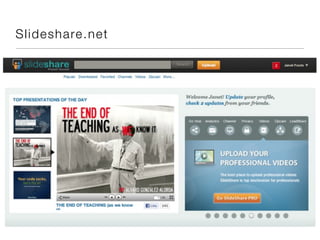
Sl ide sh are. n et
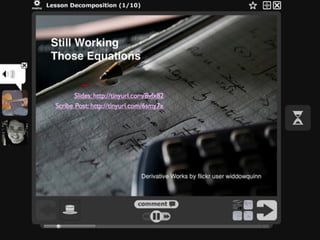
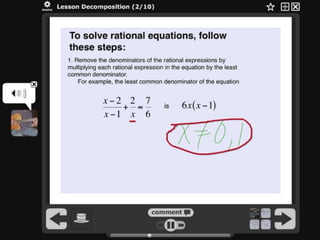
Voic e T h read

Interactive slideshow or video

Comment with audio, video or
   drawing
Used in classroom
Public or private
Accessible
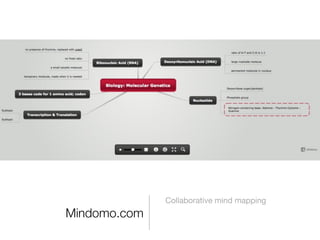
Mind ma p p in g

• Mindomo.com


• Collaborative mind mapping


• Visual thinking and problem solving


• Work out processes


• Create useable spidergraphs
Collaborative mind mapping
Mindomo.com
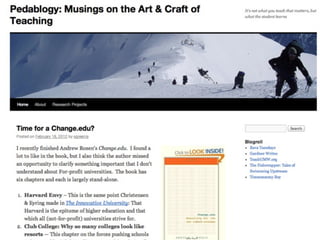
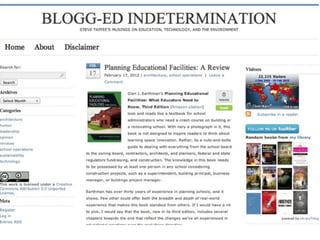
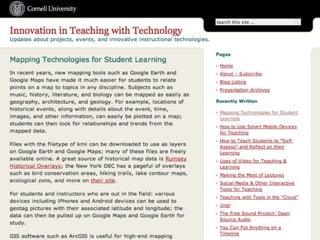
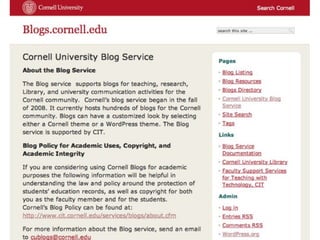
Bl o gging

• Easy way to disseminate information


• Public or closed system


• Invite discussion through comments and cross blogging


• Invite guest posts from outside the nodes
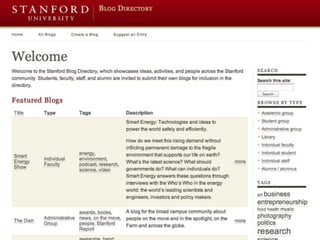
Word p res s mult i -u s e r

• One “mother ship”


• All maintenance in one place


• Easy to add new blogs with a click


• Consistent look and feel


• Create dynamic list of bloggers


• Easily shared
Cura tio n an d R e se a rc h

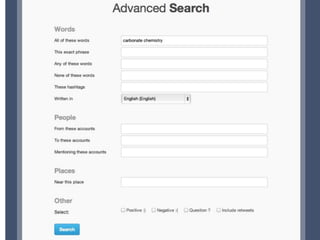
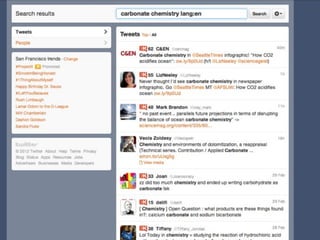
• Search.Twitter.com


• Socialmention.com


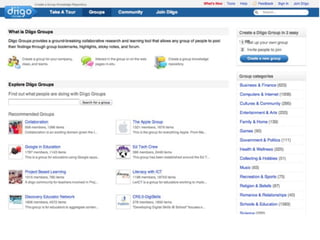
• Diigo http://www.diigo.com/


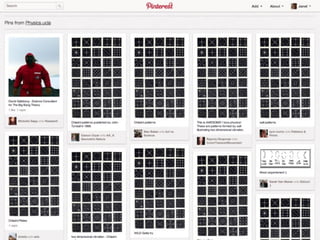
• Pinterest http://pinterest.com/source/physics.ucla.edu/


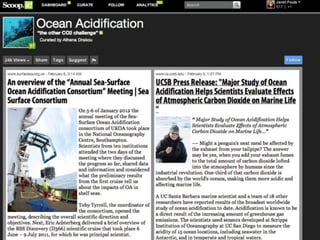
• Scoop.it http://www.scoop.it/t/ocean-acidification
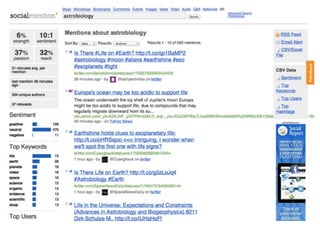
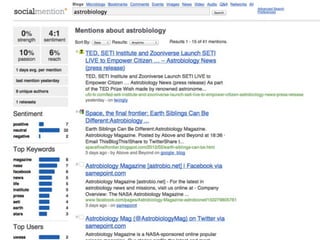
So c ialMe n tion . c om

• Search in real time


• Search a number of platforms


• Search by author, geographic location, language


• Find topics for discussion
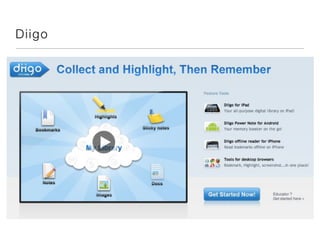
D i igo
Pi nte res t

• Curate images and video to share with your networks


• Charts


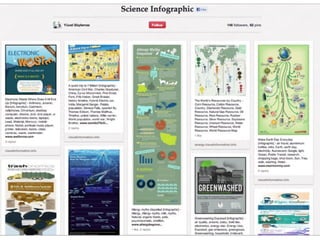
• Infographics


• Virtual storyboarding


• Copyright issues
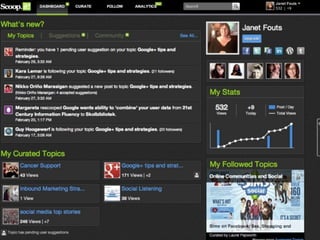
Sc o op. i t

• Content curation


• Magazine style presentation

• Real-time search


• Suggested content for your “Scoops”


• Disseminate to social networks
Com mu n ity ex a mp l e s

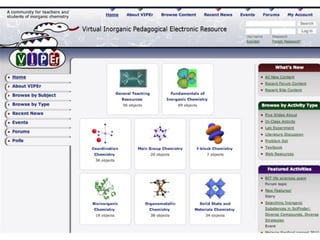
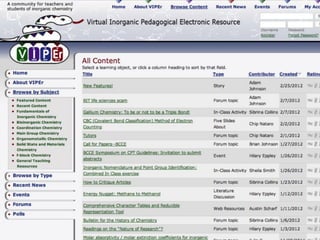
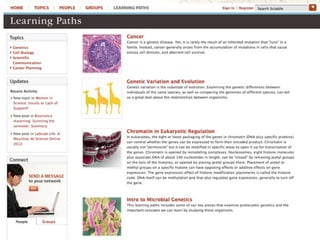
• https://www.ionicviper.org (2009)


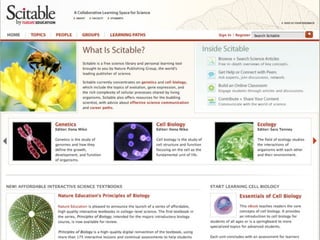
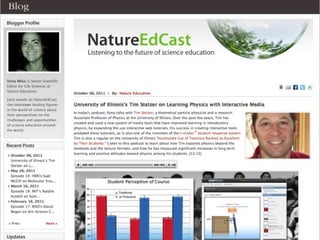
• http://www.nature.com/scitable (nature and scientific american


• Wordpress Multi-user blogs
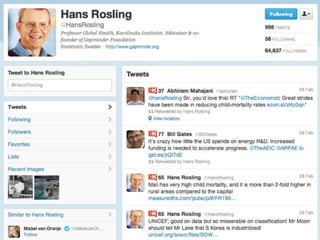
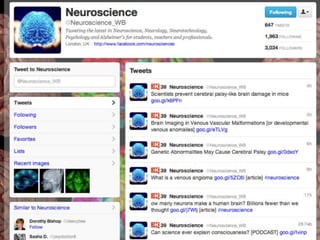
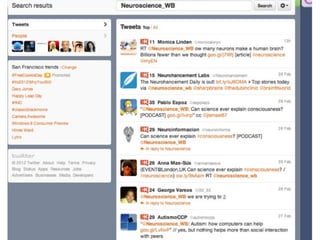
Twitt e r

• Asynchronous communication


• Outreach to other educators


• Research


• Professional development


• Traffic to source content
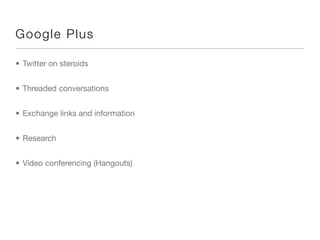
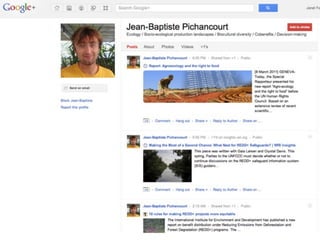
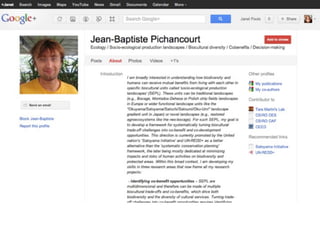
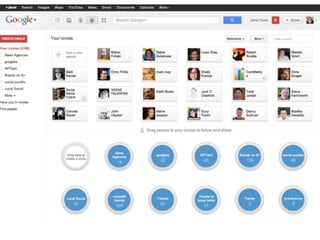
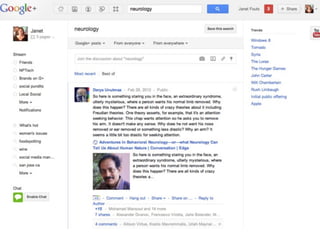
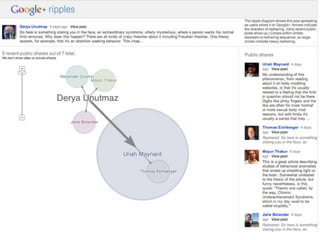
G oog le P lu s

• Twitter on steroids


• Threaded conversations


• Exchange links and information


• Research


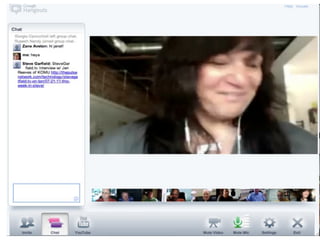
• Video conferencing (Hangouts)
D oc Shar in g

• Google Docs


• Drop box
G oog le Docs

• Collaborate on documents


• Integrated with Hangouts


• Simultaneous collaboration


• Publish to a web page for sharing


• Educator resources:.google.com/educators
D rop Box

• Cross platform sharing


• All docs stored in the cloud


• Can be download and edited on any device


• Tracks activity
Wra p U p

• Questions


• What are we going to talk about tomorrow?


• Email me Janet@janetfouts.com


• Twitter @Jfouts


• Phone 408.216.7423

• Blog janetfouts.com


• TatuDigital.com

Scewest Social Media for Science Educators
  • 1.
    SCEWe s tNet Overview of social media as a tool for building and maintaining a community of practice  
  • 2.
    Groups of peoplewho share a concern or a passion for something they do Community of Practice and learn how to do it better as they interact regularly.
  • 3.
    T h ough t lead er s h i p • Slideshare.net • Voicethread.com • Mind mapping • Blogging
  • 4.
    Sl ide share. n et
  • 5.
    Voic e Th read Interactive slideshow or video Comment with audio, video or drawing Used in classroom Public or private Accessible
  • 8.
    Mind ma pp in g • Mindomo.com • Collaborative mind mapping • Visual thinking and problem solving • Work out processes • Create useable spidergraphs
  • 9.
  • 10.
    Bl o gging •Easy way to disseminate information • Public or closed system • Invite discussion through comments and cross blogging • Invite guest posts from outside the nodes
  • 16.
    Word p ress mult i -u s e r • One “mother ship” • All maintenance in one place • Easy to add new blogs with a click • Consistent look and feel • Create dynamic list of bloggers • Easily shared
  • 18.
    Cura tio nan d R e se a rc h • Search.Twitter.com • Socialmention.com • Diigo http://www.diigo.com/ • Pinterest http://pinterest.com/source/physics.ucla.edu/ • Scoop.it http://www.scoop.it/t/ocean-acidification
  • 21.
    So c ialMen tion . c om • Search in real time • Search a number of platforms • Search by author, geographic location, language • Find topics for discussion
  • 24.
  • 26.
    Pi nte rest • Curate images and video to share with your networks • Charts • Infographics • Virtual storyboarding • Copyright issues
  • 29.
    Sc o op.i t • Content curation • Magazine style presentation • Real-time search • Suggested content for your “Scoops” • Disseminate to social networks
  • 33.
    Com mu nity ex a mp l e s • https://www.ionicviper.org (2009) • http://www.nature.com/scitable (nature and scientific american • Wordpress Multi-user blogs
  • 39.
    Twitt e r •Asynchronous communication • Outreach to other educators • Research • Professional development • Traffic to source content
  • 44.
    G oog leP lu s • Twitter on steroids • Threaded conversations • Exchange links and information • Research • Video conferencing (Hangouts)
  • 51.
    D oc Sharin g • Google Docs • Drop box
  • 52.
    G oog leDocs • Collaborate on documents • Integrated with Hangouts • Simultaneous collaboration • Publish to a web page for sharing • Educator resources:.google.com/educators
  • 53.
    D rop Box •Cross platform sharing • All docs stored in the cloud • Can be download and edited on any device • Tracks activity
  • 54.
    Wra p Up • Questions • What are we going to talk about tomorrow? • Email me Janet@janetfouts.com • Twitter @Jfouts • Phone 408.216.7423 • Blog janetfouts.com • TatuDigital.com