10 top tips
. Timetable of the event 
. Presentations, videos you intend to use 
. Presentation of the guests with pictures 
. Webinar back-ups (if technical problems arise) 
. Pages with links, guests résumés, contacts (That has to be 
online several days before the webinar and stay online after) 
. Forum page (for participants to be able to react to the webinar 
and to ask questions) 
. Ask yourself if the event is serving your objectives.
 Check the technological sources, headsets, 
microphones, camera… 
 Check the compatibility of the different softwares 
when mixted.
 Check the access of the back-up documents, audio 
sources, etc. 
 Check your notes and the timetable. 
 Make a last technical test. (Keep technicians phone 
numbers at hand.)
 Welcome the participants 
 Present the speakers 
 Present the schedule of the webinar, including what 
will be online after (summary, links, seminar 
recording, Q & A forum ...) 
 Let a window with the schedule in view during all the 
session
 If you’re not English native and your webinar is in 
English, be kind to participants and double your voice 
with slides where the text (or a resumé) is written. 
 Illustrate your slides (if you find relevant graphics, 
videos or pictures) for participants to have images to 
memorize.
Vary the tools to avoid a sedative 
effect
 Use online polls to be able to be more 
flexible and follow the needs of the 
participants
 One of you presents, while the other 
checks the equipment and connections 
 Reads the messages offline 
 Invites participants to talk 
 Checks polls 
 Has a look at the timetable 
 Keeps the speaker informed …
 Thank the guests, the participants, the technicians 
 Invite participants to join the forum if they still have 
questions, interrogations or just want to go on about 
the topic after the webinar 
 Write the references on slides and tell what can be 
found online and where
 Unplug and relax ! 
 Don’t forget though that you have to be active on the 
forum and to summarize the seminar. 
 Don't forget to check if all the promized links and 
sources are online
 Pixabay 
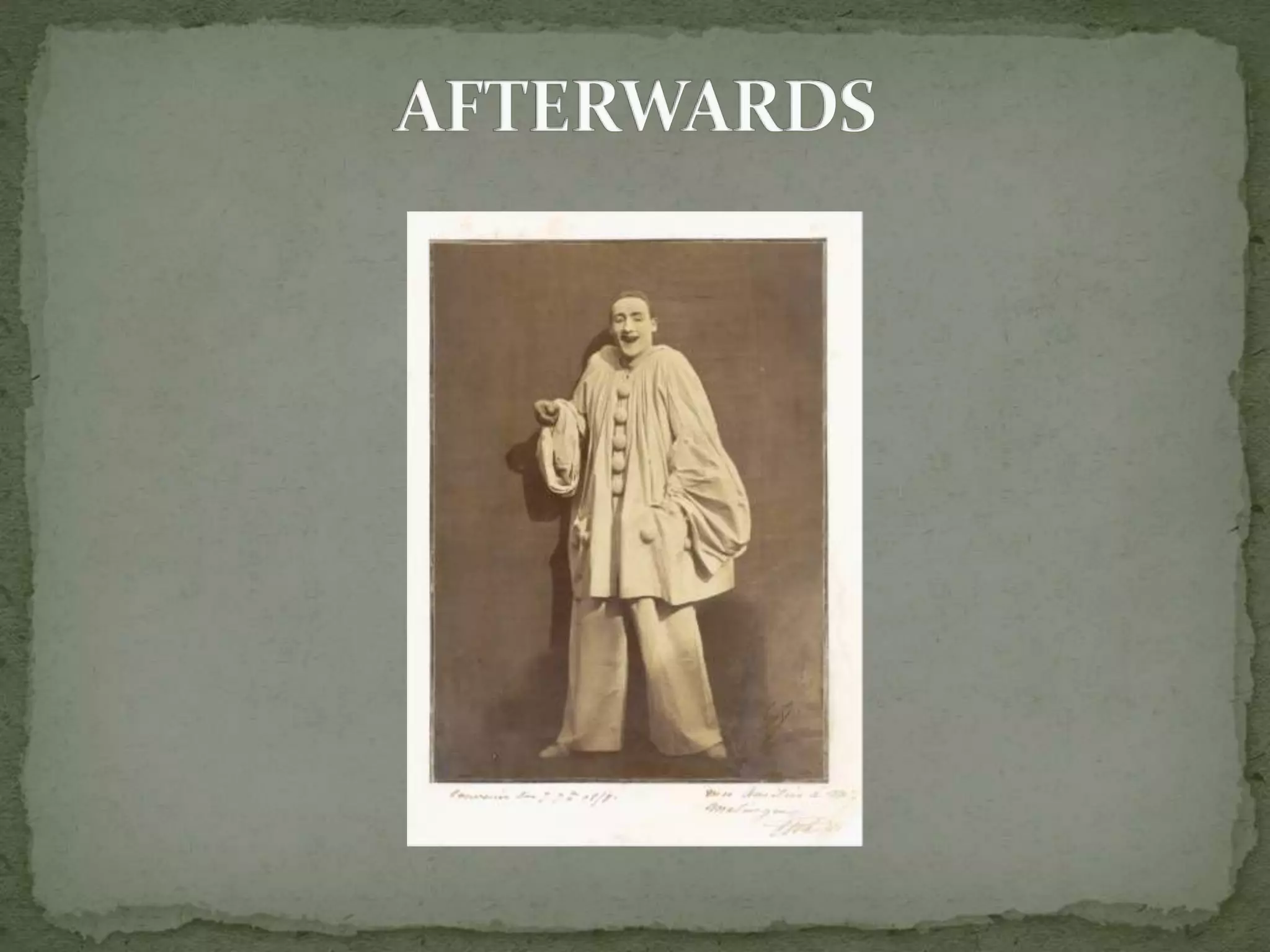
 MET Pierrot laughing, Nadar 
Credit Line : Purchase The Horace W Goldsmith 
Foundation Gift through Joyce and Robert Menschel 
1998
Dominique Ducamus

Running a webinar as an expert

  • 1.
  • 3.
    . Timetable ofthe event . Presentations, videos you intend to use . Presentation of the guests with pictures . Webinar back-ups (if technical problems arise) . Pages with links, guests résumés, contacts (That has to be online several days before the webinar and stay online after) . Forum page (for participants to be able to react to the webinar and to ask questions) . Ask yourself if the event is serving your objectives.
  • 4.
     Check thetechnological sources, headsets, microphones, camera…  Check the compatibility of the different softwares when mixted.
  • 5.
     Check theaccess of the back-up documents, audio sources, etc.  Check your notes and the timetable.  Make a last technical test. (Keep technicians phone numbers at hand.)
  • 7.
     Welcome theparticipants  Present the speakers  Present the schedule of the webinar, including what will be online after (summary, links, seminar recording, Q & A forum ...)  Let a window with the schedule in view during all the session
  • 8.
     If you’renot English native and your webinar is in English, be kind to participants and double your voice with slides where the text (or a resumé) is written.  Illustrate your slides (if you find relevant graphics, videos or pictures) for participants to have images to memorize.
  • 9.
    Vary the toolsto avoid a sedative effect
  • 10.
     Use onlinepolls to be able to be more flexible and follow the needs of the participants
  • 11.
     One ofyou presents, while the other checks the equipment and connections  Reads the messages offline  Invites participants to talk  Checks polls  Has a look at the timetable  Keeps the speaker informed …
  • 12.
     Thank theguests, the participants, the technicians  Invite participants to join the forum if they still have questions, interrogations or just want to go on about the topic after the webinar  Write the references on slides and tell what can be found online and where
  • 14.
     Unplug andrelax !  Don’t forget though that you have to be active on the forum and to summarize the seminar.  Don't forget to check if all the promized links and sources are online
  • 15.
     Pixabay MET Pierrot laughing, Nadar Credit Line : Purchase The Horace W Goldsmith Foundation Gift through Joyce and Robert Menschel 1998
  • 16.