CRAFTING
  INTERACTIVE
     WEBINARS


Elizabeth Cole,
AmeriCorps VISTA
WELCOME TO TODAY’S WEBINAR

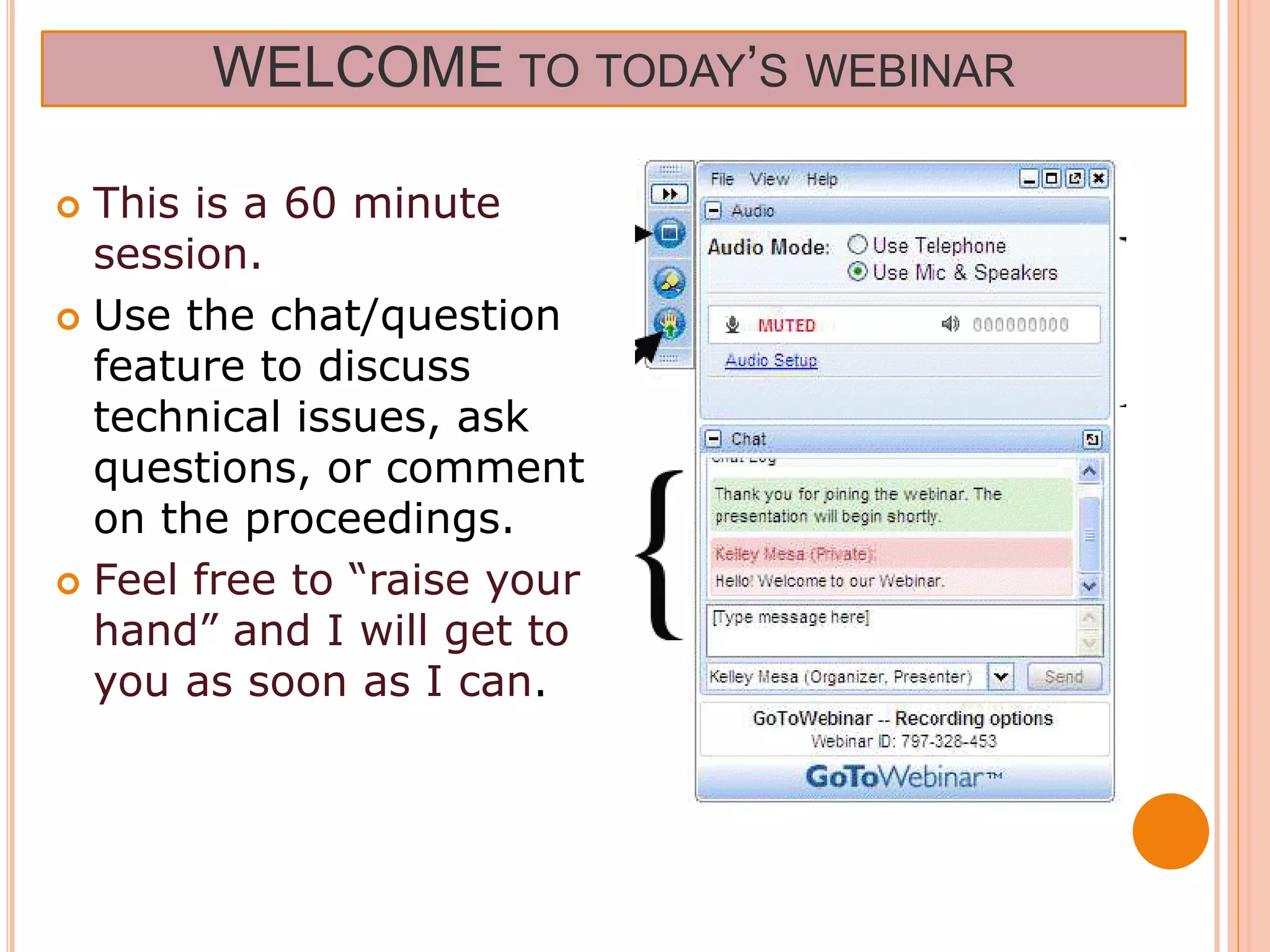
 This is a 60 minute
  session.
 Use the chat/question
  feature to discuss
  technical issues, ask
  questions, or comment
  on the proceedings.
 Feel free to “raise your
  hand” and I will get to
  you as soon as I can.
A WEBINAR IS….
 Shortfor Web-based Seminar, a
 webinar is a presentation, lecture,
 workshop or seminar that is
 transmitted over the Web

A key feature of a Webinar is its
 interactive elements -- the ability to
 give, receive and discuss information
 Typically   60-90 minutes long
HOW COULD YOU USE WEBINARS
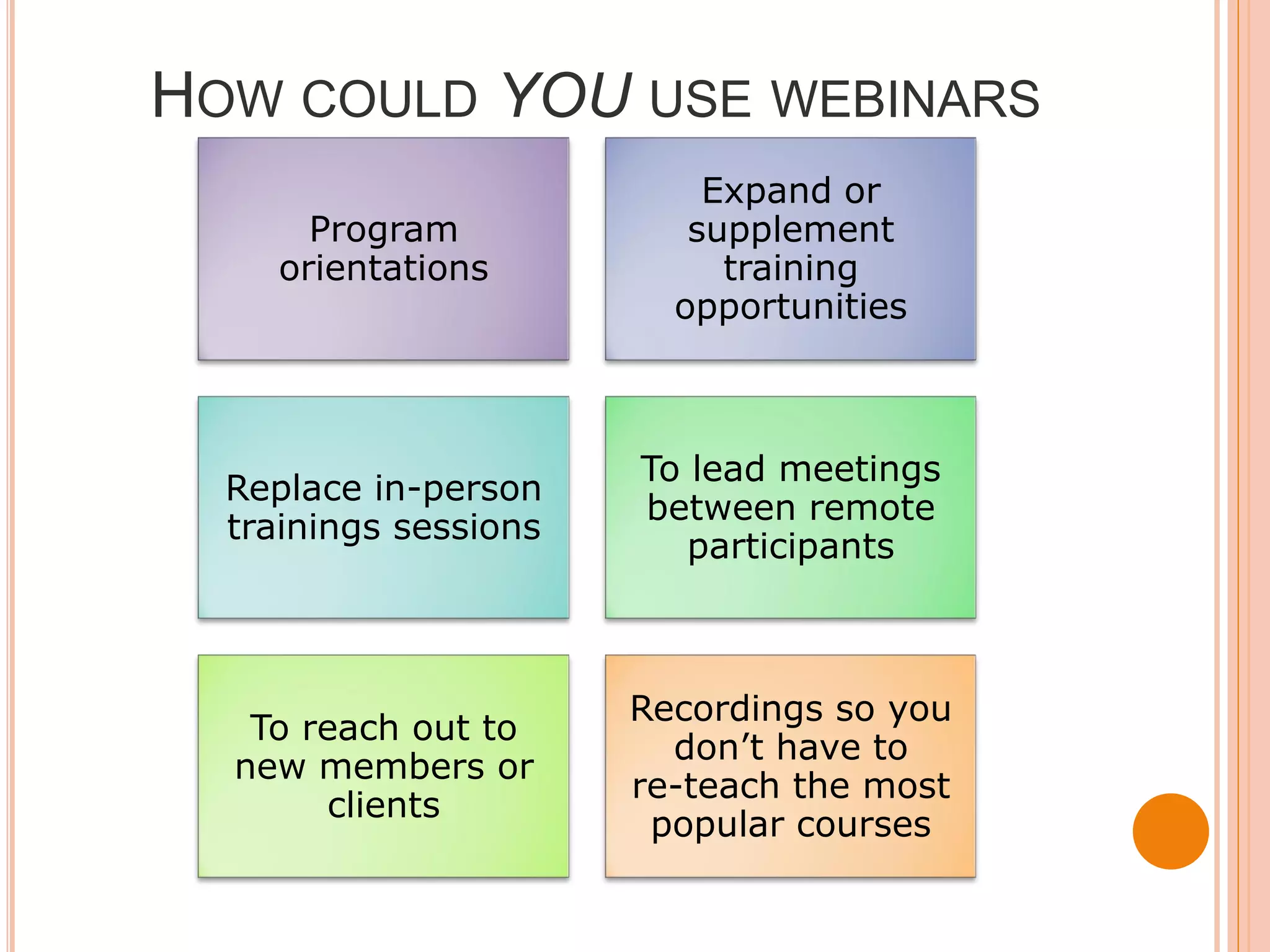
                           Expand or
       Program            supplement
     orientations           training
                         opportunities


                       To lead meetings
  Replace in-person
                       between remote
  trainings sessions
                          participants


                       Recordings so you
   To reach out to
                         don’t have to
  new members or
                       re-teach the most
       clients
                        popular courses
PLEASE TYPE YOUR RESPONSE INTO
THE QUESTION BOX:


      What do you like about
      webinars?
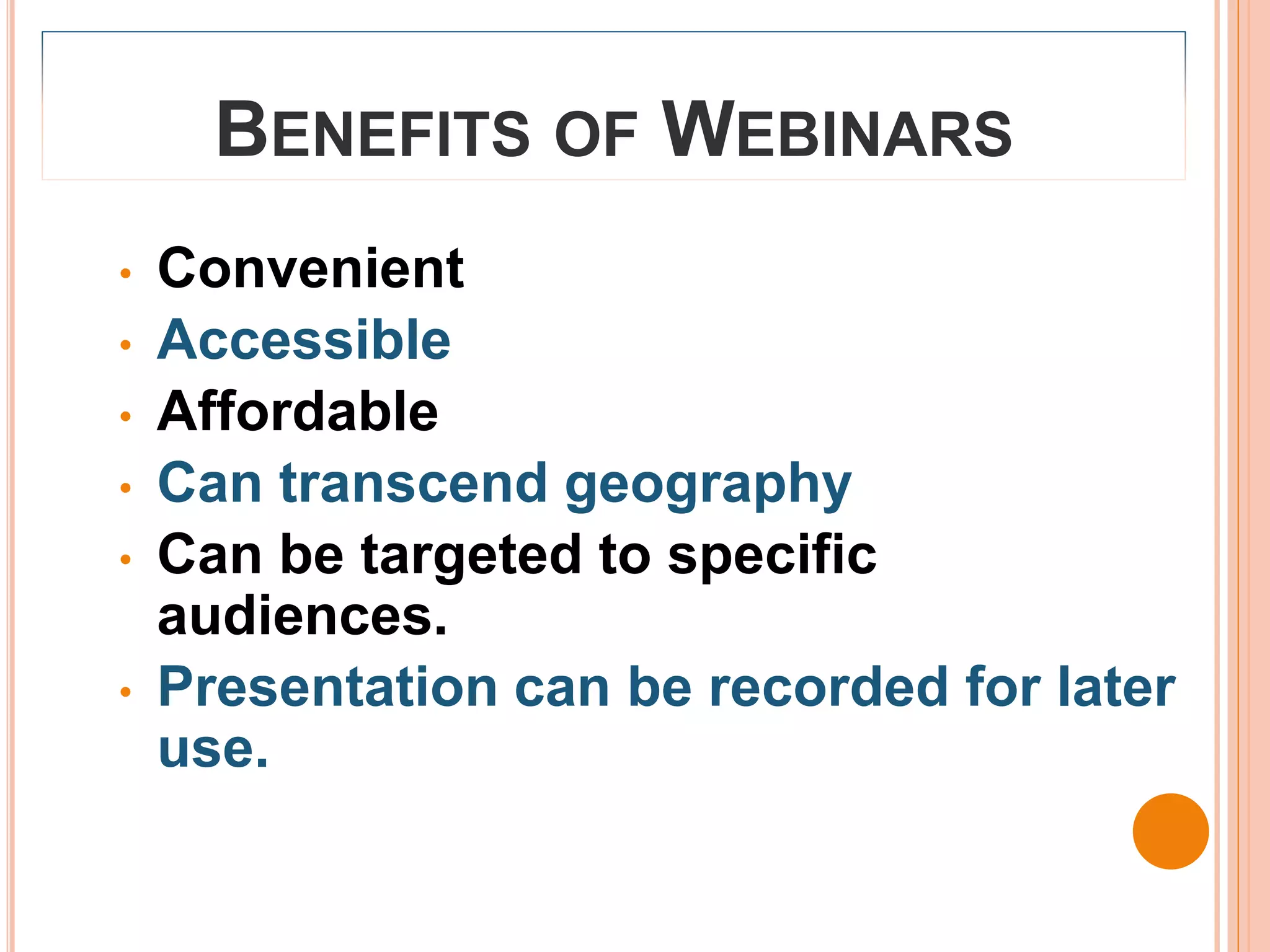
BENEFITS OF WEBINARS
•   Convenient
•   Accessible
•   Affordable
•   Can transcend geography
•   Can be targeted to specific
    audiences.
•   Presentation can be recorded for later
    use.
PLEASE TYPE YOUR RESPONSE INTO THE
QUESTION BOX:


      What do you dislike
      about webinars?
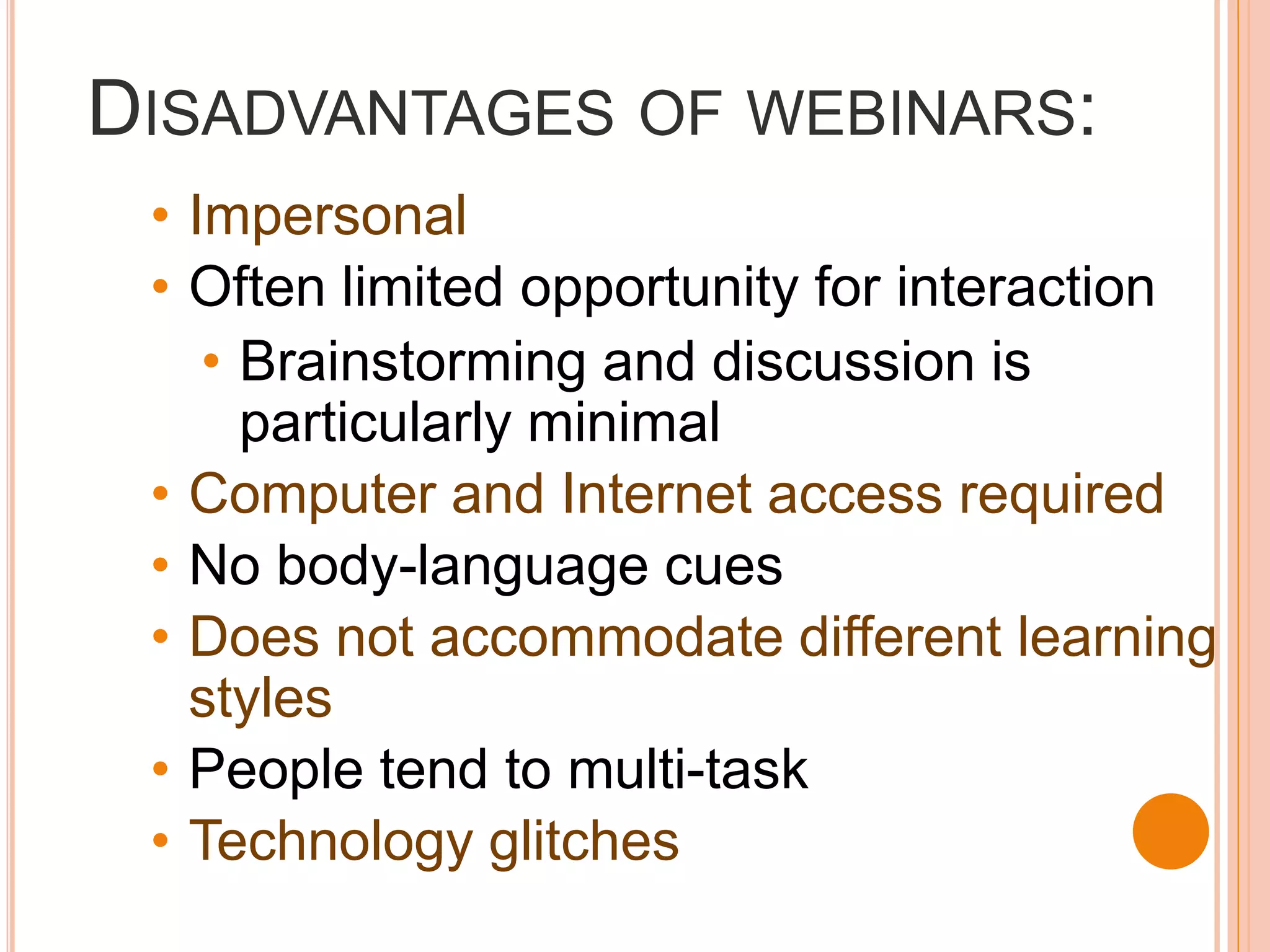
DISADVANTAGES OF WEBINARS:
 • Impersonal
 • Often limited opportunity for interaction
    • Brainstorming and discussion is
      particularly minimal
 • Computer and Internet access required
 • No body-language cues
 • Does not accommodate different learning
   styles
 • People tend to multi-task
 • Technology glitches
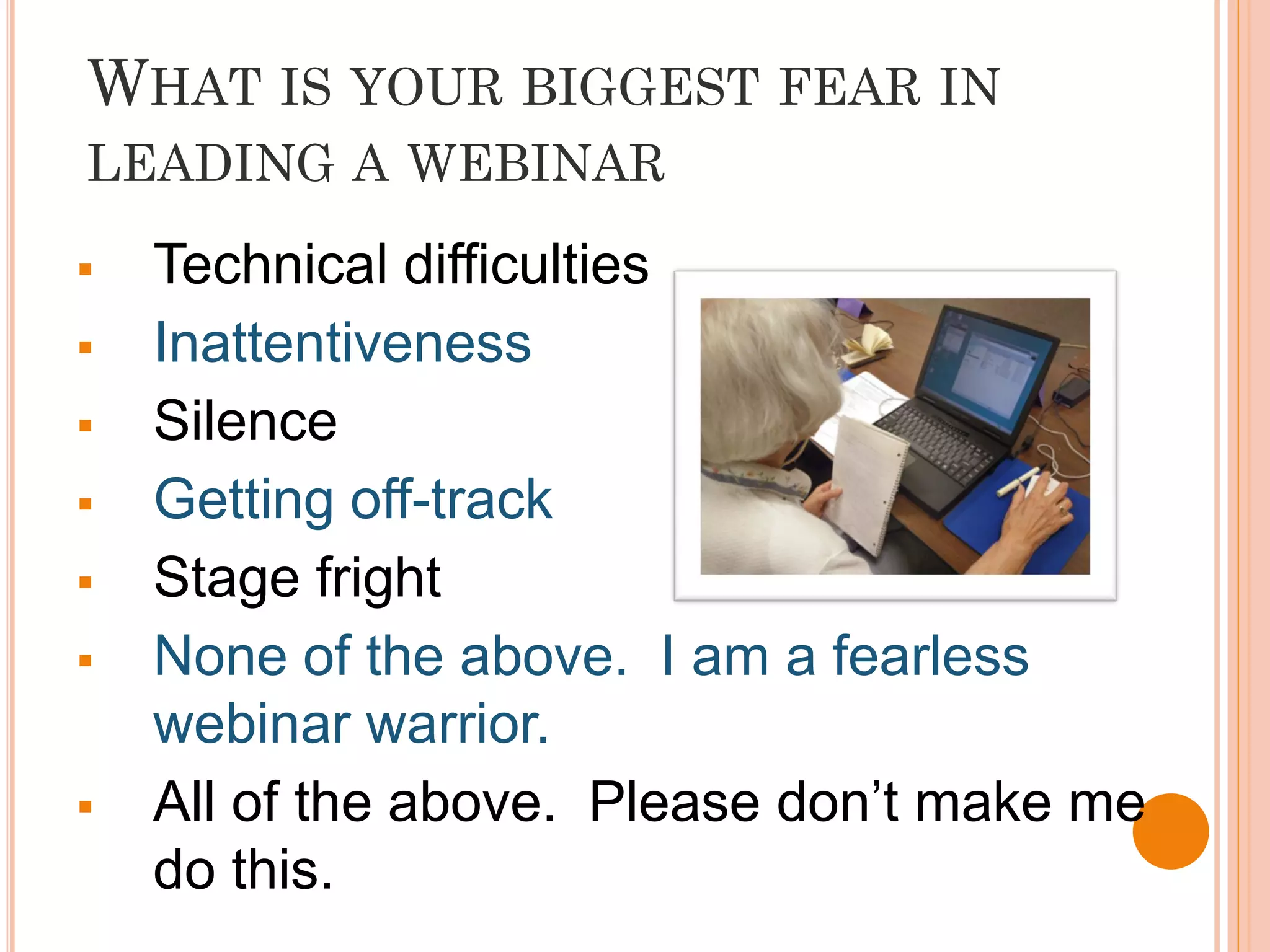
WHAT IS YOUR BIGGEST FEAR IN
LEADING A WEBINAR

   Technical difficulties
   Inattentiveness
   Silence
   Getting off-track
   Stage fright
   None of the above. I am a fearless
    webinar warrior.
   All of the above. Please don’t make me
    do this.
4P’S TO PLANNING AN ENGAGING
WEBINAR

      1) Plan Ahead

      2) Prepare Participants

      3) Partner Up

      4) Prepare Yourself
STEP 1: PLANNING
WHAT ARE YOUR GOALS?

       Raising awareness
       Teaching specific skills or

        learning objectives
       Attracting people for more

        in-depth trainings
       Recruiting new clients/members

       Orientation to your organization

       Facilitating discussion

       Other: ____________
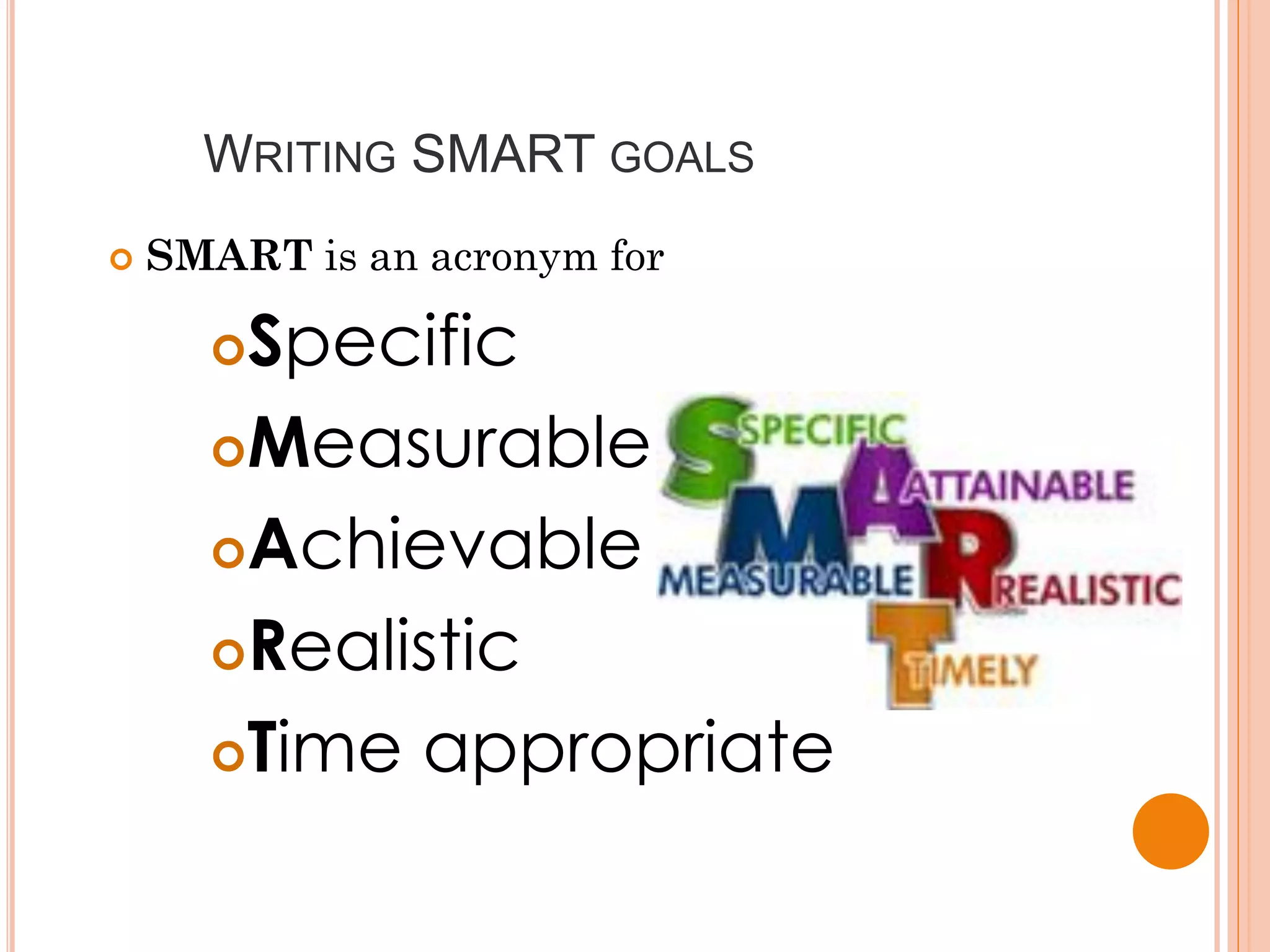
WRITING SMART GOALS
   SMART is an acronym for

      Specific
      Measurable

      Achievable

      Realistic

      Time appropriate
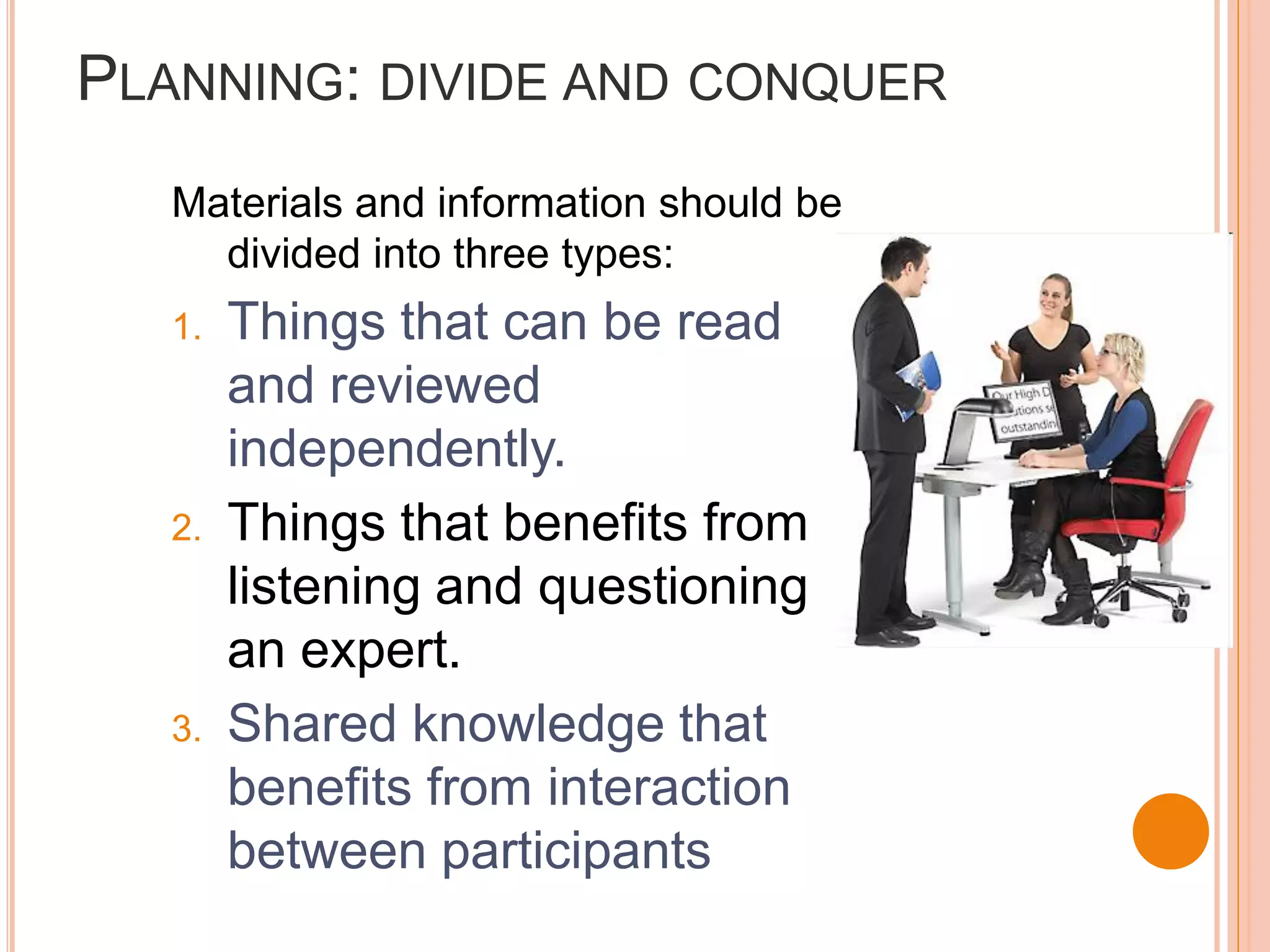
PLANNING: DIVIDE AND CONQUER
   Materials and information should be
     divided into three types:
   1.   Things that can be read
        and reviewed
        independently.
   2.   Things that benefits from
        listening and questioning
        an expert.
   3.   Shared knowledge that
        benefits from interaction
        between participants
PLAN YOUR AGENDA CAREFULLY

Do you have:

     Interesting and relevant content?
     Lively speakers?
     No more than 10 minutes of talking
     before an interactive exercise?
     At least 10 minutes to respond to
     questions at the end?
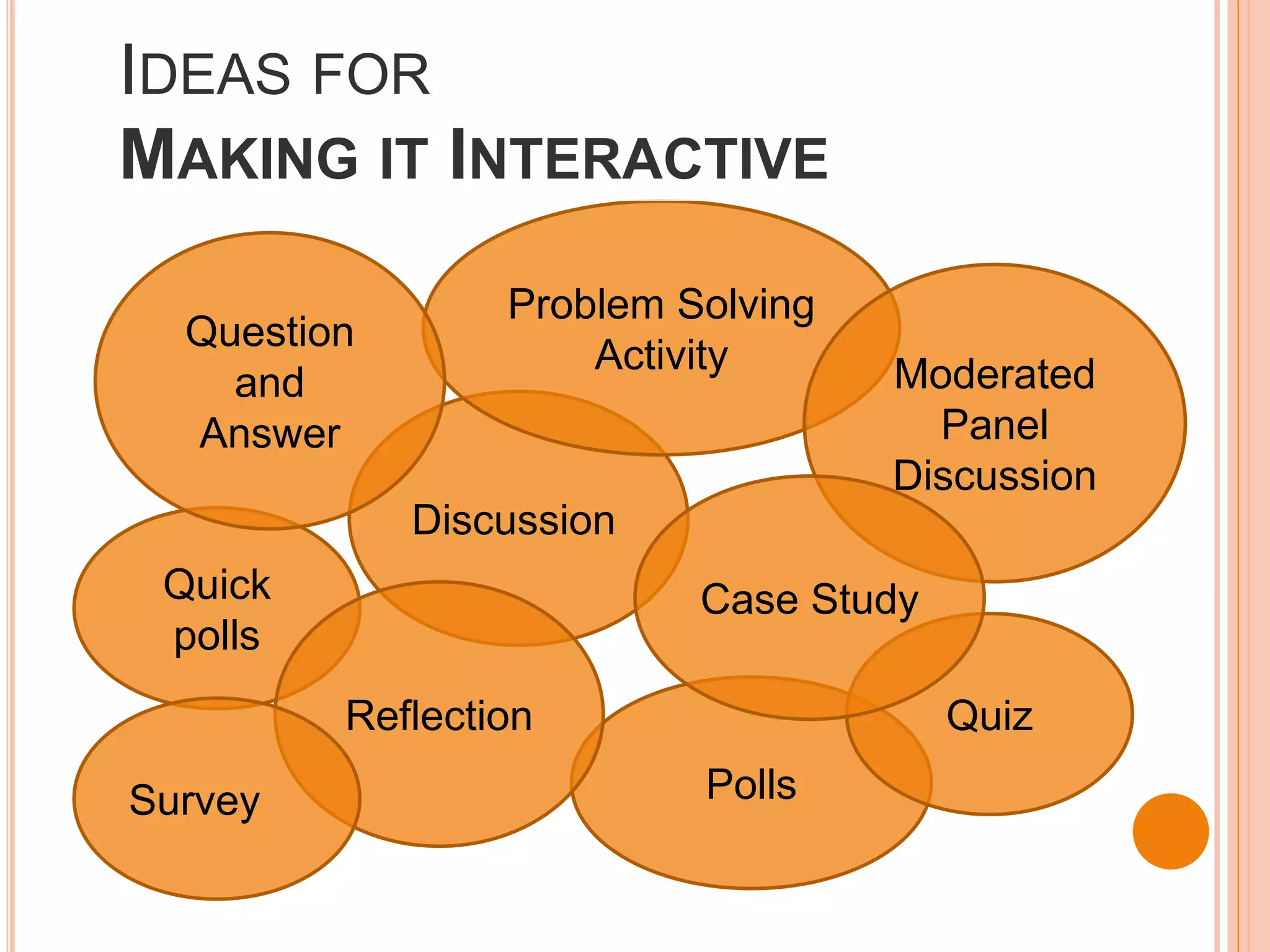
IDEAS FOR
MAKING IT INTERACTIVE
                 Problem Solving
  Question
                     Activity      Moderated
    and
  Answer                             Panel
                                   Discussion
             Discussion
 Quick                    Case Study
 polls
         Reflection                    Quiz

Survey                    Polls
HOW WOULD YOU STRUCTURE IT?
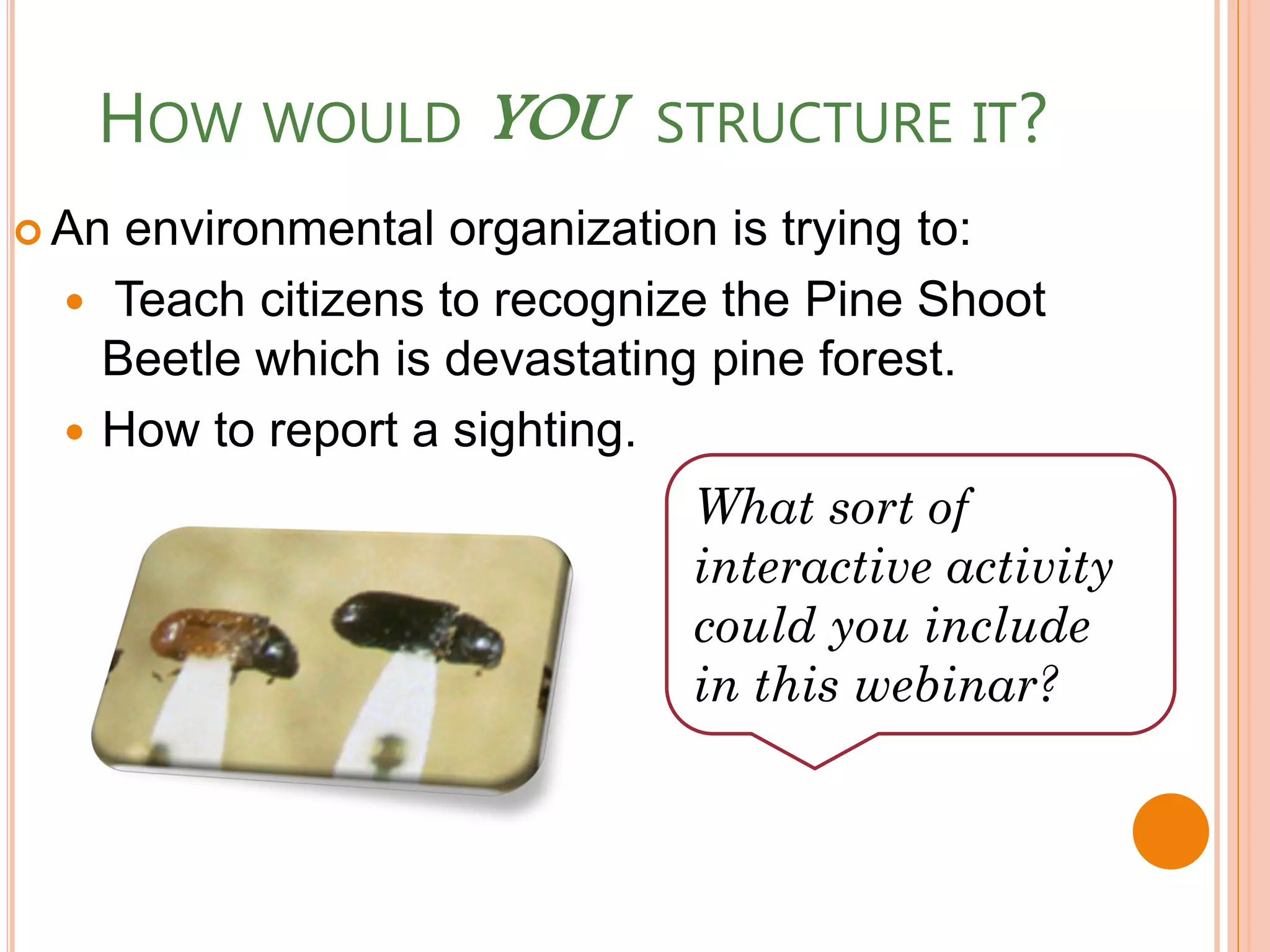
 An environmental organization is trying to:
   Teach citizens to recognize the Pine Shoot
    Beetle which is devastating pine forest.
   How to report a sighting.
                              What sort of
                              interactive activity
                              could you include
                              in this webinar?
HOW WOULD YOU      STRUCTURE IT?
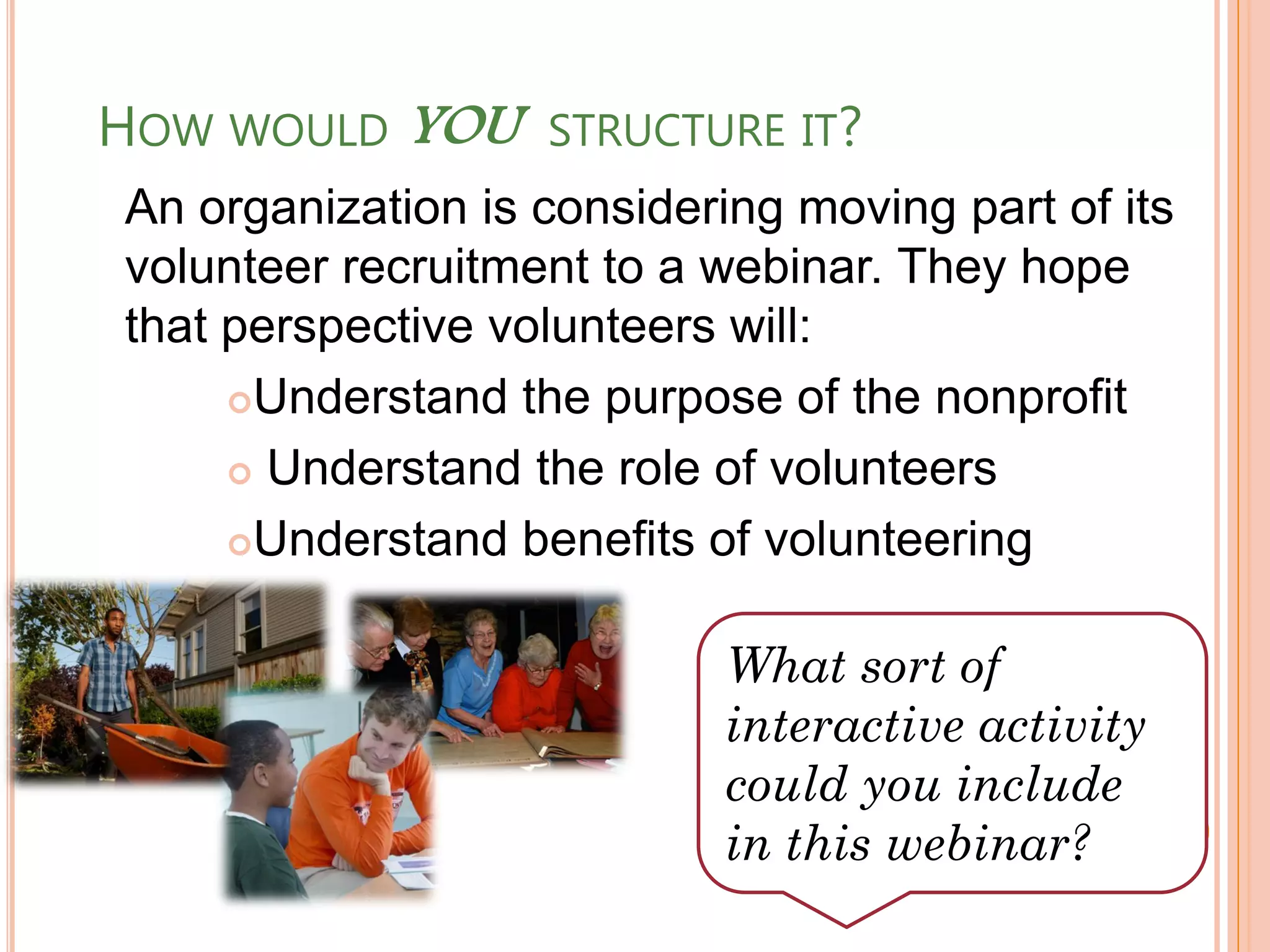
An organization is considering moving part of its
volunteer recruitment to a webinar. They hope
that perspective volunteers will:
     Understand the purpose of the nonprofit

      Understand the role of volunteers

     Understand benefits of volunteering


                            What sort of
                            interactive activity
                            could you include
                            in this webinar?
STEP 2: PREPARE PARTICIPANTS
CONSIDER ASSIGNING PRE-WORK.
•   Pre-reading of materials,
    including slide presentations
•   Watching a video, listening to a
    podcast, responding to an
    article.
•   Self-assessment survey
•   Partnering activities in twos or
    threes
•   Online brainstorming of ideas
    for later discussion
INTRODUCE PARTICIPANTS TO EACH
OTHER

 Small    groups
     Verbal introductions
 Medium/      Large groups
     Consider collecting written introductions (and
      pictures!) from participants to distribute prior to
      the webinar
     Pull together data on the make-up of the group
      and present it via slides and orally
 Use    names whenever possible
   Call on people by names
   Ask participants to use their name to preface
    their remarks
STEP 3: PARTNER UP
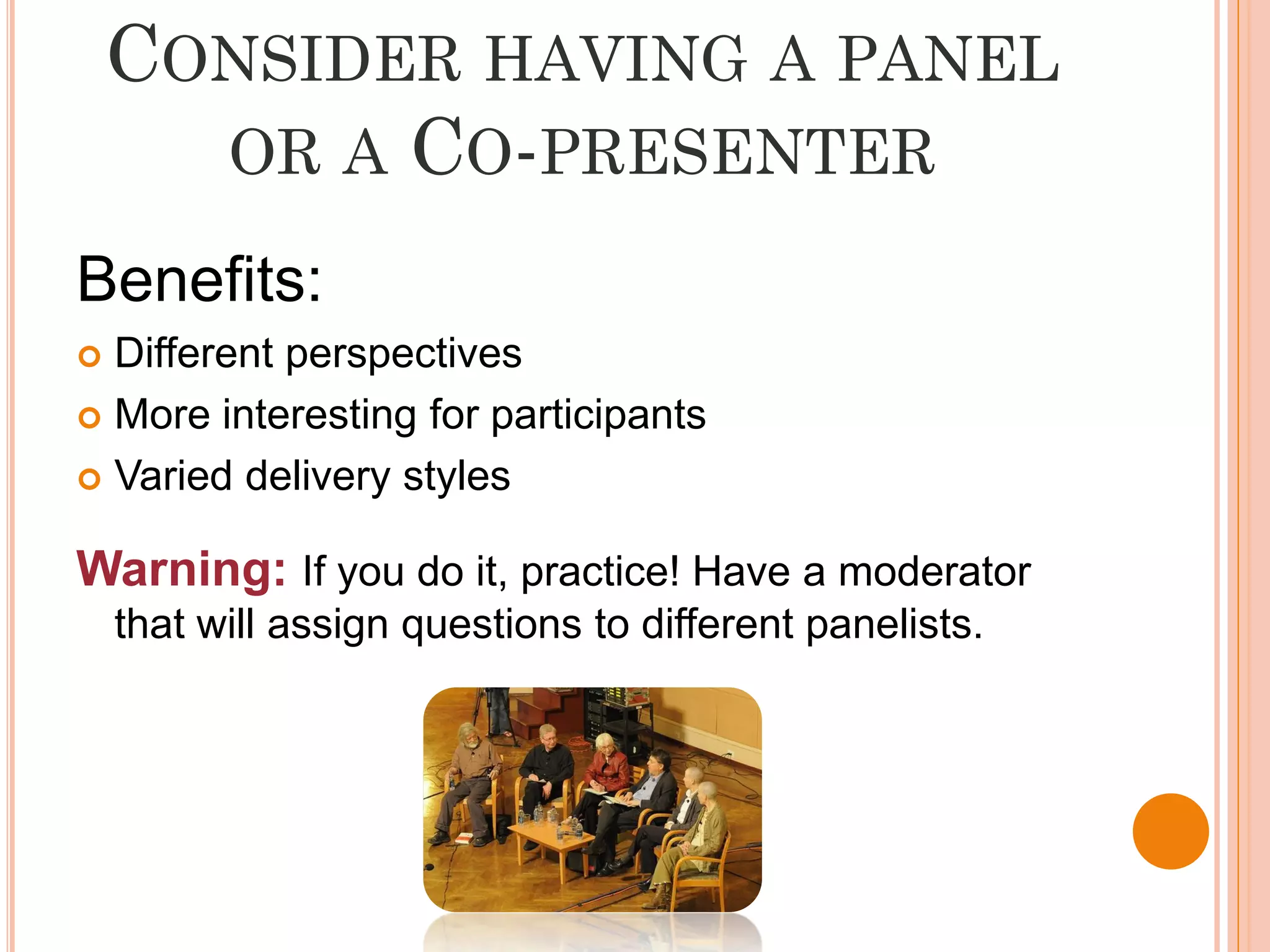
CONSIDER HAVING A PANEL
      OR A CO-PRESENTER

Benefits:
 Different perspectives
 More interesting for participants

 Varied delivery styles


Warning: If you do it, practice! Have a moderator
    that will assign questions to different panelists.
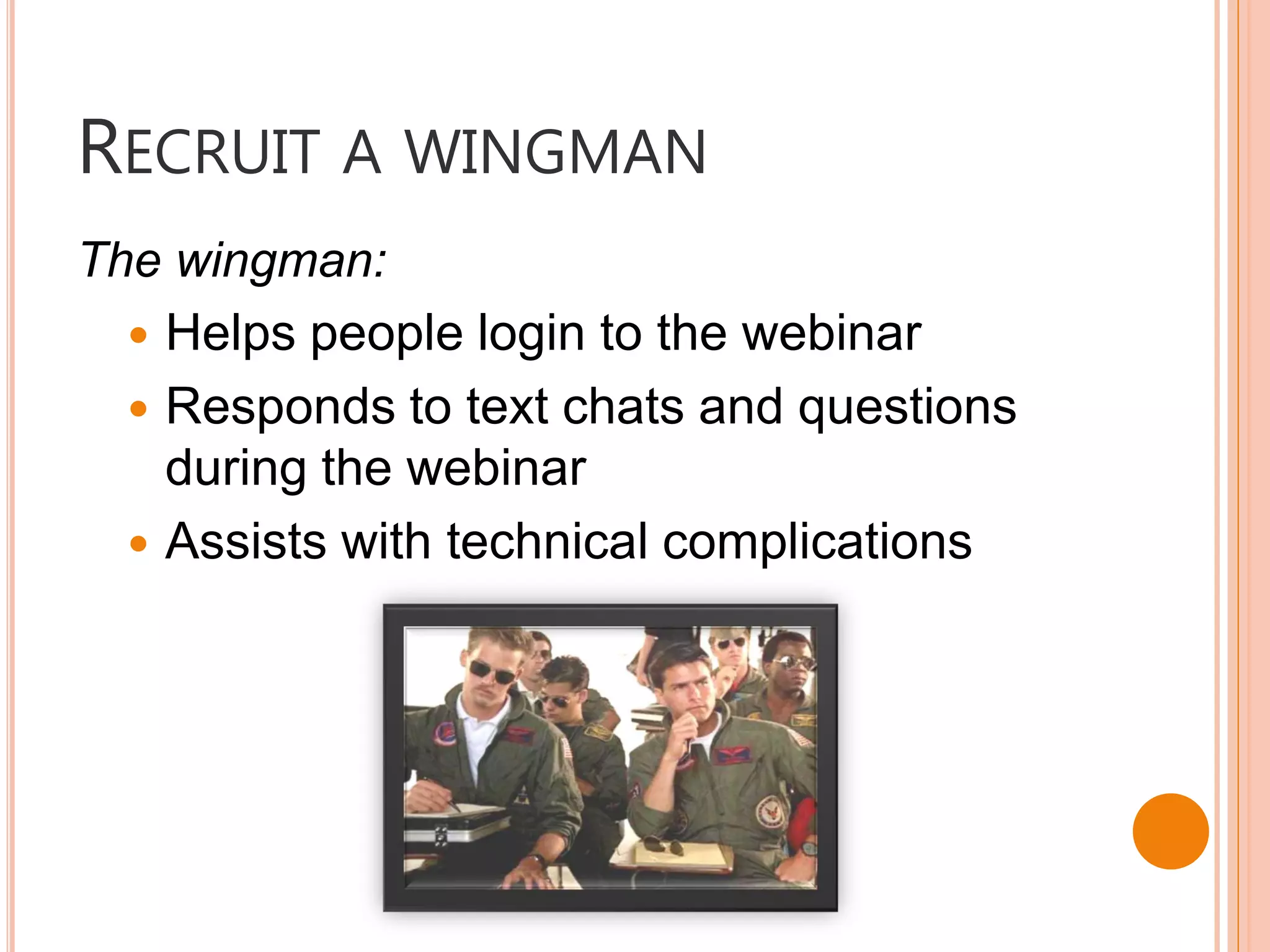
RECRUIT A WINGMAN
The wingman:
   Helps people login to the webinar
   Responds to text chats and questions
    during the webinar
   Assists with technical complications
STEP 4) PRACTICE
PRACTICE
   Run through the webinar at least once before you
    take it live. Practice:

     Launching polls
     Switching presenters
     Answering submitted questions
     Audio and screen controls.

   Be sure to test on both Macs and PCs to make sure
    the system will work for everyone

Crafting Interactive Webinars

  • 1.
    CRAFTING INTERACTIVE WEBINARS Elizabeth Cole, AmeriCorps VISTA
  • 2.
    WELCOME TO TODAY’SWEBINAR  This is a 60 minute session.  Use the chat/question feature to discuss technical issues, ask questions, or comment on the proceedings.  Feel free to “raise your hand” and I will get to you as soon as I can.
  • 3.
    A WEBINAR IS…. Shortfor Web-based Seminar, a webinar is a presentation, lecture, workshop or seminar that is transmitted over the Web A key feature of a Webinar is its interactive elements -- the ability to give, receive and discuss information  Typically 60-90 minutes long
  • 4.
    HOW COULD YOUUSE WEBINARS Expand or Program supplement orientations training opportunities To lead meetings Replace in-person between remote trainings sessions participants Recordings so you To reach out to don’t have to new members or re-teach the most clients popular courses
  • 5.
    PLEASE TYPE YOURRESPONSE INTO THE QUESTION BOX: What do you like about webinars?
  • 6.
    BENEFITS OF WEBINARS • Convenient • Accessible • Affordable • Can transcend geography • Can be targeted to specific audiences. • Presentation can be recorded for later use.
  • 7.
    PLEASE TYPE YOURRESPONSE INTO THE QUESTION BOX: What do you dislike about webinars?
  • 8.
    DISADVANTAGES OF WEBINARS: • Impersonal • Often limited opportunity for interaction • Brainstorming and discussion is particularly minimal • Computer and Internet access required • No body-language cues • Does not accommodate different learning styles • People tend to multi-task • Technology glitches
  • 9.
    WHAT IS YOURBIGGEST FEAR IN LEADING A WEBINAR  Technical difficulties  Inattentiveness  Silence  Getting off-track  Stage fright  None of the above. I am a fearless webinar warrior.  All of the above. Please don’t make me do this.
  • 10.
    4P’S TO PLANNINGAN ENGAGING WEBINAR 1) Plan Ahead 2) Prepare Participants 3) Partner Up 4) Prepare Yourself
  • 11.
  • 12.
    WHAT ARE YOURGOALS?  Raising awareness  Teaching specific skills or learning objectives  Attracting people for more in-depth trainings  Recruiting new clients/members  Orientation to your organization  Facilitating discussion  Other: ____________
  • 13.
    WRITING SMART GOALS  SMART is an acronym for Specific Measurable Achievable Realistic Time appropriate
  • 14.
    PLANNING: DIVIDE ANDCONQUER Materials and information should be divided into three types: 1. Things that can be read and reviewed independently. 2. Things that benefits from listening and questioning an expert. 3. Shared knowledge that benefits from interaction between participants
  • 15.
    PLAN YOUR AGENDACAREFULLY Do you have:  Interesting and relevant content?  Lively speakers?  No more than 10 minutes of talking before an interactive exercise?  At least 10 minutes to respond to questions at the end?
  • 16.
    IDEAS FOR MAKING ITINTERACTIVE Problem Solving Question Activity Moderated and Answer Panel Discussion Discussion Quick Case Study polls Reflection Quiz Survey Polls
  • 17.
    HOW WOULD YOUSTRUCTURE IT?  An environmental organization is trying to:  Teach citizens to recognize the Pine Shoot Beetle which is devastating pine forest.  How to report a sighting. What sort of interactive activity could you include in this webinar?
  • 18.
    HOW WOULD YOU STRUCTURE IT? An organization is considering moving part of its volunteer recruitment to a webinar. They hope that perspective volunteers will: Understand the purpose of the nonprofit  Understand the role of volunteers Understand benefits of volunteering What sort of interactive activity could you include in this webinar?
  • 19.
    STEP 2: PREPAREPARTICIPANTS
  • 20.
    CONSIDER ASSIGNING PRE-WORK. • Pre-reading of materials, including slide presentations • Watching a video, listening to a podcast, responding to an article. • Self-assessment survey • Partnering activities in twos or threes • Online brainstorming of ideas for later discussion
  • 21.
    INTRODUCE PARTICIPANTS TOEACH OTHER  Small groups  Verbal introductions  Medium/ Large groups  Consider collecting written introductions (and pictures!) from participants to distribute prior to the webinar  Pull together data on the make-up of the group and present it via slides and orally  Use names whenever possible  Call on people by names  Ask participants to use their name to preface their remarks
  • 22.
  • 23.
    CONSIDER HAVING APANEL OR A CO-PRESENTER Benefits:  Different perspectives  More interesting for participants  Varied delivery styles Warning: If you do it, practice! Have a moderator that will assign questions to different panelists.
  • 24.
    RECRUIT A WINGMAN Thewingman:  Helps people login to the webinar  Responds to text chats and questions during the webinar  Assists with technical complications
  • 25.
  • 26.
    PRACTICE  Run through the webinar at least once before you take it live. Practice:  Launching polls  Switching presenters  Answering submitted questions  Audio and screen controls.  Be sure to test on both Macs and PCs to make sure the system will work for everyone