Transition to College
 with the MITS Freedom Stick
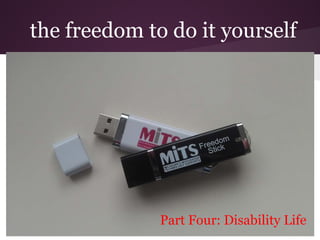
the freedom to do it yourself


              Part Four: Disability Life
Disability Life on Campus
1. Making yourself safe and comfortable
2. Disabled Student Services
3. Working with faculty
4. Technology in Class
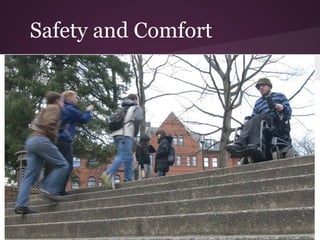
Safety and Comfort
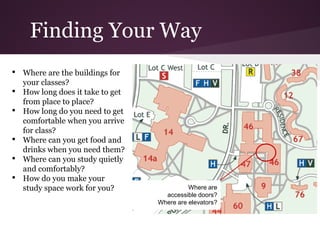
Finding Your Way
•   Where are the buildings for
    your classes?
•   How long does it take to get
    from place to place?
•   How long do you need to get
    comfortable when you arrive
    for class?
•   Where can you get food and
    drinks when you need them?
•   Where can you study quietly
    and comfortably?
•   How do you make your
    study space work for you?                Where are
                                     accessible doors?
                                   Where are elevators?
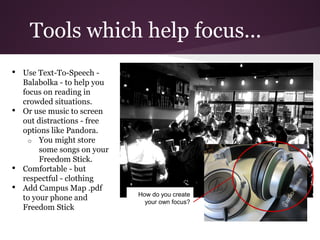
Tools which help focus...
•   Use Text-To-Speech -
    Balabolka - to help you
    focus on reading in
    crowded situations.
•   Or use music to screen
    out distractions - free
    options like Pandora.
      o You might store
         some songs on your
         Freedom Stick.
•   Comfortable - but
    respectful - clothing
•   Add Campus Map .pdf
                              How do you create
    to your phone and           your own focus?
    Freedom Stick
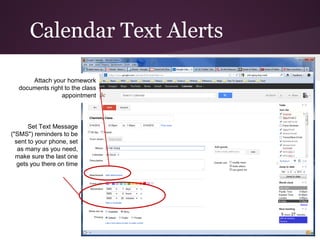
Calendar Text Alerts

      Attach your homework
  documents right to the class
                appointment


       Set Text Message
("SMS") reminders to be
  sent to your phone, set
   as many as you need,
  make sure the last one
   gets you there on time
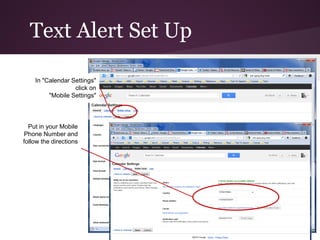
Text Alert Set Up

    In "Calendar Settings"
                  click on
         "Mobile Settings"


  Put in your Mobile
Phone Number and
follow the directions
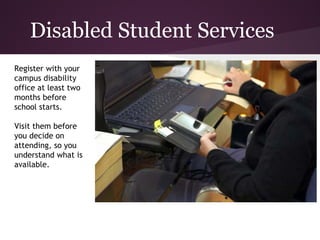
Disabled Student Services
Register with your
campus disability
office at least two
months before
school starts.

Visit them before
you decide on
attending, so you
understand what is
available.
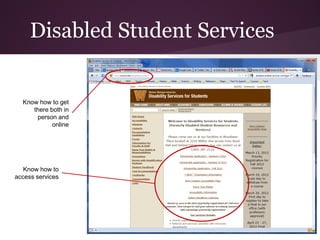
Disabled Student Services


  Know how to get
     there both in
      person and
            online


   Know how to
access services
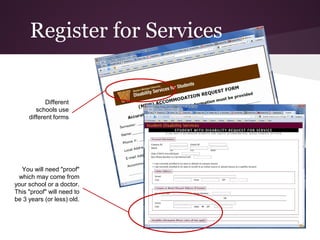
Register for Services


            Different
        schools use
     different forms


  You will need "proof"
 which may come from
your school or a doctor.
This "proof" will need to
be 3 years (or less) old.
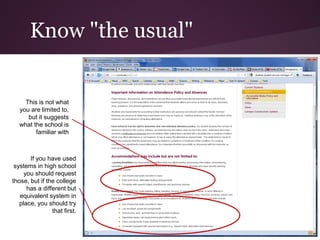
Know "the usual"


     This is not what
   you are limited to,
      but it suggests
   what the school is
         familiar with


       If you have used
 systems in high school
     you should request
those, but if the college
      has a different but
   equivalent system in
   place, you should try
                that first.
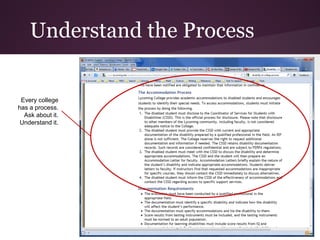
Understand the Process


 Every college
has a process.
  Ask about it.
 Understand it.
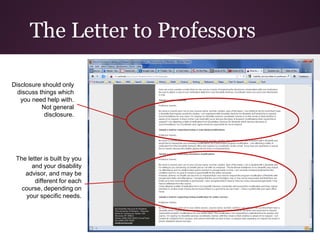
The Letter to Professors

Disclosure should only
  discuss things which
   you need help with.
           Not general
            disclosure.


 The letter is built by you
       and your disability
    advisor, and may be
        different for each
   course, depending on
    your specific needs.
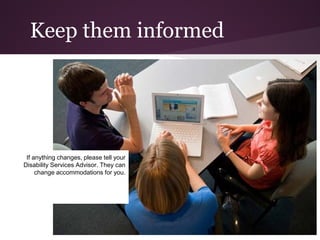
Keep them informed


 If anything changes, please tell your
Disability Services Advisor. They can
     change accommodations for you.
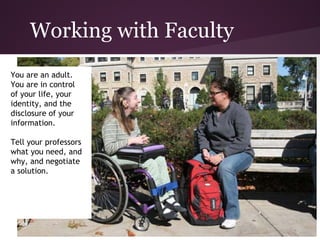
Working with Faculty
You are an adult.
You are in control
of your life, your
identity, and the
disclosure of your
information.

Tell your professors
what you need, and
why, and negotiate
a solution.
Talking to Professors

1. Set up an appointment with your professor during their office hours or
   another agreed-upon time.
2. DO NOT openly discuss your disability with your professor in front of others.
   This is a private conversation.
3. Write out questions or issues that you want to discuss with your professor.
   While you will need to discuss your accommodation needs, you are not
   required to discuss your disability or explain why you need the
   accommodations.
4. If you are unclear about anything, make sure to ask more questions. You
   should leave the meeting with a clear understanding of how your
   accommodations will be implemented.
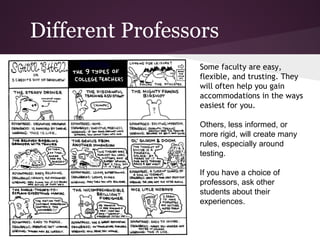
Different Professors
                 Some faculty are easy,
                 flexible, and trusting. They
                 will often help you gain
                 accommodations in the ways
                 easiest for you.

                 Others, less informed, or
                 more rigid, will create many
                 rules, especially around
                 testing.

                 If you have a choice of
                 professors, ask other
                 students about their
                 experiences.
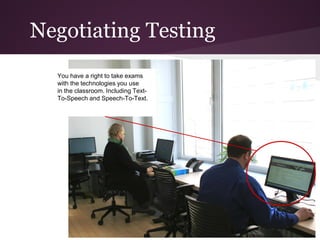
Negotiating Testing
  You have a right to take exams
  with the technologies you use
  in the classroom. Including Text-
  To-Speech and Speech-To-Text.
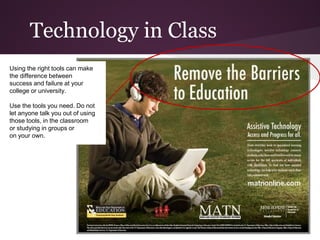
Technology in Class
Using the right tools can make
the difference between
success and failure at your
college or university.

Use the tools you need. Do not
let anyone talk you out of using
those tools, in the classroom
or studying in groups or
on your own.
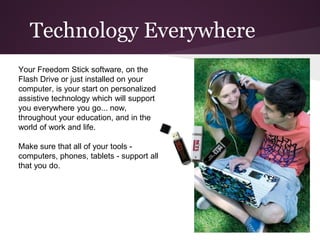
Technology Everywhere
Your Freedom Stick software, on the
Flash Drive or just installed on your
computer, is your start on personalized
assistive technology which will support
you everywhere you go... now,
throughout your education, and in the
world of work and life.

Make sure that all of your tools -
computers, phones, tablets - support all
that you do.
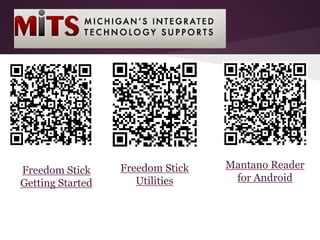
Freedom Stick   Mantano Reader
Freedom Stick
                     Utilities     for Android
Getting Started

Transition to Post-Secondary- Disability Life

  • 1.
    Transition to College with the MITS Freedom Stick
  • 2.
    the freedom todo it yourself Part Four: Disability Life
  • 3.
    Disability Life onCampus 1. Making yourself safe and comfortable 2. Disabled Student Services 3. Working with faculty 4. Technology in Class
  • 4.
  • 5.
    Finding Your Way • Where are the buildings for your classes? • How long does it take to get from place to place? • How long do you need to get comfortable when you arrive for class? • Where can you get food and drinks when you need them? • Where can you study quietly and comfortably? • How do you make your study space work for you? Where are accessible doors? Where are elevators?
  • 6.
    Tools which helpfocus... • Use Text-To-Speech - Balabolka - to help you focus on reading in crowded situations. • Or use music to screen out distractions - free options like Pandora. o You might store some songs on your Freedom Stick. • Comfortable - but respectful - clothing • Add Campus Map .pdf How do you create to your phone and your own focus? Freedom Stick
  • 7.
    Calendar Text Alerts Attach your homework documents right to the class appointment Set Text Message ("SMS") reminders to be sent to your phone, set as many as you need, make sure the last one gets you there on time
  • 8.
    Text Alert SetUp In "Calendar Settings" click on "Mobile Settings" Put in your Mobile Phone Number and follow the directions
  • 9.
    Disabled Student Services Registerwith your campus disability office at least two months before school starts. Visit them before you decide on attending, so you understand what is available.
  • 10.
    Disabled Student Services Know how to get there both in person and online Know how to access services
  • 11.
    Register for Services Different schools use different forms You will need "proof" which may come from your school or a doctor. This "proof" will need to be 3 years (or less) old.
  • 12.
    Know "the usual" This is not what you are limited to, but it suggests what the school is familiar with If you have used systems in high school you should request those, but if the college has a different but equivalent system in place, you should try that first.
  • 13.
    Understand the Process Every college has a process. Ask about it. Understand it.
  • 14.
    The Letter toProfessors Disclosure should only discuss things which you need help with. Not general disclosure. The letter is built by you and your disability advisor, and may be different for each course, depending on your specific needs.
  • 15.
    Keep them informed If anything changes, please tell your Disability Services Advisor. They can change accommodations for you.
  • 16.
    Working with Faculty Youare an adult. You are in control of your life, your identity, and the disclosure of your information. Tell your professors what you need, and why, and negotiate a solution.
  • 17.
    Talking to Professors 1.Set up an appointment with your professor during their office hours or another agreed-upon time. 2. DO NOT openly discuss your disability with your professor in front of others. This is a private conversation. 3. Write out questions or issues that you want to discuss with your professor. While you will need to discuss your accommodation needs, you are not required to discuss your disability or explain why you need the accommodations. 4. If you are unclear about anything, make sure to ask more questions. You should leave the meeting with a clear understanding of how your accommodations will be implemented.
  • 18.
    Different Professors Some faculty are easy, flexible, and trusting. They will often help you gain accommodations in the ways easiest for you. Others, less informed, or more rigid, will create many rules, especially around testing. If you have a choice of professors, ask other students about their experiences.
  • 19.
    Negotiating Testing You have a right to take exams with the technologies you use in the classroom. Including Text- To-Speech and Speech-To-Text.
  • 20.
    Technology in Class Usingthe right tools can make the difference between success and failure at your college or university. Use the tools you need. Do not let anyone talk you out of using those tools, in the classroom or studying in groups or on your own.
  • 21.
    Technology Everywhere Your FreedomStick software, on the Flash Drive or just installed on your computer, is your start on personalized assistive technology which will support you everywhere you go... now, throughout your education, and in the world of work and life. Make sure that all of your tools - computers, phones, tablets - support all that you do.
  • 22.
    Freedom Stick Mantano Reader Freedom Stick Utilities for Android Getting Started