
How to Run Webinars
Training Presentation
Presenter:
Dushyant Verma
Marketing Manager
The Digital Group Inc.
Introduction
Meetings have been around for almost all of recorded human history. The
only things that have changed over the years are more options on how to
meet and, of course, what we talk about.
Webinars are meetings at their most basic, but it is how they let you meet
that makes them special. Webinars shine when the meeting participants
are not in the same country, state, city, or even in the same room.
They allow you to convey information almost as good – and in some cases
better – than a face-to-face meeting.
2
Benefits
Webinars help businesses reach customers, prospects and employees more
effectively than in-person events because there is no need to plan travel or reserve
conference space. Its cost effective
3
 Share videos
 Share webpages
 Share presentations
 Share desktop/software
 Share text/voice conversation
All to generate leads and sales quickly and
easily
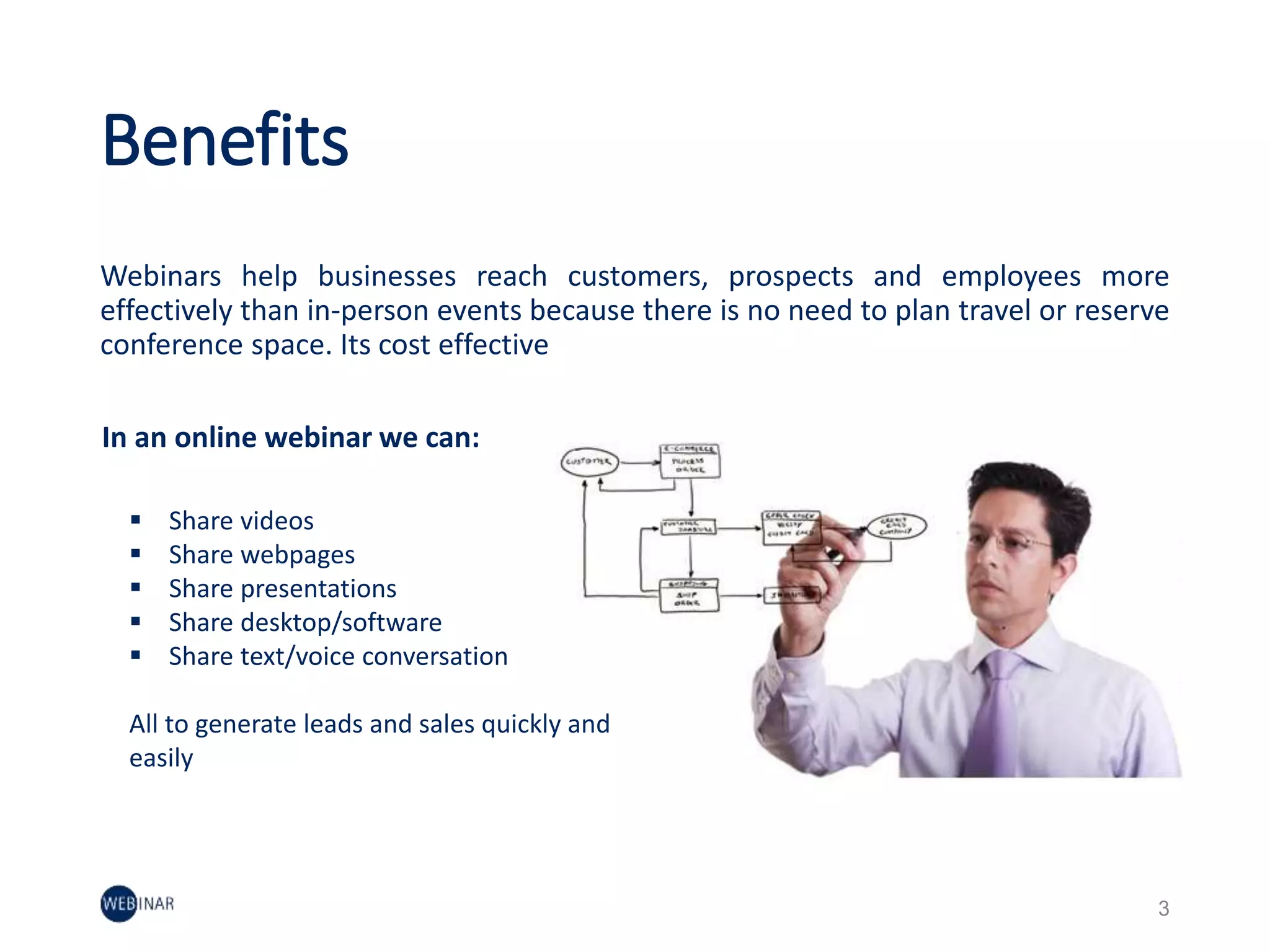
In an online webinar we can:
Here’s What We’ll Cover
4
 Webinar Team Structure
 Webinar Planning
 Webinar Timeline
 Speaker Tips
 Presentation Best Practices
 Benchmark Data
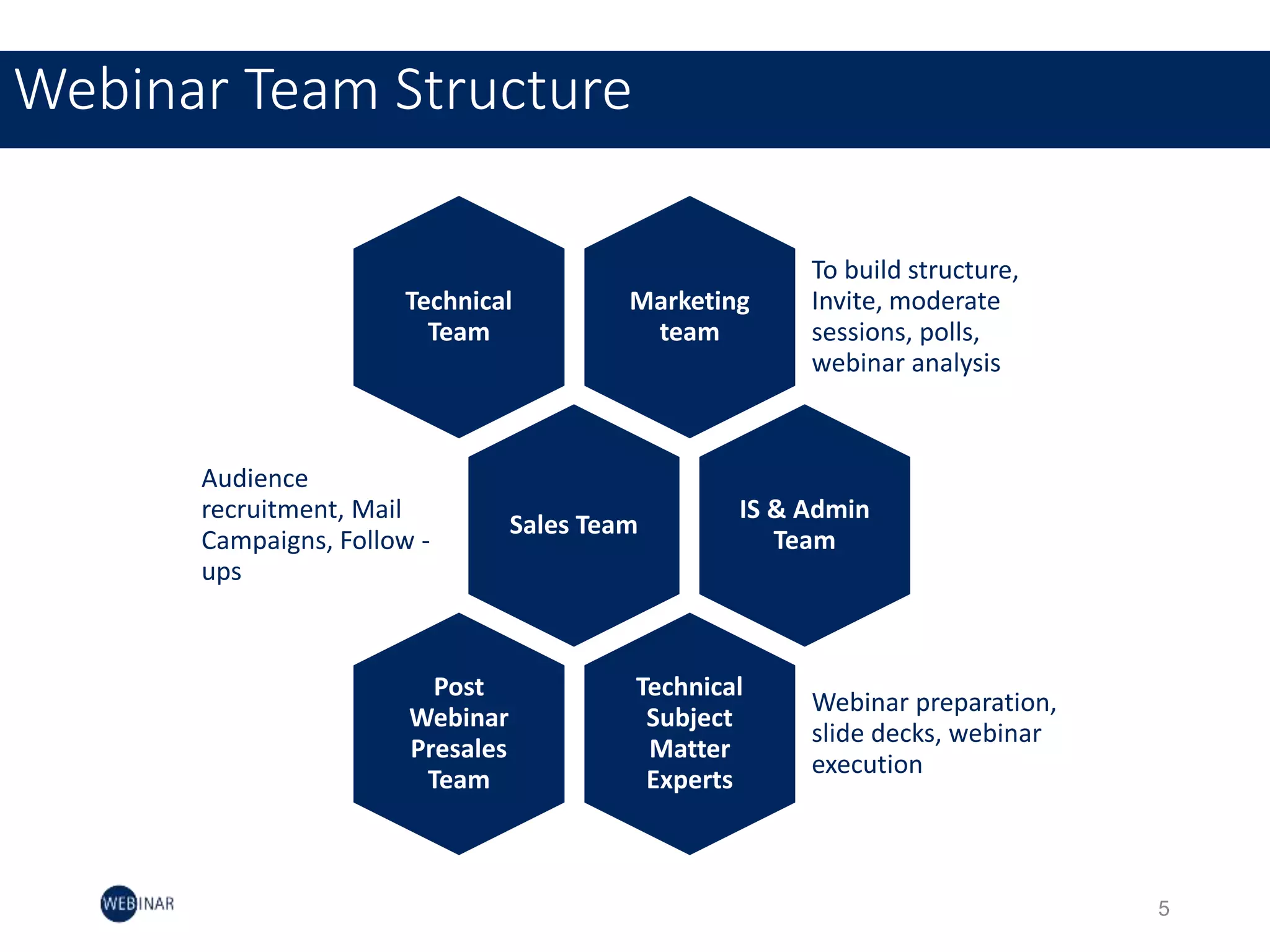
Webinar Team Structure
5
Marketing
team
To build structure,
Invite, moderate
sessions, polls,
webinar analysis
Technical
Team
Sales Team
Audience
recruitment, Mail
Campaigns, Follow -
ups
IS & Admin
Team
Technical
Subject
Matter
Experts
Webinar preparation,
slide decks, webinar
execution
Post
Webinar
Presales
Team
Webinar Planning
How to plan a webinar
6
Setting the Stage
Develop objectives:
Build a shared understanding of the opportunities that we can provide to help prospect and
customers.
Kickoff meeting:
The kick-off meeting will builds trust among the group, gets them motivated, and ensures they take
ownership of their roles and responsibilities.
Schedule Webinar:
Once we have fixed the date, time, speaker, title, and content description established, we can now
schedule webinar in GoToWebinar or any similar tool.
7
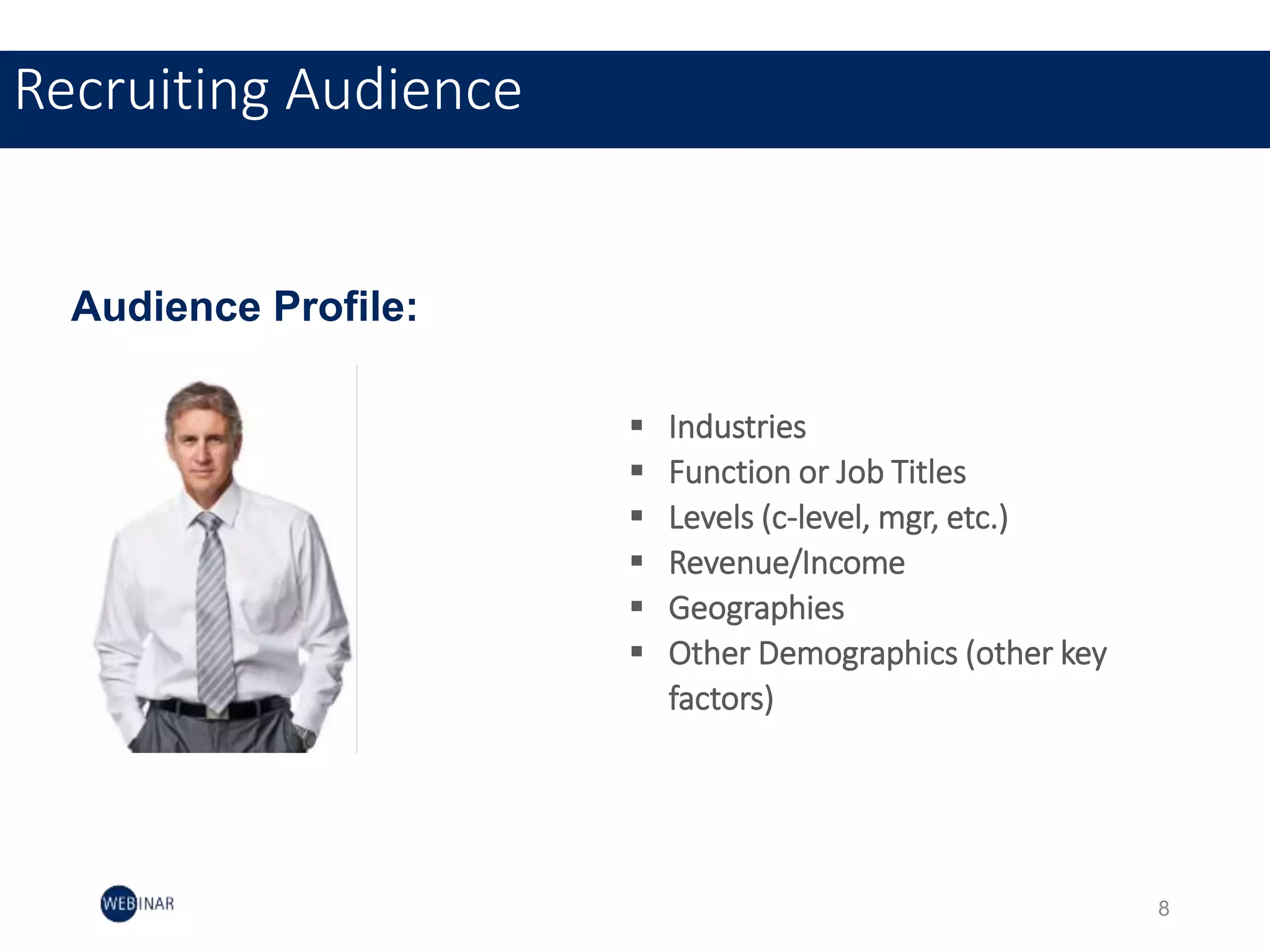
Recruiting Audience
 Industries
 Function or Job Titles
 Levels (c-level, mgr, etc.)
 Revenue/Income
 Geographies
 Other Demographics (other key
factors)
Audience Profile:
8
Set Webinar Objectives
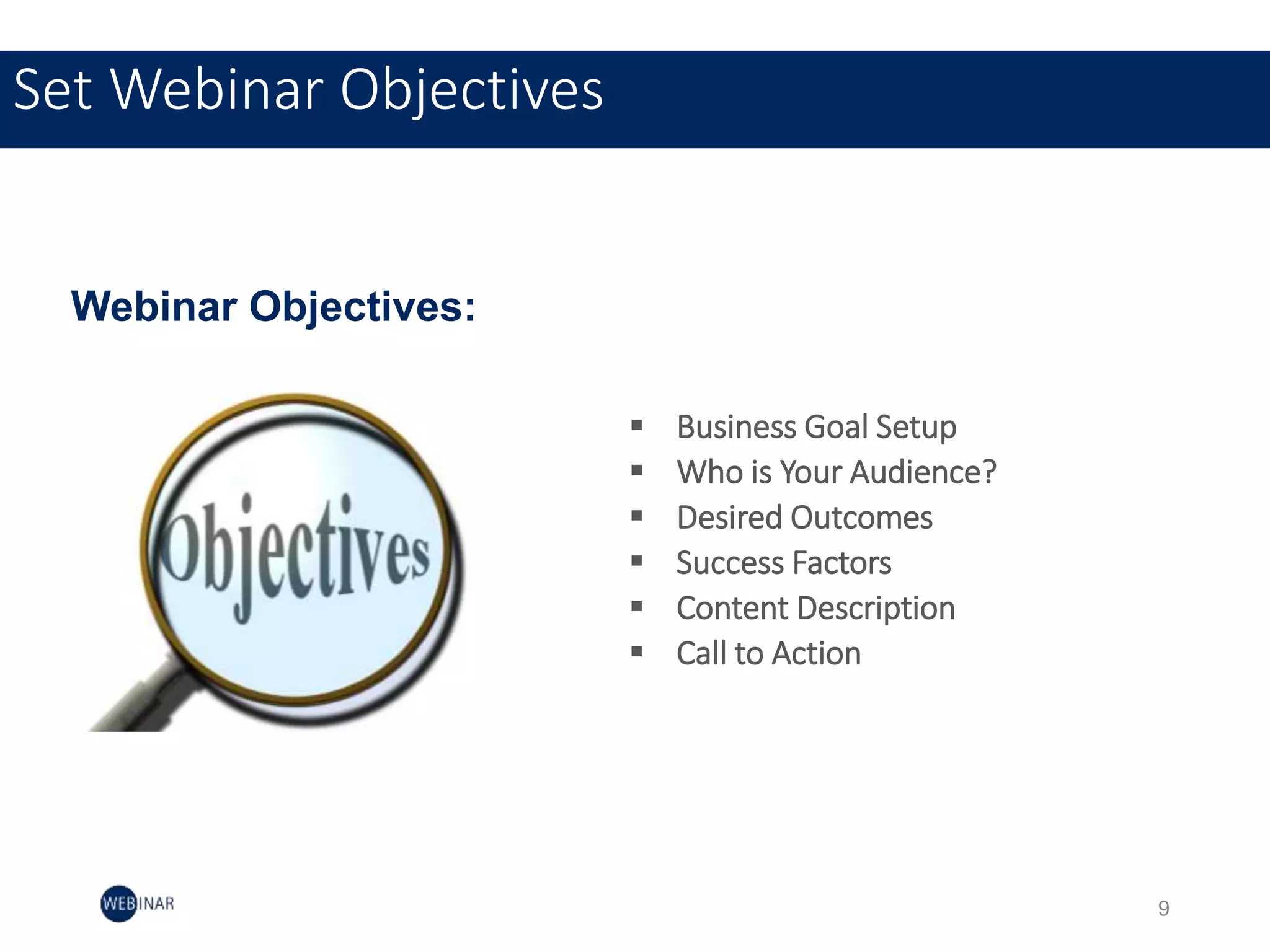
 Business Goal Setup
 Who is Your Audience?
 Desired Outcomes
 Success Factors
 Content Description
 Call to Action
Webinar Objectives:
9
9
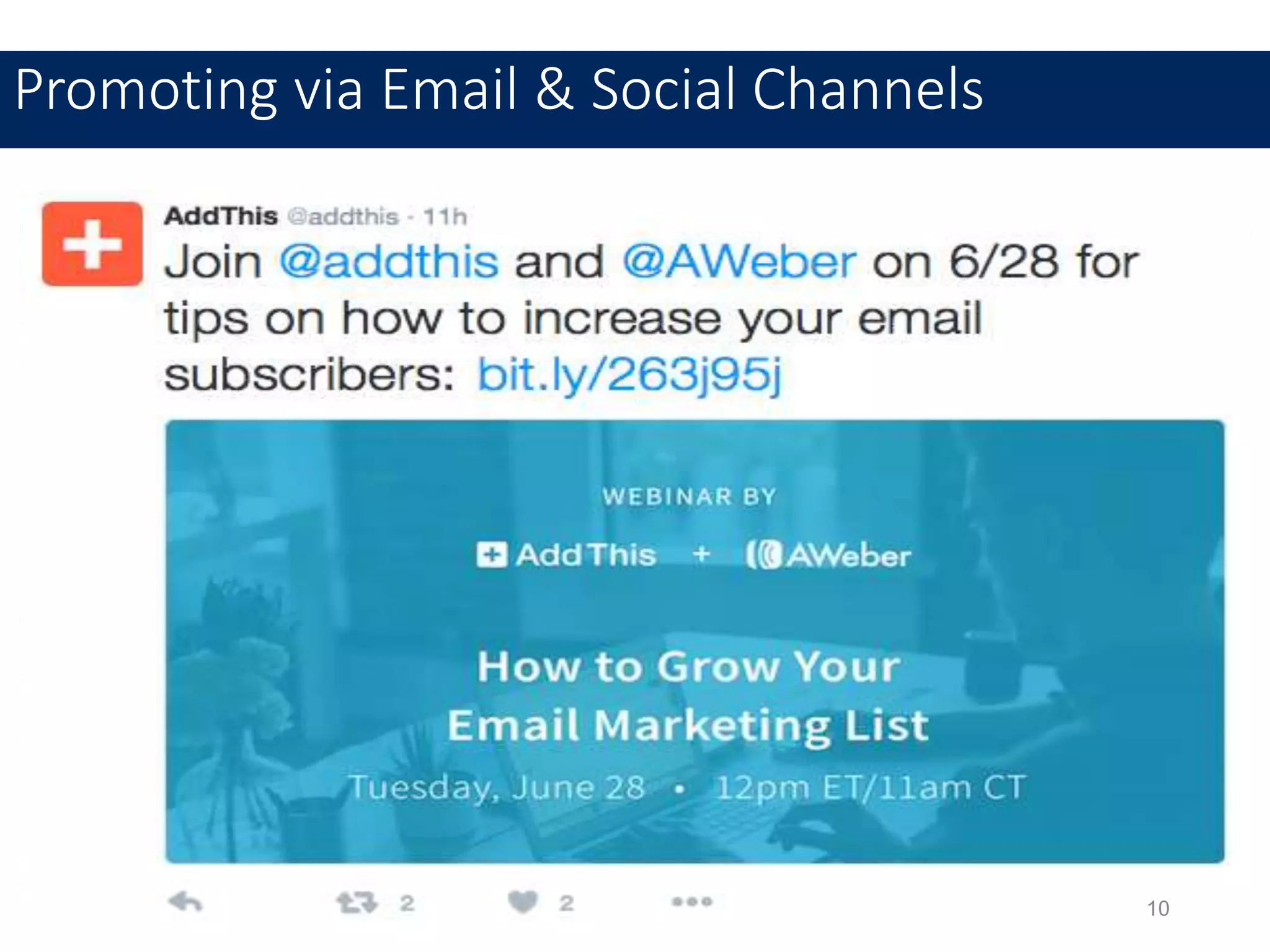
Promoting via Email & Social Channels
10
11
Content Development
11
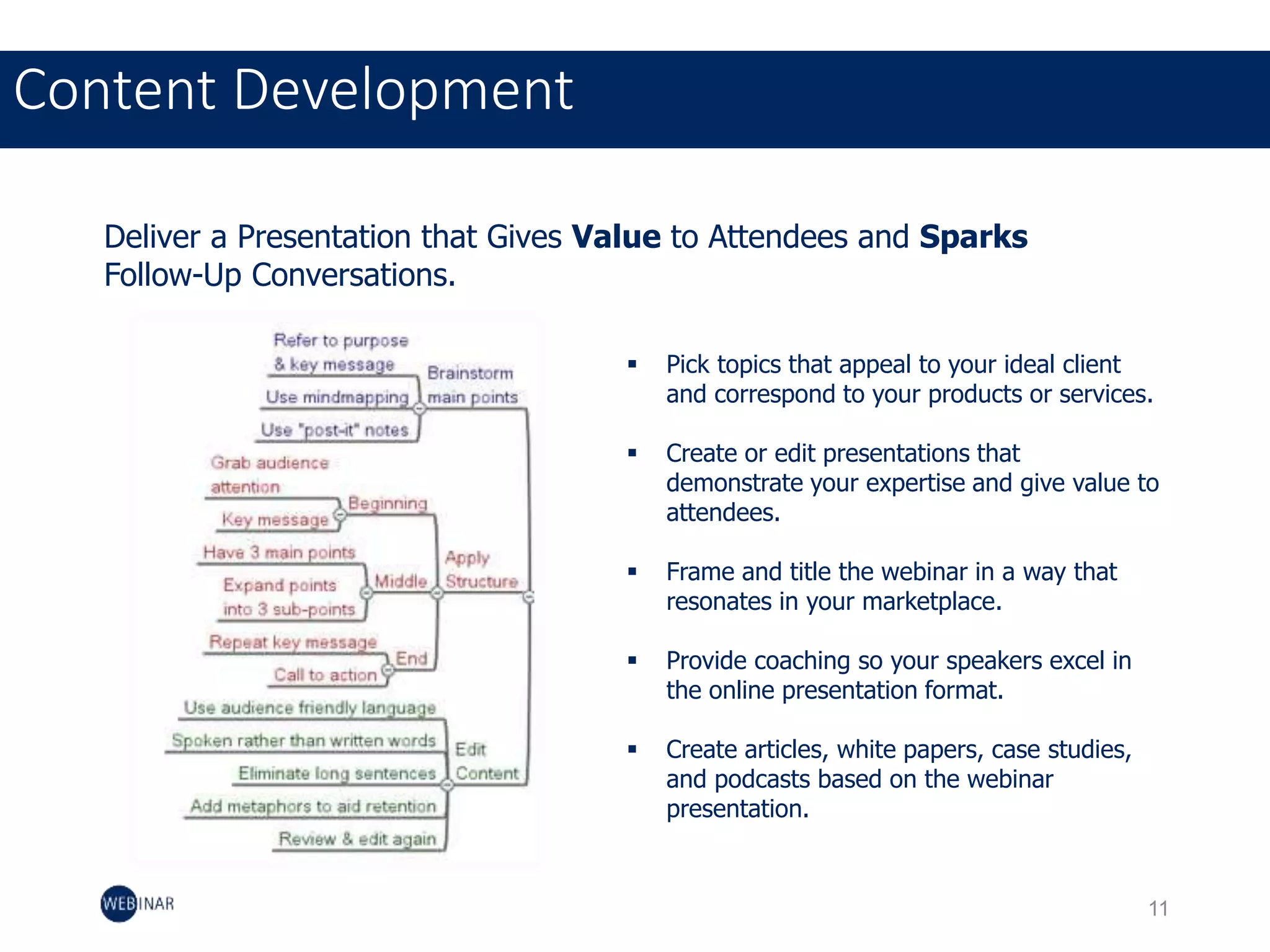
Deliver a Presentation that Gives Value to Attendees and Sparks
Follow-Up Conversations.
 Pick topics that appeal to your ideal client
and correspond to your products or services.
 Create or edit presentations that
demonstrate your expertise and give value to
attendees.
 Frame and title the webinar in a way that
resonates in your marketplace.
 Provide coaching so your speakers excel in
the online presentation format.
 Create articles, white papers, case studies,
and podcasts based on the webinar
presentation.
11
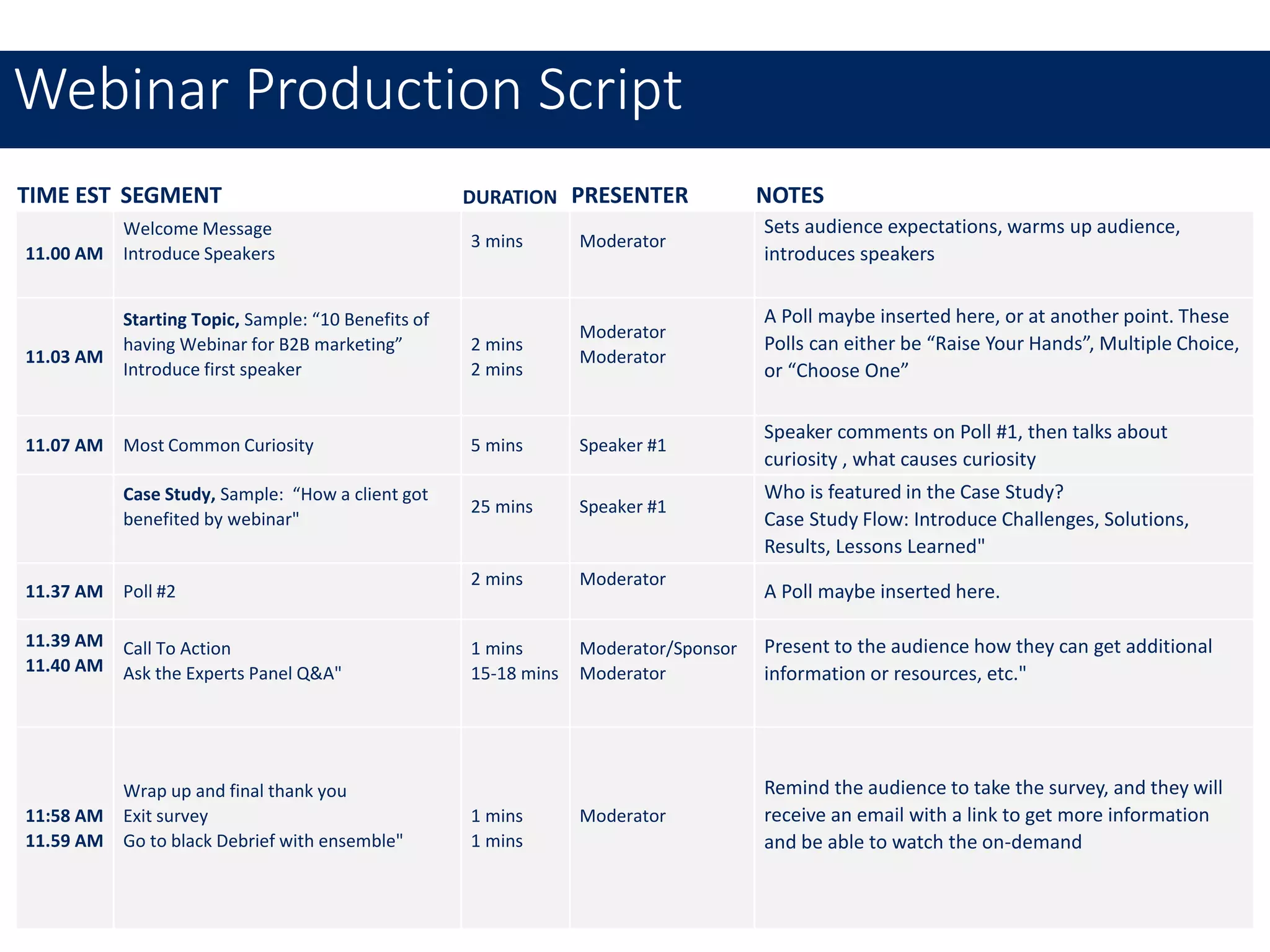
TIME EST SEGMENT DURATION PRESENTER NOTES
11.00 AM
Welcome Message
Introduce Speakers
3 mins Moderator
Sets audience expectations, warms up audience,
introduces speakers
11.03 AM
Starting Topic, Sample: “10 Benefits of
having Webinar for B2B marketing”
Introduce first speaker
2 mins
2 mins
Moderator
Moderator
A Poll maybe inserted here, or at another point. These
Polls can either be “Raise Your Hands”, Multiple Choice,
or “Choose One”
11.07 AM Most Common Curiosity 5 mins Speaker #1
Speaker comments on Poll #1, then talks about
curiosity , what causes curiosity
Case Study, Sample: “How a client got
benefited by webinar"
25 mins Speaker #1
Who is featured in the Case Study?
Case Study Flow: Introduce Challenges, Solutions,
Results, Lessons Learned"
11.37 AM Poll #2
2 mins Moderator
A Poll maybe inserted here.
11.39 AM
11.40 AM
Call To Action
Ask the Experts Panel Q&A"
1 mins
15-18 mins
Moderator/Sponsor
Moderator
Present to the audience how they can get additional
information or resources, etc."
11:58 AM
11.59 AM
Wrap up and final thank you
Exit survey
Go to black Debrief with ensemble"
1 mins
1 mins
Moderator
Remind the audience to take the survey, and they will
receive an email with a link to get more information
and be able to watch the on-demand
Webinar Production Script
11
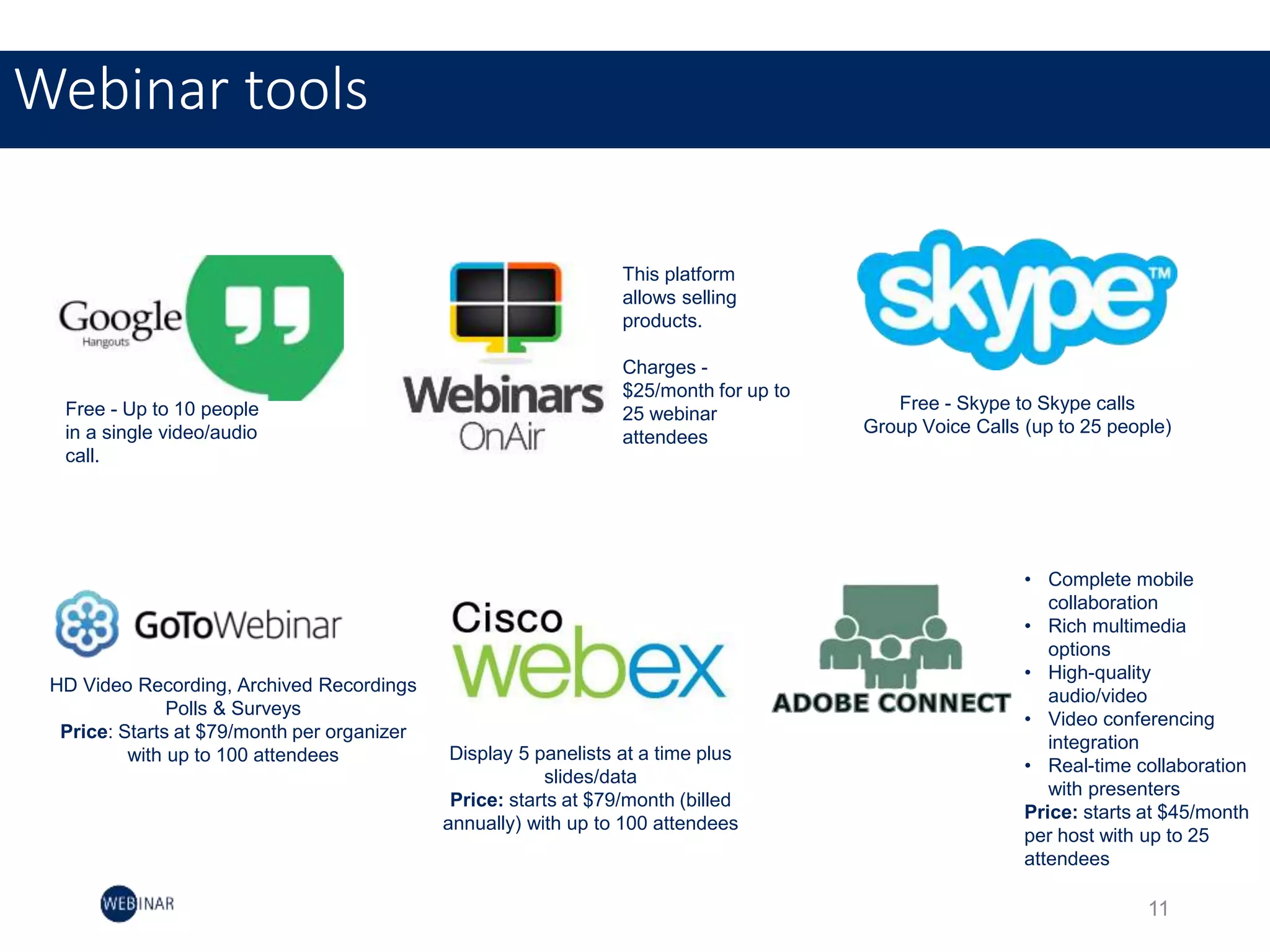
Webinar tools
Free - Up to 10 people
in a single video/audio
call.
This platform
allows selling
products.
Charges -
$25/month for up to
25 webinar
attendees
Free - Skype to Skype calls
Group Voice Calls (up to 25 people)
HD Video Recording, Archived Recordings
Polls & Surveys
Price: Starts at $79/month per organizer
with up to 100 attendees Display 5 panelists at a time plus
slides/data
Price: starts at $79/month (billed
annually) with up to 100 attendees
• Complete mobile
collaboration
• Rich multimedia
options
• High-quality
audio/video
• Video conferencing
integration
• Real-time collaboration
with presenters
Price: starts at $45/month
per host with up to 25
attendees
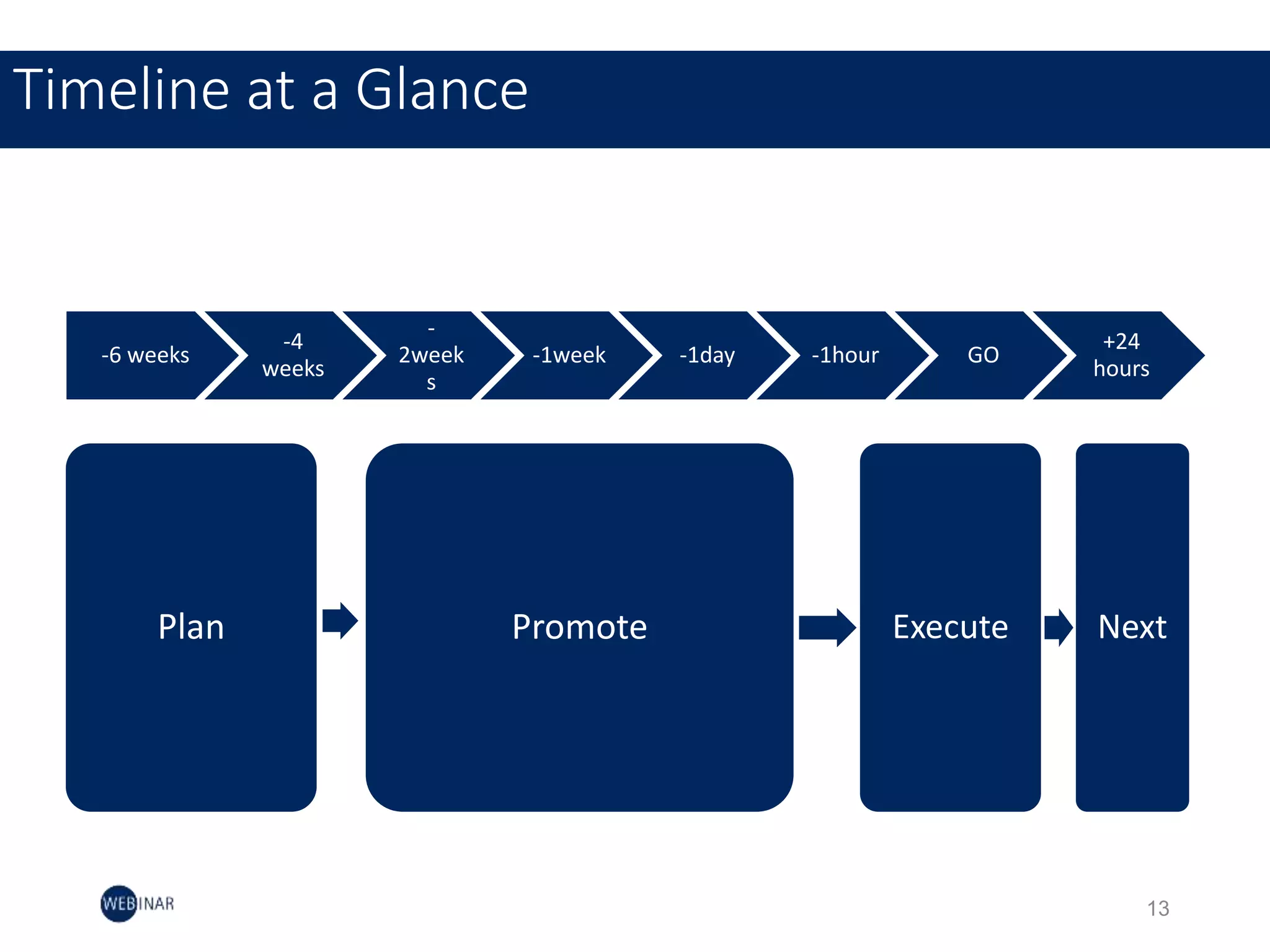
-6 weeks
-4
weeks
-
2week
s
-1week -1day -1hour GO
+24
hours
Plan Promote Execute Next
Timeline at a Glance
13
15
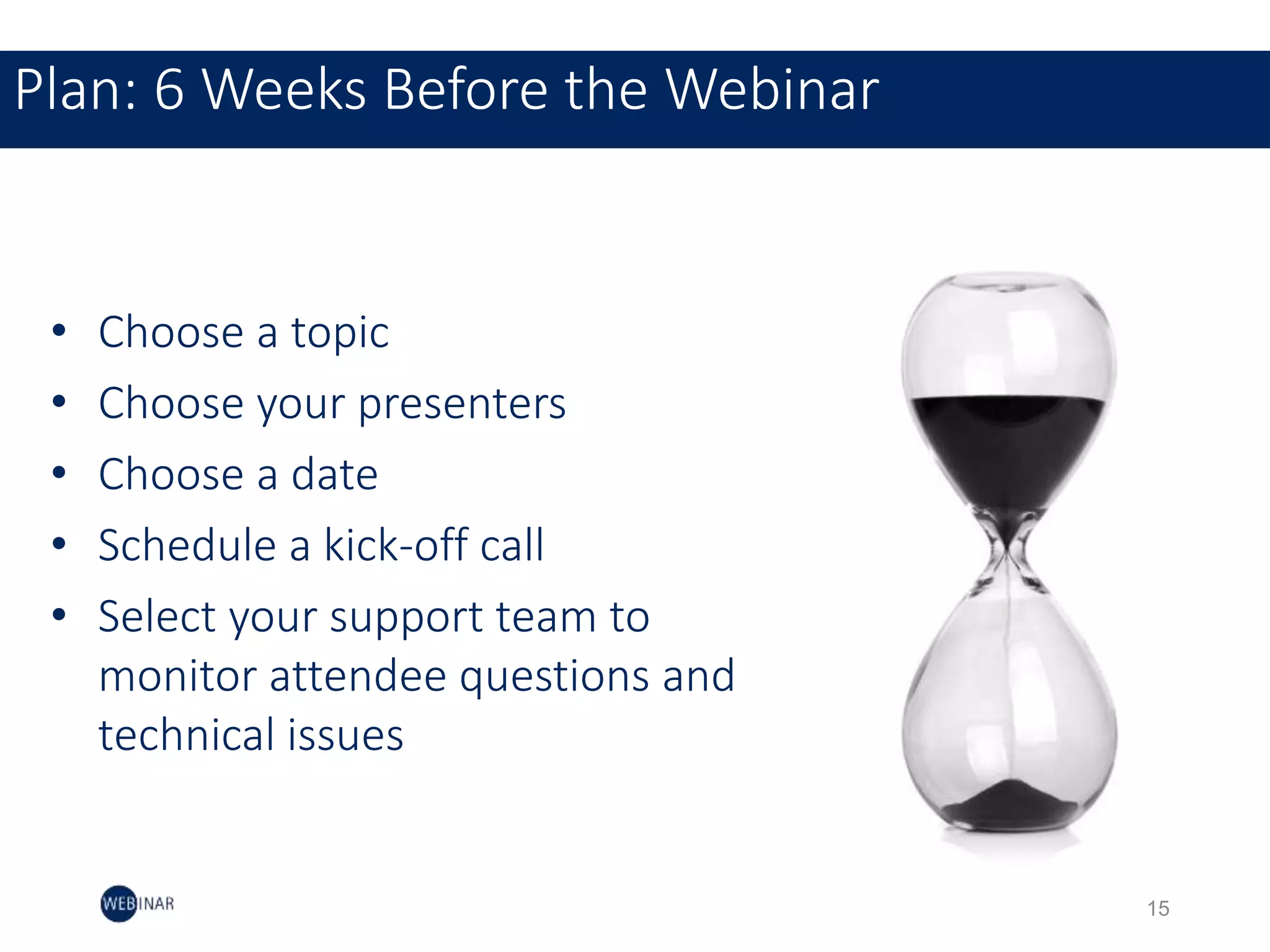
Plan: 6 Weeks Before the Webinar
• Choose a topic
• Choose your presenters
• Choose a date
• Schedule a kick-off call
• Select your support team to
monitor attendee questions and
technical issues
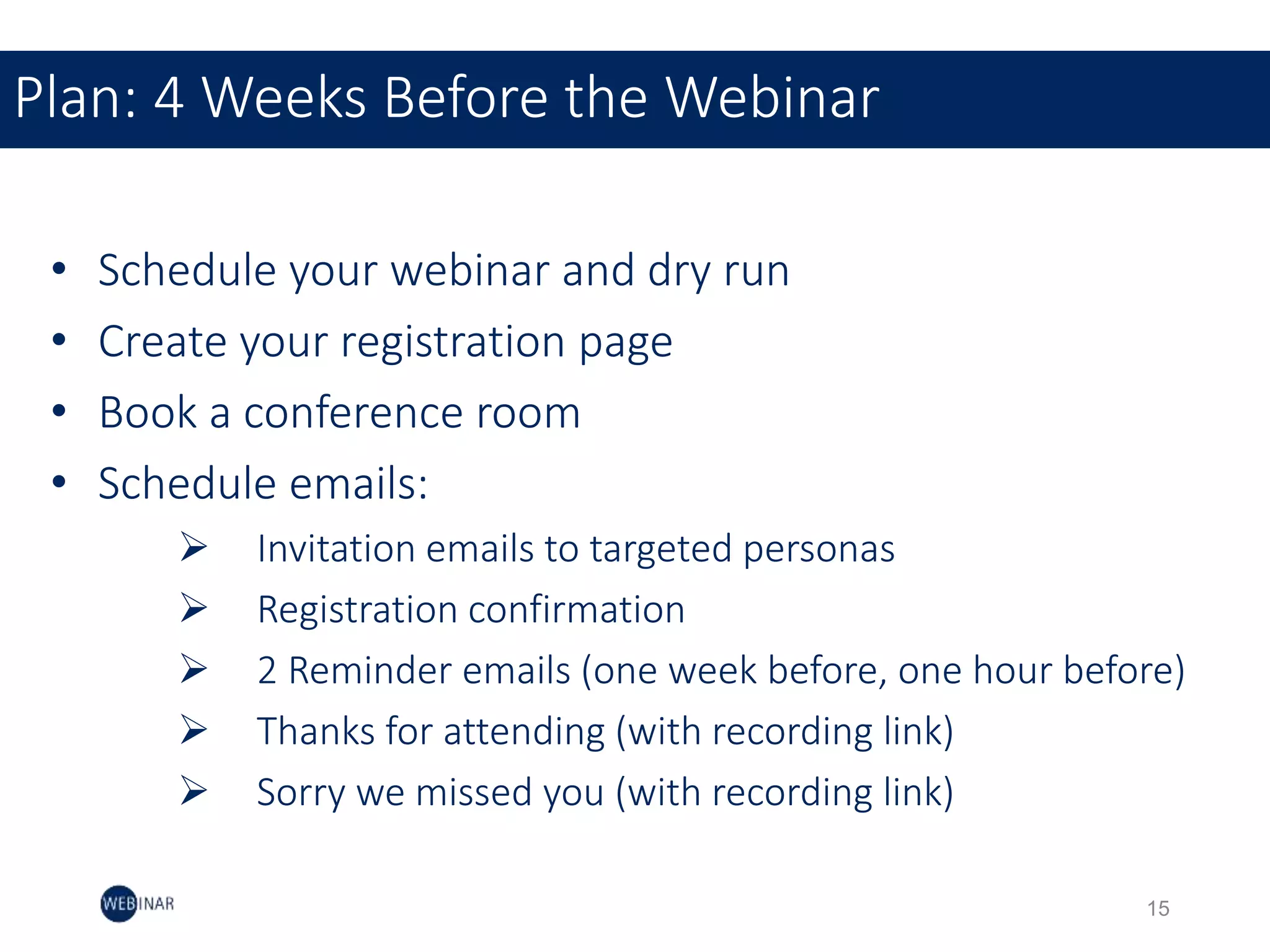
• Schedule your webinar and dry run
• Create your registration page
• Book a conference room
• Schedule emails:
 Invitation emails to targeted personas
 Registration confirmation
 2 Reminder emails (one week before, one hour before)
 Thanks for attending (with recording link)
 Sorry we missed you (with recording link)
Plan: 4 Weeks Before the Webinar
15
• Send invitation emails to targeted
personas
• Promote webinar via social media
& blog
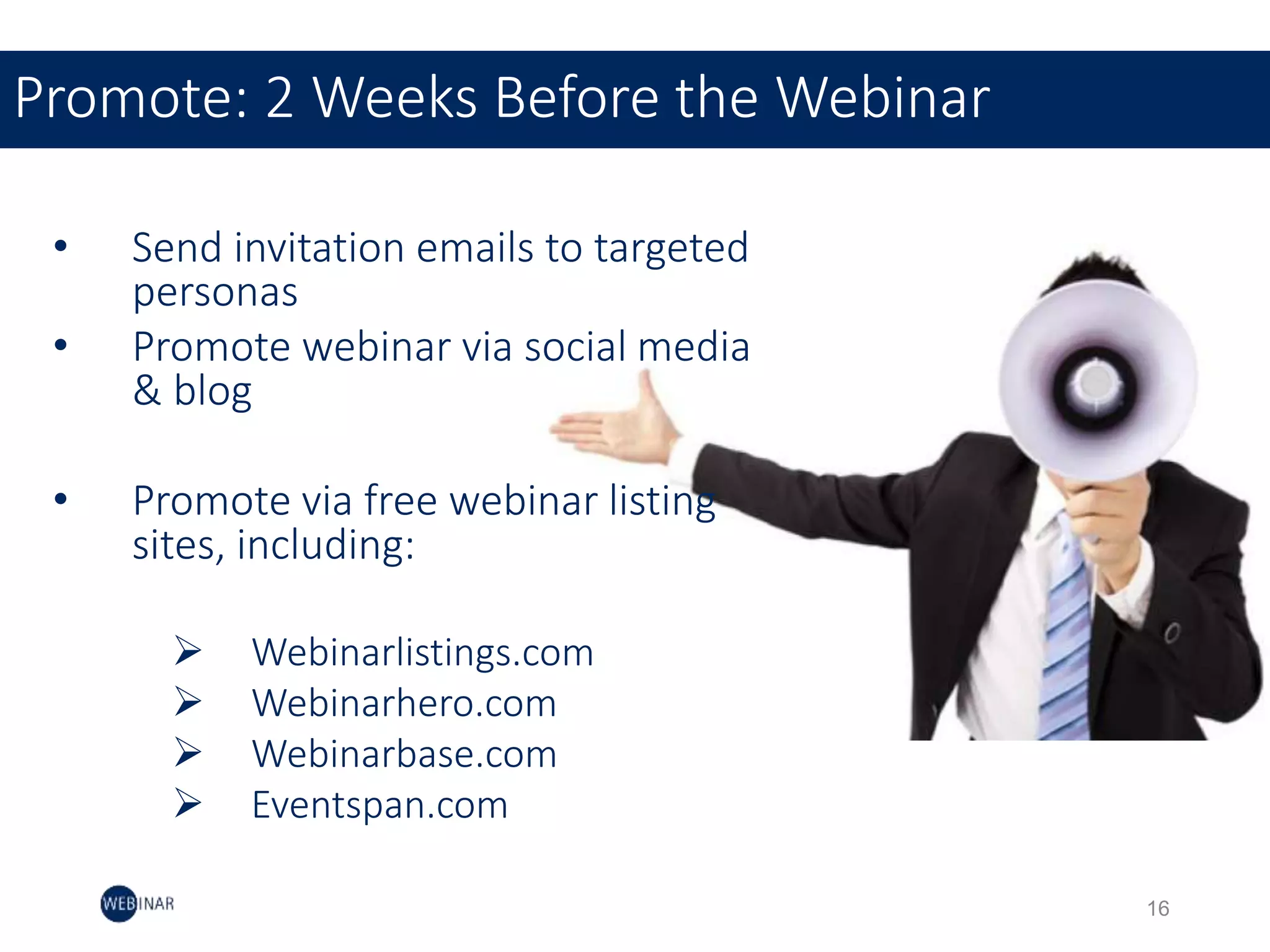
• Promote via free webinar listing
sites, including:
 Webinarlistings.com
 Webinarhero.com
 Webinarbase.com
 Eventspan.com
Promote: 2 Weeks Before the Webinar
16
• Send reminder email
• Continue to promote via social
media and blog
• Send internal email to
encourage promotion
• Schedule a conference room
Promote: 1 Week Before the Webinar
17
24 hours before the webinar:
• Reminder email to registrants
• Email registrants and encourage them to have a hard
phone line, a hard internet line and to print out a copy of
the presentation in case their internet goes down (that
way, they can still promote
1 hour before the webinar:
• Remind your registrants again
• Set up webinar room: hook up computers, paste a
“webinar in session” sign on the door, etc
Execute: Day of Webinar
18
• Measure your webinar, focusing on metrics like:
 Conversion rate
 Attendance rate (33% is industry norm)
 Leads
 Registration number
• Write a follow-up blog post including answers to the
most common questions that came up in the webinar
• Use webinar recording for future blog post CTAs
Post-Webinar to-dos
19
Speaker Tips
Audio Best Practices
21
• Dial in to the webinar 30 minutes prior to webinar start time
• Turn cell phones on silent
• Keep cell phones away from the call in line to prevent audible
feedback
• Join from a quiet place where you won’t be disturbed
• Use phone controls to mute your line when not speaking to
mitigate background noise
Audio Best Practices
21
• Be sure to have your laptop plugged into a power
source
• Avoid wireless connections if possible
• Print the deck in case web connection fails
Web Best Practices
22
Presentation Tips
Deck Design
24
Consistency
• Just because there are multiple speakers doesn’t
mean there should be multiple templates. Keep the
design consistent throughout the deck.
Image-heavy
• Like any presentation, webinar decks should let the
images tell the story. If you don’t give attendees
something entertaining to look at, they’ll tune out.
Deck Design
24
Benchmark Data
Measuring webinar effectiveness
26
14
Measuring webinar effectiveness
Click-through rate
The number of people who registered for your webinar compared with the number of those who
clicked to the registration page
Attendee ratio
The percent of people attending as a ratio of those who attended compared with those who registered.
Online polls
To find out what your attendees are most interested in about your webinar content by measuring real-
time feedback.
Exit surveys
Measure how well you met your audience’s expectations.
Thank You!

How to run a webinar - Traning Presentation

  • 1.
    How to RunWebinars Training Presentation Presenter: Dushyant Verma Marketing Manager The Digital Group Inc.
  • 2.
    Introduction Meetings have beenaround for almost all of recorded human history. The only things that have changed over the years are more options on how to meet and, of course, what we talk about. Webinars are meetings at their most basic, but it is how they let you meet that makes them special. Webinars shine when the meeting participants are not in the same country, state, city, or even in the same room. They allow you to convey information almost as good – and in some cases better – than a face-to-face meeting. 2
  • 3.
    Benefits Webinars help businessesreach customers, prospects and employees more effectively than in-person events because there is no need to plan travel or reserve conference space. Its cost effective 3  Share videos  Share webpages  Share presentations  Share desktop/software  Share text/voice conversation All to generate leads and sales quickly and easily In an online webinar we can:
  • 4.
    Here’s What We’llCover 4  Webinar Team Structure  Webinar Planning  Webinar Timeline  Speaker Tips  Presentation Best Practices  Benchmark Data
  • 5.
    Webinar Team Structure 5 Marketing team Tobuild structure, Invite, moderate sessions, polls, webinar analysis Technical Team Sales Team Audience recruitment, Mail Campaigns, Follow - ups IS & Admin Team Technical Subject Matter Experts Webinar preparation, slide decks, webinar execution Post Webinar Presales Team
  • 6.
    Webinar Planning How toplan a webinar 6
  • 7.
    Setting the Stage Developobjectives: Build a shared understanding of the opportunities that we can provide to help prospect and customers. Kickoff meeting: The kick-off meeting will builds trust among the group, gets them motivated, and ensures they take ownership of their roles and responsibilities. Schedule Webinar: Once we have fixed the date, time, speaker, title, and content description established, we can now schedule webinar in GoToWebinar or any similar tool. 7
  • 8.
    Recruiting Audience  Industries Function or Job Titles  Levels (c-level, mgr, etc.)  Revenue/Income  Geographies  Other Demographics (other key factors) Audience Profile: 8
  • 9.
    Set Webinar Objectives Business Goal Setup  Who is Your Audience?  Desired Outcomes  Success Factors  Content Description  Call to Action Webinar Objectives: 9
  • 10.
    9 Promoting via Email& Social Channels 10
  • 11.
    11 Content Development 11 Deliver aPresentation that Gives Value to Attendees and Sparks Follow-Up Conversations.  Pick topics that appeal to your ideal client and correspond to your products or services.  Create or edit presentations that demonstrate your expertise and give value to attendees.  Frame and title the webinar in a way that resonates in your marketplace.  Provide coaching so your speakers excel in the online presentation format.  Create articles, white papers, case studies, and podcasts based on the webinar presentation.
  • 12.
    11 TIME EST SEGMENTDURATION PRESENTER NOTES 11.00 AM Welcome Message Introduce Speakers 3 mins Moderator Sets audience expectations, warms up audience, introduces speakers 11.03 AM Starting Topic, Sample: “10 Benefits of having Webinar for B2B marketing” Introduce first speaker 2 mins 2 mins Moderator Moderator A Poll maybe inserted here, or at another point. These Polls can either be “Raise Your Hands”, Multiple Choice, or “Choose One” 11.07 AM Most Common Curiosity 5 mins Speaker #1 Speaker comments on Poll #1, then talks about curiosity , what causes curiosity Case Study, Sample: “How a client got benefited by webinar" 25 mins Speaker #1 Who is featured in the Case Study? Case Study Flow: Introduce Challenges, Solutions, Results, Lessons Learned" 11.37 AM Poll #2 2 mins Moderator A Poll maybe inserted here. 11.39 AM 11.40 AM Call To Action Ask the Experts Panel Q&A" 1 mins 15-18 mins Moderator/Sponsor Moderator Present to the audience how they can get additional information or resources, etc." 11:58 AM 11.59 AM Wrap up and final thank you Exit survey Go to black Debrief with ensemble" 1 mins 1 mins Moderator Remind the audience to take the survey, and they will receive an email with a link to get more information and be able to watch the on-demand Webinar Production Script
  • 13.
    11 Webinar tools Free -Up to 10 people in a single video/audio call. This platform allows selling products. Charges - $25/month for up to 25 webinar attendees Free - Skype to Skype calls Group Voice Calls (up to 25 people) HD Video Recording, Archived Recordings Polls & Surveys Price: Starts at $79/month per organizer with up to 100 attendees Display 5 panelists at a time plus slides/data Price: starts at $79/month (billed annually) with up to 100 attendees • Complete mobile collaboration • Rich multimedia options • High-quality audio/video • Video conferencing integration • Real-time collaboration with presenters Price: starts at $45/month per host with up to 25 attendees
  • 14.
    -6 weeks -4 weeks - 2week s -1week -1day-1hour GO +24 hours Plan Promote Execute Next Timeline at a Glance 13
  • 15.
    15 Plan: 6 WeeksBefore the Webinar • Choose a topic • Choose your presenters • Choose a date • Schedule a kick-off call • Select your support team to monitor attendee questions and technical issues
  • 16.
    • Schedule yourwebinar and dry run • Create your registration page • Book a conference room • Schedule emails:  Invitation emails to targeted personas  Registration confirmation  2 Reminder emails (one week before, one hour before)  Thanks for attending (with recording link)  Sorry we missed you (with recording link) Plan: 4 Weeks Before the Webinar 15
  • 17.
    • Send invitationemails to targeted personas • Promote webinar via social media & blog • Promote via free webinar listing sites, including:  Webinarlistings.com  Webinarhero.com  Webinarbase.com  Eventspan.com Promote: 2 Weeks Before the Webinar 16
  • 18.
    • Send reminderemail • Continue to promote via social media and blog • Send internal email to encourage promotion • Schedule a conference room Promote: 1 Week Before the Webinar 17
  • 19.
    24 hours beforethe webinar: • Reminder email to registrants • Email registrants and encourage them to have a hard phone line, a hard internet line and to print out a copy of the presentation in case their internet goes down (that way, they can still promote 1 hour before the webinar: • Remind your registrants again • Set up webinar room: hook up computers, paste a “webinar in session” sign on the door, etc Execute: Day of Webinar 18
  • 20.
    • Measure yourwebinar, focusing on metrics like:  Conversion rate  Attendance rate (33% is industry norm)  Leads  Registration number • Write a follow-up blog post including answers to the most common questions that came up in the webinar • Use webinar recording for future blog post CTAs Post-Webinar to-dos 19
  • 21.
  • 22.
    • Dial into the webinar 30 minutes prior to webinar start time • Turn cell phones on silent • Keep cell phones away from the call in line to prevent audible feedback • Join from a quiet place where you won’t be disturbed • Use phone controls to mute your line when not speaking to mitigate background noise Audio Best Practices 21
  • 23.
    • Be sureto have your laptop plugged into a power source • Avoid wireless connections if possible • Print the deck in case web connection fails Web Best Practices 22
  • 24.
  • 25.
    Consistency • Just becausethere are multiple speakers doesn’t mean there should be multiple templates. Keep the design consistent throughout the deck. Image-heavy • Like any presentation, webinar decks should let the images tell the story. If you don’t give attendees something entertaining to look at, they’ll tune out. Deck Design 24
  • 26.
  • 27.
    14 Measuring webinar effectiveness Click-throughrate The number of people who registered for your webinar compared with the number of those who clicked to the registration page Attendee ratio The percent of people attending as a ratio of those who attended compared with those who registered. Online polls To find out what your attendees are most interested in about your webinar content by measuring real- time feedback. Exit surveys Measure how well you met your audience’s expectations.
  • 28.

Editor's Notes

  • #8 T/DG Webinar Objectives: <fill objective>
  • #9 AUDIENCE: Before you start planning an event, ask yourself the following questions about the most important factor in a webinar – YOUR AUDIENCE.   Think about your audience – the most important factor – and fill in this AUDIENCE PROFILE WORKSHEET. Segment your audience into the categories listed. Don’t worry if you don’t have all the answers. These will get fleshed out after you meet with your team.   •What industries are they from? •What jobs do they perform? Are they executive level, managers, staff, solopreneurs? • How big are the attendees’ organizations? How much revenue do they generate? •Where is the majority of your audience located?
  • #10 AUDIENCE: Before you start planning an event, ask yourself the following questions about the most important factor in a webinar – YOUR AUDIENCE.   Think about your audience – the most important factor – and fill in this AUDIENCE PROFILE WORKSHEET. Segment your audience into the categories listed. Don’t worry if you don’t have all the answers. These will get fleshed out after you meet with your team.   •What industries are they from? •What jobs do they perform? Are they executive level, managers, staff, solopreneurs? • How big are the attendees’ organizations? How much revenue do they generate? •Where is the majority of your audience located?
  • #11 Write a compelling invitation that attracts the right audience: The purpose of the invitation is to attract the right audience to your event. It also becomes the framework for creating and delivering an engaging webinar. Whatever you promise in your invitation, you need to deliver in the webinar. What information goes into the invitation? EMAIL SUBJECT LINE. Write something that will get someone to open and respond to your email. Choose words that pack a punch, incite curiosity and urgency to open the email, but avoid using trigger words that attract SPAM filters. WEBINAR TITLE. The title conveys in powerful, compelling language the critical information they will learn. For example, “Gift a Shift! Harnessing Webinars to Turn Prospects into Customers.” BRIEF DESCRIPTION. Write 1-2 short paragraphs that offer a preview of the webinar. Write using your audience’s jargon – use language they will relate to. What challenges do they face? What are you going to teach them that will improve their lives? Why is this information a MUST HAVE? Invite and enthuse, but don’t sell. FOUR BULLETED KEY MESSAGES. Summarize in 3-4 bulleted phrases what your audience will learn and take away by attending the webinar. CALL TO ACTION. Tell your audience to register now! SPEAKERS. Leverage the credentials of your speaker(s) by including a professional photo, job title, and a one-line bio. Some great sources for speakers are authors, industry analysts, and thought leaders. Make sure the speaker photos areclear and formatted the same (portrait vs. landscape). Note: Include sponsors if applicable. DATE AND TIME. Display the date and include all the pertinent time zones to make it easy for people to mark their calendars. WHO SHOULD ATTEND? Describe your audience so the people you want to attract will see themselves in the description.
  • #13 THINGS TO LOOK FOR IN YOUR SPEAKER’S VOICE DELIVERY the speaker’s voice too loud or too soft? Is the speaker’s voice full of authentic energy, or does it sound strained or stiff? Is the speaker breathing heavily into the microphone (the Darth Vadar effect)? Is the speaker obviously reading her/his notes or do they sound like they’re having a conversation with you? Is the speaker using too much technical jargon? What would make the speaker sound more engaging and natural? Is the speaker providing a summary of key points and leaving the audience with some actionable next steps?