Download as PDF, PPTX











![API
{ }],
"jsonrpc": "2.0",
"name": "ZABBIX-Map",
"method": "map.create",
"width": "800",
"params": [{
"height": "600",
"selements": [{
"elementid": "0", "backgroundid": "0",
"elementtype": "4", "label_type": "0",
"iconid_off": "100100000000036", "label_location": "0",
"iconid_on": "0", "highlight": 0,
"iconid_unknown": "0",
"expandproblem": 0,
"label": "New element",
"markelements": 0,
"label_location": "0",
"x": "200",
"show_unack": 0
"y": "100", }],
"url": "", "auth":
"iconid_disabled": "0", "038e1d7b1735c6a5436ee9eae095879e",
"iconid_maintenance": "0" "id": 2
}], }](https://image.slidesharecdn.com/rihardsolups-thehiddenpowerofnetworkmaps-111026222528-phpapp02/75/The-hidden-power-of-network-maps-on-Zabbix-39-2048.jpg)
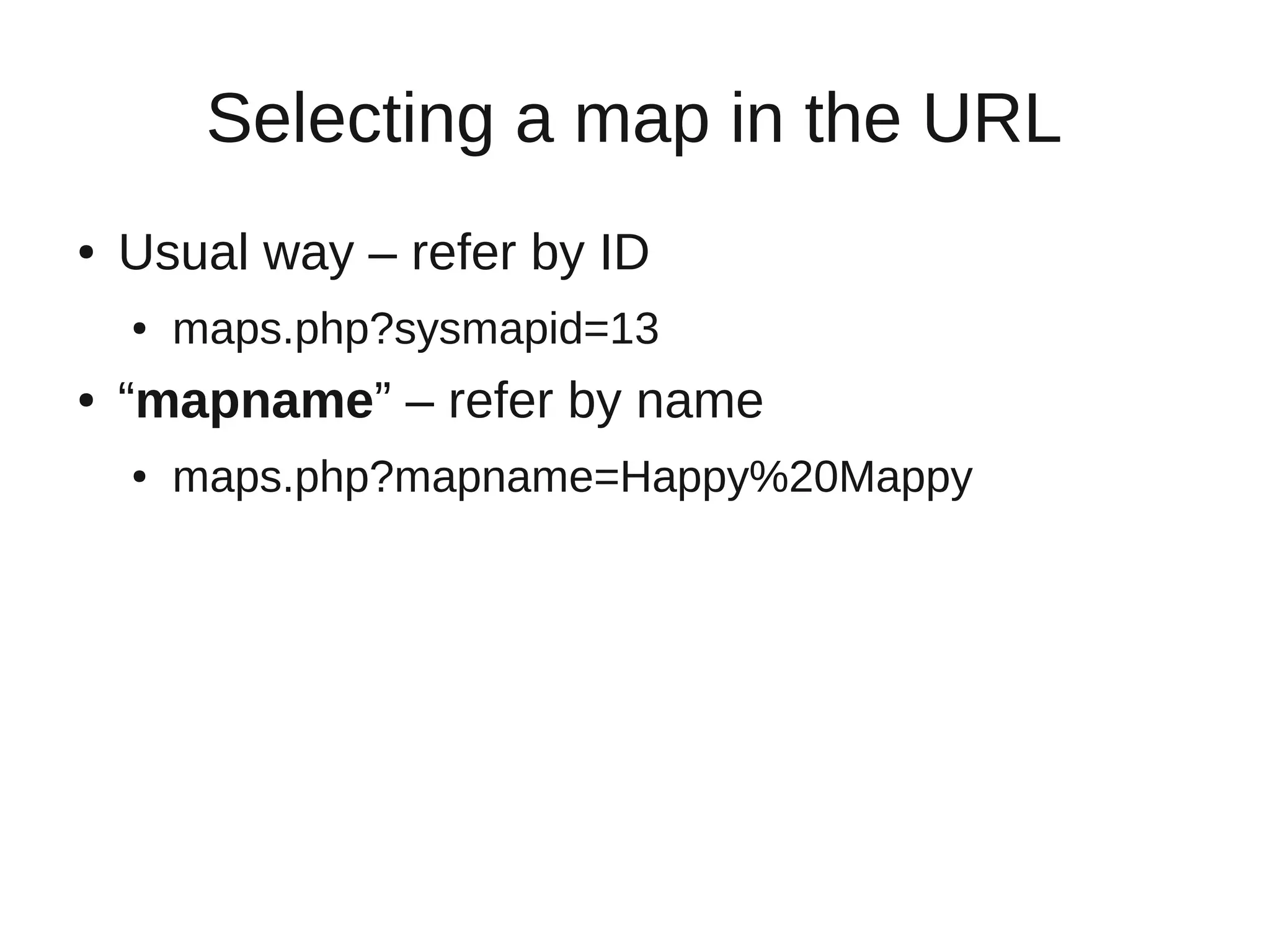


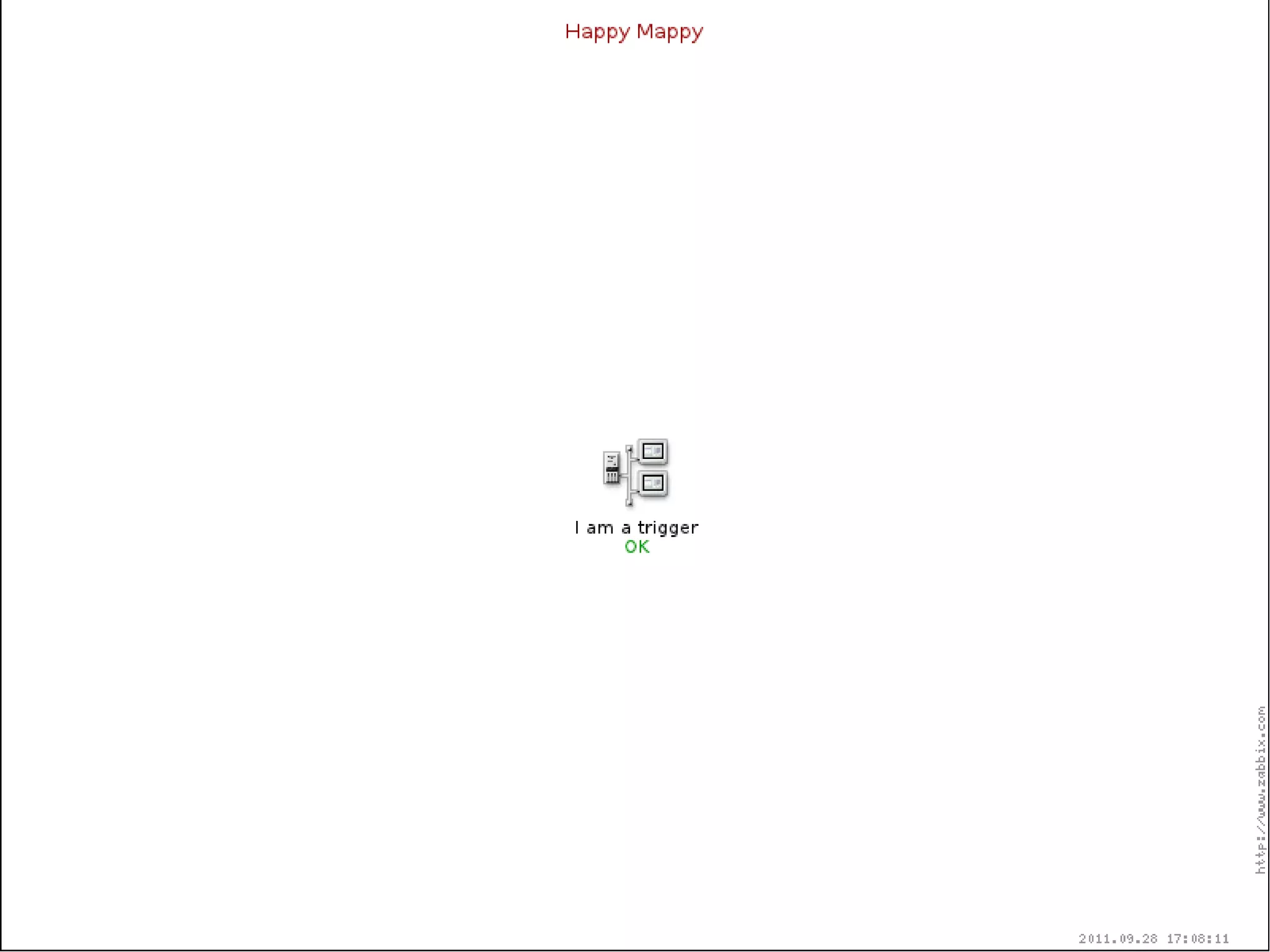
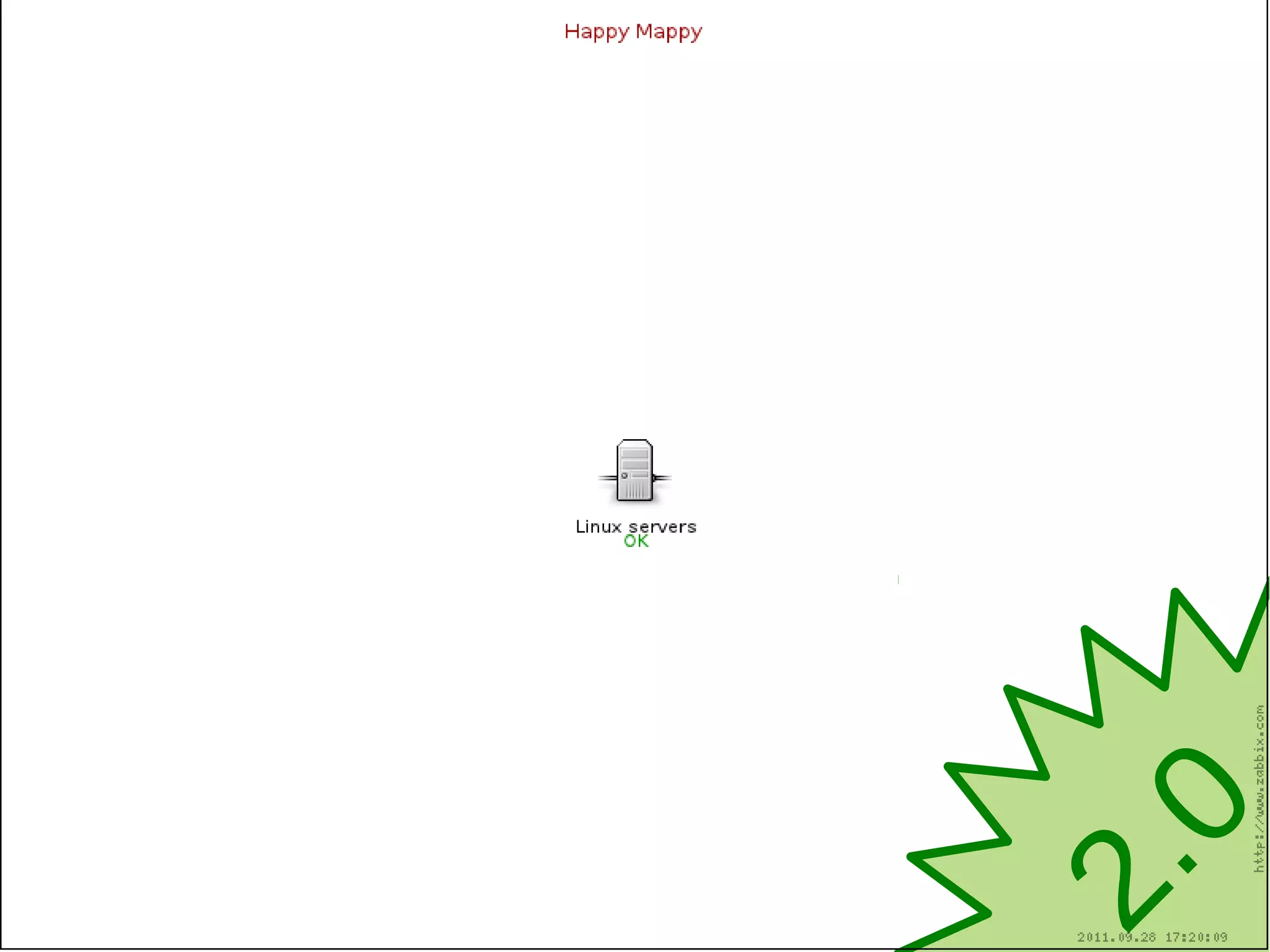
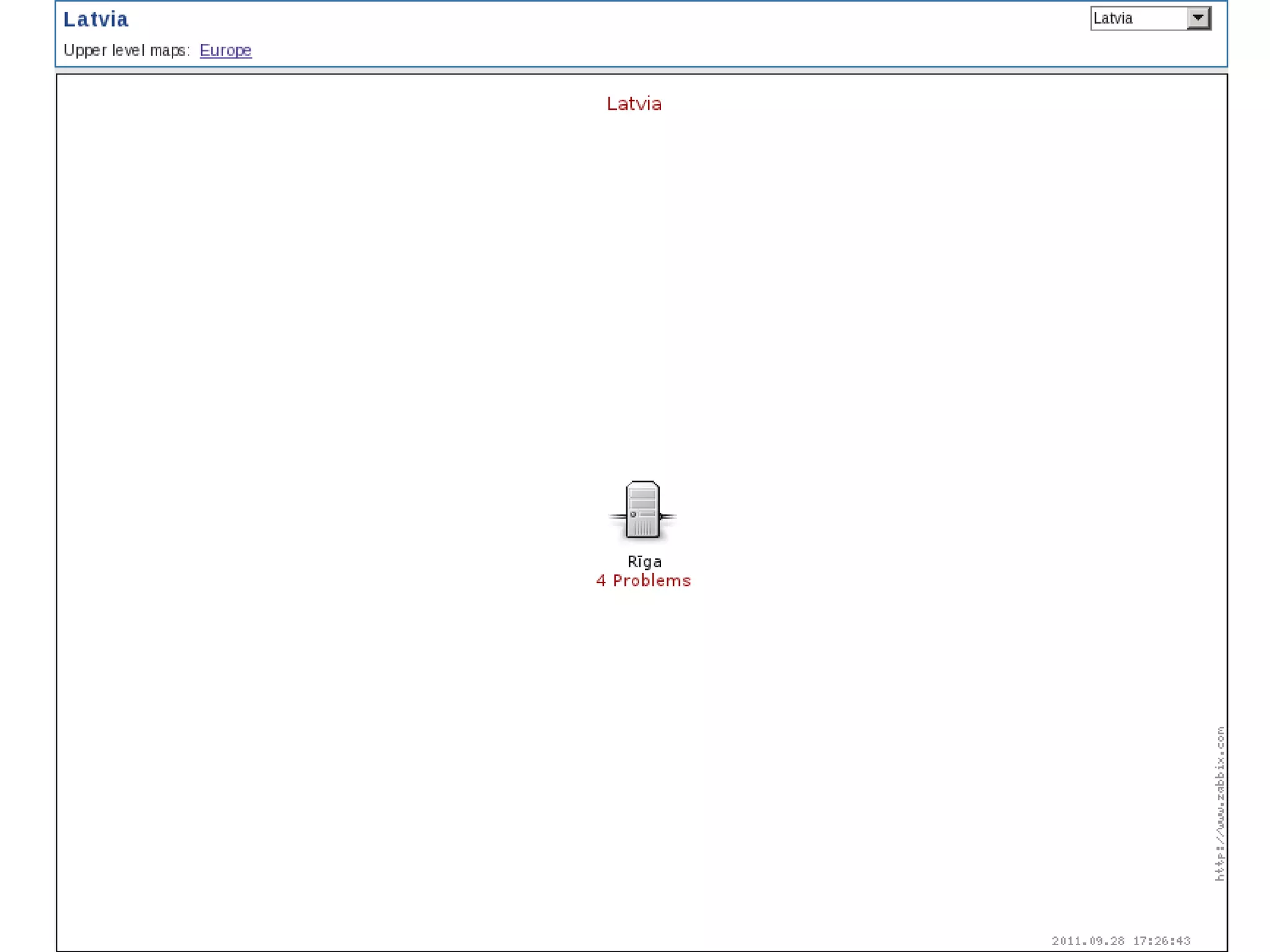
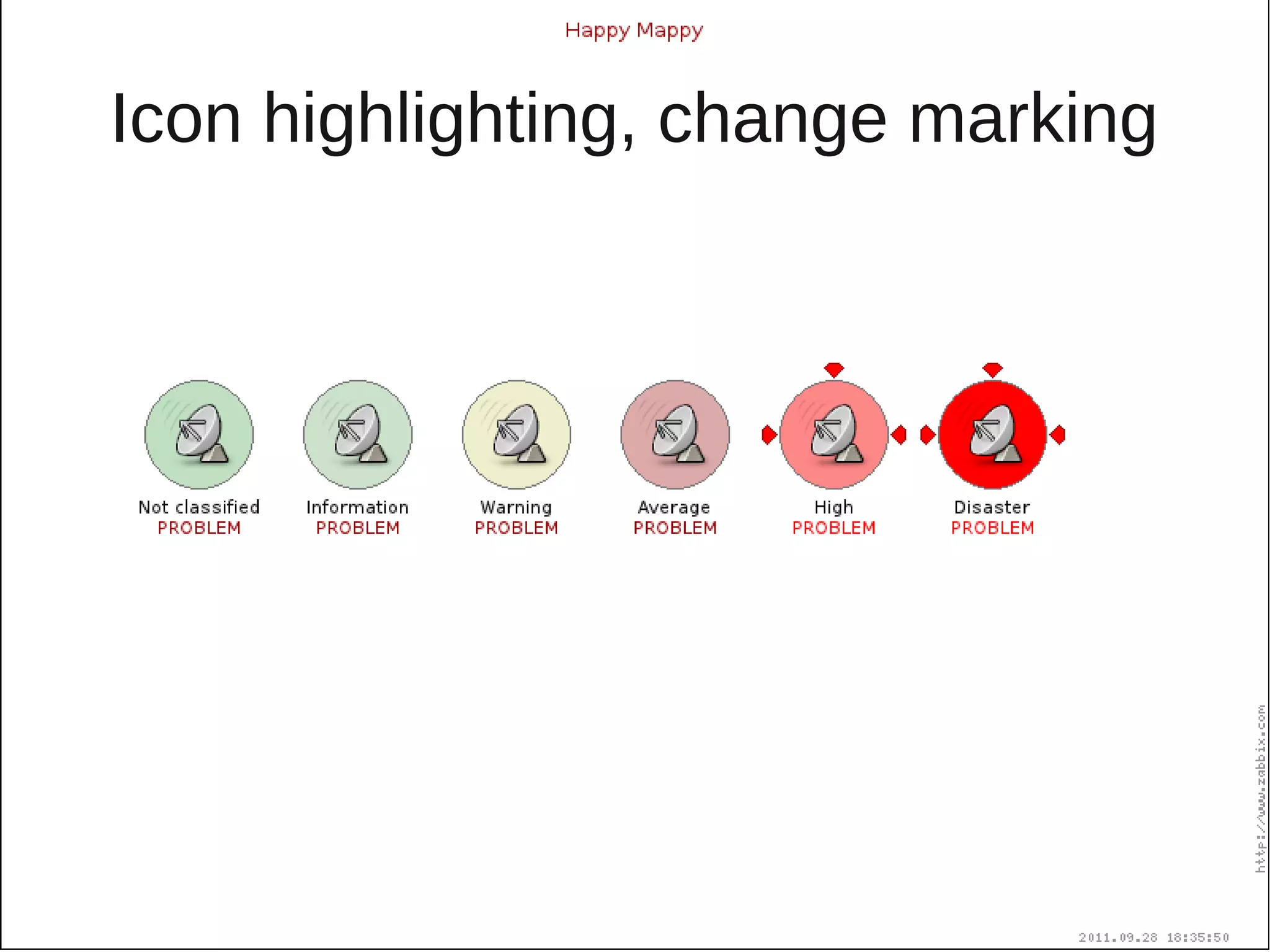
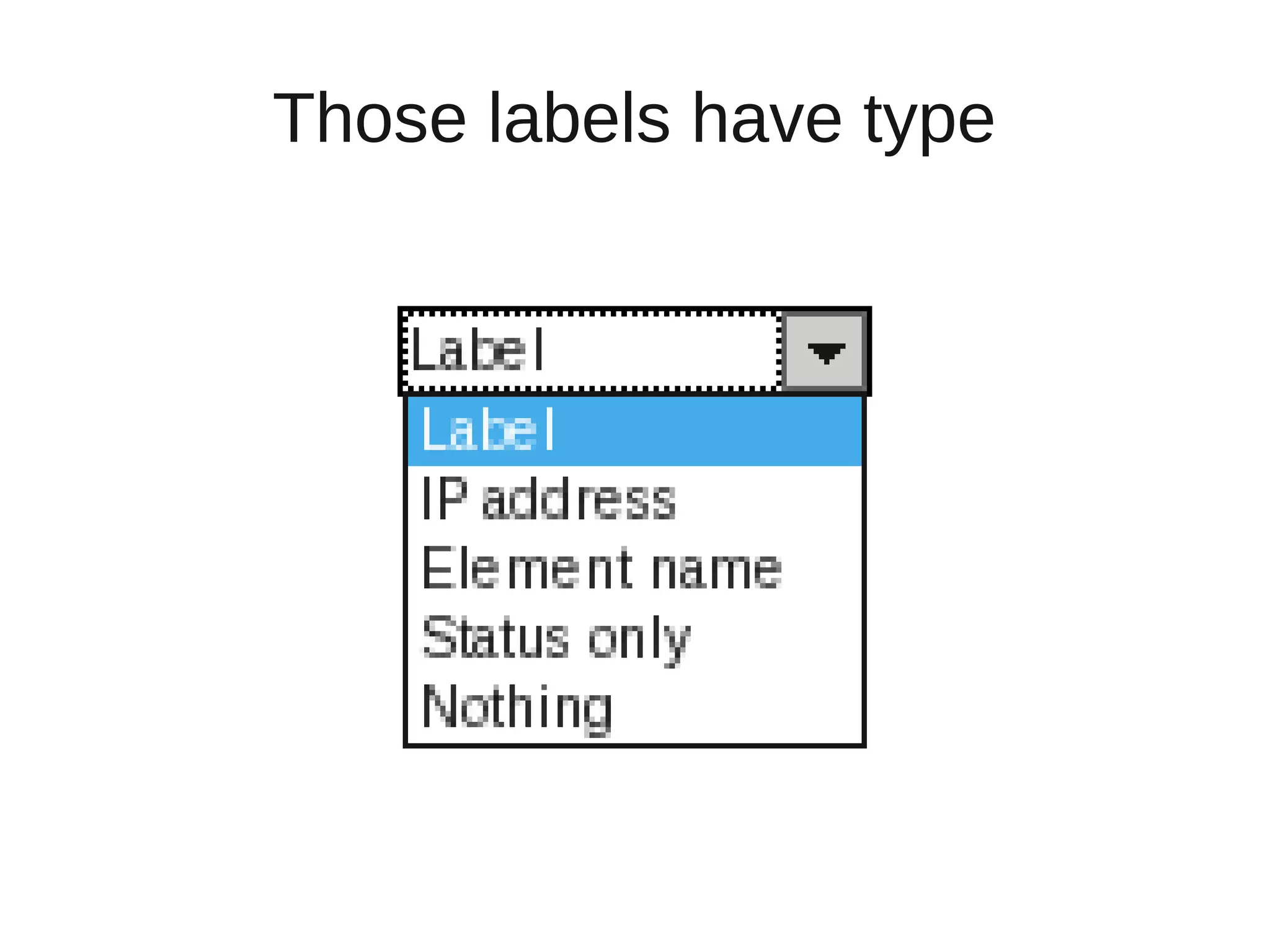
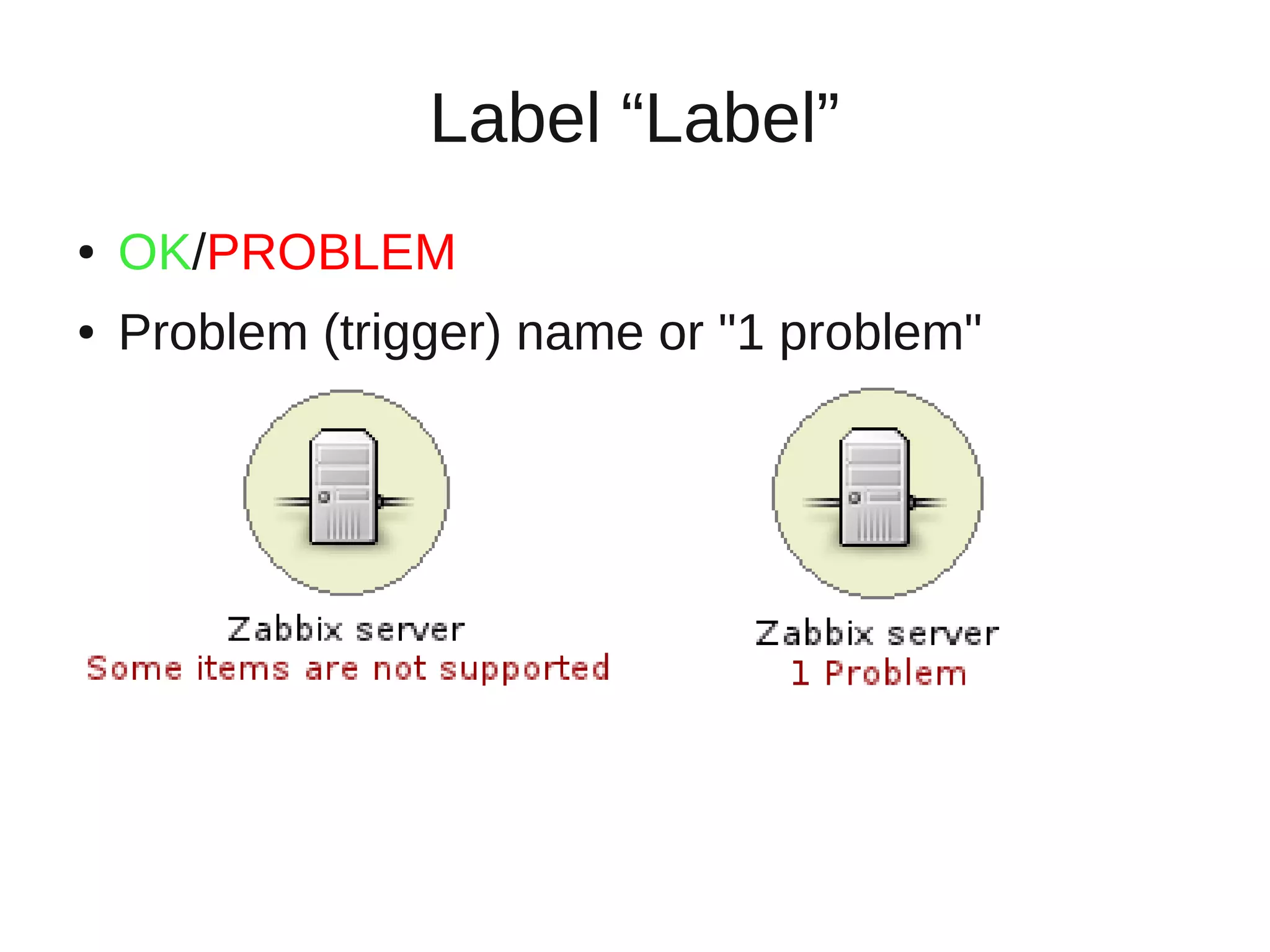
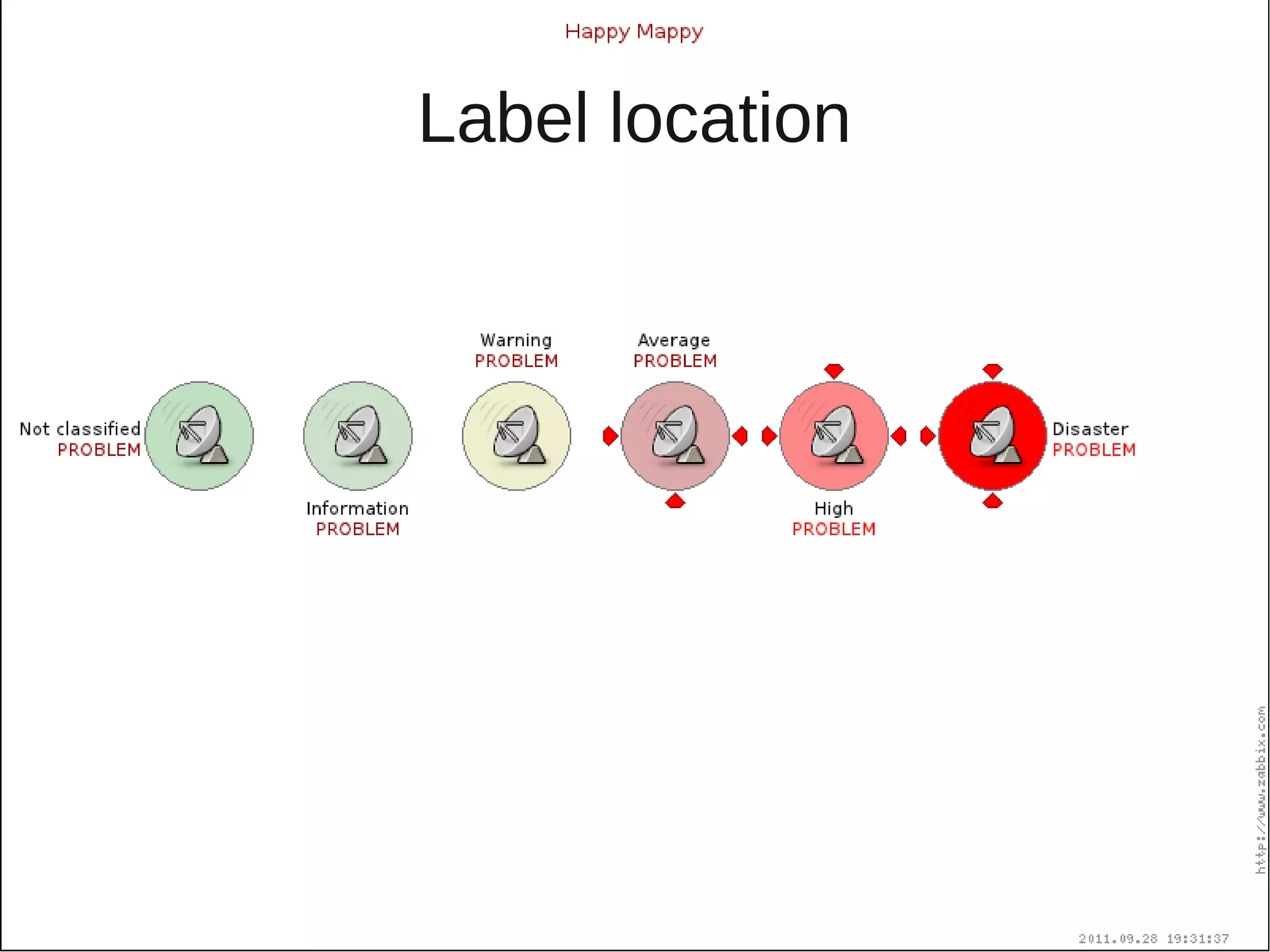
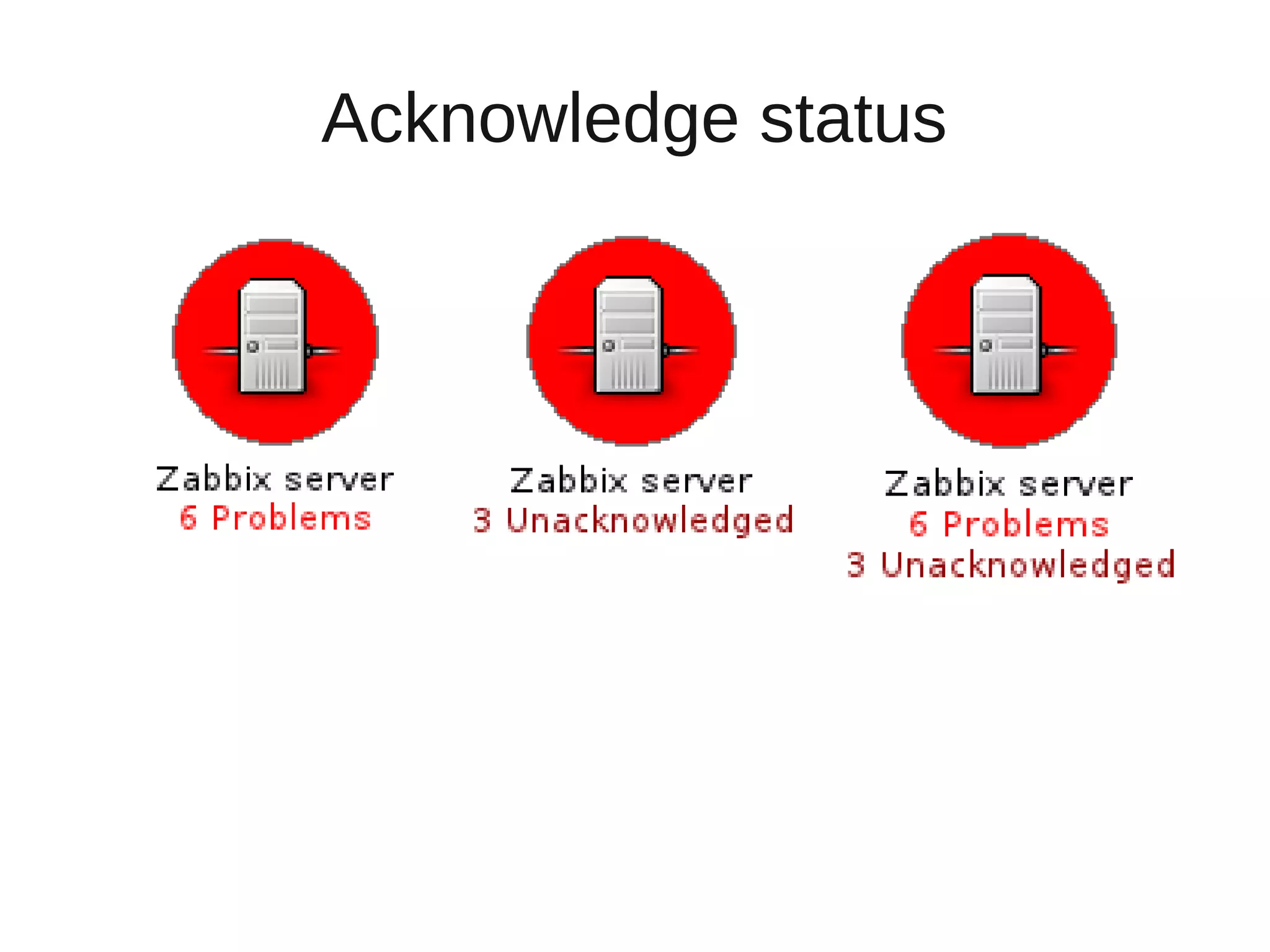
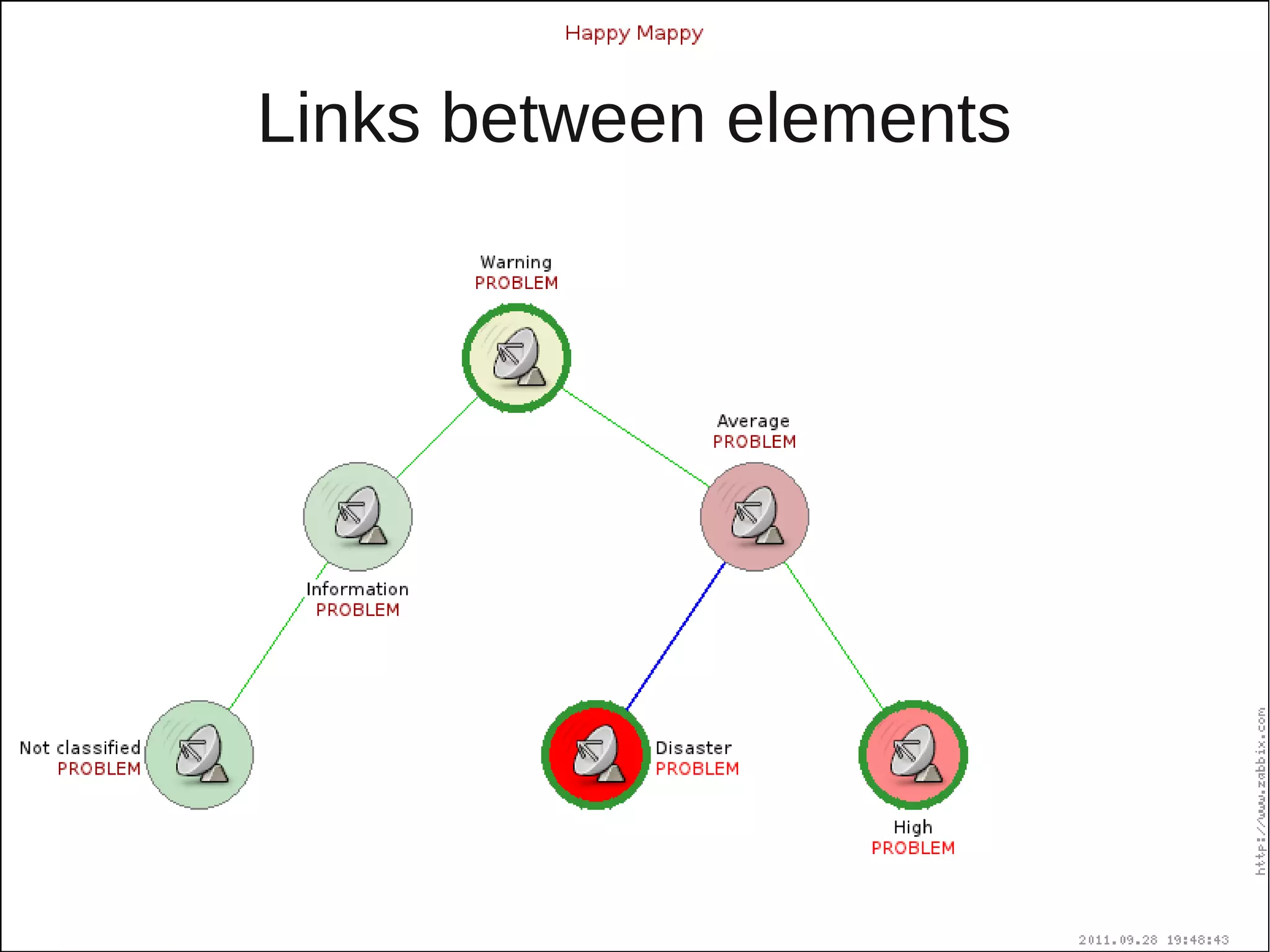
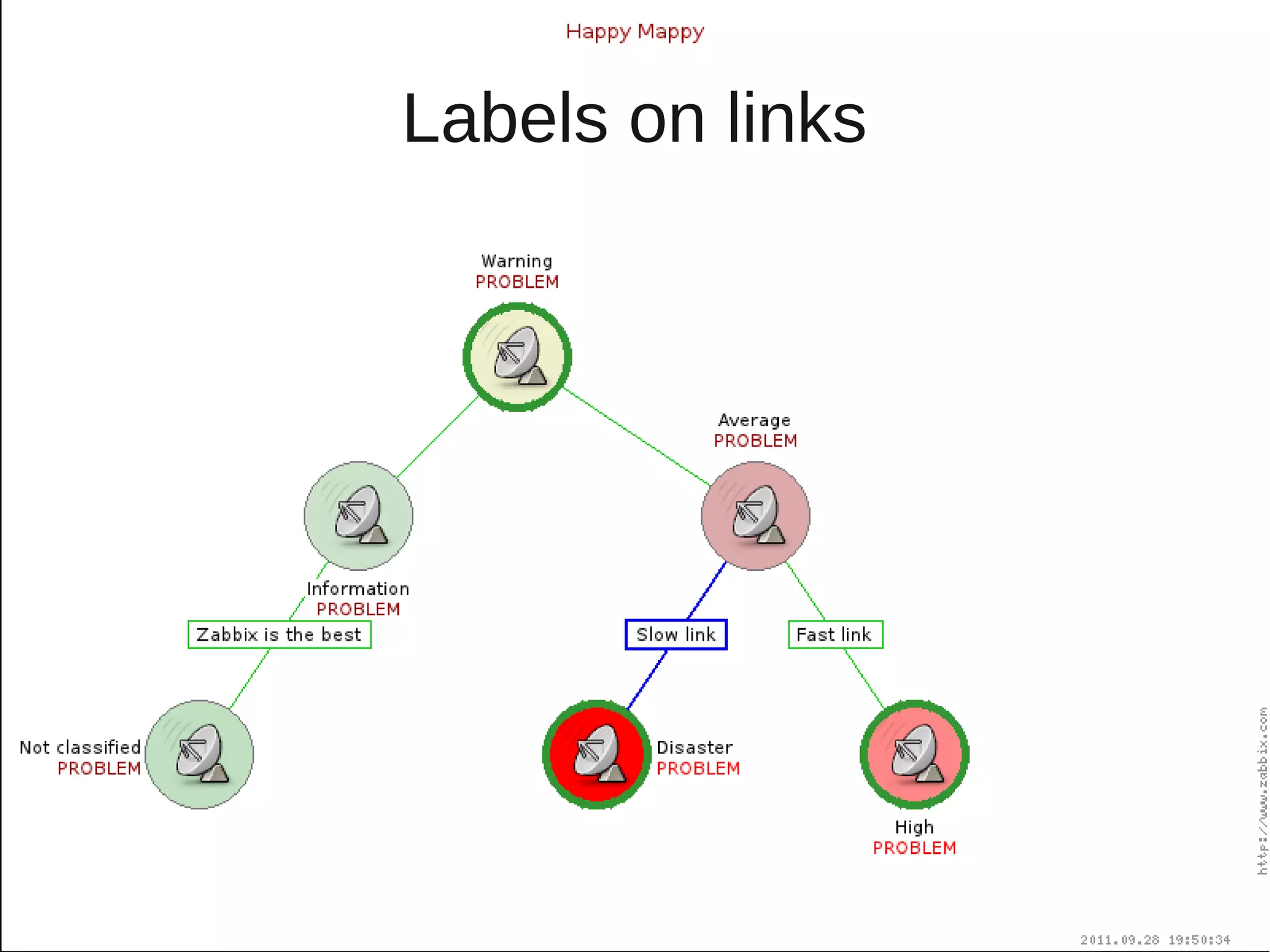
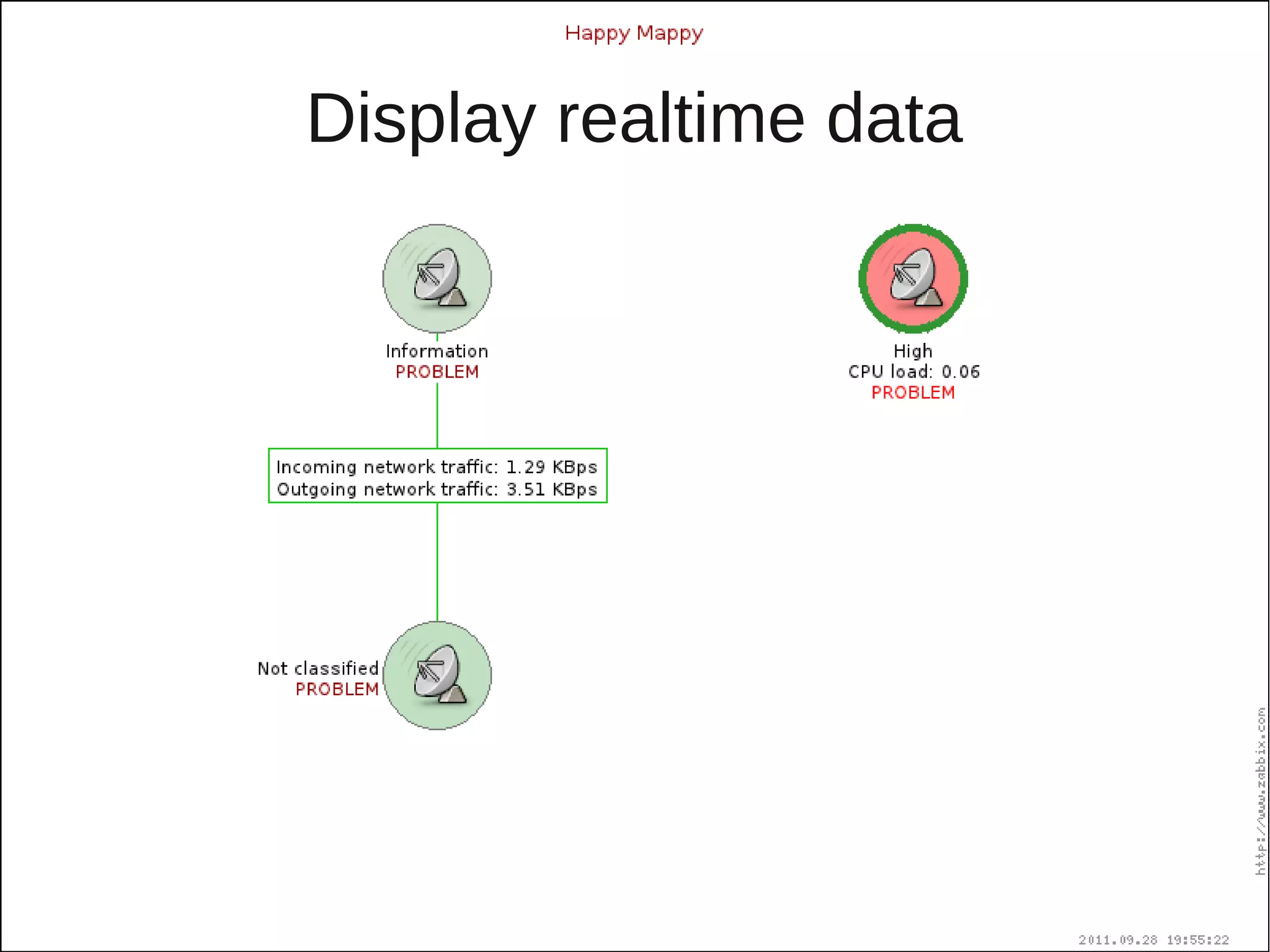
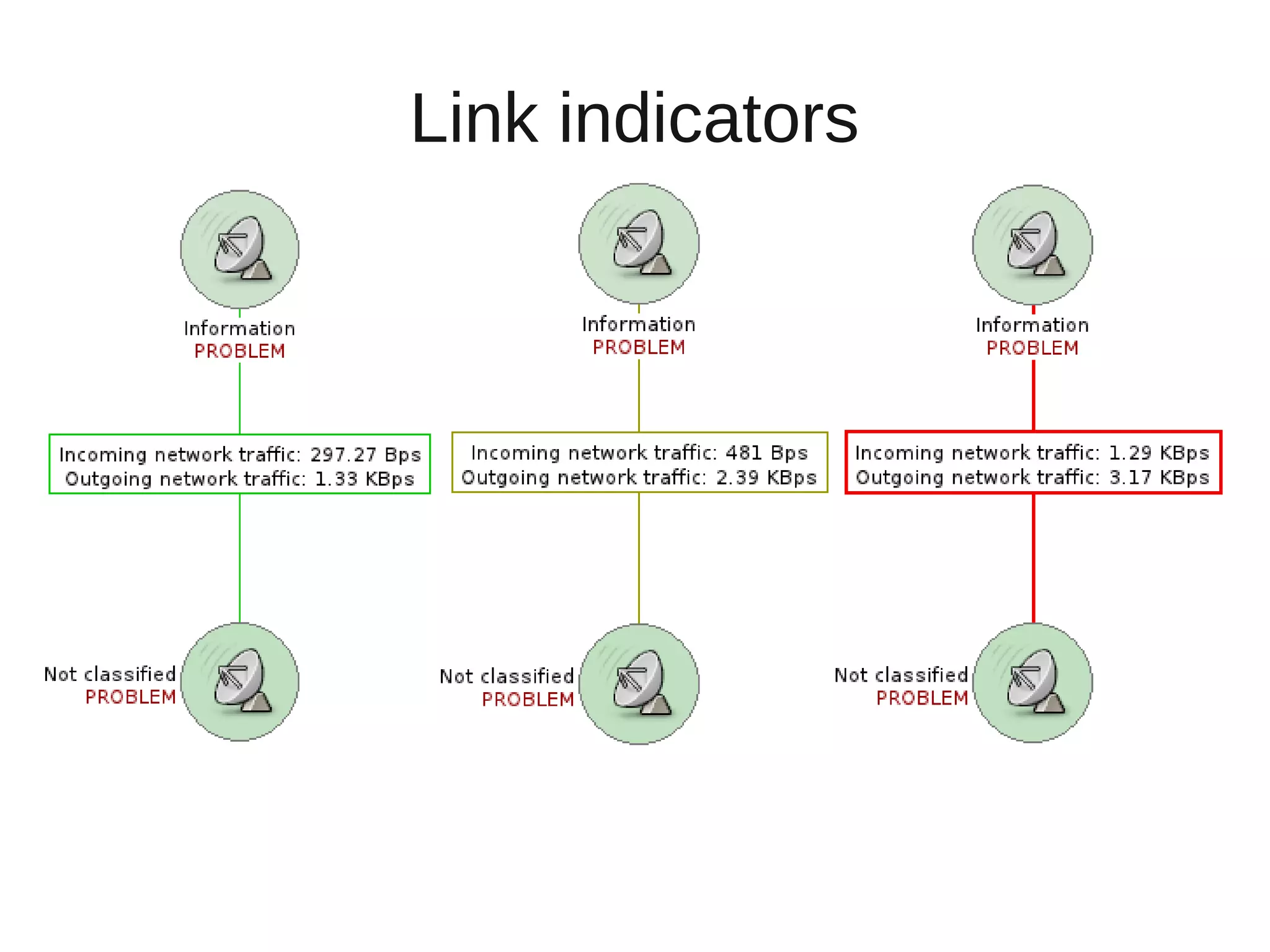
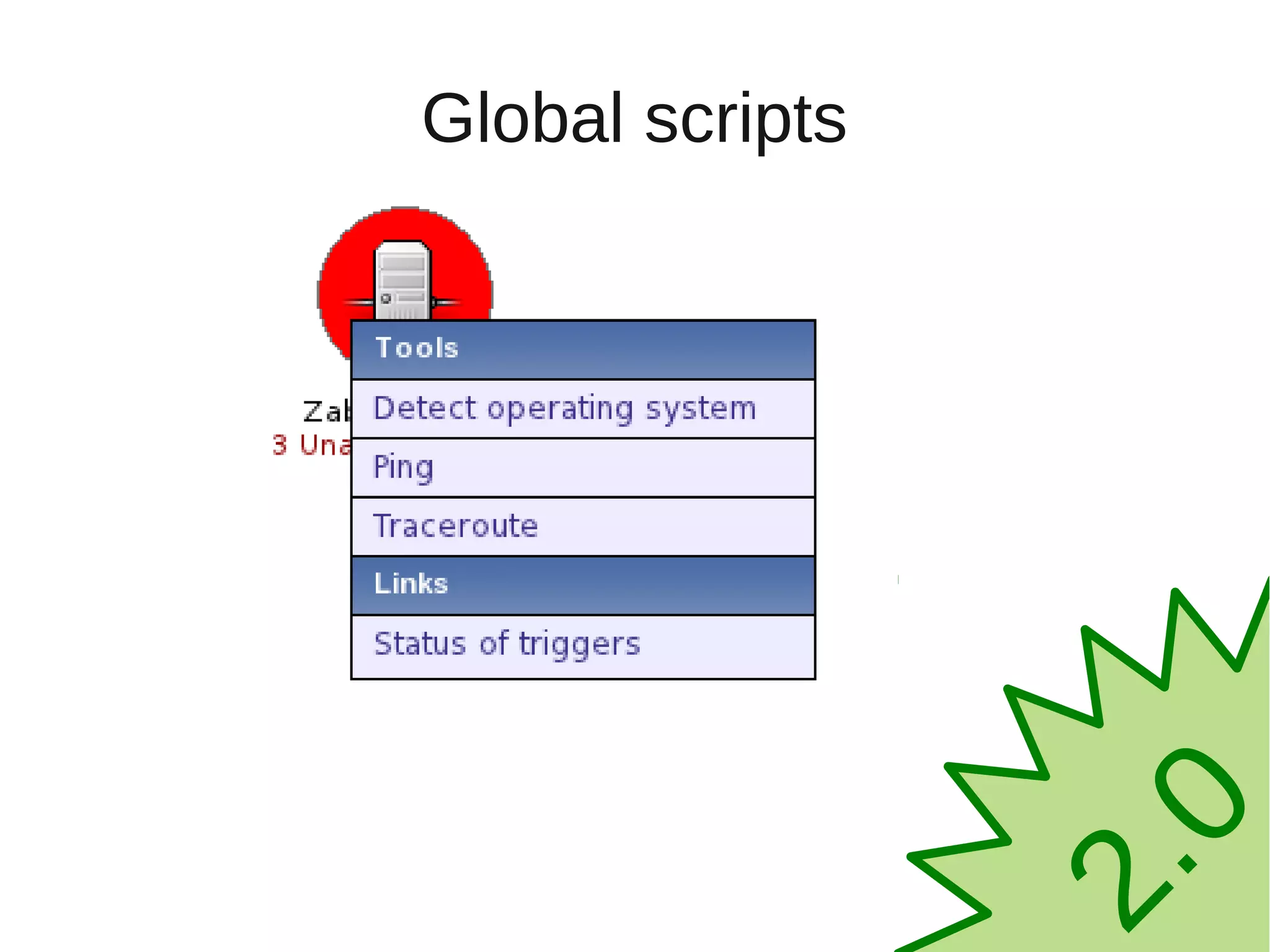
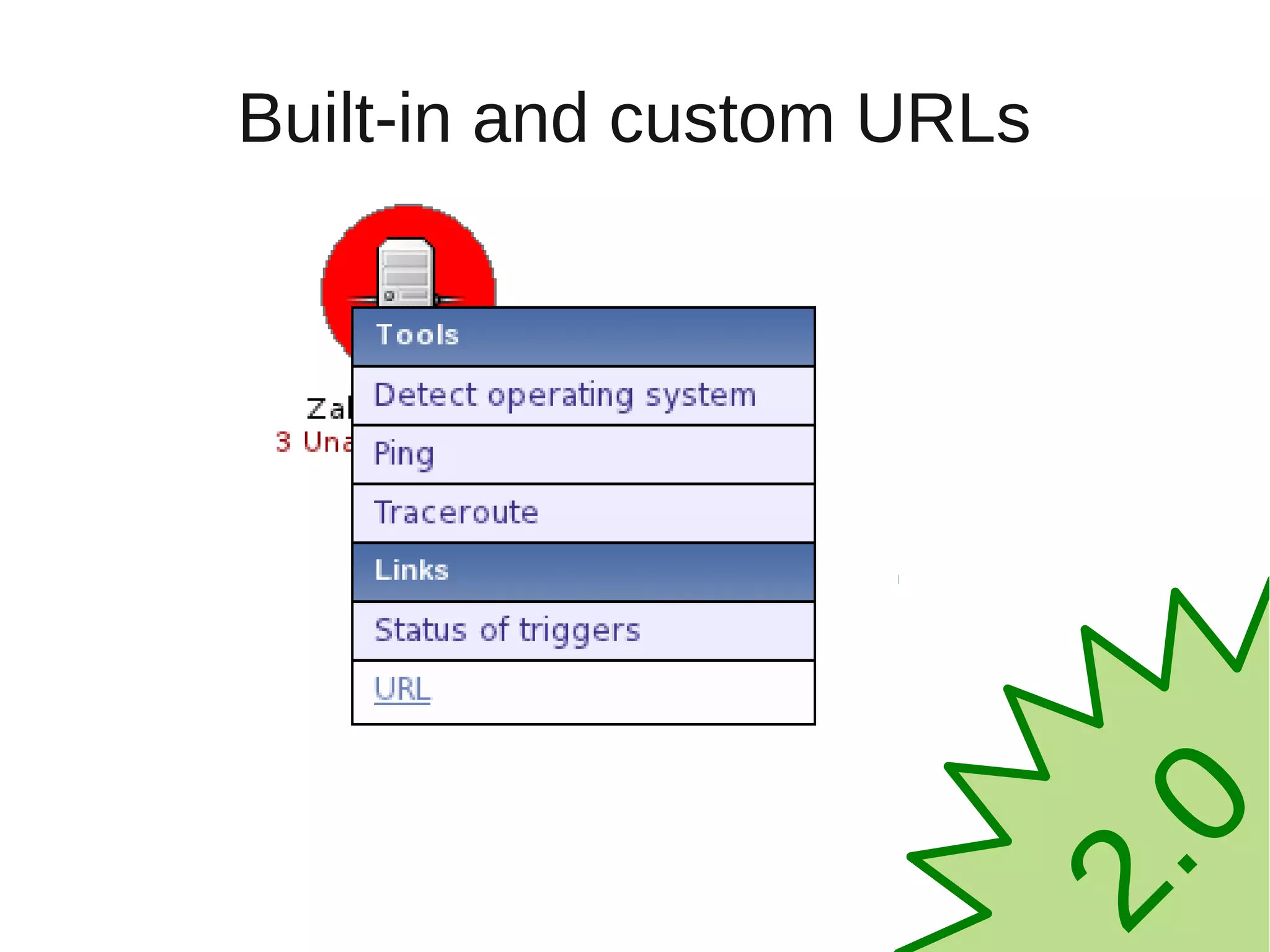
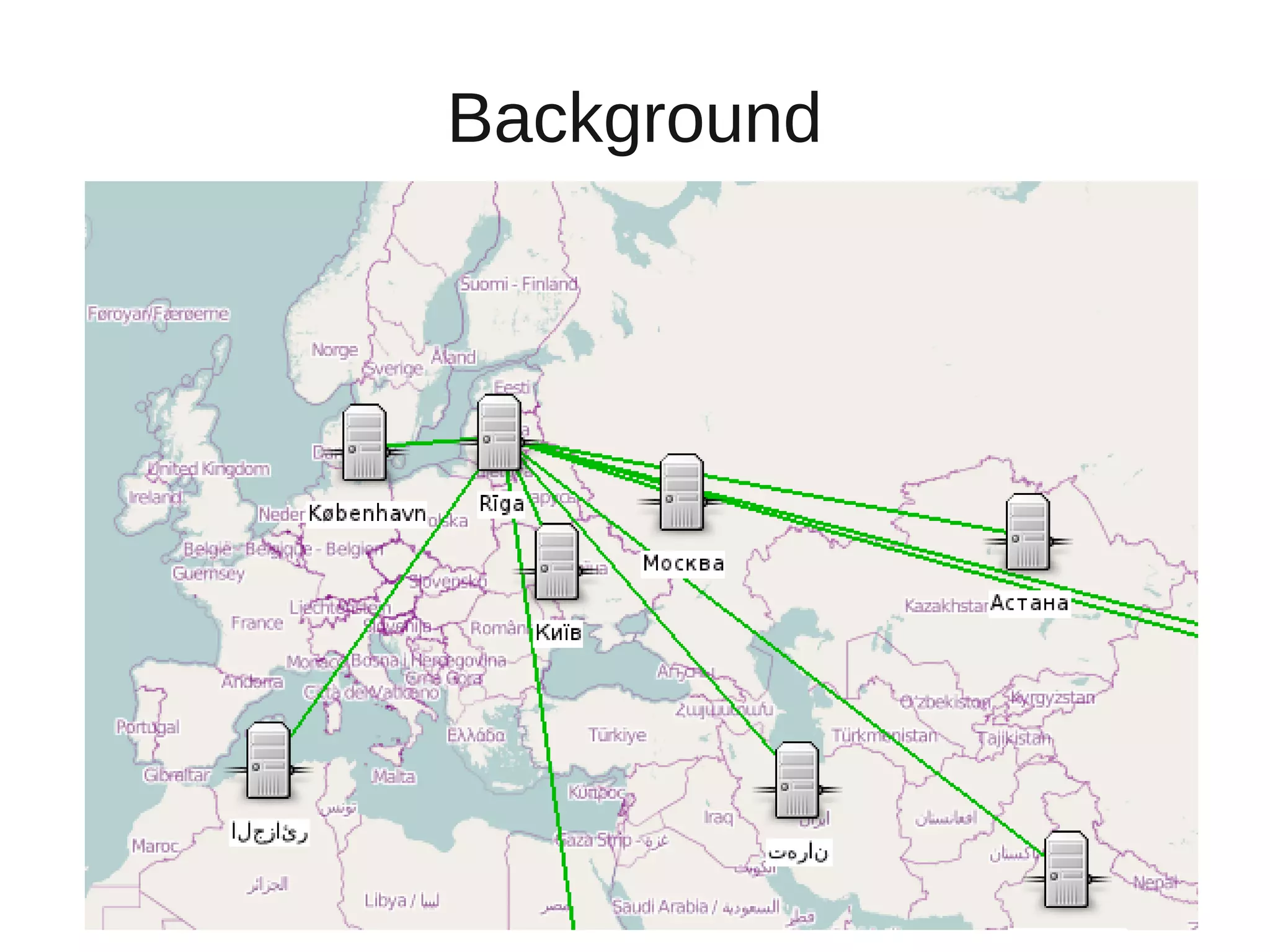
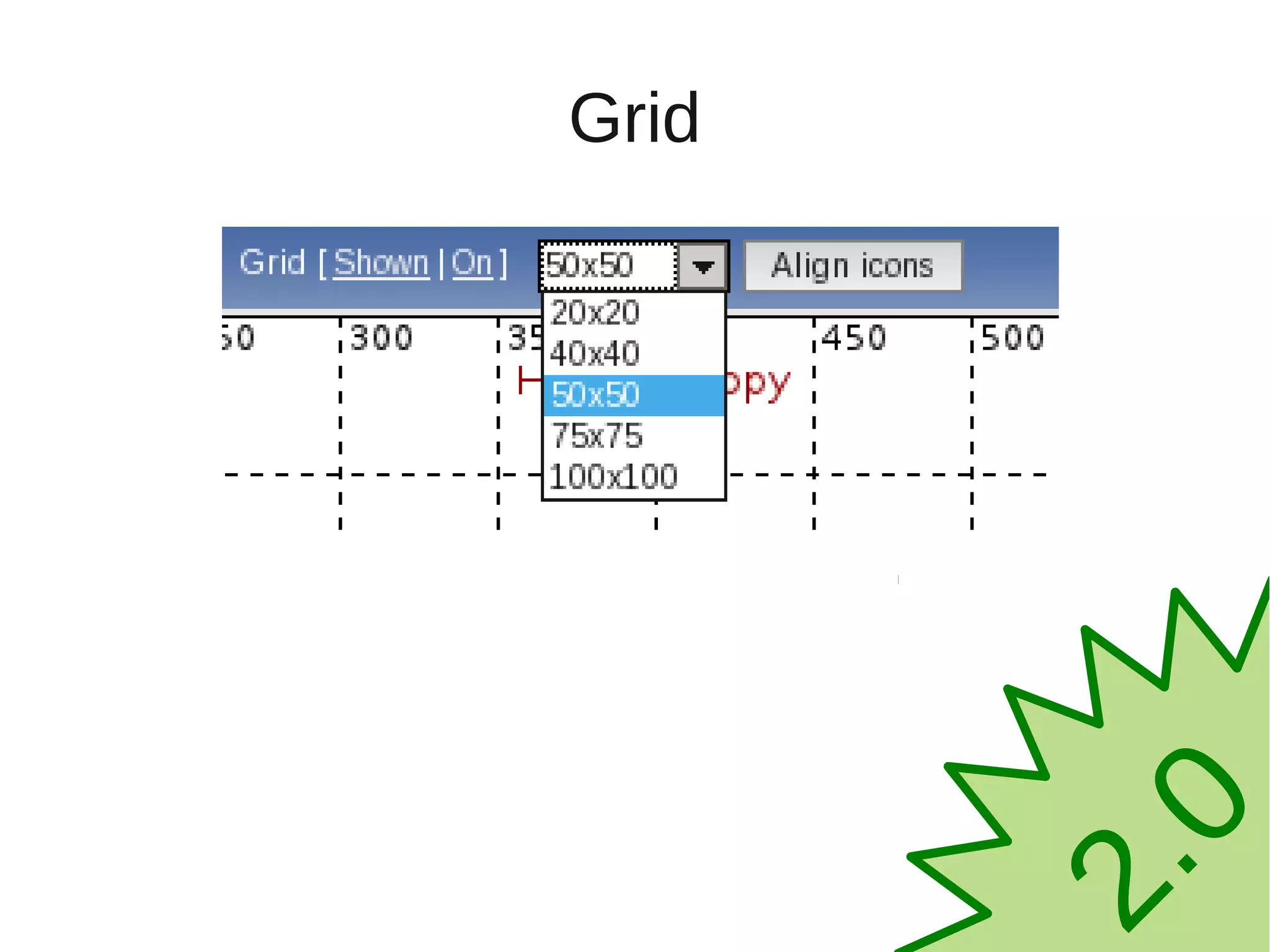
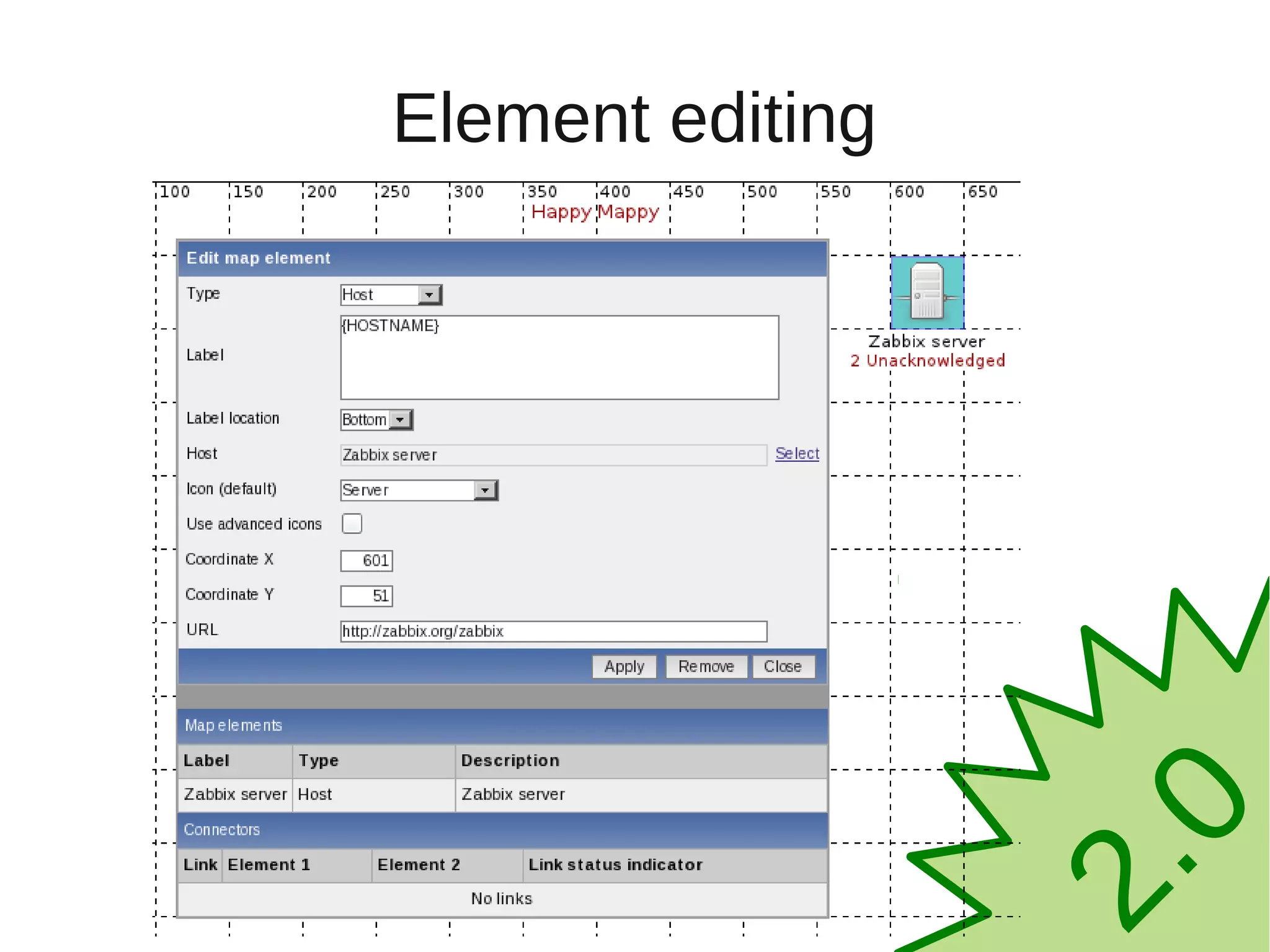
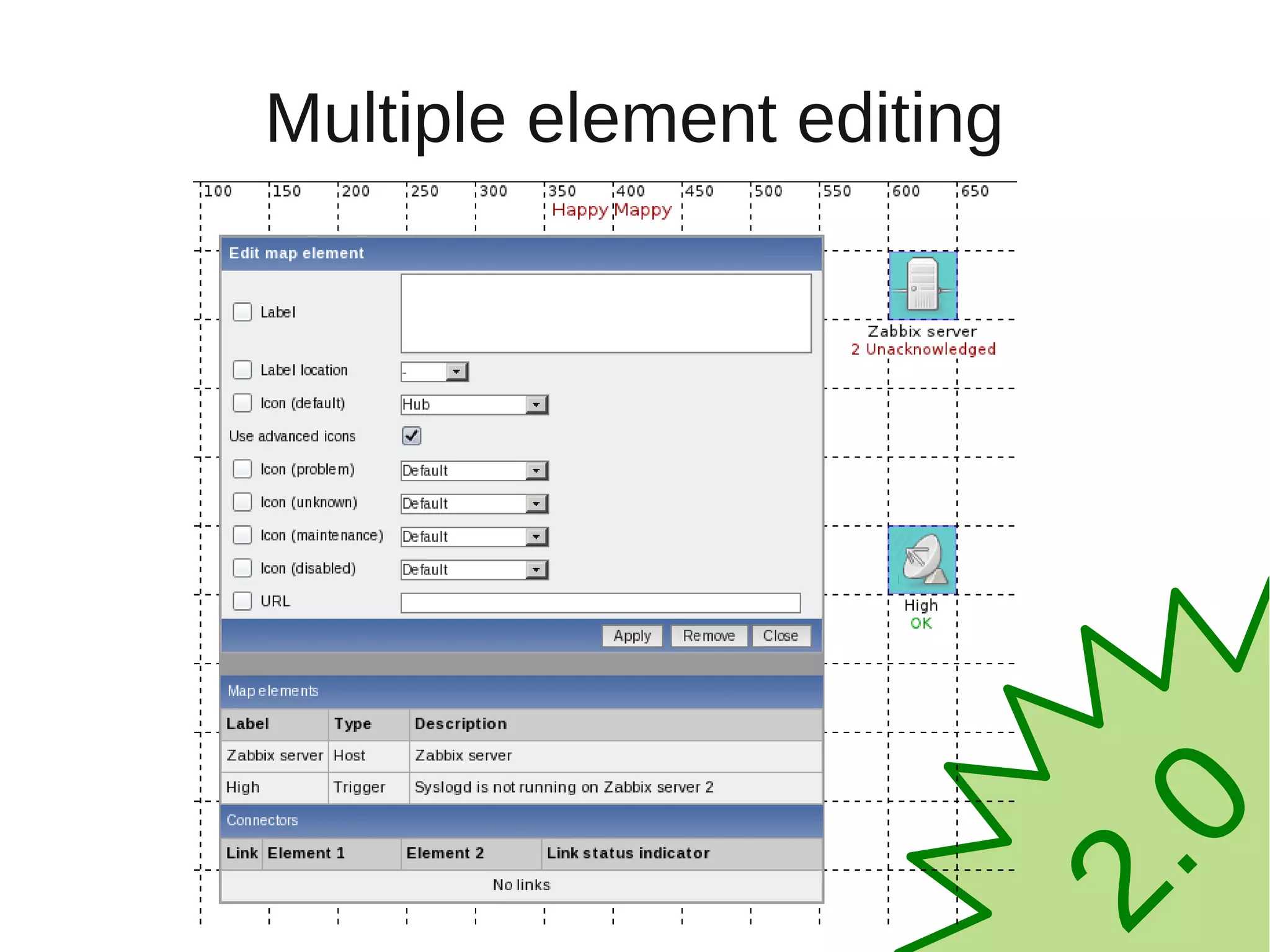
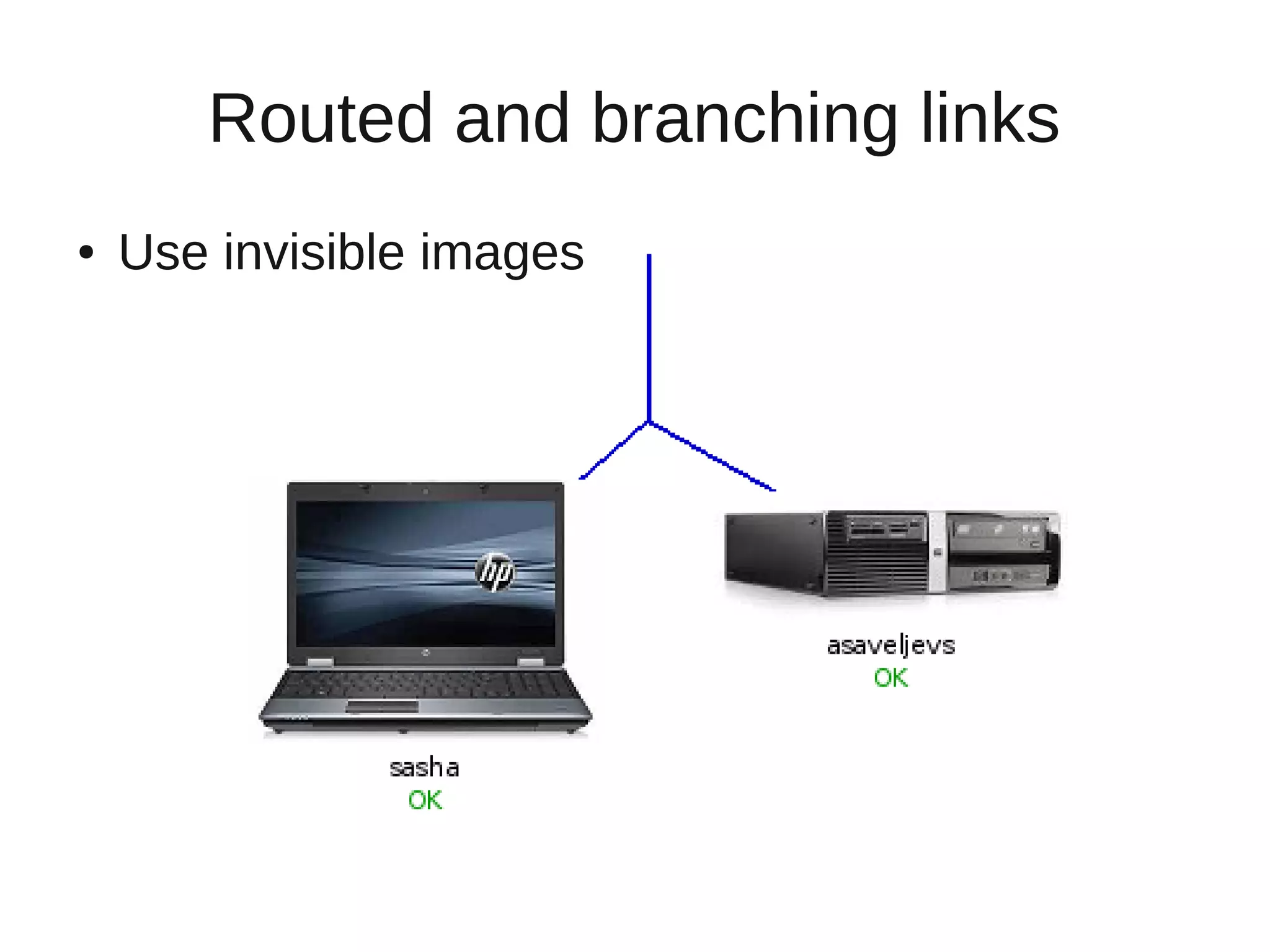
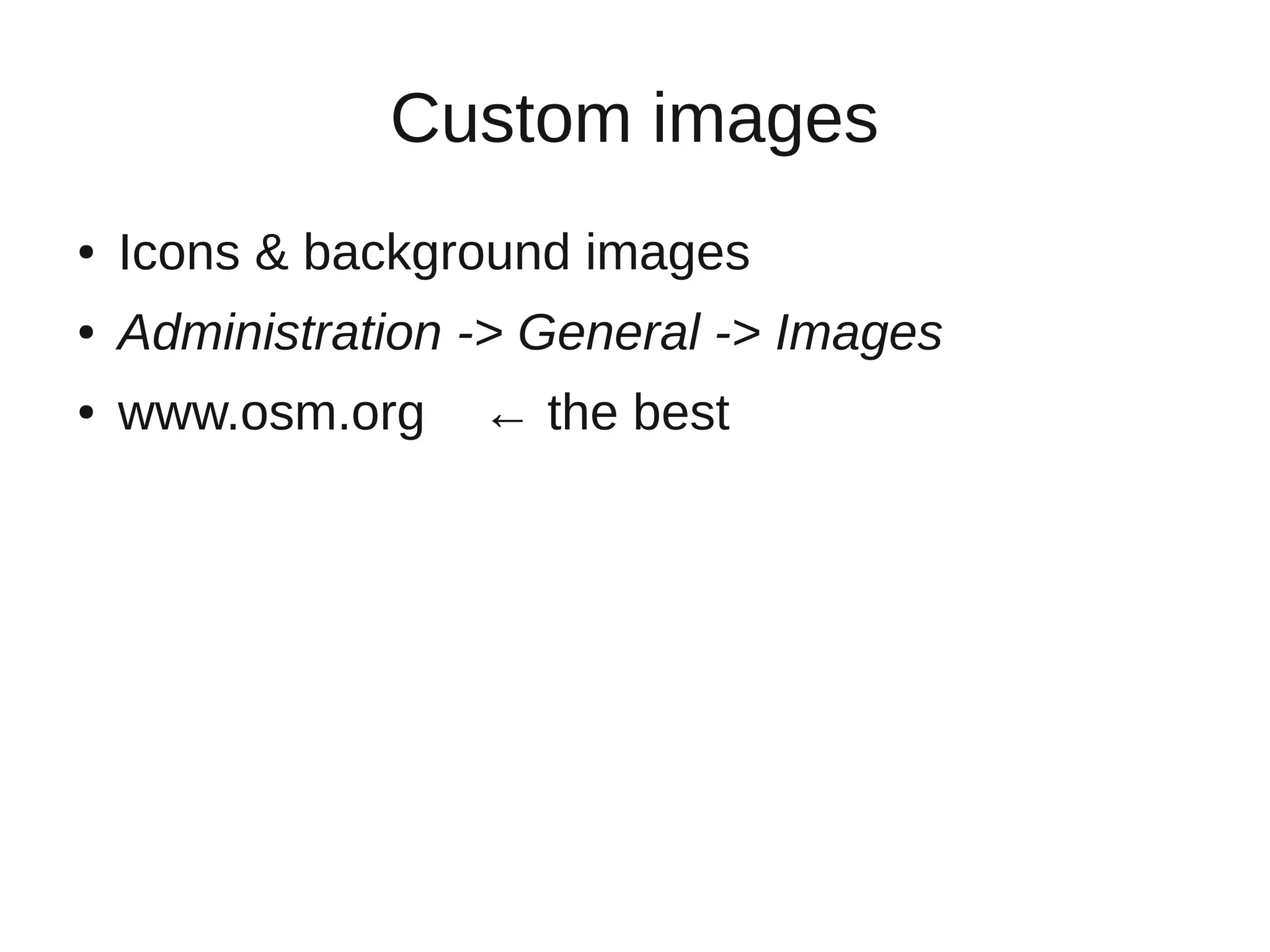
Maps can be customized in various ways including custom icons, labels, links, and real-time data display. Elements on maps can be edited, multiple elements selected together, and links can branch. Maps can be saved, exported as XML, and accessed via the API or by name in the URL. Background images and icons can be imported.


![Vibe Coding vs. Spec-Driven Development [Free Meetup]](https://cdn.slidesharecdn.com/ss_thumbnails/vibecodingvsspecdrivendevelopment-251209105622-43f455e7-thumbnail.jpg?width=640&height=640&fit=bounds)


