This slides for every one who want to learn Linux
    in our Arab World and the whole World..
Thanks for every one who sharing us his experience
           and help us to learn linux ..
                        :)
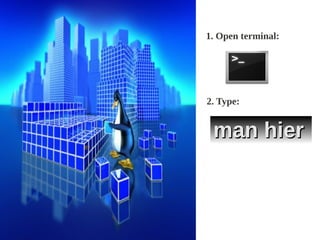
1. Open terminal:


2. Type:


 man hier
How Linux is Organized??!
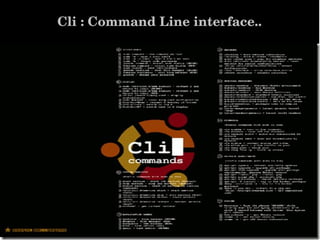
Cli : Command Line interface..
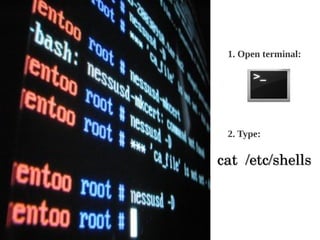
1. Open terminal:


  2. Type:

 cat  /etc/shells
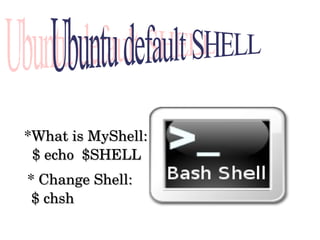
 *What is MyShell:
   $ echo  $SHELL 
 * Change Shell:
  $ chsh  
$ command   ­options   parameter 
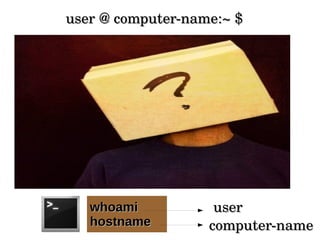
user @ computer­name:~ $ 


   whoami           user
   hostname        computer­name
  user @ computer­name:~ $ 


                   User Home Folder


       pwd


        /home/user1
Magic command


 Sudo : Super User Do


         sudo su

         sudo -i
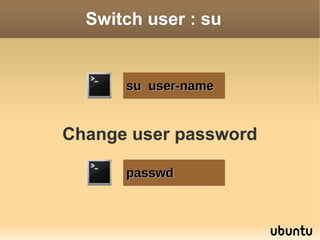
Switch user : su


      su user-name


Change user password

      passwd
Users logs


-Who logged in:
  $ Who or w

-Last Sessions:
     $ last
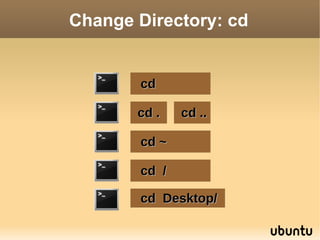
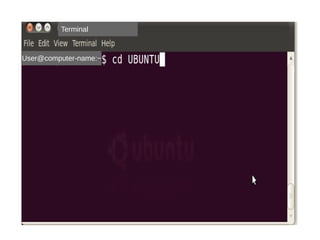
Change Directory: cd


       cd

       cd .   cd ..

       cd ~

       cd /

       cd Desktop/
List Files: ls


    ls

    ls -a

    ls directory

    ls -l file||dir

    man ls            Get 
                      manual
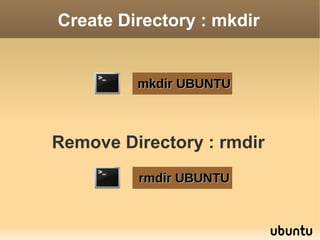
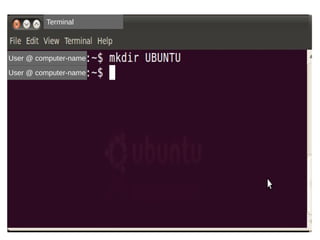
Create Directory : mkdir


         mkdir UBUNTU


Remove Directory : rmdir
         rmdir UBUNTU
Create File


touch <file1> <file2> <....>

cat > file-name       new
cat >> file-name       update
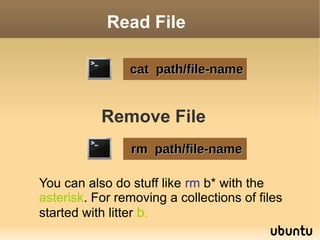
Read File

                cat path/file-name


           Remove File
                 rm path/file-name

You can also do stuff like rm b* with the
asterisk. For removing a collections of files
started with litter b.
Reading Files


   head -# file-name

   tail -# file-name

   less path/file-name

  more path/file-name

  gedit path/file-name
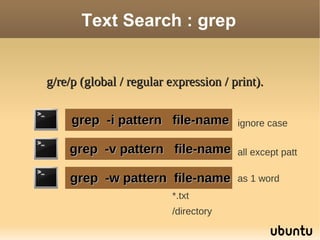
Text Search : grep


g/re/p (global / regular expression / print).


     grep -i pattern file-name         ignore case

    grep -v pattern file-name          all except patt

    grep -w pattern file-name          as 1 word
                          *.txt
                          /directory
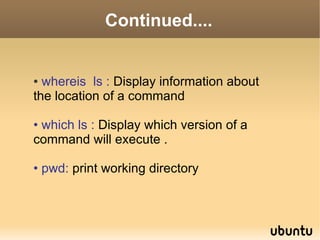
Continued....


● whereis ls : Display information about
the location of a command

• which ls : Display which version of a
command will execute .

• pwd: print working directory
Try...


• Try
  man –f ls
  whatis ls

• Try
  man –k ls
  apropos ls
Reboot


sudo reboot
ShutDown


sudo shutdown time

sudo shutdown -r NOW

sudo shutdown -c time
Copy Paste : cp


 cp <file1> <file2> <dest>

 cp -r dir/* new-directory
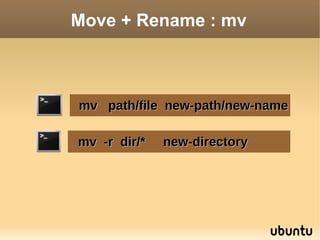
Move + Rename : mv


mv path/file new-path/new-name

mv -r dir/*   new-directory
Terminal


User @ computer-name

User @ computer-name
Terminal


User @ computer-name


User @ computer-name
Terminal


User@computer-name:~
Terminal


User@computer-name

User@computer-name
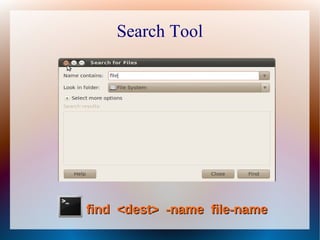
Search Tool


find <dest> -name file-name
Linux files DB

Lets update linux files data base :

         sudo updatedb

         locate file-name
Package Management


  System >> Administration >>
              Synaptic Package Manager.


         sudo apt-get install <pckg>
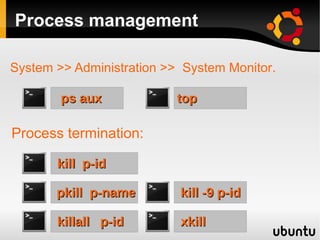
Process management

System >> Administration >> System Monitor.

        ps aux            top

Process termination:

       kill p-id

       pkill p-name        kill -9 p-id

       killall p-id        xkill
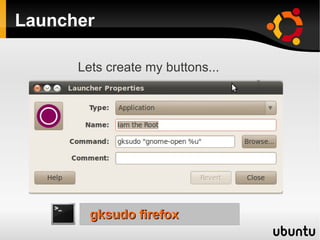
Launcher

      Lets create my buttons...


        gksudo firefox
Compression..

* Create .tar.gz compressed file:
1. Create .tar file:
   $ tar -cvf new_name.tar folder_or_file
2.Create .gz file:
   $ gzip new_name.tar

* Extract from .tar.gz compressed file:
1. Create .tar file:
    $ gunzip new_name.tar.gz
2.Create .gz file:
   $ tar -xvf new_name.tar
Linux Variables


$ echo $PATH
$ echo $USER
$ echo $SHELL
Linux Basic Commands

Linux Basic Commands