RemoteFX: Rich End User Experience for VDI and Remote DesktopsAmit GatenyoInfrastructure & Security Manager, DarioMicrosoft Regional Director – Windows Server & Security054-2492499Amit.g@dario.co.il
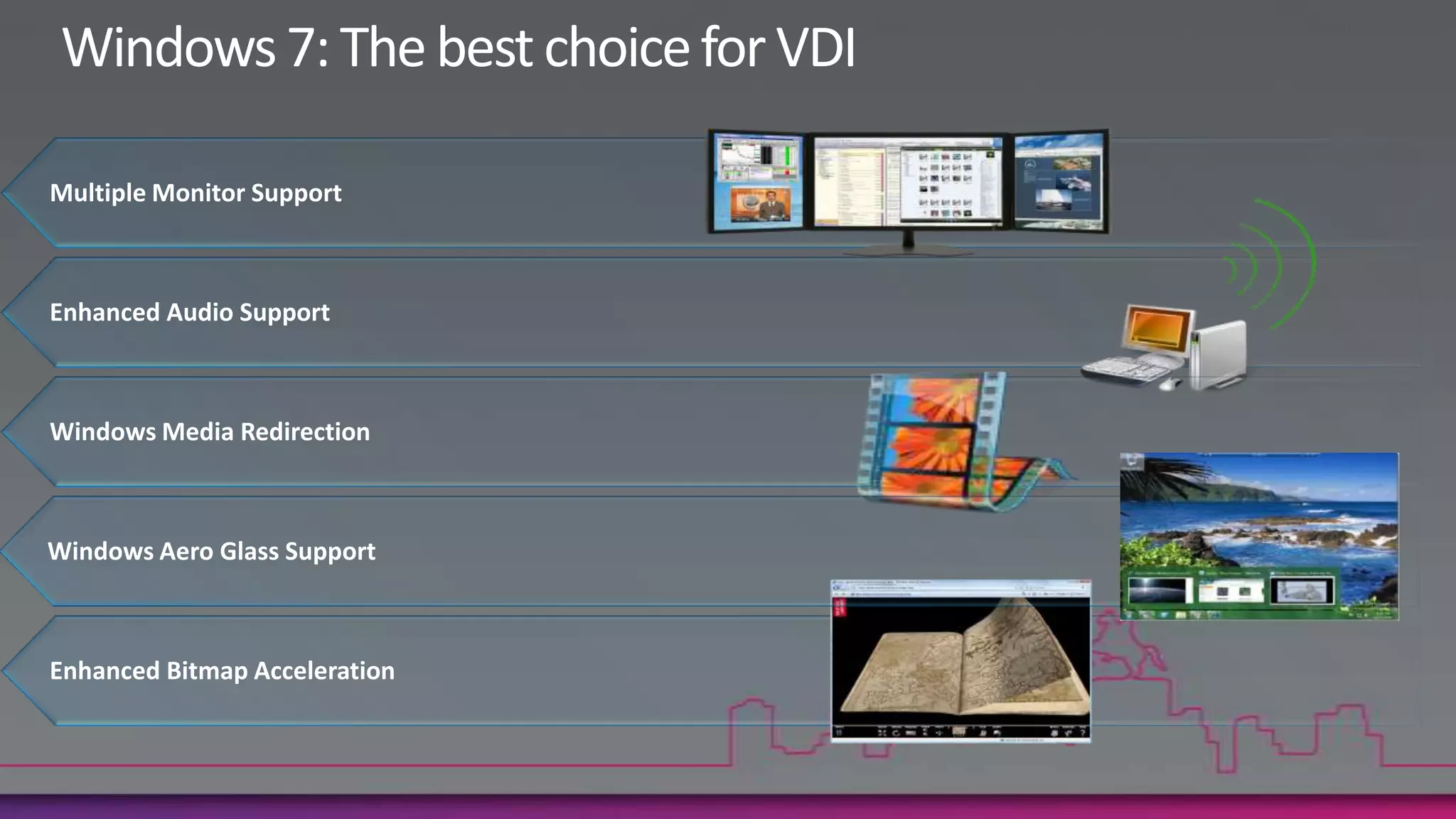
Windows 7: The best choice for VDIMultiple Monitor SupportEnhanced Audio SupportWindows Media RedirectionWindows Aero Glass SupportEnhanced Bitmap Acceleration
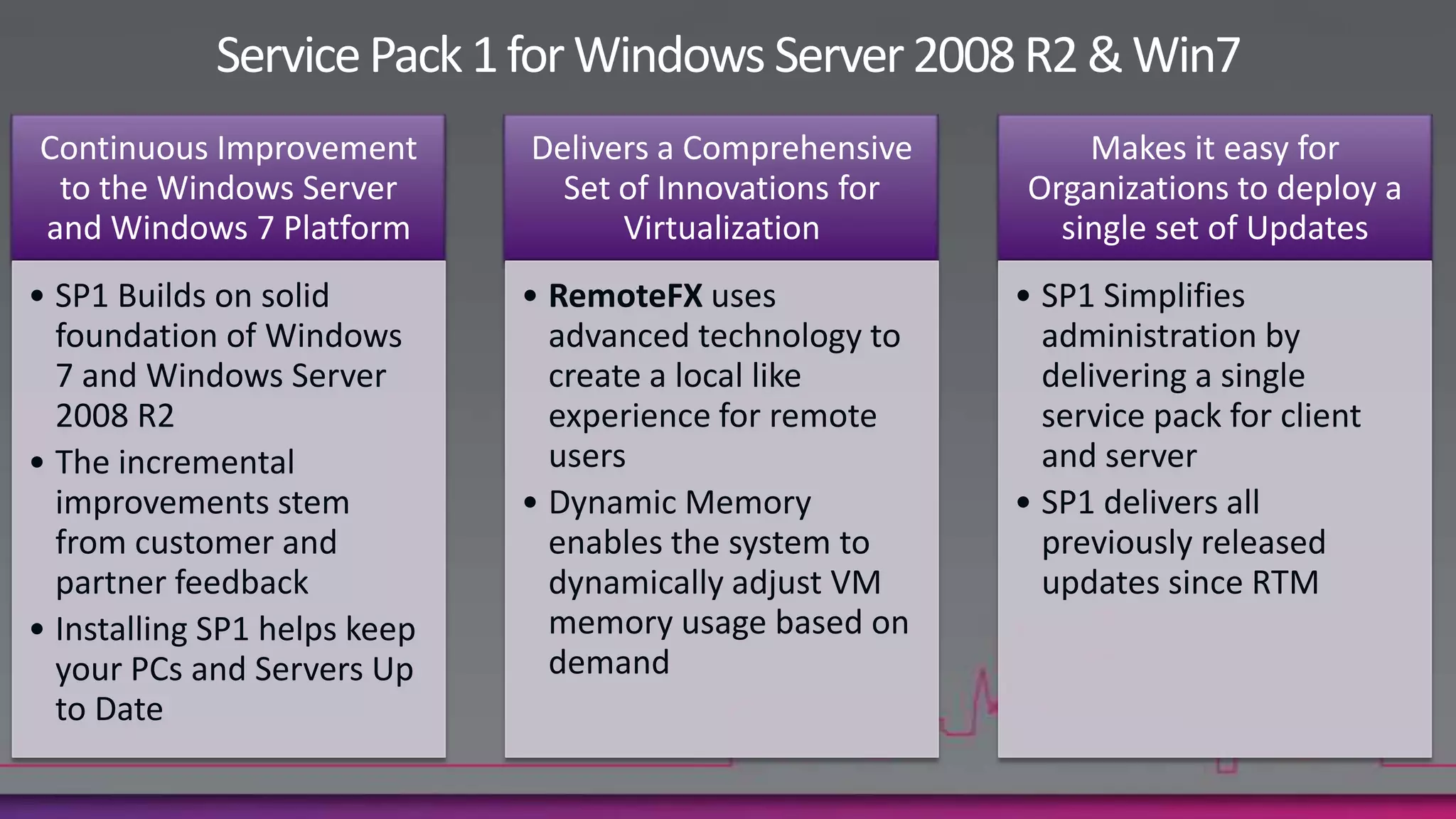
Service Pack 1 for Windows Server 2008 R2 & Win7
Introduction to RemoteFX
RemoteFX Key BenefitsRich user experience for server-hosted desktops and applicationsRich, local-like user experience for remote workers
Platform for partners to optimize for a variety of configurations
Virtualized graphics and advanced codecs for highest fidelityRemoteFX Key BenefitsFlexible and cost-effective solutionSupport for simple, low-cost end point devices
Works with VDI and higher-density session-based remote desktops
RDP with RemoteFX enables host- or client-side renderingRemoteFX Key BenefitsIncreased user productivityIncreases user productivity with full-fidelity remote user experience
Anywhere access to any screen content, including rich media and 3D
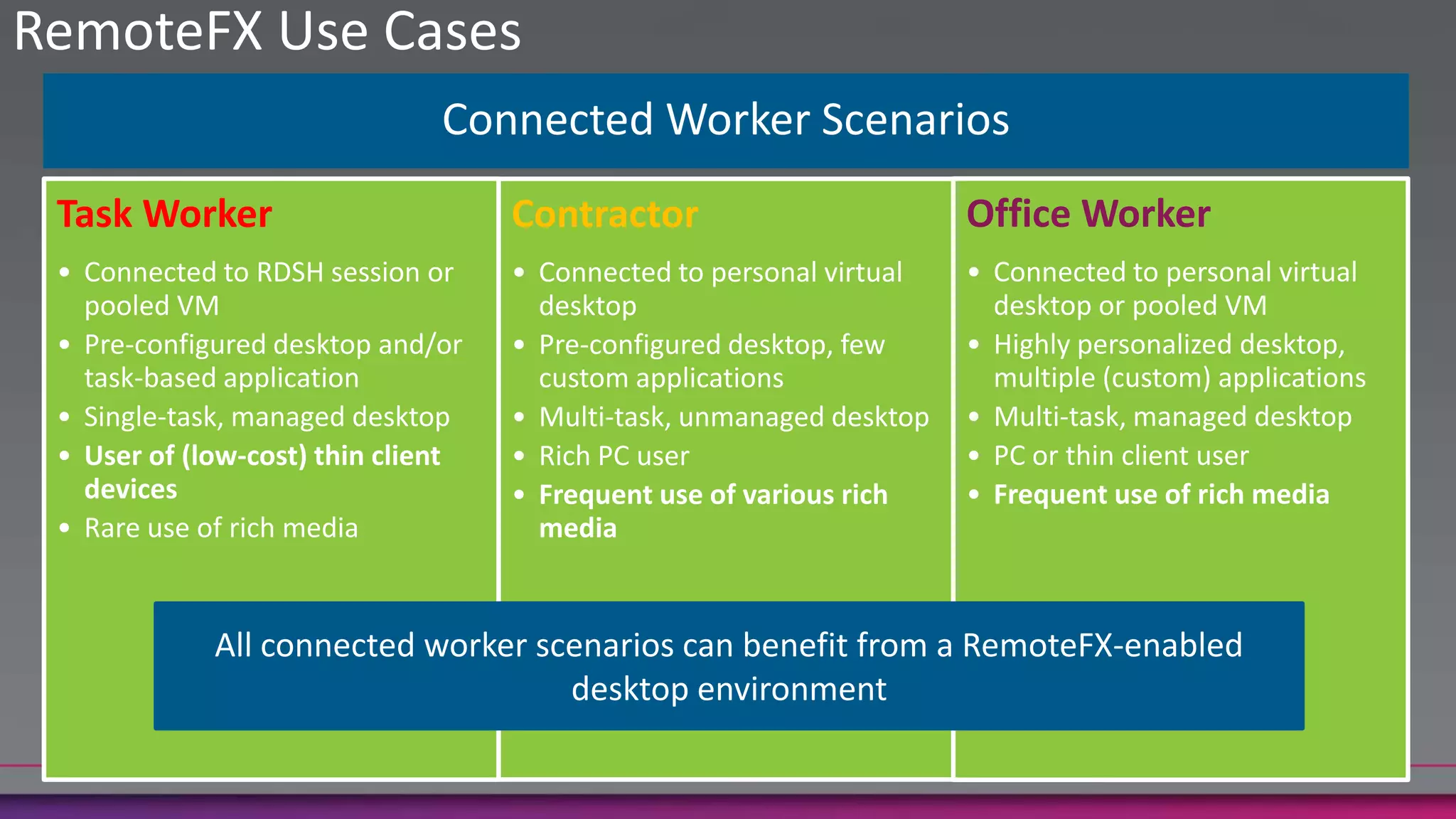
Display of any media content today and tomorrow will “just work”RemoteFX Use CasesAll connected worker scenarios can benefit from a RemoteFX-enabled desktop environment
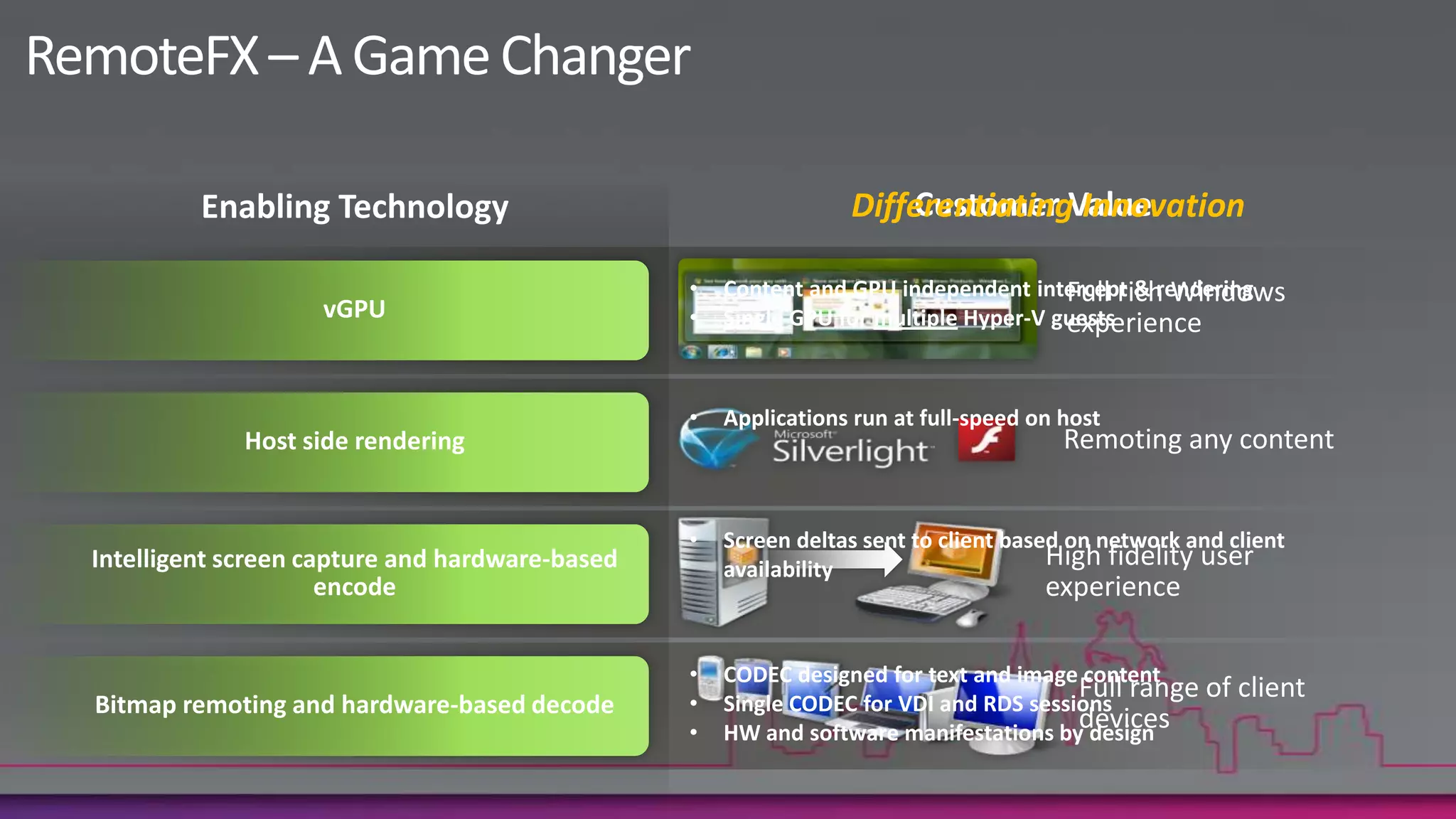
RemoteFX – A Game ChangerEnabling TechnologyCustomer ValueDifferentiating InnovationFull rich Windows experienceContent and GPU independent intercept & rendering
Single GPU for multiple Hyper-V guestsvGPURemoting any contentApplications run at full-speed on hostHost side renderingScreen deltas sent to client based on network and client availabilityHigh fidelity user experienceIntelligent screen capture and hardware-based encodeCODEC designed for text and image content
Single CODEC for VDI and RDS sessions
HW and software manifestations by designFull range of client devicesBitmap remoting and hardware-based decode
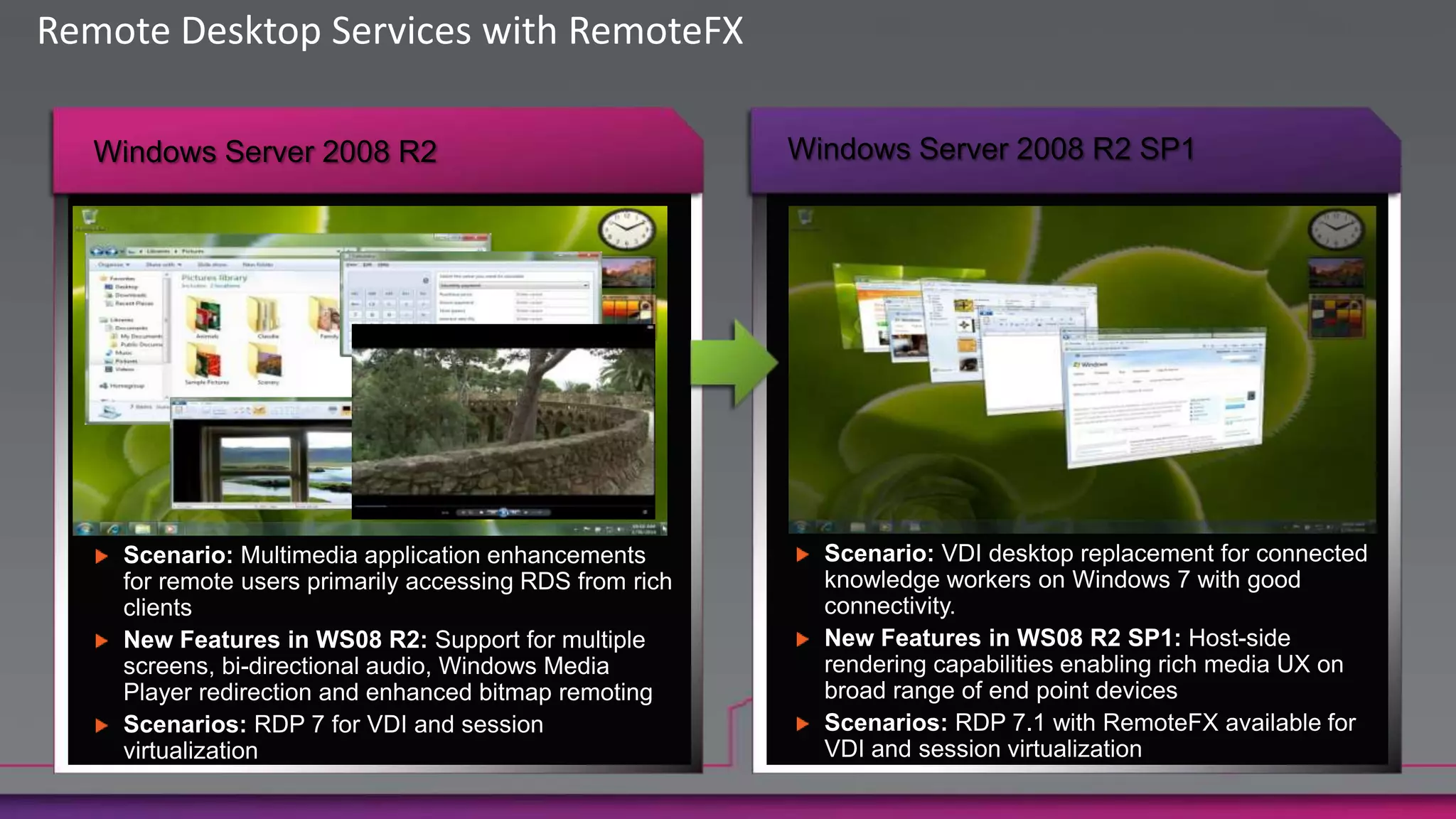
Remote Desktop Services with RemoteFXWindows Server 2008 R2 SP1Windows Server 2008 R2Scenario: VDI desktop replacement for connected knowledge workers on Windows 7 with good connectivity.New Features in WS08 R2 SP1: Host-side rendering capabilities enabling rich media UX on broad range of end point devicesScenarios: RDP 7.1 with RemoteFX available for VDI and session virtualizationScenario: Multimedia application enhancements for remote users primarily accessing RDS from rich clientsNew Features in WS08 R2: Support for multiple screens, bi-directional audio, Windows Media Player redirection and enhanced bitmap remotingScenarios: RDP 7 for VDI and session virtualization
Demo
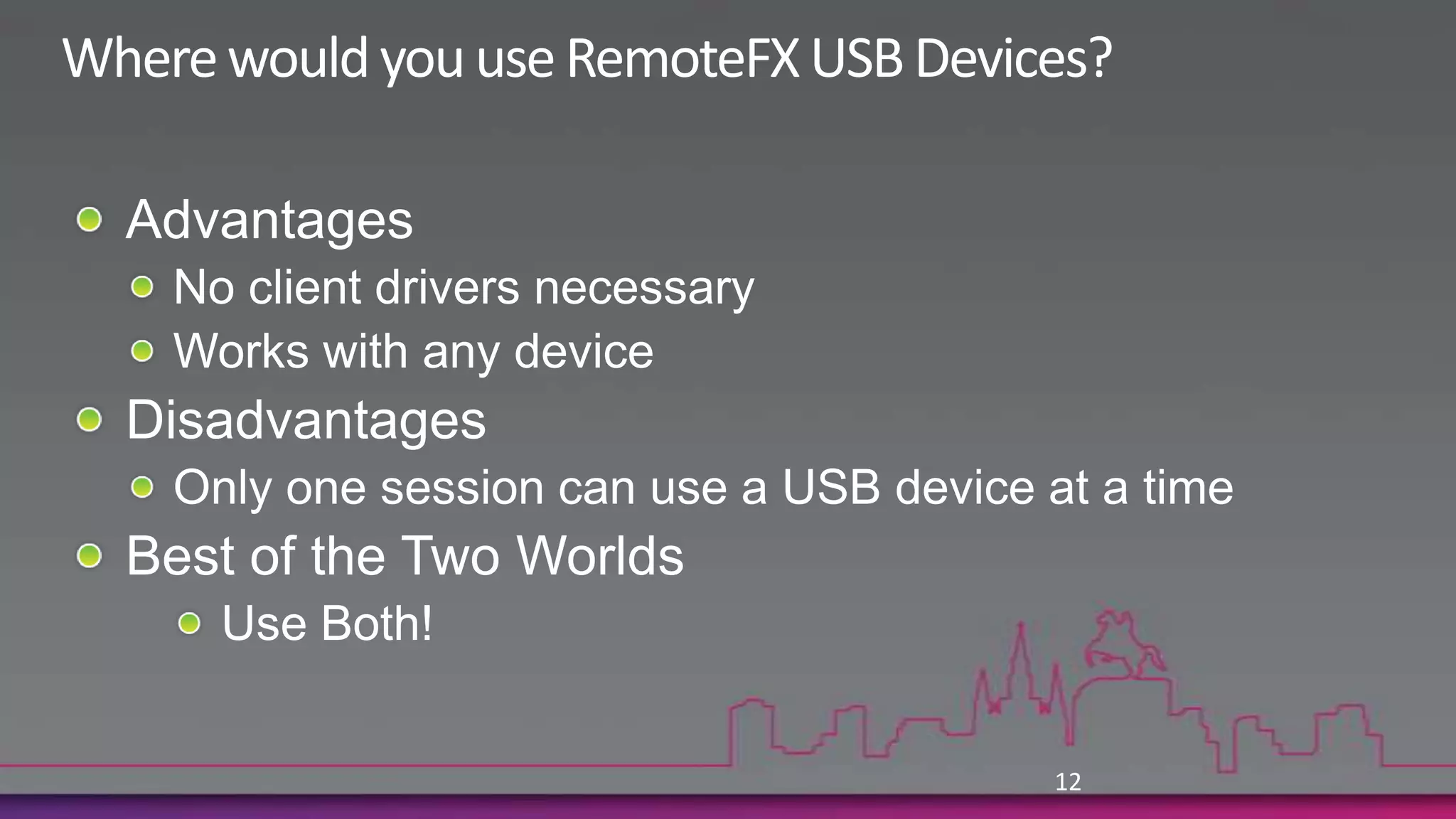
AdvantagesNo client drivers necessaryWorks with any device DisadvantagesOnly one session can use a USB device at a timeBest of the Two WorldsUse Both!12Where would you use RemoteFX USB Devices?
RemoteFXAudio DevicesE.g. USB speakers, USB headset, USB Microphone, USB Phone

RemoteFX - Rich End User Experience for VDI and Remote Desktops

  • 1.
    RemoteFX: Rich EndUser Experience for VDI and Remote DesktopsAmit GatenyoInfrastructure & Security Manager, DarioMicrosoft Regional Director – Windows Server & Security054-2492499Amit.g@dario.co.il
  • 2.
    Windows 7: Thebest choice for VDIMultiple Monitor SupportEnhanced Audio SupportWindows Media RedirectionWindows Aero Glass SupportEnhanced Bitmap Acceleration
  • 3.
    Service Pack 1for Windows Server 2008 R2 & Win7
  • 4.
  • 5.
    RemoteFX Key BenefitsRichuser experience for server-hosted desktops and applicationsRich, local-like user experience for remote workers
  • 6.
    Platform for partnersto optimize for a variety of configurations
  • 7.
    Virtualized graphics andadvanced codecs for highest fidelityRemoteFX Key BenefitsFlexible and cost-effective solutionSupport for simple, low-cost end point devices
  • 8.
    Works with VDIand higher-density session-based remote desktops
  • 9.
    RDP with RemoteFXenables host- or client-side renderingRemoteFX Key BenefitsIncreased user productivityIncreases user productivity with full-fidelity remote user experience
  • 10.
    Anywhere access toany screen content, including rich media and 3D
  • 11.
    Display of anymedia content today and tomorrow will “just work”RemoteFX Use CasesAll connected worker scenarios can benefit from a RemoteFX-enabled desktop environment
  • 12.
    RemoteFX – AGame ChangerEnabling TechnologyCustomer ValueDifferentiating InnovationFull rich Windows experienceContent and GPU independent intercept & rendering
  • 13.
    Single GPU formultiple Hyper-V guestsvGPURemoting any contentApplications run at full-speed on hostHost side renderingScreen deltas sent to client based on network and client availabilityHigh fidelity user experienceIntelligent screen capture and hardware-based encodeCODEC designed for text and image content
  • 14.
    Single CODEC forVDI and RDS sessions
  • 15.
    HW and softwaremanifestations by designFull range of client devicesBitmap remoting and hardware-based decode
  • 16.
    Remote Desktop Serviceswith RemoteFXWindows Server 2008 R2 SP1Windows Server 2008 R2Scenario: VDI desktop replacement for connected knowledge workers on Windows 7 with good connectivity.New Features in WS08 R2 SP1: Host-side rendering capabilities enabling rich media UX on broad range of end point devicesScenarios: RDP 7.1 with RemoteFX available for VDI and session virtualizationScenario: Multimedia application enhancements for remote users primarily accessing RDS from rich clientsNew Features in WS08 R2: Support for multiple screens, bi-directional audio, Windows Media Player redirection and enhanced bitmap remotingScenarios: RDP 7 for VDI and session virtualization
  • 17.
  • 18.
    AdvantagesNo client driversnecessaryWorks with any device DisadvantagesOnly one session can use a USB device at a timeBest of the Two WorldsUse Both!12Where would you use RemoteFX USB Devices?
  • 19.
    RemoteFXAudio DevicesE.g. USBspeakers, USB headset, USB Microphone, USB Phone
  • 20.
    RemoteFX HID DevicesE.g.Tablets, Media remotes, Joysticks, and many more
  • 21.
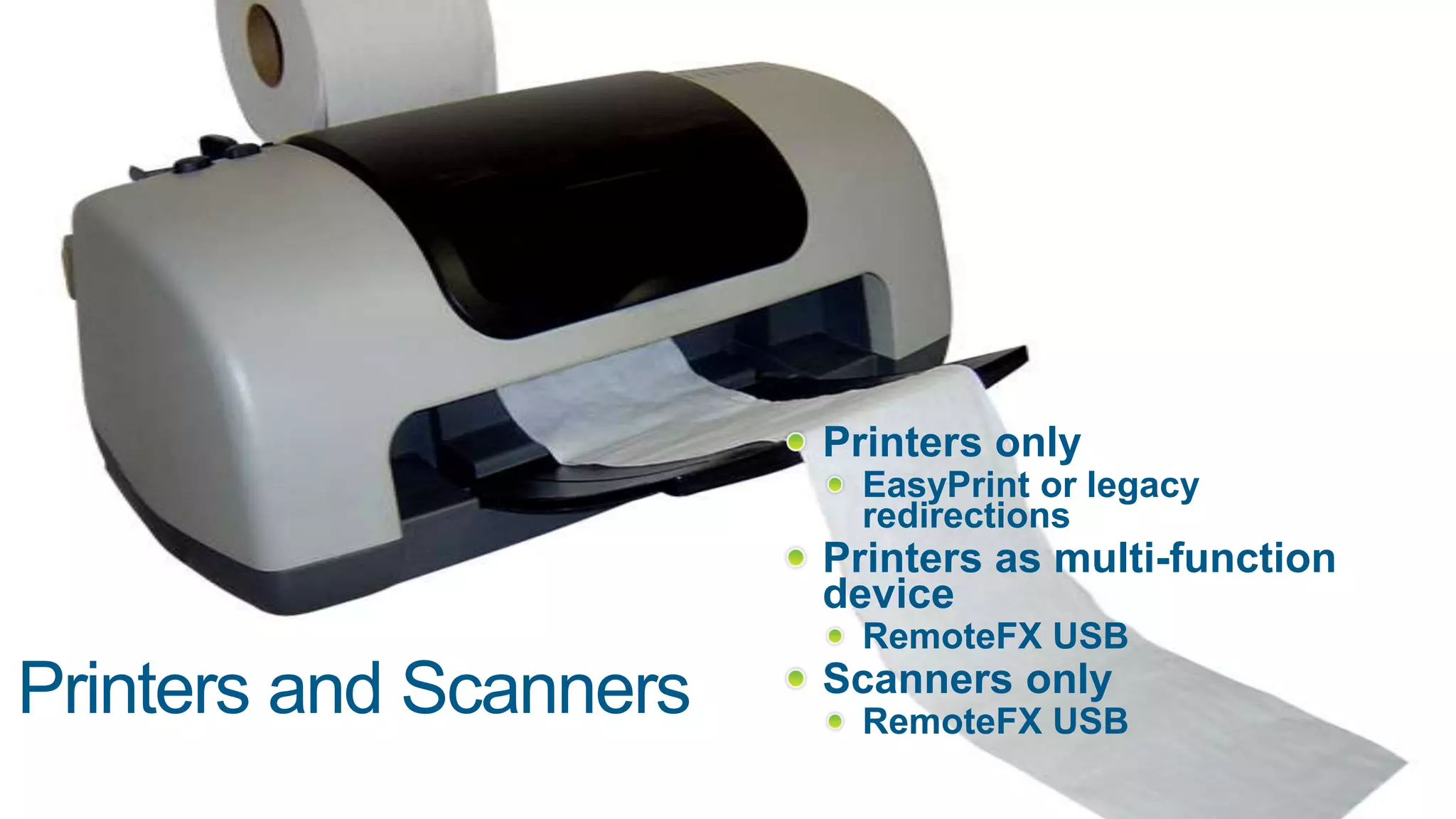
    Printers onlyEasyPrint orlegacy redirectionsPrinters as multi-function device RemoteFX USB Scanners only RemoteFX USBPrinters and Scanners
  • 22.
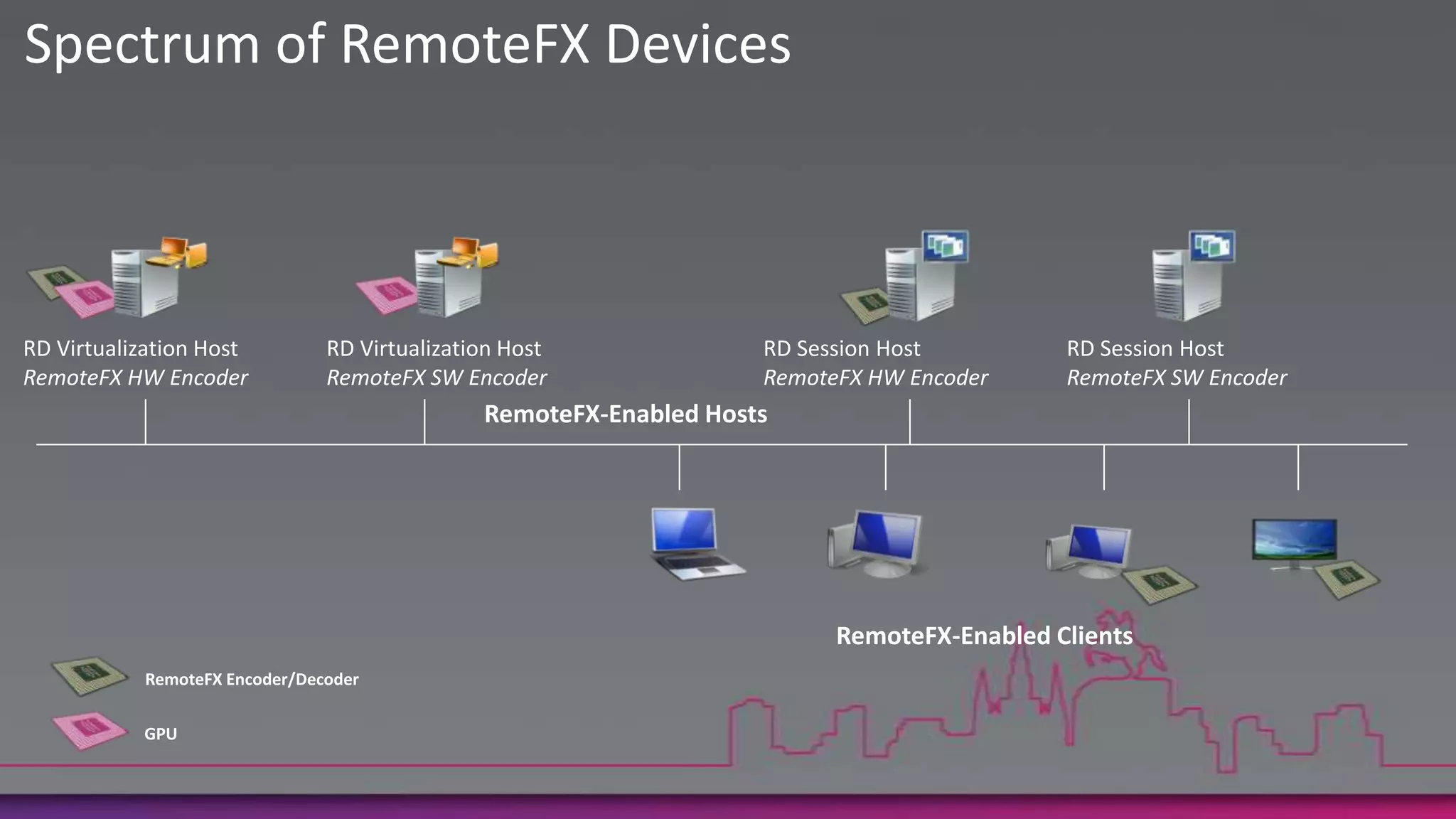
    Spectrum of RemoteFXDevicesRD Virtualization HostRemoteFXHW EncoderRD Virtualization HostRemoteFX SW EncoderRD Session HostRemoteFX HW EncoderRD Session HostRemoteFX SW EncoderRemoteFX-Enabled HostsRemoteFX-Enabled ClientsRemoteFX Encoder/DecoderGPU
  • 23.
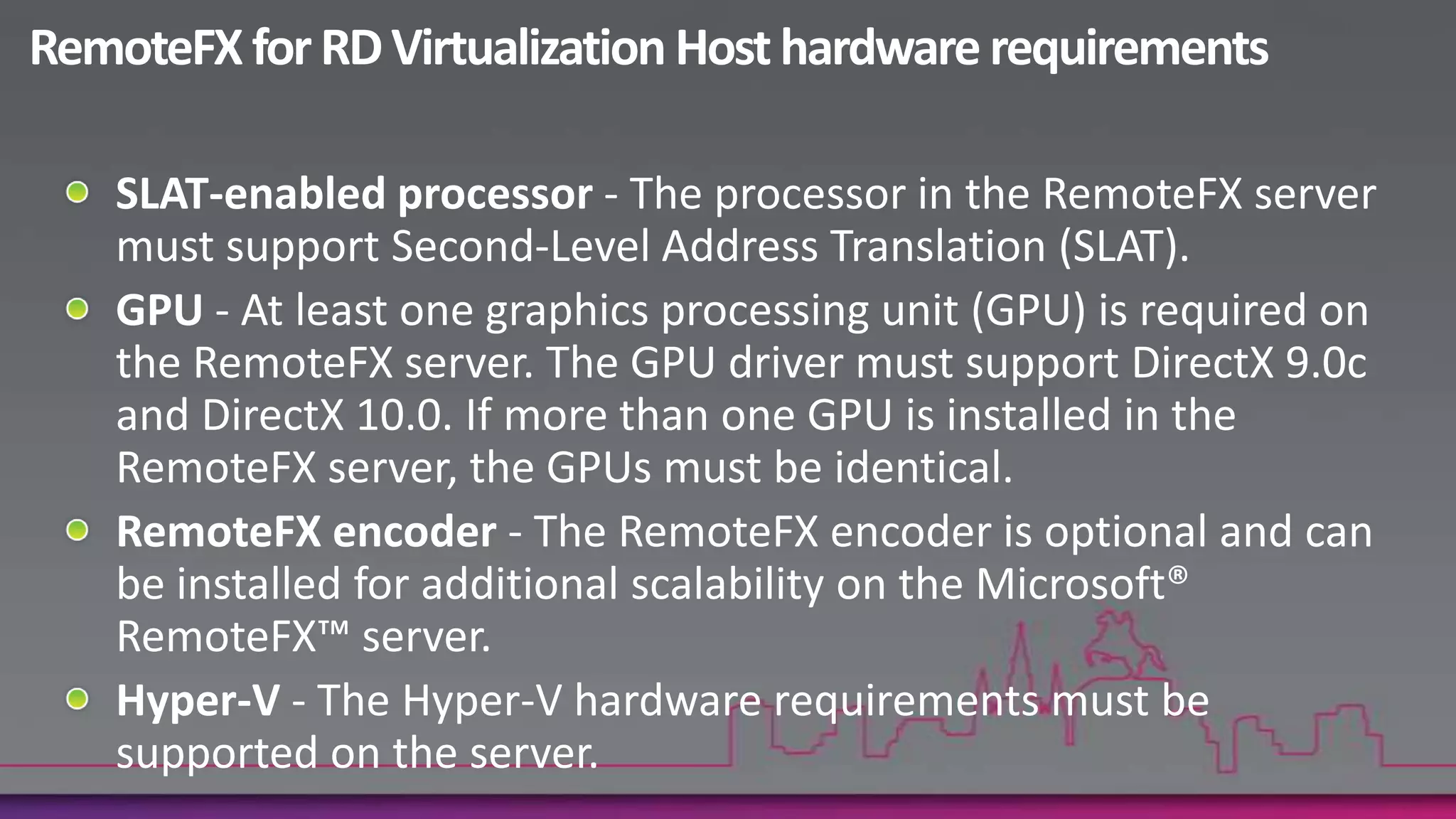
    RemoteFX for RDVirtualization Host hardware requirementsSLAT-enabled processor - The processor in the RemoteFX server must support Second-Level Address Translation (SLAT). GPU - At least one graphics processing unit (GPU) is required on the RemoteFX server. The GPU driver must support DirectX 9.0c and DirectX 10.0. If more than one GPU is installed in the RemoteFX server, the GPUs must be identical. RemoteFX encoder - The RemoteFX encoder is optional and can be installed for additional scalability on the Microsoft® RemoteFX™ server. Hyper-V - The Hyper-V hardware requirements must be supported on the server.
  • 24.
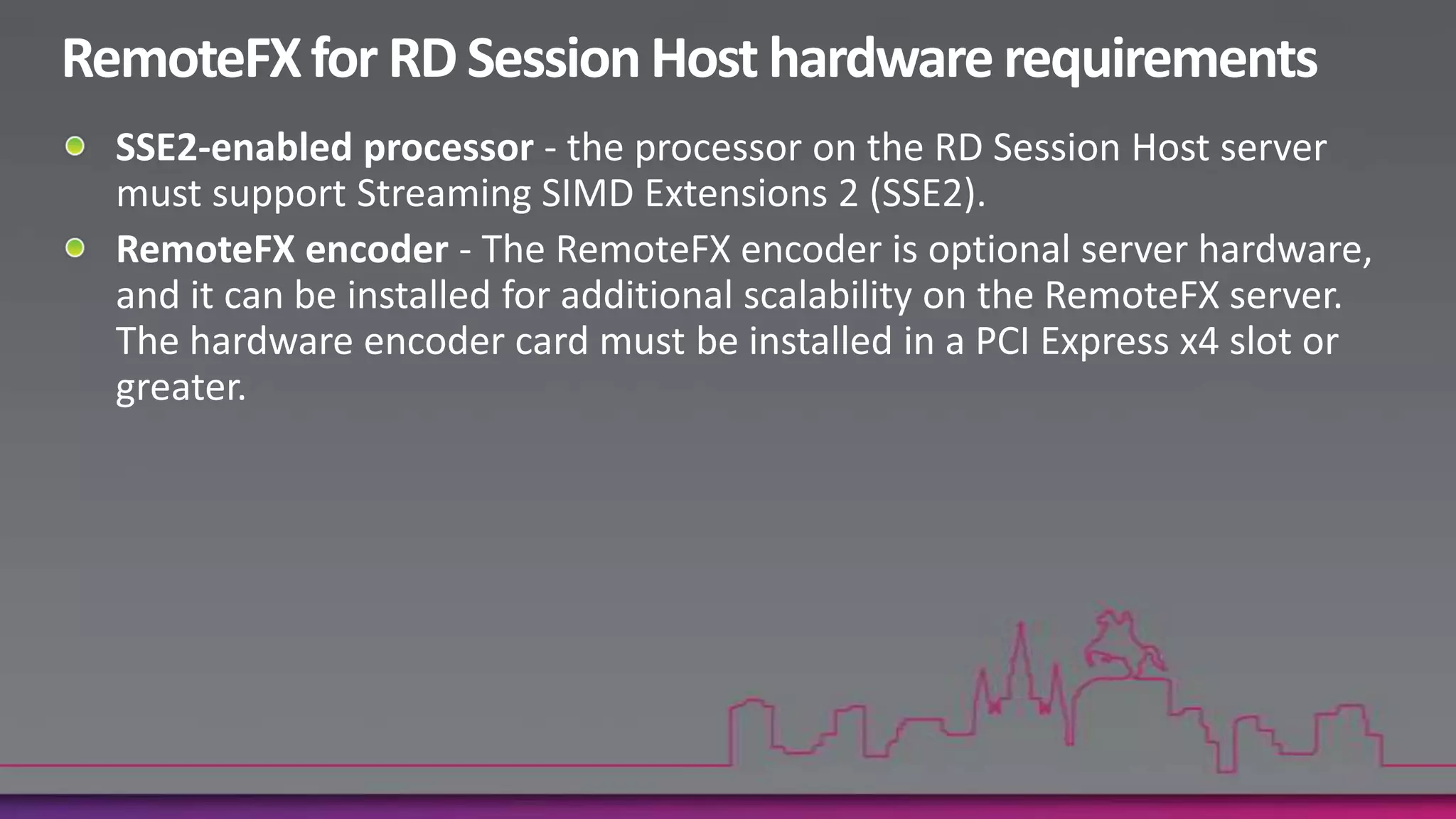
    RemoteFX for RDSession Host hardware requirementsSSE2-enabled processor - the processor on the RD Session Host server must support Streaming SIMD Extensions 2 (SSE2). RemoteFX encoder - The RemoteFX encoder is optional server hardware, and it can be installed for additional scalability on the RemoteFX server. The hardware encoder card must be installed in a PCI Express x4 slot or greater.
  • 25.
    Thank you!Required SlideAmitGatenyoInfrastructure & Security Manager, DarioMicrosoft Regional Director – Windows Server & Security054-2492499Amit.g@dario.co.il

Editor's Notes

  • #3 מילה לגבי עלות – ה-SA מכיל גם זכות ל-VDI(!!)
  • #10 עד היום עבדנו בשיטת client-centric remoting היום אנחנו עוברים ל-host-centric remoting כדי לתמוך ב-Flash, Silverlight, 3D וכו'עם VDI אנחנו צריכים גם 3D ויכולות גרפיקה גבוהותלא מחליף RDP אלא בא כתוספת ורלוונטי גם ל-RDS וגם ל-VDIיכולותRemoteFX משנות את המשחק – גם התקנים זולים עם יכולות גרפיות בסיסיות ביותר יכולים לקבל 3D מלא, לעבוד עם Aero ועם Video\\Audio