
Upgrading AD from
Windows Server 2003 to
Windows Server 2008 R2
Daniel Petri (dpetri@microsoft.com)
Senior Premier Field Engineer, Microsoft
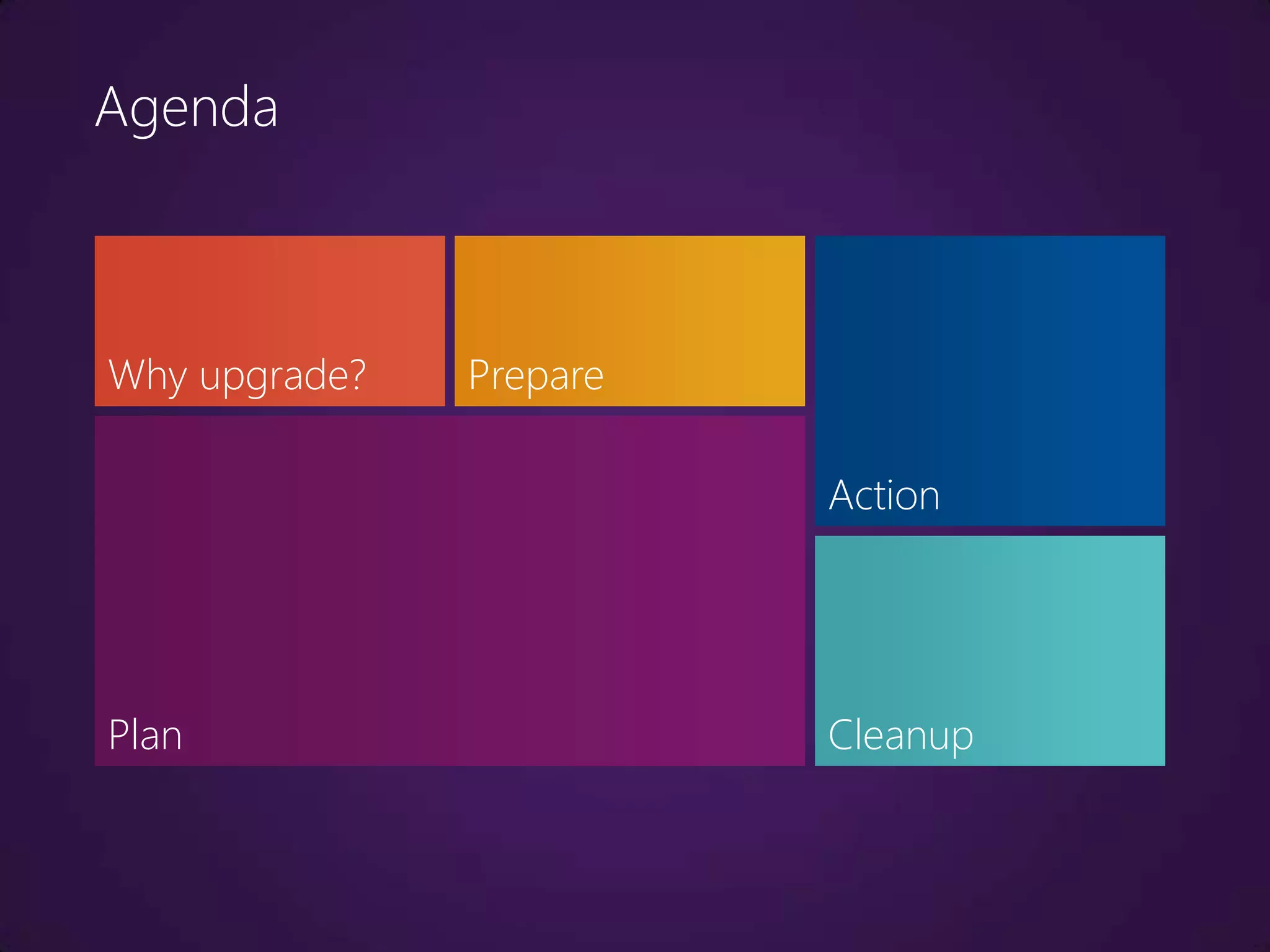
Agenda


Why upgrade?   Prepare

                         Action


Plan                     Cleanup
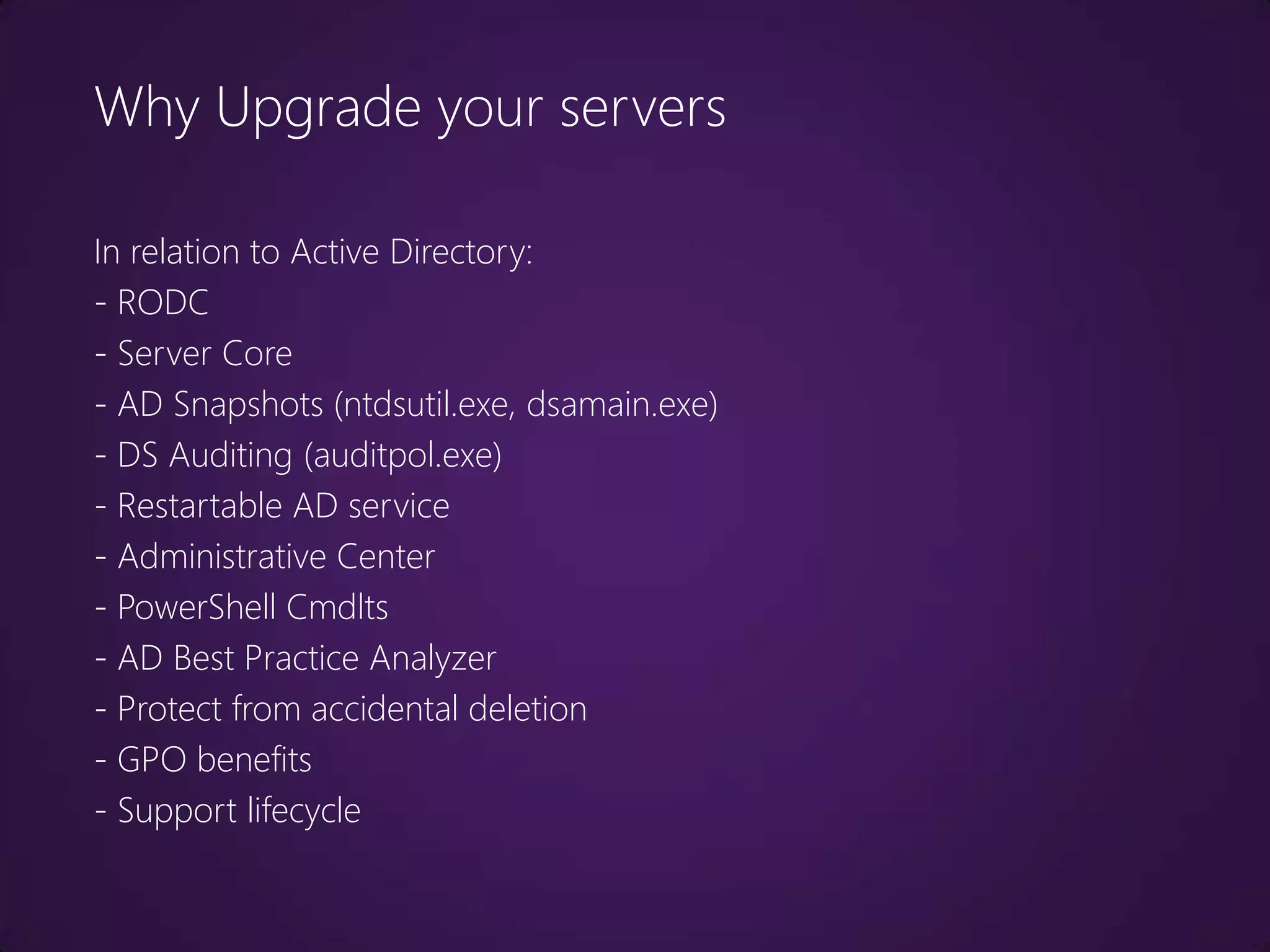
Why Upgrade your servers

In relation to Active Directory:
- RODC
- Server Core
- AD Snapshots (ntdsutil.exe, dsamain.exe)
- DS Auditing (auditpol.exe)
- Restartable AD service
- Administrative Center
- PowerShell Cmdlts
- AD Best Practice Analyzer
- Protect from accidental deletion
- GPO benefits
- Support lifecycle
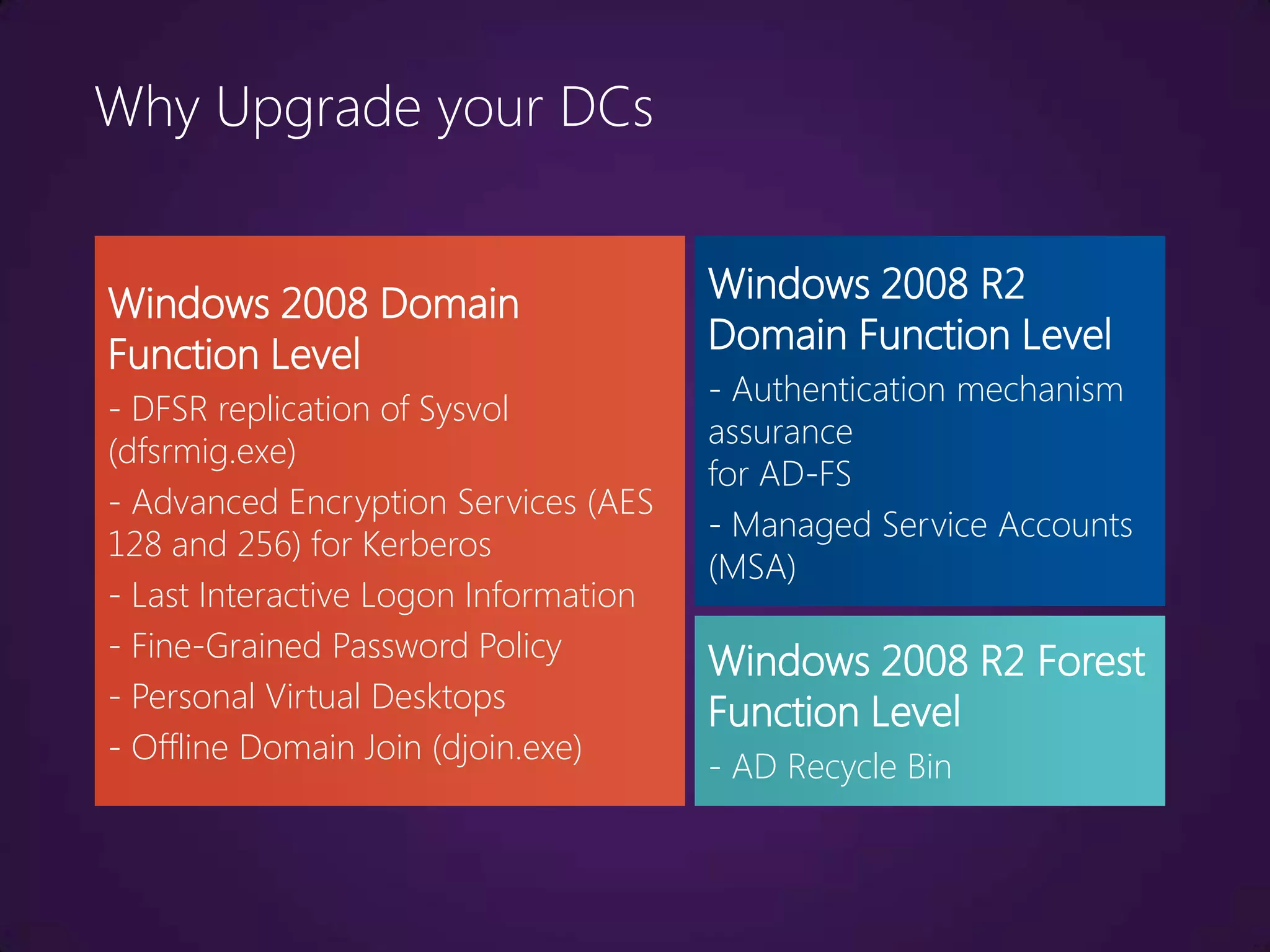
Why Upgrade your DCs


Windows 2008 Domain                    Windows 2008 R2
Function Level                         Domain Function Level
                                       - Authentication mechanism
- DFSR replication of Sysvol
                                       assurance
(dfsrmig.exe)
                                       for AD-FS
- Advanced Encryption Services (AES
                                       - Managed Service Accounts
128 and 256) for Kerberos
                                       (MSA)
- Last Interactive Logon Information
- Fine-Grained Password Policy         Windows 2008 R2 Forest
- Personal Virtual Desktops            Function Level
- Offline Domain Join (djoin.exe)
                                       - AD Recycle Bin
Plan

What are the upgrade goals?
Map existing resources
What other roles do DCs perform?
Map the risks
Can you consolidate?
Can you virtualize?
Should you virtualize?
Plan for rollback
Identify potential issues

This is mostly because DES encryption types for the
Kerberos authentication protocol are disabled by default in
Windows Server 2008/R2.
    – SAP
    – Oracle Internet Directory (OID), CA Identity Manager,
       Tivoli Identity Management
    – Samba and other Linux/Unix interoperability
    – NetApp, EMC Celera or other storage devices
    – Firewalls, VPN, RADIUS
    – http://support.microsoft.com/kb/977321
Identify potential issues

Additional considerations:
   – Terminal Server License Server on a DC
   – CA on a DC
   – Smart Cards
   – Customized password filters
   – Time keeping software
   – 3rd-party apps that are hard coded to work against
     specific DCs
   – Exchange servers with manual DC configuration
Test

- The bigger and more complex you are, the more you
need to test before you act.

- Consider regulations and standards (such as Change
Management procedures)

- Test environment needs to be as close to production as
possible.

- Test and production need to be totally isolated from each
other.
Backup

Make sure you have a recent, supported and working
backup:
- System State

- Boot Partition

- System Partition

- All GPOs (by using GPMC)

- Scripts etc.

Do NOT use a VM snapshot as backup!
Backup

As an extra security measure:

- Consider disconnecting one DC in addition to
backing up.

- Consider disabling outbound replication on the
Schema Master DC during the Schema upgrade.

repadmin /options <server_name>
+/-disable_outbound_repl
Backup

What's the tombstone lifetime (TSL)?

- Default up to Windows Server 2003 R2 = 60 days,
for later = 180 days

- If Forest is upgraded, TSL is not automatically
changed

dsquery * “cn=directory service,cn=windows
nt,cn=services,cn=configuration,dc=contoso,
dc=com” –scope base –attr tombstonelifetime
Permissions

Make sure the user you're working with is a
member of:

- Domain Admins

- Enterprise Admins

- Schema Admins
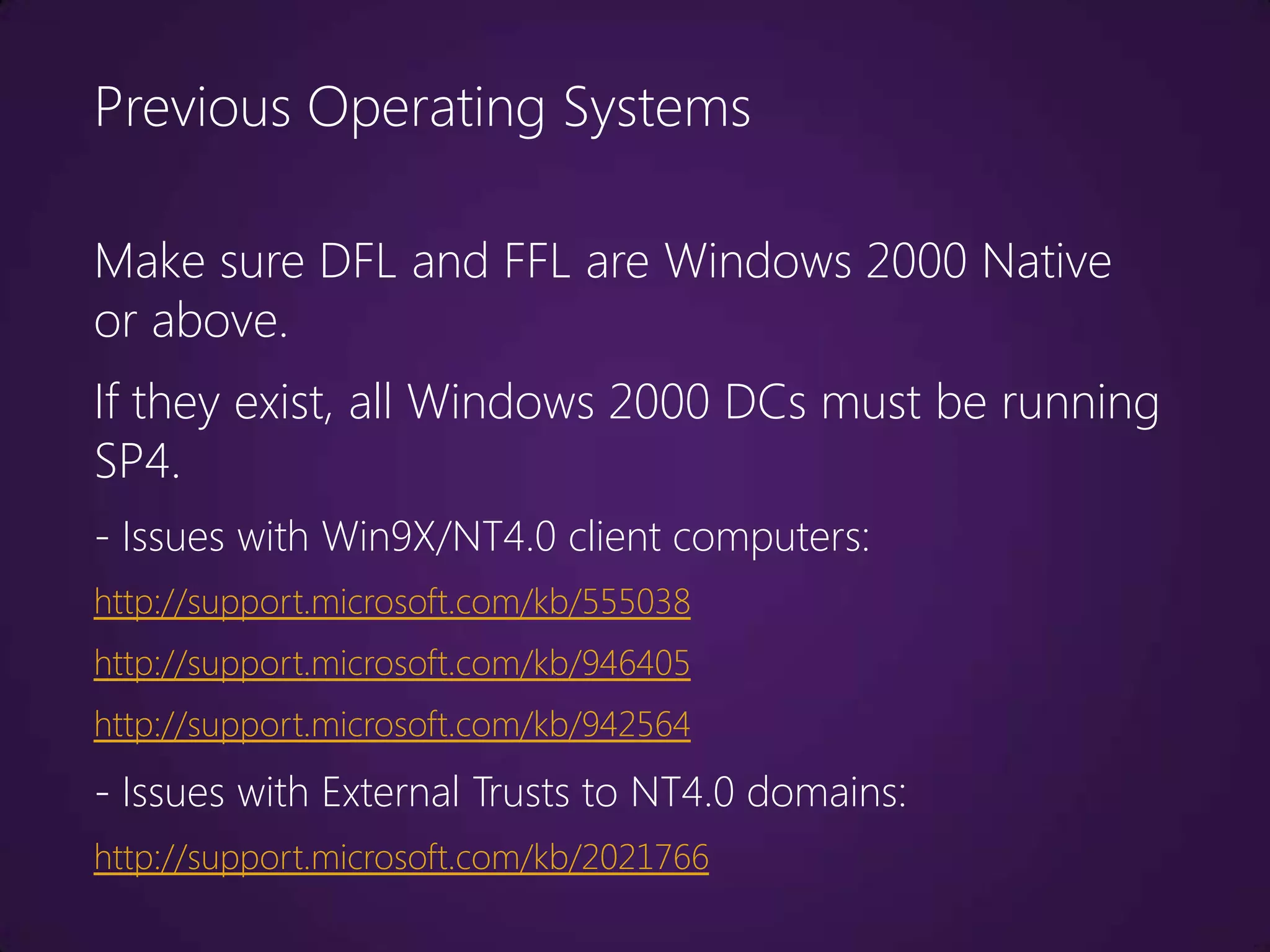
Previous Operating Systems

Make sure DFL and FFL are Windows 2000 Native
or above.
If they exist, all Windows 2000 DCs must be running
SP4.
- Issues with Win9X/NT4.0 client computers:
http://support.microsoft.com/kb/555038
http://support.microsoft.com/kb/946405
http://support.microsoft.com/kb/942564
- Issues with External Trusts to NT4.0 domains:
http://support.microsoft.com/kb/2021766
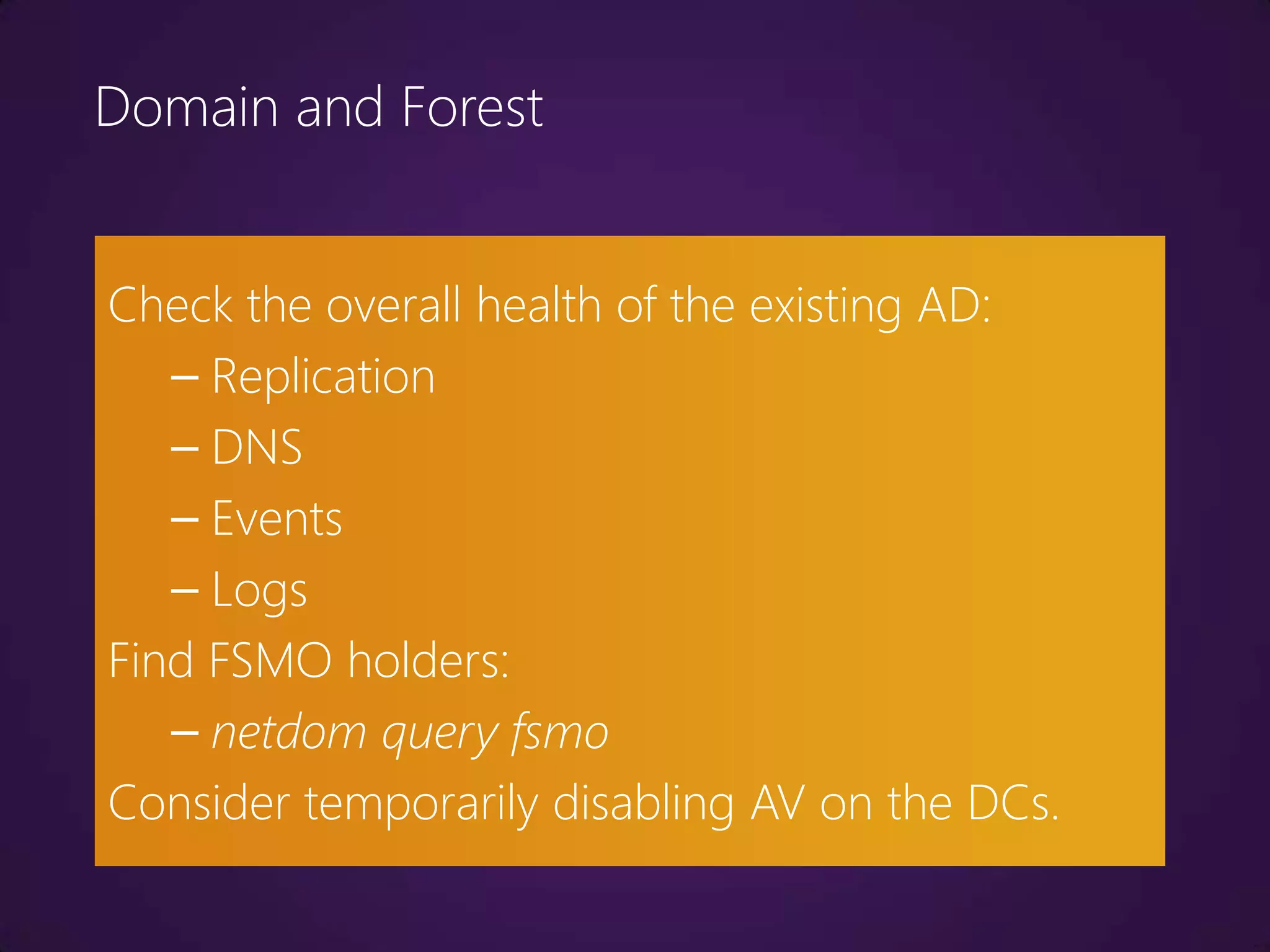
Domain and Forest


Check the overall health of the existing AD:
   – Replication
   – DNS
   – Events
   – Logs
Find FSMO holders:
   – netdom query fsmo
Consider temporarily disabling AV on the DCs.
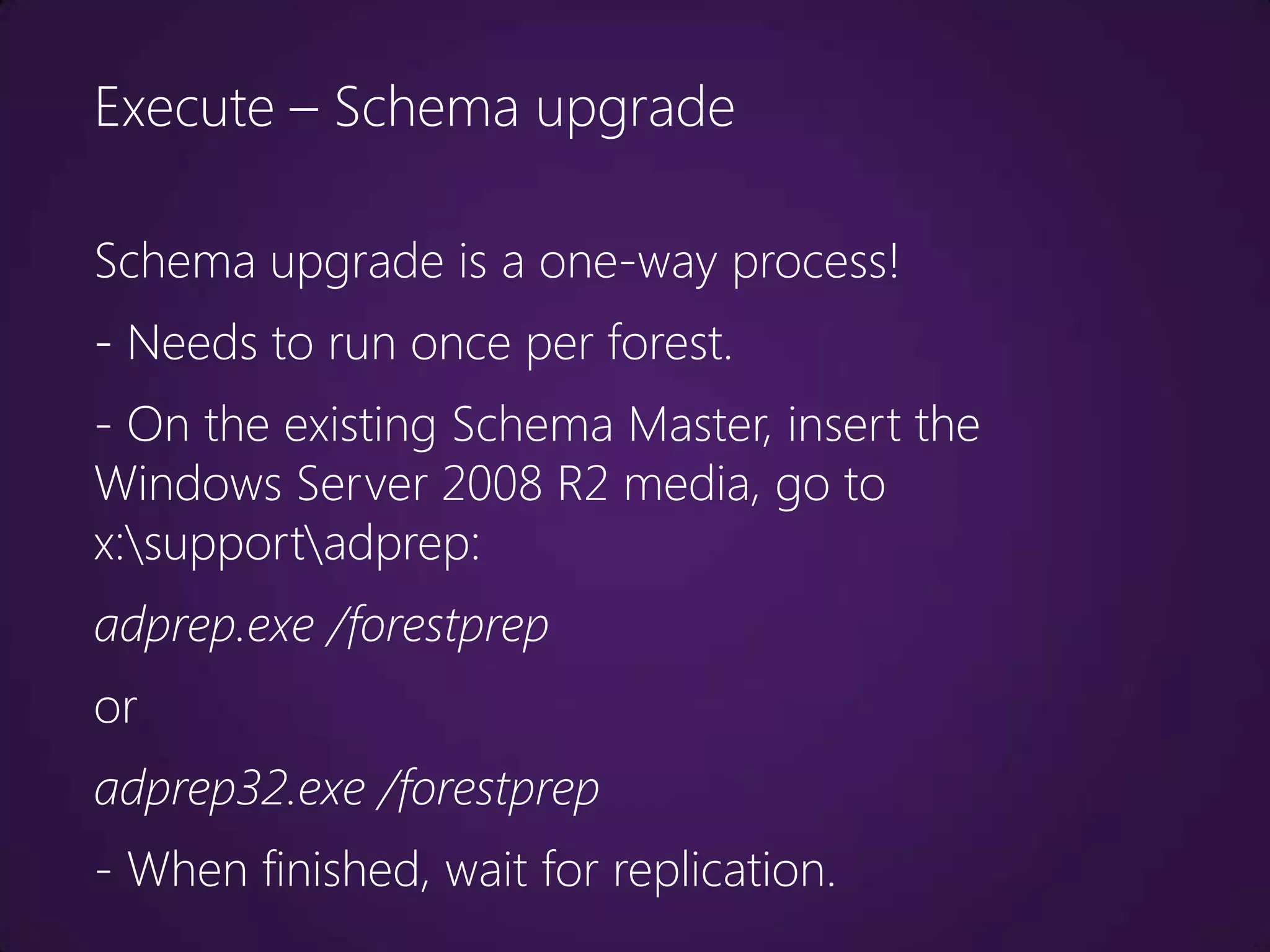
Execute – Schema upgrade

Schema upgrade is a one-way process!
- Needs to run once per forest.
- On the existing Schema Master, insert the
Windows Server 2008 R2 media, go to
x:supportadprep:
adprep.exe /forestprep
or
adprep32.exe /forestprep
- When finished, wait for replication.
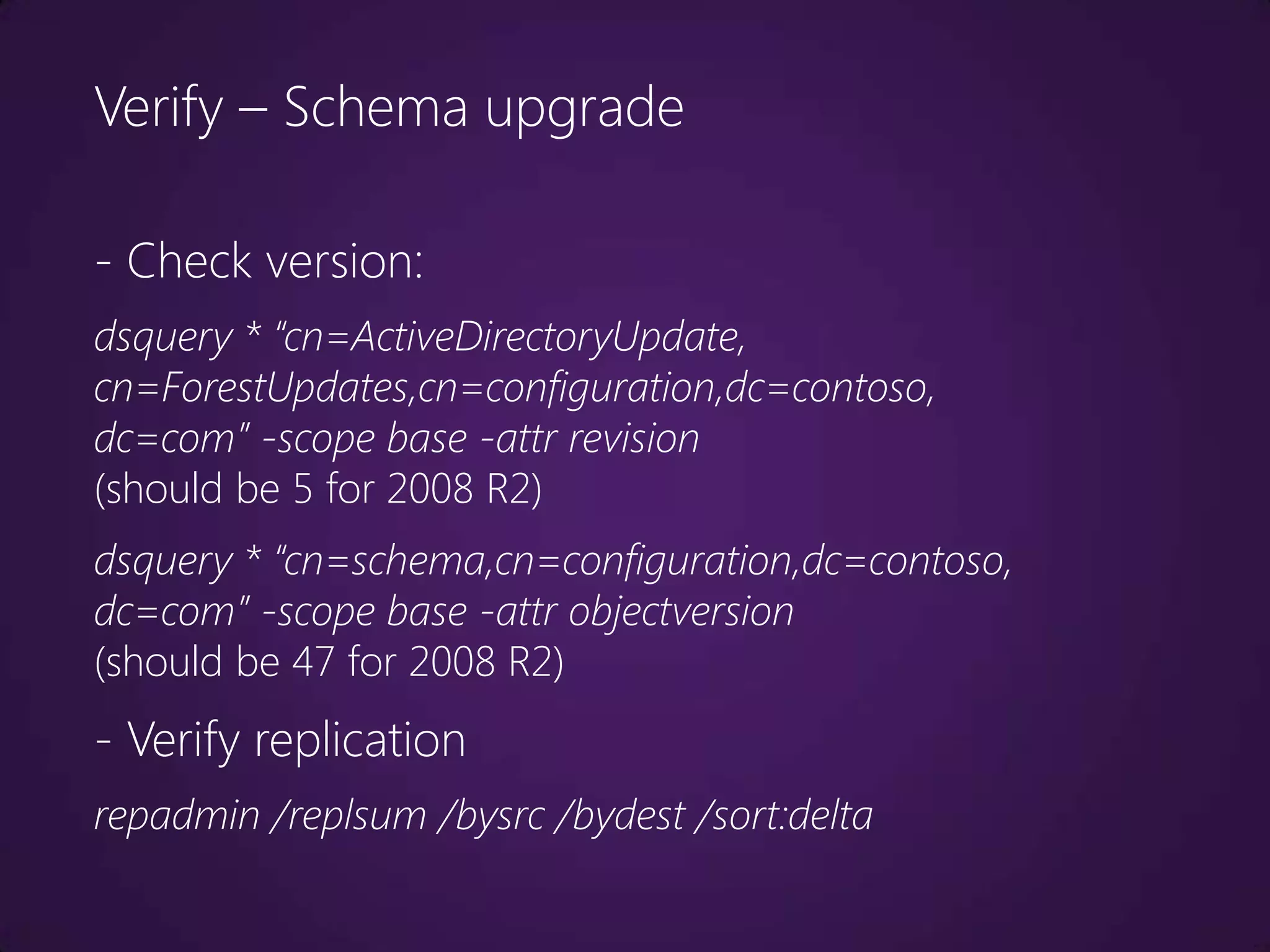
Verify – Schema upgrade

- Check version:
dsquery * “cn=ActiveDirectoryUpdate,
cn=ForestUpdates,cn=configuration,dc=contoso,
dc=com” -scope base -attr revision
(should be 5 for 2008 R2)
dsquery * “cn=schema,cn=configuration,dc=contoso,
dc=com” -scope base -attr objectversion
(should be 47 for 2008 R2)
- Verify replication
repadmin /replsum /bysrc /bydest /sort:delta
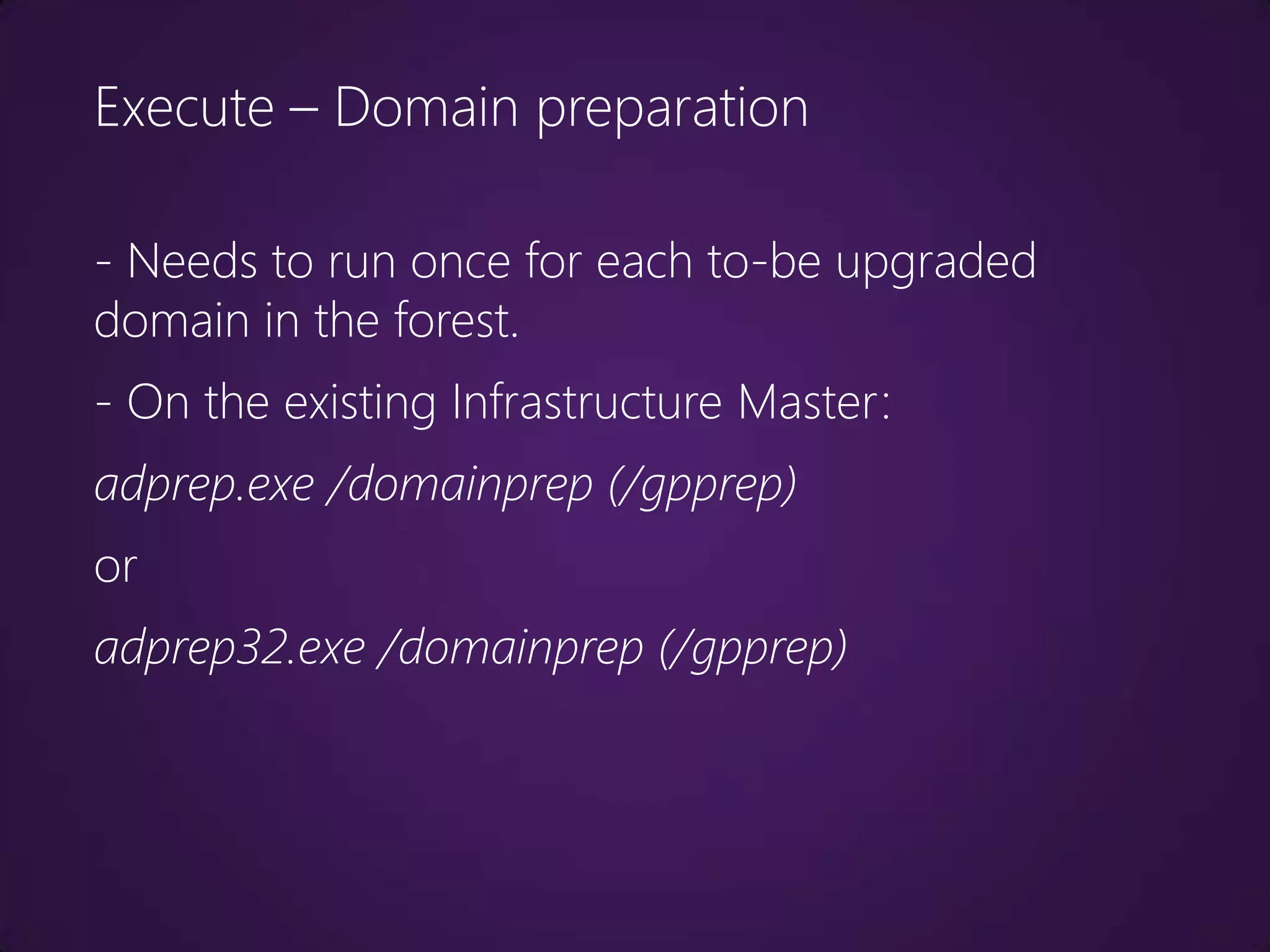
Execute – Domain preparation

- Needs to run once for each to-be upgraded
domain in the forest.
- On the existing Infrastructure Master:
adprep.exe /domainprep (/gpprep)
or
adprep32.exe /domainprep (/gpprep)
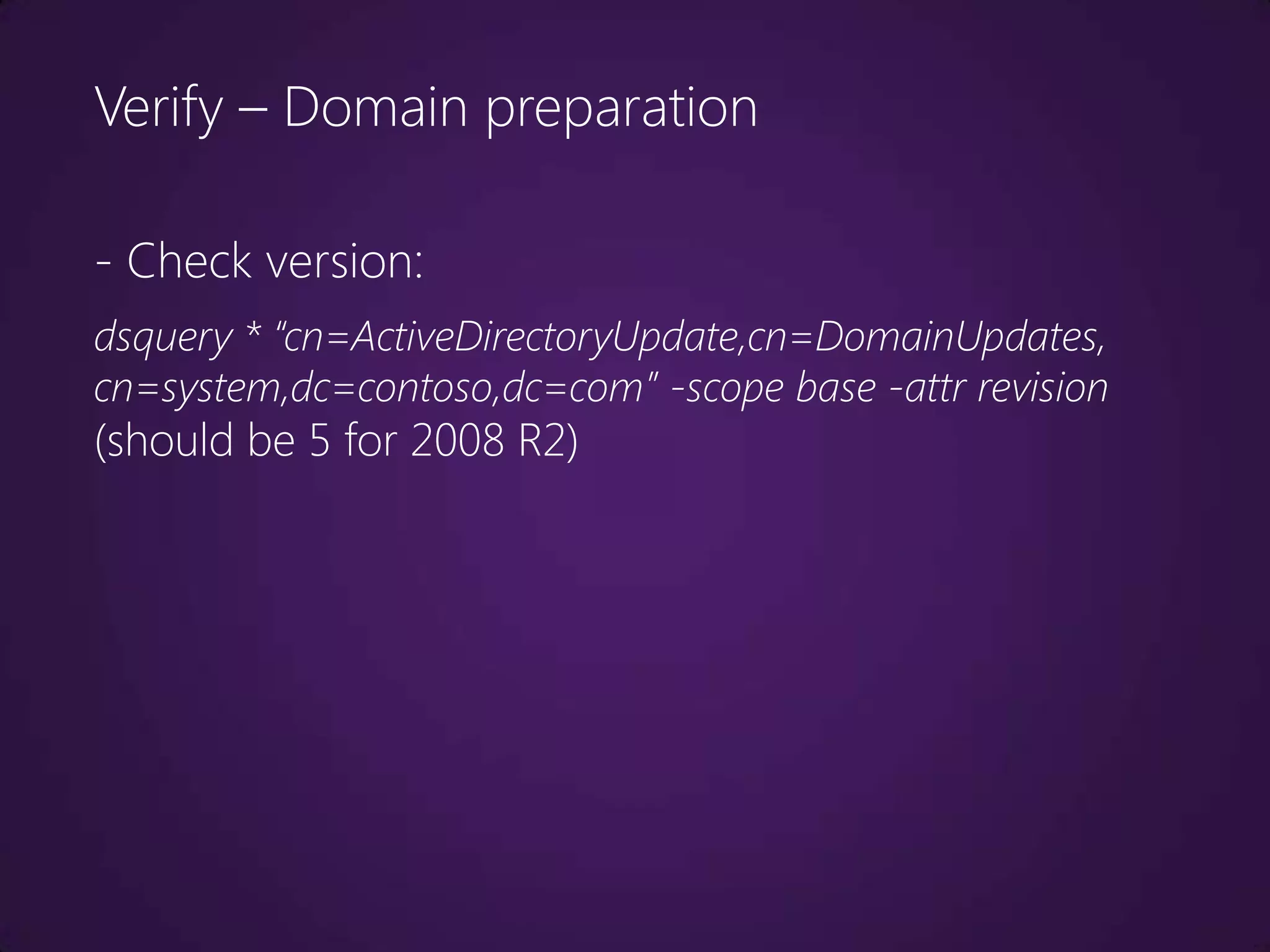
Verify – Domain preparation

- Check version:
dsquery * “cn=ActiveDirectoryUpdate,cn=DomainUpdates,
cn=system,dc=contoso,dc=com” -scope base -attr revision
(should be 5 for 2008 R2)
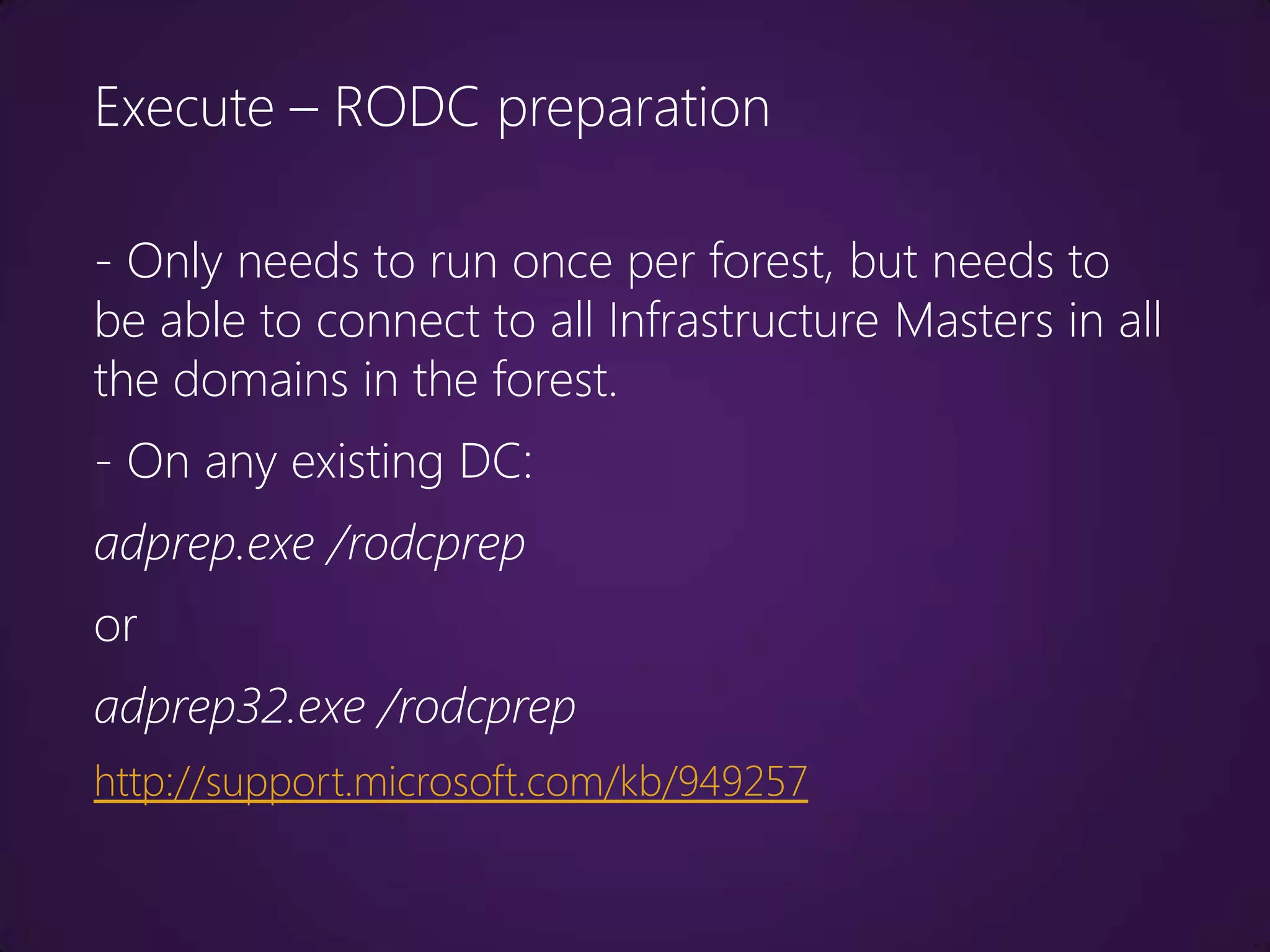
Execute – RODC preparation

- Only needs to run once per forest, but needs to
be able to connect to all Infrastructure Masters in all
the domains in the forest.
- On any existing DC:
adprep.exe /rodcprep
or
adprep32.exe /rodcprep
http://support.microsoft.com/kb/949257
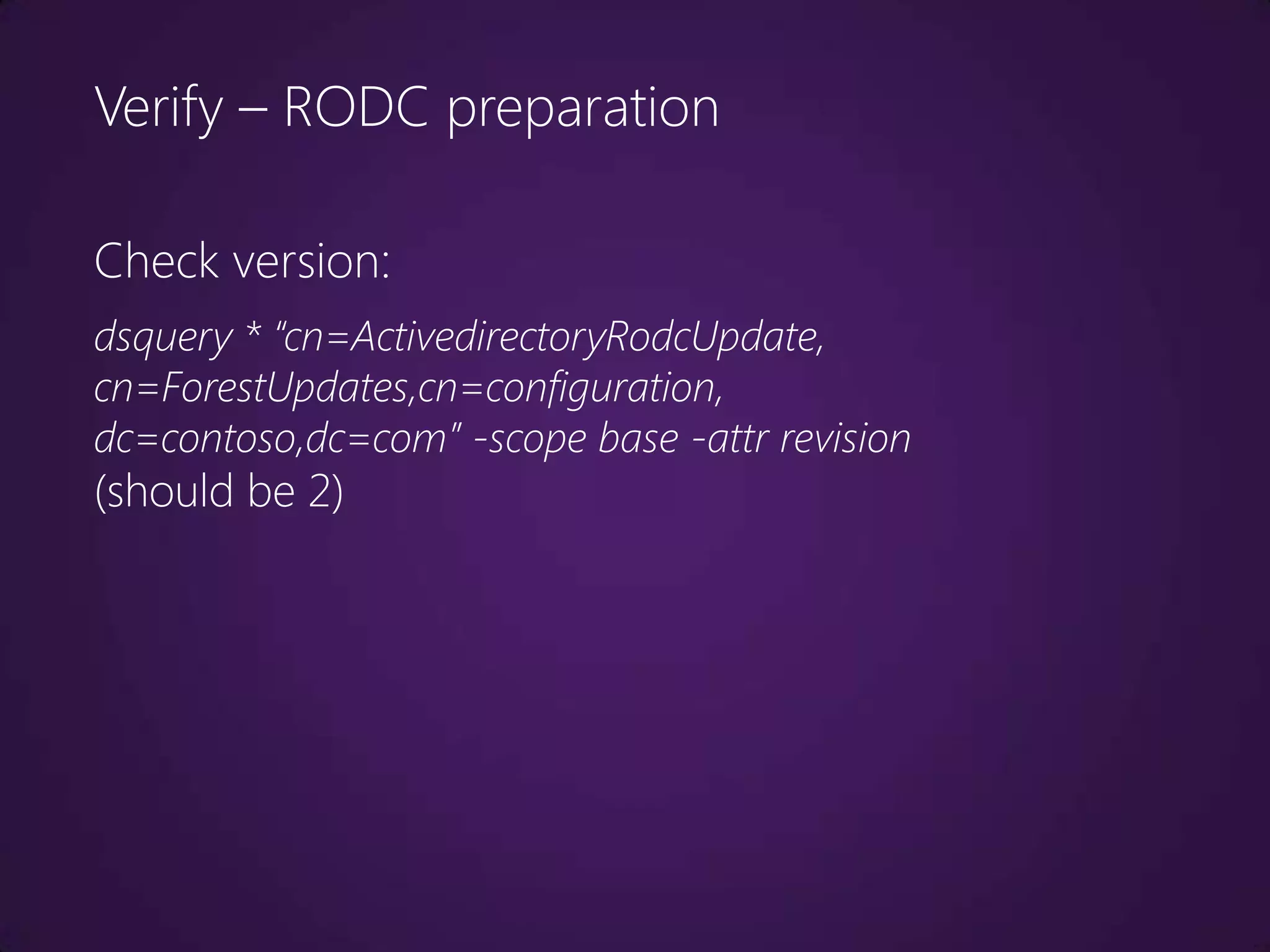
Verify – RODC preparation

Check version:
dsquery * “cn=ActivedirectoryRodcUpdate,
cn=ForestUpdates,cn=configuration,
dc=contoso,dc=com” -scope base -attr revision
(should be 2)
Demo
- Preparing the forest and domain for the first Windows
Server 2008 R2 DC.
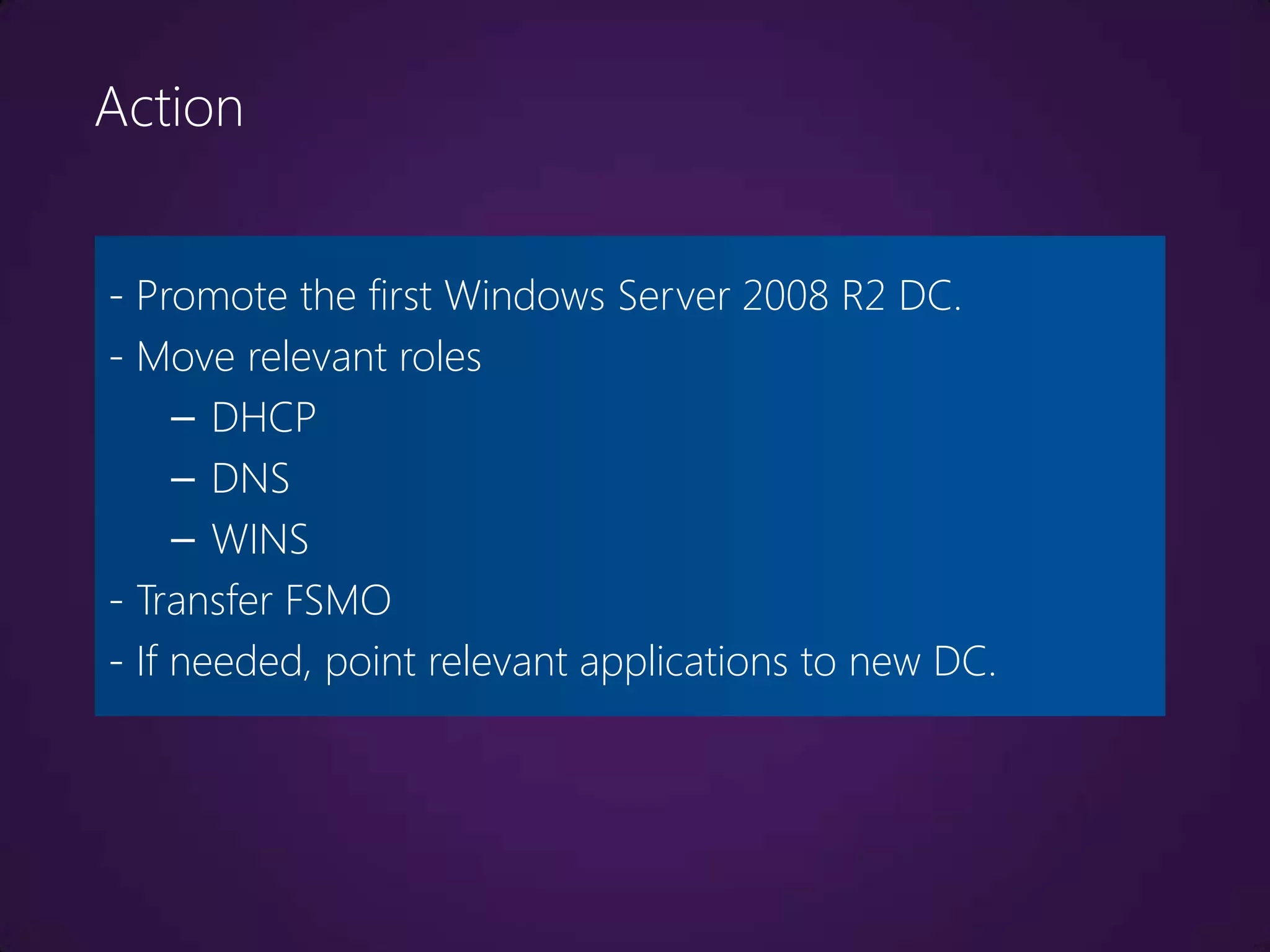
Action


- Promote the first Windows Server 2008 R2 DC.
- Move relevant roles
     – DHCP
     – DNS
     – WINS
- Transfer FSMO
- If needed, point relevant applications to new DC.
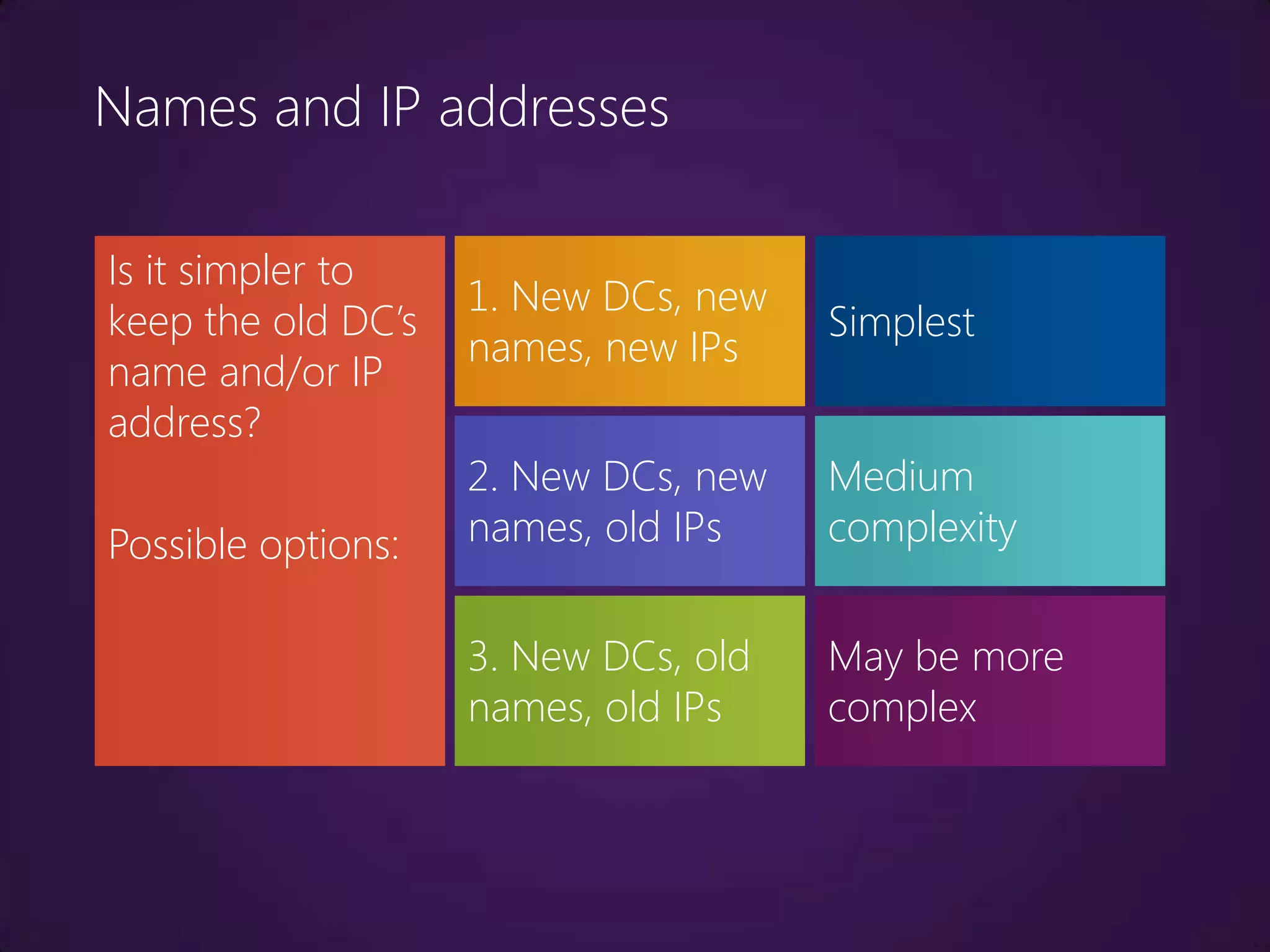
Names and IP addresses

Is it simpler to
                    1. New DCs, new
keep the old DC’s                     Simplest
                    names, new IPs
name and/or IP
address?
                    2. New DCs, new   Medium
Possible options:   names, old IPs    complexity


                    3. New DCs, old   May be more
                    names, old IPs    complex
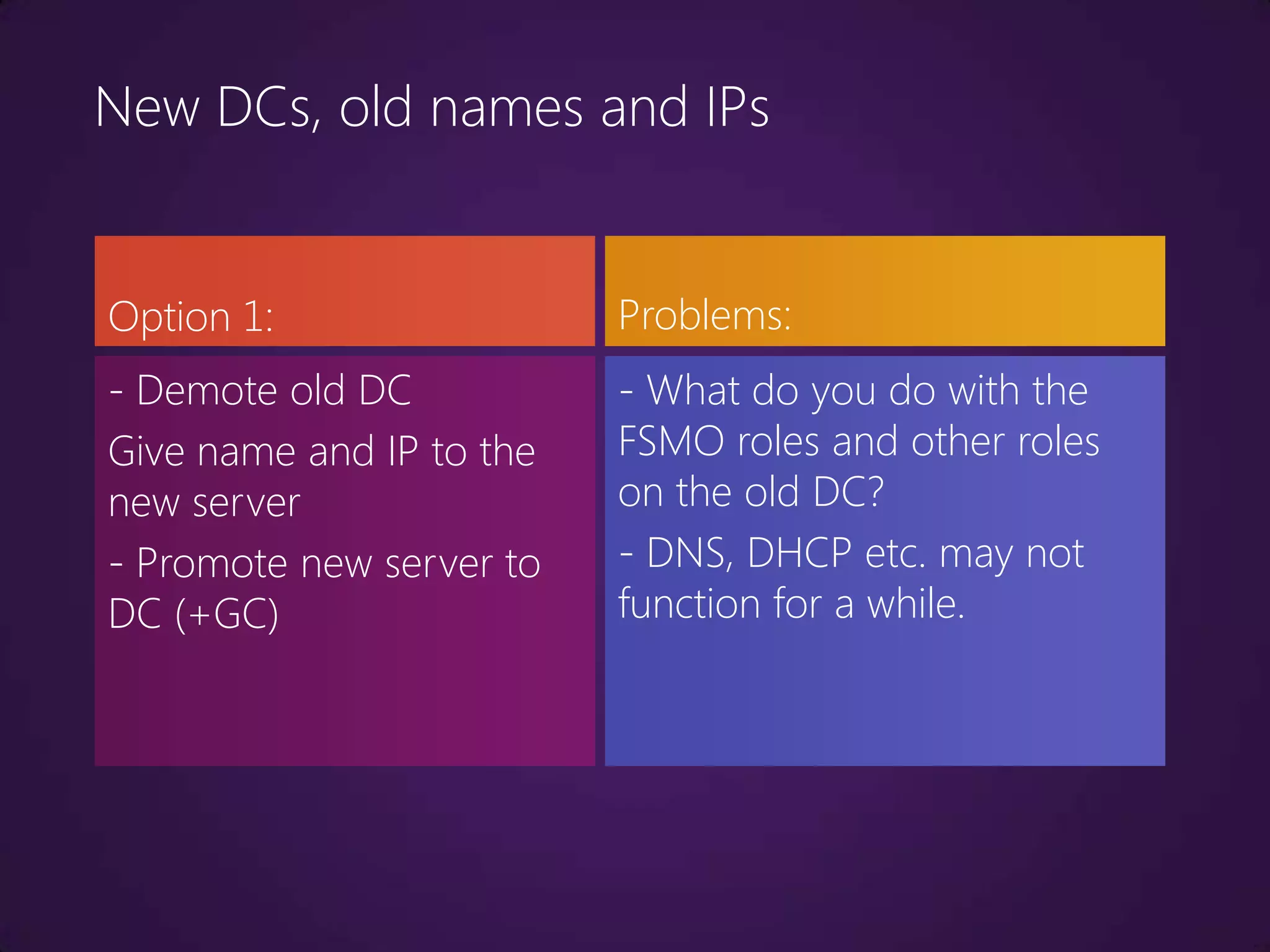
New DCs, old names and IPs


Option 1:                 Problems:
- Demote old DC           - What do you do with the
Give name and IP to the   FSMO roles and other roles
new server                on the old DC?
- Promote new server to   - DNS, DHCP etc. may not
DC (+GC)                  function for a while.
New DCs, old names and IPs


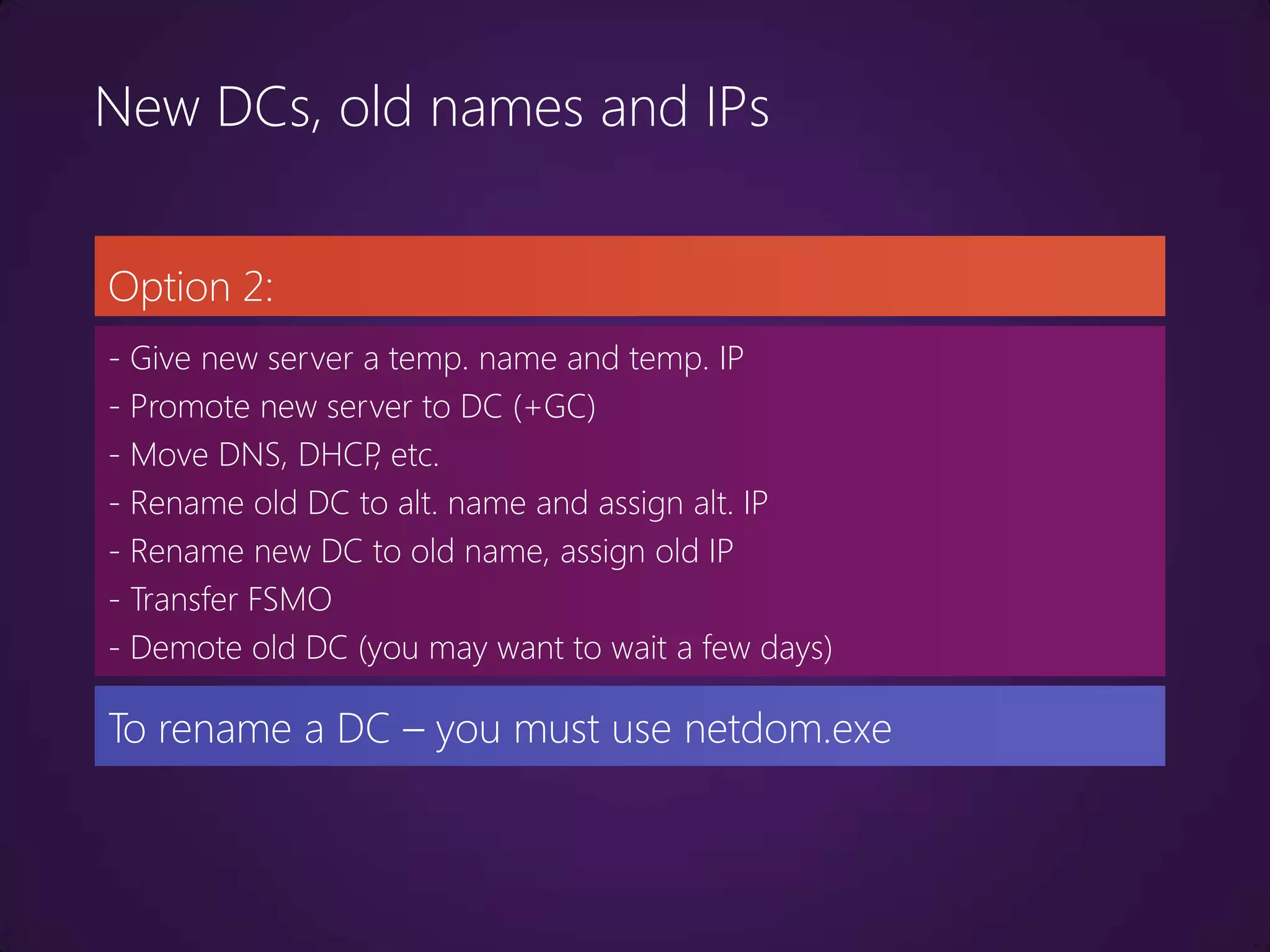
Option 2:
- Give new server a temp. name and temp. IP
- Promote new server to DC (+GC)
- Move DNS, DHCP etc.
                   ,
- Rename old DC to alt. name and assign alt. IP
- Rename new DC to old name, assign old IP
- Transfer FSMO
- Demote old DC (you may want to wait a few days)

To rename a DC – you must use netdom.exe
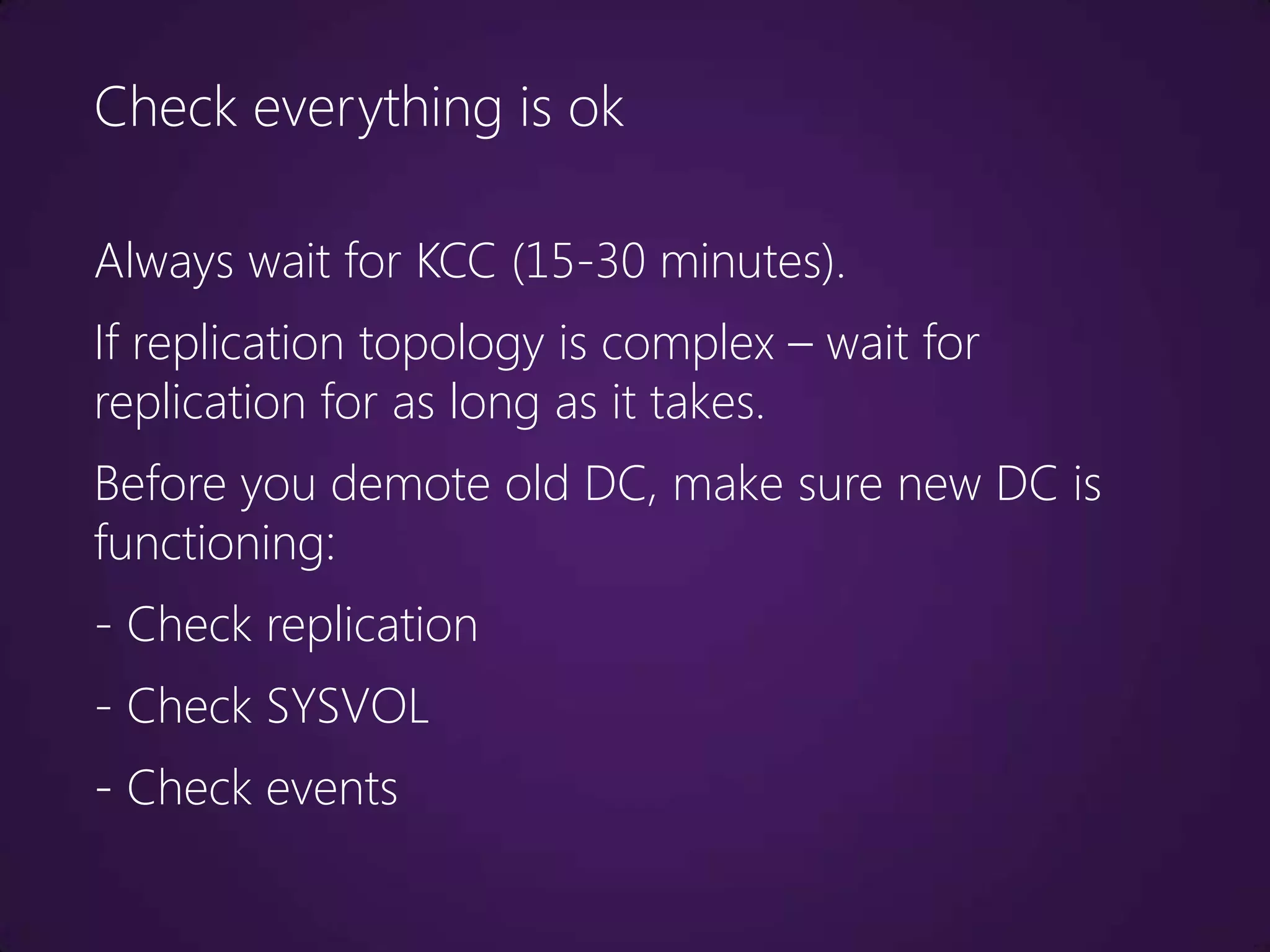
Check everything is ok

Always wait for KCC (15-30 minutes).
If replication topology is complex – wait for
replication for as long as it takes.
Before you demote old DC, make sure new DC is
functioning:
- Check replication
- Check SYSVOL
- Check events
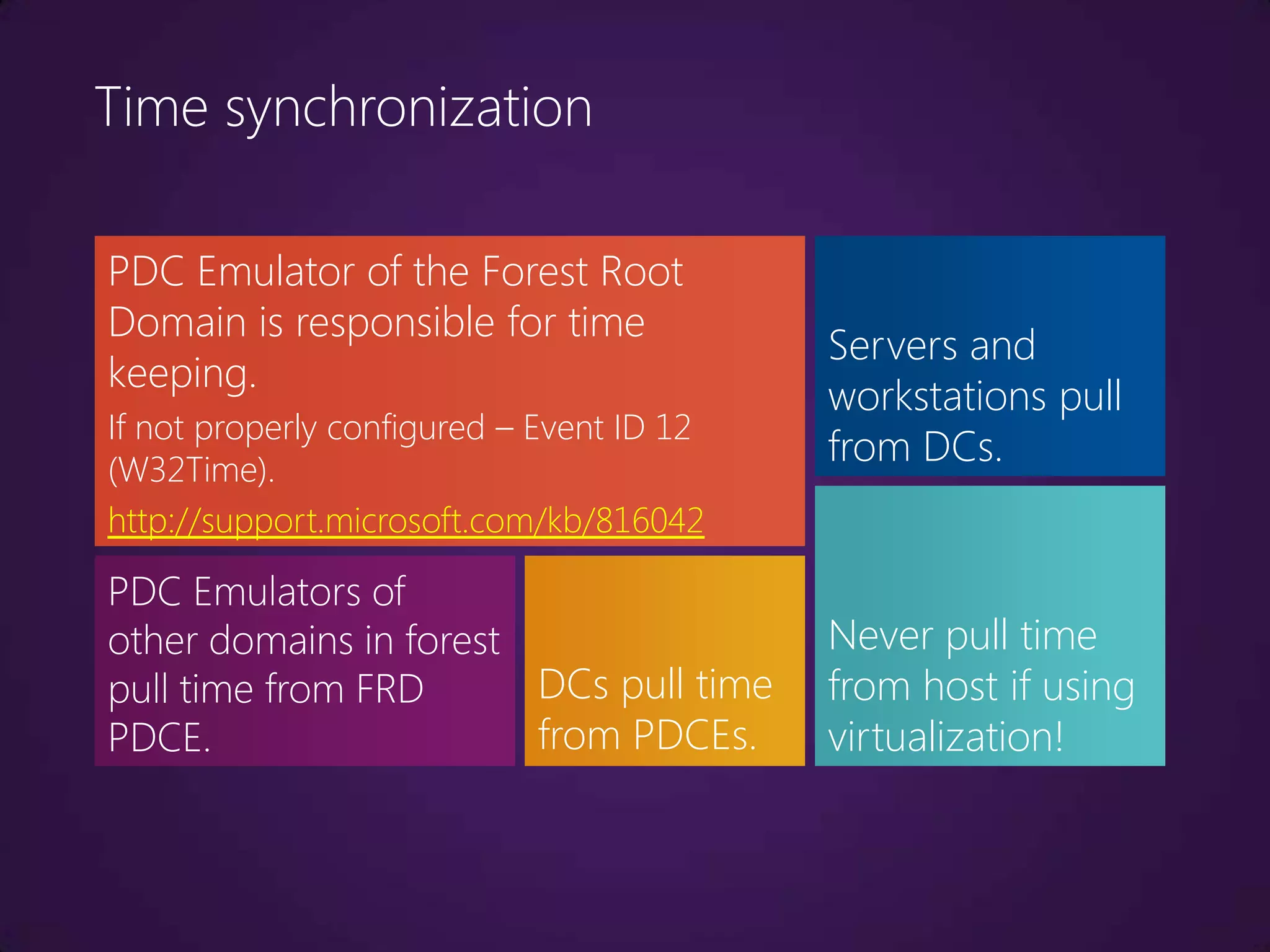
Time synchronization

PDC Emulator of the Forest Root
Domain is responsible for time
                                           Servers and
keeping.
                                           workstations pull
If not properly configured – Event ID 12
(W32Time).
                                           from DCs.
http://support.microsoft.com/kb/816042

PDC Emulators of
other domains in forest                    Never pull time
pull time from FRD      DCs pull time      from host if using
PDCE.                   from PDCEs.        virtualization!
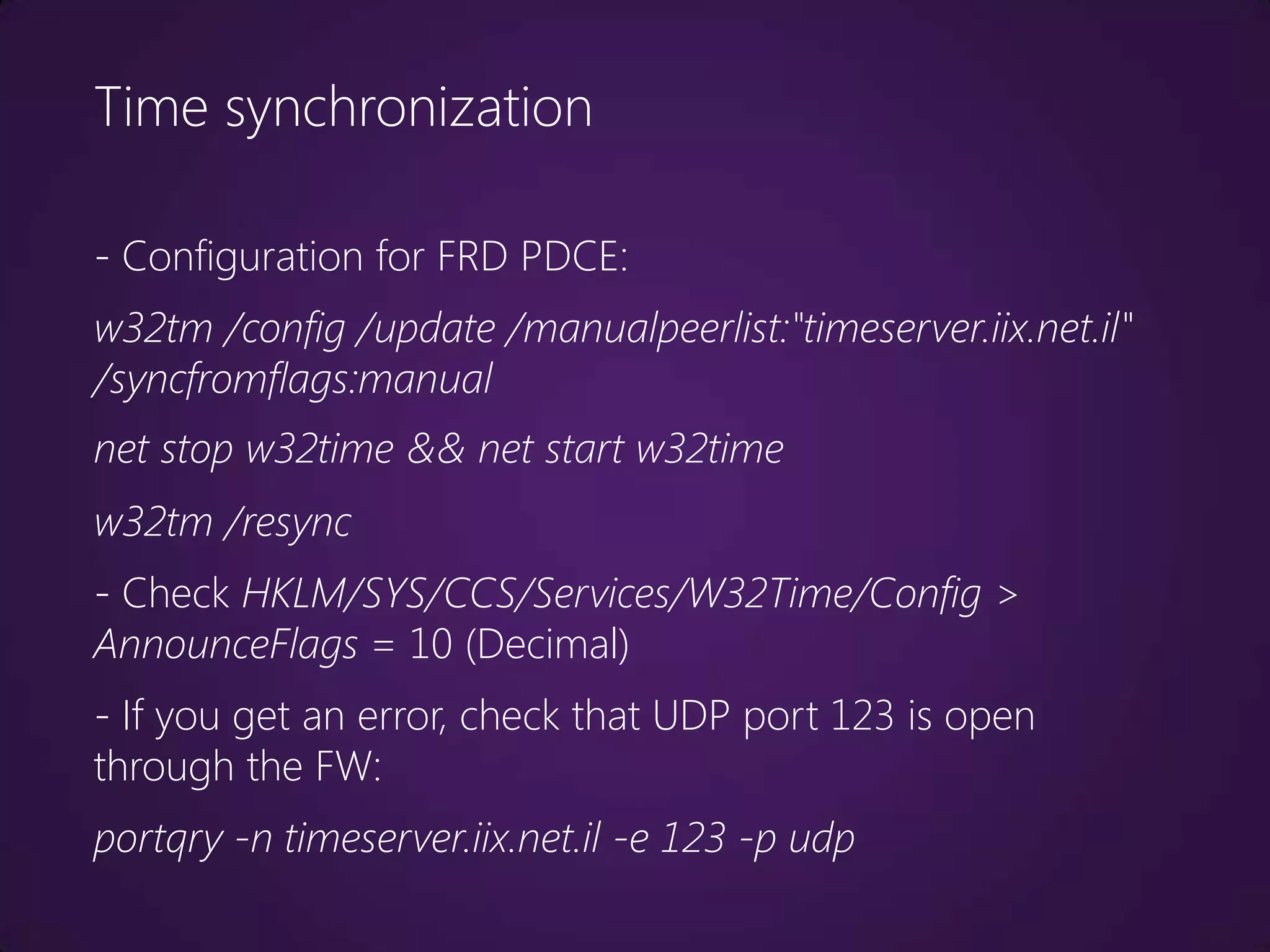
Time synchronization

- Configuration for FRD PDCE:
w32tm /config /update /manualpeerlist:"timeserver.iix.net.il"
/syncfromflags:manual
net stop w32time && net start w32time
w32tm /resync
- Check HKLM/SYS/CCS/Services/W32Time/Config >
AnnounceFlags = 10 (Decimal)
- If you get an error, check that UDP port 123 is open
through the FW:
portqry -n timeserver.iix.net.il -e 123 -p udp
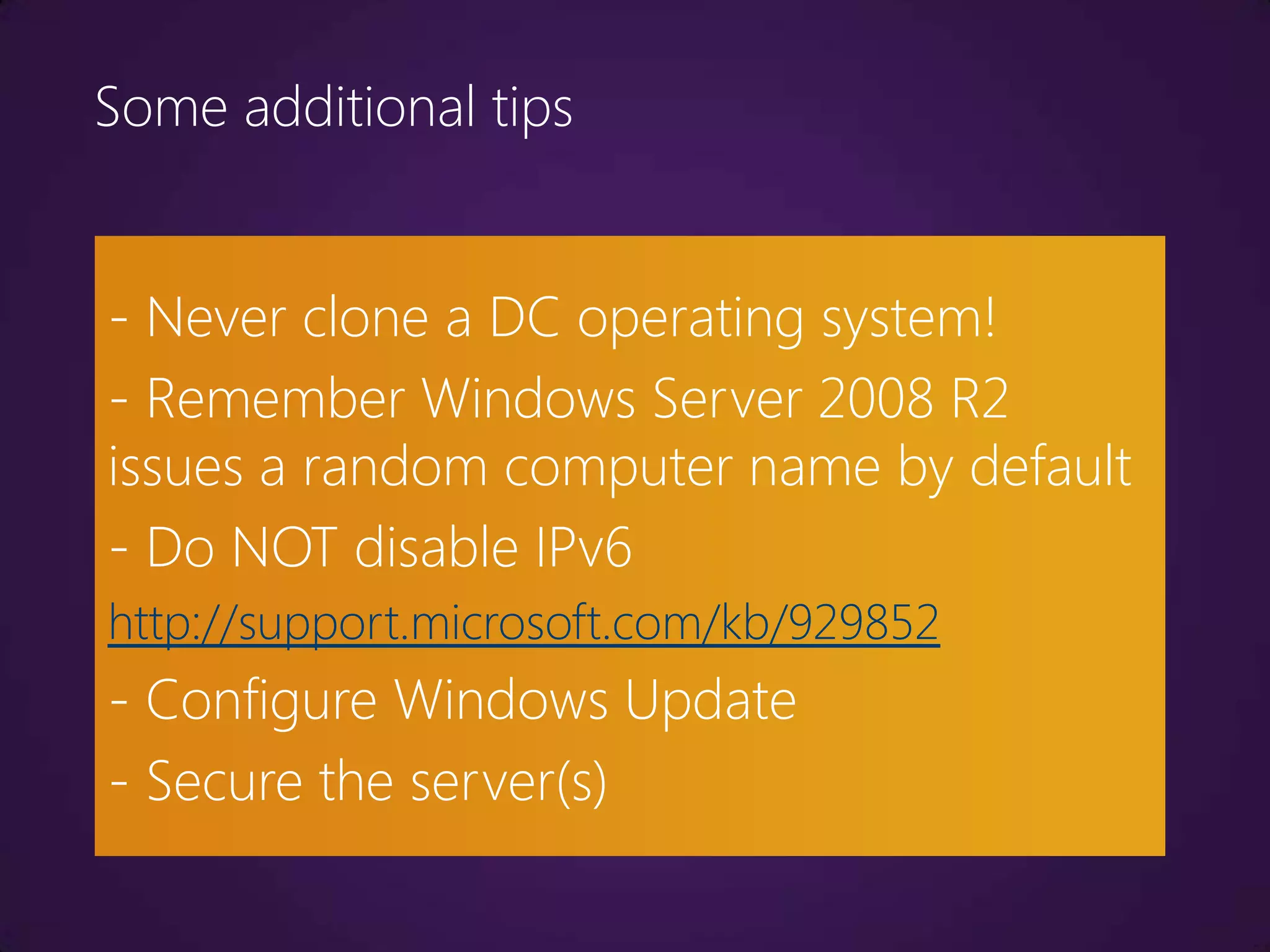
Some additional tips


- Never clone a DC operating system!
- Remember Windows Server 2008 R2
issues a random computer name by default
- Do NOT disable IPv6
http://support.microsoft.com/kb/929852
- Configure Windows Update
- Secure the server(s)
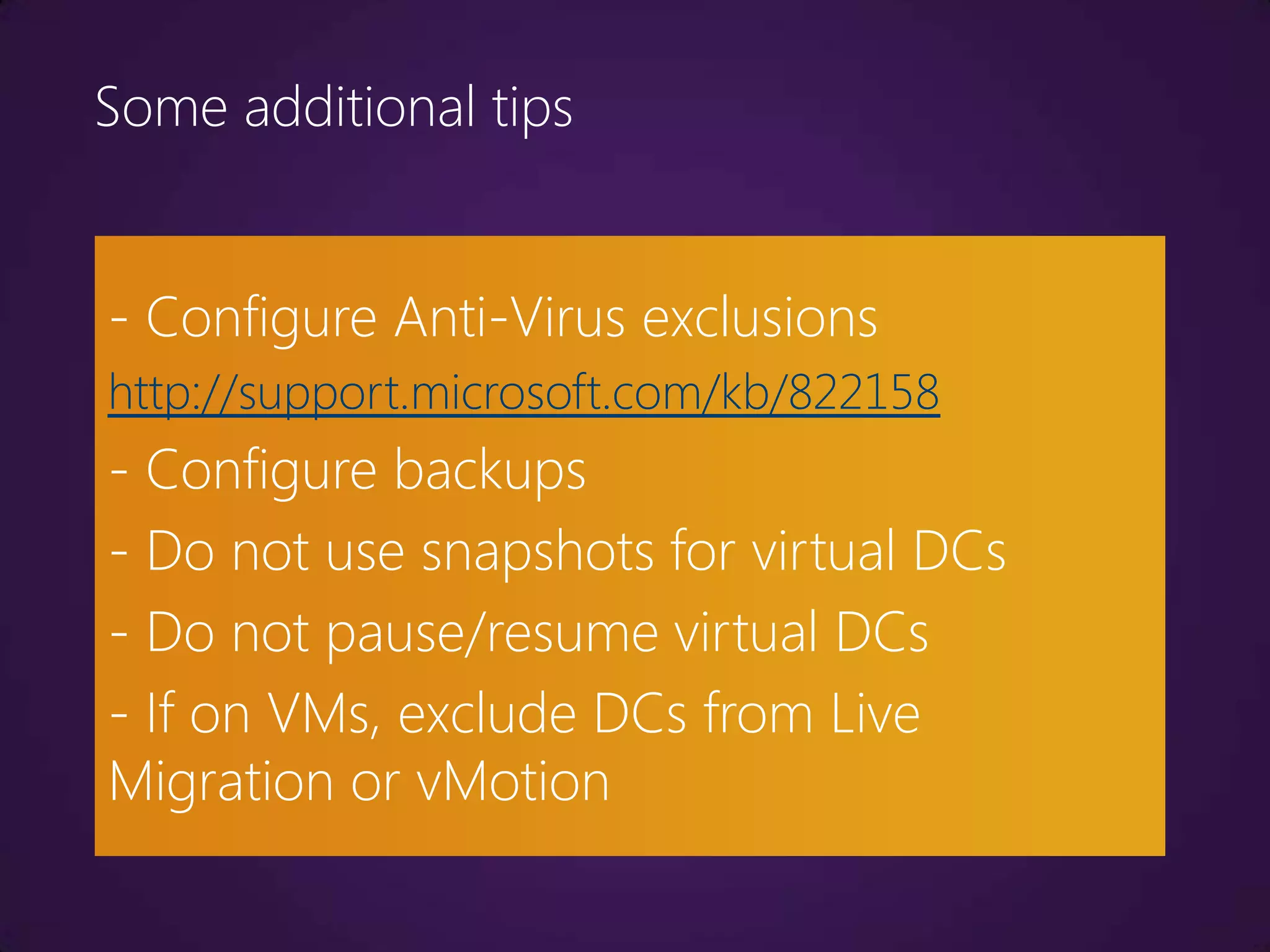
Some additional tips


- Configure Anti-Virus exclusions
http://support.microsoft.com/kb/822158
- Configure backups
- Do not use snapshots for virtual DCs
- Do not pause/resume virtual DCs
- If on VMs, exclude DCs from Live
Migration or vMotion
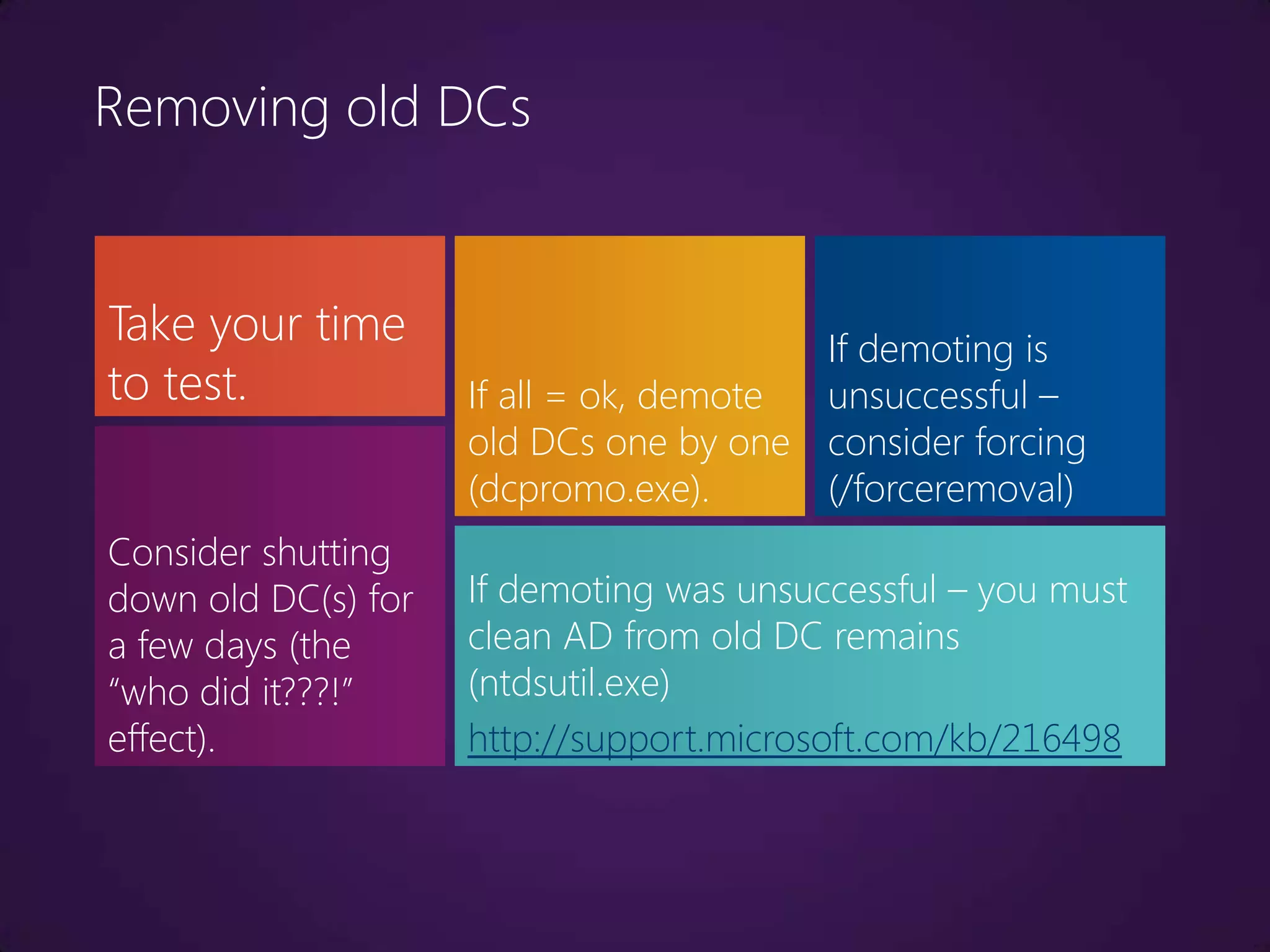
Removing old DCs


Take your time                           If demoting is
to test.             If all = ok, demote unsuccessful –
                     old DCs one by one consider forcing
                     (dcpromo.exe).      (/forceremoval)
Consider shutting
down old DC(s) for   If demoting was unsuccessful – you must
a few days (the      clean AD from old DC remains
“who did it???!”     (ntdsutil.exe)
effect).             http://support.microsoft.com/kb/216498
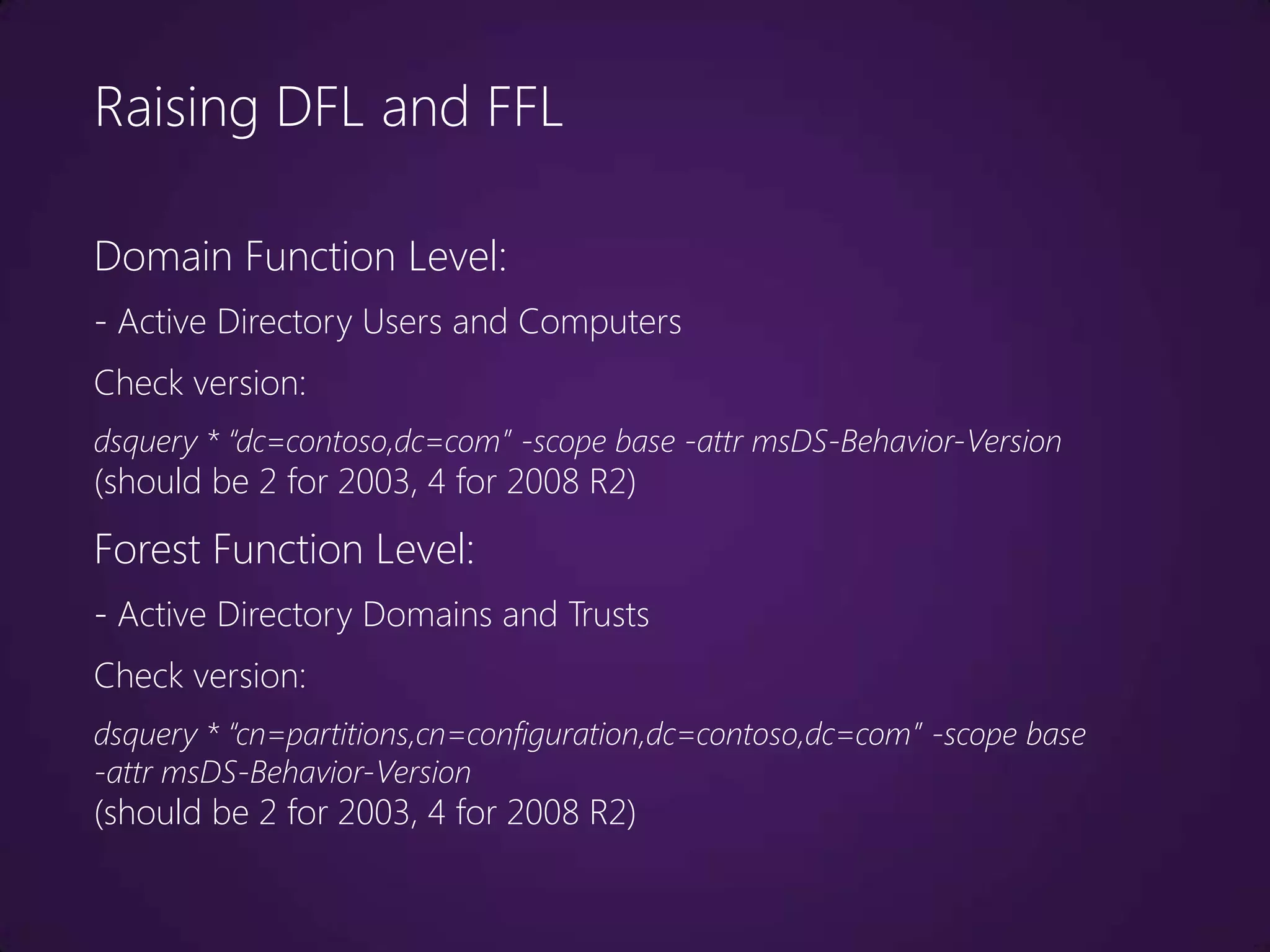
Raising DFL and FFL

Domain Function Level:
- Active Directory Users and Computers
Check version:
dsquery * “dc=contoso,dc=com” -scope base -attr msDS-Behavior-Version
(should be 2 for 2003, 4 for 2008 R2)
Forest Function Level:
- Active Directory Domains and Trusts
Check version:
dsquery * “cn=partitions,cn=configuration,dc=contoso,dc=com” -scope base
-attr msDS-Behavior-Version
(should be 2 for 2003, 4 for 2008 R2)
Demo
- Adding the first Windows Server 2008 R2 DC.
- Removing the old Windows Server 2003 DC.
- Raising DFL/FFL.
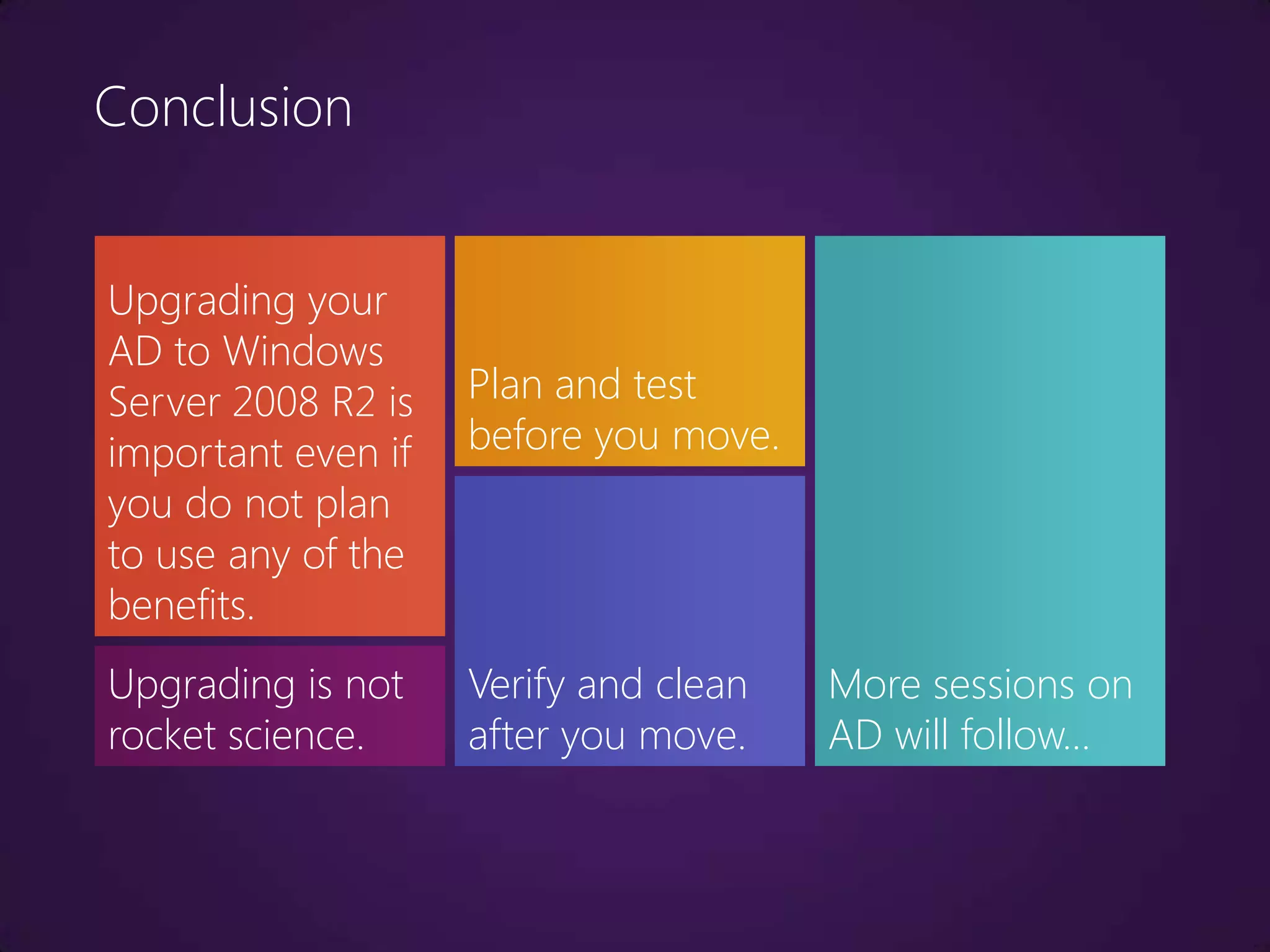
Conclusion


Upgrading your
AD to Windows
Server 2008 R2 is   Plan and test
important even if   before you move.
you do not plan
to use any of the
benefits.
Upgrading is not    Verify and clean   More sessions on
rocket science.     after you move.    AD will follow…
Upgrading AD from Windows Server 2003 to Windows Server 2008 R2

Upgrading AD from Windows Server 2003 to Windows Server 2008 R2

  • 1.
    Upgrading AD from WindowsServer 2003 to Windows Server 2008 R2 Daniel Petri (dpetri@microsoft.com) Senior Premier Field Engineer, Microsoft
  • 2.
    Agenda Why upgrade? Prepare Action Plan Cleanup
  • 3.
    Why Upgrade yourservers In relation to Active Directory: - RODC - Server Core - AD Snapshots (ntdsutil.exe, dsamain.exe) - DS Auditing (auditpol.exe) - Restartable AD service - Administrative Center - PowerShell Cmdlts - AD Best Practice Analyzer - Protect from accidental deletion - GPO benefits - Support lifecycle
  • 4.
    Why Upgrade yourDCs Windows 2008 Domain Windows 2008 R2 Function Level Domain Function Level - Authentication mechanism - DFSR replication of Sysvol assurance (dfsrmig.exe) for AD-FS - Advanced Encryption Services (AES - Managed Service Accounts 128 and 256) for Kerberos (MSA) - Last Interactive Logon Information - Fine-Grained Password Policy Windows 2008 R2 Forest - Personal Virtual Desktops Function Level - Offline Domain Join (djoin.exe) - AD Recycle Bin
  • 5.
    Plan What are theupgrade goals? Map existing resources What other roles do DCs perform? Map the risks Can you consolidate? Can you virtualize? Should you virtualize? Plan for rollback
  • 6.
    Identify potential issues Thisis mostly because DES encryption types for the Kerberos authentication protocol are disabled by default in Windows Server 2008/R2. – SAP – Oracle Internet Directory (OID), CA Identity Manager, Tivoli Identity Management – Samba and other Linux/Unix interoperability – NetApp, EMC Celera or other storage devices – Firewalls, VPN, RADIUS – http://support.microsoft.com/kb/977321
  • 7.
    Identify potential issues Additionalconsiderations: – Terminal Server License Server on a DC – CA on a DC – Smart Cards – Customized password filters – Time keeping software – 3rd-party apps that are hard coded to work against specific DCs – Exchange servers with manual DC configuration
  • 8.
    Test - The biggerand more complex you are, the more you need to test before you act. - Consider regulations and standards (such as Change Management procedures) - Test environment needs to be as close to production as possible. - Test and production need to be totally isolated from each other.
  • 9.
    Backup Make sure youhave a recent, supported and working backup: - System State - Boot Partition - System Partition - All GPOs (by using GPMC) - Scripts etc. Do NOT use a VM snapshot as backup!
  • 10.
    Backup As an extrasecurity measure: - Consider disconnecting one DC in addition to backing up. - Consider disabling outbound replication on the Schema Master DC during the Schema upgrade. repadmin /options <server_name> +/-disable_outbound_repl
  • 11.
    Backup What's the tombstonelifetime (TSL)? - Default up to Windows Server 2003 R2 = 60 days, for later = 180 days - If Forest is upgraded, TSL is not automatically changed dsquery * “cn=directory service,cn=windows nt,cn=services,cn=configuration,dc=contoso, dc=com” –scope base –attr tombstonelifetime
  • 12.
    Permissions Make sure theuser you're working with is a member of: - Domain Admins - Enterprise Admins - Schema Admins
  • 13.
    Previous Operating Systems Makesure DFL and FFL are Windows 2000 Native or above. If they exist, all Windows 2000 DCs must be running SP4. - Issues with Win9X/NT4.0 client computers: http://support.microsoft.com/kb/555038 http://support.microsoft.com/kb/946405 http://support.microsoft.com/kb/942564 - Issues with External Trusts to NT4.0 domains: http://support.microsoft.com/kb/2021766
  • 14.
    Domain and Forest Checkthe overall health of the existing AD: – Replication – DNS – Events – Logs Find FSMO holders: – netdom query fsmo Consider temporarily disabling AV on the DCs.
  • 15.
    Execute – Schemaupgrade Schema upgrade is a one-way process! - Needs to run once per forest. - On the existing Schema Master, insert the Windows Server 2008 R2 media, go to x:supportadprep: adprep.exe /forestprep or adprep32.exe /forestprep - When finished, wait for replication.
  • 16.
    Verify – Schemaupgrade - Check version: dsquery * “cn=ActiveDirectoryUpdate, cn=ForestUpdates,cn=configuration,dc=contoso, dc=com” -scope base -attr revision (should be 5 for 2008 R2) dsquery * “cn=schema,cn=configuration,dc=contoso, dc=com” -scope base -attr objectversion (should be 47 for 2008 R2) - Verify replication repadmin /replsum /bysrc /bydest /sort:delta
  • 17.
    Execute – Domainpreparation - Needs to run once for each to-be upgraded domain in the forest. - On the existing Infrastructure Master: adprep.exe /domainprep (/gpprep) or adprep32.exe /domainprep (/gpprep)
  • 18.
    Verify – Domainpreparation - Check version: dsquery * “cn=ActiveDirectoryUpdate,cn=DomainUpdates, cn=system,dc=contoso,dc=com” -scope base -attr revision (should be 5 for 2008 R2)
  • 19.
    Execute – RODCpreparation - Only needs to run once per forest, but needs to be able to connect to all Infrastructure Masters in all the domains in the forest. - On any existing DC: adprep.exe /rodcprep or adprep32.exe /rodcprep http://support.microsoft.com/kb/949257
  • 20.
    Verify – RODCpreparation Check version: dsquery * “cn=ActivedirectoryRodcUpdate, cn=ForestUpdates,cn=configuration, dc=contoso,dc=com” -scope base -attr revision (should be 2)
  • 21.
    Demo - Preparing theforest and domain for the first Windows Server 2008 R2 DC.
  • 22.
    Action - Promote thefirst Windows Server 2008 R2 DC. - Move relevant roles – DHCP – DNS – WINS - Transfer FSMO - If needed, point relevant applications to new DC.
  • 23.
    Names and IPaddresses Is it simpler to 1. New DCs, new keep the old DC’s Simplest names, new IPs name and/or IP address? 2. New DCs, new Medium Possible options: names, old IPs complexity 3. New DCs, old May be more names, old IPs complex
  • 24.
    New DCs, oldnames and IPs Option 1: Problems: - Demote old DC - What do you do with the Give name and IP to the FSMO roles and other roles new server on the old DC? - Promote new server to - DNS, DHCP etc. may not DC (+GC) function for a while.
  • 25.
    New DCs, oldnames and IPs Option 2: - Give new server a temp. name and temp. IP - Promote new server to DC (+GC) - Move DNS, DHCP etc. , - Rename old DC to alt. name and assign alt. IP - Rename new DC to old name, assign old IP - Transfer FSMO - Demote old DC (you may want to wait a few days) To rename a DC – you must use netdom.exe
  • 26.
    Check everything isok Always wait for KCC (15-30 minutes). If replication topology is complex – wait for replication for as long as it takes. Before you demote old DC, make sure new DC is functioning: - Check replication - Check SYSVOL - Check events
  • 27.
    Time synchronization PDC Emulatorof the Forest Root Domain is responsible for time Servers and keeping. workstations pull If not properly configured – Event ID 12 (W32Time). from DCs. http://support.microsoft.com/kb/816042 PDC Emulators of other domains in forest Never pull time pull time from FRD DCs pull time from host if using PDCE. from PDCEs. virtualization!
  • 28.
    Time synchronization - Configurationfor FRD PDCE: w32tm /config /update /manualpeerlist:"timeserver.iix.net.il" /syncfromflags:manual net stop w32time && net start w32time w32tm /resync - Check HKLM/SYS/CCS/Services/W32Time/Config > AnnounceFlags = 10 (Decimal) - If you get an error, check that UDP port 123 is open through the FW: portqry -n timeserver.iix.net.il -e 123 -p udp
  • 29.
    Some additional tips -Never clone a DC operating system! - Remember Windows Server 2008 R2 issues a random computer name by default - Do NOT disable IPv6 http://support.microsoft.com/kb/929852 - Configure Windows Update - Secure the server(s)
  • 30.
    Some additional tips -Configure Anti-Virus exclusions http://support.microsoft.com/kb/822158 - Configure backups - Do not use snapshots for virtual DCs - Do not pause/resume virtual DCs - If on VMs, exclude DCs from Live Migration or vMotion
  • 31.
    Removing old DCs Takeyour time If demoting is to test. If all = ok, demote unsuccessful – old DCs one by one consider forcing (dcpromo.exe). (/forceremoval) Consider shutting down old DC(s) for If demoting was unsuccessful – you must a few days (the clean AD from old DC remains “who did it???!” (ntdsutil.exe) effect). http://support.microsoft.com/kb/216498
  • 32.
    Raising DFL andFFL Domain Function Level: - Active Directory Users and Computers Check version: dsquery * “dc=contoso,dc=com” -scope base -attr msDS-Behavior-Version (should be 2 for 2003, 4 for 2008 R2) Forest Function Level: - Active Directory Domains and Trusts Check version: dsquery * “cn=partitions,cn=configuration,dc=contoso,dc=com” -scope base -attr msDS-Behavior-Version (should be 2 for 2003, 4 for 2008 R2)
  • 33.
    Demo - Adding thefirst Windows Server 2008 R2 DC. - Removing the old Windows Server 2003 DC. - Raising DFL/FFL.
  • 34.
    Conclusion Upgrading your AD toWindows Server 2008 R2 is Plan and test important even if before you move. you do not plan to use any of the benefits. Upgrading is not Verify and clean More sessions on rocket science. after you move. AD will follow…