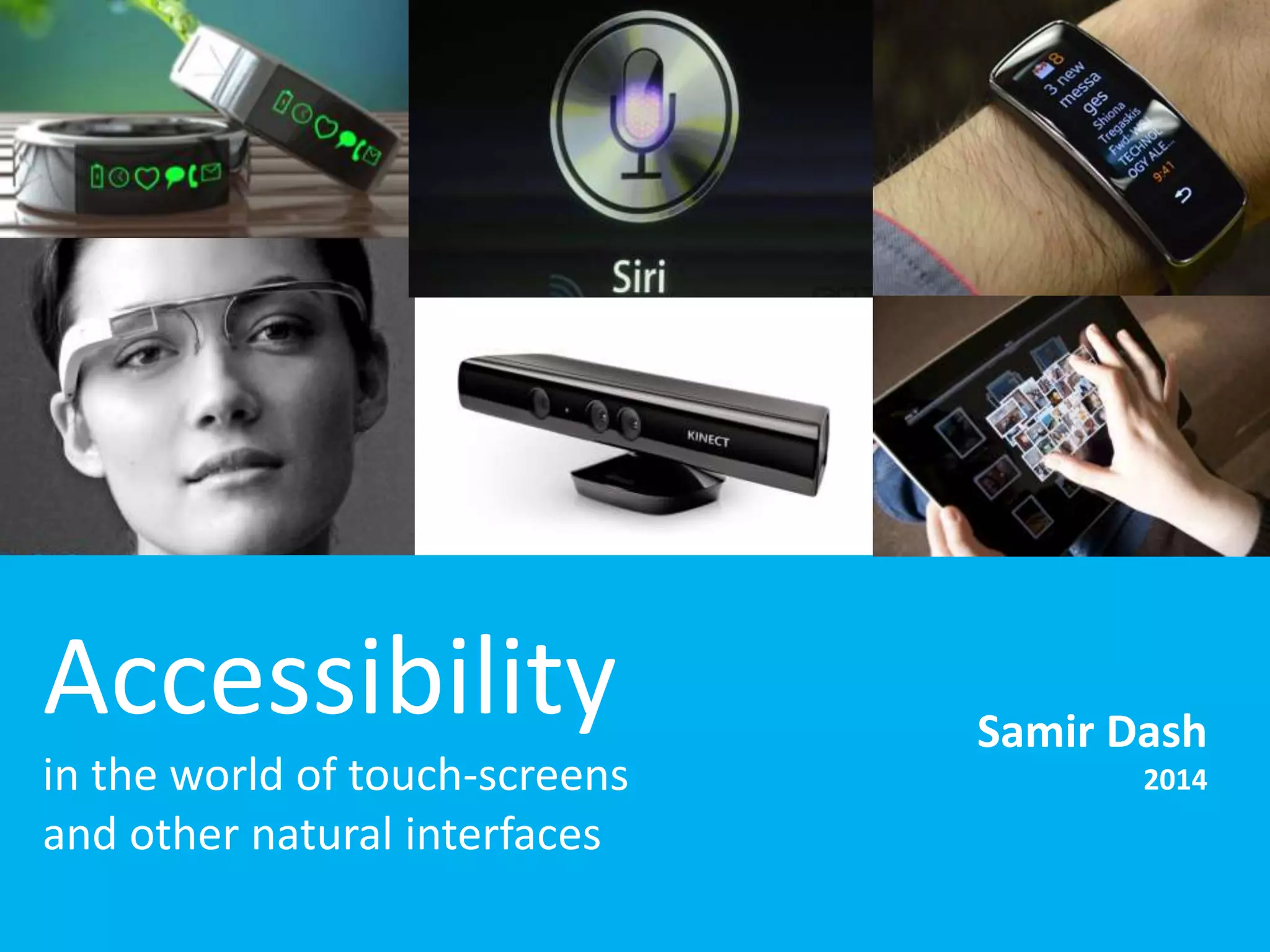
Accessibility 
in the world of touch-screens 
and other natural interfaces 
Samir Dash 
2014
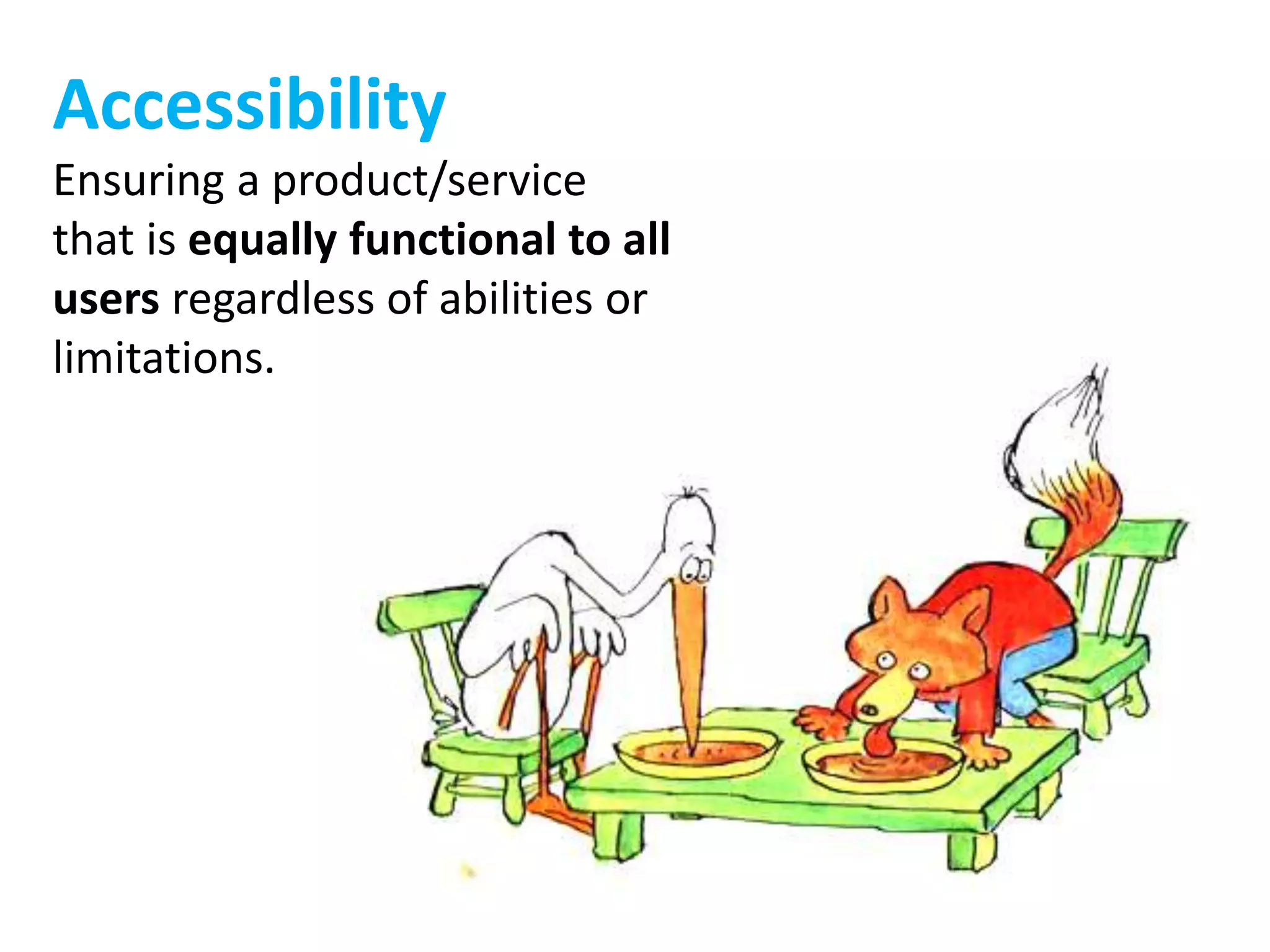
Accessibility 
Ensuring a product/service 
that is equally functional to all 
users regardless of abilities or 
limitations.
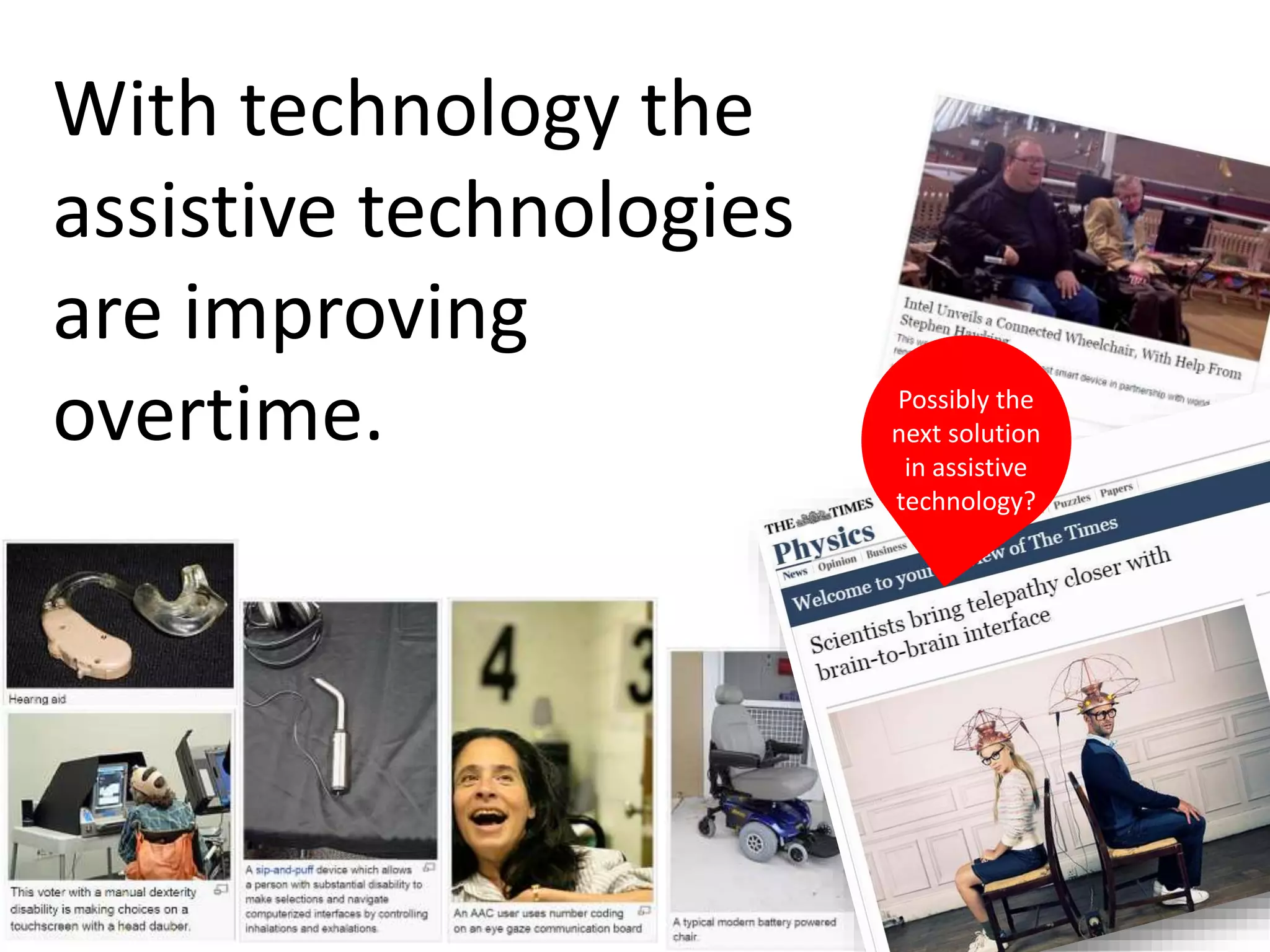
With technology the 
assistive technologies 
are improving 
overtime. Possibly the 
next solution 
in assistive 
technology?
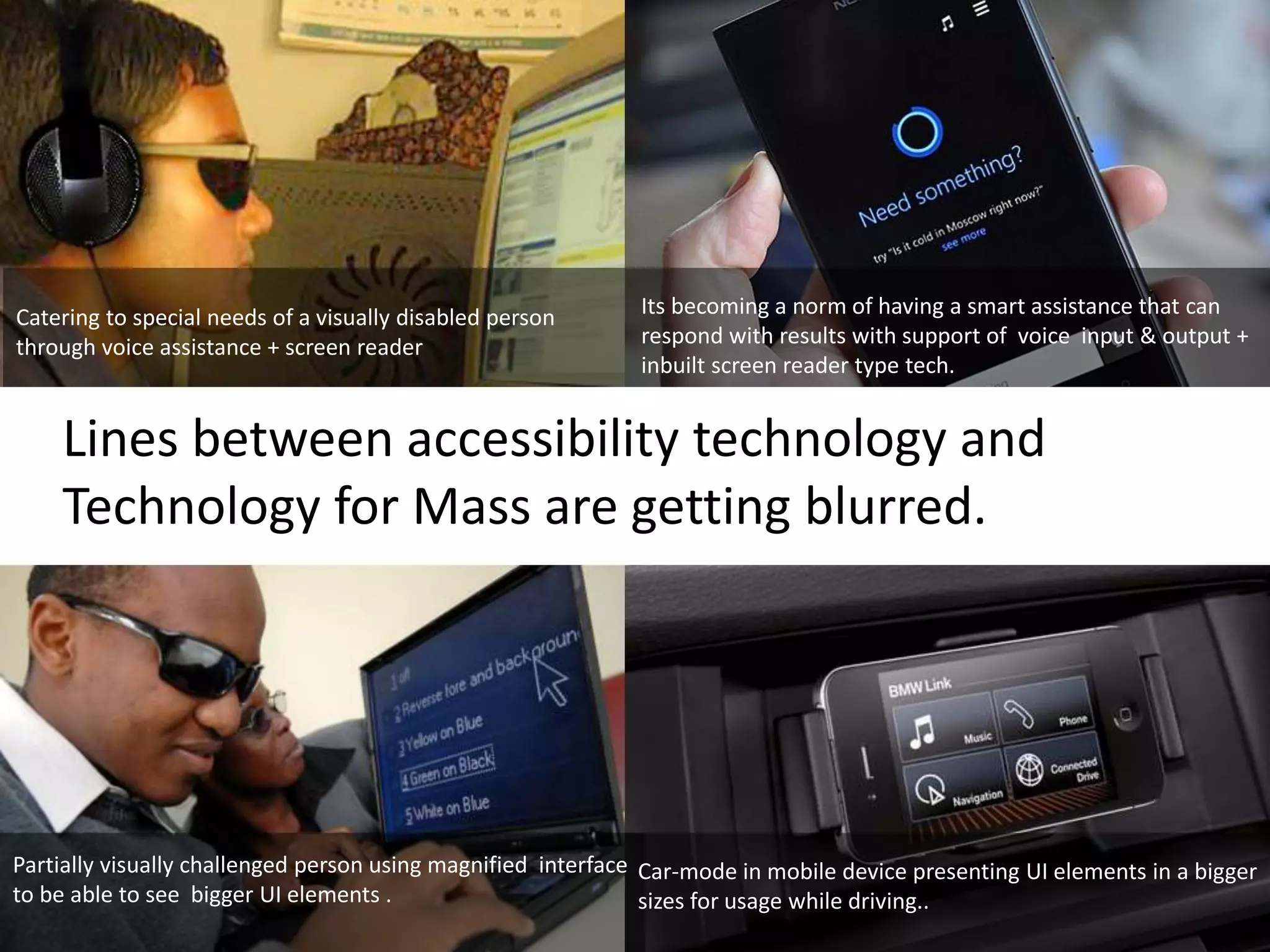
Catering to special needs of a visually disabled person 
through voice assistance + screen reader 
Its becoming a norm of having a smart assistance that can 
respond with results with support of voice input & output + 
inbuilt screen reader type tech. 
Lines between accessibility technology and 
Technology for Mass are getting blurred. 
Partially visually challenged person using magnified interface 
to be able to see bigger UI elements . 
Car-mode in mobile device presenting UI elements in a bigger 
sizes for usage while driving..
What used to be a special 
need is becoming a general 
need for mass use. 
No more point and click 
Touch screens gestures & Voice input 
No more the need to see to the display output 
Voice Assistants 
No more need to find manually 
Smart Assistants with predicative technology & machine learning
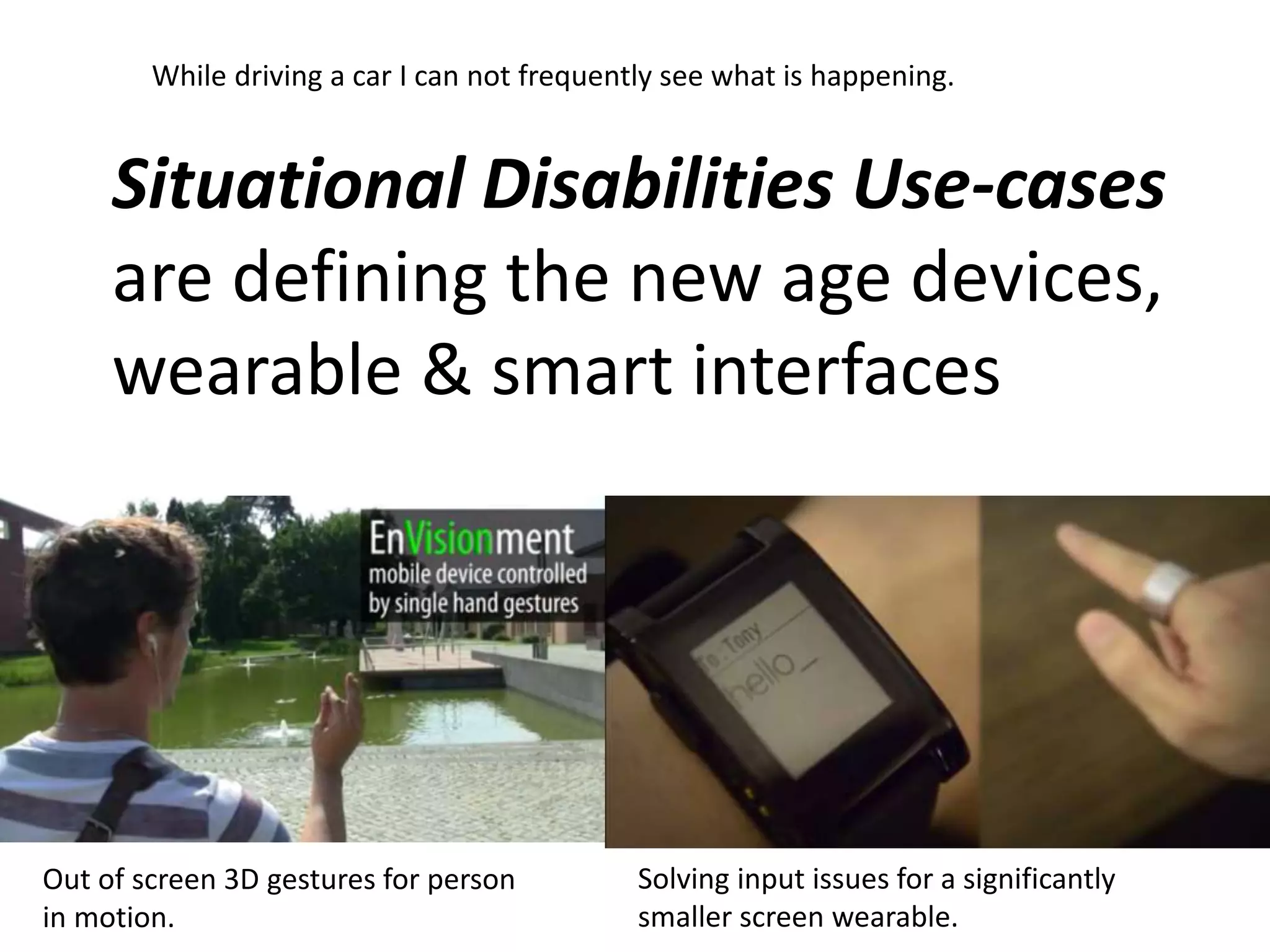
While driving a car I can not frequently see what is happening. 
Situational Disabilities Use-cases 
are defining the new age devices, 
wearable & smart interfaces 
Out of screen 3D gestures for person 
in motion. 
Solving input issues for a significantly 
smaller screen wearable.
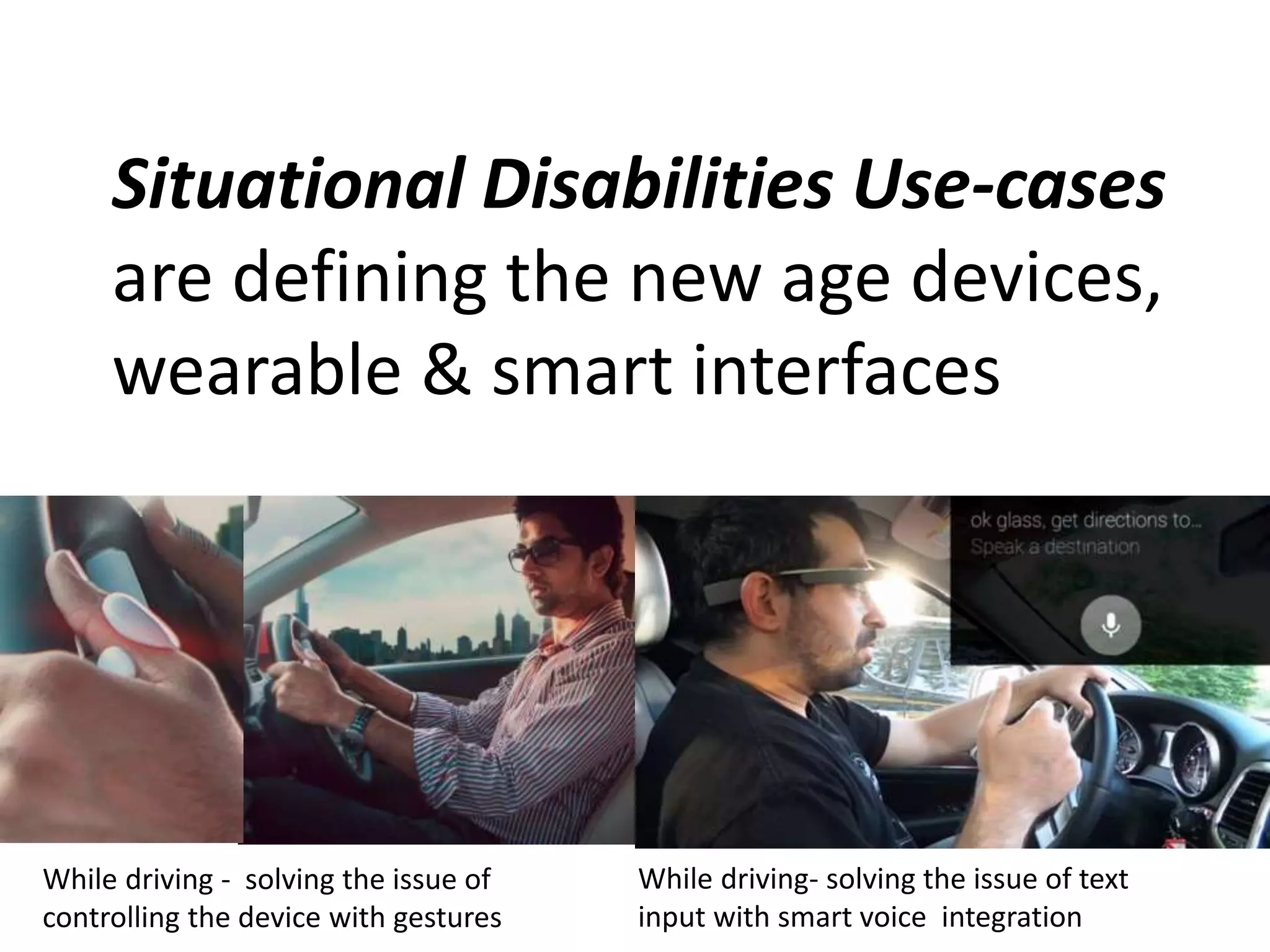
Situational Disabilities Use-cases 
are defining the new age devices, 
wearable & smart interfaces 
While driving - solving the issue of 
controlling the device with gestures 
While driving- solving the issue of text 
input with smart voice integration
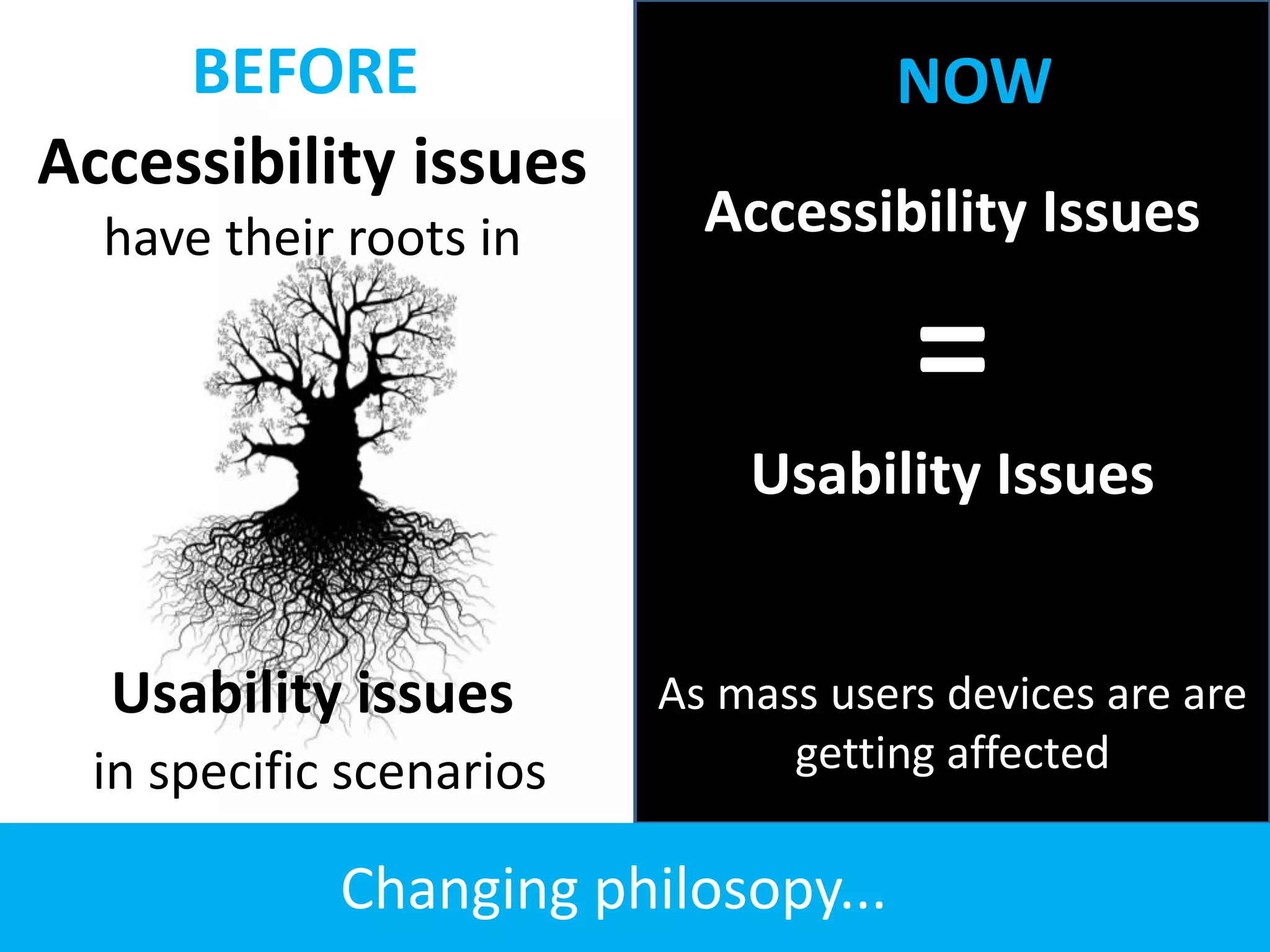
BEFORE NOW 
Accessibility issues 
have their roots in 
Usability issues 
in specific scenarios 
Accessibility Issues 
= 
Usability Issues 
As mass users devices are are 
getting affected 
Changing philosopy...
Welcome to the world of 
changing needs 
New challenges in implementation 
of accessibility for web content (?)
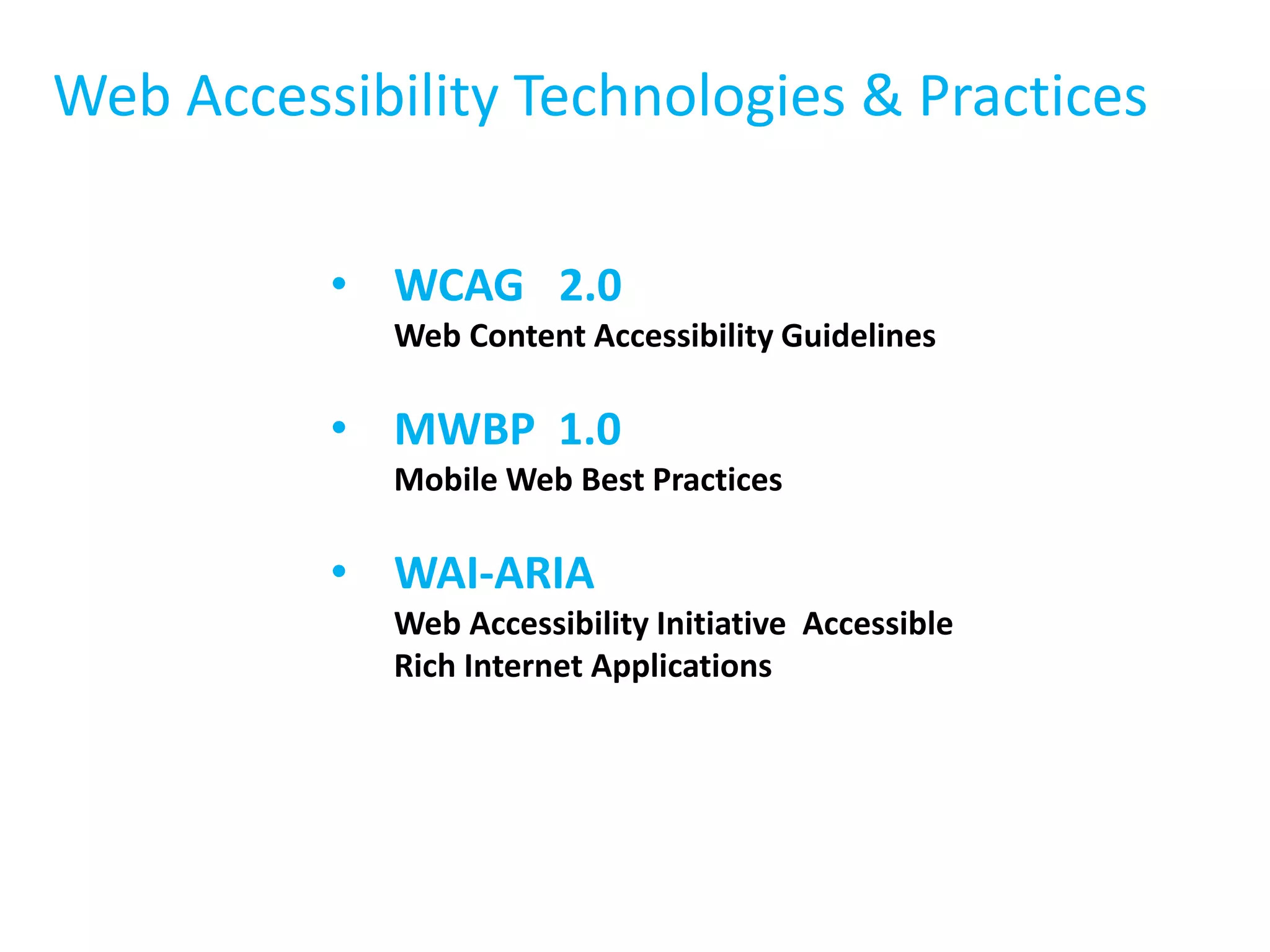
Web Accessibility Technologies & Practices 
• WCAG 2.0 
Web Content Accessibility Guidelines 
• MWBP 1.0 
Mobile Web Best Practices 
• WAI-ARIA 
Web Accessibility Initiative Accessible 
Rich Internet Applications
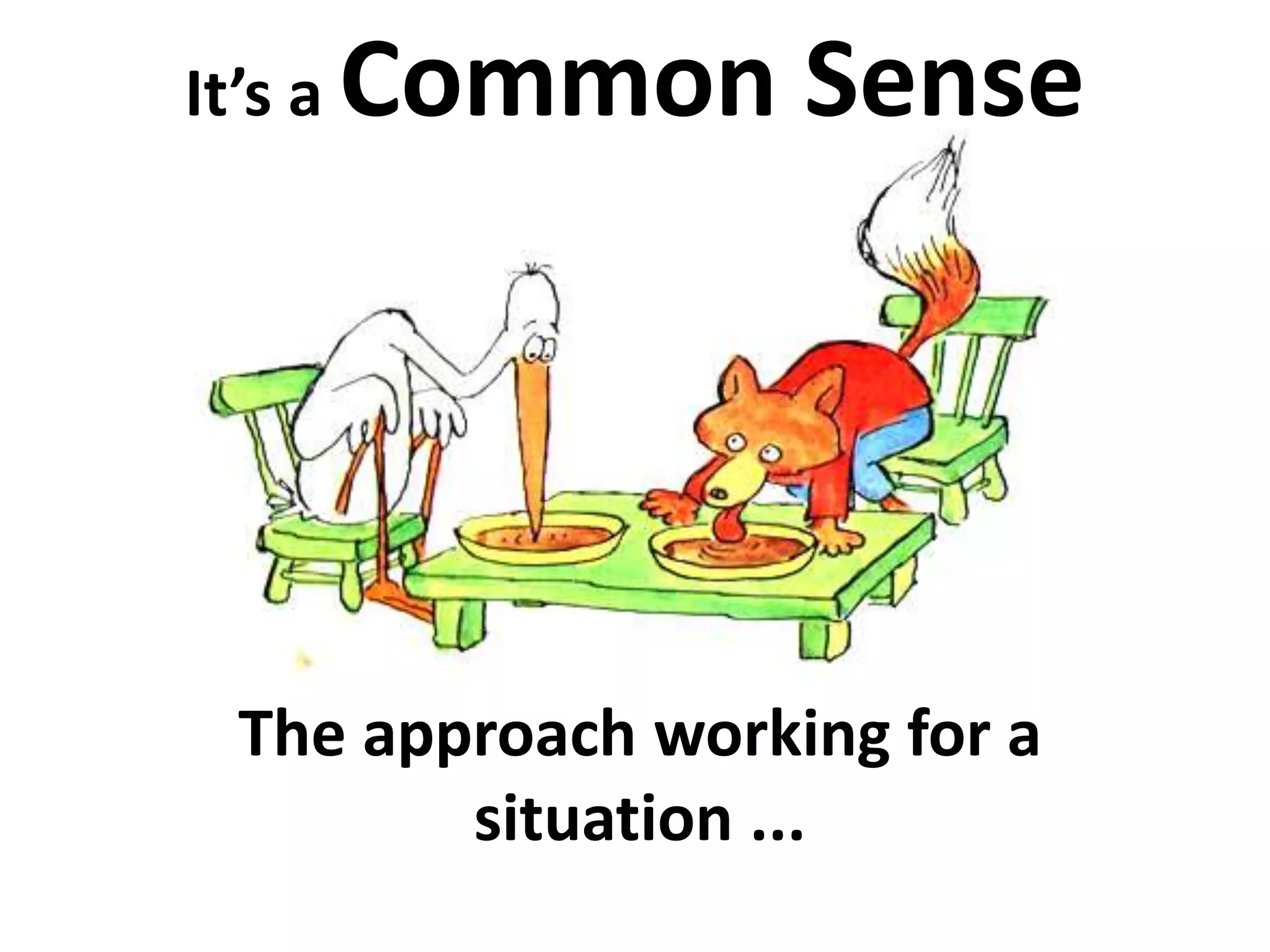
It’s a Common Sense 
The approach working for a 
situation ...
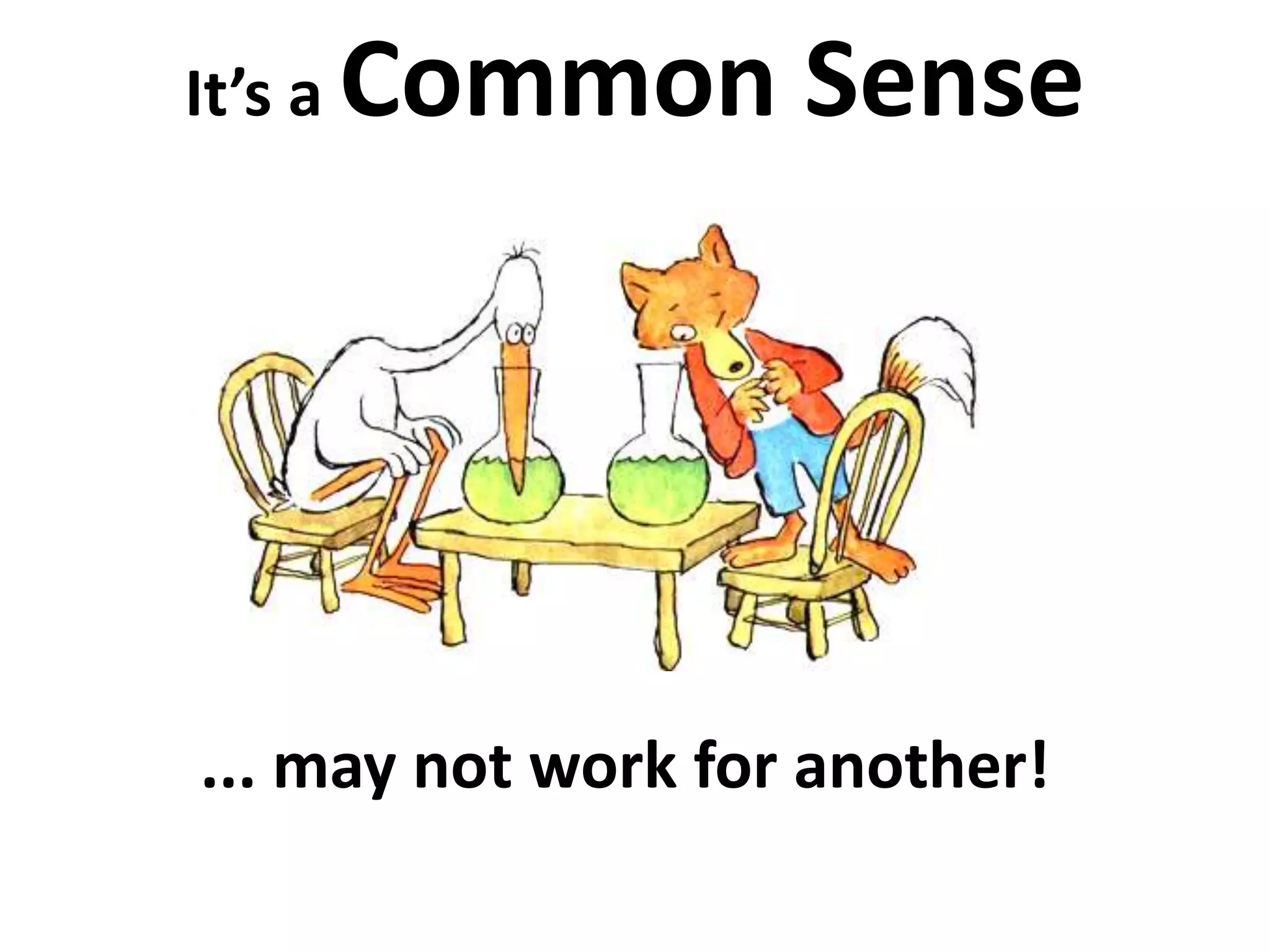
It’s a Common Sense 
... may not work for another!
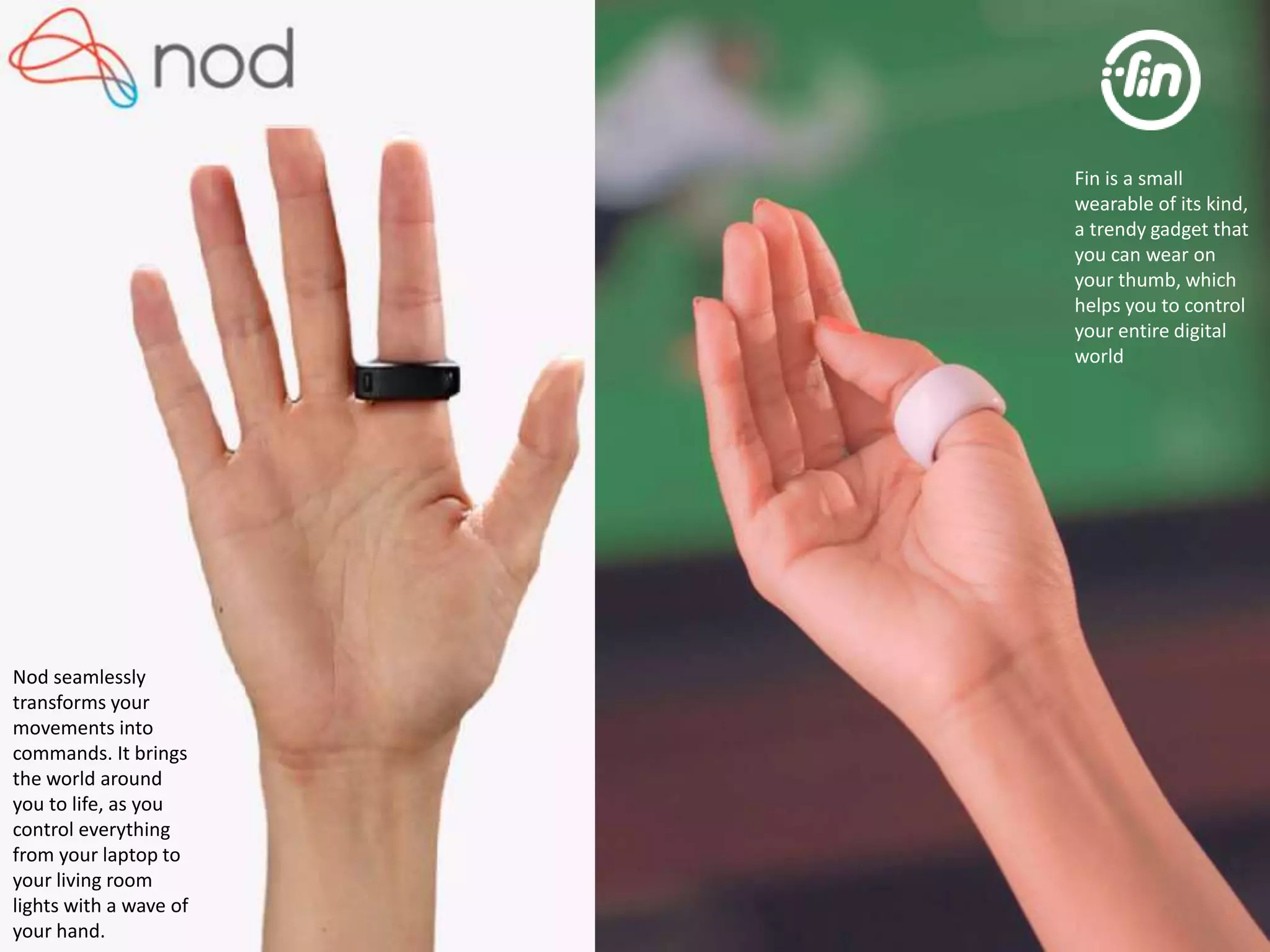
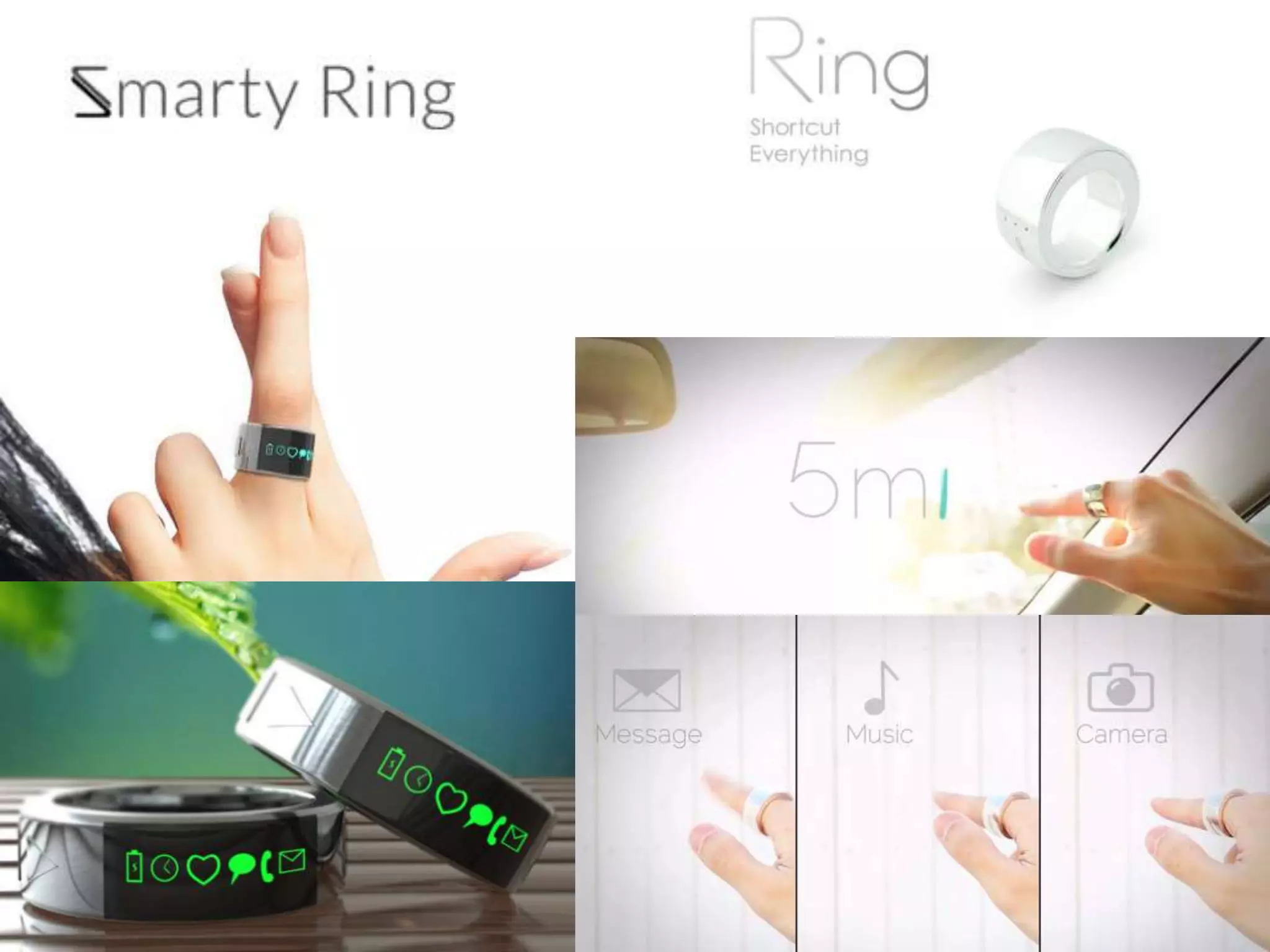
Nod seamlessly 
transforms your 
movements into 
commands. It brings 
the world around 
you to life, as you 
control everything 
from your laptop to 
your living room 
lights with a wave of 
your hand. 
Fin is a small 
wearable of its kind, 
a trendy gadget that 
you can wear on 
your thumb, which 
helps you to control 
your entire digital 
world
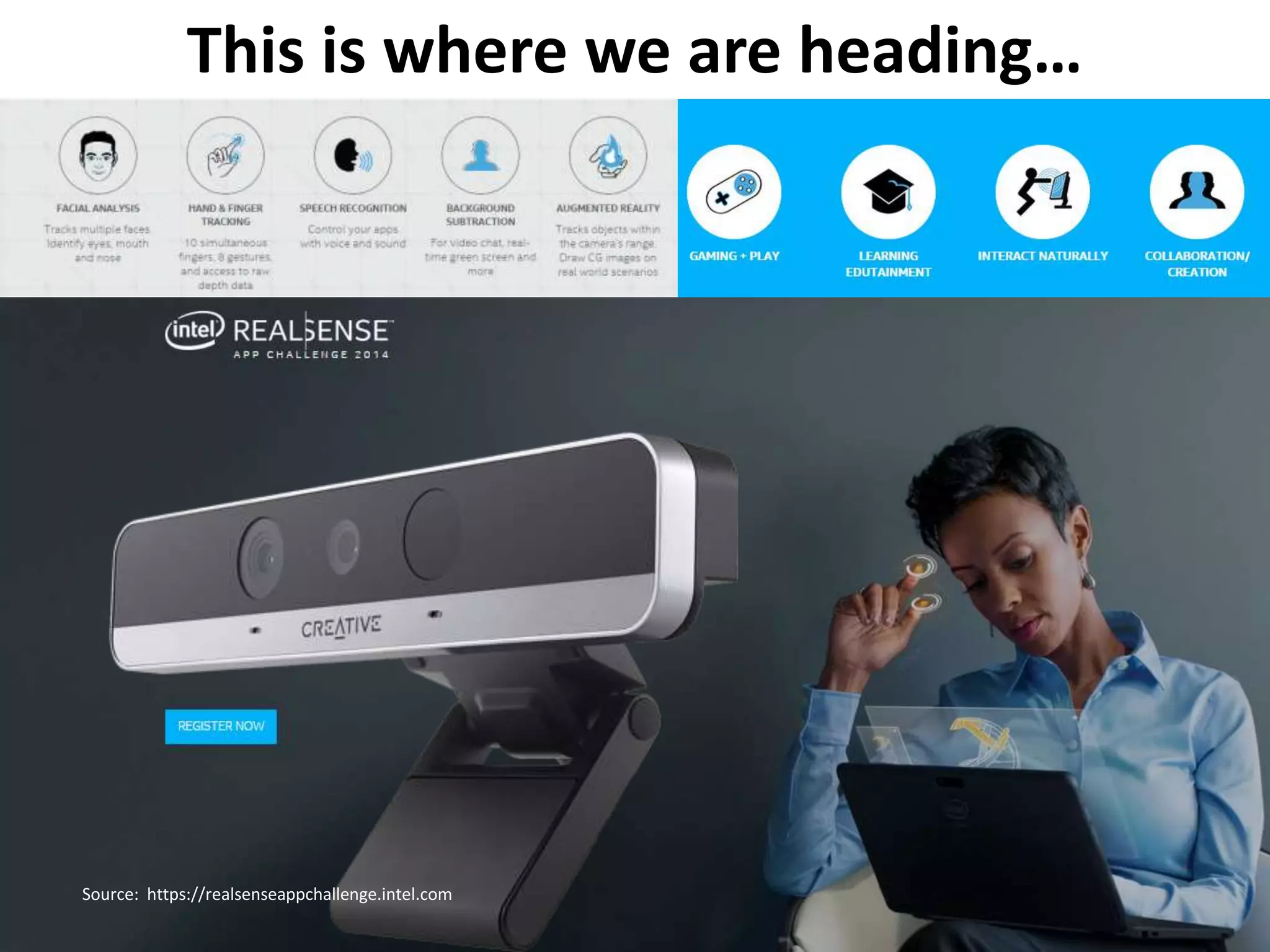
This is where we are heading… 
Source: https://realsenseappchallenge.intel.com
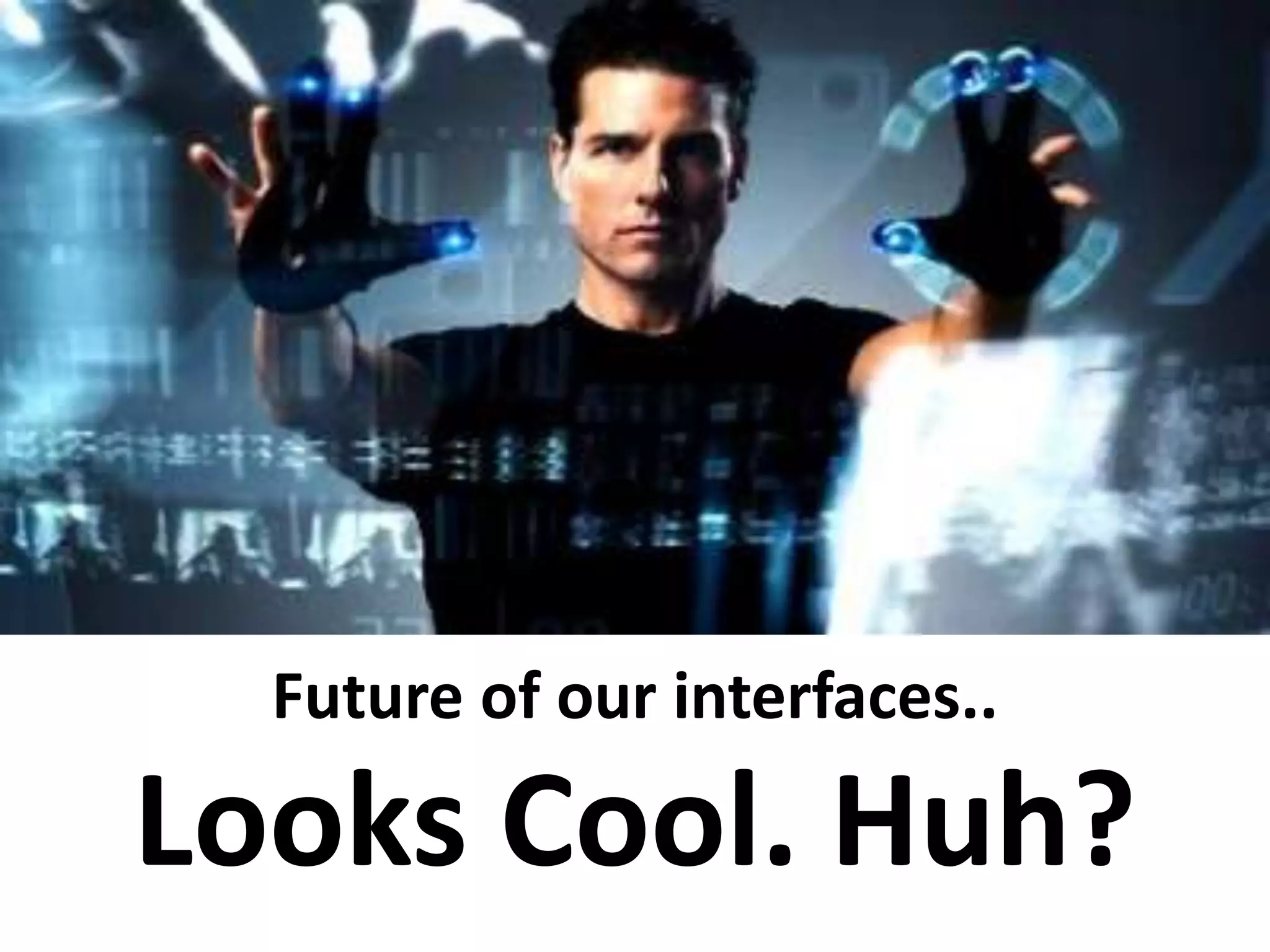
Future of our interfaces.. 
Looks Cool. Huh?
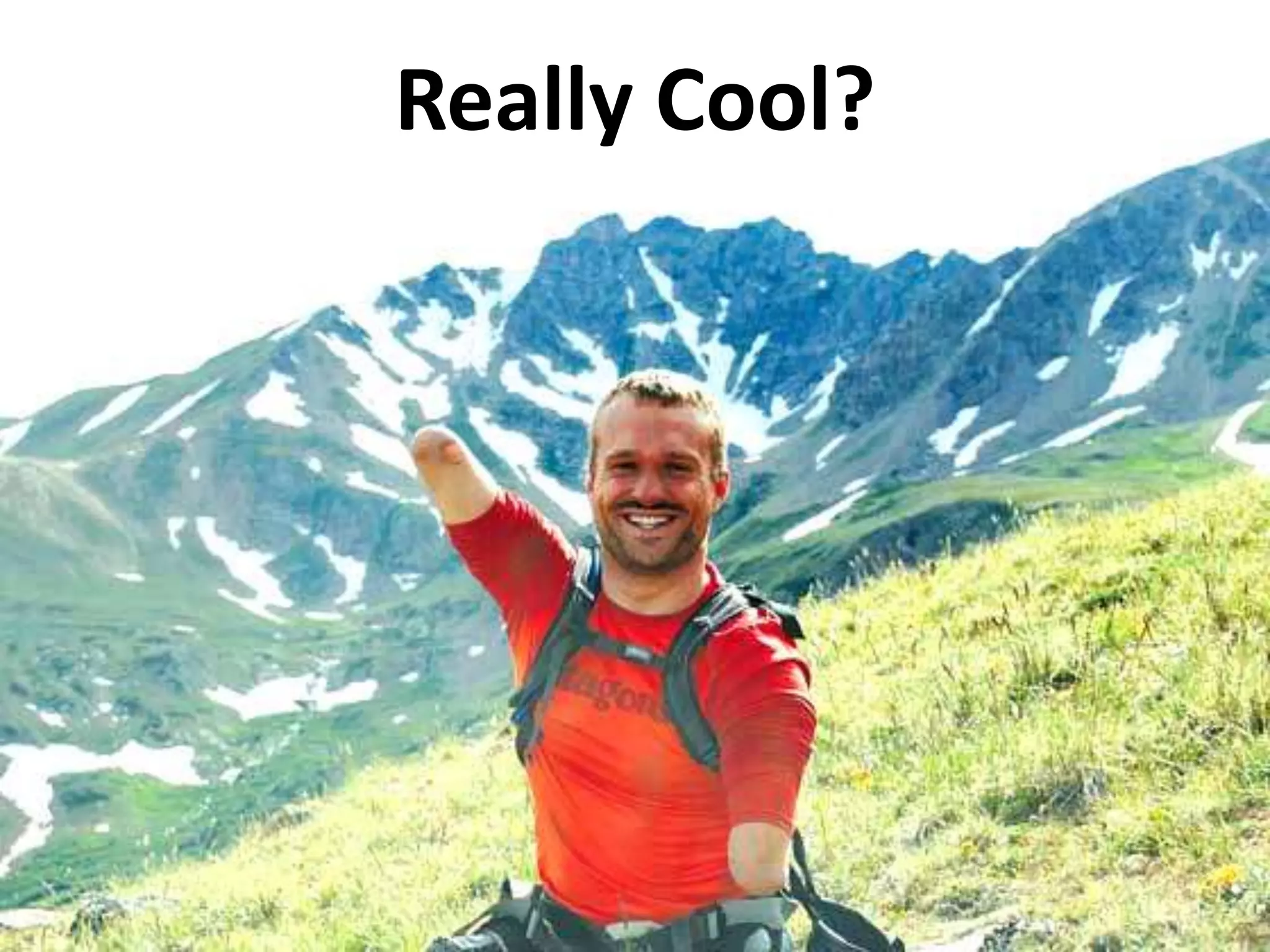
Really Cool?
The problem exponentially grow 
when special needs start define 
the main stream devices. 
When normal users start using special assistive 
technologies for normal usage and remove basic 
philosophies & frameworks in work till now, fall flat as 
the new production does not support .
BEFORE 
Normal PC, key inputs, display - main stream 
Gestures, voice – assistive alternatives 
Turing 180 degree! 
NOW 
Gestures, voice – main stream 
Normal PC, key-input , display - assistive alternative
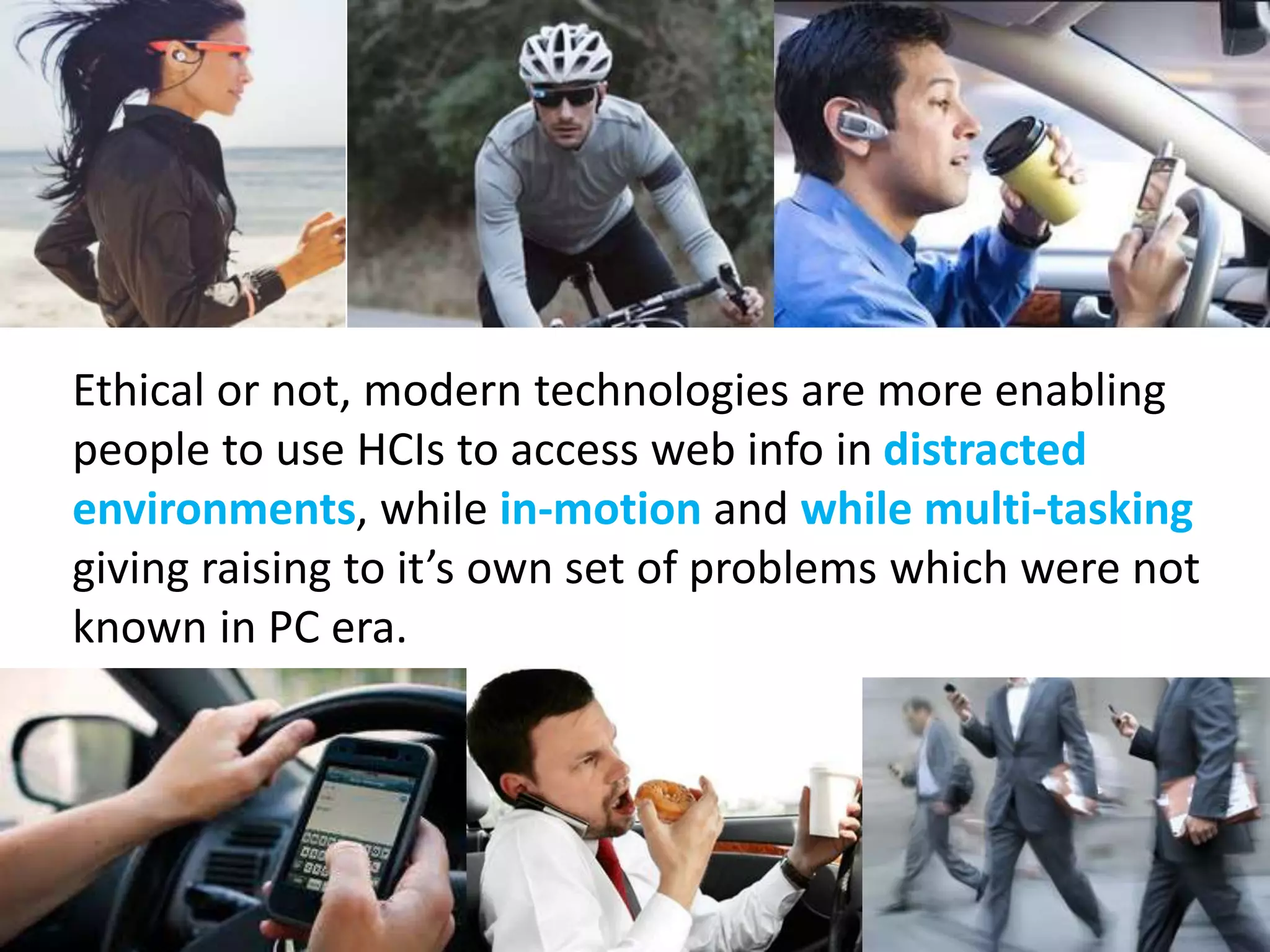
Ethical or not, modern technologies are more enabling 
people to use HCIs to access web info in distracted 
environments, while in-motion and while multi-tasking 
giving raising to it’s own set of problems which were not 
known in PC era.
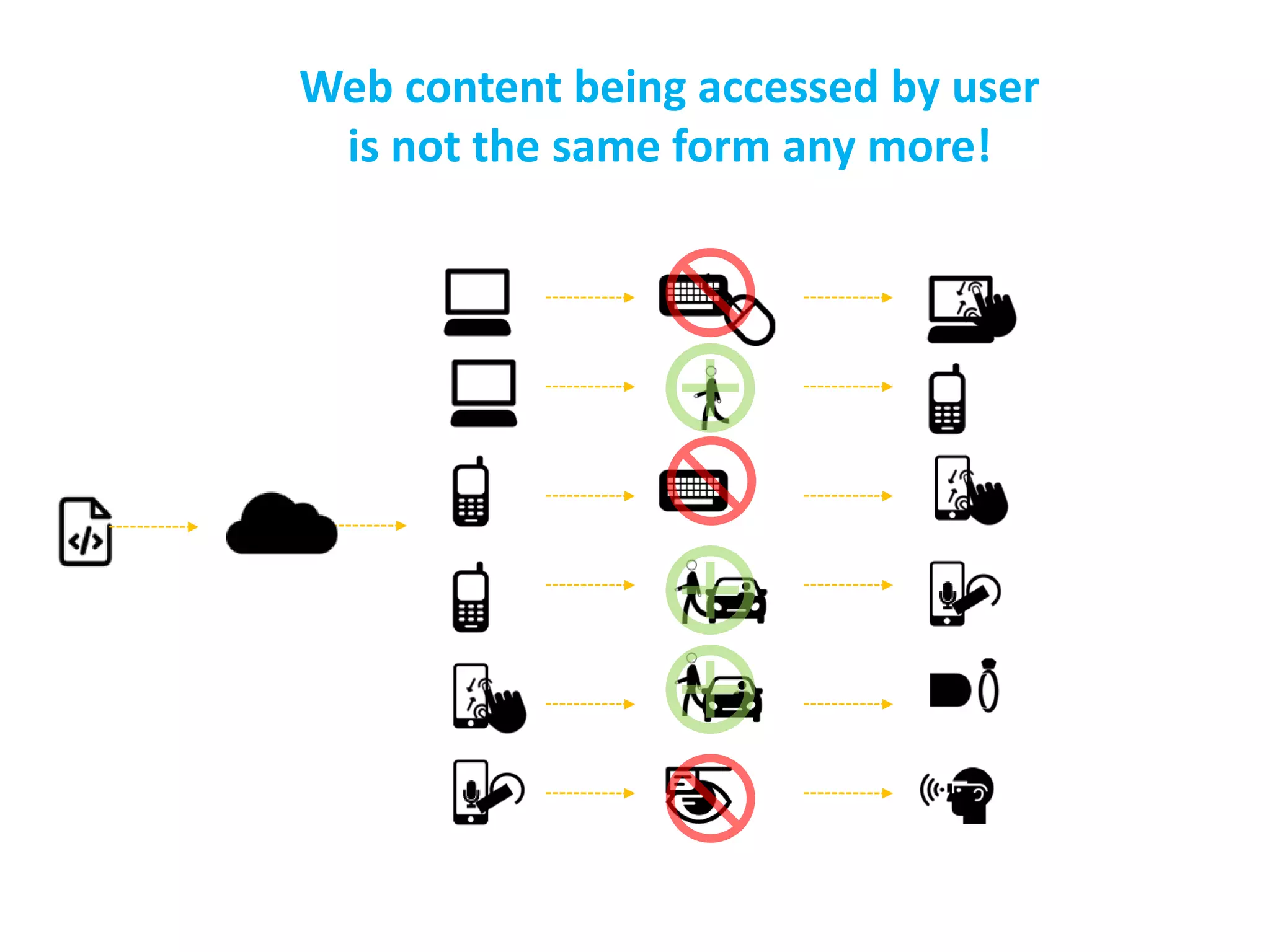
Web content being accessed by user 
is not the same form any more!
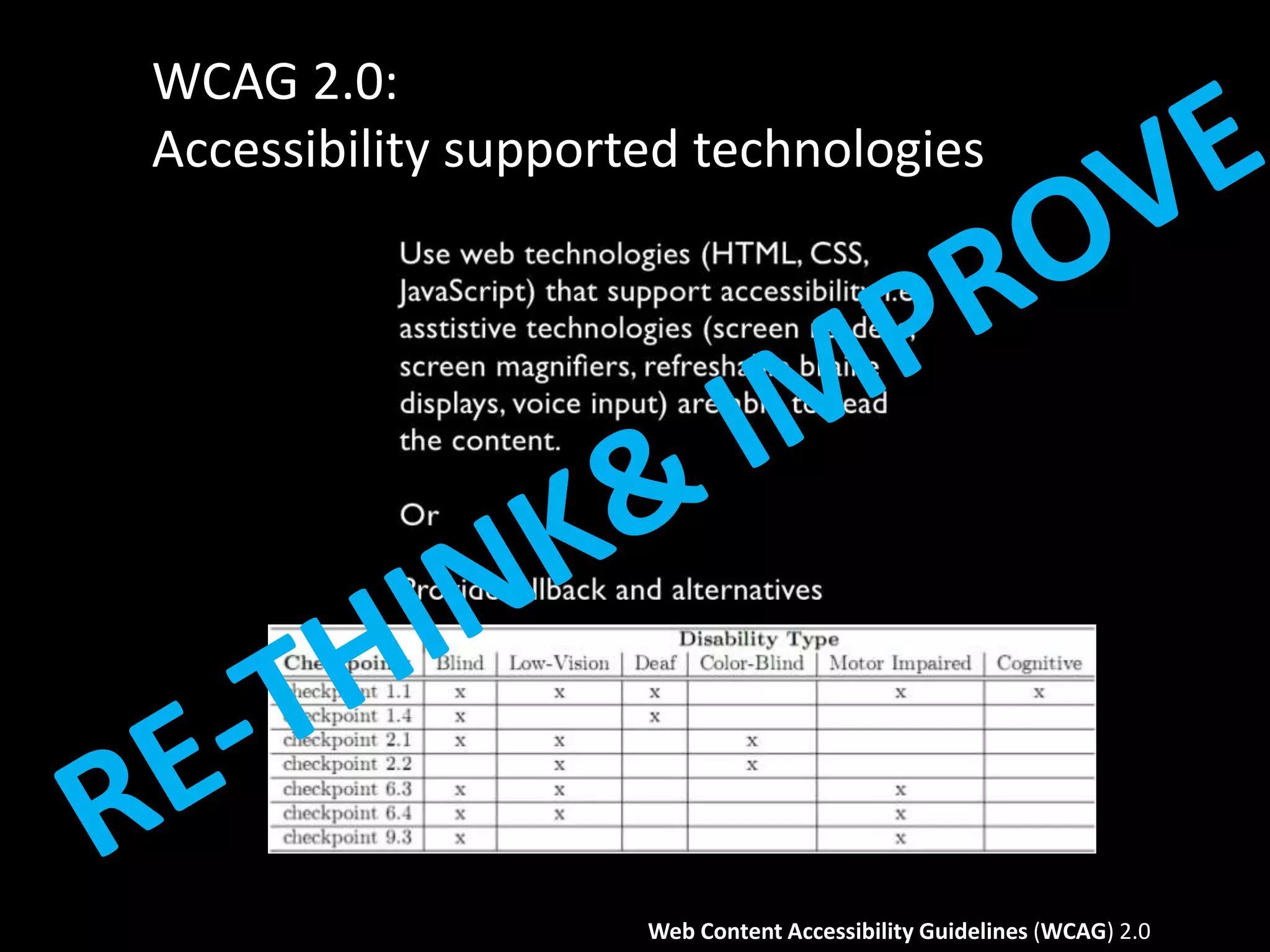
WCAG 2.0: 
Accessibility supported technologies 
Web Content Accessibility Guidelines (WCAG) 2.0
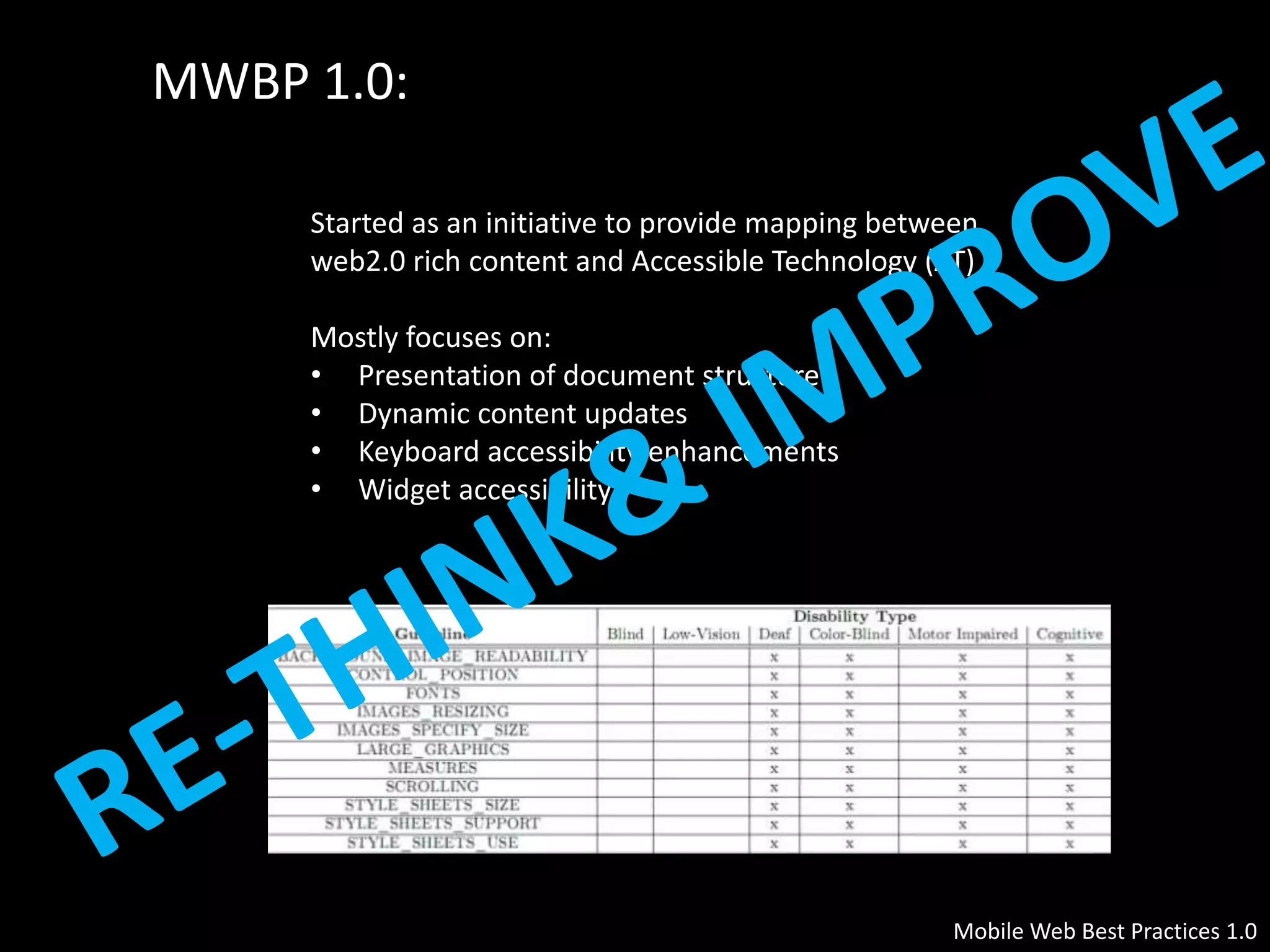
MWBP 1.0: 
Started as an initiative to provide mapping between 
web2.0 rich content and Accessible Technology (AT) 
Mobile Web Best Practices 1.0 
Mostly focuses on: 
• Presentation of document structure 
• Dynamic content updates 
• Keyboard accessibility enhancements 
• Widget accessibility
Why Rethink& Improve? 
To answer these questions: 
• how normal people use new age interfaces/devices interfaces 
that are breaking age old display-input based systems. 
• How normal people use these in situational disabilities. 
• How disable people use these new age. 
• How disable people use these new age interfaces in 
situational disabilities.
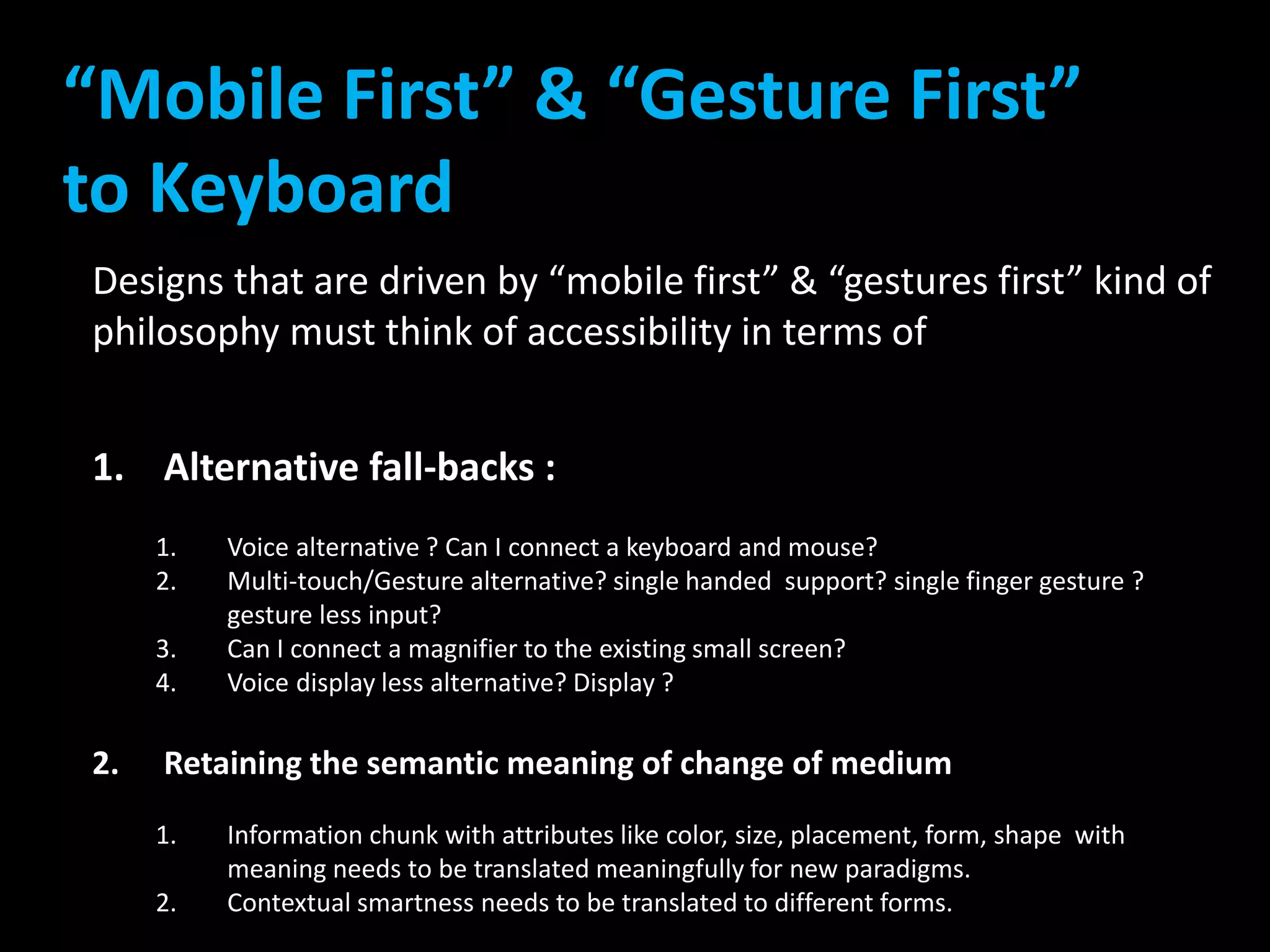
“Mobile First” & “Gesture First” 
to Keyboard 
Designs that are driven by “mobile first” & “gestures first” kind of 
philosophy must think of accessibility in terms of 
1. Alternative fall-backs : 
1. Voice alternative ? Can I connect a keyboard and mouse? 
2. Multi-touch/Gesture alternative? single handed support? single finger gesture ? 
gesture less input? 
3. Can I connect a magnifier to the existing small screen? 
4. Voice display less alternative? Display ? 
2. Retaining the semantic meaning of change of medium 
1. Information chunk with attributes like color, size, placement, form, shape with 
meaning needs to be translated meaningfully for new paradigms. 
2. Contextual smartness needs to be translated to different forms.
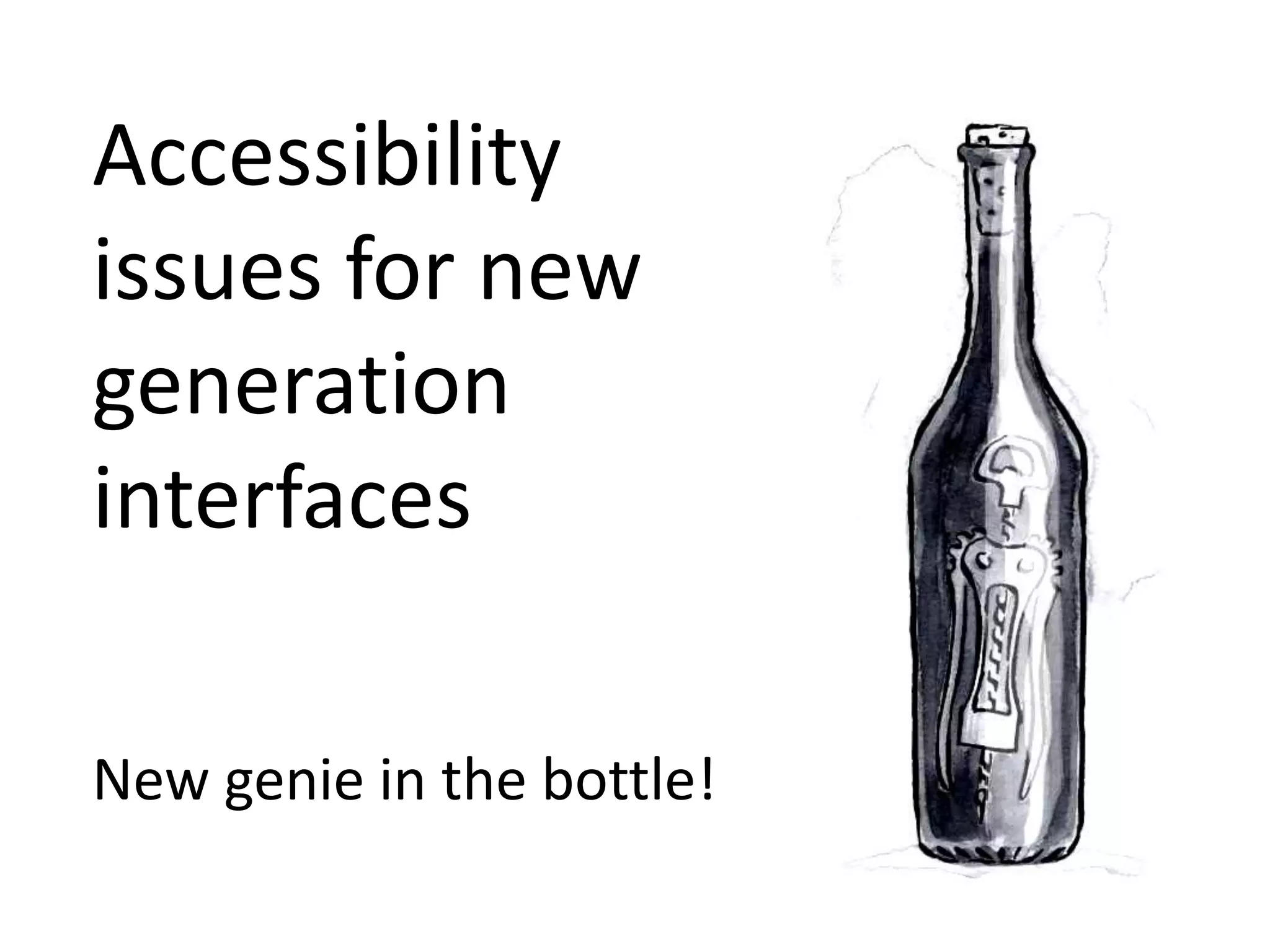
Accessibility 
issues for new 
generation 
interfaces 
New genie in the bottle!
Visual cues of chunking of information 
makes communication effective and fast. 
Visual cues include spatial hierarchy of 
information. 
Moving to voice enabled system lacks 
this effectiveness. Voice based systems 
are linear. This is evident in normal 
screen reader or similar NLP supported 
translations.
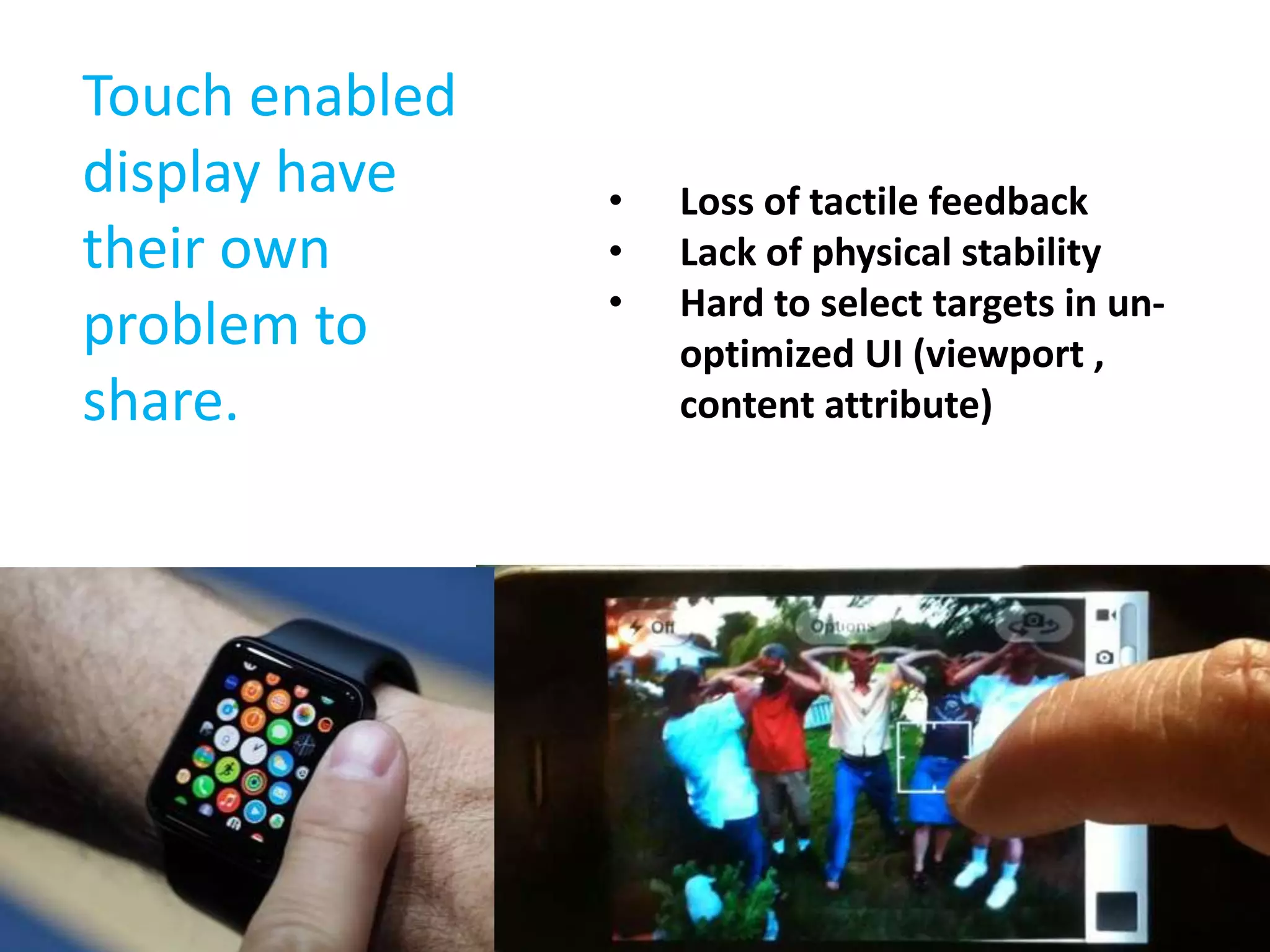
Touch enabled 
display have 
their own 
problem to 
share. 
• Loss of tactile feedback 
• Lack of physical stability 
• Hard to select targets in un-optimized 
UI (viewport , 
content attribute)
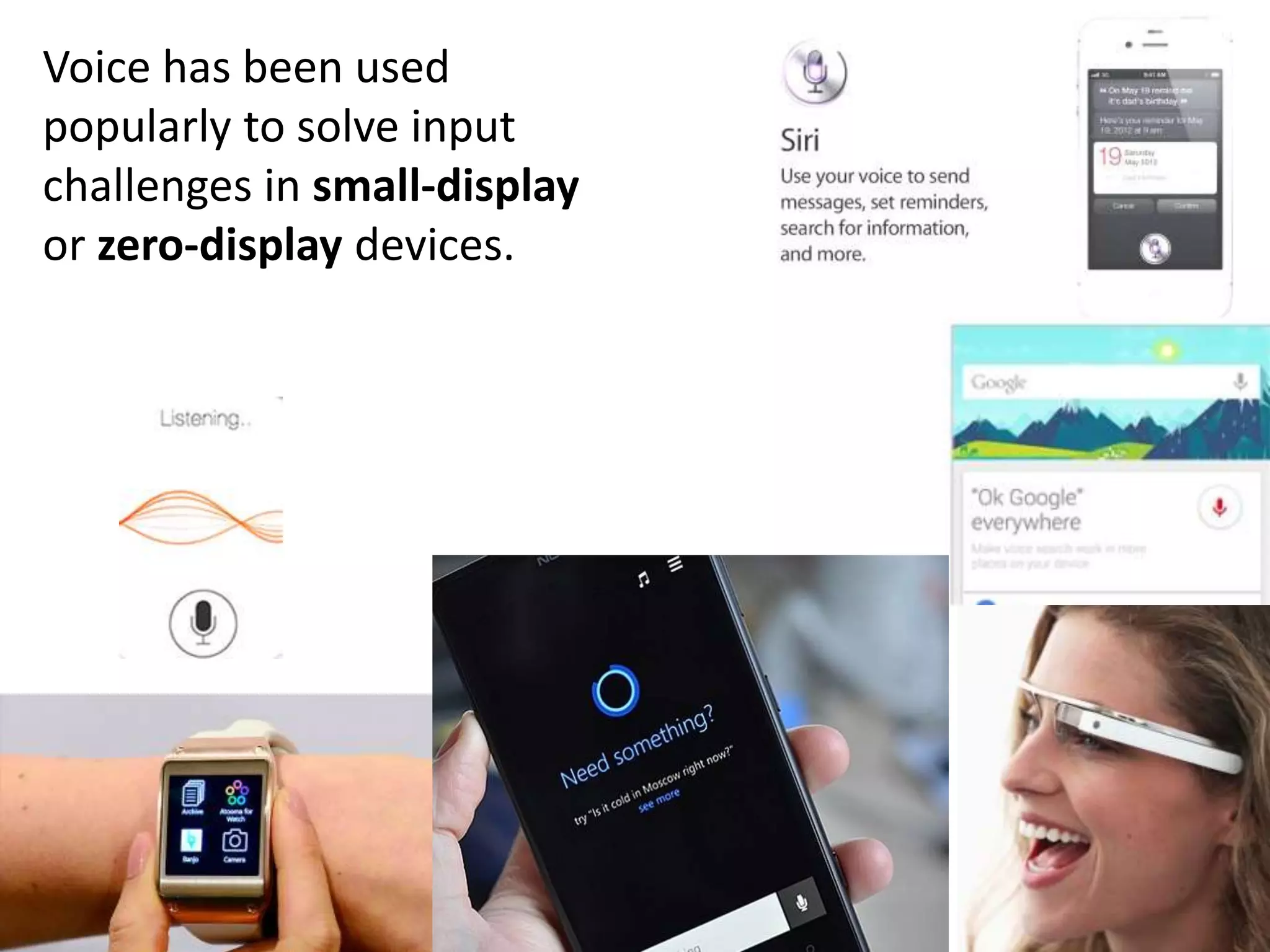
Voice has been used 
popularly to solve input 
challenges in small-display 
or zero-display devices.
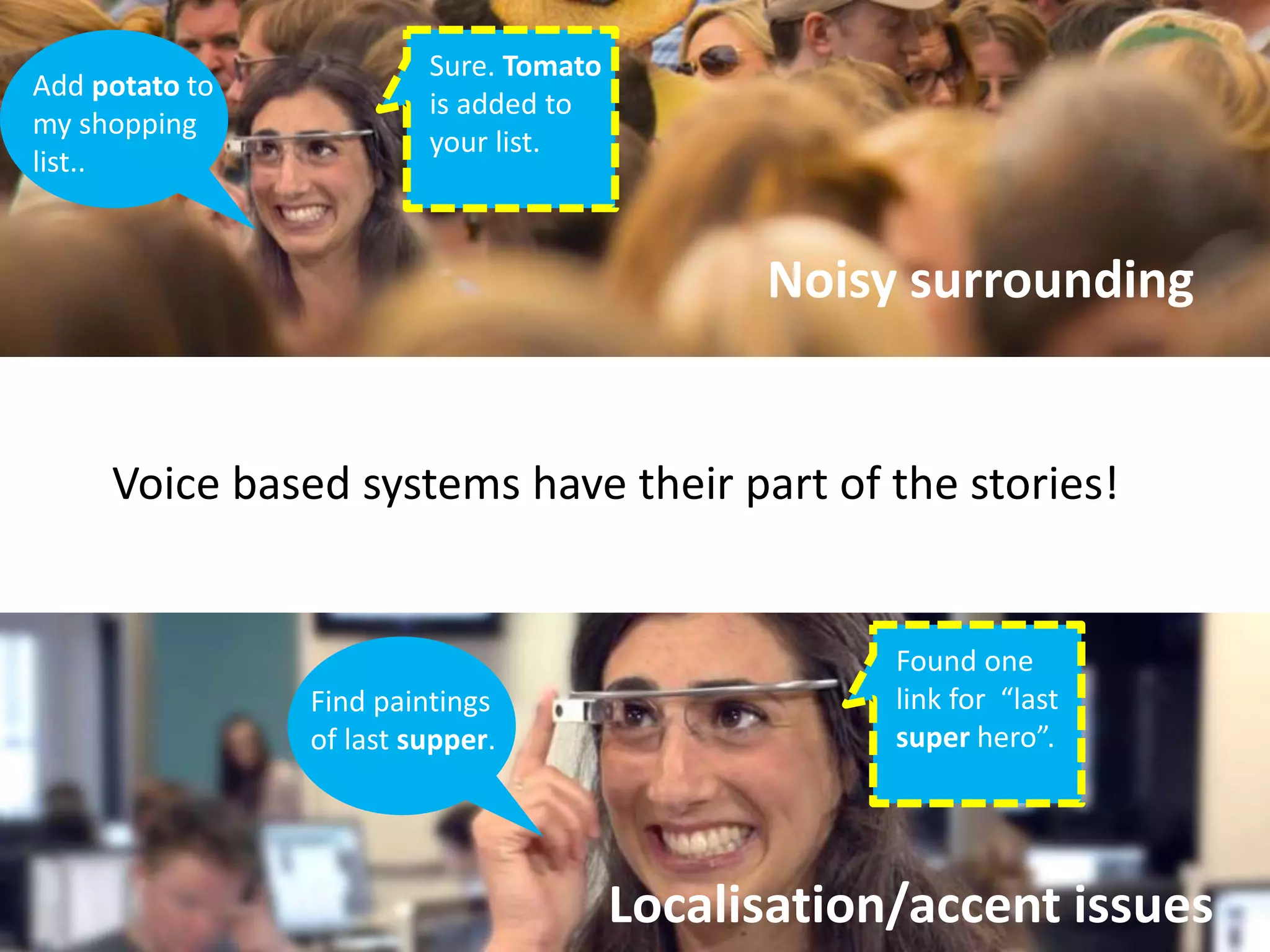
Add potato to 
my shopping 
list.. 
Sure. Tomato 
is added to 
your list. 
Noisy surrounding 
Voice based systems have their part of the stories! 
Localisation/accent issues 
Find paintings 
of last supper. 
Found one 
link for “last 
super hero”.
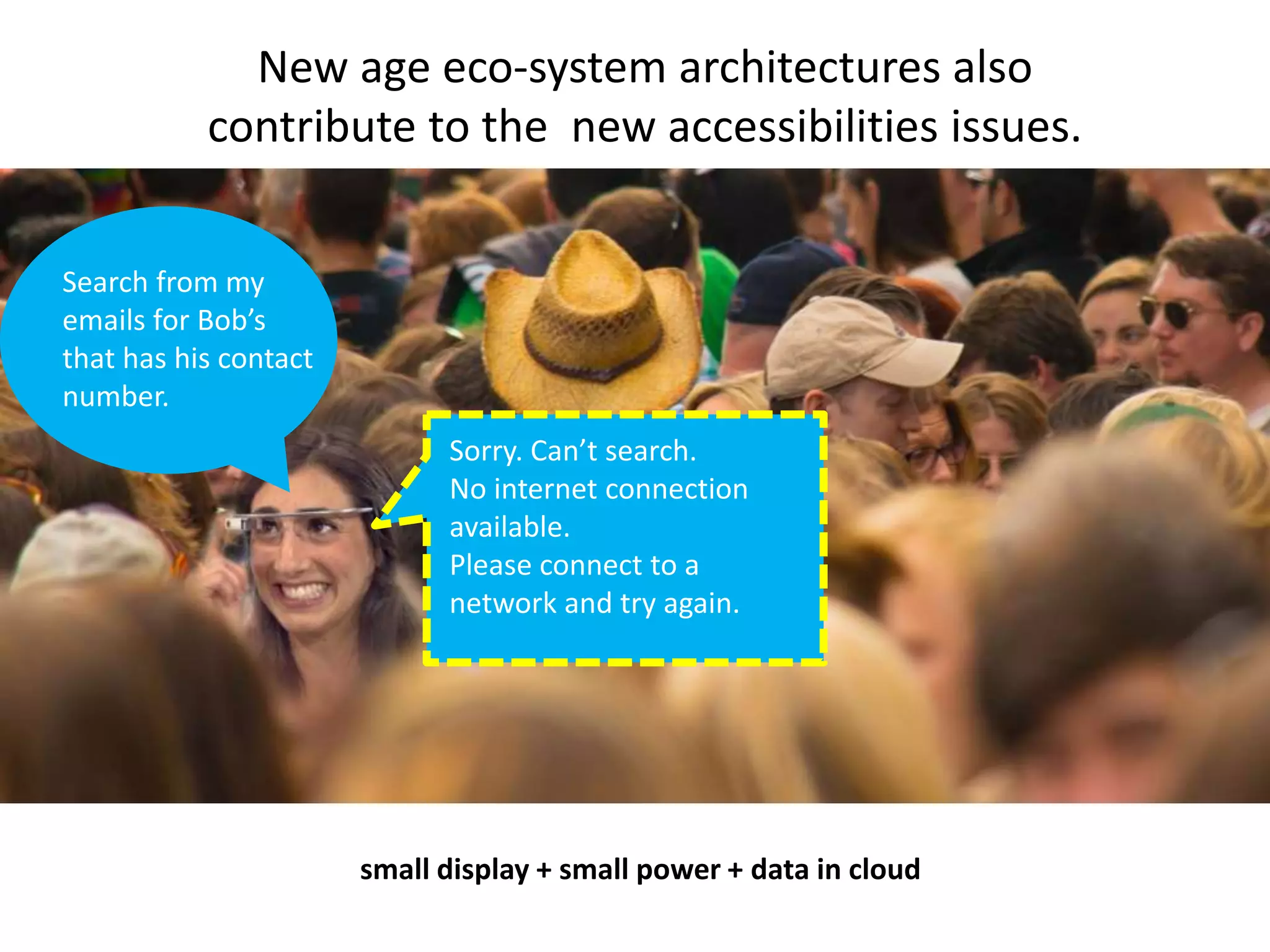
New age eco-system architectures also 
contribute to the new accessibilities issues. 
Search from my 
emails for Bob’s 
that has his contact 
number. 
Sorry. Can’t search. 
No internet connection 
available. 
Please connect to a 
network and try again. 
small display + small power + data in cloud
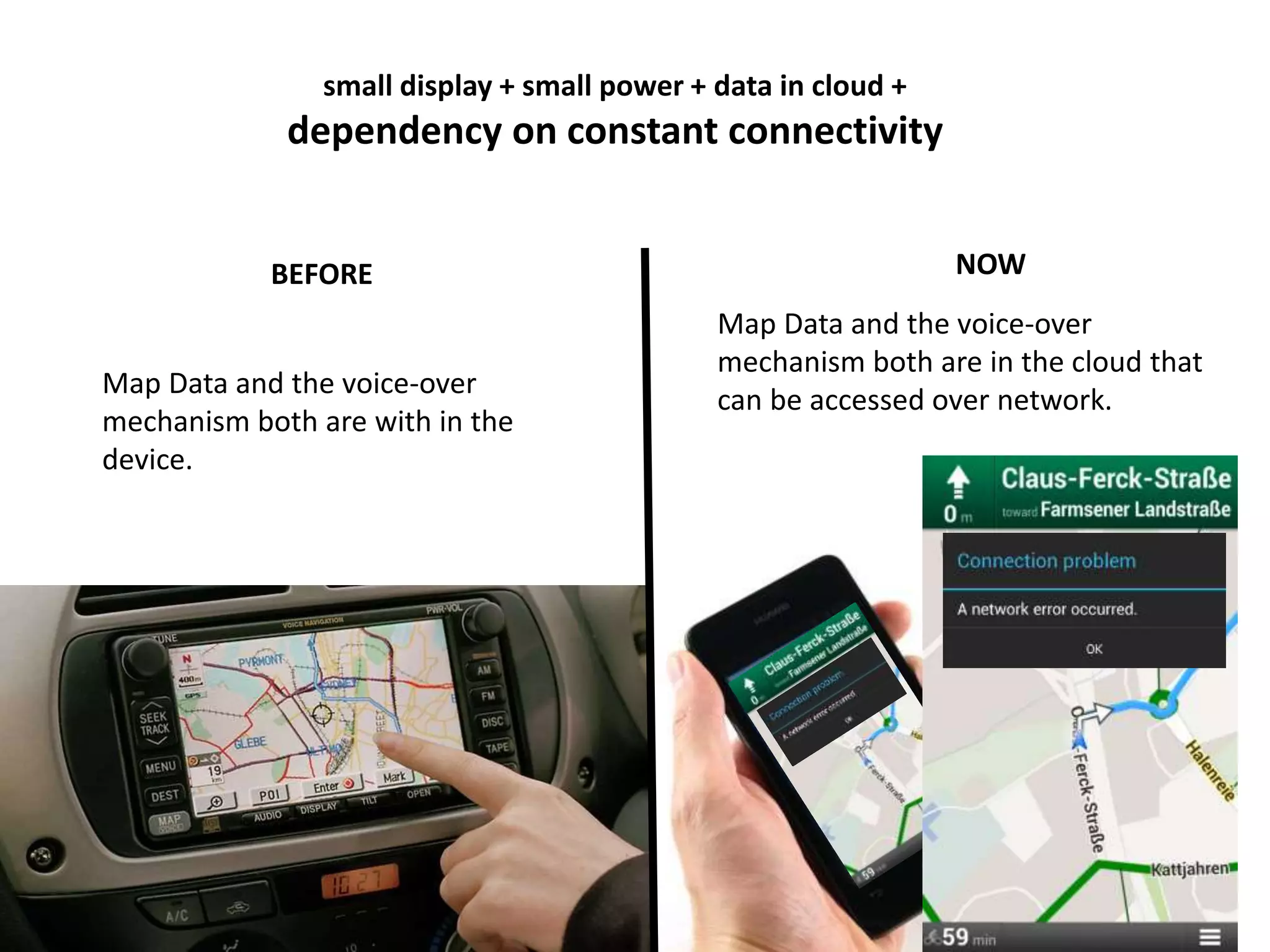
small display + small power + data in cloud + 
dependency on constant connectivity 
BEFORE NOW 
Map Data and the voice-over 
mechanism both are with in the 
device. 
Map Data and the voice-over 
mechanism both are in the cloud that 
can be accessed over network.
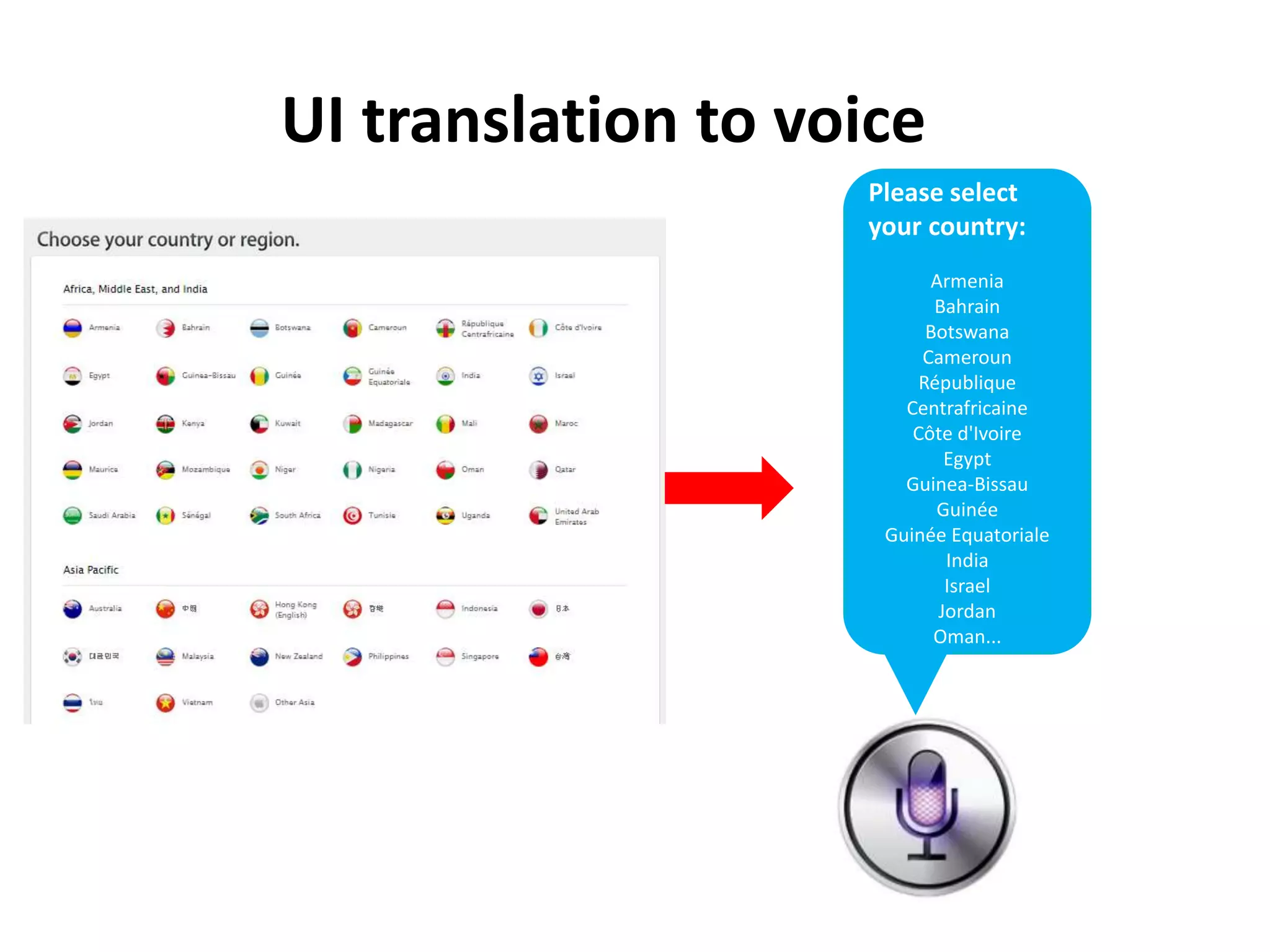
Please select 
your country: 
Armenia 
Bahrain 
Botswana 
Cameroun 
République 
Centrafricaine 
Côte d'Ivoire 
Egypt 
Guinea-Bissau 
Guinée 
Guinée Equatoriale 
India 
Israel 
Jordan 
Oman... 
UI translation to voice
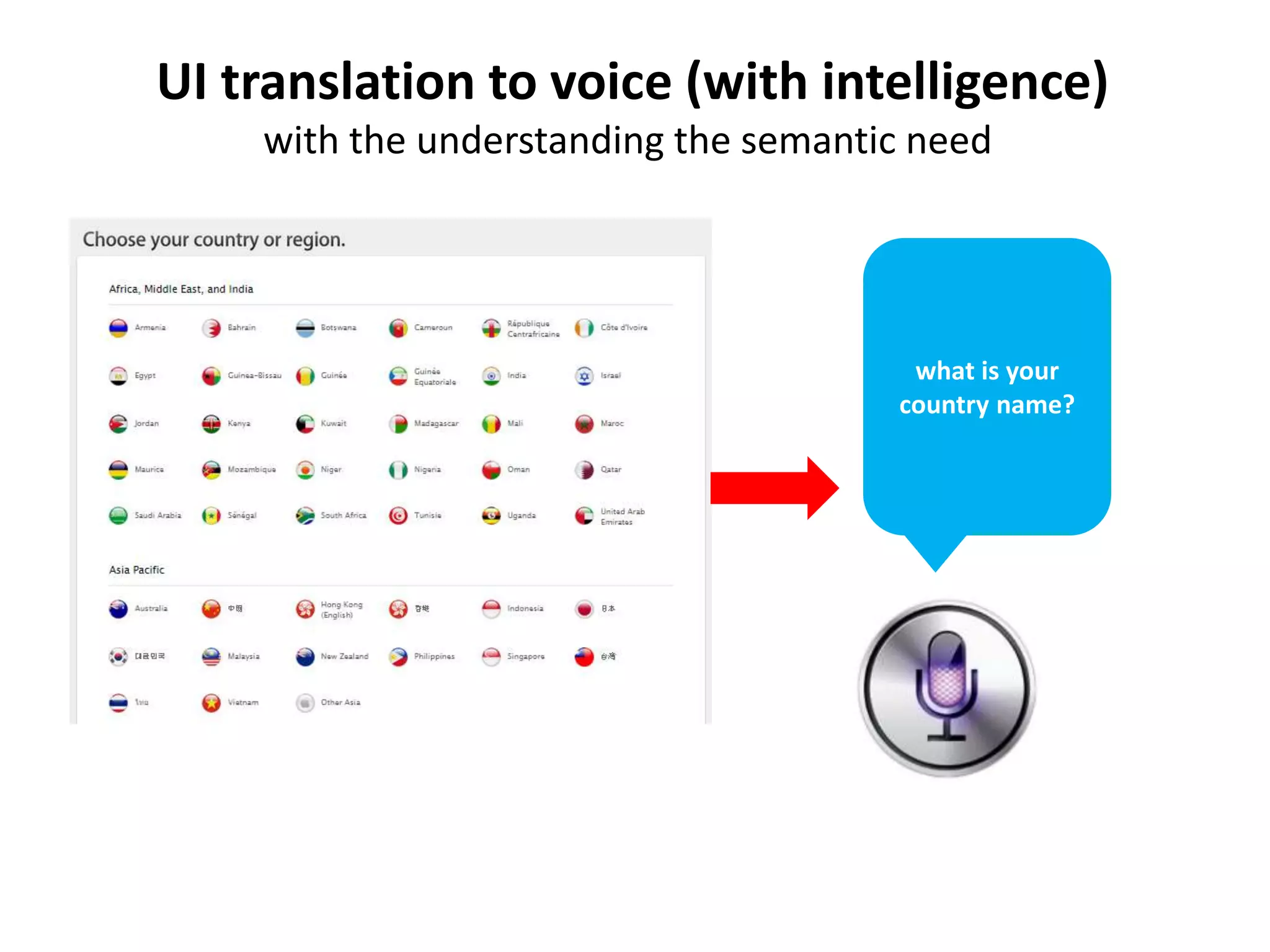
UI translation to voice (with intelligence) 
with the understanding the semantic need 
what is your 
country name?
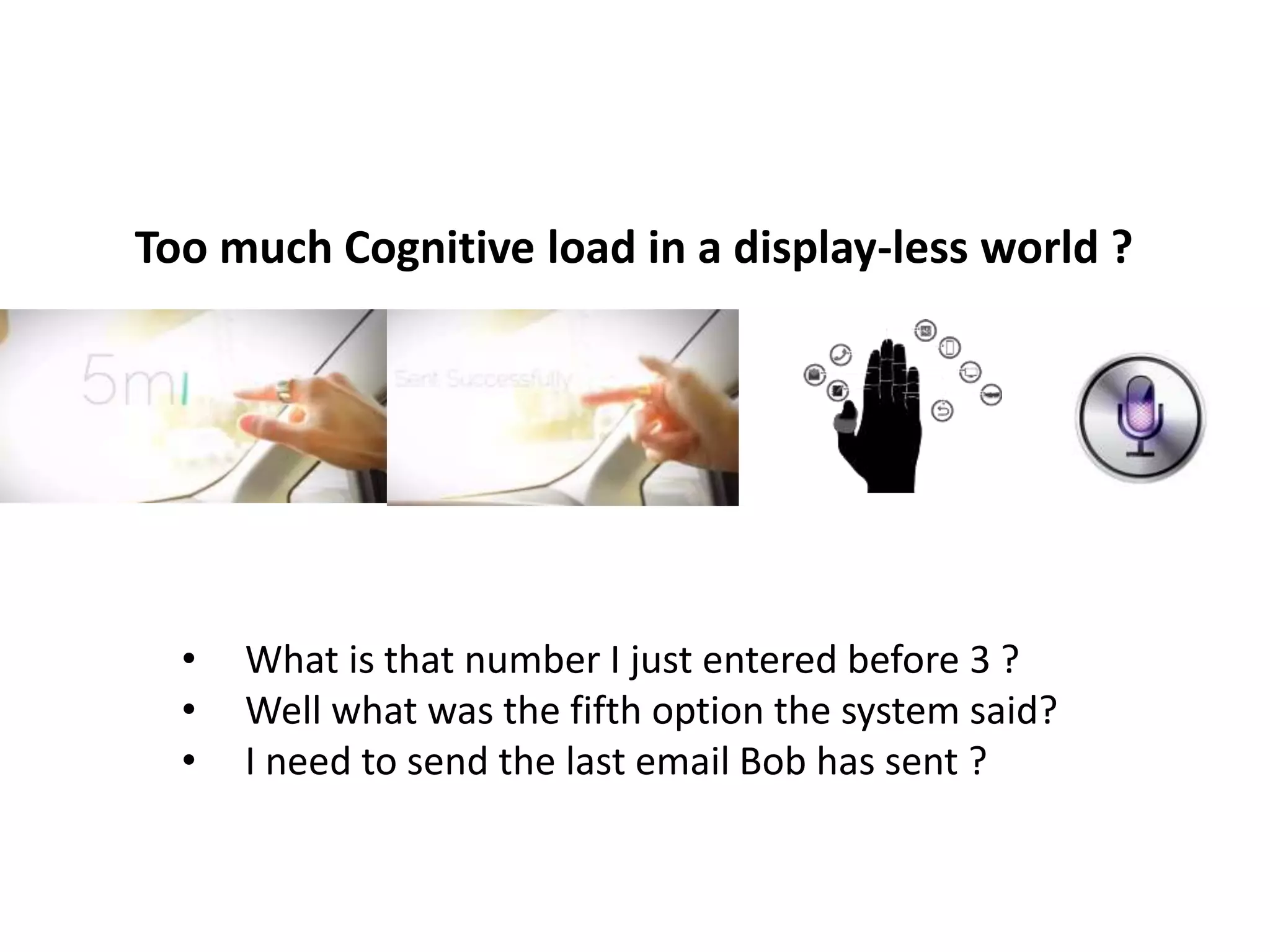
Too much Cognitive load in a display-less world ? 
• What is that number I just entered before 3 ? 
• Well what was the fifth option the system said? 
• I need to send the last email Bob has sent ?
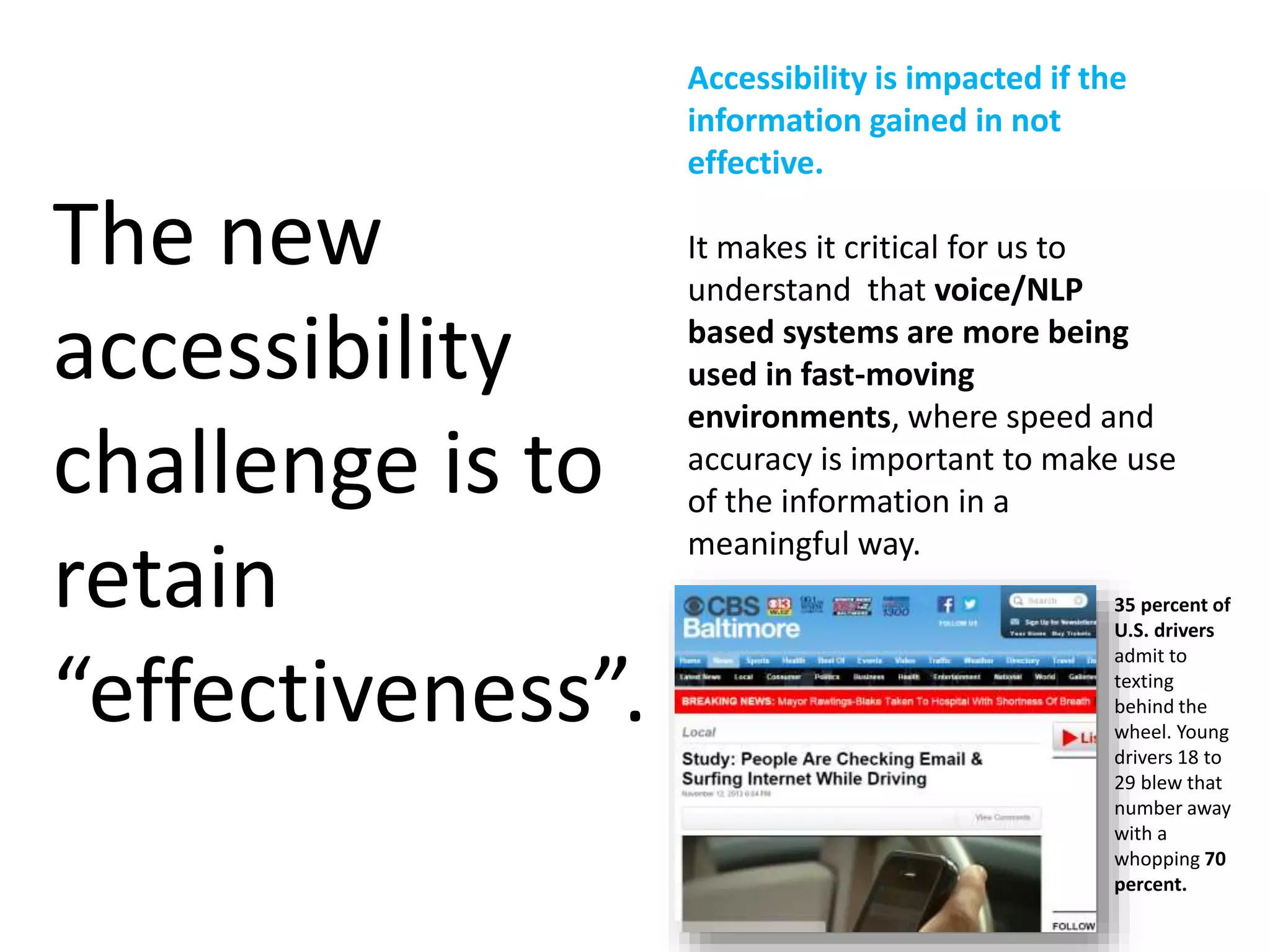
Accessibility is impacted if the 
information gained in not 
effective. 
It makes it critical for us to 
understand that voice/NLP 
based systems are more being 
used in fast-moving 
environments, where speed and 
accuracy is important to make use 
of the information in a 
meaningful way. 
The new 
accessibility 
challenge is to 
retain 
“effectiveness”. 
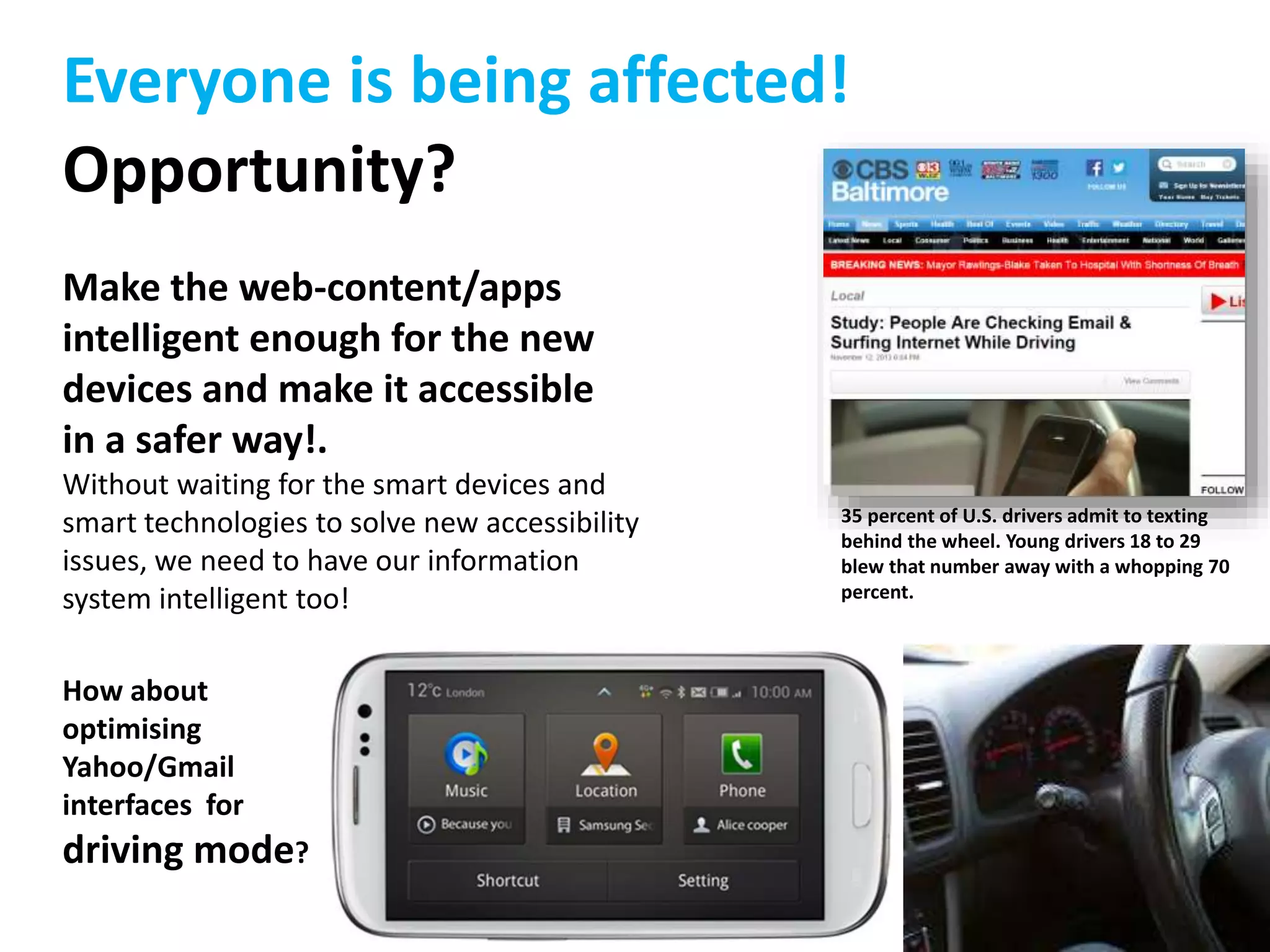
35 percent of 
U.S. drivers 
admit to 
texting 
behind the 
wheel. Young 
drivers 18 to 
29 blew that 
number away 
with a 
whopping 70 
percent.
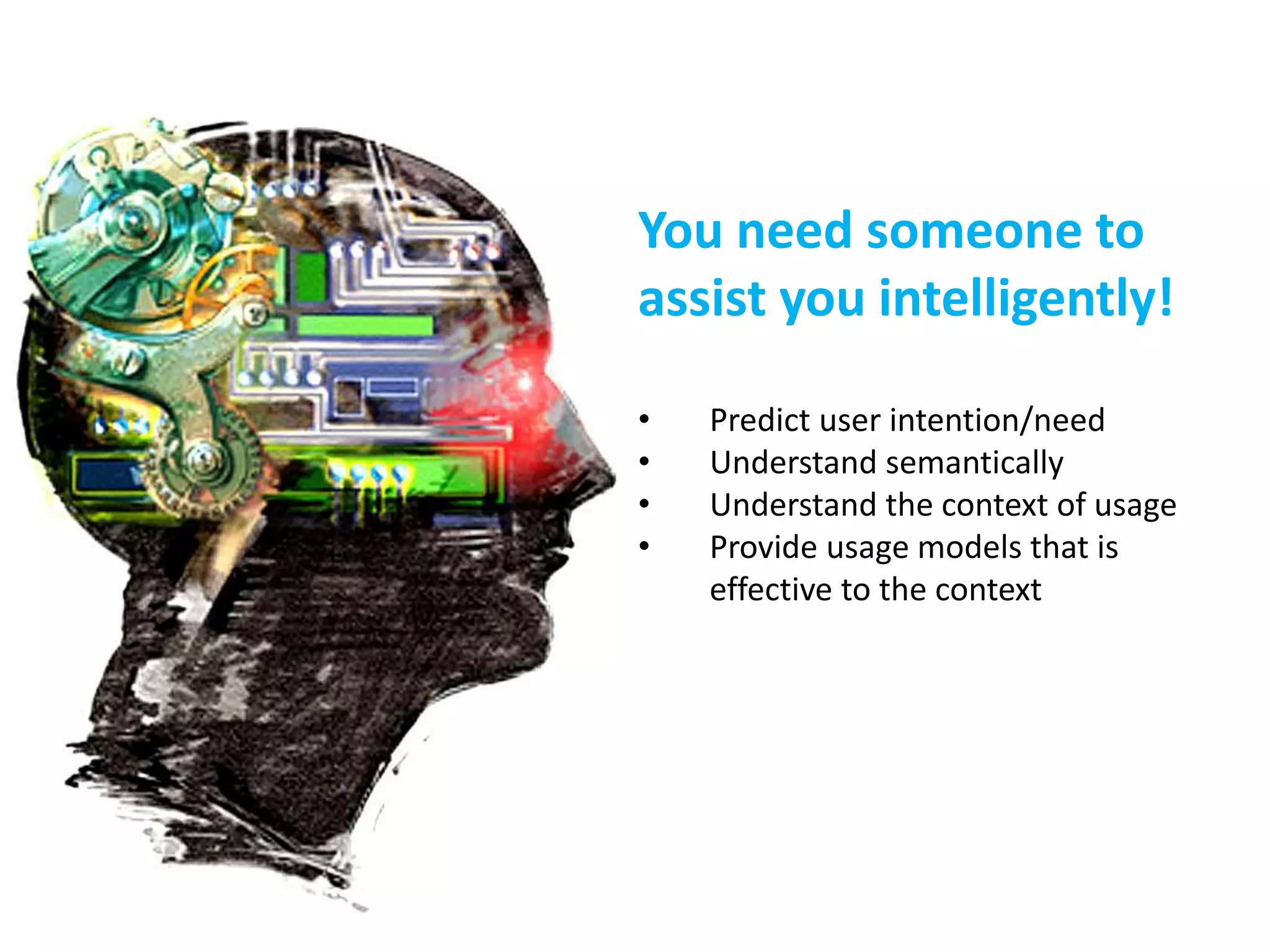
You need someone to 
assist you intelligently! 
• Predict user intention/need 
• Understand semantically 
• Understand the context of usage 
• Provide usage models that is 
effective to the context
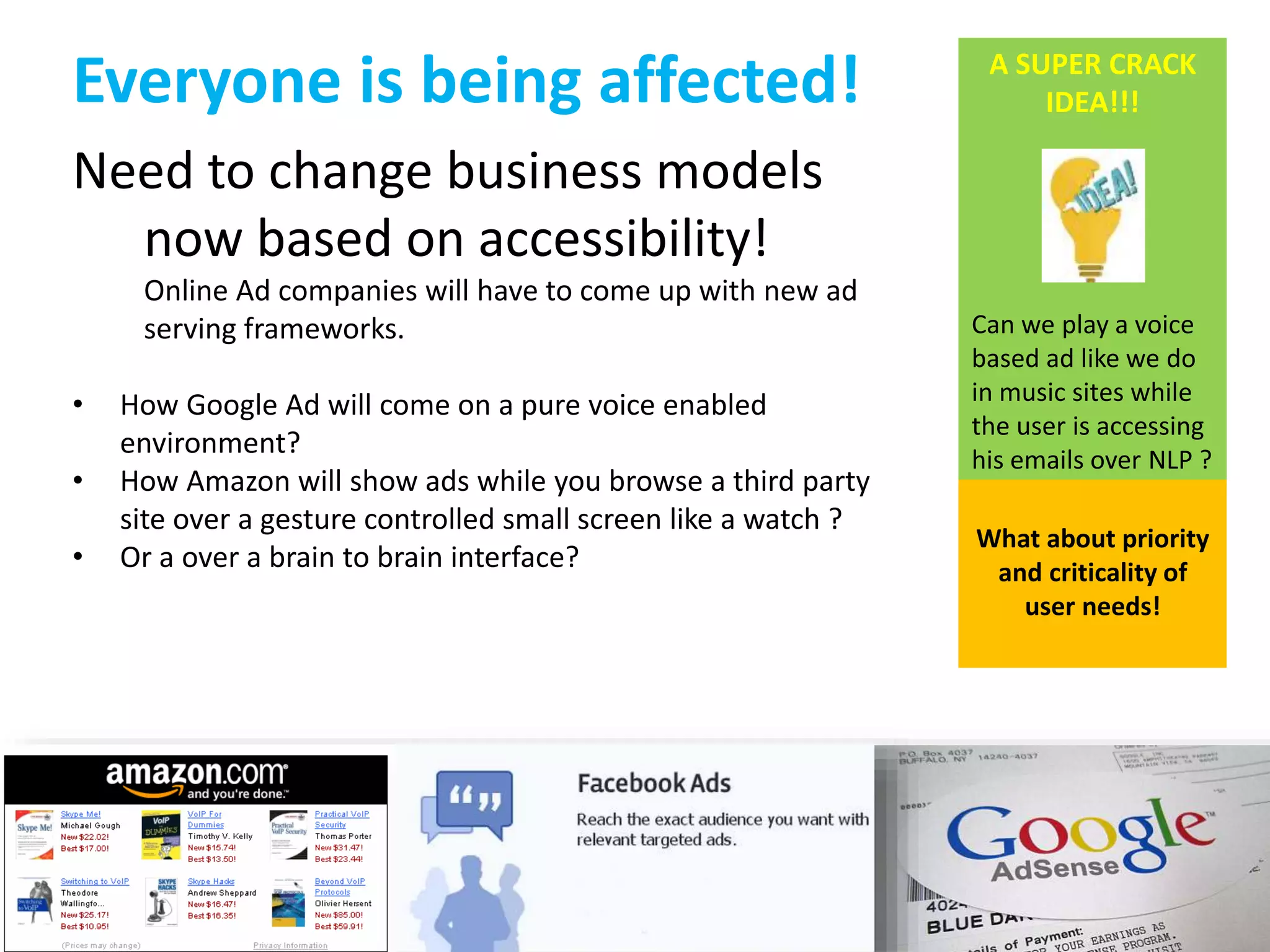
Everyone is being affected! 
Need to change business models 
now based on accessibility! 
Online Ad companies will have to come up with new ad 
serving frameworks. 
• How Google Ad will come on a pure voice enabled 
environment? 
• How Amazon will show ads while you browse a third party 
site over a gesture controlled small screen like a watch ? 
• Or a over a brain to brain interface? 
A SUPER CRACK 
IDEA!!! 
Can we play a voice 
based ad like we do 
in music sites while 
the user is accessing 
his emails over NLP ? 
What about priority 
and criticality of 
user needs!
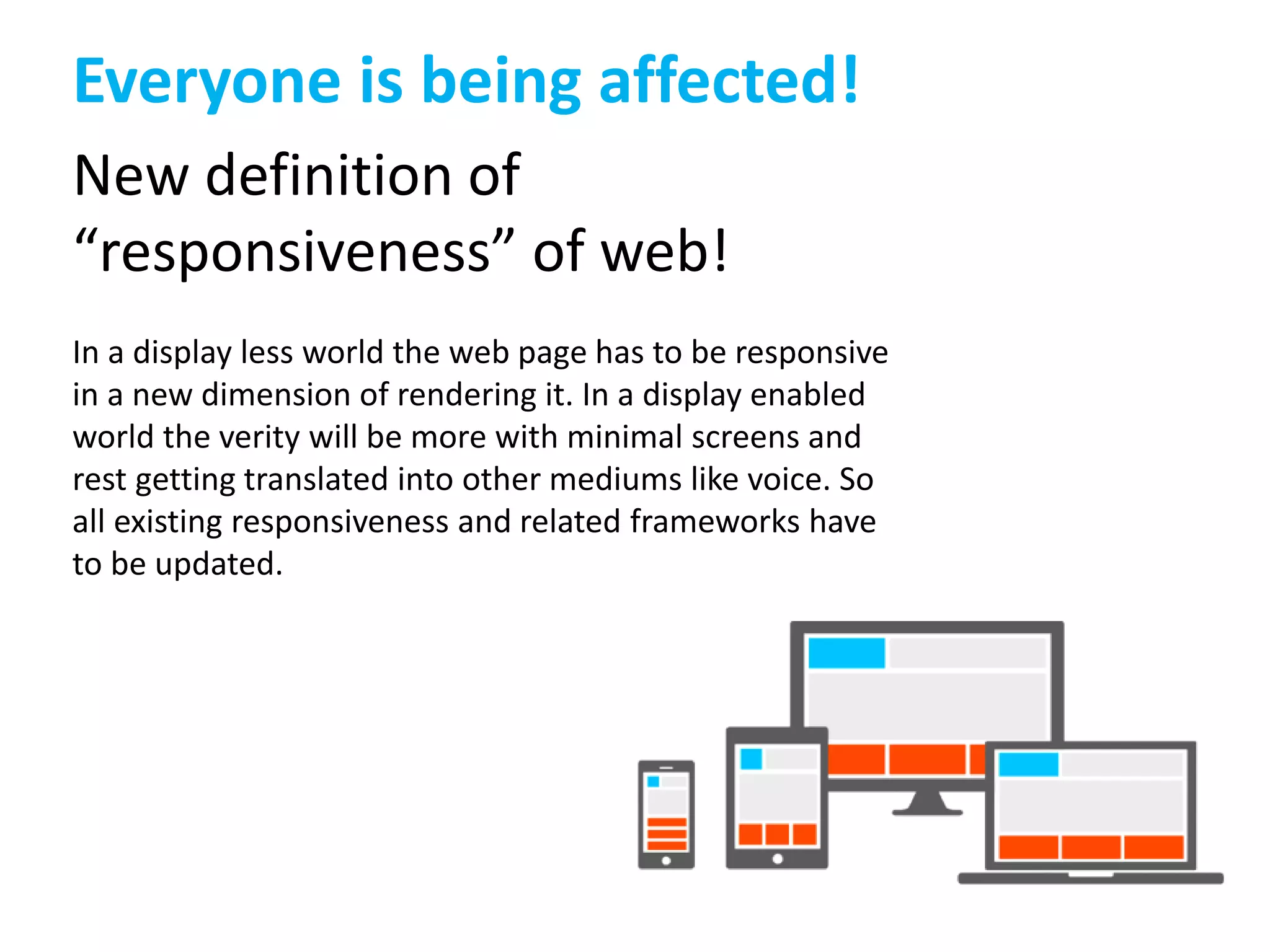
Everyone is being affected! 
New definition of 
“responsiveness” of web! 
In a display less world the web page has to be responsive 
in a new dimension of rendering it. In a display enabled 
world the verity will be more with minimal screens and 
rest getting translated into other mediums like voice. So 
all existing responsiveness and related frameworks have 
to be updated.
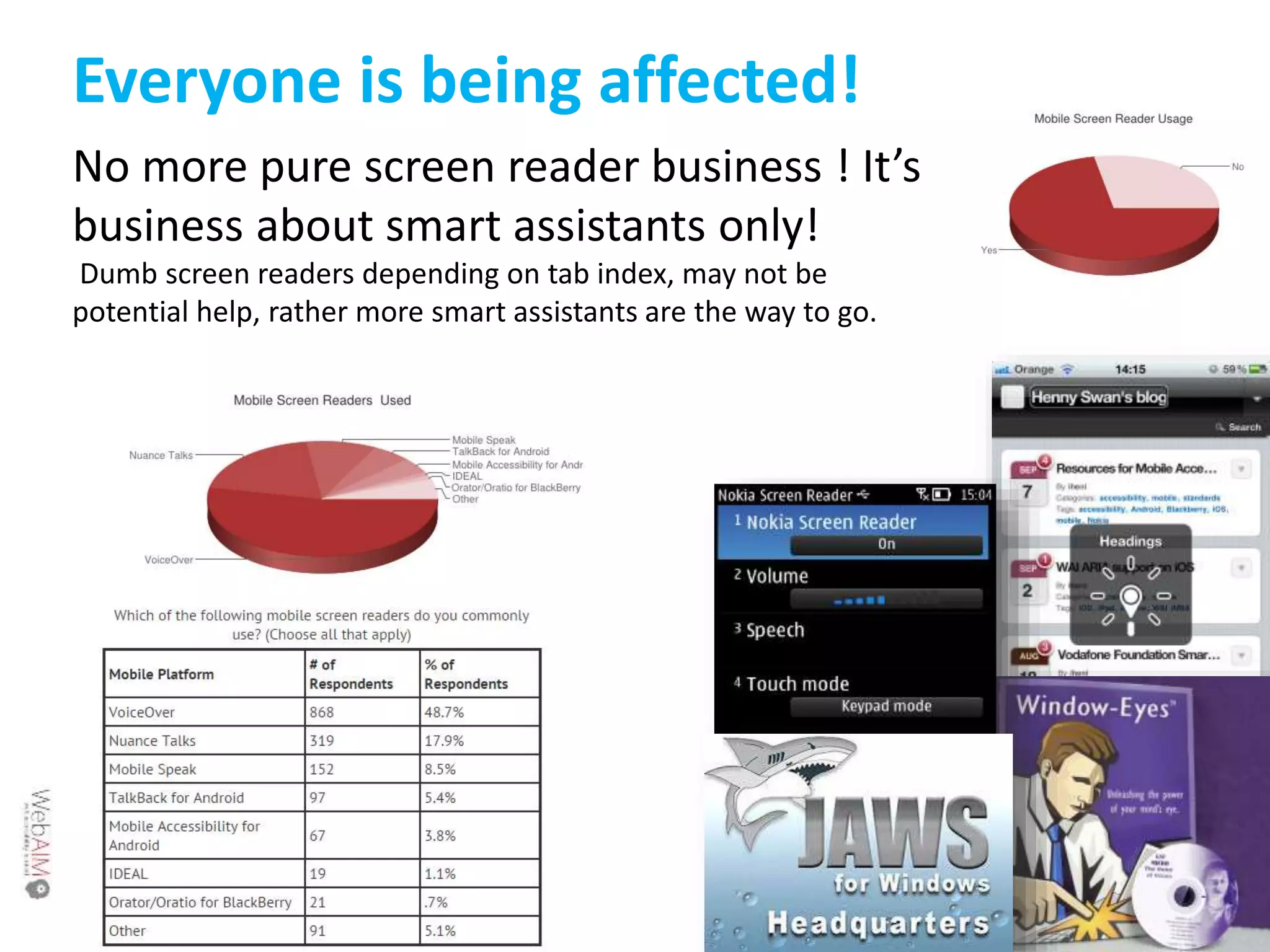
Everyone is being affected! 
No more pure screen reader business ! It’s 
business about smart assistants only! 
Dumb screen readers depending on tab index, may not be 
potential help, rather more smart assistants are the way to go.
Everyone is being affected! 
Opportunity? 
Make the web-content/apps 
intelligent enough for the new 
devices and make it accessible 
in a safer way!. 
Without waiting for the smart devices and 
smart technologies to solve new accessibility 
issues, we need to have our information 
system intelligent too! 
How about 
optimising 
Yahoo/Gmail 
interfaces for 
driving mode? 
35 percent of U.S. drivers admit to texting 
behind the wheel. Young drivers 18 to 29 
blew that number away with a whopping 70 
percent.
But this will take time and how to predict the 
specs of future HCI revolutions? 
How to 
future-proof 
‘now’ ?
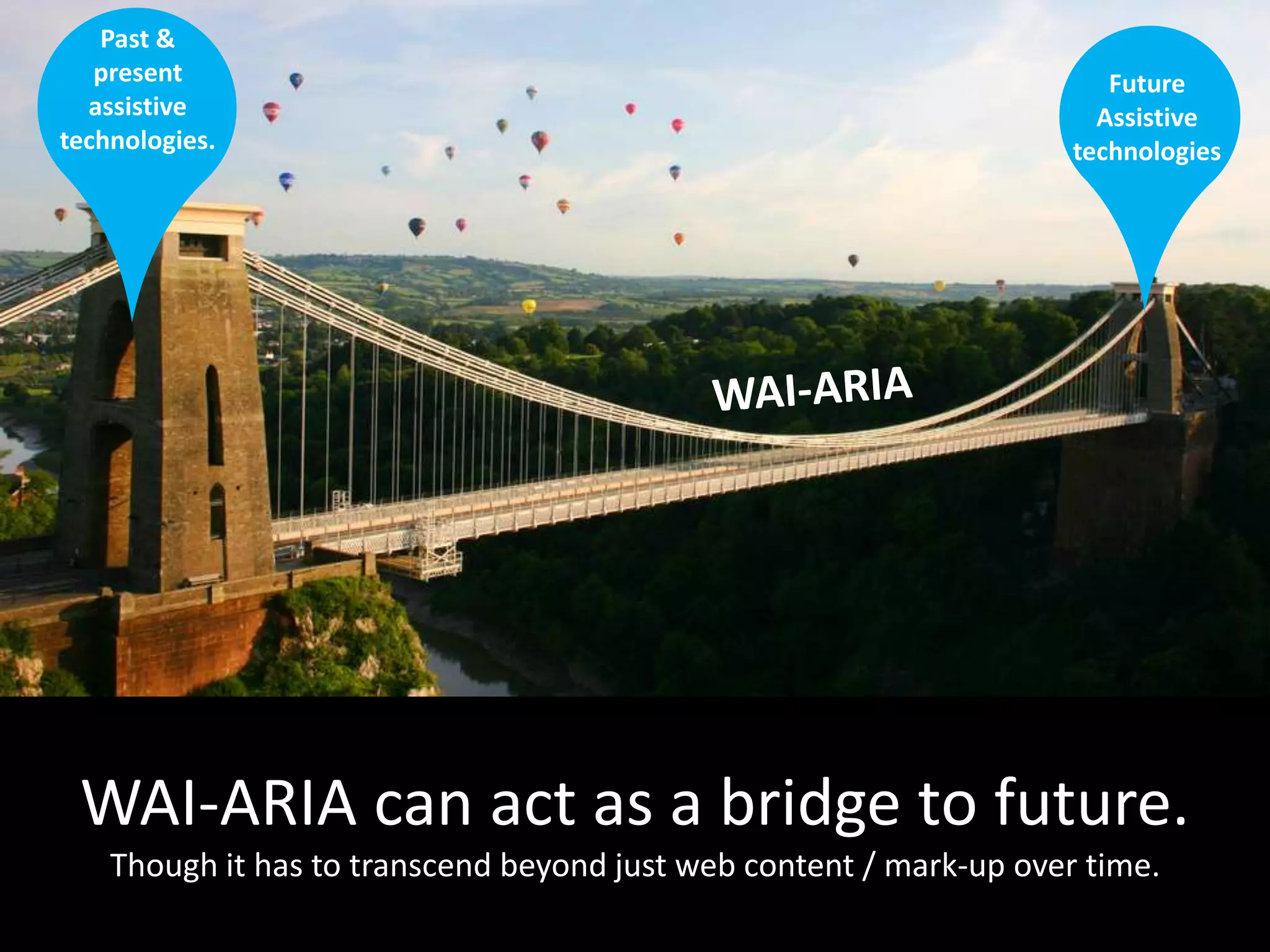
WAI-ARIA 
luckily we have the bridge to future with us. 
WAI-ARIA (Web Accessibility Initiative - Accessible Rich Internet Applications) 
is a technical specification published by the World Wide Web 
Consortium that specifies how to increase the accessibility of web pages, in 
particular, dynamic content and user interface components developed 
with Ajax, HTML, JavaScript and related technologies. 
As of March 2014, it was a Recommendation
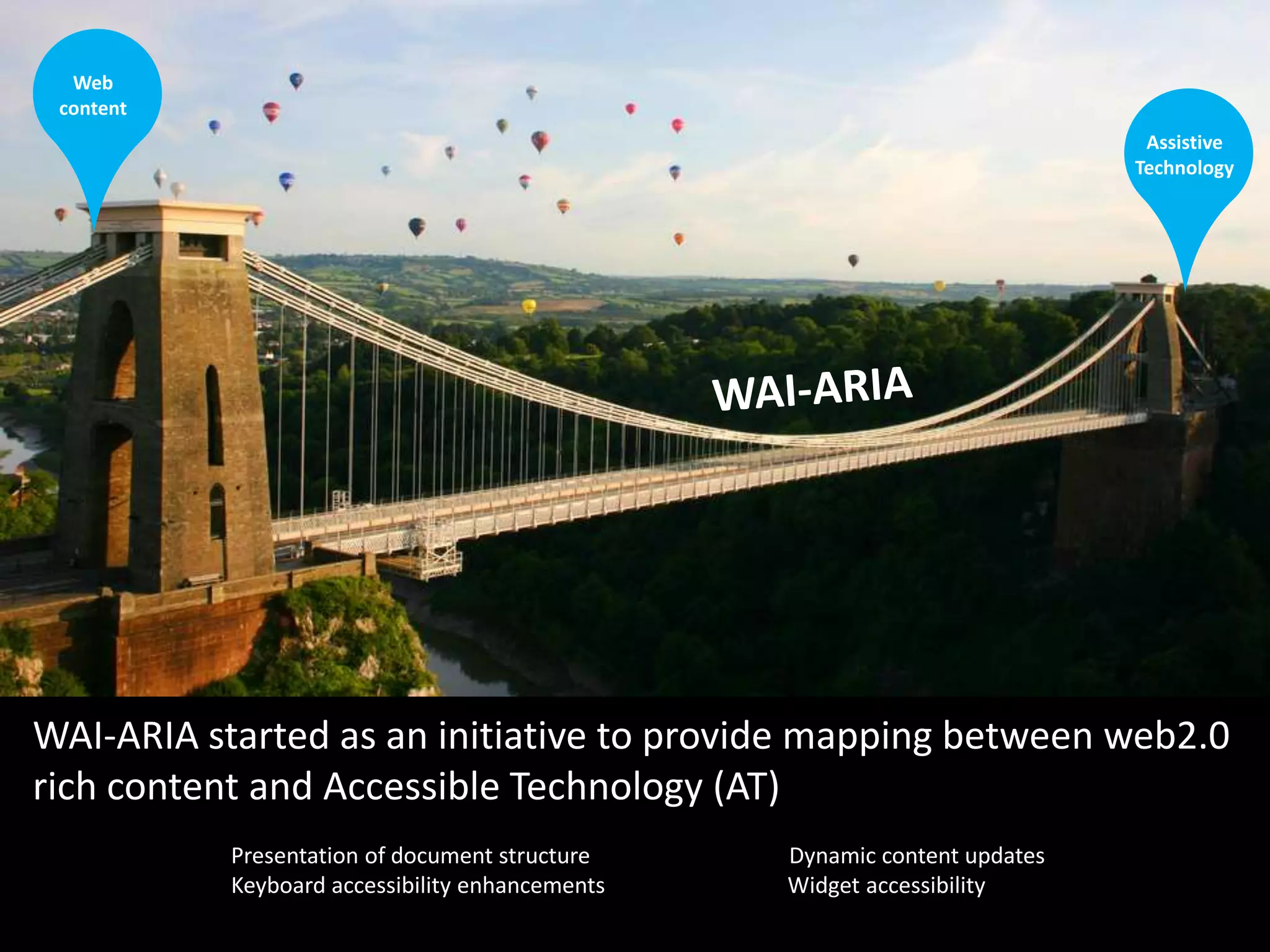
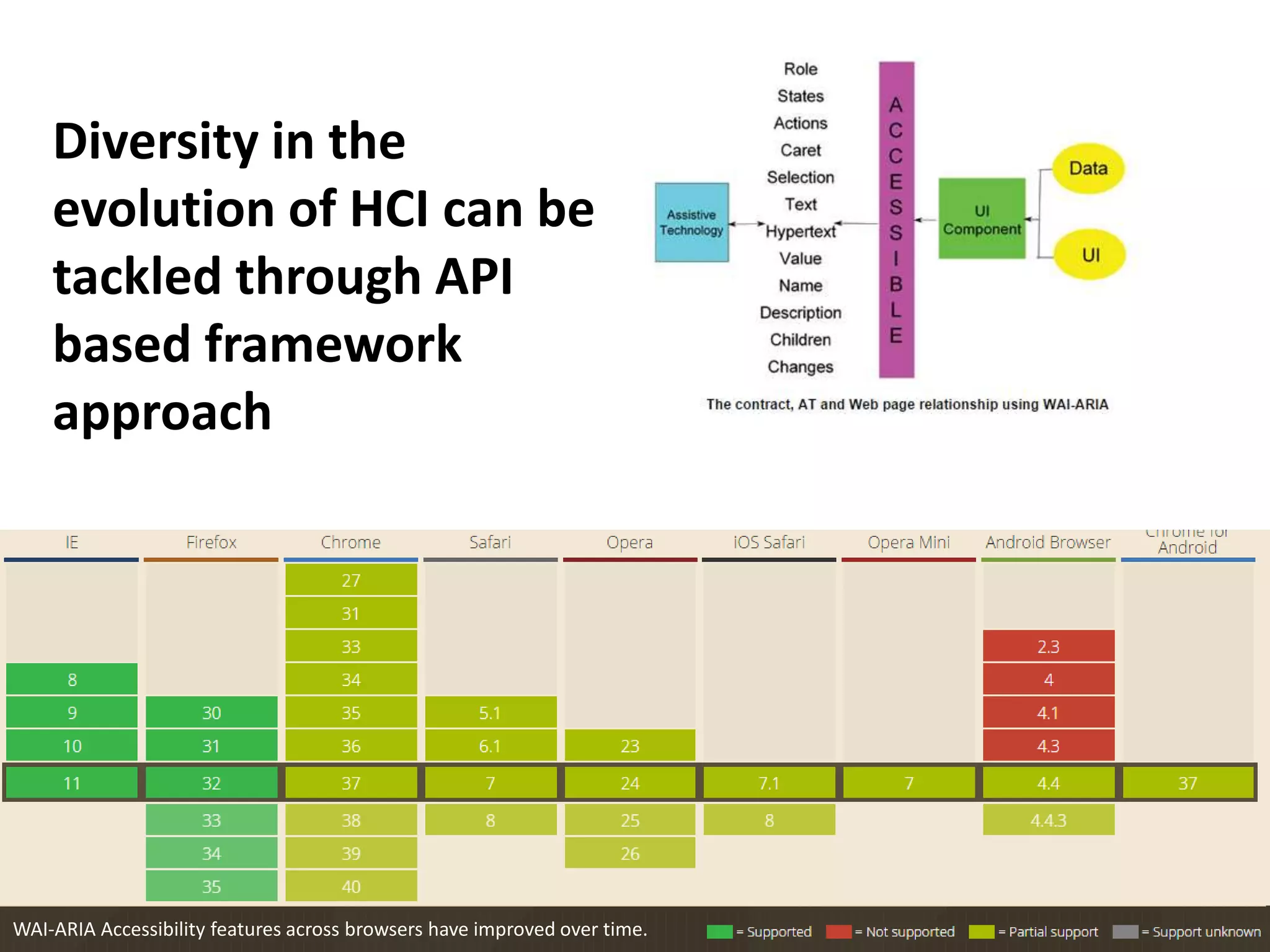
Assistive 
Technology 
Web 
content 
WAI-ARIA started as an initiative to provide mapping between web2.0 
rich content and Accessible Technology (AT) 
Presentation of document structure Dynamic content updates 
Keyboard accessibility enhancements Widget accessibility
Diversity in the 
evolution of HCI can be 
tackled through API 
based framework 
approach 
WAI-ARIA Accessibility features across browsers have improved over time.
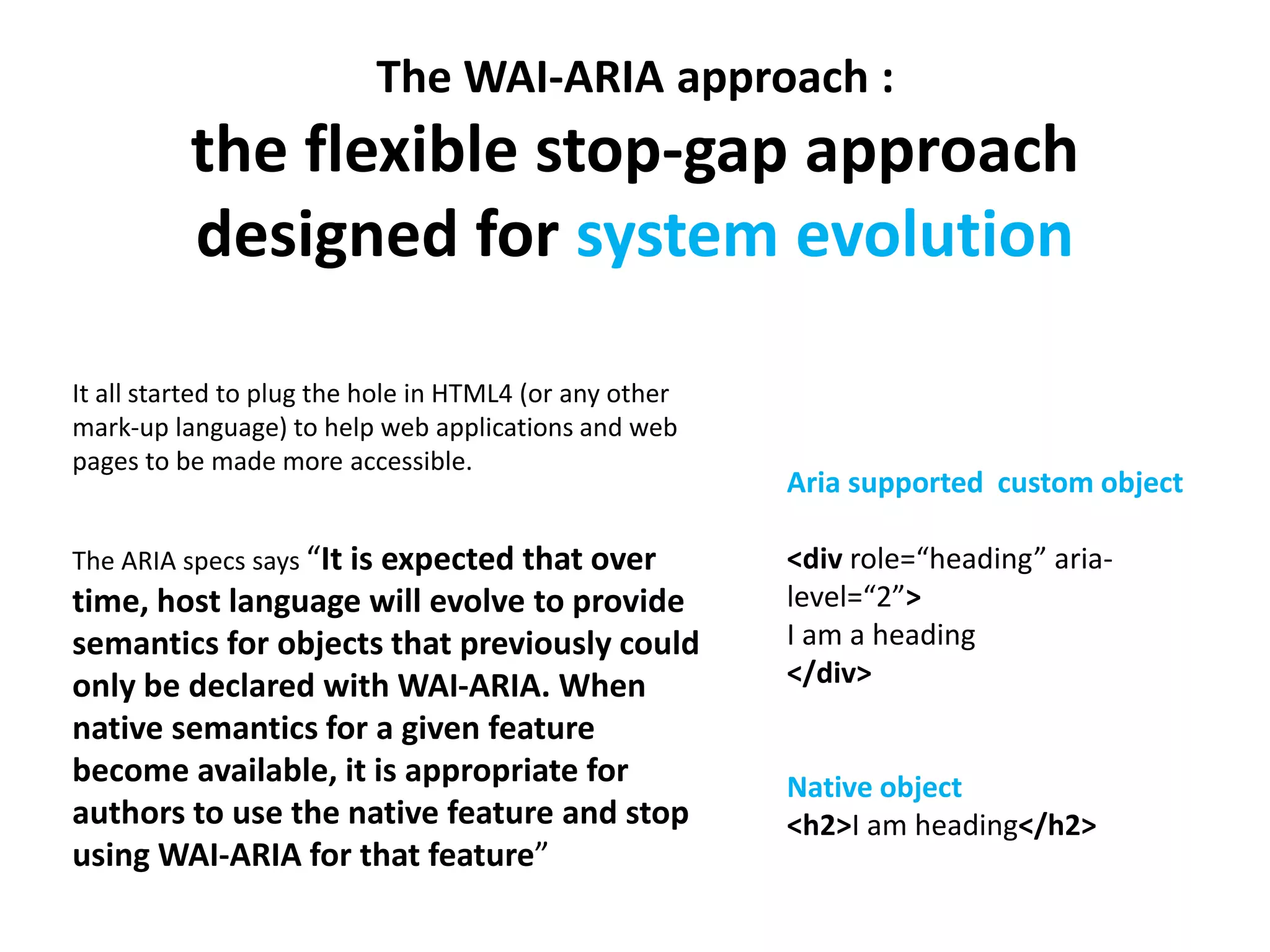
The WAI-ARIA approach : 
the flexible stop-gap approach 
designed for system evolution 
It all started to plug the hole in HTML4 (or any other 
mark-up language) to help web applications and web 
pages to be made more accessible. 
The ARIA specs says “It is expected that over 
time, host language will evolve to provide 
semantics for objects that previously could 
only be declared with WAI-ARIA. When 
native semantics for a given feature 
become available, it is appropriate for 
authors to use the native feature and stop 
using WAI-ARIA for that feature” 
Aria supported custom object 
<div role=“heading” aria-level=“ 
2”> 
I am a heading 
</div> 
Native object 
<h2>I am heading</h2>
Future 
Assistive 
technologies 
Past & 
present 
assistive 
technologies. 
WAI-ARIA can act as a bridge to future. 
Though it has to transcend beyond just web content / mark-up over time.
Thanks. 
I am accessible. 
mobilewish@gmail.com 
http://samirshomepage.wordpress.com 
http://in.linkedin.com/in/mobilewish 
http://www.behance.net/mobilewish 
http://www.slideshare.net/MobileWish 
http://www.youtube.com/user/mobilewish#play/uploads 
http://samirshomepage.wordpress.com/feed/ 
http://twitter.com/mobilewish 
https://plus.google.com/+SamirDash-mobilewish/posts 
http://www.facebook.com/people/Samir-K-Dash/1046301826 
ess_samir 
Special thanks and credit goes to the copyright holders of some images used in this preso.

Rediscovering Accessibility for Future Tech - Everyone is affected!

  • 1.
    Accessibility in theworld of touch-screens and other natural interfaces Samir Dash 2014
  • 2.
    Accessibility Ensuring aproduct/service that is equally functional to all users regardless of abilities or limitations.
  • 3.
    With technology the assistive technologies are improving overtime. Possibly the next solution in assistive technology?
  • 4.
    Catering to specialneeds of a visually disabled person through voice assistance + screen reader Its becoming a norm of having a smart assistance that can respond with results with support of voice input & output + inbuilt screen reader type tech. Lines between accessibility technology and Technology for Mass are getting blurred. Partially visually challenged person using magnified interface to be able to see bigger UI elements . Car-mode in mobile device presenting UI elements in a bigger sizes for usage while driving..
  • 5.
    What used tobe a special need is becoming a general need for mass use. No more point and click Touch screens gestures & Voice input No more the need to see to the display output Voice Assistants No more need to find manually Smart Assistants with predicative technology & machine learning
  • 6.
    While driving acar I can not frequently see what is happening. Situational Disabilities Use-cases are defining the new age devices, wearable & smart interfaces Out of screen 3D gestures for person in motion. Solving input issues for a significantly smaller screen wearable.
  • 7.
    Situational Disabilities Use-cases are defining the new age devices, wearable & smart interfaces While driving - solving the issue of controlling the device with gestures While driving- solving the issue of text input with smart voice integration
  • 8.
    BEFORE NOW Accessibilityissues have their roots in Usability issues in specific scenarios Accessibility Issues = Usability Issues As mass users devices are are getting affected Changing philosopy...
  • 9.
    Welcome to theworld of changing needs New challenges in implementation of accessibility for web content (?)
  • 10.
    Web Accessibility Technologies& Practices • WCAG 2.0 Web Content Accessibility Guidelines • MWBP 1.0 Mobile Web Best Practices • WAI-ARIA Web Accessibility Initiative Accessible Rich Internet Applications
  • 11.
    It’s a CommonSense The approach working for a situation ...
  • 12.
    It’s a CommonSense ... may not work for another!
  • 13.
    Nod seamlessly transformsyour movements into commands. It brings the world around you to life, as you control everything from your laptop to your living room lights with a wave of your hand. Fin is a small wearable of its kind, a trendy gadget that you can wear on your thumb, which helps you to control your entire digital world
  • 15.
    This is wherewe are heading… Source: https://realsenseappchallenge.intel.com
  • 16.
    Future of ourinterfaces.. Looks Cool. Huh?
  • 17.
  • 18.
    The problem exponentiallygrow when special needs start define the main stream devices. When normal users start using special assistive technologies for normal usage and remove basic philosophies & frameworks in work till now, fall flat as the new production does not support .
  • 19.
    BEFORE Normal PC,key inputs, display - main stream Gestures, voice – assistive alternatives Turing 180 degree! NOW Gestures, voice – main stream Normal PC, key-input , display - assistive alternative
  • 20.
    Ethical or not,modern technologies are more enabling people to use HCIs to access web info in distracted environments, while in-motion and while multi-tasking giving raising to it’s own set of problems which were not known in PC era.
  • 21.
    Web content beingaccessed by user is not the same form any more!
  • 22.
    WCAG 2.0: Accessibilitysupported technologies Web Content Accessibility Guidelines (WCAG) 2.0
  • 23.
    MWBP 1.0: Startedas an initiative to provide mapping between web2.0 rich content and Accessible Technology (AT) Mobile Web Best Practices 1.0 Mostly focuses on: • Presentation of document structure • Dynamic content updates • Keyboard accessibility enhancements • Widget accessibility
  • 24.
    Why Rethink& Improve? To answer these questions: • how normal people use new age interfaces/devices interfaces that are breaking age old display-input based systems. • How normal people use these in situational disabilities. • How disable people use these new age. • How disable people use these new age interfaces in situational disabilities.
  • 25.
    “Mobile First” &“Gesture First” to Keyboard Designs that are driven by “mobile first” & “gestures first” kind of philosophy must think of accessibility in terms of 1. Alternative fall-backs : 1. Voice alternative ? Can I connect a keyboard and mouse? 2. Multi-touch/Gesture alternative? single handed support? single finger gesture ? gesture less input? 3. Can I connect a magnifier to the existing small screen? 4. Voice display less alternative? Display ? 2. Retaining the semantic meaning of change of medium 1. Information chunk with attributes like color, size, placement, form, shape with meaning needs to be translated meaningfully for new paradigms. 2. Contextual smartness needs to be translated to different forms.
  • 26.
    Accessibility issues fornew generation interfaces New genie in the bottle!
  • 27.
    Visual cues ofchunking of information makes communication effective and fast. Visual cues include spatial hierarchy of information. Moving to voice enabled system lacks this effectiveness. Voice based systems are linear. This is evident in normal screen reader or similar NLP supported translations.
  • 28.
    Touch enabled displayhave their own problem to share. • Loss of tactile feedback • Lack of physical stability • Hard to select targets in un-optimized UI (viewport , content attribute)
  • 29.
    Voice has beenused popularly to solve input challenges in small-display or zero-display devices.
  • 30.
    Add potato to my shopping list.. Sure. Tomato is added to your list. Noisy surrounding Voice based systems have their part of the stories! Localisation/accent issues Find paintings of last supper. Found one link for “last super hero”.
  • 31.
    New age eco-systemarchitectures also contribute to the new accessibilities issues. Search from my emails for Bob’s that has his contact number. Sorry. Can’t search. No internet connection available. Please connect to a network and try again. small display + small power + data in cloud
  • 32.
    small display +small power + data in cloud + dependency on constant connectivity BEFORE NOW Map Data and the voice-over mechanism both are with in the device. Map Data and the voice-over mechanism both are in the cloud that can be accessed over network.
  • 33.
    Please select yourcountry: Armenia Bahrain Botswana Cameroun République Centrafricaine Côte d'Ivoire Egypt Guinea-Bissau Guinée Guinée Equatoriale India Israel Jordan Oman... UI translation to voice
  • 34.
    UI translation tovoice (with intelligence) with the understanding the semantic need what is your country name?
  • 35.
    Too much Cognitiveload in a display-less world ? • What is that number I just entered before 3 ? • Well what was the fifth option the system said? • I need to send the last email Bob has sent ?
  • 36.
    Accessibility is impactedif the information gained in not effective. It makes it critical for us to understand that voice/NLP based systems are more being used in fast-moving environments, where speed and accuracy is important to make use of the information in a meaningful way. The new accessibility challenge is to retain “effectiveness”. 35 percent of U.S. drivers admit to texting behind the wheel. Young drivers 18 to 29 blew that number away with a whopping 70 percent.
  • 37.
    You need someoneto assist you intelligently! • Predict user intention/need • Understand semantically • Understand the context of usage • Provide usage models that is effective to the context
  • 38.
    Everyone is beingaffected! Need to change business models now based on accessibility! Online Ad companies will have to come up with new ad serving frameworks. • How Google Ad will come on a pure voice enabled environment? • How Amazon will show ads while you browse a third party site over a gesture controlled small screen like a watch ? • Or a over a brain to brain interface? A SUPER CRACK IDEA!!! Can we play a voice based ad like we do in music sites while the user is accessing his emails over NLP ? What about priority and criticality of user needs!
  • 39.
    Everyone is beingaffected! New definition of “responsiveness” of web! In a display less world the web page has to be responsive in a new dimension of rendering it. In a display enabled world the verity will be more with minimal screens and rest getting translated into other mediums like voice. So all existing responsiveness and related frameworks have to be updated.
  • 40.
    Everyone is beingaffected! No more pure screen reader business ! It’s business about smart assistants only! Dumb screen readers depending on tab index, may not be potential help, rather more smart assistants are the way to go.
  • 41.
    Everyone is beingaffected! Opportunity? Make the web-content/apps intelligent enough for the new devices and make it accessible in a safer way!. Without waiting for the smart devices and smart technologies to solve new accessibility issues, we need to have our information system intelligent too! How about optimising Yahoo/Gmail interfaces for driving mode? 35 percent of U.S. drivers admit to texting behind the wheel. Young drivers 18 to 29 blew that number away with a whopping 70 percent.
  • 42.
    But this willtake time and how to predict the specs of future HCI revolutions? How to future-proof ‘now’ ?
  • 43.
    WAI-ARIA luckily wehave the bridge to future with us. WAI-ARIA (Web Accessibility Initiative - Accessible Rich Internet Applications) is a technical specification published by the World Wide Web Consortium that specifies how to increase the accessibility of web pages, in particular, dynamic content and user interface components developed with Ajax, HTML, JavaScript and related technologies. As of March 2014, it was a Recommendation
  • 44.
    Assistive Technology Web content WAI-ARIA started as an initiative to provide mapping between web2.0 rich content and Accessible Technology (AT) Presentation of document structure Dynamic content updates Keyboard accessibility enhancements Widget accessibility
  • 45.
    Diversity in the evolution of HCI can be tackled through API based framework approach WAI-ARIA Accessibility features across browsers have improved over time.
  • 46.
    The WAI-ARIA approach: the flexible stop-gap approach designed for system evolution It all started to plug the hole in HTML4 (or any other mark-up language) to help web applications and web pages to be made more accessible. The ARIA specs says “It is expected that over time, host language will evolve to provide semantics for objects that previously could only be declared with WAI-ARIA. When native semantics for a given feature become available, it is appropriate for authors to use the native feature and stop using WAI-ARIA for that feature” Aria supported custom object <div role=“heading” aria-level=“ 2”> I am a heading </div> Native object <h2>I am heading</h2>
  • 47.
    Future Assistive technologies Past & present assistive technologies. WAI-ARIA can act as a bridge to future. Though it has to transcend beyond just web content / mark-up over time.
  • 48.
    Thanks. I amaccessible. mobilewish@gmail.com http://samirshomepage.wordpress.com http://in.linkedin.com/in/mobilewish http://www.behance.net/mobilewish http://www.slideshare.net/MobileWish http://www.youtube.com/user/mobilewish#play/uploads http://samirshomepage.wordpress.com/feed/ http://twitter.com/mobilewish https://plus.google.com/+SamirDash-mobilewish/posts http://www.facebook.com/people/Samir-K-Dash/1046301826 ess_samir Special thanks and credit goes to the copyright holders of some images used in this preso.