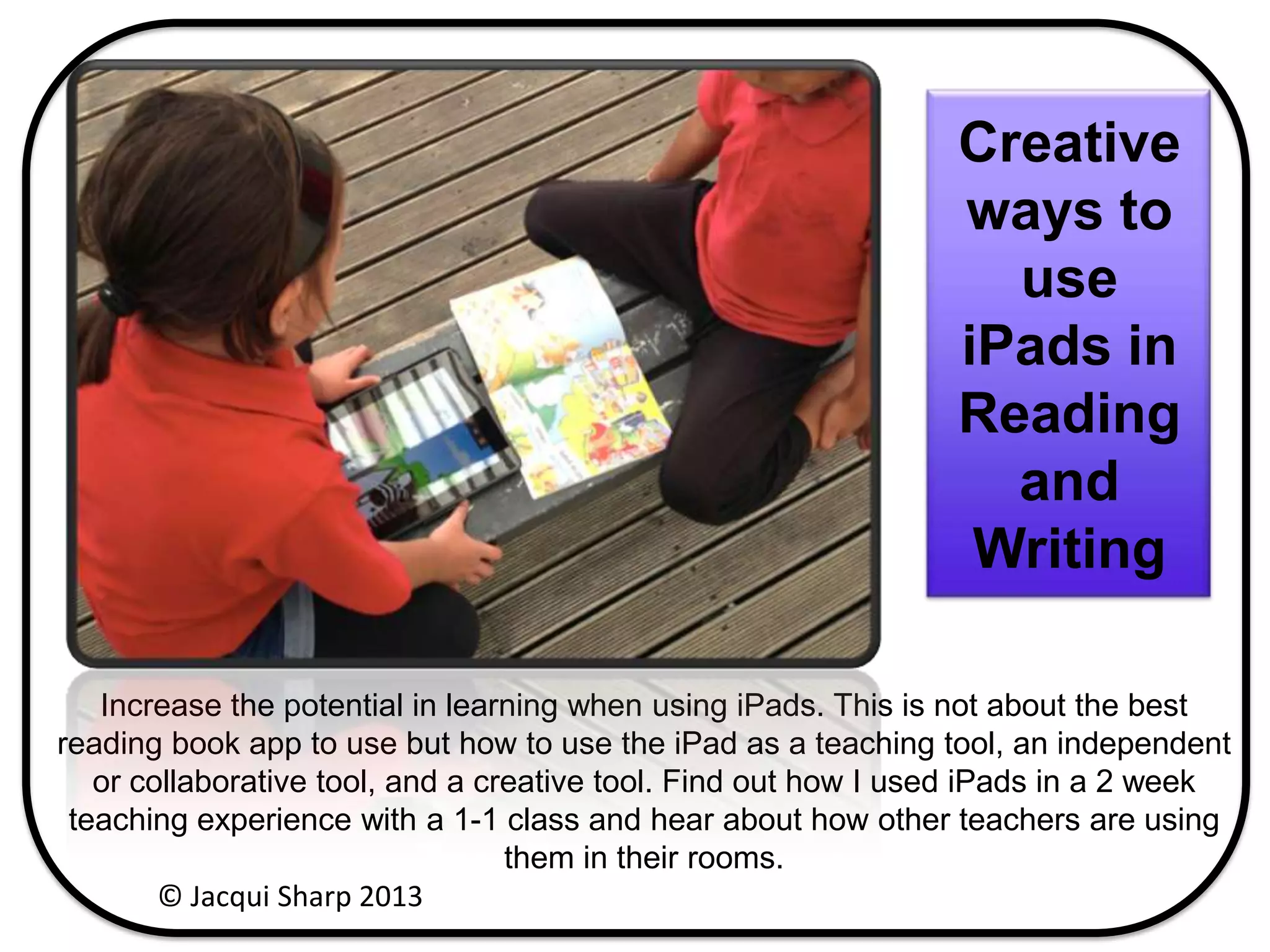
Increase the potential in learning when using iPads. This is not about the best
reading book app to use but how to use the iPad as a teaching tool, an independent
or collaborative tool, and a creative tool. Find out how I used iPads in a 2 week
teaching experience with a 1-1 class and hear about how other teachers are using
them in their rooms.
Creative
ways to
use
iPads in
Reading
and
Writing
© Jacqui Sharp 2013
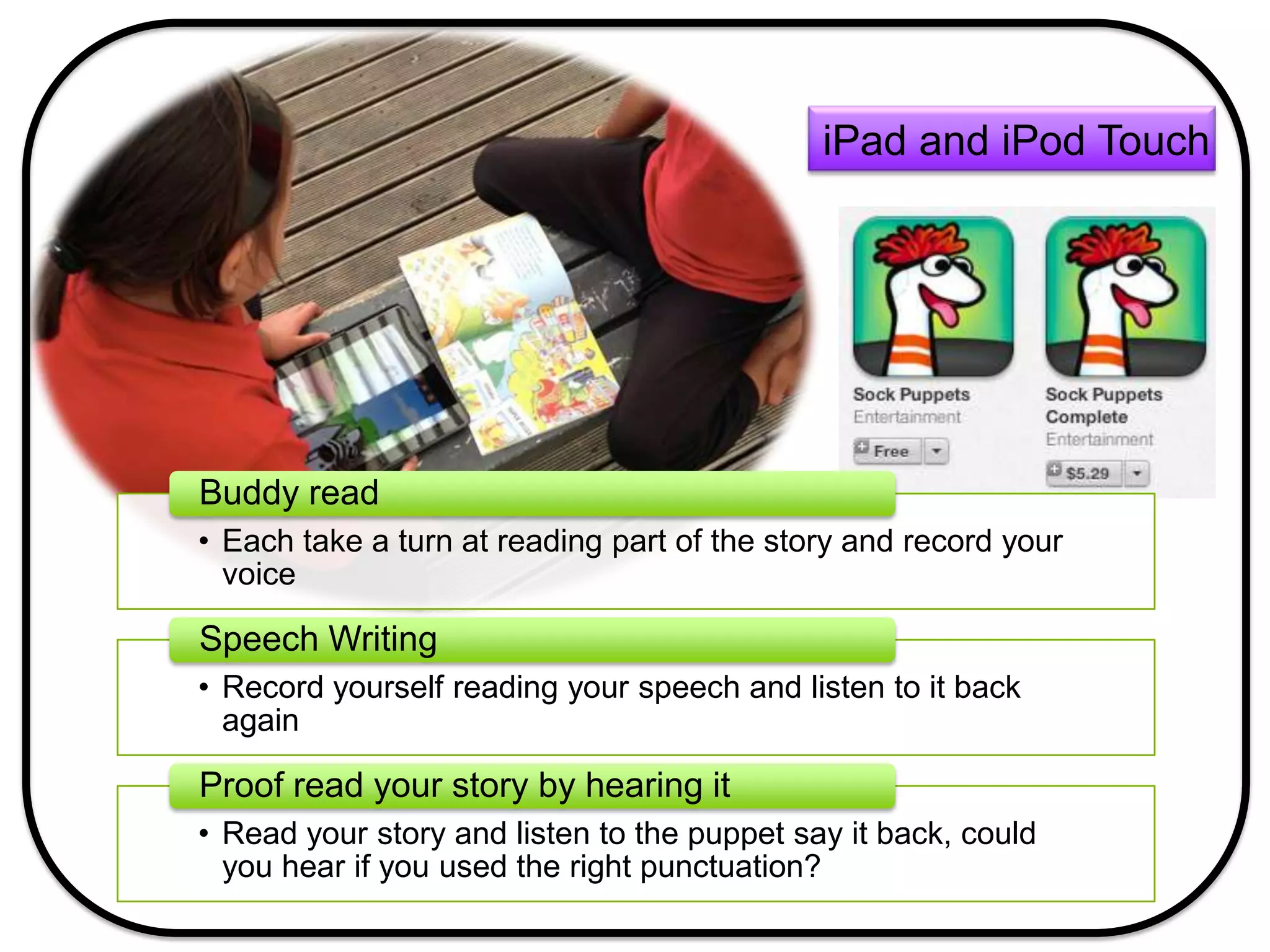
iPad and iPod Touch
• Each take a turn at reading part of the story and record your
voice
Buddy read
• Record yourself reading your speech and listen to it back
again
Speech Writing
• Read your story and listen to the puppet say it back, could
you hear if you used the right punctuation?
Proof read your story by hearing it
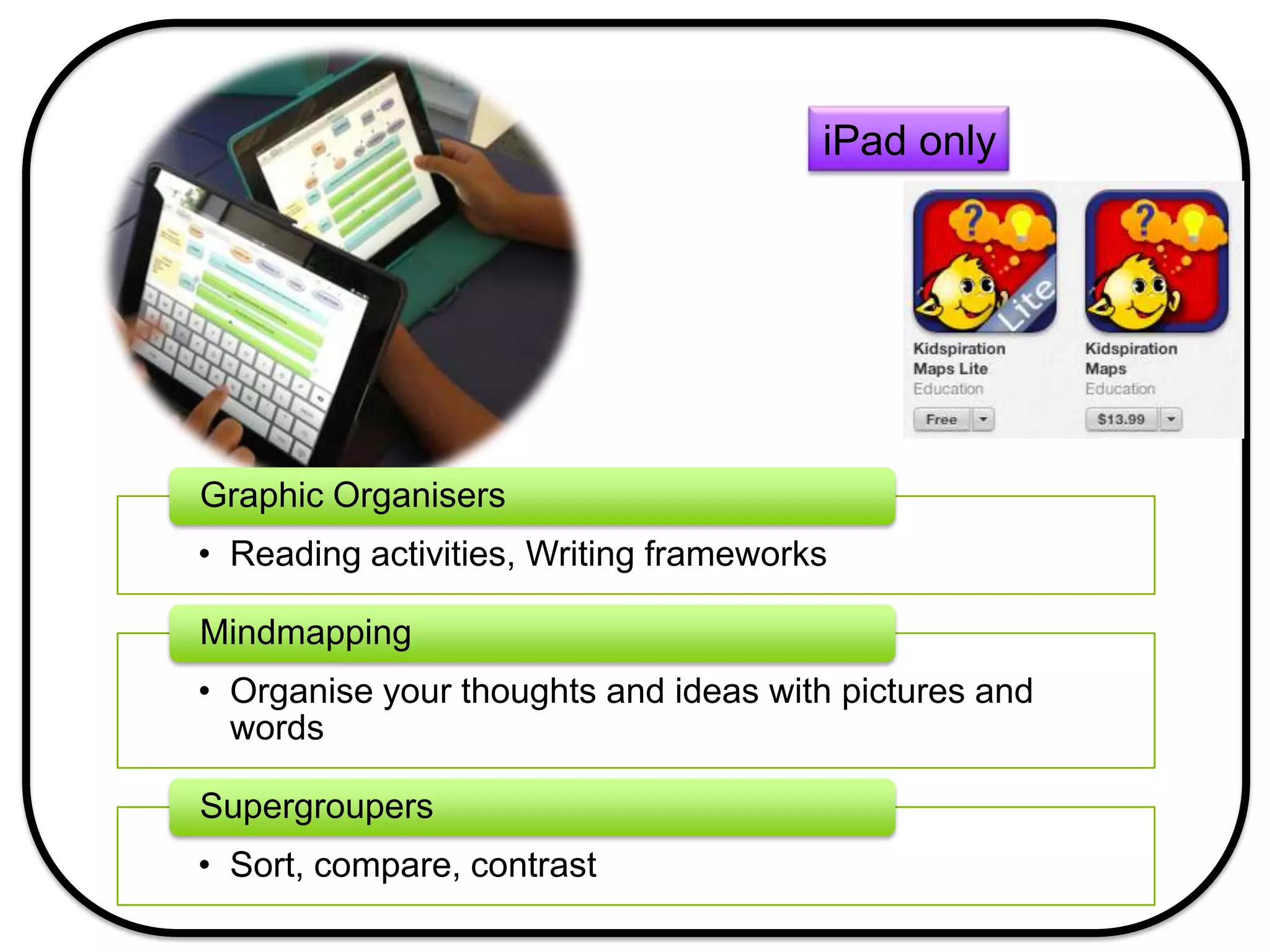
iPad only
• Reading activities, Writing frameworks
Graphic Organisers
• Organise your thoughts and ideas with pictures and
words
Mindmapping
• Sort, compare, contrast
Supergroupers
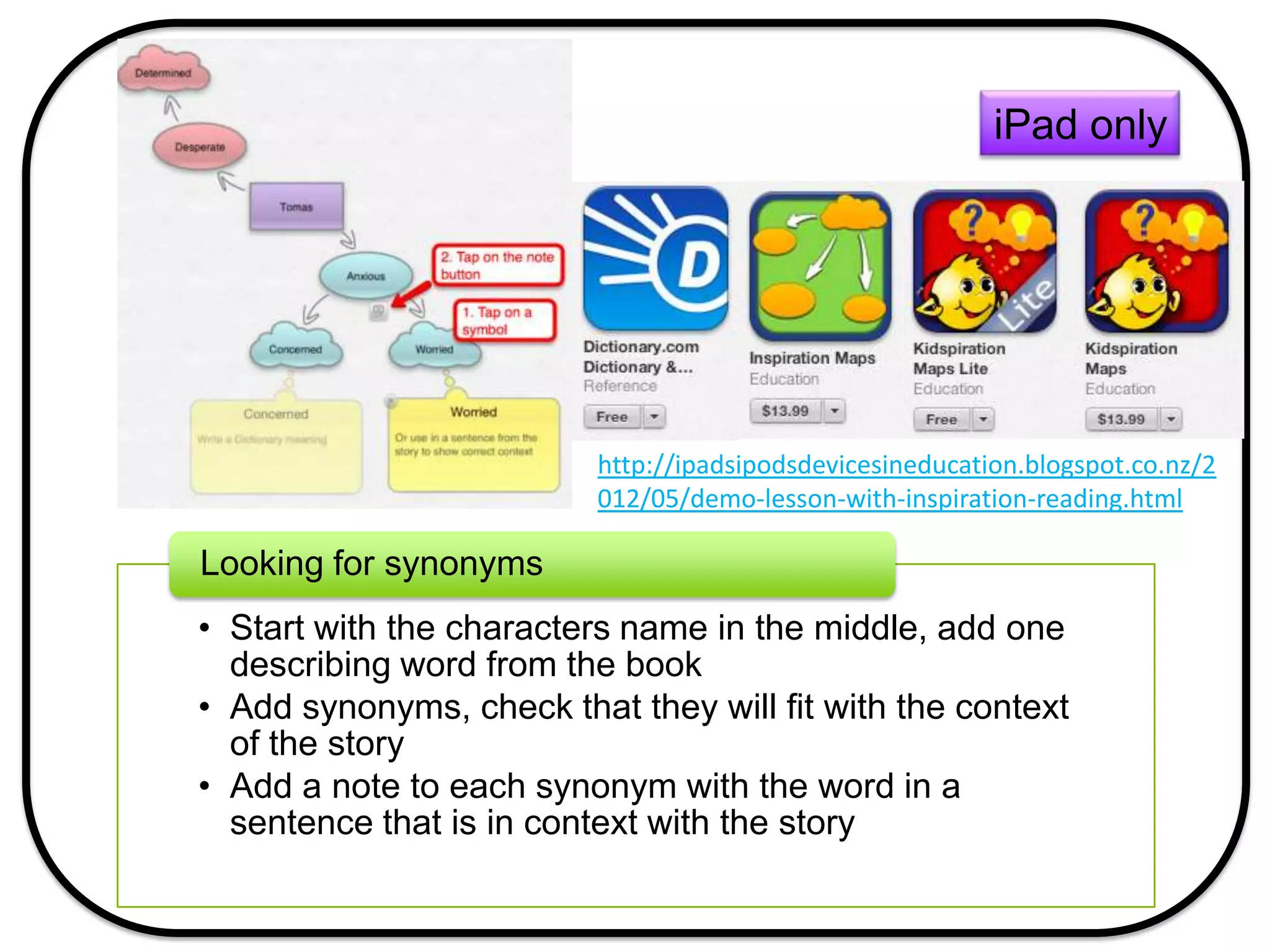
iPad only
• Start with the characters name in the middle, add one
describing word from the book
• Add synonyms, check that they will fit with the context
of the story
• Add a note to each synonym with the word in a
sentence that is in context with the story
Looking for synonyms
http://ipadsipodsdevicesineducation.blogspot.co.nz/2
012/05/demo-lesson-with-inspiration-reading.html
iPad only
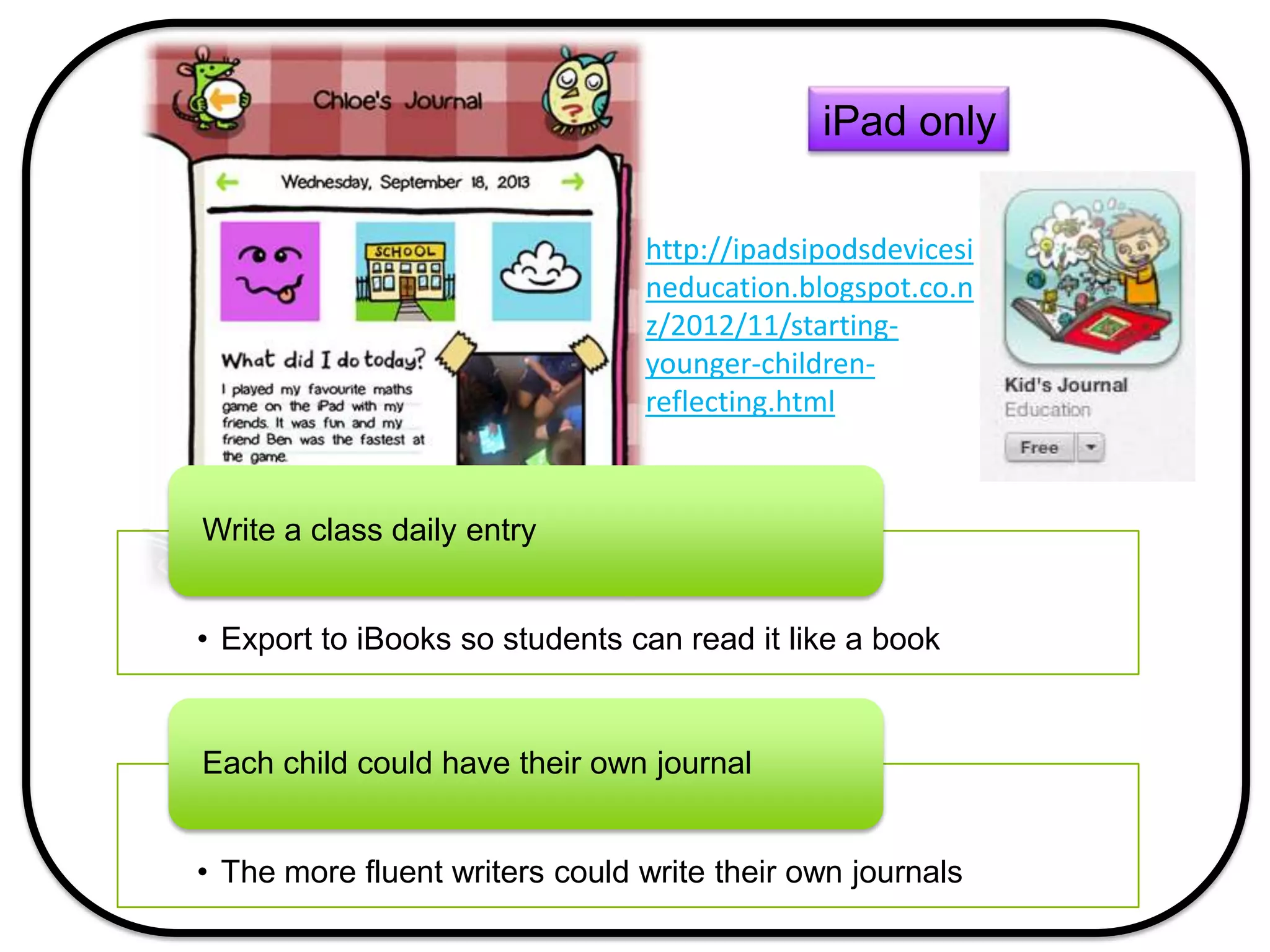
• Export to iBooks so students can read it like a book
Write a class daily entry
• The more fluent writers could write their own journals
Each child could have their own journal
http://ipadsipodsdevicesi
neducation.blogspot.co.n
z/2012/11/starting-
younger-children-
reflecting.html
iPad only
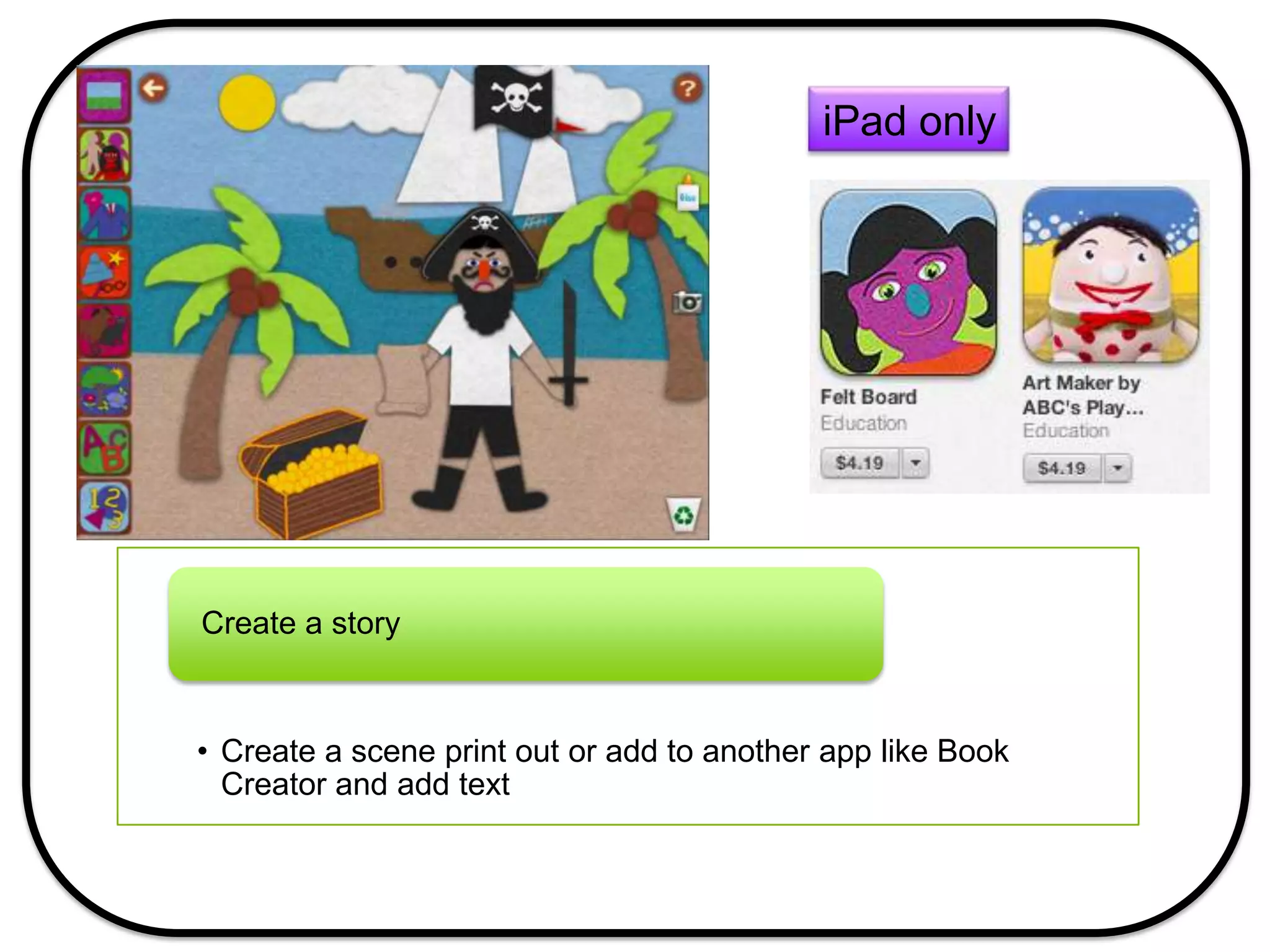
• Create a scene print out or add to another app like Book
Creator and add text
Create a story
iPad only
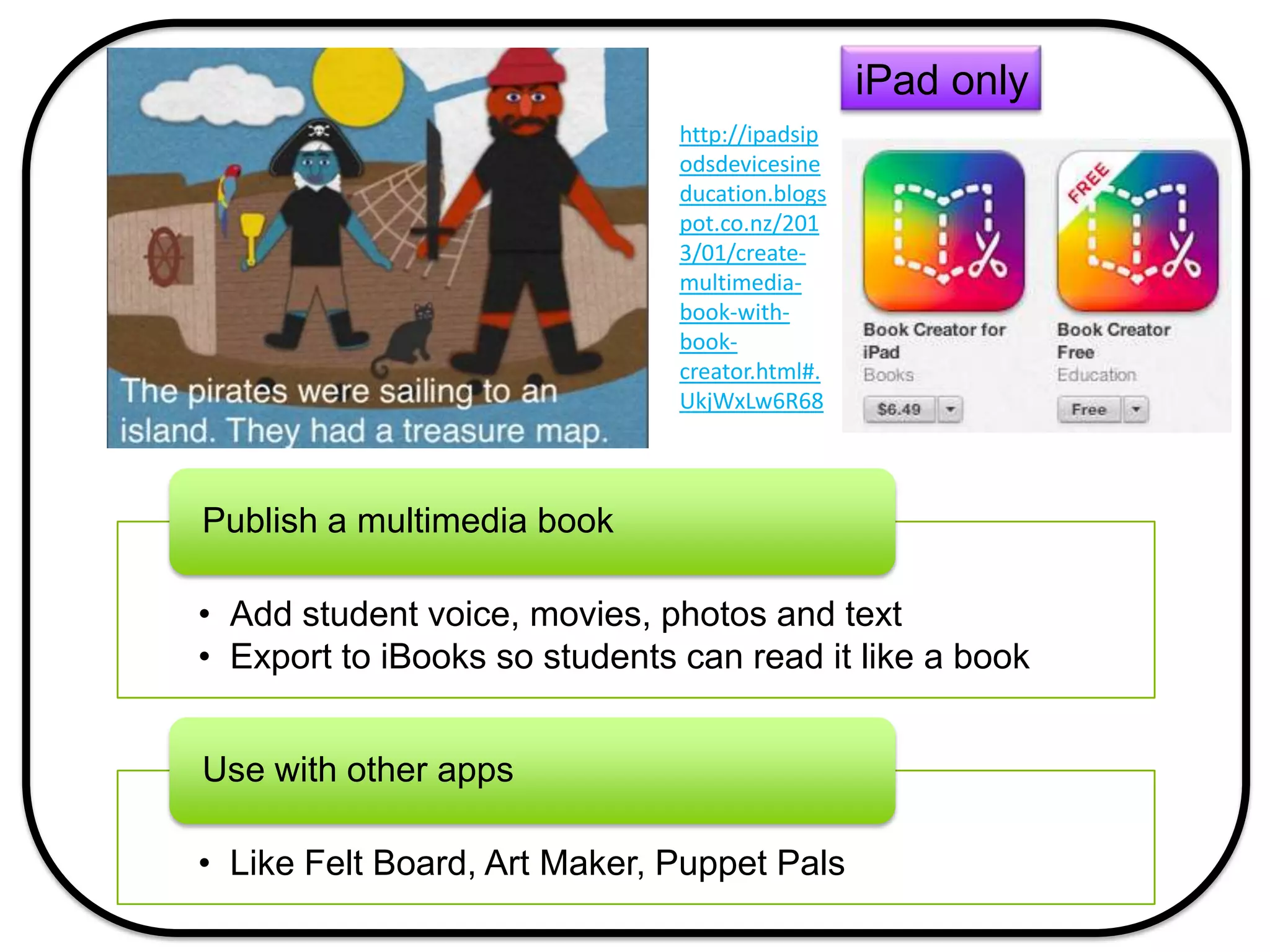
• Add student voice, movies, photos and text
• Export to iBooks so students can read it like a book
Publish a multimedia book
• Like Felt Board, Art Maker, Puppet Pals
Use with other apps
http://ipadsip
odsdevicesine
ducation.blogs
pot.co.nz/201
3/01/create-
multimedia-
book-with-
book-
creator.html#.
UkjWxLw6R68
iPad only
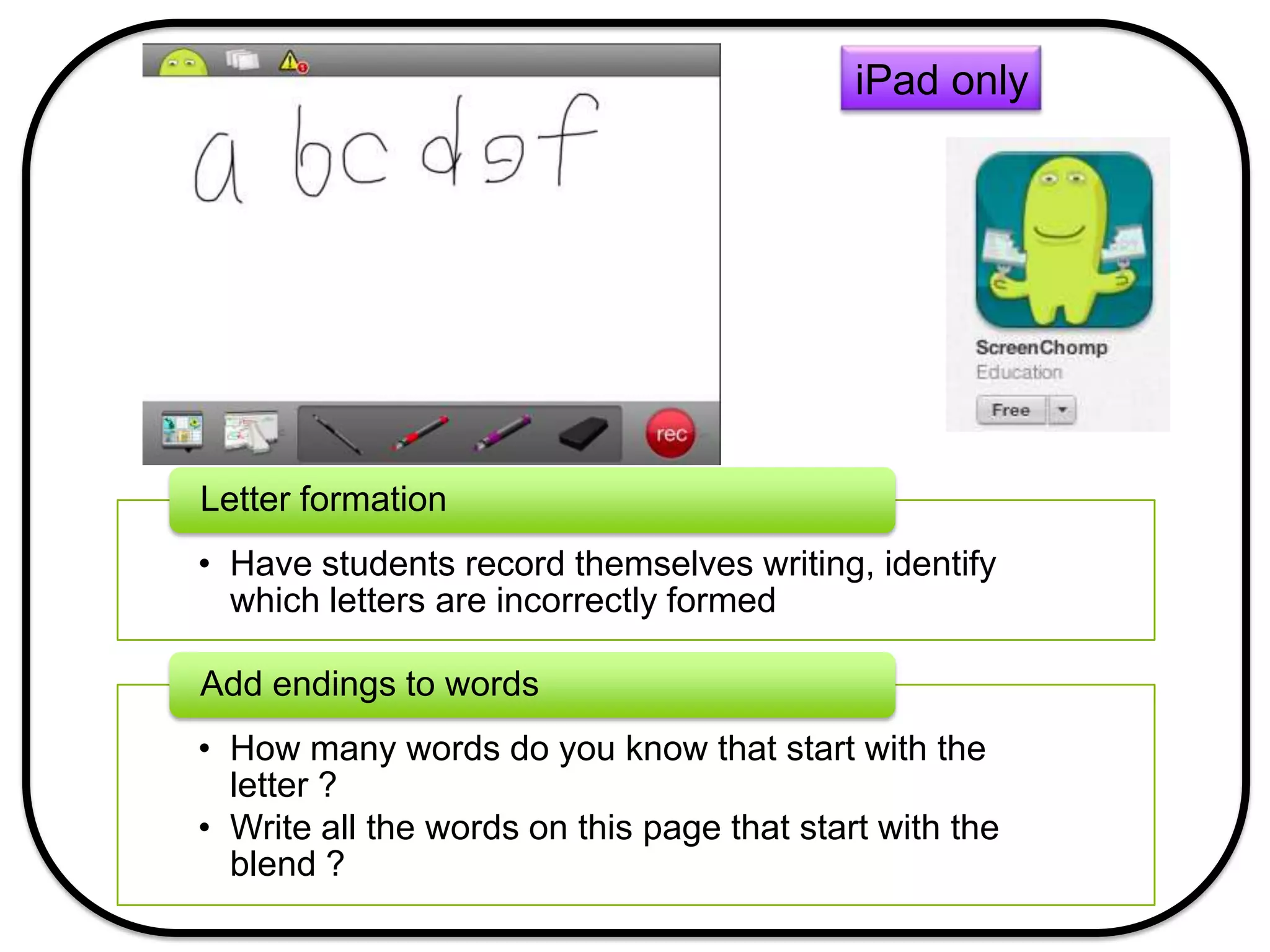
• Have students record themselves writing, identify
which letters are incorrectly formed
Letter formation
• How many words do you know that start with the
letter ?
• Write all the words on this page that start with the
blend ?
Add endings to words
iPad only
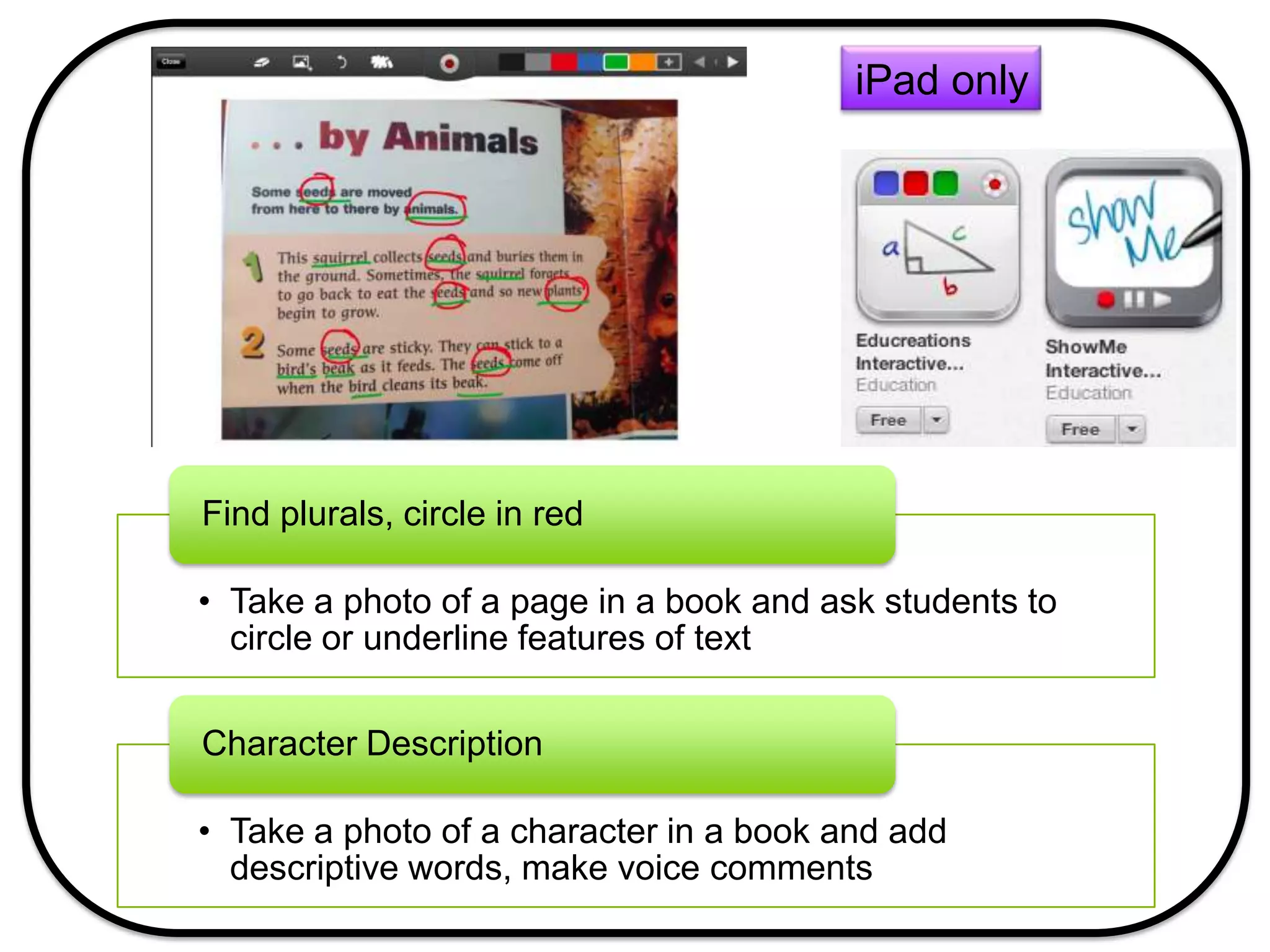
• Take a photo of a page in a book and ask students to
circle or underline features of text
Find plurals, circle in red
• Take a photo of a character in a book and add
descriptive words, make voice comments
Character Description
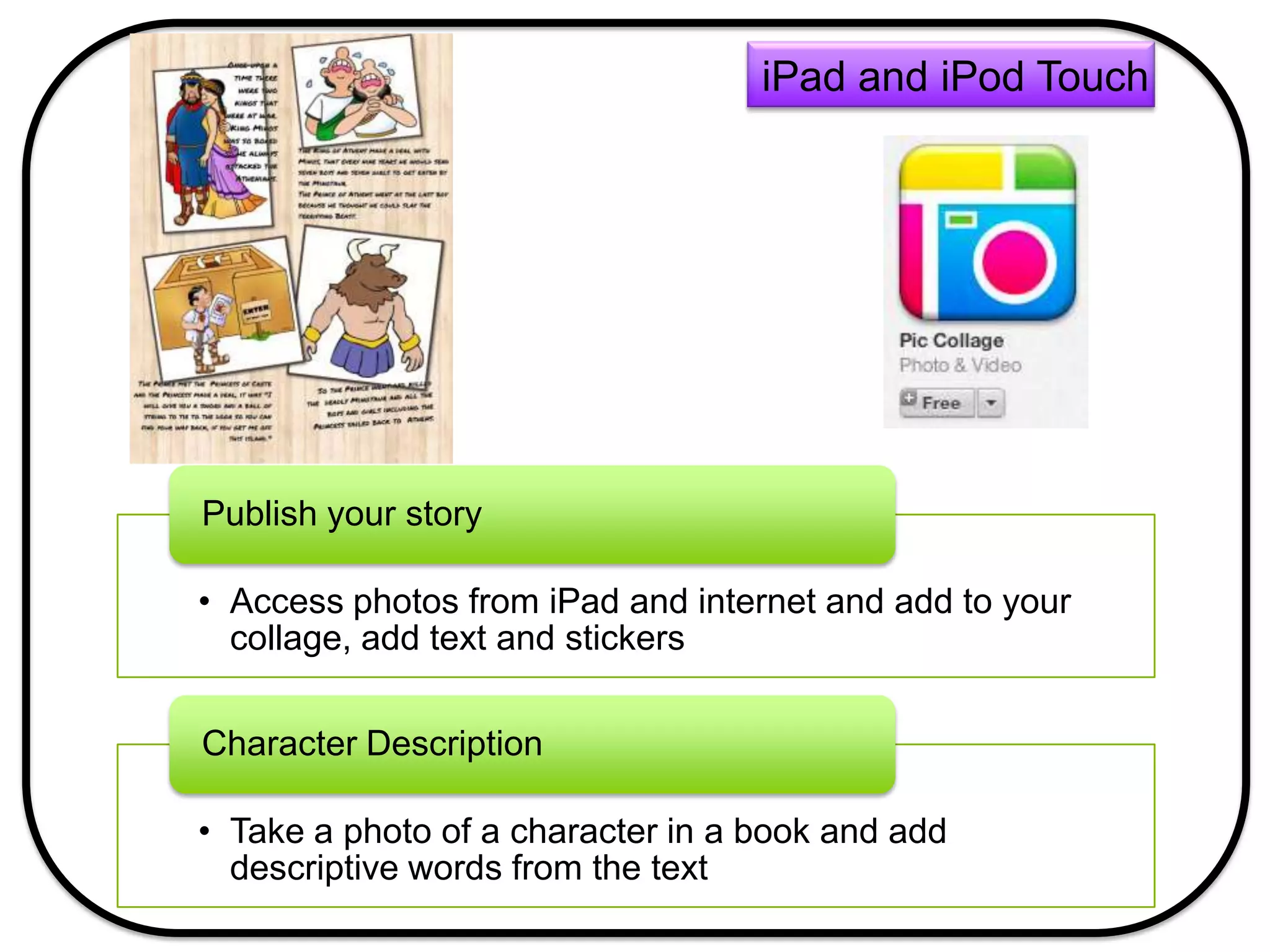
• Access photos from iPad and internet and add to your
collage, add text and stickers
Publish your story
• Take a photo of a character in a book and add
descriptive words from the text
Character Description
iPad and iPod Touch
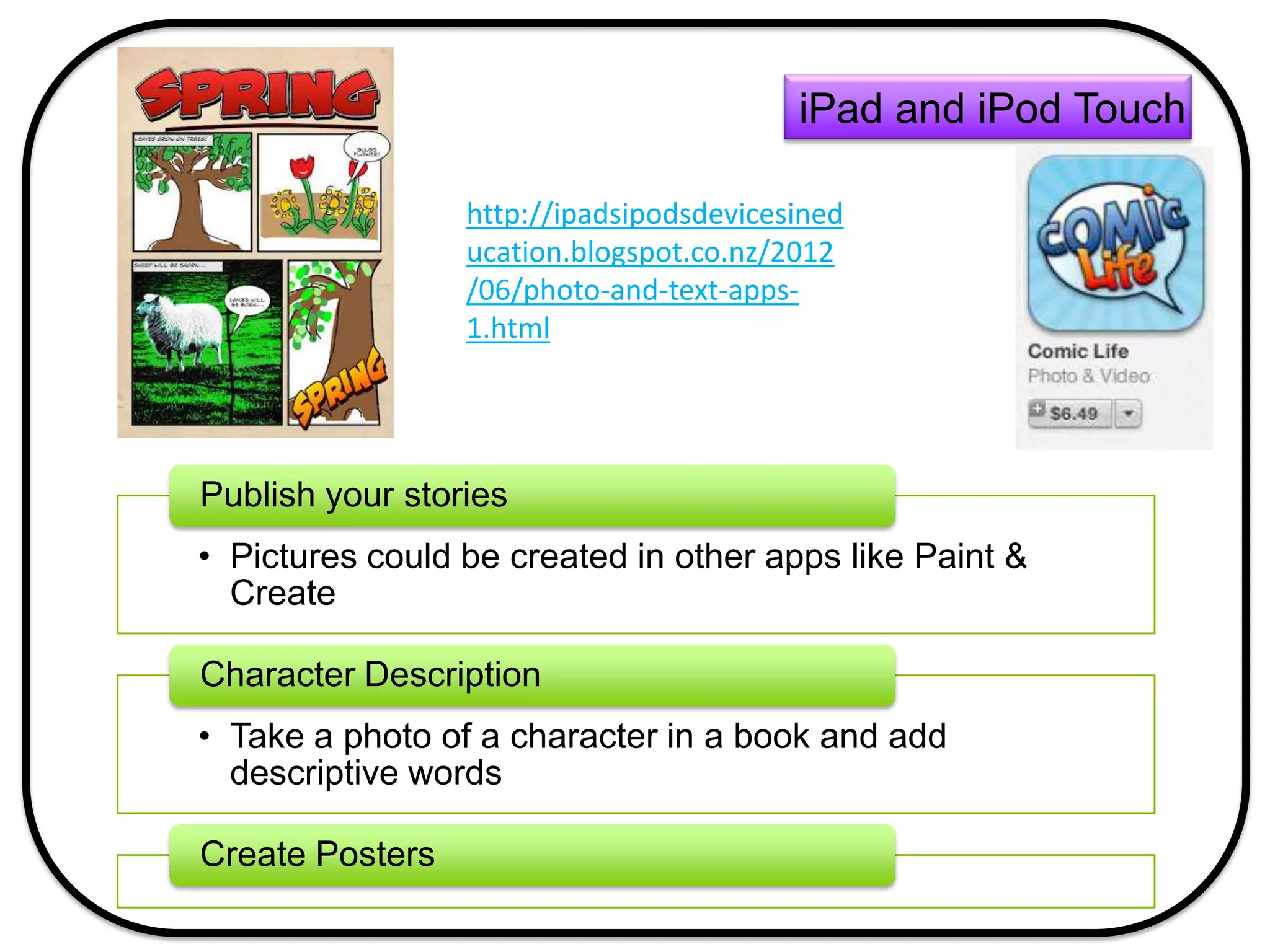
• Pictures could be created in other apps like Paint &
Create
Publish your stories
• Take a photo of a character in a book and add
descriptive words
Character Description
Create Posters
iPad and iPod Touch
http://ipadsipodsdevicesined
ucation.blogspot.co.nz/2012
/06/photo-and-text-apps-
1.html
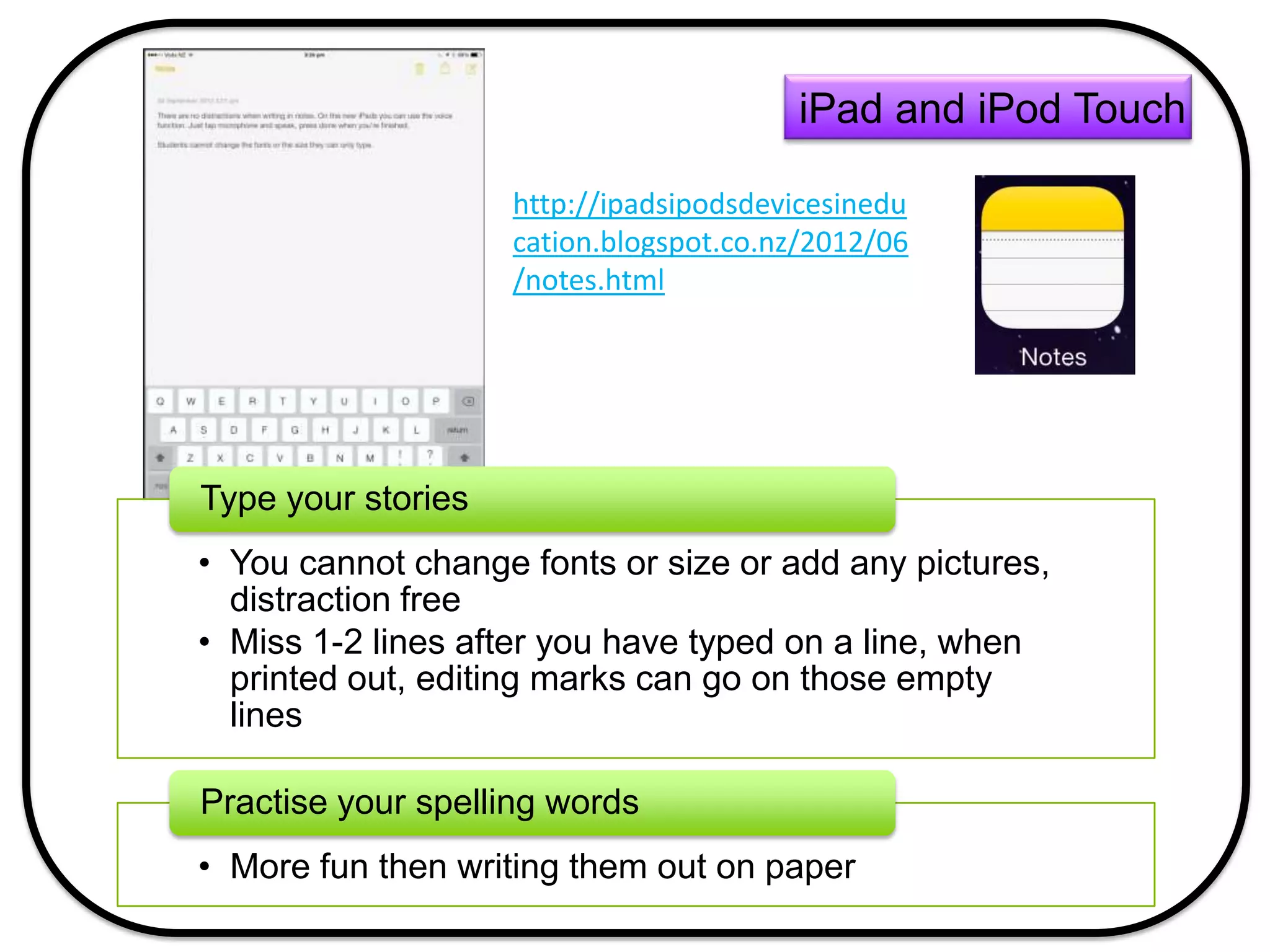
• You cannot change fonts or size or add any pictures,
distraction free
• Miss 1-2 lines after you have typed on a line, when
printed out, editing marks can go on those empty
lines
Type your stories
• More fun then writing them out on paper
Practise your spelling words
iPad and iPod Touch
http://ipadsipodsdevicesinedu
cation.blogspot.co.nz/2012/06
/notes.html
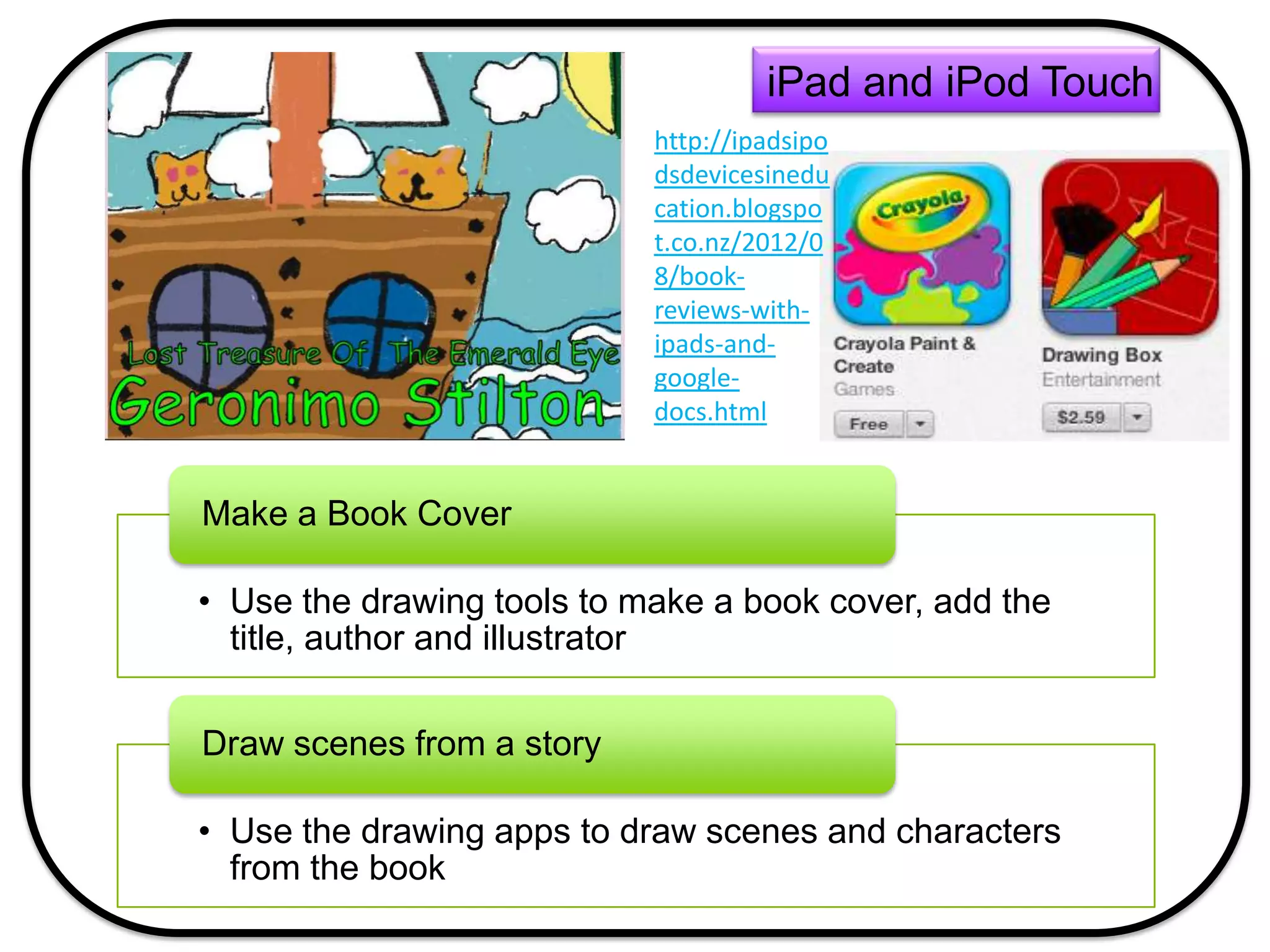
• Use the drawing tools to make a book cover, add the
title, author and illustrator
Make a Book Cover
• Use the drawing apps to draw scenes and characters
from the book
Draw scenes from a story
iPad and iPod Touch
http://ipadsipo
dsdevicesinedu
cation.blogspo
t.co.nz/2012/0
8/book-
reviews-with-
ipads-and-
google-
docs.html
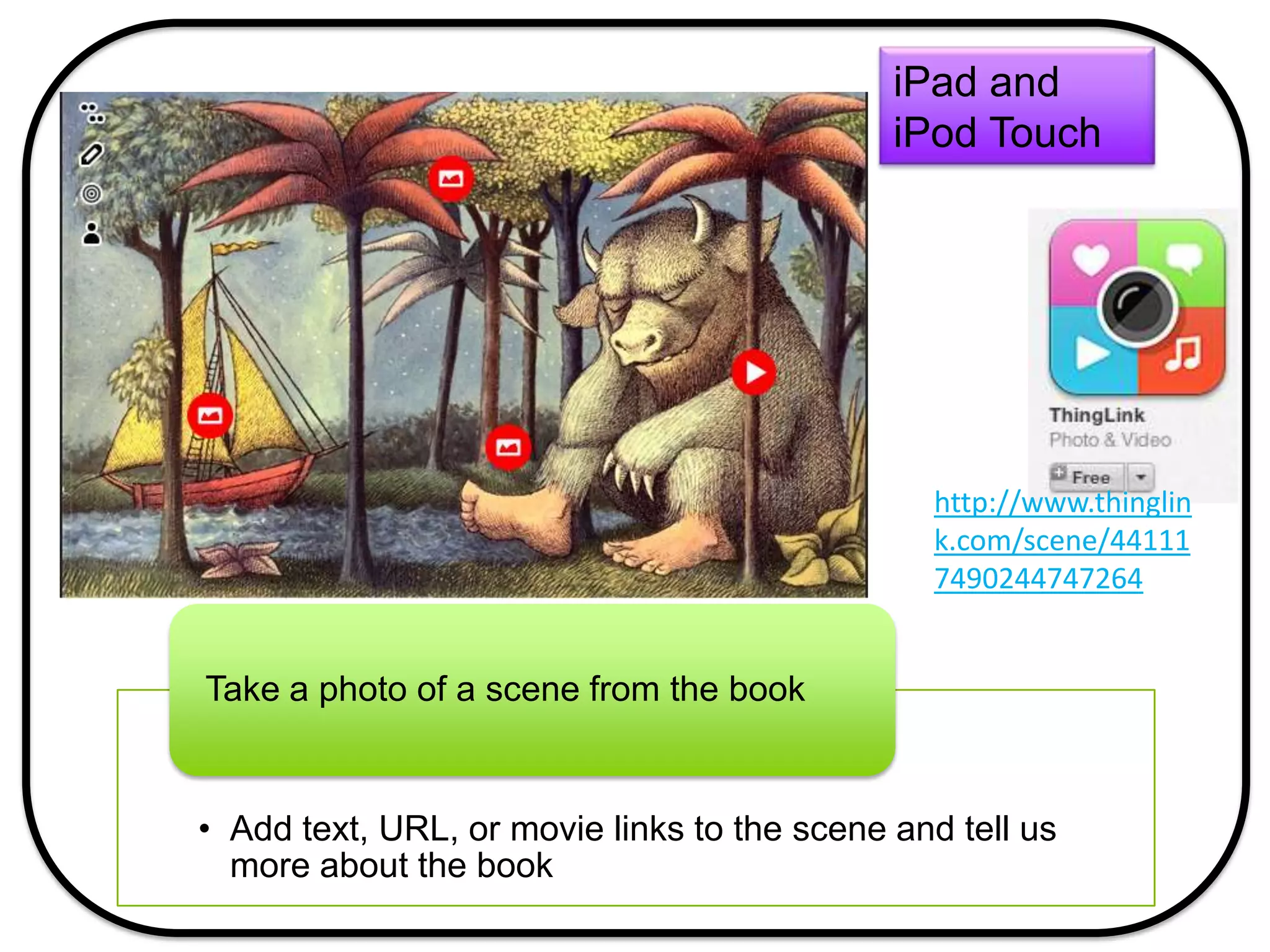
• Add text, URL, or movie links to the scene and tell us
more about the book
Take a photo of a scene from the book
iPad and
iPod Touch
http://www.thinglin
k.com/scene/44111
7490244747264
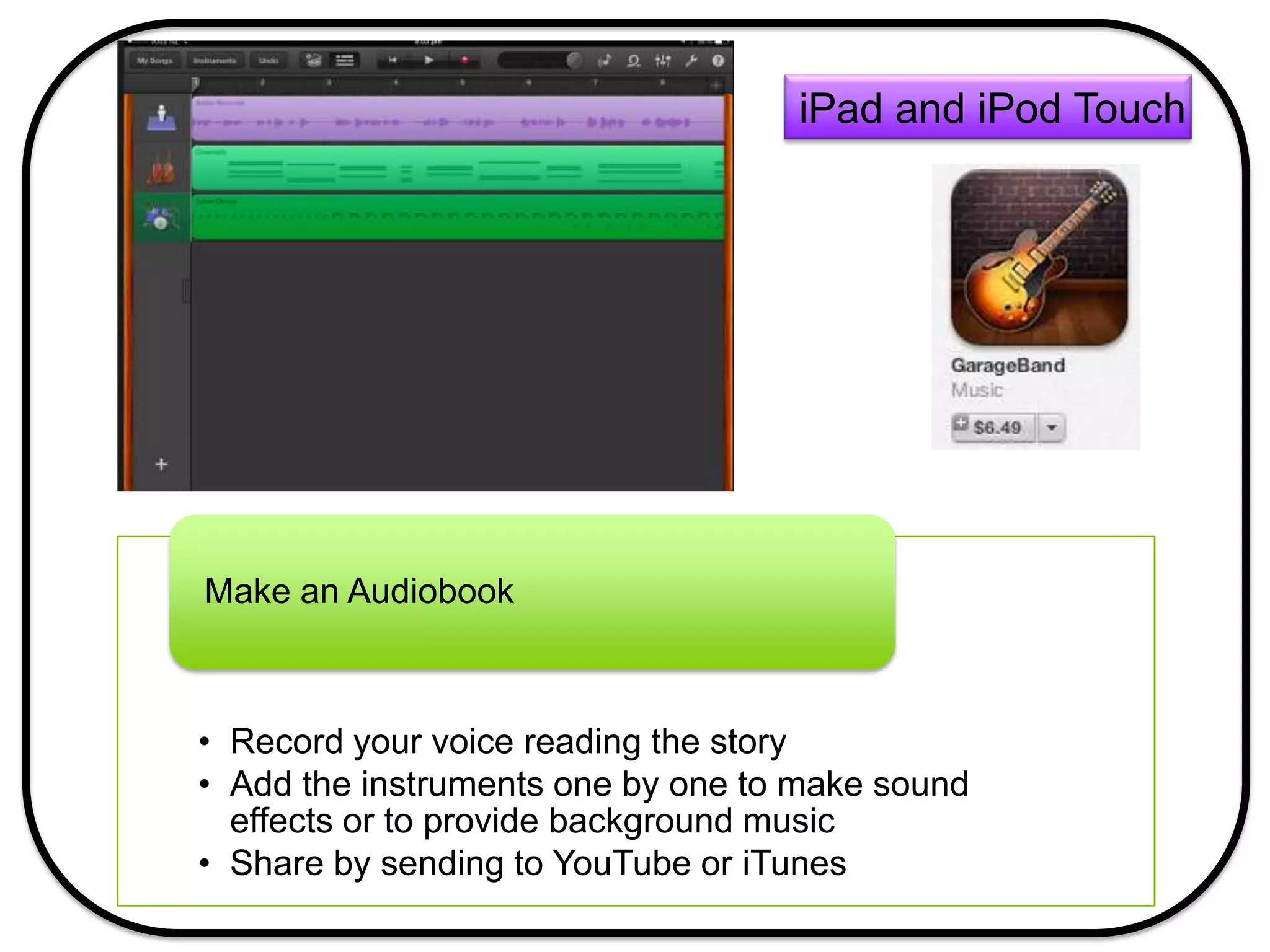
• Record your voice reading the story
• Add the instruments one by one to make sound
effects or to provide background music
• Share by sending to YouTube or iTunes
Make an Audiobook
iPad and iPod Touch
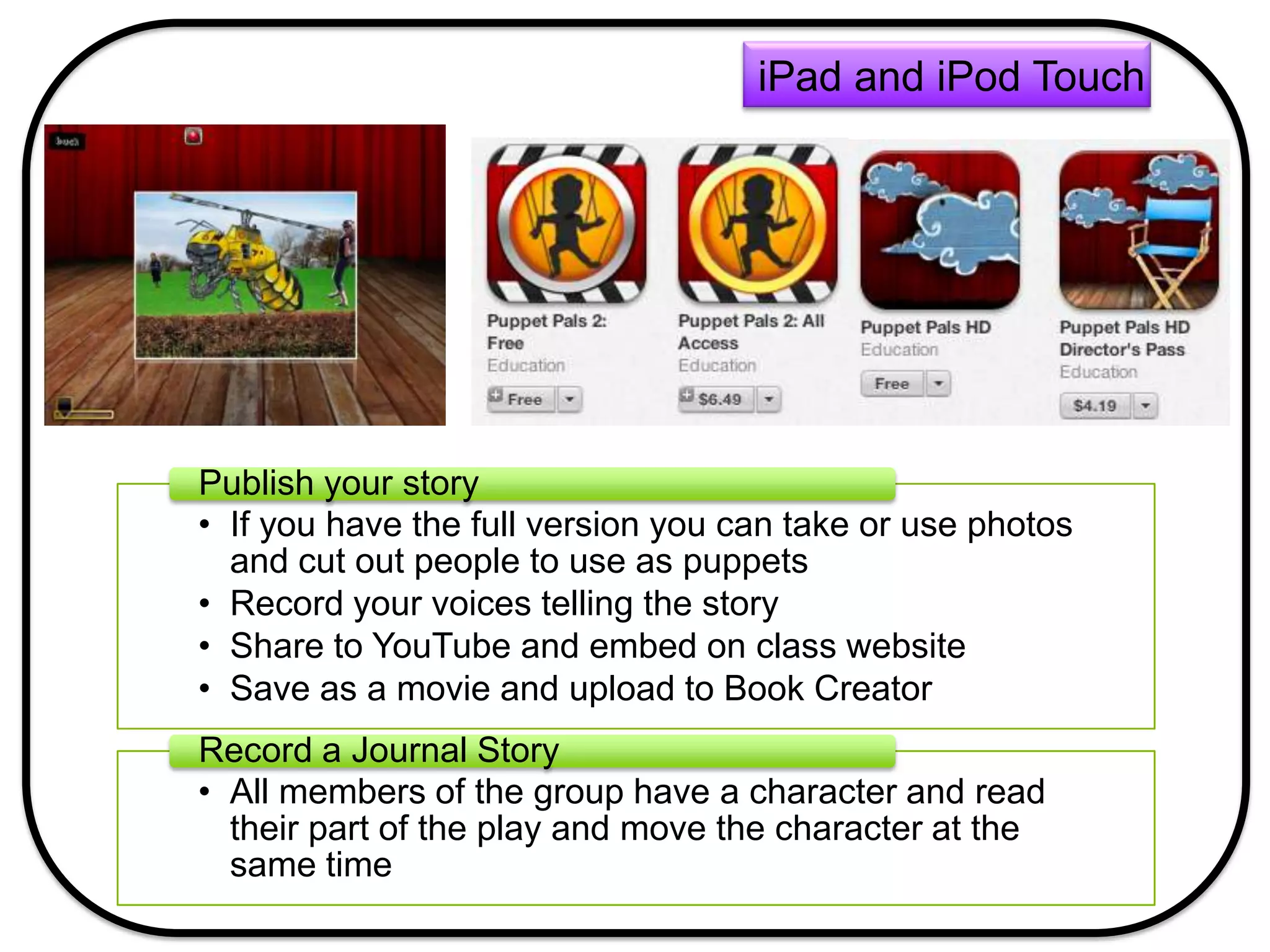
• If you have the full version you can take or use photos
and cut out people to use as puppets
• Record your voices telling the story
• Share to YouTube and embed on class website
• Save as a movie and upload to Book Creator
Publish your story
• All members of the group have a character and read
their part of the play and move the character at the
same time
Record a Journal Story
iPad and iPod Touch
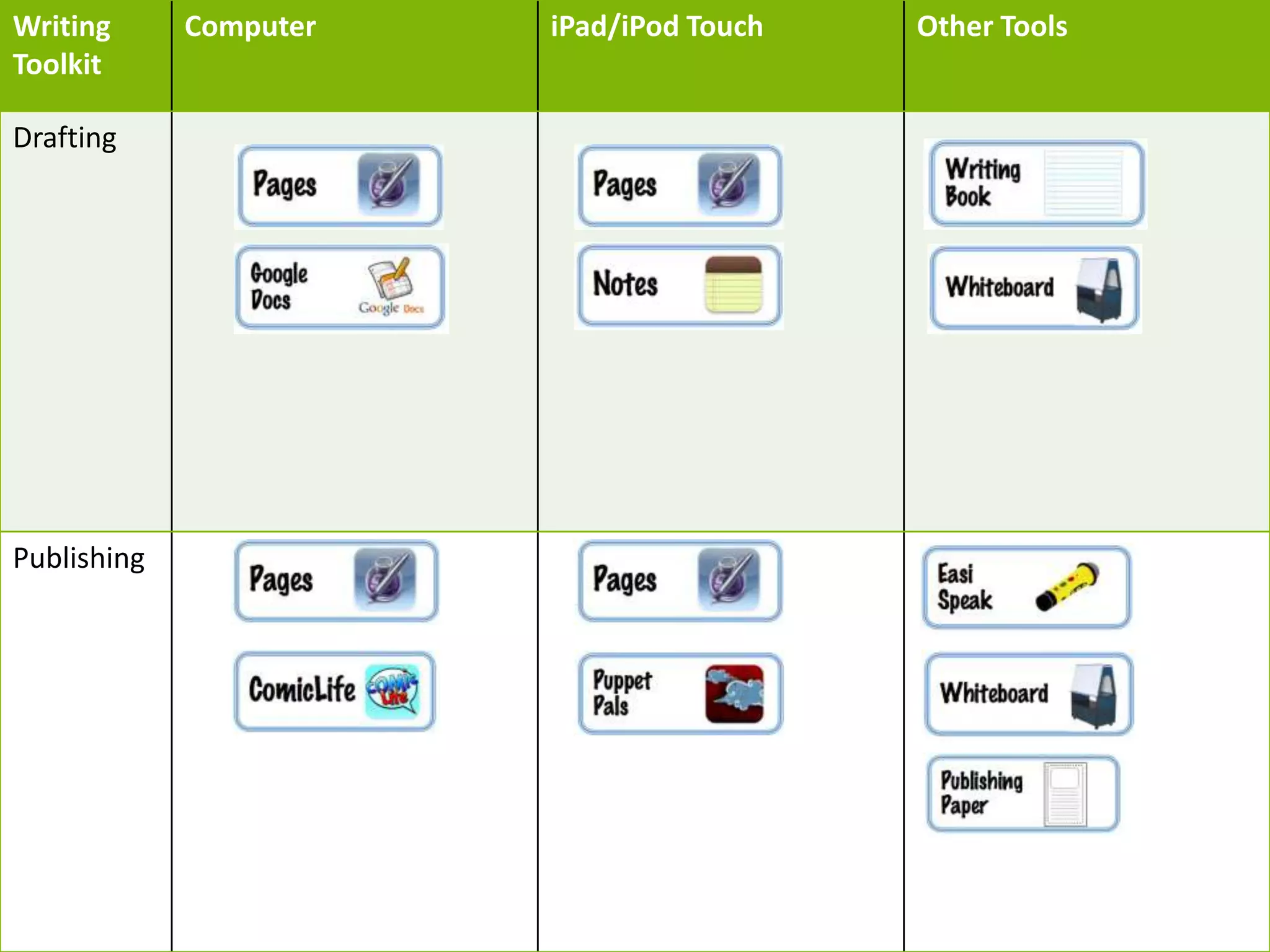
Writing
Toolkit
Computer iPad/iPod Touch Other Tools
Drafting
Publishing
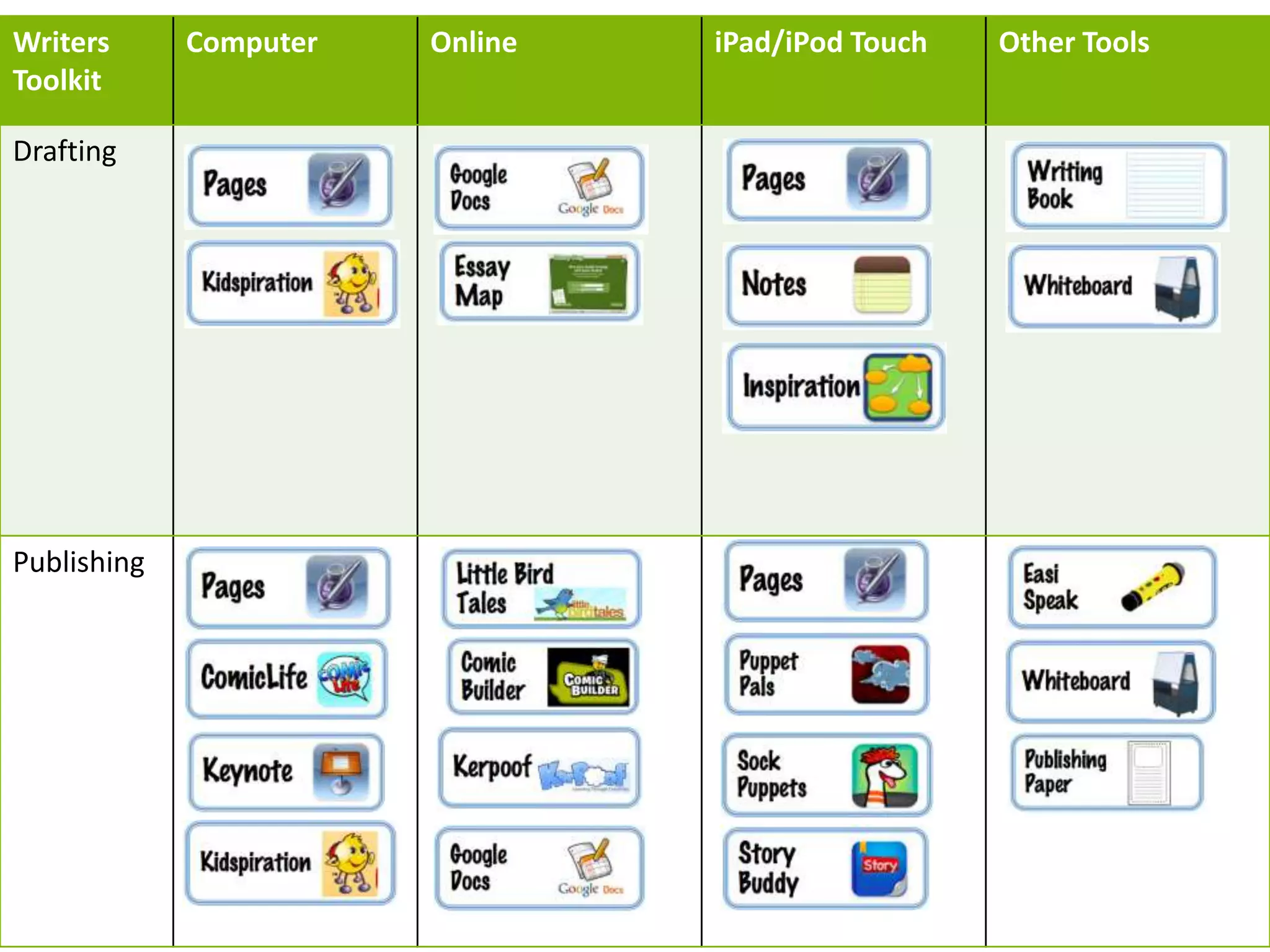
Writers
Toolkit
Computer Online iPad/iPod Touch Other Tools
Drafting
Publishing
References
• (2011). Education and iPads – home- Wikispaces
Retrieved September 30, 2013, from
http://educationandipads.wikispaces.com/ .
• (2012). iPads, iPods & Devices in. Retrieved
September 28, 2013, from
http://ipadsipodsdevicesineducation.blogspot.co.n
z/ (2009). iPods, iPhones in education- home -
Wikispaces. Retrieved September 30, 2013, from
http://ipodsiphonesineducation.wikispaces.com/Ma
ths .

Reading and writing juniors

  • 1.
    Increase the potentialin learning when using iPads. This is not about the best reading book app to use but how to use the iPad as a teaching tool, an independent or collaborative tool, and a creative tool. Find out how I used iPads in a 2 week teaching experience with a 1-1 class and hear about how other teachers are using them in their rooms. Creative ways to use iPads in Reading and Writing © Jacqui Sharp 2013
  • 2.
    iPad and iPodTouch • Each take a turn at reading part of the story and record your voice Buddy read • Record yourself reading your speech and listen to it back again Speech Writing • Read your story and listen to the puppet say it back, could you hear if you used the right punctuation? Proof read your story by hearing it
  • 3.
    iPad only • Readingactivities, Writing frameworks Graphic Organisers • Organise your thoughts and ideas with pictures and words Mindmapping • Sort, compare, contrast Supergroupers
  • 4.
    iPad only • Startwith the characters name in the middle, add one describing word from the book • Add synonyms, check that they will fit with the context of the story • Add a note to each synonym with the word in a sentence that is in context with the story Looking for synonyms http://ipadsipodsdevicesineducation.blogspot.co.nz/2 012/05/demo-lesson-with-inspiration-reading.html
  • 5.
    iPad only • Exportto iBooks so students can read it like a book Write a class daily entry • The more fluent writers could write their own journals Each child could have their own journal http://ipadsipodsdevicesi neducation.blogspot.co.n z/2012/11/starting- younger-children- reflecting.html
  • 6.
    iPad only • Createa scene print out or add to another app like Book Creator and add text Create a story
  • 7.
    iPad only • Addstudent voice, movies, photos and text • Export to iBooks so students can read it like a book Publish a multimedia book • Like Felt Board, Art Maker, Puppet Pals Use with other apps http://ipadsip odsdevicesine ducation.blogs pot.co.nz/201 3/01/create- multimedia- book-with- book- creator.html#. UkjWxLw6R68
  • 8.
    iPad only • Havestudents record themselves writing, identify which letters are incorrectly formed Letter formation • How many words do you know that start with the letter ? • Write all the words on this page that start with the blend ? Add endings to words
  • 9.
    iPad only • Takea photo of a page in a book and ask students to circle or underline features of text Find plurals, circle in red • Take a photo of a character in a book and add descriptive words, make voice comments Character Description
  • 10.
    • Access photosfrom iPad and internet and add to your collage, add text and stickers Publish your story • Take a photo of a character in a book and add descriptive words from the text Character Description iPad and iPod Touch
  • 11.
    • Pictures couldbe created in other apps like Paint & Create Publish your stories • Take a photo of a character in a book and add descriptive words Character Description Create Posters iPad and iPod Touch http://ipadsipodsdevicesined ucation.blogspot.co.nz/2012 /06/photo-and-text-apps- 1.html
  • 12.
    • You cannotchange fonts or size or add any pictures, distraction free • Miss 1-2 lines after you have typed on a line, when printed out, editing marks can go on those empty lines Type your stories • More fun then writing them out on paper Practise your spelling words iPad and iPod Touch http://ipadsipodsdevicesinedu cation.blogspot.co.nz/2012/06 /notes.html
  • 13.
    • Use thedrawing tools to make a book cover, add the title, author and illustrator Make a Book Cover • Use the drawing apps to draw scenes and characters from the book Draw scenes from a story iPad and iPod Touch http://ipadsipo dsdevicesinedu cation.blogspo t.co.nz/2012/0 8/book- reviews-with- ipads-and- google- docs.html
  • 14.
    • Add text,URL, or movie links to the scene and tell us more about the book Take a photo of a scene from the book iPad and iPod Touch http://www.thinglin k.com/scene/44111 7490244747264
  • 15.
    • Record yourvoice reading the story • Add the instruments one by one to make sound effects or to provide background music • Share by sending to YouTube or iTunes Make an Audiobook iPad and iPod Touch
  • 16.
    • If youhave the full version you can take or use photos and cut out people to use as puppets • Record your voices telling the story • Share to YouTube and embed on class website • Save as a movie and upload to Book Creator Publish your story • All members of the group have a character and read their part of the play and move the character at the same time Record a Journal Story iPad and iPod Touch
  • 17.
    Writing Toolkit Computer iPad/iPod TouchOther Tools Drafting Publishing
  • 18.
    Writers Toolkit Computer Online iPad/iPodTouch Other Tools Drafting Publishing
  • 21.
    References • (2011). Educationand iPads – home- Wikispaces Retrieved September 30, 2013, from http://educationandipads.wikispaces.com/ . • (2012). iPads, iPods & Devices in. Retrieved September 28, 2013, from http://ipadsipodsdevicesineducation.blogspot.co.n z/ (2009). iPods, iPhones in education- home - Wikispaces. Retrieved September 30, 2013, from http://ipodsiphonesineducation.wikispaces.com/Ma ths .