Downloaded 21 times
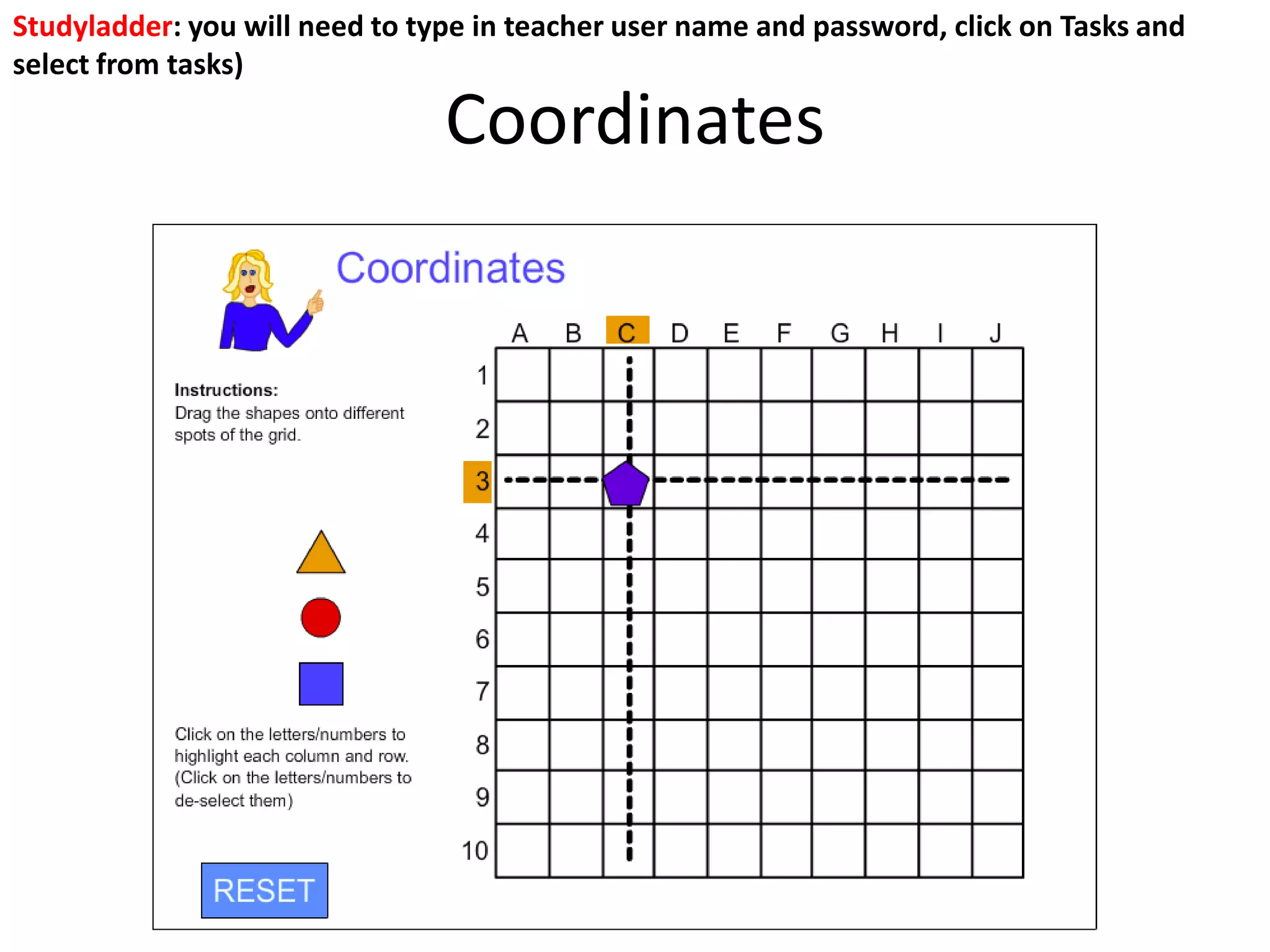
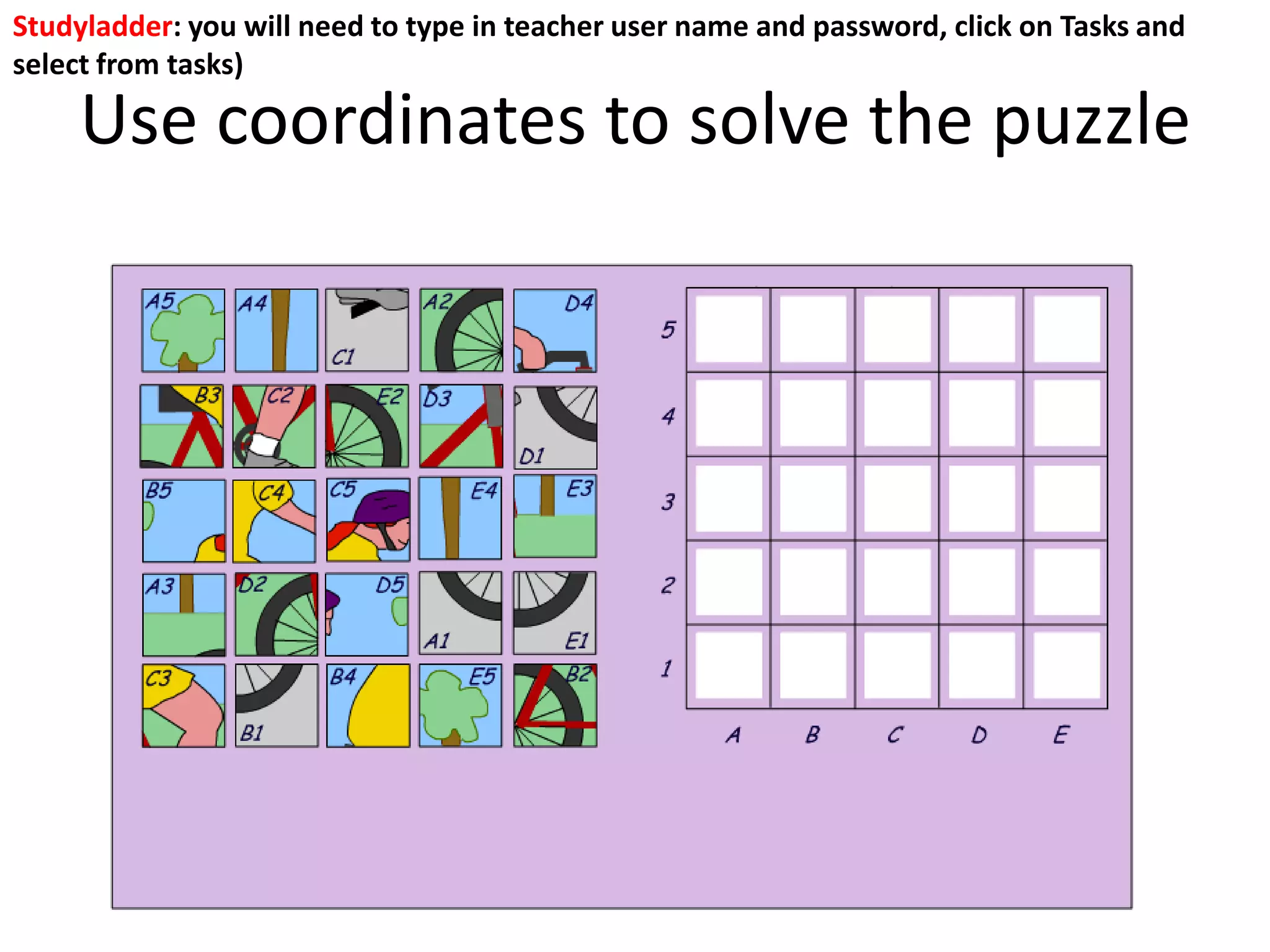
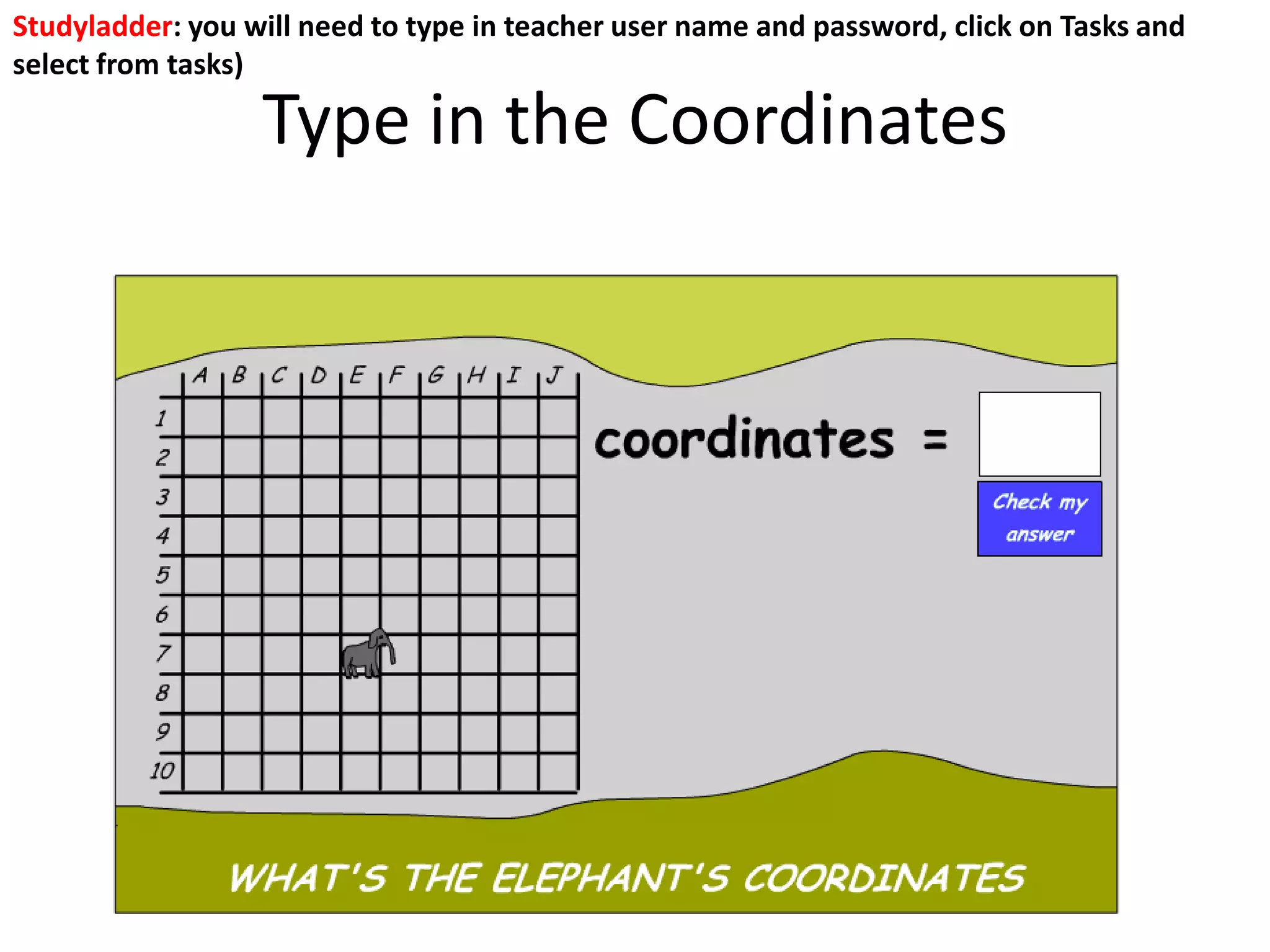
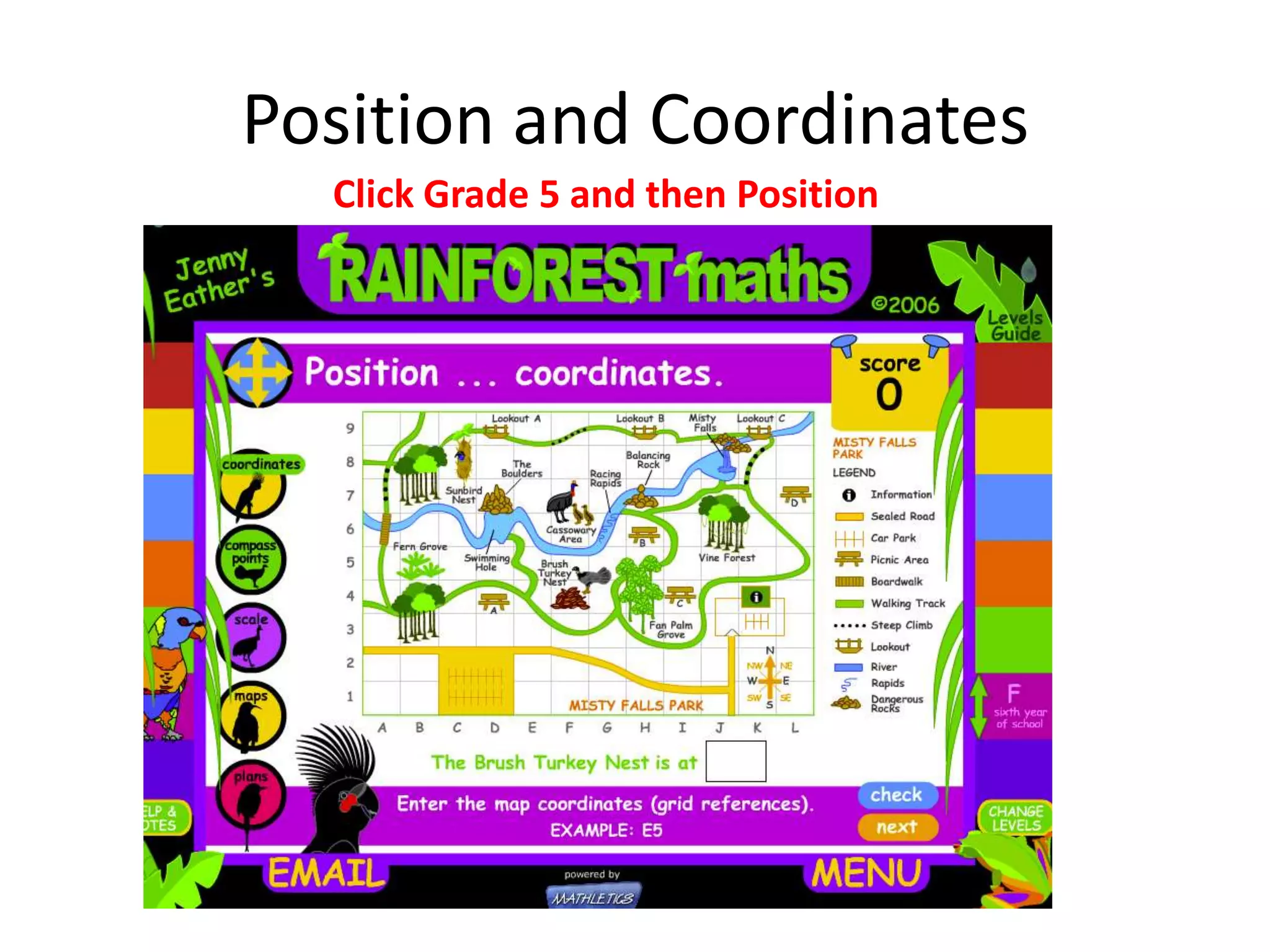
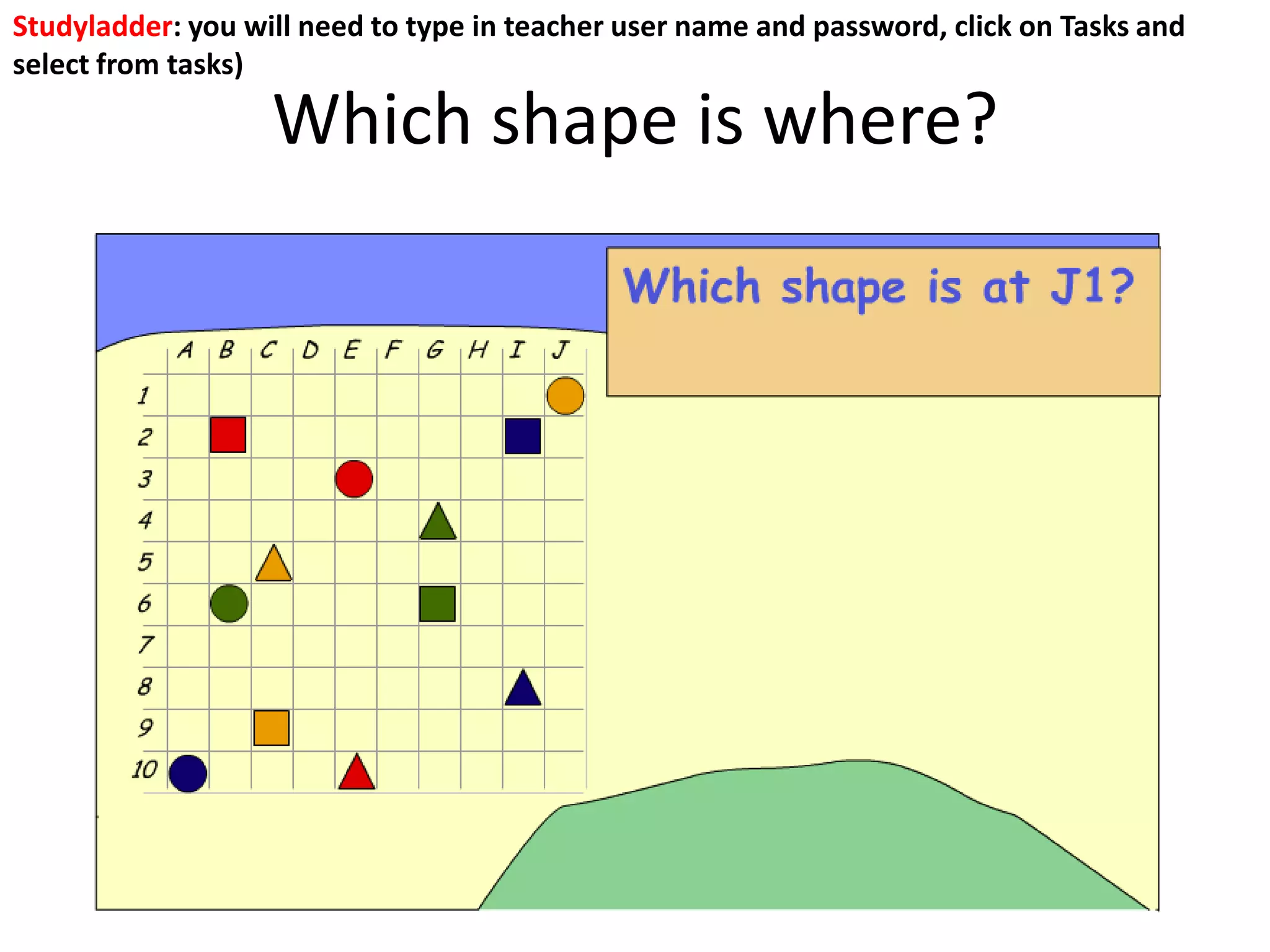
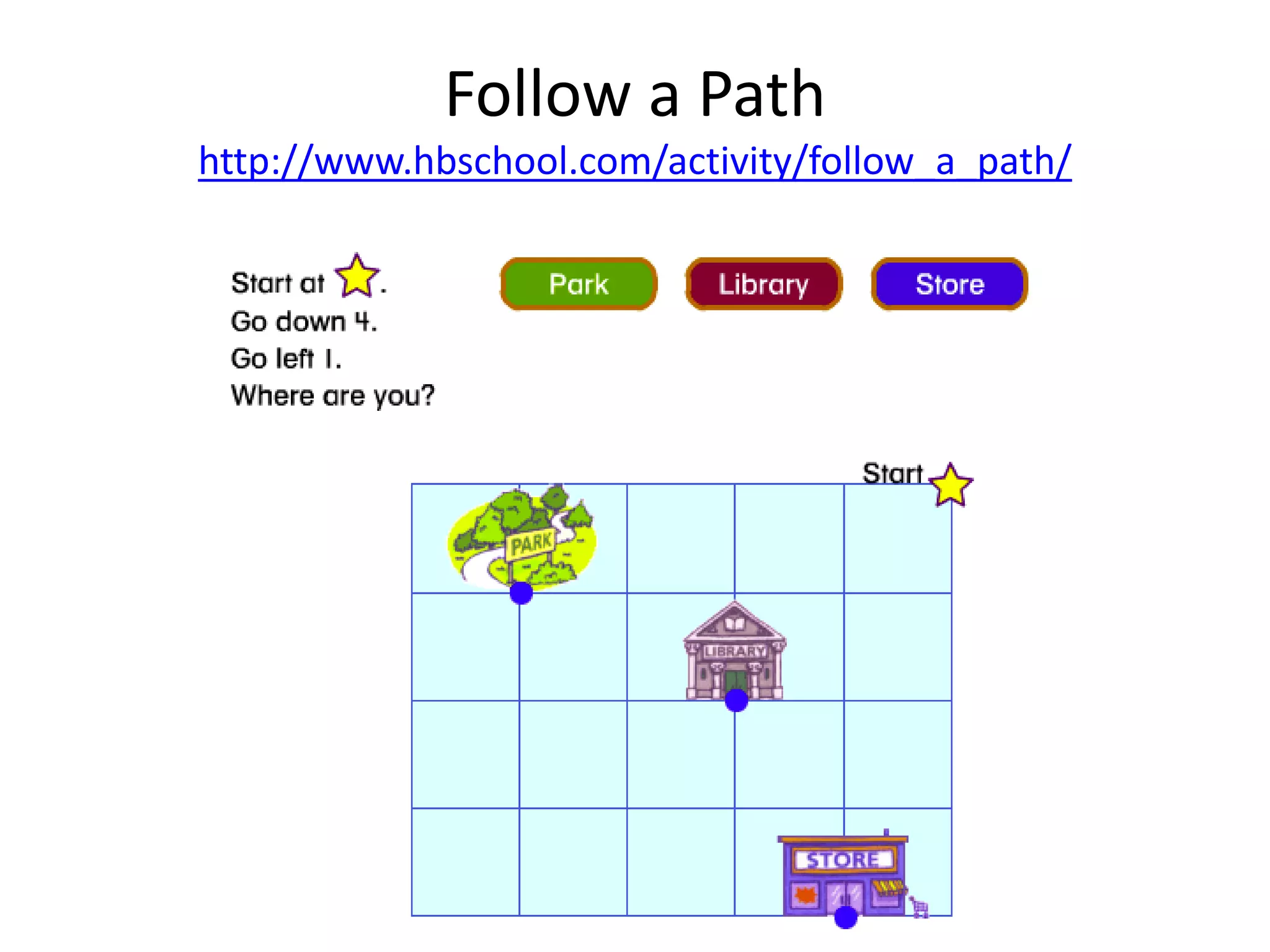
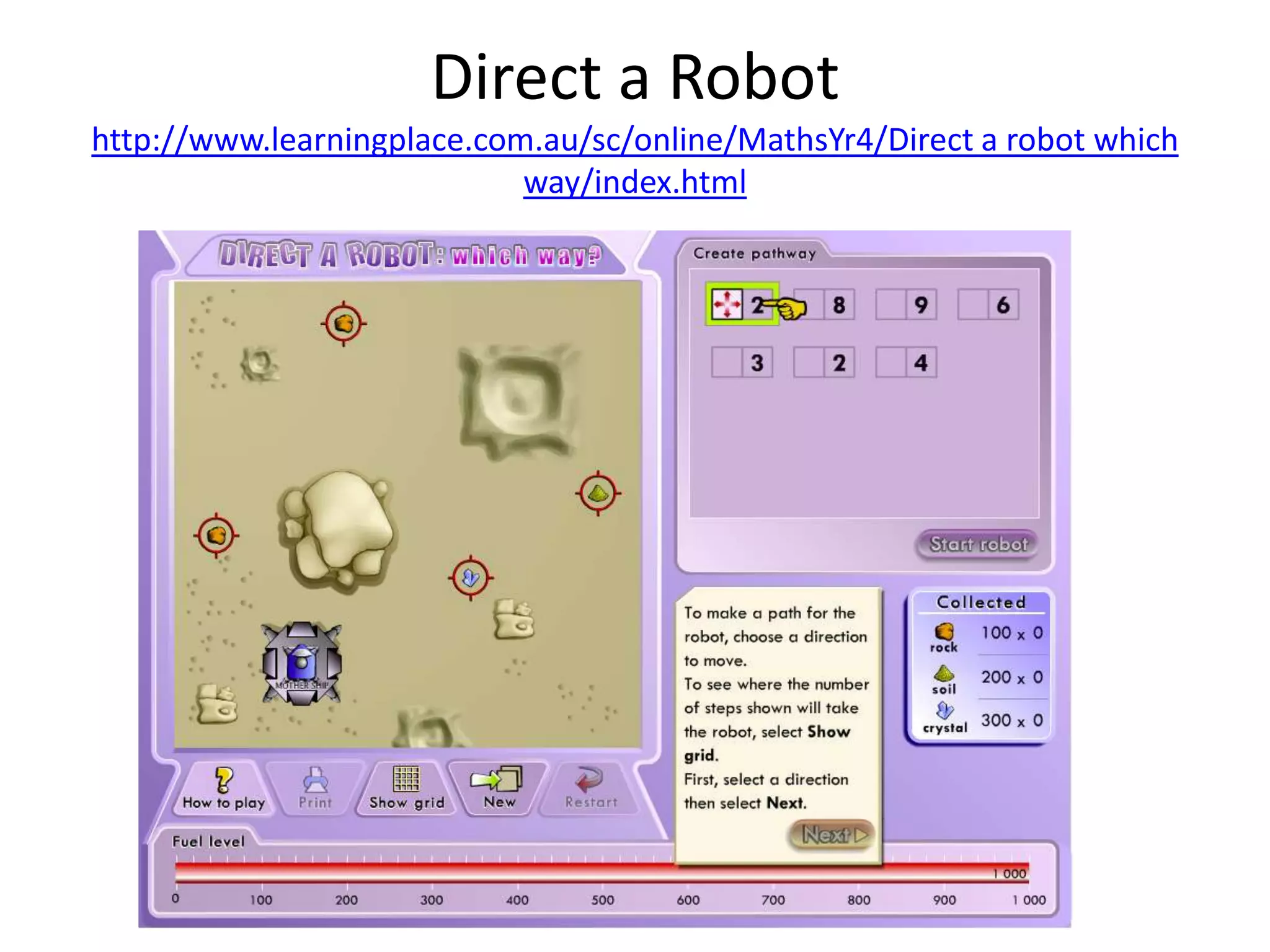
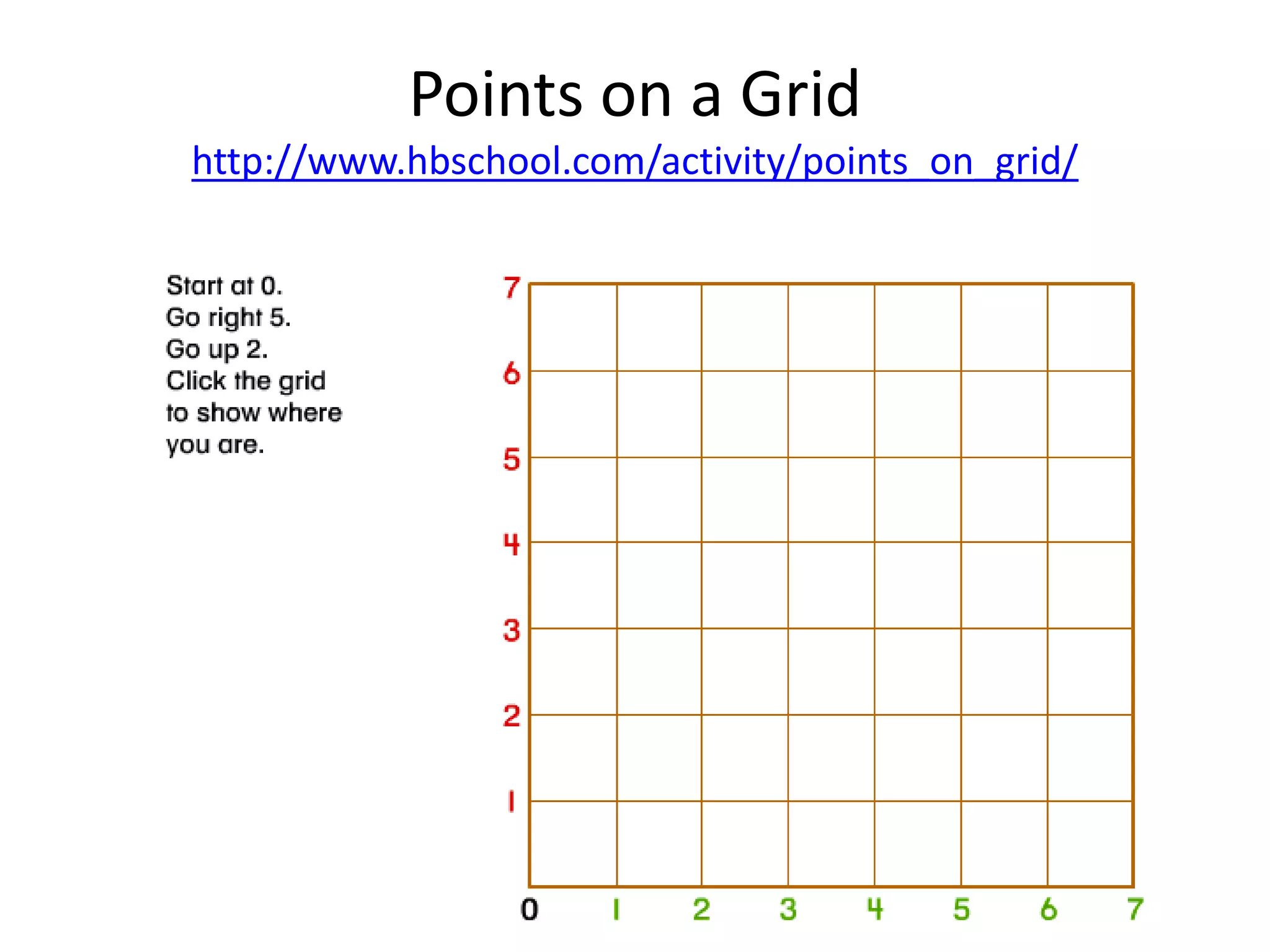
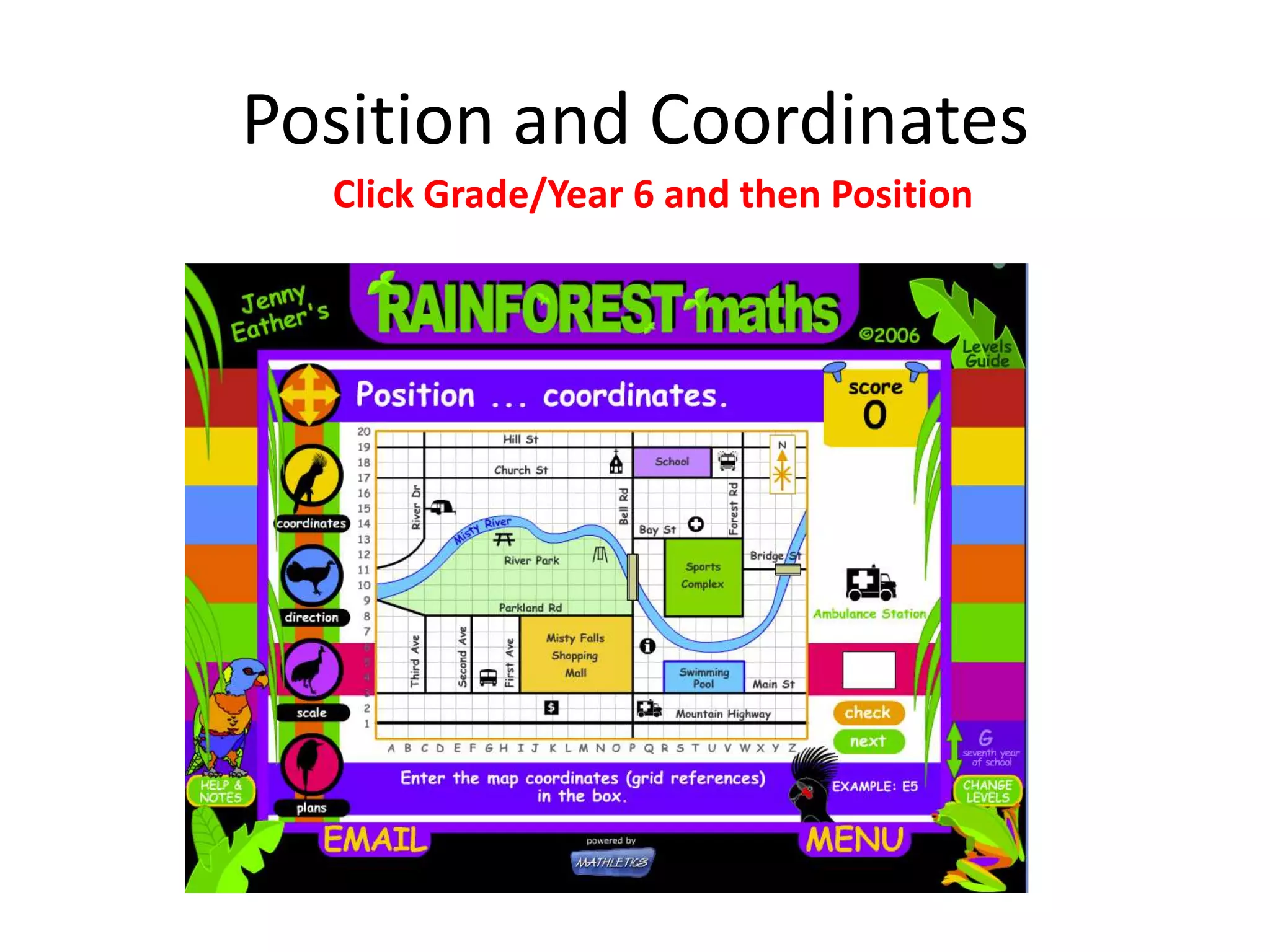
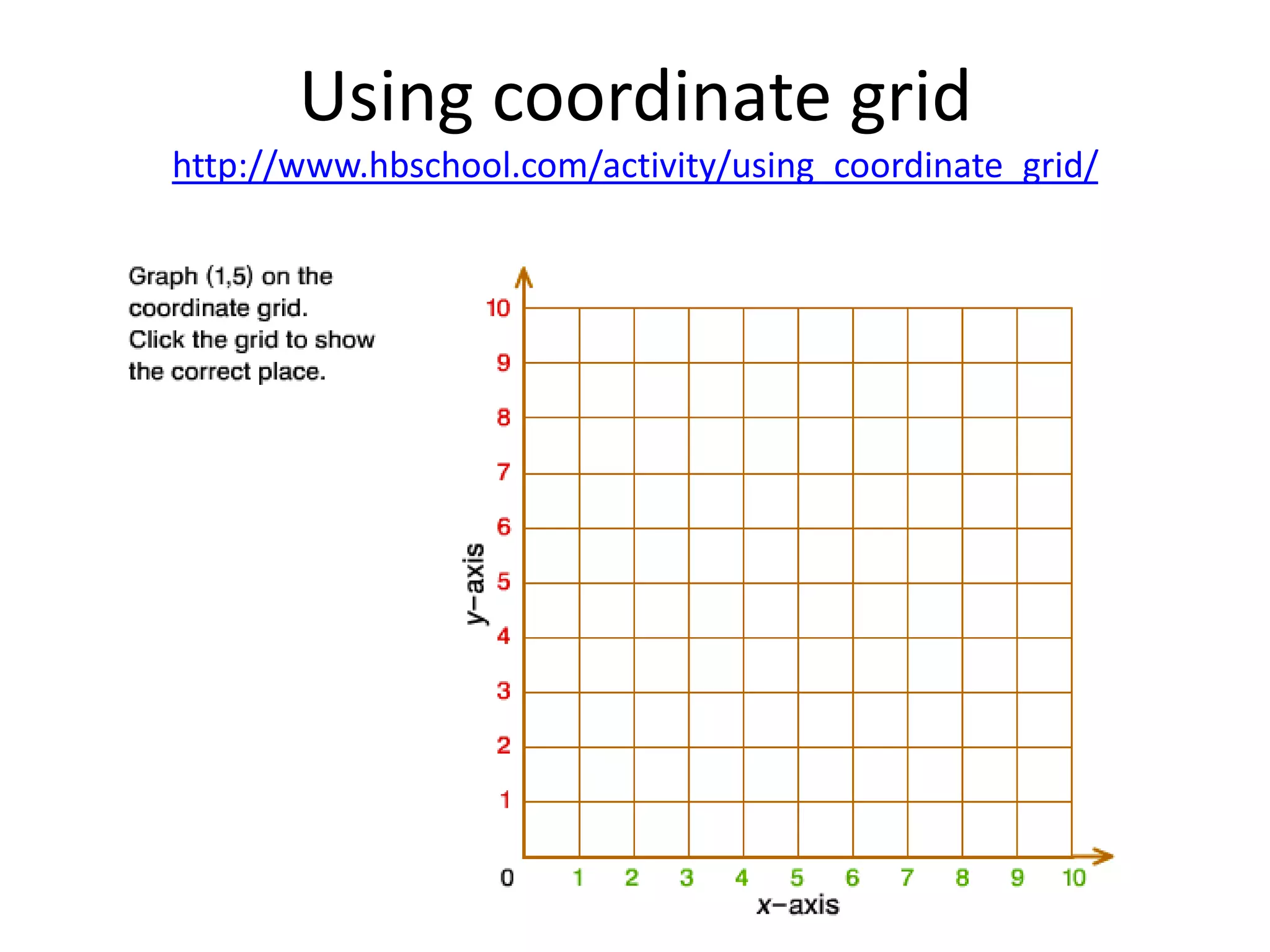

This document provides resources for teaching students about position and orientation using coordinate grids. It includes links to online games and activities where students can practice using coordinates to solve puzzles by identifying shapes on a grid, following paths, directing robots to specified points, and plotting points on a coordinate plane. Instructions are provided to access math tasks on Studyladder related to coordinates and position.


