Shape
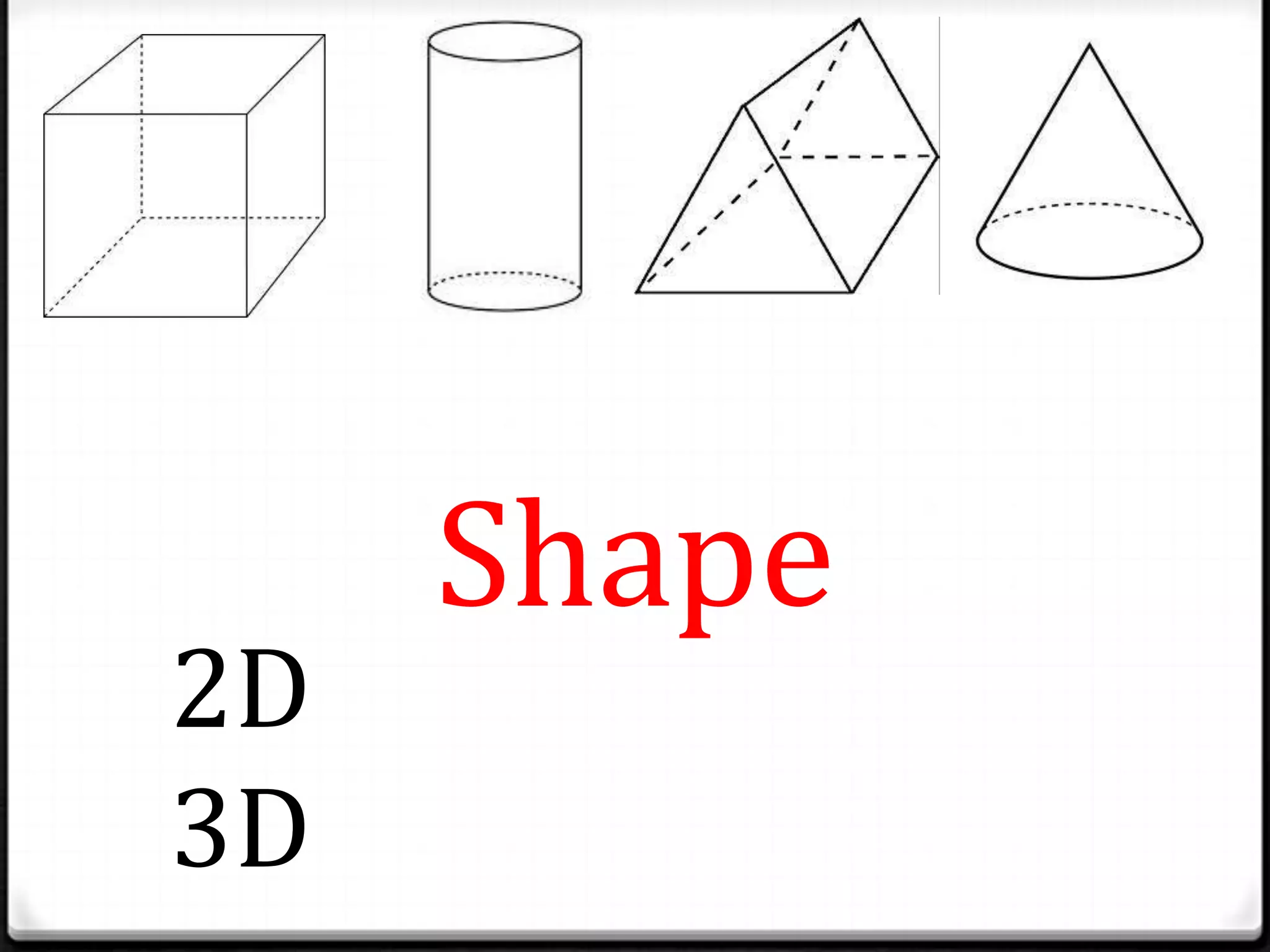
2D
3D
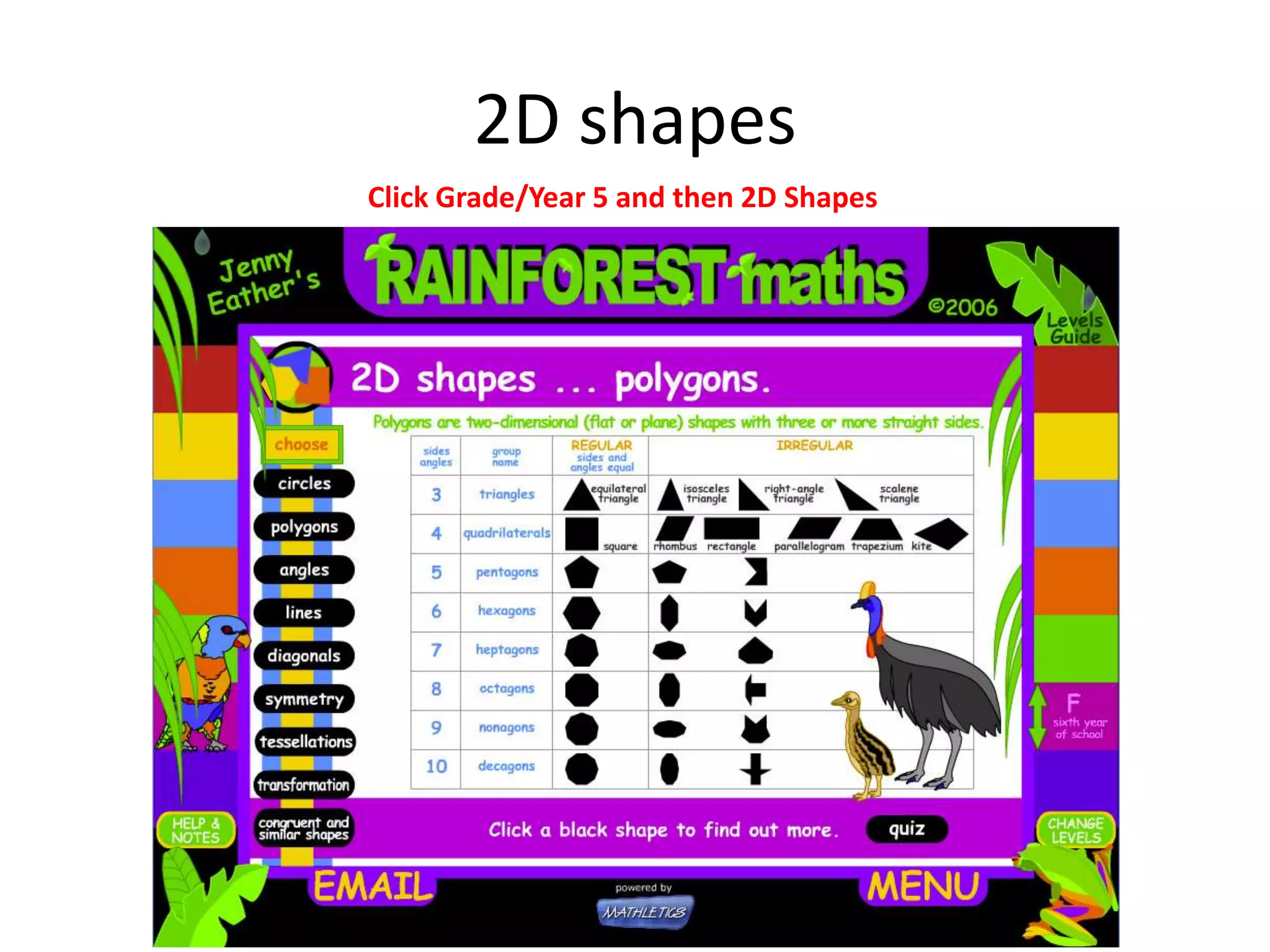
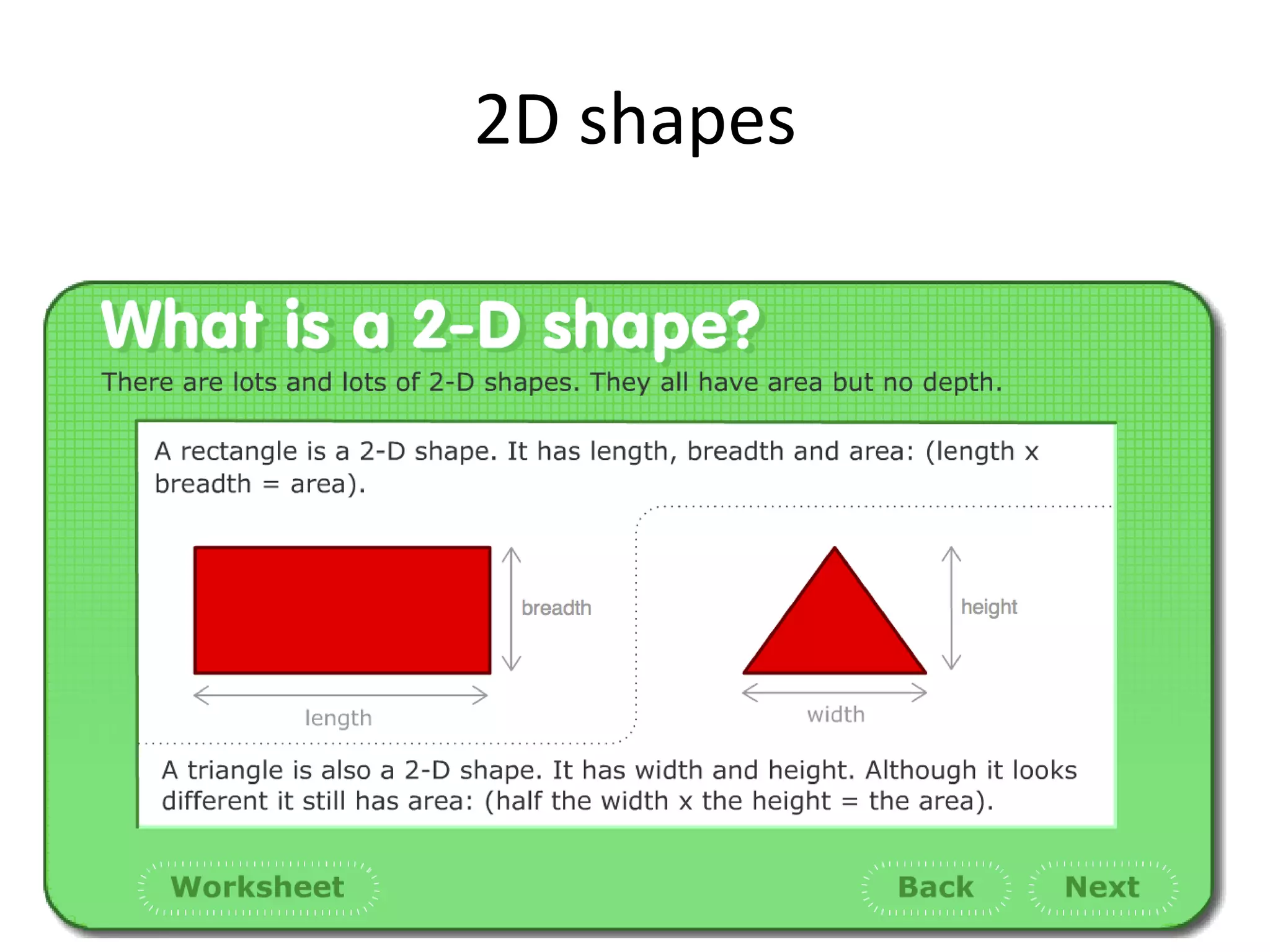
2D shapes
Click Grade/Year 5 and then 2D Shapes
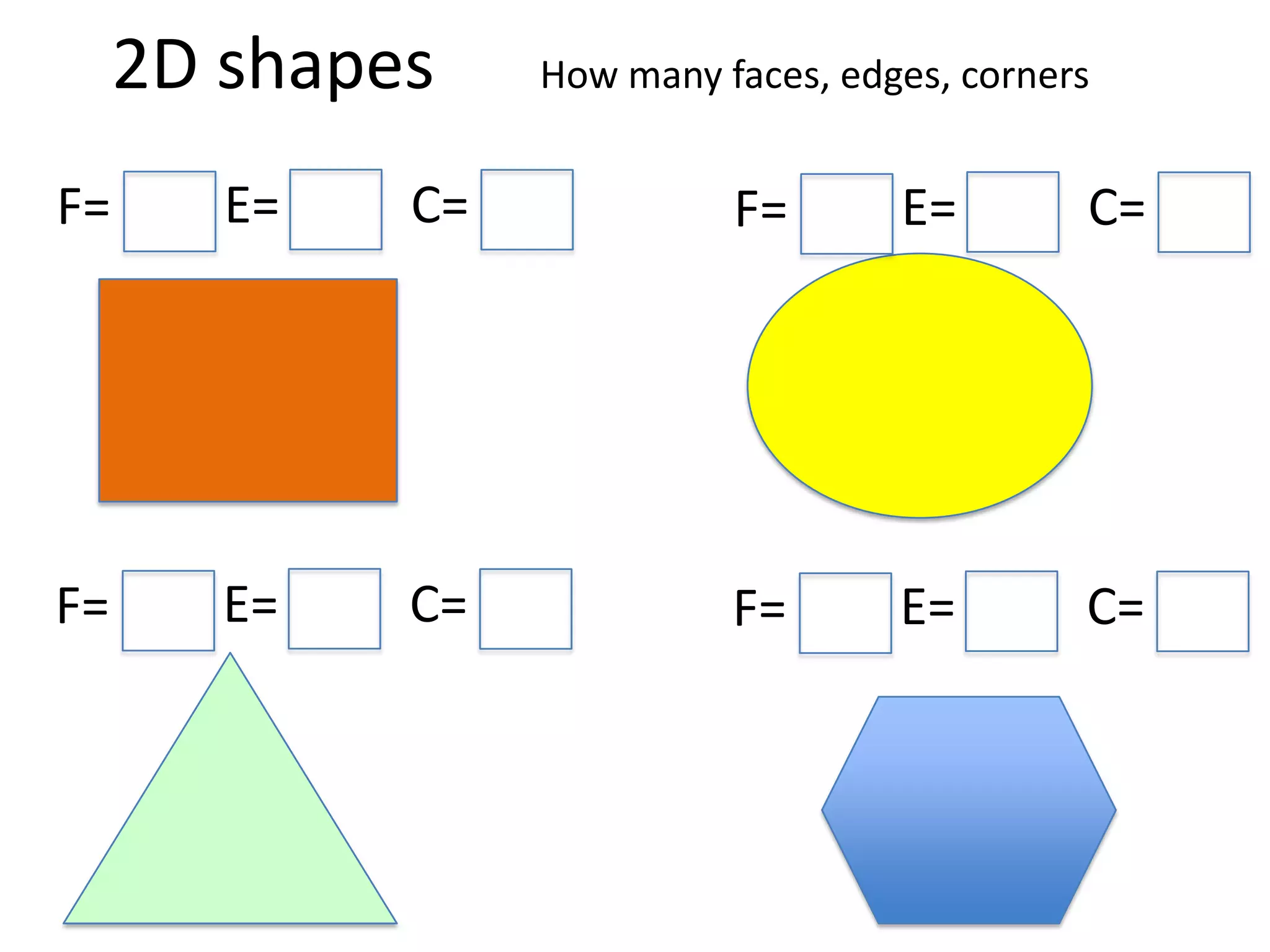
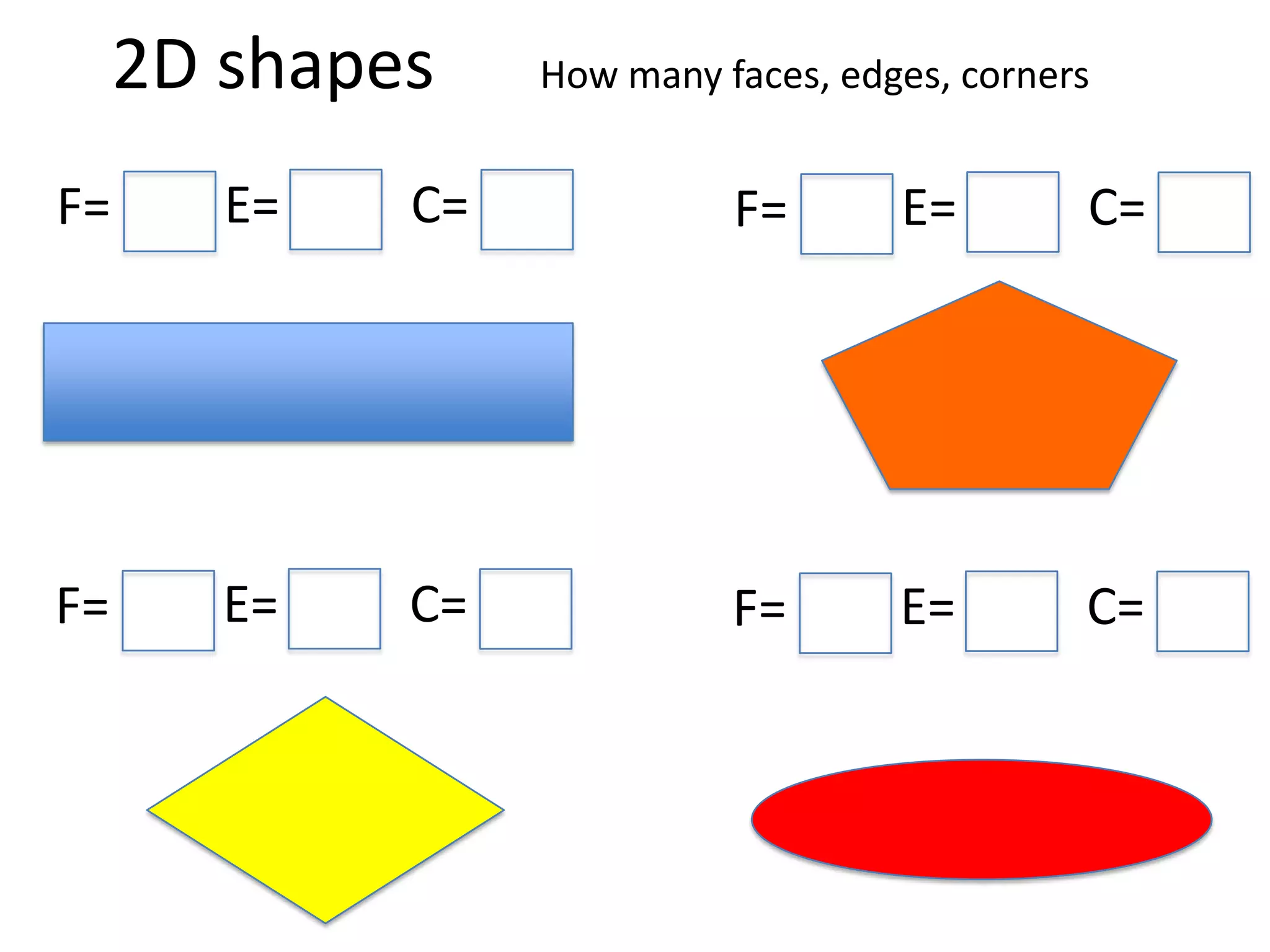
2D shapes How many faces, edges, corners
F= E= C= F= E= C=
F= E= C= F= E= C=
2D shapes
2D shapes How many faces, edges, corners
F= E= C= F= E= C=
F= E= C= F= E= C=
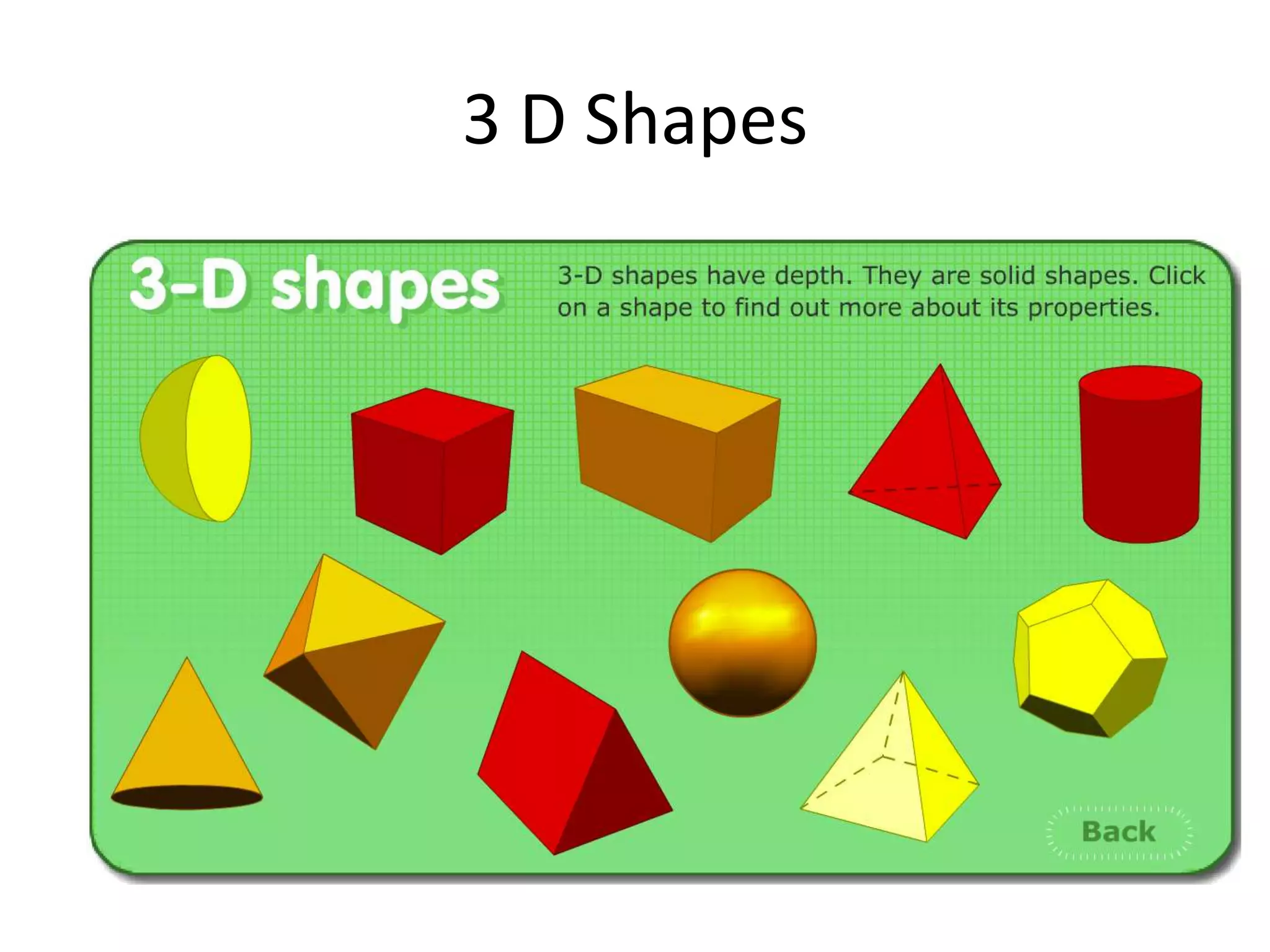
3 D Shapes
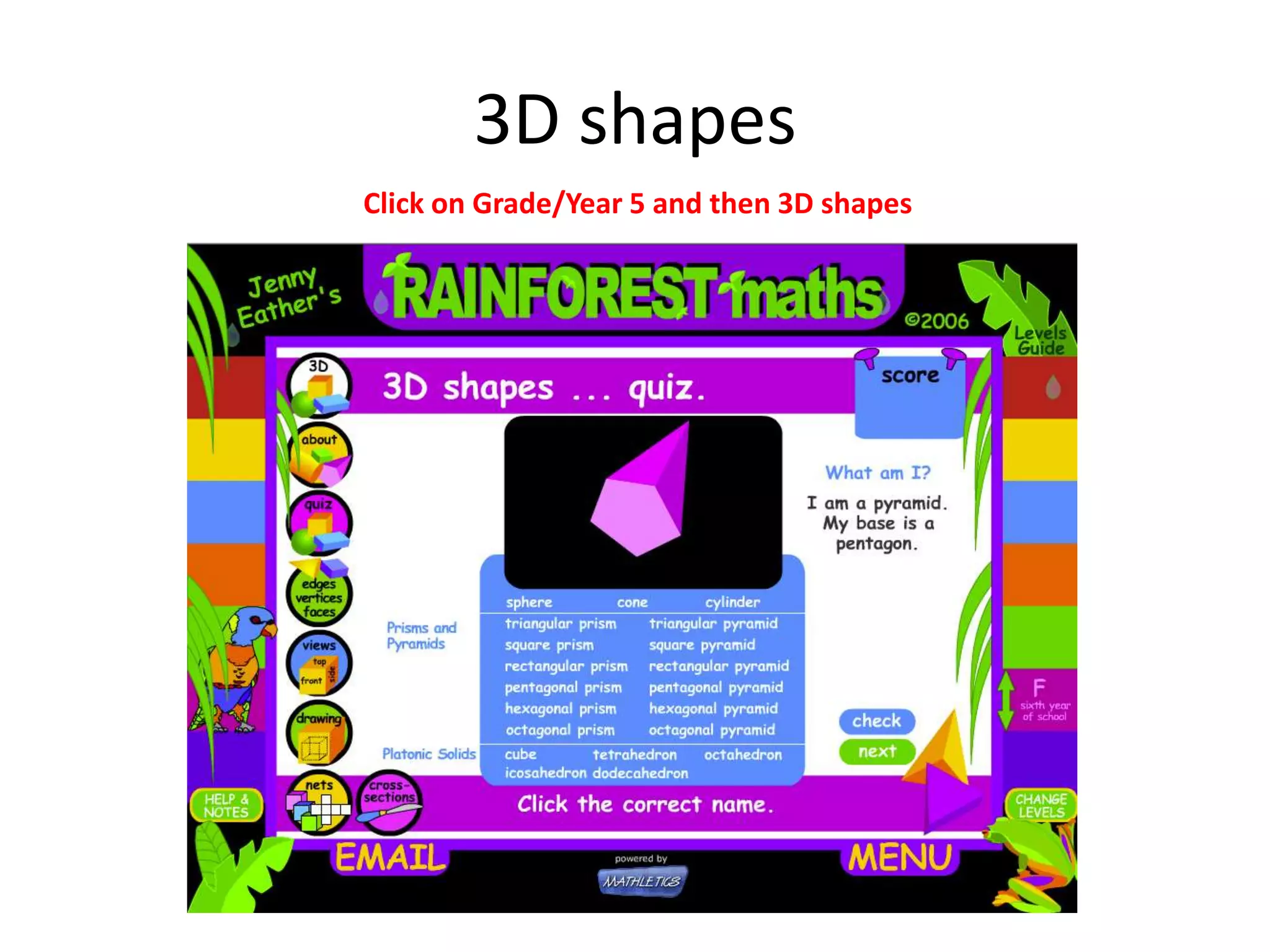
3D shapes
Click on Grade/Year 5 and then 3D shapes
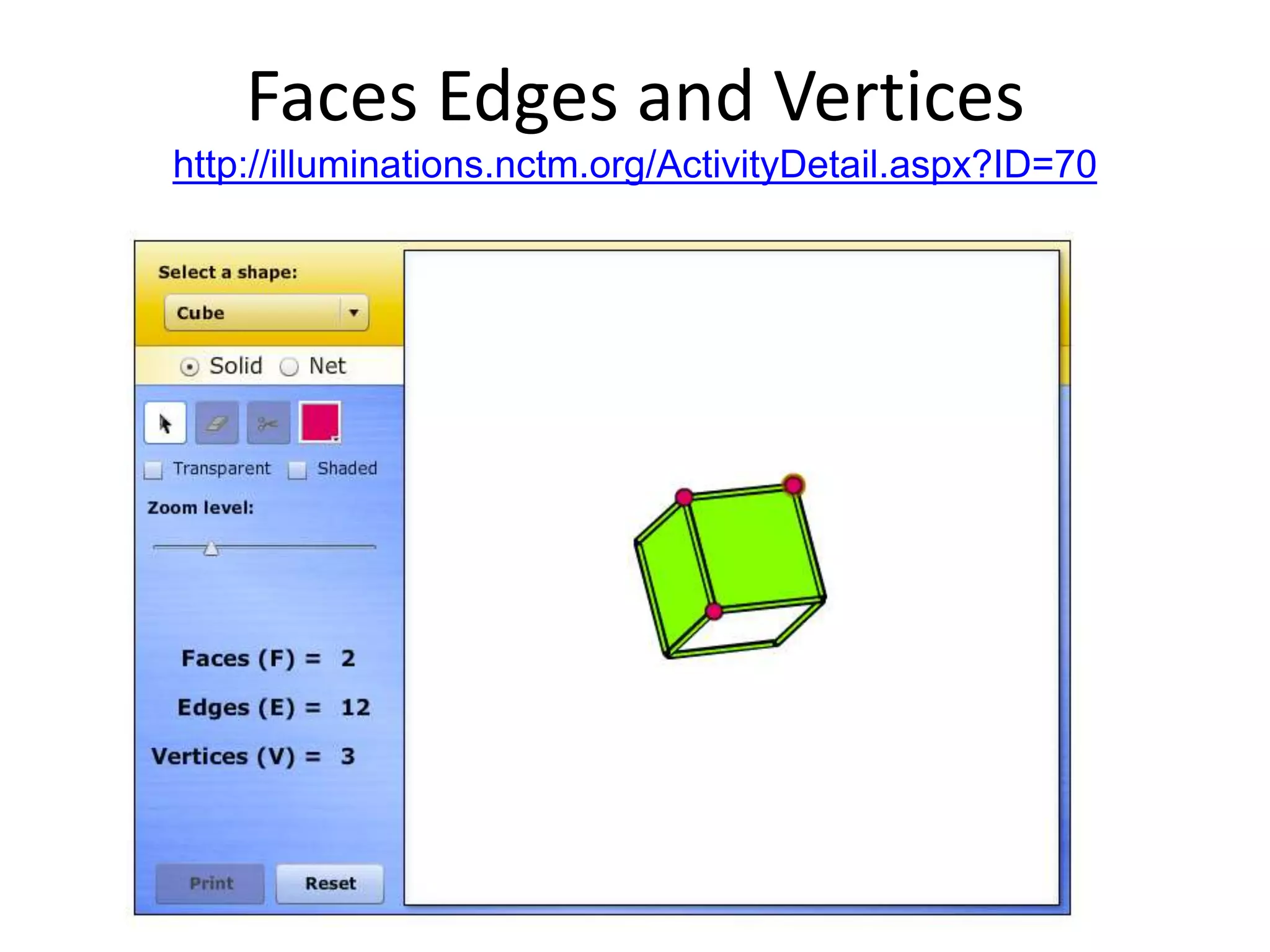
Faces Edges and Vertices
http://illuminations.nctm.org/ActivityDetail.aspx?ID=70
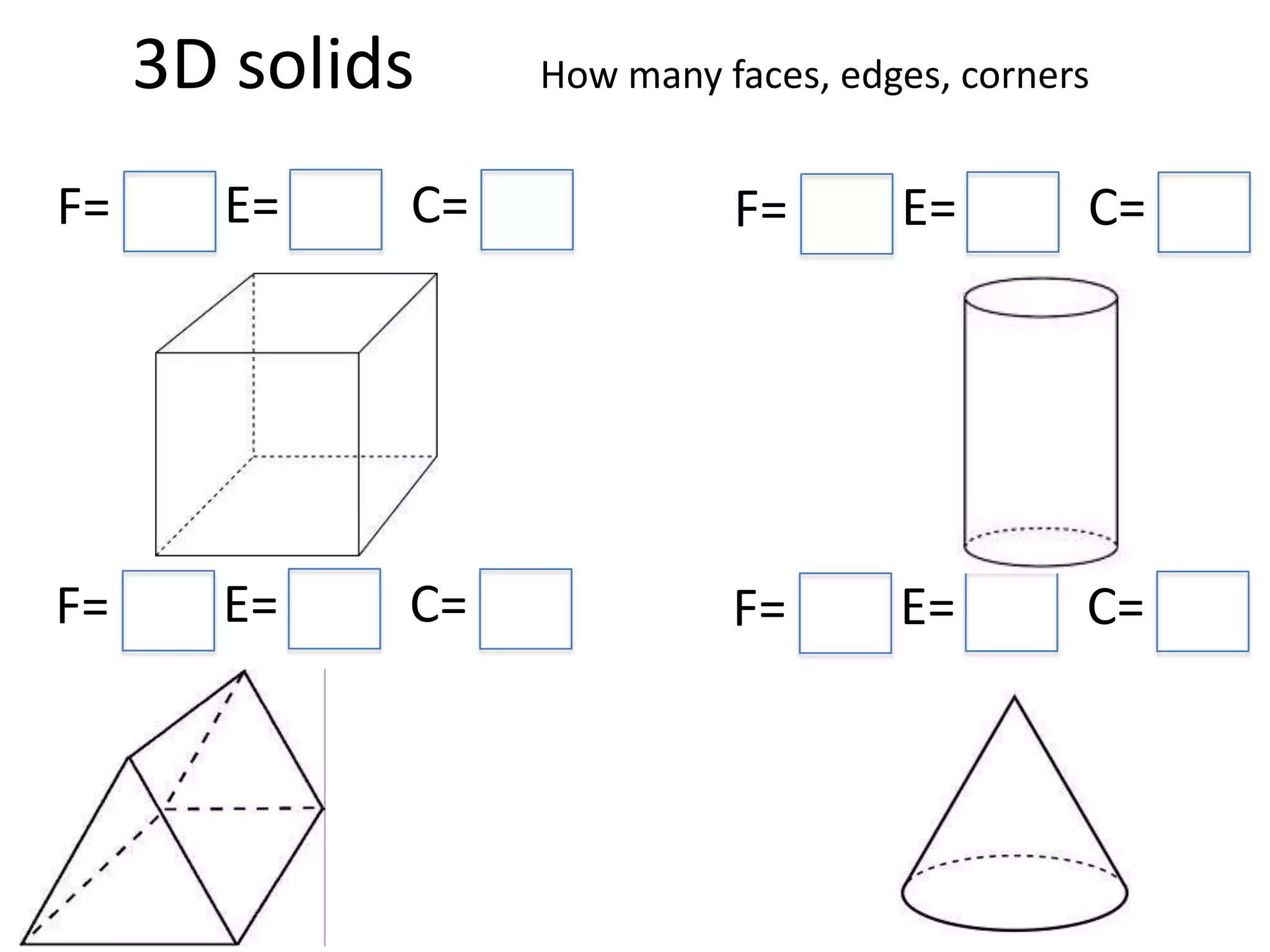
3D solids How many faces, edges, corners
F= E= C= F= E= C=
F= E= C= F= E= C=
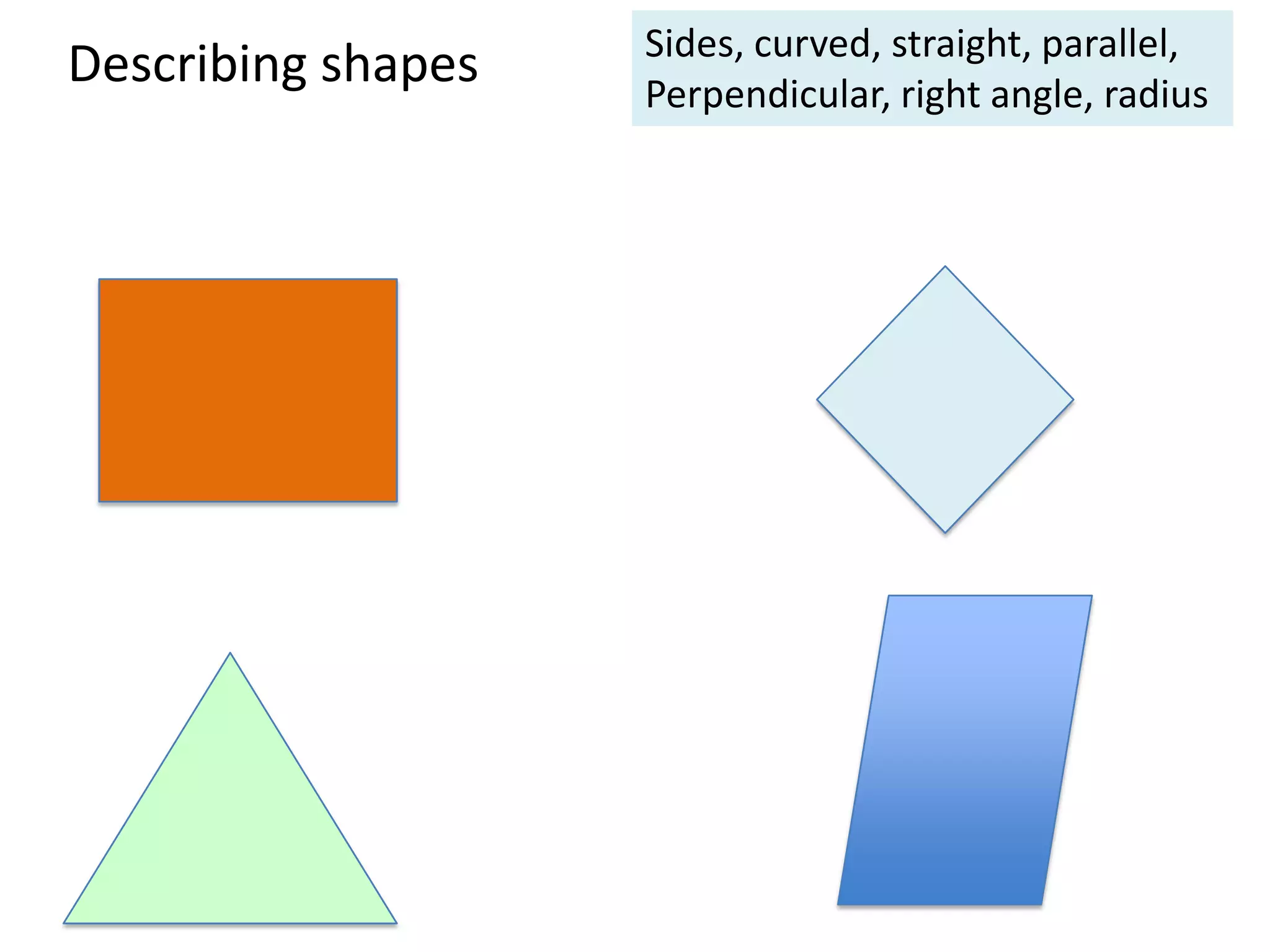
Describing shapes Sides, curved, straight, parallel,
Perpendicular, right angle, radius
Count the corners (vertices)
Studyladder: you will need to type in teacher user name and password, click on Tasks
and select from tasks)
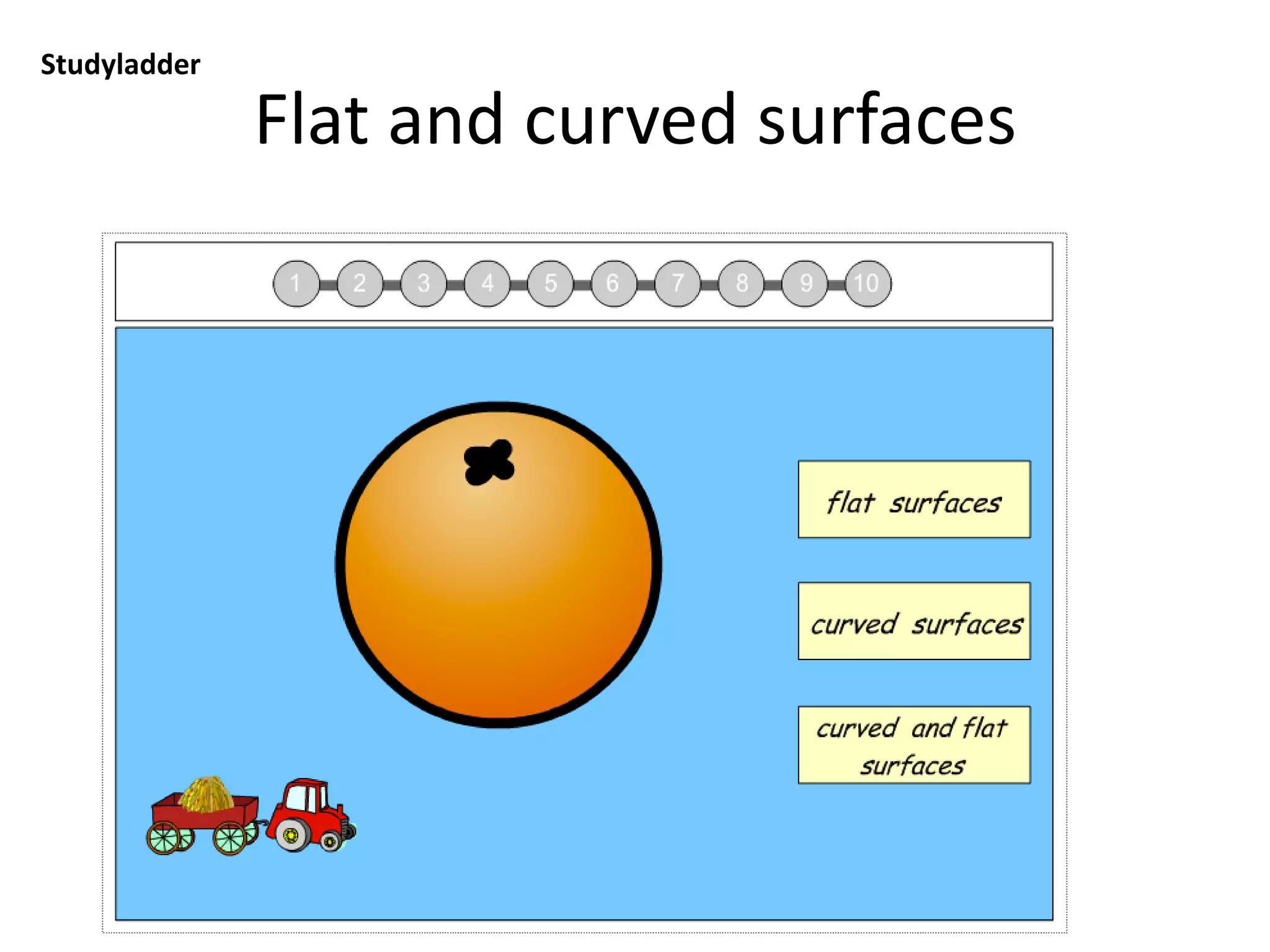
Flat and curved surfaces
Studyladder: you will need to type in teacher user name and password, click on Tasks and
select from tasks)
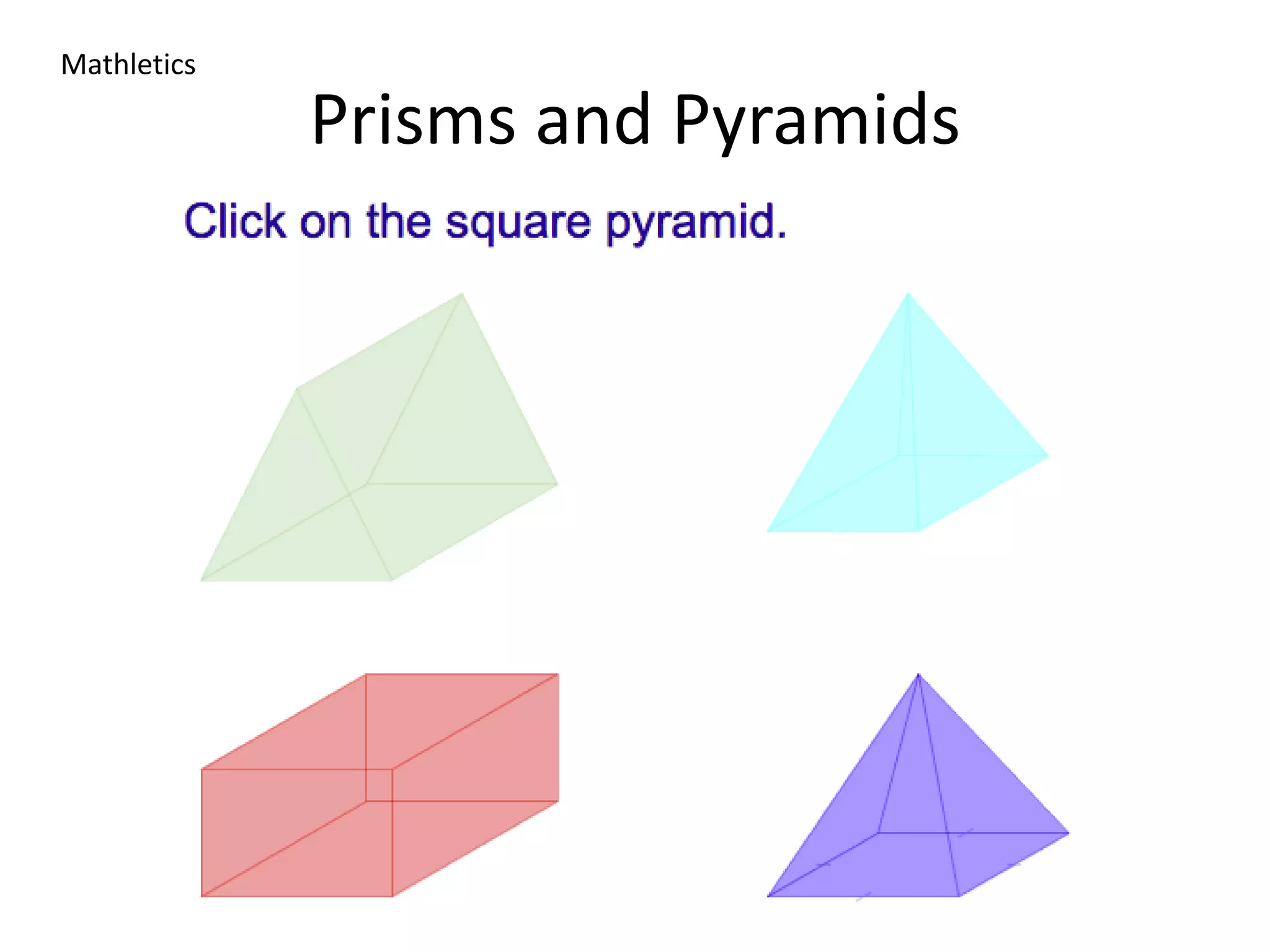
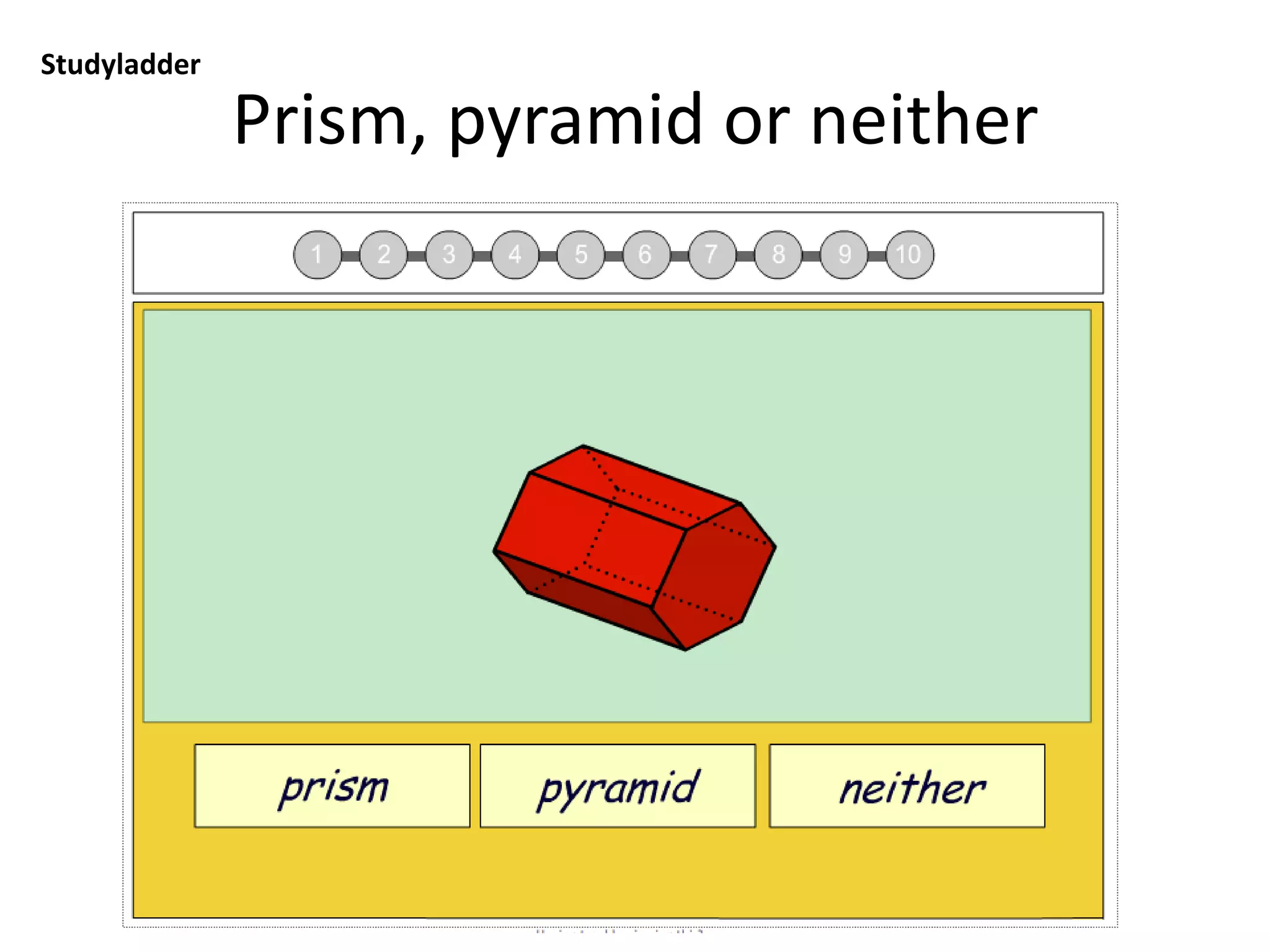
Prism, pyramid or neither
Studyladder: you will need to type in teacher user name and password, click on Tasks and
select from tasks)
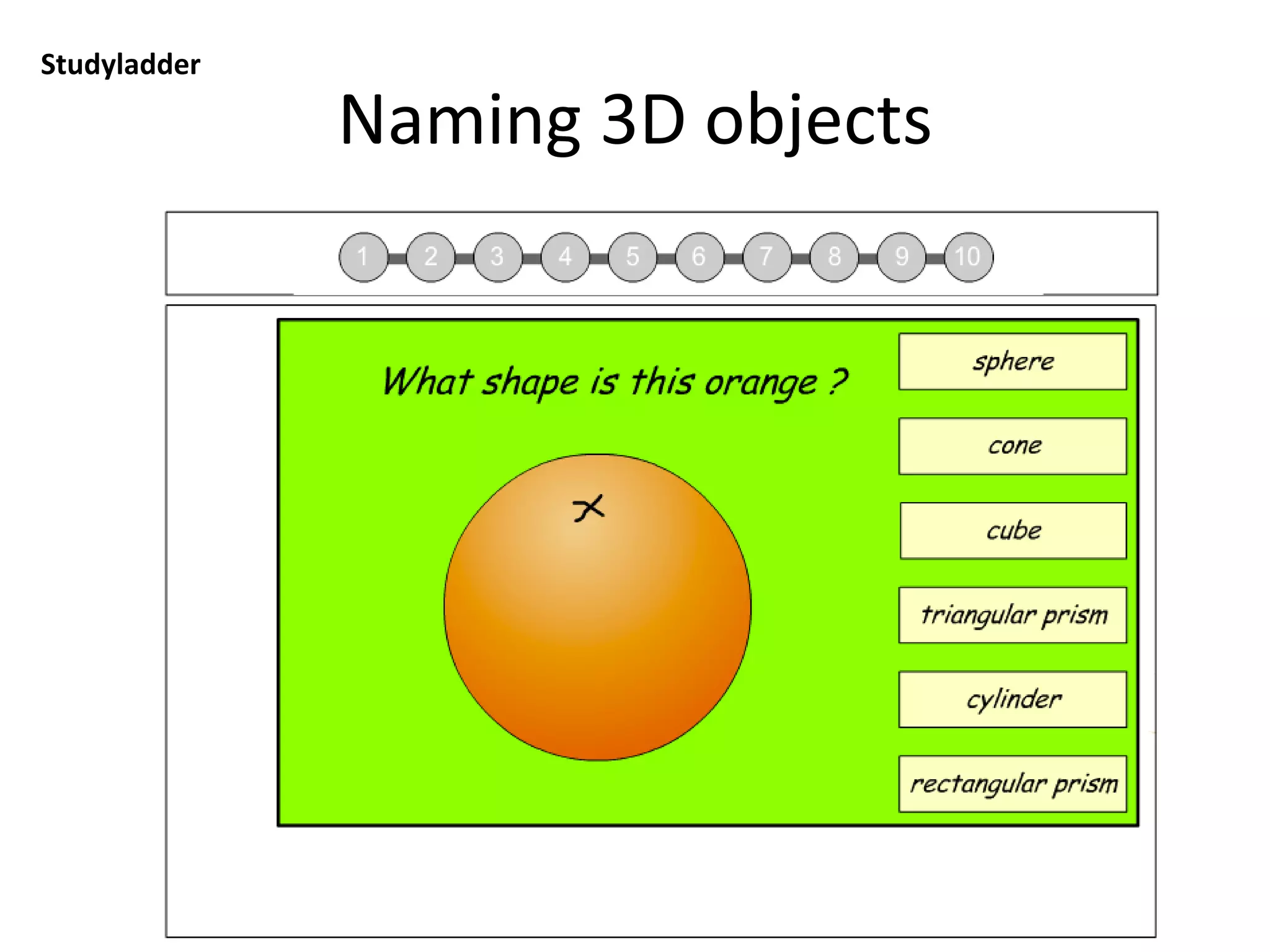
Naming 3D objects
Studyladder: you will need to type in teacher user name and password, click on Tasks and
select from tasks)
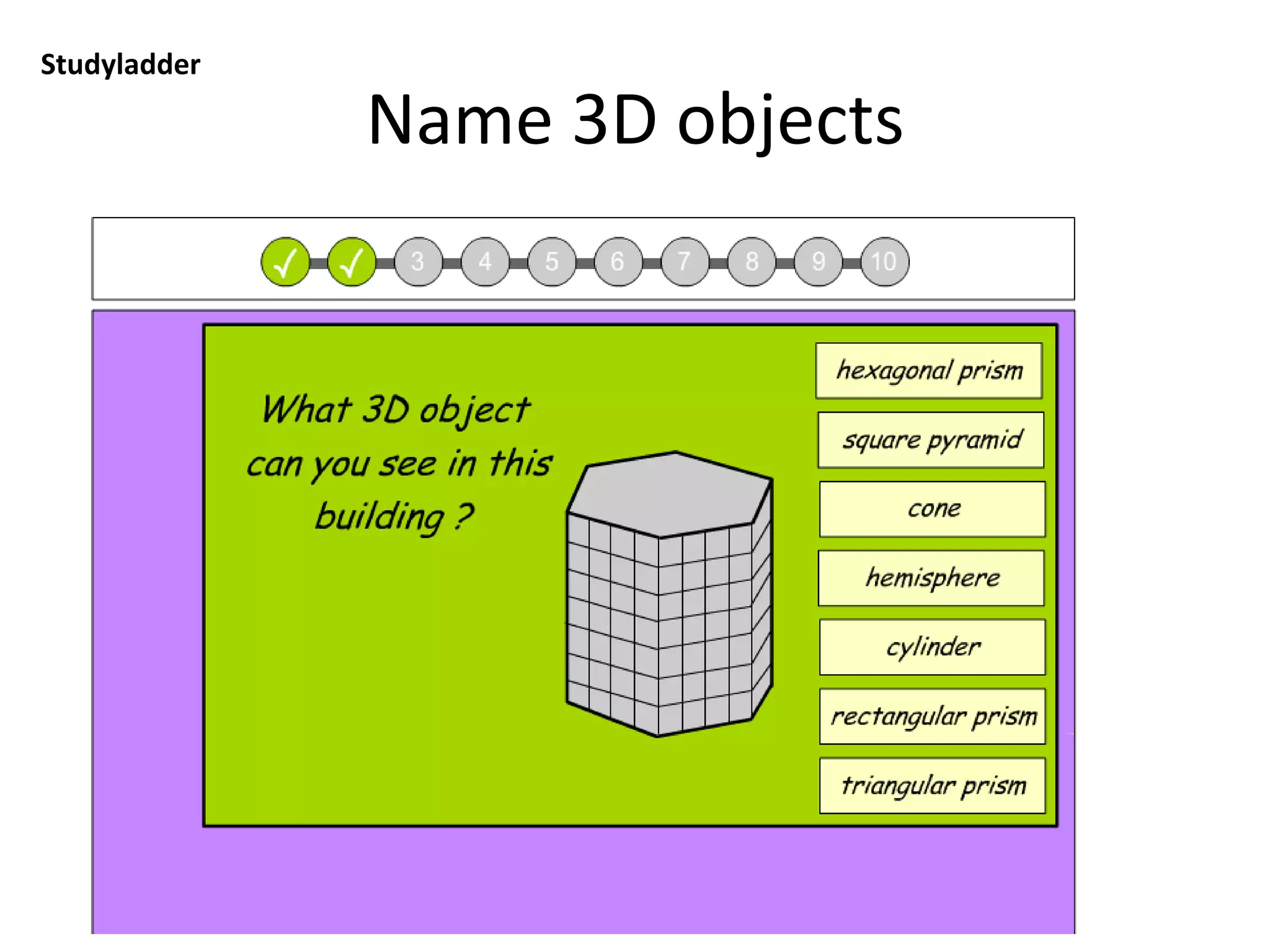
Name 3D objects
Studyladder: you will need to type in teacher user name and password, click on Tasks and
select from tasks)
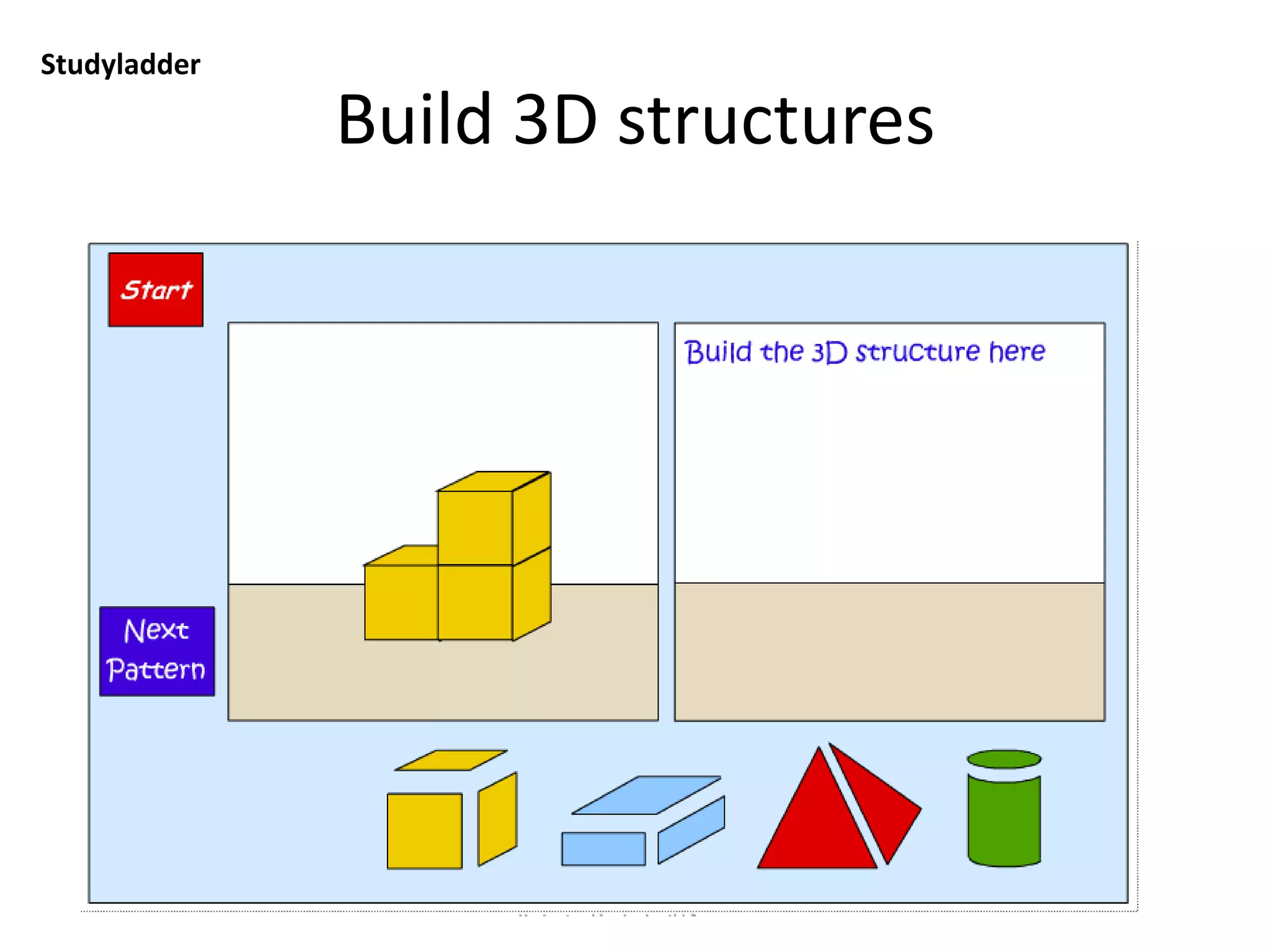
Build 3D structures
Studyladder: you will need to type in teacher user name and password, click on Tasks and
select from tasks)
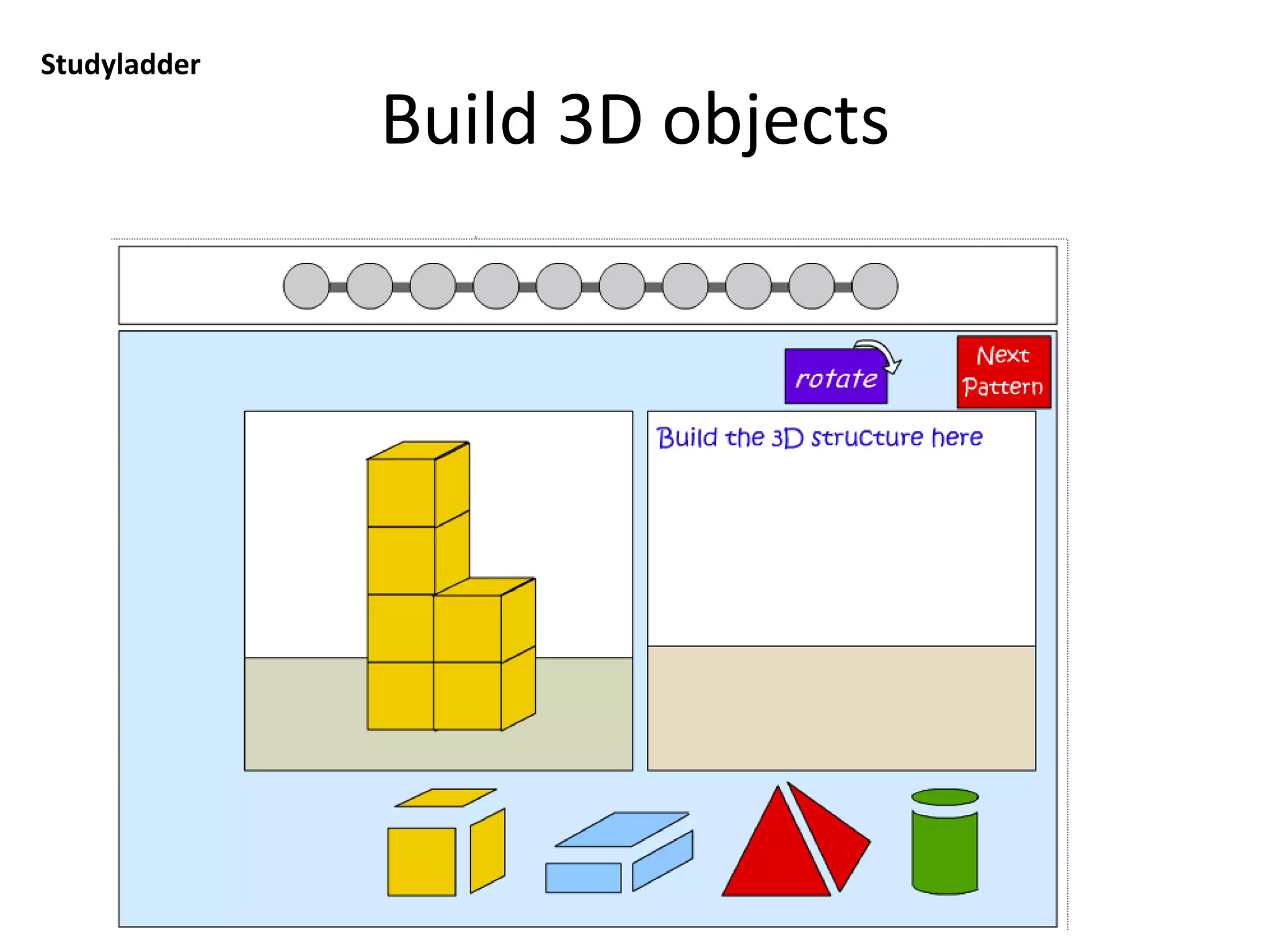
Build 3D objects
Studyladder: you will need to type in teacher user name and password, click on Tasks and
select from tasks)
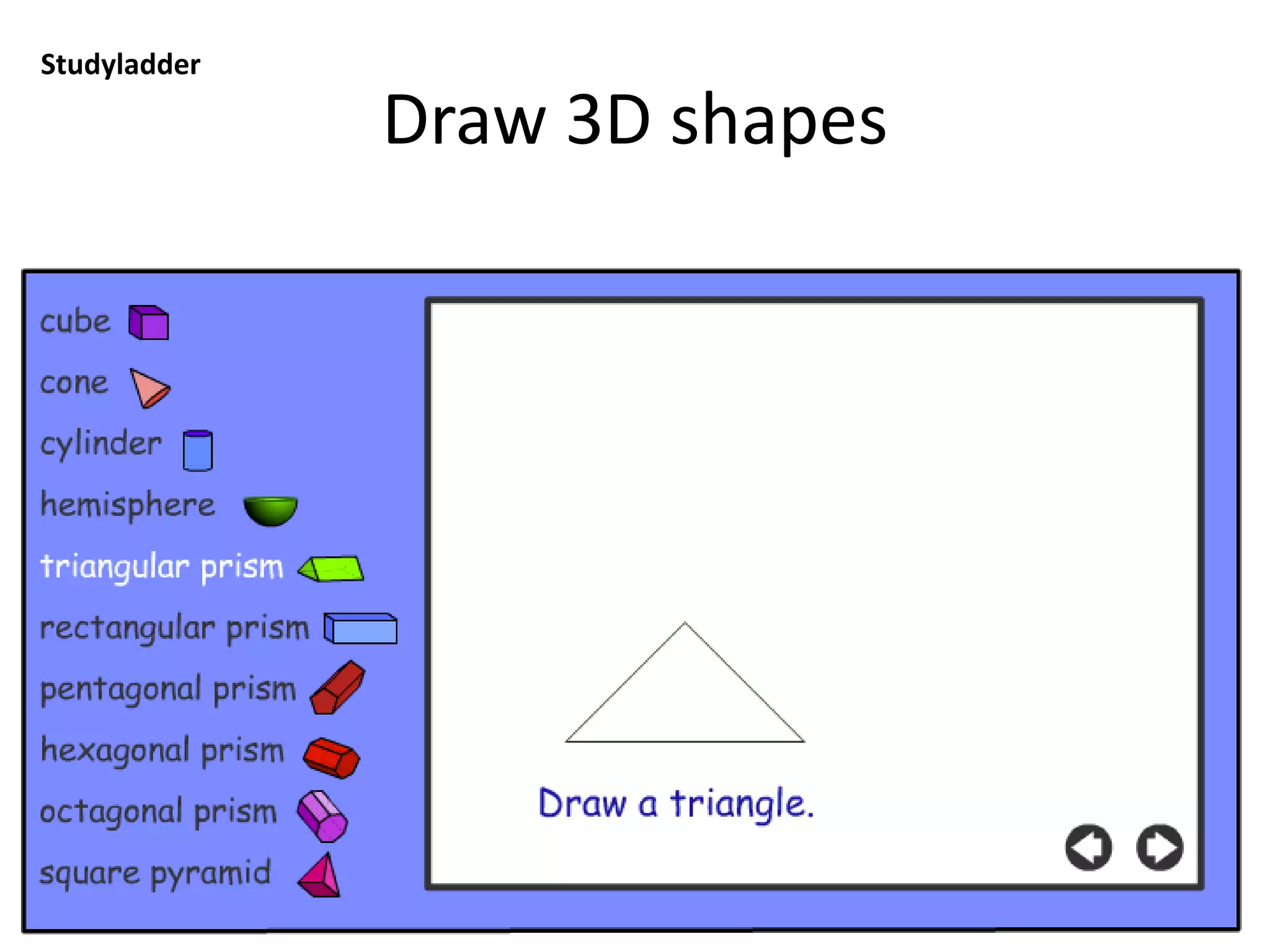
Draw 3D shapes
Studyladder: you will need to type in teacher user name and password, click on Tasks and
select from tasks)
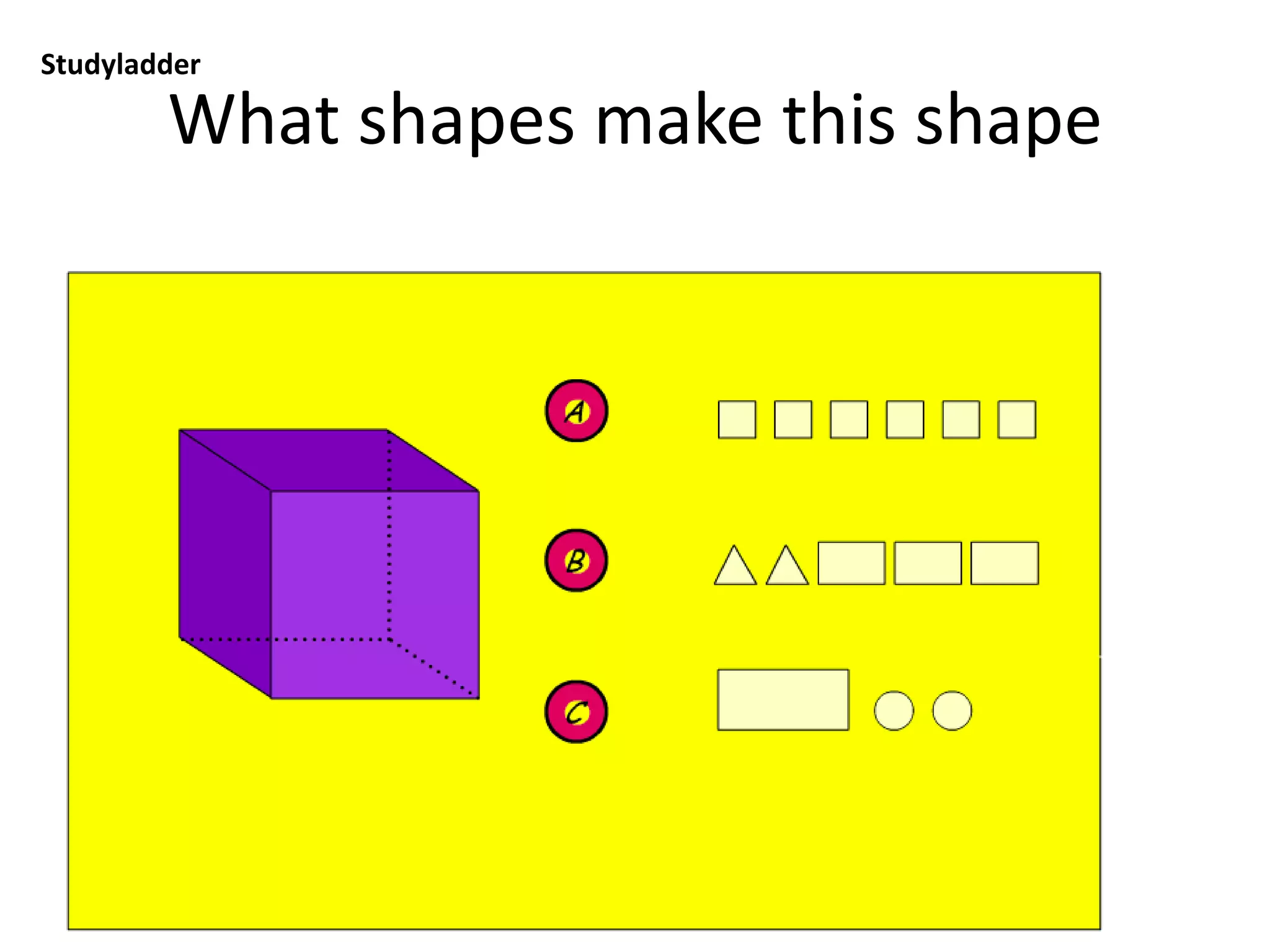
What shapes make this shape
Studyladder: you will need to type in teacher user name and password, click on Tasks and
select from tasks)
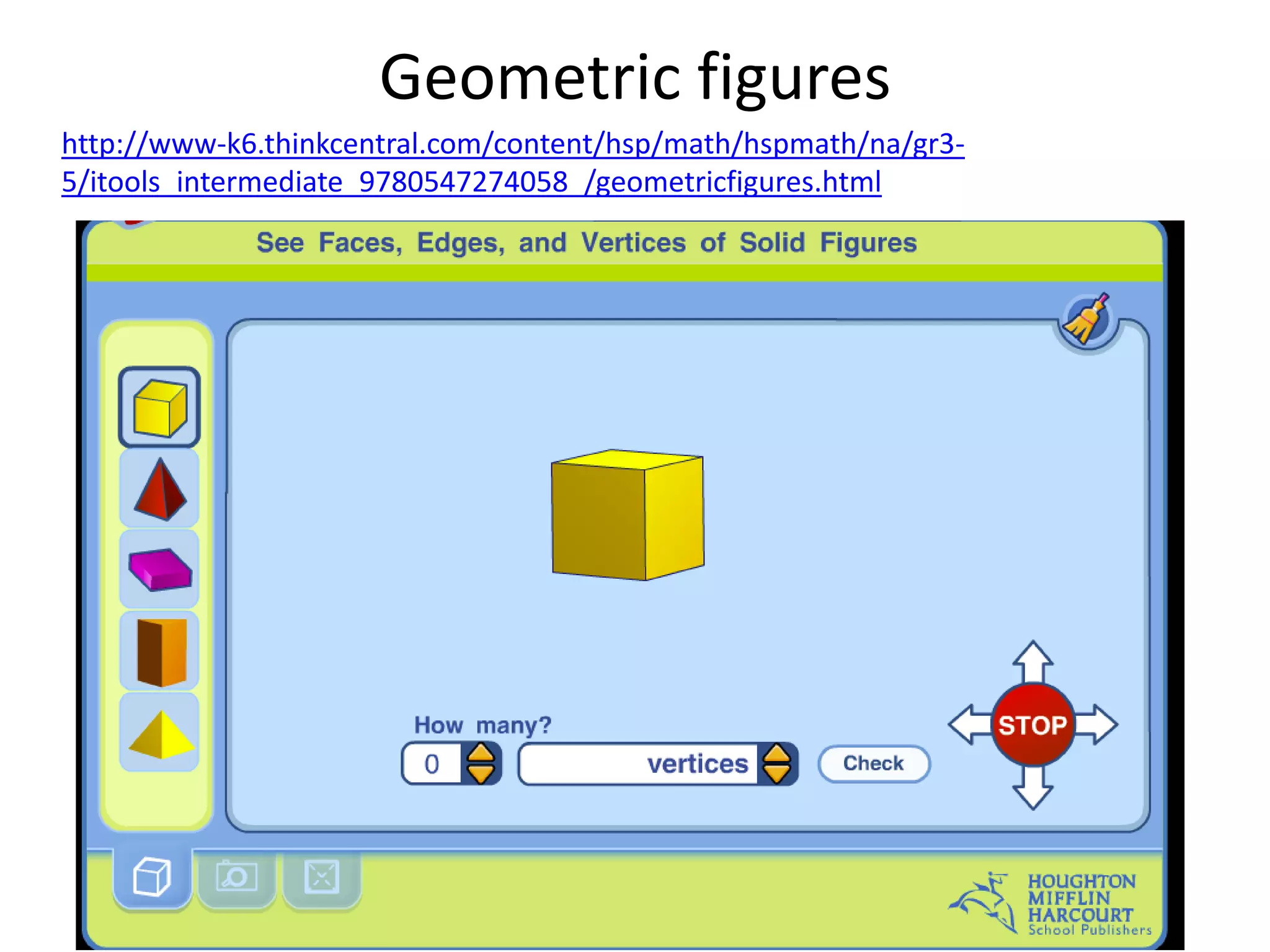
Geometric figures
http://www-k6.thinkcentral.com/content/hsp/math/hspmath/na/gr3-
5/itools_intermediate_9780547274058_/geometricfigures.html
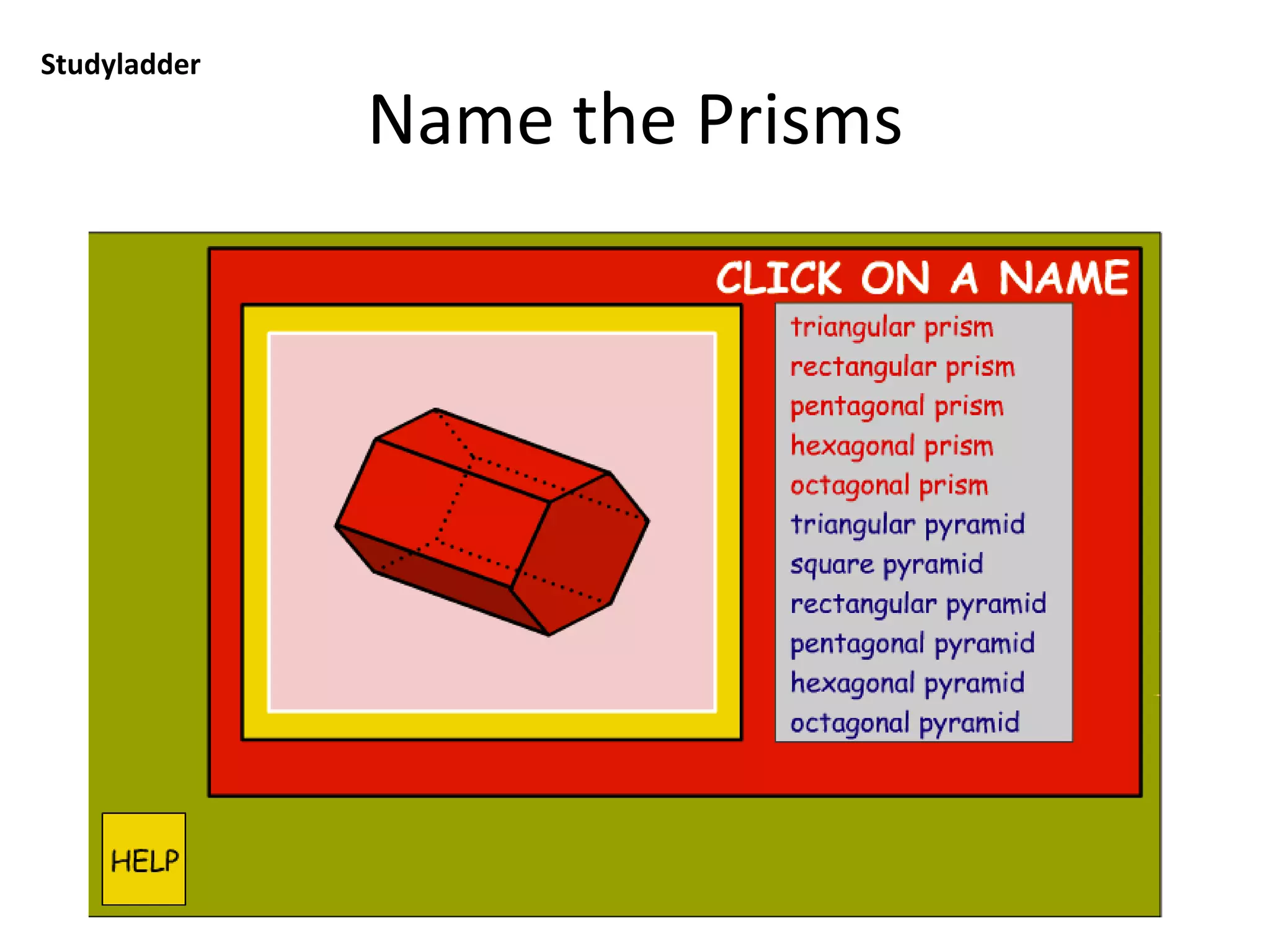
Name the Prisms
Studyladder: you will need to type in teacher user name and password, click on Tasks and
select from tasks)
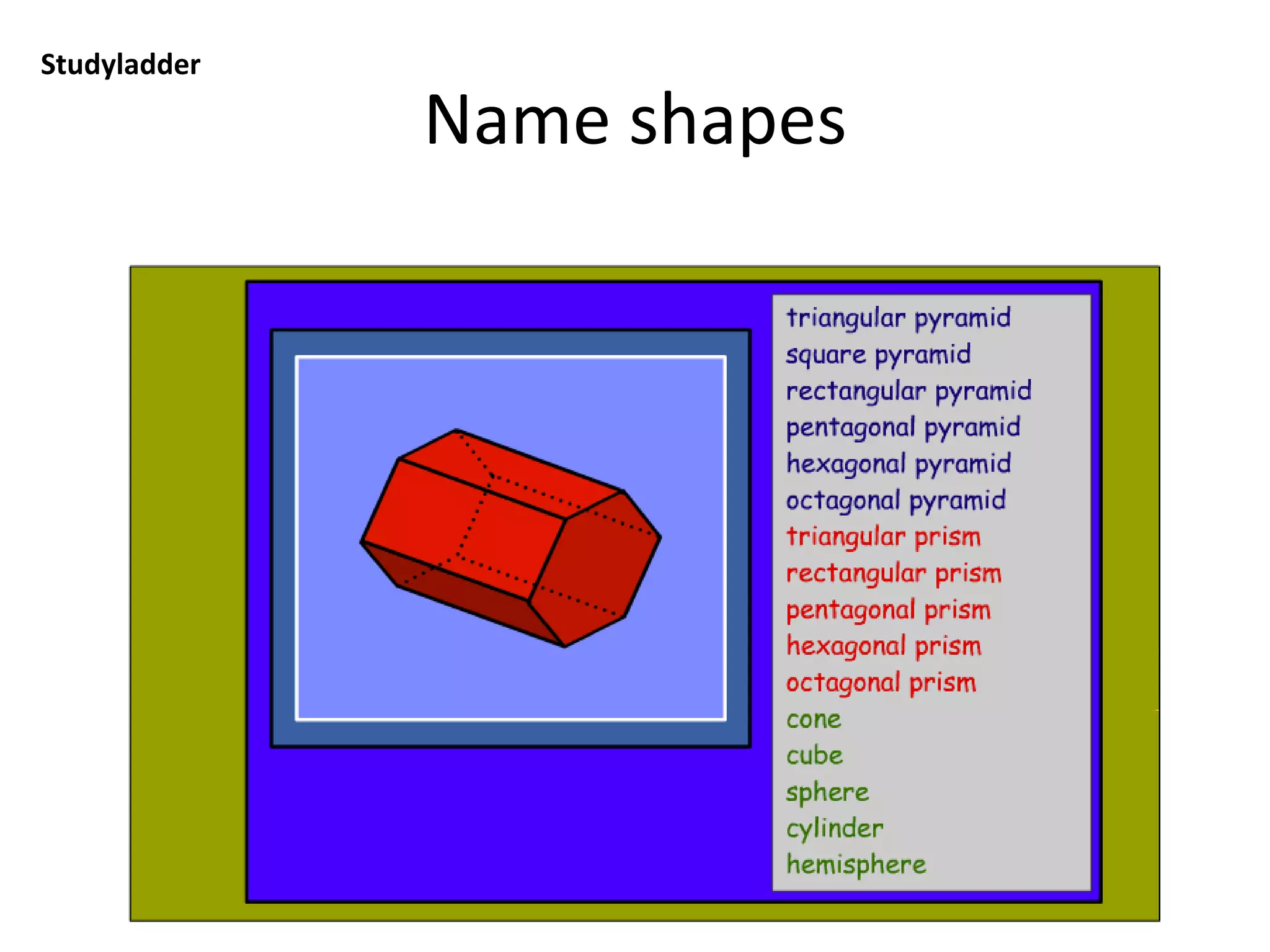
Name shapes
Studyladder: you will need to type in teacher user name and password, click on Tasks and
select from tasks)
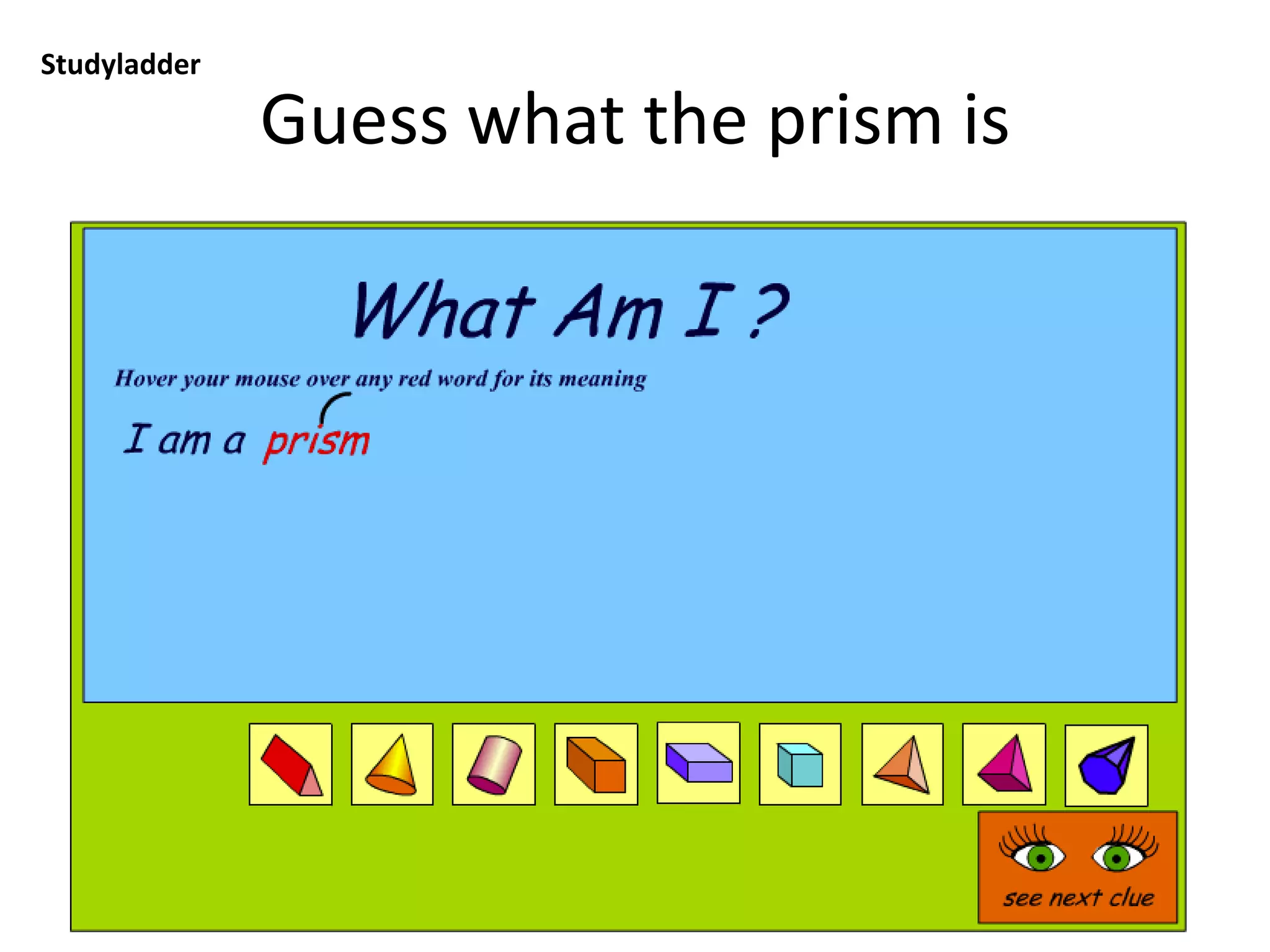
Guess what the prism is
Studyladder: you will need to type in teacher user name and password, click on Tasks and
select from tasks)
Sketchup Workshop
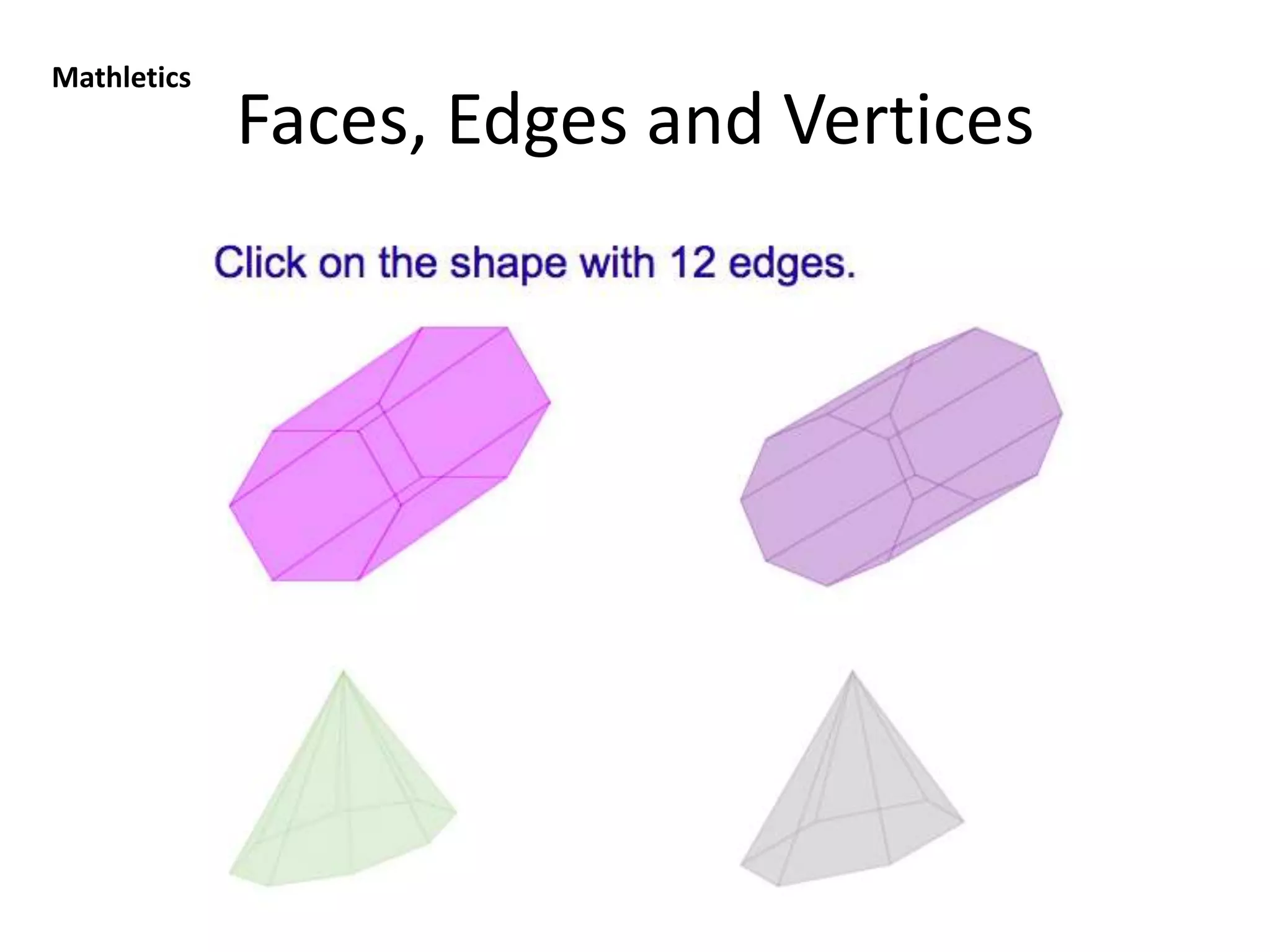
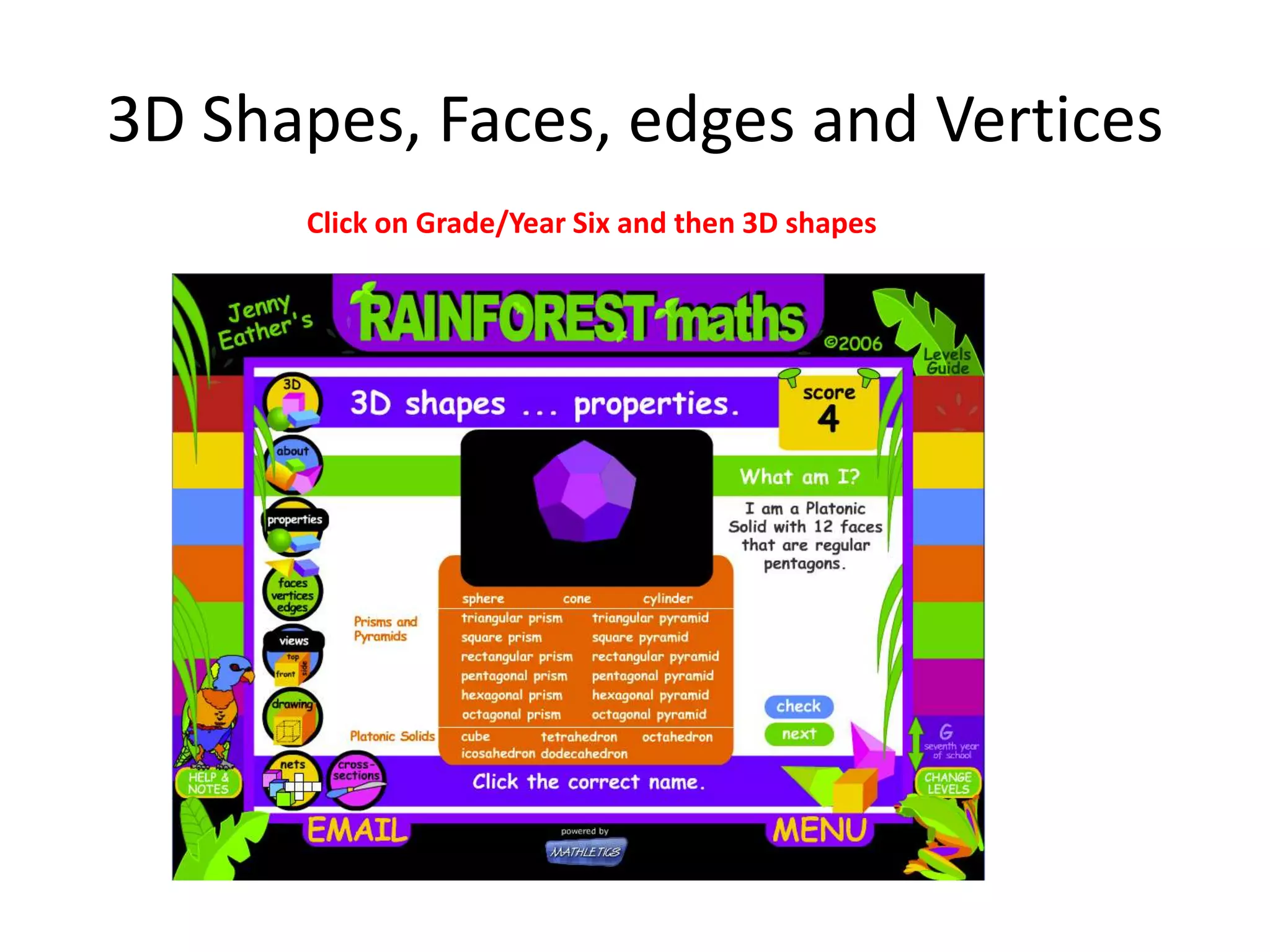
3D Shapes, Faces, edges and Vertices
Click on Grade/Year Six and then 3D shapes
See how nets are made
Studyladder: you will need to type in teacher user name and password, click on Tasks and
select from tasks)
Which object is made from this net?
Studyladder: you will need to type in teacher user name and password, click on Tasks and
select from tasks)
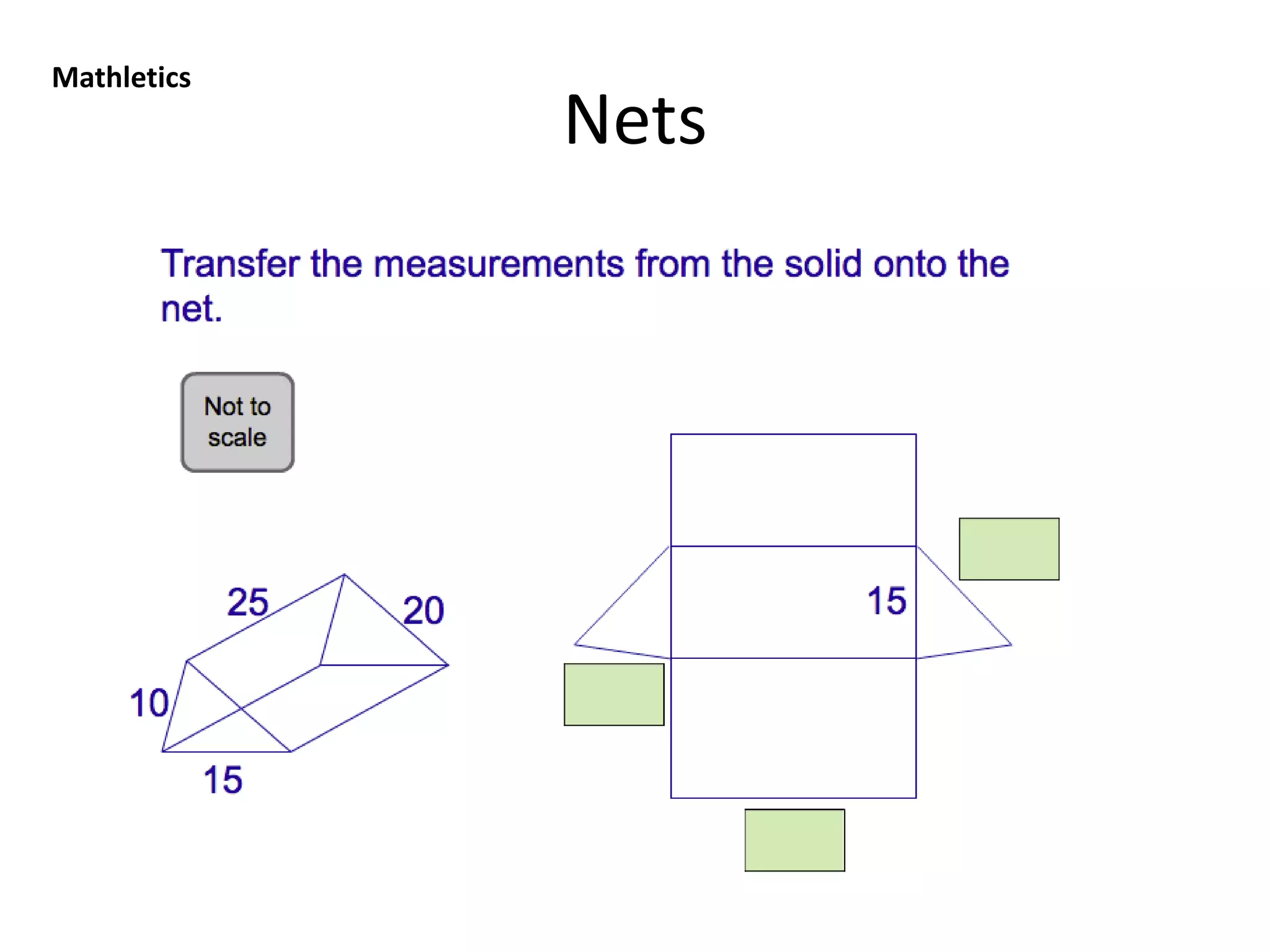
Nets and 3D shapes
Click on Grade/Year Six and then 3D shapes and then Nets

Shape workshop