In what ways does your
media product use forms
and conventions of real
media products?
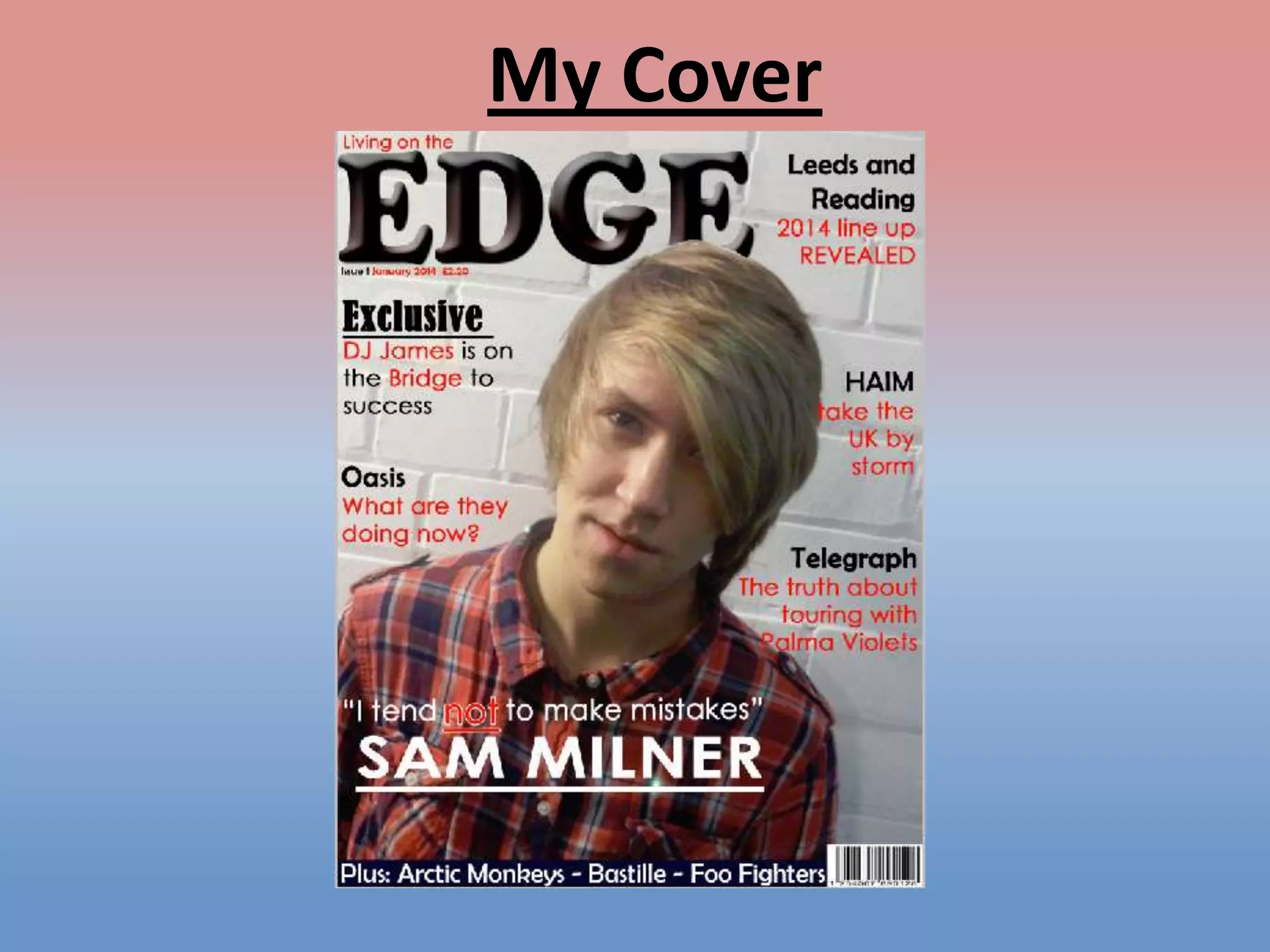
My Cover
Examples

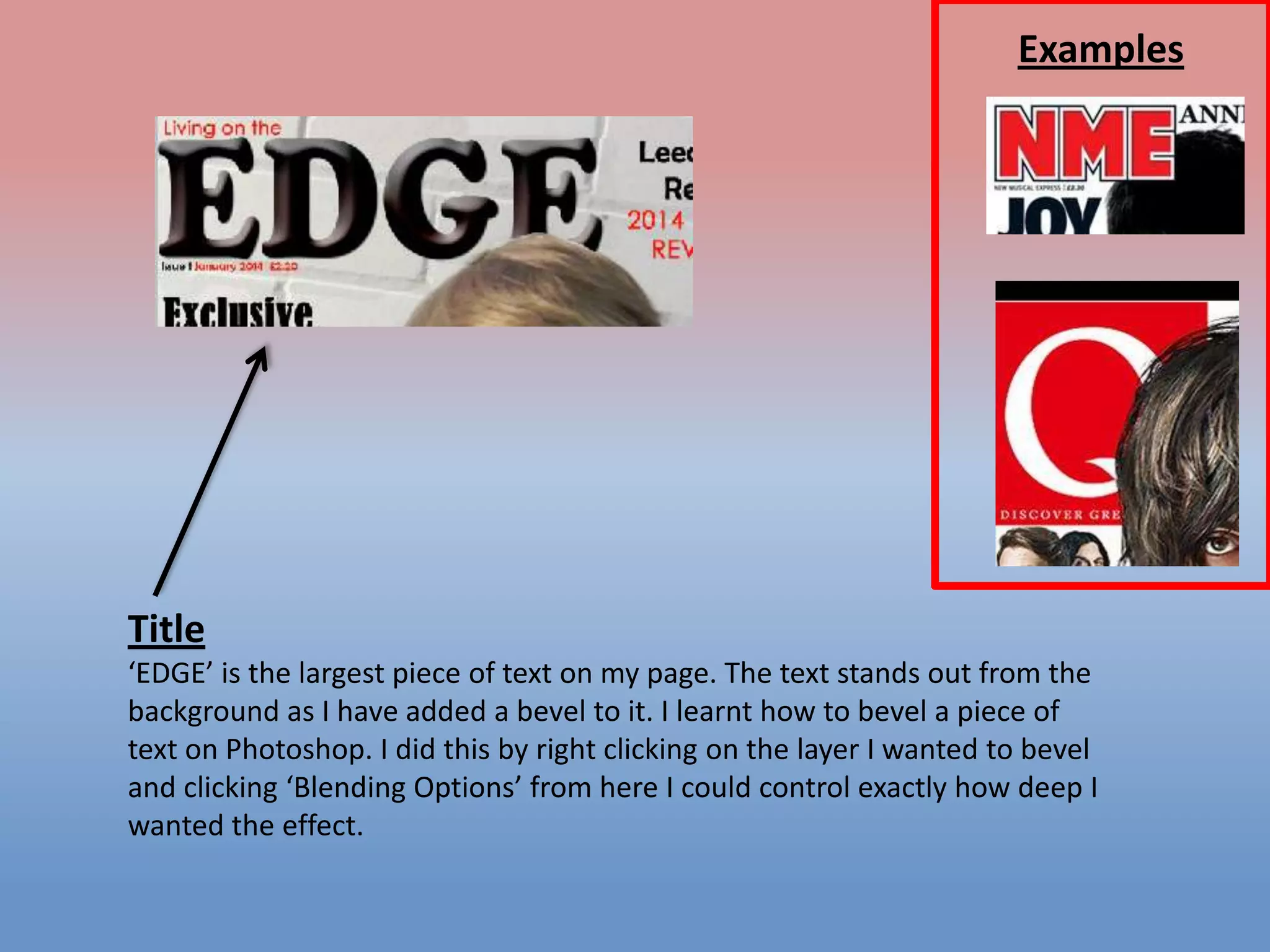
Title
‘EDGE’ is the largest piece of text on my page. The text stands out from the
background as I have added a bevel to it. I learnt how to bevel a piece of
text on Photoshop. I did this by right clicking on the layer I wanted to bevel
and clicking ‘Blending Options’ from here I could control exactly how deep I
wanted the effect.
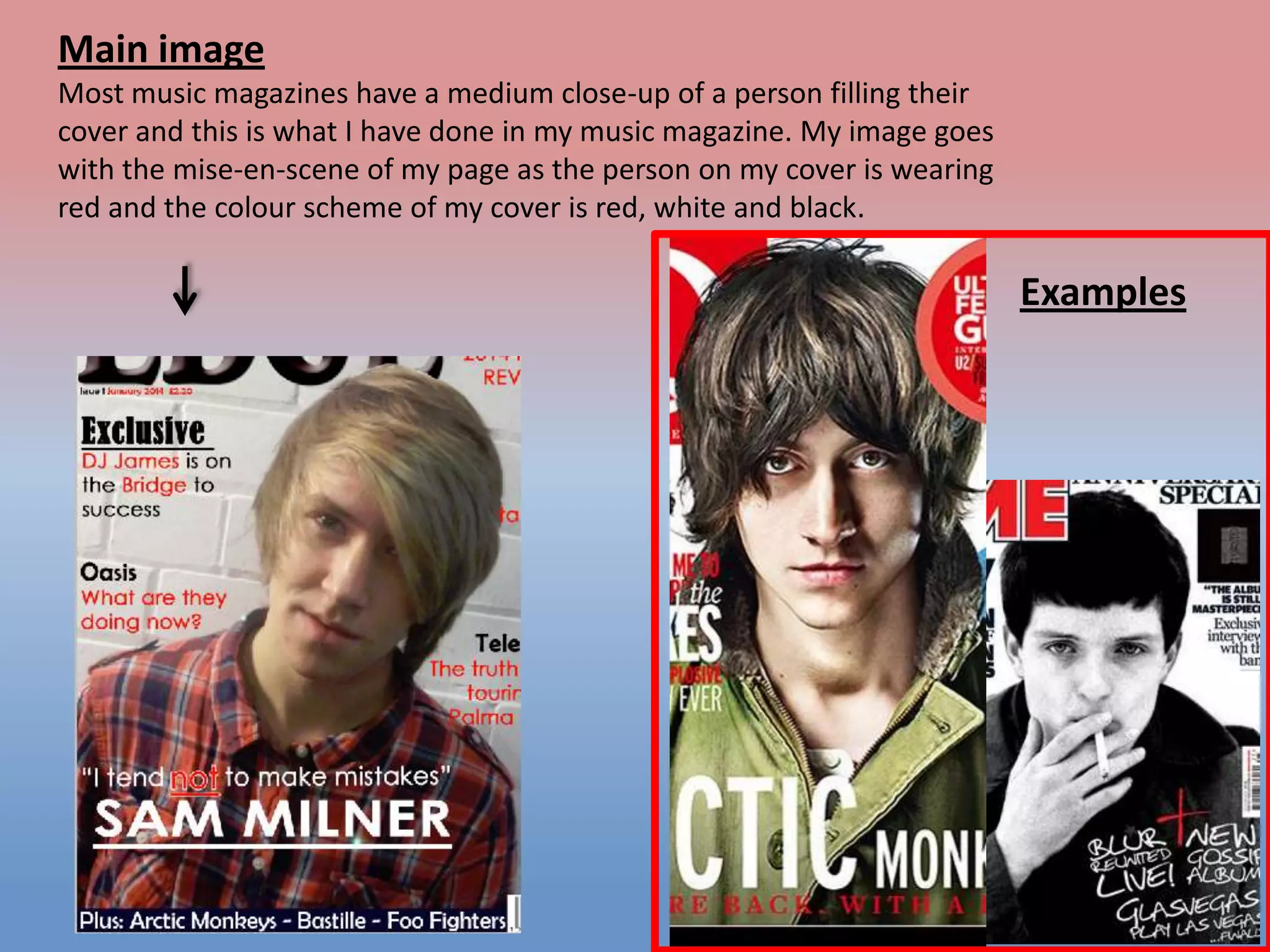
Main image
Most music magazines have a medium close-up of a person filling their
cover and this is what I have done in my music magazine. My image goes
with the mise-en-scene of my page as the person on my cover is wearing
red and the colour scheme of my cover is red, white and black.

Examples
Text size
Easily
readable, spread out
across the page, not
covering the picture
of the
cover, differences
between cover lines
and headlines

Examples
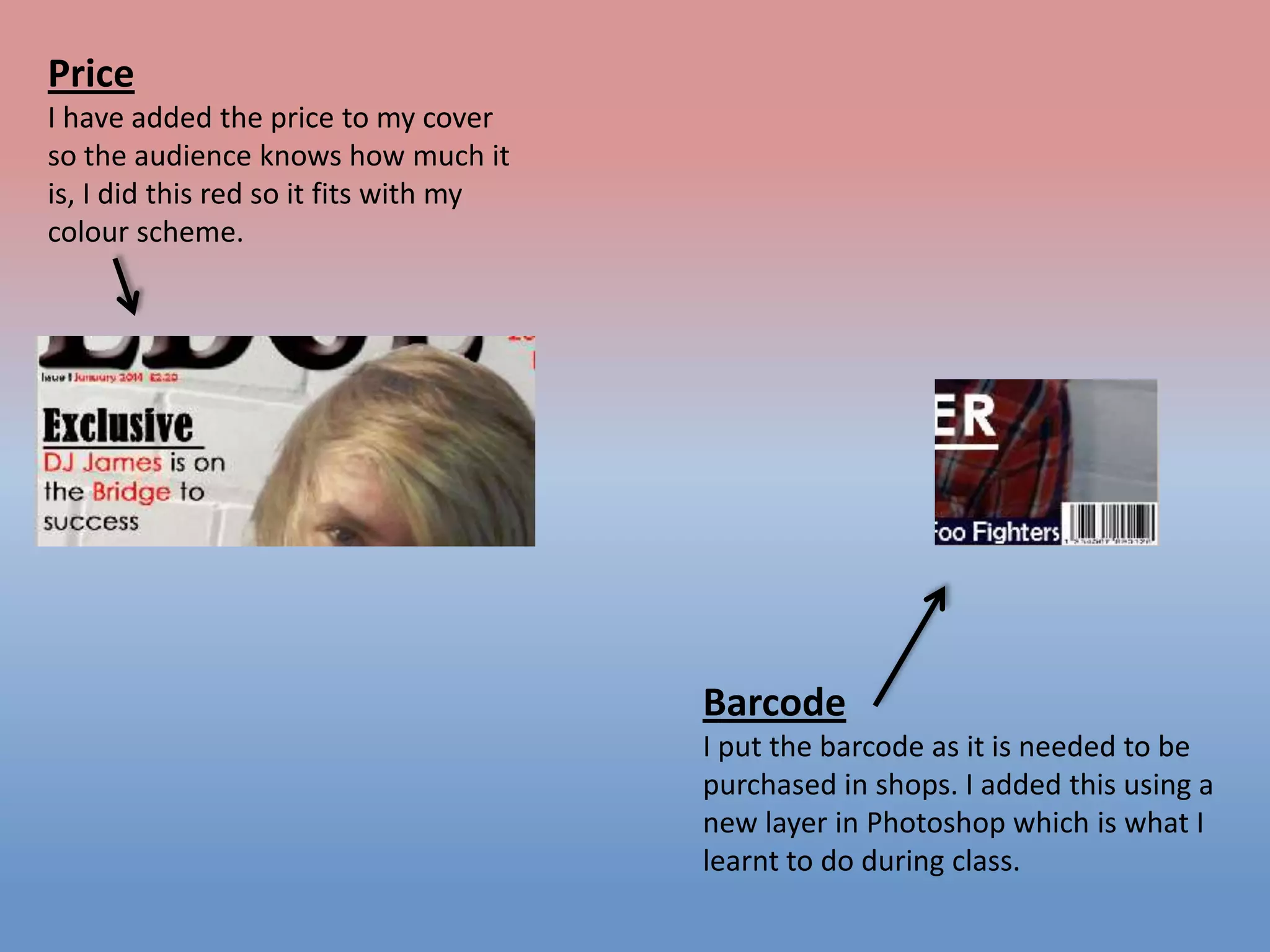
Price
I have added the price to my cover
so the audience knows how much it
is, I did this red so it fits with my
colour scheme.

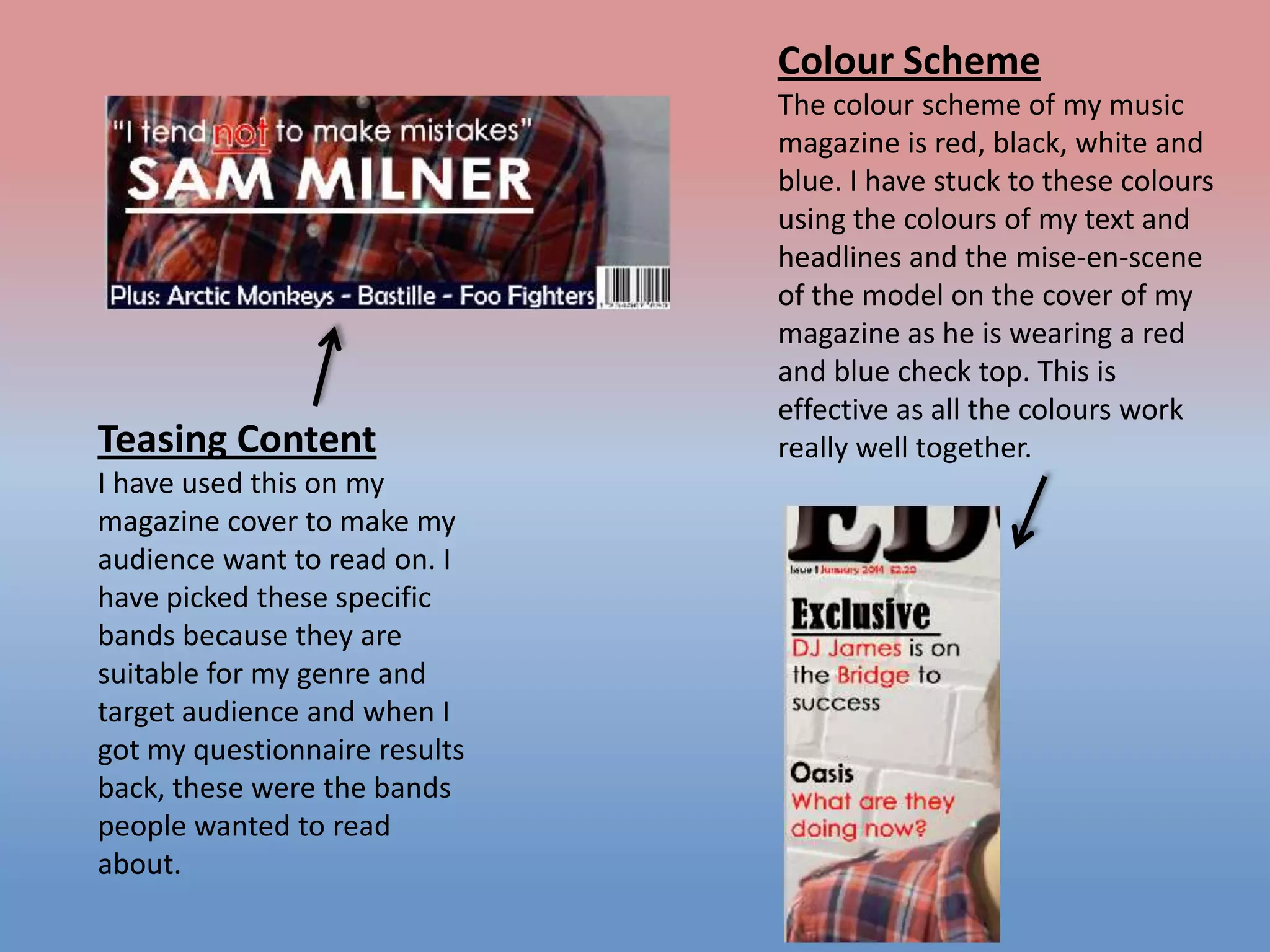
Barcode
I put the barcode as it is needed to be
purchased in shops. I added this using a
new layer in Photoshop which is what I
learnt to do during class.
Colour Scheme

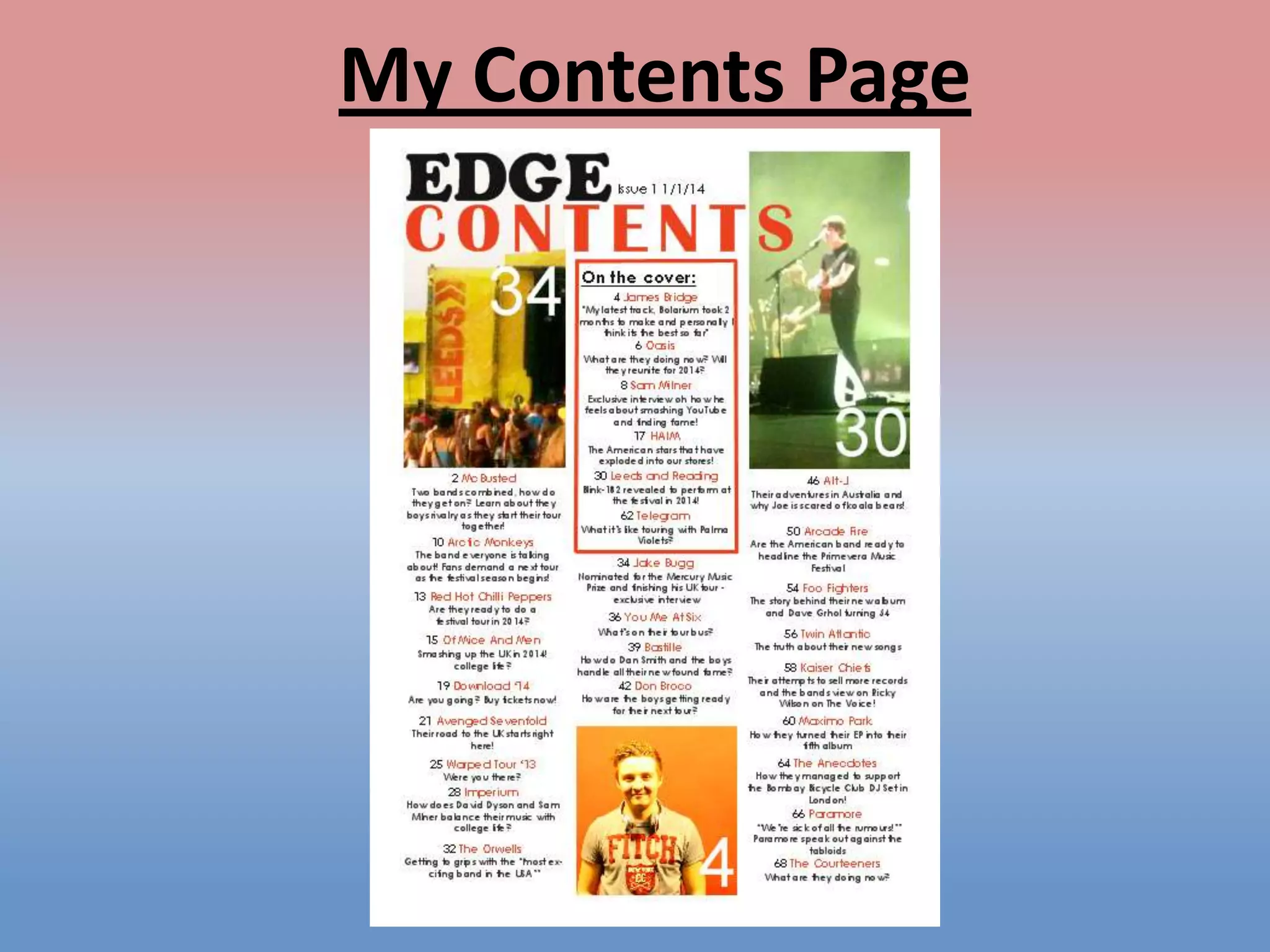
Teasing Content
I have used this on my
magazine cover to make my
audience want to read on. I
have picked these specific
bands because they are
suitable for my genre and
target audience and when I
got my questionnaire results
back, these were the bands
people wanted to read
about.

The colour scheme of my music
magazine is red, black, white and
blue. I have stuck to these colours
using the colours of my text and
headlines and the mise-en-scene
of the model on the cover of my
magazine as he is wearing a red
and blue check top. This is
effective as all the colours work
really well together.
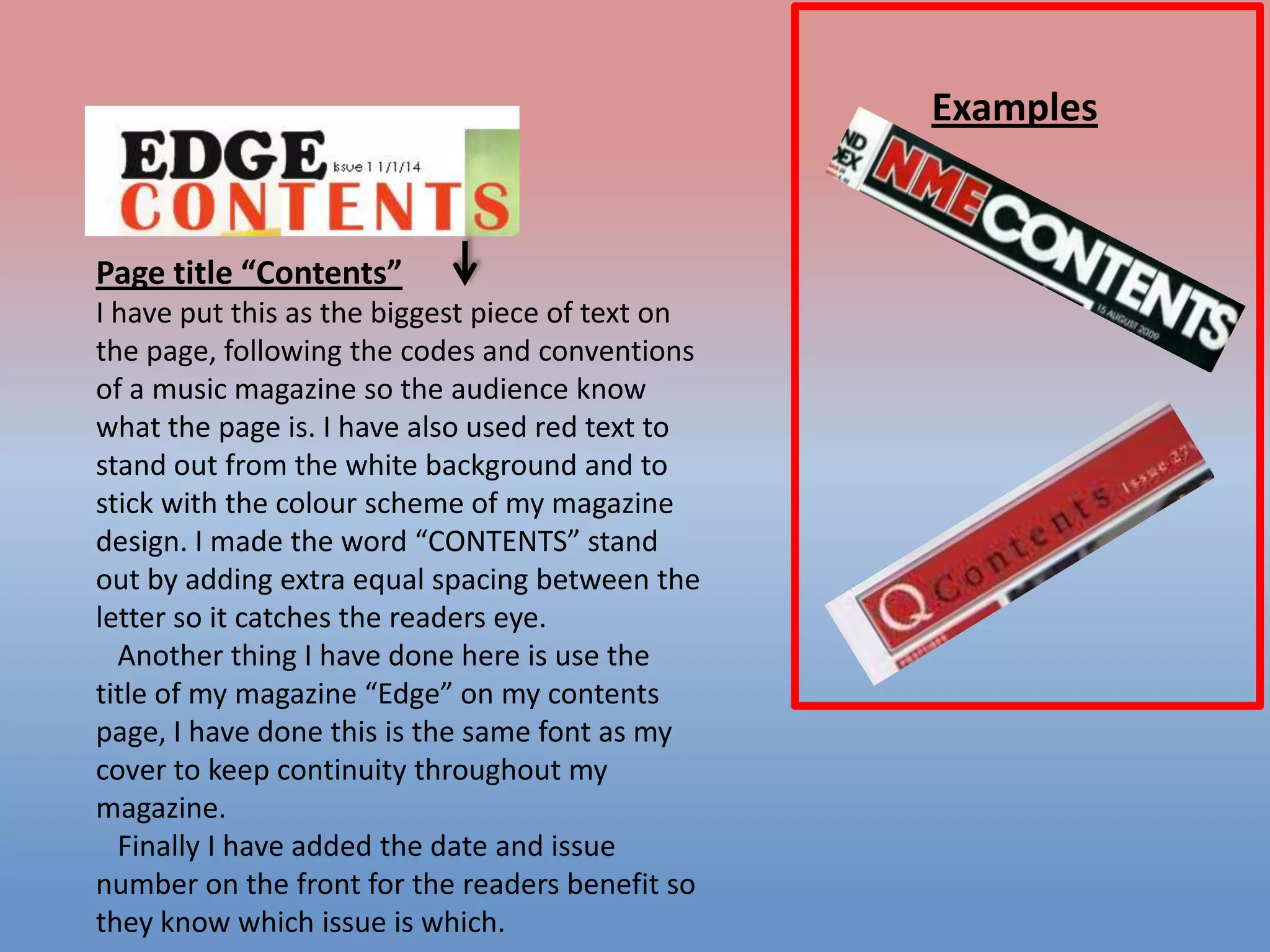
My Contents Page
Examples

Page title “Contents”
I have put this as the biggest piece of text on
the page, following the codes and conventions
of a music magazine so the audience know
what the page is. I have also used red text to
stand out from the white background and to
stick with the colour scheme of my magazine
design. I made the word “CONTENTS” stand
out by adding extra equal spacing between the
letter so it catches the readers eye.
Another thing I have done here is use the
title of my magazine “Edge” on my contents
page, I have done this is the same font as my
cover to keep continuity throughout my
magazine.
Finally I have added the date and issue
number on the front for the readers benefit so
they know which issue is which.
Examples

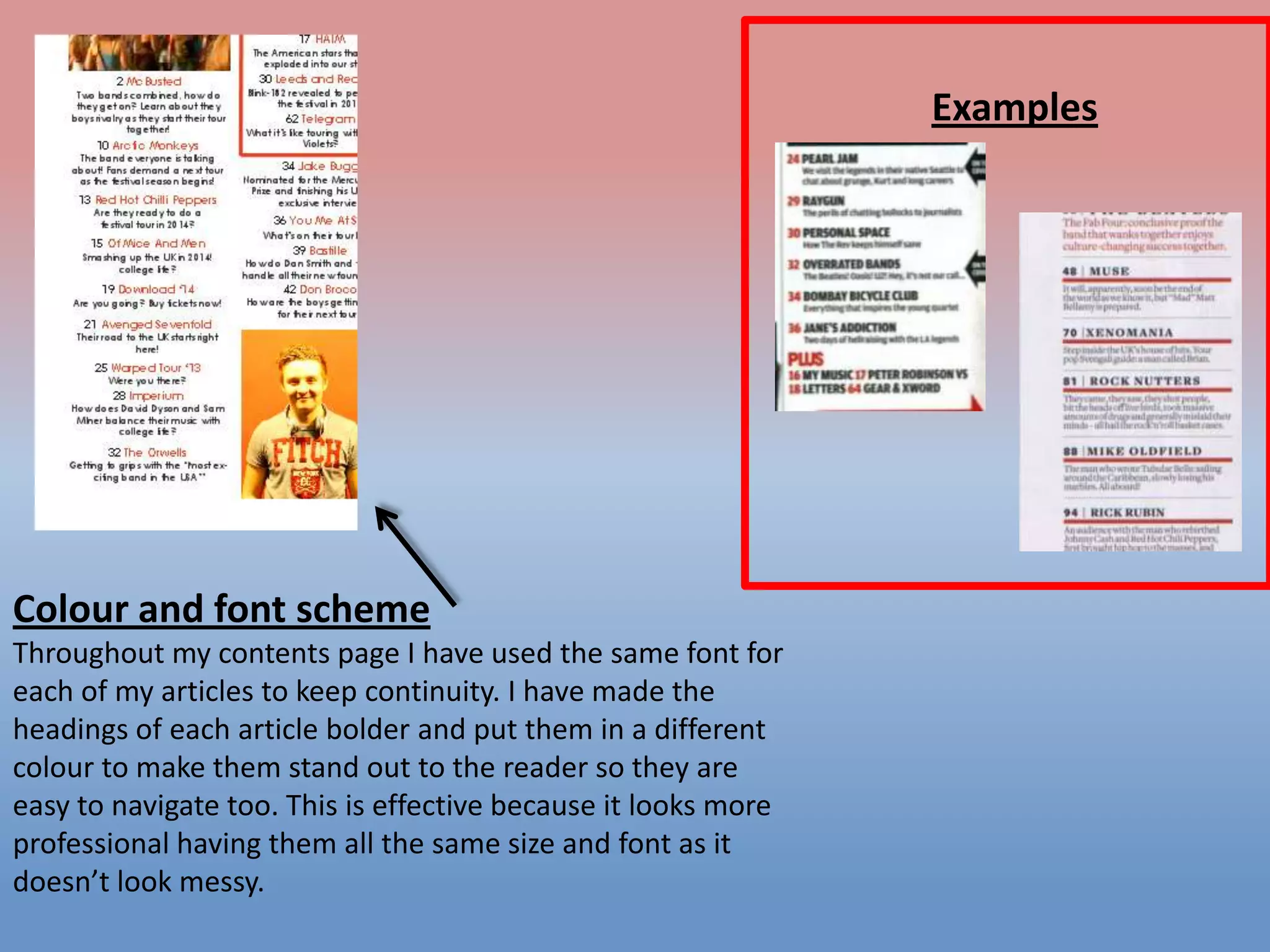
Colour and font scheme
Throughout my contents page I have used the same font for
each of my articles to keep continuity. I have made the
headings of each article bolder and put them in a different
colour to make them stand out to the reader so they are
easy to navigate too. This is effective because it looks more
professional having them all the same size and font as it
doesn’t look messy.
Examples

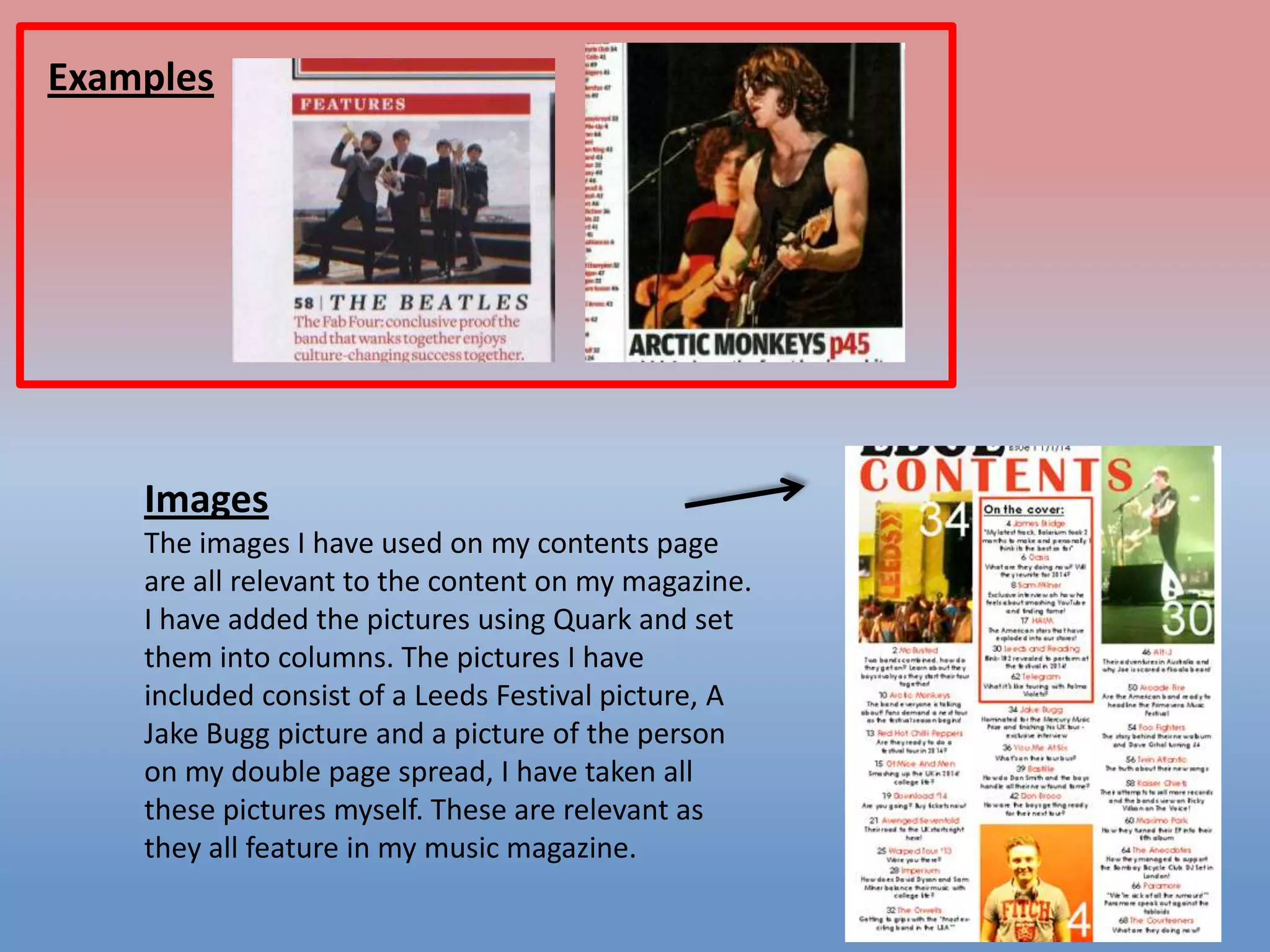
Images
The images I have used on my contents page
are all relevant to the content on my magazine.
I have added the pictures using Quark and set
them into columns. The pictures I have
included consist of a Leeds Festival picture, A
Jake Bugg picture and a picture of the person
on my double page spread, I have taken all
these pictures myself. These are relevant as
they all feature in my music magazine.
Examples

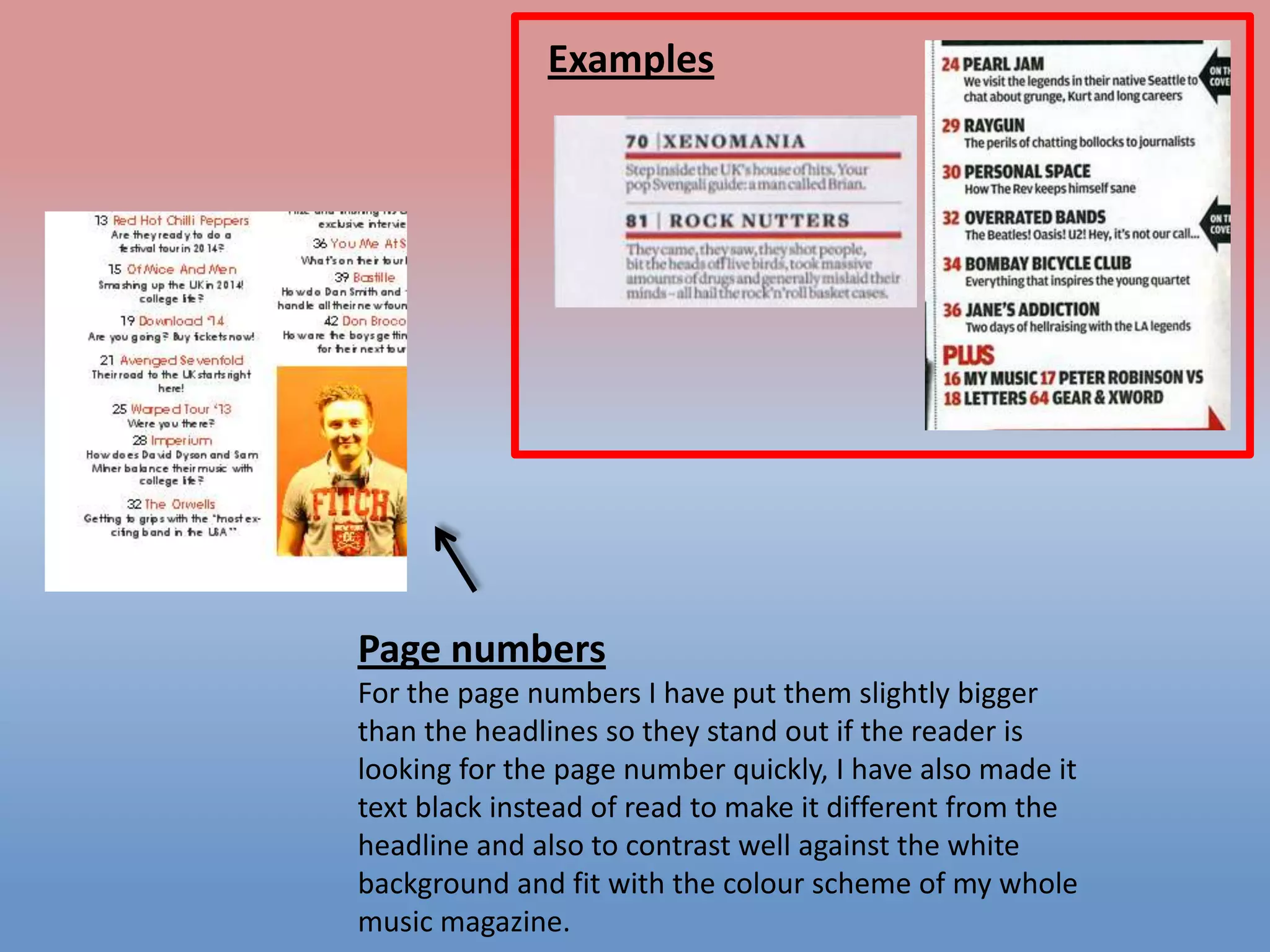
Page numbers
For the page numbers I have put them slightly bigger
than the headlines so they stand out if the reader is
looking for the page number quickly, I have also made it
text black instead of read to make it different from the
headline and also to contrast well against the white
background and fit with the colour scheme of my whole
music magazine.
Examples

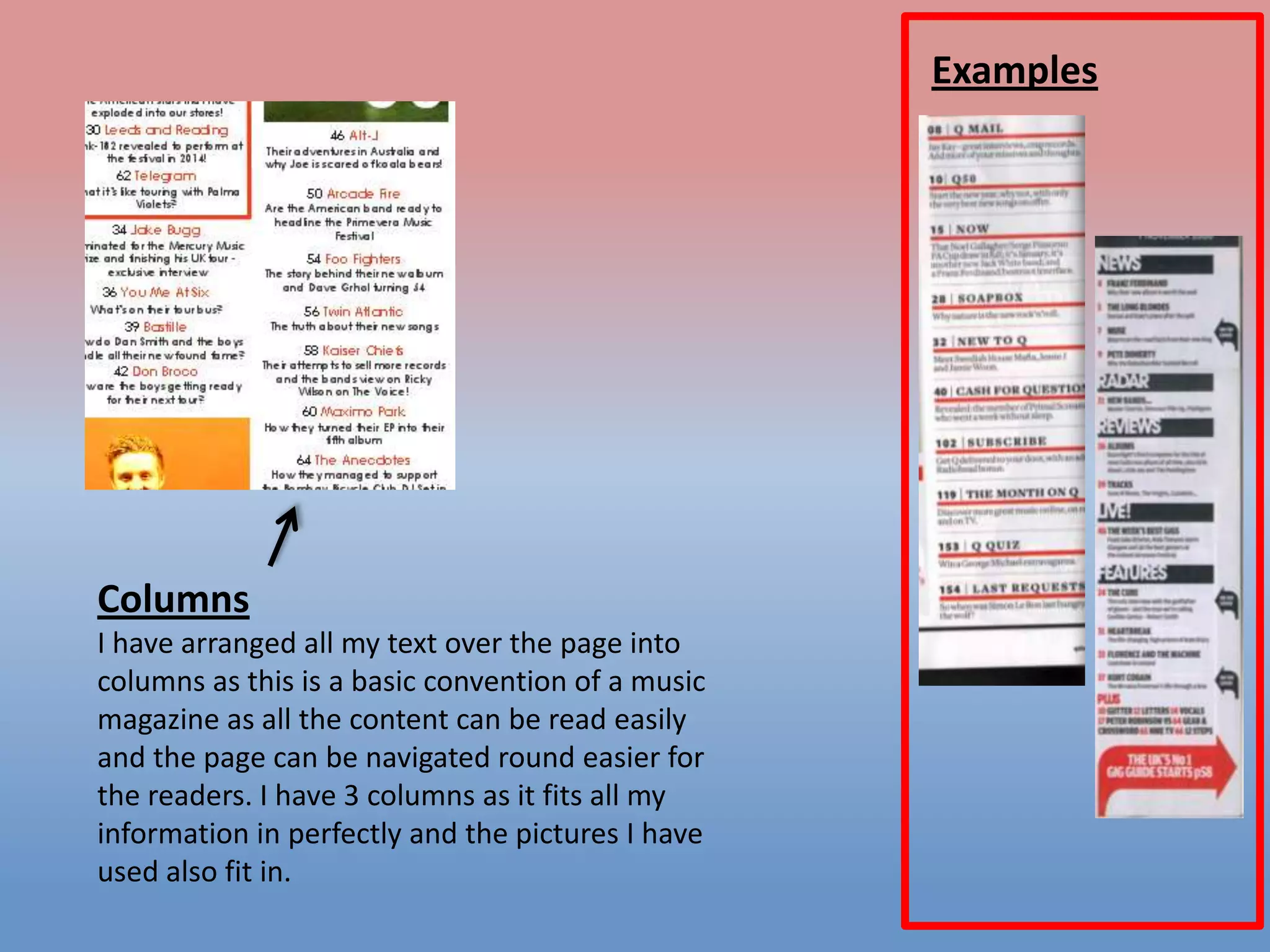
Columns
I have arranged all my text over the page into
columns as this is a basic convention of a music
magazine as all the content can be read easily
and the page can be navigated round easier for
the readers. I have 3 columns as it fits all my
information in perfectly and the pictures I have
used also fit in.
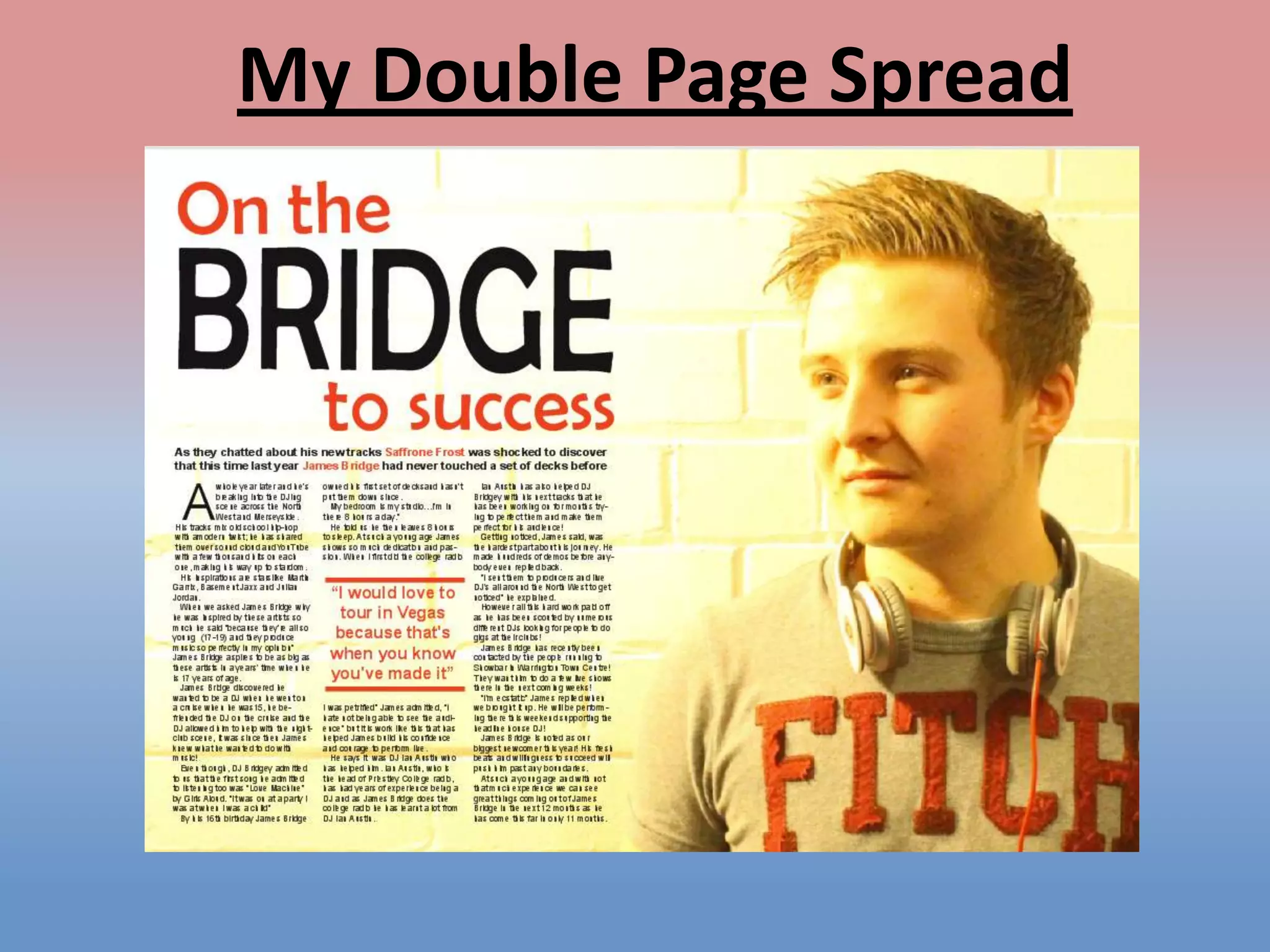
My Double Page Spread
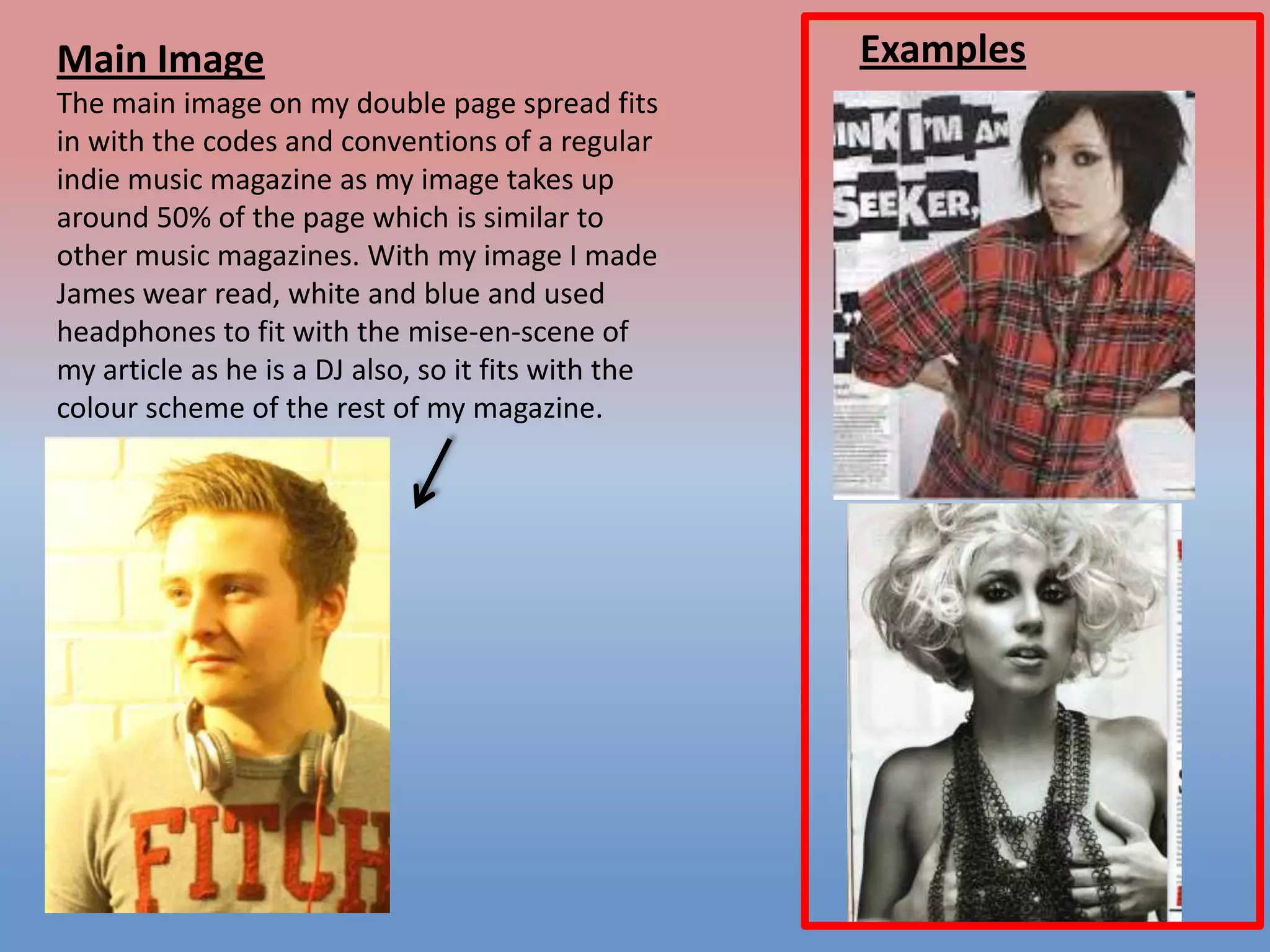
Main Image
The main image on my double page spread fits
in with the codes and conventions of a regular
indie music magazine as my image takes up
around 50% of the page which is similar to
other music magazines. With my image I made
James wear read, white and blue and used
headphones to fit with the mise-en-scene of
my article as he is a DJ also, so it fits with the
colour scheme of the rest of my magazine.

Examples
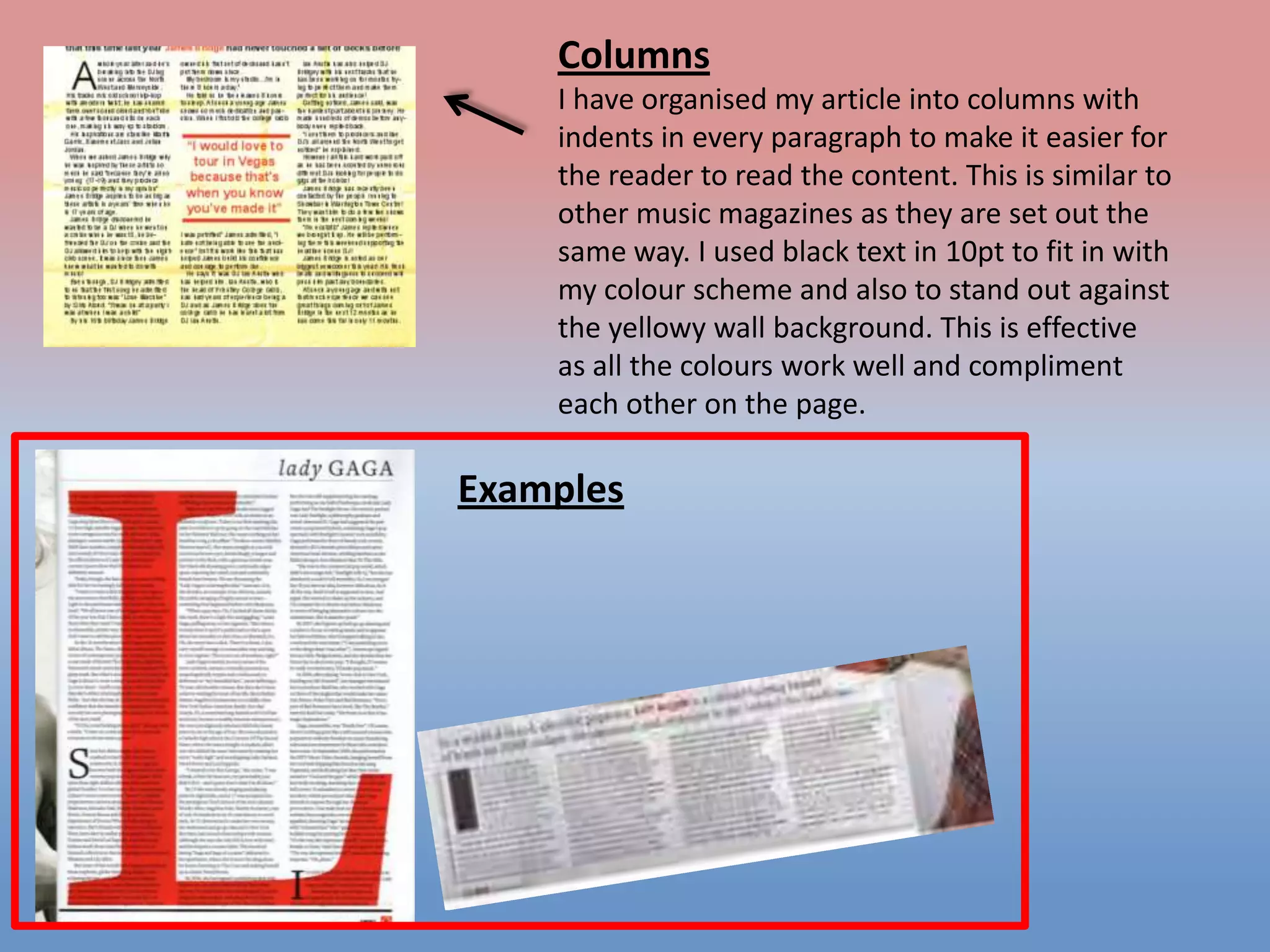
Columns
I have organised my article into columns with
indents in every paragraph to make it easier for
the reader to read the content. This is similar to
other music magazines as they are set out the
same way. I used black text in 10pt to fit in with
my colour scheme and also to stand out against
the yellowy wall background. This is effective
as all the colours work well and compliment
each other on the page.

Examples
Examples

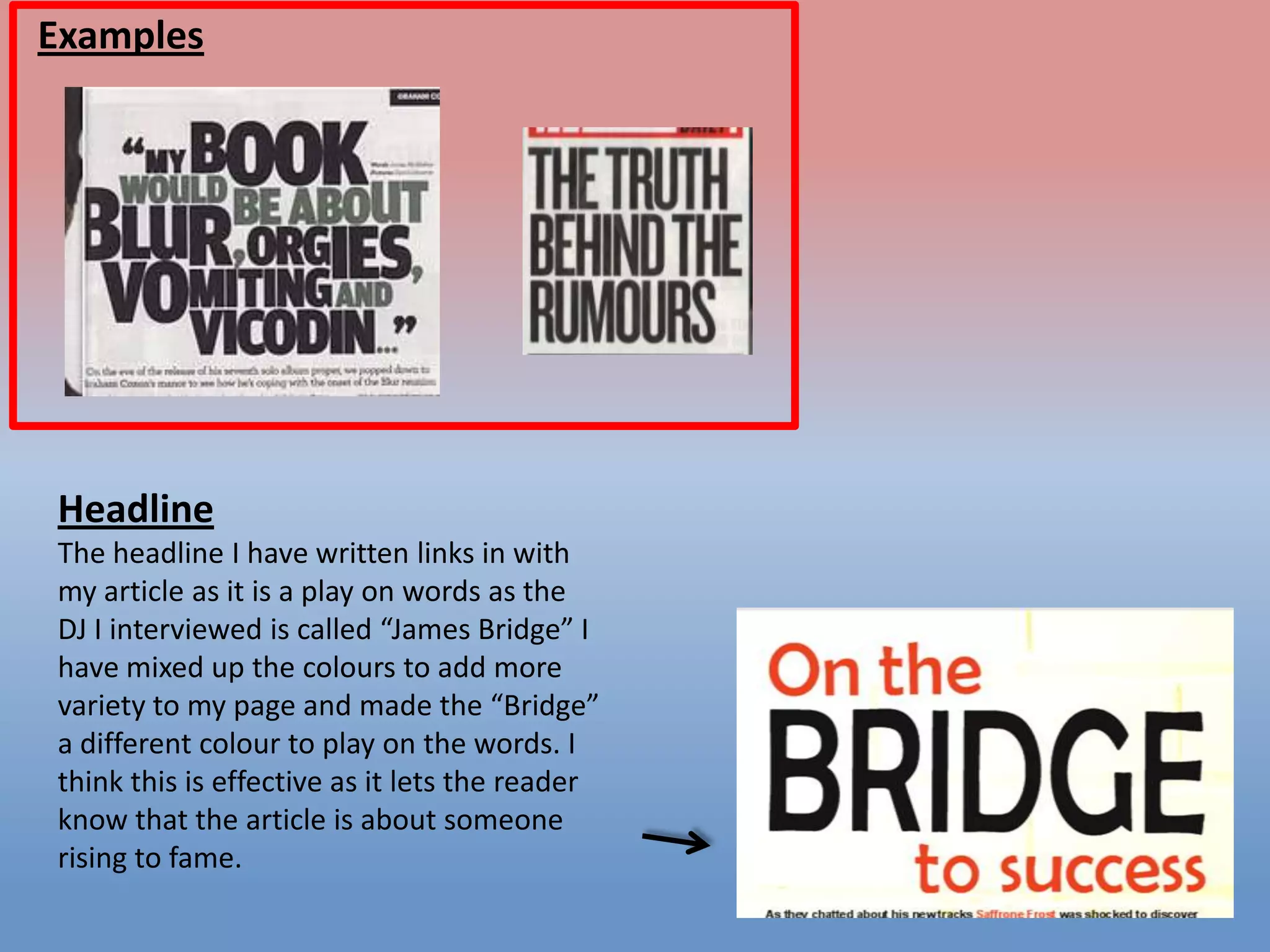
Headline
The headline I have written links in with
my article as it is a play on words as the
DJ I interviewed is called “James Bridge” I
have mixed up the colours to add more
variety to my page and made the “Bridge”
a different colour to play on the words. I
think this is effective as it lets the reader
know that the article is about someone
rising to fame.
Examples

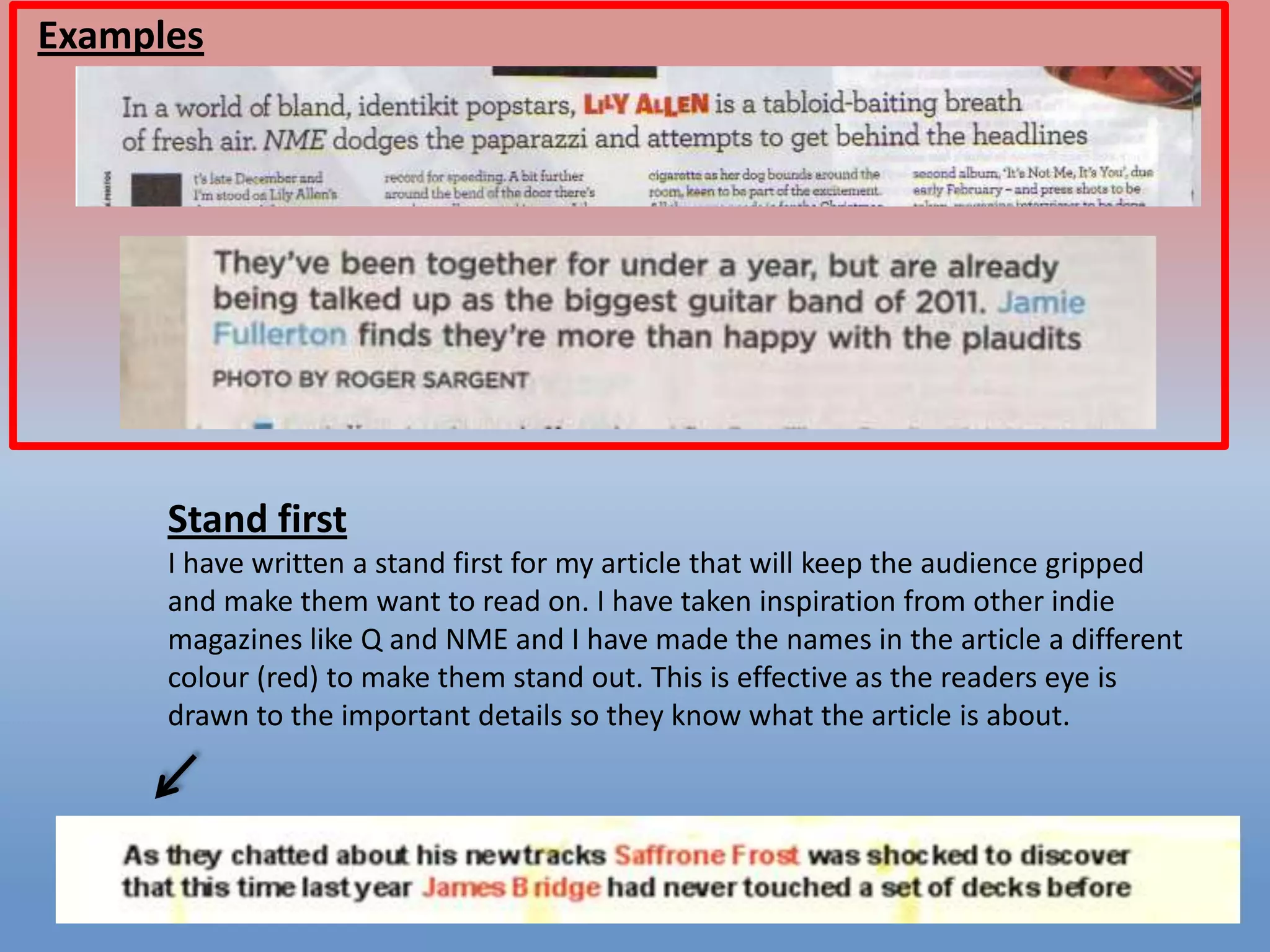
Stand first
I have written a stand first for my article that will keep the audience gripped
and make them want to read on. I have taken inspiration from other indie
magazines like Q and NME and I have made the names in the article a different
colour (red) to make them stand out. This is effective as the readers eye is
drawn to the important details so they know what the article is about.

Question 1

  • 1.
    In what waysdoes your media product use forms and conventions of real media products?
  • 2.
  • 3.
    Examples Title ‘EDGE’ is thelargest piece of text on my page. The text stands out from the background as I have added a bevel to it. I learnt how to bevel a piece of text on Photoshop. I did this by right clicking on the layer I wanted to bevel and clicking ‘Blending Options’ from here I could control exactly how deep I wanted the effect.
  • 4.
    Main image Most musicmagazines have a medium close-up of a person filling their cover and this is what I have done in my music magazine. My image goes with the mise-en-scene of my page as the person on my cover is wearing red and the colour scheme of my cover is red, white and black. Examples
  • 5.
    Text size Easily readable, spreadout across the page, not covering the picture of the cover, differences between cover lines and headlines Examples
  • 6.
    Price I have addedthe price to my cover so the audience knows how much it is, I did this red so it fits with my colour scheme. Barcode I put the barcode as it is needed to be purchased in shops. I added this using a new layer in Photoshop which is what I learnt to do during class.
  • 7.
    Colour Scheme Teasing Content Ihave used this on my magazine cover to make my audience want to read on. I have picked these specific bands because they are suitable for my genre and target audience and when I got my questionnaire results back, these were the bands people wanted to read about. The colour scheme of my music magazine is red, black, white and blue. I have stuck to these colours using the colours of my text and headlines and the mise-en-scene of the model on the cover of my magazine as he is wearing a red and blue check top. This is effective as all the colours work really well together.
  • 8.
  • 9.
    Examples Page title “Contents” Ihave put this as the biggest piece of text on the page, following the codes and conventions of a music magazine so the audience know what the page is. I have also used red text to stand out from the white background and to stick with the colour scheme of my magazine design. I made the word “CONTENTS” stand out by adding extra equal spacing between the letter so it catches the readers eye. Another thing I have done here is use the title of my magazine “Edge” on my contents page, I have done this is the same font as my cover to keep continuity throughout my magazine. Finally I have added the date and issue number on the front for the readers benefit so they know which issue is which.
  • 10.
    Examples Colour and fontscheme Throughout my contents page I have used the same font for each of my articles to keep continuity. I have made the headings of each article bolder and put them in a different colour to make them stand out to the reader so they are easy to navigate too. This is effective because it looks more professional having them all the same size and font as it doesn’t look messy.
  • 11.
    Examples Images The images Ihave used on my contents page are all relevant to the content on my magazine. I have added the pictures using Quark and set them into columns. The pictures I have included consist of a Leeds Festival picture, A Jake Bugg picture and a picture of the person on my double page spread, I have taken all these pictures myself. These are relevant as they all feature in my music magazine.
  • 12.
    Examples Page numbers For thepage numbers I have put them slightly bigger than the headlines so they stand out if the reader is looking for the page number quickly, I have also made it text black instead of read to make it different from the headline and also to contrast well against the white background and fit with the colour scheme of my whole music magazine.
  • 13.
    Examples Columns I have arrangedall my text over the page into columns as this is a basic convention of a music magazine as all the content can be read easily and the page can be navigated round easier for the readers. I have 3 columns as it fits all my information in perfectly and the pictures I have used also fit in.
  • 14.
  • 15.
    Main Image The mainimage on my double page spread fits in with the codes and conventions of a regular indie music magazine as my image takes up around 50% of the page which is similar to other music magazines. With my image I made James wear read, white and blue and used headphones to fit with the mise-en-scene of my article as he is a DJ also, so it fits with the colour scheme of the rest of my magazine. Examples
  • 16.
    Columns I have organisedmy article into columns with indents in every paragraph to make it easier for the reader to read the content. This is similar to other music magazines as they are set out the same way. I used black text in 10pt to fit in with my colour scheme and also to stand out against the yellowy wall background. This is effective as all the colours work well and compliment each other on the page. Examples
  • 17.
    Examples Headline The headline Ihave written links in with my article as it is a play on words as the DJ I interviewed is called “James Bridge” I have mixed up the colours to add more variety to my page and made the “Bridge” a different colour to play on the words. I think this is effective as it lets the reader know that the article is about someone rising to fame.
  • 18.
    Examples Stand first I havewritten a stand first for my article that will keep the audience gripped and make them want to read on. I have taken inspiration from other indie magazines like Q and NME and I have made the names in the article a different colour (red) to make them stand out. This is effective as the readers eye is drawn to the important details so they know what the article is about.