Print, Pixels & People
      Ideas for today’s
     student journalist
  Logan Aimone, MJE, executive director
   National Scholastic Press Association
Let’s start
    with a quiz!
    Keep score at your seat,
or just keep track in your head.
If you’re really techy, you’ll add
  your points on your iPhone.


                          Print, Pixels & People
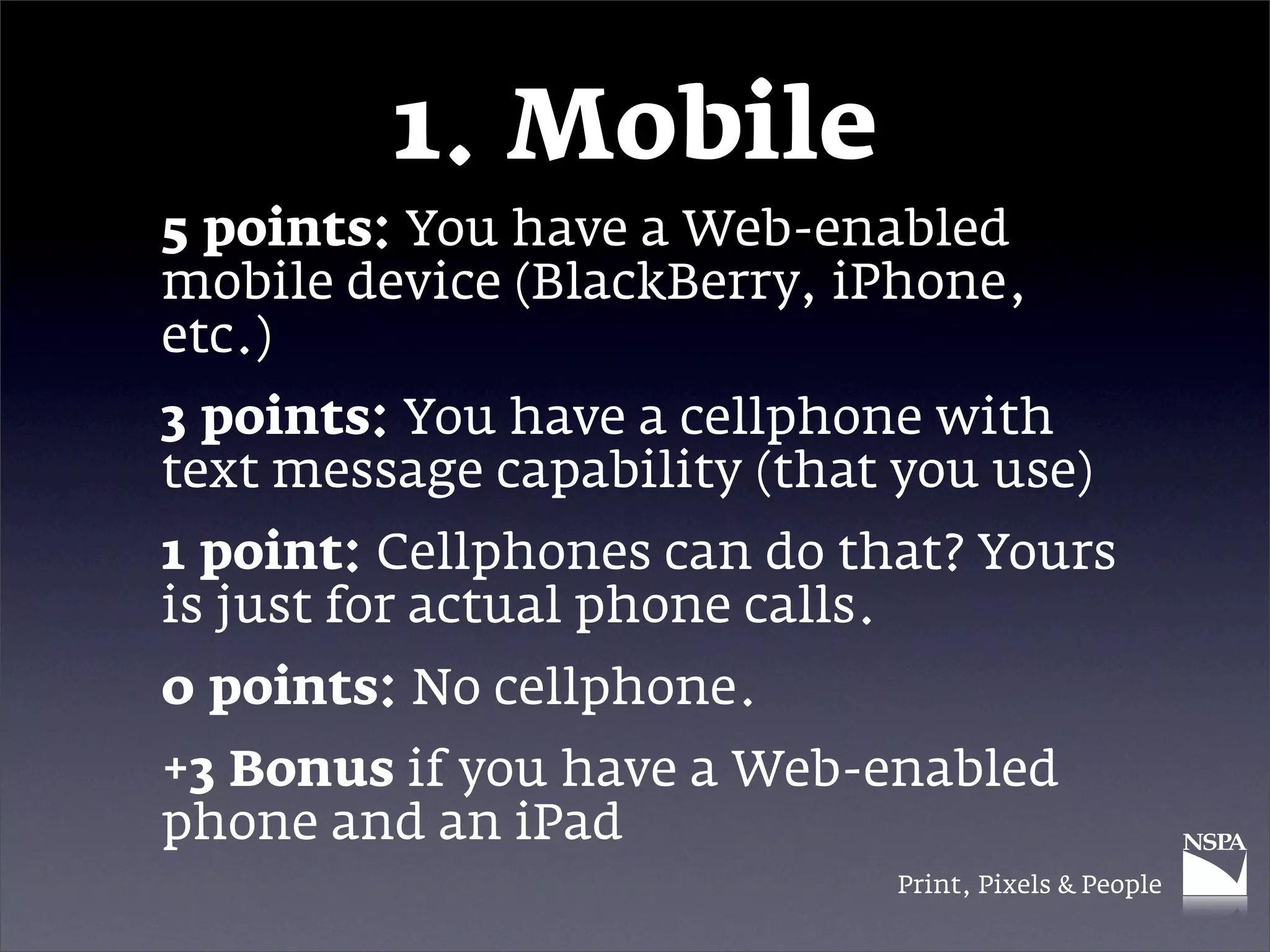
1. Mobile
5 points: You have a Web-enabled
mobile device (BlackBerry, iPhone,
etc.)
3 points: You have a cellphone with
text message capability (that you use)
1 point: Cellphones can do that? Yours
is just for actual phone calls.
0 points: No cellphone.
+3 Bonus if you have a Web-enabled
phone and an iPad
                              Print, Pixels & People
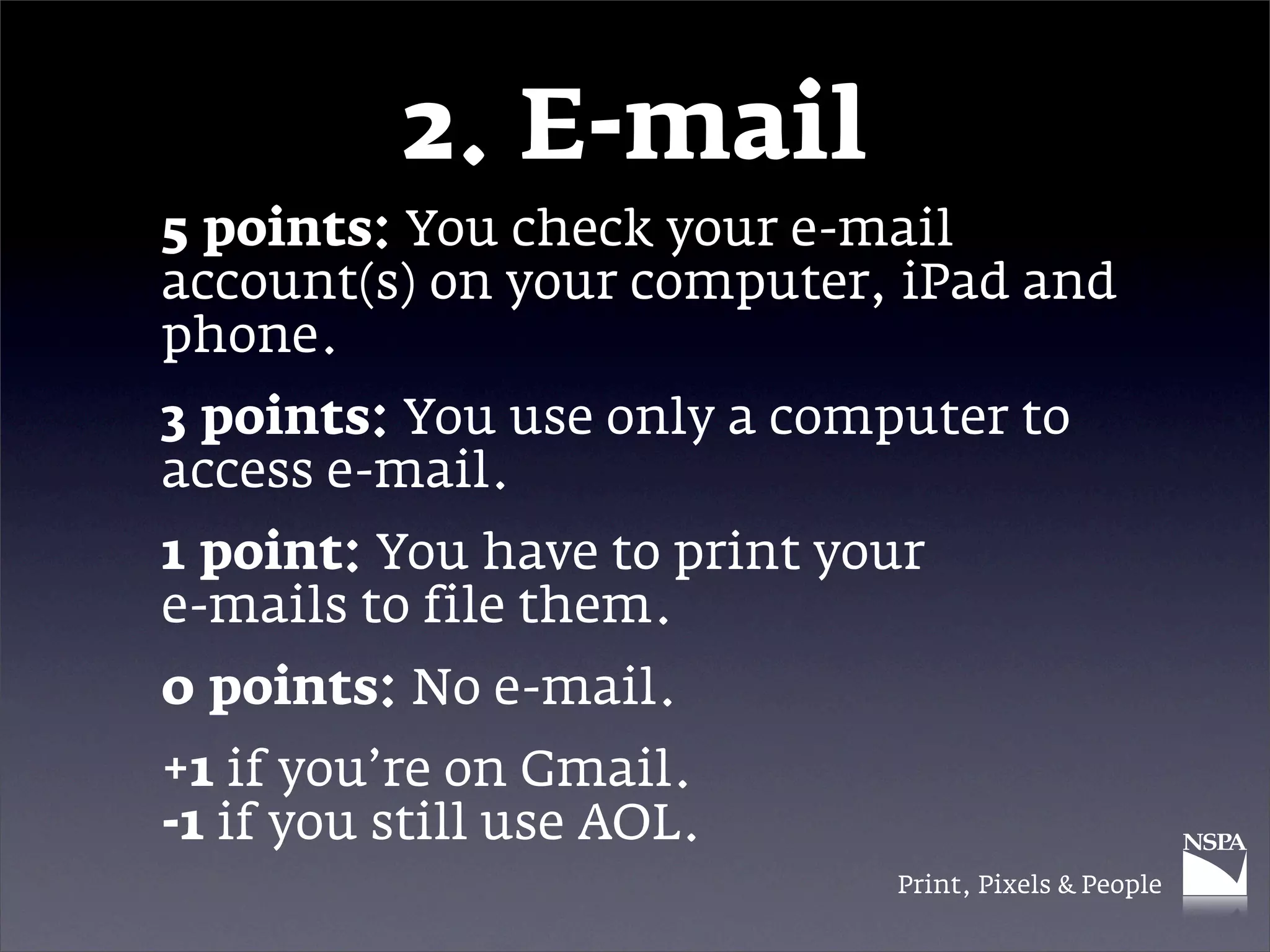
2. E-mail
5 points: You check your e-mail
account(s) on your computer, iPad and
phone.
3 points: You use only a computer to
access e-mail.
1 point: You have to print your
e-mails to file them.
0 points: No e-mail.
+1 if you’re on Gmail.
-1 if you still use AOL.
                             Print, Pixels & People
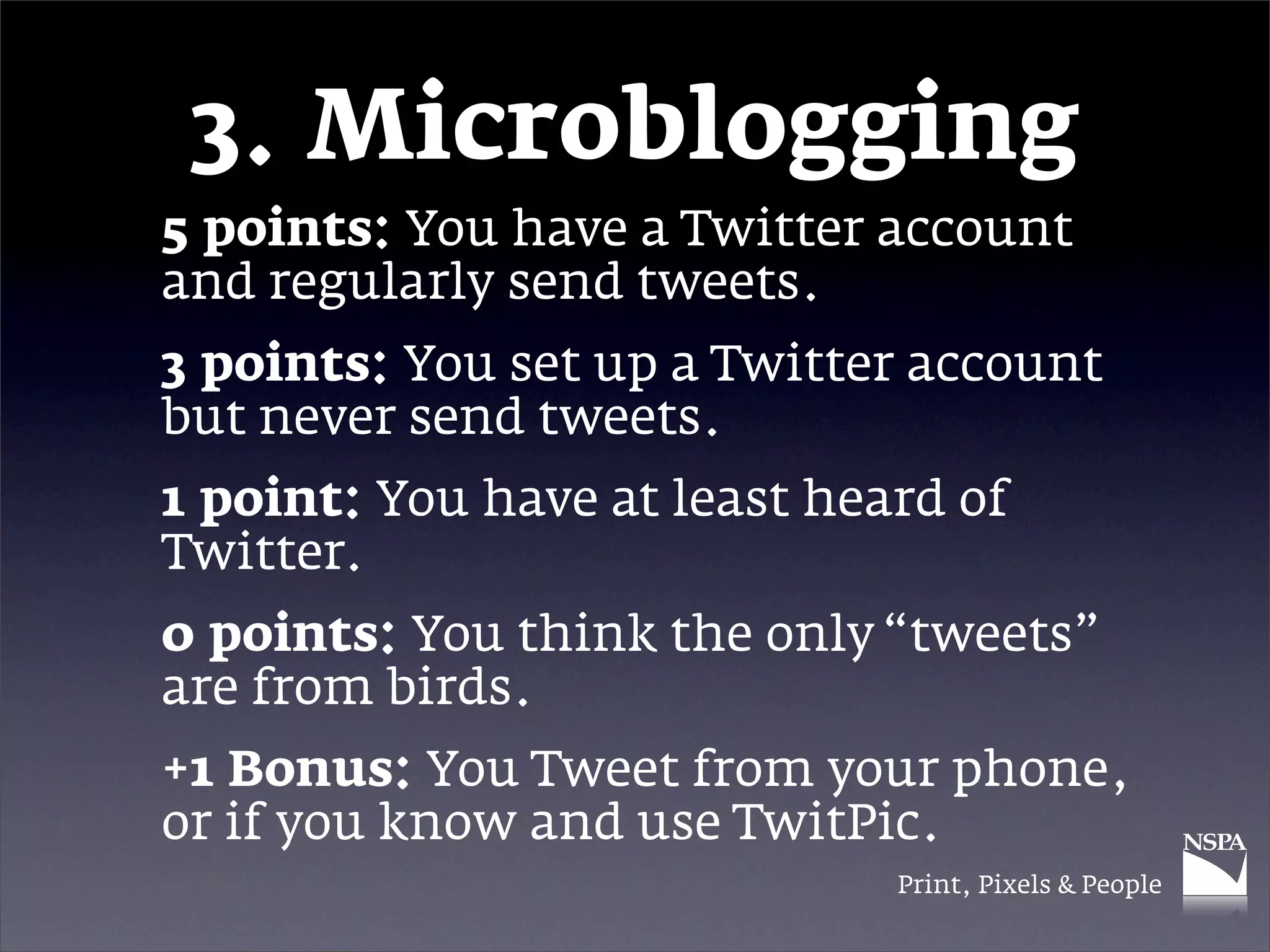
3. Microblogging
5 points: You have a Twitter account
and regularly send tweets.
3 points: You set up a Twitter account
but never send tweets.
1 point: You have at least heard of
Twitter.
0 points: You think the only “tweets”
are from birds.
+1 Bonus: You Tweet from your phone,
or if you know and use TwitPic.
                              Print, Pixels & People
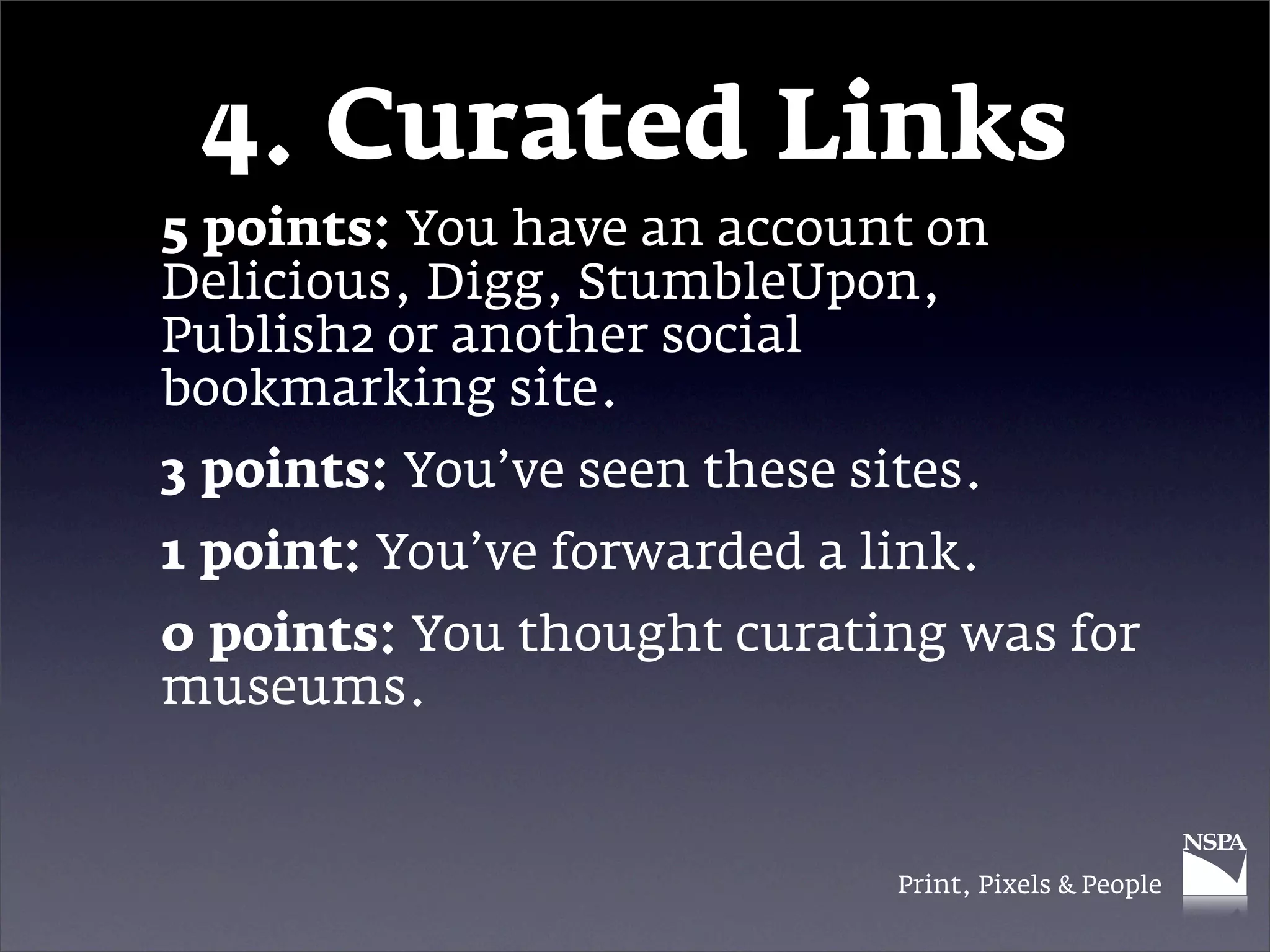
4. Curated Links
5 points: You have an account on
Delicious, Digg, StumbleUpon,
Publish2 or another social
bookmarking site.
3 points: You’ve seen these sites.
1 point: You’ve forwarded a link.
0 points: You thought curating was for
museums.


                              Print, Pixels & People
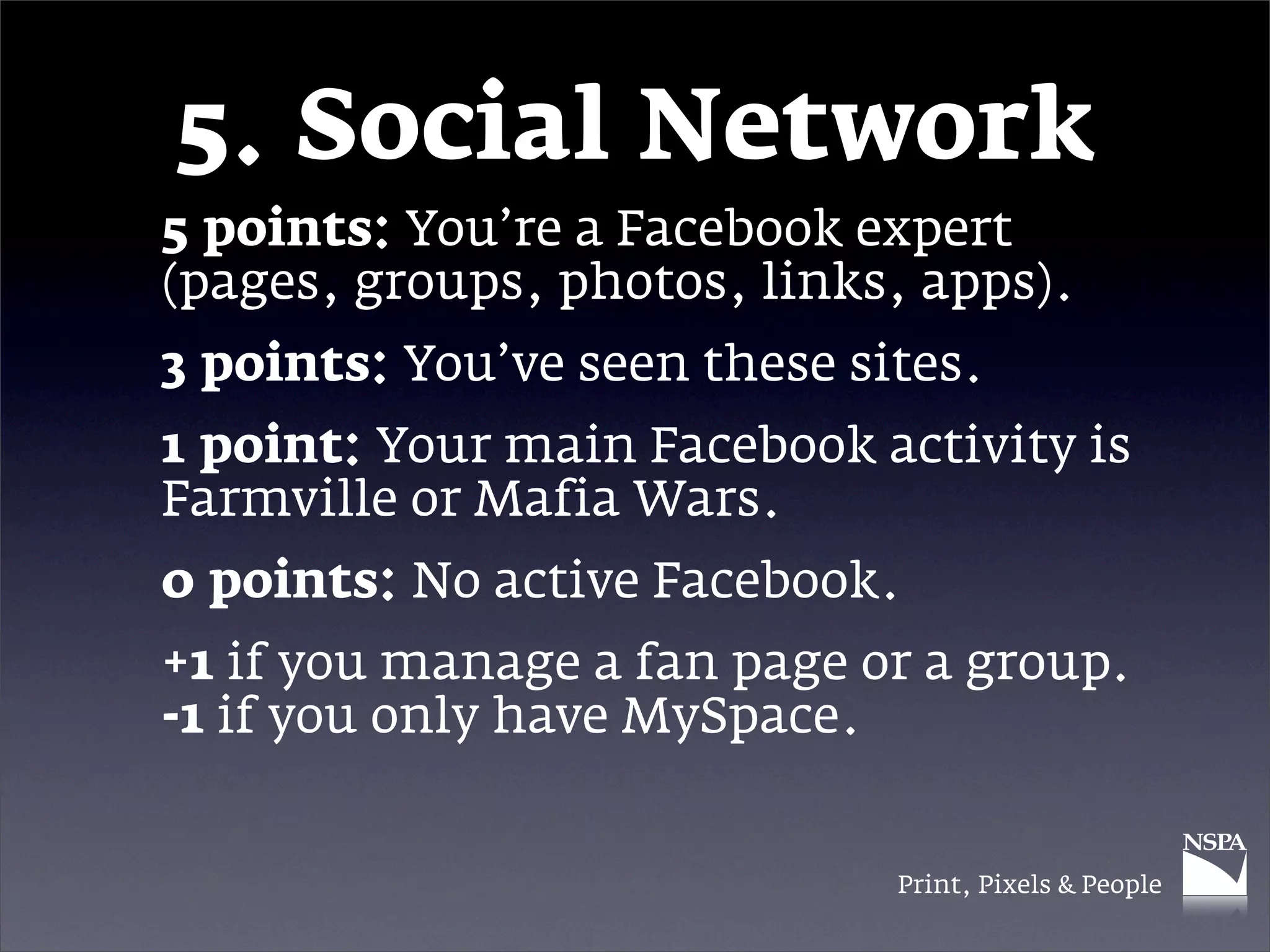
5. Social Network
5 points: You’re a Facebook expert
(pages, groups, photos, links, apps).
3 points: You’ve seen these sites.
1 point: Your main Facebook activity is
Farmville or Mafia Wars.
0 points: No active Facebook.
+1 if you manage a fan page or a group.
-1 if you only have MySpace.


                              Print, Pixels & People
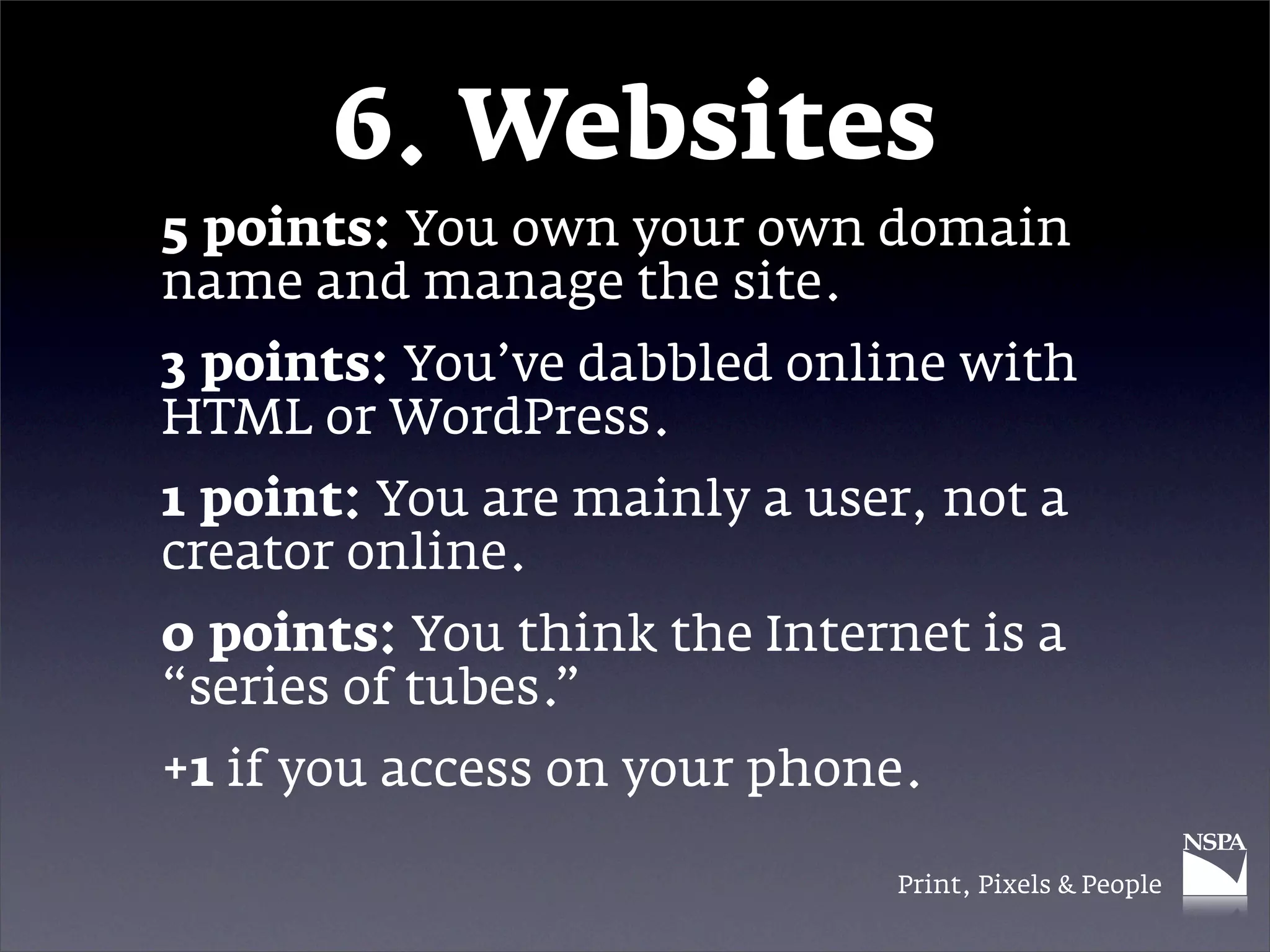
6. Websites
5 points: You own your own domain
name and manage the site.
3 points: You’ve dabbled online with
HTML or WordPress.
1 point: You are mainly a user, not a
creator online.
0 points: You think the Internet is a
“series of tubes.”
+1 if you access on your phone.

                              Print, Pixels & People
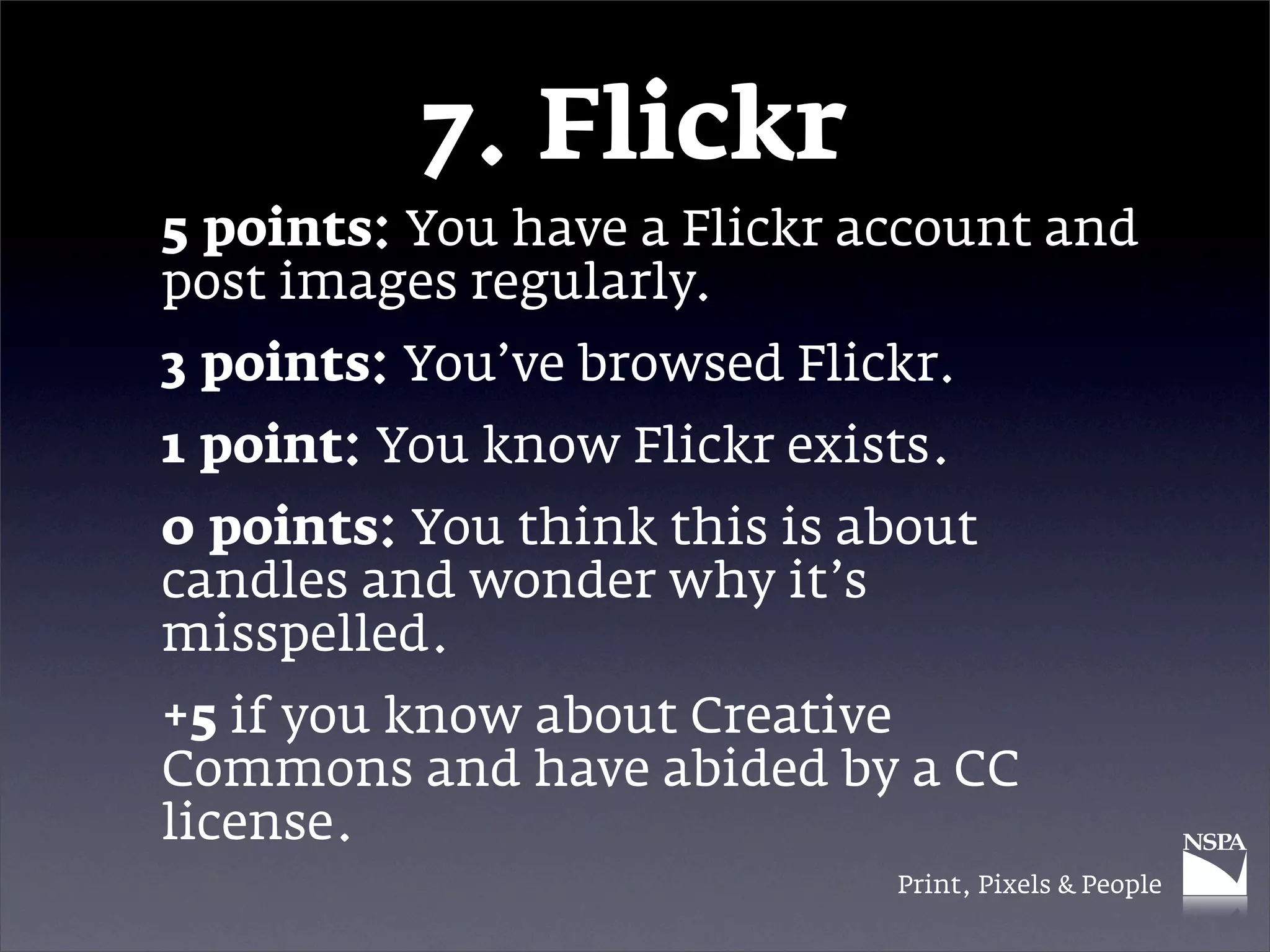
7. Flickr
5 points: You have a Flickr account and
post images regularly.
3 points: You’ve browsed Flickr.
1 point: You know Flickr exists.
0 points: You think this is about
candles and wonder why it’s
misspelled.
+5 if you know about Creative
Commons and have abided by a CC
license.
                             Print, Pixels & People
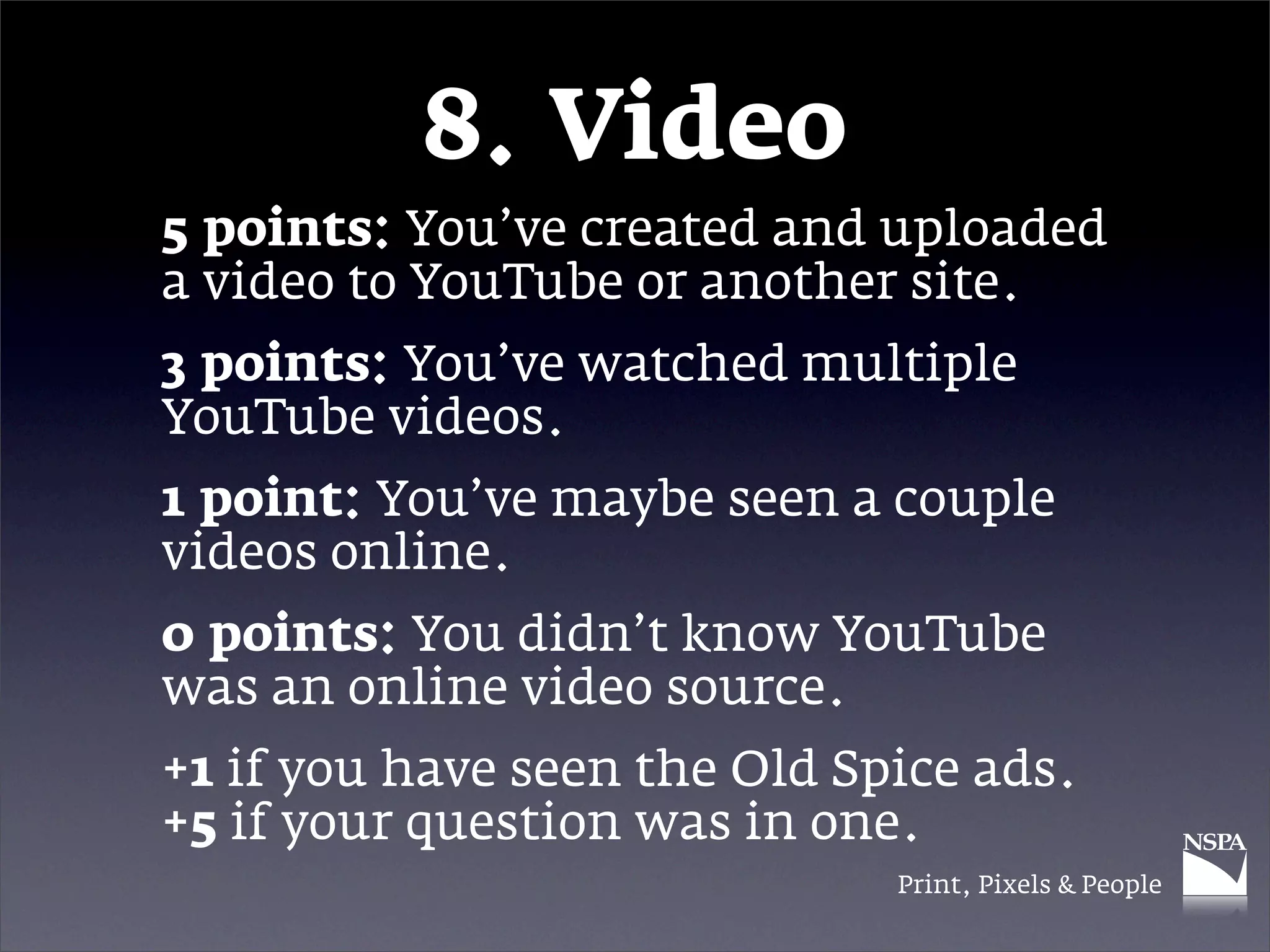
8. Video
5 points: You’ve created and uploaded
a video to YouTube or another site.
3 points: You’ve watched multiple
YouTube videos.
1 point: You’ve maybe seen a couple
videos online.
0 points: You didn’t know YouTube
was an online video source.
+1 if you have seen the Old Spice ads.
+5 if your question was in one.
                              Print, Pixels & People
9. Miscellaneous
Bonus Points:
+2 if you use RSS feeds
+2 if you read Mashable.com
+2 if you have at least one app for news
+2 if you have at least one app for
lifestyle
+2 if you’re on LinkedIn
+2 if you’ve made a Google Map
+2 if you use Google Docs
                               Print, Pixels & People
Scoring
35+: Impressive! You’re techy. You
probably already tweeted your score.
25-34: Not too shabby. You’ll probably
update your Facebook about this later.
11-24: You’re somewhat techy, but you
could to kick it up a notch. Ask your
friends how.
10 and under: Time to start living in
the 21st century.

                             Print, Pixels & People
Shifting Gears
What’s your platform?


                 Print, Pixels & People
Print
What’s working?


             Print, Pixels & People
Print
• Although it has faced challenges from
  broadcast media, it remains the most
  common, widespread and portable form of
  mass media.

• It’s relatively inexpensive, portable and
  accessible.

• What is the impact on the school
  community when printed media are
  eliminated?

• What content should be printed?
                                   Print, Pixels & People
Pixels
What’s new?


              Print, Pixels & People
Pixels
• While the printed page has been the
  dominant medium in scholastic
  journalism, online publishing has started
  to take off.

• More student newspapers — and even
  magazines and yearbooks — are turning to
  the Web for a variety of reasons.


                                 Print, Pixels & People
Pixels
• The Internet allows for instant publishing
  of content rather than the infrequent
  publication of print.

• Compared to the expense of printing an
  edition of the newspaper, a Web site is
  dramatically less expensive — maybe even
  free.

• However, websites can be hard to manage
  and inaccessible to many.


                                  Print, Pixels & People
People
What’s it all about?


                 Print, Pixels & People
People
• Ultimately, it’s the content that matters.
• You and your staff need to answer this
  question:

• What is the most appropriate format to
  use to tell this story?


                                   Print, Pixels & People
Putting it
   together
 What does today’s
 student journalist
need to think about?


                Print, Pixels & People
Convergence
• The term convergence means a “coming
  together” — and that’s what you have
  available to you today.

• Members of Generation Y (that’s you!) are
  comfortable with and operating in a
  converged media environment.


                                  Print, Pixels & People
Convergence
• Online tools allow a media staff to combine
  multiple media to deliver content in the
  most appropriate format: text, audio,
  images or video.

• Online networks like MySpace, Facebook,
  YouTube, Delicious, Flickr and Twitter
  allow users to build a community and to
  customize and share content.


                                  Print, Pixels & People
Convergence
• Are you and your staff positioned to tell the
  story in multiple formats?

• Why not?


                                   Print, Pixels & People
Social Media
• Because teens are comfortable in this
  environment, you need to shift your focus
  to take advantage of where your readers/
  viewers are.

• Engage your readers in a way that helps
  them (they get news) and helps you (you
  get tips for more news).


                                  Print, Pixels & People
Social Media
• Do you have any idea how big of an impact
  social media are having on every aspect of
  our lives?

• Let’s watch a short video and see…
  http://www.youtube.com/watch?
  v=sIFYPQjYhv8
  (Social Media Revolution 2, May 5, 2010


                                  Print, Pixels & People
Social Media
• A few highlights from the video:
 • Nearly all of you (96%) are on a social
   network.

 • That’s the #1 Web activity.

 • More than 500 million people are on
   Facebook. (More on that in a minute.)

 • Fastest-growing segment is women 55-65
   (that’s your mom or grandma!).


                                   Print, Pixels & People
Social Media
• More highlights from the video:
 • 80% of Twitter use is by mobile device.

 • That’s instant discussion, good or bad.

 • Studies show Wikipedia is more accurate
   than Encyclopedia Brittanica.

 • But that’s not an excuse for using it as
   your sole source.


                                  Print, Pixels & People
Social Media
• More highlights from the video:
 • 78% of people trust peer
   recommendations. Only 14% trust ads.

 • 25% of Americans watched a short video
   in the last month on their phone.


                                Print, Pixels & People
Facebook
• In June 2009, the average United States
  user spent an average of 4 hours, 39
  minutes on the site per month (~9 minutes
  per day), according to Nielsen Media.

• In January 2010, the average U.S. user
  spent more than 7 hours per month (~14
  minutes per day) on Facebook.

• That’s more time on Facebook than on
  Google, Yahoo!, YouTube, Microsoft,
  Wikipedia and Amazon — combined.

                                  Print, Pixels & People
15 Things to Think
 About This Year
Improving your operation
      in 2010-2011


                  Print, Pixels & People
1. Be excellent
• It probably goes without saying, but I’ll say
  it anyway: Strive for excellence.

• Excellence isn’t settling for pretty good.
• Good enough is not good enough.
• Set goals to improve with each edition or
  deadline.


                                   Print, Pixels & People
2. Get out there
• You can’t really get a story unless you get
  out and talk to people. In person.

• Yes, in person!
• You can always tell the difference when a
  writer has observed and interviewed in
  person.

• E-mail or chat interviews fill a need, but
  they are not as effective as being there.


                                   Print, Pixels & People
3. Find stories
• Establish a solid beat system in place to
  gather the routine news.

• Expect that each beat will yield some briefs
  and longer stories.

• Demand enterprise from reporters (editors,
  too). That means digging around to find
  something newsworthy and writing it in a
  compelling, interesting and useful way.


                                   Print, Pixels & People
4. Show us
• Probably the most widely read (and most
  liked) stories are those that tell interesting
  stories about people.

• Your school and community are full of
  these stories.

• Localize national issues with the stories of
  people around you.


                                    Print, Pixels & People
5. Get a Web site
• There’s really no excuse today for not
  having at least a basic Web site.

• Basic: You could post a PDF version of the
  printed paper.

• Advanced: You could update news
  throughout the school day.

• An online presence opens up a new
  universe of multimedia opportunities.


                                      Print, Pixels & People
6. Get social
• MySpace and Facebook accounts are free.
  Interact with readers by posting links to
  stories and by getting tips from readers.

• With 60 million Facebook status updates
  daily, you can monitor what’s happening
  or ask them to let you know about events
  occurring outside school (or at school but
  not known).

• Let readers submit photos, letters, etc., to
  you through these pages.
                                   Print, Pixels & People
7. Start Tweeting
• Twitter is a free “microblogging” site that
  works in 140-character messages.

• As you gather “followers” you will be able
  to pass along messages to a wide group of
  people. That means instantly informing
  your followers when news happens (sports
  scores, lockdown, free burritos at
  Chipotle).

• Use hashtags (#word) to label and search.
                                   Print, Pixels & People
8. Get Delicious
• Delicious.com is a social bookmarking site
  that is, guess what, free.

• You can post links there that will be useful
  to others.

• The links can be labeled and sorted in a
  number of ways.

• This is a way to enhance content beyond
  the printed page.

• You can also see what others bookmarked.
                                   Print, Pixels & People
9. Use Flickr
• Flickr is an online image-sharing service.
  Yep, it’s free for a basic account.

• You can make your images available for
  people to browse.

• Through a Creative Commons license, you
  can get images to use (free and legal!).


                                    Print, Pixels & People
10. Use YouTube
• YouTube is a solution to upload videos.
• It might be blocked on your school’s
  computers.

• However, it’s not blocked on mobile devices
  or at home, which is where most people
  will probably access the videos anyway.

• If you need a site to get by school filters, try
  SchoolTube.com instead.


                                     Print, Pixels & People
11. Do multimedia
• With a Web site, not only can you update
  news and information as frequently as you
  want, you can improve the content.

• The newspaper can showcase one or two
  images from an event. Online, you can
  have dozens — with audio and captions.

• Yearbook staffs can promote the book
  through “sneak peeks” or extras that are
  posted online.

                                  Print, Pixels & People
12. Be the #1 source
• Be serious about being the top information
  source for all things about your school.

• If someone wants to know a fact, score,
  date, record, time or whatever — be the
  place they turn for that information.

• Own sports stats, especially JV and lower
  squads.

• Scoop the local paper. Doesn’t it feel good
  when that happens?
                                   Print, Pixels & People
13. Do fewer…
• Horoscopes and advice columns
• Superficial columns (carpe diem,
  senioritis, slow drivers, etc.) that could be
  in any year

• Double-truck stories on “hot topics” that
  aren’t tied to a news event. Make sure you
  have a news peg if you’re committing that
  much space.


                                    Print, Pixels & People
14. Follow the law
• Obey copyright.
 • Only use “fair use” images or get
   permission. Flickr lets you search for
   Creative Commons images.
 • Use copyright-free music unless you pay
   a royalty.
 • Saying it’s “for education” doesn’t let you
   off the hook.
• Know privacy rules.
• Know your rights.
                                  Print, Pixels & People
15. Remember…
• Your role on campus is to inform and
  enlighten your audience.

• You have a responsibility — an obligation,
  even — to take that seriously and to do it
  well.

• Your audience needs you to tell them the
  things no one else will tell them.


                                   Print, Pixels & People
Summary
Time to wake up if you
 have been sleeping!


                 Print, Pixels & People
Print
          Keep doing it.
• It’s perfect for long stories.
• People can pick it up and take it with
  them.

• It’s permanent. (You can’t tape a Web page
  in your scrapbook.)


                                   Print, Pixels & People
Pixels
      Get more digital.
• It’s instant.
• You build a community.
• Readers expect you to be online.
• If you don’t someone else will.

                                     Print, Pixels & People
People
It’s always about them.
• Whether in print or online, it’s the story
  that matters most.

• Find the platform that is most appropriate.
• Converge multiple platforms to
  experiment.

• Be excellent.
                                   Print, Pixels & People
Thanks!
 Twitter: @NSPA

    Facebook:
National Scholastic
 Press Association
Any questions?

                  Print, Pixels & People

Print, pixels & people 10a

  • 1.
    Print, Pixels &People Ideas for today’s student journalist Logan Aimone, MJE, executive director National Scholastic Press Association
  • 2.
    Let’s start with a quiz! Keep score at your seat, or just keep track in your head. If you’re really techy, you’ll add your points on your iPhone. Print, Pixels & People
  • 3.
    1. Mobile 5 points:You have a Web-enabled mobile device (BlackBerry, iPhone, etc.) 3 points: You have a cellphone with text message capability (that you use) 1 point: Cellphones can do that? Yours is just for actual phone calls. 0 points: No cellphone. +3 Bonus if you have a Web-enabled phone and an iPad Print, Pixels & People
  • 4.
    2. E-mail 5 points:You check your e-mail account(s) on your computer, iPad and phone. 3 points: You use only a computer to access e-mail. 1 point: You have to print your e-mails to file them. 0 points: No e-mail. +1 if you’re on Gmail. -1 if you still use AOL. Print, Pixels & People
  • 5.
    3. Microblogging 5 points:You have a Twitter account and regularly send tweets. 3 points: You set up a Twitter account but never send tweets. 1 point: You have at least heard of Twitter. 0 points: You think the only “tweets” are from birds. +1 Bonus: You Tweet from your phone, or if you know and use TwitPic. Print, Pixels & People
  • 6.
    4. Curated Links 5points: You have an account on Delicious, Digg, StumbleUpon, Publish2 or another social bookmarking site. 3 points: You’ve seen these sites. 1 point: You’ve forwarded a link. 0 points: You thought curating was for museums. Print, Pixels & People
  • 7.
    5. Social Network 5points: You’re a Facebook expert (pages, groups, photos, links, apps). 3 points: You’ve seen these sites. 1 point: Your main Facebook activity is Farmville or Mafia Wars. 0 points: No active Facebook. +1 if you manage a fan page or a group. -1 if you only have MySpace. Print, Pixels & People
  • 8.
    6. Websites 5 points:You own your own domain name and manage the site. 3 points: You’ve dabbled online with HTML or WordPress. 1 point: You are mainly a user, not a creator online. 0 points: You think the Internet is a “series of tubes.” +1 if you access on your phone. Print, Pixels & People
  • 9.
    7. Flickr 5 points:You have a Flickr account and post images regularly. 3 points: You’ve browsed Flickr. 1 point: You know Flickr exists. 0 points: You think this is about candles and wonder why it’s misspelled. +5 if you know about Creative Commons and have abided by a CC license. Print, Pixels & People
  • 10.
    8. Video 5 points:You’ve created and uploaded a video to YouTube or another site. 3 points: You’ve watched multiple YouTube videos. 1 point: You’ve maybe seen a couple videos online. 0 points: You didn’t know YouTube was an online video source. +1 if you have seen the Old Spice ads. +5 if your question was in one. Print, Pixels & People
  • 11.
    9. Miscellaneous Bonus Points: +2if you use RSS feeds +2 if you read Mashable.com +2 if you have at least one app for news +2 if you have at least one app for lifestyle +2 if you’re on LinkedIn +2 if you’ve made a Google Map +2 if you use Google Docs Print, Pixels & People
  • 12.
    Scoring 35+: Impressive! You’retechy. You probably already tweeted your score. 25-34: Not too shabby. You’ll probably update your Facebook about this later. 11-24: You’re somewhat techy, but you could to kick it up a notch. Ask your friends how. 10 and under: Time to start living in the 21st century. Print, Pixels & People
  • 13.
    Shifting Gears What’s yourplatform? Print, Pixels & People
  • 14.
    Print What’s working? Print, Pixels & People
  • 15.
    Print • Although ithas faced challenges from broadcast media, it remains the most common, widespread and portable form of mass media. • It’s relatively inexpensive, portable and accessible. • What is the impact on the school community when printed media are eliminated? • What content should be printed? Print, Pixels & People
  • 16.
    Pixels What’s new? Print, Pixels & People
  • 17.
    Pixels • While theprinted page has been the dominant medium in scholastic journalism, online publishing has started to take off. • More student newspapers — and even magazines and yearbooks — are turning to the Web for a variety of reasons. Print, Pixels & People
  • 18.
    Pixels • The Internetallows for instant publishing of content rather than the infrequent publication of print. • Compared to the expense of printing an edition of the newspaper, a Web site is dramatically less expensive — maybe even free. • However, websites can be hard to manage and inaccessible to many. Print, Pixels & People
  • 19.
    People What’s it allabout? Print, Pixels & People
  • 20.
    People • Ultimately, it’sthe content that matters. • You and your staff need to answer this question: • What is the most appropriate format to use to tell this story? Print, Pixels & People
  • 21.
    Putting it together What does today’s student journalist need to think about? Print, Pixels & People
  • 22.
    Convergence • The termconvergence means a “coming together” — and that’s what you have available to you today. • Members of Generation Y (that’s you!) are comfortable with and operating in a converged media environment. Print, Pixels & People
  • 23.
    Convergence • Online toolsallow a media staff to combine multiple media to deliver content in the most appropriate format: text, audio, images or video. • Online networks like MySpace, Facebook, YouTube, Delicious, Flickr and Twitter allow users to build a community and to customize and share content. Print, Pixels & People
  • 24.
    Convergence • Are youand your staff positioned to tell the story in multiple formats? • Why not? Print, Pixels & People
  • 25.
    Social Media • Becauseteens are comfortable in this environment, you need to shift your focus to take advantage of where your readers/ viewers are. • Engage your readers in a way that helps them (they get news) and helps you (you get tips for more news). Print, Pixels & People
  • 26.
    Social Media • Doyou have any idea how big of an impact social media are having on every aspect of our lives? • Let’s watch a short video and see… http://www.youtube.com/watch? v=sIFYPQjYhv8 (Social Media Revolution 2, May 5, 2010 Print, Pixels & People
  • 27.
    Social Media • Afew highlights from the video: • Nearly all of you (96%) are on a social network. • That’s the #1 Web activity. • More than 500 million people are on Facebook. (More on that in a minute.) • Fastest-growing segment is women 55-65 (that’s your mom or grandma!). Print, Pixels & People
  • 28.
    Social Media • Morehighlights from the video: • 80% of Twitter use is by mobile device. • That’s instant discussion, good or bad. • Studies show Wikipedia is more accurate than Encyclopedia Brittanica. • But that’s not an excuse for using it as your sole source. Print, Pixels & People
  • 29.
    Social Media • Morehighlights from the video: • 78% of people trust peer recommendations. Only 14% trust ads. • 25% of Americans watched a short video in the last month on their phone. Print, Pixels & People
  • 30.
    Facebook • In June2009, the average United States user spent an average of 4 hours, 39 minutes on the site per month (~9 minutes per day), according to Nielsen Media. • In January 2010, the average U.S. user spent more than 7 hours per month (~14 minutes per day) on Facebook. • That’s more time on Facebook than on Google, Yahoo!, YouTube, Microsoft, Wikipedia and Amazon — combined. Print, Pixels & People
  • 31.
    15 Things toThink About This Year Improving your operation in 2010-2011 Print, Pixels & People
  • 32.
    1. Be excellent •It probably goes without saying, but I’ll say it anyway: Strive for excellence. • Excellence isn’t settling for pretty good. • Good enough is not good enough. • Set goals to improve with each edition or deadline. Print, Pixels & People
  • 33.
    2. Get outthere • You can’t really get a story unless you get out and talk to people. In person. • Yes, in person! • You can always tell the difference when a writer has observed and interviewed in person. • E-mail or chat interviews fill a need, but they are not as effective as being there. Print, Pixels & People
  • 34.
    3. Find stories •Establish a solid beat system in place to gather the routine news. • Expect that each beat will yield some briefs and longer stories. • Demand enterprise from reporters (editors, too). That means digging around to find something newsworthy and writing it in a compelling, interesting and useful way. Print, Pixels & People
  • 35.
    4. Show us •Probably the most widely read (and most liked) stories are those that tell interesting stories about people. • Your school and community are full of these stories. • Localize national issues with the stories of people around you. Print, Pixels & People
  • 36.
    5. Get aWeb site • There’s really no excuse today for not having at least a basic Web site. • Basic: You could post a PDF version of the printed paper. • Advanced: You could update news throughout the school day. • An online presence opens up a new universe of multimedia opportunities. Print, Pixels & People
  • 37.
    6. Get social •MySpace and Facebook accounts are free. Interact with readers by posting links to stories and by getting tips from readers. • With 60 million Facebook status updates daily, you can monitor what’s happening or ask them to let you know about events occurring outside school (or at school but not known). • Let readers submit photos, letters, etc., to you through these pages. Print, Pixels & People
  • 38.
    7. Start Tweeting •Twitter is a free “microblogging” site that works in 140-character messages. • As you gather “followers” you will be able to pass along messages to a wide group of people. That means instantly informing your followers when news happens (sports scores, lockdown, free burritos at Chipotle). • Use hashtags (#word) to label and search. Print, Pixels & People
  • 39.
    8. Get Delicious •Delicious.com is a social bookmarking site that is, guess what, free. • You can post links there that will be useful to others. • The links can be labeled and sorted in a number of ways. • This is a way to enhance content beyond the printed page. • You can also see what others bookmarked. Print, Pixels & People
  • 40.
    9. Use Flickr •Flickr is an online image-sharing service. Yep, it’s free for a basic account. • You can make your images available for people to browse. • Through a Creative Commons license, you can get images to use (free and legal!). Print, Pixels & People
  • 41.
    10. Use YouTube •YouTube is a solution to upload videos. • It might be blocked on your school’s computers. • However, it’s not blocked on mobile devices or at home, which is where most people will probably access the videos anyway. • If you need a site to get by school filters, try SchoolTube.com instead. Print, Pixels & People
  • 42.
    11. Do multimedia •With a Web site, not only can you update news and information as frequently as you want, you can improve the content. • The newspaper can showcase one or two images from an event. Online, you can have dozens — with audio and captions. • Yearbook staffs can promote the book through “sneak peeks” or extras that are posted online. Print, Pixels & People
  • 43.
    12. Be the#1 source • Be serious about being the top information source for all things about your school. • If someone wants to know a fact, score, date, record, time or whatever — be the place they turn for that information. • Own sports stats, especially JV and lower squads. • Scoop the local paper. Doesn’t it feel good when that happens? Print, Pixels & People
  • 44.
    13. Do fewer… •Horoscopes and advice columns • Superficial columns (carpe diem, senioritis, slow drivers, etc.) that could be in any year • Double-truck stories on “hot topics” that aren’t tied to a news event. Make sure you have a news peg if you’re committing that much space. Print, Pixels & People
  • 45.
    14. Follow thelaw • Obey copyright. • Only use “fair use” images or get permission. Flickr lets you search for Creative Commons images. • Use copyright-free music unless you pay a royalty. • Saying it’s “for education” doesn’t let you off the hook. • Know privacy rules. • Know your rights. Print, Pixels & People
  • 46.
    15. Remember… • Yourrole on campus is to inform and enlighten your audience. • You have a responsibility — an obligation, even — to take that seriously and to do it well. • Your audience needs you to tell them the things no one else will tell them. Print, Pixels & People
  • 47.
    Summary Time to wakeup if you have been sleeping! Print, Pixels & People
  • 48.
    Print Keep doing it. • It’s perfect for long stories. • People can pick it up and take it with them. • It’s permanent. (You can’t tape a Web page in your scrapbook.) Print, Pixels & People
  • 49.
    Pixels Get more digital. • It’s instant. • You build a community. • Readers expect you to be online. • If you don’t someone else will. Print, Pixels & People
  • 50.
    People It’s always aboutthem. • Whether in print or online, it’s the story that matters most. • Find the platform that is most appropriate. • Converge multiple platforms to experiment. • Be excellent. Print, Pixels & People
  • 51.
    Thanks! Twitter: @NSPA Facebook: National Scholastic Press Association Any questions? Print, Pixels & People