THE PRINCIPLES OF DESIGN
JANARDHAN. J
THE PRINCIPLES OF DESIGN
 It helps to determine how to use the design elements.
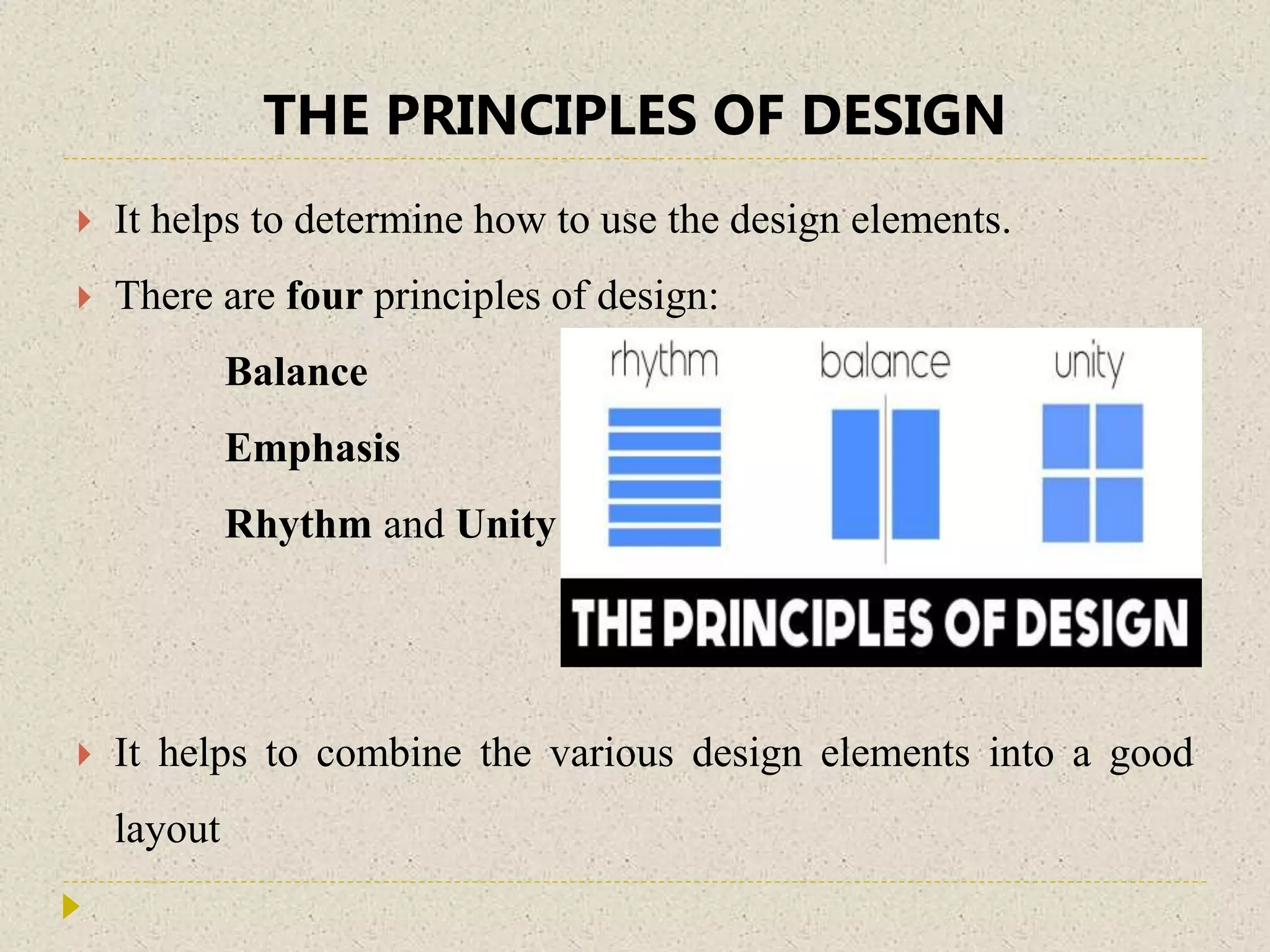
 There are four principles of design:
Balance
Emphasis
Rhythm and Unity
 It helps to combine the various design elements into a good
layout
THE PRINCIPLES OF DESIGN
 Balance
 Balance is an equal distribution of visual weight
 Color, value, size, shape, and texture can be used as balancing
elements
 Visual weight is determined by its size, darkness or lightness, and
thickness of lines
i. Symmetrical balance- an arrangement of elements & evenly
distributed to the left to the right of center.
ii. Asymmetrical balance- An arrangement of unlike objects of
equal weight on each side of the page
ORGANIZING LAYOUTS…
 S. B. can communicate strength and stability
 It is appropriate for traditional and conservative publications,
presentations, and web sites
 Asymmetrical balance can imply contrast, variety, movement,
surprise and informality
RHYTHM
 Rhythm is a pattern created by repeating elements
 Repetition and Variation are the keys to visual rhythm
 Placing elements in a layout at regular Intervals creates a smooth,
even rhythm and a calm, relaxing mood
 Sudden changes in the size and spacing of elements creates a fast,
lively rhythm and an exciting mood
 It further classified into four categories
Random Regular
Alternative Progressive
RHYTHM…
EMPHASIS…
 Emphasis is what stands out or gets noticed first
 Every layout needs a focal point to draw the readers attention
 when one element is different from the rest-Focal Point
 Use a series of evenly spaced, square photographs next to an
outlined photograph with an unusual shape

UNITY
 Unity helps all the elements look like they belong together
 Repeat color, shape, and texture
 Use a grid to establish a framework for margins, columns,
spacing, and proportions
UNITY…
 Use only one or two type styles and vary size or weight for
contrast
 Be consistent with the type font, sizes, and styles
 Use the same color palette throughout the design
 Repeat a color, shape, or texture in different areas throughout
 Choose visuals that share a similar color, theme or shape
 Line up photographs and text with the same grid lines
AVOID DESIGN PROBLEMS…
 Tambstoning- Avoid parallel headlines, subheads, or initial caps
in adjacent columns
 Trapped white space- Avoid holes in the middle of publications
 Claustrophobic pages - Always provide sufficient white space
around columns of text
 Whispering headlines - Headlines should be significantly larger,
and often bolder
AVOID DESIGN PROBLEMS …
 Similar typefaces - Strive for maximum contrast when using more than
one typeface
 Underlining- Underlining undermines readability
 Widows and orphans - Watch for widows and orphans, which can
cause unsightly gaps in text columns.
 Buried heads and subheads - Avoid headlines and subheads isolated
near column bottoms
 Box-itis and rule-itis - Avoid overusing boxes and rules
 Jumping horizons- Start the text the same distance from the top of the
page throughout a document
THANK YOU

Principles of Design

  • 1.
    THE PRINCIPLES OFDESIGN JANARDHAN. J
  • 2.
    THE PRINCIPLES OFDESIGN  It helps to determine how to use the design elements.  There are four principles of design: Balance Emphasis Rhythm and Unity  It helps to combine the various design elements into a good layout
  • 3.
    THE PRINCIPLES OFDESIGN  Balance  Balance is an equal distribution of visual weight  Color, value, size, shape, and texture can be used as balancing elements  Visual weight is determined by its size, darkness or lightness, and thickness of lines i. Symmetrical balance- an arrangement of elements & evenly distributed to the left to the right of center. ii. Asymmetrical balance- An arrangement of unlike objects of equal weight on each side of the page
  • 4.
    ORGANIZING LAYOUTS…  S.B. can communicate strength and stability  It is appropriate for traditional and conservative publications, presentations, and web sites  Asymmetrical balance can imply contrast, variety, movement, surprise and informality
  • 5.
    RHYTHM  Rhythm isa pattern created by repeating elements  Repetition and Variation are the keys to visual rhythm  Placing elements in a layout at regular Intervals creates a smooth, even rhythm and a calm, relaxing mood  Sudden changes in the size and spacing of elements creates a fast, lively rhythm and an exciting mood  It further classified into four categories Random Regular Alternative Progressive
  • 6.
  • 7.
    EMPHASIS…  Emphasis iswhat stands out or gets noticed first  Every layout needs a focal point to draw the readers attention  when one element is different from the rest-Focal Point  Use a series of evenly spaced, square photographs next to an outlined photograph with an unusual shape 
  • 8.
    UNITY  Unity helpsall the elements look like they belong together  Repeat color, shape, and texture  Use a grid to establish a framework for margins, columns, spacing, and proportions
  • 9.
    UNITY…  Use onlyone or two type styles and vary size or weight for contrast  Be consistent with the type font, sizes, and styles  Use the same color palette throughout the design  Repeat a color, shape, or texture in different areas throughout  Choose visuals that share a similar color, theme or shape  Line up photographs and text with the same grid lines
  • 10.
    AVOID DESIGN PROBLEMS… Tambstoning- Avoid parallel headlines, subheads, or initial caps in adjacent columns  Trapped white space- Avoid holes in the middle of publications  Claustrophobic pages - Always provide sufficient white space around columns of text  Whispering headlines - Headlines should be significantly larger, and often bolder
  • 11.
    AVOID DESIGN PROBLEMS…  Similar typefaces - Strive for maximum contrast when using more than one typeface  Underlining- Underlining undermines readability  Widows and orphans - Watch for widows and orphans, which can cause unsightly gaps in text columns.  Buried heads and subheads - Avoid headlines and subheads isolated near column bottoms  Box-itis and rule-itis - Avoid overusing boxes and rules  Jumping horizons- Start the text the same distance from the top of the page throughout a document
  • 12.