1
Presentation Skills
 Contingency Plan
• There is always a risk of some technical problem therefore
make sure to have your presentation saved in a memory
stick (USB/flash drive), E-mail, etc.
• In case of displaying a website or a web page, have some
saved screen shots.
• Ensure the availability of software and hardware.
o Speakers
o Access to internet
o Multimedia software
• Presentations created on Apple machine may/may not be
compatible with the others.
2
Presentation Skills
 Tips
• Plan your presentation before creating visual aids
• Use visual aids sparingly (not the sum and substance)
• Make them visible to the entire audience
• Talk to the audience, not to the aid
• Minimum use of laser pointers
• Explain the content of the aid when you first show it
• When you finish with the aid, remove it, cover it, or turn it off
(Key-B)
• Limit the amount of material on any one aid
• Be prepared to give your presentation without your visual aids
3
Presentation Skills
 Verbal Communication Strategies [1/2]
• Read more
• Think of using less words
• Prepare (for the expected / unexpected)
• Listen effectively and show interest to build rapport (note
taking)
• Be honest
• Get to the point
• 7 Cs of communication
• You-attitude
4
Presentation Skills
 Verbal Communication Strategies [2/2]
• Keep your language gender-neutral
• 2-3 minutes on each slide
• Sit in others’ presentation (becoming aware of the space
and audience)
5
Presentation Skills
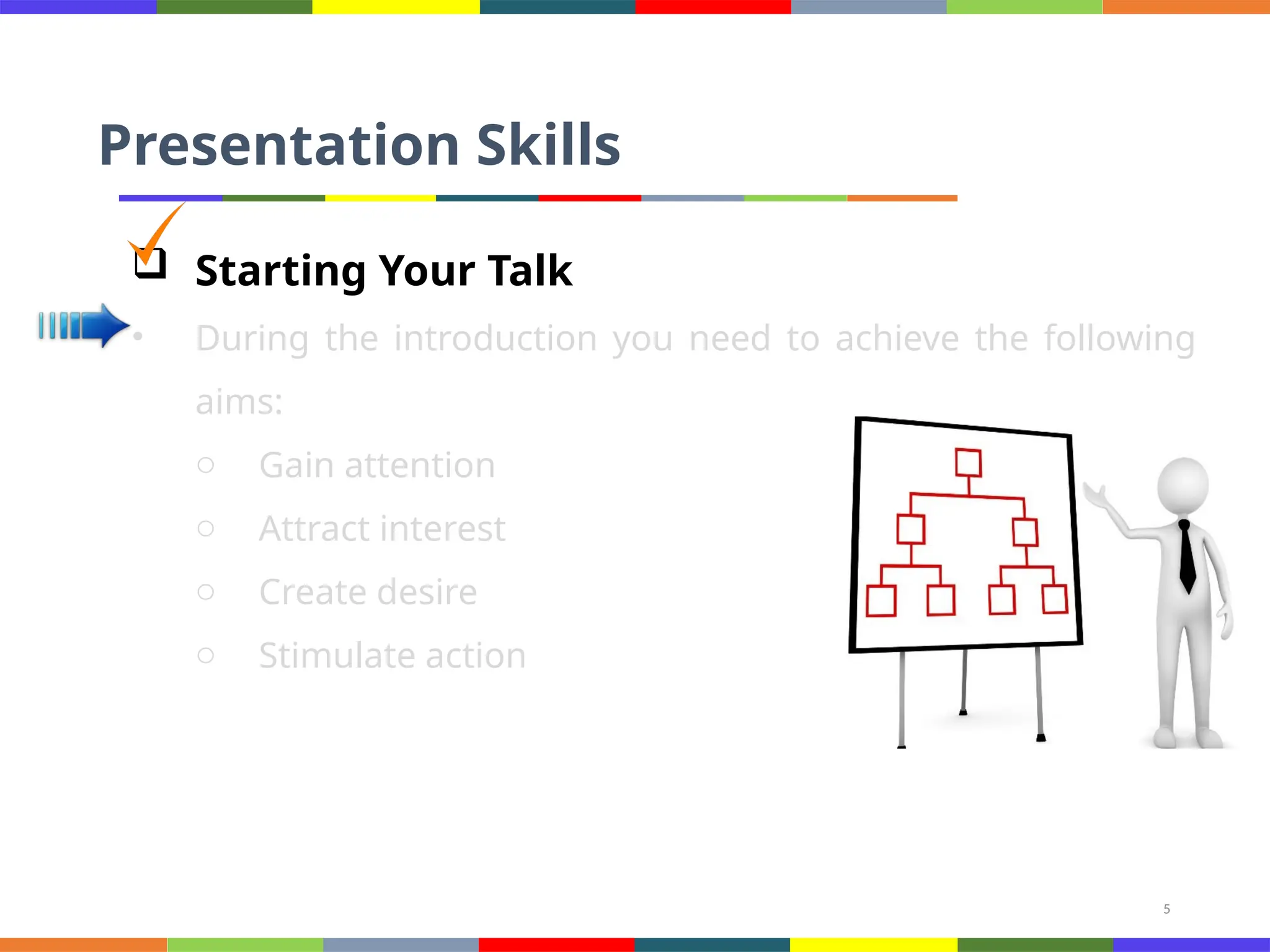
 Starting Your Talk
• During the introduction you need to achieve the following
aims:
o Gain attention
o Attract interest
o Create desire
o Stimulate action
6
Presentation Skills
 Time to Greet Your Audience
• “Good morning, ladies and gentlemen!”
• “Welcome to my presentation!”
• “It’s very nice to see you all here today.”
• “Can we get started?”
• “Let me say just a few words about my background…”
7
Presentation Skills
 Making an Effective Opening
• There are several ways how to attract the audience right
from the beginning. Think of one of the following
techniques to introduce your talk:
o Give them a problem to think about (Suppose you… Why is it
that…)
o Give them some amazing facts (Did you know that…?)
o Give them a story or a personal anecdote (stories always
atract attention)
o Use a citation (if you want to start on a more philosophical
note)
o Make a funny remark (but be careful with humour, not all
8
Presentation Skills
 Effective Opening: Useful Phrases
• “What I want to do this morning is to…”
• “My talk will take about 30 minutes.”
• “During my presentation, I’m going to be focusing on four main
areas.”
• “I’ll be giving out copies of my transparencies at the end.”
• “If you have any questions, or comments you’d like to make,
please don’t hesitate to stop me.”
9
Presentation Skills
 Signposting
• I will start with…
• Then…
• After that…
• Finally
10
Presentation Skills
 Ending Your Talk
• Don’t just end up abruptly without giving a conclusion.
• The purpose of the conclusion is to “tell the people what
you have told them”.
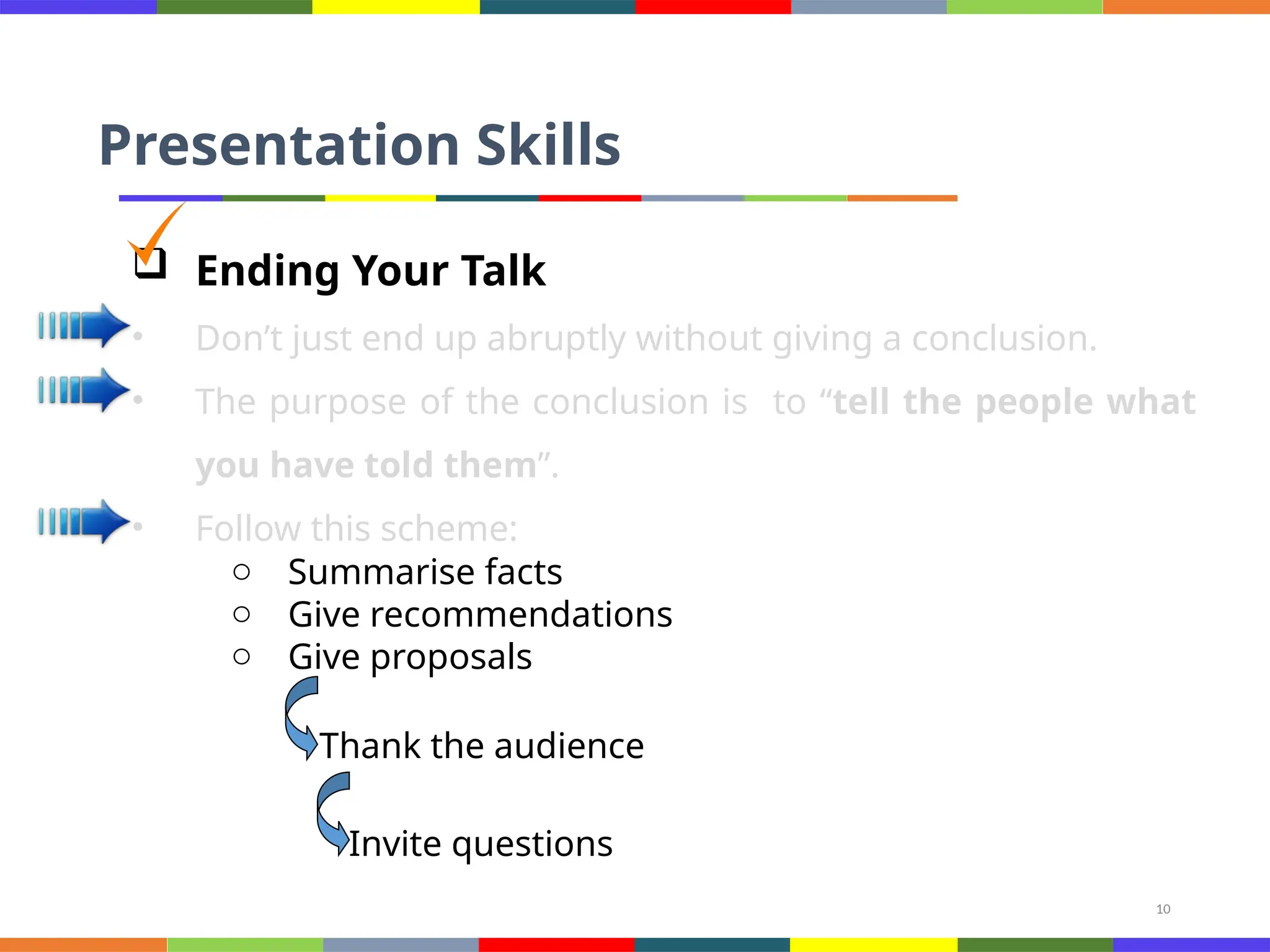
• Follow this scheme:
o Summarise facts
o Give recommendations
o Give proposals
Thank the audience
Invite questions
11
Presentation Skills
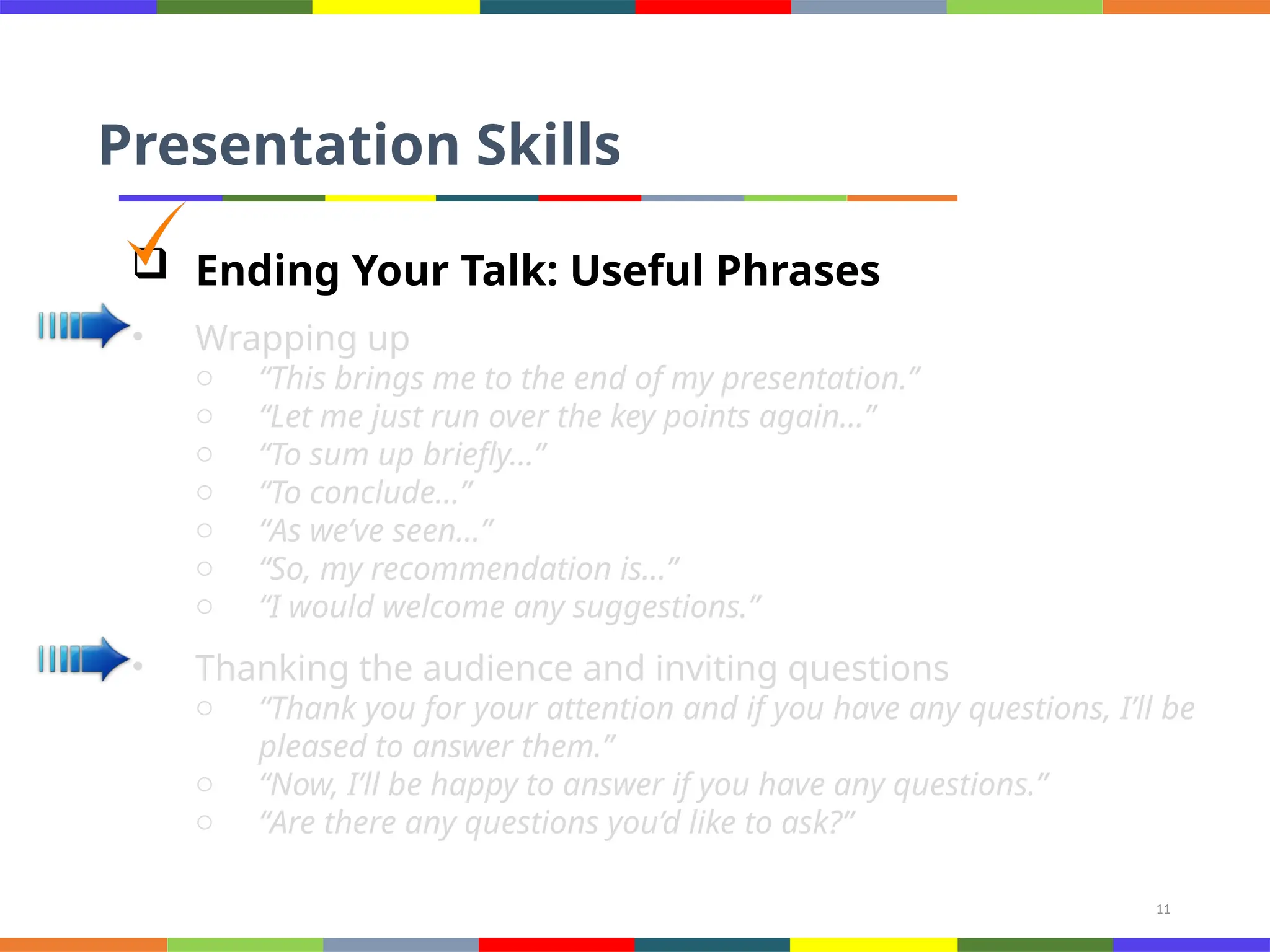
 Ending Your Talk: Useful Phrases
• Wrapping up
o “This brings me to the end of my presentation.”
o “Let me just run over the key points again…”
o “To sum up briefly…”
o “To conclude…”
o “As we’ve seen…”
o “So, my recommendation is…”
o “I would welcome any suggestions.”
• Thanking the audience and inviting questions
o “Thank you for your attention and if you have any questions, I’ll be
pleased to answer them.”
o “Now, I’ll be happy to answer if you have any questions.”
o “Are there any questions you’d like to ask?”
12
Presentation Skills
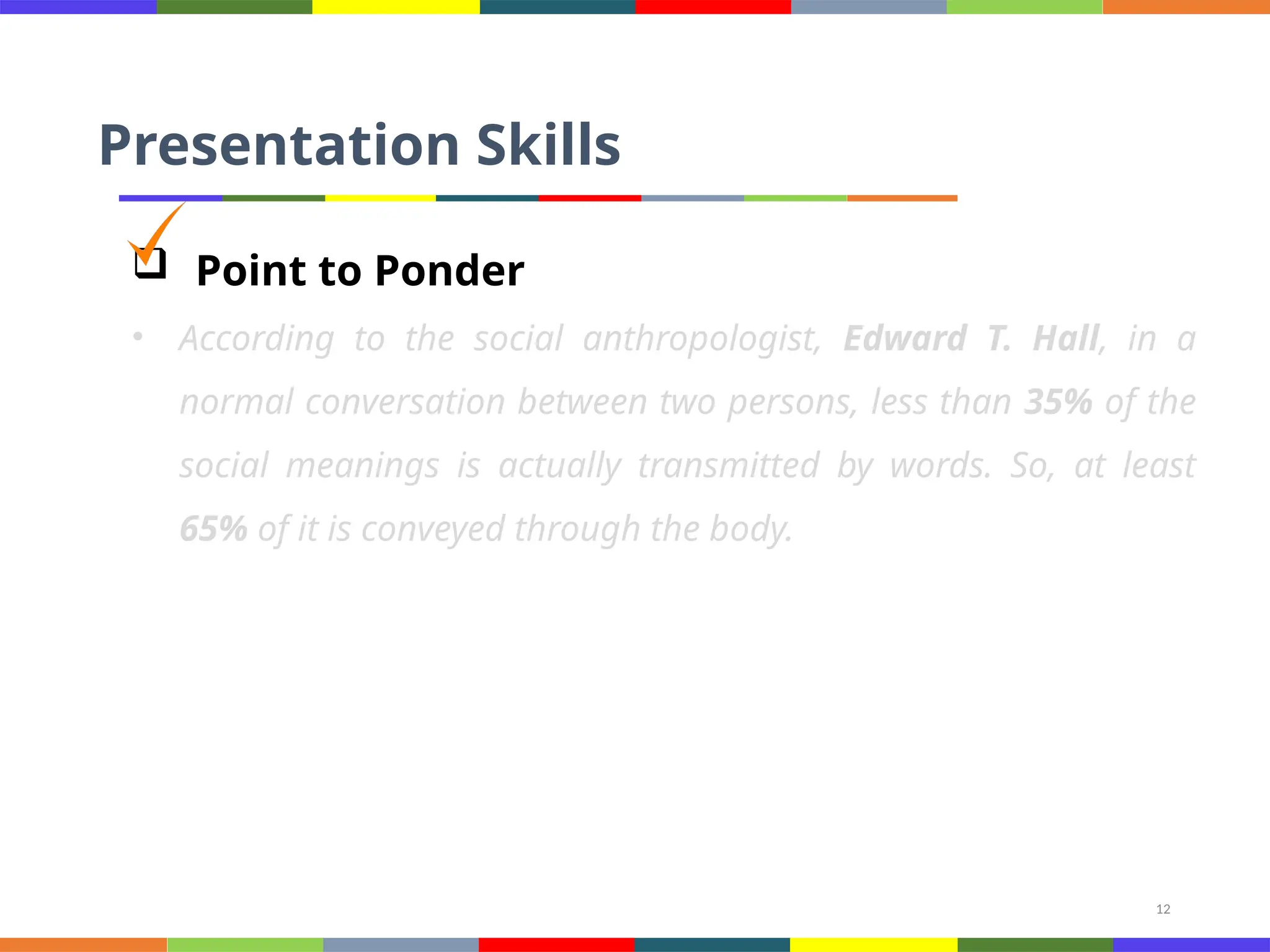
 Point to Ponder
• According to the social anthropologist, Edward T. Hall, in a
normal conversation between two persons, less than 35% of the
social meanings is actually transmitted by words. So, at least
65% of it is conveyed through the body.
13
Presentation Skills
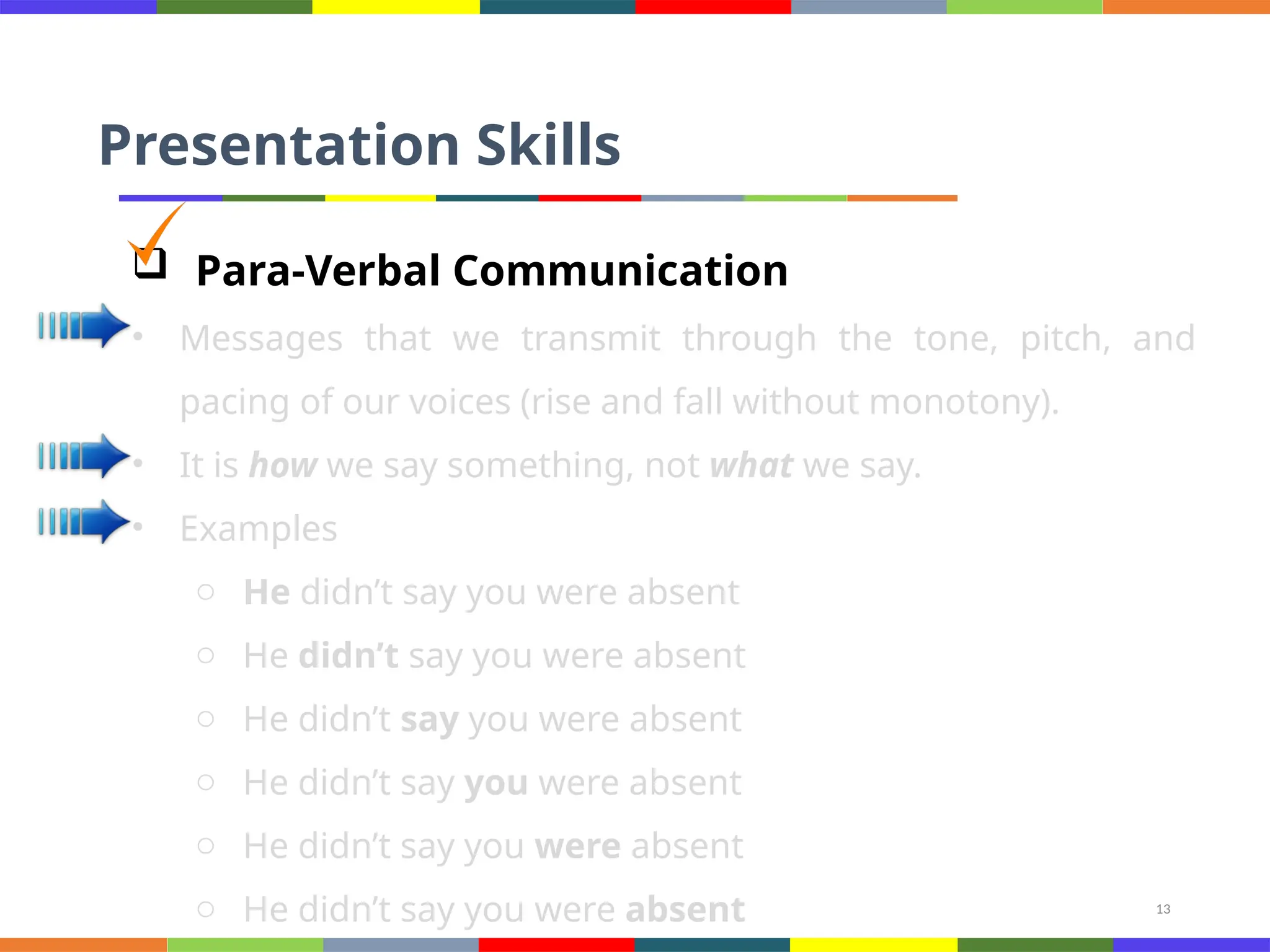
 Para-Verbal Communication
• Messages that we transmit through the tone, pitch, and
pacing of our voices (rise and fall without monotony).
• It is how we say something, not what we say.
• Examples
o He didn’t say you were absent
14
Presentation Skills
 Non-Verbal Strategies in a Presentation [1/3]
• Conscious/unconscious behavior
• Dressing (hair + shoes as well)
• Eye contact (continuously looking downward indicates
secrecy)
• Facial expression: happiness, sadness, anger, surprise, fear,
etc.
• Don’t frown, rather smile
• Proximity and space (walk around)
• Avoid slouching posture (hunched), stand straight (tall and
erect)
15
Presentation Skills
 Non-Verbal Strategies in a Presentation [2/3]
• No finger pointing
• Active nodding
• Read the body language of the audience
16
Presentation Skills
 Non-Verbal Strategies in a Presentation [3/3]
17
Presentation Skills
 How to Overcome Nervousness? [1/3]
• Nervousness occurs in the form of sweaty palms
o Accelerated heart rate
o Memory loss, and
o Even difficulty in breathing
• Prior Proper Preparation Prevents Poor Performance
• Prepare for Victory or Prepare for Failure
18
Presentation Skills
 How to Overcome Nervousness? [2/3]
• Gain experience
• Control emotions
• Eye contact
• Know the room (seat, podium, microphone)
• Know the audience
• Know your material
• Relax (inhale and exhale slowly)
• Visualize yourself speaking
19
Presentation Skills
 How to Overcome Nervousness? [3/3]
• Realize people want you to succeed
• No need to point our that you are nervous
• Focus on the message
• Turn adrenaline into a positive energy
• Forgive yourself for minor mistakes
20
Presentation Skills
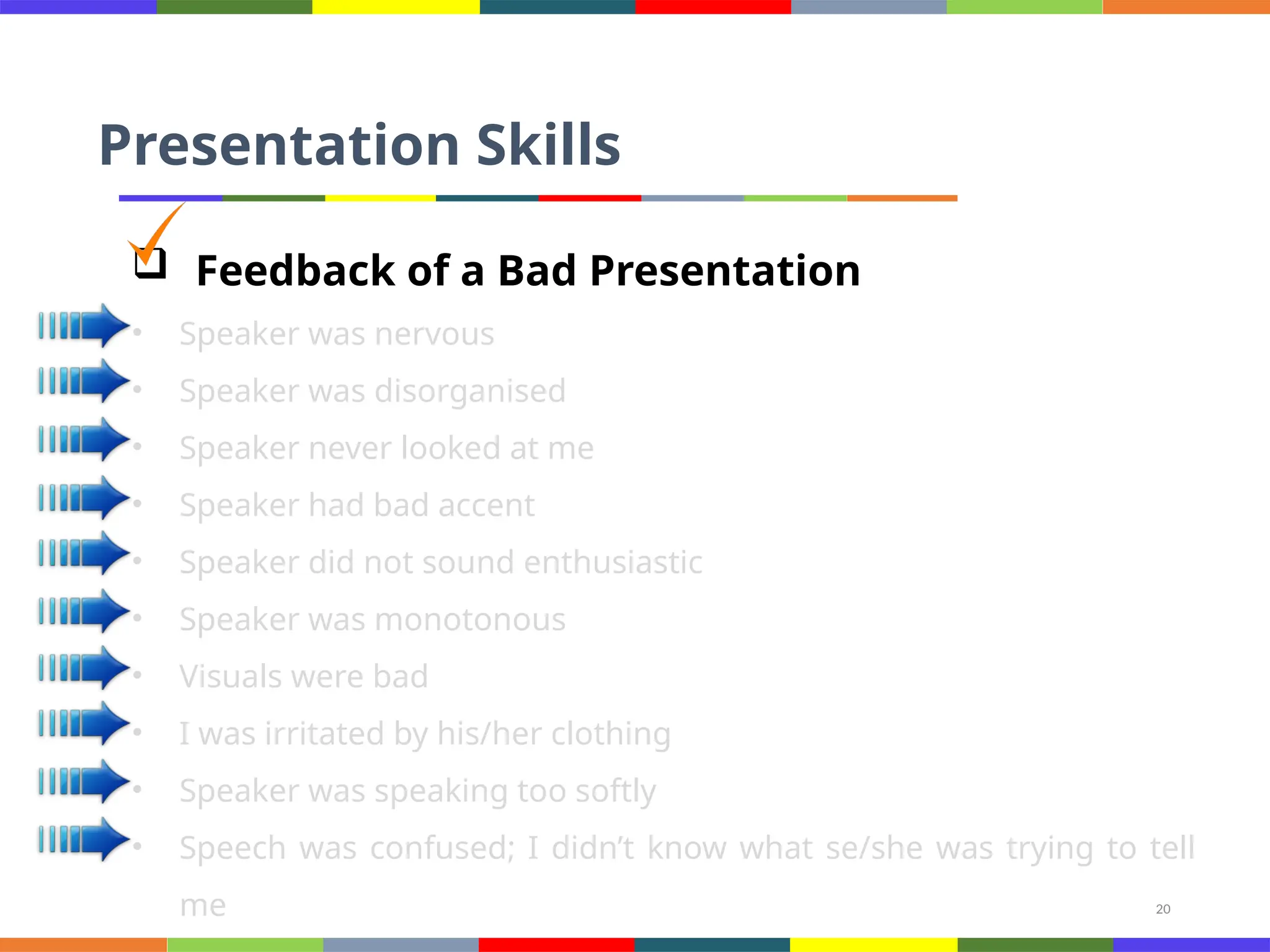
 Feedback of a Bad Presentation
• Speaker was nervous
• Speaker was disorganised
• Speaker never looked at me
• Speaker had bad accent
• Speaker did not sound enthusiastic
• Speaker was monotonous
• Visuals were bad
• I was irritated by his/her clothing
• Speaker was speaking too softly
• Speech was confused; I didn’t know what se/she was trying to tell
me
21
References
• http://www.wikihow.com/Create-a-PowerPoint-Presentation
• http://office.microsoft.com/en-us/powerpoint-help/tips-for-creatin
g-and-delivering-an-effective-presentation-HA010207864.aspx
• http://www.wikihow.com/Create-a-PowerPoint-Presentation
• http://office.microsoft.com/en-us/powerpoint-help/tips-for-creatin
g-and-delivering-an-effective-presentation-HA010207864.aspx
• http://www.dvd-ppt-slideshow.com/blog/how-to-overcome-nervou
sness-when-doing-powerpoint-presentation/
• http://www.ljlseminars.com/anxiety.htm
• http://presenting2007.blogspot.com/2007/02/notes-on-being-nerv
ous.html
22
Conclusions
• Planning your Presentations
• Visual Aids in Presentations
• Microsoft PowerPoint as a Visual Aid
• Effective Opening and Closing of Your Talk
• Para-verbal and Non-verbal Presentation
Strategies
• How to Overcome Nervousness?

This is the 2nd and important part of presentation

  • 1.
    1 Presentation Skills  ContingencyPlan • There is always a risk of some technical problem therefore make sure to have your presentation saved in a memory stick (USB/flash drive), E-mail, etc. • In case of displaying a website or a web page, have some saved screen shots. • Ensure the availability of software and hardware. o Speakers o Access to internet o Multimedia software • Presentations created on Apple machine may/may not be compatible with the others.
  • 2.
    2 Presentation Skills  Tips •Plan your presentation before creating visual aids • Use visual aids sparingly (not the sum and substance) • Make them visible to the entire audience • Talk to the audience, not to the aid • Minimum use of laser pointers • Explain the content of the aid when you first show it • When you finish with the aid, remove it, cover it, or turn it off (Key-B) • Limit the amount of material on any one aid • Be prepared to give your presentation without your visual aids
  • 3.
    3 Presentation Skills  VerbalCommunication Strategies [1/2] • Read more • Think of using less words • Prepare (for the expected / unexpected) • Listen effectively and show interest to build rapport (note taking) • Be honest • Get to the point • 7 Cs of communication • You-attitude
  • 4.
    4 Presentation Skills  VerbalCommunication Strategies [2/2] • Keep your language gender-neutral • 2-3 minutes on each slide • Sit in others’ presentation (becoming aware of the space and audience)
  • 5.
    5 Presentation Skills  StartingYour Talk • During the introduction you need to achieve the following aims: o Gain attention o Attract interest o Create desire o Stimulate action
  • 6.
    6 Presentation Skills  Timeto Greet Your Audience • “Good morning, ladies and gentlemen!” • “Welcome to my presentation!” • “It’s very nice to see you all here today.” • “Can we get started?” • “Let me say just a few words about my background…”
  • 7.
    7 Presentation Skills  Makingan Effective Opening • There are several ways how to attract the audience right from the beginning. Think of one of the following techniques to introduce your talk: o Give them a problem to think about (Suppose you… Why is it that…) o Give them some amazing facts (Did you know that…?) o Give them a story or a personal anecdote (stories always atract attention) o Use a citation (if you want to start on a more philosophical note) o Make a funny remark (but be careful with humour, not all
  • 8.
    8 Presentation Skills  EffectiveOpening: Useful Phrases • “What I want to do this morning is to…” • “My talk will take about 30 minutes.” • “During my presentation, I’m going to be focusing on four main areas.” • “I’ll be giving out copies of my transparencies at the end.” • “If you have any questions, or comments you’d like to make, please don’t hesitate to stop me.”
  • 9.
    9 Presentation Skills  Signposting •I will start with… • Then… • After that… • Finally
  • 10.
    10 Presentation Skills  EndingYour Talk • Don’t just end up abruptly without giving a conclusion. • The purpose of the conclusion is to “tell the people what you have told them”. • Follow this scheme: o Summarise facts o Give recommendations o Give proposals Thank the audience Invite questions
  • 11.
    11 Presentation Skills  EndingYour Talk: Useful Phrases • Wrapping up o “This brings me to the end of my presentation.” o “Let me just run over the key points again…” o “To sum up briefly…” o “To conclude…” o “As we’ve seen…” o “So, my recommendation is…” o “I would welcome any suggestions.” • Thanking the audience and inviting questions o “Thank you for your attention and if you have any questions, I’ll be pleased to answer them.” o “Now, I’ll be happy to answer if you have any questions.” o “Are there any questions you’d like to ask?”
  • 12.
    12 Presentation Skills  Pointto Ponder • According to the social anthropologist, Edward T. Hall, in a normal conversation between two persons, less than 35% of the social meanings is actually transmitted by words. So, at least 65% of it is conveyed through the body.
  • 13.
    13 Presentation Skills  Para-VerbalCommunication • Messages that we transmit through the tone, pitch, and pacing of our voices (rise and fall without monotony). • It is how we say something, not what we say. • Examples o He didn’t say you were absent o He didn’t say you were absent o He didn’t say you were absent o He didn’t say you were absent o He didn’t say you were absent o He didn’t say you were absent
  • 14.
    14 Presentation Skills  Non-VerbalStrategies in a Presentation [1/3] • Conscious/unconscious behavior • Dressing (hair + shoes as well) • Eye contact (continuously looking downward indicates secrecy) • Facial expression: happiness, sadness, anger, surprise, fear, etc. • Don’t frown, rather smile • Proximity and space (walk around) • Avoid slouching posture (hunched), stand straight (tall and erect)
  • 15.
    15 Presentation Skills  Non-VerbalStrategies in a Presentation [2/3] • No finger pointing • Active nodding • Read the body language of the audience
  • 16.
    16 Presentation Skills  Non-VerbalStrategies in a Presentation [3/3]
  • 17.
    17 Presentation Skills  Howto Overcome Nervousness? [1/3] • Nervousness occurs in the form of sweaty palms o Accelerated heart rate o Memory loss, and o Even difficulty in breathing • Prior Proper Preparation Prevents Poor Performance • Prepare for Victory or Prepare for Failure
  • 18.
    18 Presentation Skills  Howto Overcome Nervousness? [2/3] • Gain experience • Control emotions • Eye contact • Know the room (seat, podium, microphone) • Know the audience • Know your material • Relax (inhale and exhale slowly) • Visualize yourself speaking
  • 19.
    19 Presentation Skills  Howto Overcome Nervousness? [3/3] • Realize people want you to succeed • No need to point our that you are nervous • Focus on the message • Turn adrenaline into a positive energy • Forgive yourself for minor mistakes
  • 20.
    20 Presentation Skills  Feedbackof a Bad Presentation • Speaker was nervous • Speaker was disorganised • Speaker never looked at me • Speaker had bad accent • Speaker did not sound enthusiastic • Speaker was monotonous • Visuals were bad • I was irritated by his/her clothing • Speaker was speaking too softly • Speech was confused; I didn’t know what se/she was trying to tell me
  • 21.
    21 References • http://www.wikihow.com/Create-a-PowerPoint-Presentation • http://office.microsoft.com/en-us/powerpoint-help/tips-for-creatin g-and-delivering-an-effective-presentation-HA010207864.aspx •http://www.wikihow.com/Create-a-PowerPoint-Presentation • http://office.microsoft.com/en-us/powerpoint-help/tips-for-creatin g-and-delivering-an-effective-presentation-HA010207864.aspx • http://www.dvd-ppt-slideshow.com/blog/how-to-overcome-nervou sness-when-doing-powerpoint-presentation/ • http://www.ljlseminars.com/anxiety.htm • http://presenting2007.blogspot.com/2007/02/notes-on-being-nerv ous.html
  • 22.
    22 Conclusions • Planning yourPresentations • Visual Aids in Presentations • Microsoft PowerPoint as a Visual Aid • Effective Opening and Closing of Your Talk • Para-verbal and Non-verbal Presentation Strategies • How to Overcome Nervousness?