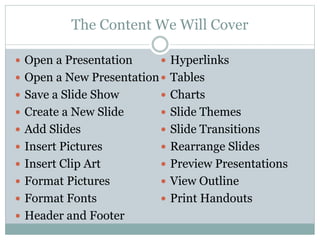
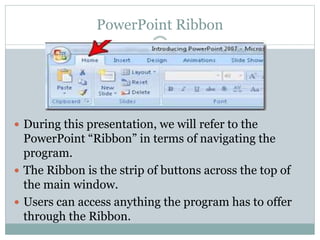
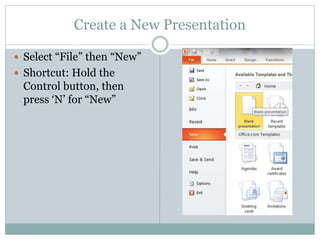
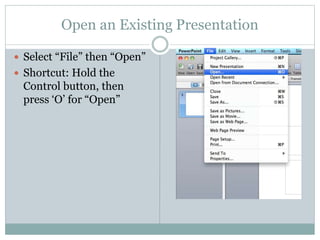
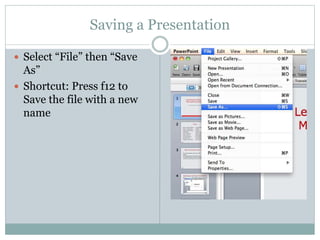
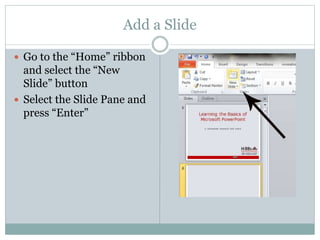
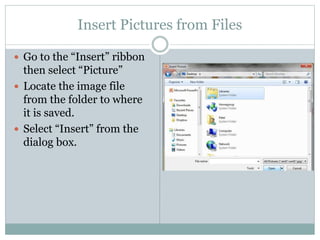
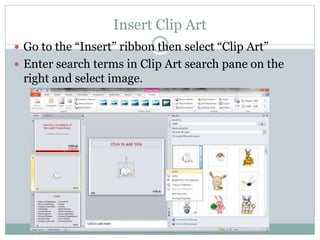
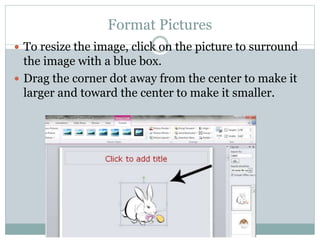
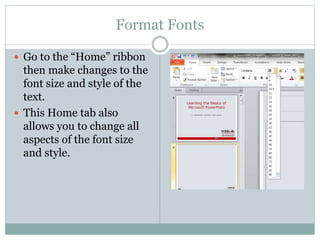
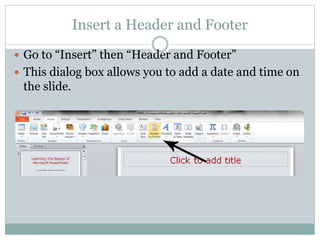
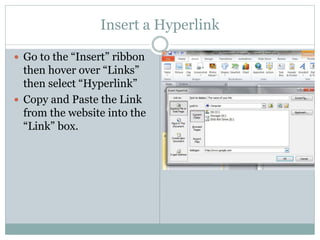
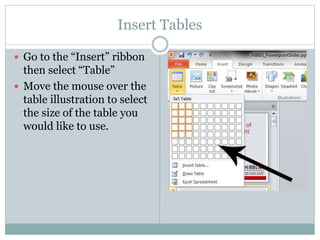
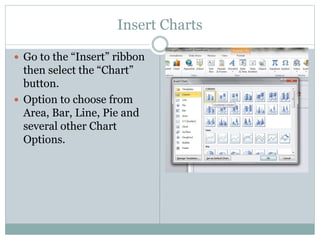
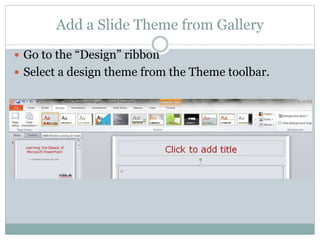
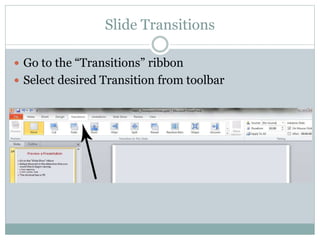
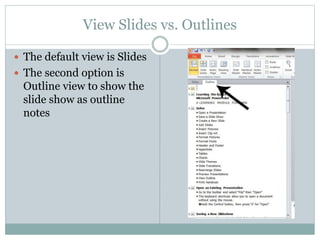
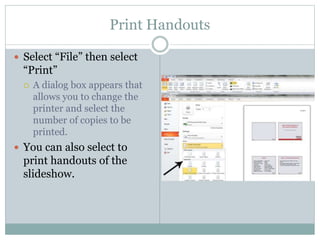
This document provides an overview of the content that will be covered in a Microsoft PowerPoint 2010 workshop, including how to open and save presentations, add slides, insert pictures and clip art, format fonts and slides, add headers and footers, hyperlinks, tables, and charts, rearrange slides, preview presentations, print handouts, and more. The content will refer to PowerPoint's ribbon interface for navigating the program's features. The workshop was created by the Department of Information Technology at EMG Yadava Women's College in Madurai, India.