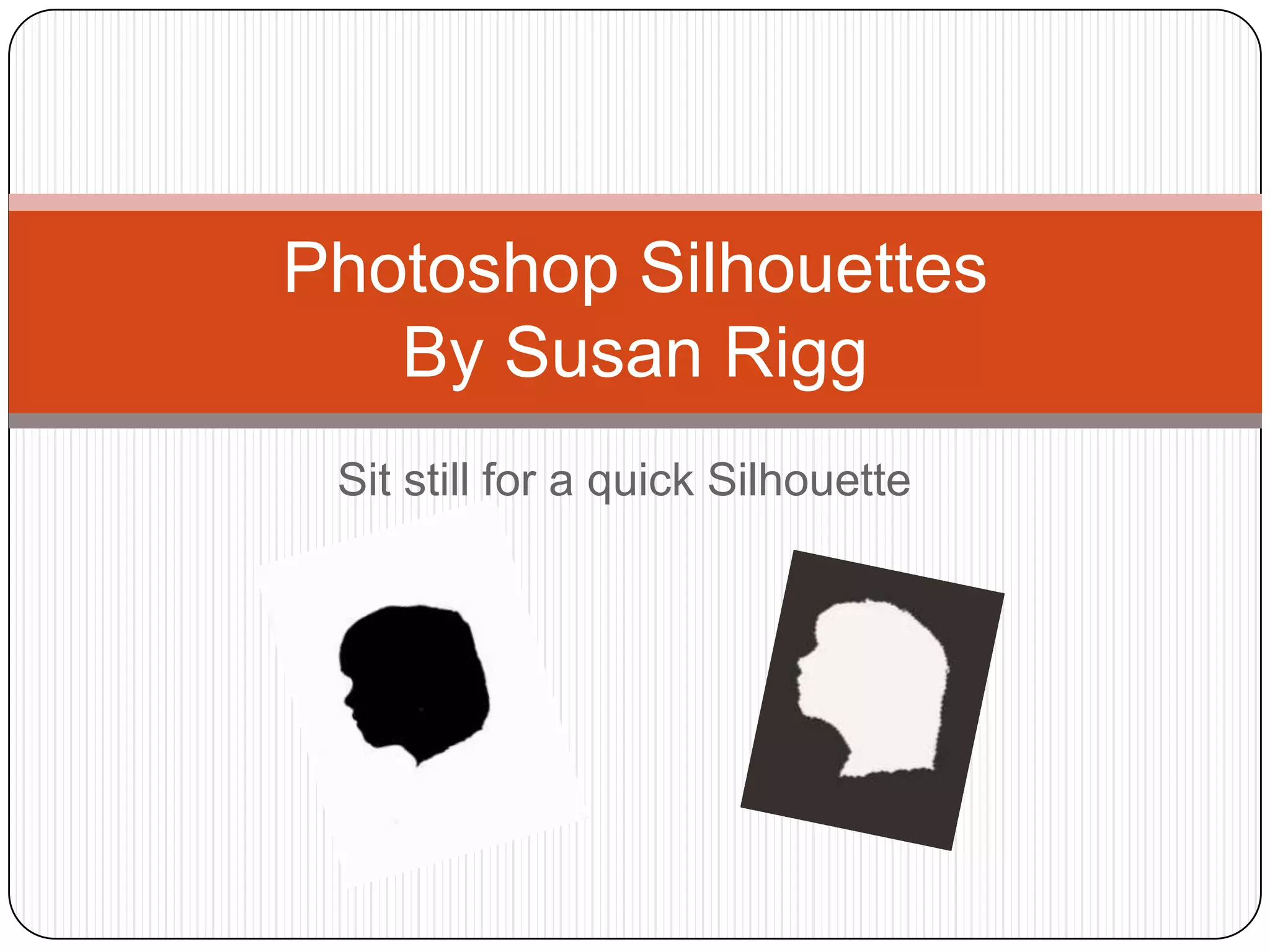
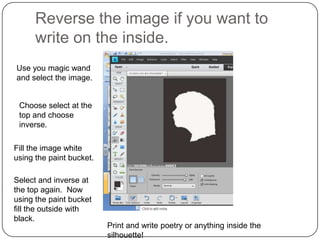
This document provides instructions for creating a silhouette in Photoshop Elements 11 by removing the background color from a photo and filling the remaining silhouette with black. The key steps are:
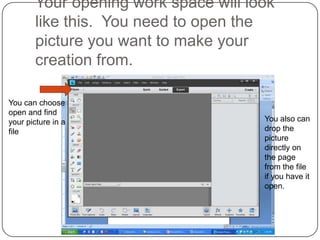
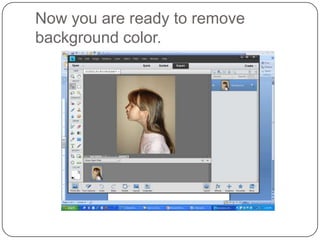
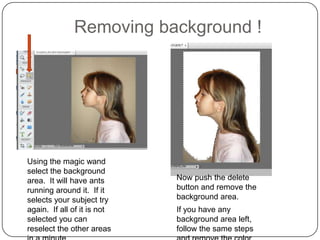
1) Open a photo in Photoshop Elements and use the magic wand tool to select the background area.
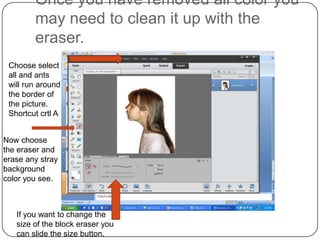
2) Press delete to remove the background color. Use the eraser tool to clean up any remaining color.
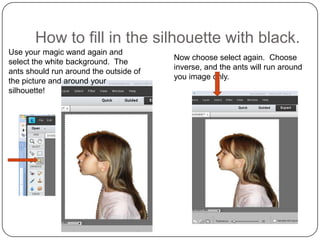
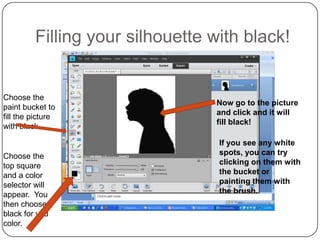
3) Select the white silhouette and fill it with black using the paint bucket tool.
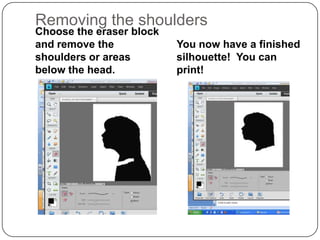
4) The finished silhouette can then be printed or modified further, such as filling the inside with white to write on.