Download to read offline

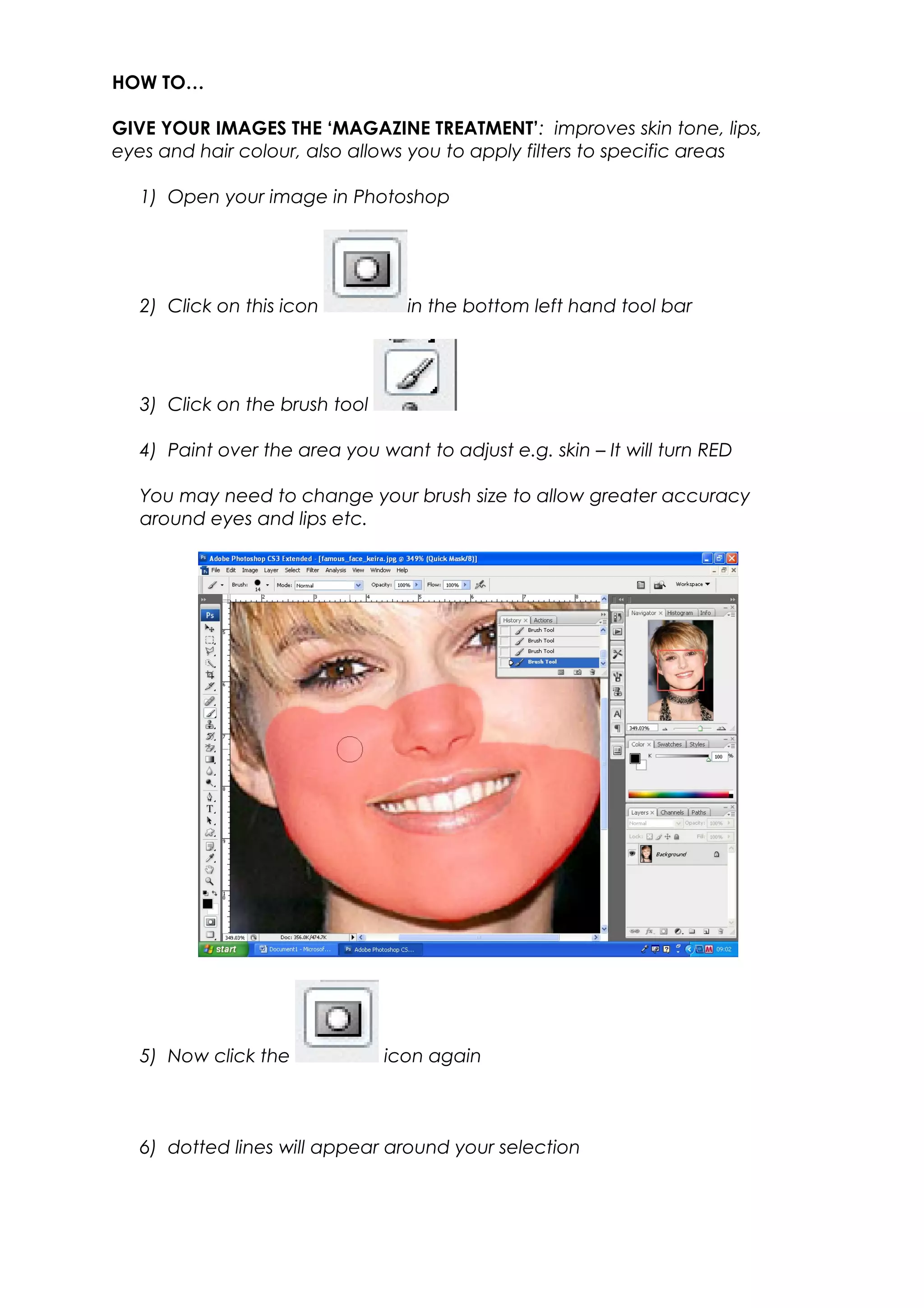
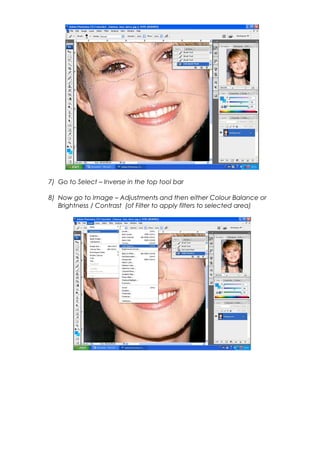
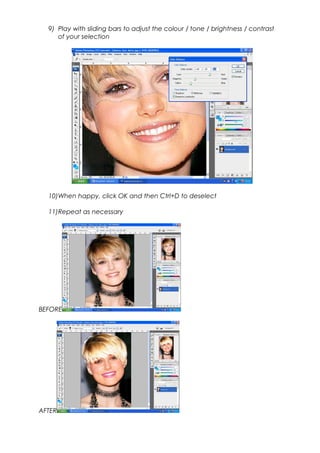

This document provides instructions for selectively editing images in Photoshop to give them a "magazine treatment" by improving aspects like skin tone and hair color. It outlines using the brush tool to paint and select specific areas, inverting the selection, and then adjusting the color balance, brightness, contrast or applying filters only to that selected region to refine it.


