Download as PDF, PPTX

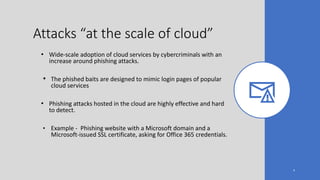
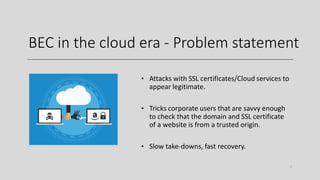

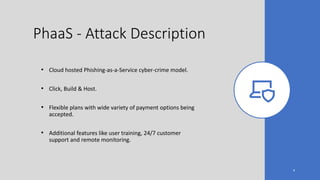
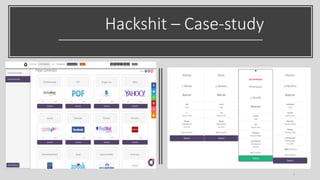
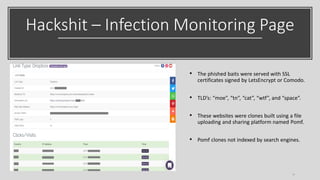
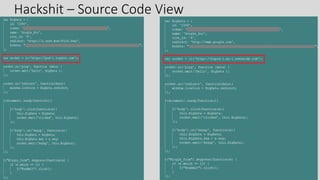
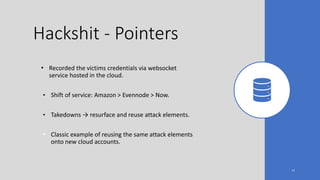

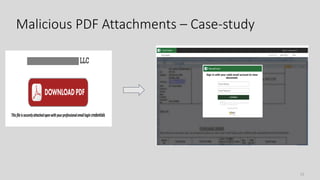
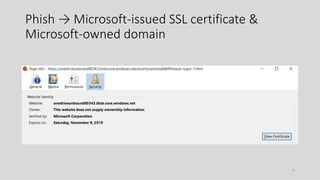
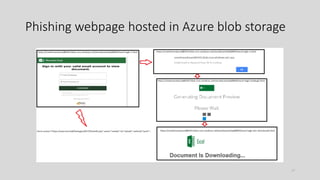
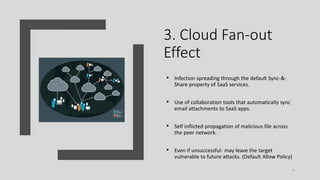
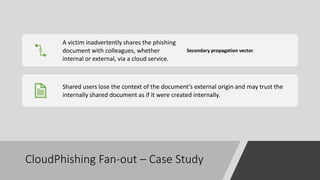
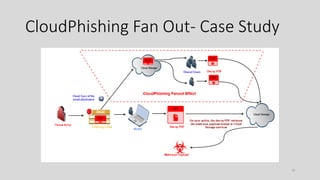
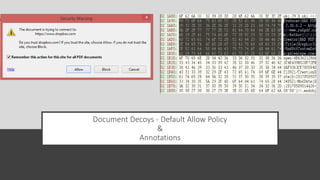
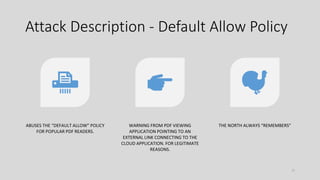
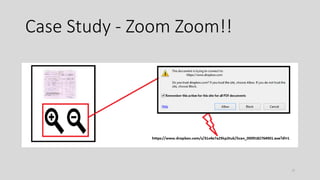
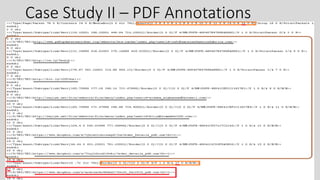


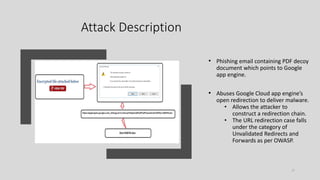
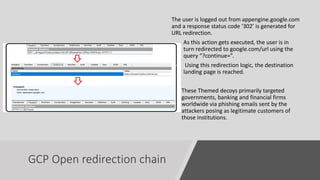
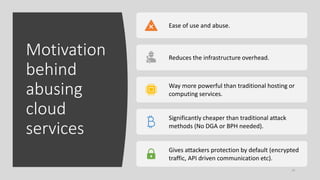
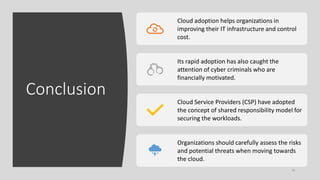
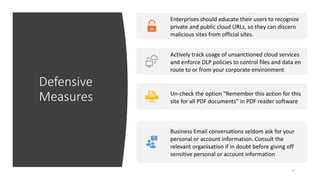

This document discusses how phishing attacks have evolved to take advantage of cloud services. It provides examples of phishing-as-a-service models that easily host phishing sites on cloud infrastructure. Attackers are able to make phishing sites appear more legitimate by using SSL certificates and domains from major cloud providers. The document also examines how malicious files spread unintentionally through default file sharing and syncing features of cloud apps, multiplying the impact of attacks. Abusing open redirection and default file handling policies, attackers can leverage the cloud to construct complex redirection chains to deliver malware while appearing innocuous. The widespread adoption of cloud services by both attackers and defenders means cloud security must be a priority to prevent abuse while realizing the benefits of the


