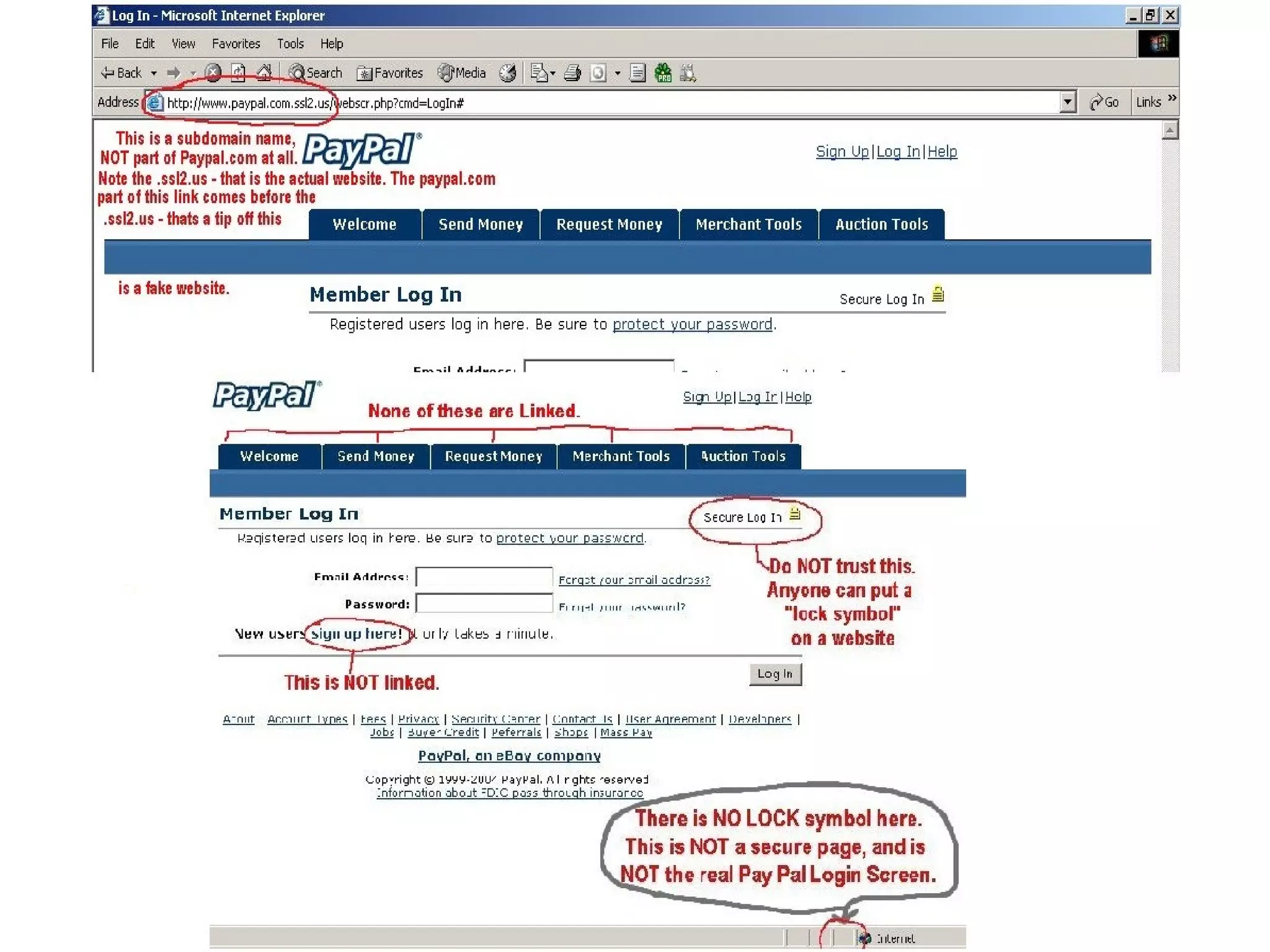
This document discusses phishing, which is a form of online fraud that aims to steal users' sensitive information such as usernames, passwords, and credit card details. It does this through deceptive messages that appear to come from legitimate organizations but actually lead to fake websites or download malware. The document provides information on how phishing works, techniques used to detect and prevent it, and tips for users to avoid falling victim to phishing scams.
Phishing is an online deception to acquire sensitive info by pretending to be a legitimate entity. It uses spam-like tactics to deceive users into providing personal data.
Preventive measures include blocking phishing websites, enhancing security, utilizing spam filters, and installing anti-phishing software.
Users should avoid clicking suspicious links, refrain from sharing sensitive info via email, and verify contacts before disclosing information.
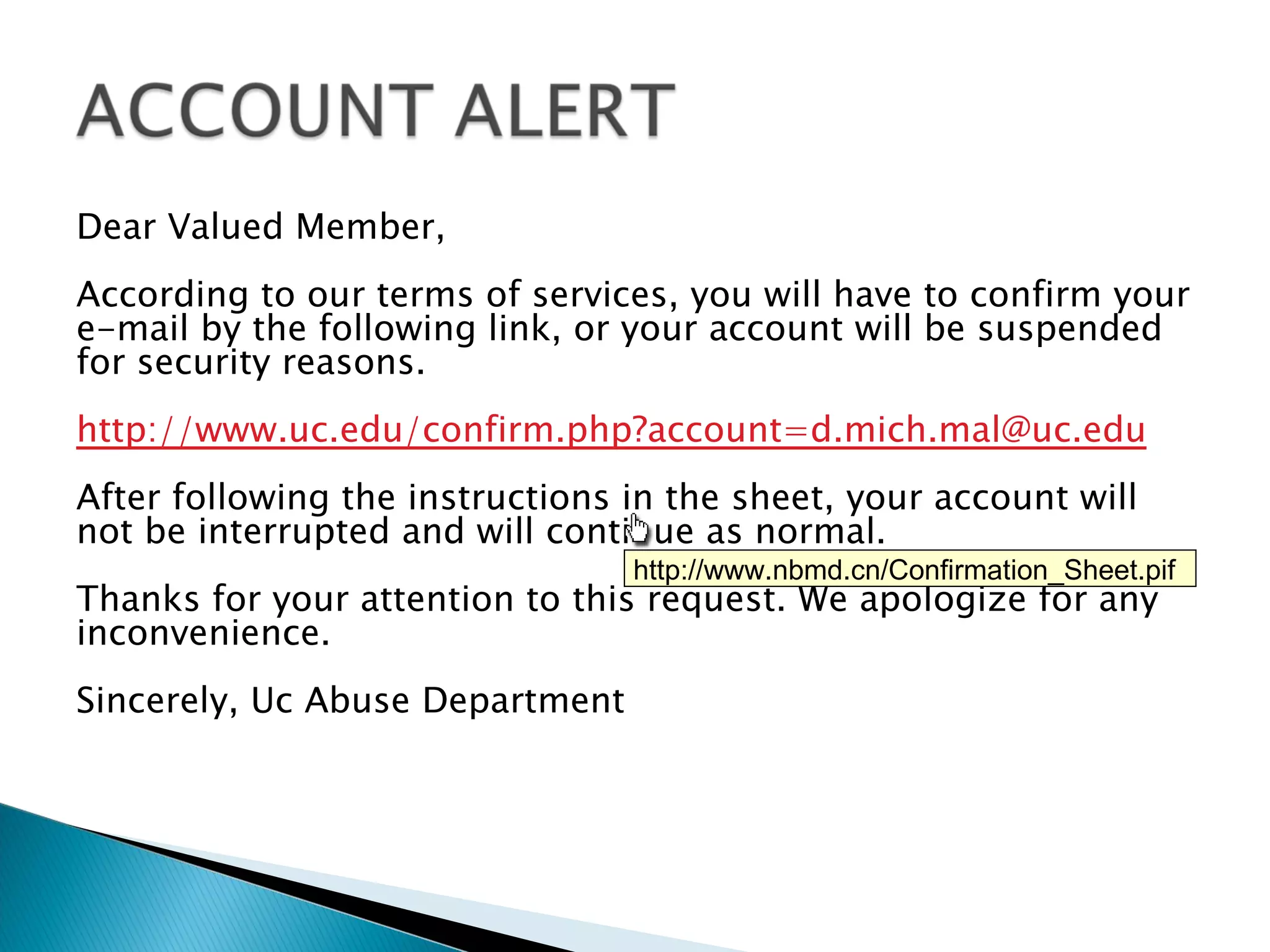
An example of a phishing email warning about account suspension and prompting users to confirm email, illustrating deceptive tactics.
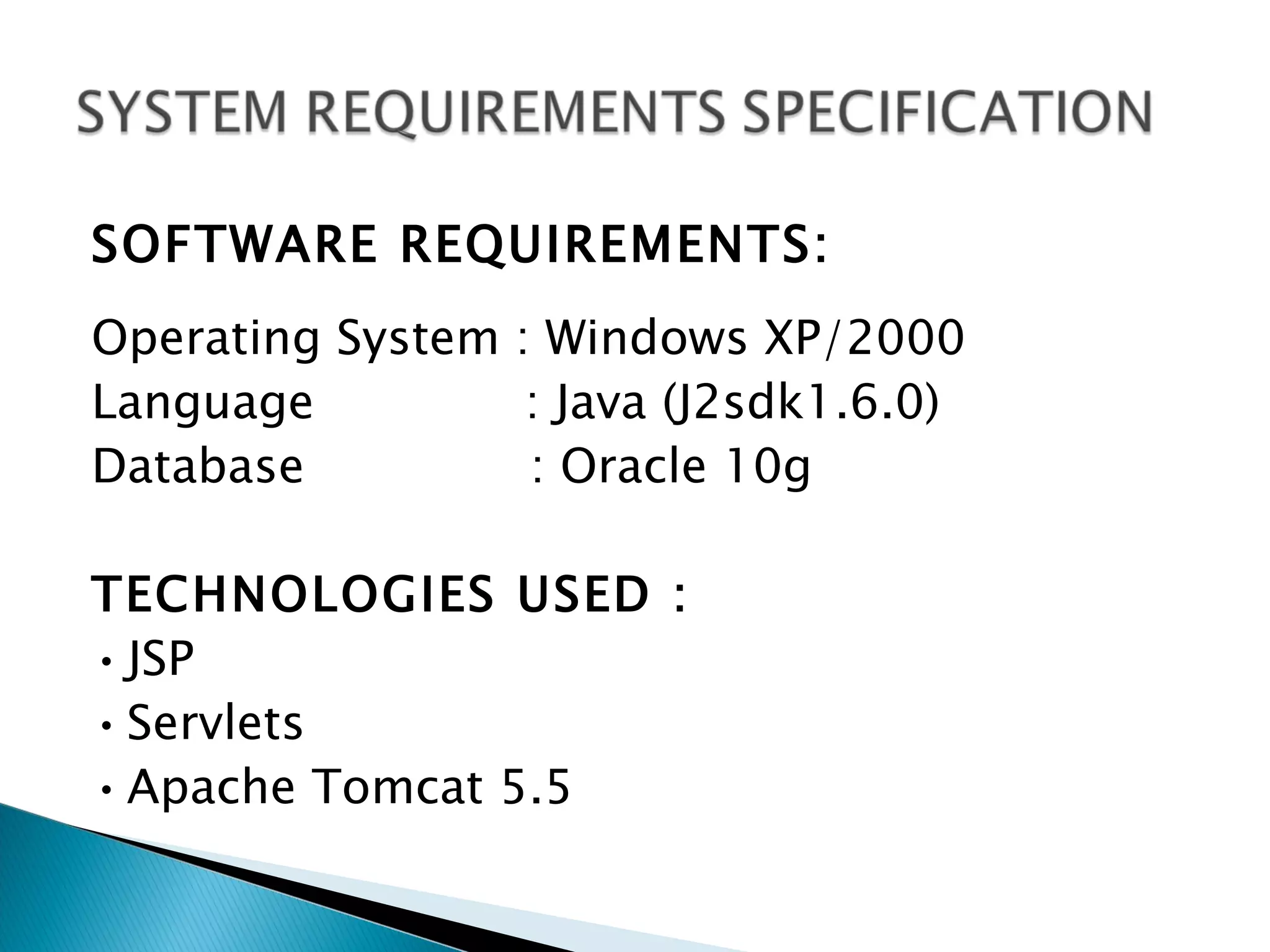
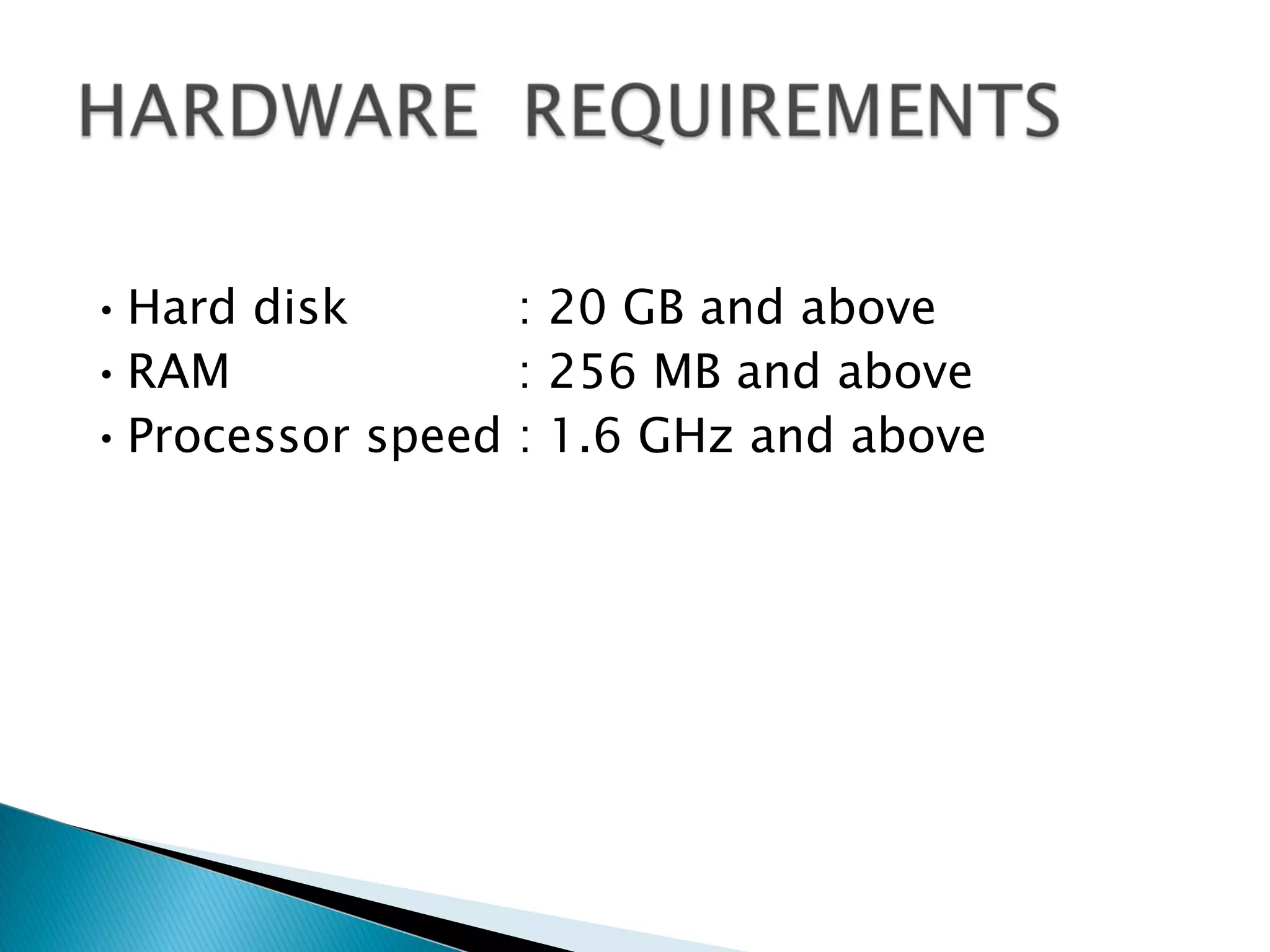
Details the software requirements necessary for running applications related to phishing prevention, including OS, technologies, and hardware.
Pronounced "fishing“
The word has its Origin from two words “Password
Harvesting ” or fishing for Passwords
Phishing is an online form of pretexting, a kind of
deception in which an attacker pretends to be someone else
in order to obtain sensitive information from the victim
Also known as "brand spoofing“
Phishers are phishing artists
3.
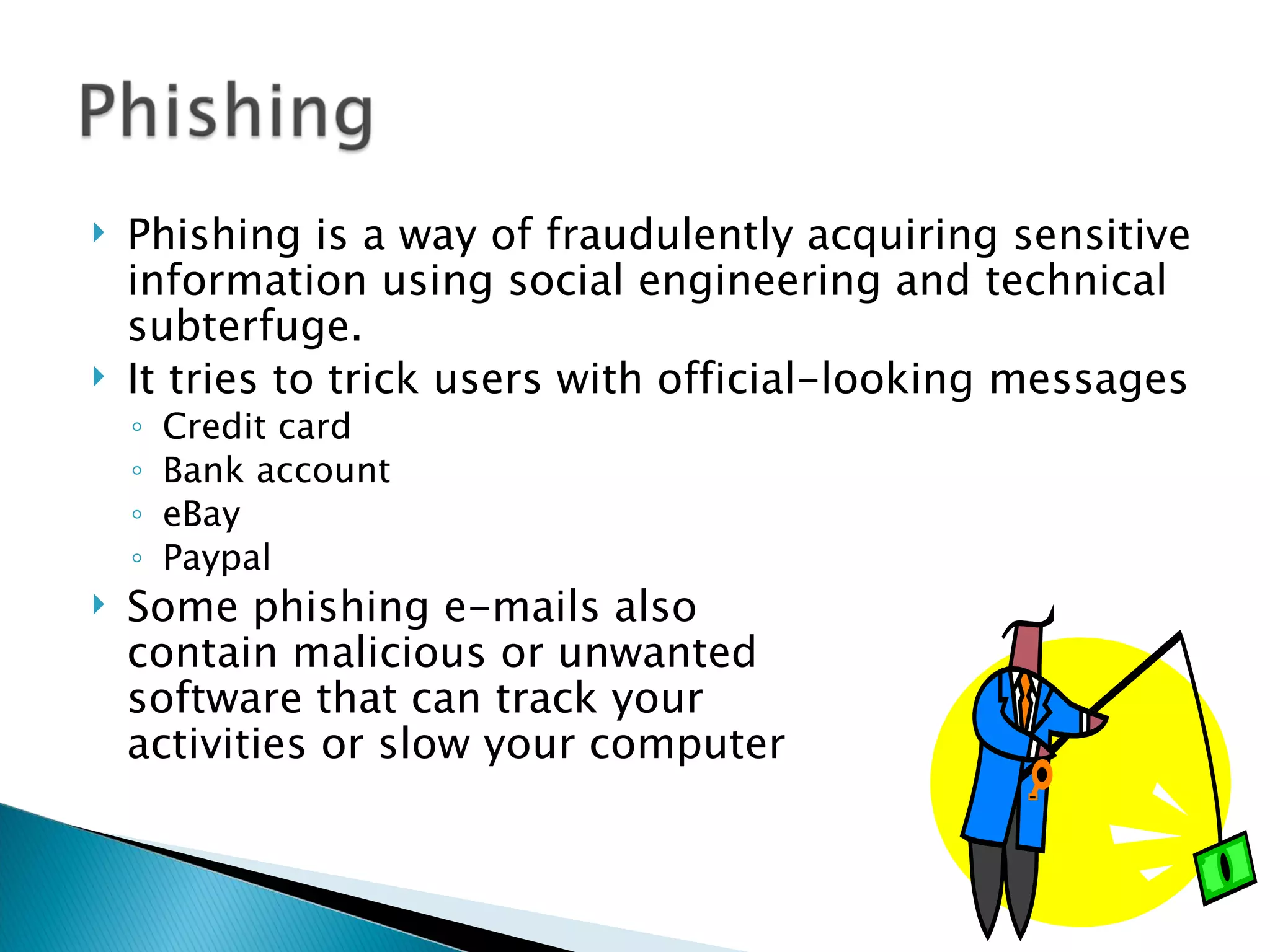
Phishing is a way of fraudulently acquiring sensitive
information using social engineering and technical
subterfuge.
It tries to trick users with official-looking messages
◦ Credit card
◦ Bank account
◦ eBay
◦ Paypal
Some phishing e-mails also
contain malicious or unwanted
software that can track your
activities or slow your computer
4.
The purpose of a phishing message is to acquire sensitive
information about a user. For doing so the message needs to
deceive the intended recipient.
◦ So it doesn’t contains any useful information and hence
falls under the category of spam.
A spam message tries to sell a product or service, whereas
phishing message needs to look like it is from a legitimate
organization.
Techniques applied to spam message cant be applied naively
to phishing messages.
5.
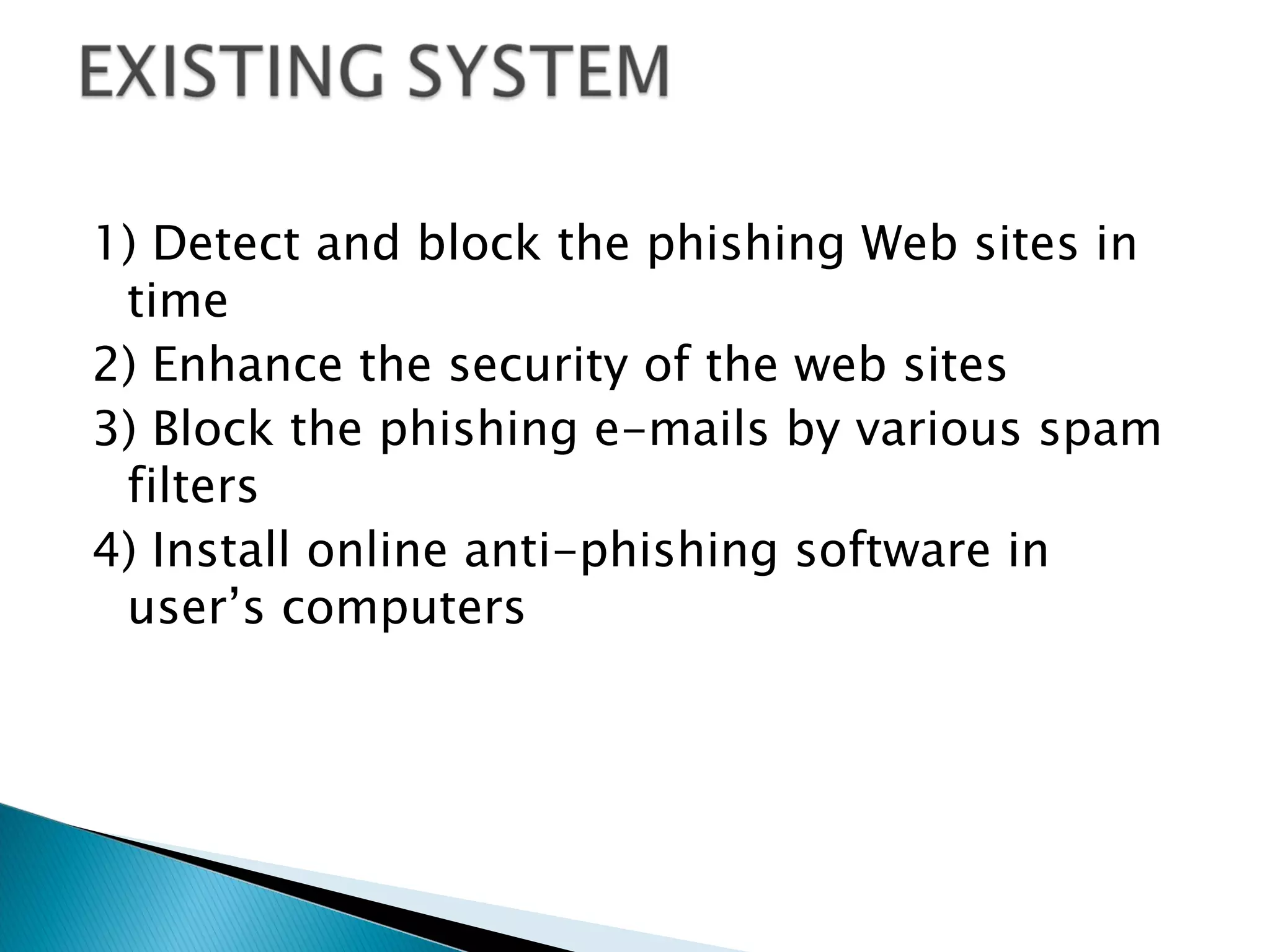
1) Detect andblock the phishing Web sites in
time
2) Enhance the security of the web sites
3) Block the phishing e-mails by various spam
filters
4) Install online anti-phishing software in
user’s computers
6.
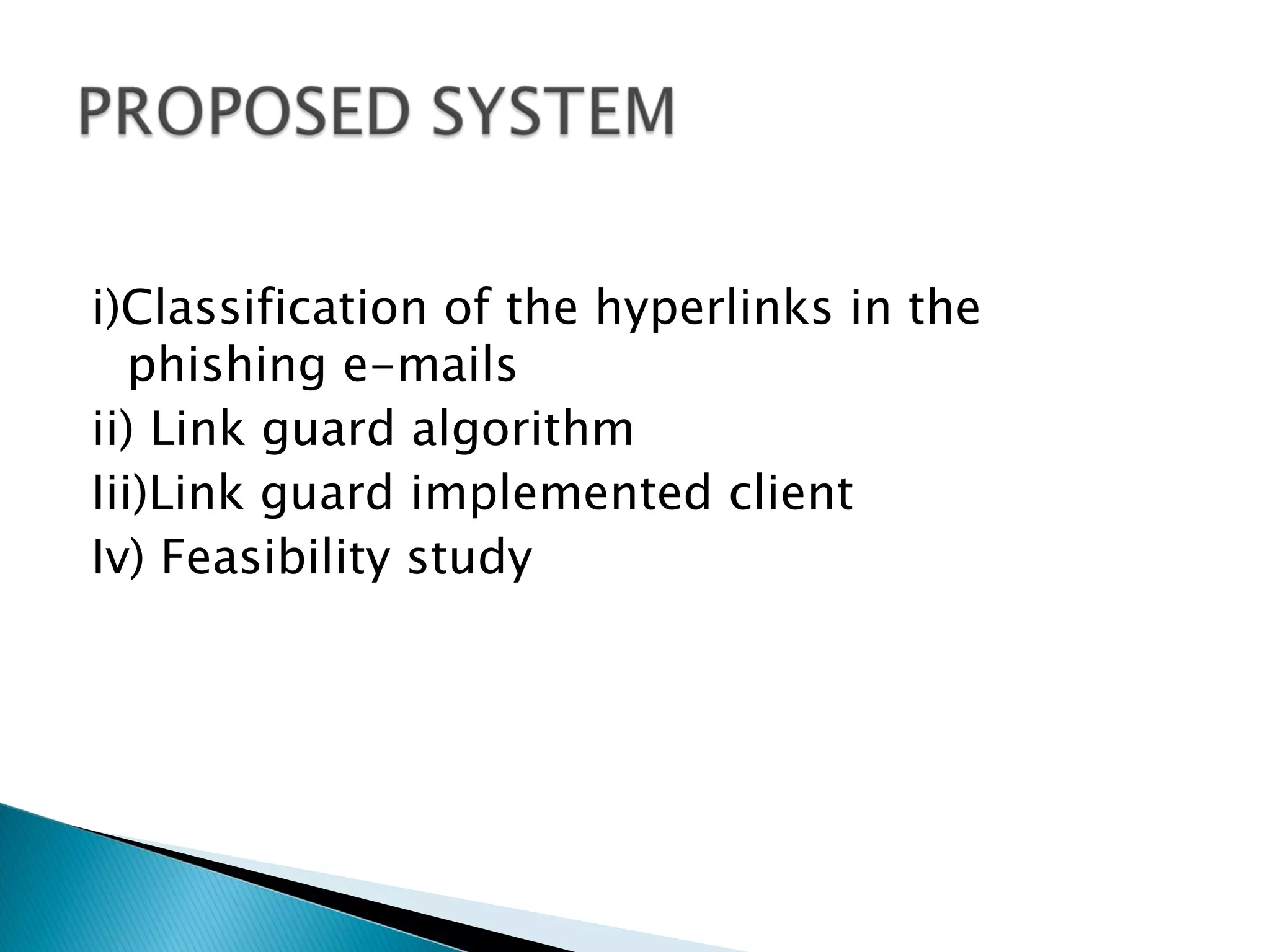
i)Classification of thehyperlinks in the
phishing e-mails
ii) Link guard algorithm
Iii)Link guard implemented client
Iv) Feasibility study
8.
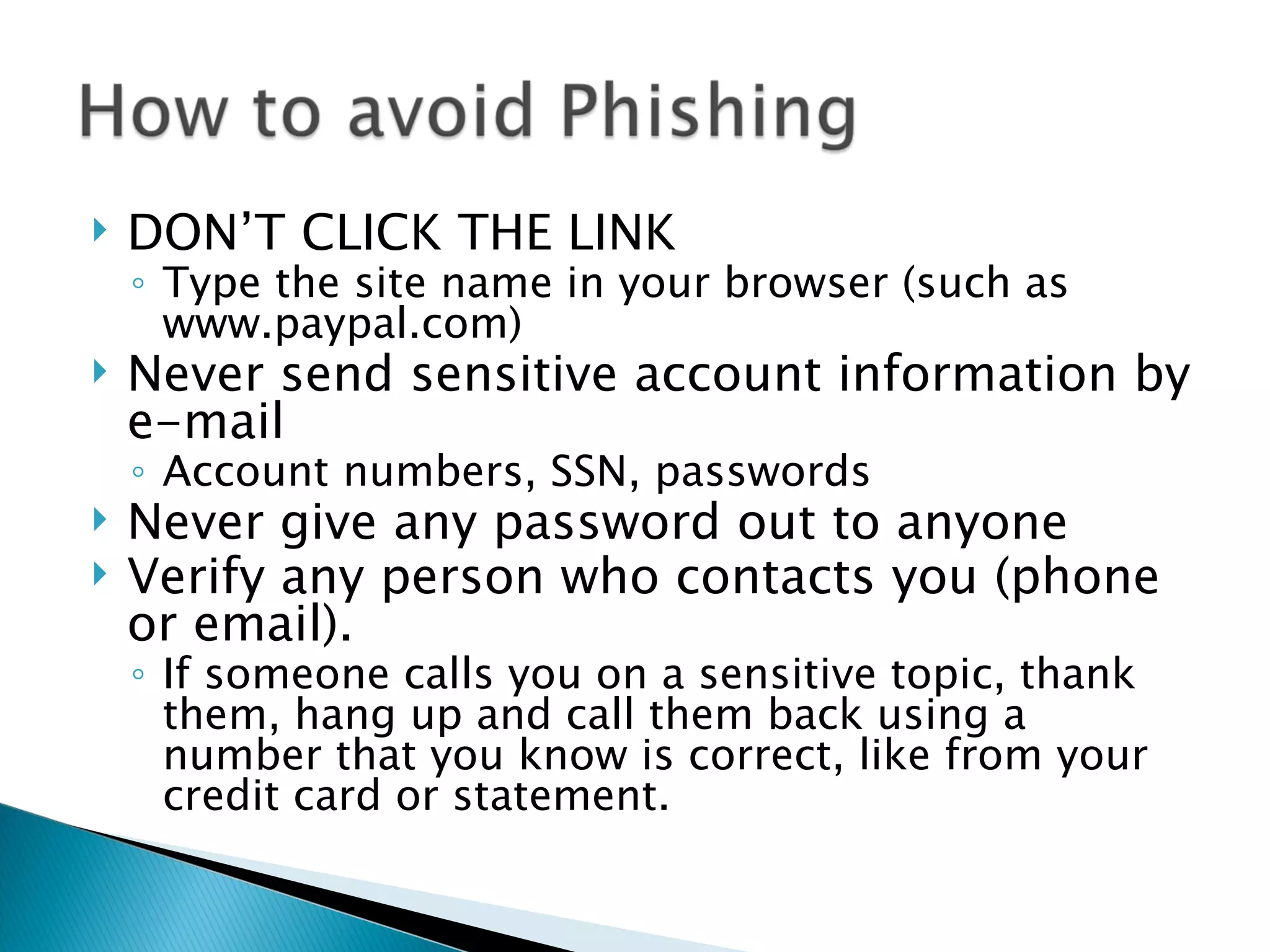
DON’T CLICK THE LINK
◦ Type the site name in your browser (such as
www.paypal.com)
Never send sensitive account information by
e-mail
◦ Account numbers, SSN, passwords
Never give any password out to anyone
Verify any person who contacts you (phone
or email).
◦ If someone calls you on a sensitive topic, thank
them, hang up and call them back using a
number that you know is correct, like from your
credit card or statement.
11.
Dear Valued Member,
Accordingto our terms of services, you will have to confirm your
e-mail by the following link, or your account will be suspended
for security reasons.
http://www.uc.edu/confirm.php?account=d.mich.mal@uc.edu
After following the instructions in the sheet, your account will
not be interrupted and will continue as normal.
http://www.nbmd.cn/Confirmation_Sheet.pif
Thanks for your attention to this request. We apologize for any
inconvenience.
Sincerely, Uc Abuse Department
14.
SOFTWARE REQUIREMENTS:
Operating System: Windows XP/2000
Language : Java (J2sdk1.6.0)
Database : Oracle 10g
TECHNOLOGIES USED :
• JSP
• Servlets
• Apache Tomcat 5.5
15.
• Hard disk : 20 GB and above
• RAM : 256 MB and above
• Processor speed : 1.6 GHz and above
Editor's Notes
#12 This is a “Spear Fishing” email. A phishing attack specifically targeted to a limited audience, thus making it seem more legitimate. If you HOVER your mouse over the link (DO NOT CLICK!), you will see the real URL show up as a floating box (in Outlook) or in the lower left-hand corner (in a web browser). The link above goes to nbmd.com NOT uc.edu A good general rule for email: If the shown URL and real URL do not match, be suspicious.
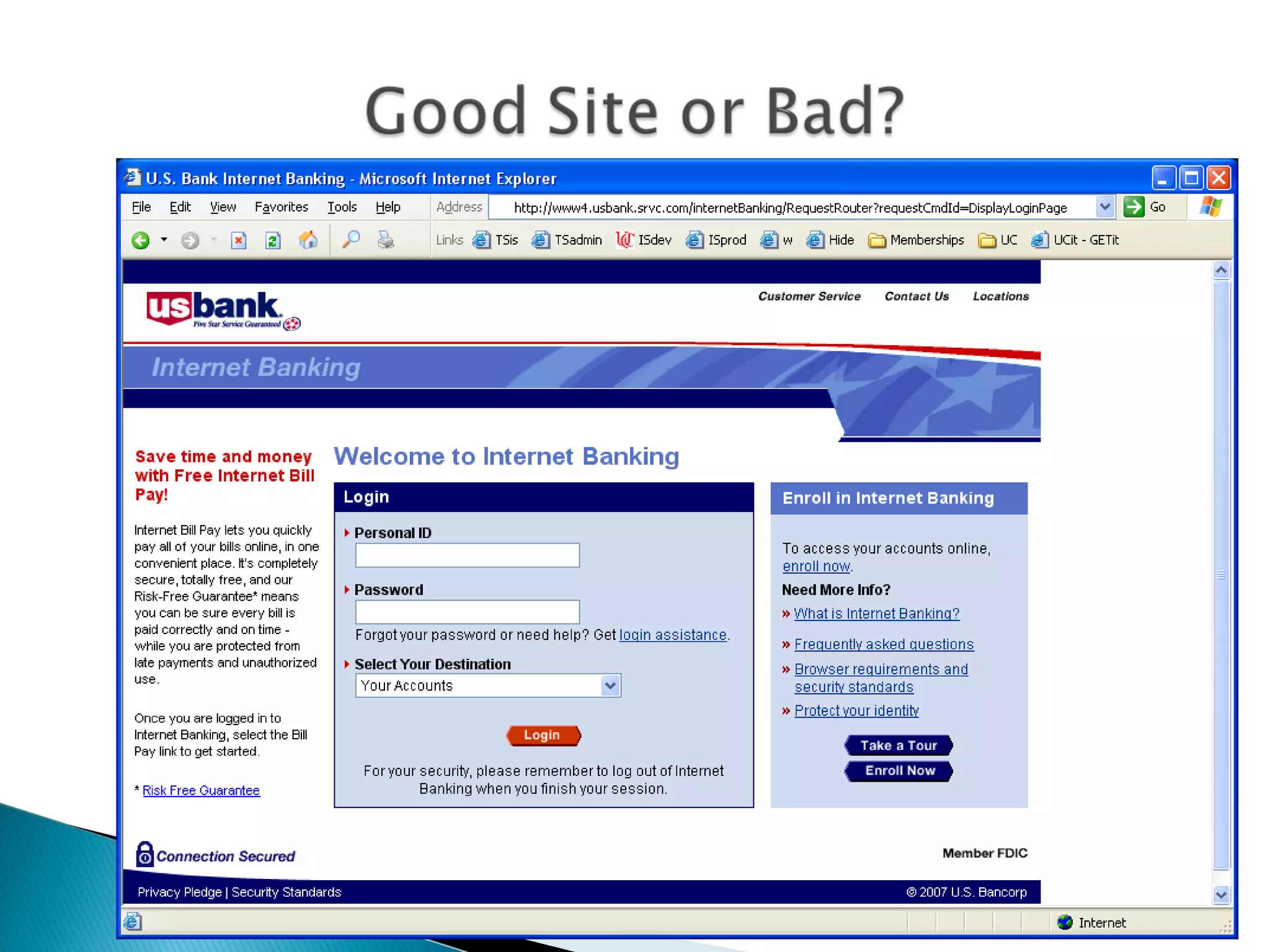
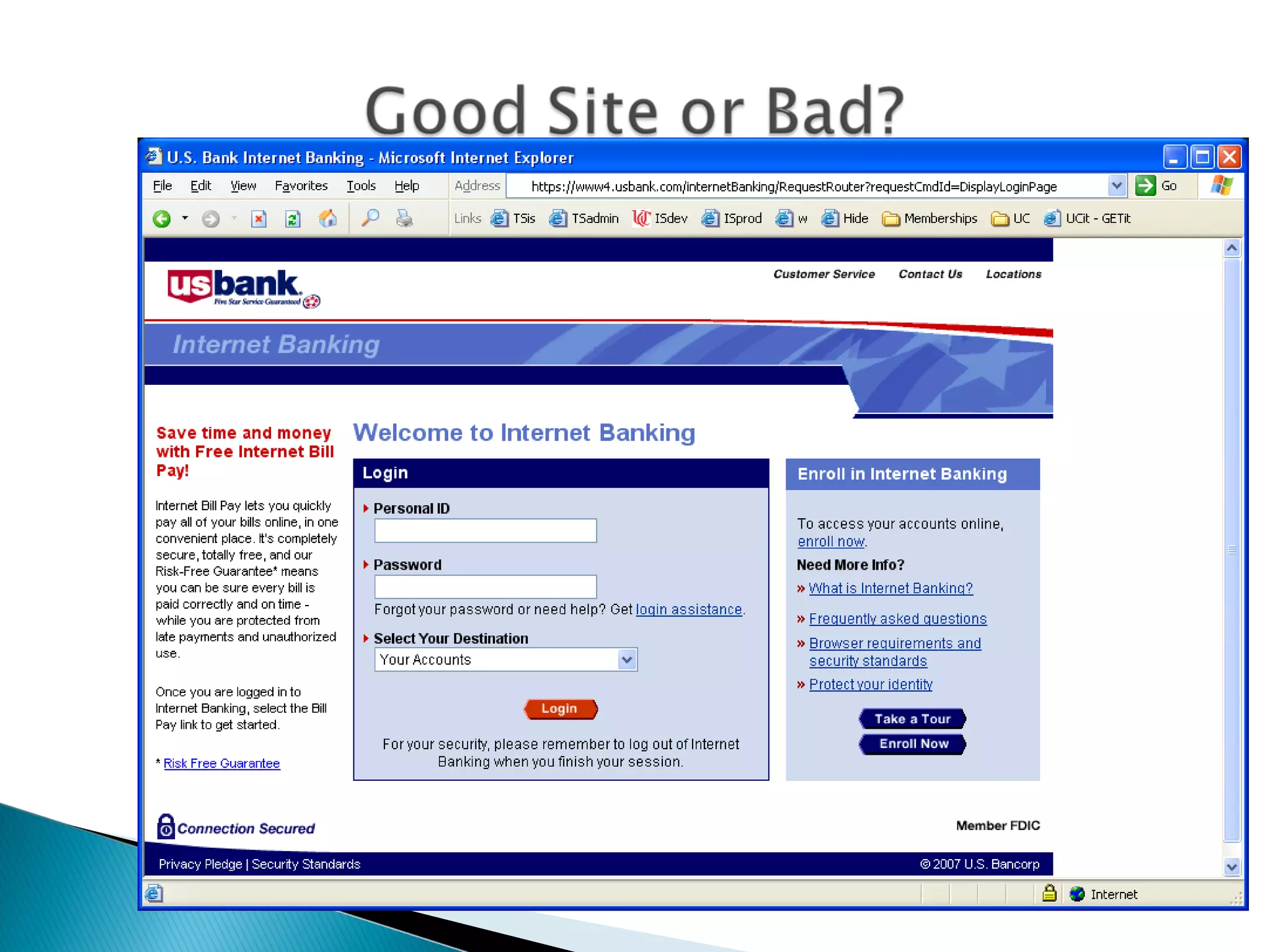
#13 This one is bad. Note that the URL is actually owned by srvc.com NOT usbank.com Note too that there is no padlock icon and the URL is not https. This means that this is not a secure connection. Never do financial business on an unsecure web site.
#14 This one is good. Note the padlock and that the URL is usbank.com