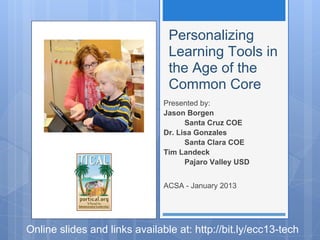
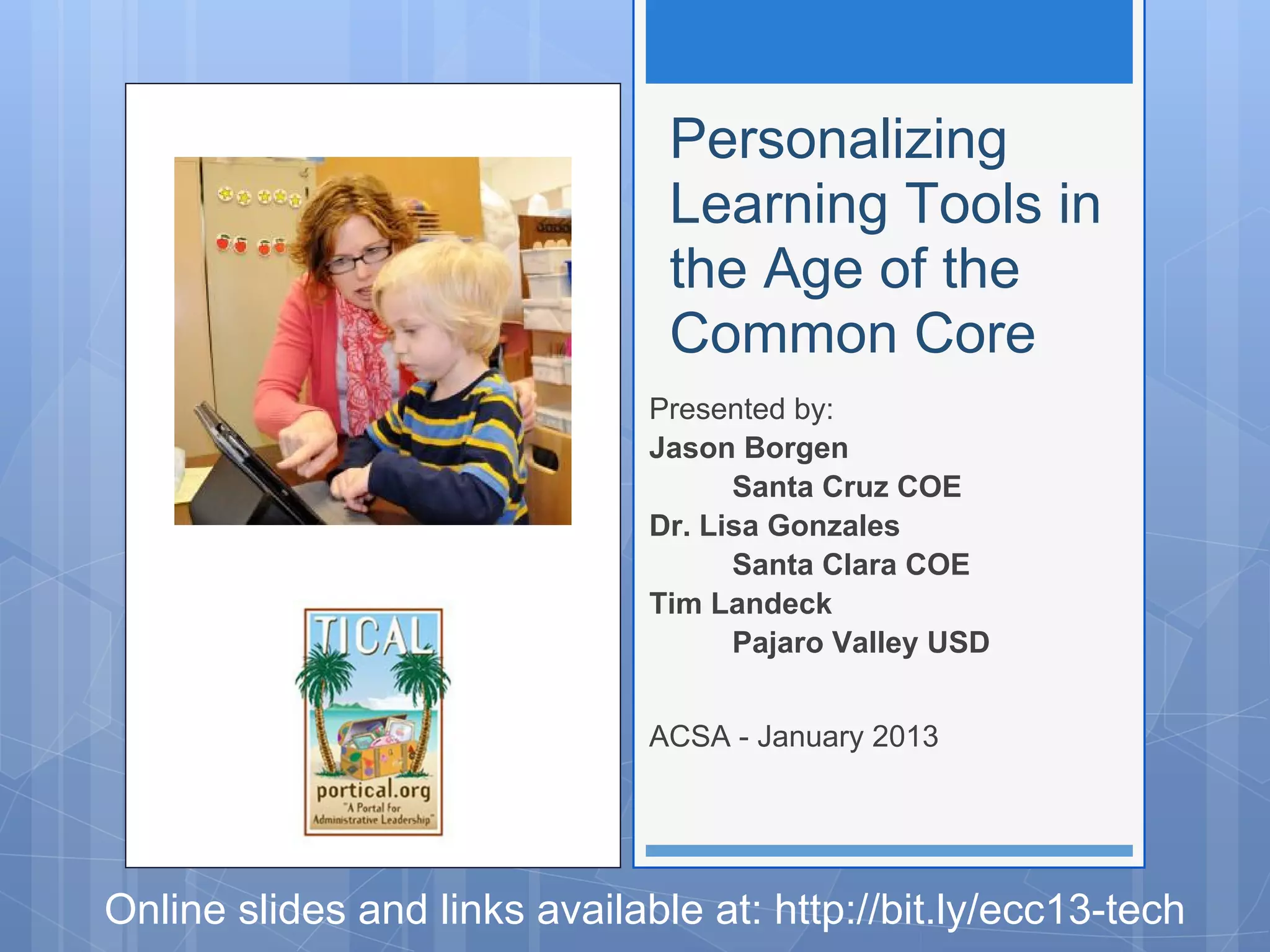
Personalizing
                                Learning Tools in
                                the Age of the
                                Common Core
                               Presented by:
                               Jason Borgen
                                     Santa Cruz COE
                               Dr. Lisa Gonzales
                                     Santa Clara COE
                               Tim Landeck
                                     Pajaro Valley USD


                               ACSA - January 2013


Online slides and links available at: http://bit.ly/ecc13-tech
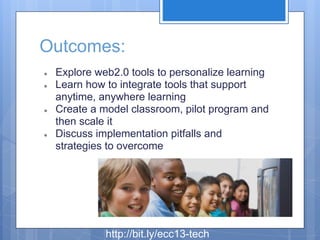
Outcomes:
●   Explore web2.0 tools to personalize learning
●   Learn how to integrate tools that support
    anytime, anywhere learning
●   Create a model classroom, pilot program and
    then scale it
●   Discuss implementation pitfalls and
    strategies to overcome


              http://bit.ly/ecc13-tech
http://www.youtube.com/watch?v=YKRV2lXx3dI


         http://bit.ly/ecc13-tech
http://bit.ly/ecc13-tech
5 Media/Technology Specific Standards
                                  in the
              College and Career Readiness Anchor Standards

Reading: R.CCR.7 Integrate and evaluate content presented in diverse
media and formats, including visually and quantitatively, as well as in words.

Writing: W.CCR.6 Use technology, including the Internet, to produce and
publish writing and to interact and collaborate with others. W.CCR.8 Gather
relevant information from multiple print and digital sources, assess the
credibility and accuracy of each source, and integrate the information while
avoiding plagiarism.

Speaking & Listening: SL.CCR.2 Integrate and evaluate information
presented in diverse media and formats, including visually, quantitatively,
and orally. SL.CCR.5 Make strategic use of digital media and visual
displays of data to express information and enhance understanding of
presentations.

                       http://bit.ly/ecc13-tech
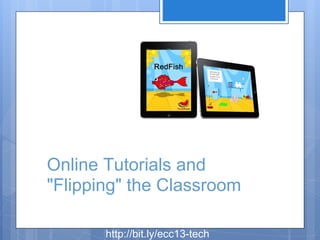
Online Tutorials and
"Flipping" the Classroom

       http://bit.ly/ecc13-tech
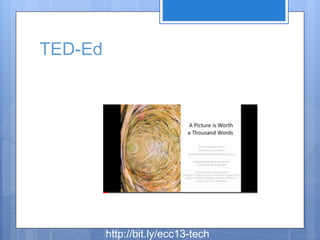
TED-Ed


         http://bit.ly/ecc13-tech
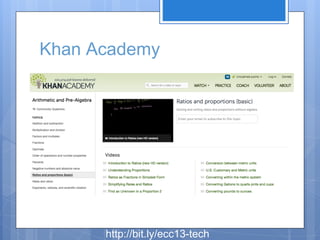
Khan Academy


      http://bit.ly/ecc13-tech
http://www.youtube.com/watch?v=LqBYVpplY7M


            http://bit.ly/ecc13-tech
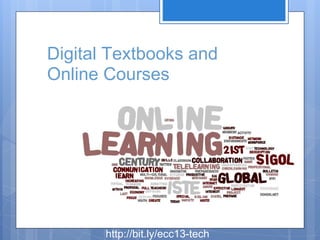
Digital Textbooks and
Online Courses


       http://bit.ly/ecc13-tech
http://youtu.be/SkhpmEZWuRQ


http://bit.ly/ecc13-tech
http://www.ck12.org/


        http://bit.ly/ecc13-tech
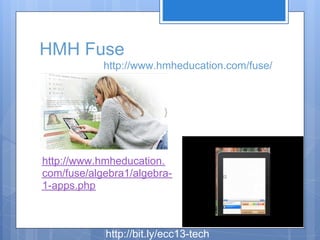
HMH Fuse
            http://www.hmheducation.com/fuse/


http://www.hmheducation.
com/fuse/algebra1/algebra-
1-apps.php


            http://bit.ly/ecc13-tech
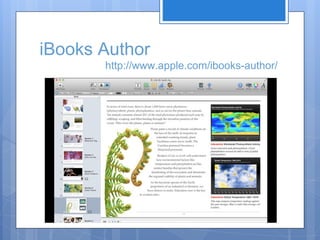
iBooks Author
       http://www.apple.com/ibooks-author/
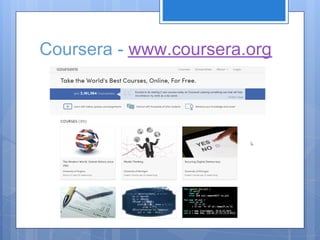
Coursera - www.coursera.org
Multimedia Creation as
Performance Assessments
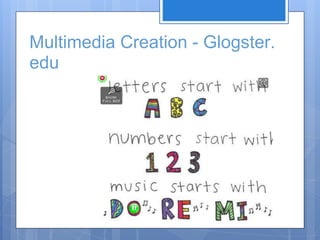
Multimedia Creation - Glogster.
edu
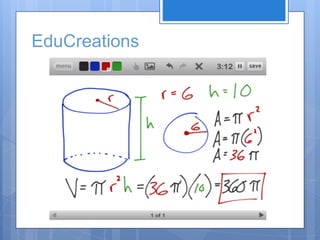
EduCreations
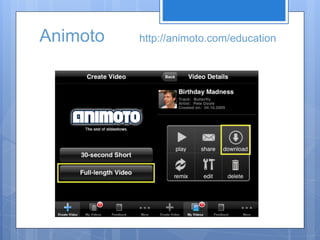
Animoto   http://animoto.com/education
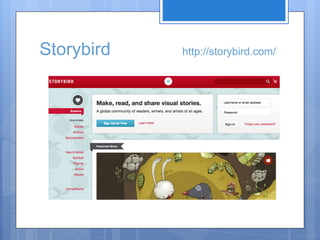
Storybird   http://storybird.com/
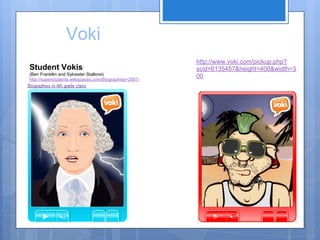
Voki
                                                        http://www.voki.com/pickup.php?
Student Vokis                                           scid=6135457&height=400&width=3
(Ben Frankllin and Sylvester Stallone)
http://superstudents.wikispaces.com/Biographies+2007-
                                                        00
2008
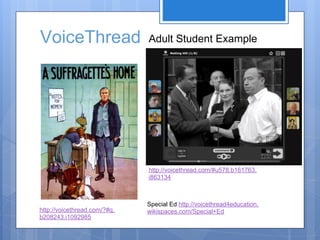
VoiceThread                   Adult Student Example


                              http://voicethread.com/#u578.b161763.
                              i863134


                              Special Ed http://voicethread4education.
http://voicethread.com/?#q.   wikispaces.com/Special+Ed
b208243.i1092985
Mobile Apps
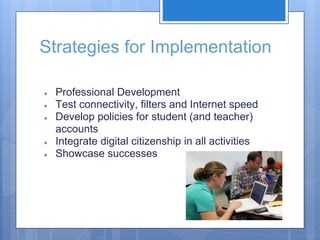
Strategies for Implementation

●   Professional Development
●   Test connectivity, filters and Internet speed
●   Develop policies for student (and teacher)
    accounts
●   Integrate digital citizenship in all activities
●   Showcase successes
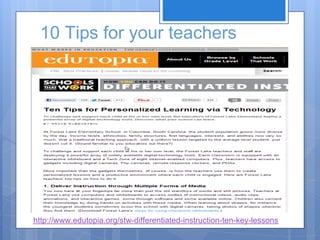
10 Tips for your teachers


http://www.edutopia.org/stw-differentiated-instruction-ten-key-lessons
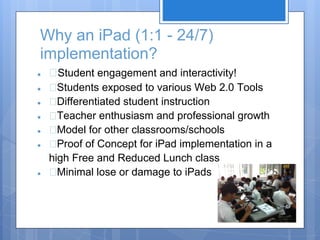
Why an iPad (1:1 - 24/7)
implementation?
●     Student engagement and interactivity!
●     Students exposed to various Web 2.0 Tools
●     Differentiated student instruction
●     Teacher enthusiasm and professional growth
●     Model for other classrooms/schools
●     Proof of Concept for iPad implementation in a
    high Free and Reduced Lunch class
●     Minimal lose or damage to iPads
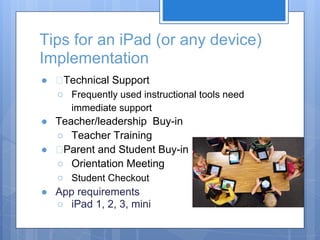
Tips for an iPad (or any device)
Implementation
●    Technical Support
    ○ Frequently used instructional tools need
       immediate support
● Teacher/leadership Buy-in
  ○ Teacher Training
●  Parent and Student Buy-in
  ○ Orientation Meeting
  ○ Student Checkout
● App requirements
  ○ iPad 1, 2, 3, mini
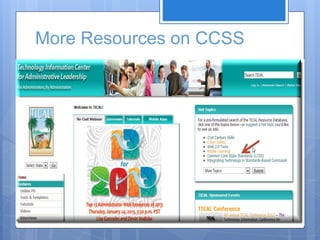
More Resources on CCSS
Outcomes:
Explore web2.0 tools to personalize learning
Learn how to integrate tools that support
anytime, anywhere learning
Create a model classroom, pilot program and
then scale it
Discuss implementation pitfalls and strategies to
overcome
Questions?

Personalized Learning Using Technology

  • 1.
    Personalizing Learning Tools in the Age of the Common Core Presented by: Jason Borgen Santa Cruz COE Dr. Lisa Gonzales Santa Clara COE Tim Landeck Pajaro Valley USD ACSA - January 2013 Online slides and links available at: http://bit.ly/ecc13-tech
  • 2.
    Outcomes: ● Explore web2.0 tools to personalize learning ● Learn how to integrate tools that support anytime, anywhere learning ● Create a model classroom, pilot program and then scale it ● Discuss implementation pitfalls and strategies to overcome http://bit.ly/ecc13-tech
  • 3.
  • 4.
  • 5.
    5 Media/Technology SpecificStandards in the College and Career Readiness Anchor Standards Reading: R.CCR.7 Integrate and evaluate content presented in diverse media and formats, including visually and quantitatively, as well as in words. Writing: W.CCR.6 Use technology, including the Internet, to produce and publish writing and to interact and collaborate with others. W.CCR.8 Gather relevant information from multiple print and digital sources, assess the credibility and accuracy of each source, and integrate the information while avoiding plagiarism. Speaking & Listening: SL.CCR.2 Integrate and evaluate information presented in diverse media and formats, including visually, quantitatively, and orally. SL.CCR.5 Make strategic use of digital media and visual displays of data to express information and enhance understanding of presentations. http://bit.ly/ecc13-tech
  • 6.
    Online Tutorials and "Flipping"the Classroom http://bit.ly/ecc13-tech
  • 7.
    TED-Ed http://bit.ly/ecc13-tech
  • 8.
    Khan Academy http://bit.ly/ecc13-tech
  • 9.
  • 10.
    Digital Textbooks and OnlineCourses http://bit.ly/ecc13-tech
  • 11.
  • 12.
    http://www.ck12.org/ http://bit.ly/ecc13-tech
  • 13.
    HMH Fuse http://www.hmheducation.com/fuse/ http://www.hmheducation. com/fuse/algebra1/algebra- 1-apps.php http://bit.ly/ecc13-tech
  • 14.
    iBooks Author http://www.apple.com/ibooks-author/
  • 16.
  • 17.
  • 18.
    Multimedia Creation -Glogster. edu
  • 19.
  • 20.
    Animoto http://animoto.com/education
  • 21.
    Storybird http://storybird.com/
  • 22.
    Voki http://www.voki.com/pickup.php? Student Vokis scid=6135457&height=400&width=3 (Ben Frankllin and Sylvester Stallone) http://superstudents.wikispaces.com/Biographies+2007- 00 2008
  • 23.
    VoiceThread Adult Student Example http://voicethread.com/#u578.b161763. i863134 Special Ed http://voicethread4education. http://voicethread.com/?#q. wikispaces.com/Special+Ed b208243.i1092985
  • 24.
  • 25.
    Strategies for Implementation ● Professional Development ● Test connectivity, filters and Internet speed ● Develop policies for student (and teacher) accounts ● Integrate digital citizenship in all activities ● Showcase successes
  • 26.
    10 Tips foryour teachers http://www.edutopia.org/stw-differentiated-instruction-ten-key-lessons
  • 27.
    Why an iPad(1:1 - 24/7) implementation? ● Student engagement and interactivity! ● Students exposed to various Web 2.0 Tools ● Differentiated student instruction ● Teacher enthusiasm and professional growth ● Model for other classrooms/schools ● Proof of Concept for iPad implementation in a high Free and Reduced Lunch class ● Minimal lose or damage to iPads
  • 28.
    Tips for aniPad (or any device) Implementation ● Technical Support ○ Frequently used instructional tools need immediate support ● Teacher/leadership Buy-in ○ Teacher Training ● Parent and Student Buy-in ○ Orientation Meeting ○ Student Checkout ● App requirements ○ iPad 1, 2, 3, mini
  • 29.
  • 30.
    Outcomes: Explore web2.0 toolsto personalize learning Learn how to integrate tools that support anytime, anywhere learning Create a model classroom, pilot program and then scale it Discuss implementation pitfalls and strategies to overcome
  • 31.