- Warm Up -1. Go to www.collaborativeteachers.pbworks.com2. Look on the far right sidebar menu3. Click on 2010 DISD Math Training4. Click on and complete the Teacher Questionnaire*Optional - Request access to the page & look around the page
In order to have class participation…..1. Number off2. Write your Number down 2 times side by side with enough space to tear it into 2 pieces3. Tear paper in half4. You keep 1 half5. I get the other half
Effective Technology Integration- Kari Knisely
Today’s AgendaWarm UpBrief IntroductionsPresentationActivitiesPrepareCollaboratePlease be respectful – are teachers really the worst students?Break at 9:30 am or as needed
Who am I?
Hand Up, Stand Up, Pair UpWhere you teachWhat grade you teachWhat is your best idea/secret/strategy/ classroom procedure/management/ expectation/rule that you use?What you look forward to doing in the evenings, your weekends, time off?
Why?Why are we here?Why are we teachers?What is our goal?What is our mission?
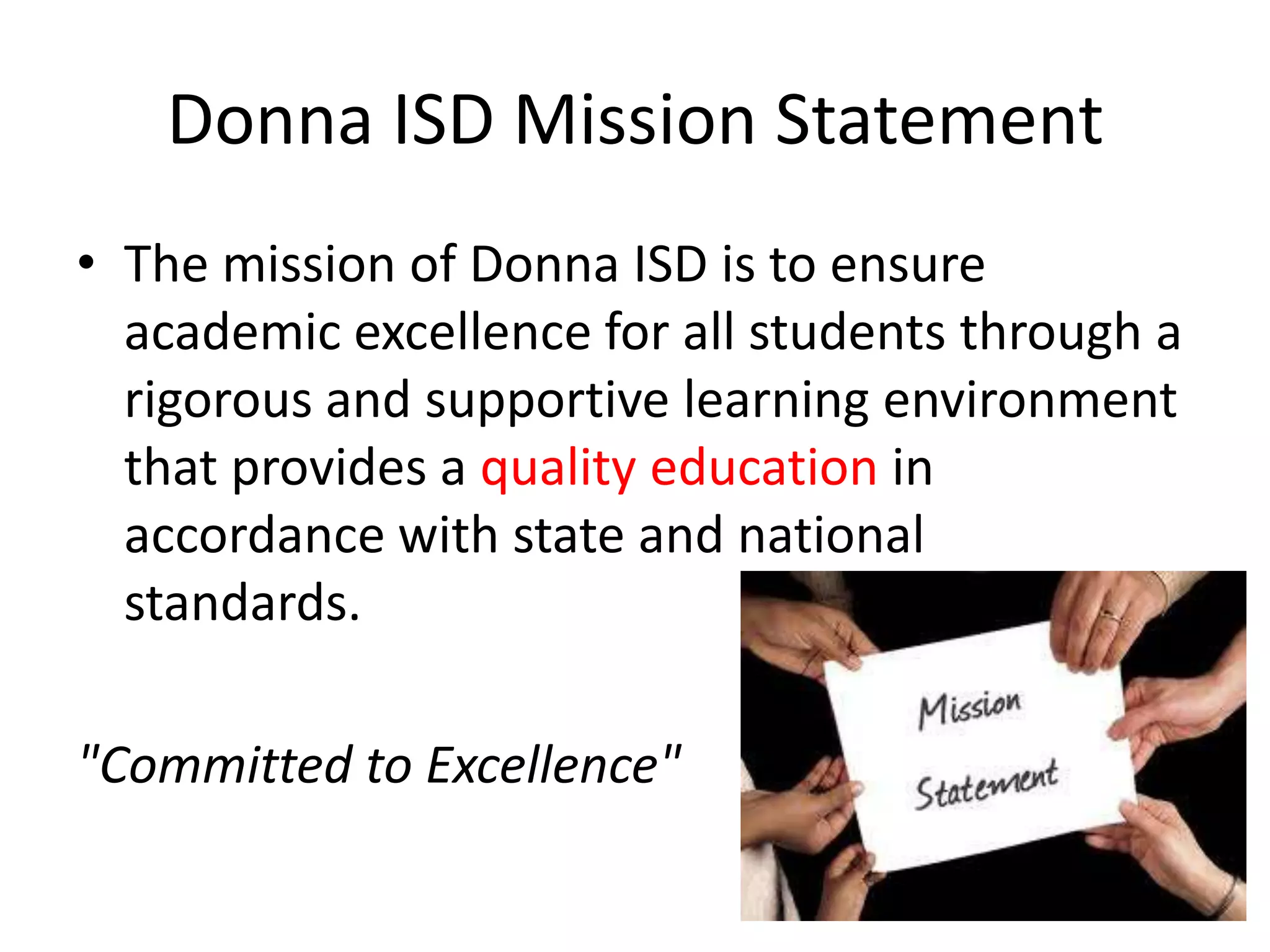
Donna ISD Mission StatementThe mission of Donna ISD is to ensure academic excellence for all students through a rigorous and supportive learning environment that provides a quality education in accordance with state and national    standards."Committed to Excellence"
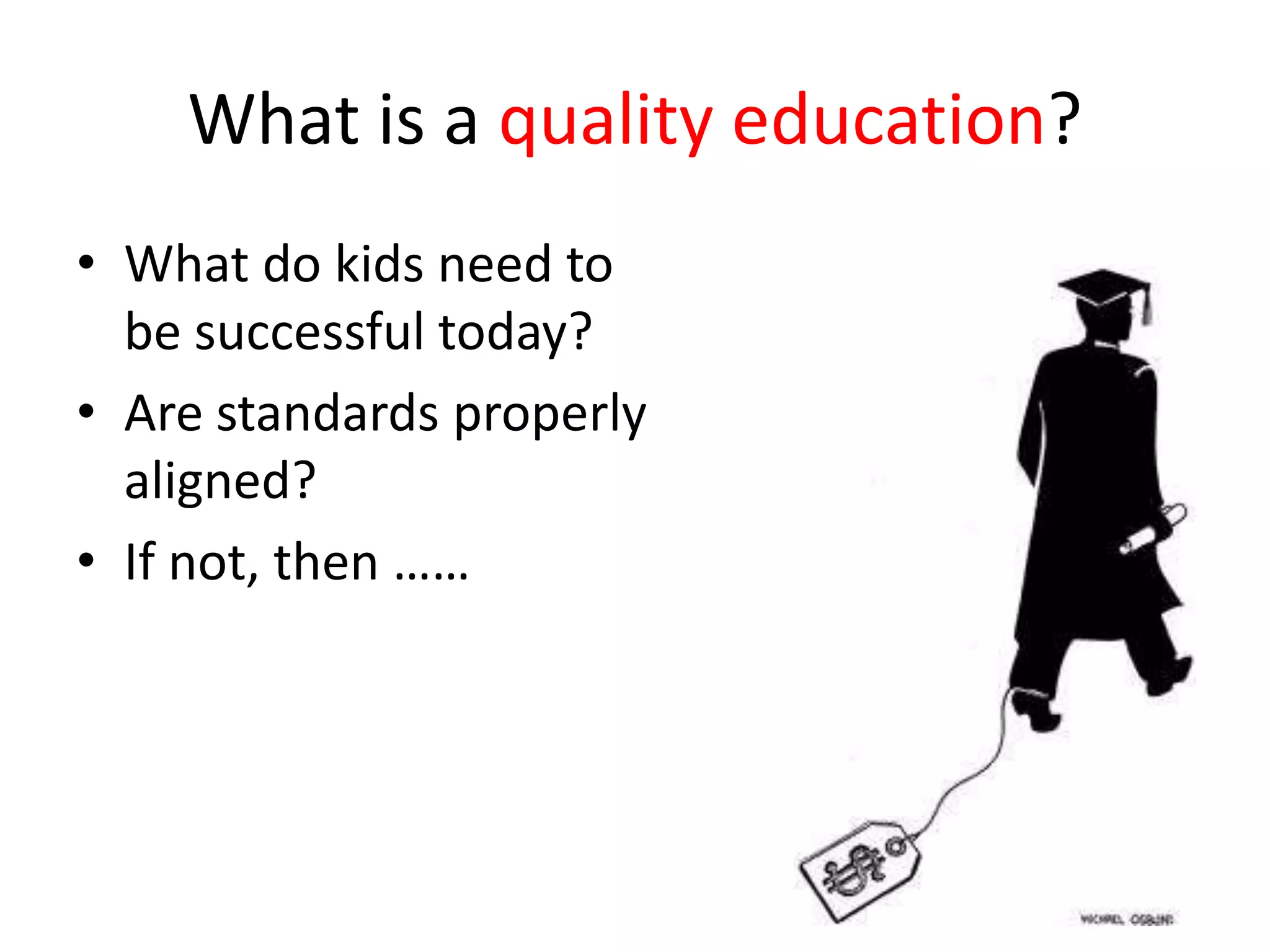
What is a quality education?What do kids need to be successful today?Are standards properly aligned?  If not, then ……
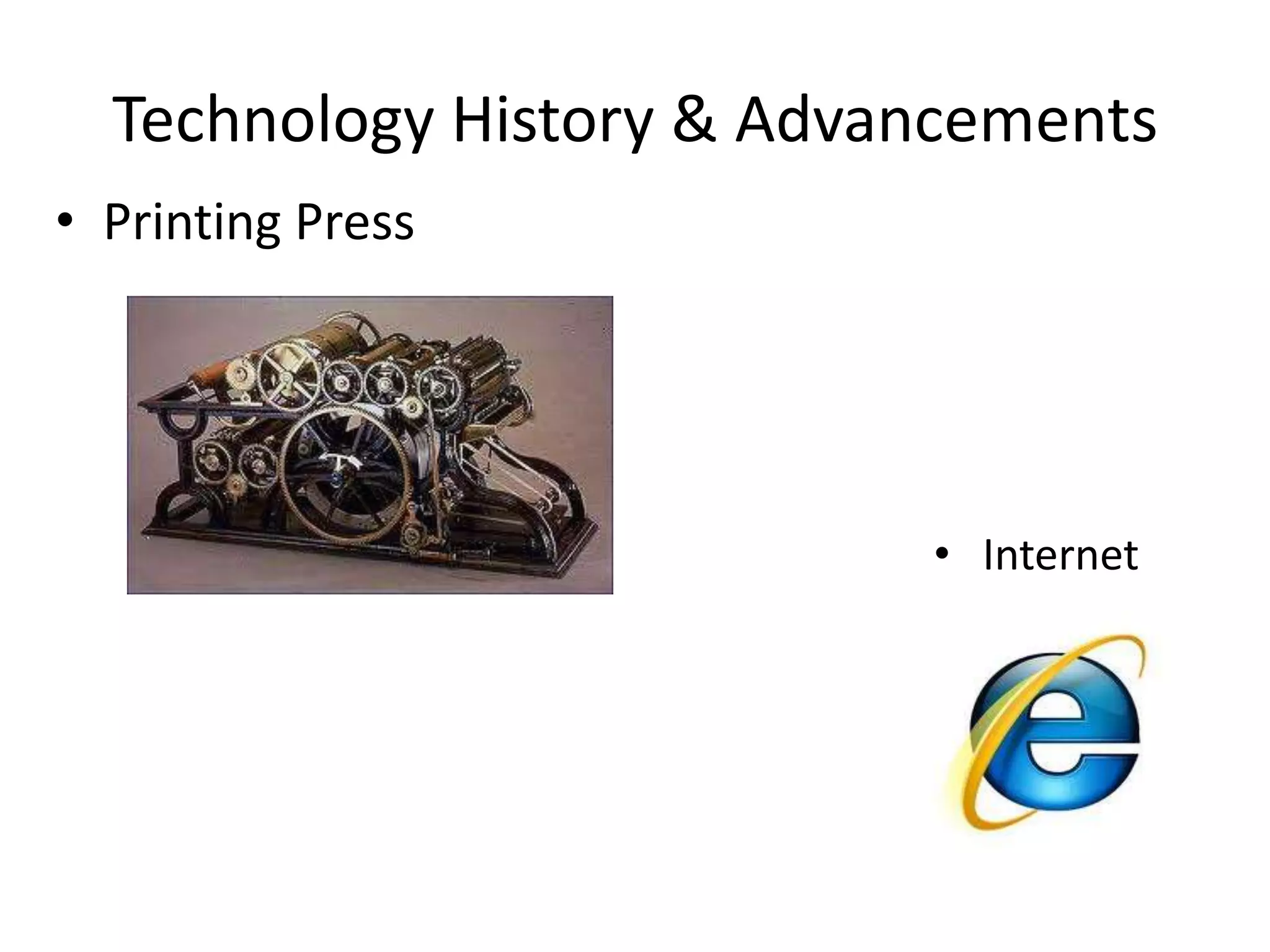
Technology History & AdvancementsPrinting Press    Internet
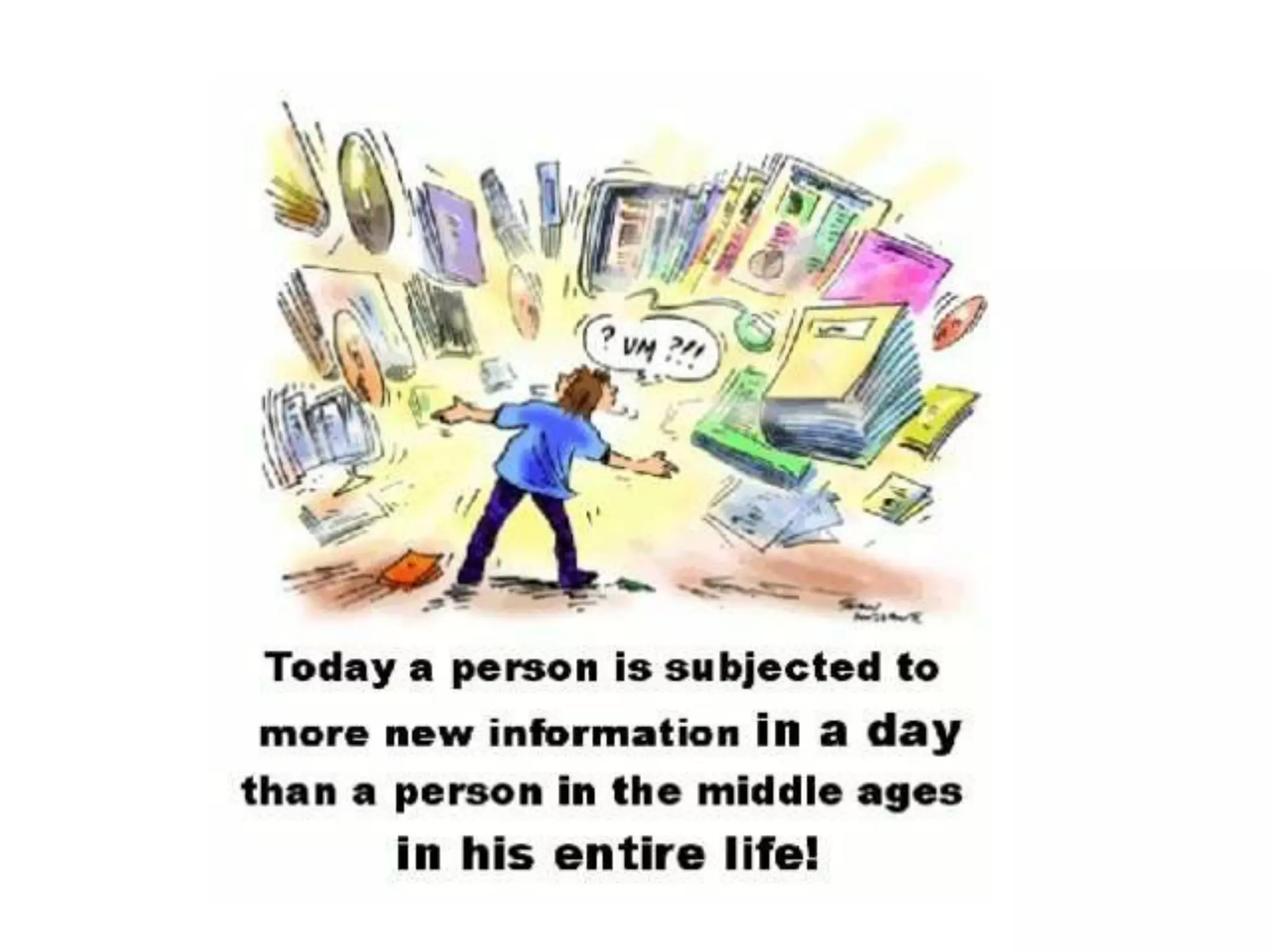
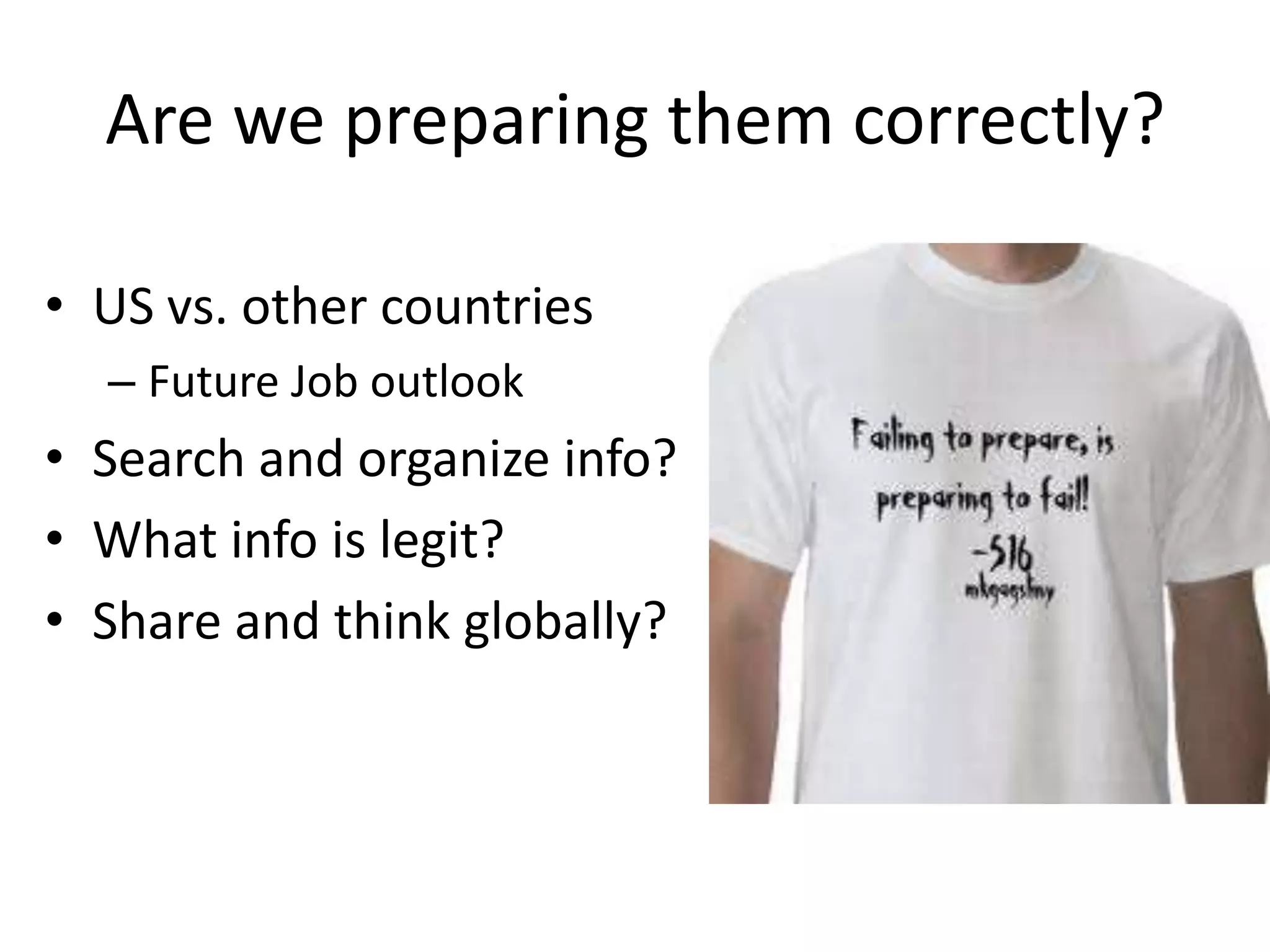
Are we preparing them correctly?US vs. other countries Future Job outlookSearch and organize info?What info is legit?Share and think globally?

To assist every student in crossing the digital divide by ensuring that every student is technology literate by the time the student finishes the eighth grade, regardless of the student's race, ethnicity, gender, family income, geographic location, or disability.	-- No Child Left Behind, Title II, Part D
Title II Part D (NCLB)TEKS – all subject areas should  include technology integration1. While there are references to the use of digital technology in all required curriculum, the Technology Applications Texas Essential Knowledge and Skills (TEKS)are to be used to effectively integrate technology across the curriculum.
What the heck is it?Any questions yet???
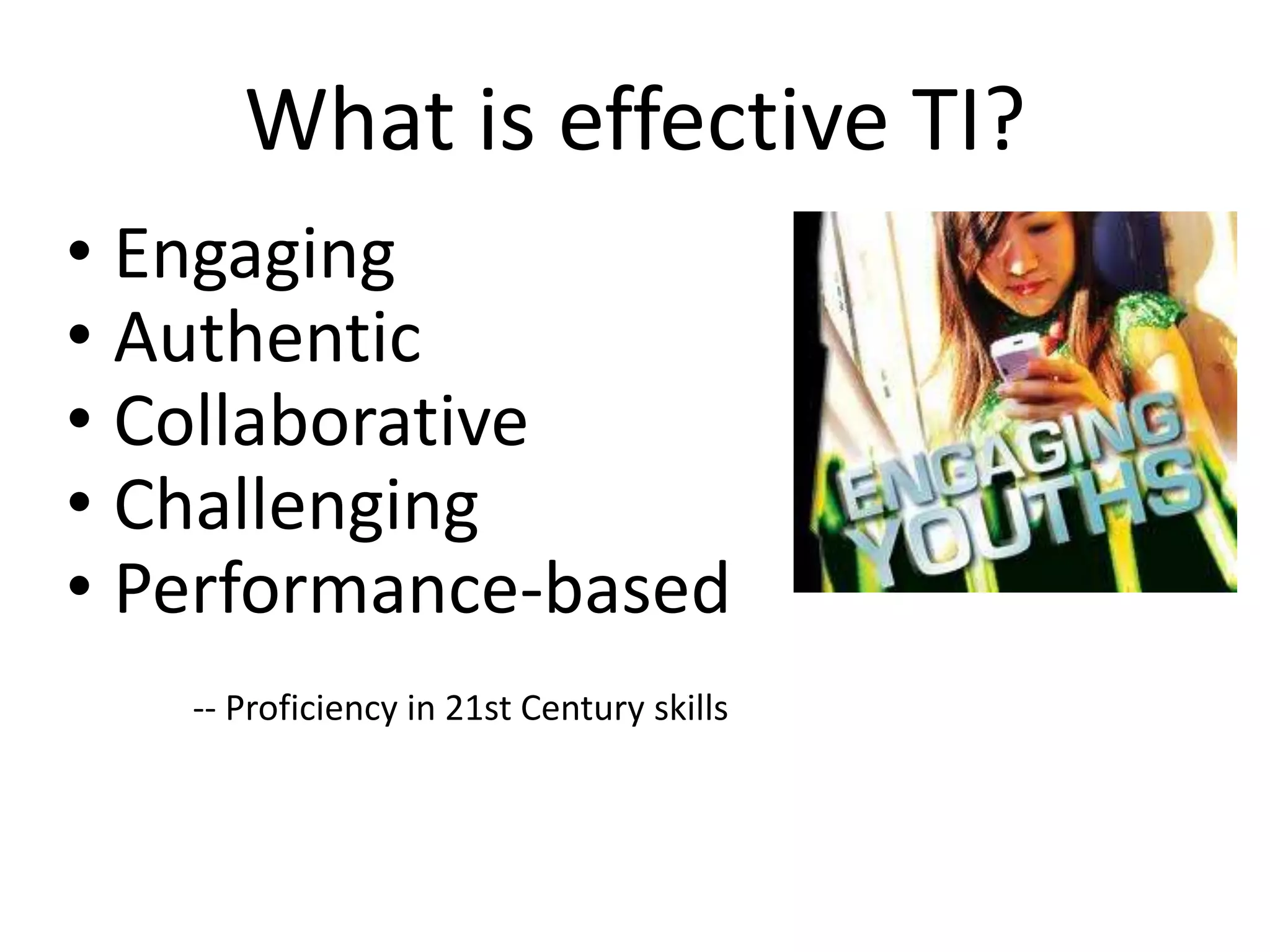
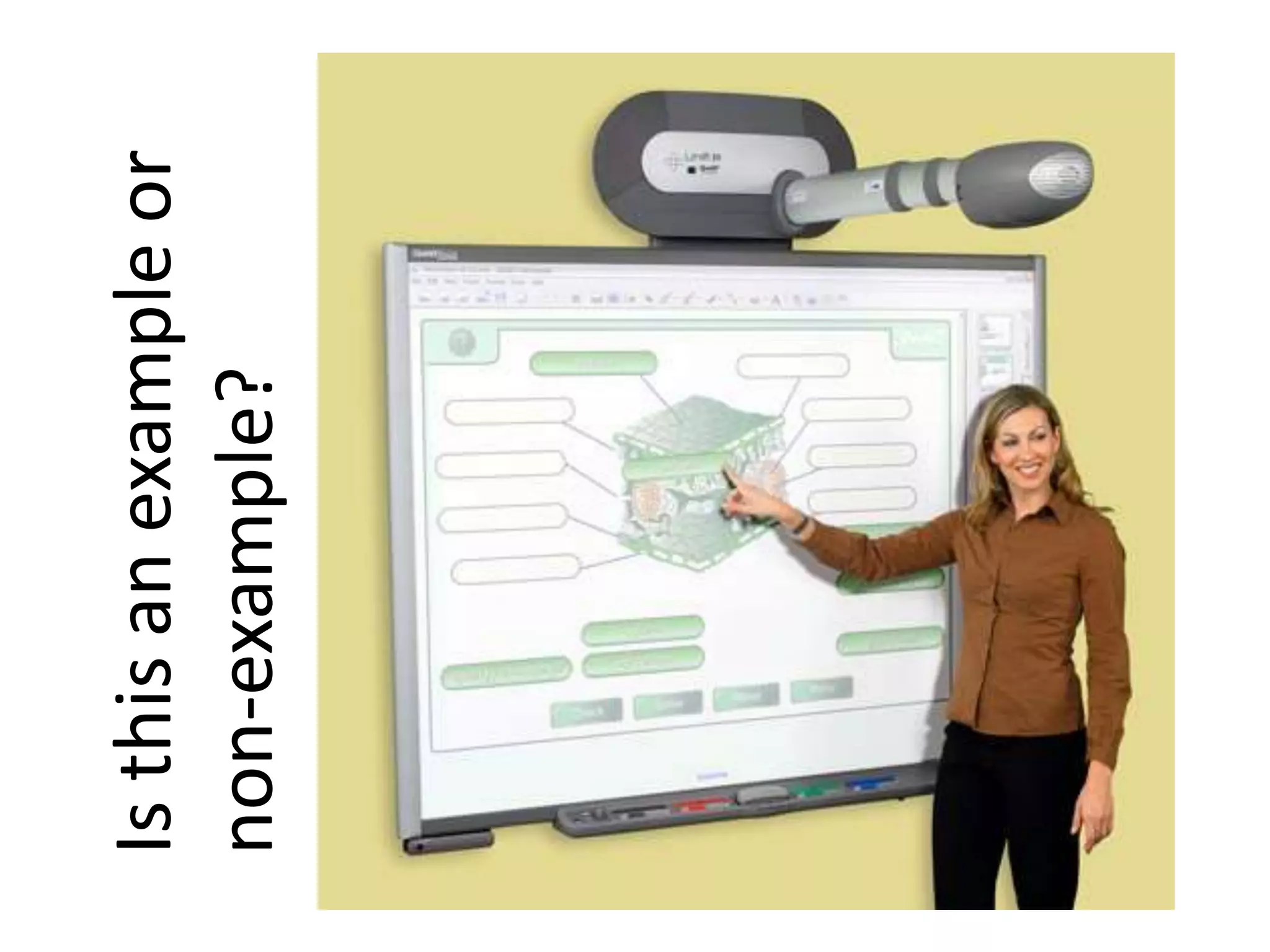
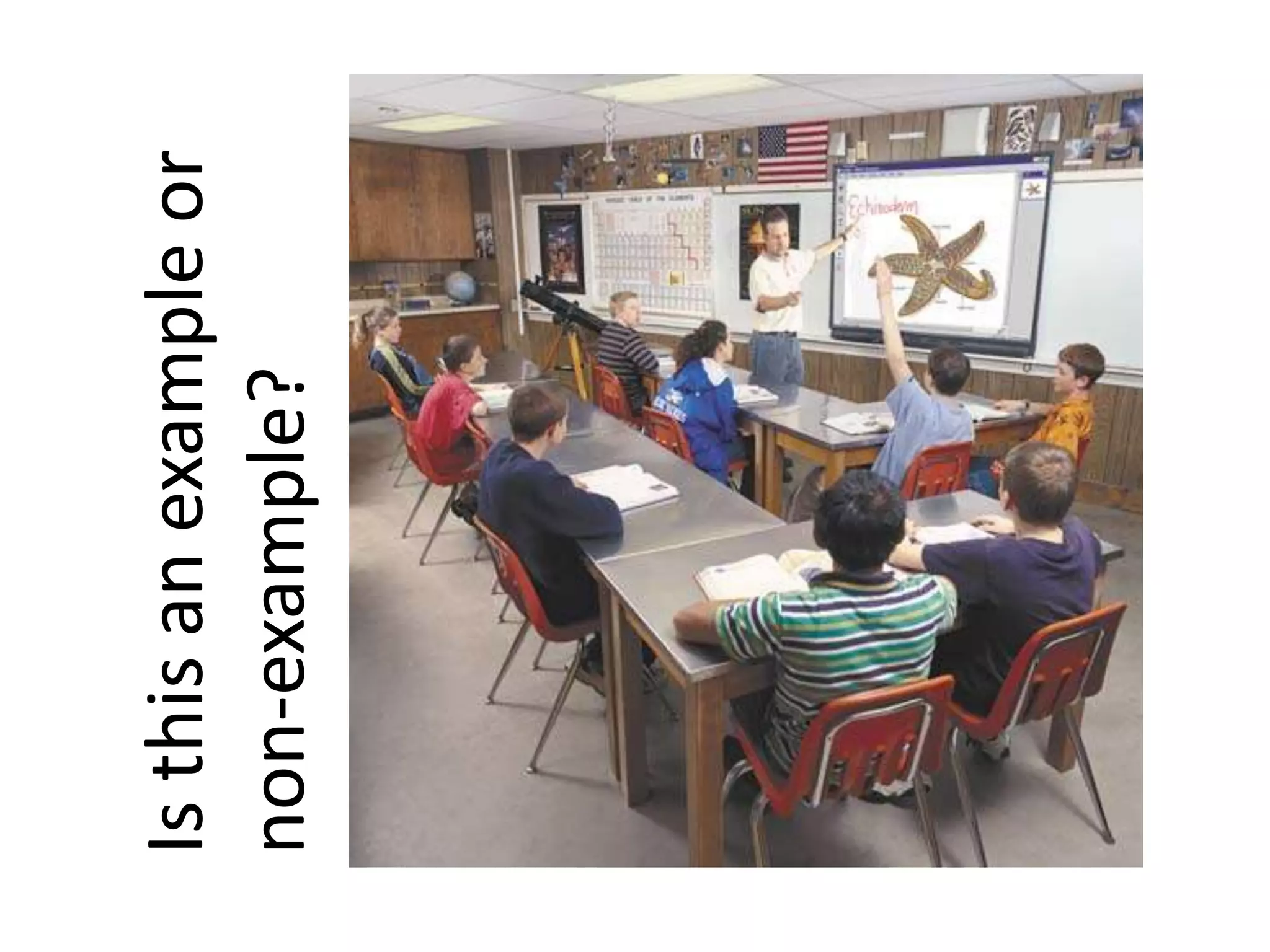
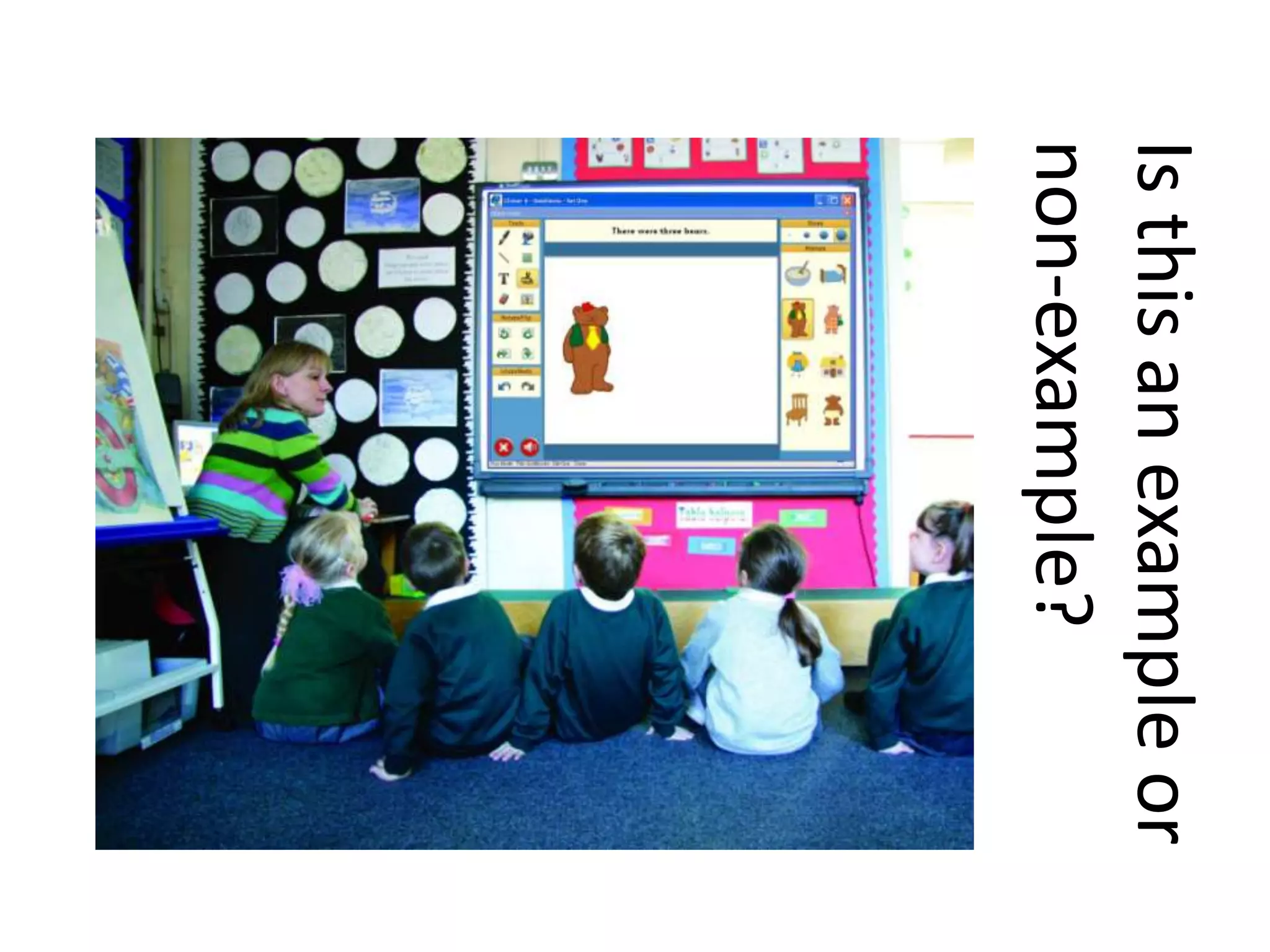
What is effective TI? EngagingAuthenticCollaborativeChallengingPerformance-based-- Proficiency in 21st Century skills
Is this an example or non-example?
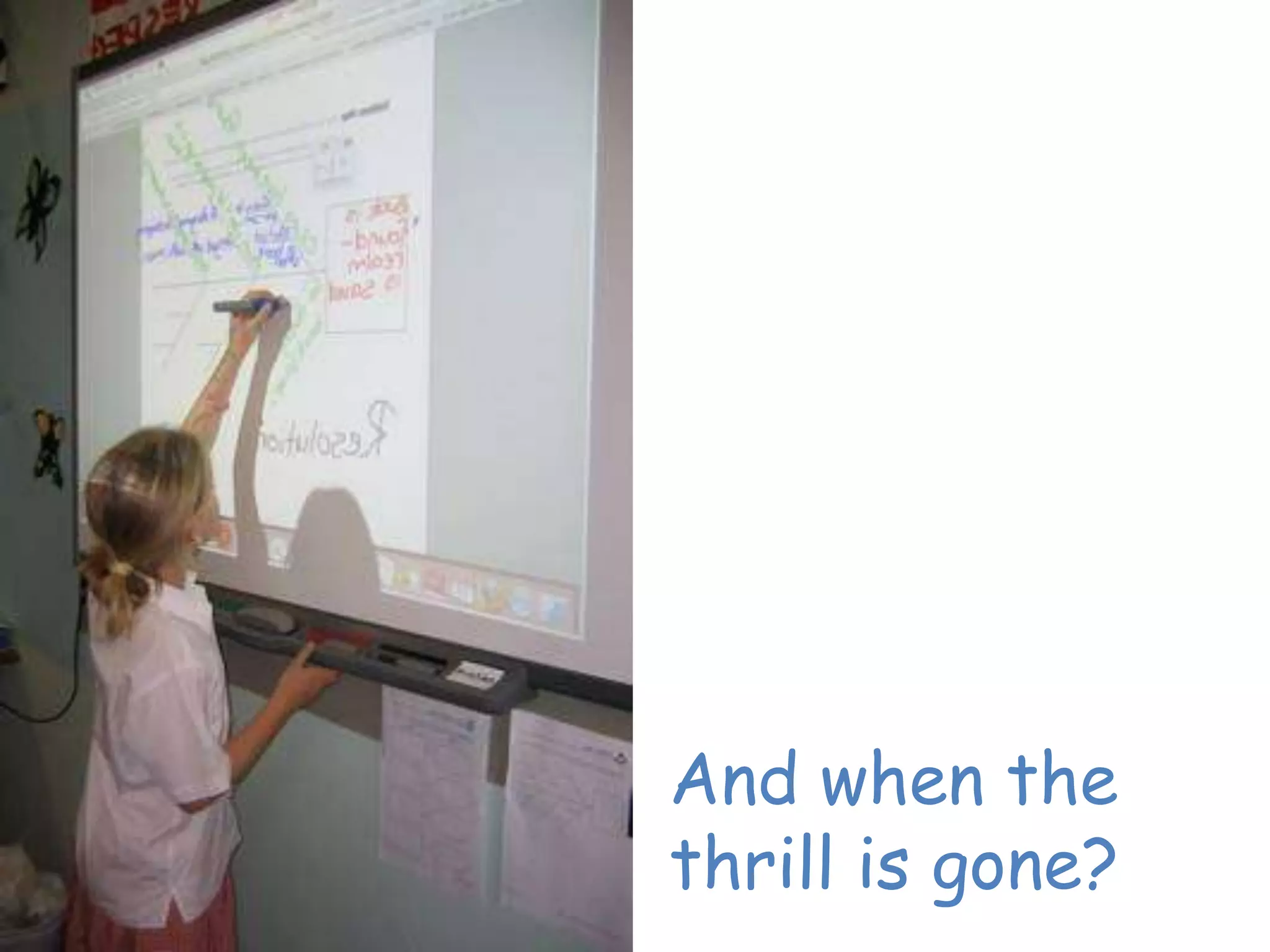
And when the thrill is gone?
Technology Integration Is Not:Taking students to the computer lab once a week for 40 minutes.Using the computer as an electronic worksheet.Using the computer as a reward station for students who are finished with their other assignments.
Technology Integration Is Not:Accelerated Reader, Math Blaster, WebAchiever.Every student typing one PowerPoint a year, no matter what!What the teacher is doing with the technology.
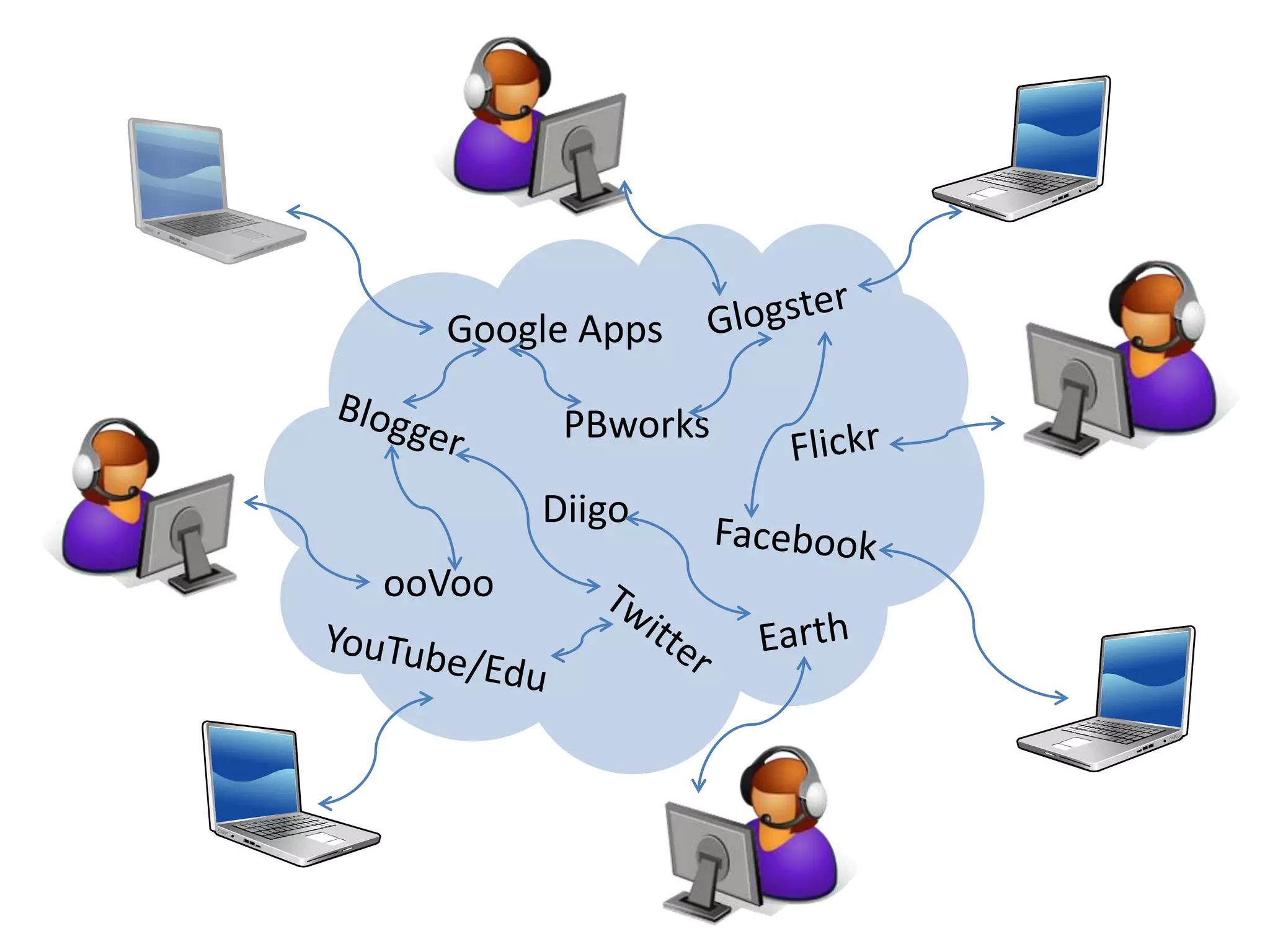
GlogsterGoogle AppsPBworksFlickrBloggerDiigoFacebookooVooEarthTwitterYouTube/Edu
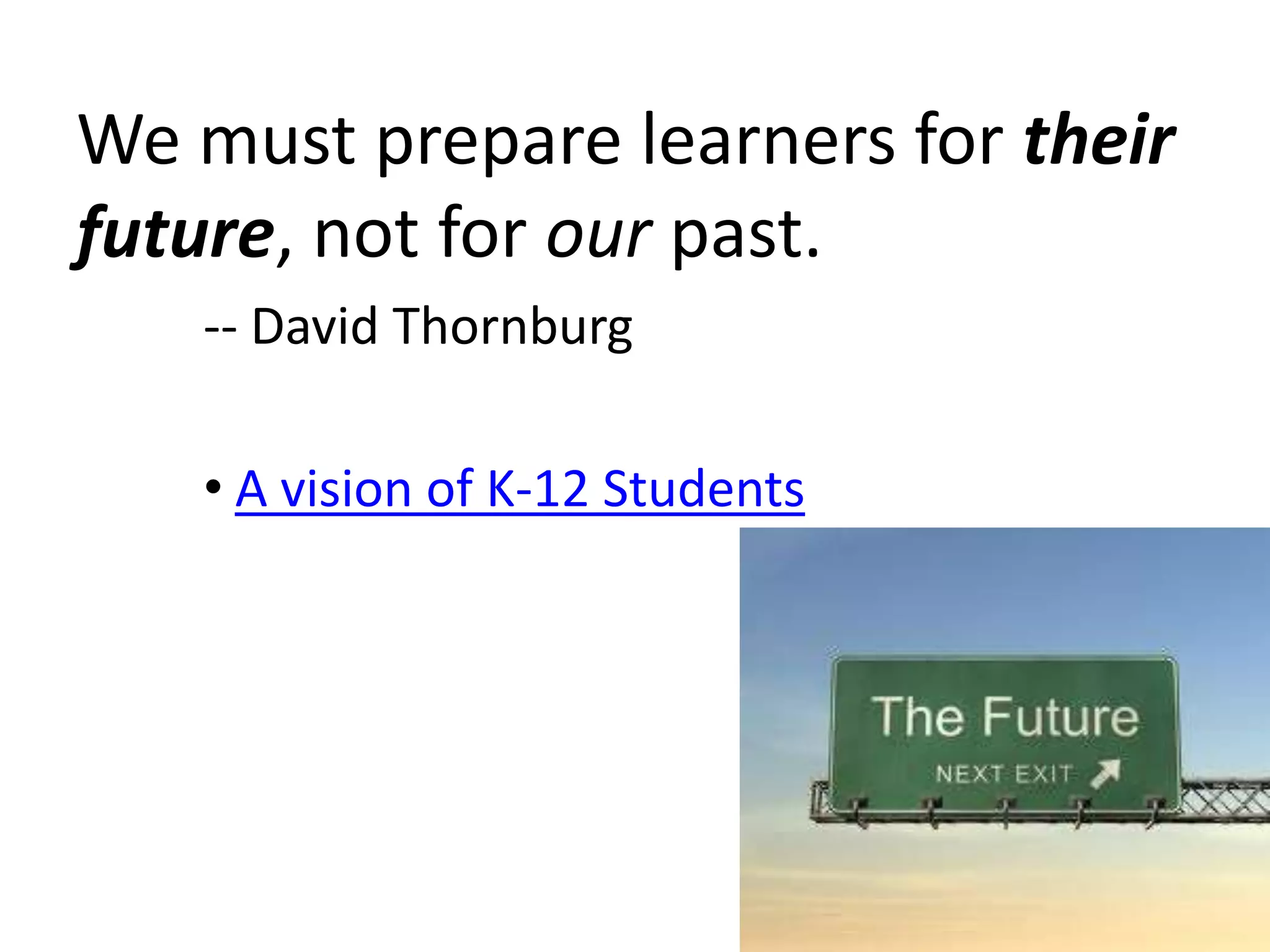
We must prepare learners for theirfuture, not for our past.-- David ThornburgA vision of K-12 Students
JokeRip Van Winkle awakens in the 21st century after a hundred-year snooze and is, of course, utterly bewildered by what he sees.  Men and women dash about, talking to small metal devices pinned to their ears.  Young people sit at home on sofas, moving miniature athletes around on electronic screens.  Older folk defy death and disability with metronomes in their chests and with hips made of metal and plastic.  Airports, hospitals, shopping malls – every place Rip goes just baffles him.  But when he finally walks into a schoolroom, the old man knows exactly where he is.  “This is a school,” he declares.  “We used to have these back in 1906.  Only now the blackboards are green (Miranda, et al, 2006, 1).
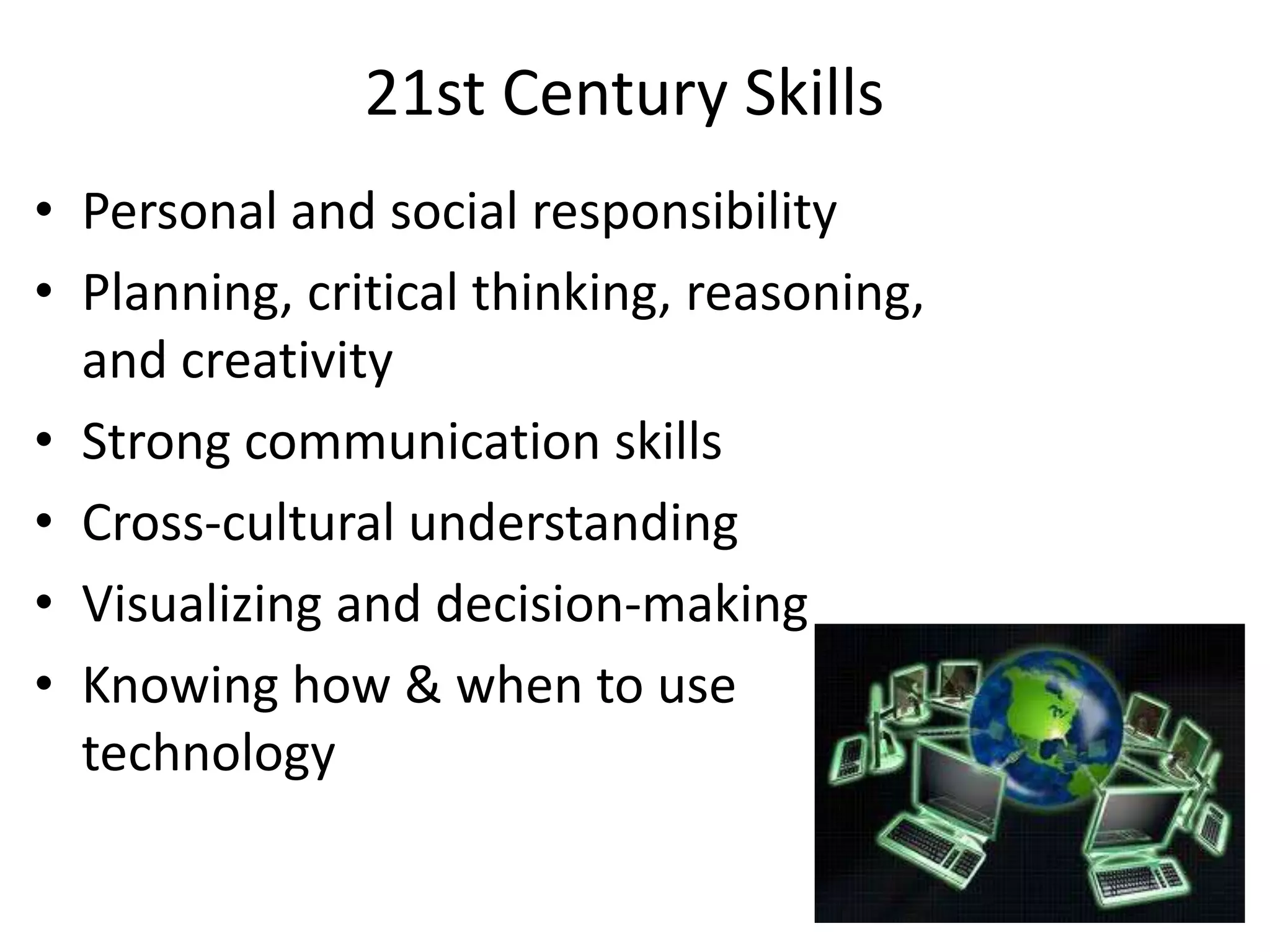
21st Century SkillsPersonal and social responsibilityPlanning, critical thinking, reasoning, and creativityStrong communication skillsCross-cultural understandingVisualizing and decision-makingKnowing how & when to use technology
Steps to IntegrationBegin with the end in mind. How will learning be different? How will teaching be different?Model integrationEncourage integrationChallenge integrationEncourage YOUR teachers to learn!!Feel free to modify and share to meet your needs.
Metaphor/ActivityWhere to find the Activities/Motivational things learned from Success Coach at CAMT 2010 in San AntonioGo to www.collaborativeteachers.pbworks.comClick on CAMT 2010 (far right side bar)Click on Motivational Session
The importance of visuals/imagesText (books) = sequentialImages = non-sequentialImages, visuals help better learning and connectingImages & visuals in technology EVERYWHERE
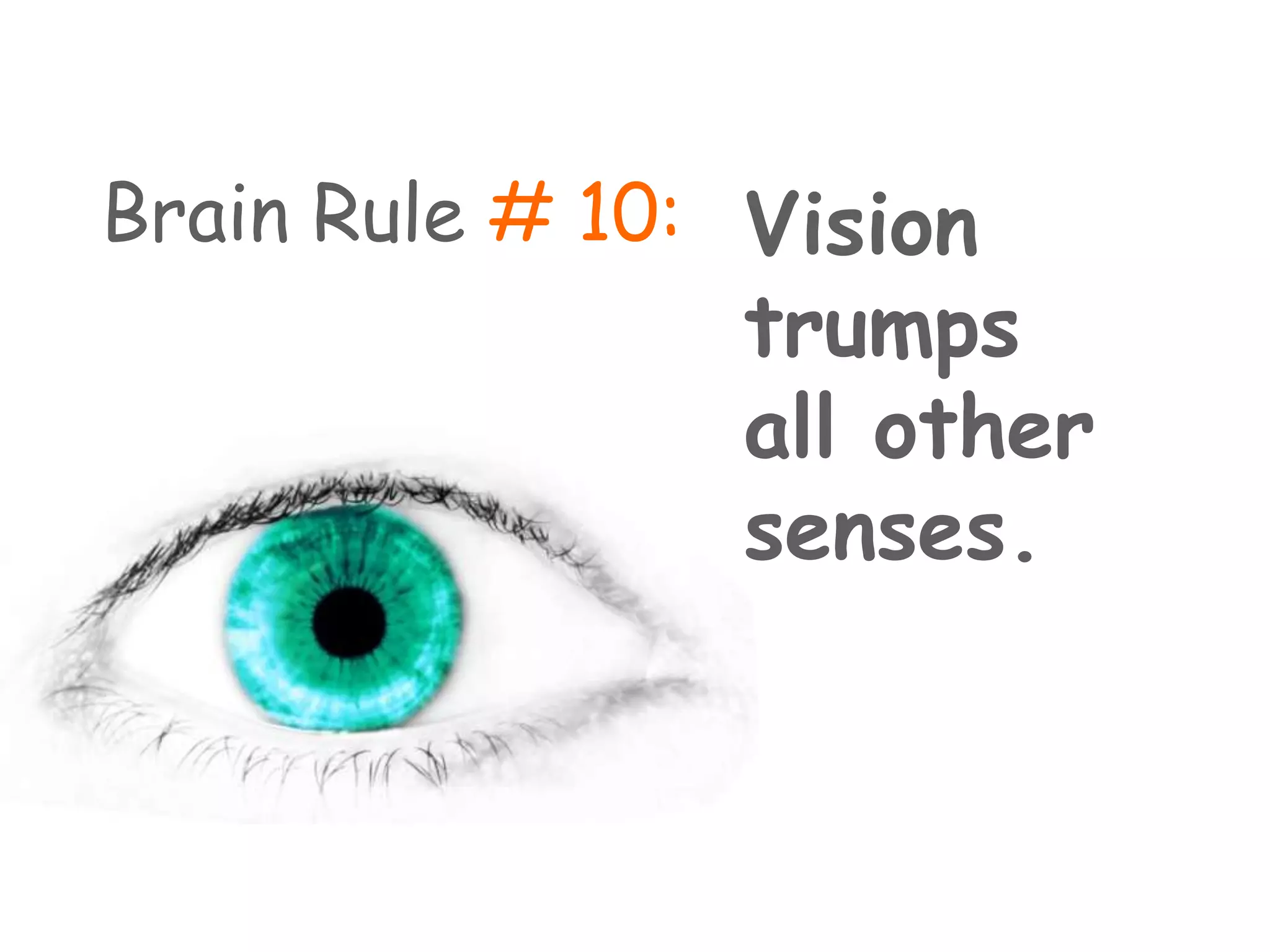
Brain Rule # 10:Vision trumps all other senses.
driftedThefogthemountainonovertrees…pinethetallWords are processed sequentially.
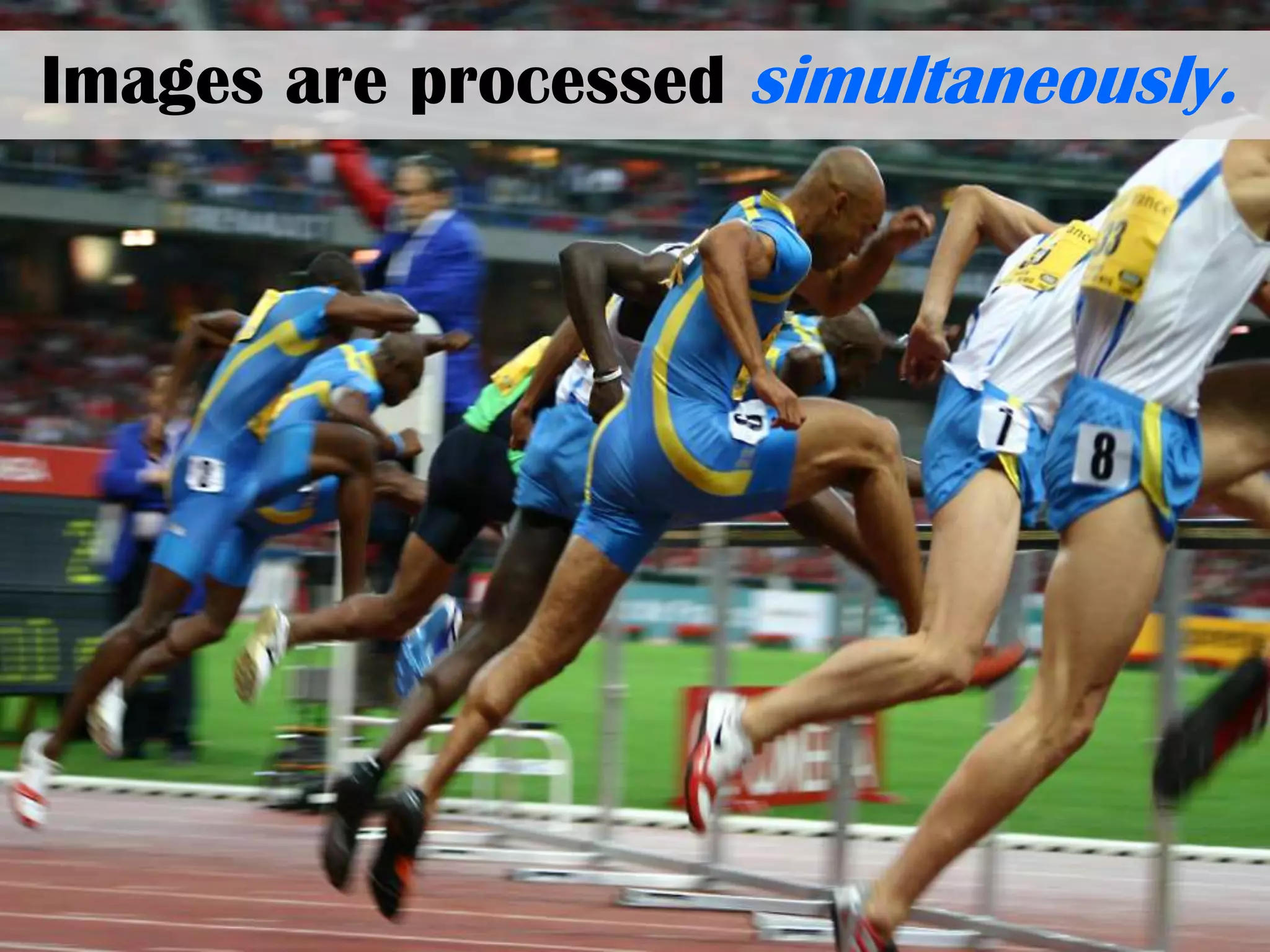
Images are processed simultaneously.
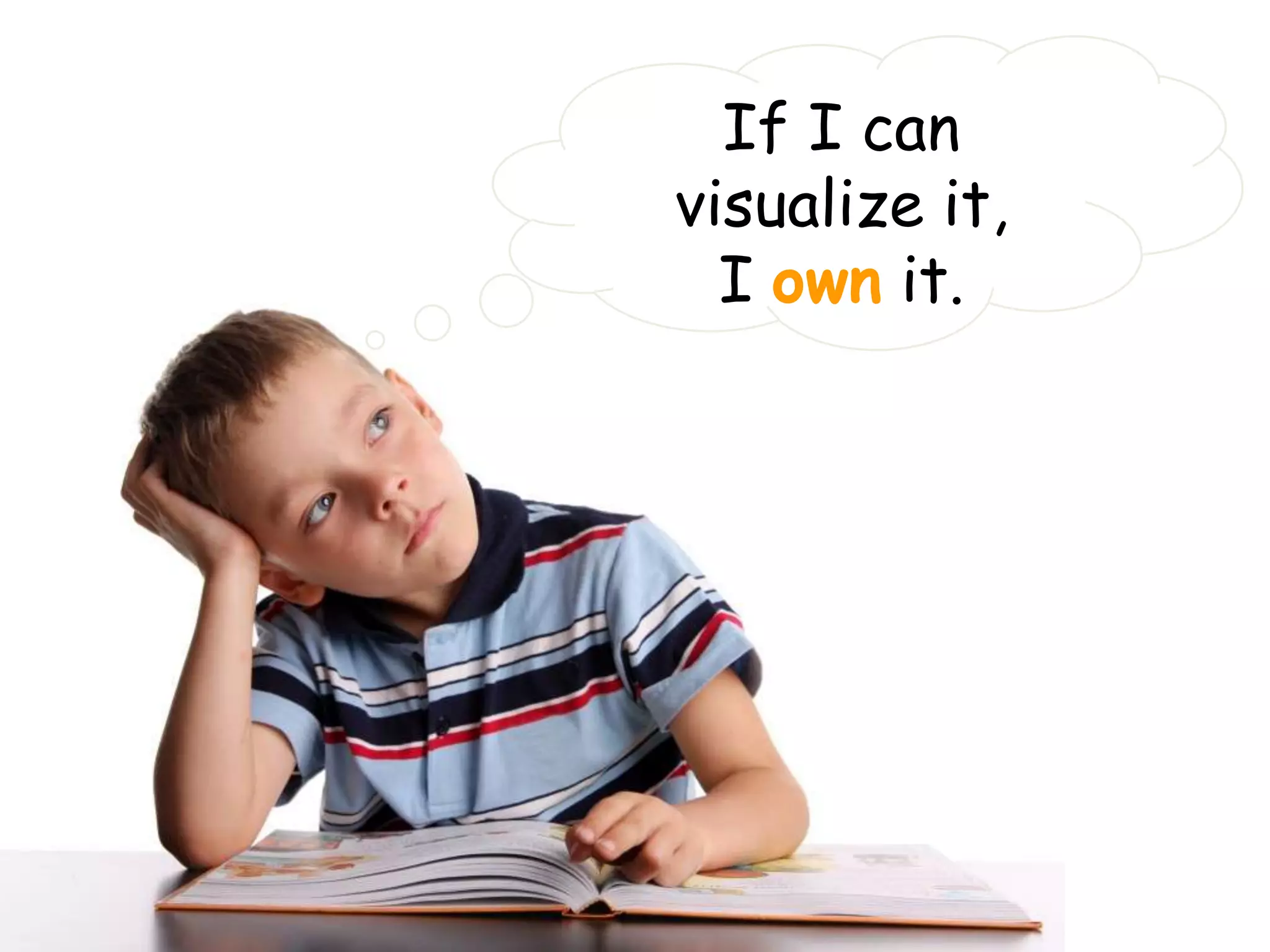
If I can visualize it,I own it.
Visualize & Imagine…Visualize having hot dogs at the beach…
Is this what you visualized?
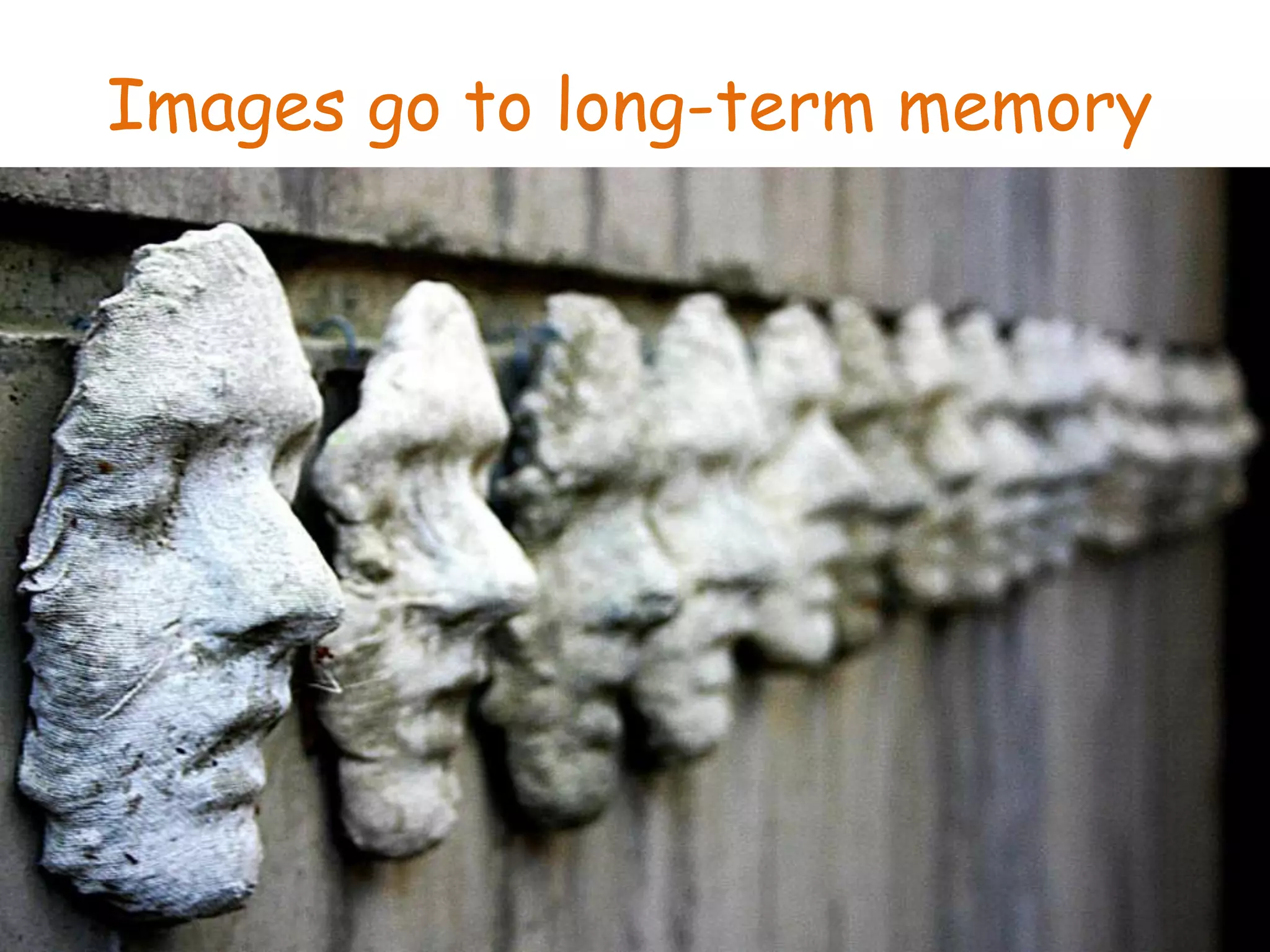
Images go to long-term memory
Did you ever see something in a split secondthat will remain with you forever?
We are drawn to imagesNot words:Adorable,Cute,Cuddly,Soft
Not textLonely,Destitute,Homeless,AbandonedEven text that is colorful  and bright.
Any questions so far????NEXT, Explore & start “doing” something rather than talking about it doing something…..
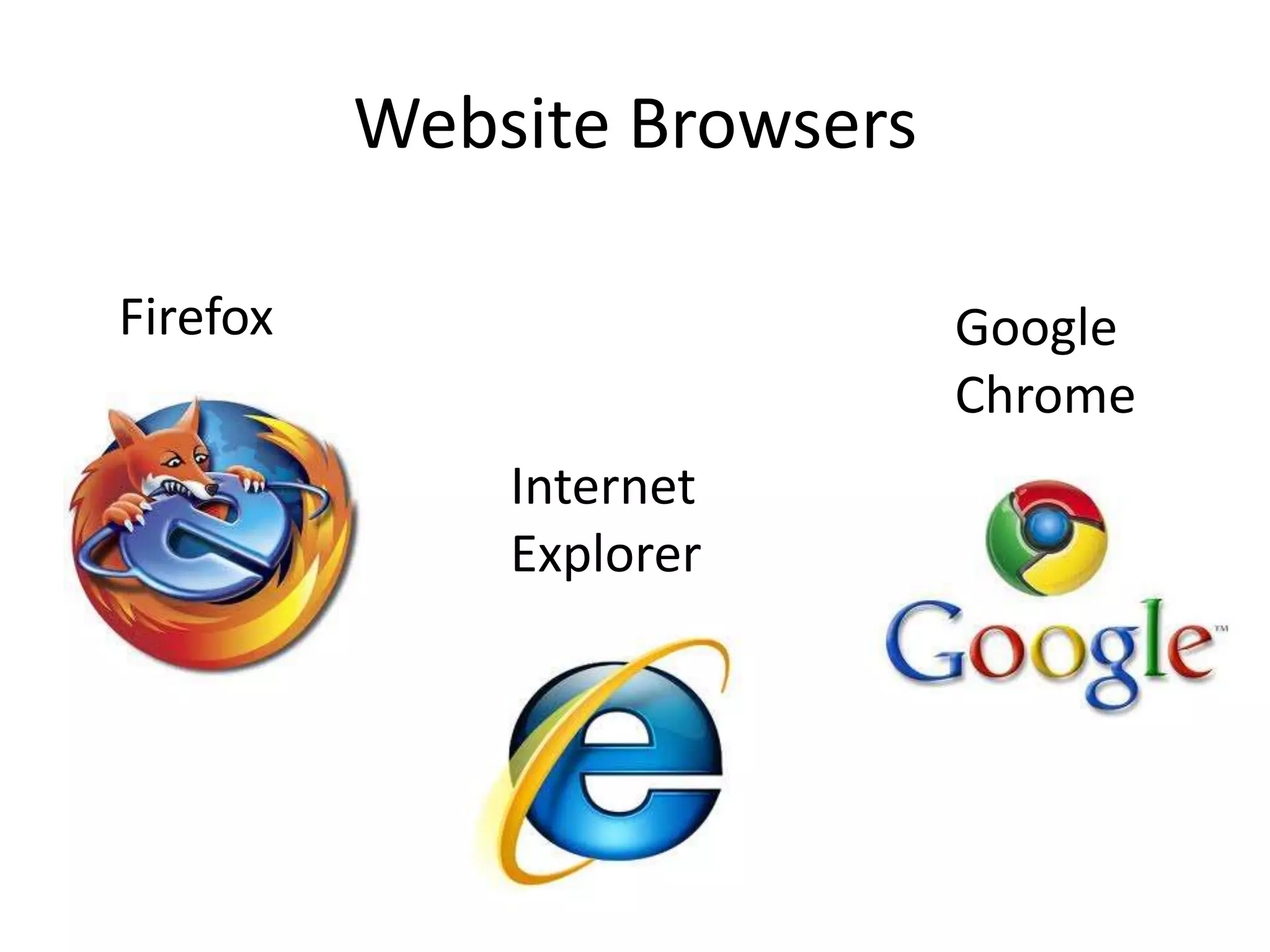
Website BrowsersFirefoxGoogle ChromeInternet  Explorer
Go to www.donnaisd.netLog inTake some time to set up our E-Chalk accounts and familiarize ourselvesWHY use Echalk?
Go to the following social bookmarking website www.diigo.comSet up an account“Follow” mePlay aroundWatch the tutorial videosWHY use Diigo?
Go to www.docs.google.comGo to google docs or do a search for google docsSet up an accountCreate a New Item (form) of whatever type just to play aroundWatch tutorial videos to learn more Go over answers from Warm Up on overheadWHY use google docs?
www.butleratutb.pbworks.comDoctor of the MTT program (great links here)www.collaborativeteachers.pbworks.comFor teachers to collaborate/share, get, find infoCheck out CAMT 2010 Links (thanks to Mrs. Eberstadt & Mrs. Sol!)www.misskniselyclassroom.pbworks.comFor my classroom	WHY use a wiki?
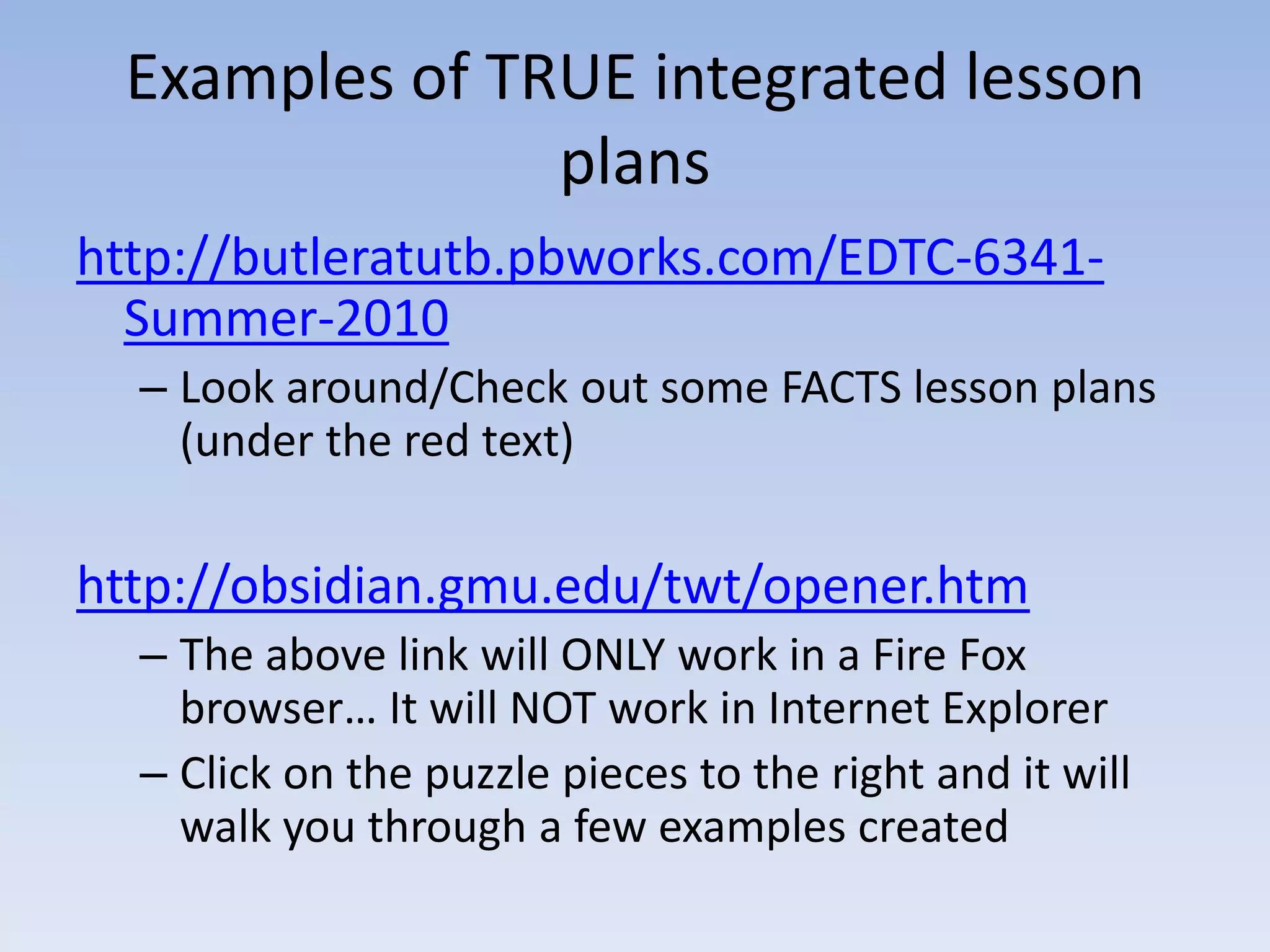
Examples of TRUE integrated lesson planshttp://butleratutb.pbworks.com/EDTC-6341-Summer-2010Look around/Check out some FACTS lesson plans (under the red text) http://obsidian.gmu.edu/twt/opener.htmThe above link will ONLY work in a Fire Fox browser… It will NOT work in Internet ExplorerClick on the puzzle pieces to the right and it will walk you through a few examples created
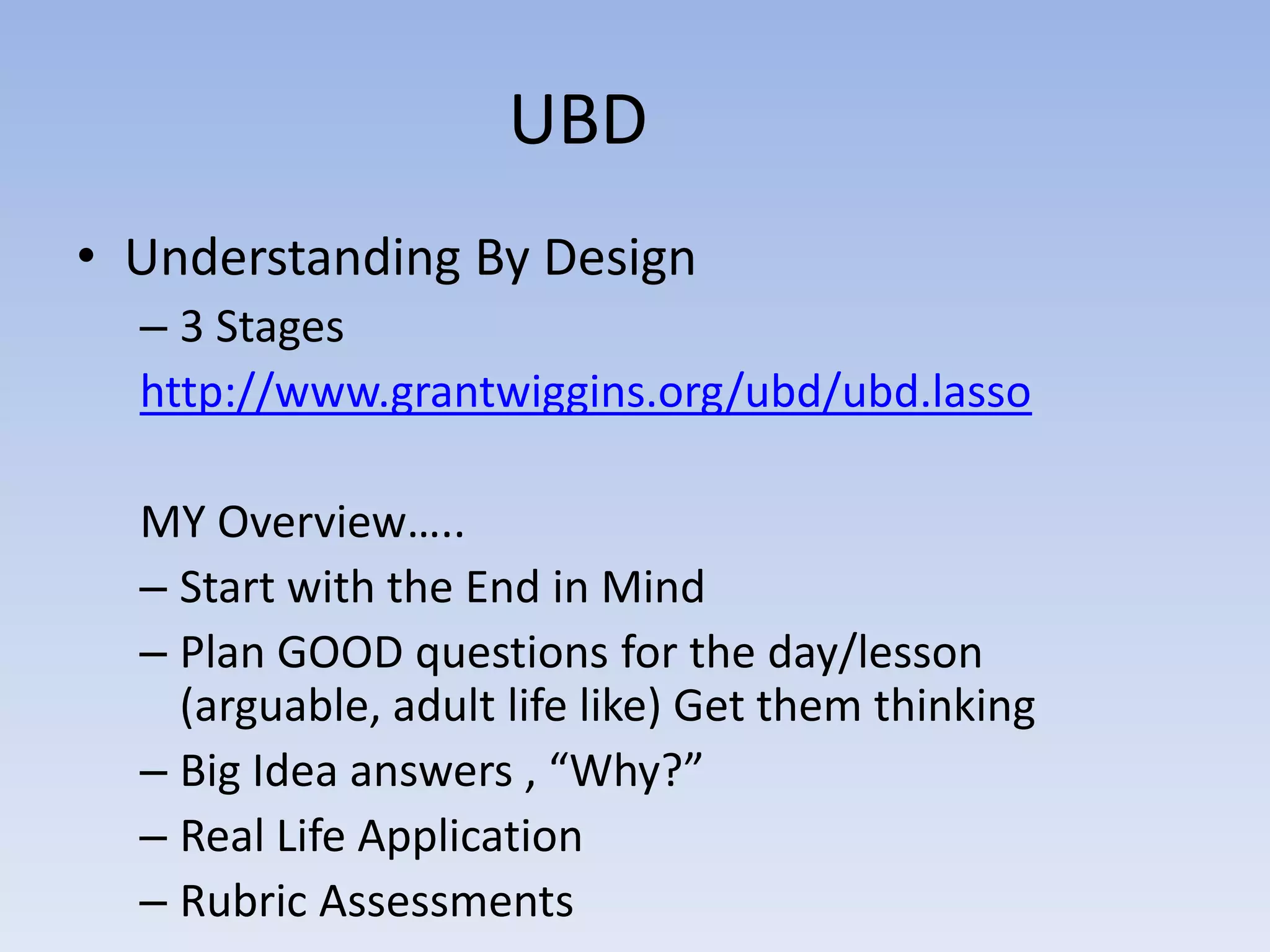
UBD	Understanding By Design3 Stageshttp://www.grantwiggins.org/ubd/ubd.lassoMY Overview…..Start with the End in Mind Plan GOOD questions for the day/lesson (arguable, adult life like) Get them thinkingBig Idea answers , “Why?”Real Life ApplicationRubric Assessments
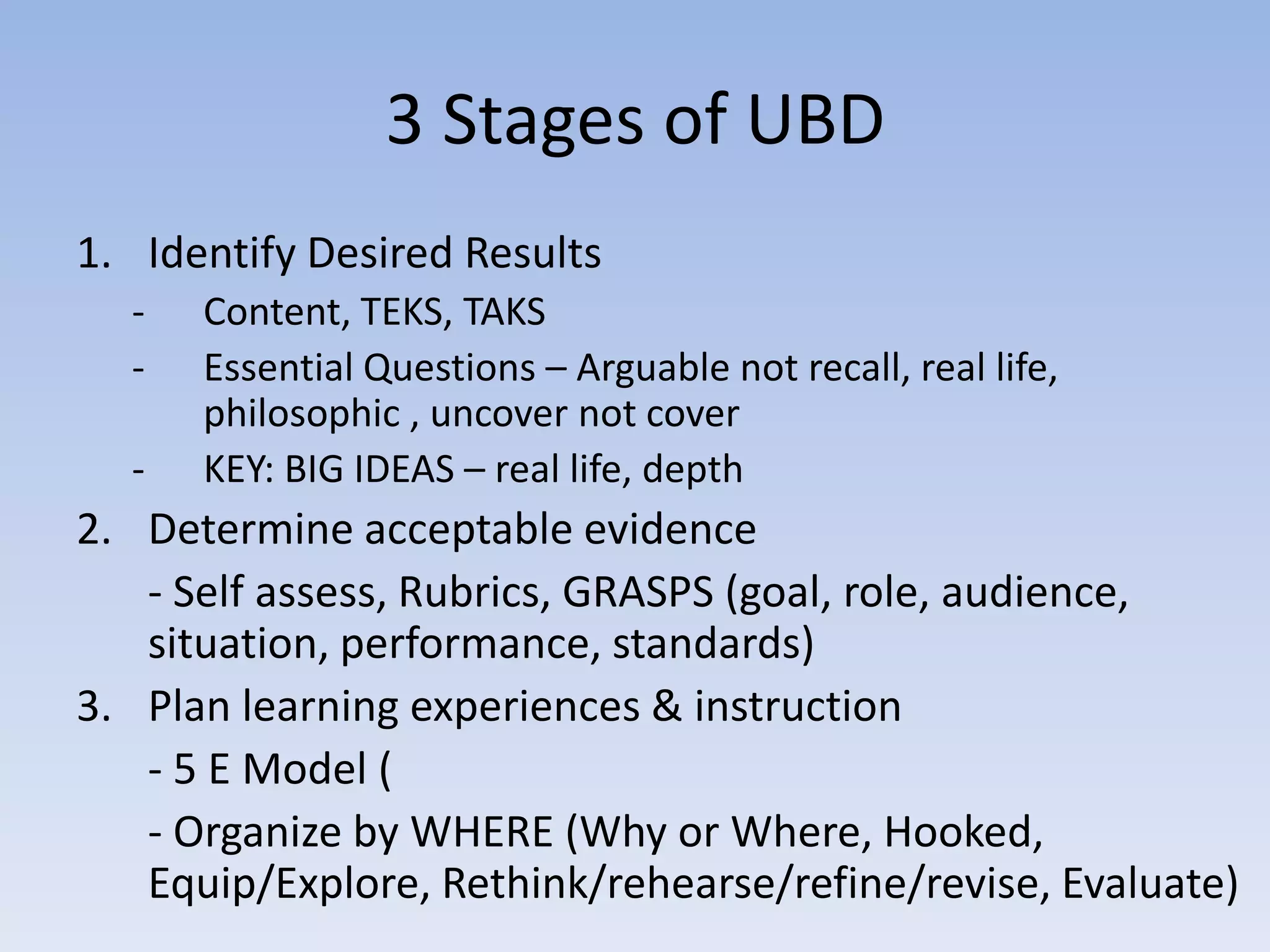
3 Stages of UBDIdentify Desired ResultsContent, TEKS, TAKS
Essential Questions – Arguable not recall, real life, philosophic , uncover not cover
KEY: BIG IDEAS – real life, depthDetermine acceptable evidence- Self assess, Rubrics, GRASPS (goal, role, audience, situation, performance, standards)Plan learning experiences & instruction		- 5 E Model (	- Organize by WHERE (Why or Where, Hooked, Equip/Explore, Rethink/rehearse/refine/revise, Evaluate)
Your turnCreate an effective lesson plan OR project 1. What TEKS do you want to cover? 	- week, semester, 6 weeks, year2. Think of a real life problem that use those TEKS3. How will you use technology to gather, research, present, organize, share, etc. in solving this problem
ClosingReviewWhat did you learn?Anything you would like me to post online/teach you later? Email me if so and we will figure it outImages for presentation from google imagesPlease complete the Evaluation form online

Math staff development techn integration presentation

  • 1.
    - Warm Up-1. Go to www.collaborativeteachers.pbworks.com2. Look on the far right sidebar menu3. Click on 2010 DISD Math Training4. Click on and complete the Teacher Questionnaire*Optional - Request access to the page & look around the page
  • 2.
    In order tohave class participation…..1. Number off2. Write your Number down 2 times side by side with enough space to tear it into 2 pieces3. Tear paper in half4. You keep 1 half5. I get the other half
  • 3.
  • 4.
    Today’s AgendaWarm UpBriefIntroductionsPresentationActivitiesPrepareCollaboratePlease be respectful – are teachers really the worst students?Break at 9:30 am or as needed
  • 5.
  • 6.
    Hand Up, StandUp, Pair UpWhere you teachWhat grade you teachWhat is your best idea/secret/strategy/ classroom procedure/management/ expectation/rule that you use?What you look forward to doing in the evenings, your weekends, time off?
  • 8.
    Why?Why are wehere?Why are we teachers?What is our goal?What is our mission?
  • 9.
    Donna ISD MissionStatementThe mission of Donna ISD is to ensure academic excellence for all students through a rigorous and supportive learning environment that provides a quality education in accordance with state and national standards."Committed to Excellence"
  • 10.
    What is aquality education?What do kids need to be successful today?Are standards properly aligned? If not, then ……
  • 11.
    Technology History &AdvancementsPrinting Press Internet
  • 12.
    Are we preparingthem correctly?US vs. other countries Future Job outlookSearch and organize info?What info is legit?Share and think globally?
  • 13.
    To assist everystudent in crossing the digital divide by ensuring that every student is technology literate by the time the student finishes the eighth grade, regardless of the student's race, ethnicity, gender, family income, geographic location, or disability. -- No Child Left Behind, Title II, Part D
  • 14.
    Title II PartD (NCLB)TEKS – all subject areas should include technology integration1. While there are references to the use of digital technology in all required curriculum, the Technology Applications Texas Essential Knowledge and Skills (TEKS)are to be used to effectively integrate technology across the curriculum.
  • 15.
    What the heckis it?Any questions yet???
  • 16.
    What is effectiveTI? EngagingAuthenticCollaborativeChallengingPerformance-based-- Proficiency in 21st Century skills
  • 17.
    Is this anexample or non-example?
  • 18.
    Is this anexample or non-example?
  • 19.
    Is this anexample or non-example?
  • 20.
    And when thethrill is gone?
  • 21.
    Technology Integration IsNot:Taking students to the computer lab once a week for 40 minutes.Using the computer as an electronic worksheet.Using the computer as a reward station for students who are finished with their other assignments.
  • 22.
    Technology Integration IsNot:Accelerated Reader, Math Blaster, WebAchiever.Every student typing one PowerPoint a year, no matter what!What the teacher is doing with the technology.
  • 23.
  • 24.
    We must preparelearners for theirfuture, not for our past.-- David ThornburgA vision of K-12 Students
  • 25.
    JokeRip Van Winkleawakens in the 21st century after a hundred-year snooze and is, of course, utterly bewildered by what he sees. Men and women dash about, talking to small metal devices pinned to their ears. Young people sit at home on sofas, moving miniature athletes around on electronic screens. Older folk defy death and disability with metronomes in their chests and with hips made of metal and plastic. Airports, hospitals, shopping malls – every place Rip goes just baffles him. But when he finally walks into a schoolroom, the old man knows exactly where he is. “This is a school,” he declares. “We used to have these back in 1906. Only now the blackboards are green (Miranda, et al, 2006, 1).
  • 26.
    21st Century SkillsPersonaland social responsibilityPlanning, critical thinking, reasoning, and creativityStrong communication skillsCross-cultural understandingVisualizing and decision-makingKnowing how & when to use technology
  • 27.
    Steps to IntegrationBeginwith the end in mind. How will learning be different? How will teaching be different?Model integrationEncourage integrationChallenge integrationEncourage YOUR teachers to learn!!Feel free to modify and share to meet your needs.
  • 28.
    Metaphor/ActivityWhere to findthe Activities/Motivational things learned from Success Coach at CAMT 2010 in San AntonioGo to www.collaborativeteachers.pbworks.comClick on CAMT 2010 (far right side bar)Click on Motivational Session
  • 29.
    The importance ofvisuals/imagesText (books) = sequentialImages = non-sequentialImages, visuals help better learning and connectingImages & visuals in technology EVERYWHERE
  • 30.
    Brain Rule #10:Vision trumps all other senses.
  • 31.
  • 32.
    Images are processedsimultaneously.
  • 33.
    If I canvisualize it,I own it.
  • 34.
    Visualize & Imagine…Visualizehaving hot dogs at the beach…
  • 35.
    Is this whatyou visualized?
  • 36.
    Images go tolong-term memory
  • 37.
    Did you eversee something in a split secondthat will remain with you forever?
  • 38.
    We are drawnto imagesNot words:Adorable,Cute,Cuddly,Soft
  • 39.
  • 40.
    Any questions sofar????NEXT, Explore & start “doing” something rather than talking about it doing something…..
  • 41.
  • 42.
    Go to www.donnaisd.netLoginTake some time to set up our E-Chalk accounts and familiarize ourselvesWHY use Echalk?
  • 43.
    Go to thefollowing social bookmarking website www.diigo.comSet up an account“Follow” mePlay aroundWatch the tutorial videosWHY use Diigo?
  • 44.
    Go to www.docs.google.comGoto google docs or do a search for google docsSet up an accountCreate a New Item (form) of whatever type just to play aroundWatch tutorial videos to learn more Go over answers from Warm Up on overheadWHY use google docs?
  • 45.
    www.butleratutb.pbworks.comDoctor of theMTT program (great links here)www.collaborativeteachers.pbworks.comFor teachers to collaborate/share, get, find infoCheck out CAMT 2010 Links (thanks to Mrs. Eberstadt & Mrs. Sol!)www.misskniselyclassroom.pbworks.comFor my classroom WHY use a wiki?
  • 46.
    Examples of TRUEintegrated lesson planshttp://butleratutb.pbworks.com/EDTC-6341-Summer-2010Look around/Check out some FACTS lesson plans (under the red text) http://obsidian.gmu.edu/twt/opener.htmThe above link will ONLY work in a Fire Fox browser… It will NOT work in Internet ExplorerClick on the puzzle pieces to the right and it will walk you through a few examples created
  • 47.
    UBD Understanding By Design3Stageshttp://www.grantwiggins.org/ubd/ubd.lassoMY Overview…..Start with the End in Mind Plan GOOD questions for the day/lesson (arguable, adult life like) Get them thinkingBig Idea answers , “Why?”Real Life ApplicationRubric Assessments
  • 48.
    3 Stages ofUBDIdentify Desired ResultsContent, TEKS, TAKS
  • 49.
    Essential Questions –Arguable not recall, real life, philosophic , uncover not cover
  • 50.
    KEY: BIG IDEAS– real life, depthDetermine acceptable evidence- Self assess, Rubrics, GRASPS (goal, role, audience, situation, performance, standards)Plan learning experiences & instruction - 5 E Model ( - Organize by WHERE (Why or Where, Hooked, Equip/Explore, Rethink/rehearse/refine/revise, Evaluate)
  • 51.
    Your turnCreate aneffective lesson plan OR project 1. What TEKS do you want to cover? - week, semester, 6 weeks, year2. Think of a real life problem that use those TEKS3. How will you use technology to gather, research, present, organize, share, etc. in solving this problem
  • 52.
    ClosingReviewWhat did youlearn?Anything you would like me to post online/teach you later? Email me if so and we will figure it outImages for presentation from google imagesPlease complete the Evaluation form online

Editor's Notes

  • #25 Discuss the cloud and interactivity
  • #26 Photo of all the technologies…
  • #29 At this point, I hand out “assignments” in which teams of administrators must develop a technology integrated lesson, then share.