Pemrograman Komputer Pertemuan 07 Procedures Bambang Heru Iswanto, Dr.rer.nat M.Si Jurusan Fisika Fakultas Matematika dan Ilmu Pengetahuan Alam 01/02/11 ©  2010 Universitas Negeri Jakarta  |  www.unj.ac.id  |
Learning Outcomes Pada akhir pertemuan ini, diharapkan mahasiswa  akan mampu : Menerapkan penggunaan prosedur 01/02/11 ©  2010 Universitas Negeri Jakarta  |  www.unj.ac.id  |
Outline Materi Procedures Needed for Procedures Parameter Passing 01/02/11 ©  2010 Universitas Negeri Jakarta  |  www.unj.ac.id  |
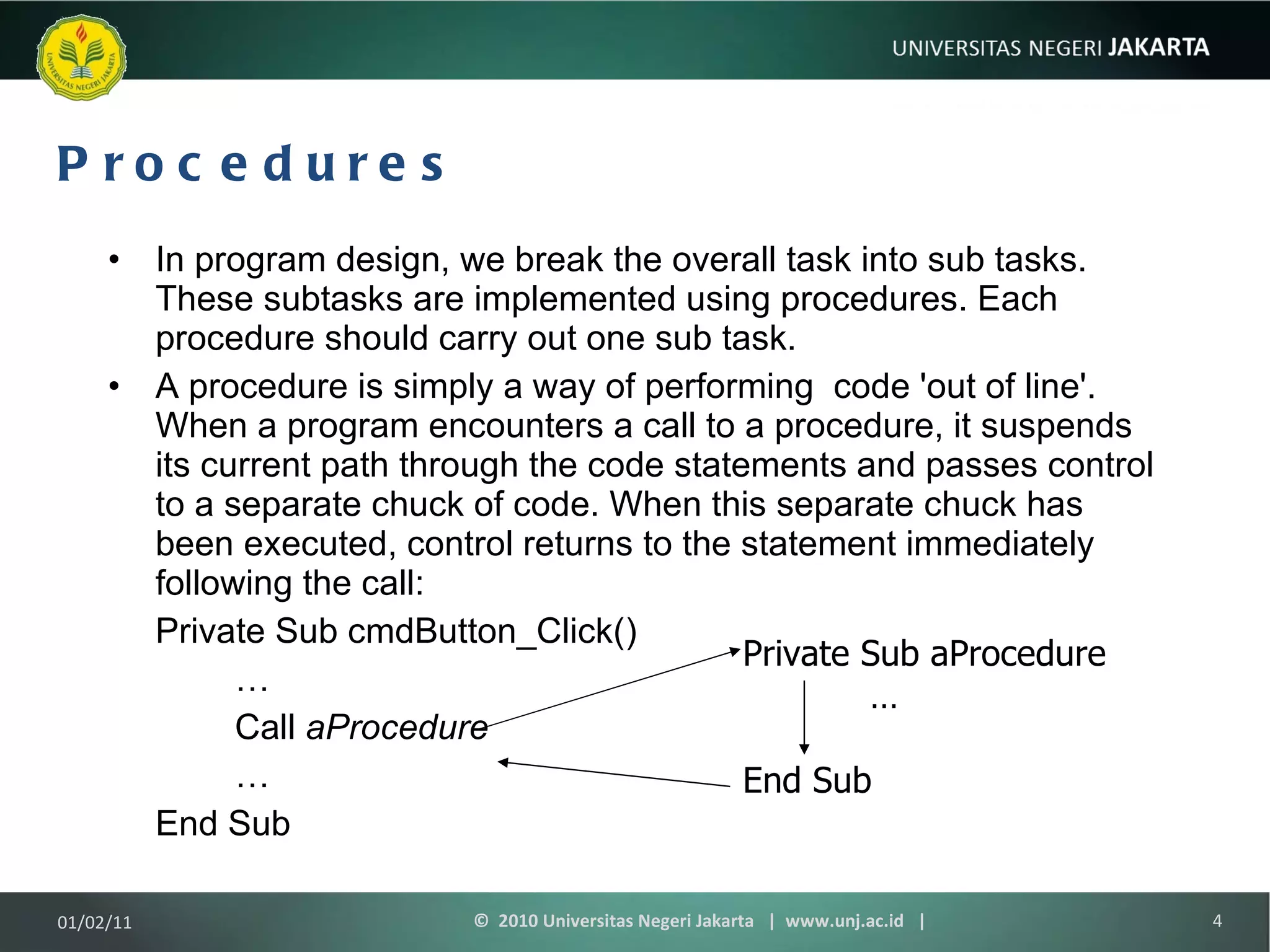
Procedures In program design, we break the overall task into sub tasks. These subtasks are implemented using procedures. Each procedure should carry out one sub task. A  procedure is simply a way of performing  code 'out of line'. When a program encounters a call to a procedure, it suspends its current path through the code statements and passes control to a separate chuck of code. When this separate chuck has been executed, control returns to the statement immediately following the call: Private Sub cmdButton_Click() … Call  aProcedure … End Sub Private Sub aProcedure … End Sub 01/02/11 ©  2010 Universitas Negeri Jakarta  |  www.unj.ac.id  |
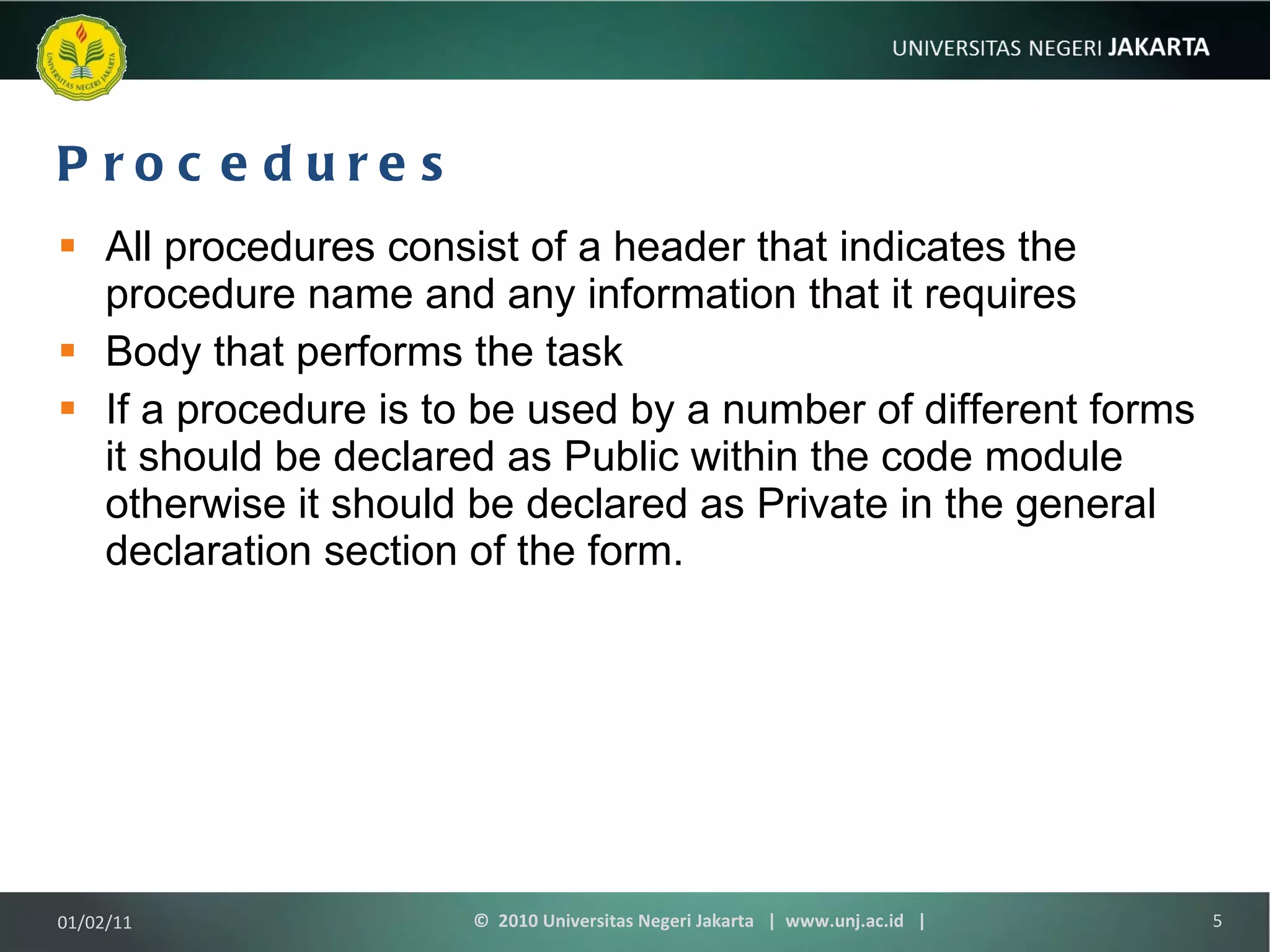
Procedures All procedures consist of a header that indicates the procedure name and any information that it requires Body that performs the task If a procedure is to be used by a number of different forms it should be declared as Public within the code module otherwise it should be declared as Private in the general declaration section of the form. 01/02/11 ©  2010 Universitas Negeri Jakarta  |  www.unj.ac.id  |
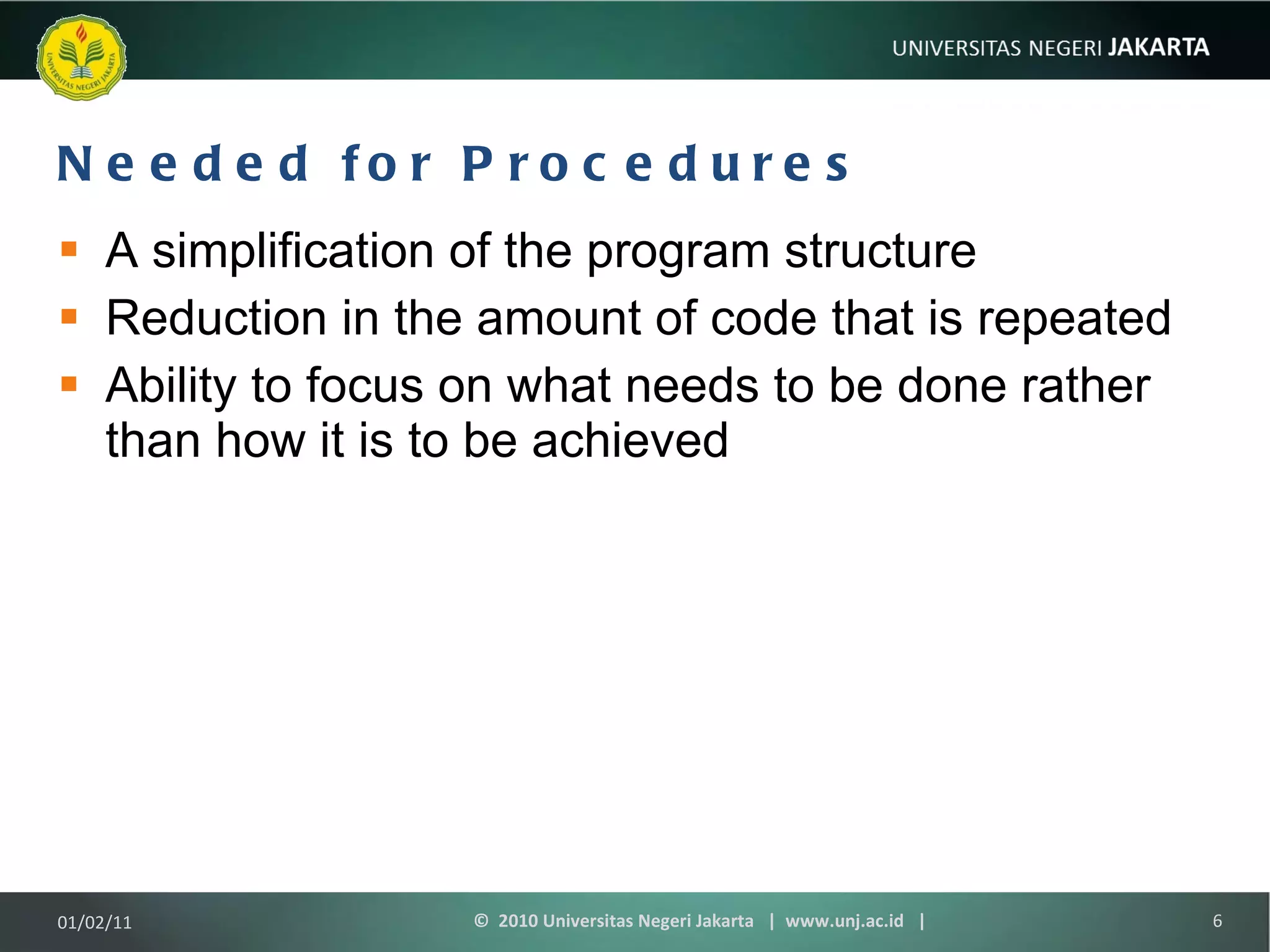
Needed for Procedures A simplification of the program structure Reduction in the amount of code that is repeated Ability to focus on what needs to be done rather than how it is to be achieved 01/02/11 ©  2010 Universitas Negeri Jakarta  |  www.unj.ac.id  |
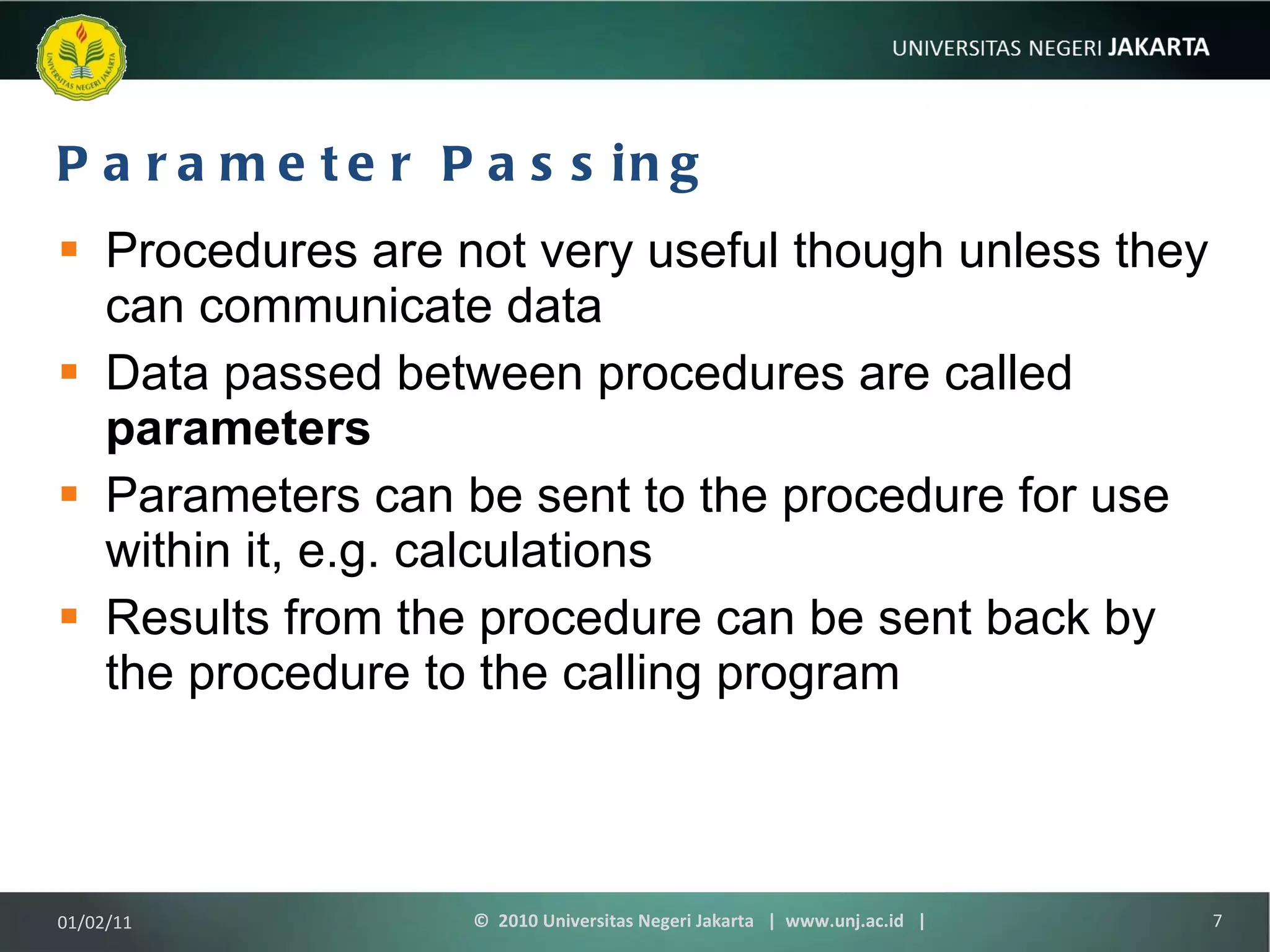
Parameter Passing Procedures are not very useful though unless they can communicate data Data passed between procedures are called  parameters Parameters can be sent to the procedure for use within it, e.g. calculations Results from the procedure can be sent back by the procedure to the calling program 01/02/11 ©  2010 Universitas Negeri Jakarta  |  www.unj.ac.id  |
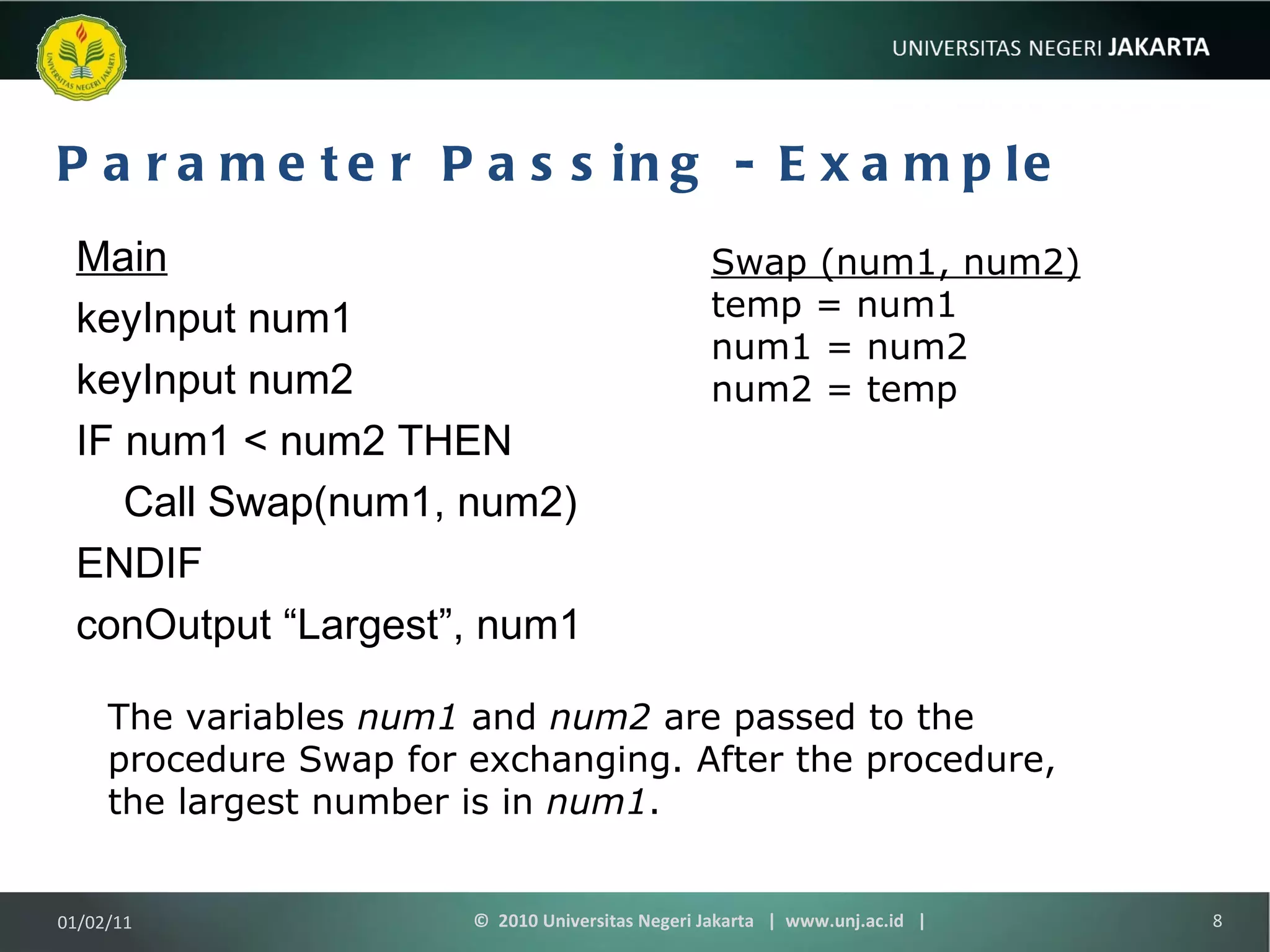
Parameter Passing - Example Main keyInput num1 keyInput num2 IF num1 < num2 THEN Call Swap(num1, num2) ENDIF conOutput “Largest”, num1 Swap (num1, num2) temp = num1 num1 = num2 num2 = temp The variables  num1  and  num2  are passed to the procedure Swap for exchanging. After the procedure, the largest number is in  num1 . 01/02/11 ©  2010 Universitas Negeri Jakarta  |  www.unj.ac.id  |
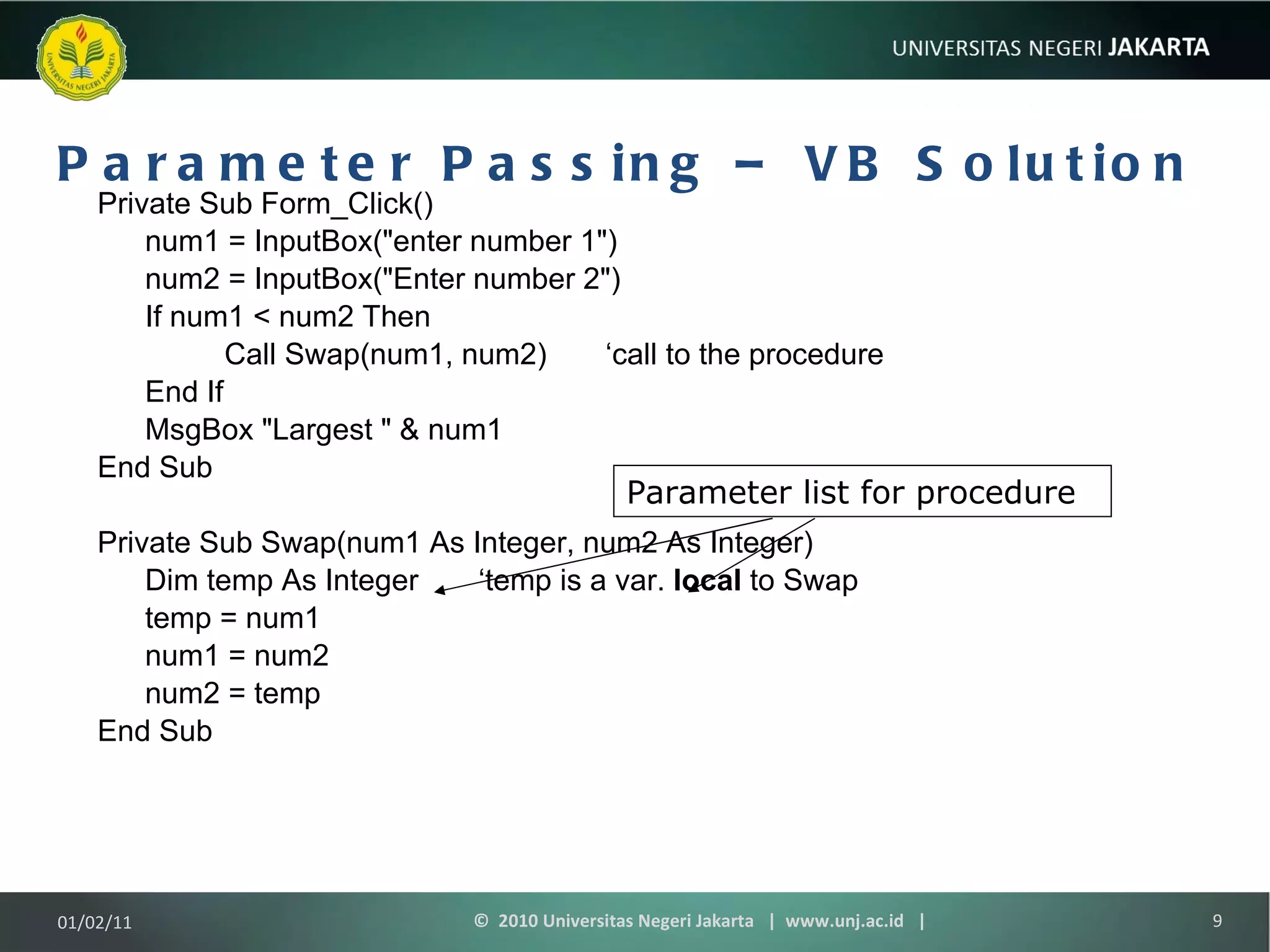
Parameter Passing – VB Solution Private Sub Form_Click() num1 = InputBox(&quot;enter number 1&quot;) num2 = InputBox(&quot;Enter number 2&quot;) If num1 < num2 Then Call Swap(num1, num2) ‘call to the procedure End If MsgBox &quot;Largest &quot; & num1 End Sub Private Sub Swap(num1 As Integer, num2 As Integer) Dim temp As Integer ‘temp is a var.  local  to Swap temp = num1 num1 = num2 num2 = temp End Sub Parameter list for procedure 01/02/11 ©  2010 Universitas Negeri Jakarta  |  www.unj.ac.id  |
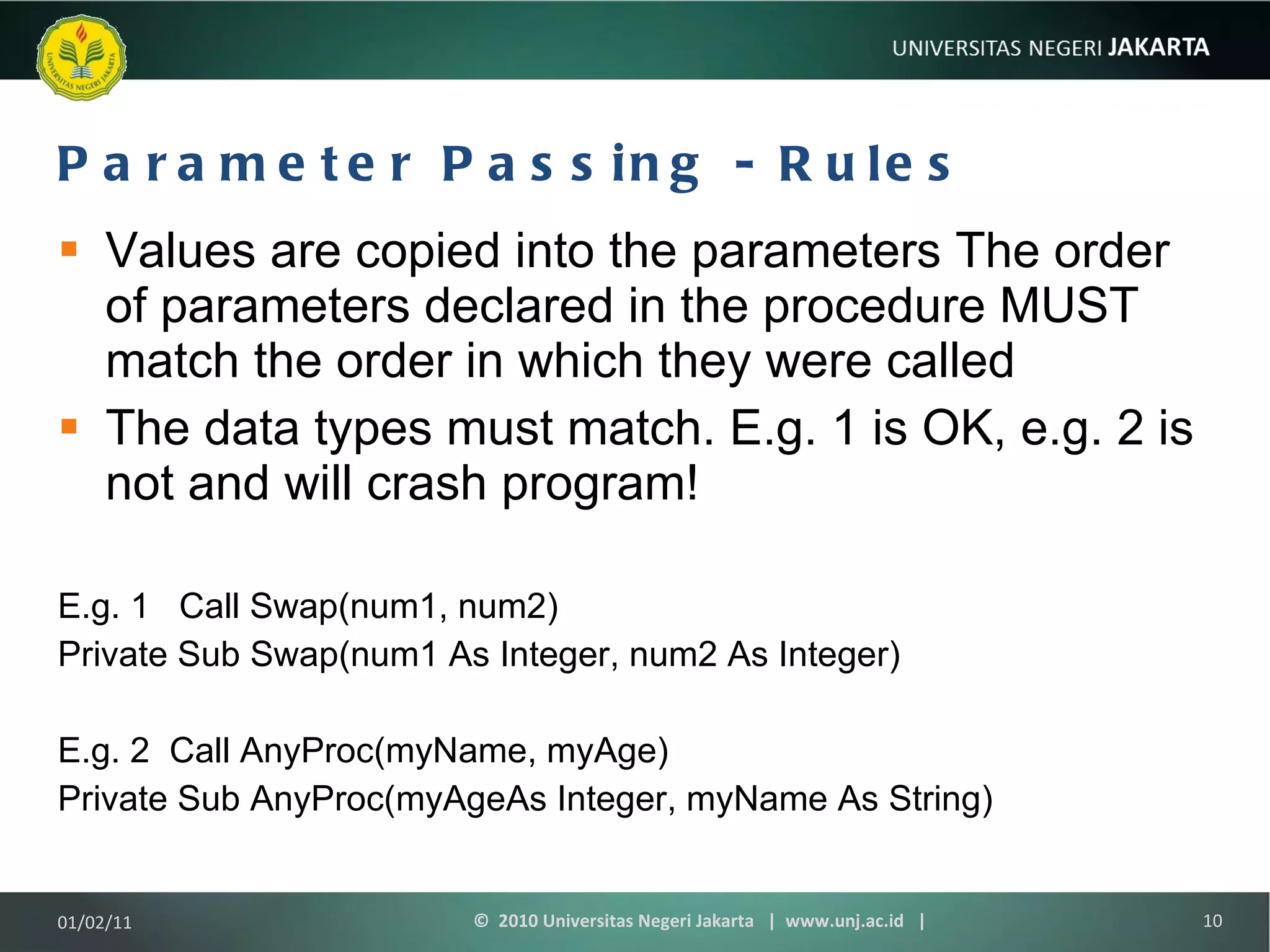
Parameter Passing - Rules Values are copied into the parameters The order of parameters declared in the procedure MUST match the order in which they were called The data types must match. E.g. 1 is OK, e.g. 2 is not and will crash program! E.g. 1  Call Swap(num1, num2) Private Sub Swap(num1 As Integer, num2 As Integer) E.g. 2  Call AnyProc(myName, myAge) Private Sub AnyProc(myAgeAs Integer, myName As String) 01/02/11 ©  2010 Universitas Negeri Jakarta  |  www.unj.ac.id  |
TERIMA KASIH 01/02/11 ©  2010 Universitas Negeri Jakarta  |  www.unj.ac.id  |

Pemrograman komputer 7 (prosedur)

  • 1.
    Pemrograman Komputer Pertemuan07 Procedures Bambang Heru Iswanto, Dr.rer.nat M.Si Jurusan Fisika Fakultas Matematika dan Ilmu Pengetahuan Alam 01/02/11 © 2010 Universitas Negeri Jakarta | www.unj.ac.id |
  • 2.
    Learning Outcomes Padaakhir pertemuan ini, diharapkan mahasiswa akan mampu : Menerapkan penggunaan prosedur 01/02/11 © 2010 Universitas Negeri Jakarta | www.unj.ac.id |
  • 3.
    Outline Materi ProceduresNeeded for Procedures Parameter Passing 01/02/11 © 2010 Universitas Negeri Jakarta | www.unj.ac.id |
  • 4.
    Procedures In programdesign, we break the overall task into sub tasks. These subtasks are implemented using procedures. Each procedure should carry out one sub task. A procedure is simply a way of performing  code 'out of line'. When a program encounters a call to a procedure, it suspends its current path through the code statements and passes control to a separate chuck of code. When this separate chuck has been executed, control returns to the statement immediately following the call: Private Sub cmdButton_Click() … Call aProcedure … End Sub Private Sub aProcedure … End Sub 01/02/11 © 2010 Universitas Negeri Jakarta | www.unj.ac.id |
  • 5.
    Procedures All proceduresconsist of a header that indicates the procedure name and any information that it requires Body that performs the task If a procedure is to be used by a number of different forms it should be declared as Public within the code module otherwise it should be declared as Private in the general declaration section of the form. 01/02/11 © 2010 Universitas Negeri Jakarta | www.unj.ac.id |
  • 6.
    Needed for ProceduresA simplification of the program structure Reduction in the amount of code that is repeated Ability to focus on what needs to be done rather than how it is to be achieved 01/02/11 © 2010 Universitas Negeri Jakarta | www.unj.ac.id |
  • 7.
    Parameter Passing Proceduresare not very useful though unless they can communicate data Data passed between procedures are called parameters Parameters can be sent to the procedure for use within it, e.g. calculations Results from the procedure can be sent back by the procedure to the calling program 01/02/11 © 2010 Universitas Negeri Jakarta | www.unj.ac.id |
  • 8.
    Parameter Passing -Example Main keyInput num1 keyInput num2 IF num1 < num2 THEN Call Swap(num1, num2) ENDIF conOutput “Largest”, num1 Swap (num1, num2) temp = num1 num1 = num2 num2 = temp The variables num1 and num2 are passed to the procedure Swap for exchanging. After the procedure, the largest number is in num1 . 01/02/11 © 2010 Universitas Negeri Jakarta | www.unj.ac.id |
  • 9.
    Parameter Passing –VB Solution Private Sub Form_Click() num1 = InputBox(&quot;enter number 1&quot;) num2 = InputBox(&quot;Enter number 2&quot;) If num1 < num2 Then Call Swap(num1, num2) ‘call to the procedure End If MsgBox &quot;Largest &quot; & num1 End Sub Private Sub Swap(num1 As Integer, num2 As Integer) Dim temp As Integer ‘temp is a var. local to Swap temp = num1 num1 = num2 num2 = temp End Sub Parameter list for procedure 01/02/11 © 2010 Universitas Negeri Jakarta | www.unj.ac.id |
  • 10.
    Parameter Passing -Rules Values are copied into the parameters The order of parameters declared in the procedure MUST match the order in which they were called The data types must match. E.g. 1 is OK, e.g. 2 is not and will crash program! E.g. 1 Call Swap(num1, num2) Private Sub Swap(num1 As Integer, num2 As Integer) E.g. 2 Call AnyProc(myName, myAge) Private Sub AnyProc(myAgeAs Integer, myName As String) 01/02/11 © 2010 Universitas Negeri Jakarta | www.unj.ac.id |
  • 11.
    TERIMA KASIH 01/02/11© 2010 Universitas Negeri Jakarta | www.unj.ac.id |