OPERATING SYSTEM
Genesis,
Development &
Functions
OPERATING SYSTEM
 Program that acts as an intermediary/interface between a user of a computer and
the computer hardware
 It provides a user-friendly environment in which a user may easily develop and
execute programs
 Otherwise, hardware knowledge would be mandatory for computer programming.
OPERATING SYSTEM
Operating system goals:
 Execute programs and solve user problems
easily
 Make the computer system convenient to
use
manner
Manage all hardware and software
 Controls every file, device, section of main
memory and nanosecond of processing time
 Controls who can use the system
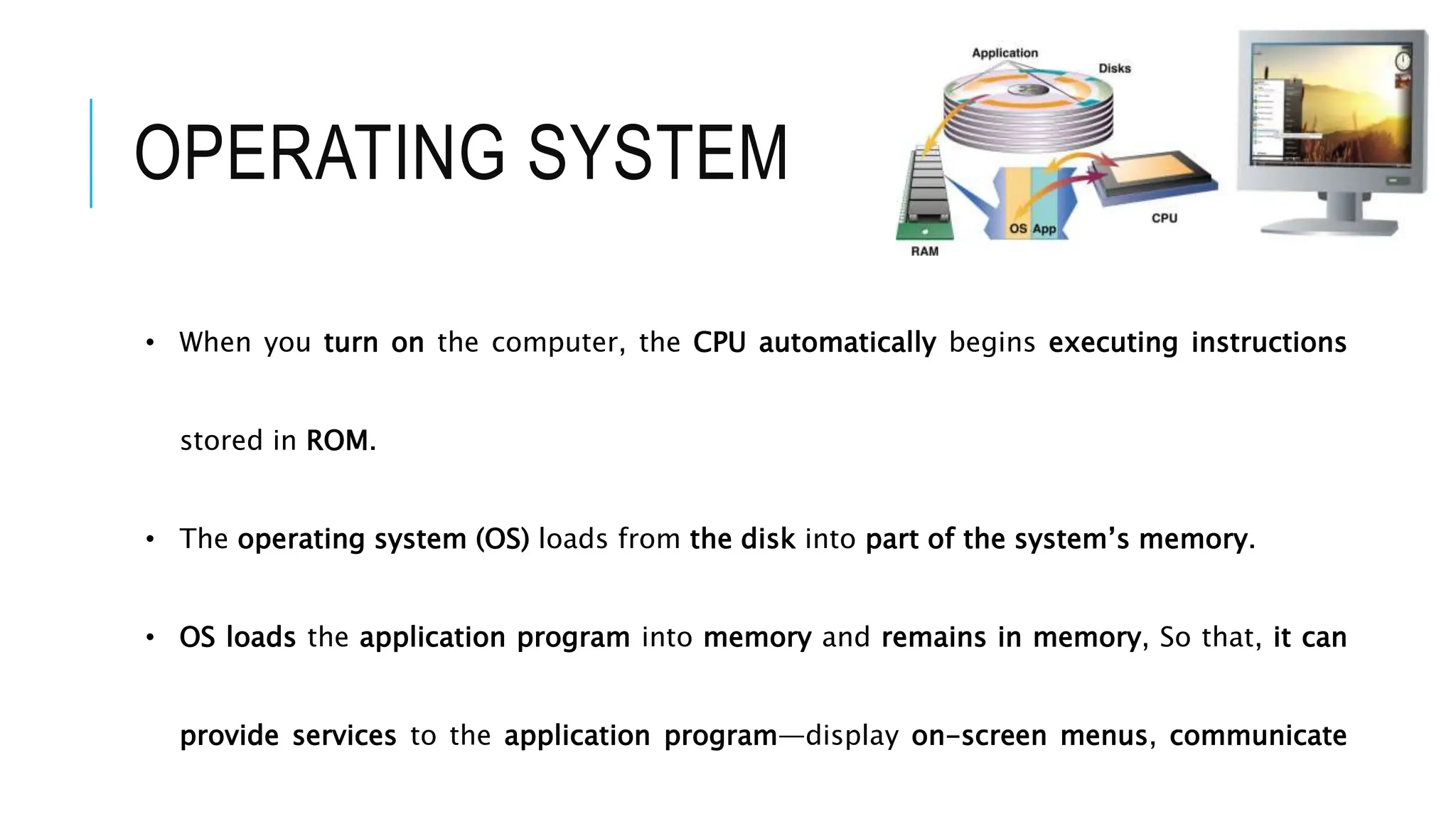
• When you turn on the computer, the CPU automatically begins executing instructions
stored in ROM.
• The operating system (OS) loads from the disk into part of the system’s memory.
• OS loads the application program into memory and remains in memory, So that, it can
provide services to the application program—display on-screen menus, communicate
OPERATING SYSTEM
WHAT DOES AN OPERATING
SYSTEM DO?
Every computer depends on an operating system to:
 Keep hardware running efficiently
 Maintains file system
 Support multitasking
 Manage virtual memory
Operating system runs continuously when computer is on….
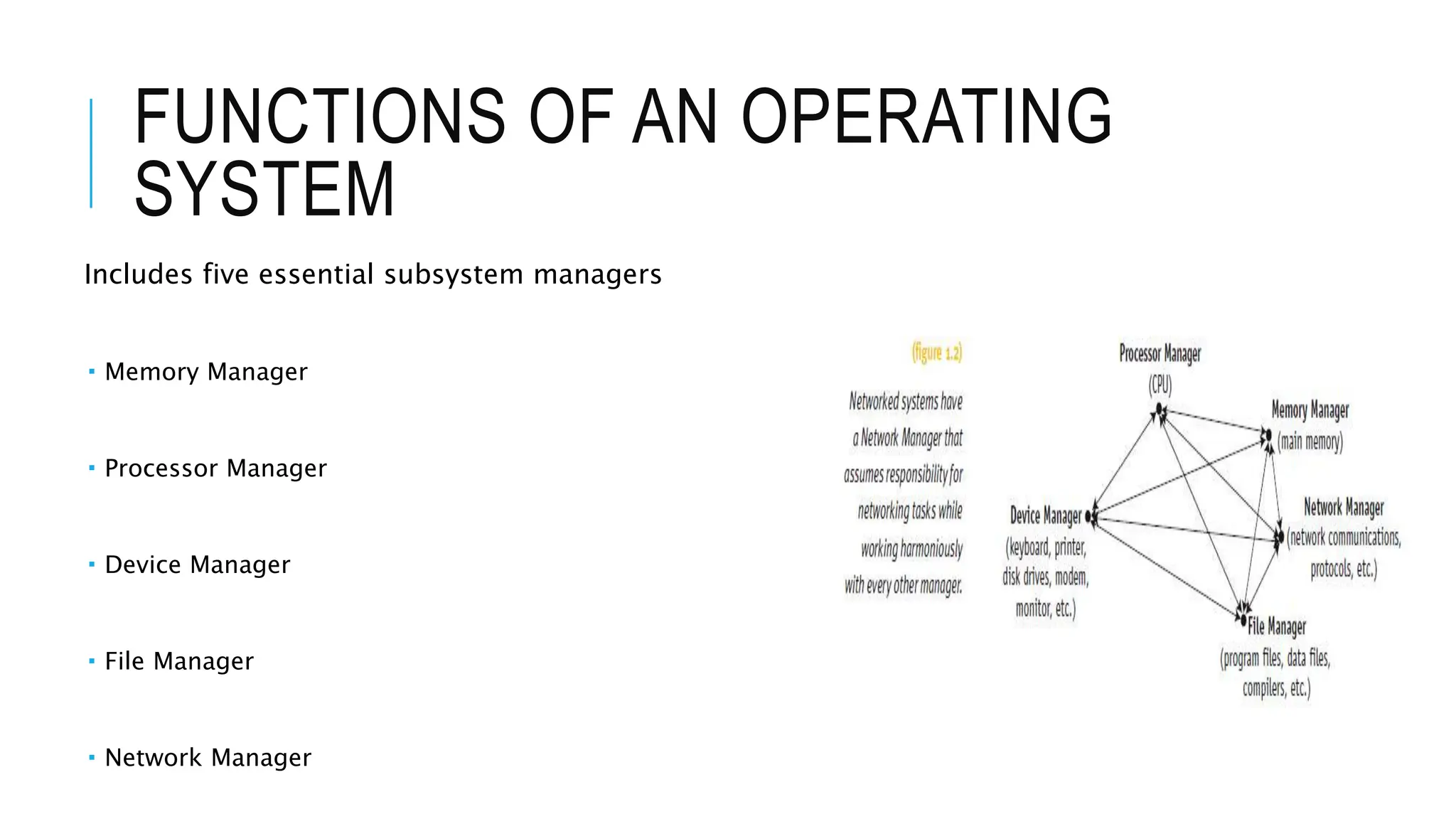
FUNCTIONS OF AN OPERATING
SYSTEM
Includes five essential subsystem managers
 Memory Manager
 Processor Manager
 Device Manager
 File Manager
 Network Manager
MAIN MEMORY MANAGEMENT
In charge of main memory
 Random Access Memory (RAM)
Responsibilities include:
 Preserving space in main memory occupied by
operating system
 Checking validity and legality of memory space
request
 Setting up memory tracking table
 Tracks usage of memory by sections
 Needed in multiuser environment
 De-allocating memory to reclaim it
PROCESSOR MANAGEMENT
In charge of allocating (CPU)
Tracks process status
 An instance of program execution
Two levels of responsibility:
 Handle jobs as they enter the system
 Handled by Job Scheduler
 Manage each process within those jobs
 Handled by Process Scheduler
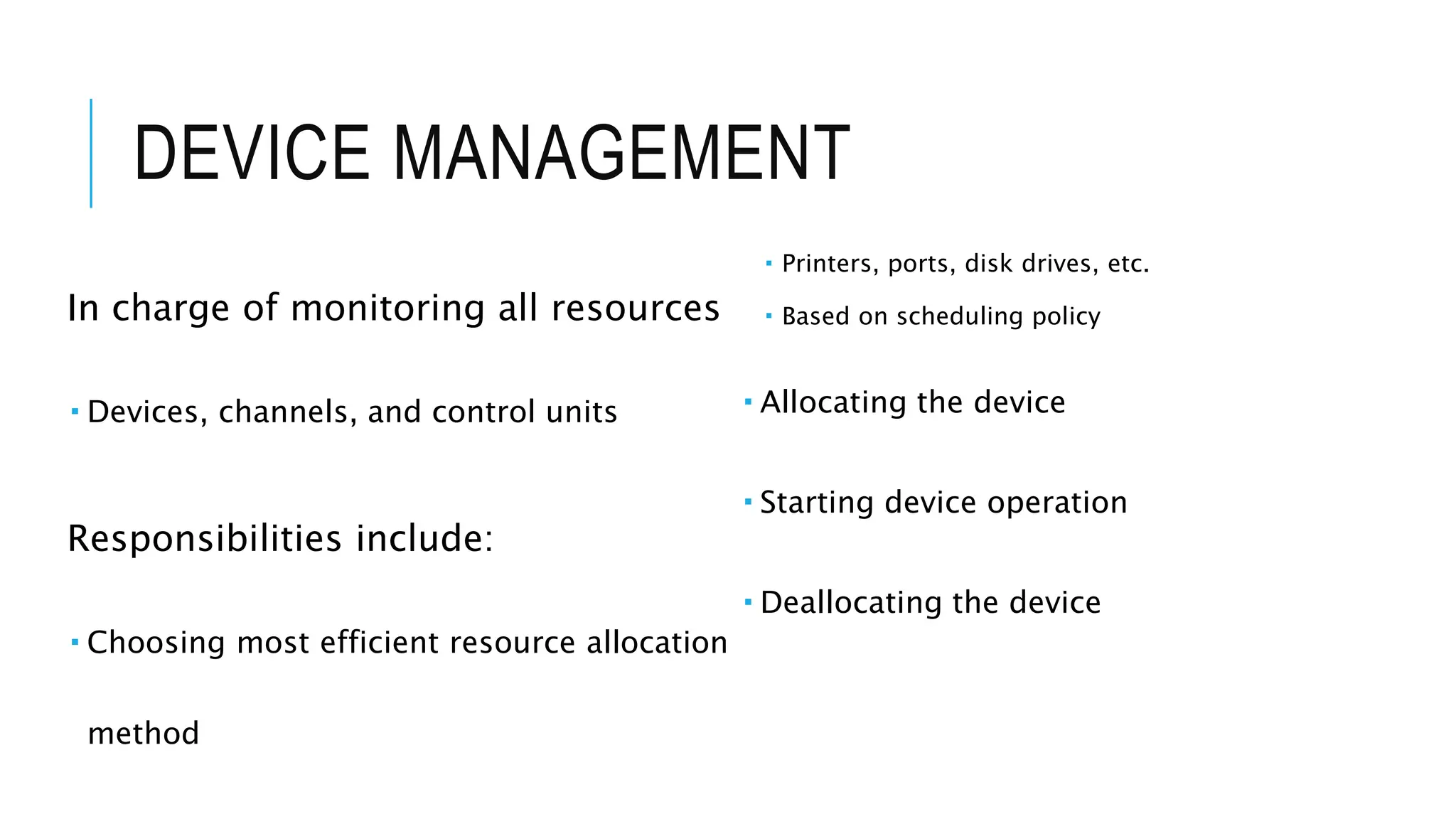
DEVICE MANAGEMENT
In charge of monitoring all resources
 Devices, channels, and control units
Responsibilities include:
 Choosing most efficient resource allocation
method
 Printers, ports, disk drives, etc.
 Based on scheduling policy
 Allocating the device
 Starting device operation
 Deallocating the device
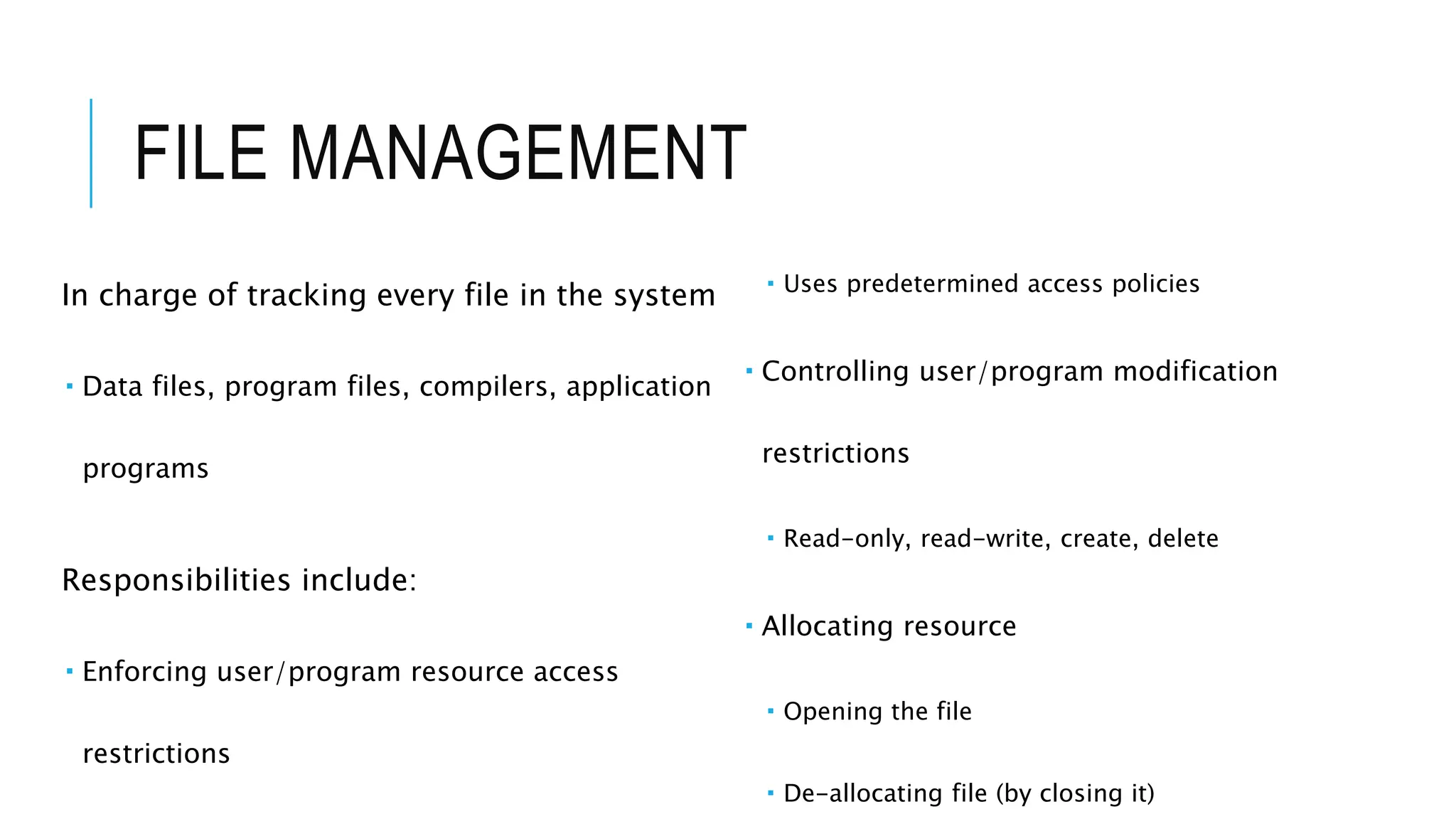
FILE MANAGEMENT
In charge of tracking every file in the system
 Data files, program files, compilers, application
programs
Responsibilities include:
 Enforcing user/program resource access
restrictions
 Uses predetermined access policies
 Controlling user/program modification
restrictions
 Read-only, read-write, create, delete
 Allocating resource
 Opening the file
 De-allocating file (by closing it)
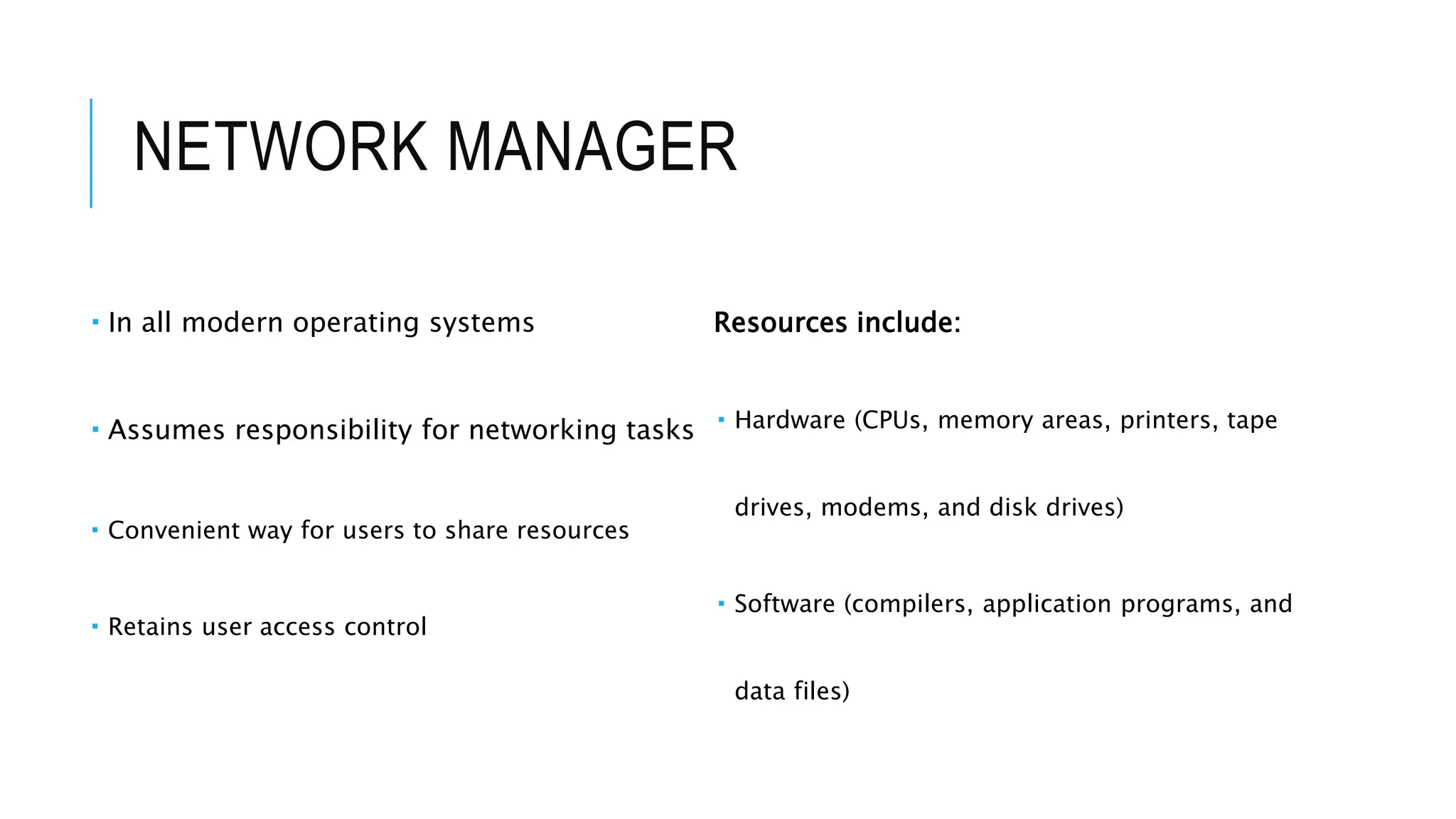
NETWORK MANAGER
 In all modern operating systems
 Assumes responsibility for networking tasks
 Convenient way for users to share resources
 Retains user access control
Resources include:
 Hardware (CPUs, memory areas, printers, tape
drives, modems, and disk drives)
 Software (compilers, application programs, and
data files)
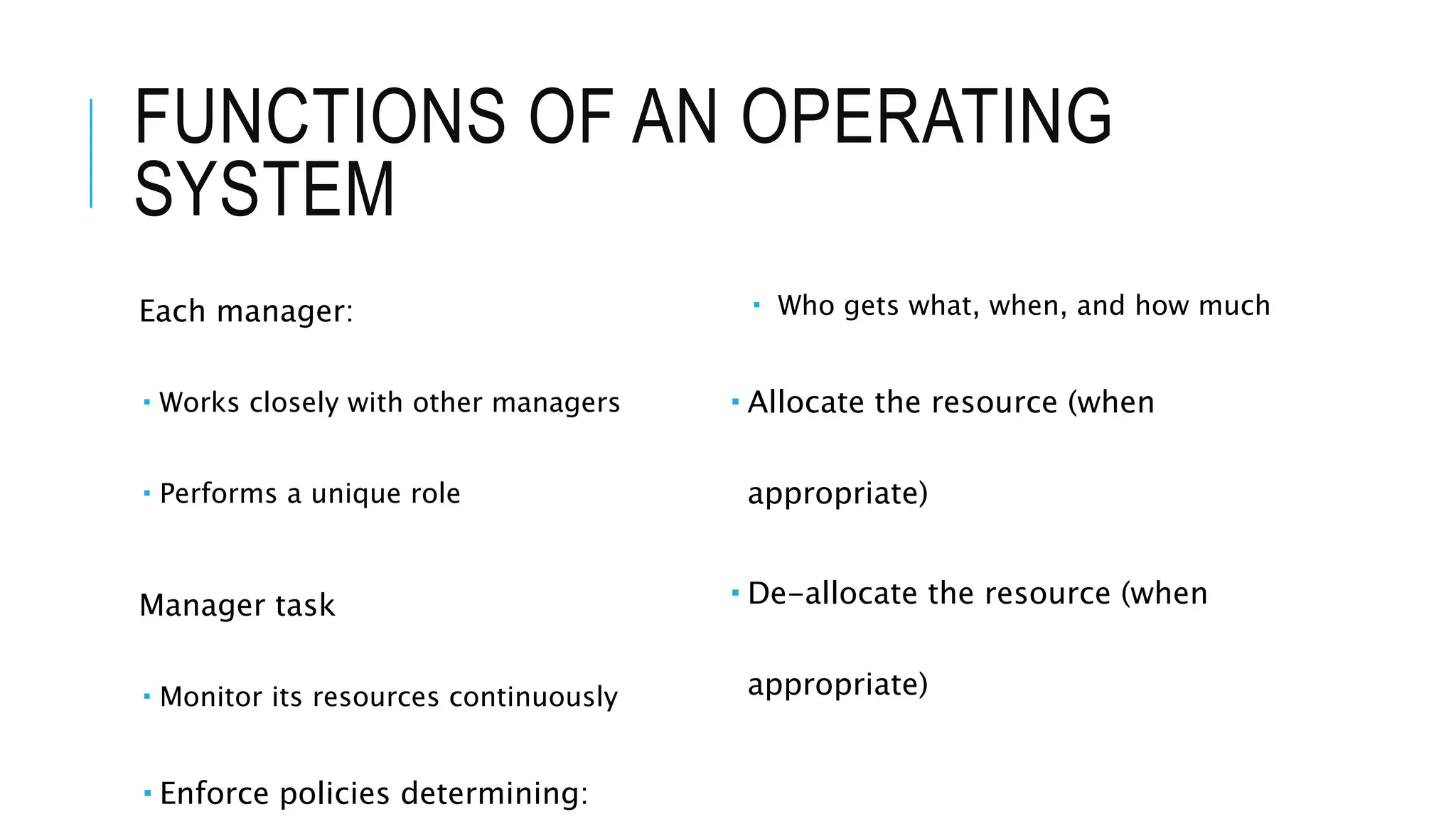
FUNCTIONS OF AN OPERATING
SYSTEM
Each manager:
 Works closely with other managers
 Performs a unique role
Manager task
 Monitor its resources continuously
 Enforce policies determining:
 Who gets what, when, and how much
 Allocate the resource (when
appropriate)
 De-allocate the resource (when
appropriate)
HISTORICAL DEVELOPMENT OF AN
OPERATING SYSTEM
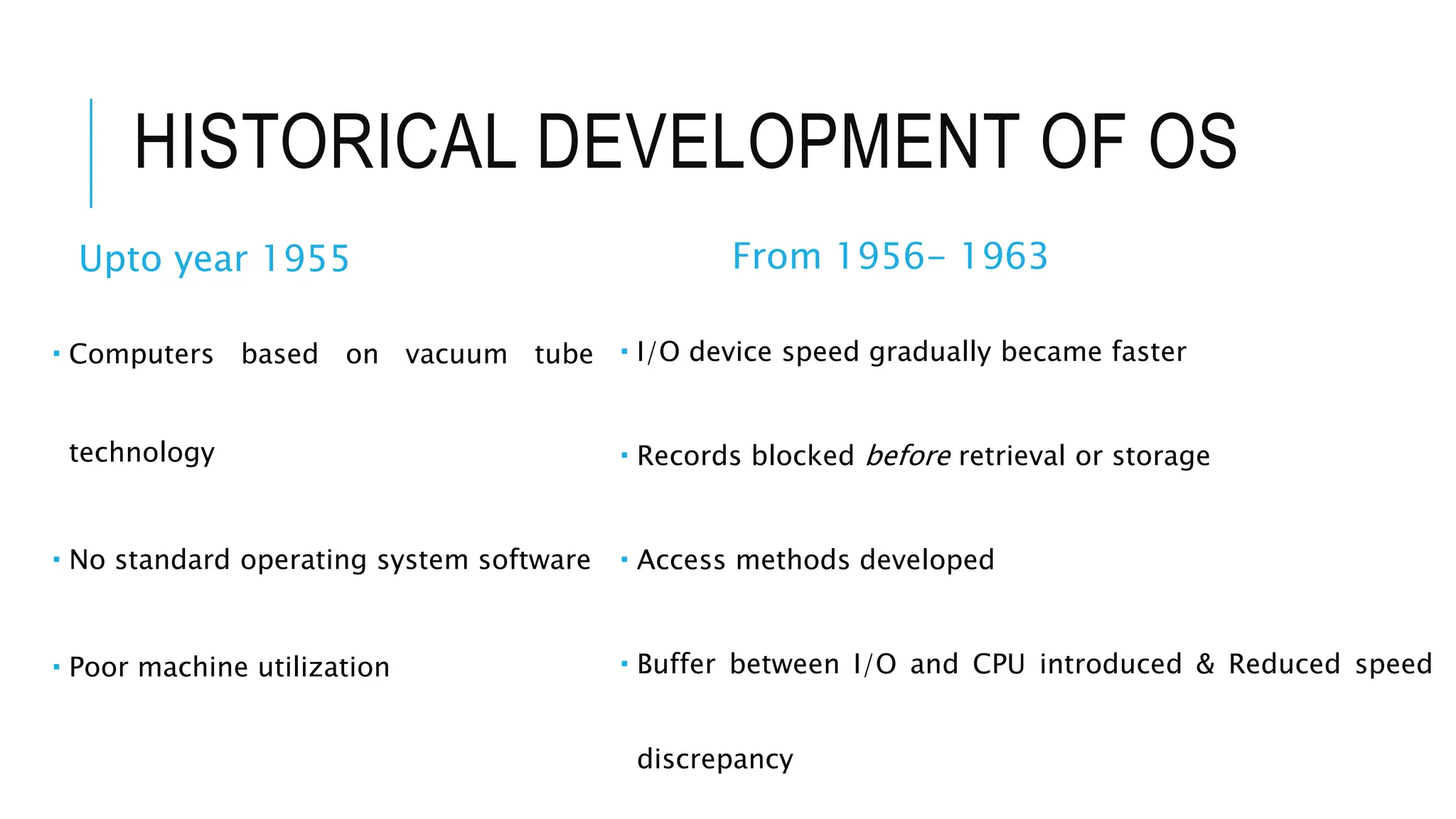
HISTORICAL DEVELOPMENT OF OS
Upto year 1955
 Computers based on vacuum tube
technology
 No standard operating system software
 Poor machine utilization
From 1956- 1963
 I/O device speed gradually became faster
 Records blocked before retrieval or storage
 Access methods developed
 Buffer between I/O and CPU introduced & Reduced speed
discrepancy
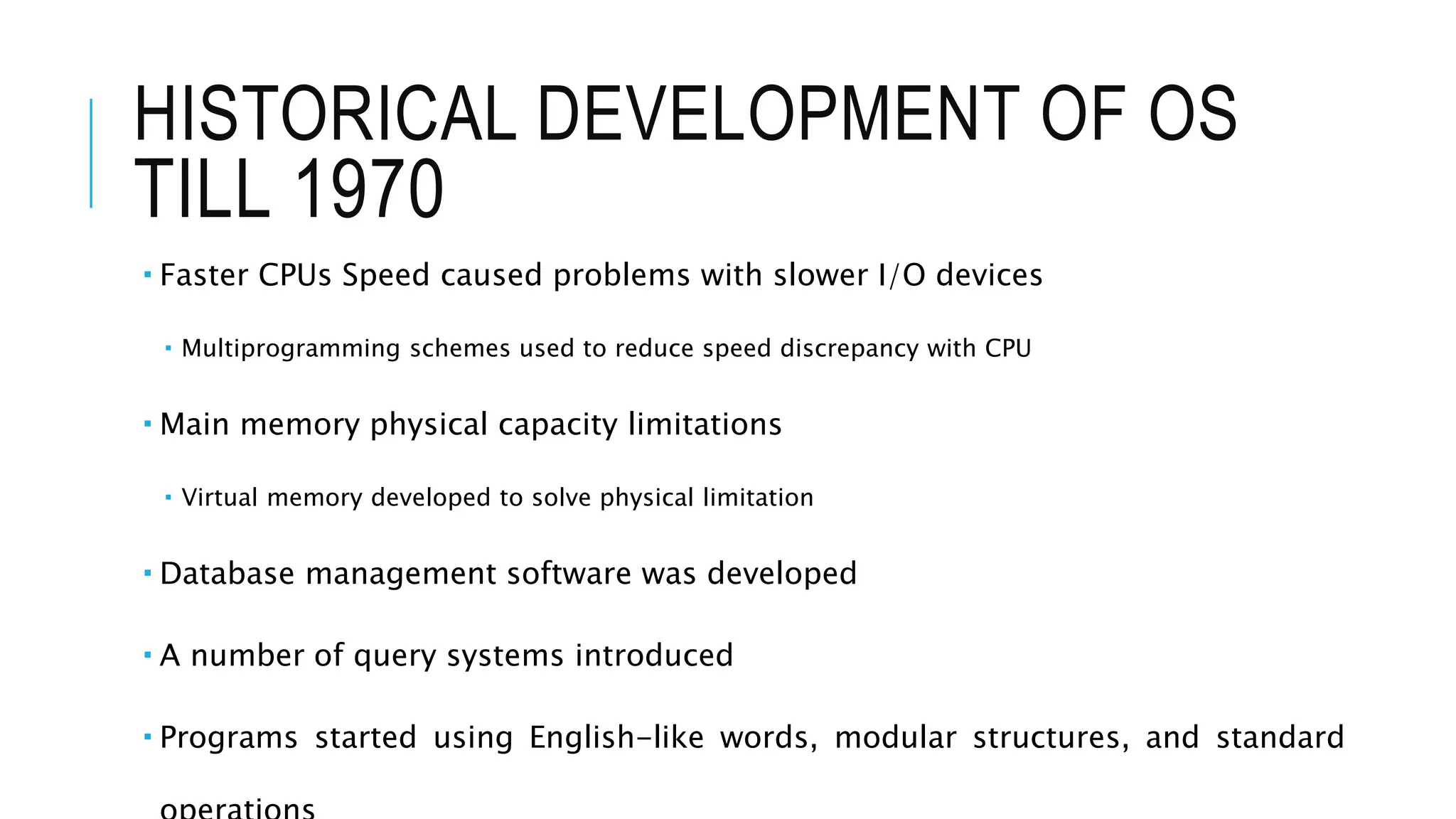
HISTORICAL DEVELOPMENT OF OS
TILL 1970
 Faster CPUs Speed caused problems with slower I/O devices
 Multiprogramming schemes used to reduce speed discrepancy with CPU
 Main memory physical capacity limitations
 Virtual memory developed to solve physical limitation
 Database management software was developed
 A number of query systems introduced
 Programs started using English-like words, modular structures, and standard
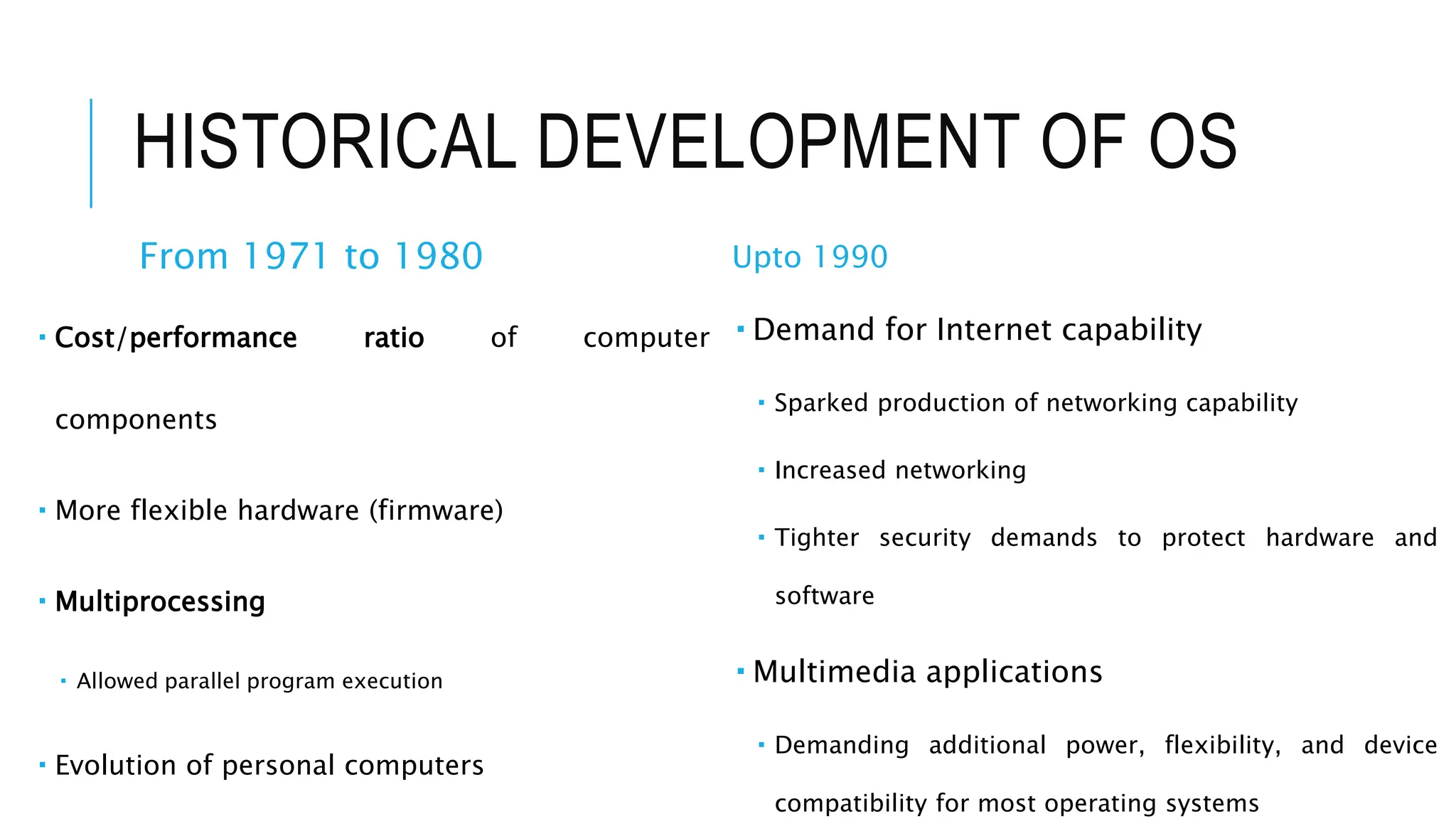
HISTORICAL DEVELOPMENT OF OS
From 1971 to 1980
 Cost/performance ratio of computer
components
 More flexible hardware (firmware)
 Multiprocessing
 Allowed parallel program execution
 Evolution of personal computers
Upto 1990
 Demand for Internet capability
 Sparked production of networking capability
 Increased networking
 Tighter security demands to protect hardware and
software
 Multimedia applications
 Demanding additional power, flexibility, and device
compatibility for most operating systems
FROM 1990 TILL PRESENT
 Primary design features support:
 Multimedia applications
 Internet and Web access
 Client/server computing
 Evolution of high-speed communications
 Distributed processing and networked systems introduced
 Computer systems requirements
 Increased CPU speed
 High-speed network attachments
 Increased number and variety of storage devices
 Virtualization
EVOLUTION OF COMPUTER OPERATING
SYSTEM
EVOLUTION OF OPERATING SYSTEM
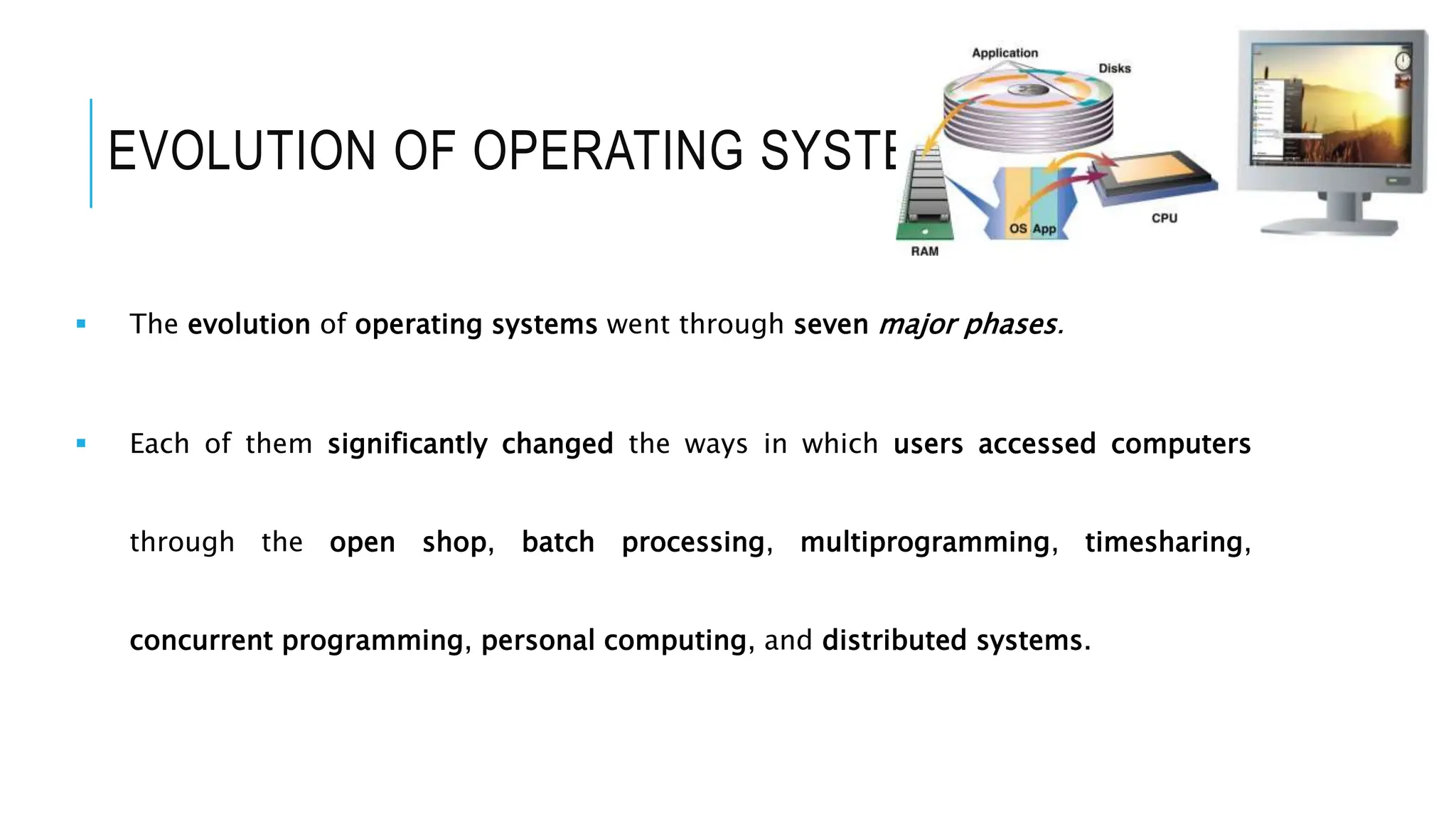
 The evolution of operating systems went through seven major phases.
 Each of them significantly changed the ways in which users accessed computers
through the open shop, batch processing, multiprogramming, timesharing,
concurrent programming, personal computing, and distributed systems.
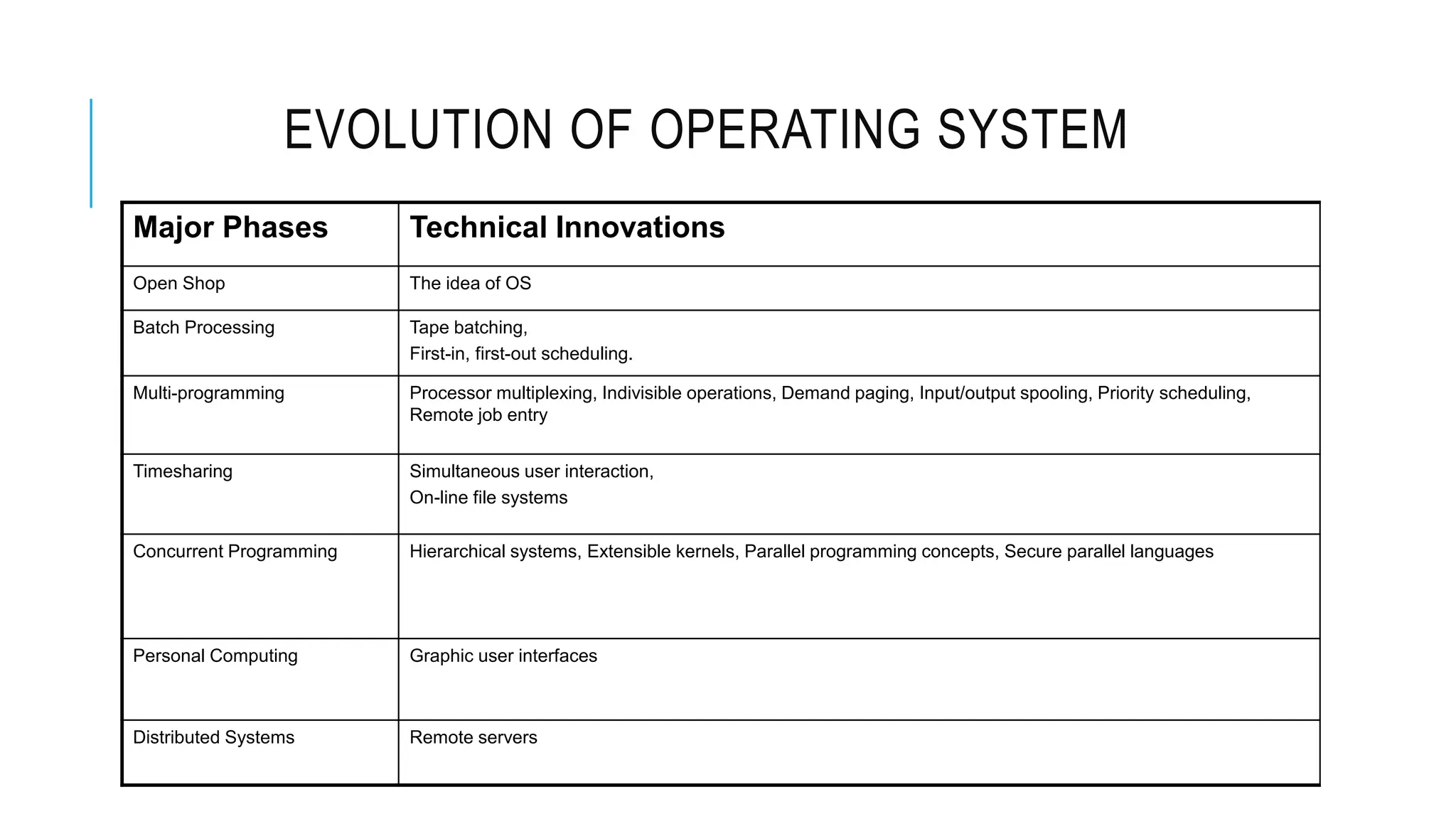
EVOLUTION OF OPERATING SYSTEM
Major Phases Technical Innovations
Open Shop The idea of OS
Batch Processing Tape batching,
First-in, first-out scheduling.
Multi-programming Processor multiplexing, Indivisible operations, Demand paging, Input/output spooling, Priority scheduling,
Remote job entry
Timesharing Simultaneous user interaction,
On-line file systems
Concurrent Programming Hierarchical systems, Extensible kernels, Parallel programming concepts, Secure parallel languages
Personal Computing Graphic user interfaces
Distributed Systems Remote servers
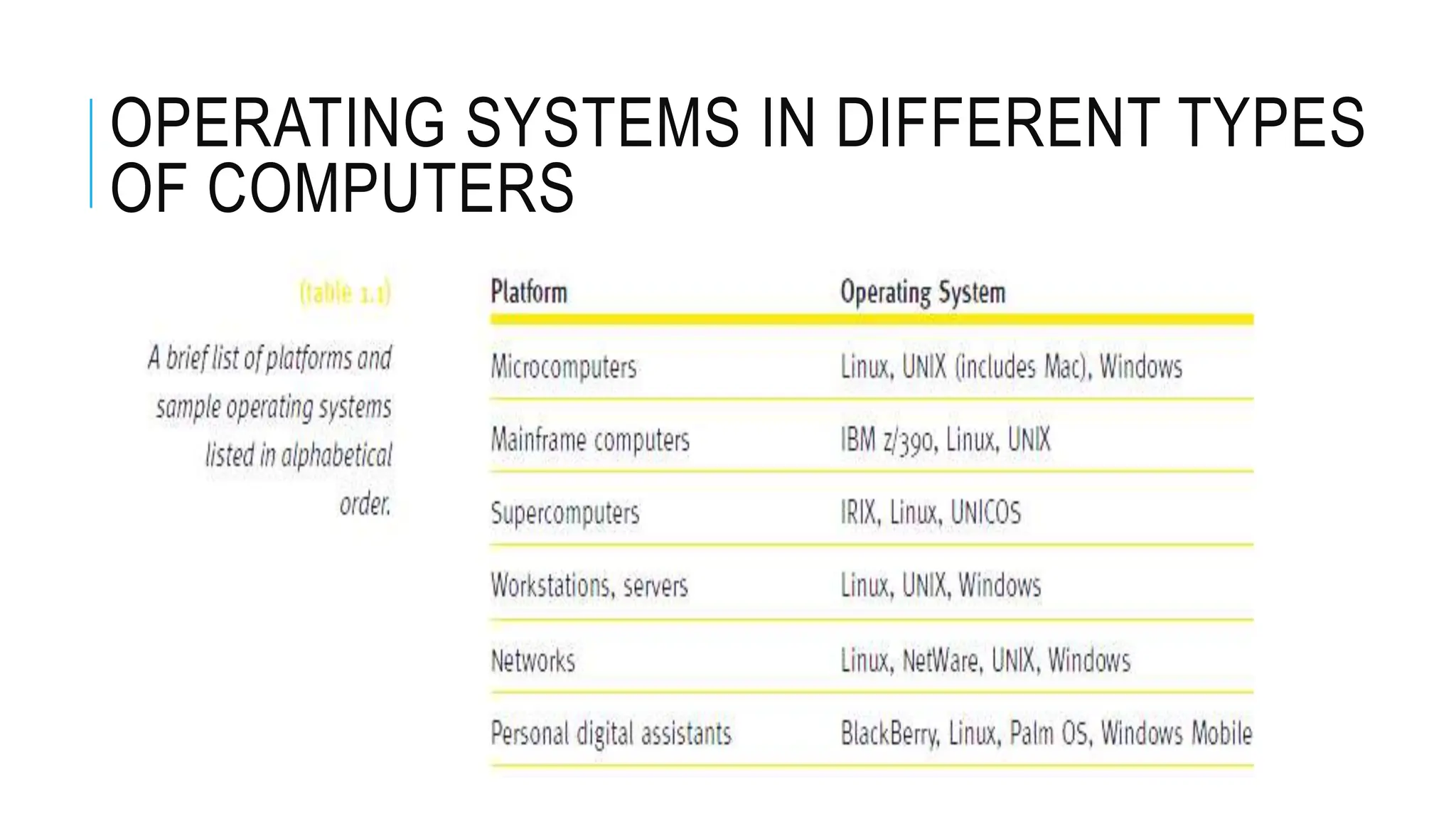
OPERATING SYSTEMS IN DIFFERENT TYPES
OF COMPUTERS
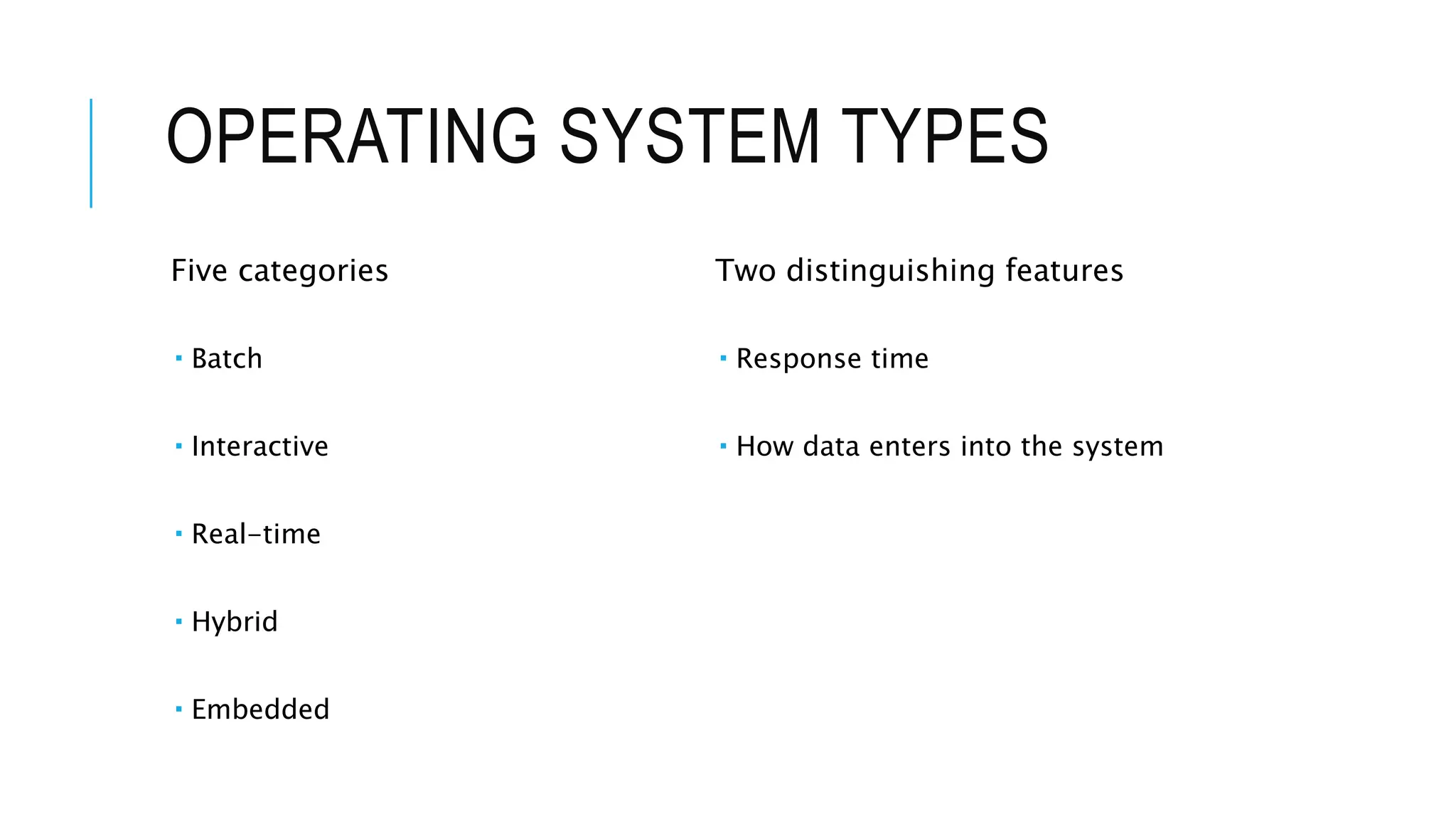
OPERATING SYSTEM TYPES
Five categories
 Batch
 Interactive
 Real-time
 Hybrid
 Embedded
Two distinguishing features
 Response time
 How data enters into the system
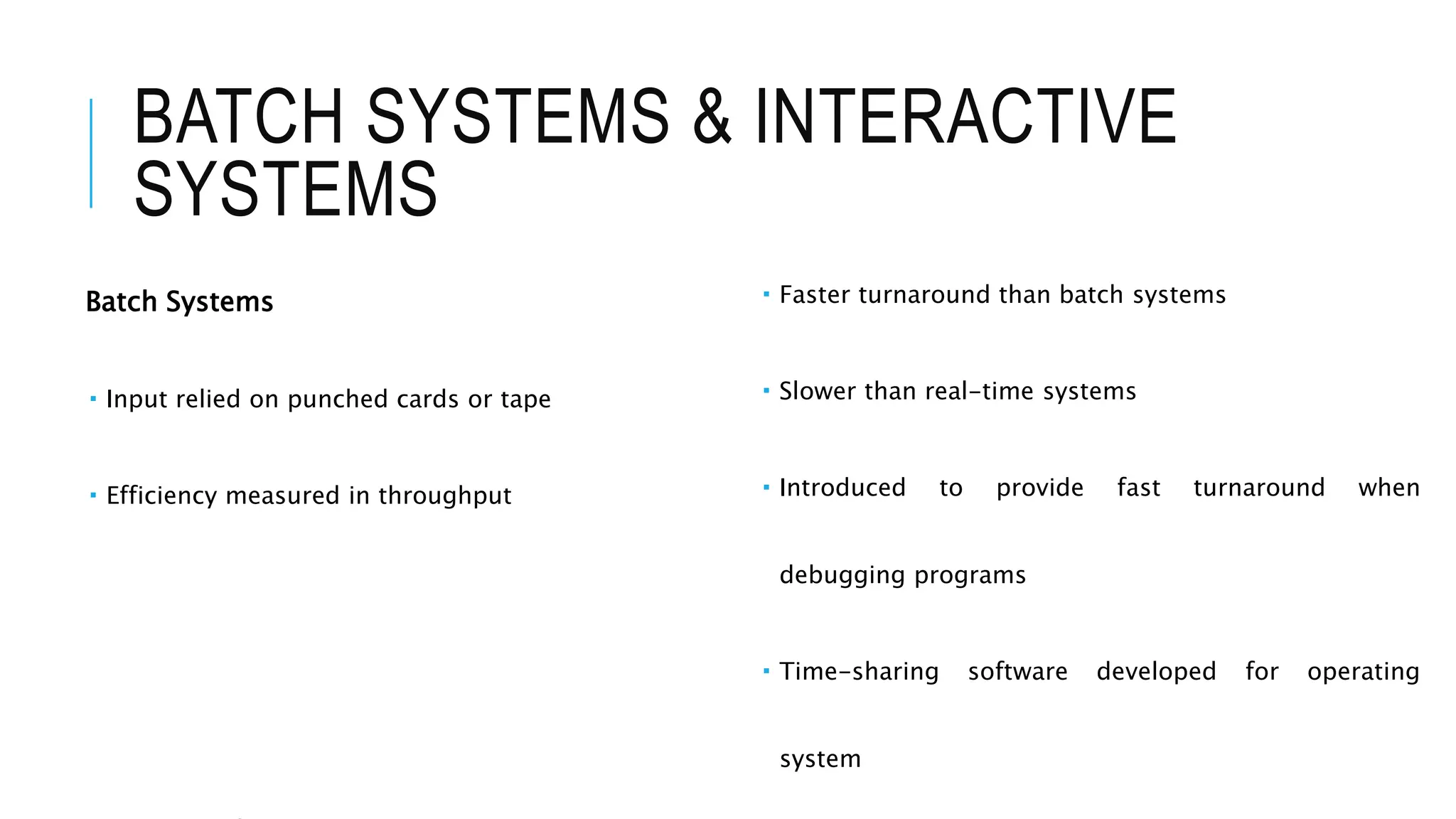
BATCH SYSTEMS & INTERACTIVE
SYSTEMS
Batch Systems
 Input relied on punched cards or tape
 Efficiency measured in throughput
 Faster turnaround than batch systems
 Slower than real-time systems
 Introduced to provide fast turnaround when
debugging programs
 Time-sharing software developed for operating
system
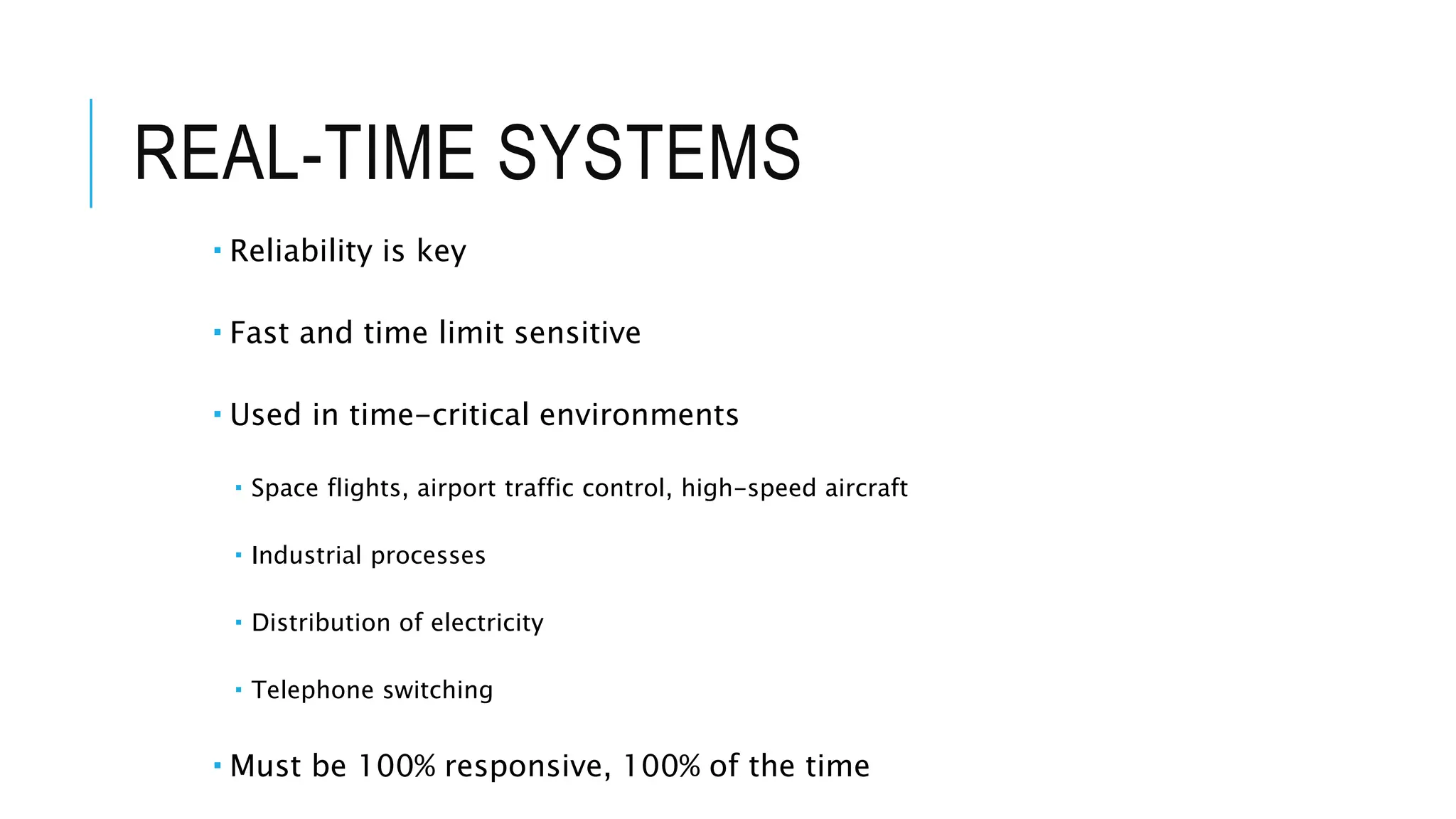
REAL-TIME SYSTEMS
 Reliability is key
 Fast and time limit sensitive
 Used in time-critical environments
 Space flights, airport traffic control, high-speed aircraft
 Industrial processes
 Distribution of electricity
 Telephone switching
 Must be 100% responsive, 100% of the time
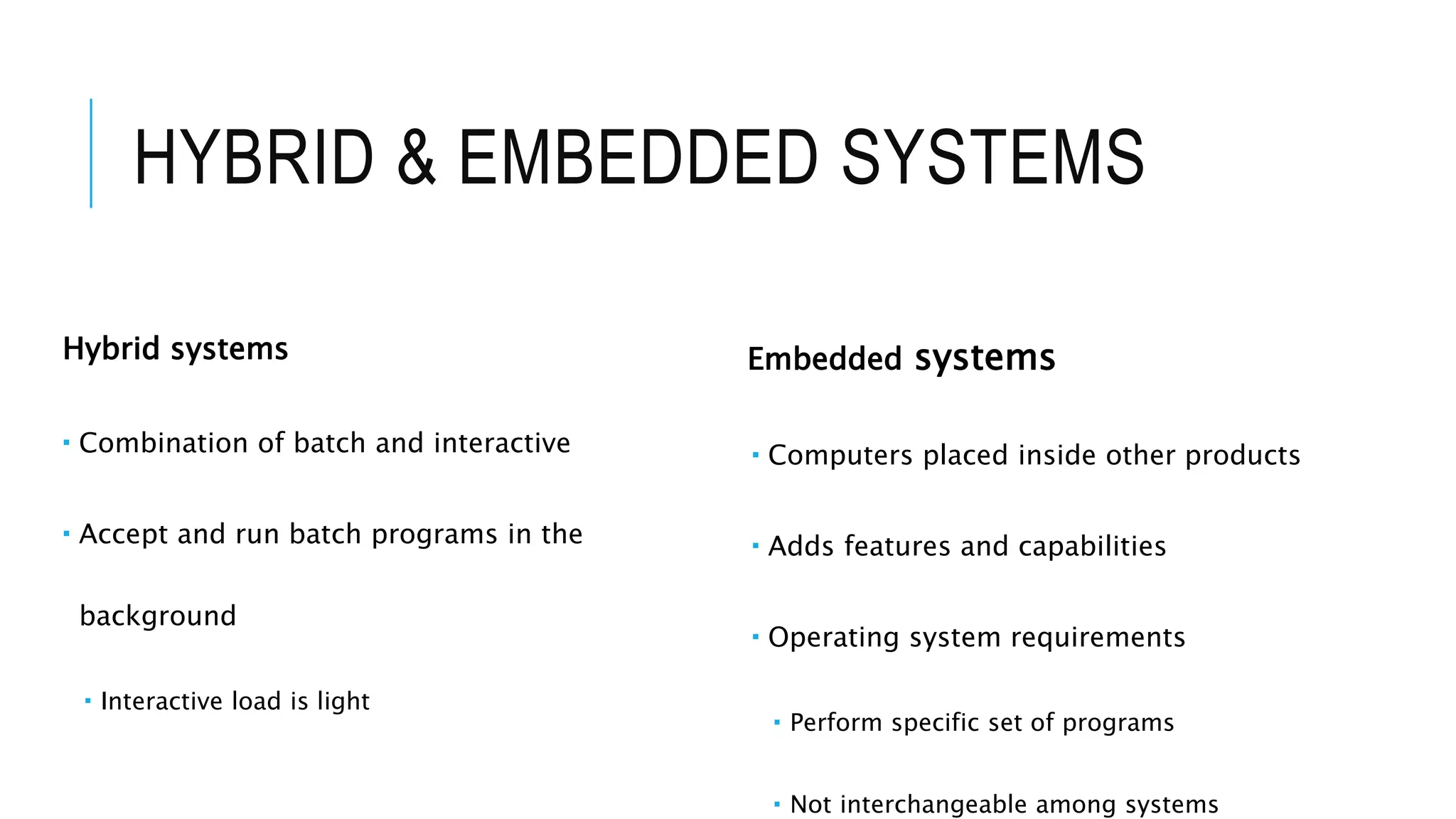
HYBRID & EMBEDDED SYSTEMS
Hybrid systems
 Combination of batch and interactive
 Accept and run batch programs in the
background
 Interactive load is light
Embedded systems
 Computers placed inside other products
 Adds features and capabilities
 Operating system requirements
 Perform specific set of programs
 Not interchangeable among systems

Operating Systems Genesis, Development and Functions m.pptx

  • 1.
  • 2.
    OPERATING SYSTEM  Programthat acts as an intermediary/interface between a user of a computer and the computer hardware  It provides a user-friendly environment in which a user may easily develop and execute programs  Otherwise, hardware knowledge would be mandatory for computer programming.
  • 3.
    OPERATING SYSTEM Operating systemgoals:  Execute programs and solve user problems easily  Make the computer system convenient to use manner Manage all hardware and software  Controls every file, device, section of main memory and nanosecond of processing time  Controls who can use the system
  • 4.
    • When youturn on the computer, the CPU automatically begins executing instructions stored in ROM. • The operating system (OS) loads from the disk into part of the system’s memory. • OS loads the application program into memory and remains in memory, So that, it can provide services to the application program—display on-screen menus, communicate OPERATING SYSTEM
  • 5.
    WHAT DOES ANOPERATING SYSTEM DO? Every computer depends on an operating system to:  Keep hardware running efficiently  Maintains file system  Support multitasking  Manage virtual memory Operating system runs continuously when computer is on….
  • 6.
    FUNCTIONS OF ANOPERATING SYSTEM Includes five essential subsystem managers  Memory Manager  Processor Manager  Device Manager  File Manager  Network Manager
  • 7.
    MAIN MEMORY MANAGEMENT Incharge of main memory  Random Access Memory (RAM) Responsibilities include:  Preserving space in main memory occupied by operating system  Checking validity and legality of memory space request  Setting up memory tracking table  Tracks usage of memory by sections  Needed in multiuser environment  De-allocating memory to reclaim it
  • 8.
    PROCESSOR MANAGEMENT In chargeof allocating (CPU) Tracks process status  An instance of program execution Two levels of responsibility:  Handle jobs as they enter the system  Handled by Job Scheduler  Manage each process within those jobs  Handled by Process Scheduler
  • 9.
    DEVICE MANAGEMENT In chargeof monitoring all resources  Devices, channels, and control units Responsibilities include:  Choosing most efficient resource allocation method  Printers, ports, disk drives, etc.  Based on scheduling policy  Allocating the device  Starting device operation  Deallocating the device
  • 10.
    FILE MANAGEMENT In chargeof tracking every file in the system  Data files, program files, compilers, application programs Responsibilities include:  Enforcing user/program resource access restrictions  Uses predetermined access policies  Controlling user/program modification restrictions  Read-only, read-write, create, delete  Allocating resource  Opening the file  De-allocating file (by closing it)
  • 11.
    NETWORK MANAGER  Inall modern operating systems  Assumes responsibility for networking tasks  Convenient way for users to share resources  Retains user access control Resources include:  Hardware (CPUs, memory areas, printers, tape drives, modems, and disk drives)  Software (compilers, application programs, and data files)
  • 12.
    FUNCTIONS OF ANOPERATING SYSTEM Each manager:  Works closely with other managers  Performs a unique role Manager task  Monitor its resources continuously  Enforce policies determining:  Who gets what, when, and how much  Allocate the resource (when appropriate)  De-allocate the resource (when appropriate)
  • 13.
    HISTORICAL DEVELOPMENT OFAN OPERATING SYSTEM
  • 14.
    HISTORICAL DEVELOPMENT OFOS Upto year 1955  Computers based on vacuum tube technology  No standard operating system software  Poor machine utilization From 1956- 1963  I/O device speed gradually became faster  Records blocked before retrieval or storage  Access methods developed  Buffer between I/O and CPU introduced & Reduced speed discrepancy
  • 15.
    HISTORICAL DEVELOPMENT OFOS TILL 1970  Faster CPUs Speed caused problems with slower I/O devices  Multiprogramming schemes used to reduce speed discrepancy with CPU  Main memory physical capacity limitations  Virtual memory developed to solve physical limitation  Database management software was developed  A number of query systems introduced  Programs started using English-like words, modular structures, and standard
  • 16.
    HISTORICAL DEVELOPMENT OFOS From 1971 to 1980  Cost/performance ratio of computer components  More flexible hardware (firmware)  Multiprocessing  Allowed parallel program execution  Evolution of personal computers Upto 1990  Demand for Internet capability  Sparked production of networking capability  Increased networking  Tighter security demands to protect hardware and software  Multimedia applications  Demanding additional power, flexibility, and device compatibility for most operating systems
  • 17.
    FROM 1990 TILLPRESENT  Primary design features support:  Multimedia applications  Internet and Web access  Client/server computing  Evolution of high-speed communications  Distributed processing and networked systems introduced  Computer systems requirements  Increased CPU speed  High-speed network attachments  Increased number and variety of storage devices  Virtualization
  • 18.
    EVOLUTION OF COMPUTEROPERATING SYSTEM
  • 19.
    EVOLUTION OF OPERATINGSYSTEM  The evolution of operating systems went through seven major phases.  Each of them significantly changed the ways in which users accessed computers through the open shop, batch processing, multiprogramming, timesharing, concurrent programming, personal computing, and distributed systems.
  • 20.
    EVOLUTION OF OPERATINGSYSTEM Major Phases Technical Innovations Open Shop The idea of OS Batch Processing Tape batching, First-in, first-out scheduling. Multi-programming Processor multiplexing, Indivisible operations, Demand paging, Input/output spooling, Priority scheduling, Remote job entry Timesharing Simultaneous user interaction, On-line file systems Concurrent Programming Hierarchical systems, Extensible kernels, Parallel programming concepts, Secure parallel languages Personal Computing Graphic user interfaces Distributed Systems Remote servers
  • 21.
    OPERATING SYSTEMS INDIFFERENT TYPES OF COMPUTERS
  • 22.
    OPERATING SYSTEM TYPES Fivecategories  Batch  Interactive  Real-time  Hybrid  Embedded Two distinguishing features  Response time  How data enters into the system
  • 23.
    BATCH SYSTEMS &INTERACTIVE SYSTEMS Batch Systems  Input relied on punched cards or tape  Efficiency measured in throughput  Faster turnaround than batch systems  Slower than real-time systems  Introduced to provide fast turnaround when debugging programs  Time-sharing software developed for operating system
  • 24.
    REAL-TIME SYSTEMS  Reliabilityis key  Fast and time limit sensitive  Used in time-critical environments  Space flights, airport traffic control, high-speed aircraft  Industrial processes  Distribution of electricity  Telephone switching  Must be 100% responsive, 100% of the time
  • 25.
    HYBRID & EMBEDDEDSYSTEMS Hybrid systems  Combination of batch and interactive  Accept and run batch programs in the background  Interactive load is light Embedded systems  Computers placed inside other products  Adds features and capabilities  Operating system requirements  Perform specific set of programs  Not interchangeable among systems